

When your forms collect sensitive customer data—payment details, health information, personal identifiers—security isn't optional. A single data breach can cost millions in fines, destroy customer trust, and tank your reputation overnight. The challenge? Finding a form builder that combines enterprise-grade security with the flexibility and ease-of-use your team actually needs.
We evaluated dozens of platforms based on encryption standards, compliance certifications, access controls, and real-world security track records. Here are the nine secure form builder platforms worth your attention in 2026.
1. Orbit AI
Best for: High-growth teams needing enterprise security with AI-powered lead qualification
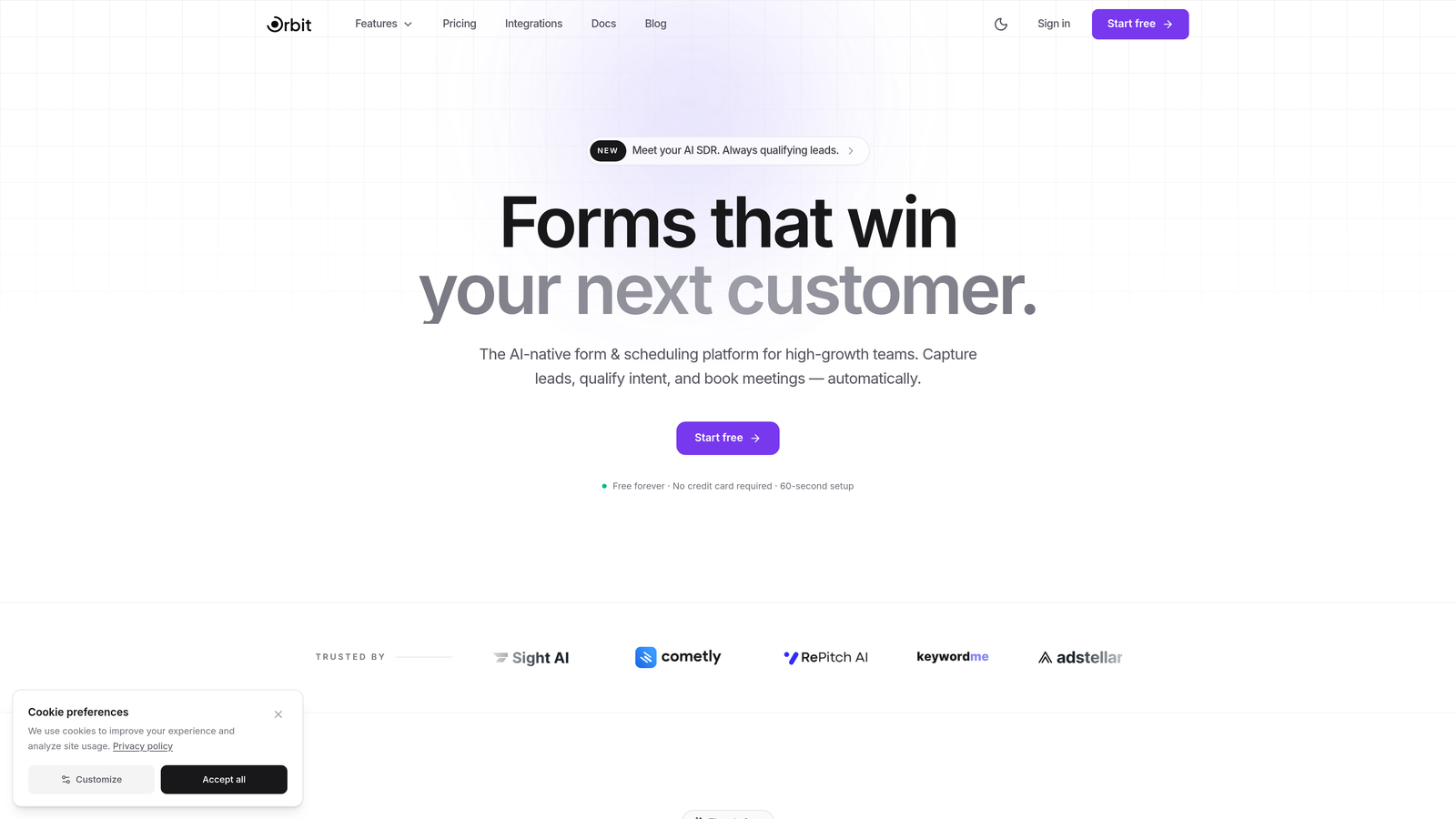
Orbit AI combines enterprise-grade security infrastructure with intelligent form optimization designed for conversion-focused teams.
Where This Tool Shines
Orbit AI stands out by addressing a gap most secure form builders ignore: what happens after you collect the data. While competitors focus solely on encryption and compliance, this platform adds AI-powered lead qualification that processes sensitive information securely while automatically scoring and routing prospects.
The security architecture supports end-to-end encryption with full GDPR and CCPA compliance, but the real advantage is how it handles team collaboration. Role-based access controls let you grant granular permissions without compromising data visibility, and the secure integration ecosystem connects to major CRMs without creating vulnerability points.
Key Features
End-to-End Encryption: GDPR and CCPA compliant infrastructure protects data at every stage of collection and processing.
AI Lead Qualification: Intelligent scoring processes submissions securely, identifying high-value prospects without exposing sensitive data.
Role-Based Access Controls: Granular team permissions ensure only authorized users access specific form data and analytics.
Secure CRM Integrations: Pre-built connectors for major platforms maintain security standards during data transfer.
Privacy-First Analytics: Real-time insights track form performance without compromising individual data privacy.
Best For
Teams that need both security and conversion optimization. If you're collecting sensitive lead data while maintaining aggressive growth targets, the combination of enterprise security and AI-powered qualification makes this particularly valuable for SaaS companies, financial services, and healthcare technology providers.
Pricing
Pricing is quoted on a short demo, and Orbit has no free plan. Book a demo to see it with your own forms.
2. Jotform Enterprise
Best for: Large organizations requiring dedicated servers and comprehensive compliance certifications
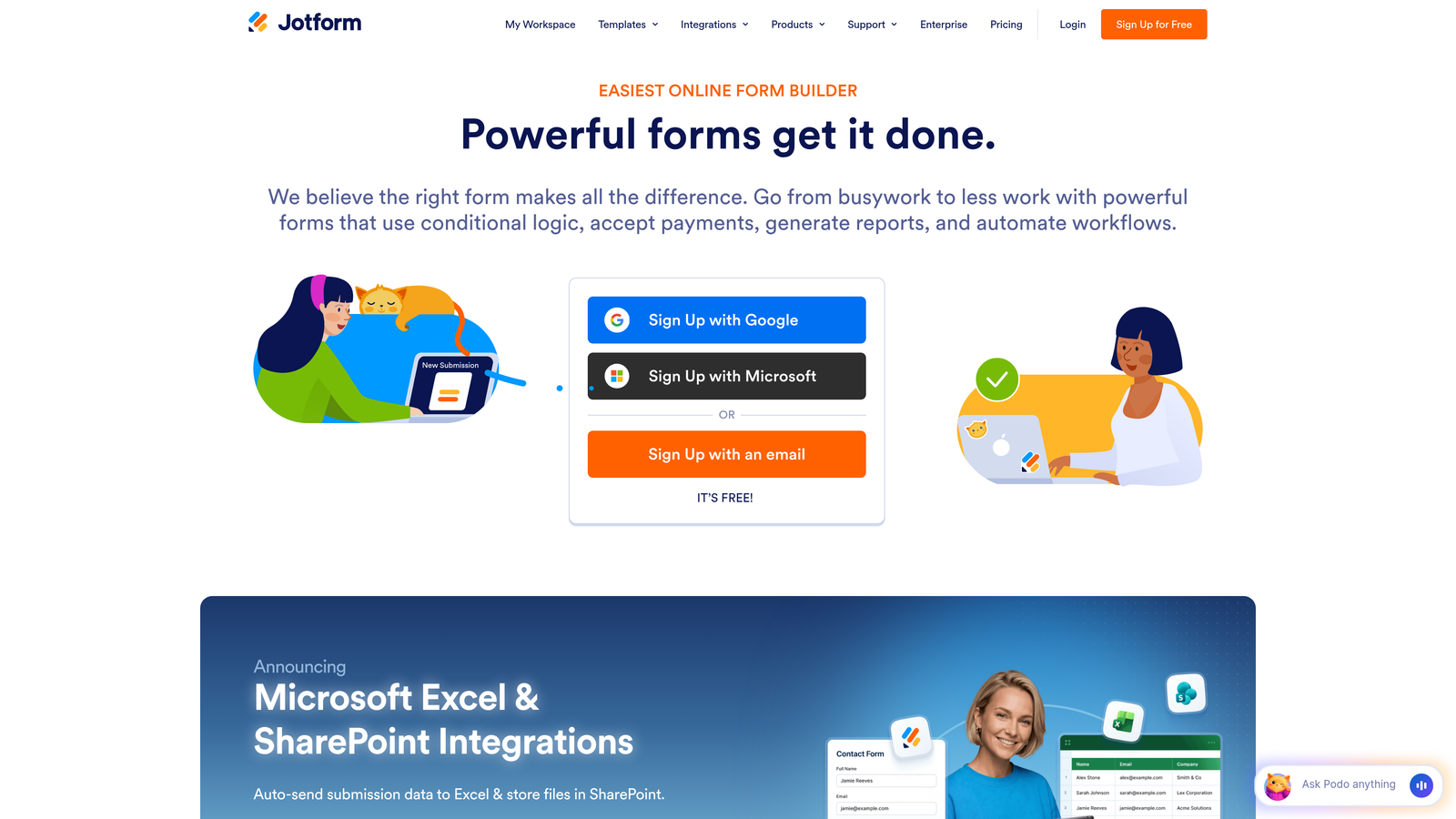
Jotform Enterprise offers deployment flexibility with dedicated server options for organizations with strict data residency requirements.
Where This Tool Shines
When you need proof of compliance for auditors and regulators, Jotform Enterprise delivers documentation that holds up under scrutiny. The SOC 2 Type II certification combined with HIPAA compliance makes it a go-to choice for healthcare organizations handling protected health information.
The dedicated server deployment option sets it apart from competitors stuck in shared hosting environments. You get complete control over where your data lives, which matters when contracts require data residency in specific geographic regions or when internal security policies prohibit cloud-shared infrastructure.
Key Features
SOC 2 Type II Certification: Independently verified security controls meet strict operational standards for data handling.
Dedicated Server Deployment: Private infrastructure options eliminate shared hosting vulnerabilities and meet residency requirements.
SAML 2.0 SSO: Single sign-on integration with enterprise identity providers centralizes access management.
Healthcare Templates: Pre-built HIPAA-compliant forms reduce setup time for medical practices and health systems.
Local Data Residency: 256-bit SSL encryption with geographic data storage options satisfy regional compliance mandates.
Best For
Enterprise healthcare organizations, large corporations with strict compliance requirements, and any business that needs dedicated infrastructure. Particularly valuable when your security team demands full control over server environments and data residency.
Pricing
Custom enterprise pricing based on deployment needs. Business plans start around $99/month, but dedicated server options require custom quotes based on infrastructure specifications.
3. Typeform
Best for: European businesses prioritizing GDPR compliance with conversational form experiences
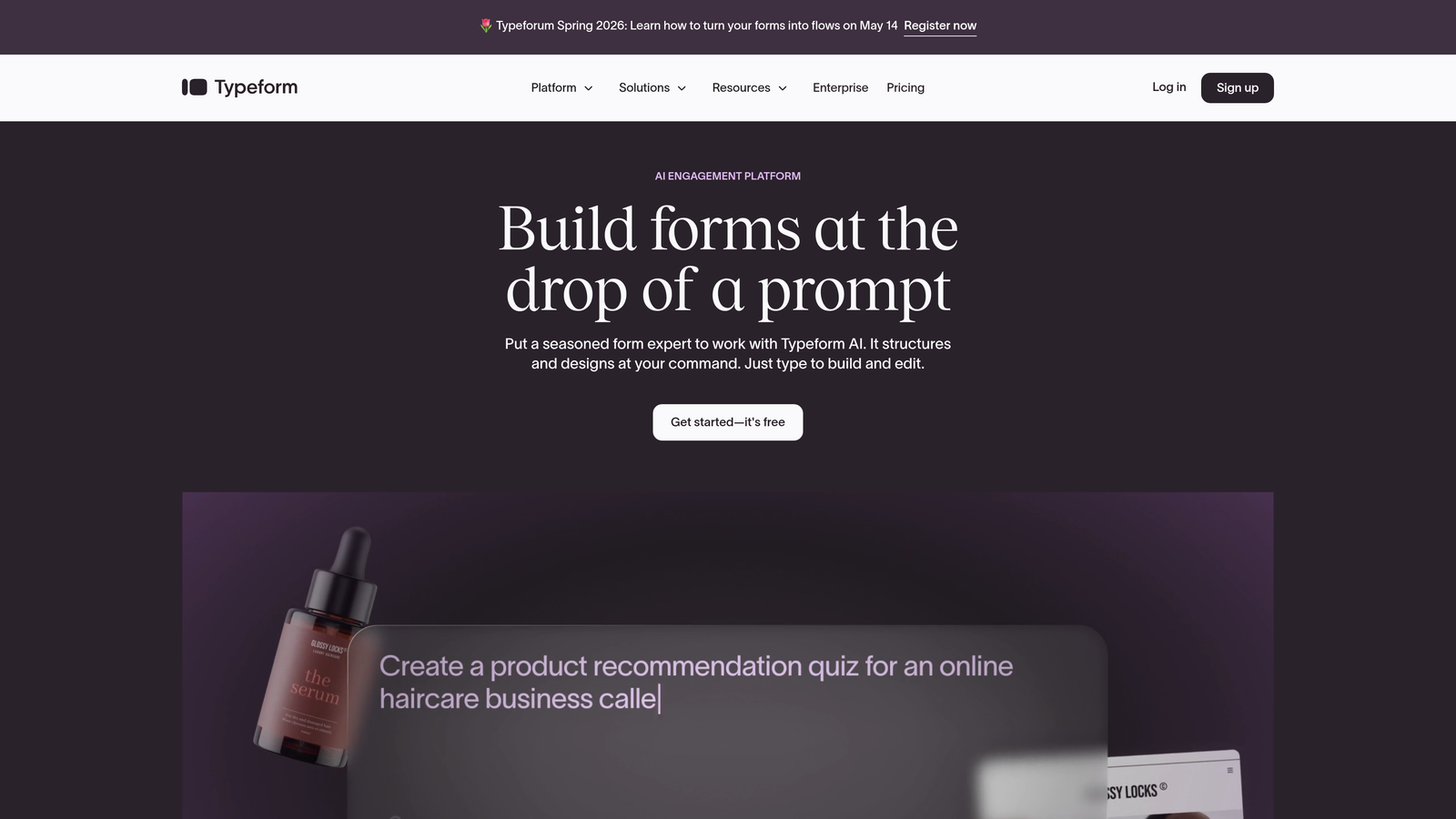
Typeform brings engaging, one-question-at-a-time interfaces while maintaining strong European data protection standards.
Where This Tool Shines
Typeform's European roots show in how seriously it treats GDPR compliance. The platform was built with EU data centers and privacy-first design principles from the ground up, not retrofitted after regulations passed. This matters when you're collecting data from European customers who increasingly care about where their information lives.
The conversational form format also creates a security advantage most overlook: users are less likely to abandon forms mid-submission, which means fewer partial datasets floating in your system. Higher completion rates translate to cleaner data hygiene and fewer security loose ends to manage.
Key Features
GDPR Compliance: EU data centers and privacy controls built specifically for European data protection requirements.
TLS 1.2+ Encryption: Modern transport layer security protects data during transmission from user to server.
Two-Factor Authentication: Account-level security prevents unauthorized access even if passwords are compromised.
Consent Management: Built-in privacy controls let users manage data permissions during form submission.
Enterprise SSO: Single sign-on options integrate with corporate identity systems for centralized access control.
Best For
Companies serving European markets or any organization that values the conversational form experience. The combination of engaging design and strong GDPR compliance works well for marketing teams collecting lead data across EU regions.
Pricing
Free plan available with basic features. Business plans start at $59/month with enhanced security features and increased response limits.
4. Formstack
Best for: Healthcare, education, and government organizations needing multi-regulation compliance
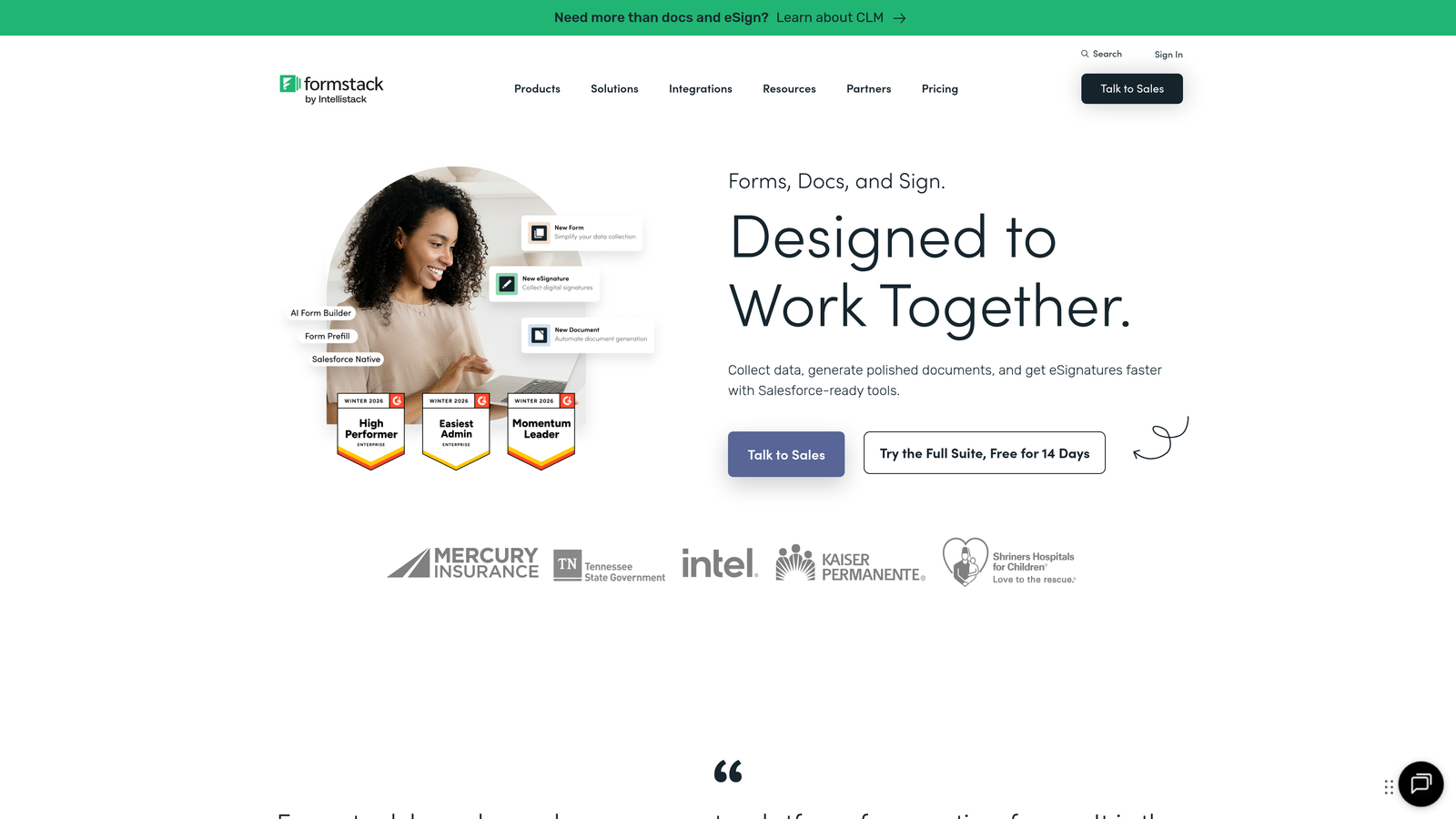
Formstack specializes in workflow automation with deep compliance capabilities across heavily regulated sectors.
Where This Tool Shines
Formstack tackles the complexity of operating across multiple regulatory frameworks simultaneously. Many organizations need to comply with HIPAA for health data, FERPA for education records, and GDPR for European customers all at once. This platform handles that intersection without forcing you to maintain separate form systems for different compliance requirements.
The built-in electronic signature capability with full audit trails closes a security gap that trips up many teams. Instead of collecting sensitive information in one tool and then moving to a separate e-signature platform (creating transfer vulnerabilities), everything happens in one secure environment with complete documentation.
Key Features
Multi-Regulation Compliance: Simultaneous HIPAA, GDPR, FERPA, and CJIS compliance for organizations operating across sectors.
Electronic Signatures: Built-in e-signature functionality with complete audit trails eliminates third-party integration risks.
Field-Level Encryption: Granular encryption controls protect specific sensitive fields beyond standard form-wide security.
Automated Compliance Workflows: Routing and approval processes enforce security protocols without manual intervention.
SOC 2 Type II Infrastructure: Independently verified security controls provide documentation for compliance audits.
Best For
Healthcare systems managing patient intake, educational institutions handling student records, and government agencies with CJIS requirements. The multi-compliance approach particularly benefits organizations that span multiple regulated sectors.
Pricing
Starts at $50/month for basic plans. HIPAA-compliant enterprise plans begin at $249/month with business associate agreements included.
5. Cognito Forms
Best for: Businesses collecting payments who need affordable PCI compliance
Cognito Forms delivers robust payment security and PCI compliance at price points that work for growing businesses.
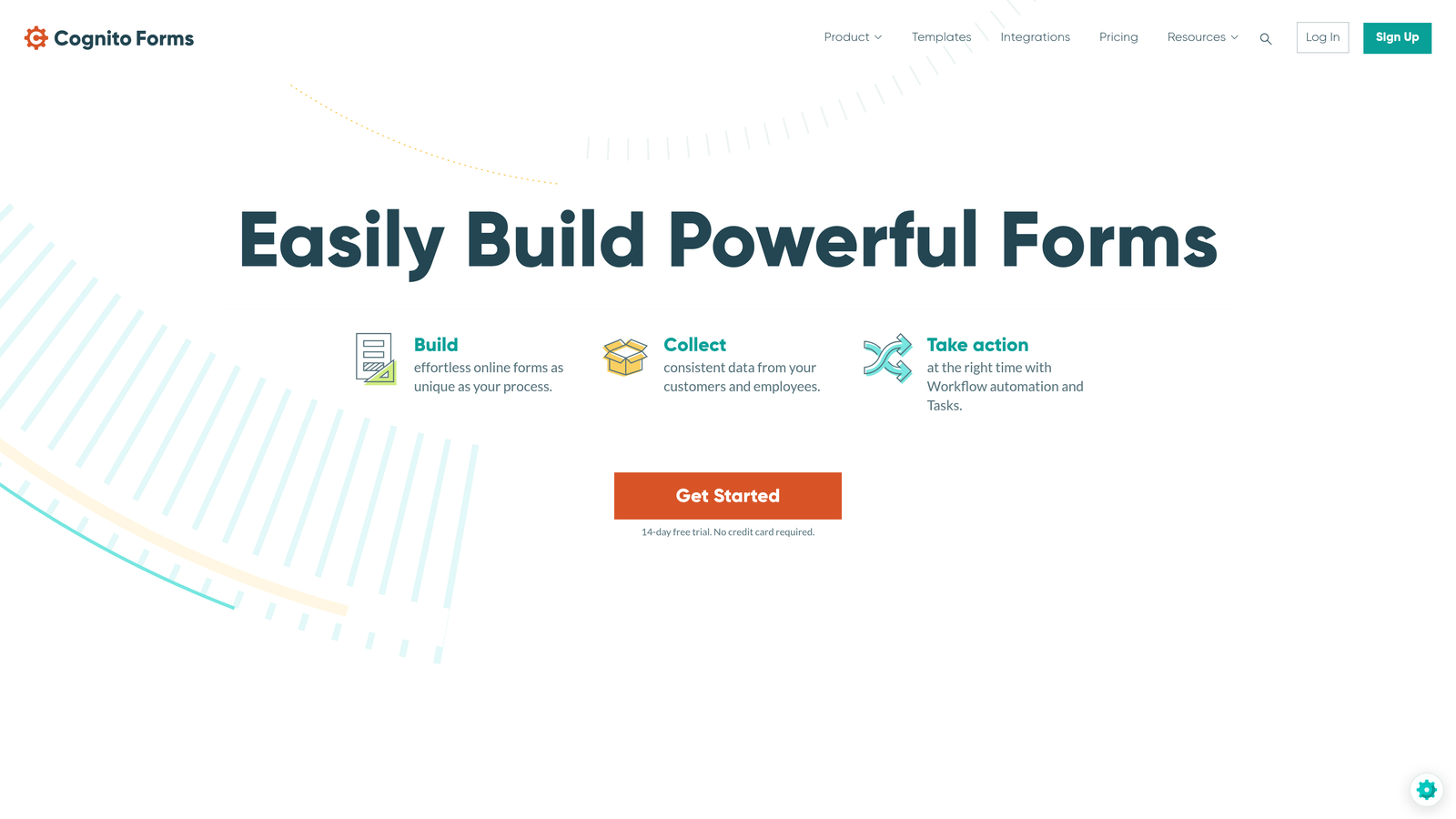
Where This Tool Shines
PCI DSS Level 1 compliance—the highest certification level—typically comes with enterprise price tags. Cognito Forms makes it accessible to smaller organizations that collect payment information but can't justify $500/month form builder costs. This matters because even small businesses face the same regulatory requirements and breach risks as large enterprises when processing credit cards.
The granular field-level permissions solve a common security problem: you need different team members to access different parts of form submissions. Sales might need contact details while finance needs payment information, but neither should see everything. Most affordable form builders force all-or-nothing access, creating unnecessary exposure.
Key Features
PCI DSS Level 1 Compliance: Highest payment card security certification protects financial data collection and processing.
HIPAA Plans Available: Healthcare compliance options expand beyond payment security for medical practices.
Dual Encryption: Data protected both in transit during submission and at rest in storage systems.
Field-Level Permissions: Granular access controls limit team member visibility to only necessary data fields.
Secure File Uploads: Virus scanning on uploaded documents prevents malware injection through form submissions.
Best For
Small to medium businesses collecting payments through forms, event registration systems handling ticket sales, and membership organizations processing recurring payments. The combination of PCI compliance and affordability makes it particularly valuable for growing companies.
Pricing
Free plan available for basic forms. Pro plans start at $15/month, and Team plans with enhanced security begin at $35/month.
6. 123FormBuilder
Best for: Teams needing strong access controls with collaborative form building
123FormBuilder balances security requirements with team collaboration features for distributed workforces.
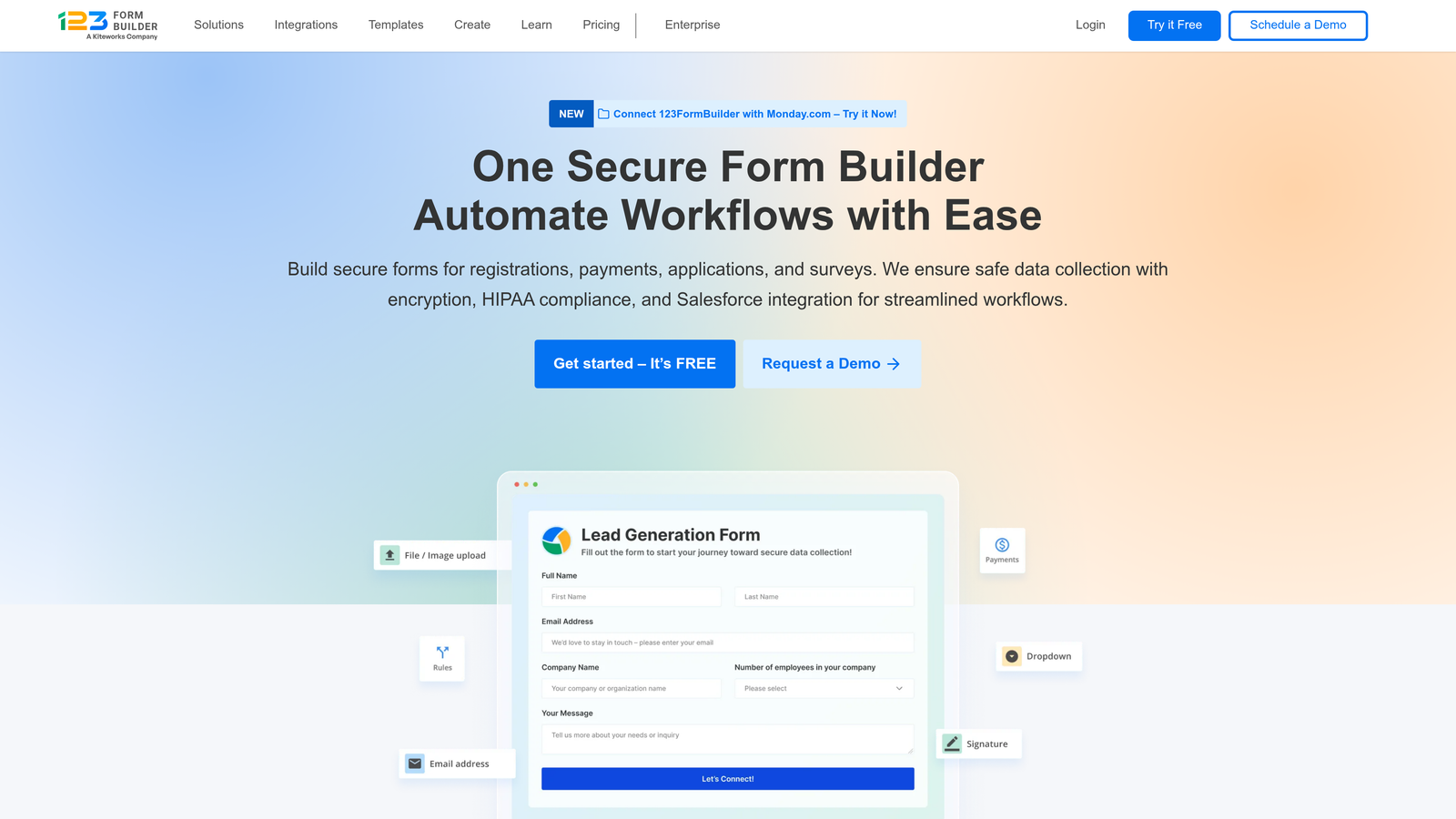
Where This Tool Shines
The role-based permission system goes deeper than most competitors, letting you control not just who sees submitted data but who can edit forms, manage integrations, and access analytics. This granularity matters when multiple departments share a form builder account but have different security clearances and responsibilities.
The audit logging capability creates accountability that many mid-market platforms skip. Every action—form edits, data exports, permission changes—gets timestamped and attributed to specific users. When security incidents happen (and they will), you can trace exactly what occurred and who was involved.
Key Features
Multi-Compliance Support: HIPAA and GDPR compliance options available for regulated industries.
Role-Based Permissions: Detailed access controls for form editing, data viewing, and administrative functions.
256-Bit SSL Encryption: Industry-standard encryption protects data during transmission from users to servers.
Secure Payment Integrations: Pre-built connections to payment processors maintain security during financial transactions.
Audit Logs: Complete activity tracking creates accountability and supports security investigations.
Best For
Mid-sized teams with multiple departments sharing form infrastructure, agencies managing client forms with different access needs, and organizations that need detailed activity tracking for compliance documentation.
Pricing
Free plan available with basic features. Professional plans start at $24/month, with enterprise pricing customized based on team size and compliance requirements.
7. Paperform
Best for: Design-conscious teams wanting beautiful forms without compromising security
Paperform proves that strong security and beautiful design aren't mutually exclusive, delivering both in a single platform.
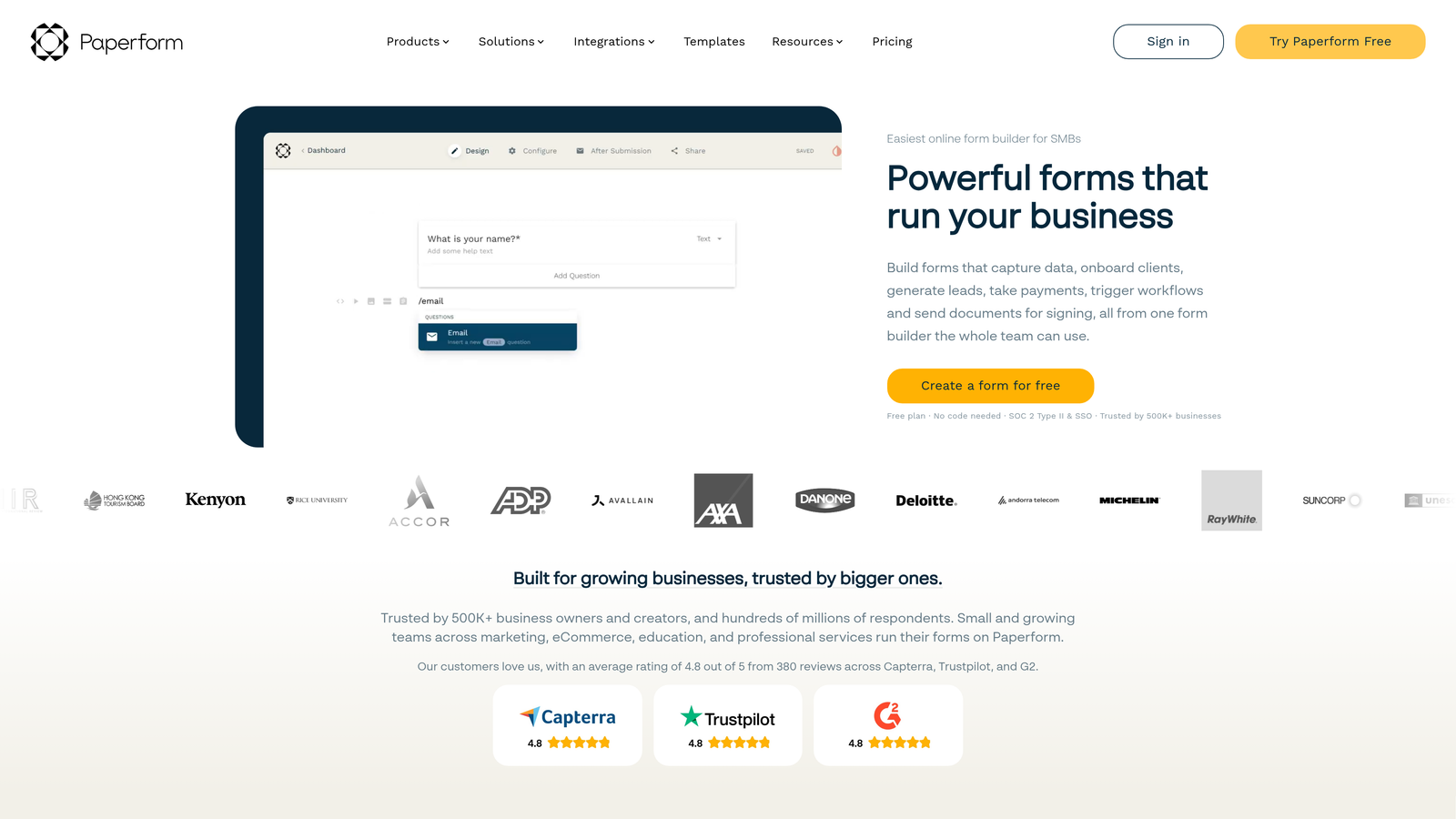
Where This Tool Shines
Most secure form builders treat design as an afterthought, producing functional but ugly forms that hurt conversion rates. Paperform flips that equation, offering the design flexibility of a landing page builder while maintaining security standards that satisfy compliance teams. This matters because abandoned forms create security risks—partial submissions sitting in databases, users emailing sensitive info instead, or shadow IT solutions bypassing approved tools.
The Australian hosting brings an often-overlooked security advantage. Australia's Privacy Act and data protection framework rank among the world's strictest, and hosting there means your data benefits from strong legal protections even if you're not directly subject to those laws.
Key Features
256-Bit SSL Encryption: All forms protected with industry-standard encryption regardless of plan level.
GDPR Compliance: European data protection standards with built-in data export and deletion tools.
Secure Payment Processing: Direct integration with Stripe and PayPal maintains PCI compliance during transactions.
Two-Factor Authentication: Account-level security prevents unauthorized access to form builder and submission data.
Australian Hosting: Data stored under Australia's strict privacy laws provides additional legal protections.
Best For
Marketing teams that can't sacrifice design for security, creative agencies building client forms, and consumer-facing businesses where form aesthetics directly impact conversion rates. The design capabilities make it particularly valuable when forms are public-facing brand touchpoints.
Pricing
Essentials plans start at $29/month. Pro plans at $59/month add advanced features, and Agency plans at $129/month support multiple brands and clients.
8. Wufoo
Best for: Small teams needing reliable security fundamentals without complexity
Wufoo delivers straightforward security features that cover essential protection without overwhelming small teams.
Where This Tool Shines
Sometimes you don't need every compliance certification and advanced security feature—you just need solid fundamentals that work reliably. Wufoo excels at this middle ground, offering 256-bit SSL encryption, spam protection, and secure payments without the complexity (and cost) of enterprise platforms.
The SurveyMonkey ownership provides stability that matters for security. You're not betting on a startup that might pivot, get acquired by a questionable buyer, or shut down suddenly. The backing of a established public company means consistent security updates and long-term platform reliability.
Key Features
256-Bit SSL Standard: Industry-standard encryption comes included on all forms without upgrade requirements.
CAPTCHA Protection: Built-in spam and bot prevention reduces security risks from automated attacks.
Secure Payment Collection: Integration with major payment processors maintains PCI compliance standards.
Password Protection: Form-level access controls restrict submissions to authorized users only.
Enterprise Backing: SurveyMonkey ownership provides financial stability and ongoing security maintenance.
Best For
Small businesses and solo entrepreneurs who need reliable security without enterprise complexity, teams with straightforward form needs and limited technical resources, and organizations that value platform stability over cutting-edge features.
Pricing
Free plan available for basic forms. Starter plans begin at $14.08/month, and Professional plans with enhanced features start at $29.08/month.
9. FormAssembly
Best for: Government agencies and Salesforce users requiring FedRAMP authorization
FormAssembly serves the most demanding security environments with government-grade certifications and native Salesforce integration.
Where This Tool Shines
FedRAMP authorization represents the gold standard for government security compliance, and FormAssembly is one of the few form builders that's achieved it. If you work with federal agencies or need to meet government security standards, this certification isn't optional—it's a requirement for consideration.
The native Salesforce integration solves a critical security challenge for organizations using that CRM. Most form builders connect to Salesforce through third-party middleware, creating additional vulnerability points where data could be exposed. FormAssembly syncs directly within Salesforce's security perimeter, maintaining data protection throughout the entire workflow.
Key Features
FedRAMP Authorization: Government-grade security certification required for federal agency use and contractors.
Multi-Compliance Framework: Simultaneous HIPAA, PCI DSS, and GDPR compliance for complex regulatory environments.
Native Salesforce Integration: Direct connection within Salesforce security perimeter eliminates third-party transfer risks.
Data Masking: Advanced prefill capabilities hide sensitive information while maintaining form functionality.
Comprehensive Audit Logging: Detailed compliance reporting tracks all system activity for regulatory documentation.
Best For
Government agencies and contractors requiring FedRAMP compliance, heavily regulated organizations using Salesforce as their primary CRM, and enterprises that need the most rigorous security certifications available in the form builder market.
Pricing
Essentials plans start at $99/month. Premier plans with advanced features begin at $249/month, and Enterprise pricing is customized based on specific security and deployment requirements.
Matching Security to Your Specific Needs
The right secure form builder depends entirely on your regulatory environment and risk tolerance. Government contractors and federal agencies have no choice but FedRAMP authorization, making FormAssembly the clear path. Healthcare organizations handling protected health information need HIPAA compliance with business associate agreements, which narrows the field to Jotform Enterprise, Formstack, Cognito Forms, and others offering healthcare-specific plans.
For businesses serving European markets, GDPR compliance isn't negotiable. Typeform's EU-centric approach and Paperform's strong privacy framework both deliver here, though any platform with proper data processing agreements and EU data residency options can work. If you're collecting payments, PCI DSS compliance becomes your baseline requirement—Cognito Forms offers this at the most accessible price point.
Think about your team structure too. Large distributed teams benefit from platforms with granular role-based permissions like 123FormBuilder or Jotform Enterprise. Smaller teams often do better with simpler security models like Wufoo that cover fundamentals without overwhelming limited resources.
The security landscape continues evolving rapidly. AI-powered form builders like Orbit AI introduce new considerations around how machine learning processes sensitive data, but they also offer advantages in lead qualification that can justify the additional scrutiny. The key is matching security capabilities to your actual risk profile rather than over-investing in certifications you don't need or under-investing in protections your industry requires.
Consider starting with your compliance requirements and working backward. List every regulation that applies to your business—HIPAA, GDPR, PCI DSS, FERPA, FedRAMP, CCPA—and filter platforms that don't meet those standards. Then evaluate the remaining options based on features, pricing, and team fit.
Book a demo and see how intelligent form design can elevate your conversion strategy while maintaining the enterprise security your high-growth team needs. The right platform transforms forms from a compliance headache into a competitive advantage.


