

Not all form builders are created equal, especially when your forms need to do more than collect data. Application forms are high-stakes: they qualify candidates, capture leads, onboard clients, and filter out poor-fit submissions before they reach your team. The right platform doesn't just render fields; it guides applicants through a structured experience, scores responses intelligently, and connects seamlessly with your CRM or hiring stack.
This guide covers the best application form builder platforms in 2026, evaluated on ease of use, conditional logic, lead qualification capabilities, integrations, and pricing. Whether you're building scholarship applications, job applications, client intake forms, or SaaS onboarding flows, there's a platform here built for your use case.
1. Orbit AI
Best for: High-growth B2B and SaaS teams that need AI-powered lead qualification built into their forms
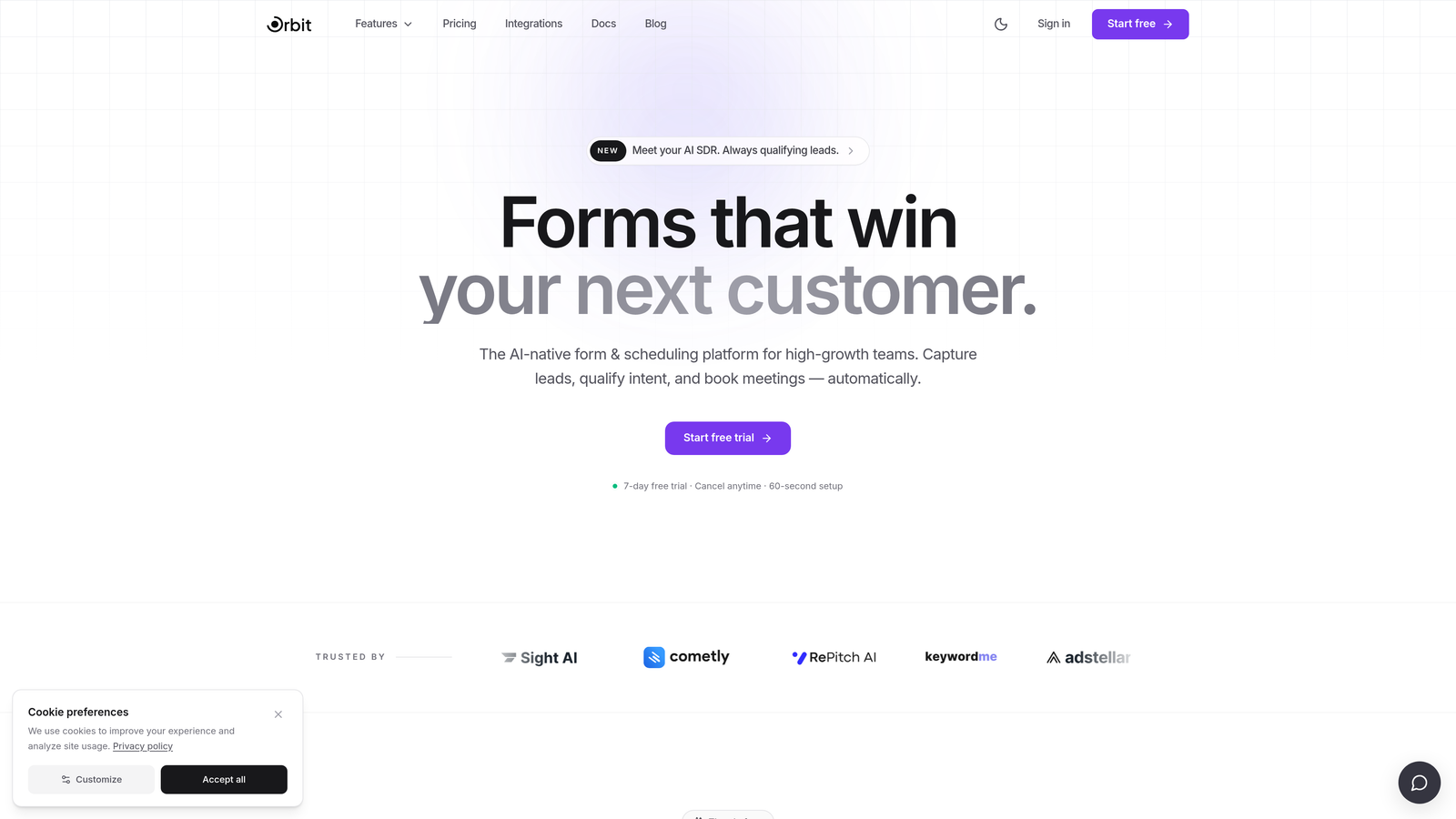
Orbit AI is an AI-powered application form builder with built-in lead qualification and automatic scoring, designed specifically for revenue-focused teams.
Where This Tool Shines
Most form builders collect data and hand it off. Orbit AI goes further by scoring and qualifying applicants automatically, so your team only spends time on submissions that actually meet your criteria. This is particularly valuable for SaaS teams running high-volume lead generation, where manual qualification creates bottlenecks.
The platform is built around conversion optimization from the ground up. Forms are designed to look modern and guide applicants through structured multi-step flows, reducing drop-off and improving the quality of completed submissions.
Key Features
AI Lead Qualification and Scoring: Automatically evaluates and scores applicants based on their responses, so high-fit leads surface immediately without manual review.
Conversion-Optimized Form Design: Purpose-built templates and layouts designed to maximize completion rates across application types.
Conditional Logic and Multi-Step Flows: Build branching application experiences that adapt based on what applicants select, reducing irrelevant questions.
Lead Routing and CRM Integrations: Automatically route qualified leads to the right team members or directly into your CRM based on score or response criteria.
Qualification-Focused Analytics: Dashboards built around the metrics that matter for lead gen teams: qualification rates, drop-off points, and conversion by segment.
Best For
Orbit AI is the strongest fit for B2B SaaS companies, growth teams, and sales-led organizations that want their application or intake forms to do active qualification work, not just data collection. If you're replacing manual SDR qualification with automated form logic, this is built for that exact use case.
Pricing
Paid plans available. Visit orbitforms.ai for current pricing details, as plans are updated regularly.
2. Typeform
Best for: Teams that want a polished, conversational application experience with strong brand customization
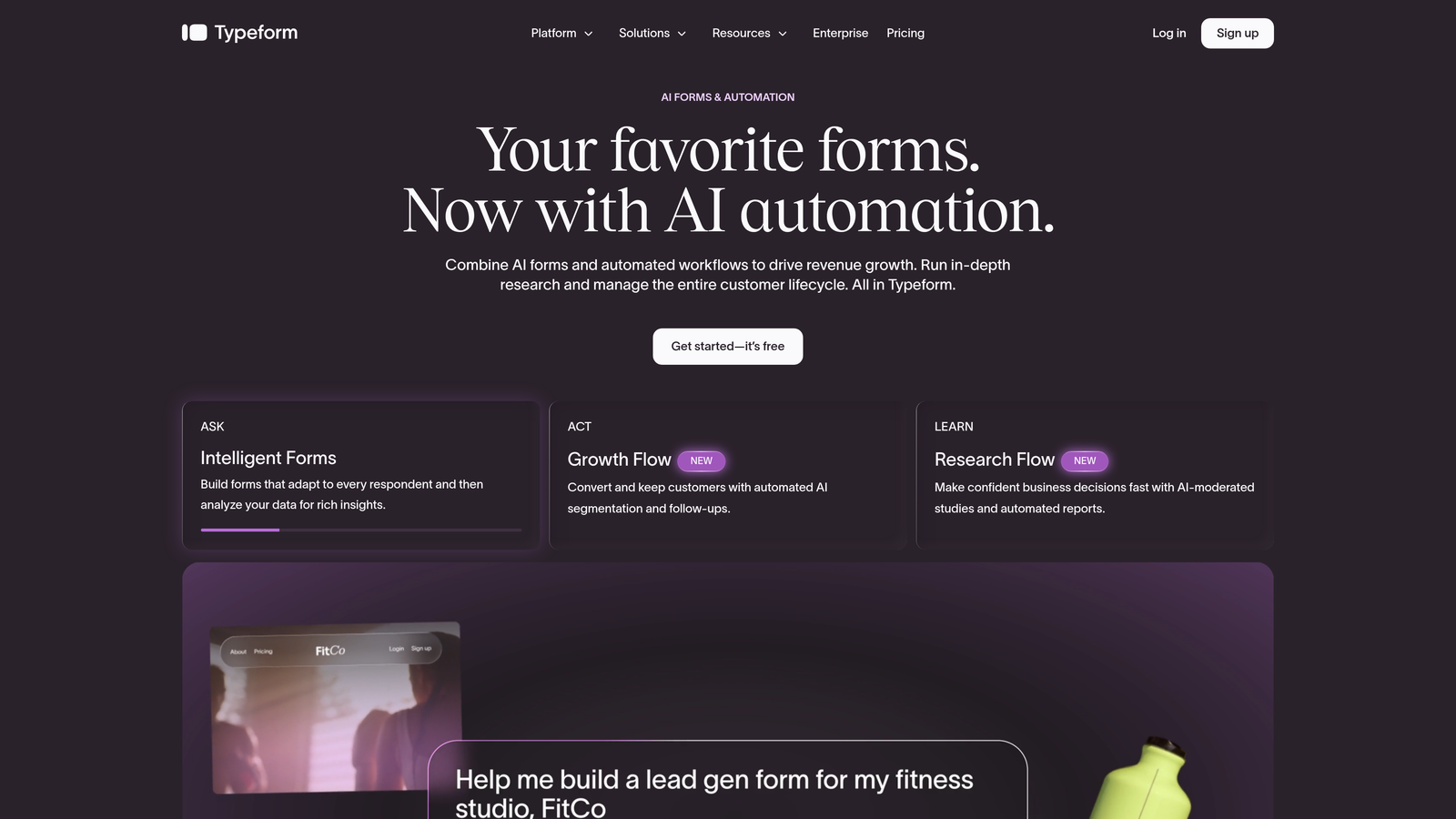
Typeform is a conversational form builder known for its one-question-at-a-time interface and highly branded form experiences.
Where This Tool Shines
Typeform's signature UX, presenting one question at a time in a full-screen format, makes applications feel less like bureaucratic forms and more like guided conversations. This approach tends to improve completion rates for longer application flows where respondent fatigue is a real concern.
Brand customization is genuinely strong here. You can match fonts, colors, and imagery closely to your brand identity, which matters when the form is a direct touchpoint in your candidate or customer experience.
Key Features
Conversational One-Question UX: Full-screen, distraction-free question presentation that keeps applicants focused and engaged throughout.
Logic Jumps and Conditional Branching: Route applicants through different question paths based on earlier answers, keeping forms relevant.
Strong Brand Customization: Extensive control over visual design, including fonts, colors, background images, and button styles.
Native Integrations: Connects directly with HubSpot, Slack, Salesforce, Mailchimp, and many more via native connectors and Zapier.
Video and Image Embedding: Embed video introductions or supporting images directly within form questions for richer context.
Best For
Marketing teams, HR departments, and agencies that prioritize applicant experience and brand presentation. Typeform works well for job applications, research surveys, and customer onboarding flows where visual polish matters.
Pricing
Free plan available with limited responses. Paid plans start at approximately $25/month. Verify current pricing at typeform.com before committing.
3. JotForm
Best for: Teams that need a feature-rich builder with an extensive template library and compliance support
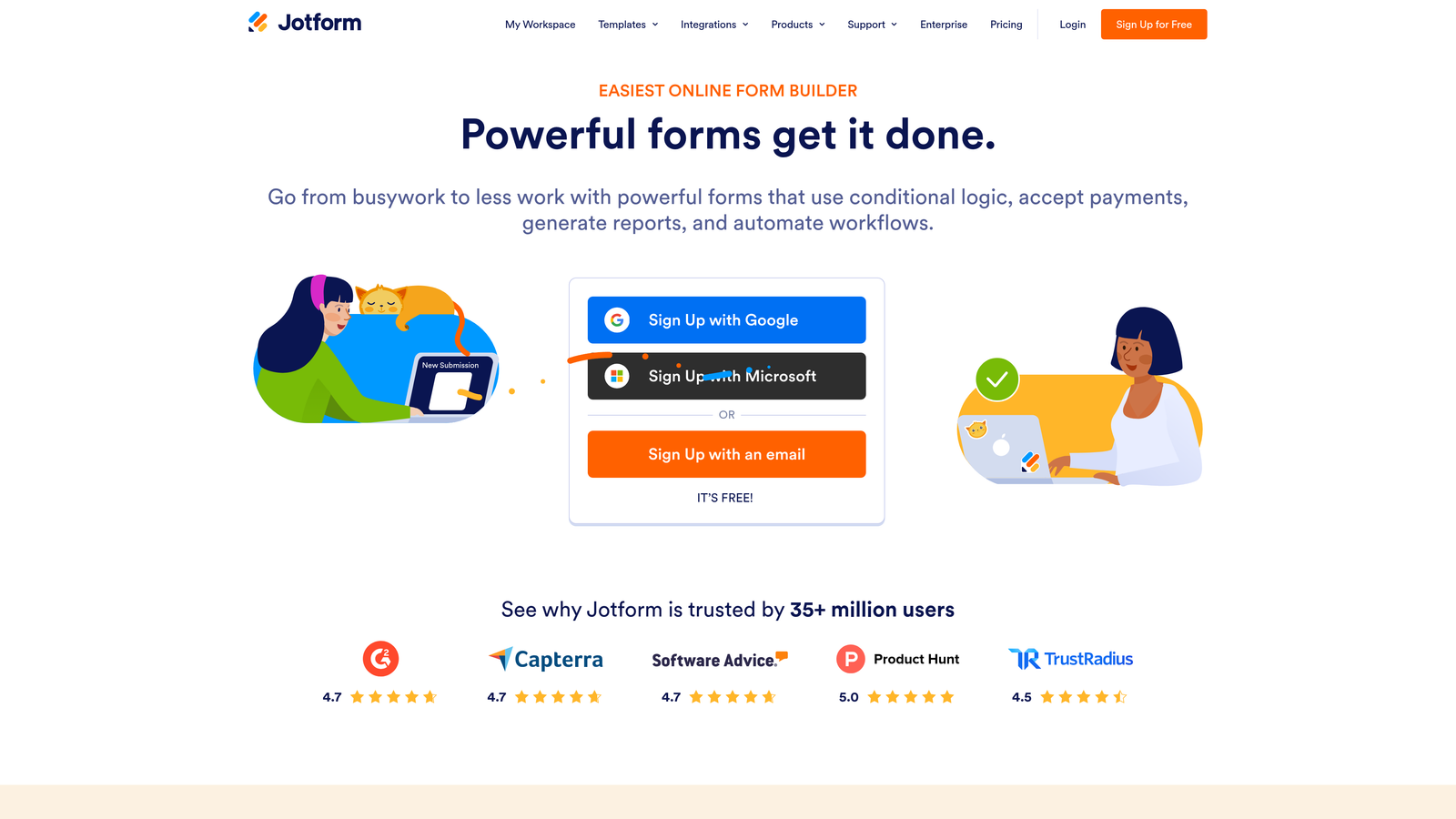
JotForm is one of the most feature-complete form builders available, with over 10,000 templates and robust support for complex multi-step application workflows.
Where This Tool Shines
JotForm's template library is genuinely unmatched. If you're building a scholarship application, grant form, job application, or client intake form, there's almost certainly a template that gets you 80% of the way there before you touch a single setting. This dramatically reduces setup time for teams that need to launch quickly.
The platform also handles compliance use cases that many competitors skip. The HIPAA-compliant plan makes JotForm a viable option for healthcare intake forms and other regulated application types.
Key Features
10,000+ Templates: One of the largest template libraries available, with many purpose-built for specific application types.
PDF Submission and E-Signature Support: Generate formatted PDF summaries of applications and collect legally binding e-signatures without third-party tools.
Advanced Conditional Logic: Multi-page forms with sophisticated branching, field visibility rules, and skip logic.
Payment Collection: Accept application fees directly through the form via Stripe, PayPal, and other payment processors.
HIPAA-Compliant Plan: Dedicated compliance tier for healthcare and regulated industries handling sensitive applicant data.
Best For
Nonprofits, educational institutions, healthcare organizations, and businesses that need a wide range of application templates with built-in compliance options. Also strong for teams that collect application fees alongside form submissions.
Pricing
Free plan available with submission limits. Paid plans start at approximately $34/month. Check jotform.com for current tier details.
4. Tally
Best for: Startups and indie teams that want unlimited forms with conditional logic at no cost
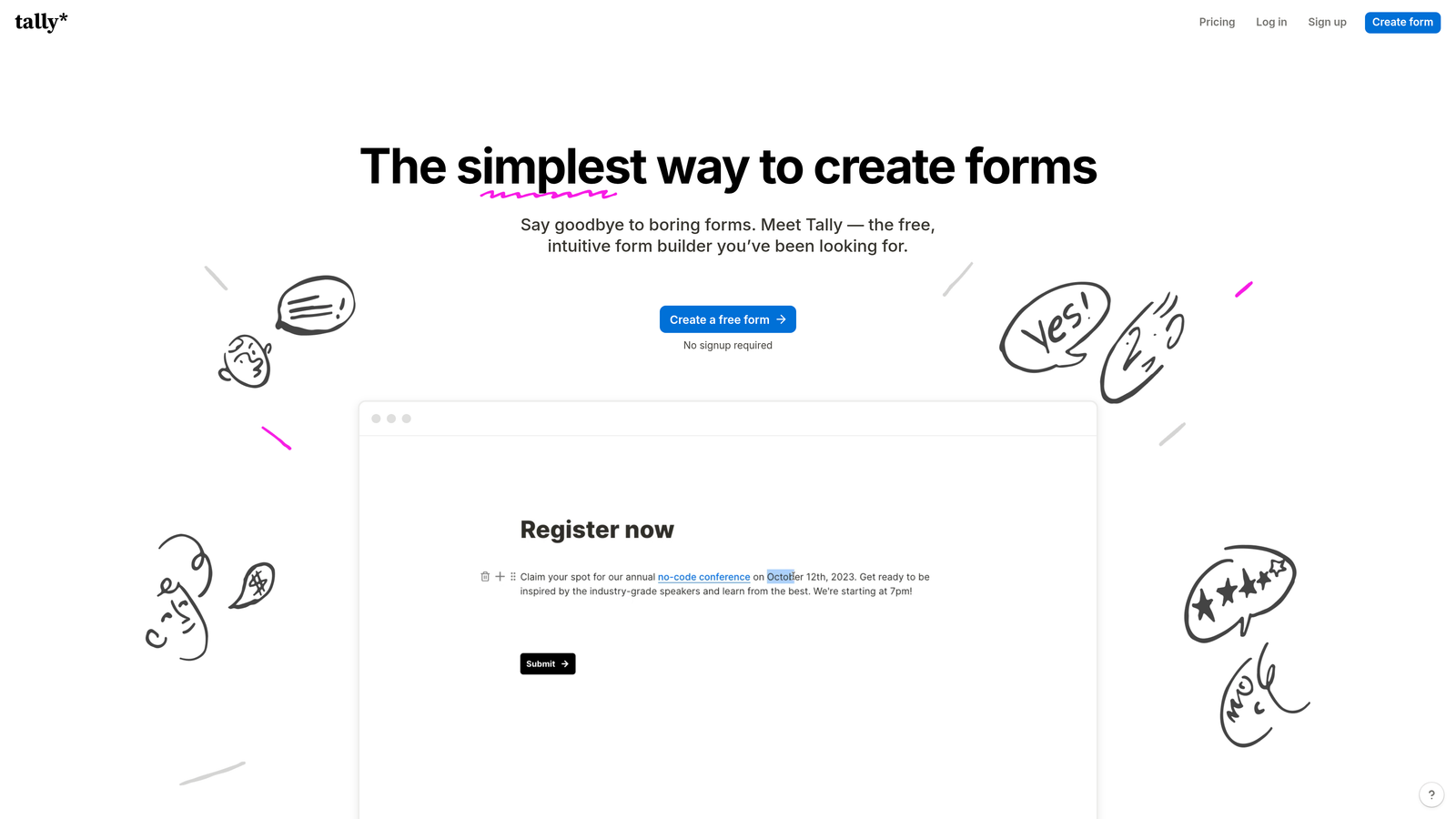
Tally is a Notion-inspired free form builder that offers unlimited forms, conditional logic, and file uploads on its free tier, which is genuinely rare in this market.
Where This Tool Shines
The free plan is the headline story. Where most competitors cap you at a handful of forms or a few hundred responses per month, Tally's free tier offers unlimited forms with no response limits. For early-stage teams or anyone experimenting with application flows, this removes the typical cost friction entirely.
The block-based editor will feel immediately familiar to anyone who uses Notion. Building a form is as intuitive as writing a document, which lowers the learning curve significantly for non-technical team members.
Key Features
Unlimited Forms on the Free Plan: No caps on the number of forms or responses, making it unusually generous for a free tier.
Block-Based Notion-Style Editor: Familiar document-like editing experience that non-technical users can pick up quickly.
Conditional Logic and File Uploads on Free Tier: Both features are available without paying, which most competitors reserve for paid plans.
Payment Collection via Stripe: Accept payments directly through forms, available on the Pro plan.
Clean Embed Options: Minimal, distraction-free design that embeds cleanly into any website or landing page.
Best For
Indie makers, early-stage startups, and small teams that need capable application forms without a monthly tool budget. Also a strong choice for anyone who builds in Notion and wants a form tool that matches that workflow.
Pricing
Generous free plan with unlimited forms and responses. Tally Pro is approximately $29/month for advanced features and custom branding.
5. Paperform
Best for: Service businesses and creators who want application forms that feel like branded content pages
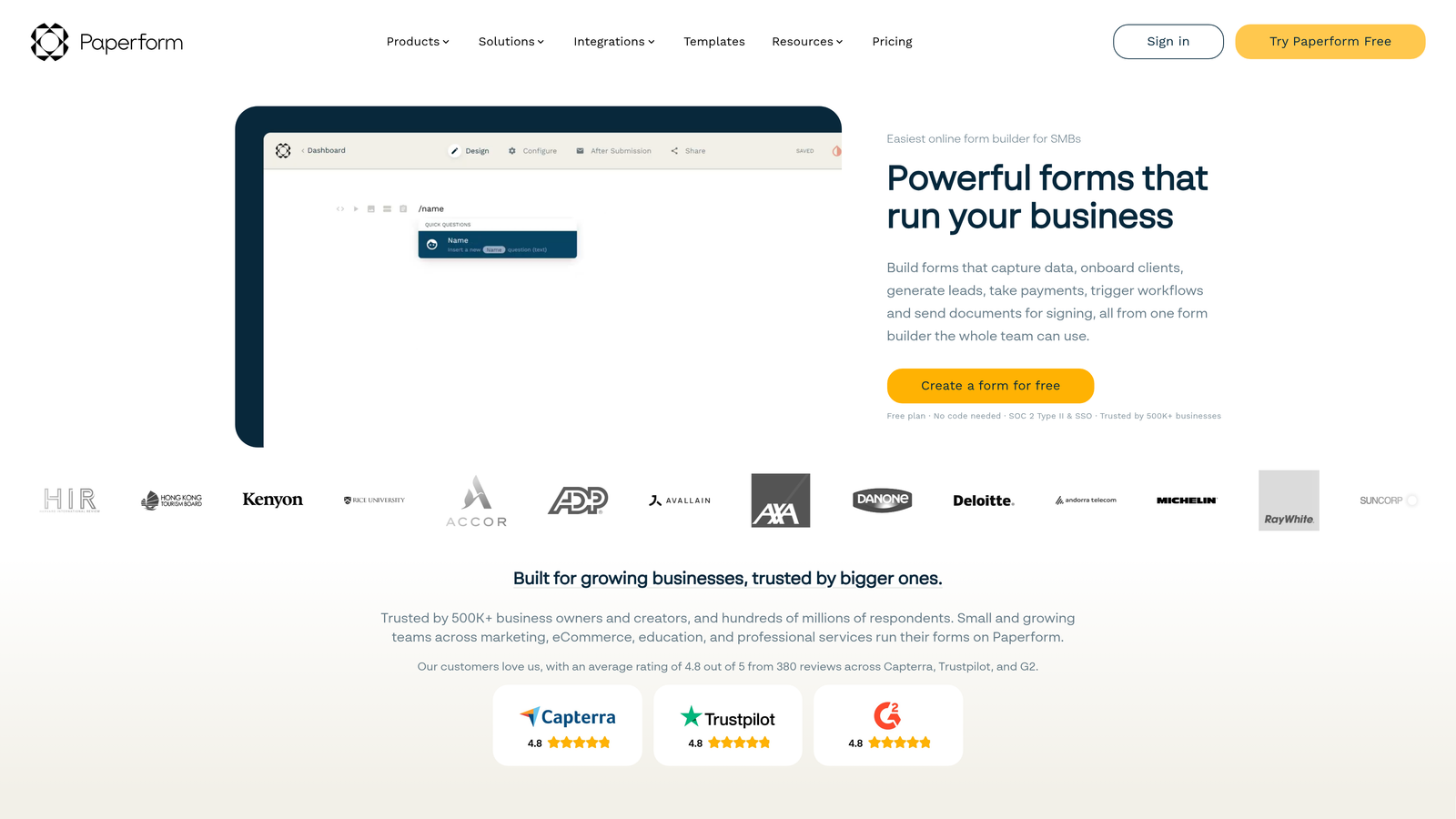
Paperform is a document-style form builder that blends rich text, images, and form fields into a single cohesive branded page experience.
Where This Tool Shines
Paperform occupies a unique position: it doesn't feel like a form builder at all. You write content, add images, and drop in form fields inline, so the result looks more like a well-designed landing page than a traditional application form. This works particularly well for coaches, consultants, and course creators who want the application itself to reflect their brand quality.
The built-in support for payments and scheduling within the same form is a practical advantage for service businesses that need applicants to book a discovery call or pay a deposit as part of the application process.
Key Features
Document-Style Editor: Mix rich text, images, and form fields freely in a single page layout, unlike traditional form builders.
Conditional Logic and Multi-Section Layouts: Show or hide sections based on responses, keeping long applications manageable.
Built-In Payment and Scheduling: Accept payments and let applicants book time directly within the same form flow.
Custom Domain Support: Host your application form on your own domain for a fully branded experience.
Strong Template Library for Service Businesses: Templates designed for coaching intake, service applications, and client onboarding.
Best For
Coaches, consultants, course creators, and small service businesses that want application forms to reflect their brand and include payment or scheduling steps. Less suited for high-volume B2B lead qualification workflows.
Pricing
Starts at approximately $24/month. No permanent free plan, though a trial is available. Verify current pricing at paperform.co.
6. Cognito Forms
Best for: Teams that need advanced calculation logic, scoring, or fee computation within application forms
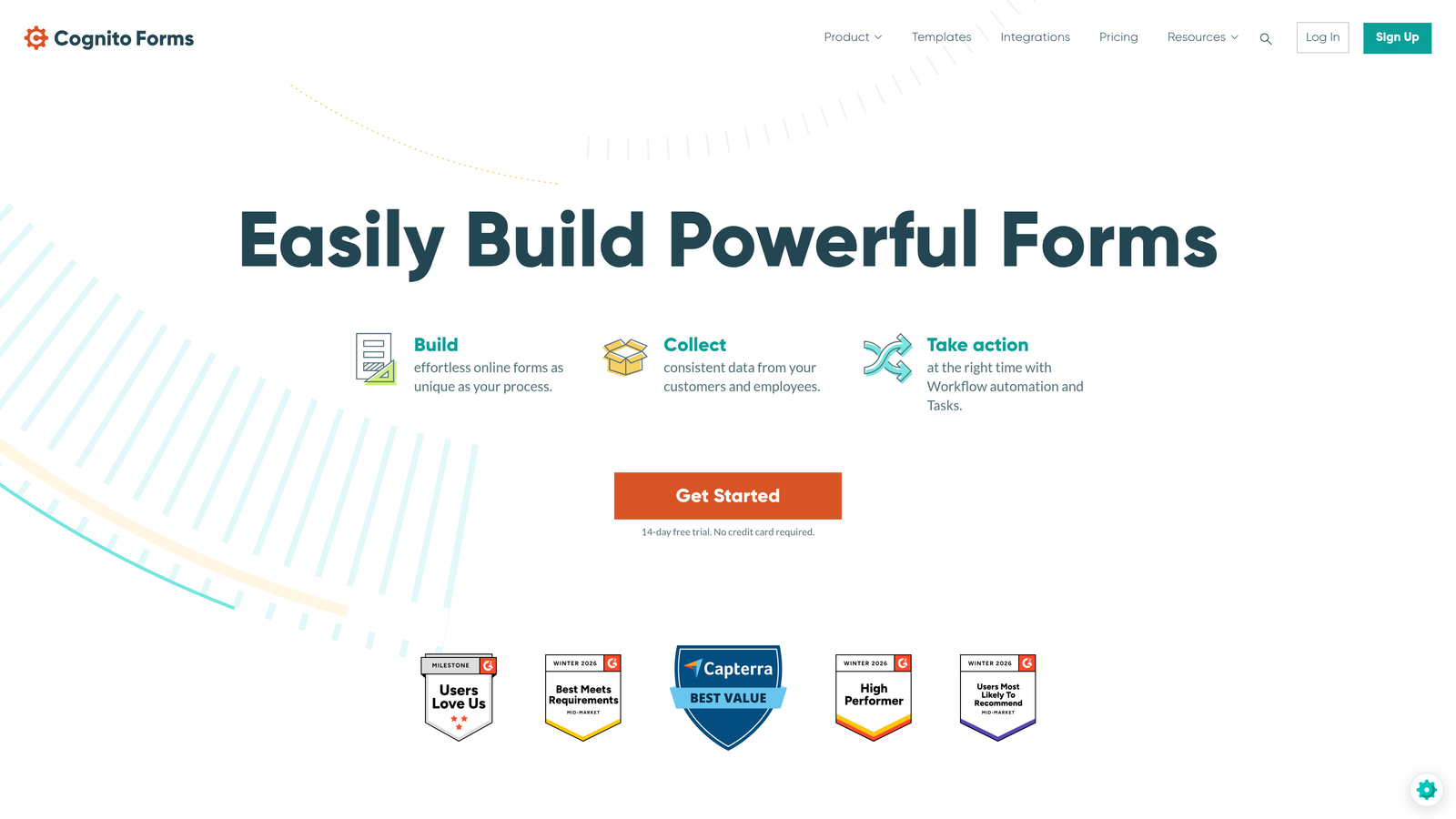
Cognito Forms is a form builder with a standout calculation engine and repeating section support, making it particularly strong for scored applications and fee-based submissions.
Where This Tool Shines
The calculation engine is where Cognito Forms separates itself. You can build formulas that score applicants based on their responses, calculate application fees dynamically, or produce totals from repeating entries. This kind of logic is difficult or impossible to replicate in most mid-market form builders without workarounds.
Repeating sections are another differentiator. If your application asks for multiple entries of the same type (work history, references, project submissions), Cognito handles these natively without requiring separate form sections or clunky workarounds.
Key Features
Advanced Calculation Fields: Build scoring formulas, fee calculators, and dynamic totals directly within the form using a full expression editor.
Repeating Sections: Allow applicants to add multiple entries of the same field group, ideal for work history or multi-item submissions.
Conditional Visibility and Branching: Show or hide fields and sections based on applicant responses throughout the form.
Payment Collection and Entry Management: Accept fees and manage submitted entries with a built-in data management interface.
Free Plan for Basic Use: A functional free tier that covers simple application forms without a time limit.
Best For
Grant administrators, event organizers, educational institutions, and any team that needs to calculate scores or fees based on applicant inputs. The UI is more utilitarian than Typeform or Paperform, but the logic capabilities more than compensate.
Pricing
Free plan available. Paid plans start at approximately $15/month, making it one of the more affordable options with advanced logic capabilities.
7. Google Forms
Best for: Internal applications and simple use cases where cost is the primary constraint
Google Forms is a completely free form builder deeply integrated with Google Workspace, best suited for straightforward application collection without design or logic requirements.
Where This Tool Shines
The value proposition is simple: it's free, it works, and responses land directly in Google Sheets where your team already lives. For internal applications, quick surveys, or simple intake forms where brand presentation isn't a priority, Google Forms removes every barrier to getting started.
Collaboration is frictionless for Google Workspace teams. Multiple people can edit the form simultaneously, share it instantly, and access responses without any account setup or permissions complexity.
Key Features
Completely Free: No subscription, no response limits, no hidden costs, available to anyone with a Google account.
Automatic Response Collection in Google Sheets: Every submission populates a linked spreadsheet in real time, ready for filtering and analysis.
Basic Conditional Logic: Section branching based on multiple-choice answers covers simple routing needs.
Unlimited Responses and Forms: No caps on how many forms you create or how many responses you collect.
Simple Sharing and Collaboration: Share via link, embed on a page, or restrict to your organization with a single toggle.
Best For
Internal HR teams running simple job applications, educators collecting student submissions, or any organization that needs a no-cost solution and already uses Google Workspace. Not recommended for external-facing applications where design and brand experience matter.
Pricing
Completely free with any Google account. Google Workspace Business plans start at approximately $6/user/month if organizational features are needed.
8. Formstack
Best for: Enterprise teams that need end-to-end application workflows with compliance, approvals, and document generation
Formstack is an enterprise application workflow platform that combines form building with document generation, e-signatures, and multi-step approval routing in a single suite.
Where This Tool Shines
Formstack is built for organizations where a submitted form triggers a workflow, not just a notification. Approval routing, document generation, and e-signature collection can all be configured as sequential steps following an initial application submission. This makes it genuinely powerful for regulated industries and enterprise HR or procurement teams.
Compliance coverage is comprehensive. HIPAA, FERPA, and SOC 2 support are available, which matters for healthcare organizations, educational institutions, and enterprise buyers with data governance requirements.
Key Features
End-to-End Workflow Automation: Configure multi-step approval chains, automated notifications, and conditional routing based on submission data.
Document Generation and E-Signatures: Automatically produce formatted documents from application data and collect legally binding signatures within the same platform.
Compliance Support: HIPAA, FERPA, and SOC 2 compliance available for regulated industries and enterprise data requirements.
Advanced Conditional Logic and Field Population: Pre-fill fields from external data sources and build complex branching logic for sophisticated application flows.
Enterprise SSO and Admin Controls: Single sign-on, role-based access, and centralized admin management for large teams.
Best For
Enterprise HR departments, healthcare organizations, universities, and regulated businesses that need application forms to be the entry point of a larger automated workflow. The price point reflects the enterprise scope, so it's overkill for smaller teams.
Pricing
Starts at approximately $83/month. Enterprise pricing is available for larger organizations. Verify current plans at formstack.com.
9. Fillout
Best for: No-code and ops teams building database-connected application flows with Airtable, Notion, or Supabase
Fillout is a modern form builder with native integrations for Airtable, Notion, and Supabase, designed for teams that want application data to flow directly into their existing databases.
Where This Tool Shines
Fillout's native database integrations are the primary differentiator. Rather than relying on Zapier to push form data into Airtable or Notion, Fillout connects directly, which means faster syncing, bidirectional data flow, and fewer failure points. For ops teams that have already built their applicant tracking or CRM logic in Airtable, this is a significant practical advantage.
The platform has gained traction quickly among no-code builders because it pairs this database connectivity with a clean, modern form editor and a genuinely useful free plan, covering a lot of ground before you need to pay.
Key Features
Native Airtable, Notion, and Supabase Integrations: Connect directly to your existing databases without middleware, enabling real-time bidirectional data sync.
Multi-Step Forms with Scheduling and Payment Support: Build complex application flows that include calendar booking or payment collection as embedded steps.
Conditional Logic and URL Parameter Pre-Filling: Route applicants dynamically and pre-populate fields from URL parameters for personalized experiences.
HubSpot and Salesforce Integrations: Push qualified applicants directly into your CRM alongside the database integrations.
Free Plan with Generous Response Limits: The free tier covers a meaningful volume of submissions, making it accessible for teams still evaluating their tooling.
Best For
No-code teams, operations managers, and product teams that have built their workflows around Airtable, Notion, or Supabase and want application forms that connect natively to those systems. Also strong for SaaS teams that need CRM-connected intake flows without a heavy enterprise price tag.
Pricing
Free plan available with generous response limits. Paid plans start at approximately $15/month. Check fillout.com for current pricing.
Which Application Form Builder Is Right for You?
The best platform depends entirely on what you need your application forms to actually do. Here's a quick guide to matching your use case to the right tool.
If you're a B2B or SaaS team focused on lead qualification and conversion, Orbit AI is the clear starting point. The built-in scoring, AI qualification, and CRM routing are purpose-built for exactly this use case, and no other tool on this list approaches the same level of lead intelligence out of the box.
For teams that prioritize applicant experience and brand polish, Typeform delivers the most refined conversational interface. If you need the widest template library or compliance support, JotForm covers the most ground. For calculation-heavy applications with scoring or fee logic, Cognito Forms stands out with its expression engine.
If budget is the primary constraint, Tally offers the most capable free tier in the market, and Google Forms is the right call for simple internal applications. Teams building database-connected flows in Airtable or Notion will find Fillout the most natural fit, while enterprise organizations with compliance and approval workflow requirements should evaluate Formstack.
For service businesses and creators who want forms that double as branded content pages, Paperform is the most distinctive option.
The right form builder doesn't just collect applications. It shapes how applicants experience your brand, how efficiently your team processes submissions, and how many qualified leads actually make it through your funnel. If that last part matters to your team, start building free forms today with Orbit AI and see how intelligent form design can transform your qualification process from a manual bottleneck into an automated growth engine.


