

Choosing the right lead gen form builder can feel overwhelming when you're staring at dozens of options—from simple drag-and-drop tools to sophisticated AI-powered platforms. The wrong choice means clunky forms that frustrate prospects, integrations that don't quite work, or features you're paying for but never use.
The best lead gen form builder for your business depends on what matters most: conversion optimization features, seamless integration capabilities, ease of use for your team, transparent pricing, and increasingly, intelligent lead qualification abilities that separate serious prospects from tire-kickers.
We've compared the top platforms based on these criteria to help you find your perfect match. Here are the best lead gen form builders for 2026.
1. Orbit AI
Best for: High-growth teams needing AI-powered lead qualification and conversion-optimized forms
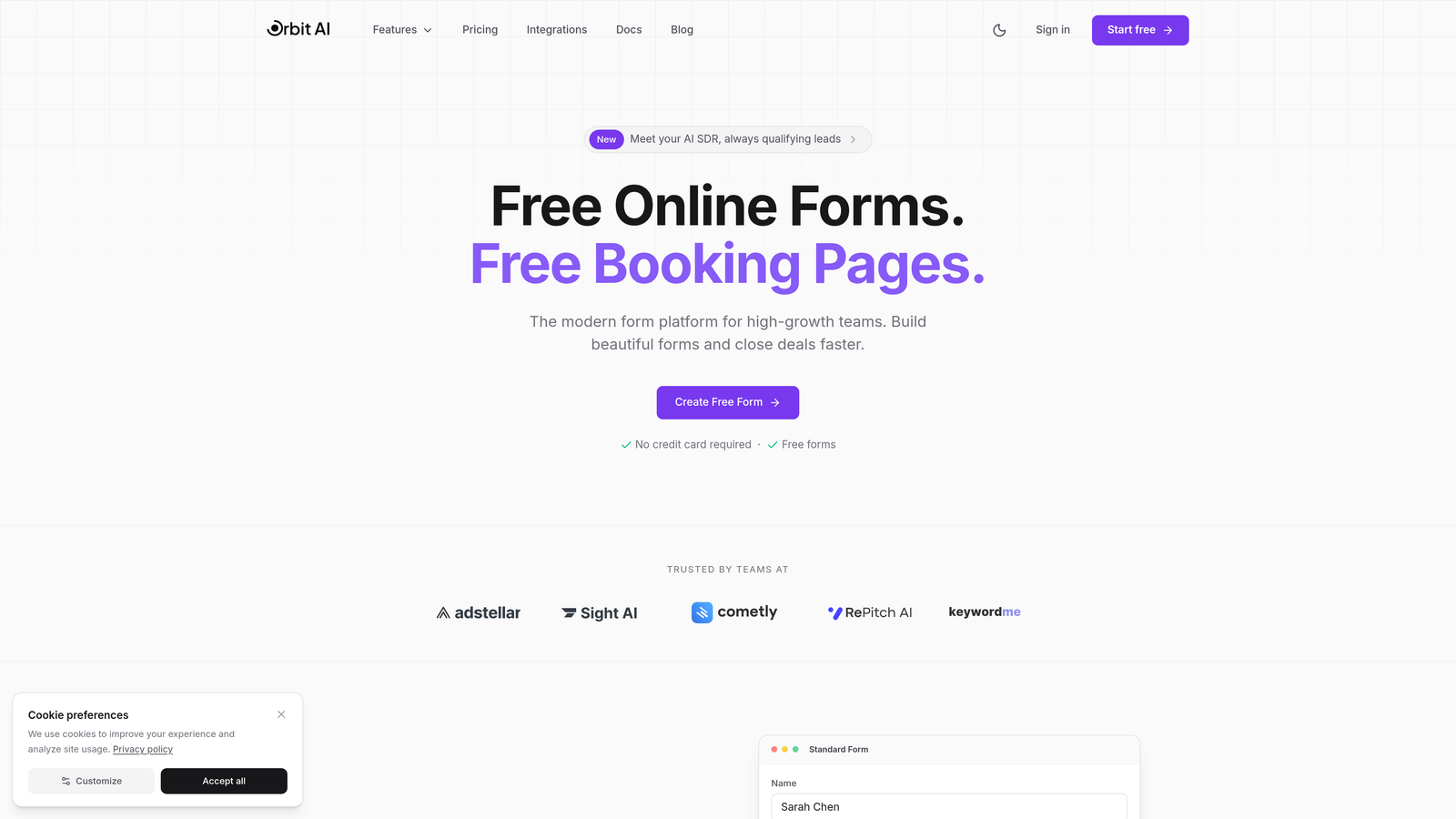
Orbit AI is an AI-powered form builder platform designed specifically for teams who view forms as a strategic conversion tool, not just a data collection method.
Where This Tool Shines
Orbit AI stands out by automatically qualifying leads as they fill out your forms. The platform analyzes responses in real-time to score lead quality, routing high-value prospects to your sales team immediately while nurturing others through automated workflows.
The conversion-optimized templates are built on modern design principles that feel native to contemporary websites. You're not just collecting information—you're creating an experience that matches the expectations of today's B2B buyers.
Key Features
AI-Powered Lead Scoring: Automatically qualifies prospects based on their responses, behavioral signals, and fit criteria you define.
Conversion-Optimized Templates: Modern, beautiful form designs built specifically to maximize completion rates and reduce drop-off.
Advanced Analytics Dashboard: Track not just submissions, but conversion paths, drop-off points, and lead quality metrics in real-time.
Seamless CRM Integrations: Connect with your existing tech stack to ensure qualified leads flow directly into your sales pipeline.
Intelligent Form Logic: Dynamic forms that adapt questions based on previous answers to gather relevant information without overwhelming prospects.
Best For
High-growth B2B companies, SaaS businesses, and marketing teams who need to qualify leads at scale without adding headcount. Ideal if you're tired of your sales team wasting time on unqualified prospects or if you want to create modern form experiences that match your brand.
Pricing
Contact Orbit AI for custom pricing based on your lead volume and feature requirements. Enterprise-grade platform with pricing that scales with your business.
2. Typeform
Best for: Creating engaging, conversational form experiences with one-question-at-a-time interfaces
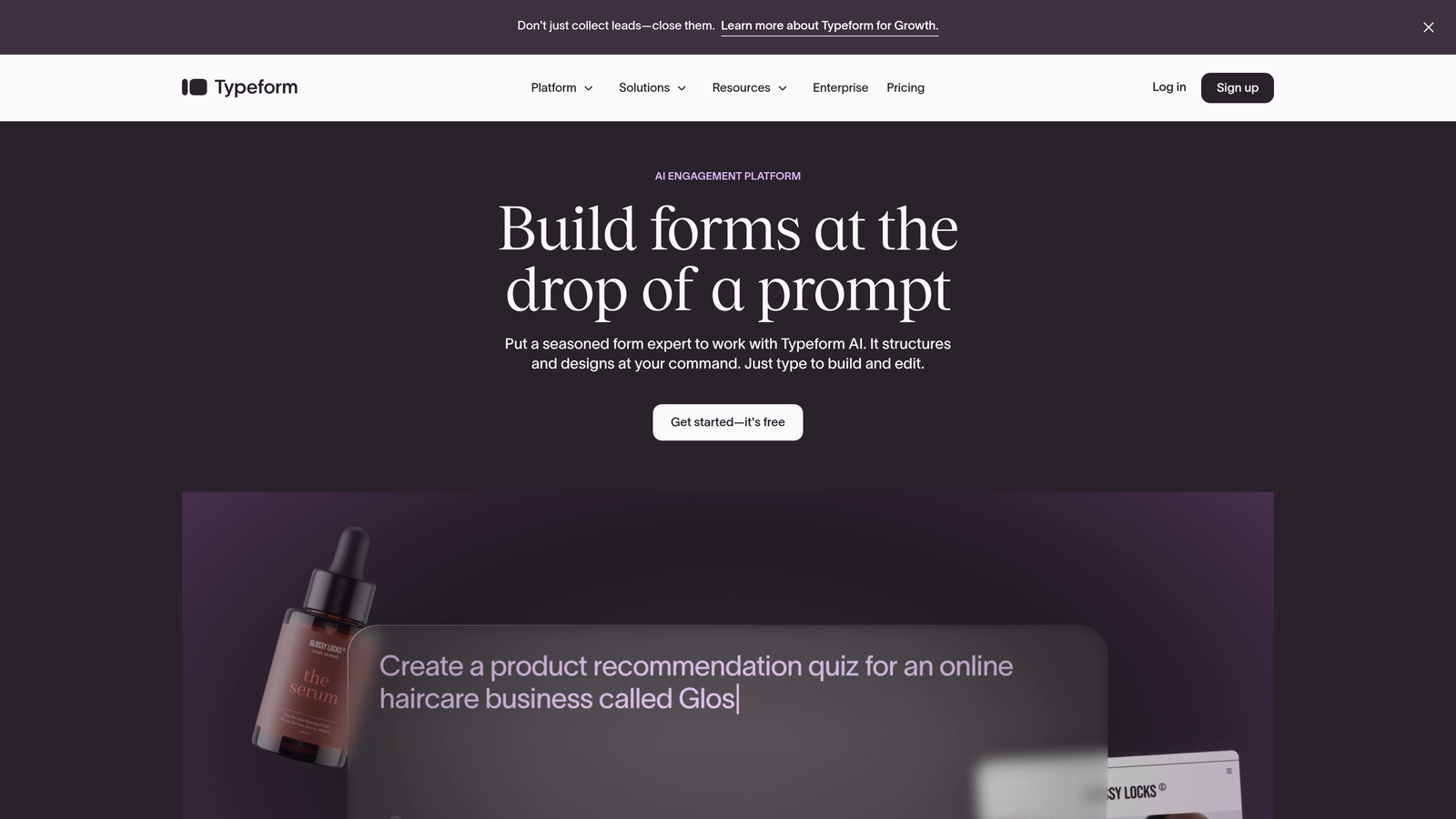
Typeform is a conversational form builder that revolutionized how forms feel by presenting one question at a time in a human, engaging format.
Where This Tool Shines
Typeform excels at making form completion feel like a conversation rather than a chore. The one-question-at-a-time approach reduces cognitive load and creates a more engaging experience that typically sees higher completion rates than traditional multi-field forms.
The platform's visual polish and smooth animations create a premium feel that works particularly well for consumer-facing brands or companies where brand experience matters significantly.
Key Features
Conversational Interface: One-question-at-a-time format that feels more like a dialogue than a form.
Logic Jumps: Advanced branching that shows different questions based on previous answers to create personalized paths.
Rich Media Support: Embed videos, images, and GIFs to create visually engaging experiences.
Native Integrations: Connect with popular tools like Slack, Google Sheets, HubSpot, and Mailchimp without middleware.
Mobile Optimization: Forms that work beautifully on any device with touch-friendly interactions.
Best For
Consumer brands, creative agencies, and companies prioritizing user experience over pure functionality. Works well for surveys, event registrations, and lead capture where engagement matters more than complex data collection.
Pricing
Free tier available with basic features. Paid plans start at $25/month with increased responses, logic jumps, and integrations.
3. HubSpot Forms
Best for: Teams already using HubSpot who need native CRM integration and progressive profiling
HubSpot Forms is the native form builder within the HubSpot ecosystem that automatically syncs every submission to your CRM with complete tracking.

Where This Tool Shines
HubSpot Forms delivers unmatched value if you're already in the HubSpot ecosystem. Every form submission automatically creates or updates contact records with full attribution tracking—no Zapier required, no sync delays, no data mapping headaches.
The progressive profiling feature is particularly powerful: forms automatically hide fields for known contacts and ask new questions instead, gradually building richer profiles without annoying repeat visitors.
Key Features
Native CRM Integration: Instant sync to HubSpot CRM with complete contact history and attribution tracking.
Progressive Profiling: Smart fields that adapt based on what you already know about a contact.
Smart Fields: Forms that pre-populate with known information to reduce friction for returning visitors.
Built-In Analytics: Track form performance tied directly to CRM data and revenue attribution.
Multiple Deployment Options: Create pop-ups, embedded forms, standalone pages, or slide-in boxes from the same builder.
Best For
Companies already using HubSpot CRM or Marketing Hub who want seamless integration without third-party connectors. Ideal for teams that value having forms, CRM, and marketing automation in one unified platform.
Pricing
Free with HubSpot CRM. Advanced features like progressive profiling and detailed analytics require paid Marketing Hub subscriptions starting at $45/month.
4. Jotform
Best for: Teams needing extensive template variety and payment collection capabilities
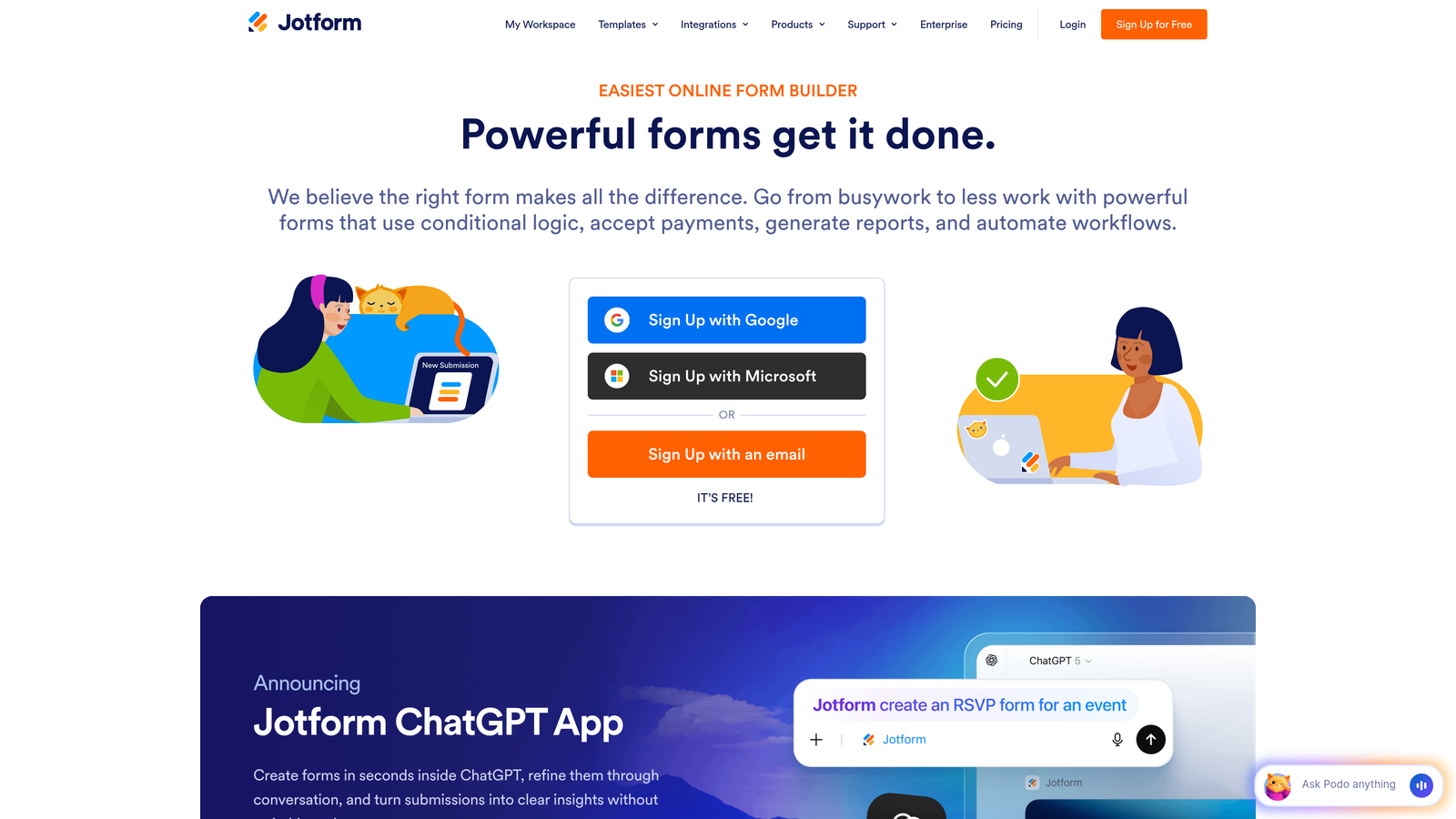
Jotform is a versatile form builder offering over 10,000 templates and extensive customization options including built-in payment processing.
Where This Tool Shines
Jotform's massive template library means you can find a starting point for virtually any use case—from simple contact forms to complex applications with payment collection. The platform handles both simple and sophisticated needs without forcing you to jump to enterprise pricing.
The payment collection features are particularly robust, supporting multiple processors and allowing you to collect fees, donations, or product payments directly through your forms.
Key Features
10,000+ Templates: Pre-built forms for virtually every industry and use case to accelerate creation.
Payment Integrations: Collect payments through PayPal, Stripe, Square, and other processors directly in forms.
PDF Generation: Automatically convert form submissions into formatted PDF documents.
Conditional Logic: Show or hide fields based on user responses to create dynamic experiences.
HIPAA Compliance: Enterprise plans offer HIPAA-compliant forms for healthcare organizations.
Best For
Small to medium businesses needing versatile forms that can handle both lead generation and transactions. Particularly valuable for organizations that need payment collection, event registrations, or industry-specific compliance features.
Pricing
Free tier includes 5 forms with 100 monthly submissions. Paid plans start at $34/month for unlimited forms and increased submission limits.
5. Leadpages
Best for: Marketers running campaigns who need complete landing pages and lead capture together
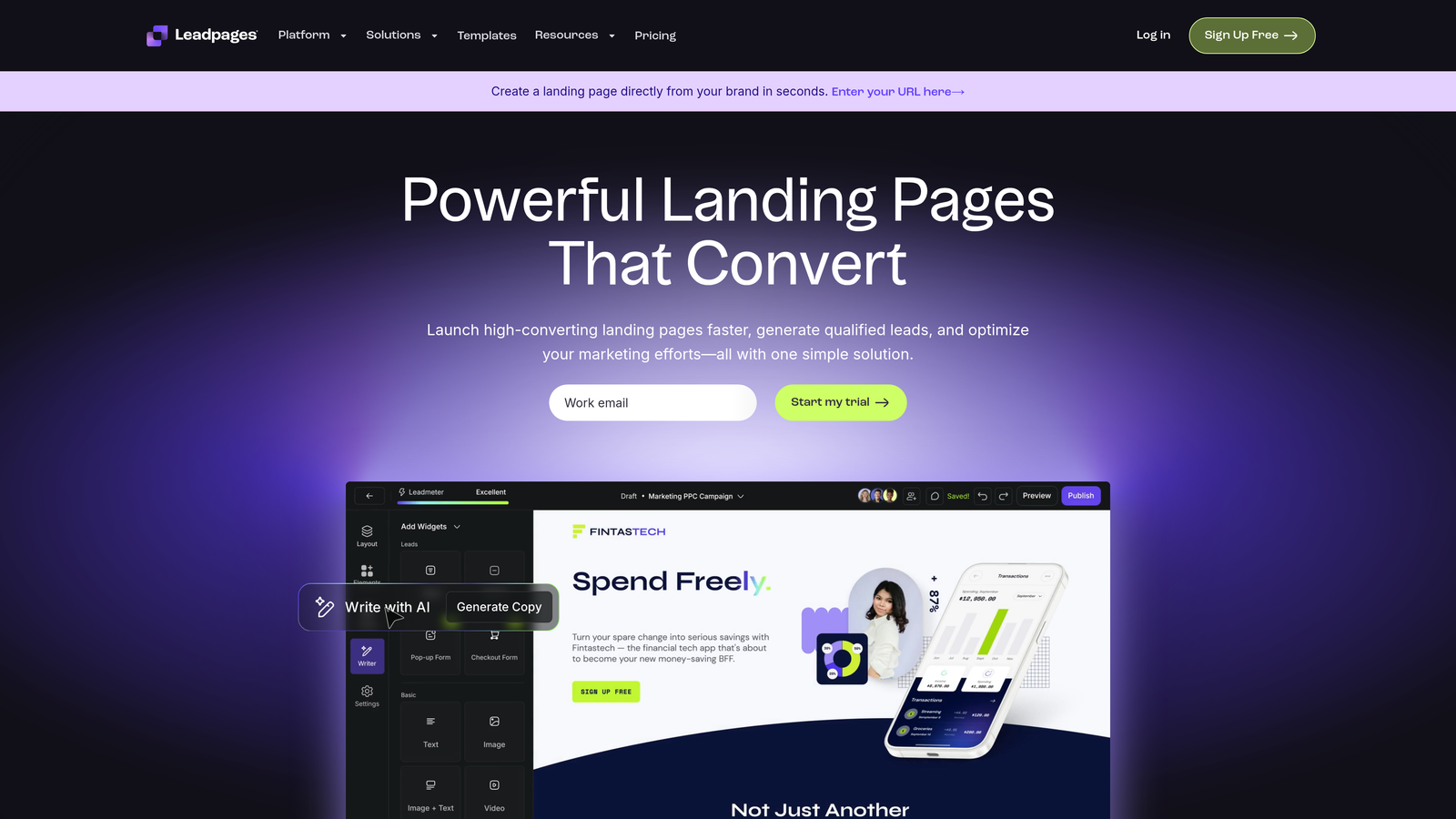
Leadpages is a landing page and form builder combination designed for marketers who need complete campaign experiences, not just standalone forms.
Where This Tool Shines
Leadpages excels when you need the entire lead capture ecosystem: landing pages, pop-ups, alert bars, and forms working together as a cohesive campaign. The platform includes A/B testing built-in, so you can optimize entire experiences, not just individual form fields.
The conversion-focused templates are specifically designed for common marketing campaigns like webinar signups, ebook downloads, and product launches, giving you proven starting points rather than blank canvases.
Key Features
Full Landing Page Builder: Create complete campaign pages with forms, not just standalone form widgets.
Pop-Ups and Alert Bars: Multiple lead capture mechanisms working together for maximum conversion opportunities.
Built-In A/B Testing: Test different page and form variations to optimize conversion rates systematically.
Lead Magnet Delivery: Automatically deliver digital assets like PDFs or videos after form submission.
Conversion-Optimized Templates: Pre-designed pages and forms built specifically for common marketing campaigns.
Best For
Marketing teams running active campaigns who need landing pages and forms as an integrated system. Ideal for digital marketers, course creators, and businesses focused on lead magnet strategies.
Pricing
Plans start at $37/month billed annually. Higher tiers include additional sites, A/B testing, and advanced integrations.
6. Gravity Forms
Best for: WordPress sites needing powerful forms with extensive developer customization options
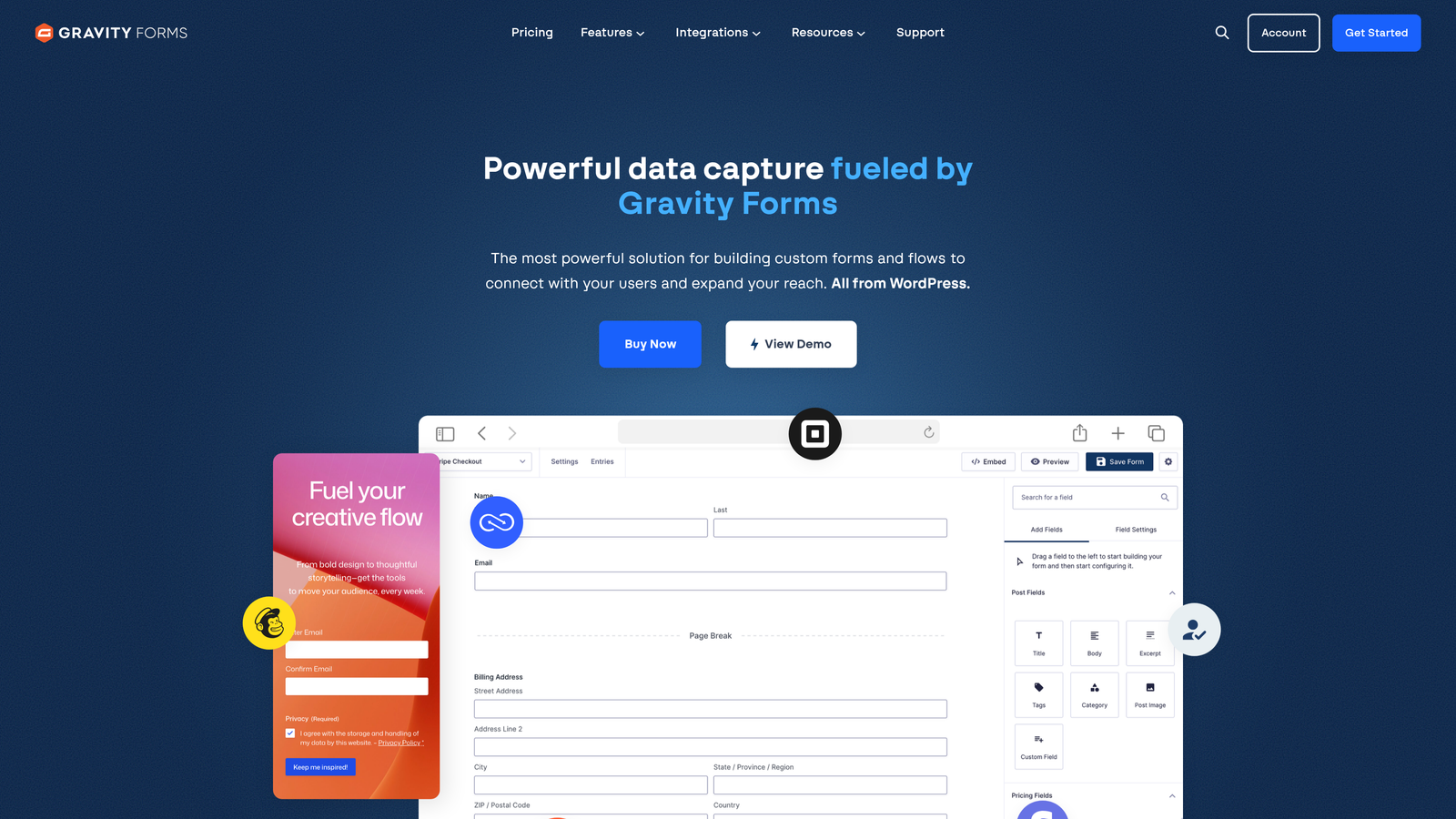
Gravity Forms is a WordPress-native form plugin with deep platform integration and an extensive add-on ecosystem for complex form requirements.
Where This Tool Shines
Gravity Forms is the gold standard for WordPress sites that need sophisticated forms. The deep WordPress integration means forms feel native to your site's admin experience, and the developer-friendly architecture allows extensive customization through hooks and filters.
The add-on ecosystem is particularly valuable, offering pre-built integrations with payment processors, CRMs, email marketing platforms, and specialized tools that would otherwise require custom development.
Key Features
Native WordPress Integration: Forms that work seamlessly within WordPress admin and front-end environments.
Extensive Add-On Library: Pre-built integrations for payments, CRMs, email marketing, and specialized functionality.
Advanced Conditional Logic: Show, hide, or require fields based on complex rule sets and user inputs.
Multi-Page Forms: Break long forms into steps with progress indicators and save-and-continue functionality.
Developer Hooks: Extensive filter and action hooks for custom functionality without modifying core plugin code.
Best For
WordPress-based businesses that need powerful forms with customization flexibility. Particularly valuable for organizations with development resources who want to extend functionality or integrate with custom systems.
Pricing
License-based pricing starting at $59/year for a single site. Higher tiers include priority support and additional add-ons.
7. Paperform
Best for: Creating branded, document-style forms that feel more like landing pages
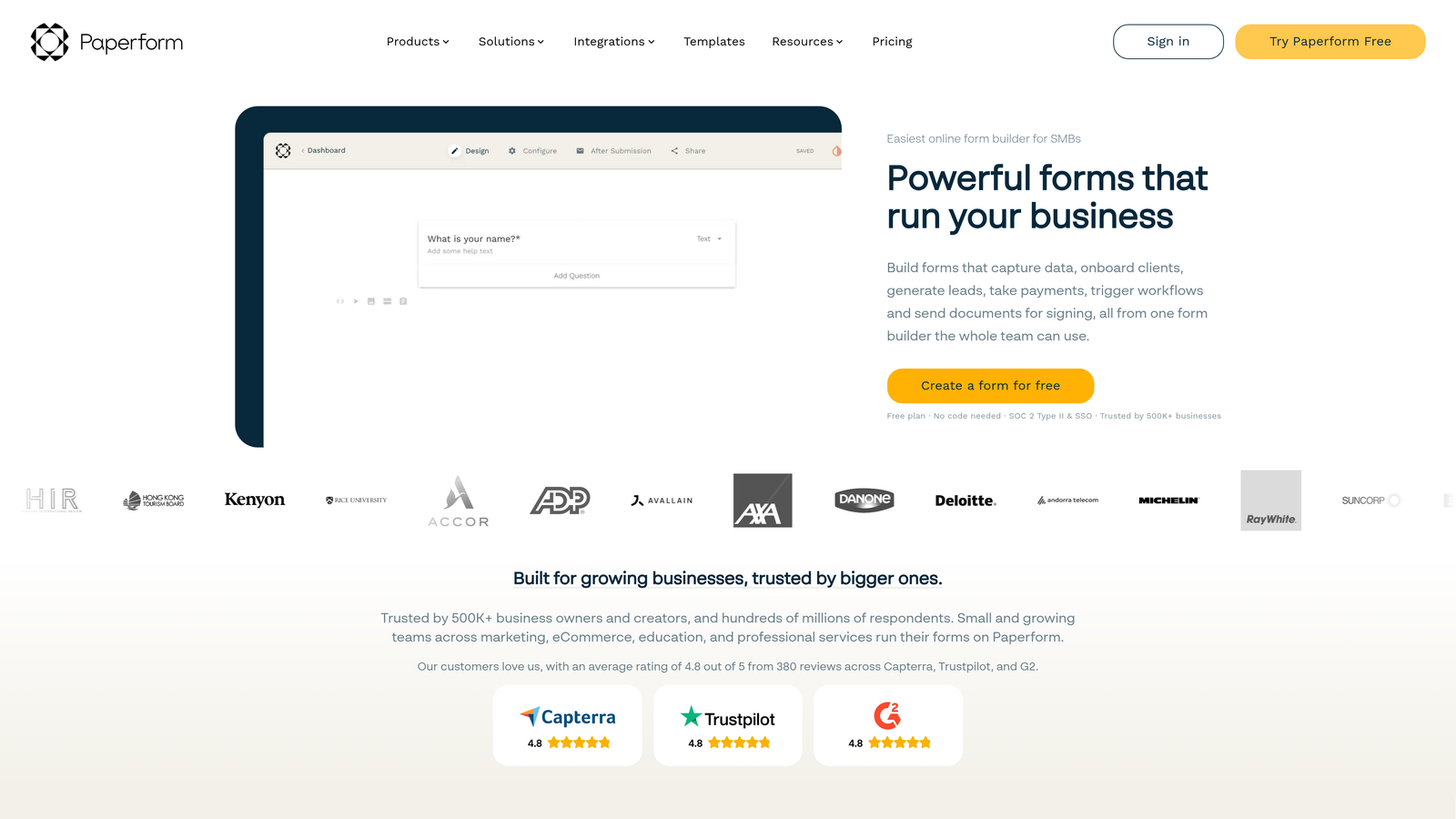
Paperform is a document-style form builder that creates forms feeling more like rich, branded content pages than traditional data collection tools.
Where This Tool Shines
Paperform's document-style approach lets you create forms that read like web pages, mixing text, images, videos, and form fields in a flowing layout. This works particularly well for applications, detailed questionnaires, or booking forms where context matters as much as the questions.
The platform's e-commerce capabilities are surprisingly robust, allowing you to sell products, collect payments, and manage inventory directly through what looks like a beautifully designed landing page.
Key Features
Document-Style Design: Create forms that flow like web pages with mixed content and form fields.
Rich Media Embedding: Include videos, images, and formatted text alongside form questions for context.
E-Commerce Support: Sell products, collect payments, and manage basic inventory through forms.
Custom Branding: Extensive theme customization to match your brand identity completely.
Scheduling Capabilities: Built-in booking and appointment scheduling without additional tools.
Best For
Creative businesses, consultants, and service providers who want forms that match their brand aesthetic. Works well for applications, detailed onboarding, event registrations, or any scenario where you need to provide context alongside questions.
Pricing
Plans start at $24/month with unlimited forms and submissions. Higher tiers add team collaboration and advanced features.
8. Formstack
Best for: Enterprise organizations needing advanced workflows, document generation, and compliance features
Formstack is an enterprise-grade form and workflow platform with document generation, electronic signatures, and advanced approval process capabilities.
Where This Tool Shines
Formstack excels in enterprise environments where forms are just the beginning of complex workflows. The platform can automatically generate documents from form submissions, route them through approval processes, collect electronic signatures, and update multiple systems—all without manual intervention.
The enterprise security and compliance features meet the requirements of regulated industries, with options for HIPAA compliance, advanced encryption, and detailed audit trails that many simpler form builders can't provide.
Key Features
Advanced Workflow Automation: Route submissions through multi-step approval processes with conditional routing based on form data.
Document Generation: Automatically create contracts, proposals, or reports from form submissions using templates.
Electronic Signatures: Collect legally binding signatures directly within forms or generated documents.
Enterprise Security: HIPAA compliance, advanced encryption, SSO, and detailed audit logging for regulated industries.
Salesforce-Native Option: Deploy forms directly within Salesforce for complete native integration.
Best For
Enterprise organizations, healthcare providers, financial services, and regulated industries needing sophisticated workflows and compliance features. Ideal when forms are part of larger business processes requiring approvals, document generation, or strict security requirements.
Pricing
Plans start at $50/month for basic features. Enterprise pricing available for organizations needing advanced security, compliance, or Salesforce-native deployment.
9. Tally
Best for: Budget-conscious teams needing unlimited forms with a simple, Notion-like interface
Tally is a simple form builder with a Notion-inspired interface and a remarkably generous free tier offering unlimited forms.
Where This Tool Shines
Tally's greatest strength is removing barriers to entry. The unlimited forms on the free tier mean startups, small teams, and individuals can create as many forms as they need without worrying about hitting plan limits or surprise charges.
The Notion-like interface makes form creation feel familiar if you're already using Notion for documentation. You build forms by typing and adding blocks, which feels more natural than traditional drag-and-drop builders for many users.
Key Features
Unlimited Free Forms: Create as many forms as you need on the free tier without artificial limits.
Notion-Style Interface: Build forms by typing and adding blocks in a familiar, document-like experience.
No Coding Required: Simple creation process accessible to non-technical users without training.
Basic Integrations: Connect with essential tools like Google Sheets, Notion, and Slack on free tier.
Fast Creation: Minimal setup and configuration means you can create functional forms in minutes.
Best For
Startups, small businesses, solopreneurs, and teams with tight budgets who need functional forms without monthly fees. Works well for internal forms, simple lead capture, or testing form concepts before investing in premium platforms.
Pricing
Free tier includes unlimited forms with basic features. Pro plan at $29/month adds advanced features like custom domains, file uploads, and payment collection.
Making the Right Choice
Your perfect lead gen form builder depends on where you are and where you're headed. Here's how to narrow your options:
If you need AI-powered lead qualification that separates serious prospects from tire-kickers automatically, Orbit AI delivers intelligent forms that work as hard as your sales team. The platform makes sense when lead quality matters more than lead quantity.
For teams prioritizing engagement and user experience, Typeform's conversational approach creates memorable interactions that feel less like forms and more like conversations. The one-question-at-a-time format works particularly well for consumer-facing brands.
HubSpot Forms is the obvious choice if you're already invested in the HubSpot ecosystem. The native integration and progressive profiling eliminate the friction of connecting separate systems.
WordPress sites should seriously consider Gravity Forms for its deep platform integration and developer-friendly architecture. The add-on ecosystem means you can extend functionality without custom development.
Budget-conscious teams can start with Tally's generous free tier and upgrade only when they need advanced features. The unlimited forms remove the anxiety of hitting plan limits as you grow.
Enterprise organizations with complex workflows should evaluate Formstack for its document generation, approval routing, and compliance features that simpler tools can't match.
The form builder market has matured beyond basic data collection. The best platforms now offer intelligent features like AI-powered qualification, progressive profiling, and automated workflows that turn forms from simple input mechanisms into strategic conversion tools. Your choice should align with your growth stage, technical requirements, and how seriously you take lead quality versus lead volume.
Start building free forms today and see how intelligent form design can elevate your conversion strategy. Transform your lead generation with AI-powered forms that qualify prospects automatically while delivering the modern, conversion-optimized experience your high-growth team needs.


