

Collecting leads through forms and surveys should feel effortless for your visitors—and powerful for your team. But with dozens of form builders flooding the market, finding one that balances beautiful design, smart logic, and genuine conversion optimization can feel overwhelming.
We evaluated the top survey and form builder software based on ease of use, customization depth, integration capabilities, AI features, and pricing transparency. Whether you're capturing leads, running customer research, or qualifying prospects automatically, this list covers the best options for teams serious about growth.
1. Orbit AI
Best for: High-growth teams needing AI-powered lead qualification and conversion-optimized forms
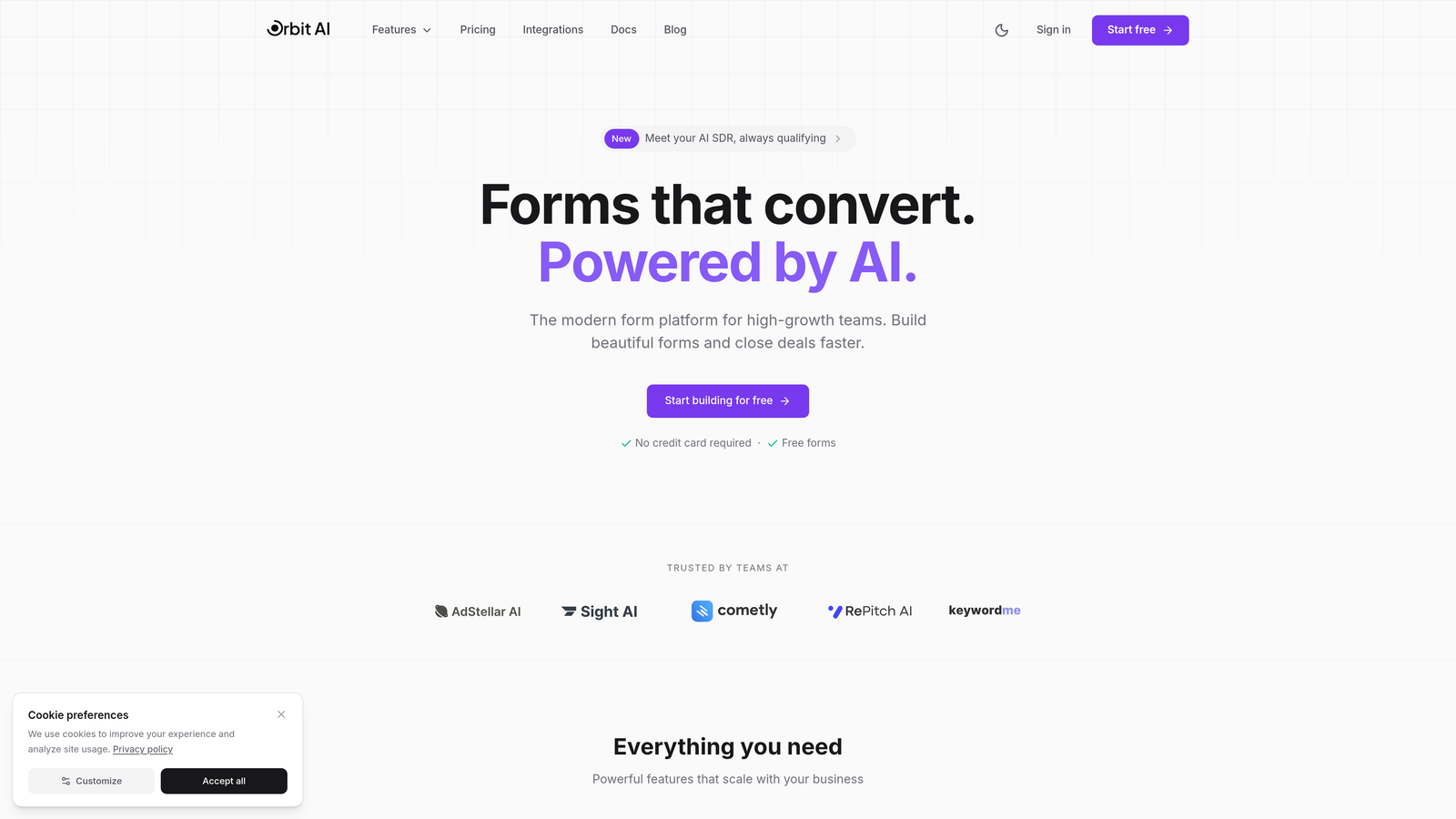
Orbit AI is an intelligent form builder platform designed specifically for teams focused on lead generation and conversion optimization.
Where This Tool Shines
Orbit AI distinguishes itself through genuine AI-powered lead qualification that automatically scores and routes prospects based on their responses. Instead of manually reviewing every form submission, your team gets pre-qualified leads delivered to the right person at the right time.
The platform combines this intelligence with conversion-focused design. Every template is built with growth in mind, using proven patterns that reduce friction and increase completion rates. The result is forms that look modern while actually performing better.
Key Features
AI-Powered Lead Qualification: Automatically scores and routes leads based on intelligent analysis of form responses.
Conversion-Optimized Templates: Pre-built form designs based on high-performing patterns that maximize completion rates.
Smart Conditional Logic: Dynamic form flows that adapt based on user responses for personalized experiences.
Native CRM Integrations: Seamless connections with popular CRM platforms for automatic data sync.
Real-Time Analytics Dashboard: Comprehensive insights into form performance, conversion rates, and lead quality metrics.
Best For
Orbit AI works best for high-growth SaaS companies, B2B teams, and marketing agencies that need to qualify leads at scale without adding manual review work. If you're tired of sorting through unqualified submissions and want forms that actively improve your conversion funnel, this platform delivers.
Pricing
Free tier available for teams getting started. Paid plans begin at $29/month with access to advanced AI features and predictable response limits.
2. Typeform
Best for: Creating engaging, conversational form experiences with high completion rates
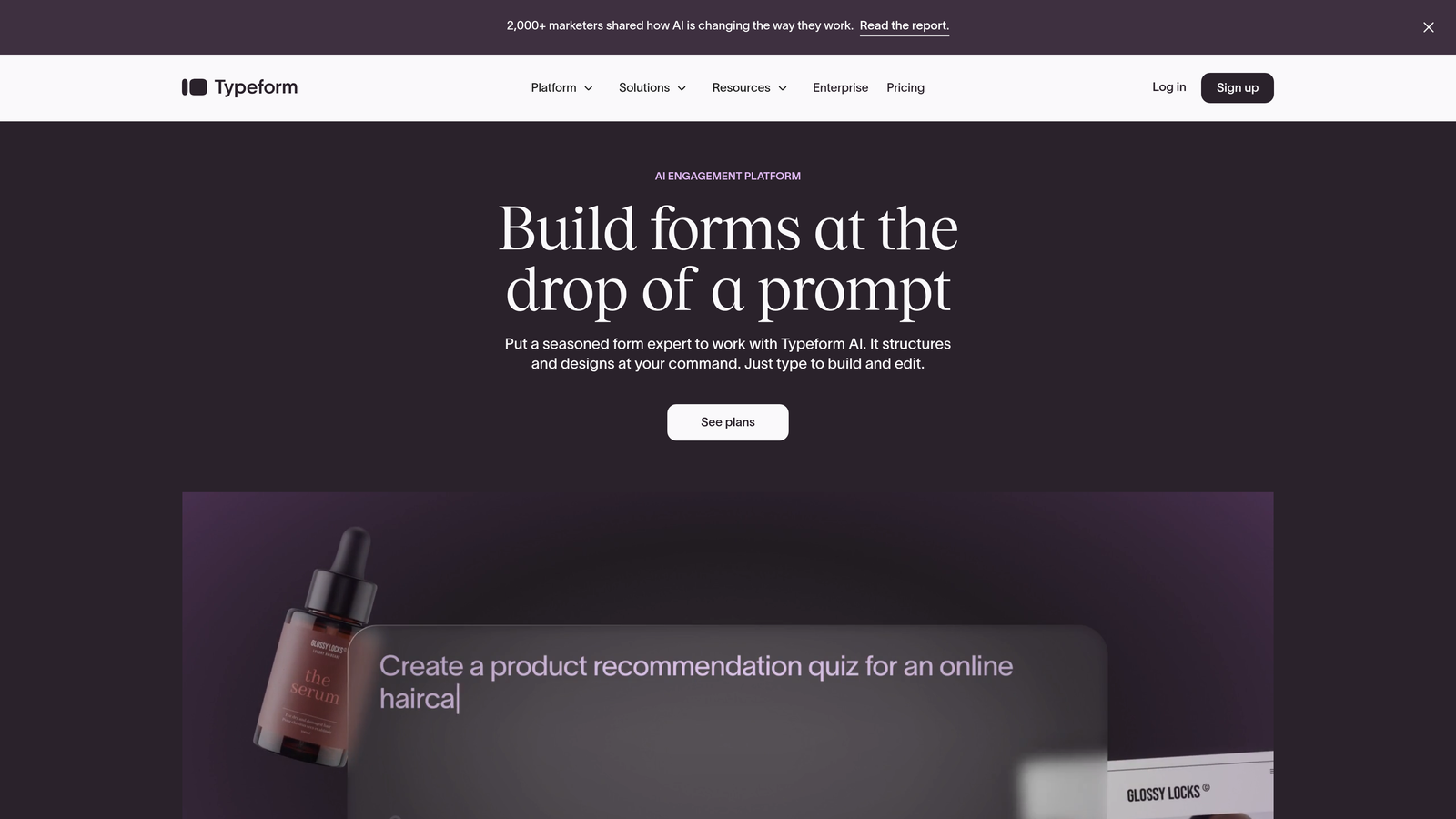
Typeform pioneered the one-question-at-a-time approach that makes forms feel more like conversations than interrogations.
Where This Tool Shines
Typeform's conversational interface reduces cognitive load by presenting questions sequentially. This approach consistently achieves higher completion rates compared to traditional multi-field forms, especially for longer surveys.
The platform excels at creating branded experiences that feel premium and thoughtful. Video backgrounds, custom fonts, and smooth transitions make every form feel intentionally designed rather than thrown together.
Key Features
Conversational Interface: One-question-at-a-time format that increases engagement and completion rates.
Logic Jumps and Branching: Sophisticated conditional paths that personalize the experience based on previous answers.
Video and Image Embedding: Rich media support for creating visually compelling forms.
Native Integrations: Direct connections to popular tools like Slack, Google Sheets, and Mailchimp.
Brand Customization: Comprehensive design controls for matching forms to your brand identity.
Best For
Typeform works brilliantly for customer feedback surveys, event registrations, and lead capture where user experience matters as much as data collection. Design-conscious brands and teams prioritizing engagement over speed will appreciate this platform.
Pricing
Free tier available with Typeform branding. Basic plan starts at $25/month for removing branding and accessing logic jumps.
3. Jotform
Best for: Teams needing extensive template variety and customization for diverse use cases
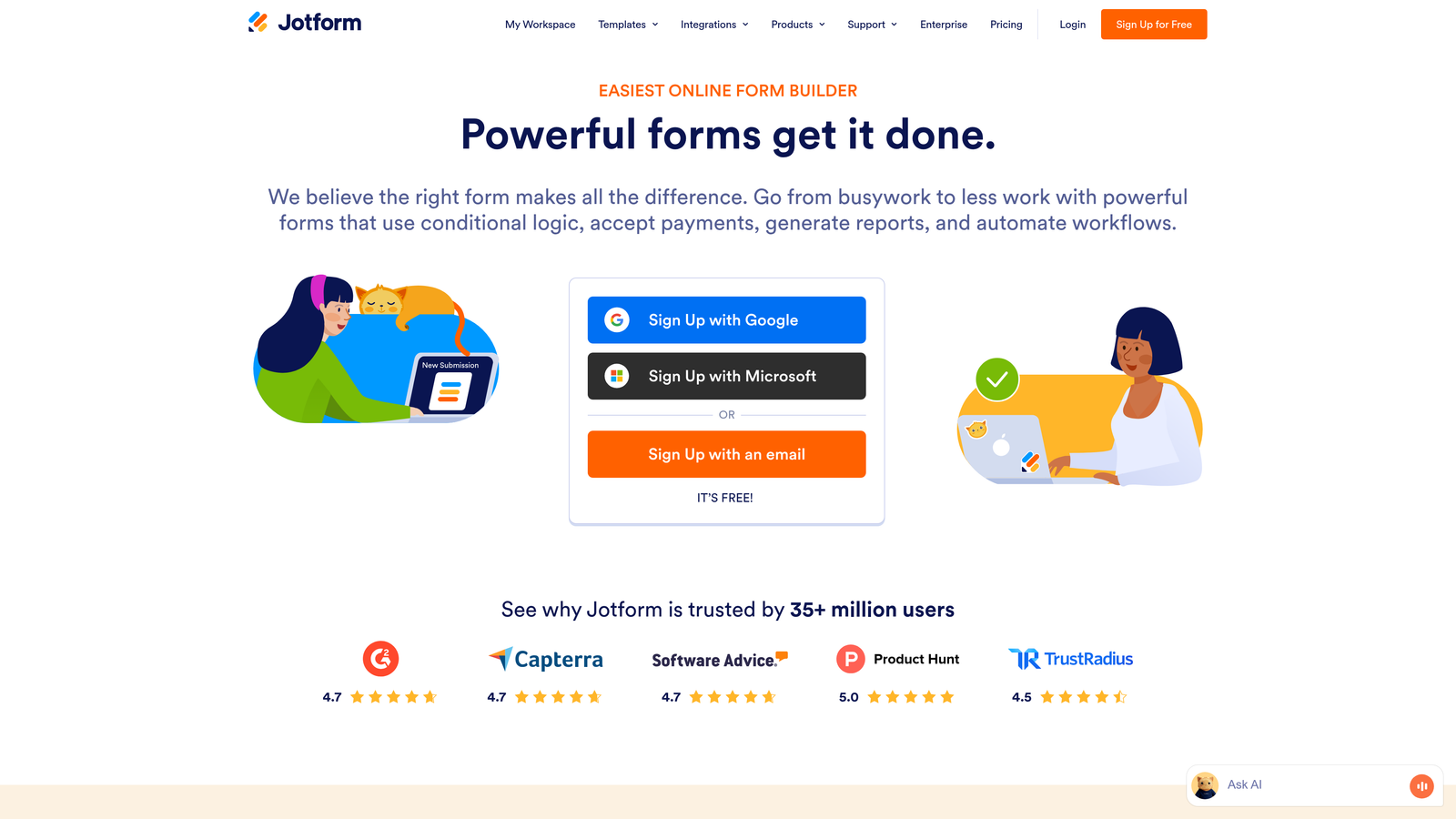
Jotform offers over 10,000 pre-built templates covering virtually every form scenario imaginable, from job applications to payment collection.
Where This Tool Shines
Jotform's massive template library means you rarely start from scratch. Whether you need a complex multi-page application form or a simple contact form, there's likely a template that gets you 80% of the way there.
The platform handles complex workflows that other builders struggle with—approval processes, PDF generation, payment collection, and appointment scheduling all work natively without third-party integrations.
Key Features
10,000+ Form Templates: Industry-specific templates for nearly every business scenario and use case.
Drag-and-Drop Builder: Intuitive editor that makes customization accessible without coding knowledge.
Payment Integrations: Built-in support for PayPal, Stripe, Square, and other payment processors.
PDF Form Generation: Automatic conversion of submissions into professionally formatted PDF documents.
Approval Workflows: Multi-step approval processes for applications, requests, and submissions.
Best For
Jotform suits organizations with diverse form needs—HR departments, educational institutions, service businesses, and agencies managing multiple clients. If you need one platform to handle everything from event registration to job applications, Jotform delivers that versatility.
Pricing
Free tier includes up to 5 forms with 100 monthly submissions. Bronze plan starts at $34/month for 25 forms and increased submission limits.
4. Tally
Best for: Budget-conscious teams wanting unlimited forms with a clean, Notion-like interface
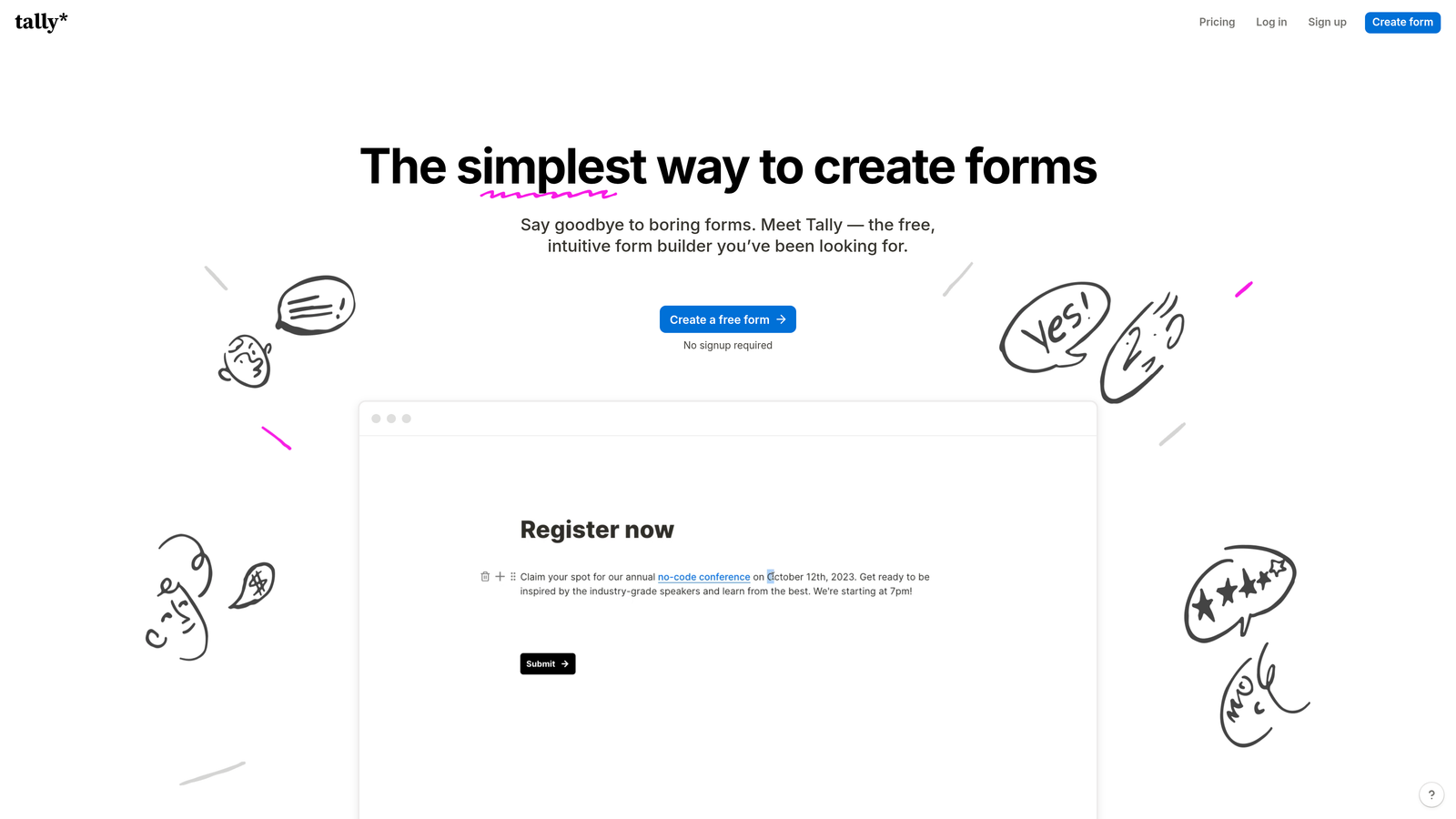
Tally brings Notion's familiar block-based editing to form building, with an incredibly generous free tier that includes unlimited forms.
Where This Tool Shines
Tally's free tier genuinely competes with paid tools. Unlimited forms, unlimited submissions, and no branding requirements make it exceptional value for startups and small teams.
The Notion-style editor feels immediately familiar if you already use block-based tools. Building forms becomes as intuitive as writing a document—add blocks, rearrange them, customize as needed. No learning curve required.
Key Features
Unlimited Free Forms: No artificial limits on form creation or monthly submissions on the free plan.
Notion-Style Editor: Block-based interface that makes form building feel natural and intuitive.
Conditional Logic: Smart form flows that adapt based on user responses without upgrading to paid plans.
File Uploads: Allow respondents to attach documents, images, and other files to submissions.
Collaboration Features: Team members can edit forms together in real-time.
Best For
Tally works perfectly for bootstrapped startups, nonprofits, and teams already using Notion who want consistency across their tools. If you need solid form functionality without monthly costs eating into your budget, this platform delivers.
Pricing
Genuinely generous free tier with unlimited forms. Pro plan starts at $29/month for custom domains and advanced features.
5. Google Forms
Best for: Quick internal surveys and data collection within Google Workspace teams
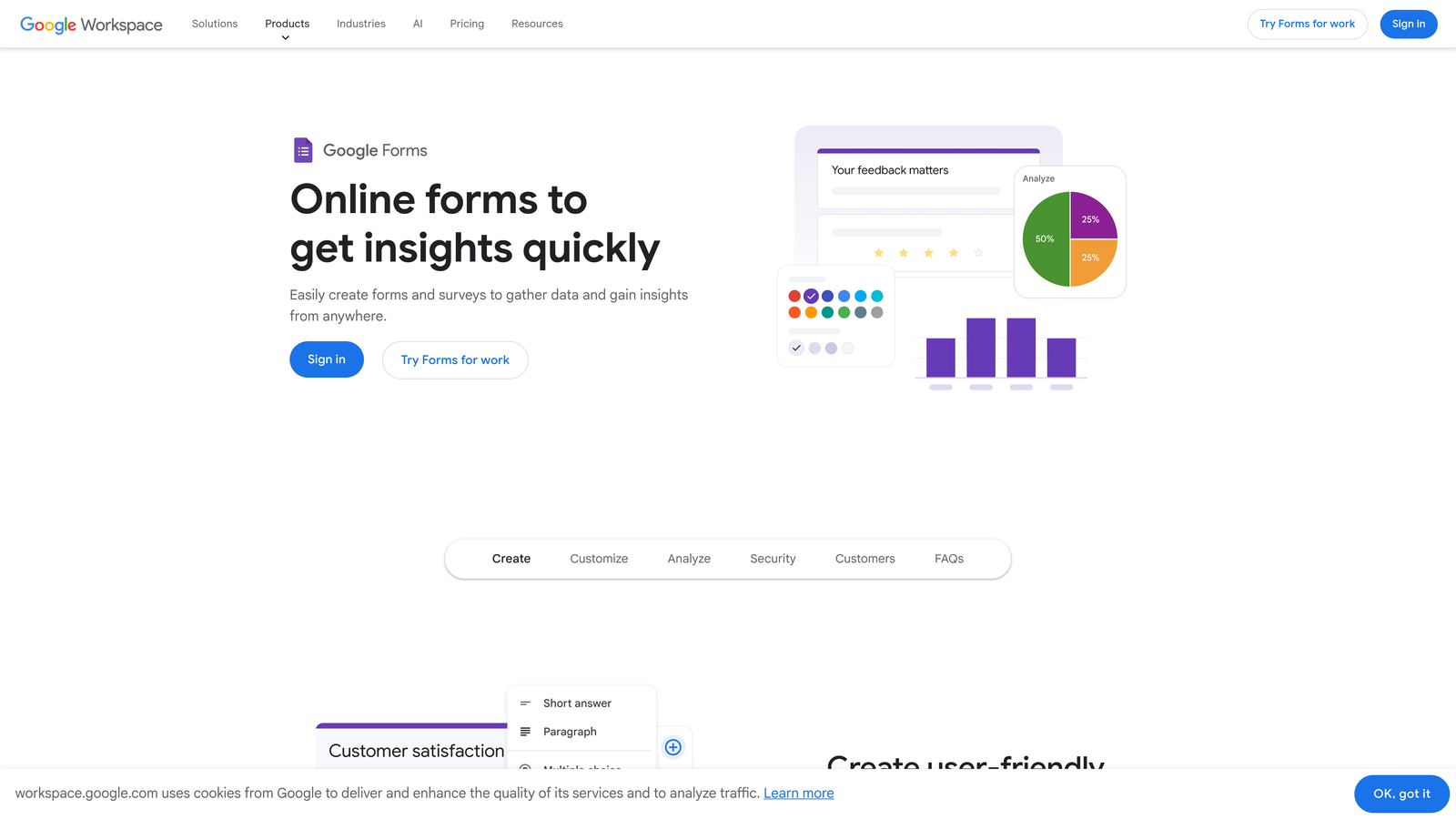
Google Forms provides straightforward form building completely free, with seamless integration across Google's ecosystem.
Where This Tool Shines
Google Forms excels at speed and simplicity. Need to create a quick team survey or event RSVP? You can build and share a functional form in under five minutes.
The automatic Google Sheets integration means your data lives where your team already works. No export steps, no sync delays—responses appear instantly in a spreadsheet ready for analysis or sharing.
Key Features
Completely Free: No hidden costs, no submission limits, no premium tiers—genuinely free forever.
Google Sheets Integration: Automatic data sync to spreadsheets for instant analysis and collaboration.
Real-Time Collaboration: Multiple team members can edit forms simultaneously with change tracking.
Basic Conditional Logic: Simple question branching based on previous responses.
Mobile Responsive: Forms automatically adapt to any device without additional configuration.
Best For
Google Forms works best for internal team surveys, event planning, quick feedback collection, and situations where you need functional forms fast without design complexity. Organizations already invested in Google Workspace will find this integration seamless.
Pricing
Completely free with any Google account. No paid tiers or premium features.
6. SurveyMonkey
Best for: Enterprise research teams needing advanced analytics and benchmarking data
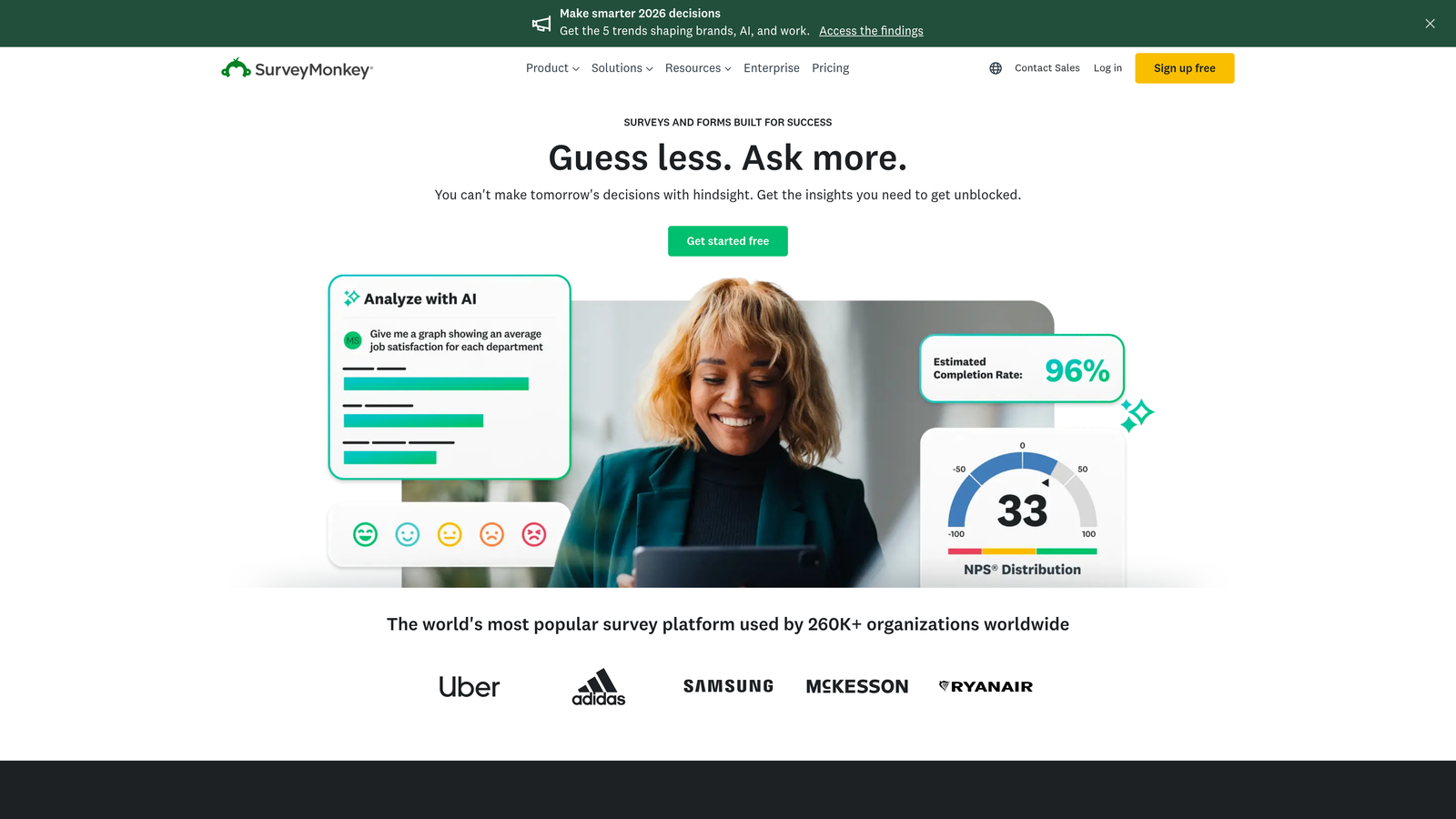
SurveyMonkey is the enterprise-grade survey platform with sophisticated research features, AI-powered analysis, and industry benchmarking capabilities.
Where This Tool Shines
SurveyMonkey brings research-level rigor to survey design. The platform offers question banks developed by survey methodologists, ensuring you're asking questions that actually yield useful data rather than biased responses.
The AI-powered analysis tools identify trends and insights automatically, saving hours of manual data review. For teams conducting regular customer research or employee surveys, these analytics features justify the premium pricing.
Key Features
Advanced Survey Logic: Complex branching, piping, and randomization for sophisticated research design.
AI-Powered Analysis: Automatic sentiment analysis and trend identification in open-ended responses.
Benchmarking Data: Compare your results against industry standards and peer organizations.
Enterprise Security: HIPAA compliance, SSO, and advanced data protection for regulated industries.
Multi-Language Support: Create surveys in multiple languages with automatic translation assistance.
Best For
SurveyMonkey suits market research teams, HR departments running employee engagement surveys, and enterprises needing compliance-ready survey tools. If you're making strategic decisions based on survey data, the advanced analytics and benchmarking features provide genuine value.
Pricing
Free tier available with limited features. Team Advantage plan starts at $25/user/month for full analytics and collaboration features.
7. Paperform
Best for: Creating form-based landing pages with built-in payment processing
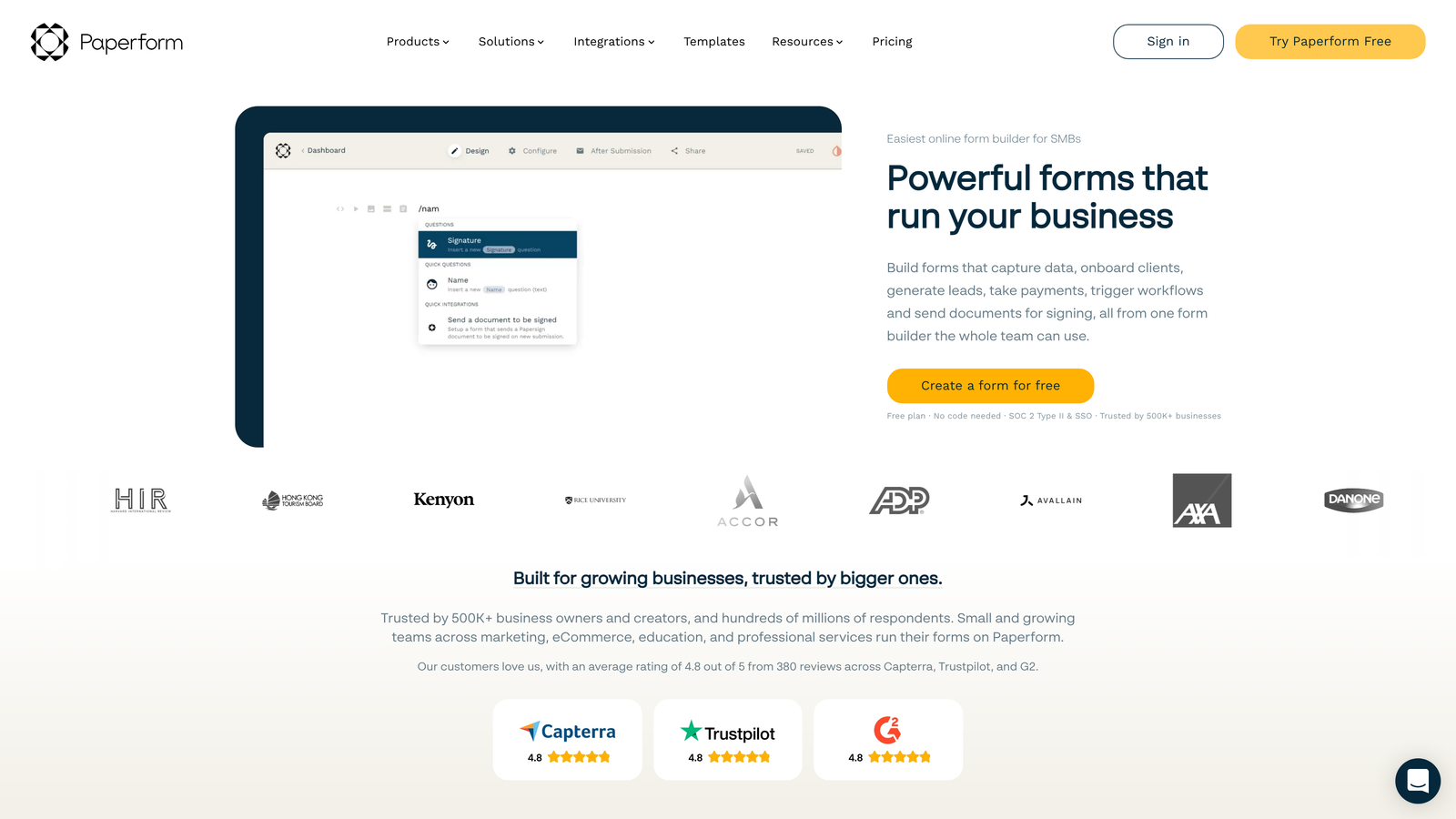
Paperform blurs the line between form builder and landing page creator, offering rich design flexibility and native payment capabilities.
Where This Tool Shines
Paperform treats forms as full landing pages rather than embedded widgets. This approach lets you build entire product pages, booking systems, or registration experiences without needing separate landing page software.
The payment processing integration goes beyond simple donation buttons. You can build product catalogs, calculate pricing based on selections, and handle complex payment scenarios all within the form itself.
Key Features
Landing Page Functionality: Full-page forms with rich text, images, and custom layouts beyond traditional form fields.
Payment Processing: Native Stripe integration for accepting payments, subscriptions, and complex pricing.
Product Catalogs: Display products with images and descriptions, calculate totals automatically.
Custom Branding: Complete control over fonts, colors, and styling to match your brand.
Appointment Scheduling: Built-in calendar integration for booking appointments and reservations.
Best For
Paperform excels for service businesses selling bookings or consultations, course creators managing registrations and payments, and teams that want forms to double as conversion-focused landing pages. If you're collecting money alongside information, this platform streamlines the entire flow.
Pricing
Essentials plan starts at $24/month with unlimited forms and full feature access. No free tier available.
8. Fillout
Best for: Teams managing structured data in Airtable, Notion, or other databases
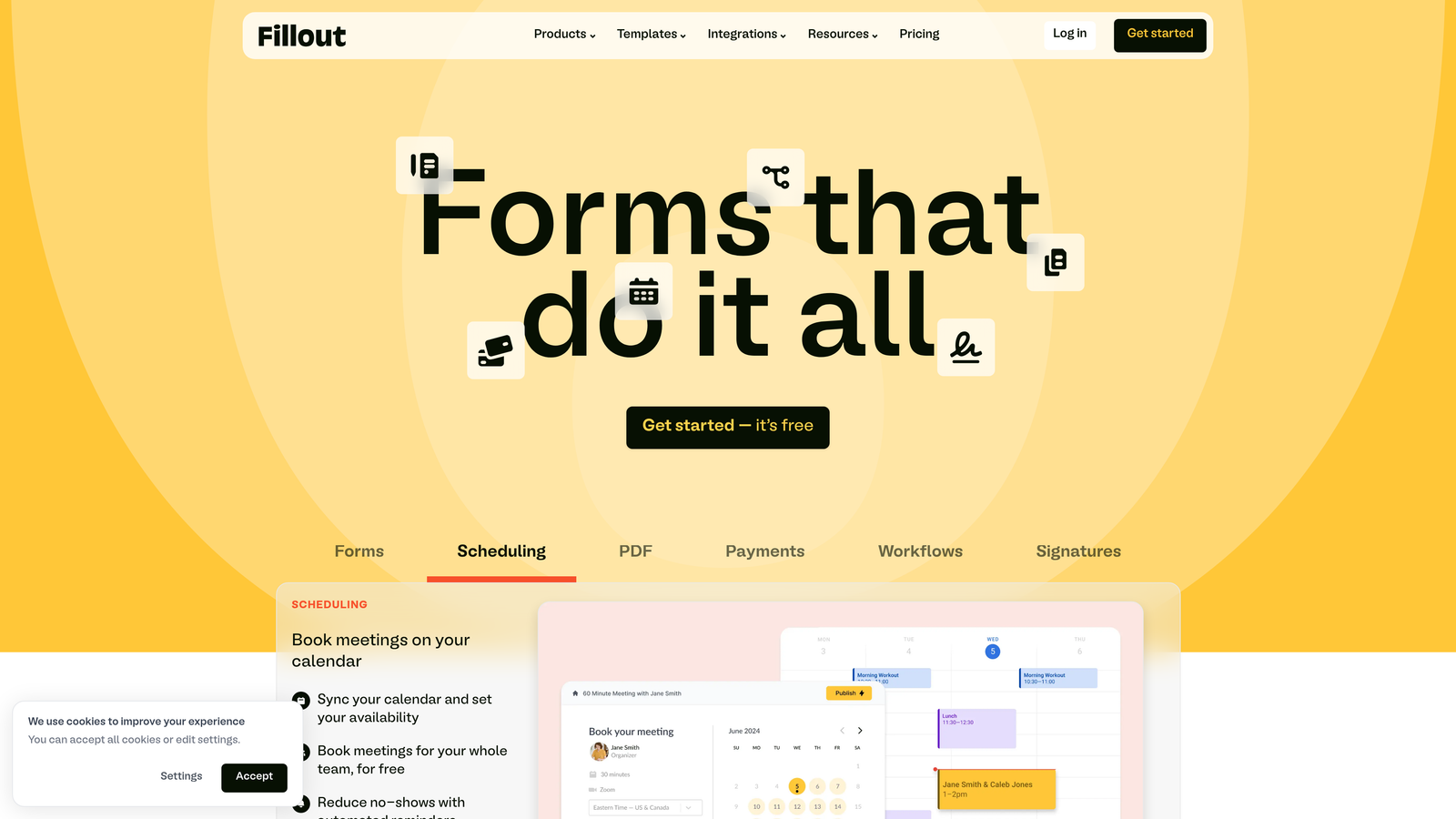
Fillout specializes in native database integrations, making it the ideal choice for teams using Airtable or Notion as their source of truth.
Where This Tool Shines
Fillout's Airtable integration is genuinely native—not a third-party connector that breaks randomly. Form submissions write directly to your Airtable bases, and you can even pre-populate forms with existing Airtable data for update workflows.
The platform handles multi-page forms elegantly, with progress indicators and save-and-resume functionality that reduces abandonment on longer forms. This makes it practical for applications, onboarding flows, and detailed data collection.
Key Features
Native Airtable Sync: Direct two-way integration with Airtable bases for seamless data management.
Notion Integration: Write form submissions directly to Notion databases without middleware.
Multi-Page Forms: Split long forms across multiple pages with progress tracking and save functionality.
Conditional Logic: Show or hide questions based on previous responses for personalized experiences.
Custom Domains: Host forms on your own domain for brand consistency and trust.
Best For
Fillout suits teams already managing workflows in Airtable or Notion who need forms that integrate natively rather than through fragile third-party connections. If your operations run on structured databases, this platform eliminates data sync headaches.
Pricing
Free tier available with basic features. Starter plan begins at $15/month for custom domains and advanced integrations.
9. Formstack
Best for: Enterprise teams requiring HIPAA compliance and workflow automation
Formstack focuses on enterprise needs—compliance, security, workflow automation, and document generation for regulated industries.
Where This Tool Shines
Formstack's HIPAA-compliant forms make it the go-to choice for healthcare organizations collecting patient information. The platform handles encryption, audit trails, and security requirements that most form builders ignore.
The workflow automation extends beyond simple email notifications. You can trigger complex approval processes, generate custom documents from form data, and route submissions through multi-step workflows—all without coding or third-party automation tools.
Key Features
HIPAA Compliance: Full compliance certification for healthcare organizations collecting protected health information.
Workflow Automation: Advanced routing, approvals, and process automation based on form submissions.
Document Generation: Automatically create PDFs, contracts, and documents populated with form data.
E-Signatures: Collect legally binding signatures directly within forms.
Advanced Security: Field-level encryption, SSO, and enterprise-grade access controls.
Best For
Formstack serves healthcare organizations, financial services firms, government agencies, and any enterprise with strict compliance requirements. If you need forms that meet regulatory standards while automating complex workflows, this platform delivers the necessary capabilities.
Pricing
Forms plan starts at $50/month. Enterprise pricing available for HIPAA compliance and advanced security features.
10. Cognito Forms
Best for: Service businesses with complex pricing, calculations, and payment needs
Cognito Forms excels at advanced calculations, making it ideal for quote forms, order forms, and any scenario requiring dynamic pricing.
Where This Tool Shines
Cognito Forms handles calculation complexity that breaks other form builders. You can build forms that calculate pricing based on multiple variables, apply discounts conditionally, and show real-time totals as users make selections.
The repeating sections feature lets users add multiple items to a single form—perfect for order forms where customers might purchase several products or services in one submission. This functionality typically requires custom development in other platforms.
Key Features
Advanced Calculations: Complex formulas and conditional pricing based on user selections and inputs.
Payment Processing: Native integration with Stripe and PayPal for collecting payments within forms.
Repeating Sections: Allow users to add multiple items or entries within a single form submission.
Conditional Logic: Show, hide, or require fields based on sophisticated conditional rules.
Data Encryption: Field-level encryption for sensitive information like social security numbers.
Best For
Cognito Forms works brilliantly for contractors and consultants creating quote forms, event organizers with complex registration pricing, and service businesses that need dynamic pricing calculations. If your forms need to do math beyond simple addition, this platform handles it.
Pricing
Free tier available for basic forms. Pro plan starts at $15/month for payment processing and advanced features.
11. HubSpot Forms
Best for: Sales and marketing teams already using HubSpot's CRM ecosystem
HubSpot Forms is the native form builder within HubSpot's platform, offering seamless CRM integration for teams managing the entire customer journey.
Where This Tool Shines
HubSpot Forms eliminates the data sync nightmare that plagues most form-to-CRM workflows. Every submission automatically creates or updates contact records, logs activities, and triggers workflows—all without middleware or integration setup.
The progressive profiling feature gradually collects information across multiple form submissions, preventing form fatigue while building comprehensive contact profiles over time. This approach increases conversion rates while still gathering the data you need.
Key Features
CRM Auto-Sync: Instant contact creation and updates in HubSpot CRM without manual import or third-party tools.
Progressive Profiling: Show different questions to returning visitors to gradually build complete contact profiles.
Smart Fields: Pre-populate forms with known contact information to reduce friction for returning visitors.
Lead Scoring Integration: Automatically score leads based on form submissions and engagement behavior.
A/B Testing: Test form variations to optimize conversion rates with built-in analytics.
Best For
HubSpot Forms makes perfect sense for teams already invested in HubSpot's ecosystem. If you're managing marketing campaigns, sales pipelines, and customer data in HubSpot, using the native form builder eliminates integration complexity and data sync issues.
Pricing
Free with HubSpot account. Advanced features like progressive profiling and A/B testing require Marketing Hub paid tiers.
Making the Right Choice
Selecting the right survey and form builder depends on your team's priorities and workflow. For AI-powered lead qualification and conversion optimization designed specifically for high-growth teams, Orbit AI delivers intelligent forms that work as hard as your sales team.
Typeform excels when user experience matters most—customer feedback surveys, event registrations, and any scenario where completion rates directly impact your results. Jotform's massive template library and versatility make it ideal for organizations with diverse form needs across departments.
Budget-conscious teams will appreciate Tally's genuinely generous free tier that doesn't sacrifice essential features. Google Forms remains unbeatable for quick internal surveys and teams already living in Google Workspace. For enterprise research and sophisticated analytics, SurveyMonkey provides the depth and benchmarking capabilities that justify premium pricing.
Paperform bridges forms and landing pages beautifully for service businesses collecting payments. Fillout solves the database integration challenge for Airtable and Notion power users. Formstack handles compliance requirements that regulated industries can't compromise on. Cognito Forms tackles calculation complexity that breaks other builders. And HubSpot Forms eliminates integration headaches for teams already managing their growth engine in HubSpot's ecosystem.
The form builder you choose should align with how your team actually works—not force you into new processes. Consider your integration requirements, compliance needs, and whether you're optimizing for internal efficiency or external conversion rates. The right platform makes form building feel effortless while delivering the data quality and lead intelligence your business depends on.
Transform your lead generation with AI-powered forms that qualify prospects automatically while delivering the modern, conversion-optimized experience your high-growth team needs. Start building free forms today and see how intelligent form design can elevate your conversion strategy.


