

Your form is often the first real interaction a prospect has with your SaaS product—and a clunky, generic form can kill conversions before they start. Think about it: someone visits your site, excited about your solution, clicks "Request Demo," and lands on a form that feels like it was built in 2015. The moment's gone.
For high-growth SaaS teams, forms aren't just data collection tools. They're qualification engines, conversion touchpoints, and the gateway to your sales pipeline. The right form builder needs to do more than look good—it needs to integrate with your CRM, score leads automatically, adapt to your brand, and provide the analytics you need to optimize every step of the funnel.
We evaluated these form builders based on what actually matters for SaaS companies: lead qualification capabilities, depth of CRM integrations, analytics that drive decisions, customization that maintains brand consistency, and pricing that scales with your growth. Whether you're capturing demo requests, running product surveys, or qualifying enterprise leads, here are the top tools built for teams like yours.
1. Orbit AI
Best for: High-growth SaaS teams needing AI-powered lead qualification and conversion optimization
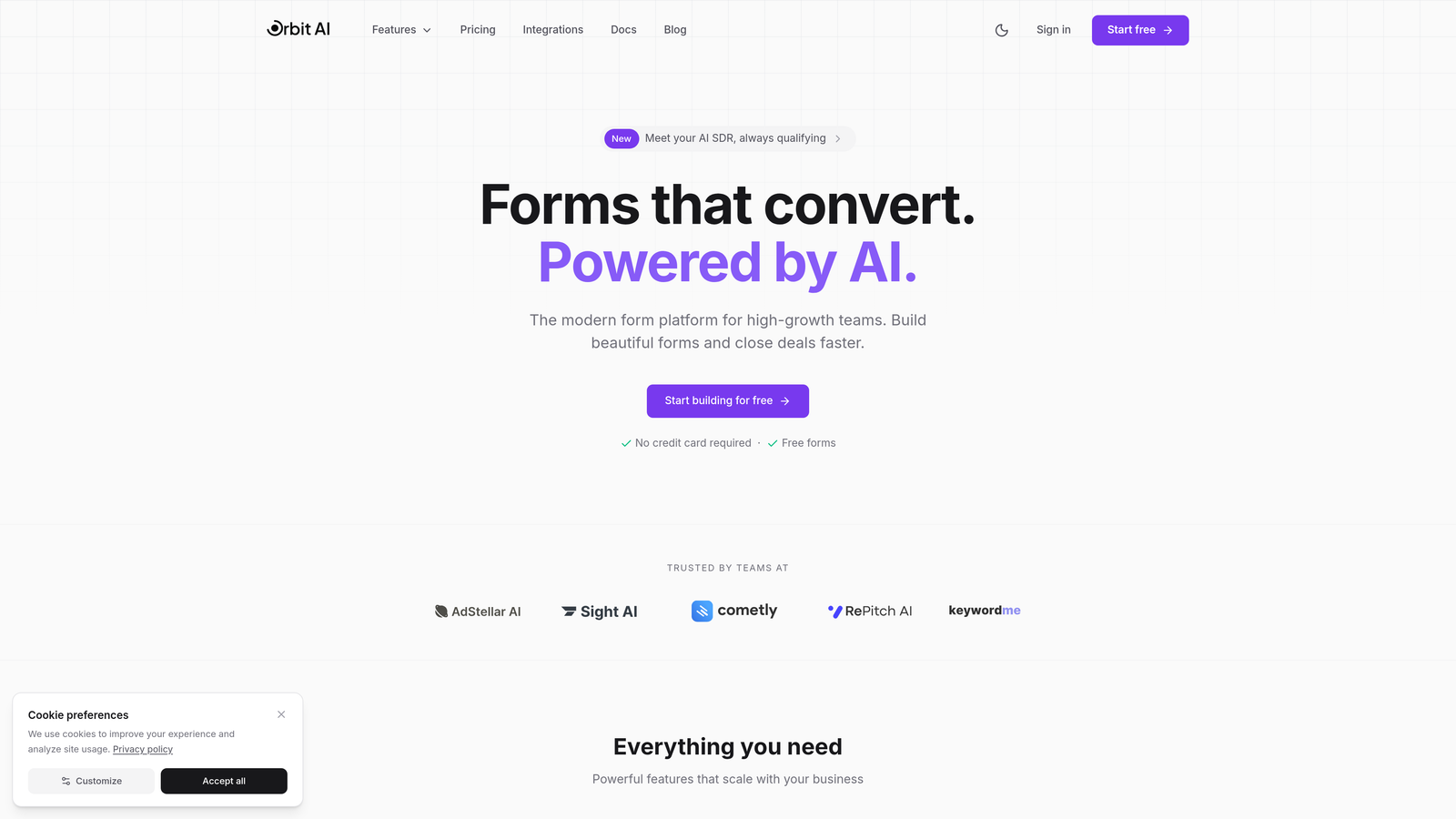
Orbit AI is an AI-powered form builder designed specifically for SaaS companies that need intelligent lead qualification without the manual work.
Where This Tool Shines
Orbit AI stands out by automating the lead qualification process that typically eats up hours of sales team time. The platform uses AI to score and qualify leads in real-time, routing high-intent prospects to sales immediately while nurturing others through automated workflows.
The conversion-optimized templates are built on data from high-performing SaaS forms, so you're starting with designs that already work. No guessing about layout, field order, or button placement—the platform applies best practices automatically while giving you full control over branding and messaging.
Key Features
AI-Powered Lead Qualification: Automatically scores and qualifies leads based on responses, routing high-value prospects to sales instantly.
Conversion-Optimized Templates: Pre-built form designs based on SaaS conversion data, customizable to match your brand.
Deep CRM Integrations: Native connections with HubSpot, Salesforce, Slack, and other tools in your stack.
Built-In Analytics: Track form performance, completion rates, and conversion metrics without external tools.
Workflow Automation: Create automated follow-up sequences based on form responses and qualification scores.
Best For
Orbit AI is ideal for B2B SaaS companies with high lead volumes that need to qualify prospects efficiently. If your sales team is drowning in unqualified leads or you're trying to scale without adding headcount, the AI qualification capabilities can transform your pipeline quality.
Pricing
Contact for pricing. The platform is built for scaling SaaS teams with enterprise-grade needs, so pricing reflects the advanced AI capabilities and integration depth.
2. Typeform
Best for: Creating conversational, engaging form experiences that feel human
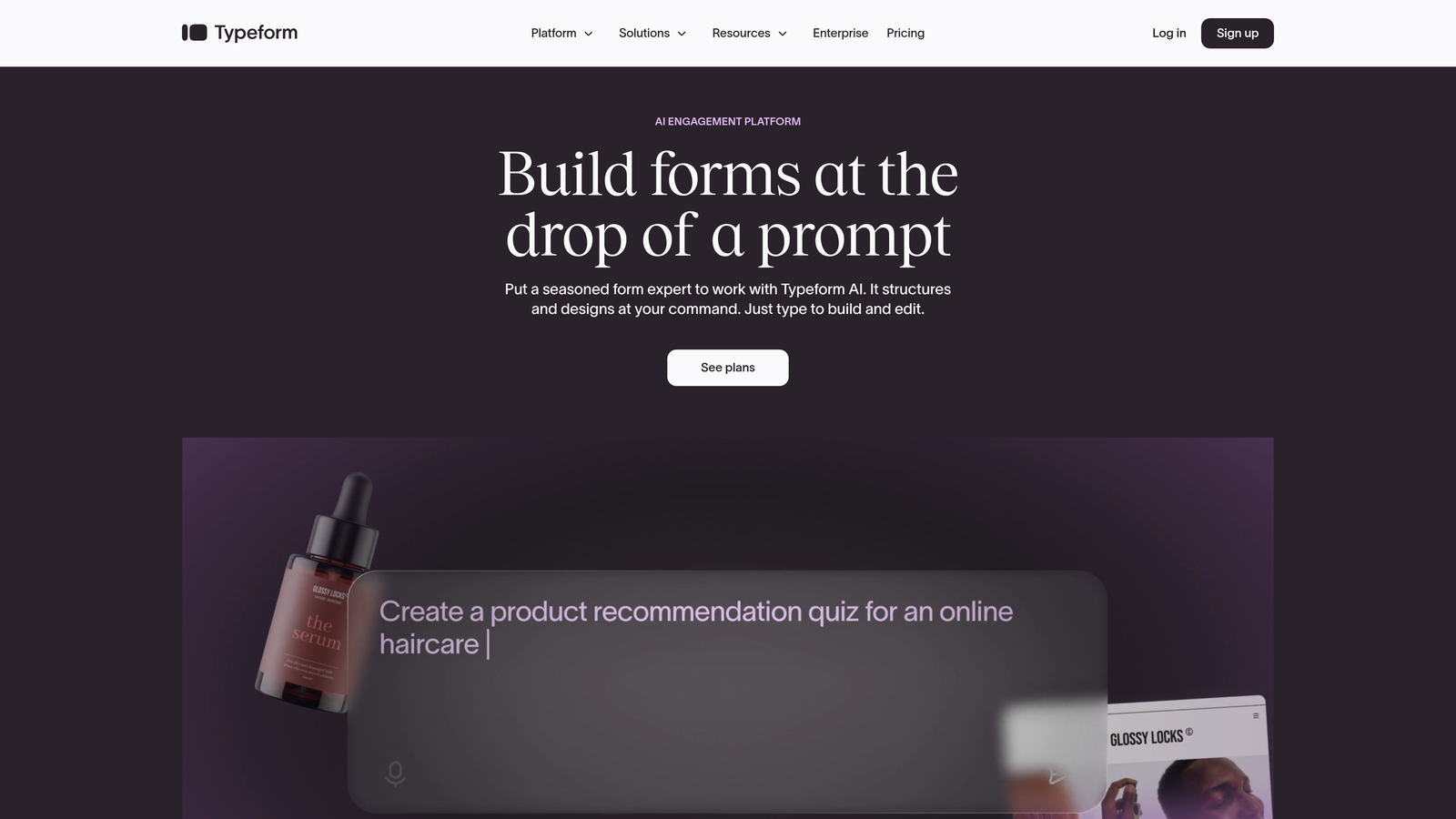
Typeform pioneered the one-question-at-a-time format that makes forms feel like conversations rather than interrogations.
Where This Tool Shines
Typeform's conversational interface significantly reduces form abandonment by presenting questions one at a time. Instead of overwhelming prospects with a wall of fields, they answer questions sequentially, creating a natural flow that feels more like a dialogue than a data dump.
The platform excels at brand customization, letting you control every visual element to match your SaaS brand perfectly. From custom fonts and colors to video backgrounds and branded thank-you screens, Typeform helps you maintain brand consistency throughout the lead capture experience.
Key Features
Conversational Interface: One-question-at-a-time format that improves completion rates and user experience.
Logic Jumps: Conditional branching that adapts questions based on previous answers, creating personalized experiences.
Brand Customization: Deep control over fonts, colors, images, and videos to match your brand identity.
Native Integrations: Connects with HubSpot, Salesforce, Google Sheets, Slack, and hundreds of other tools.
Rich Media Embedding: Add videos, images, and GIFs to make forms more engaging and interactive.
Best For
Typeform works best for SaaS companies prioritizing user experience and brand consistency. If you're running product surveys, NPS feedback forms, or demo requests where engagement matters more than speed, Typeform delivers.
Pricing
Free tier available with basic features. Paid plans start at $25/month, with higher tiers unlocking logic jumps, payment processing, and advanced integrations.
3. Jotform
Best for: Versatile form building with extensive templates and payment processing
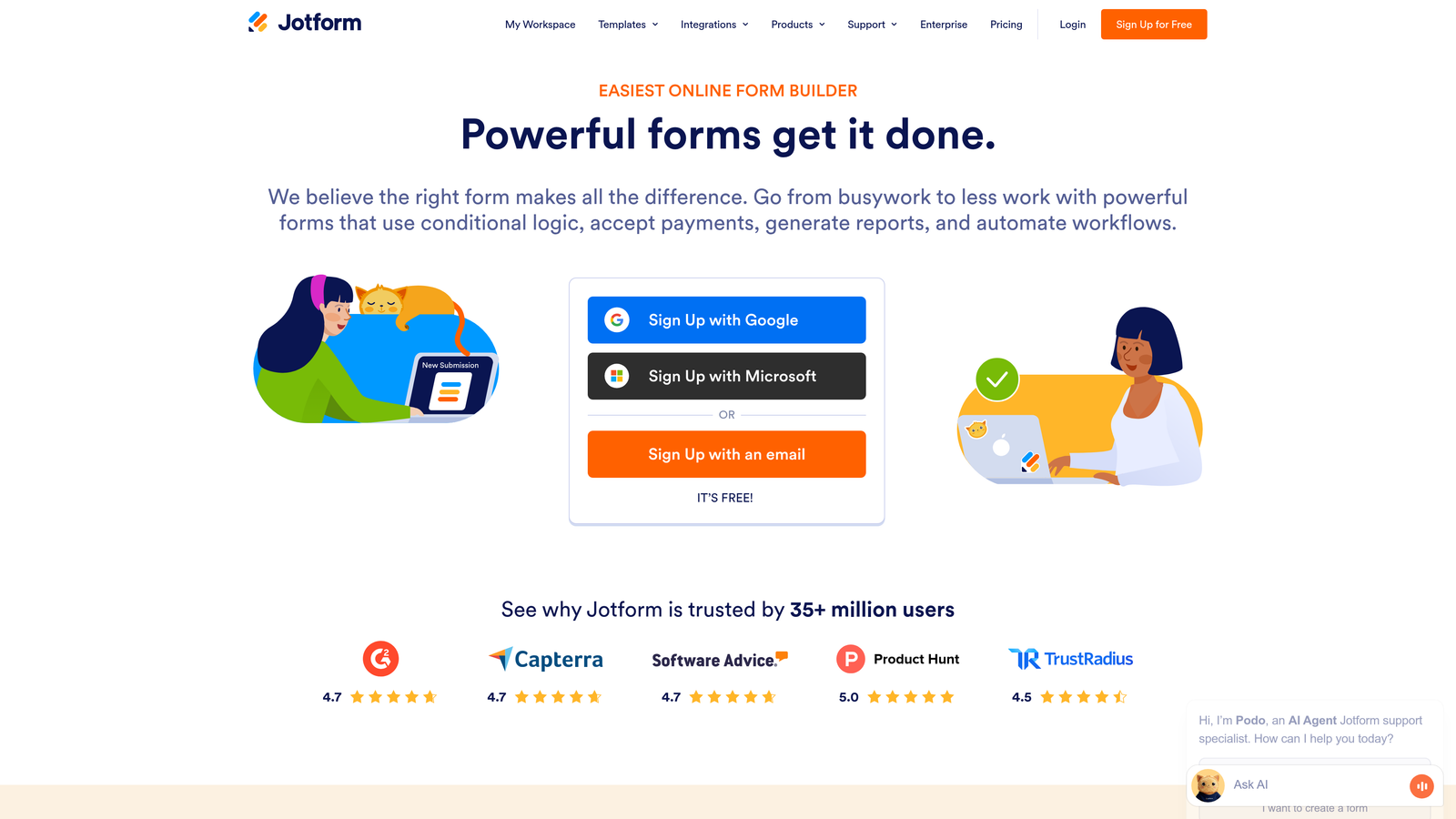
Jotform offers one of the largest template libraries in the industry, covering virtually every use case a SaaS company might encounter.
Where This Tool Shines
With over 10,000 templates, Jotform eliminates the blank canvas problem. Whether you need a customer feedback survey, event registration form, or payment collection form, there's likely a template that gets you 80% of the way there. This speed-to-deployment matters when you're launching campaigns or responding to market opportunities quickly.
The payment processing capabilities are particularly robust, with native integrations for Stripe, PayPal, and Square. For SaaS companies selling subscriptions, accepting deposits, or processing trial upgrades, Jotform handles the transaction flow seamlessly within the form experience.
Key Features
10,000+ Templates: Pre-built forms for virtually every use case, customizable to your needs.
Payment Integrations: Native support for Stripe, PayPal, Square, and other payment processors.
PDF Generation: Automatically create PDF documents from form submissions, useful for contracts and agreements.
Conditional Logic: Show or hide fields based on user responses, creating dynamic form experiences.
HIPAA Compliance: Enterprise plans include HIPAA-compliant options for healthcare SaaS companies.
Best For
Jotform is ideal for SaaS companies needing versatility and payment processing. If you're running diverse campaigns—from lead capture to event registration to payment collection—Jotform's breadth of features handles it all in one platform.
Pricing
Free tier includes 5 forms. Paid plans start at $34/month, with higher tiers offering more forms, submissions, and storage.
4. HubSpot Forms
Best for: SaaS teams already using HubSpot for CRM and marketing automation
HubSpot Forms is the native form builder within HubSpot's ecosystem, offering seamless integration with their CRM and marketing tools.
Where This Tool Shines
The power of HubSpot Forms lies in its deep integration with the HubSpot CRM. Every form submission automatically creates or updates contact records, triggers workflows, and feeds into your lead scoring models without any middleware or Zapier connections. For teams already invested in HubSpot, this native integration eliminates friction and data sync issues.
Progressive profiling is a standout feature that reduces form fatigue. Instead of asking for the same information repeatedly, HubSpot Forms recognizes returning visitors and asks new questions each time, gradually building complete contact profiles without overwhelming prospects with long forms.
Key Features
Native CRM Integration: Automatic contact creation, updates, and workflow triggers within HubSpot.
Progressive Profiling: Dynamically change form fields for returning visitors to collect new information over time.
Smart Fields: Auto-populate fields for known contacts, reducing friction and improving conversion rates.
Built-In A/B Testing: Test different form variations to optimize conversion rates directly in the platform.
Lead Scoring Integration: Form submissions automatically factor into HubSpot's lead scoring algorithms.
Best For
HubSpot Forms is the obvious choice for SaaS companies already using HubSpot for CRM or marketing automation. The native integration and progressive profiling capabilities make it difficult to justify using an external form builder if you're in the HubSpot ecosystem.
Pricing
Free with HubSpot CRM. Advanced features like A/B testing and progressive profiling require paid Marketing Hub subscriptions starting at $45/month.
5. Tally
Best for: Lean SaaS startups needing unlimited forms on a generous free tier
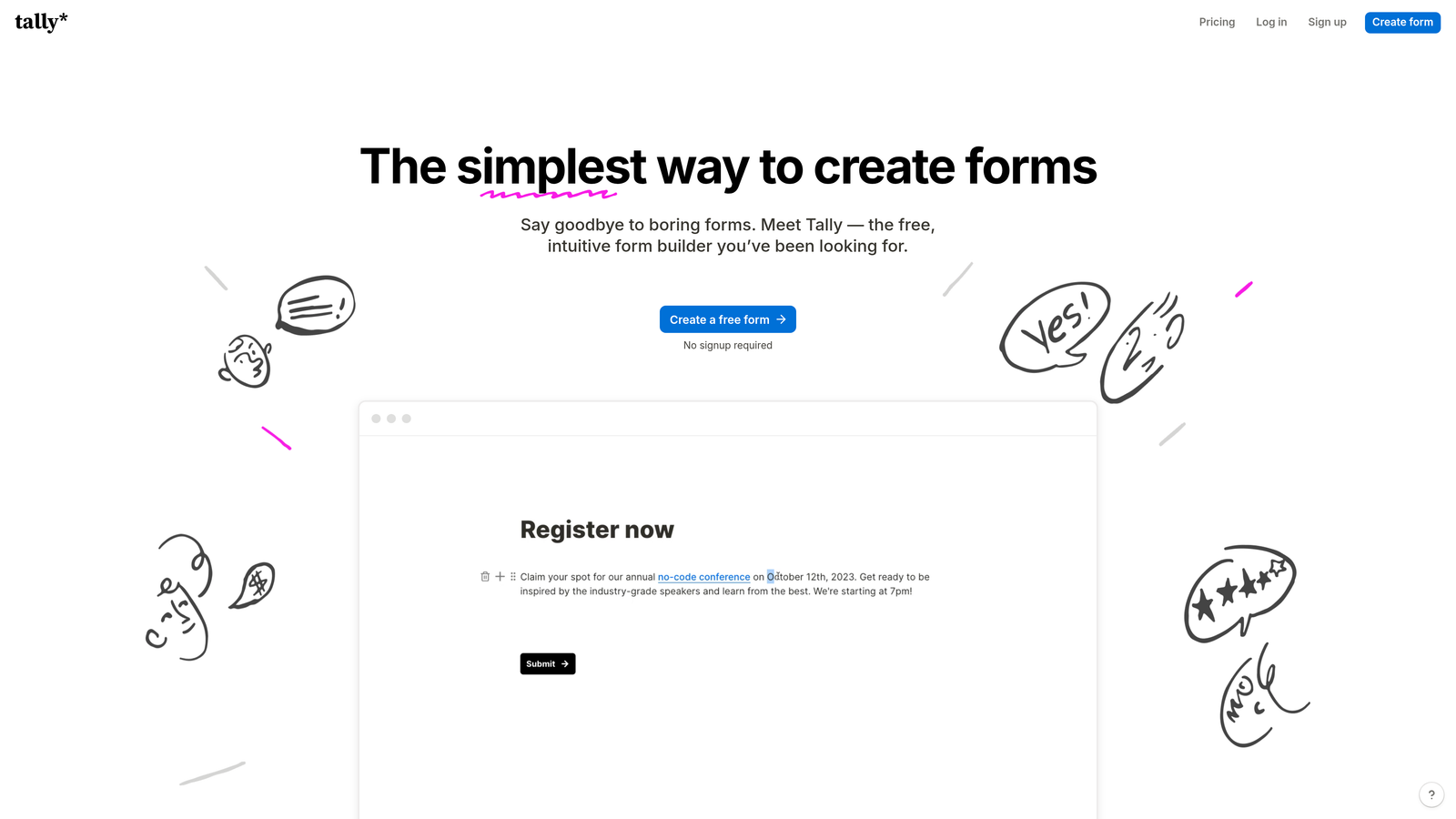
Tally brings a Notion-like simplicity to form building, with an incredibly generous free tier that includes unlimited forms and submissions.
Where This Tool Shines
Tally's block-based editor feels instantly familiar to anyone who's used Notion. You build forms by adding blocks—text, questions, images, embeds—in a linear, intuitive way. There's no learning curve, no complicated settings panels, just straightforward form building that gets out of your way.
The unlimited free tier is genuinely unlimited. No artificial caps on forms, submissions, or features. For early-stage SaaS startups watching every dollar, Tally provides professional form functionality without the monthly subscription cost, letting you invest resources elsewhere while still capturing leads effectively.
Key Features
Unlimited Free Plan: No caps on forms, submissions, or responses—truly unlimited on the free tier.
Block-Based Editor: Notion-style interface that makes form building intuitive and fast.
Conditional Logic: Show or hide questions based on previous answers, even on the free plan.
Native Notion Integration: Send form responses directly to Notion databases for teams using Notion as their backend.
Clean Design: Minimal, modern aesthetic that looks professional without customization effort.
Best For
Tally is perfect for bootstrapped SaaS startups and small teams that need professional forms without budget constraints. If you're pre-revenue or watching cash flow closely, Tally delivers surprising functionality at zero cost.
Pricing
Generous free tier with unlimited forms and submissions. Pro plan at $29/month adds custom domains, file uploads, and priority support.
6. Paperform
Best for: Product-led growth SaaS teams blending content and forms into landing pages
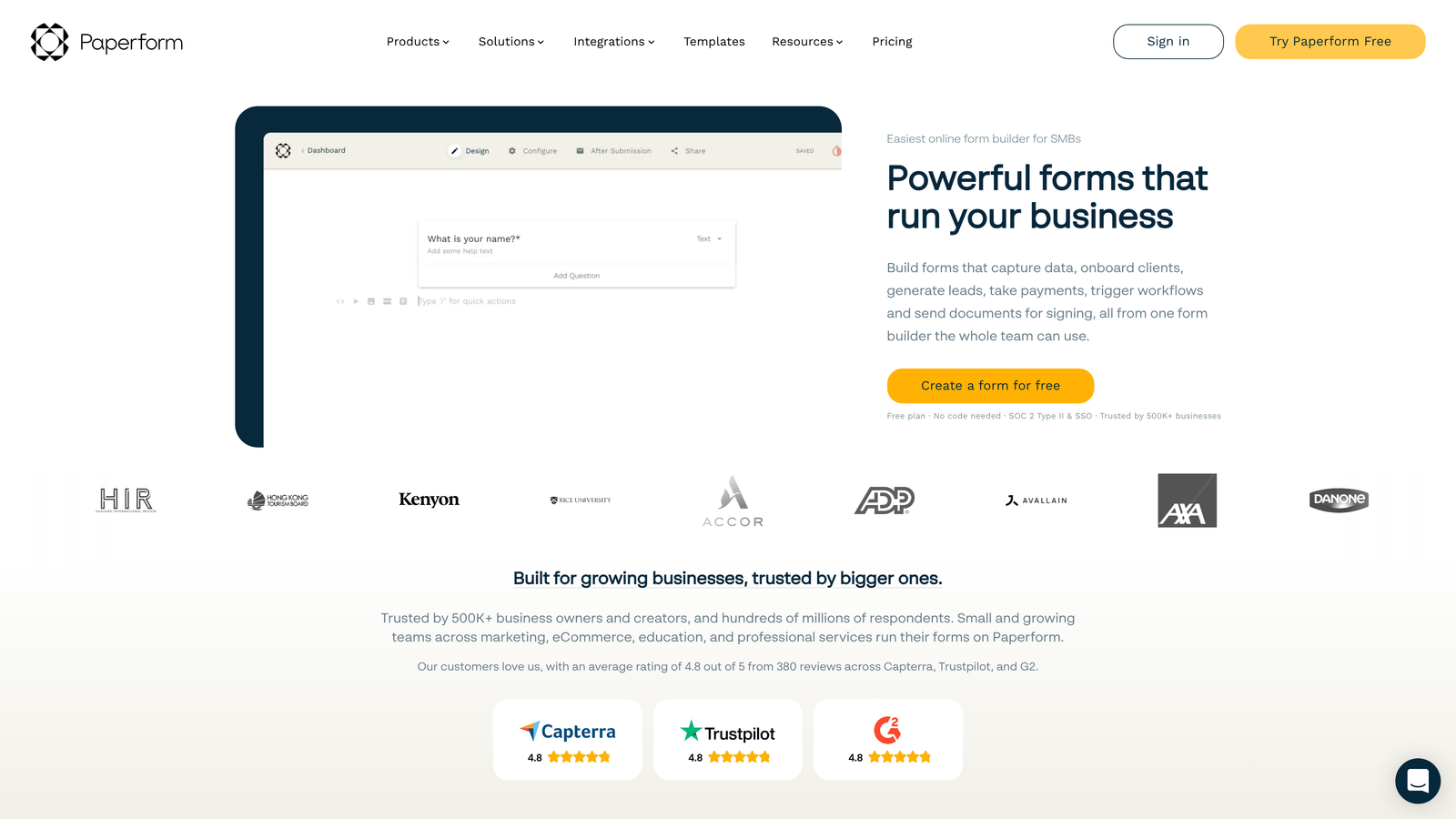
Paperform blurs the line between landing pages and forms, letting you create content-rich experiences that inform and convert simultaneously.
Where This Tool Shines
Paperform's hybrid approach lets you mix long-form content, images, videos, and form fields in a single page. This is powerful for product-led growth strategies where you need to educate prospects about your product while capturing their information. Instead of sending people to a landing page and then to a separate form, you create one cohesive experience.
The conditional logic capabilities are particularly advanced, letting you create complex, branching experiences based on user responses. You can show different pricing options, product recommendations, or follow-up questions dynamically, creating personalized experiences that feel tailored to each prospect's needs.
Key Features
Landing Page-Form Hybrid: Blend content, media, and form fields into single, cohesive experiences.
Advanced Conditional Logic: Create complex branching paths based on responses, calculations, and hidden fields.
Payment Processing: Accept payments, subscriptions, and bookings directly within forms.
Custom Branding: Full control over themes, colors, fonts, and CSS for brand consistency.
Calculation Fields: Build pricing calculators, quote generators, and scoring systems within forms.
Best For
Paperform excels for SaaS companies running product-led growth strategies where education and conversion happen simultaneously. If you need to explain complex products while capturing leads, Paperform's content-form hybrid approach delivers both.
Pricing
Essentials plan starts at $24/month. Pro plan at $44/month adds custom domains, integrations, and advanced features.
7. Formstack
Best for: Enterprise SaaS companies requiring compliance certifications and advanced security
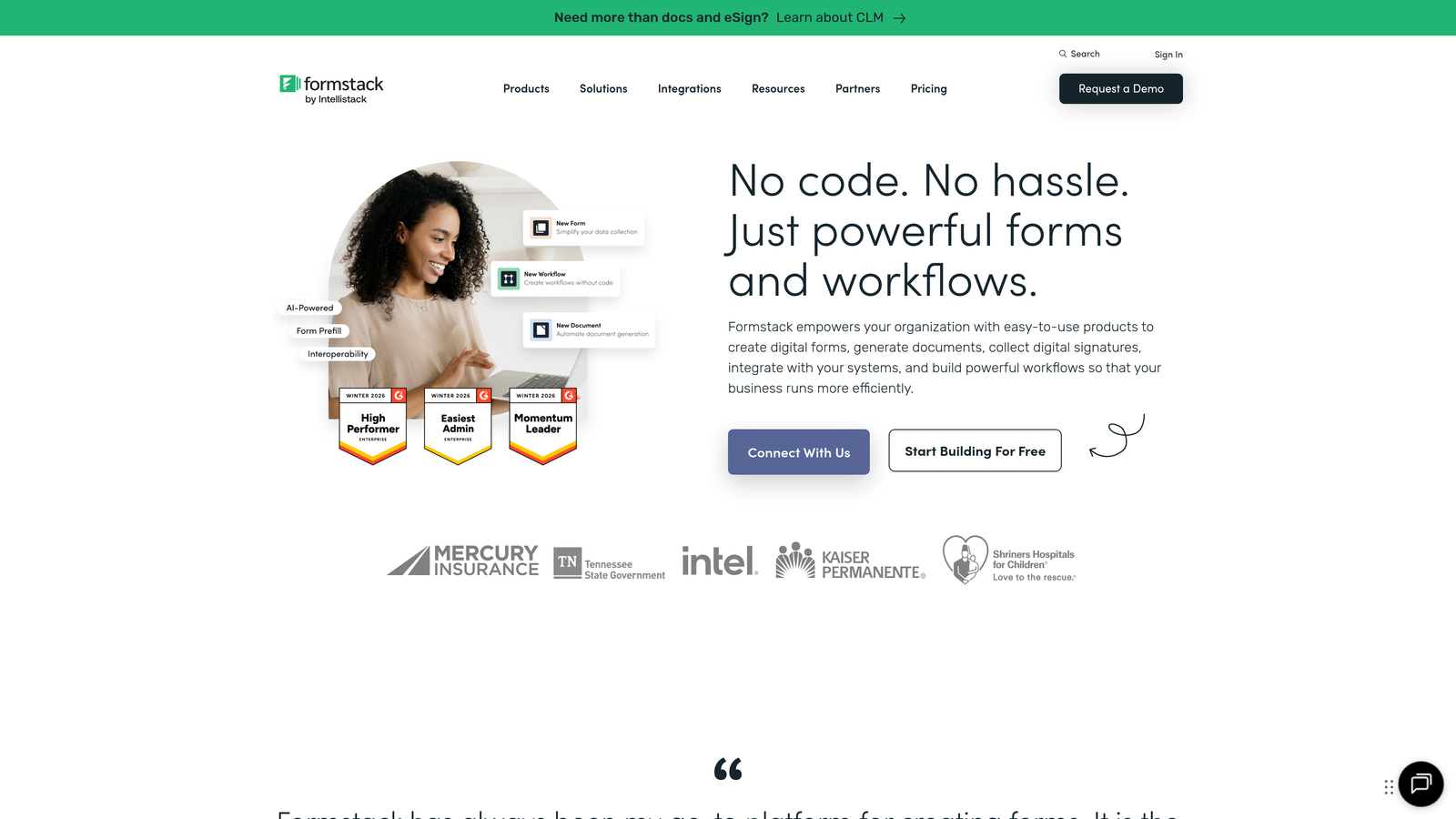
Formstack is an enterprise-grade form platform with compliance certifications and security features that regulated SaaS industries require.
Where This Tool Shines
Formstack's compliance certifications—HIPAA, GDPR, SOC 2—make it the default choice for healthcare, financial services, and other regulated SaaS verticals. These aren't just checkboxes; Formstack provides Business Associate Agreements, encrypted data storage, and audit trails that satisfy compliance requirements.
The workflow automation capabilities extend far beyond basic email notifications. You can trigger complex multi-step workflows, generate documents, route approvals, and integrate with enterprise systems like Salesforce without writing code. For larger SaaS organizations with established processes, this automation eliminates manual data handling.
Key Features
Compliance Certifications: HIPAA, GDPR, SOC 2 compliance with BAAs and encrypted storage.
Advanced Workflow Automation: Multi-step workflows, document generation, and approval routing.
Salesforce-Native Integration: Deep, bi-directional sync with Salesforce CRM.
Role-Based Access: Granular permissions and access controls for enterprise teams.
Document Generation: Automatically create contracts, agreements, and PDFs from form data.
Best For
Formstack is built for enterprise SaaS companies in regulated industries or with complex security requirements. If you need HIPAA compliance, SOC 2 certification, or advanced role-based access controls, Formstack delivers the enterprise-grade features you need.
Pricing
Starts at $50/month for basic plans. Enterprise plans with full compliance features require custom pricing based on volume and requirements.
8. Fillout
Best for: SaaS teams using Airtable or Notion as their backend database
Fillout is a modern form builder with native Airtable and Notion integrations that let you use these tools as your form backend.
Where This Tool Shines
Fillout's native Airtable integration goes beyond simple data export. You can create forms that update existing records, not just create new ones. This means you can send update requests to customers, collect additional information on existing leads, or let team members edit records through forms—all syncing directly with your Airtable base.
The modern, clean UI requires minimal customization to look professional. Forms look contemporary out of the box, with thoughtful defaults for spacing, typography, and layout. For teams without dedicated designers, this polish matters—your forms won't look homemade even without customization effort.
Key Features
Native Airtable Integration: Create and update Airtable records directly from forms, with bi-directional sync.
Notion Database Sync: Send form responses directly to Notion databases for teams using Notion as their backend.
Record Updates: Build forms that update existing records, not just create new ones.
Payment Processing: Accept payments through Stripe integration directly in forms.
Scheduling Capabilities: Embed calendar booking functionality within forms for demo scheduling.
Best For
Fillout is ideal for SaaS teams that have built their operations around Airtable or Notion. If these tools are your source of truth for customer data, Fillout's native integrations eliminate the need for middleware or manual data transfer.
Pricing
Free tier available with core features. Paid plans start at $15/month, adding custom domains, branding removal, and advanced integrations.
9. Cognito Forms
Best for: Budget-conscious SaaS startups needing payment processing on a free plan
Cognito Forms offers payment processing capabilities on its free tier, making it uniquely valuable for cost-conscious SaaS companies that need to collect payments.
Where This Tool Shines
The standout feature is payment processing on the free plan. Most form builders gate payment functionality behind paid tiers, but Cognito Forms includes it for free. For SaaS startups collecting trial upgrade payments, processing deposits, or selling subscriptions, this eliminates a significant monthly expense.
Repeating sections are another powerful feature, letting users add multiple entries of the same information within a single form. This is valuable for SaaS companies collecting information about team members, multiple products, or complex configurations where one-size-fits-all fields don't work.
Key Features
Free Payment Processing: Accept payments through Stripe and PayPal on the free tier—rare in the industry.
Conditional Logic: Show or hide fields based on responses, creating dynamic form experiences.
Repeating Sections: Let users add multiple entries of the same fields within one form submission.
Calculation Fields: Build pricing calculators, quote generators, and scoring systems.
HIPAA Compliance: Enterprise plan includes HIPAA-compliant options for healthcare SaaS companies.
Best For
Cognito Forms is perfect for bootstrapped SaaS startups that need payment processing without monthly subscription costs. If you're collecting payments for trials, upgrades, or services and watching every expense, Cognito Forms delivers surprising value at zero cost.
Pricing
Free tier includes payment processing and 500 entries per month. Paid plans start at $15/month for increased submission limits and advanced features.
Finding Your Perfect Form Builder
The right form builder depends on your specific growth stage, tech stack, and priorities. Let's break down the standout choices by use case.
If you need AI-powered lead qualification that automatically routes high-intent prospects to sales, Orbit AI delivers intelligent automation that scales your pipeline without adding headcount. The conversion-optimized templates and deep CRM integrations make it particularly powerful for high-growth B2B SaaS teams.
For teams prioritizing conversational experiences that feel human, Typeform's one-question-at-a-time format significantly improves completion rates. The brand customization capabilities ensure your forms maintain visual consistency with your product.
HubSpot users should default to HubSpot Forms—the native CRM integration and progressive profiling capabilities eliminate the friction of external tools. Why introduce sync issues when your form builder can live inside your CRM?
Budget-conscious startups have two excellent options. Tally offers unlimited forms and submissions on a genuinely free tier, while Cognito Forms uniquely includes payment processing at zero cost. Both deliver professional functionality without the monthly subscription.
Enterprise teams in regulated industries need Formstack's compliance certifications and security features. The HIPAA, GDPR, and SOC 2 compliance aren't optional for healthcare and financial services SaaS companies—they're requirements.
The form builder landscape has evolved far beyond basic data collection. Today's tools offer AI qualification, conversational experiences, deep CRM integration, and analytics that drive optimization. The key is matching the tool to your specific needs rather than chasing features you won't use.
Consider your integration requirements first—the best form builder is the one that connects seamlessly with your existing stack. Then evaluate based on your growth stage: early startups need cost-effective solutions, while scaling companies need automation and qualification capabilities that handle increasing volume.
Transform your lead generation with AI-powered forms that qualify prospects automatically while delivering the modern, conversion-optimized experience your high-growth team needs. The right form builder doesn't just collect data—it qualifies leads, routes opportunities, and becomes a strategic asset in your growth engine.


