

High-growth companies face a unique challenge: every form submission represents potential revenue, yet most form builders treat leads like data entries rather than opportunities. The difference between a good form tool and a great one can mean thousands in lost conversions.
This guide examines top form platforms built specifically for teams that need more than basic data collection—tools that qualify leads, integrate seamlessly with your tech stack, and scale alongside rapid growth. We evaluated each based on conversion optimization features, integration depth, analytics capabilities, and pricing flexibility for scaling teams.
1. Orbit AI
Best for: Teams prioritizing AI-powered lead qualification and conversion-optimized form experiences
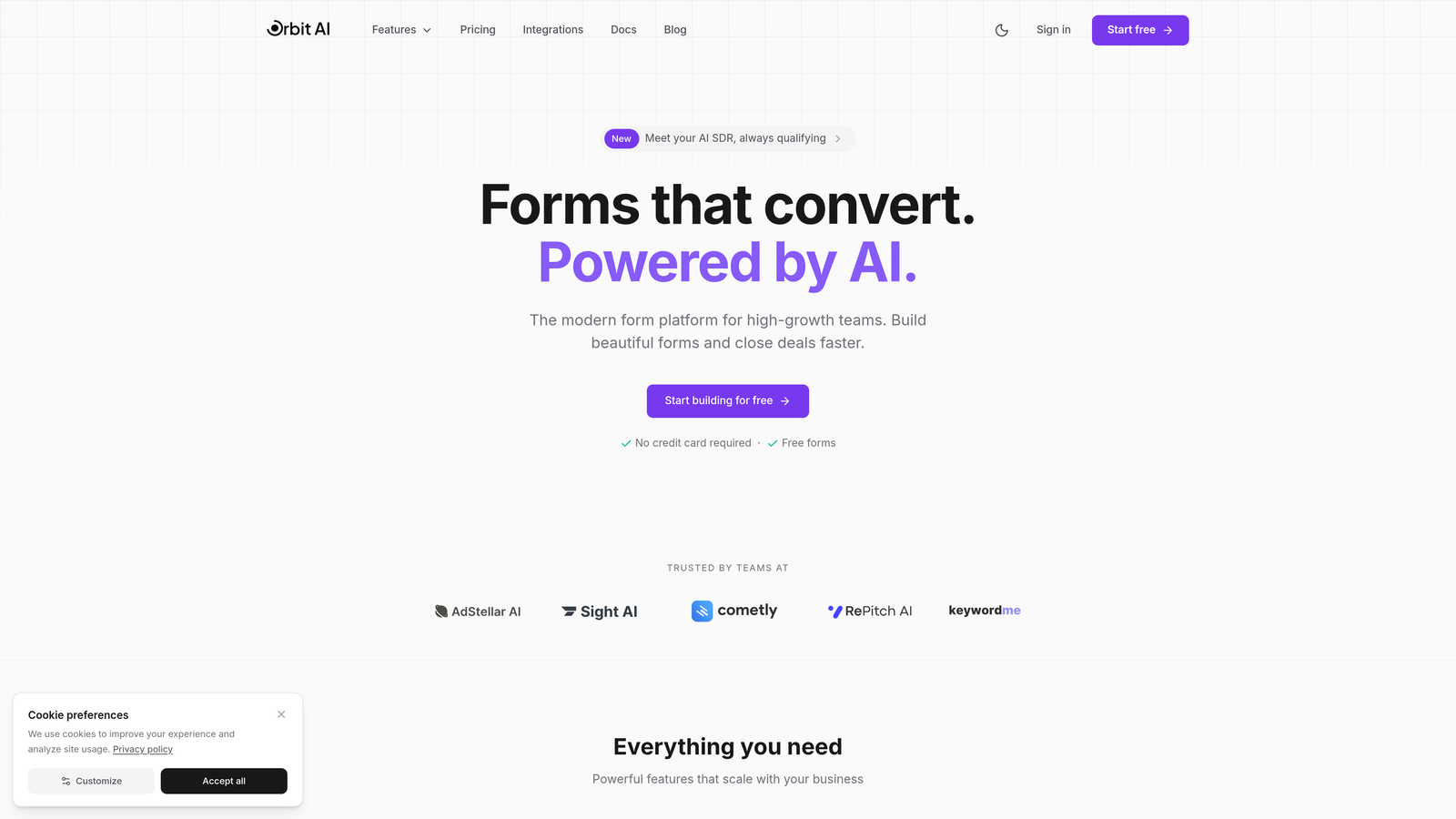
Orbit AI is an AI-powered form platform built specifically for high-growth companies that need intelligent lead qualification built directly into their data collection process.
Where This Tool Shines
Orbit AI stands out by treating forms as conversion tools rather than simple data collectors. The platform automatically qualifies leads as they submit, routing high-value prospects to sales immediately while nurturing others appropriately.
The AI qualification engine learns from your existing customer data to identify patterns in successful conversions, then applies that intelligence to incoming form submissions in real-time. This means your sales team focuses only on prospects most likely to convert.
Key Features
AI-Powered Lead Qualification: Automatically scores and routes leads based on submission data and behavioral patterns.
Conversion-Optimized Templates: Pre-built form designs tested for maximum completion rates across industries.
Native CRM Integrations: Direct connections with Salesforce, HubSpot, Slack, and Airtable without middleware.
Advanced Analytics Dashboard: Track conversion rates, drop-off points, and lead quality metrics in real-time.
Modern Form Design: Beautiful, mobile-responsive forms that match your brand without custom coding.
Best For
High-growth B2B companies with sales teams that need immediate lead qualification, marketing teams focused on conversion rate optimization, and businesses scaling rapidly who need forms that grow with them. Particularly valuable for SaaS companies, agencies, and service businesses where lead quality directly impacts revenue.
Pricing
Visit the pricing page for current plans tailored to different growth stages and submission volumes.
2. Typeform
Best for: Creating engaging conversational experiences with strong brand customization
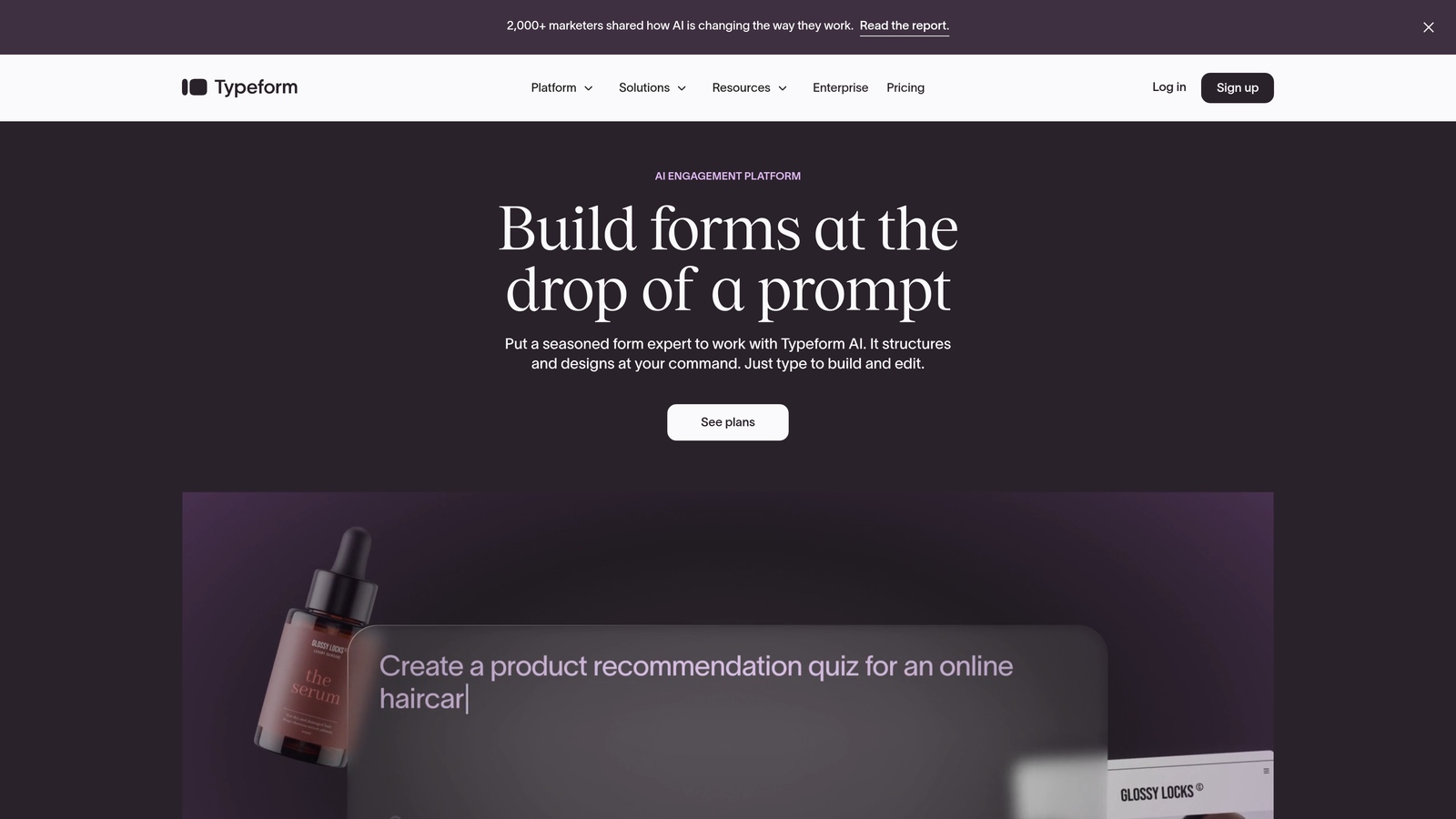
Typeform is a conversational form builder that presents questions one at a time, creating an interactive experience that typically drives higher completion rates than traditional multi-field forms.
Where This Tool Shines
Typeform revolutionized form design with its signature one-question-at-a-time approach. This format reduces cognitive load and makes even lengthy surveys feel manageable. The platform excels at creating branded experiences that feel more like conversations than interrogations.
For companies where brand perception matters significantly, Typeform offers extensive customization options. You can match colors, fonts, and imagery to your brand guidelines while maintaining the platform's intuitive user experience.
Key Features
Conversational Format: One question per screen creates focused, distraction-free completion experiences.
Logic Jumps: Route respondents through different question paths based on their previous answers.
Rich Media Support: Embed videos, images, and GIFs directly into questions for engaging experiences.
Brand Customization: Complete control over colors, fonts, backgrounds, and button styles.
Native Integrations: Connect directly with Google Sheets, Slack, Mailchimp, and hundreds of other tools.
Best For
Marketing teams creating lead magnets, customer research surveys, or event registrations where brand experience matters. Companies that value aesthetics and user experience over raw data collection efficiency.
Pricing
Free tier available with Typeform branding; paid plans start at $25/month with increased response limits and advanced features.
3. HubSpot Forms
Best for: Companies already using HubSpot CRM seeking seamless native integration
HubSpot Forms is the native form builder within HubSpot's ecosystem, offering deep CRM integration and progressive profiling capabilities that reduce friction for known contacts.

Where This Tool Shines
If you're already invested in the HubSpot ecosystem, their native form builder eliminates integration headaches entirely. Forms automatically sync with contact records, trigger workflows, and update deal stages without any middleware or API connections.
Progressive profiling is the standout feature: the system remembers information from previous submissions and asks different questions each time. This means returning visitors never fill out the same field twice, dramatically improving conversion rates for multi-touch campaigns.
Key Features
Native CRM Integration: Instant synchronization with HubSpot contact database and deal pipeline.
Progressive Profiling: Automatically shows different questions to known contacts to gather more data over time.
Smart Fields: Pre-populate fields for known visitors to reduce form friction.
Multiple Form Types: Create embedded forms, popup forms, slide-in boxes, and standalone landing pages.
Built-in Analytics: Track submission rates, conversion paths, and form performance within HubSpot's reporting suite.
Best For
Companies already using HubSpot CRM or Marketing Hub who want zero-friction integration. Marketing teams running multi-touch campaigns where progressive profiling provides significant value.
Pricing
Free with HubSpot CRM; advanced features like progressive profiling require Marketing Hub subscription starting at $45/month.
4. Jotform
Best for: Teams needing extensive templates and payment collection capabilities
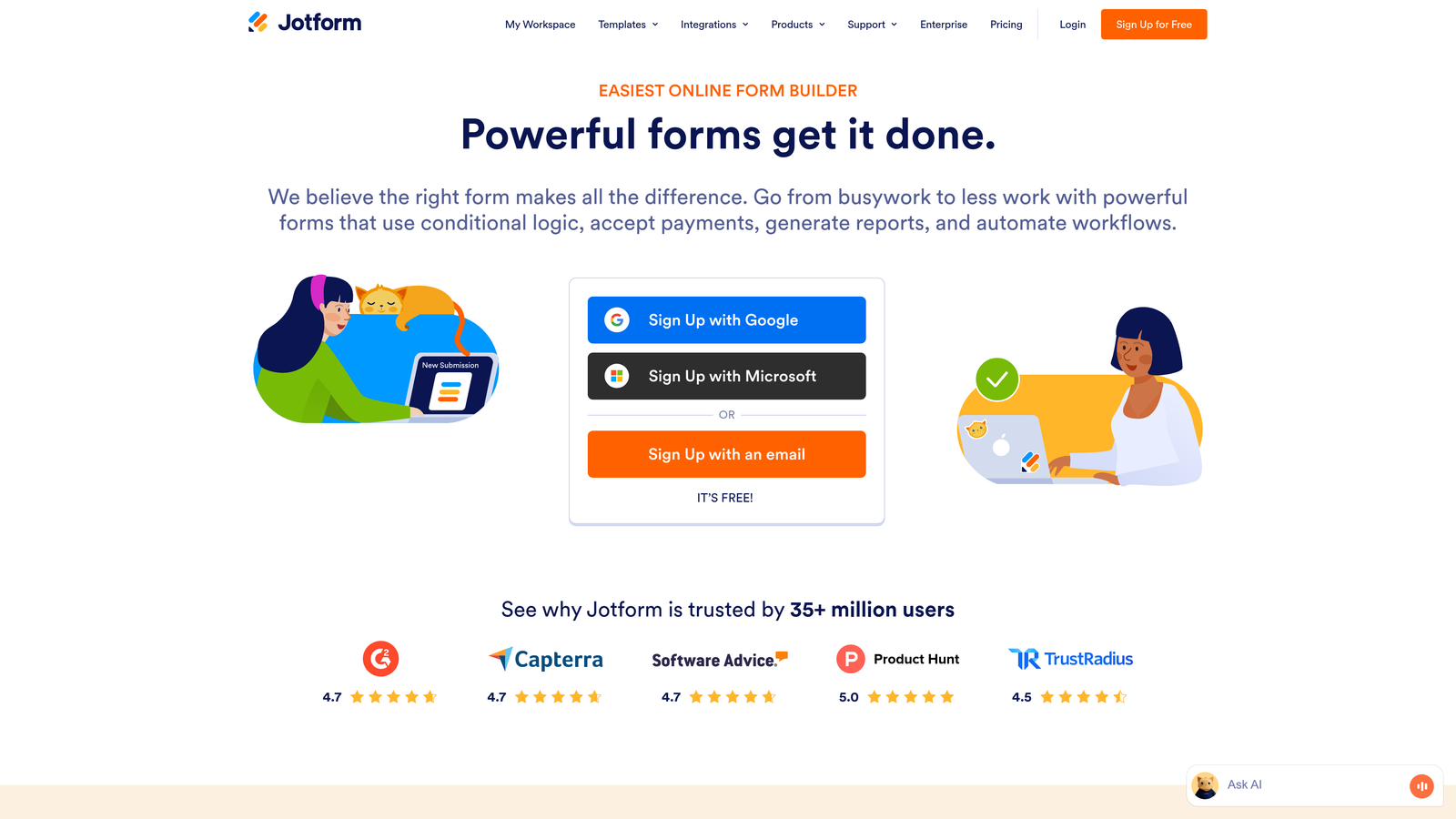
Jotform is a versatile form builder offering over 10,000 pre-built templates and extensive third-party integrations, making it suitable for virtually any form use case.
Where This Tool Shines
Jotform's massive template library means you rarely start from scratch. Whether you need event registrations, job applications, order forms, or feedback surveys, there's likely a tested template ready to customize. This accelerates deployment significantly for teams launching forms frequently.
The platform handles payment collection natively through integrations with PayPal, Stripe, Square, and other processors. This makes Jotform particularly valuable for businesses collecting payments, deposits, or fees through forms without building custom checkout experiences.
Key Features
10,000+ Templates: Pre-built forms for virtually every industry and use case.
Payment Processing: Accept payments directly through forms via multiple payment gateways.
Conditional Logic: Show or hide fields based on user responses to create dynamic experiences.
PDF Generation: Automatically create PDF reports from form submissions.
HIPAA Compliance: Available for healthcare organizations requiring secure data handling.
Best For
Organizations needing quick deployment of various form types, businesses collecting payments through forms, and companies in regulated industries requiring compliance certifications like HIPAA.
Pricing
Free tier with 100 monthly submissions; paid plans start at $34/month with increased limits and advanced features.
5. Tally
Best for: Early-stage startups and small teams prioritizing simplicity and cost-efficiency
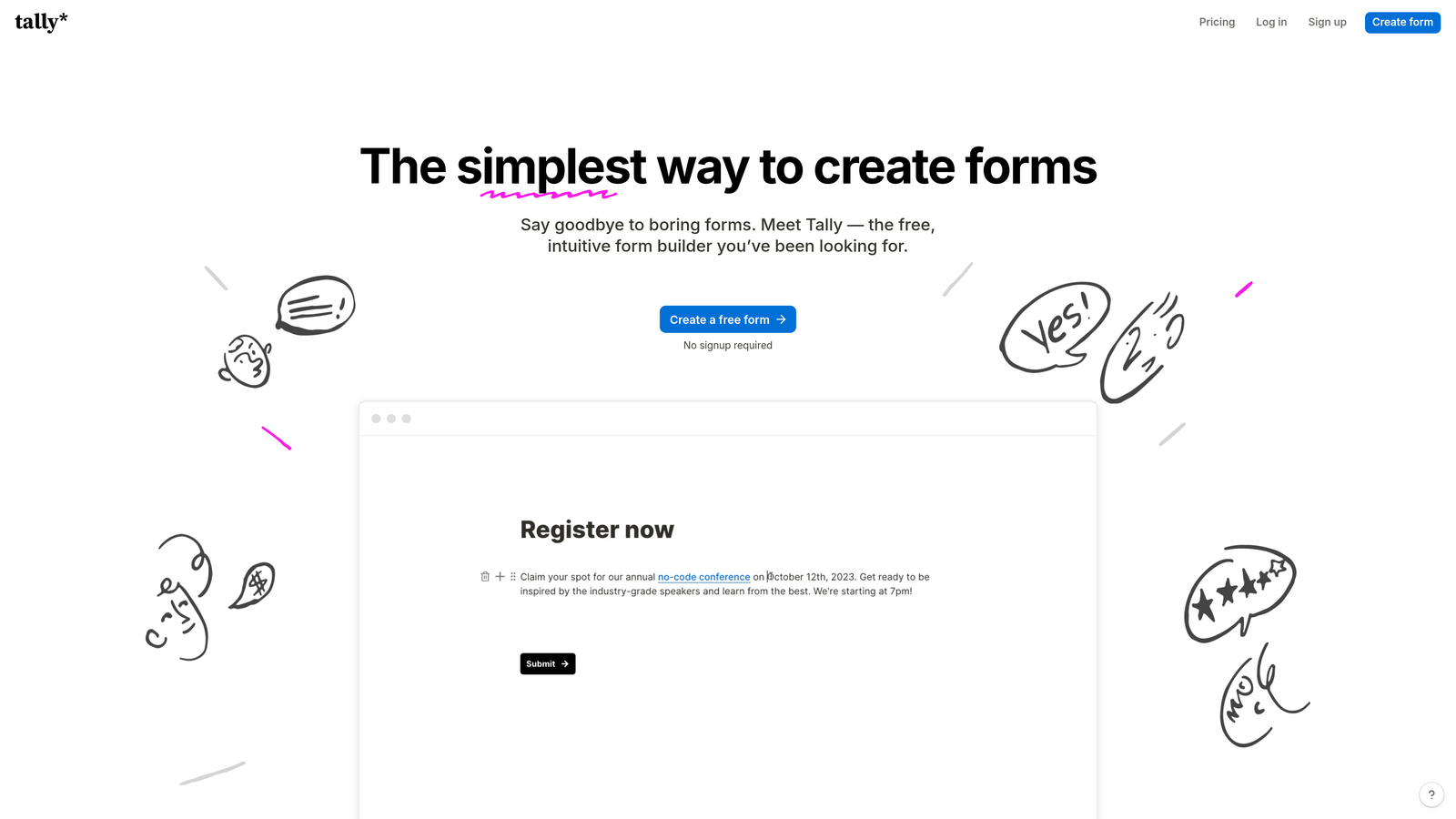
Tally is a simple form builder with a Notion-like interface offering unlimited forms on its free tier, making it ideal for budget-conscious teams.
Where This Tool Shines
Tally's greatest strength is its pricing model: unlimited forms with unlimited submissions on the free tier. For early-stage companies watching every dollar, this removes a significant barrier to professional form deployment. You can create as many forms as needed without worrying about submission caps.
The Notion-style interface feels immediately familiar to modern teams. If your team already uses Notion for documentation, Tally's block-based form building requires virtually no learning curve.
Key Features
Unlimited Free Forms: No limits on form creation or submissions on the free tier.
Notion-Style Interface: Block-based editor that feels intuitive for modern teams.
Conditional Logic: Show or hide questions based on previous answers.
File Uploads: Accept document and image uploads from respondents.
Embed Anywhere: Add forms to websites, Notion pages, or share as standalone links.
Best For
Startups in early stages with limited budgets, small teams needing simple forms without complex requirements, and companies using Notion extensively who want consistent tooling experiences.
Pricing
Free tier with unlimited forms and submissions; Pro plan at $29/month adds custom domains and advanced features.
6. Formstack
Best for: Enterprise teams requiring advanced workflow automation and compliance certifications
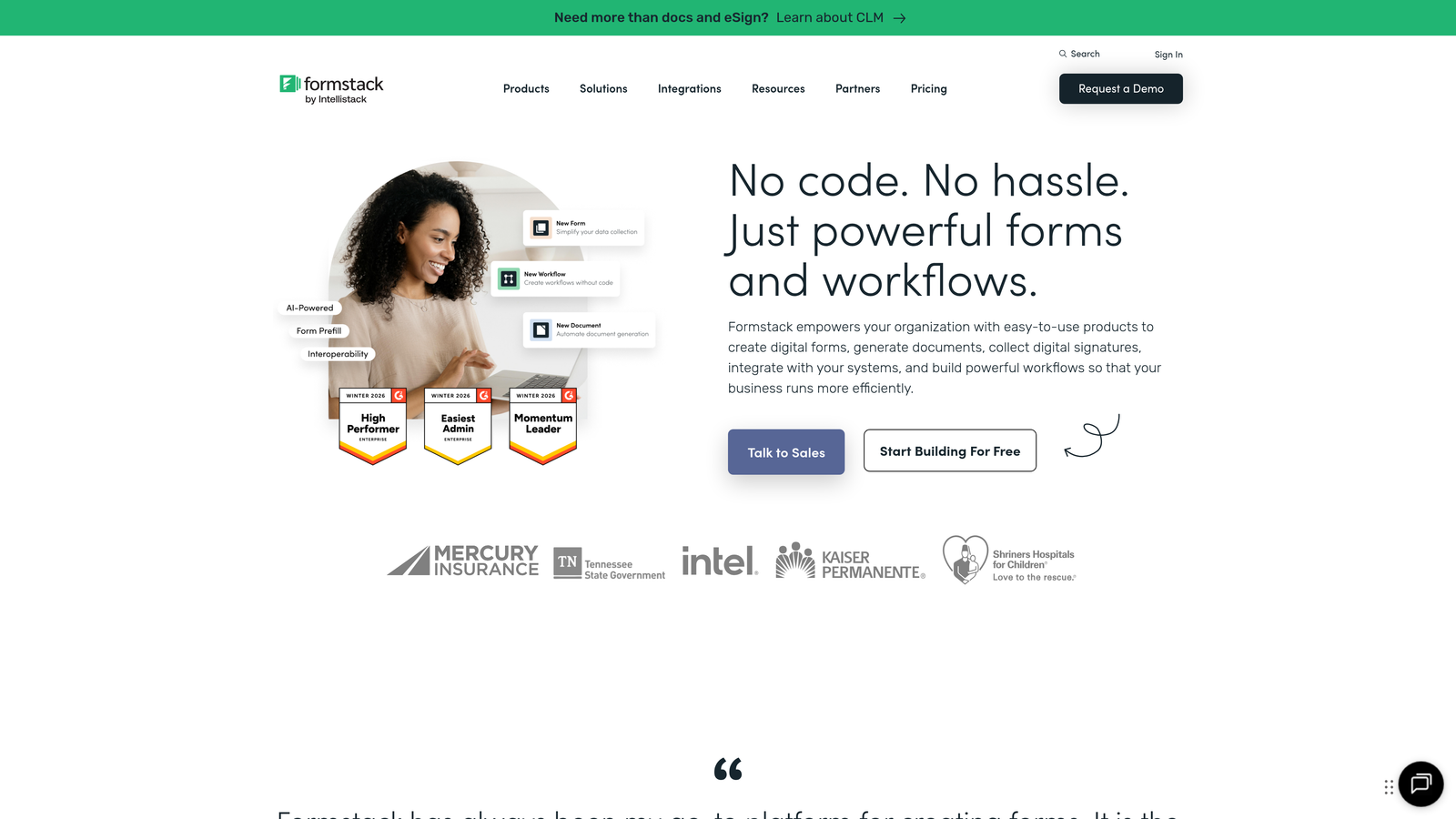
Formstack is an enterprise-grade form platform with sophisticated workflow automation, document generation, and comprehensive security compliance for regulated industries.
Where This Tool Shines
Formstack targets enterprise customers with complex requirements around compliance, security, and workflow automation. The platform offers HIPAA, GDPR, and SOC 2 compliance certifications out of the box, eliminating significant legal and security hurdles for organizations in regulated industries.
The workflow automation capabilities extend beyond basic form submission. You can trigger document generation, route approvals through multiple stakeholders, and integrate with enterprise systems like Salesforce and ServiceNow without custom development.
Key Features
Workflow Automation: Build complex approval chains and automated processes triggered by form submissions.
Document Generation: Automatically create PDFs, contracts, and reports from submission data.
Compliance Certifications: HIPAA, GDPR, and SOC 2 compliance built into the platform.
Advanced Conditional Logic: Create sophisticated branching based on multiple conditions and calculations.
Enterprise Security: SSO, advanced permissions, audit logs, and encryption at rest.
Best For
Healthcare organizations requiring HIPAA compliance, financial services companies with strict data security requirements, and large enterprises needing sophisticated workflow automation and document generation.
Pricing
Starts at $50/month for basic features; enterprise pricing available with custom compliance and security requirements.
7. Paperform
Best for: Creating visually stunning landing page-style forms with e-commerce functionality
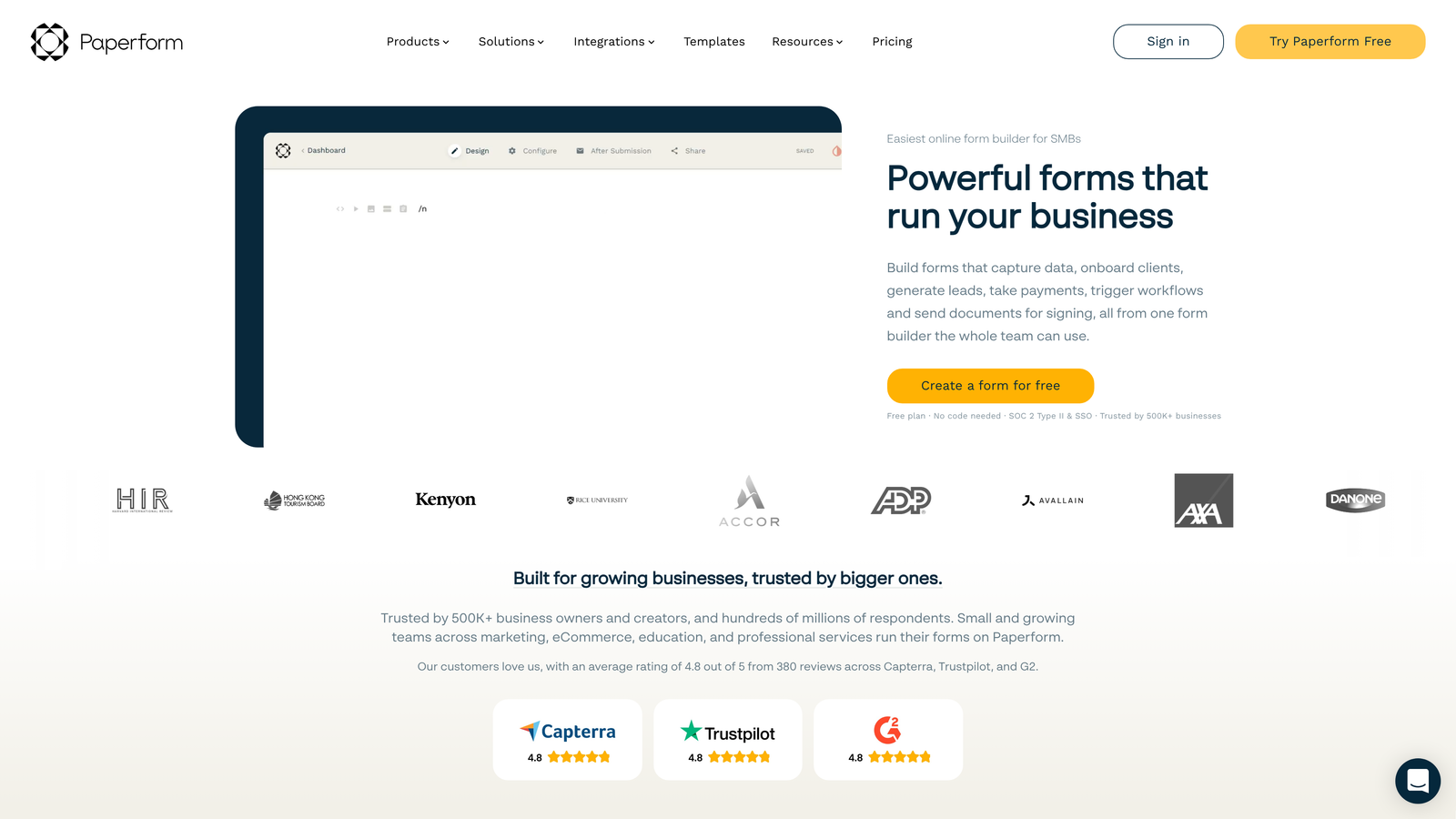
Paperform is a visually-focused form builder that creates branded landing page experiences with built-in payment processing and booking capabilities.
Where This Tool Shines
Paperform blurs the line between forms and landing pages. Rather than embedding a form into an existing page, you create entire branded experiences that combine compelling copy, rich media, and form fields into cohesive conversion pages.
The platform excels at e-commerce use cases. You can sell products, accept bookings, collect payments, and manage inventory directly through forms without building separate checkout flows. This makes Paperform particularly valuable for service businesses and small e-commerce operations.
Key Features
Landing Page Design: Create full-page branded experiences that combine content and forms seamlessly.
Payment Processing: Accept payments through Stripe and PayPal with built-in checkout experiences.
Product Catalogs: Display products with images, descriptions, and pricing within forms.
Booking Functionality: Schedule appointments and manage availability directly through forms.
Visual Customization: Extensive design controls for fonts, colors, spacing, and layouts.
Best For
Service businesses accepting bookings and payments, small e-commerce operations selling products through forms, and marketing teams creating branded campaign landing pages.
Pricing
Starts at $24/month with payment processing and booking features included.
8. Fillout
Best for: Database-driven teams using Airtable or Notion as their source of truth
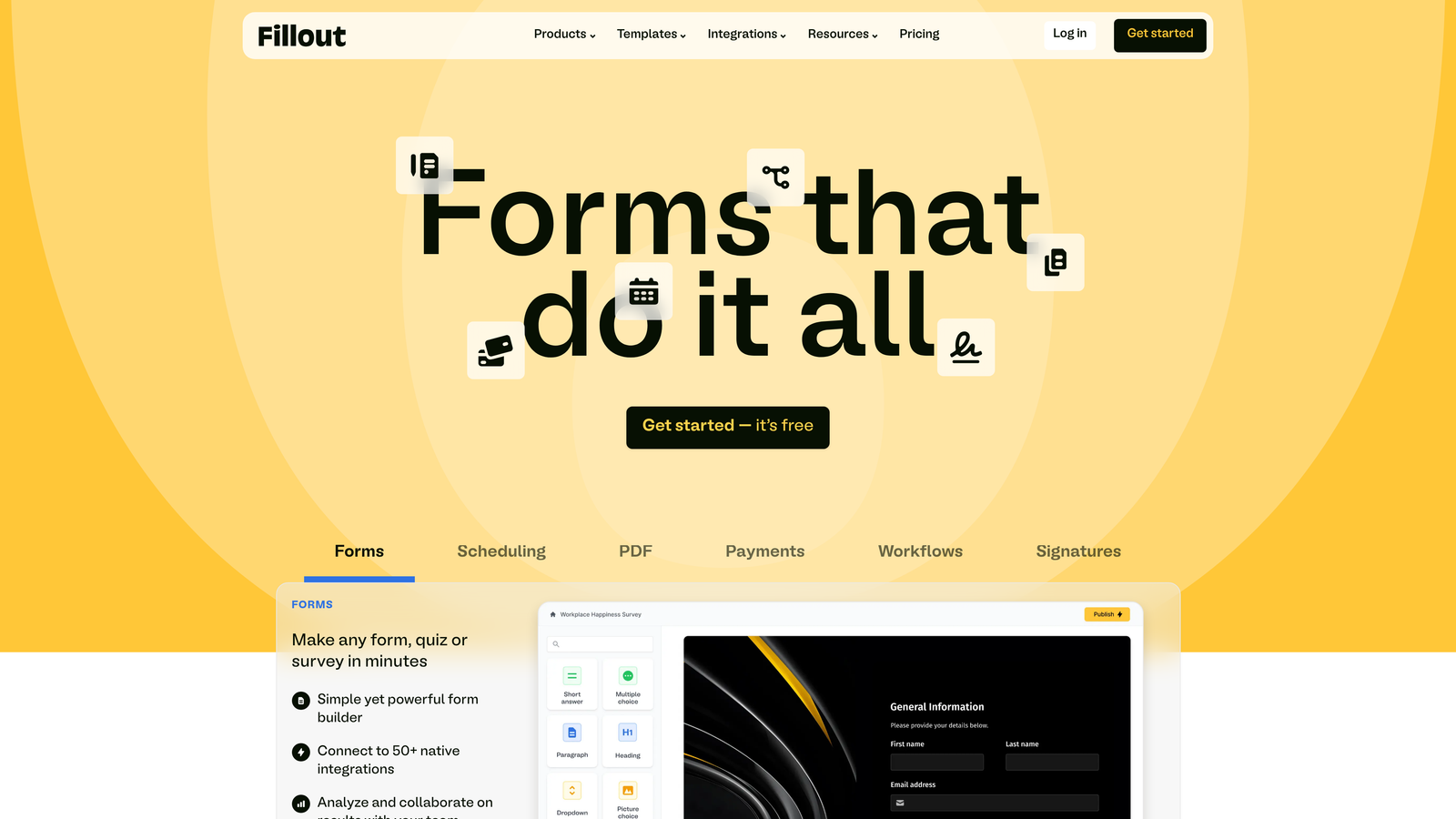
Fillout is a modern form builder with native Airtable and Notion integrations, designed specifically for teams managing data in these database platforms.
Where This Tool Shines
Fillout solves a specific problem: collecting data directly into Airtable or Notion without workarounds. If your team runs operations through Airtable bases or Notion databases, Fillout creates forms that write directly to these systems with full field mapping and relationship support.
The native integrations go deeper than simple data dumps. You can pull data from existing records to pre-populate fields, create related records across multiple tables, and trigger Airtable automations directly from form submissions.
Key Features
Native Airtable Integration: Write form submissions directly to Airtable bases with full field type support.
Notion Database Sync: Create forms that populate Notion databases automatically.
Modern Interface: Clean, contemporary form design that matches modern SaaS aesthetics.
Conditional Logic: Show or hide fields based on responses to create dynamic experiences.
Scheduling Features: Built-in calendar booking for appointment-based businesses.
Best For
Operations teams running processes through Airtable, product teams using Notion as their system of record, and startups building on no-code infrastructure.
Pricing
Free tier available with basic features; paid plans start at $15/month for increased submissions and advanced capabilities.
9. Cognito Forms
Best for: Teams needing advanced calculations and formula-driven forms at competitive pricing
Cognito Forms is a calculation-focused form builder with sophisticated formula capabilities, payment processing, and value pricing for growing teams.
Where This Tool Shines
Cognito Forms excels at forms requiring complex calculations and mathematical logic. You can build quote calculators, pricing estimators, and order forms with dynamic pricing based on user selections—all without writing code.
The formula system rivals spreadsheet capabilities. You can perform calculations across repeating sections, apply conditional pricing rules, and display calculated results in real-time as users complete forms. This makes Cognito particularly valuable for businesses with complex pricing models.
Key Features
Advanced Calculations: Spreadsheet-like formulas for dynamic pricing, scoring, and data manipulation.
Payment Processing: Accept payments through Stripe, PayPal, and Square with calculated totals.
Repeating Sections: Allow users to add multiple entries of the same fields within a single form.
Workflow Automation: Trigger emails, webhooks, and integrations based on submission data.
Document Merging: Generate customized PDFs and documents from submission data.
Best For
Businesses with complex pricing that need quote calculators, organizations collecting variable payments based on user selections, and teams requiring sophisticated conditional logic and calculations.
Pricing
Free tier available with basic features; paid plans start at $15/month with increased submission limits and advanced capabilities.
Making the Right Choice
The right form platform depends entirely on your specific growth stage and priorities. If lead qualification and conversion optimization are your primary concerns, Orbit AI delivers AI-powered intelligence that turns forms into revenue drivers rather than simple data collectors.
For teams prioritizing brand experience and conversational engagement, Typeform creates memorable interactions that feel more human than traditional forms. Companies already invested in HubSpot should leverage HubSpot Forms for seamless CRM integration and progressive profiling capabilities.
Budget-conscious startups benefit from Tally's unlimited free tier, while enterprise teams in regulated industries need Formstack's compliance certifications and sophisticated workflows. Database-driven teams using Airtable or Notion find Fillout's native integrations eliminate integration headaches entirely.
Consider these key factors when evaluating options: How important is lead qualification versus simple data collection? Do you need native CRM integration or can you work with third-party connections? What's your monthly submission volume, and how does that impact total cost? Do you require compliance certifications for your industry?
Most high-growth teams find that investing in intelligent form technology pays for itself quickly through improved conversion rates and better lead quality. The difference between a basic form and an optimized one often translates directly to revenue impact.
Transform your lead generation with AI-powered forms that qualify prospects automatically while delivering the modern, conversion-optimized experience your high-growth team needs. Start building free forms today and see how intelligent form design can elevate your conversion strategy.


