

Paying monthly for your form builder is like buying coffee one cup at a time when you could get a whole bag at a discount. Annual plans typically save 15-30% compared to monthly billing, but not all form builders offer the same value when you commit for a year.
The key is finding a platform that not only offers meaningful savings but also delivers features you'll actually use throughout those 12 months. We've analyzed the top form builders with annual pricing options, comparing their discount structures, feature sets, and overall value to help you make a smart long-term investment for your lead generation and data collection needs.
1. Orbit AI
Best for: High-growth teams prioritizing lead qualification and conversion optimization
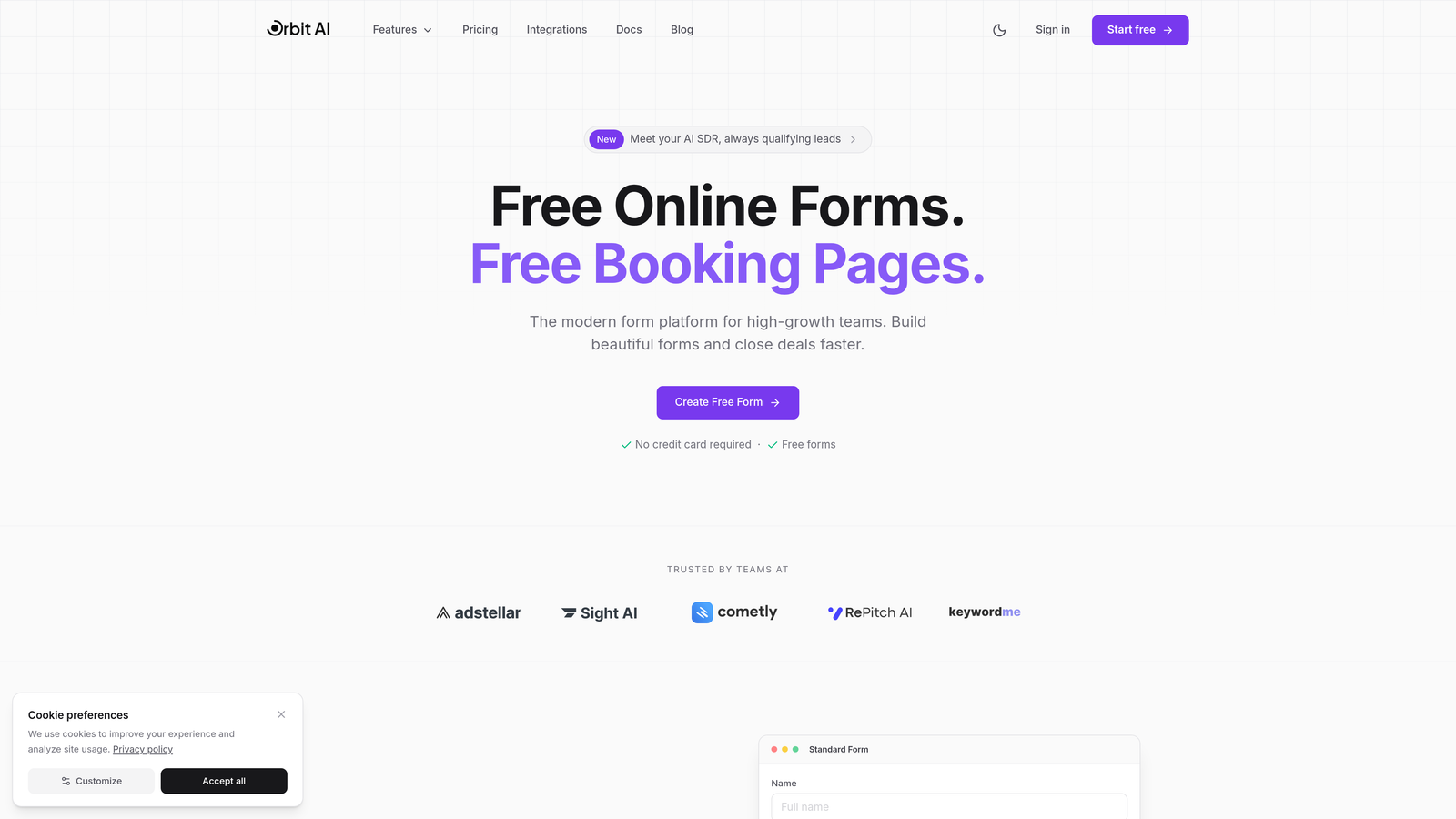
Orbit AI combines intelligent form building with AI-powered lead qualification to help teams focus on prospects most likely to convert.
Where This Tool Shines
The platform's AI qualification engine analyzes form responses in real-time, automatically scoring and routing leads based on their conversion potential. This means your sales team spends time on qualified prospects rather than sorting through every submission manually.
The modern interface creates forms that look professional without requiring design skills. Built for teams that view forms as a critical conversion tool rather than just data collection, Orbit AI focuses on the entire lead journey from first interaction to CRM handoff.
Key Features
AI-Powered Lead Qualification: Automatically scores and prioritizes leads based on response patterns and qualification criteria you define.
Conversion-Optimized Design: Modern templates and design tools specifically built to maximize form completion rates and reduce abandonment.
Native CRM Integrations: Seamless connections with major CRMs ensure qualified leads flow directly into your sales pipeline without manual data entry.
Advanced Analytics: Track conversion metrics, completion rates, and lead quality trends to continuously optimize your form performance.
Workflow Automation: Set up intelligent routing rules that send different leads to appropriate team members based on qualification scores and criteria.
Best For
Teams that generate significant lead volume and need intelligent filtering to identify high-value prospects. Particularly valuable for B2B companies, agencies, and SaaS businesses where lead quality directly impacts revenue and sales efficiency matters more than raw submission numbers.
Pricing
Annual plans available with savings compared to monthly billing. Visit the pricing page for current rates and plan details tailored to your team size and lead volume needs.
2. Typeform
Best for: Creating engaging, conversational form experiences with strong brand presence
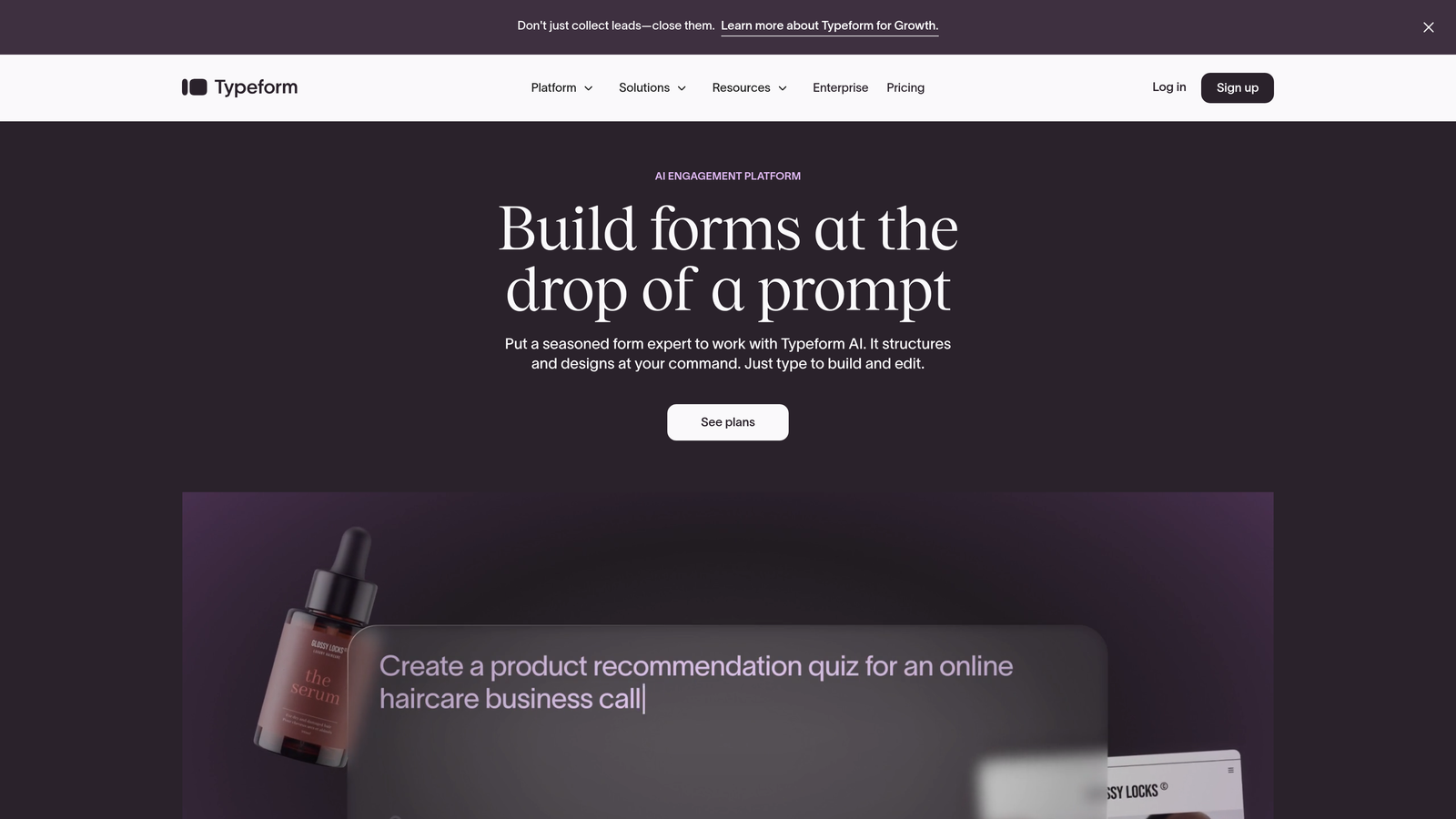
Typeform pioneered the one-question-at-a-time format that makes forms feel more like conversations than interrogations.
Where This Tool Shines
The conversational format significantly reduces form abandonment by presenting questions sequentially rather than overwhelming users with long pages. This approach feels natural and keeps respondents engaged throughout the experience.
Brand customization options let you match forms perfectly to your visual identity. From custom fonts and colors to embedded videos and images, Typeform ensures your forms reinforce brand recognition rather than looking generic.
Key Features
Conversational Format: One-question-at-a-time interface that maintains user focus and creates a more engaging completion experience.
Logic Jumps: Sophisticated branching that shows different questions based on previous answers, creating personalized paths through your form.
Rich Media Support: Embed videos, images, and GIFs directly into questions to create visually engaging forms that capture attention.
Native Integrations: Connect with popular tools like Slack, Google Sheets, HubSpot, and Mailchimp without requiring third-party automation platforms.
Custom Branding: Complete control over colors, fonts, backgrounds, and styling to match your brand guidelines precisely.
Best For
Marketing teams and creative agencies that prioritize user experience and brand consistency. Works particularly well for customer feedback surveys, lead capture forms, and any scenario where engagement matters as much as data collection.
Pricing
Basic plan starts at $25/month billed annually with 100 responses per month. Plus plan at $50/month annually includes 1,000 responses and removes Typeform branding. Business plan at $83/month annually offers 10,000 responses and advanced features like priority support.
3. Jotform
Best for: Teams needing extensive templates and high submission volumes
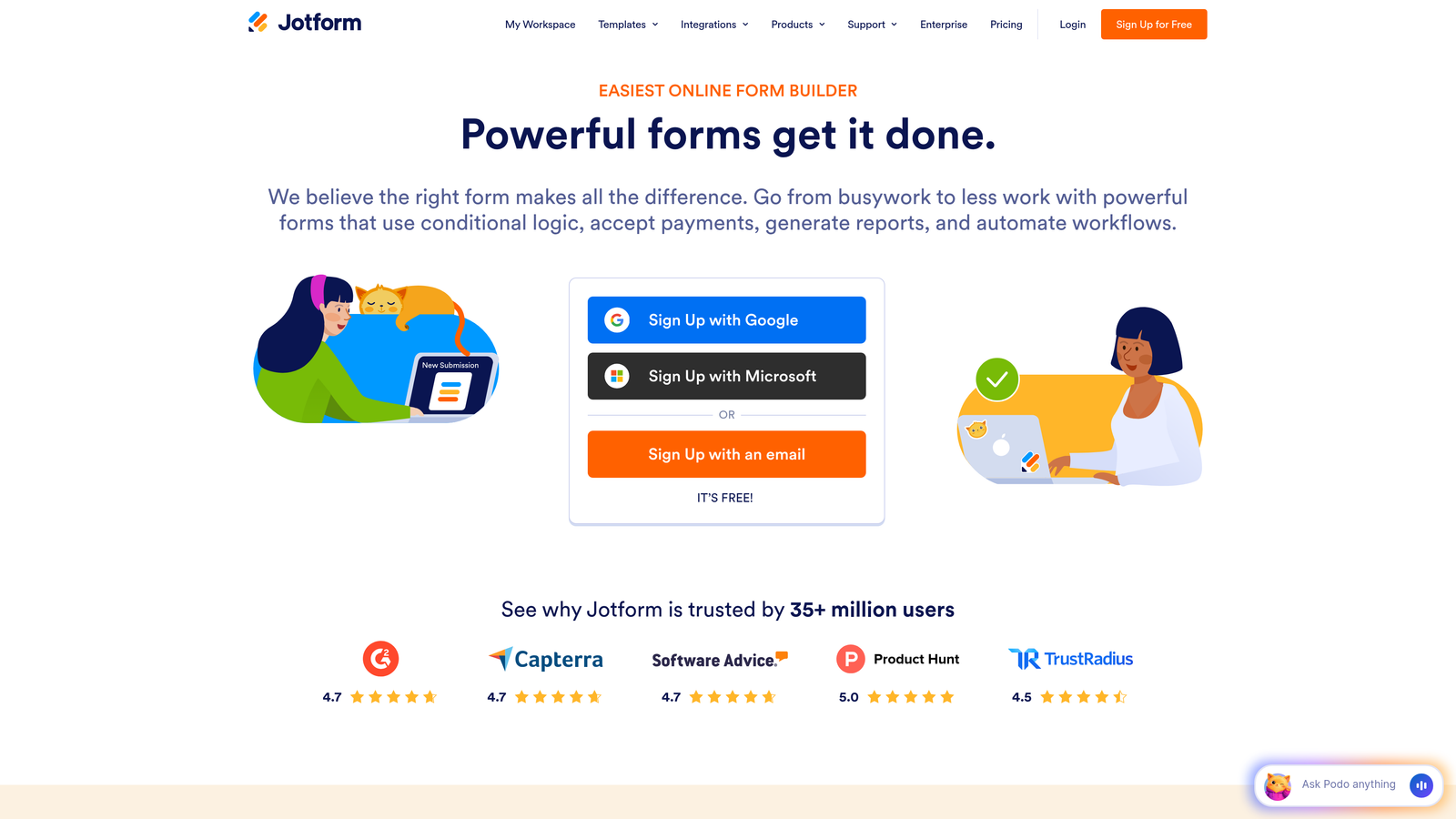
Jotform offers one of the largest template libraries in the industry with over 10,000 pre-built forms covering virtually every use case.
Where This Tool Shines
The massive template collection means you rarely start from scratch. Whether you need event registration, order forms, job applications, or customer surveys, there's likely a template ready to customize rather than build from zero.
Submission limits on paid plans are notably generous compared to competitors. Combined with PDF generation and e-signature capabilities, Jotform handles complex workflows that other form builders require multiple tools to accomplish.
Key Features
10,000+ Templates: Industry-leading template library covering everything from healthcare intake forms to event registrations and payment collection.
PDF Generation: Automatically convert form submissions into formatted PDF documents for records, contracts, or distribution.
E-Signatures: Collect legally binding electronic signatures directly within forms without requiring separate signature tools.
Payment Collection: Integrate with major payment processors to collect payments, donations, or registration fees through your forms.
Jotform Tables: Manage and analyze collected data in a spreadsheet-like interface with filtering, sorting, and collaboration features.
Best For
Small businesses and organizations that need ready-made solutions for common form scenarios. Excellent for teams that collect high volumes of submissions and need document generation or signature collection alongside data capture.
Pricing
Bronze plan at $34/month annually includes 25 forms and 1,000 monthly submissions. Silver plan at $39/month annually offers 100 forms and 10,000 submissions. Gold plan at $99/month annually provides unlimited forms and 100,000 submissions. Enterprise pricing available for larger organizations.
4. Tally
Best for: Teams familiar with Notion seeking unlimited forms on a budget
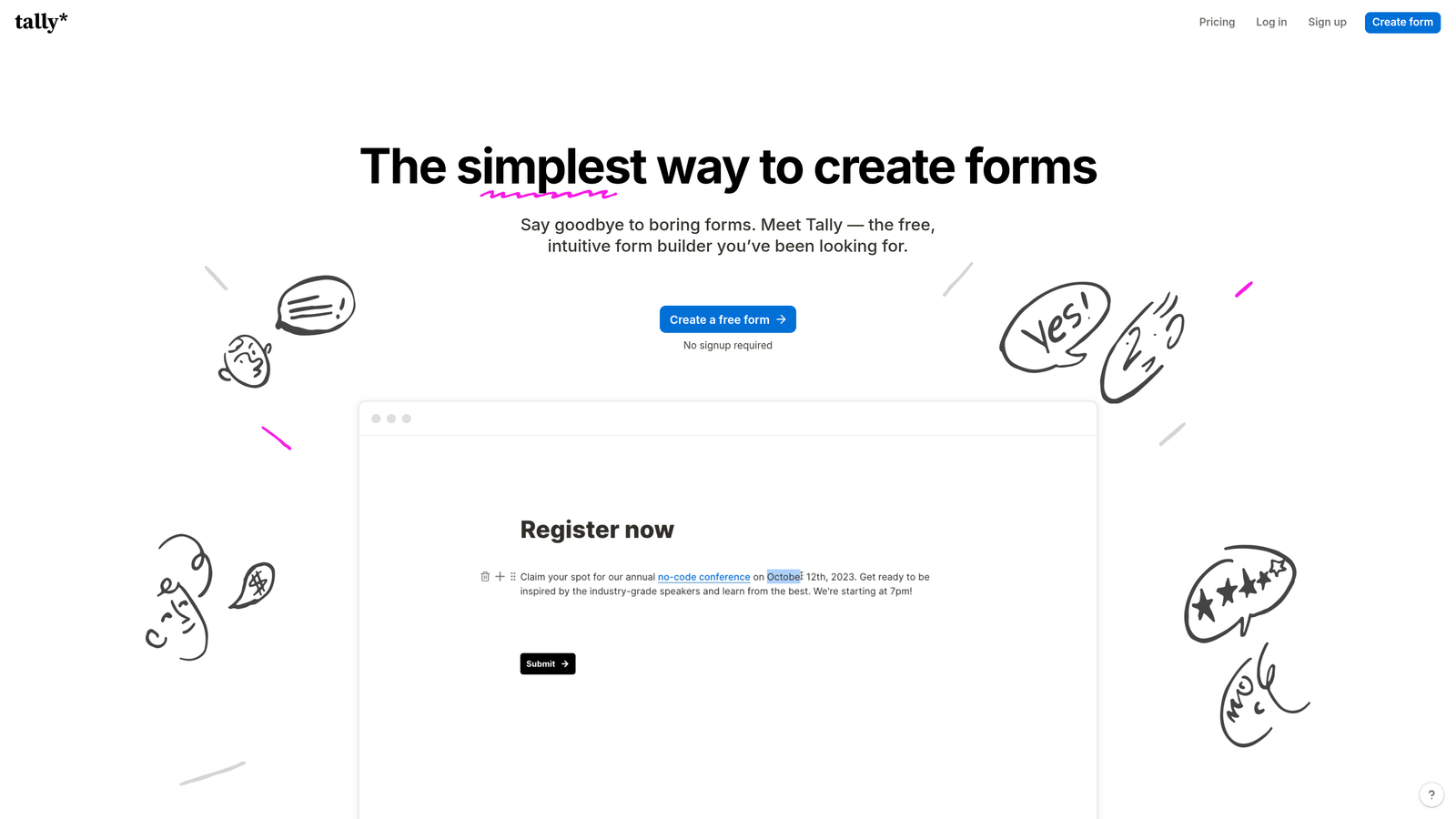
Tally brings Notion's familiar interface philosophy to form building with an exceptionally generous free tier.
Where This Tool Shines
The free plan includes unlimited forms and submissions, making Tally one of the most accessible options for bootstrapped startups or teams testing form strategies. You won't hit artificial limits that force upgrades before you're ready.
If you already use Notion, Tally feels immediately familiar. The block-based building approach mirrors Notion's interface, reducing the learning curve to nearly zero for existing users.
Key Features
Unlimited Free Forms: Create as many forms as needed without hitting form or submission caps on the free tier.
Notion-Style Interface: Block-based building that feels natural for Notion users, with drag-and-drop simplicity.
File Uploads: Collect file attachments from respondents even on the free plan, unlike many competitors that gate this feature.
Custom Domains: Connect your own domain to forms on paid plans for professional branding.
Team Collaboration: Share forms and collaborate with team members on form design and response management.
Best For
Startups and small teams that need reliable form functionality without immediate budget allocation. Particularly valuable for Notion-centric organizations that want consistent interfaces across their tool stack.
Pricing
Free tier includes unlimited forms and submissions with Tally branding. Pro plan at $29/month billed annually removes branding, adds custom domains, and includes priority support plus advanced features.
5. Paperform
Best for: Creating forms that double as branded landing pages
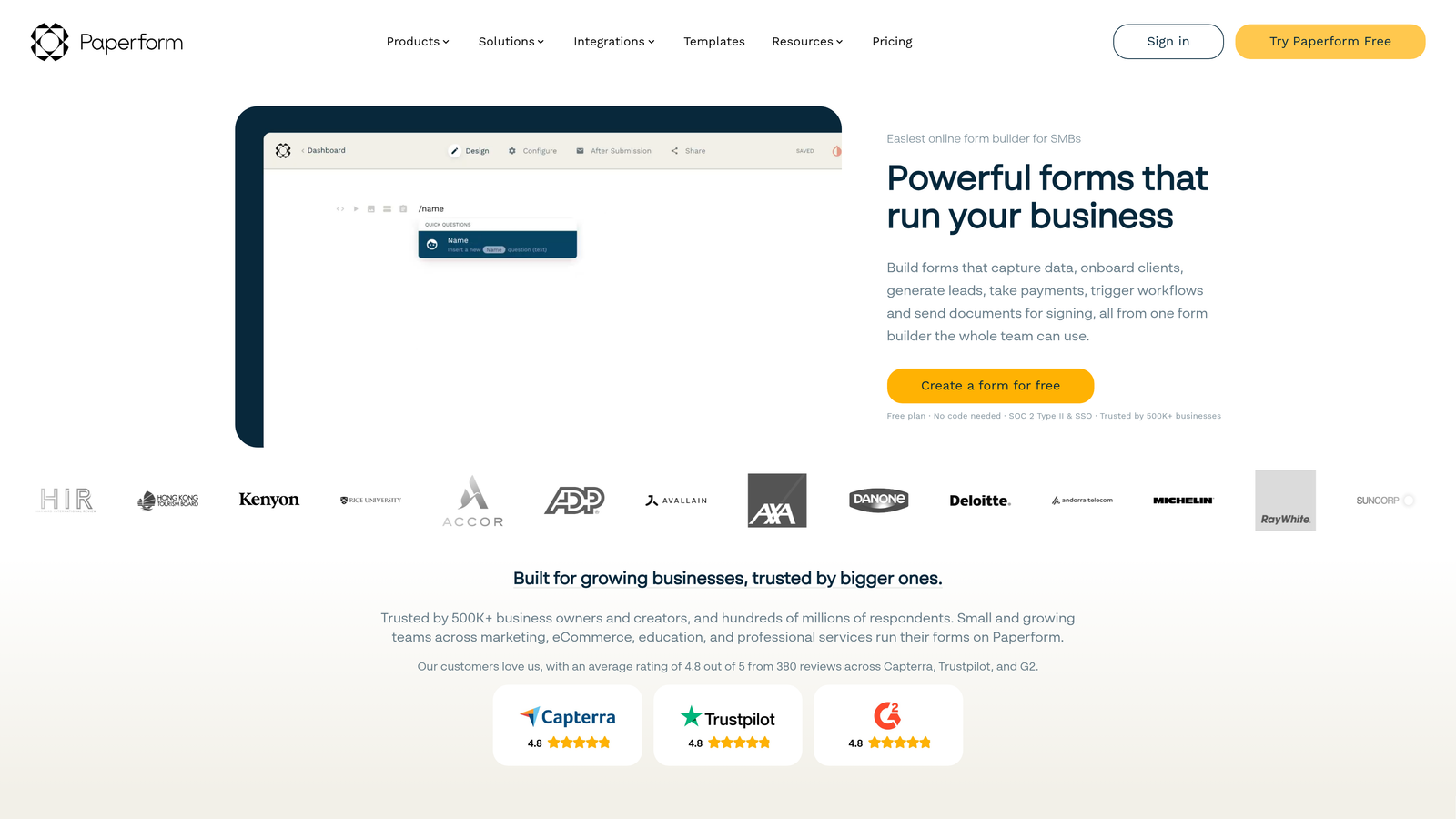
Paperform takes a document-first approach that makes forms look like beautifully designed web pages rather than traditional data collection tools.
Where This Tool Shines
The document-style editor lets you mix form fields with rich text, images, and formatting to create experiences that feel more like landing pages. This approach works particularly well when you need to provide context, explain options, or maintain brand aesthetics throughout the form.
Built-in payment processing and advanced calculations make Paperform ideal for selling products, collecting donations, or handling complex pricing scenarios directly within forms without external tools.
Key Features
Document-Style Design: Create forms that look like branded web pages with rich formatting, images, and layout control.
Payment Processing: Accept payments through Stripe or PayPal directly within forms with customizable product options and pricing.
Advanced Calculations: Build complex pricing calculators, quote generators, or scoring systems with formula support.
Conditional Logic: Show or hide sections based on user responses to create personalized form experiences.
Custom Success Pages: Design unique confirmation experiences that match your brand and guide users to next steps.
Best For
Creative professionals, consultants, and service businesses that need forms to reflect brand quality. Works particularly well for booking systems, quote requests, and any scenario where the form itself is a marketing touchpoint.
Pricing
Essentials plan at $20/month annually includes unlimited forms and 1,000 submissions. Pro plan at $40/month annually offers 10,000 submissions and removes Paperform branding. Business plan at $135/month annually provides 100,000 submissions and priority support.
6. Formstack
Best for: Enterprise teams requiring compliance and workflow automation
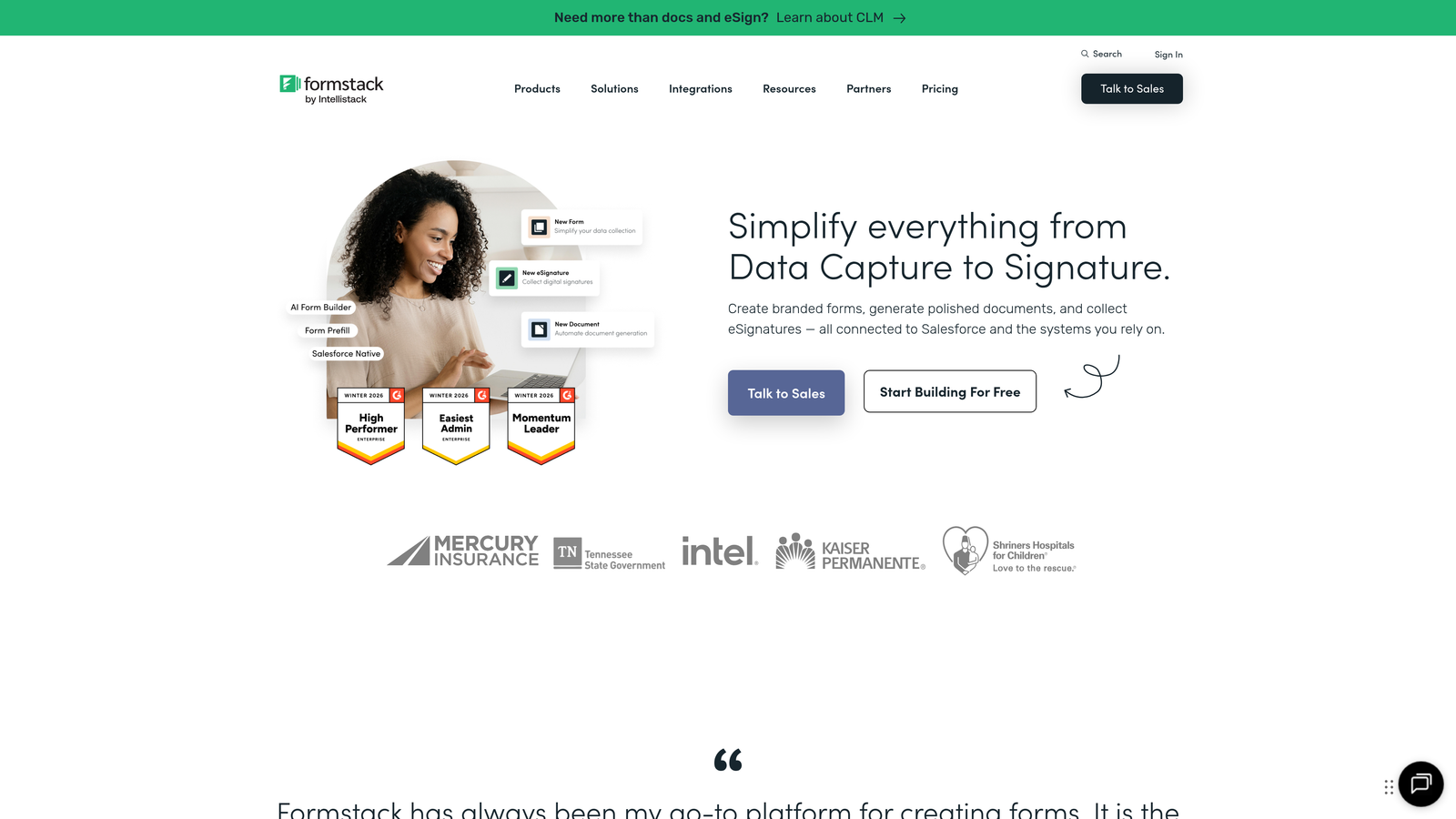
Formstack focuses on regulated industries and complex organizational workflows that demand security and compliance features.
Where This Tool Shines
HIPAA compliance capabilities make Formstack one of the few form builders suitable for healthcare organizations collecting protected health information. The platform includes business associate agreements and security controls required for regulatory compliance.
Document generation and workflow automation features handle complex business processes beyond simple data collection. Forms can trigger document creation, route approvals through organizational hierarchies, and integrate with enterprise systems.
Key Features
HIPAA Compliance: Security controls, encryption, and business associate agreements for healthcare organizations handling protected information.
Document Generation: Automatically create contracts, reports, or certificates from form data using customizable templates.
Workflow Automation: Build approval chains, routing rules, and multi-step processes that integrate forms into broader business workflows.
E-Signatures: Collect legally binding signatures with audit trails and certificate generation for compliance documentation.
Advanced Security: Role-based access controls, encryption at rest and in transit, and detailed audit logs for enterprise security requirements.
Best For
Healthcare providers, financial services firms, and large enterprises in regulated industries. Ideal for organizations that need forms to integrate with existing business processes and meet strict compliance requirements.
Pricing
Starter plan at $50/month annually includes 1 user and 10 forms. Team plan at $83/month annually offers 5 users and 50 forms. Enterprise pricing available with custom user counts, form limits, and dedicated support.
7. Cognito Forms
Best for: Complex calculations and payment collection with low transaction fees
Cognito Forms excels at mathematical operations and payment processing with notably competitive transaction fees.
Where This Tool Shines
The calculation engine handles complex math that would require custom development in other form builders. Build quote calculators, price estimators, or scoring systems with formulas that reference multiple fields and perform sophisticated operations.
Payment integration comes with lower transaction fees than many competitors. Combined with strong calculation capabilities, this makes Cognito Forms particularly cost-effective for businesses selling products or services through forms.
Key Features
Advanced Calculations: Powerful formula builder supporting mathematical operations, conditional calculations, and multi-field references.
Repeating Sections: Let users add multiple items, attendees, or entries within a single form submission for order forms or registrations.
Payment Integration: Accept payments through Stripe or PayPal with competitive transaction fees lower than many form builder alternatives.
Conditional Logic: Show, hide, or require fields based on user responses to create dynamic, personalized form experiences.
Data Encryption: Secure sensitive information with field-level encryption that protects data at rest and in transit.
Best For
Businesses that need sophisticated pricing calculators, order forms, or quote generators. Particularly valuable when transaction fees matter and you're processing significant payment volume through forms.
Pricing
Free tier available with basic features. Pro plan at $15/month annually includes 5 forms and removes branding. Team plan at $35/month annually offers 50 forms and team collaboration. Enterprise plan at $99/month annually provides unlimited forms and advanced features.
8. 123FormBuilder
Best for: Industry-specific templates and multi-platform deployment
123FormBuilder offers specialized templates for specific industries alongside flexible deployment options.
Where This Tool Shines
Industry-specific templates go beyond generic forms to address unique requirements in healthcare, education, real estate, and other sectors. These templates include field types and workflows specific to each industry's common use cases.
Multi-page form capabilities with progress indicators help break long forms into manageable sections. This approach reduces abandonment on complex forms that would overwhelm users if presented as a single page.
Key Features
Industry Templates: Specialized form templates designed for healthcare, education, real estate, and other industries with unique requirements.
HIPAA Compliance: Available on higher-tier plans for healthcare organizations requiring secure patient data collection.
Multi-Page Forms: Break complex forms into multiple pages with progress indicators to improve completion rates.
Payment Collection: Integrate with payment processors to collect fees, donations, or product payments through forms.
Salesforce Integration: Native connection to Salesforce CRM for automated lead and data synchronization.
Best For
Organizations in specialized industries that benefit from purpose-built templates. Works well for teams using Salesforce who need seamless CRM integration without middleware platforms.
Pricing
Gold plan at $24.99/month annually includes 5 forms and 1,000 submissions. Platinum plan at $44.99/month annually offers 25 forms and 10,000 submissions with advanced features. Enterprise pricing available for larger organizations with custom requirements.
9. Fillout
Best for: Native Notion and Airtable integration for productivity-focused teams
Fillout specializes in connecting forms directly to popular productivity platforms without requiring automation middleware.
Where This Tool Shines
Native Notion integration lets you send form submissions directly into Notion databases, eliminating the need for Zapier or Make. For teams managing projects, leads, or content in Notion, this creates seamless workflows from form submission to team action.
Similarly, native Airtable integration sends responses directly to your bases with field mapping that respects Airtable's data types and relationships. This makes Fillout ideal for teams using Airtable as their primary database or CRM.
Key Features
Native Notion Integration: Send form responses directly to Notion databases without third-party automation tools.
Native Airtable Integration: Connect forms to Airtable bases with automatic field mapping and data type handling.
Conditional Logic: Create dynamic forms that adapt based on user responses for personalized experiences.
File Uploads: Collect documents, images, or other files from form respondents with storage included.
Custom Branding: Remove Fillout branding and apply custom styling to match your brand identity.
Best For
Teams that have built workflows around Notion or Airtable and want forms to integrate natively with their existing systems. Particularly valuable when you want to avoid paying for separate automation platforms.
Pricing
Free tier available with basic features and Fillout branding. Starter plan at $15/month annually removes branding and includes 1,000 submissions. Pro plan at $40/month annually offers 10,000 submissions and advanced features like custom domains.
Making the Right Choice
The best annual plan depends on what you're actually trying to accomplish with your forms. If lead quality matters more than raw volume, Orbit AI's intelligent qualification saves time by filtering prospects before they reach your sales team. For teams prioritizing engagement and brand experience, Typeform's conversational format justifies the investment through higher completion rates.
Budget-conscious teams should consider Tally's unlimited free tier or Cognito Forms' low-cost Pro plan, especially if you're still validating your form strategy. On the other hand, enterprises in regulated industries have limited options—Formstack and 123FormBuilder offer the compliance features that healthcare and financial organizations can't compromise on.
Think about your integration ecosystem before committing. If you live in Notion or Airtable, Fillout's native connections eliminate middleware costs. Salesforce users benefit from 123FormBuilder's direct integration. Teams needing sophisticated calculations or payment processing should evaluate Cognito Forms' competitive transaction fees against feature requirements.
Annual billing makes sense when you're confident in your platform choice and can benefit from the 15-30% savings. However, start with monthly billing if you're testing multiple tools or your form requirements are still evolving. Most platforms let you switch to annual billing later once you've validated the fit.
Consider your growth trajectory when evaluating submission limits. A plan with 1,000 monthly submissions might seem sufficient today, but if you're launching new campaigns or expanding lead generation efforts, you could hit limits within months. Upgrading mid-year often costs more than choosing the right tier initially.
Start building free forms today and see how intelligent form design can elevate your conversion strategy. The right form builder does more than collect data—it qualifies leads, optimizes conversions, and integrates seamlessly with your existing workflow, making every submission more valuable than the last.


