

Finding the right custom form development service can mean the difference between a leaky lead funnel and a conversion machine. Whether you need complex multi-step forms, conditional logic, or seamless CRM integrations, the right platform or service provider can transform how you capture and qualify leads.
We've evaluated these services based on customization depth, ease of implementation, integration capabilities, and value for high-growth teams. Here are the top options for businesses ready to move beyond basic form builders.
1. Orbit AI
Best for: High-growth teams needing AI-powered lead qualification with conversion-optimized forms
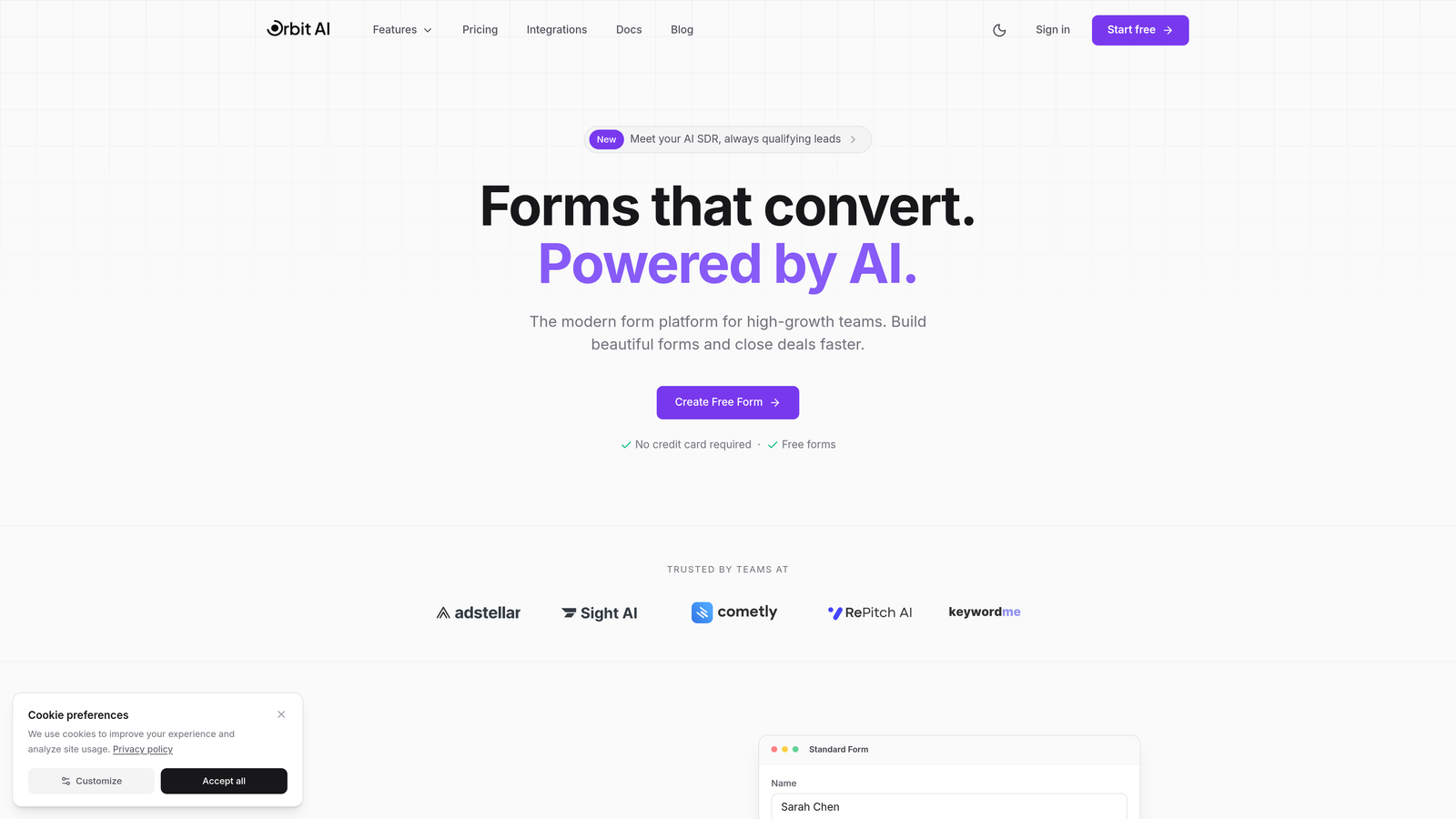
Orbit AI is an AI-powered form builder platform designed specifically for teams focused on lead generation and conversion optimization.
Where This Tool Shines
The standout feature here is intelligent lead qualification that happens automatically as prospects fill out your forms. Instead of collecting data and sorting through it later, the AI evaluates responses in real-time and scores leads based on your criteria.
This approach means your sales team spends time on qualified prospects rather than chasing cold leads. The platform combines this intelligence with modern, conversion-optimized templates that actually look good—something many form builders still struggle with.
Key Features
AI-Powered Lead Qualification: Automatically scores and routes leads based on their responses and behavior patterns.
Conversion-Optimized Templates: Pre-built form designs tested for maximum completion rates across industries.
Native CRM Integrations: Direct connections to HubSpot, Salesforce, and Slack without middleware or complex setup.
Multi-Step Forms with Conditional Logic: Create dynamic forms that adapt based on user responses for better engagement.
Advanced Analytics Dashboard: Track conversion rates, drop-off points, and lead quality metrics in one place.
Best For
Teams that need more than data collection—specifically those focused on lead quality over quantity. If you're tired of sorting through unqualified leads or want to automate your initial qualification process, this platform delivers real value without requiring a development team.
Pricing
Free tier available to get started. Paid plans begin at competitive rates designed for growing teams that need advanced features and higher submission volumes.
2. Typeform
Best for: Creating engaging, conversational form experiences with beautiful design
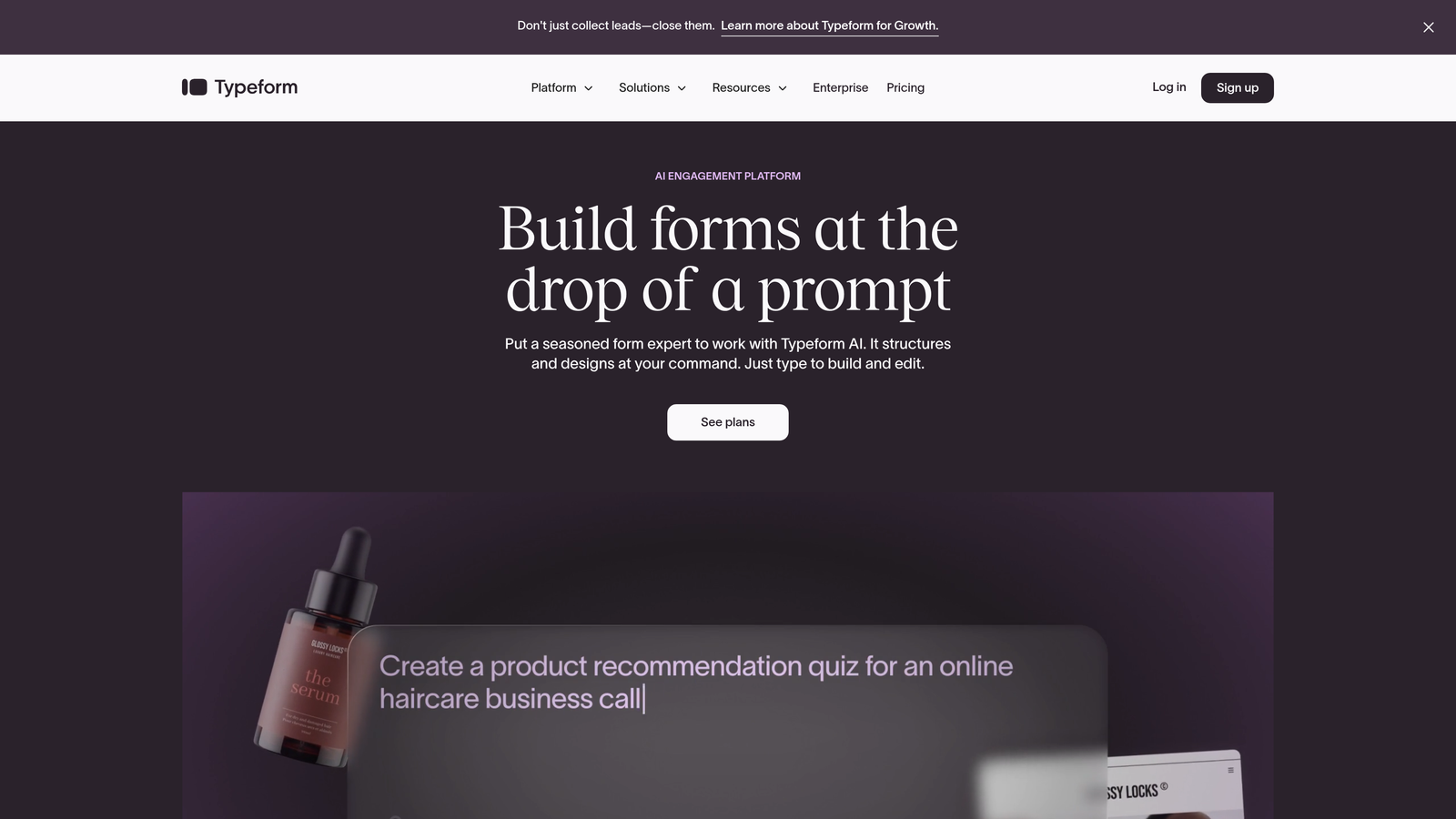
Typeform is a conversational form builder that pioneered the one-question-at-a-time format now widely copied across the industry.
Where This Tool Shines
Typeform excels at creating forms that feel more like conversations than interrogations. The signature one-question-at-a-time approach reduces cognitive load and typically increases completion rates compared to traditional long-form layouts.
The design flexibility is impressive—you can embed videos, images, and GIFs throughout the form experience. This makes it particularly effective for surveys, quizzes, and lead capture scenarios where engagement matters as much as data collection.
Key Features
Conversational Interface: One question appears at a time, creating a more engaging experience that feels less overwhelming.
Rich Media Embedding: Add videos, images, and GIFs to any question for visual storytelling.
Logic Jumps: Create branching paths based on responses to personalize the form experience.
Design Customization: Extensive branding options including custom fonts, colors, and layouts.
Native Integrations: Direct connections to major marketing platforms like Mailchimp, HubSpot, and Google Sheets.
Best For
Marketing teams and agencies that prioritize user experience and brand presentation. If your forms are customer-facing and need to make a strong visual impression, Typeform delivers consistently polished results.
Pricing
Free tier allows 10 responses per month. Basic plan starts at $25/month for 100 responses, with higher tiers offering more submissions and advanced features.
3. Jotform Enterprise
Best for: Enterprise organizations requiring compliance, advanced workflows, and dedicated support
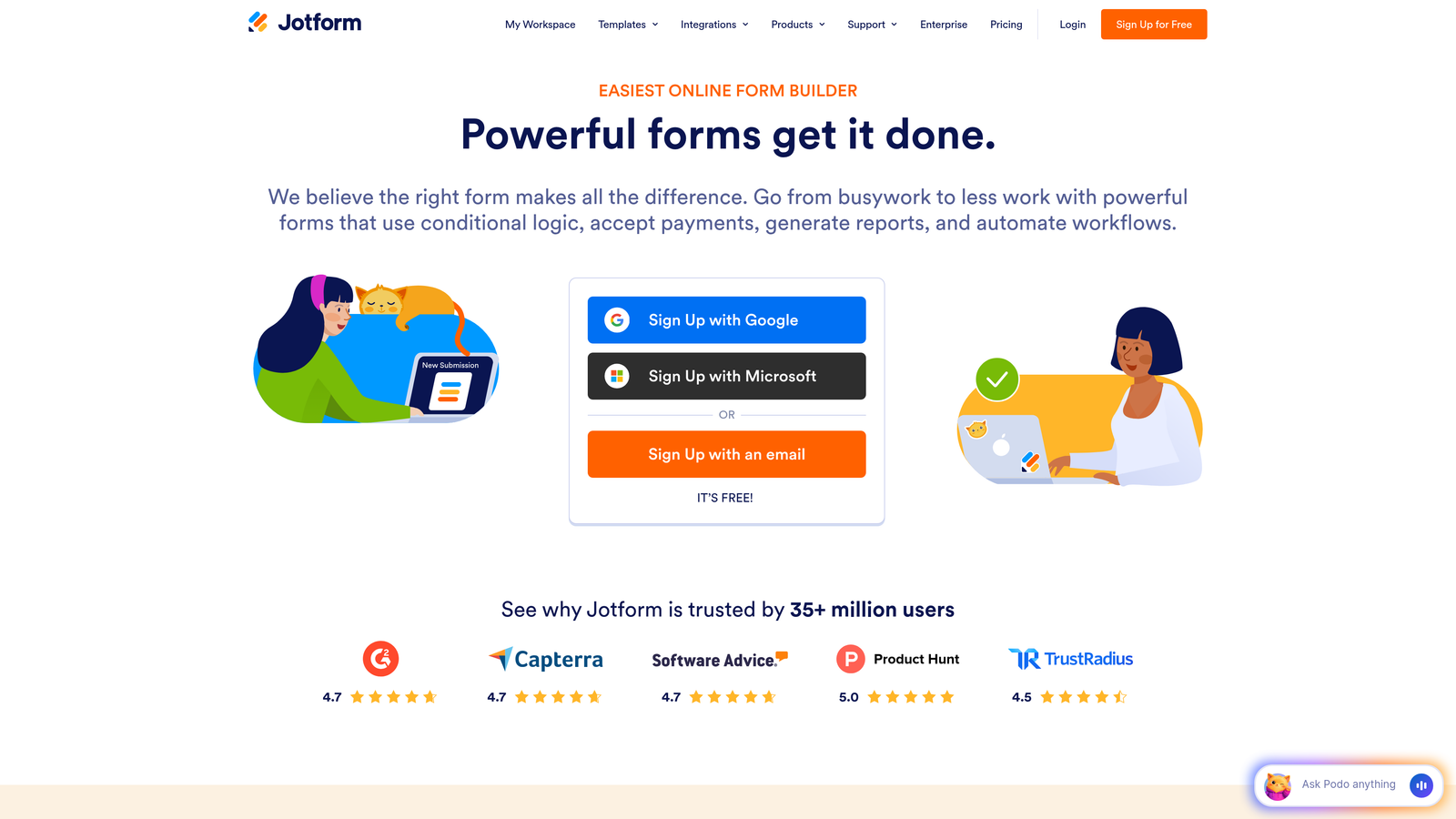
Jotform Enterprise is an enterprise-grade form platform built for organizations with complex compliance requirements and large-scale form deployment needs.
Where This Tool Shines
When compliance isn't optional, Jotform Enterprise delivers with HIPAA, SOC 2, and GDPR-compliant infrastructure. The platform handles sensitive data collection for healthcare, financial services, and government organizations that can't compromise on security.
Beyond compliance, the approval workflow capabilities stand out. Forms can trigger multi-step approval processes, route submissions to different departments, and integrate with existing enterprise systems through robust API access.
Key Features
Compliance Certifications: HIPAA, SOC 2, and GDPR compliance with audit trails and data encryption.
10,000+ Templates: Extensive library covering virtually every industry and use case imaginable.
Advanced Approval Workflows: Multi-level approval routing with notifications and status tracking.
White-Labeling: Remove Jotform branding completely and use custom domains across all forms.
Dedicated Support: SLA guarantees with dedicated account management and priority technical support.
Best For
Large organizations, healthcare providers, financial institutions, and any business handling sensitive data that requires documented compliance. The enterprise support and SLA guarantees make this suitable for mission-critical form deployments.
Pricing
Enterprise pricing available on request based on user count and feature requirements. Standard plans start at $34/month for smaller teams.
4. Formstack
Best for: Organizations needing integrated document generation and e-signature workflows
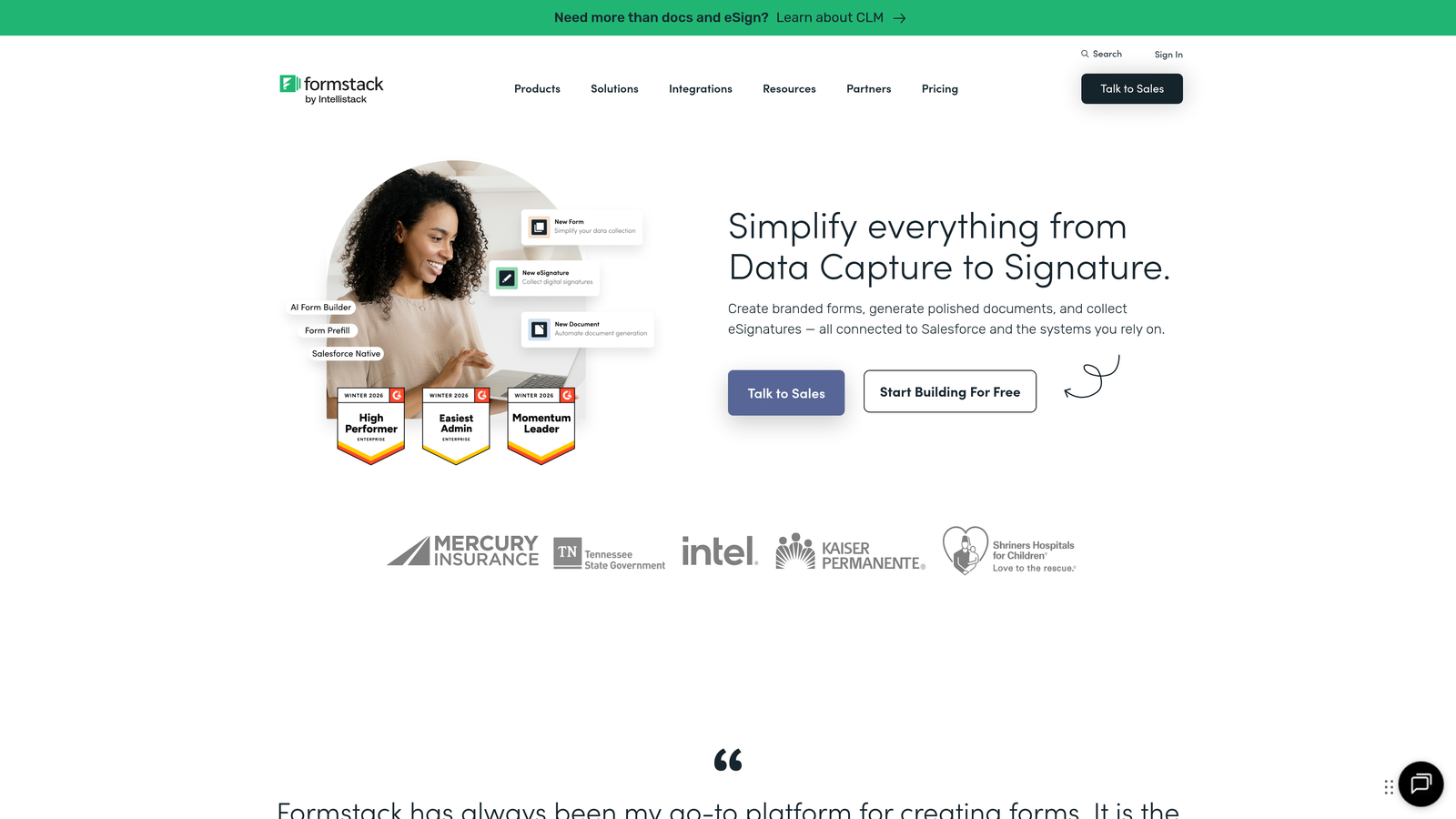
Formstack is a workflow-focused platform that extends beyond form building to include document generation and electronic signature capabilities in one ecosystem.
Where This Tool Shines
The real power emerges when you need forms to trigger downstream documentation. Collect information once, then automatically generate contracts, proposals, or reports using that data—all within the same platform.
The Salesforce-native integration is particularly robust, making this a natural fit for organizations heavily invested in the Salesforce ecosystem. Forms sync bidirectionally, updating records in real-time without middleware.
Key Features
Document Generation: Automatically create PDFs, Word docs, and other files populated with form submission data.
Native E-Signatures: Collect legally binding signatures without leaving the platform or adding third-party tools.
Workflow Automation: Build complex approval chains and routing logic based on form responses.
Salesforce Integration: Native connector that treats Salesforce as a first-class data destination.
Advanced Calculations: Perform complex calculations within forms for quotes, pricing, and dynamic content.
Best For
Sales teams and organizations that need forms to trigger document workflows. If you're currently using separate tools for data collection, document generation, and signatures, Formstack consolidates these into one platform.
Pricing
Forms start at $50/month. Suite pricing that includes documents and signatures available at higher tiers with volume-based options.
5. Cognito Forms
Best for: Complex forms requiring advanced calculations, payment processing, and conditional logic
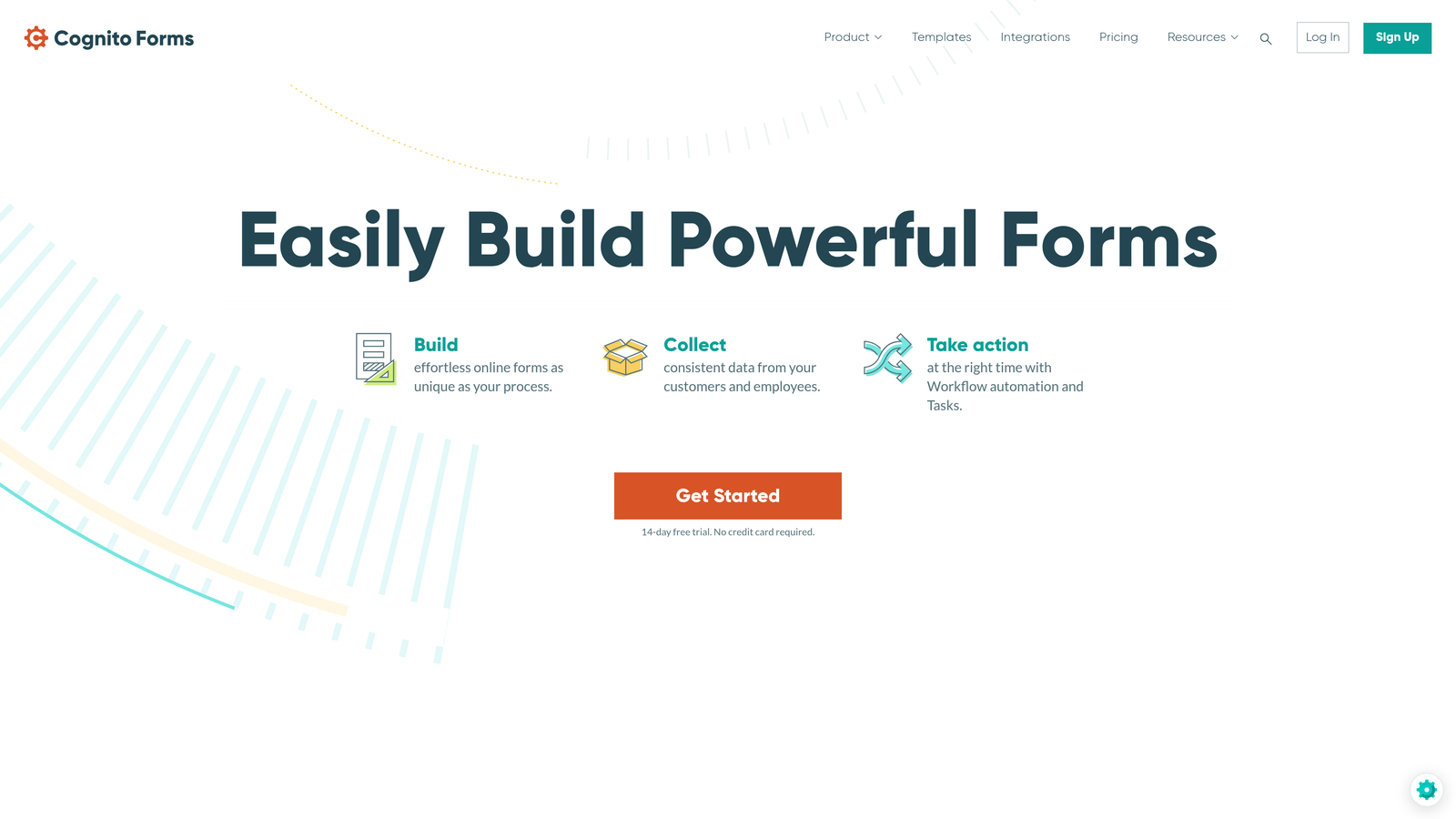
Cognito Forms is a feature-rich form builder that punches above its weight class with powerful calculation capabilities and integrated payment processing.
Where This Tool Shines
The calculation engine is remarkably sophisticated—you can build forms that function almost like spreadsheets, with fields that calculate totals, apply discounts, compute tax, and adjust pricing based on selections.
Payment processing integrates directly with Stripe, PayPal, and Square, making this ideal for order forms, event registrations, and donation collection. The repeating sections feature lets users add multiple items or entries dynamically within a single form submission.
Key Features
Advanced Calculations: Build complex formulas that calculate totals, apply conditional pricing, and perform mathematical operations.
Integrated Payments: Native payment processing through Stripe, PayPal, and Square without additional plugins.
Repeating Sections: Allow users to add multiple entries of the same field group within one submission.
Workflow Routing: Route submissions to different people based on form content for approval processes.
Data Encryption: Field-level encryption for sensitive data with compliance-ready security features.
Best For
Organizations collecting payments through forms or needing sophisticated calculation logic. Registration forms, order forms, and donation pages benefit particularly from the calculation and payment features.
Pricing
Free tier includes unlimited forms with 500 entries per month. Pro plan starts at $15/month with higher submission limits and advanced features.
6. Paperform
Best for: Creating landing page-style forms that combine content, media, and data collection
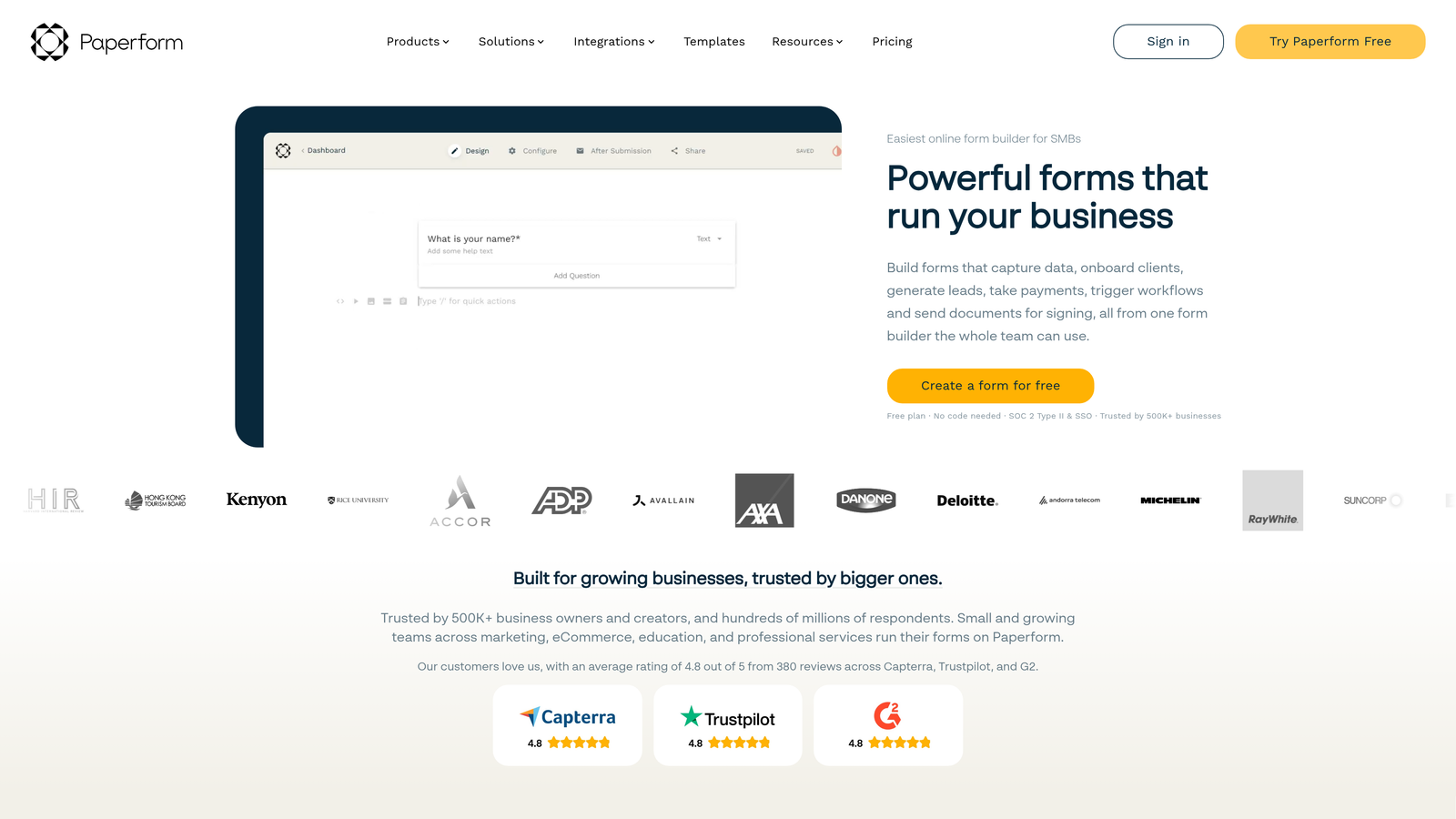
Paperform is a unique form builder that blurs the line between forms and landing pages, letting you create cohesive branded experiences.
Where This Tool Shines
Unlike traditional form builders that feel like forms, Paperform creates experiences that look more like content pages that happen to collect information. You can weave form fields throughout rich text, images, and videos to create a narrative flow.
This approach works particularly well for booking pages, product orders, and lead capture scenarios where context matters. The ability to add custom CSS means developers can achieve virtually any design without platform limitations.
Key Features
Hybrid Format: Combine landing page content with form fields in a single flowing experience.
Rich Media Integration: Embed videos, images, and content blocks throughout your forms naturally.
Payment and Booking: Integrated payment processing and scheduling capabilities for appointments and reservations.
Conditional Logic: Show or hide sections based on responses to create personalized paths.
Custom CSS: Add your own CSS for complete design control beyond template options.
Best For
Creative teams and agencies that need forms to match sophisticated brand guidelines. Service businesses, consultants, and e-commerce brands benefit from the landing page-style presentation.
Pricing
Essentials plan at $24/month includes most features. Pro plan at $49/month adds team collaboration and higher submission limits.
7. Fillout
Best for: Teams using Notion, Airtable, or other no-code databases as their backend
Fillout is a modern form builder designed specifically for teams already working in the no-code ecosystem.

Where This Tool Shines
The native integrations with Notion and Airtable are genuinely native—not webhooks or Zapier workarounds. Forms sync directly to your databases, updating records in real-time with proper field mapping and relationship handling.
This makes Fillout particularly valuable if you've built internal systems on Notion or Airtable and need a clean, modern form interface for external data collection. The multi-page format with progress indicators creates a professional experience despite the simple setup.
Key Features
Native No-Code Integrations: Direct connections to Notion and Airtable databases without middleware.
Multi-Page Forms: Break long forms into multiple pages with visual progress tracking.
Conditional Branching: Create dynamic form paths based on user responses.
Payment Collection: Integrated Stripe payment processing for orders and registrations.
Custom Branding: Use custom domains and remove Fillout branding on paid plans.
Best For
Teams already managing data in Notion or Airtable who need a public-facing form interface. Startups and small businesses using no-code tools as their primary infrastructure benefit most.
Pricing
Free tier with generous limits suitable for small teams. Starter plan at $15/month adds custom domains and removes branding.
8. Tally
Best for: Budget-conscious teams needing robust features without monthly costs
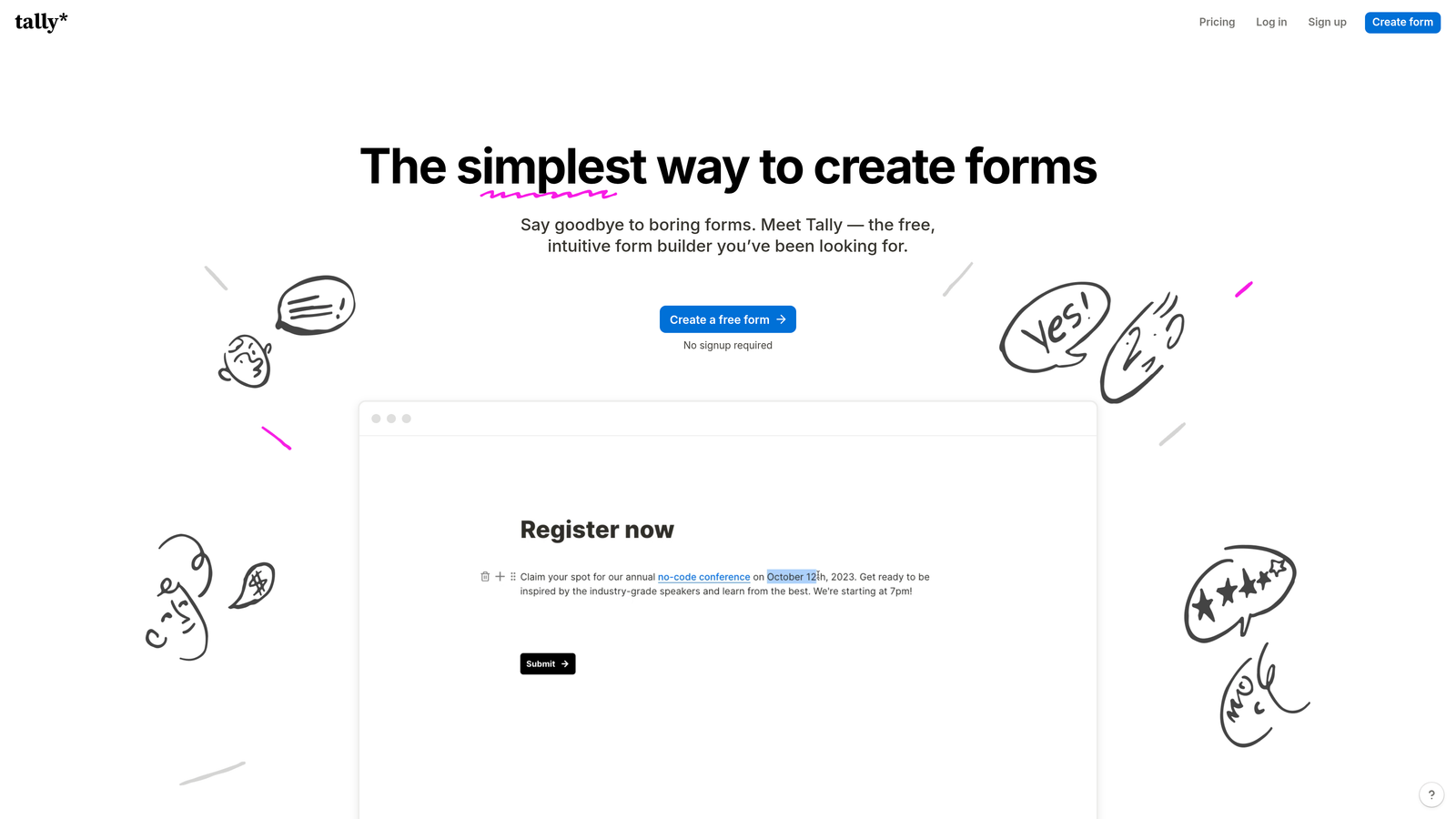
Tally is a simple, free-first form builder that offers surprisingly powerful features on its generous free tier.
Where This Tool Shines
The free tier is genuinely useful—unlimited forms and submissions without the artificial limits most platforms impose. This makes Tally viable for actual business use, not just testing or personal projects.
The Notion-like interface feels familiar and intuitive if you've used modern productivity tools. Despite the simplicity, you get conditional logic, file uploads, and payment collection—features that typically require paid plans elsewhere.
Key Features
Unlimited Free Tier: No caps on forms or submissions, making it viable for growing businesses.
Clean Interface: Notion-inspired design that's immediately intuitive without training.
Conditional Logic: Show or hide questions based on previous responses even on free plans.
File Uploads and Payments: Collect files and process payments without upgrading to paid tiers.
Webhook Integrations: Connect to other tools via webhooks or through Zapier for workflow automation.
Best For
Startups, solopreneurs, and small teams that need professional forms without budget for another subscription. The free tier makes this ideal for testing form strategies before committing to more expensive platforms.
Pricing
Free tier includes most features with unlimited usage. Pro plan at $29/month adds team collaboration and priority support.
9. Gravity Forms
Best for: WordPress sites needing deep integration with their content management system
Gravity Forms is a WordPress-native form plugin with an extensive ecosystem of add-ons for virtually any custom form requirement.
Where This Tool Shines
If your website runs on WordPress, Gravity Forms integrates at a level external form builders simply cannot match. Forms can create WordPress users, publish posts, update custom fields, and interact with any WordPress functionality directly.
The add-on marketplace is extensive—payment gateways, CRM connections, email marketing tools, and specialized features all available as modular add-ons. This means you only install what you need rather than paying for features you won't use.
Key Features
Deep WordPress Integration: Native access to WordPress users, posts, and custom fields without API calls.
Add-On Ecosystem: Extensive marketplace of official and third-party add-ons for specialized needs.
Conditional Logic: Show, hide, or require fields based on user selections and conditions.
Payment Gateways: Integrated processing for Stripe, PayPal, Authorize.net, and other major processors.
User Registration: Create WordPress user accounts directly from form submissions with role assignment.
Best For
WordPress-based businesses and organizations that need forms to interact with their site's content and user systems. Membership sites, directories, and content platforms benefit from the native WordPress integration.
Pricing
Basic license at $59/year for one site. Elite license at $259/year includes all add-ons and unlimited site usage.
Making the Right Choice
The right custom form development service depends on where you are and where you're going. Teams focused on lead quality over quantity will find the most value in platforms with built-in qualification capabilities—collecting data is easy, but collecting the right data from the right prospects is what actually moves revenue.
Consider your existing tech stack first. If you're already invested in WordPress, Gravity Forms makes sense. If you're living in Notion or Airtable, Fillout provides the cleanest integration. For teams using Salesforce as their source of truth, Formstack's native connector eliminates sync headaches.
Budget matters, but so does hidden cost. A free or cheap form builder that requires hours of manual lead qualification actually costs more than a platform that automates that work. Calculate the time your team spends sorting through submissions and factor that into your decision.
The compliance question is non-negotiable for certain industries. If you're handling healthcare data, financial information, or operating in highly regulated spaces, start with platforms that offer documented compliance rather than trying to retrofit security later.
For most high-growth teams, the sweet spot combines intelligent lead qualification, seamless integrations with existing tools, and a modern interface that doesn't hurt conversion rates. Forms are often the first impression prospects have of your business—make sure that impression reflects the quality of what comes next.
Transform your lead generation with AI-powered forms that qualify prospects automatically while delivering the modern, conversion-optimized experience your high-growth team needs. Start building free forms today and see how intelligent form design can elevate your conversion strategy.


