

Your business forms are doing more than just collecting information. They're your first impression, your lead qualification system, and often the difference between a potential customer and a lost opportunity. Yet most businesses treat form builders as an afterthought, choosing the first free tool they find rather than strategically selecting a platform that aligns with their growth goals.
The reality? Not all form builders are created equal. Some excel at creating beautiful, conversational experiences. Others prioritize enterprise compliance and security. A few leverage AI to automatically qualify leads and trigger intelligent workflows. The right choice depends entirely on what your business actually needs.
We evaluated dozens of form builders based on criteria that matter most to growing businesses: conversion optimization features, ease of use, integration capabilities, analytics depth, and pricing transparency. This guide breaks down seven standout platforms, each excelling in different areas, so you can make an informed decision rather than settling for whatever everyone else is using.
Let's dive into what makes each of these form builders worth considering for your business in 2026.
1. Orbit AI: AI-Powered Lead Qualification for High-Growth Teams
What Makes It Stand Out
Orbit AI takes a fundamentally different approach to form building by treating forms as intelligent lead qualification systems rather than simple data collection tools. The platform uses AI agents to analyze responses in real-time, automatically scoring and routing leads based on their answers, behavior, and engagement patterns.
This means your sales team receives pre-qualified leads with context about their needs, budget, and timeline rather than raw form submissions they need to manually sort through. The platform also includes built-in workflow automation and email sequences that trigger based on how prospects interact with your forms.
Key Features
AI Lead Qualification: Automatically scores and categorizes leads based on their responses, allowing you to prioritize high-intent prospects and nurture others with targeted sequences.
Conversion-Optimized Design: Modern, mobile-responsive form templates designed specifically to reduce abandonment and increase completion rates through thoughtful UX patterns.
Deep CRM Integration: Connects seamlessly with major CRM platforms, syncing lead data, qualification scores, and interaction history automatically without manual data entry.
Workflow Automation: Create sophisticated automation rules that trigger actions based on form responses, such as sending personalized follow-ups, assigning leads to specific team members, or updating CRM fields.
Advanced Analytics: Track not just completion rates but conversion paths, drop-off points, and lead quality metrics to continuously optimize your forms for better results. Understanding these metrics is essential for any form analytics platform strategy.
Best For
High-growth B2B teams that need more than basic data collection. If your business depends on lead generation and you're tired of manually qualifying every form submission, Orbit AI transforms forms from passive collection tools into active conversion engines.
Pricing Approach
Offers a free tier for teams getting started, with paid plans scaling based on form submissions and advanced features like AI qualification and workflow automation. The platform is designed to deliver ROI through improved lead quality rather than just form volume.
2. Typeform: Conversational Experiences That Feel Human
What Makes It Stand Out
Typeform pioneered the one-question-at-a-time format that makes filling out forms feel more like having a conversation than completing paperwork. Instead of overwhelming respondents with a long page of fields, Typeform presents questions sequentially with smooth transitions and engaging visuals.
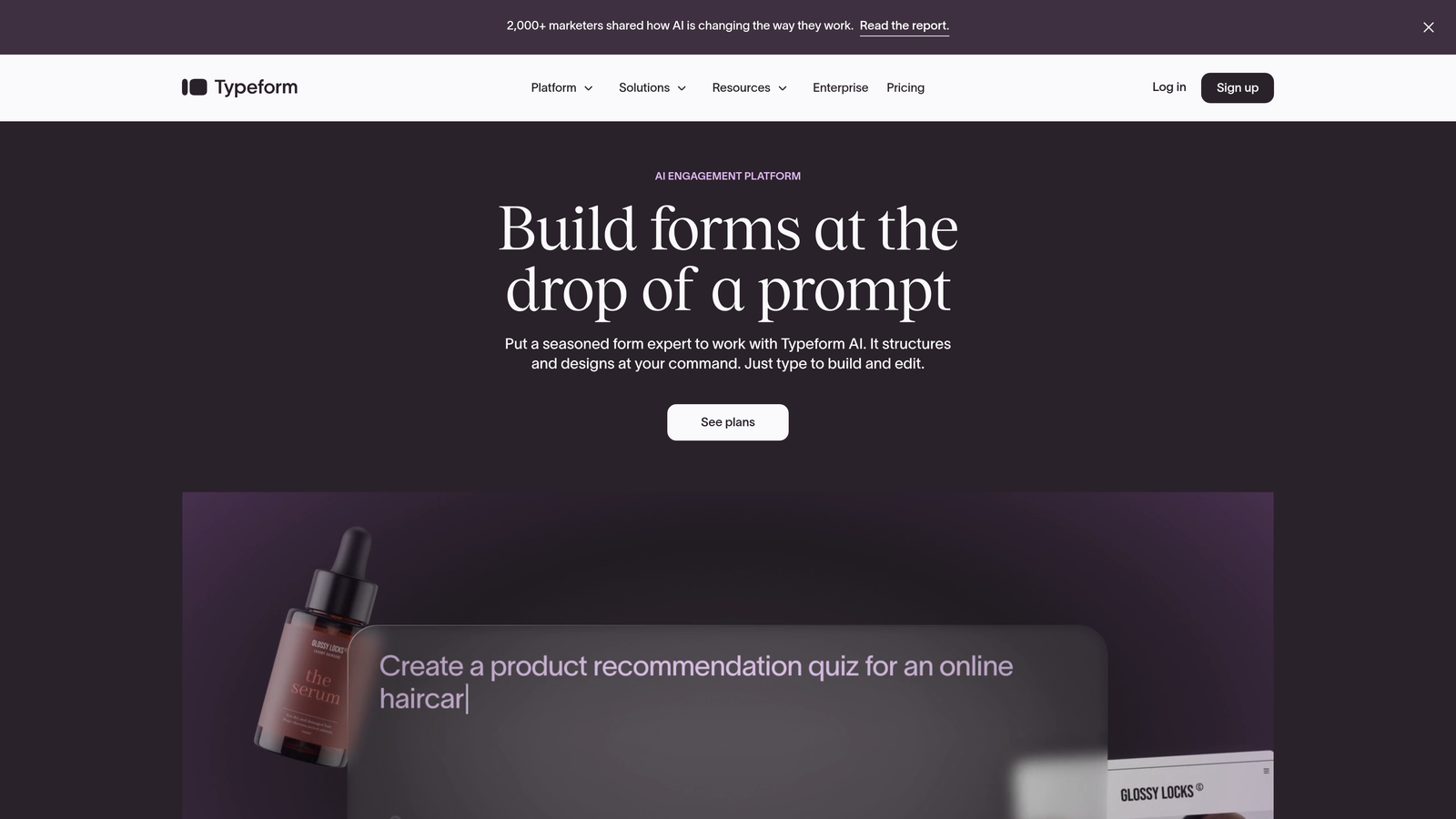
This approach reduces cognitive load and can improve completion rates, especially for longer surveys or forms where you're asking for detailed information. If you're exploring this style, our guide to conversational form builders covers the key players in this space.
Key Features
Conversational Interface: The signature one-question-per-screen format that creates a more engaging, less intimidating form experience compared to traditional layouts.
Logic Jumps: Show or hide questions based on previous answers, creating personalized paths through your form that feel tailored to each respondent.
Rich Media Support: Embed images, videos, and GIFs directly into your forms to create more visually appealing and memorable experiences.
Design Customization: Extensive control over colors, fonts, backgrounds, and layouts to match your brand identity perfectly.
Integration Ecosystem: Connects with popular tools like Slack, Google Sheets, HubSpot, and Mailchimp to automate workflows based on form responses.
Best For
Businesses prioritizing user experience and brand presentation. If you're creating customer surveys, feedback forms, or lead capture where the experience itself matters as much as the data collected, Typeform's conversational approach stands out.
Considerations
The conversational format works brilliantly for many use cases but can feel slower for simple forms where users just want to quickly enter information. For a detailed comparison, see our analysis of Typeform vs alternative form builders.
3. JotForm: Versatility Meets Extensive Template Library
What Makes It Stand Out
JotForm offers one of the most comprehensive template libraries in the form builder space, with over 10,000 pre-built forms covering virtually every business scenario imaginable. Whether you need event registration, order forms, job applications, or customer intake forms, there's likely a template you can customize rather than building from scratch.
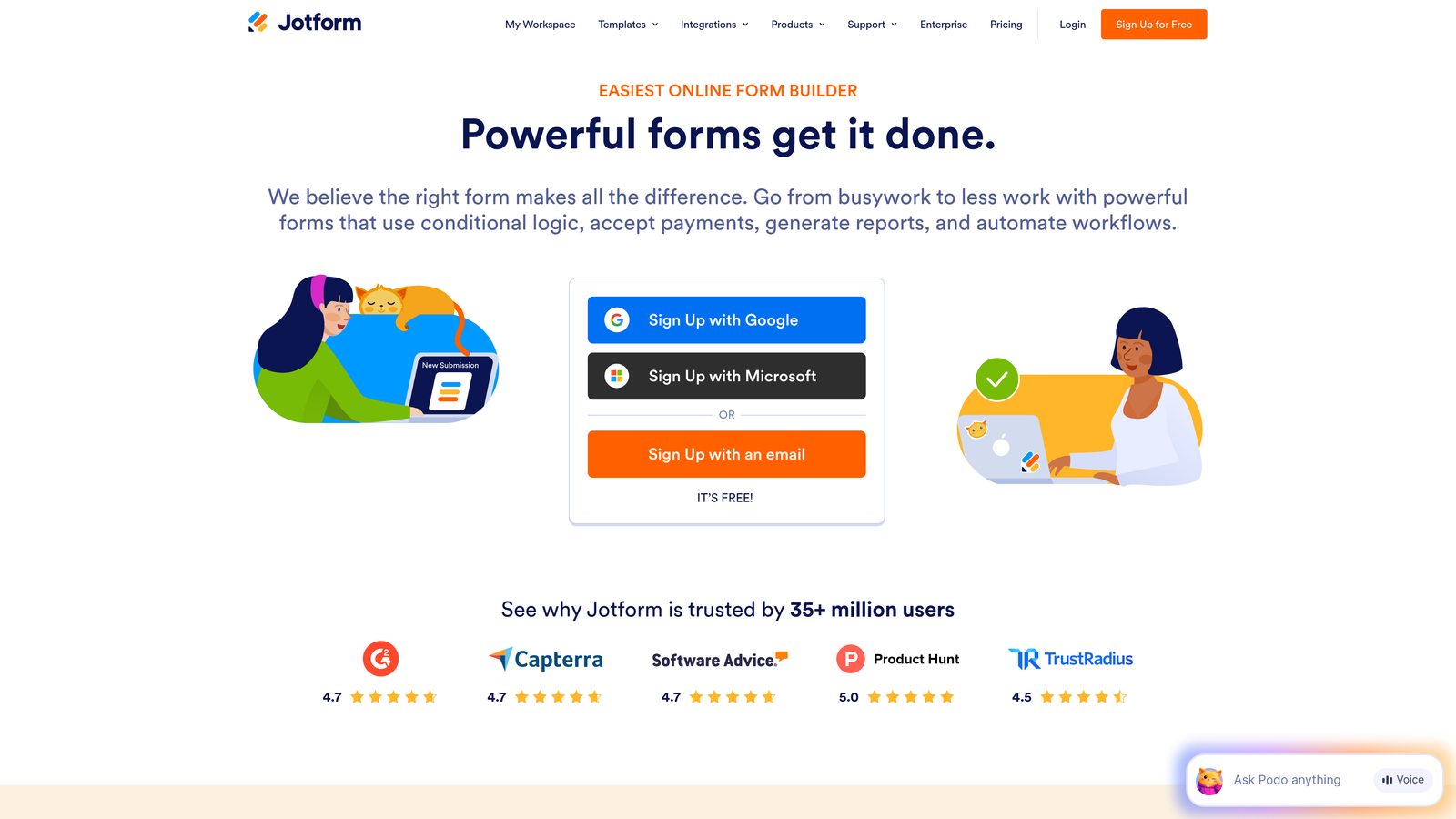
The platform also excels at payment collection, with direct integrations to over 30 payment processors including PayPal, Stripe, Square, and Authorize.Net. This makes JotForm particularly valuable for businesses selling products, accepting donations, or collecting fees through their forms.
Key Features
Massive Template Collection: Thousands of industry-specific templates that dramatically reduce setup time and provide inspiration for form design and structure.
Payment Integration: Built-in support for major payment processors, allowing you to create order forms, donation forms, and registration forms that accept payments directly.
Conditional Logic: Show or hide fields, skip pages, or change form behavior based on user responses to create more relevant, personalized experiences.
Mobile Forms App: Collect responses offline through dedicated mobile apps, useful for field work, events, or locations with unreliable internet connectivity.
HIPAA Compliance: Enterprise plans offer HIPAA-compliant forms for healthcare organizations that need to collect protected health information securely.
Best For
Businesses that need versatility across multiple use cases or want to get forms up quickly using proven templates. Our comparison of JotForm vs modern form builders explores how it stacks up against newer alternatives.
Considerations
While the template library is extensive, the interface can feel overwhelming initially with so many options. The platform also uses a submission-based pricing model that can become expensive for high-volume forms.
4. Google Forms: Simplicity and Seamless Workspace Integration
What Makes It Stand Out
Google Forms takes a radically simple approach: provide core form functionality without complexity or cost barriers. For businesses already using Google Workspace, it's essentially invisible to deploy since it's built directly into the ecosystem alongside Docs, Sheets, and Drive.
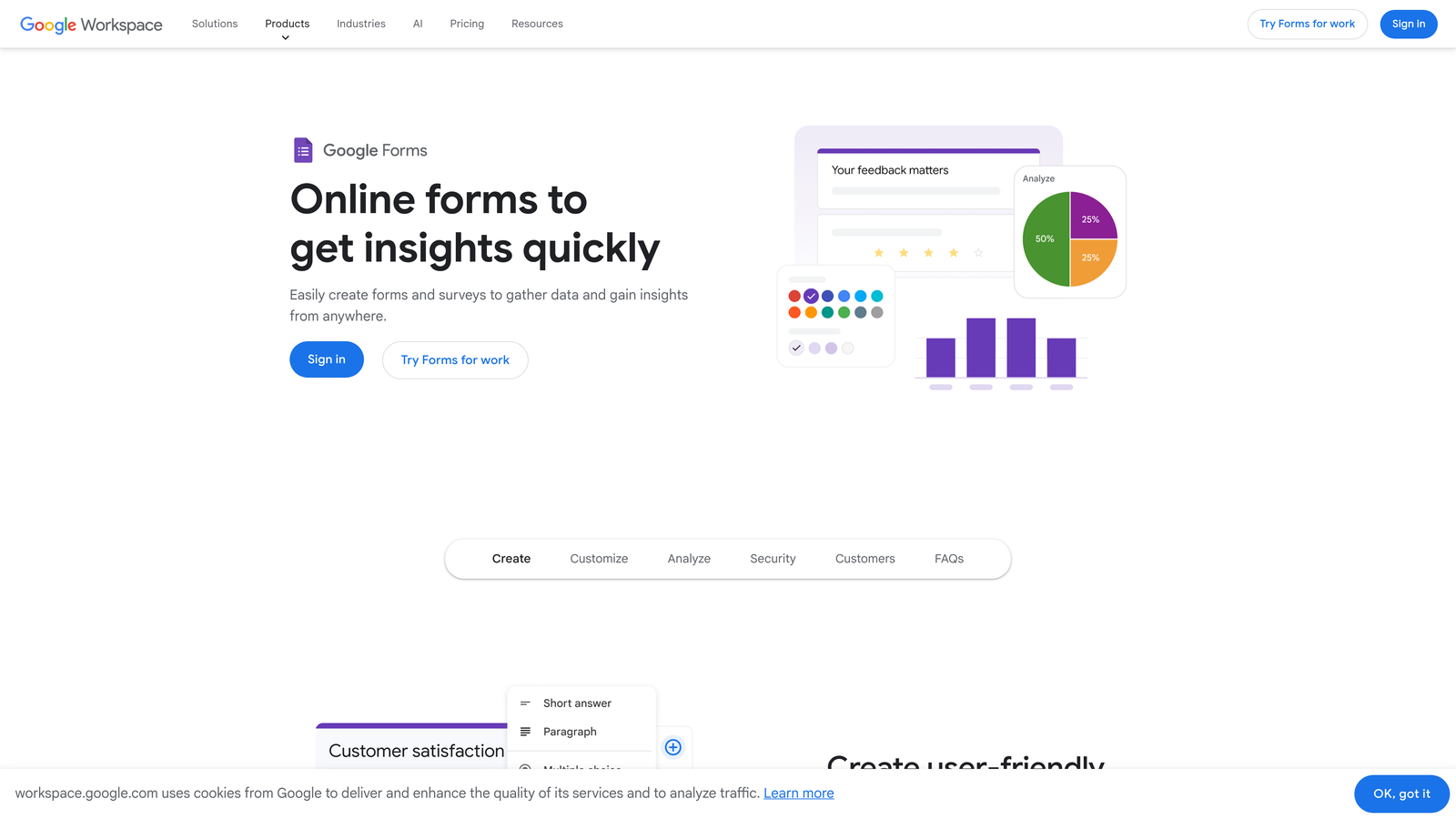
Responses automatically populate into Google Sheets, making data analysis straightforward for teams already comfortable with spreadsheets. There's no learning curve, no pricing tiers to navigate, and no limits on form submissions or responses.
Key Features
Zero Cost: Completely free with no submission limits, making it ideal for businesses testing ideas or running high-volume surveys without budget concerns.
Google Workspace Integration: Responses flow directly into Google Sheets, and forms can be embedded in Google Sites or shared via Drive with granular permission controls.
Real-Time Collaboration: Multiple team members can edit forms simultaneously, similar to how Google Docs works, streamlining form creation for distributed teams.
Basic Logic: Section branching allows you to show different questions based on previous answers, creating somewhat personalized paths through longer forms.
Automatic Charts: Google Forms generates basic visualizations of response data automatically, providing quick insights without exporting to other tools.
Best For
Small businesses, nonprofits, or teams that prioritize simplicity and cost savings over advanced features. If you're already invested in Google Workspace and need straightforward surveys, feedback forms, or event registration, Google Forms handles the basics reliably.
Considerations
The platform lacks advanced features like payment processing, sophisticated conditional logic, and design customization. If you've outgrown its limitations, our guide to Google Forms vs professional form builders can help you evaluate alternatives.
5. Gravity Forms: WordPress-Native Power and Flexibility
What Makes It Stand Out
Gravity Forms is built specifically for WordPress, integrating directly into the WordPress admin interface rather than operating as a separate platform. For businesses running their website on WordPress, this native integration means forms feel like a natural extension of your site rather than an embedded third-party tool.
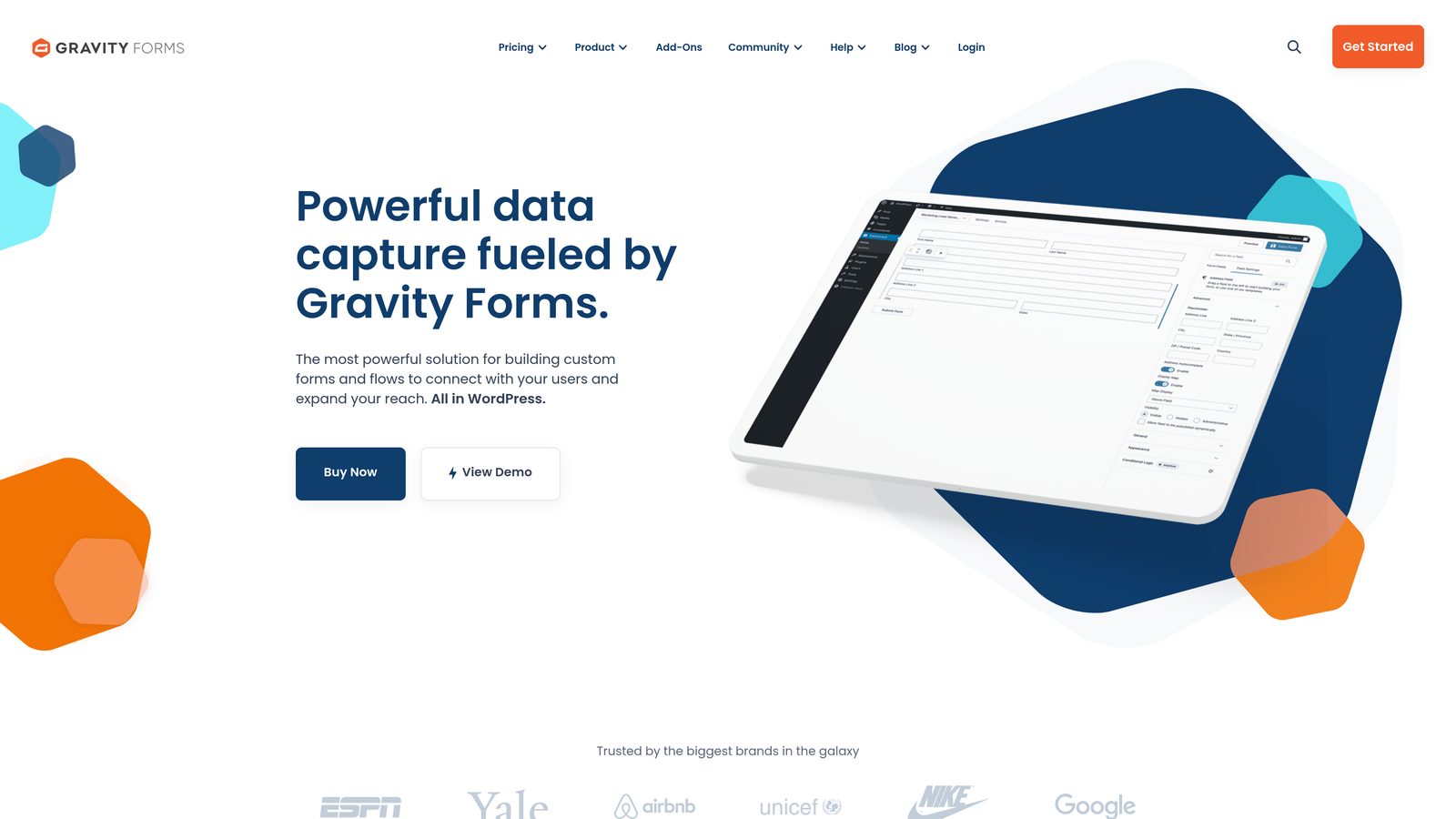
The platform uses a licensing model rather than subscription pricing, and it offers an extensive add-on ecosystem that extends functionality for specific use cases like user registration, post creation from form submissions, or advanced calculations.
Key Features
WordPress Native: Builds directly into your WordPress admin panel with no external platform to manage, keeping all your website management in one place.
Advanced Conditional Logic: Sophisticated rules for showing/hiding fields, changing form behavior, and routing notifications based on complex combinations of user responses.
Developer-Friendly: Extensive hooks, filters, and API access for developers to customize form behavior and integrate with custom WordPress functionality. Teams with technical resources should explore our roundup of form builders for developers.
Add-On Ecosystem: Official and third-party add-ons for payment processing, CRM integration, email marketing, and specialized functionality like surveys or polls.
Entry Management: All form submissions are stored in your WordPress database with powerful filtering and export capabilities for managing response data.
Best For
WordPress-based businesses that want complete control over their forms and the ability to customize deeply. If your team has WordPress development expertise and you need forms to integrate tightly with your site's functionality, Gravity Forms provides the flexibility to build exactly what you need.
Considerations
Requires WordPress, which limits flexibility if you're using other platforms or want forms that exist independently of your website. For a deeper dive, see our comparison of Gravity Forms vs SaaS form builders.
6. Formstack: Enterprise-Grade Compliance and Automation
What Makes It Stand Out
Formstack positions itself squarely in the enterprise space, emphasizing security, compliance, and sophisticated workflow automation over consumer-friendly simplicity. The platform offers HIPAA, GDPR, and SOC 2 compliance out of the box, making it suitable for healthcare, finance, and other regulated industries.
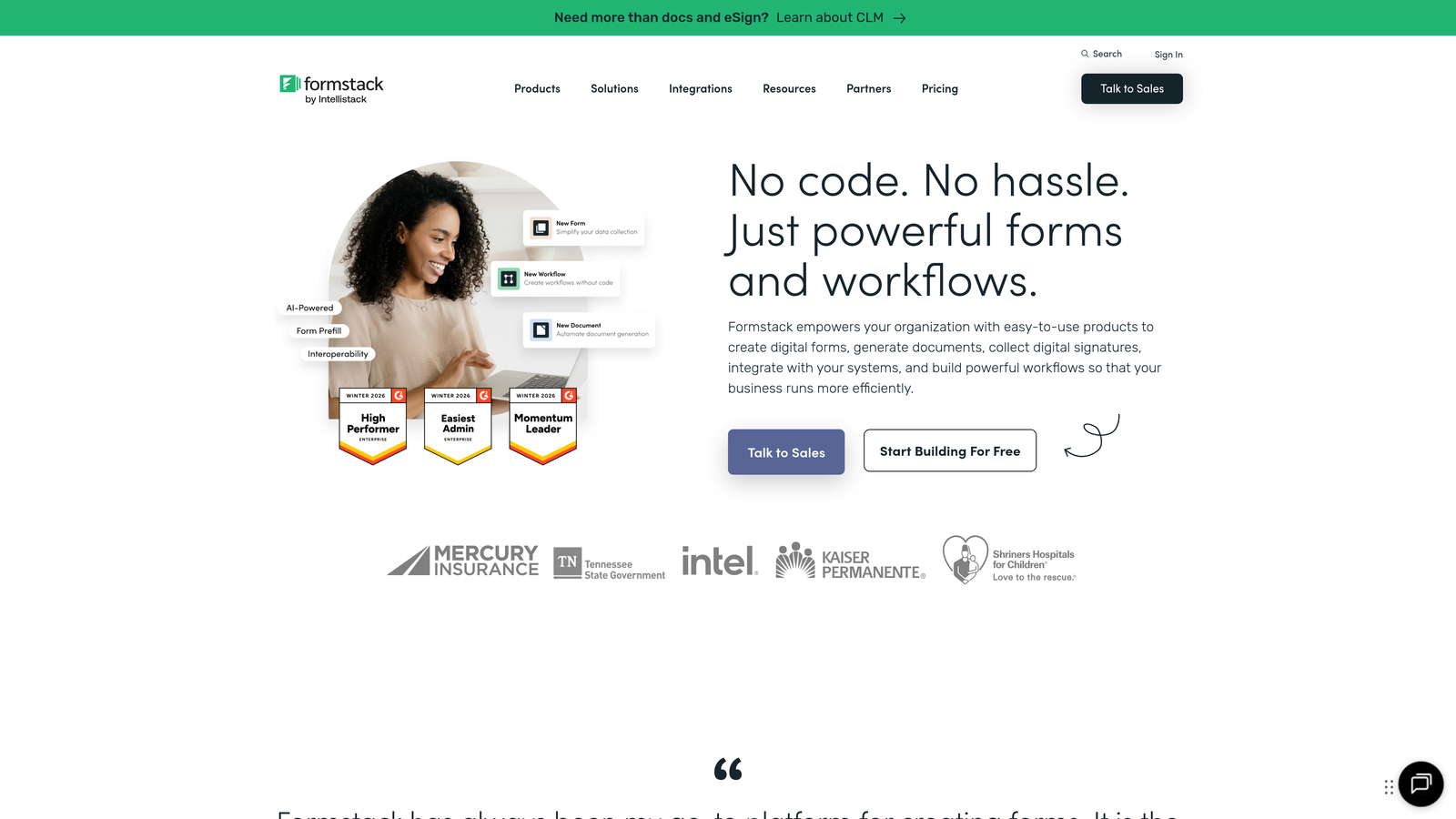
Beyond basic form building, Formstack includes document generation capabilities that can automatically populate contracts, agreements, or reports based on form data. This transforms forms from simple collection tools into complete business process automation systems.
Key Features
Compliance Certifications: HIPAA, GDPR, and SOC 2 compliance with encryption, audit logs, and security controls that meet enterprise and regulatory requirements.
Advanced Workflows: Multi-step approval processes, automated routing based on complex rules, and integration with enterprise systems like Salesforce and ServiceNow.
Document Generation: Automatically create PDFs, contracts, or reports by merging form data with templates, eliminating manual document creation.
A/B Testing: Test different form versions to optimize conversion rates, with built-in analytics showing which variations perform better. This aligns with conversion rate optimization best practices.
White Labeling: Remove Formstack branding and use custom domains to maintain complete brand consistency across all customer touchpoints.
Best For
Enterprise organizations and regulated industries that need robust security, compliance certifications, and sophisticated automation. If you're in healthcare, finance, or government sectors where data handling requirements are strict, Formstack provides the infrastructure to collect information safely.
Considerations
Enterprise pricing reflects the advanced features and compliance capabilities, making Formstack one of the more expensive options. The platform may be overkill for small businesses with straightforward form needs.
7. Tally: Block-Based Simplicity with Generous Free Tier
What Makes It Stand Out
Tally brings Notion-style block-based editing to form building, creating an interface that feels familiar to teams already using modern productivity tools. You build forms by adding and arranging blocks for different question types, text, images, or videos, making the creation process intuitive and visual.
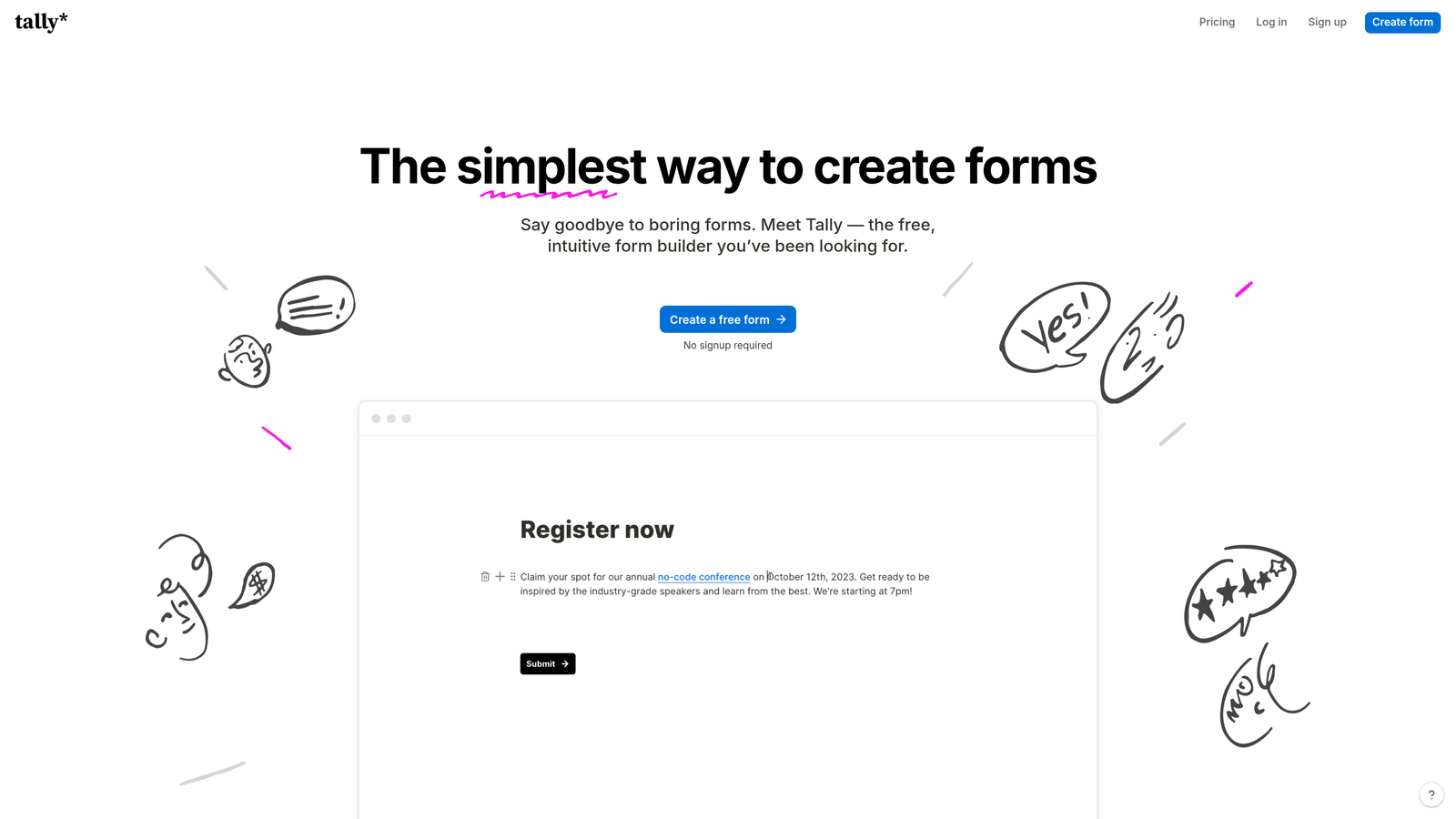
The platform's most compelling feature is its genuinely generous free tier with unlimited forms and unlimited submissions. Unlike most form builders that restrict free plans to limit adoption, Tally provides core functionality without artificial constraints.
Key Features
Block-Based Editor: Notion-inspired interface where you build forms by adding and arranging blocks, making form creation feel more like document editing than traditional form building.
Unlimited Free Tier: No limits on forms, questions, or submissions on the free plan, with paid features focused on advanced functionality rather than usage restrictions. This makes it a strong contender among affordable form builders for small business.
Calculation Fields: Perform calculations based on form responses, useful for quote calculators, order forms, or assessments that need to compute scores.
Conditional Logic: Show or hide questions based on previous answers to create personalized form experiences without overwhelming respondents.
Clean, Modern Design: Forms look polished and professional by default with minimal design effort, using contemporary UI patterns that feel native to modern web experiences.
Best For
Startups and small teams that want modern, good-looking forms without budget constraints. If you're comfortable with Notion or similar tools and need straightforward forms for surveys, feedback, or lead capture, Tally provides excellent value.
Considerations
While the free tier is generous, advanced features like custom domains, file uploads, and integrations require paid plans. The platform is newer than established competitors, so the integration ecosystem is still developing.
Making the Right Choice for Your Business
The best form builder isn't about which tool has the longest feature list. It's about alignment between what your business actually needs and what each platform does exceptionally well.
If you're a high-growth team where lead quality matters more than lead volume, Orbit AI's intelligent qualification and workflow automation can transform how you handle prospects. For businesses prioritizing user experience and brand presentation, Typeform's conversational interface creates memorable interactions. Teams embedded in WordPress ecosystems will find Gravity Forms provides unmatched integration and flexibility.
Enterprise organizations in regulated industries need Formstack's compliance certifications and security infrastructure. Businesses running high-volume surveys or feedback collection on tight budgets will appreciate Google Forms' simplicity and zero cost. JotForm's template library and payment integrations serve versatile needs across multiple use cases, while Tally offers modern simplicity without artificial free tier restrictions.
Consider where forms fit in your business process. Are they primarily lead generation tools that need to qualify prospects automatically? Customer feedback mechanisms where experience matters? Payment collection systems requiring robust processing? Compliance-critical data collection with security requirements?
Your answer to that question should guide your choice more than any feature comparison chart.
For teams focused on conversion optimization and intelligent lead handling, start building free forms today with Orbit AI and experience how AI-powered qualification can elevate your entire lead generation strategy. Transform your forms from passive collection tools into active conversion engines that automatically identify your best prospects and nurture them with personalized follow-up.


