

Gravity Forms has earned its reputation as a WordPress staple. For years, it's been the go-to form plugin for developers and agencies building on WordPress, and for good reason: it's powerful, extensible, and deeply integrated with the WordPress ecosystem.
But the form builder landscape has shifted significantly. High-growth teams focused on lead generation and conversion optimization need more than a WordPress plugin. They need forms that qualify leads in real time, adapt to user behavior, and work across any platform, not just WordPress. The question isn't just "which form builder has the most features?" It's "which form builder actively helps you grow?"
This guide compares Gravity Forms against eight other form builders across the criteria that matter most to growth-focused teams: ease of use, lead qualification capabilities, integrations, pricing, and conversion optimization. Whether you're evaluating Gravity Forms for the first time or looking for something more powerful, here are the top tools worth your attention in 2026.
1. Orbit AI
Best for: High-growth teams that want forms to qualify and score leads automatically
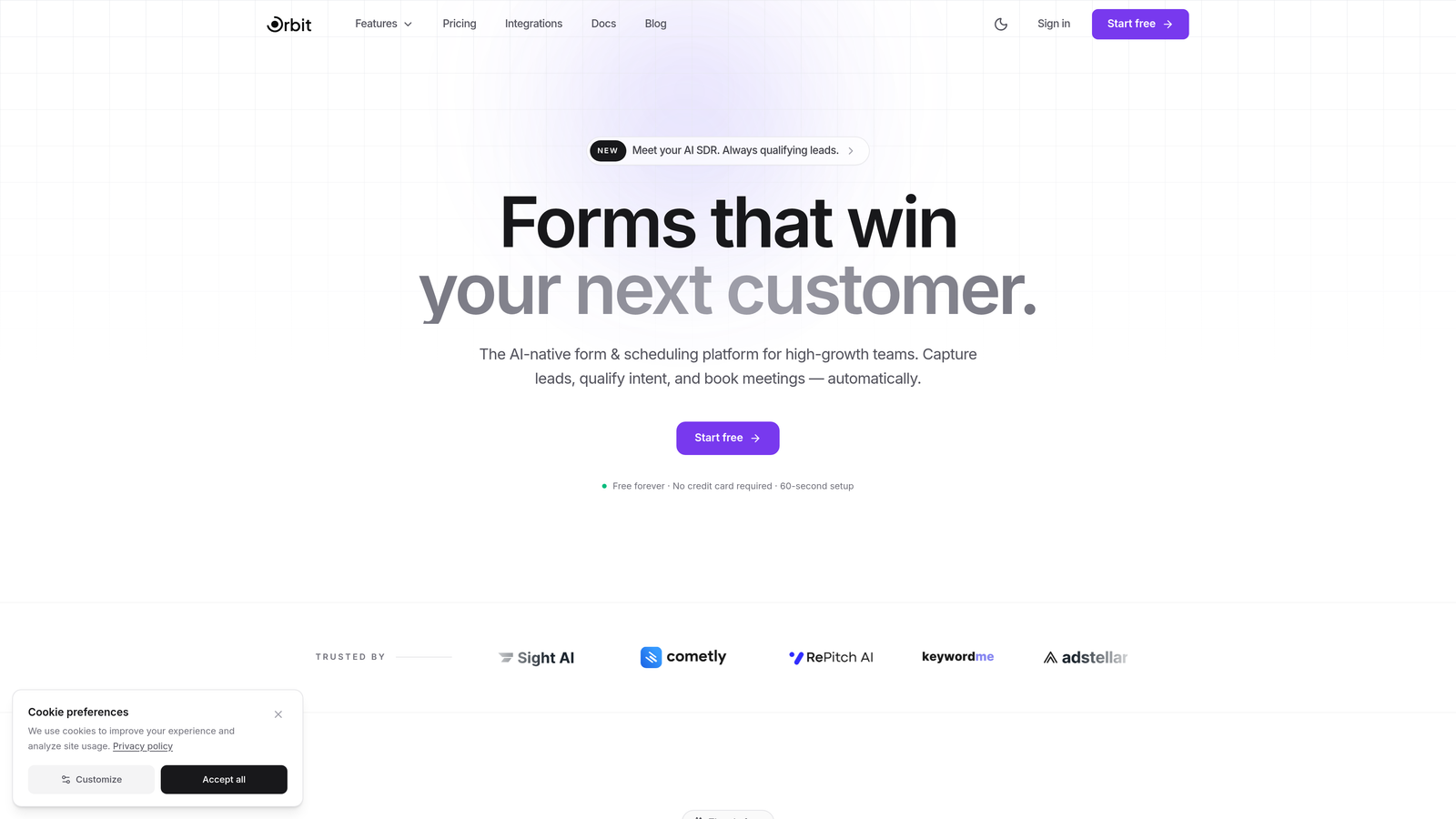
Orbit AI is an AI-powered form builder designed specifically for teams that need forms to do more than collect data.
Where This Tool Shines
Most form builders treat forms as passive data collectors. Orbit AI flips that model entirely. Its built-in AI lead qualification engine scores and routes leads in real time as respondents fill out the form, so your sales team receives pre-qualified prospects rather than raw submissions to sort through manually.
The platform is also platform-agnostic, which means it doesn't require WordPress or any specific CMS. If your team has outgrown WordPress-only tools or operates across multiple web properties, Orbit AI slots in without friction. The emphasis on conversion-optimized design means the forms themselves are built to maximize completion rates, not just look good.
Key Features
AI-Powered Lead Qualification: Scores and qualifies leads in real time based on form responses, so your team focuses on the highest-value prospects first.
Conversion-Optimized Templates: Pre-built templates designed specifically for lead generation, with layouts and flows engineered for completion rates.
Dynamic Form Fields: Fields adapt based on user input, creating a personalized experience that feels responsive rather than generic.
Platform-Agnostic Deployment: Works on any website or landing page, not just WordPress, making it flexible for multi-platform teams.
Modern Form Design: Clean, beautiful form aesthetics that reflect your brand and reduce drop-off through thoughtful UX.
Best For
Orbit AI is the strongest fit for SaaS companies, marketing teams, and growth-focused businesses that treat lead qualification as a core part of their funnel, not an afterthought. If your team is spending significant time manually sorting form submissions, this tool directly addresses that problem.
Pricing
Visit orbitforms.ai for current pricing plans. A free tier is available to get started.
2. Gravity Forms
Best for: WordPress developers and agencies needing deep extensibility and control
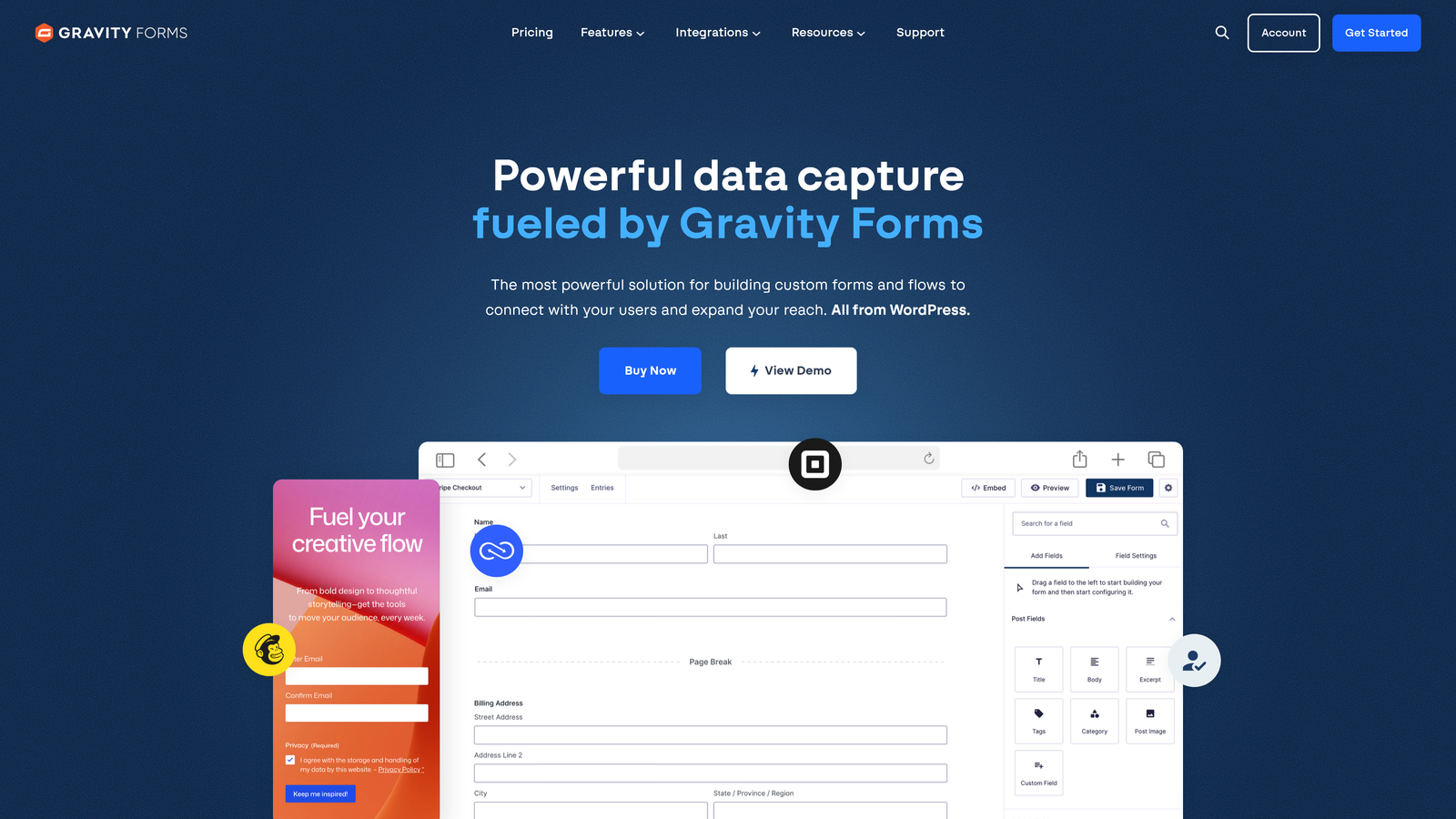
Gravity Forms is one of the most established WordPress form plugins, offering deep extensibility through a large add-on ecosystem and developer-friendly architecture.
Where This Tool Shines
Gravity Forms is a developer's form builder. Its extensive hook and filter system gives developers granular control over form behavior, and the add-on marketplace covers nearly every use case: payments, CRM integrations, email marketing, user registration, and more. If you're building a complex WordPress application, Gravity Forms can handle it.
The self-hosted model is also a genuine advantage for teams with strict data residency requirements. Because everything lives on your WordPress server, you maintain full control over where your form data goes. That said, this also means you're responsible for maintaining the infrastructure and keeping add-ons updated.
Key Features
Deep WordPress Integration: Extensive hook and filter system gives developers precise control over form rendering and data handling.
Large Add-On Marketplace: Official and third-party add-ons cover payments, CRMs, email platforms, and more.
Conditional Logic: Show or hide fields, sections, and pages based on user responses.
Developer API Access: Robust REST API and PHP hooks for custom integrations and workflows.
Self-Hosted Data: All form submissions stay on your own WordPress server.
Best For
Gravity Forms is best suited for WordPress developers, digital agencies, and established businesses already invested in the WordPress ecosystem who need maximum extensibility and prefer self-hosted data control.
Pricing
Starts at $59/year for a Basic license covering one site. Higher tiers unlock additional add-ons and multi-site licensing.
3. Typeform
Best for: Conversational lead capture and survey experiences with high engagement
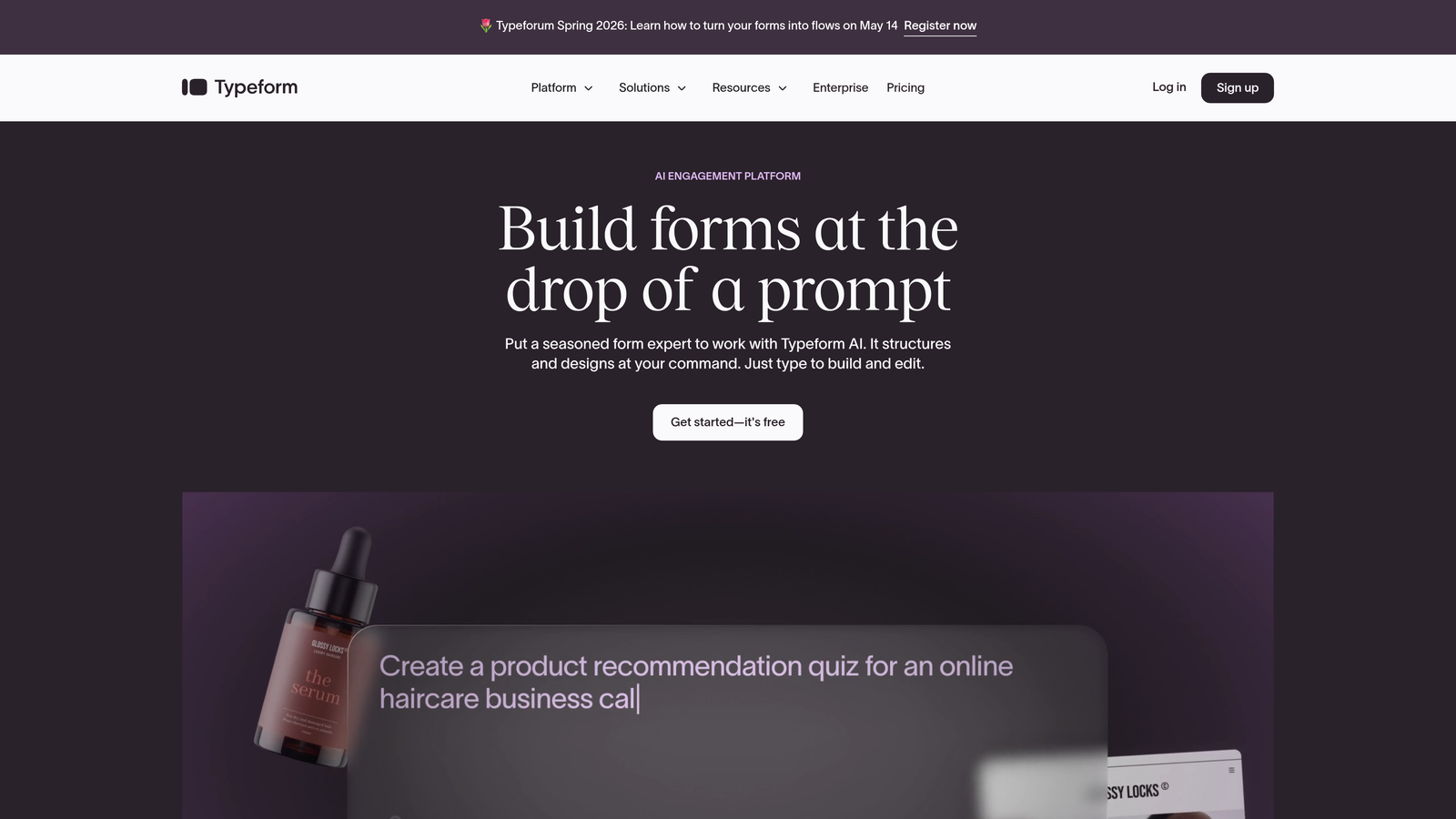
Typeform is a standalone SaaS form builder known for its conversational, one-question-at-a-time interface that creates engaging form experiences.
Where This Tool Shines
Typeform's defining characteristic is its UX philosophy: instead of presenting respondents with a wall of fields, it guides them through one question at a time. This approach consistently produces higher completion rates for longer forms, particularly surveys and multi-step lead capture flows where fatigue is a real concern.
The design quality is genuinely excellent. Typeform forms feel polished and on-brand, which matters when you're using a form as a touchpoint in a premium customer experience. The trade-off is that the conversational format isn't ideal for every use case, particularly quick contact forms where respondents want speed over experience.
Key Features
Conversational One-Question UX: Guides respondents through forms one question at a time for higher engagement and completion.
Brand-Customizable Design: Full control over colors, fonts, backgrounds, and imagery to match your brand.
Logic Jumps and Branching: Dynamic paths through the form based on previous answers.
Native Integrations: Connects with popular marketing, CRM, and productivity tools out of the box.
Video and Image Embedding: Embed rich media directly within form questions for richer context.
Best For
Typeform suits marketing teams running lead generation campaigns, research surveys, and onboarding flows where engagement quality matters more than form simplicity. It's particularly strong for B2C and mid-market B2B use cases.
Pricing
Free plan available with limited responses. Paid plans start at approximately $25/month, with higher tiers unlocking more responses and advanced logic.
4. Jotform
Best for: Teams needing a massive template library and versatile no-code form building
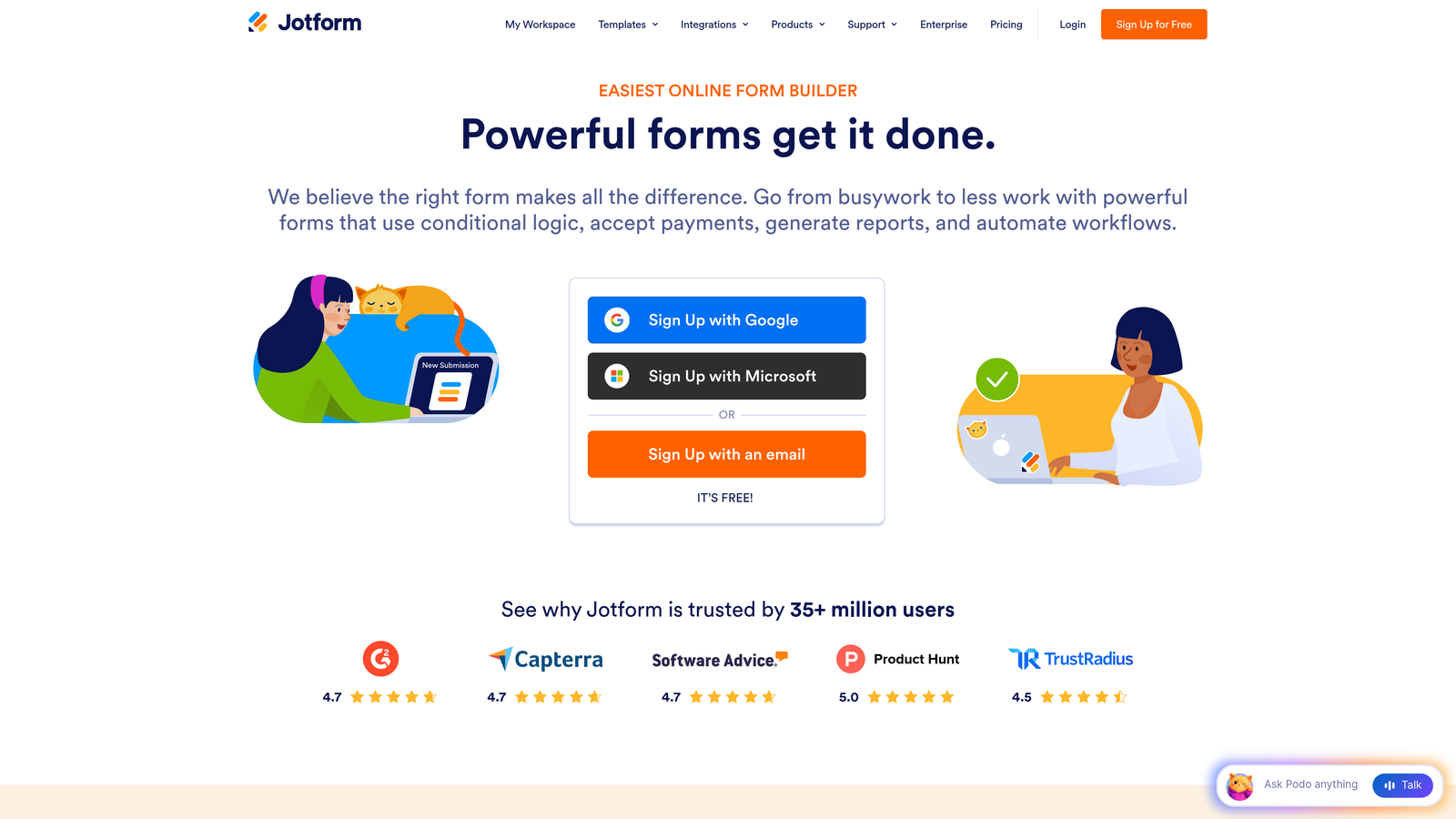
Jotform is a versatile no-code form builder with over 10,000 templates covering virtually every form use case imaginable.
Where This Tool Shines
Jotform's breadth is its biggest strength. With more than 10,000 ready-made templates, it's rare to encounter a form type that Jotform hasn't already built a starting point for. This makes it especially valuable for teams that need to spin up forms quickly across diverse use cases without starting from scratch every time.
The built-in payment processing is a standout for teams that need to collect payments directly through forms. Support for PayPal, Stripe, and Square means you can handle transactions without a separate e-commerce platform for simpler use cases.
Key Features
10,000+ Templates: Extensive library covering virtually every industry and form type, from HR to healthcare to e-commerce.
Drag-and-Drop Builder: No-code interface accessible to non-technical users without sacrificing flexibility.
Built-In Payment Processing: Native integrations with PayPal, Stripe, and Square for direct payment collection.
PDF Report Generation: Automatically generate PDF summaries of form submissions for reporting and approvals.
Approval Workflows: Route form submissions through multi-step approval processes.
Best For
Jotform is well-suited for small to mid-sized businesses, nonprofits, and operations teams that need a reliable, versatile form builder with minimal setup time and a generous free tier to start with.
Pricing
Free plan available with up to 5 forms. Paid plans start at approximately $34/month with higher submission limits and additional features.
5. WPForms
Best for: Non-technical WordPress users who need a simple, beginner-friendly form plugin
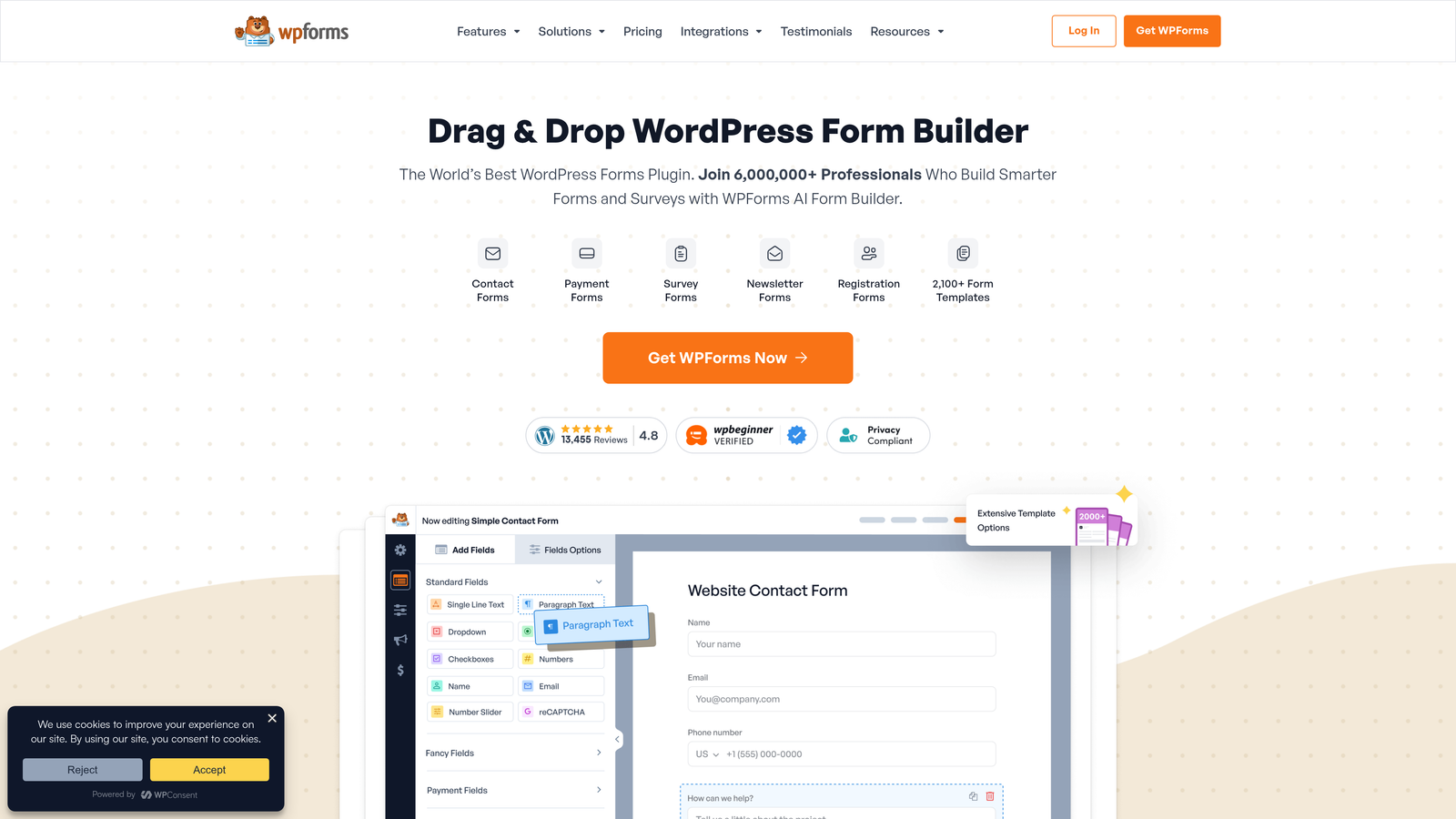
WPForms is a beginner-friendly WordPress form plugin that prioritizes ease of use above all else.
Where This Tool Shines
WPForms is often described as the most approachable WordPress form plugin on the market, and that reputation is well-earned. The drag-and-drop builder is genuinely intuitive, and the pre-built templates for common form types mean most users can create and publish a form in minutes without touching any code.
It's a strong choice for small business owners and content creators who manage their own WordPress sites but don't have a developer background. The conversational forms add-on also gives WPForms a more modern UX option for users who want a step-by-step experience without switching to a different platform.
Key Features
Intuitive Drag-and-Drop Builder: Designed for non-technical users with a clean, accessible interface inside WordPress.
Pre-Built Templates: Ready-made templates for contact forms, surveys, registration forms, and more.
Spam Protection: Built-in CAPTCHA and honeypot features to reduce form spam without extra configuration.
Conversational Forms Add-On: Optional step-by-step UX for a more engaging form experience.
Entry Management Dashboard: View and manage all form submissions directly within the WordPress admin.
Best For
WPForms is ideal for WordPress site owners who want a no-fuss form solution that works reliably without developer involvement. It's particularly well-suited for small businesses, bloggers, and service providers on WordPress.
Pricing
Lite version is free. Paid plans start at approximately $49.50/year, with higher tiers unlocking advanced features and integrations.
6. Formstack
Best for: Enterprise teams needing forms, document generation, and e-signatures in one platform
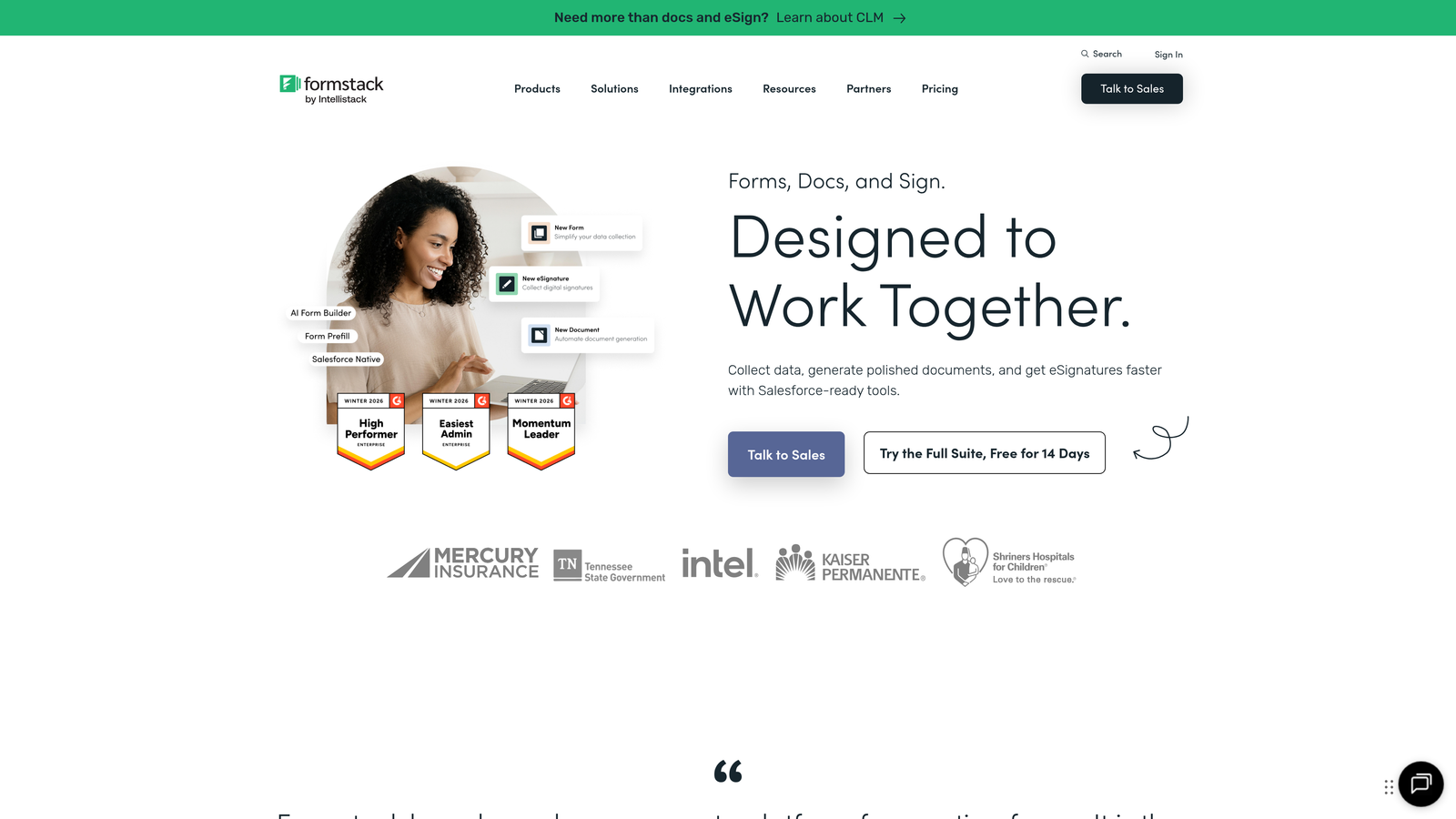
Formstack is an enterprise-grade platform that combines form building with document generation, e-signatures, and workflow automation.
Where This Tool Shines
Formstack's value proposition is its breadth beyond forms. While most form builders stop at data collection, Formstack extends into the full document workflow: generate a contract from form data, route it for e-signature, and trigger downstream automation, all within the same platform. For regulated industries or complex internal processes, this end-to-end capability is significant.
The HIPAA compliance and enterprise-grade security features make Formstack one of the few form platforms genuinely suited for healthcare, legal, and financial services use cases where data handling requirements are strict.
Key Features
Full Workflow Suite: Combines forms, document generation, and e-signatures in a single platform.
HIPAA Compliance: Enterprise-grade security and compliance features for regulated industries.
Advanced Conditional Logic: Complex branching and calculation fields for sophisticated form logic.
Salesforce-Native Integration: Deep integration option for Salesforce-centric organizations.
A/B Testing: Test form variations to optimize conversion rates over time.
Best For
Formstack is best suited for mid-market and enterprise organizations in regulated industries, as well as operations teams running complex approval workflows that span forms, documents, and signatures.
Pricing
Forms plan starts at approximately $50/month. Full suite and enterprise pricing are available for teams needing documents and signatures.
7. Tally
Best for: Startups and indie makers who want unlimited free forms with clean, minimal design
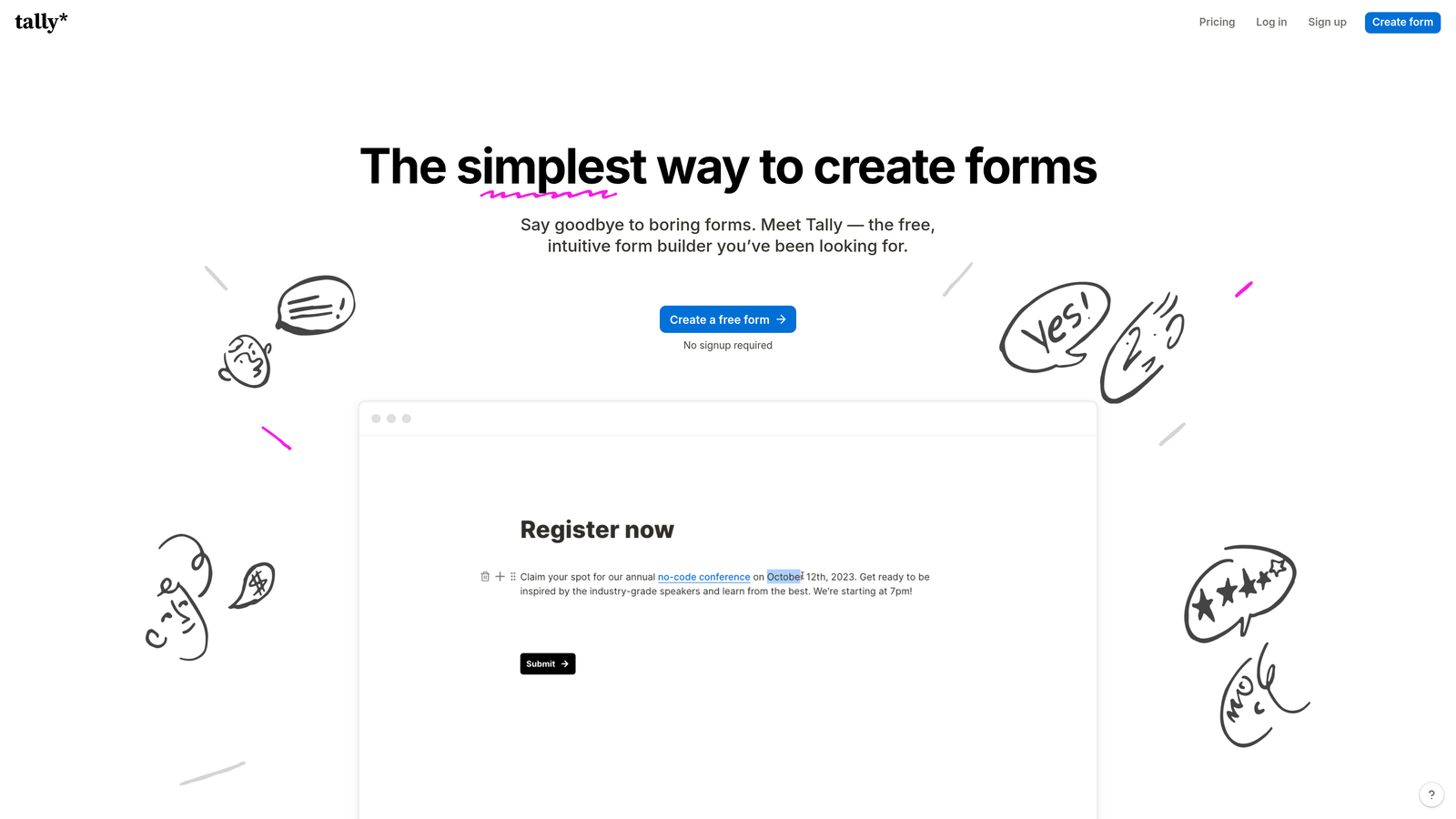
Tally is a minimalist, Notion-inspired form builder that offers unlimited forms on its free plan, making it a favorite among startups and solo operators.
Where This Tool Shines
Tally's free plan is genuinely generous. Unlimited forms, unlimited submissions, and no Tally branding on the free tier is a combination that most competitors don't offer. For early-stage startups or indie makers who need functional forms without a monthly bill, Tally is hard to beat on pure value.
The block-based editor feels familiar to anyone who uses Notion, which lowers the learning curve significantly for that audience. Forms load quickly and embed cleanly, which matters for conversion rates on landing pages where page speed is a factor.
Key Features
Unlimited Free Forms: No cap on forms or submissions on the free plan, which is rare in this category.
Notion-Like Block Editor: Familiar interface for teams already using Notion for documentation and project management.
Conditional Logic and Hidden Fields: Personalize form paths and pre-populate data without upgrading.
Custom Domains and Branding: Remove Tally branding and use a custom domain on the Pro plan.
Lightweight Embeds: Fast-loading embed code that doesn't slow down your pages.
Best For
Tally is the right choice for early-stage startups, individual creators, and small teams that need clean, functional forms without a subscription cost. It's less suited for teams with advanced lead qualification or CRM integration needs.
Pricing
Free plan includes unlimited forms and submissions. Pro plan is $29/month, adding custom domains, branding removal, and priority support.
8. HubSpot Forms
Best for: Teams already using HubSpot CRM who want seamless form-to-contact automation
HubSpot Forms is a free form builder natively integrated with HubSpot CRM, automatically creating and updating contact records on every submission.
Where This Tool Shines
If your team lives in HubSpot, the native integration is a genuine differentiator. Every form submission automatically creates or updates a contact record in the CRM, triggers workflow automation, and feeds into your marketing reporting without any manual data transfer or third-party integration setup. For HubSpot-centric teams, this eliminates a meaningful amount of operational friction.
The progressive profiling feature is particularly clever for lead nurturing: instead of asking known contacts the same questions again, HubSpot Forms automatically replaces already-answered fields with new questions, building richer contact profiles over multiple interactions without increasing form length.
Key Features
Native CRM Integration: Automatically creates and updates HubSpot contact records on every form submission.
Progressive Profiling: Replaces already-answered fields with new questions for returning visitors to enrich contact data over time.
Smart Fields: Fields adapt based on what HubSpot already knows about the visitor.
Free with HubSpot CRM: Fully functional form builder included in HubSpot's free tier.
Workflow Triggers: Automatically trigger marketing and sales workflows on form submission.
Best For
HubSpot Forms is the obvious choice for teams already using HubSpot's CRM or Marketing Hub. It offers limited value outside the HubSpot ecosystem, so it's less relevant for teams on other CRM platforms.
Pricing
Free with HubSpot's free CRM tier. Advanced features like A/B testing and smart content require paid Marketing Hub plans, which start at higher price points.
9. Paperform
Best for: Teams that want forms to function as standalone landing pages with built-in e-commerce
Paperform is a hybrid form-and-landing-page builder that lets you create rich, media-heavy forms with built-in payment processing and product sales.
Where This Tool Shines
Paperform sits in an interesting niche: it's more than a form builder but less than a full landing page platform. The ability to intersperse text blocks, images, and video between form fields means you can create an experience that educates and converts within a single form, without needing a separate landing page tool.
The built-in e-commerce capabilities make it particularly useful for service businesses, coaches, and creators who want to sell products or take bookings directly through a form without integrating a separate payment platform. The custom thank-you page and redirect logic also give you control over the post-submission experience, which most basic form builders ignore.
Key Features
Form-as-Landing-Page: Create standalone, media-rich form experiences without a separate landing page tool.
Rich Media Embedding: Intersperse images, video, and text blocks between form fields for richer context.
Built-In E-Commerce: Product fields and payment processing for selling directly through forms.
Conditional Logic and Calculations: Dynamic fields and calculated pricing for complex form flows.
Custom Thank-You Pages: Control the post-submission experience with custom pages and redirect logic.
Best For
Paperform is well-suited for service businesses, coaches, consultants, and creators who want to combine lead capture, education, and payment collection in a single form experience without managing multiple tools.
Pricing
Essentials plan starts at approximately $24/month. Higher tiers unlock more submissions, custom domains, and advanced features.
Which Tool Is Right for Your Team?
The right form builder depends on where you are in your growth journey and what you need forms to actually do for your business.
If lead qualification is your primary goal, Orbit AI is the standout choice. It's the only tool on this list purpose-built to score and qualify leads in real time, which directly reduces the manual effort your sales team spends sorting through raw submissions. It also works across any platform, making it a strong fit for teams that aren't locked into WordPress.
For WordPress power users and developers, Gravity Forms remains the benchmark. Its extensibility and self-hosted model are hard to match within the WordPress ecosystem, particularly for complex custom builds.
If conversational UX is your priority, Typeform delivers the most polished one-question-at-a-time experience on the market. For teams deeply embedded in HubSpot, HubSpot Forms eliminates integration friction entirely. And if budget is the constraint, Tally offers genuinely unlimited free forms with clean design.
For enterprise teams managing regulated workflows, Formstack extends well beyond form building into document generation and e-signatures. And for versatility across diverse use cases, Jotform's template library is unmatched.
The broader shift in 2026 is clear: teams focused on growth are moving away from forms as passive data collectors toward forms that actively participate in the lead qualification process. If that's where your team is headed, start building free forms today and see how intelligent form design can elevate your conversion strategy. Transform your lead generation with AI-powered forms that qualify prospects automatically while delivering the modern, conversion-optimized experience your team needs to grow.


