

Static forms are conversion killers. When every visitor sees the same questions regardless of their answers, you're collecting incomplete data and frustrating users who have to wade through irrelevant fields. Dynamic form field software solves this by adapting forms in real-time, showing or hiding fields, changing options, and personalizing the experience based on user responses. The result? Higher completion rates, better data quality, and forms that actually feel intelligent.
We evaluated dozens of tools based on conditional logic capabilities, ease of use, integration options, and value for growing teams. Here are the top dynamic form field solutions worth your attention this year.
1. Orbit AI
Best for: High-growth teams needing AI-powered lead qualification built into their form experience
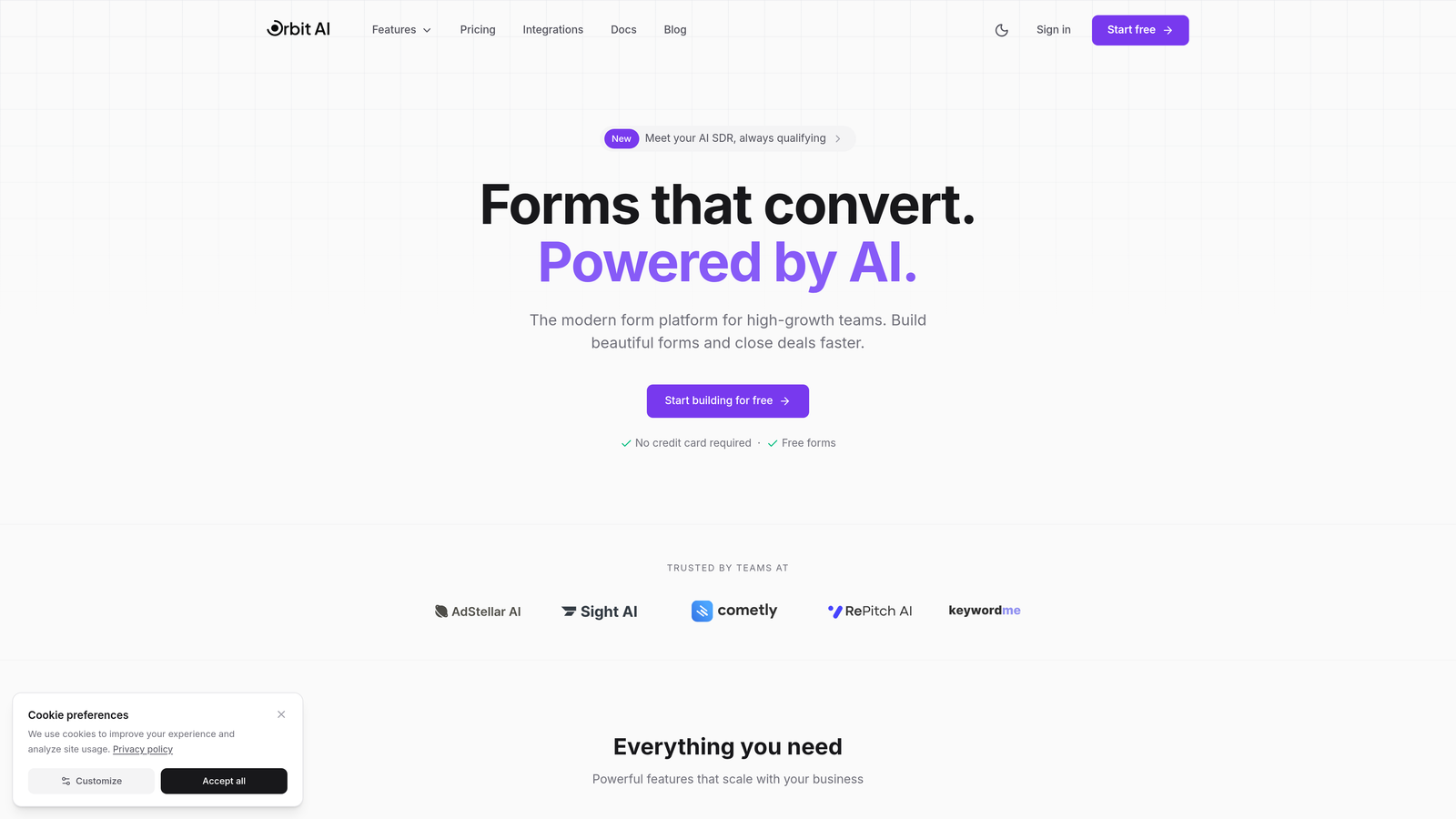
Orbit AI is an AI-powered form builder that combines dynamic field logic with intelligent lead qualification, designed specifically for teams focused on conversion optimization.
Where This Tool Shines
Orbit AI takes dynamic forms beyond simple conditional logic by using AI to adapt field sequences based on response patterns. The platform learns from user behavior to optimize question flow automatically, reducing friction points that cause abandonment.
What sets it apart is the built-in lead qualification engine. While most form builders stop at data collection, Orbit AI scores and qualifies leads in real-time, routing high-value prospects to sales immediately while nurturing others through automated workflows.
Key Features
AI-Driven Field Adaptation: Forms automatically adjust question sequences based on response patterns and user behavior to maximize completion rates.
Built-in Lead Qualification: Automatic lead scoring and routing based on responses, eliminating manual qualification steps.
Conversion-Optimized Designs: Modern, mobile-responsive templates designed specifically to reduce abandonment and increase submissions.
Native CRM Integrations: Direct connections to major CRMs and marketing tools with automatic data sync and field mapping.
Real-Time Analytics: Performance insights showing where users drop off, which questions create friction, and conversion metrics by traffic source.
Best For
High-growth SaaS companies, B2B businesses with complex sales processes, and marketing teams who need forms that do more than collect data. Particularly valuable if you're struggling with lead quality issues or want to automate the qualification process that typically happens after form submission.
Pricing
Free tier available for getting started. Paid plans begin at $29/month with scaling options based on submission volume and advanced features.
2. Typeform
Best for: Creating engaging, conversational form experiences with strong visual appeal
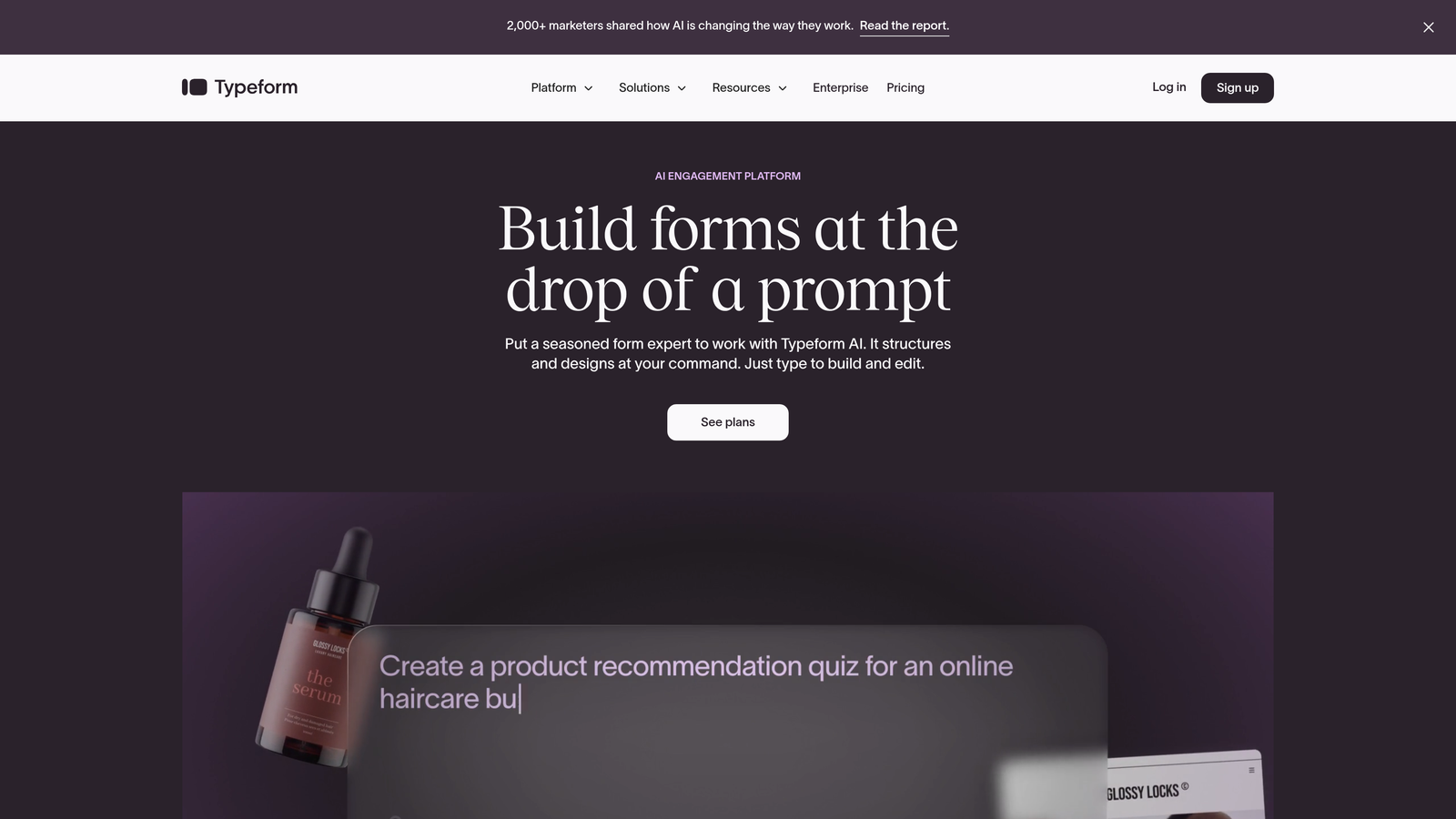
Typeform is a conversational form builder known for its one-question-at-a-time approach and visually striking designs with robust logic jump capabilities.
Where This Tool Shines
Typeform pioneered the conversational form experience, and it remains the gold standard for engagement. The one-question-per-screen approach feels more like a conversation than an interrogation, dramatically improving completion rates for longer surveys and complex applications.
The logic jump functionality is intuitive yet powerful. You can create sophisticated branching paths without touching code, making it accessible for marketers while still offering the depth that developers appreciate.
Key Features
Logic Jumps: Create branching question paths that adapt based on any previous answer, building truly personalized form flows.
Hidden Fields: Enrich responses with UTM parameters, user data, or external information without cluttering the form interface.
Calculator Feature: Build dynamic pricing quotes, scoring systems, or assessments that calculate results based on user inputs.
Extensive Integrations: Connect to hundreds of tools through native integrations and Zapier, automating workflows based on form responses.
Rich Media Embedding: Include videos, images, and GIFs directly in questions to create more engaging, contextual experiences.
Best For
Marketing teams prioritizing user experience, companies running customer research or satisfaction surveys, and brands where visual presentation matters as much as functionality. Works particularly well for lead magnets, assessments, and applications where you want to stand out.
Pricing
Free tier available with basic features. Basic plan starts at $25/month, with higher tiers adding advanced logic, integrations, and removal of Typeform branding.
3. Jotform
Best for: Teams needing extensive template options and powerful calculations without coding
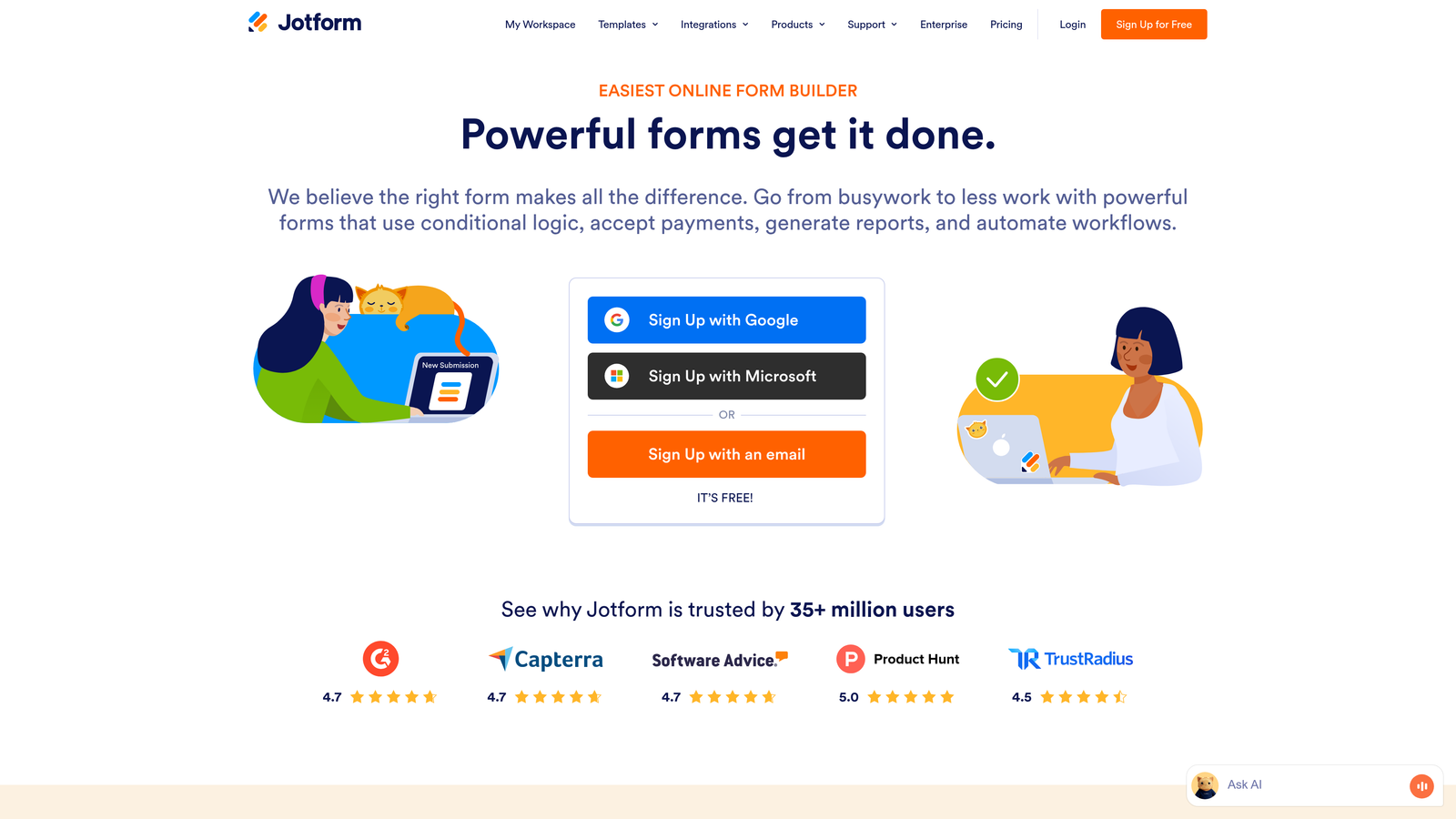
Jotform is a versatile form builder offering extensive conditional logic options, thousands of templates, and powerful calculation capabilities without requiring code.
Where This Tool Shines
Jotform's strength lies in its sheer versatility. With over 10,000 pre-built templates covering virtually every use case, you can launch sophisticated forms in minutes rather than hours. The template library isn't just about quantity—these are well-designed, conversion-tested forms you can customize.
The conditional logic system supports complex multi-condition rules with AND/OR operators, letting you build intricate form flows that rival custom-coded solutions. Combined with calculation widgets, you can create everything from dynamic pricing quotes to complex eligibility assessments.
Key Features
Multi-Condition Logic: Set up rules using AND/OR operators to create sophisticated conditional flows based on multiple field values simultaneously.
Show/Hide Controls: Dynamically display or hide individual fields, entire sections, or complete pages based on user responses.
Calculation Widgets: Build dynamic totals, pricing calculators, or scoring systems that update in real-time as users complete the form.
Template Library: Access 10,000+ pre-built templates across every category, from event registrations to job applications to order forms.
Conditional PDF Generation: Create dynamic PDFs that include or exclude sections based on form responses, perfect for personalized quotes or reports.
Best For
Small businesses and teams that need to create many different types of forms quickly, organizations requiring payment collection with dynamic pricing, and anyone who wants enterprise-level features without enterprise complexity or cost.
Pricing
Free tier includes up to 5 forms with 100 monthly submissions. Bronze plan starts at $34/month, scaling up based on submission volume and advanced features needed.
4. Formstack
Best for: Enterprise teams requiring advanced compliance, workflow automation, and Salesforce integration
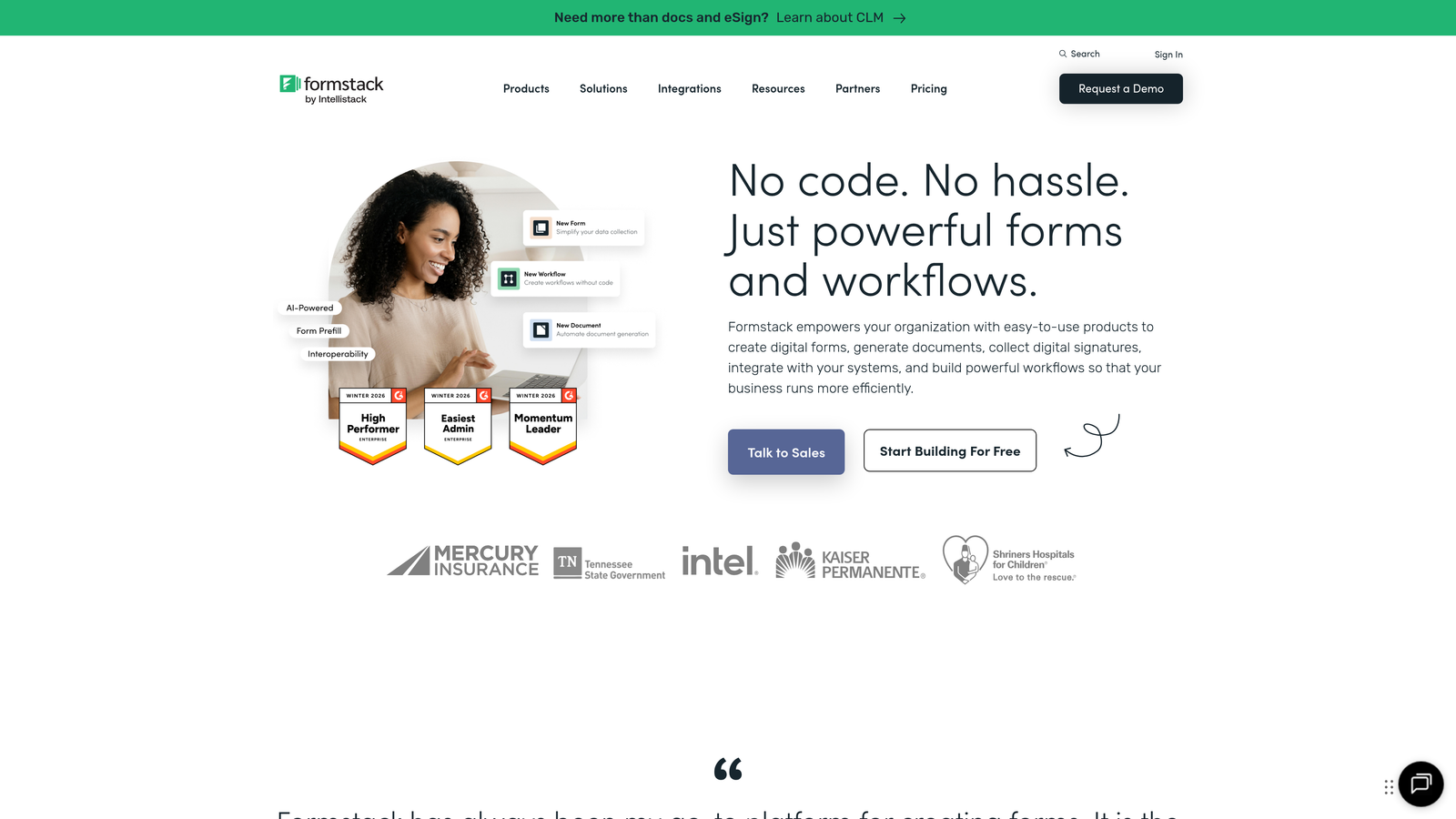
Formstack is an enterprise-grade form platform with advanced conditional logic, workflow automation, and compliance features for regulated industries.
Where This Tool Shines
Formstack is built for organizations where compliance isn't optional. HIPAA, GDPR, and SOC 2 compliance come standard, with features like data encryption, audit trails, and granular access controls that enterprise security teams actually approve.
The workflow automation goes beyond simple conditional logic. You can route submissions through multi-step approval processes, trigger different workflows based on field values, and automate complex business processes that typically require multiple tools. For Salesforce users, the native integration eliminates the usual sync headaches.
Key Features
Advanced Conditional Logic: Create complex field dependencies and cascading logic rules that handle sophisticated business requirements.
Workflow Automation: Route submissions through approval chains, assign tasks to team members, and trigger actions based on conditional rules.
Compliance Features: HIPAA, GDPR, and SOC 2 compliance with encryption, audit logs, and data residency controls built in.
Electronic Signatures: Collect legally binding signatures with integrated e-signature functionality and conditional signature requirements.
Salesforce-Native Forms: Build forms directly in Salesforce with real-time data sync and no middleware required.
Best For
Healthcare organizations, financial services firms, and enterprise teams in regulated industries. Also ideal for companies with complex approval workflows or those heavily invested in the Salesforce ecosystem who need forms that work natively within their CRM.
Pricing
Starter plan begins at $50/month. Enterprise pricing available for teams requiring advanced compliance, SSO, and dedicated support.
5. Cognito Forms
Best for: Budget-conscious teams needing enterprise features like repeating sections and complex calculations
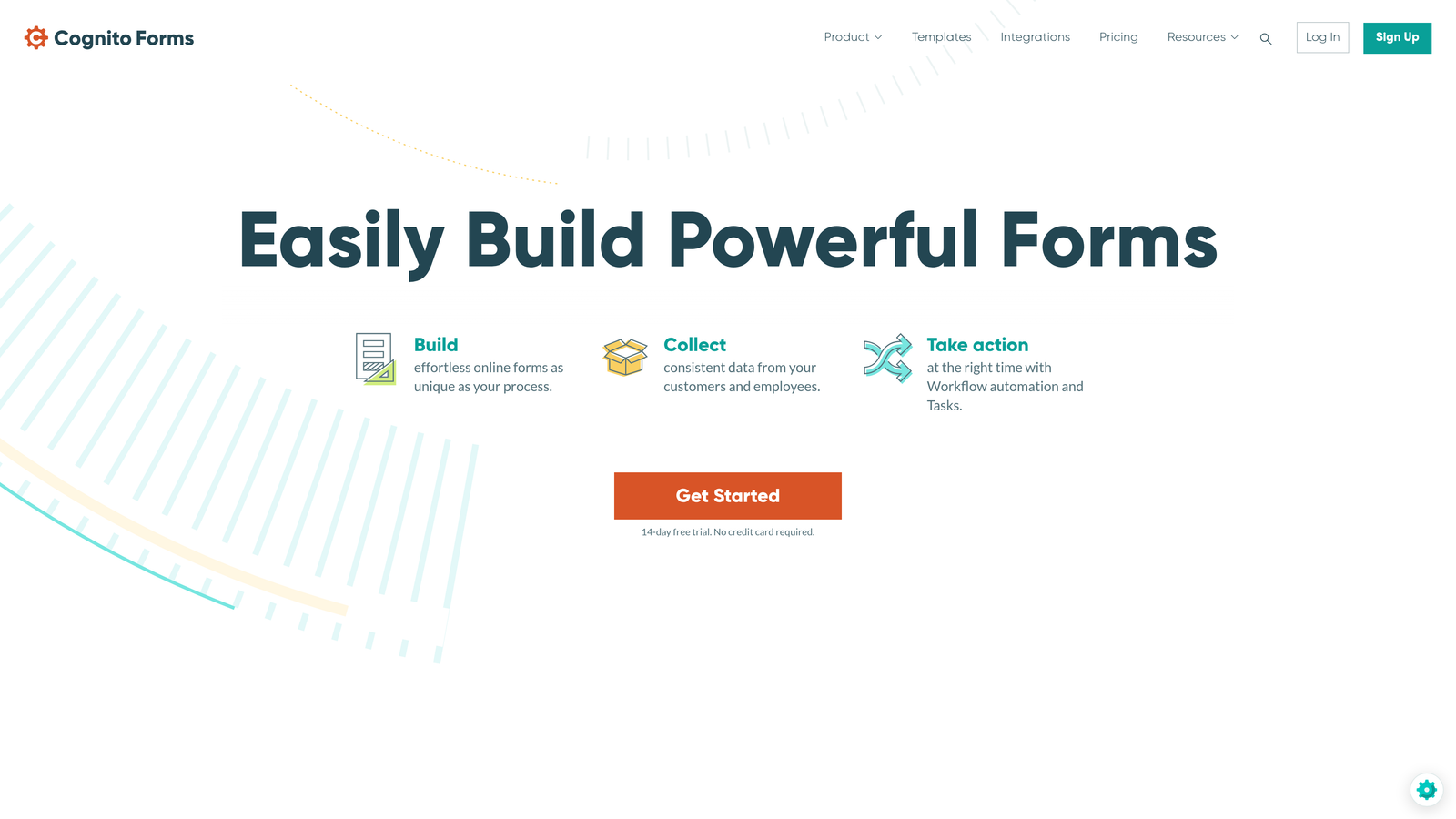
Cognito Forms is a feature-rich form builder offering powerful conditional logic and calculations at budget-friendly pricing, ideal for teams needing enterprise features without enterprise costs.
Where This Tool Shines
Cognito Forms delivers remarkable value. The free tier includes unlimited forms—a rarity in this space—making it perfect for organizations managing multiple forms across departments without breaking the budget.
The repeating sections feature is particularly powerful. Users can dynamically add multiple instances of field groups (like adding multiple attendees to an event registration), with conditional logic applying within each repeated section. Combined with lookup capabilities and complex calculations, you can build sophisticated applications that rival custom development.
Key Features
Unlimited Forms on Free Tier: Create as many forms as needed without hitting artificial limits, unusual for form builders at this price point.
Repeating Sections: Let users add multiple instances of field groups with conditional logic applying to each repetition independently.
Complex Calculations: Build sophisticated formulas with lookups, conditional operations, and multi-field dependencies for dynamic results.
Workflow Automation: Trigger emails, notifications, and actions based on conditional rules and form submission data.
Data Encryption: Field-level encryption and compliance options typically found only in enterprise-tier products.
Best For
Nonprofits and educational institutions with tight budgets, small businesses managing multiple forms across departments, and teams that need advanced features like repeating sections for event registrations, applications, or order forms with variable line items.
Pricing
Generous free tier with unlimited forms. Pro plan starts at just $15/month, making it one of the most cost-effective options for advanced features.
6. Paperform
Best for: Creating branded, document-style forms with integrated payments and e-commerce functionality
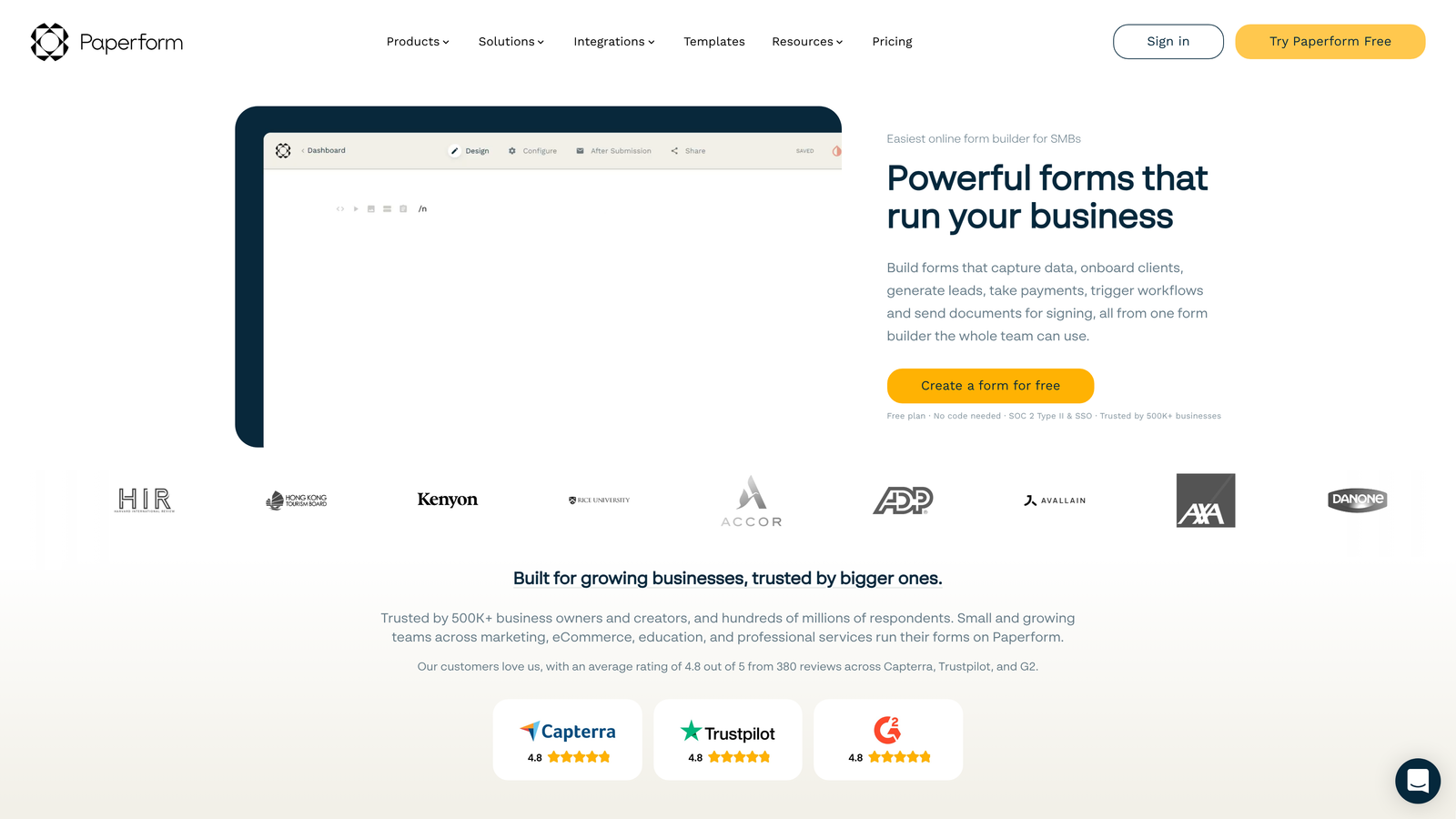
Paperform is a document-style form builder that combines beautiful branded experiences with conditional logic, payments, and e-commerce functionality.
Where This Tool Shines
Paperform feels less like a form and more like a branded landing page. The document-style editor lets you mix form fields with rich text, images, videos, and custom HTML to create experiences that match your brand perfectly. This approach works exceptionally well for applications, bookings, and sales pages where presentation matters.
The conditional logic integrates seamlessly with the visual editor. You can show different content blocks, product options, or entire sections based on user responses, creating personalized experiences that feel custom-built for each visitor. The built-in payment processing and product catalogs make it particularly strong for e-commerce use cases.
Key Features
Visual Conditional Logic: Intuitive editor for creating show/hide rules, branching paths, and dynamic content without technical knowledge.
Page-Based Navigation: Build multi-page forms with conditional page display, creating guided experiences that adapt to user needs.
Payment Processing: Accept payments through Stripe and PayPal with dynamic pricing based on user selections and conditional logic.
Product Catalogs: Create e-commerce experiences with conditional product displays, variant options, and calculated totals.
Custom Success Pages: Show different thank-you pages or redirect to specific URLs based on form responses and conditional rules.
Best For
Creative agencies and design-focused brands, businesses selling products or services directly through forms, and companies running events or workshops that need booking forms with payment collection. Works well when you need forms that double as landing pages.
Pricing
Essentials plan starts at $24/month, with higher tiers adding advanced features, increased submission limits, and team collaboration tools.
7. Fillout
Best for: Teams using Notion or Airtable who want forms that sync directly with their existing databases
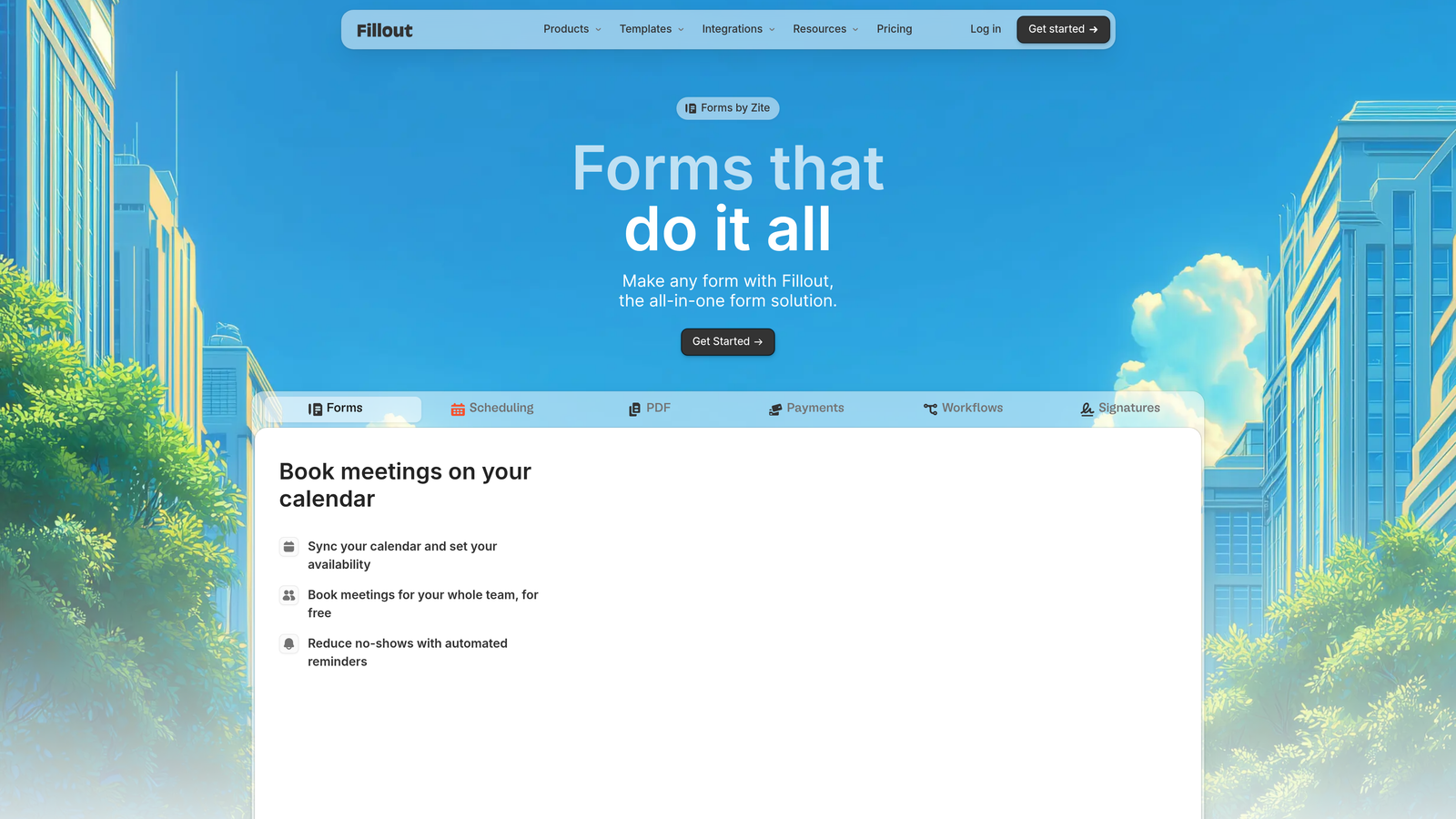
Fillout is a modern form builder with native Notion and Airtable integration, offering intuitive conditional logic that syncs directly with your existing databases.
Where This Tool Shines
Fillout eliminates the integration headaches that plague most form-to-database workflows. If you're managing data in Notion or Airtable, Fillout syncs directly without middleware, webhooks, or complicated mapping. Form submissions flow instantly into your workspace, maintaining your existing database structure and relationships.
The conditional logic builder is refreshingly straightforward. The visual interface makes it easy to create branching forms without getting lost in complex rule sets, while still offering enough depth for sophisticated use cases. Multi-page forms with conditional branching work particularly well for applications, surveys, and multi-step processes.
Key Features
Native Database Sync: Direct integration with Notion and Airtable, syncing form data to your existing databases without third-party tools.
Visual Logic Builder: Intuitive interface for creating conditional rules, branching paths, and dynamic field visibility.
Multi-Page Forms: Build step-by-step experiences with conditional page display based on previous responses.
Scheduling Integration: Embed booking functionality with conditional availability and calendar integration.
Custom Branding: Use custom domains and remove Fillout branding to create white-label form experiences.
Best For
Teams already using Notion or Airtable as their primary database, startups and small businesses wanting simple but powerful form logic, and anyone tired of maintaining Zapier connections between their forms and databases. Particularly valuable for project intake, client onboarding, or application processes.
Pricing
Free tier available with basic features. Starter plan begins at $15/month, offering excellent value for teams already invested in Notion or Airtable.
8. Feathery
Best for: Developer-friendly teams building complex, white-label form experiences with code customization options
Feathery is a developer-friendly form builder offering advanced logic capabilities with optional code customization, ideal for teams building complex, branded form experiences.
Where This Tool Shines
Feathery bridges the gap between no-code form builders and custom development. The visual logic builder handles most use cases without code, but when you need deeper customization, you can drop into JavaScript to extend functionality. This flexibility is rare—most tools force you to choose between simplicity and power.
The API-first architecture means you can embed forms anywhere, customize every aspect of the user experience, and integrate with any system that has an API. For product teams building forms into their applications or agencies creating white-label solutions for clients, this level of control is essential.
Key Features
Visual Logic with Code Override: Build conditional logic visually, then extend with custom JavaScript when you need functionality beyond standard rules.
Complex Multi-Step Flows: Create sophisticated branching experiences with conditional paths, progress tracking, and dynamic step generation.
White-Label Options: Complete branding control and embedded form options for creating seamless, on-brand experiences.
API-First Architecture: Programmatic form creation, submission handling, and integration with any system through comprehensive APIs.
Custom Components: Build and deploy custom form components when standard fields don't meet your requirements.
Best For
Product teams embedding forms in SaaS applications, agencies building custom solutions for clients, and technical teams that need the flexibility to customize beyond what standard form builders offer. Best suited for organizations with development resources who want to accelerate form building without sacrificing control.
Pricing
Free tier available for testing and small projects. Growth plan starts at $49/month, with enterprise options for teams requiring advanced customization and support.
9. 123FormBuilder
Best for: Straightforward form creation with reliable skip logic and strong payment gateway options
123FormBuilder is a straightforward form builder with reliable skip logic and conditional rules, strong payment integrations, and quick deployment for standard use cases.
Where This Tool Shines
123FormBuilder focuses on doing the essentials well rather than overwhelming users with features they'll never use. The drag-and-drop interface is genuinely intuitive—most users can build functional forms with conditional logic in minutes without consulting documentation.
Payment integration is particularly strong, with support for multiple gateways and the ability to calculate dynamic totals based on user selections. The pre-population from URL parameters is useful for personalized marketing campaigns where you want to reduce friction by auto-filling known information.
Key Features
Drag-and-Drop Logic Builder: Simple interface for creating conditional rules without technical knowledge or complex configuration.
Skip Logic and Field Visibility: Show or hide fields and entire sections based on previous responses, creating streamlined form experiences.
Payment Gateway Options: Integration with major payment processors including PayPal, Stripe, and Authorize.net for collecting payments.
URL Pre-Population: Auto-fill form fields from URL parameters for personalized campaigns and reduced user friction.
Team Collaboration: Share forms across team members with role-based permissions and collaborative editing capabilities.
Best For
Small businesses needing reliable forms without complexity, teams collecting payments through order forms or registration pages, and organizations wanting quick deployment without a steep learning curve. Works well for standard use cases like contact forms, surveys, and applications where you don't need cutting-edge features.
Pricing
Free tier available for basic forms. Gold plan starts at $24.99/month, offering good value for small businesses with straightforward requirements.
Making the Right Choice
The right dynamic form field software depends on where you are and what you're trying to accomplish. If you're a high-growth team focused on conversion optimization and lead qualification, Orbit AI delivers AI-powered intelligence that goes beyond basic conditional logic. For teams prioritizing visual engagement and conversational experiences, Typeform remains the benchmark. Enterprise organizations in regulated industries will appreciate Formstack's compliance features and workflow automation.
Budget-conscious teams get remarkable value from Cognito Forms, while Notion and Airtable users will love Fillout's native database sync. If you need forms that double as branded landing pages with e-commerce functionality, Paperform excels. Developer teams building custom experiences should explore Feathery's code-friendly approach.
Think about your primary use case. Are you collecting leads that need qualification? Building customer surveys? Processing payments? Managing applications? The best tool matches your specific workflow rather than offering the longest feature list.
Consider your technical resources too. Some platforms require development time for customization, while others let marketers build sophisticated forms without touching code. Match the tool's complexity to your team's capabilities and available time.
Most importantly, remember that dynamic forms are about user experience, not just data collection. The best form adapts to each visitor, asking only relevant questions and making the process feel intelligent rather than interrogative. When your forms respect people's time and attention, completion rates improve and data quality follows.
Transform your lead generation with AI-powered forms that qualify prospects automatically while delivering the modern, conversion-optimized experience your high-growth team needs. Start building free forms today and see how intelligent form design can elevate your conversion strategy.


