

Choosing between Jotform and Typeform for lead generation isn't just about picking the prettier interface—it's about aligning your form strategy with how your prospects actually convert. Both platforms have earned their place in the market, but they serve different lead generation philosophies. Jotform excels at comprehensive data collection with its extensive template library and conditional logic, while Typeform pioneered the conversational form experience that can boost completion rates for certain audiences.
The real question isn't which platform is objectively better, but which approach matches your specific lead generation goals, audience behavior, and sales process.
Here's the challenge most marketing teams face: they evaluate form builders based on features and pricing, then wonder why their conversion rates plateau. The missing piece? Strategic alignment between your form approach and your buyer's actual decision-making process. This guide breaks down seven strategic frameworks to help you evaluate these platforms—and discover whether a third option might serve your high-growth team even better.
1. Match Your Form Style to Your Buyer's Journey Stage
The Challenge It Solves
Not all leads are created equal, and neither should your forms be. A prospect researching solutions in the awareness stage needs a completely different form experience than someone ready to request a demo. Yet many teams use the same form template across their entire funnel, wondering why completion rates vary wildly by traffic source.
The Strategy Explained
Think of your forms as conversation starters that should match the relationship stage. Top-of-funnel prospects exploring your content need low-friction, minimal-field forms—maybe just email and one qualifying question. These visitors aren't ready to share their company size, budget, or timeline yet because they're still learning whether they even have a problem worth solving.
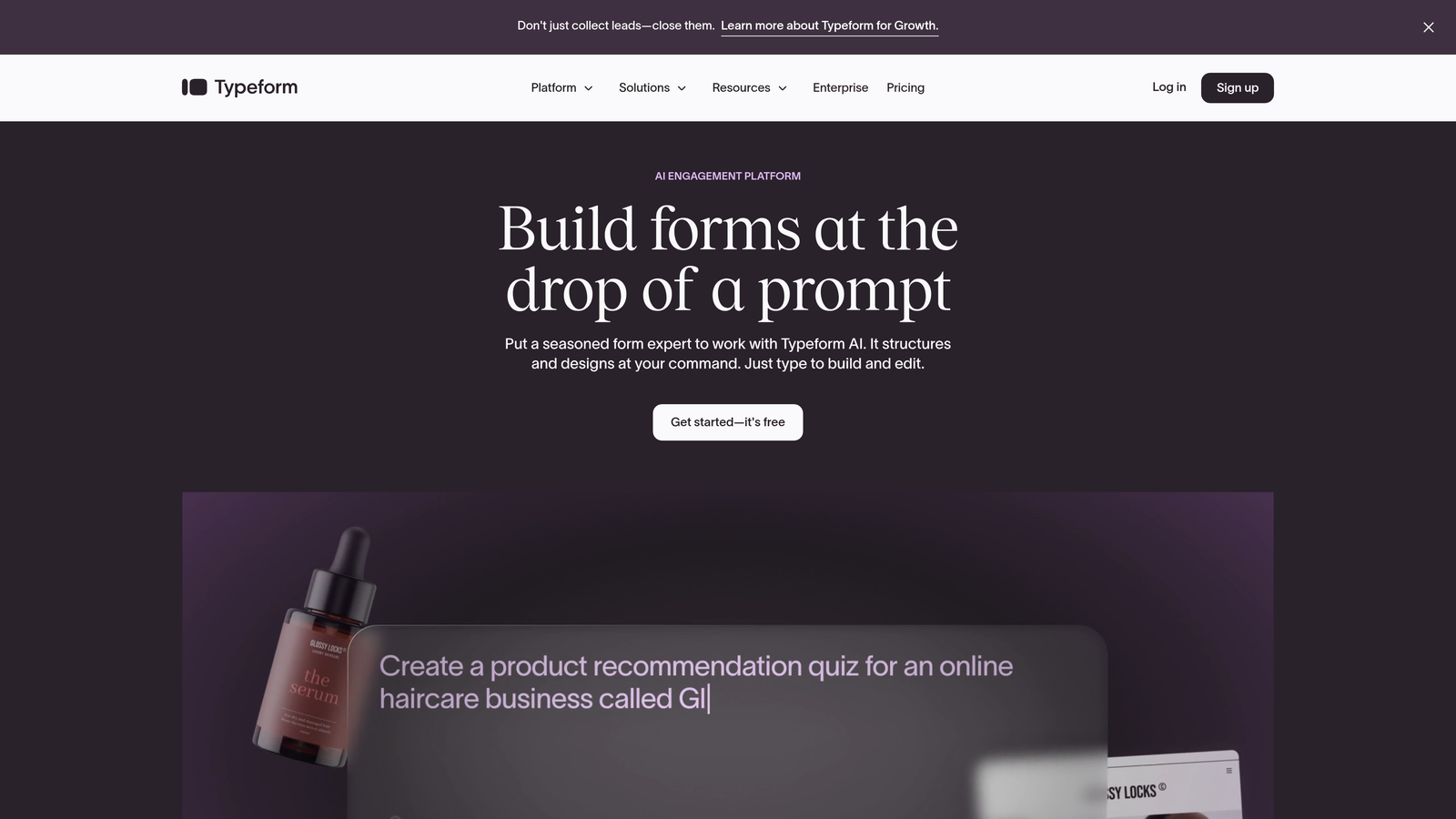
Middle-funnel prospects comparing solutions can handle more detailed forms, but they want something in return. This is where Typeform's conversational approach often shines, making a 7-10 field form feel like a helpful qualification process rather than an interrogation. Bottom-funnel prospects requesting demos or pricing expect comprehensive forms because they're making a serious evaluation. Understanding lead generation form length best practices helps you calibrate fields appropriately for each stage.
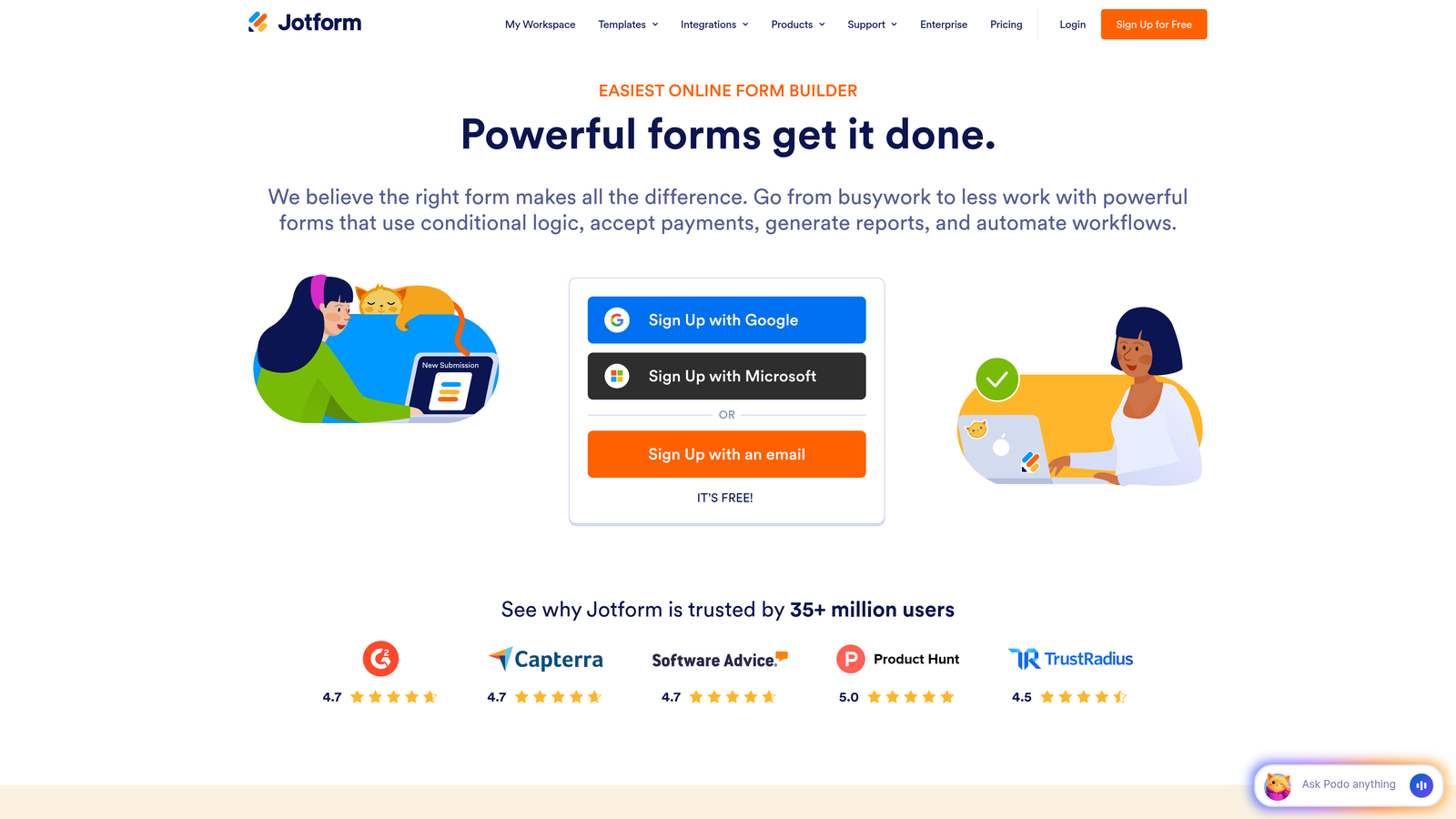
Jotform's conditional logic capabilities excel here, showing or hiding fields based on previous answers to keep forms feeling relevant rather than overwhelming. The platform's extensive template library provides starting points for different journey stages, though you'll need to customize them significantly for lead generation optimization.
Implementation Steps
1. Map every form on your site to a specific buyer journey stage (awareness, consideration, decision) and identify the primary goal for each form—whether that's list building, qualification, or sales handoff.
2. Design awareness-stage forms with 2-3 fields maximum, consideration-stage forms with 5-8 fields including key qualification questions, and decision-stage forms with 10+ fields that gather everything your sales team needs for a productive first conversation.
3. Test both Typeform's one-question-at-a-time approach and Jotform's multi-field layouts for your consideration-stage forms specifically, as this is where style makes the biggest conversion impact and where most teams see the greatest variation in completion rates.
Pro Tips
Create a form inventory spreadsheet listing every form, its journey stage, current field count, and conversion rate. You'll likely discover you're using decision-stage forms for awareness-stage traffic, which explains mysteriously low conversion rates. The solution isn't always changing platforms—it's often about using the right form style for each context.
2. Prioritize Lead Qualification Over Lead Volume
The Challenge It Solves
Your sales team doesn't need more leads—they need better leads. Many marketing teams optimize for form submissions as a vanity metric, then watch as sales complains about lead quality. The disconnect happens when your form strategy focuses on maximizing completions rather than filtering for genuine fit.
The Strategy Explained
This is where the Jotform vs Typeform decision becomes strategic rather than aesthetic. Qualification happens through the questions you ask and how you ask them. A short form might generate 100 submissions, but if only 10 are qualified, you've created work rather than pipeline. A longer, more thoughtful form might generate 40 submissions with 30 qualified leads—a dramatically better outcome for your sales team.
The key is embedding qualification into the form experience itself. Ask about company size, current solutions, timeline, and budget—but frame these as helpful matching questions rather than gatekeeping. Typeform's conversational interface can make qualification questions feel like a personalized consultation. Jotform's conditional logic lets you route different prospect types to different thank-you pages or follow-up sequences. For teams exploring alternatives, Typeform alternatives for lead qualification offer specialized features beyond general form builders.
Consider what happens after submission. Both platforms integrate with CRMs, but the real question is whether they're capturing the data your sales team actually uses to prioritize outreach. If your reps immediately have to research the company anyway, your form isn't qualifying effectively.
Implementation Steps
1. Interview your sales team to identify the five questions that most reliably predict whether a lead will convert to a customer, then ensure every consideration and decision-stage form captures these data points without exception.
2. Add a qualifying question early in your form flow—like company size or current solution—and use conditional logic to customize subsequent questions based on fit, creating different paths for enterprise prospects versus small businesses.
3. Set up lead scoring in your CRM based on form responses, assigning point values to answers that indicate strong fit, then track whether high-scoring leads actually convert at higher rates to validate your qualification approach.
Pro Tips
Test a "disqualification with dignity" approach where your form identifies poor-fit prospects and routes them to helpful resources rather than a sales call. This improves efficiency while maintaining brand experience. Neither Jotform nor Typeform makes this easy out of the box, which is why high-growth teams increasingly explore platforms built specifically for intelligent lead routing.
3. Evaluate Mobile Conversion Performance
The Challenge It Solves
Mobile traffic dominates B2B research, yet many form builders were designed in the desktop era. Your prospects are reading your content on their phones during commutes, between meetings, and while researching solutions outside office hours. If your forms don't convert on mobile, you're losing qualified leads who simply can't complete your desktop-optimized experience.
The Strategy Explained
Mobile form optimization goes far beyond responsive design. It's about understanding how people interact with forms on small screens with touch interfaces. Typeform's one-question-at-a-time approach was partly designed to solve mobile usability, eliminating the overwhelming wall-of-fields experience that kills mobile conversions. Each screen shows one question with large, thumb-friendly buttons.
Jotform offers mobile-responsive templates, but multi-field forms still require more scrolling and precision tapping. The platform does provide mobile preview modes and touch-optimized field types, but you'll need to test extensively with actual mobile users. Small details matter enormously: dropdown menus are harder to use on mobile than radio buttons, text input fields need proper keyboard types, and field labels must be concise enough to read without zooming. Following lead generation form design tips can dramatically improve your mobile completion rates.
The real test isn't how your form looks on mobile—it's how it converts. Many teams discover their mobile conversion rates are half their desktop rates, representing massive lost opportunity. The platform that delivers better mobile completion rates with your specific audience wins, regardless of which has more features.
Implementation Steps
1. Pull analytics to determine what percentage of your form traffic comes from mobile devices, then segment conversion rates by device type to identify the true cost of poor mobile optimization—you might discover you're losing 40-60% of mobile visitors.
2. Complete your own forms on a smartphone using both platforms, timing how long it takes and noting every friction point like difficult field types, small tap targets, or unclear navigation between questions.
3. Run a split test sending mobile traffic to both a Typeform conversational form and a Jotform multi-field form, measuring completion rate, time-to-complete, and lead quality to determine which approach your mobile audience prefers.
Pro Tips
Check your forms on both iOS and Android devices, as behavior differs significantly between platforms. Also test on different screen sizes—what works on an iPhone Pro Max might fail on an iPhone SE. If you're seeing high mobile traffic but low mobile conversions, the problem is your form design, not your audience.
4. Audit Your Integration Requirements First
The Challenge It Solves
A beautiful form that doesn't connect to your sales process is just an expensive data silo. Many teams choose a form builder based on design capabilities, then discover their CRM integration requires a paid middleware tool, adds sync delays, or doesn't map custom fields properly. By the time they realize the integration gap, they've already built dozens of forms.
The Strategy Explained
Your form builder needs to fit into your existing tech stack seamlessly. Start by mapping your ideal lead flow: form submission triggers CRM record creation, which assigns the lead to a rep based on territory rules, which triggers a personalized email sequence, which notifies Slack when a high-value lead converts. Every step in that chain needs reliable integration.
Both Jotform and Typeform offer extensive integration libraries. Jotform provides over 100 native integrations and connects with Zapier for additional options. Typeform similarly integrates with major CRMs and marketing automation platforms. But native integrations almost always work better than middleware connections—they're faster, more reliable, and support more advanced features like real-time sync and custom field mapping. When evaluating the best form software for lead generation, integration capabilities should rank near the top of your criteria.
The critical questions: Does the platform integrate natively with your specific CRM? Can it pass custom field data, not just standard contact info? Does it support real-time sync or only periodic updates? Can it trigger automation workflows in your other tools? If you're using a less common CRM or have complex routing rules, integration limitations might eliminate one platform immediately.
Implementation Steps
1. Document every tool that needs to receive form data—CRM, marketing automation, analytics, Slack, data warehouse—and identify which integrations are must-haves versus nice-to-haves for your lead generation workflow.
2. Check whether each platform offers native integration with your required tools by reviewing their integration directories, then test the actual setup process during free trials to identify hidden limitations before committing.
3. Map out your custom fields and lead routing requirements, then verify that both platforms can pass this data correctly—test by submitting forms and checking whether the data appears properly formatted in your CRM with all custom fields populated.
Pro Tips
Don't assume Zapier solves all integration challenges. While it's powerful, Zapier adds cost, introduces potential failure points, and typically doesn't support real-time sync. If you're relying on Zapier for critical integrations, factor in the additional monthly cost and occasional troubleshooting time when comparing total platform costs.
5. Calculate True Cost Per Qualified Lead
The Challenge It Solves
Subscription pricing tells only part of the cost story. Teams often choose the cheaper platform based on monthly fees, then discover they need paid add-ons, higher tiers for essential features, or additional tools to achieve the same functionality. The real metric that matters is cost per qualified lead generated, not cost per month.
The Strategy Explained
Start with the obvious costs: Typeform's plans begin around $25/month but limit responses and features on lower tiers. Jotform offers a free tier with limitations, then paid plans that scale with submission volume. But dig deeper. Does the plan you can afford include the features you actually need—conditional logic, payment processing, integration with your CRM, custom branding? A detailed breakdown of lead generation form software pricing helps you compare true costs across platforms.
Now add the hidden costs. If the platform requires Zapier for your critical integrations, add $20-50/month. If it doesn't include adequate response limits, you'll hit overages during campaigns. If the forms don't convert well on mobile, you're losing leads, which has a real cost. If the platform lacks built-in lead qualification, your sales team spends extra time researching prospects.
Calculate the total cost, then divide by your monthly qualified lead volume. A $100/month platform that generates 50 qualified leads costs $2 per lead. A $40/month platform that generates 20 qualified leads costs $2 per lead—but requires more sales effort per lead, making it actually more expensive. The platform that delivers more qualified leads at lower total cost wins, even if the subscription is pricier.
Implementation Steps
1. List every feature you need for effective lead generation—conditional logic, CRM integration, custom branding, mobile optimization, analytics—then identify the actual tier required on each platform to get all these features, not just the advertised starting price.
2. Estimate your monthly form submission volume including seasonal spikes, then check whether each platform's pricing includes adequate responses or charges overages, as submission limits can dramatically increase costs for high-volume campaigns.
3. Calculate your current cost per qualified lead from all sources, then project how each platform would impact that metric based on expected conversion rate improvements or declines, factoring in both subscription costs and estimated lead volume changes.
Pro Tips
Annual plans typically offer 20-30% discounts, but only commit annually after testing for at least two months. Your conversion rates might differ significantly from expectations. Also consider team size—some platforms charge per user, which adds up quickly for growing marketing teams.
6. Test Completion Rates With Your Actual Audience
The Challenge It Solves
Industry benchmarks and case studies tell you what worked for other companies, not what will work for your specific audience. Your prospects have unique behaviors, preferences, and contexts that influence how they interact with forms. The only way to know which platform converts better for your leads is to test with your actual traffic.
The Strategy Explained
Set up a controlled experiment. Take your highest-traffic form—maybe a demo request or content download—and create versions in both Typeform and Jotform with identical fields and copy. Split your traffic 50/50 between the two versions for at least two weeks to gather statistically meaningful data. Track not just completion rate, but time-to-complete, mobile vs desktop performance, and lead quality.
You might discover surprising results. Some audiences love Typeform's conversational approach and complete forms faster. Others find the one-question-at-a-time format tedious and prefer seeing all fields at once in Jotform. B2B audiences sometimes behave differently than B2C. Enterprise prospects might have different preferences than small business owners. If you're troubleshooting low numbers, understanding why your lead generation form is not converting provides diagnostic frameworks beyond platform choice.
The test should also measure lead quality, not just quantity. If Typeform generates 20% more submissions but Jotform generates leads that convert to customers at twice the rate, Jotform delivers better ROI despite lower volume. Connect your test to actual revenue outcomes when possible.
Implementation Steps
1. Choose your highest-volume form for testing to reach statistical significance faster, then create identical versions in both platforms with the same fields, copy, and design elements to isolate the platform variable.
2. Use a tool like Google Optimize or your marketing automation platform to split traffic evenly between the two form versions, ensuring each gets similar traffic sources and times of day to eliminate confounding variables.
3. Track completion rate, average time-to-complete, mobile vs desktop performance, and lead-to-customer conversion rate for at least 100 submissions per variant before drawing conclusions, as small sample sizes can mislead.
Pro Tips
Don't test during unusual periods like major holidays or product launches. You want normal traffic patterns. Also test multiple forms if possible—your demo request form might perform better on Typeform while your contact form works better on Jotform. Different form types and contexts can produce different results.
7. Consider Purpose-Built Alternatives for High-Growth Teams
The Challenge It Solves
The Jotform vs Typeform debate assumes these are your only options, but both platforms were built as general-purpose form creators, not lead generation optimization tools. High-growth teams increasingly need capabilities that neither platform prioritizes: AI-powered lead qualification, conversion-focused design systems, and intelligence that helps sales teams prioritize outreach effectively.
The Strategy Explained
Think about what you're actually trying to accomplish. You don't need a form builder—you need a lead generation system that captures prospect information, qualifies fit automatically, and delivers sales-ready intelligence. Traditional form builders treat every submission equally, leaving qualification to manual review or basic CRM scoring rules. Exploring AI-powered lead generation forms reveals how modern tools handle qualification automatically.
Modern alternatives built specifically for lead generation take a different approach. They combine the design sophistication of platforms like Typeform with AI-powered qualification that analyzes responses in real-time, scoring leads automatically and routing high-value prospects to sales immediately. These platforms understand that lead generation isn't just about collecting data—it's about identifying which prospects deserve immediate attention.
For high-growth teams, this shift from form building to lead intelligence makes a significant difference. Instead of debating whether conversational or multi-field forms convert better, you can use AI to personalize the form experience dynamically based on how prospects answer initial questions. Instead of manual lead scoring, qualification happens automatically with sophisticated analysis that goes beyond simple point systems.
Implementation Steps
1. Define what "qualified lead" means for your business by identifying the characteristics and behaviors that predict customer conversion, then evaluate whether traditional form builders can capture and act on these signals automatically.
2. Calculate how much time your sales team currently spends researching and qualifying form submissions before making first contact, then consider whether AI-powered qualification could eliminate this manual work and accelerate response times.
3. Explore platforms built specifically for conversion optimization rather than general form building, looking for features like intelligent lead routing, automatic qualification scoring, and design systems optimized for lead generation rather than surveys or registrations.
Pro Tips
The form builder market has evolved significantly beyond the Jotform vs Typeform dichotomy. Platforms designed for lead generation often deliver better results for high-growth teams because they optimize for the outcome that matters—qualified pipeline—rather than just form completions. Start building free forms today with tools that understand your actual goal is conversion, not just data collection.
Putting It All Together
The Jotform vs Typeform debate often misses the bigger picture: both platforms were built for form creation, not lead generation optimization. While each has strengths—Typeform for engagement, Jotform for flexibility—high-growth teams increasingly need platforms designed specifically for conversion.
Start by mapping your forms to buyer journey stages. A demo request form needs different optimization than a newsletter signup. Then evaluate based on qualification capabilities rather than feature lists. The platform that helps you identify and route qualified leads faster delivers more value than the one with the longest feature list.
Test with your actual audience before committing. Industry benchmarks don't predict your specific conversion rates. Run split tests with real traffic to see which approach resonates with your prospects. Measure not just completion rates but lead quality and sales conversion.
Calculate true cost per qualified lead, including subscription fees, integration tools, and the opportunity cost of lost conversions. The cheapest platform often costs more when you factor in lower conversion rates or additional tools needed to achieve your goals.
And if you're finding that neither platform quite delivers the lead intelligence your sales team needs, explore modern alternatives built from the ground up for conversion optimization. The form builder landscape has evolved beyond traditional platforms. Tools that combine beautiful, conversion-focused design with AI-powered qualification can transform your lead generation from a volume game to a quality game.
Your form strategy should evolve as your business grows. What works for a startup collecting initial leads looks different from what a high-growth company needs to qualify and route hundreds of prospects monthly. Choose the platform that matches where you're going, not just where you are today.


