

Choosing lead generation form software often comes down to one critical question: what will this actually cost me? With pricing models ranging from per-submission fees to flat monthly rates, understanding the true cost of form software requires looking beyond the advertised price tag.
This guide breaks down pricing for 9 leading form builders, comparing free tiers, premium features, and hidden costs so you can find the right fit for your budget and lead volume. Whether you're a startup watching every dollar or an enterprise team processing thousands of leads monthly, we've analyzed each platform's pricing structure to help you make an informed decision.
1. Orbit AI
Best for: High-growth teams wanting AI-powered lead qualification without per-submission pricing headaches
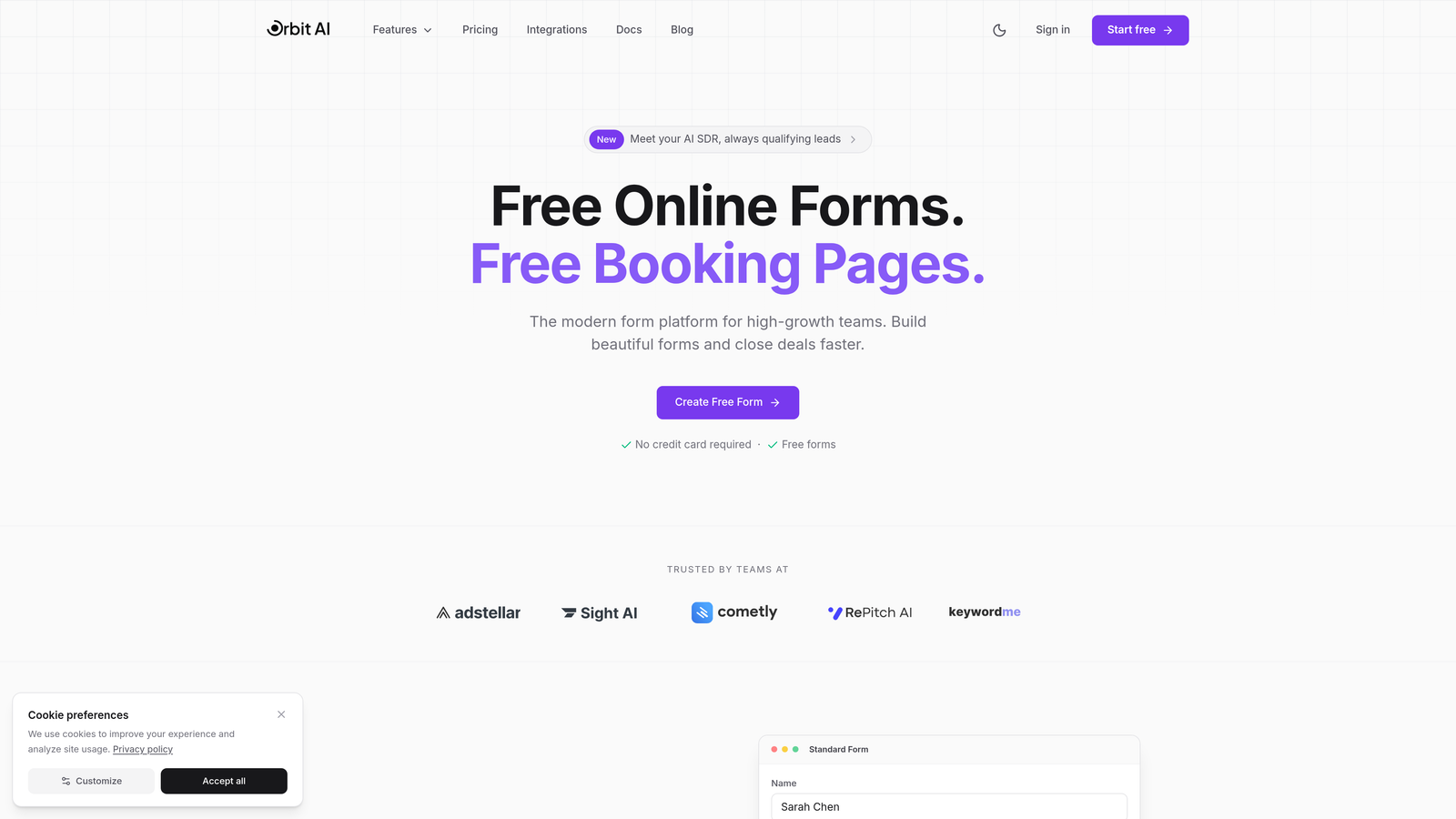
Orbit AI is an AI-powered form builder that qualifies and scores leads automatically while you collect them.
Where This Tool Shines
The standout feature is intelligent lead qualification built directly into the form experience. Instead of manually sorting through submissions later, the AI analyzes responses in real-time and scores prospects based on your criteria.
This means your sales team gets pre-qualified leads with context about their fit and intent. For teams processing hundreds of leads monthly, this automation eliminates hours of manual qualification work while ensuring high-value prospects get immediate attention.
Key Features
AI-Powered Lead Scoring: Automatically qualifies and prioritizes incoming leads based on response patterns and business criteria.
Conversion-Optimized Templates: Pre-built form designs tested for maximum completion rates across industries.
Native CRM Integrations: Direct connections to HubSpot, Salesforce, and Pipedrive with automatic data sync.
Workflow Automation: Trigger follow-up sequences, notifications, and routing based on lead quality scores.
Performance Analytics: Dashboard tracking form completion rates, lead quality trends, and conversion metrics.
Best For
High-growth B2B teams and agencies that need to qualify leads at scale without adding headcount. Particularly valuable if you're currently spending significant time manually sorting submissions or if your sales team struggles with lead prioritization.
Pricing
AI features are included in standard pricing tiers. Visit the pricing page for current plans that scale with your team's needs without per-submission fees.
2. Typeform
Best for: Teams prioritizing user experience and engagement over pure lead volume
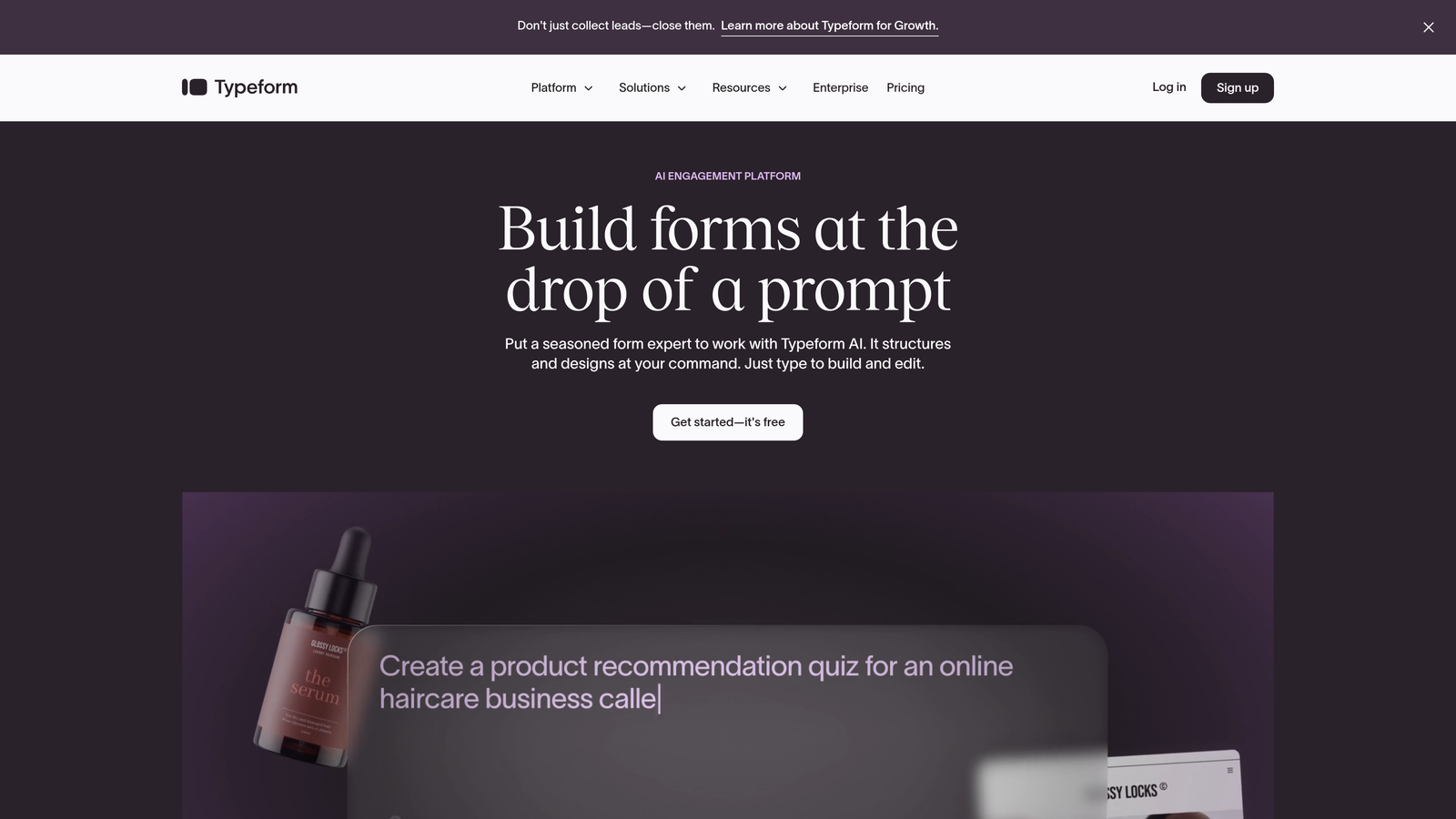
Typeform is a conversational form builder that presents one question at a time for higher engagement rates.
Where This Tool Shines
The one-question-at-a-time interface creates a conversation-like experience that feels less overwhelming than traditional forms. This approach typically drives higher completion rates, especially for longer surveys or multi-step lead capture.
The platform excels at brand customization with beautiful templates and smooth animations. If your brand values aesthetics and user experience, Typeform delivers a polished impression that reflects well on your business.
Key Features
Conversational Interface: Progressive question display reduces form abandonment by showing one field at a time.
Logic Jumps: Branch questions based on previous answers to create personalized paths through your form.
Media Integration: Embed videos, images, and GIFs to make forms more engaging and explain complex offerings.
Native Integrations: Connect to Google Sheets, Slack, Mailchimp, and 120+ other tools without Zapier.
Custom Thank-You Screens: Display personalized confirmation messages based on user responses.
Best For
Marketing teams and creative agencies where brand perception matters as much as lead volume. Best suited for businesses collecting qualified leads rather than high-volume form submissions, given the response limits on lower tiers.
Pricing
Free tier allows 10 responses monthly. Basic starts at $25/month, Plus at $50/month, and Business at $83/month. The free tier works for testing, but serious lead generation requires at least the Basic plan.
3. HubSpot Forms
Best for: Businesses already using or planning to adopt HubSpot's CRM ecosystem
HubSpot Forms is a free form builder that integrates natively with HubSpot's CRM and marketing tools.

Where This Tool Shines
The compelling value proposition is simple: completely free with unlimited forms and submissions when paired with HubSpot's free CRM. This makes it ideal for startups and growing businesses that want professional lead capture without monthly software costs.
Progressive profiling is a standout feature that remembers what you've already asked contacts, showing different questions on subsequent form fills. This prevents asking the same information twice while gradually building complete contact profiles.
Key Features
Free Forever Tier: Unlimited forms and submissions with no hidden costs when using the free CRM.
Native CRM Sync: Instant contact creation and automatic data population in HubSpot without integration setup.
Progressive Profiling: Automatically displays new questions to returning visitors based on existing contact data.
Dependent Fields: Show or hide form fields based on previous selections to keep forms relevant.
Built-In Analytics: Track submission rates, conversion paths, and form performance directly in HubSpot.
Best For
Companies committed to the HubSpot ecosystem or willing to manage contacts in HubSpot CRM. The free tier is genuinely useful, but you'll need Marketing Hub Starter or higher for advanced features like automation and A/B testing.
Pricing
Free with HubSpot CRM including unlimited forms and submissions. Marketing Hub Starter adds premium features at $20/month, with Professional and Enterprise tiers offering advanced automation and customization.
4. Jotform
Best for: Teams needing payment processing or industry-specific compliance like HIPAA
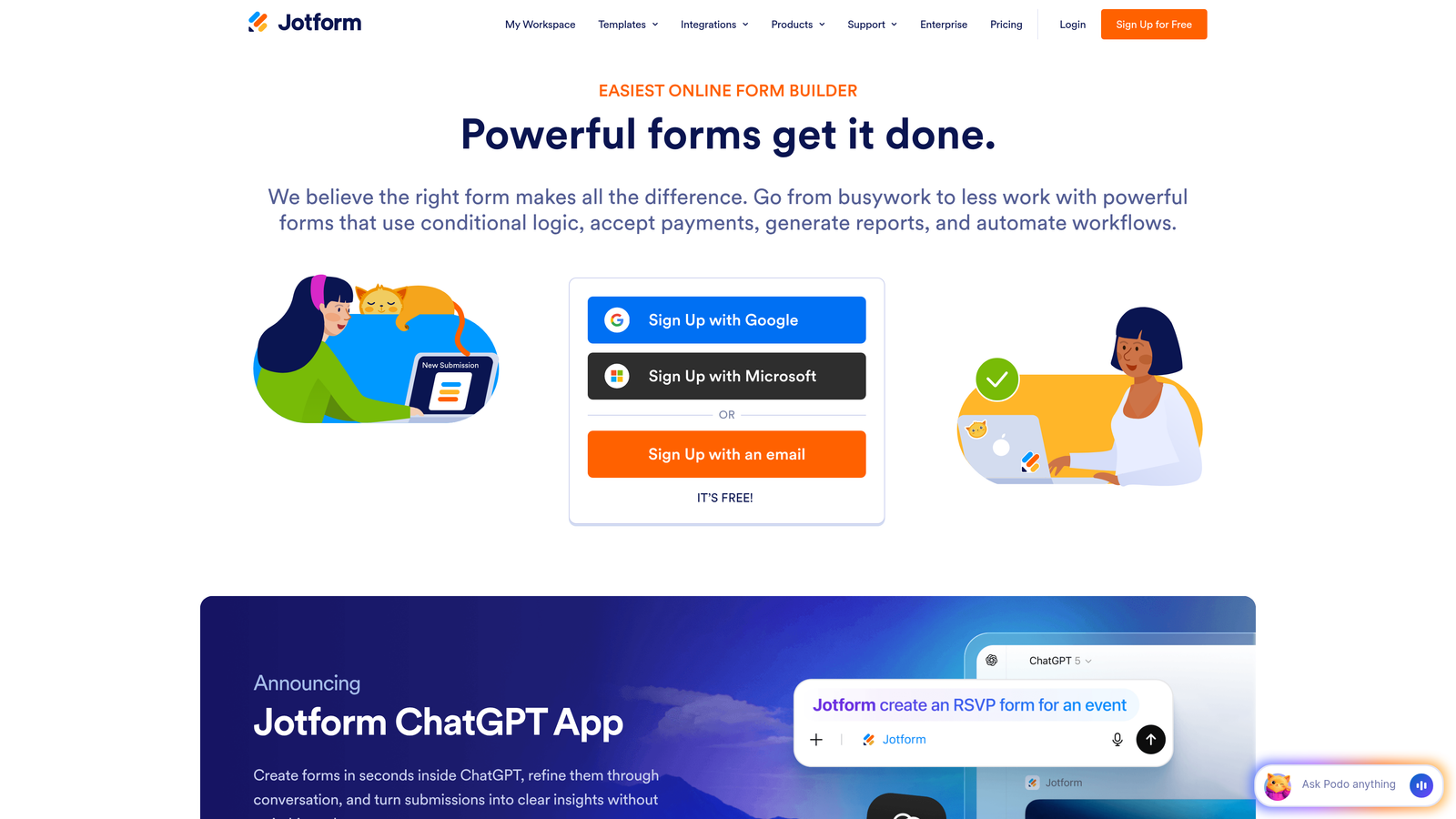
Jotform is a versatile form builder with an extensive template library and built-in payment collection.
Where This Tool Shines
The template library is genuinely impressive with over 10,000 pre-built forms covering virtually every industry and use case. This dramatically reduces setup time since you're customizing rather than building from scratch.
Payment processing integration sets Jotform apart for businesses collecting registration fees, deposits, or payments alongside lead information. The platform handles PayPal, Stripe, and Square natively, making it a complete solution for paid events or service bookings.
Key Features
10,000+ Templates: Pre-built forms for every industry from healthcare intake to event registration.
Payment Collection: Accept credit cards, PayPal, and digital wallets directly through forms without third-party tools.
PDF Generation: Automatically create PDF documents from form submissions for contracts or receipts.
Conditional Logic: Show or hide sections based on user responses to create dynamic forms.
HIPAA Compliance: Available on higher tiers for healthcare organizations handling protected health information.
Best For
Healthcare providers, event organizers, and service businesses that need payment collection or compliance features. Also excellent for teams that prefer customizing templates rather than designing forms from scratch.
Pricing
Free tier includes 5 forms and 100 submissions monthly. Bronze is $34/month, Silver $39/month, and Gold $99/month. HIPAA compliance requires Gold tier or higher, which significantly impacts healthcare organizations' costs.
5. Leadpages
Best for: Marketing campaigns requiring landing pages and lead capture in one platform
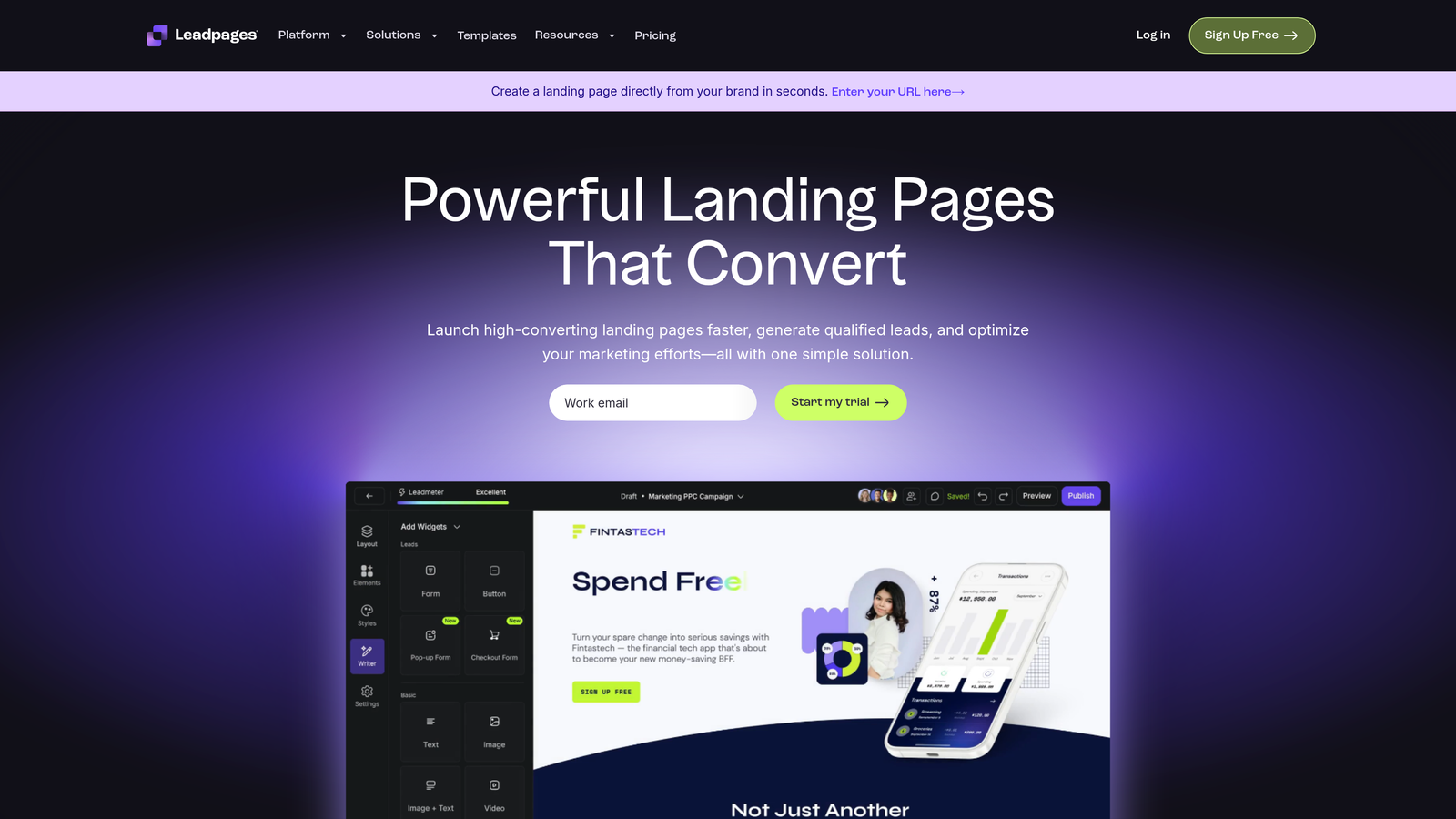
Leadpages is a landing page builder with integrated lead capture forms and conversion optimization tools.
Where This Tool Shines
The unified approach to landing pages and forms eliminates the need for separate tools. You build the page and form together, ensuring design consistency and simplifying your marketing stack.
Built-in A/B testing lets you compare different form designs, copy variations, and call-to-action placements without additional software. The conversion guidance system analyzes your pages and suggests improvements based on best practices, which is valuable for teams without dedicated conversion optimization expertise.
Key Features
Integrated Landing Pages: Build complete lead capture pages with forms, not just standalone form widgets.
Pop-Up and Alert Bars: Create exit-intent pop-ups and sticky notification bars for multi-point lead capture.
A/B Testing: Test different page and form variations to optimize conversion rates systematically.
Conversion Guidance: Receive automated suggestions for improving page performance based on conversion data.
40+ Integrations: Connect to email marketing, CRM, and webinar platforms without middleware.
Best For
Digital marketers and agencies running paid advertising campaigns where landing page quality directly impacts ROI. Particularly valuable if you're currently paying for separate landing page and form tools.
Pricing
Standard plan is $37/month and Pro is $74/month, both including unlimited forms and landing pages. The main difference is conversion optimization features and integration options rather than submission limits.
6. Gravity Forms
Best for: WordPress sites wanting one-time annual pricing without per-submission fees
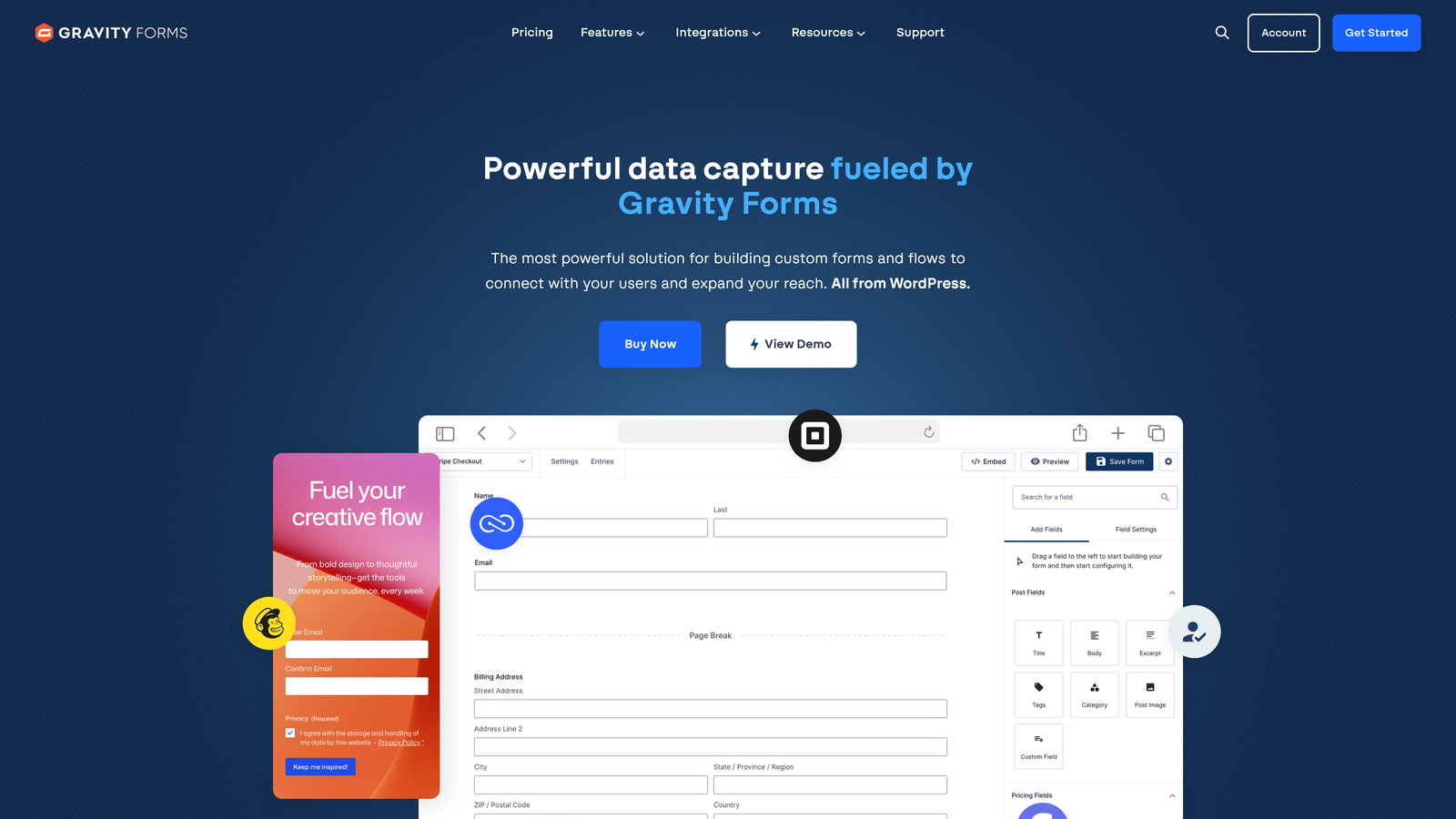
Gravity Forms is a WordPress plugin offering powerful form building with annual licensing instead of monthly subscriptions.
Where This Tool Shines
The pricing model is refreshingly different: pay once per year instead of monthly recurring charges. For high-volume sites, this eliminates the anxiety of submission caps and overage fees.
Being WordPress-native means deep integration with your site's design system and functionality. Forms inherit your theme styling automatically, and the extensive add-on ecosystem connects to virtually any WordPress plugin or service you're already using.
Key Features
WordPress-Native: Seamless integration with WordPress themes, plugins, and user management systems.
No Submission Fees: Unlimited form submissions on all plans without additional per-response charges.
Add-On Ecosystem: Hundreds of official and third-party extensions for payment gateways, CRMs, and marketing tools.
Advanced Conditional Logic: Create complex branching forms based on multiple conditions and user roles.
Multi-Page Forms: Split long forms across multiple pages with progress indicators and save-and-continue functionality.
Best For
WordPress-based businesses with high lead volume where per-submission pricing would become expensive. Agencies managing multiple client sites particularly benefit from the unlimited site license on the Elite tier.
Pricing
Basic is $59/year for 1 site, Pro is $159/year for 3 sites, and Elite is $259/year for unlimited sites. All include updates and support, making it cost-effective for agencies or businesses with multiple properties.
7. Formstack
Best for: Enterprise teams requiring advanced workflows, compliance, and document automation
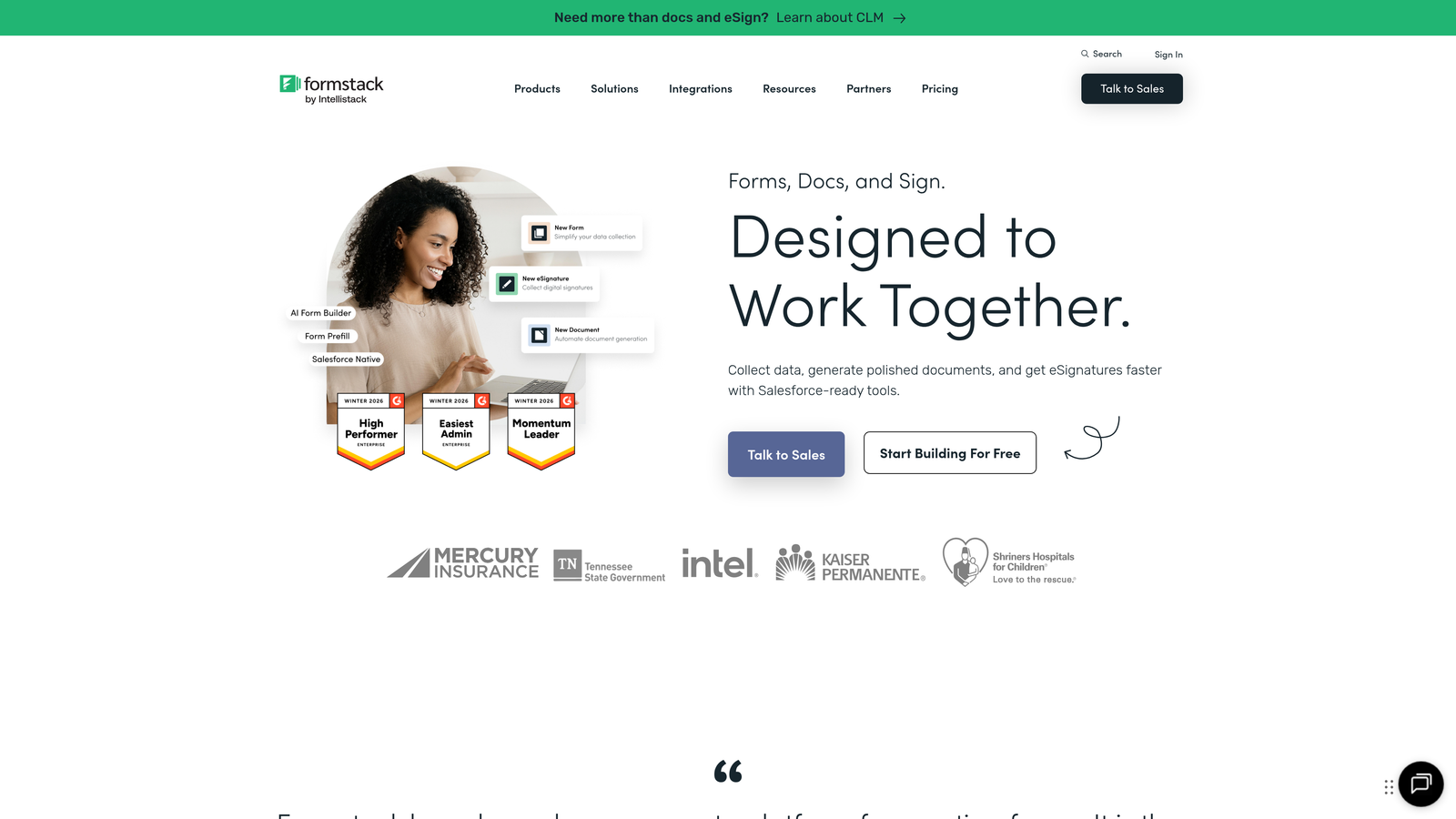
Formstack is an enterprise-grade form builder with workflow automation and document generation capabilities.
Where This Tool Shines
The workflow automation goes beyond basic form submission. You can generate contracts, route approvals, collect e-signatures, and update multiple systems from a single form submission—all without writing code.
Enterprise security and compliance features make it suitable for regulated industries. HIPAA compliance, SOC 2 certification, and advanced user permissions ensure sensitive data handling meets strict requirements while maintaining usability for end users.
Key Features
Advanced Conditional Logic: Create sophisticated branching based on multiple fields, calculations, and external data sources.
Document Generation: Automatically populate PDF contracts, proposals, and reports from form submissions.
E-Signature Integration: Collect legally binding signatures as part of your form workflow.
Workflow Automation: Route submissions through approval chains and trigger actions across connected systems.
Enterprise Security: HIPAA compliance, SOC 2 certification, SSO, and granular user permissions.
Best For
Healthcare organizations, financial services, and large enterprises with complex approval workflows or regulatory requirements. The pricing reflects enterprise positioning, so smaller businesses may find better value elsewhere.
Pricing
Forms Starter begins at $50/month, Teams at $83/month, with Enterprise requiring custom pricing. The significant jump to Enterprise tier is where advanced compliance and automation features unlock.
8. Paperform
Best for: Design-conscious brands wanting rich media and complete customization control
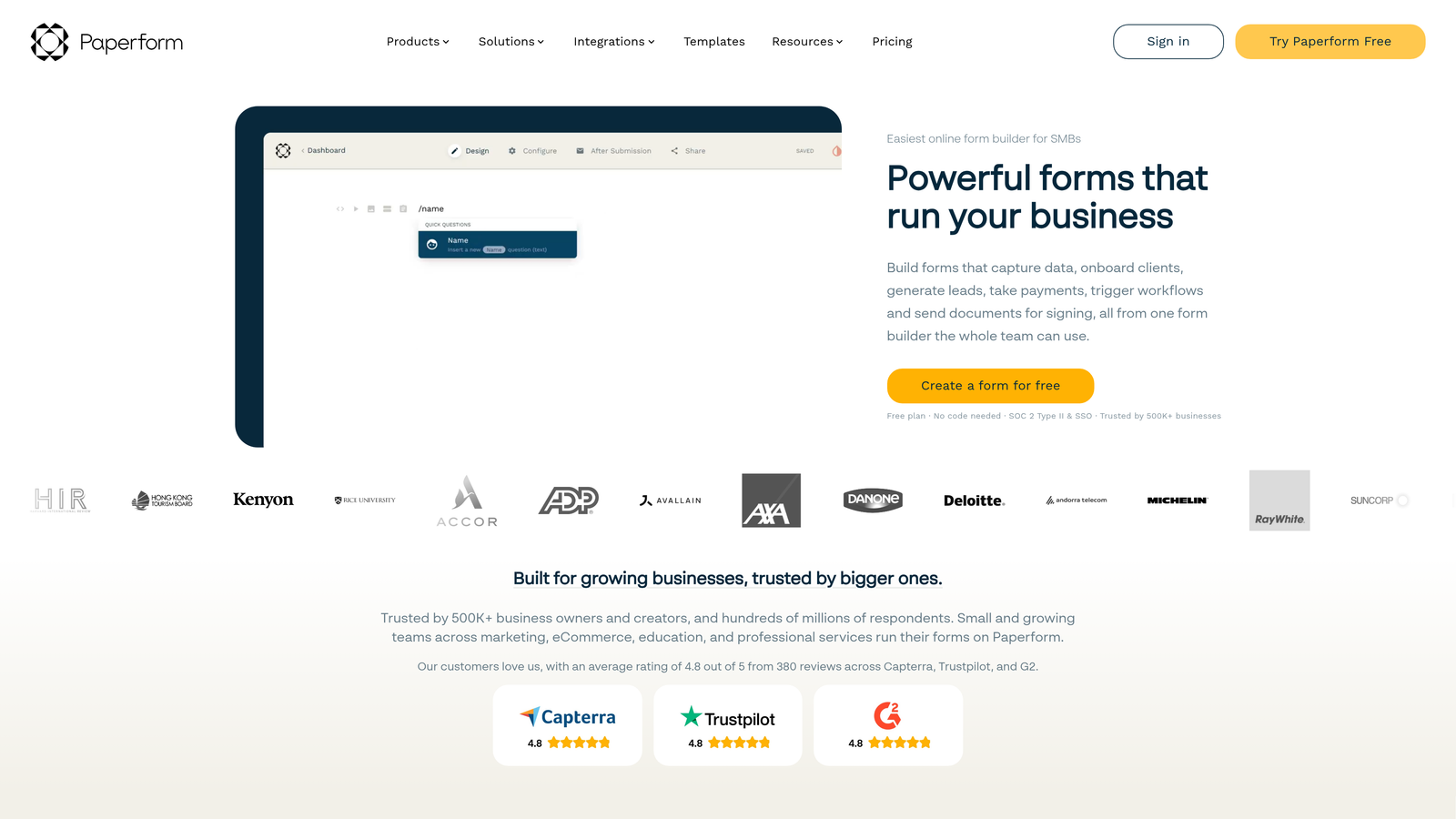
Paperform is a design-focused form builder allowing rich content embedding and extensive brand customization.
Where This Tool Shines
The editor feels more like a document builder than a traditional form tool. You can embed images, videos, and formatted text anywhere in your form, creating experiences that feel like interactive web pages rather than data collection forms.
This approach works particularly well for product pages with checkout functionality. You can describe your offering with rich media, answer common questions inline, and collect payment—all in one seamless experience that matches your brand perfectly.
Key Features
Rich Media Embedding: Add images, videos, and formatted text throughout forms to create engaging experiences.
Product Pages with Checkout: Build complete sales pages with payment collection and inventory management.
Conditional Logic: Show or hide sections based on user responses to create personalized paths.
Custom Success Pages: Design branded confirmation experiences with next steps and additional offers.
Scheduling Integration: Embed Calendly or similar tools directly in forms for appointment booking.
Best For
Creative agencies, consultants, and product-based businesses where brand presentation significantly impacts conversion rates. Best suited for lower-volume, higher-value lead generation rather than mass form submissions.
Pricing
Essentials is $24/month, Pro is $49/month, and Agency is $159/month. The Agency tier is designed for client work with white-labeling and multiple workspaces.
9. Tally
Best for: Startups and bootstrapped teams wanting unlimited submissions without monthly costs
Tally is a free-first form builder with unlimited forms and submissions on the free tier.
Where This Tool Shines
The free tier is genuinely generous with unlimited forms and unlimited submissions—no hidden catches or time limits. This makes it ideal for early-stage startups testing lead generation strategies without committing to monthly software costs.
The Notion-like interface will feel immediately familiar if you're already using Notion for documentation or project management. The block-based editor uses similar keyboard shortcuts and interaction patterns, reducing the learning curve to nearly zero.
Key Features
Unlimited Free Tier: Create unlimited forms with unlimited submissions without payment information or time restrictions.
Unlimited Submissions: No per-response fees or caps even on the free plan.
Notion-Like Interface: Block-based editor with familiar keyboard shortcuts for fast form building.
Conditional Logic: Show or hide questions based on previous answers to create dynamic forms.
File Uploads: Collect documents, images, and other files directly through forms.
Best For
Early-stage startups, side projects, and non-profits where budget constraints are paramount. Also excellent for testing lead generation strategies before committing to paid tools.
Pricing
Free tier includes unlimited forms and submissions with Tally branding. Pro is $29/month and removes branding while adding features like custom domains, hidden fields, and priority support.
Making the Right Choice for Your Budget
The right form software depends less on features and more on how you'll actually use it. Let's break down the pricing reality by use case.
For high-growth teams processing hundreds of leads monthly: Orbit AI delivers the best value by eliminating manual qualification work through AI-powered scoring. The time saved on lead sorting often justifies the investment within weeks, especially if you're currently dedicating staff hours to this task.
For startups watching every dollar: Tally's unlimited free tier or HubSpot Forms paired with the free CRM provide genuinely useful functionality without monthly costs. Both scale well as you grow, with clear upgrade paths when you need advanced features.
For WordPress-based businesses with high volume: Gravity Forms' annual licensing eliminates per-submission anxiety. At $59-259 per year depending on site count, it's significantly cheaper than monthly subscriptions once you exceed moderate lead volume.
For teams prioritizing brand experience: Typeform and Paperform justify their premium pricing through superior user experience. If your brand values aesthetics and your leads are high-value, the improved completion rates often offset the higher monthly cost.
The hidden costs matter as much as advertised pricing. Consider your expected monthly submission volume, required integrations, and team size. A platform with a lower base price but strict submission caps may cost more than a higher-priced option with unlimited responses.
Most platforms offer free trials or freemium tiers. Test your top two choices with real forms before committing. Pay attention to setup time, integration reliability, and whether the interface matches your team's workflow.
Transform your lead generation with AI-powered forms that qualify prospects automatically while delivering the modern, conversion-optimized experience your high-growth team needs. Start building free forms today and see how intelligent form design can elevate your conversion strategy.


