

Customer success teams live and die by their ability to collect the right information at the right moment. Onboarding responses, health check surveys, renewal feedback, escalation requests — each one is a critical signal that shapes how you manage accounts and prevent churn. The problem is that most generic form builders weren't designed for this workflow.
The best form builders for customer success go further than drag-and-drop fields. They qualify responses automatically, route submissions to the right teammate, trigger follow-up sequences, and integrate cleanly with your CRM and helpdesk stack. This guide covers nine tools worth considering in 2026, evaluated on ease of use, automation depth, integrations, and how well they serve CS-specific workflows like onboarding, QBR prep, NPS collection, and churn prevention.
Whether you're a lean CS team at a seed-stage SaaS company or managing hundreds of enterprise accounts, there's a tool here that fits your motion.
1. Orbit AI
Best for: High-growth SaaS teams that need AI-powered qualification and automated routing built into the form layer.
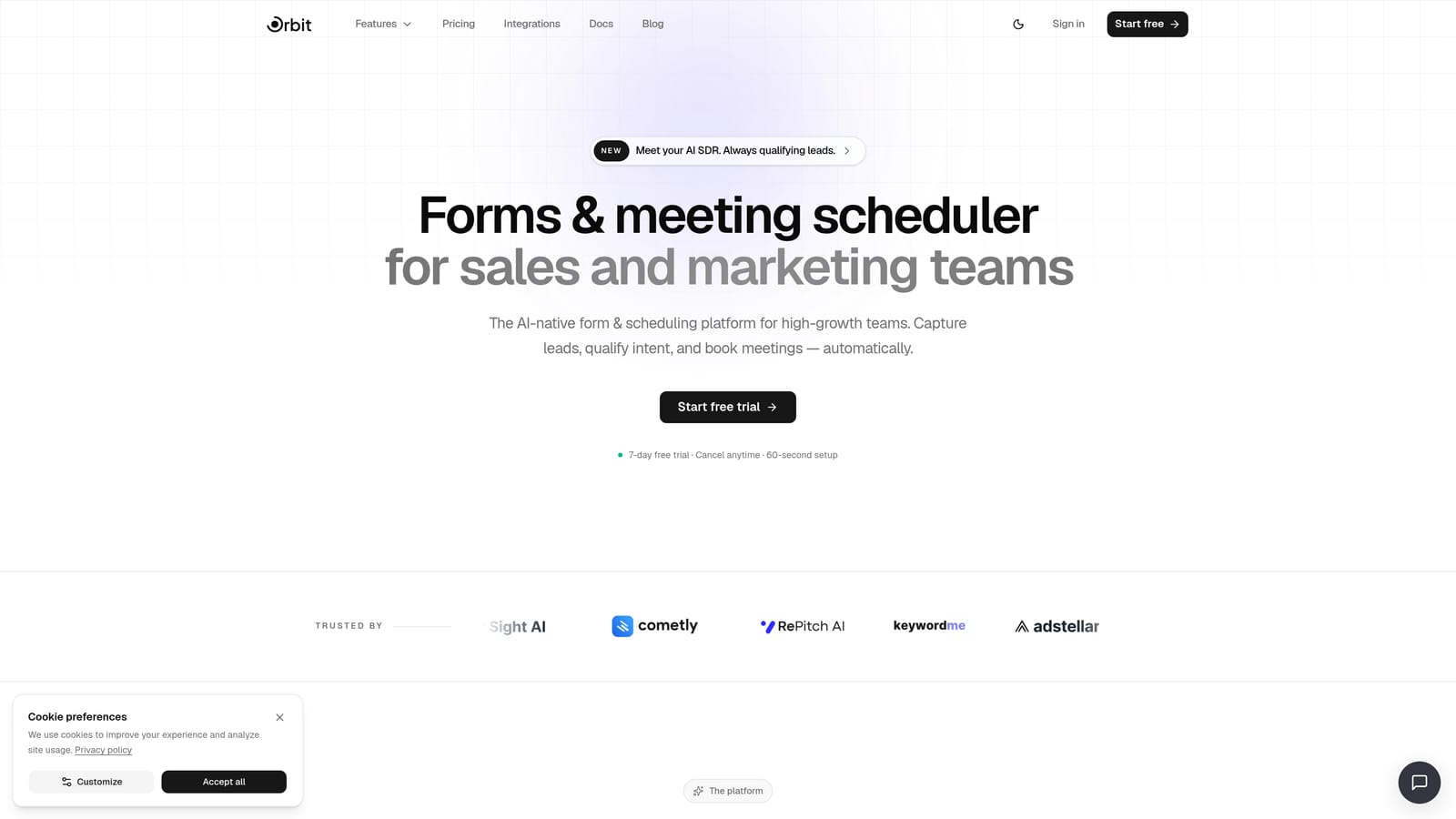
Orbit AI is an AI-native form builder purpose-built for SaaS teams that need more than a pretty form — it needs to do something with the answers.
Where This Tool Shines
Most form builders stop at data collection. Orbit AI starts there and keeps going. Its AI agents can automatically evaluate a submission — say, a health check response that signals churn risk — and route it to the right CSM without anyone manually triaging an inbox. That kind of qualification logic, built directly into the form layer, is genuinely rare.
For CS teams running onboarding intake, periodic health checks, or renewal feedback workflows, this means less time spent sorting responses and more time spent acting on them. The built-in workflow automation also means you're not relying on a Zapier layer to trigger a follow-up email or Slack notification after submission.
Key Features
AI Qualification and Routing: AI agents automatically evaluate form responses and route submissions to the appropriate team member based on rules you define.
Built-in Workflow Automation: Trigger downstream actions — Slack alerts, CRM updates, email sequences — directly from form submissions without third-party automation tools.
Automated Follow-Up Sequences: Set up post-submission sequences that go out automatically based on what a respondent answered, not just that they submitted.
Analytics Dashboard: Track form performance, completion rates, and conversion metrics in one place to understand where respondents drop off.
Pre-Built CS Templates: Ready-to-deploy templates for onboarding intake, customer feedback, support requests, and renewal workflows — so you're not starting from a blank canvas.
Best For
High-growth SaaS companies with active CS teams who want to automate the triage and follow-up layer, not just collect responses. Particularly strong for teams managing multiple account segments who need smart routing without manual overhead.
Pricing
Visit orbitforms.ai/pricing for current plans. A free tier is available to get started.
2. Typeform
Best for: CS teams collecting NPS, CSAT, or qualitative feedback where completion rate is the top priority.
Typeform is a conversational form builder known for its one-question-at-a-time format that reduces friction and keeps respondents engaged through the entire form.

Where This Tool Shines
Typeform's core insight is that forms feel less overwhelming when they present one question at a time. For CS teams sending NPS surveys or post-onboarding feedback requests, this format tends to produce more thoughtful responses and higher completion rates compared to traditional multi-field forms.
The design quality is also a genuine differentiator. When a customer receives a Typeform survey, it feels like a polished experience — which reflects well on your brand. Logic jumps let you tailor the question path based on earlier answers, so a detractor on an NPS survey can be asked different follow-up questions than a promoter.
Key Features
Conversational One-Question UX: Presents questions sequentially to reduce cognitive load and improve completion rates.
Logic Jumps and Conditional Branching: Route respondents to different questions based on their answers for more relevant follow-up.
Native CRM Integrations: Connects directly with HubSpot, Salesforce, and Slack without middleware.
Video Questions and Rich Media: Embed video prompts or images within questions to add context and personality.
NPS and CSAT Templates: Purpose-built templates for the most common CS measurement frameworks, ready to customize and send.
Best For
CS teams running structured voice-of-customer programs, post-onboarding surveys, or QBR prep questionnaires where response quality and brand presentation matter.
Pricing
Free tier available. Paid plans start around $25/month — verify current pricing at typeform.com/pricing.
3. Jotform
Best for: Teams that need complex workflow support — approvals, e-signatures, payments — in addition to standard form collection.
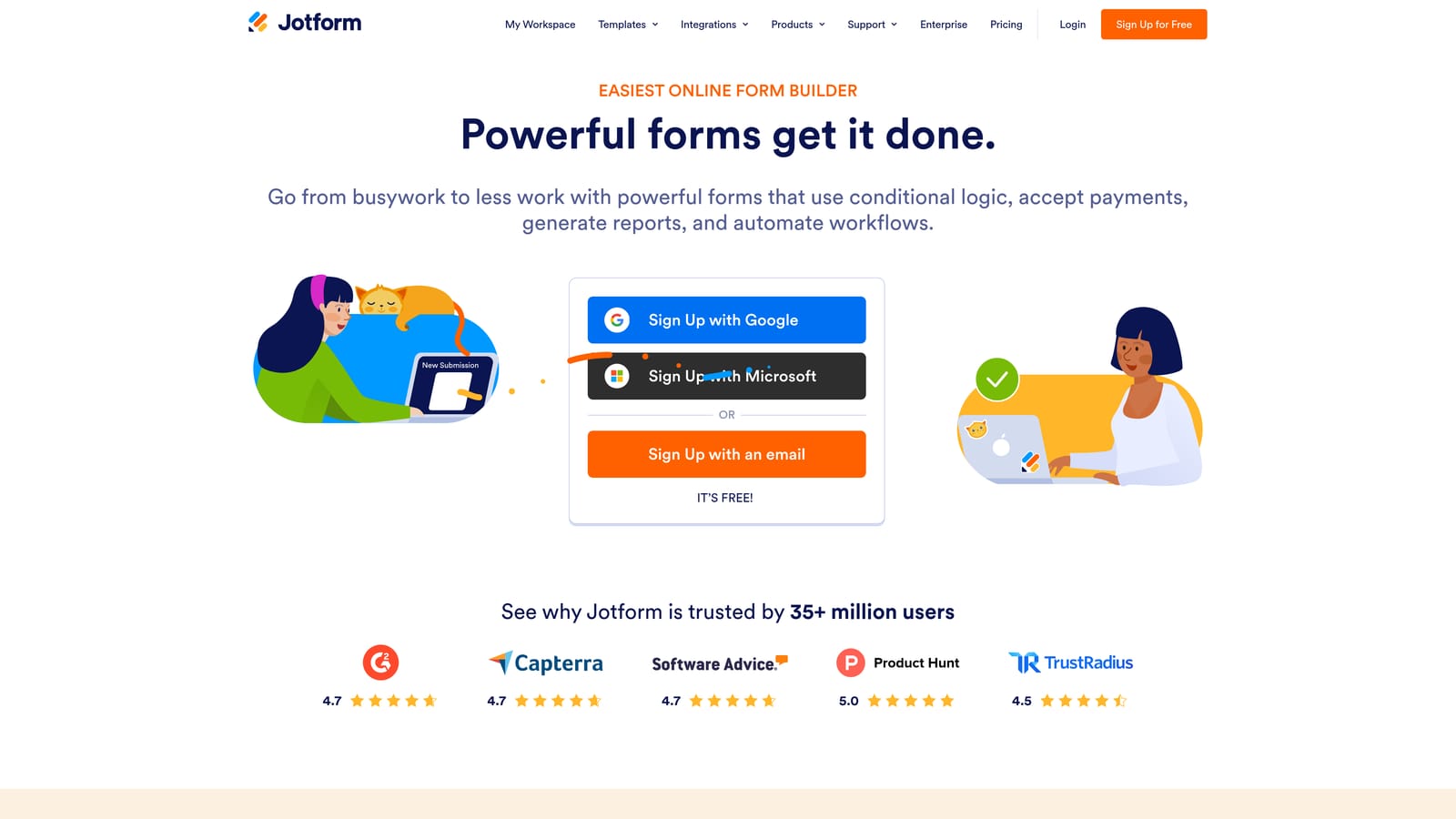
Jotform is one of the most feature-rich form builders on the market, with one of the largest template libraries available and strong support for multi-step workflows.
Where This Tool Shines
Where Jotform stands out is breadth. If your CS team needs a form that collects information, routes it for internal approval, generates a document, and collects a signature — Jotform can handle all of that in one tool. That's a meaningful advantage for teams managing contract renewals, formal escalation processes, or onboarding workflows that require sign-off.
The template library is genuinely vast. Rather than building a customer health check or support escalation form from scratch, you can find a starting point and customize from there. This dramatically reduces setup time for teams deploying forms across multiple use cases.
Key Features
Thousands of Pre-Built Templates: Includes CS-specific forms for feedback, onboarding, and support — ready to customize immediately.
Approval Workflows and E-Signatures: Route submissions through internal approval chains and collect legally binding signatures within the same tool.
Payment Collection: Accept payments directly within forms — useful for renewal or upsell workflows.
Wide Integration Ecosystem: Connects with Salesforce, HubSpot, Zapier, and dozens of other tools your CS stack likely includes.
Team Collaboration Features: Share forms across team members with role-based access and collaborative editing.
Best For
CS teams at mid-market companies that need workflow complexity — approvals, signatures, and multi-step routing — without investing in an enterprise platform.
Pricing
Free tier available. Paid plans scale by submission volume — verify current pricing at jotform.com/pricing.
4. Tally
Best for: Lean SaaS teams and early-stage startups that need capable, no-cost forms with minimal setup.
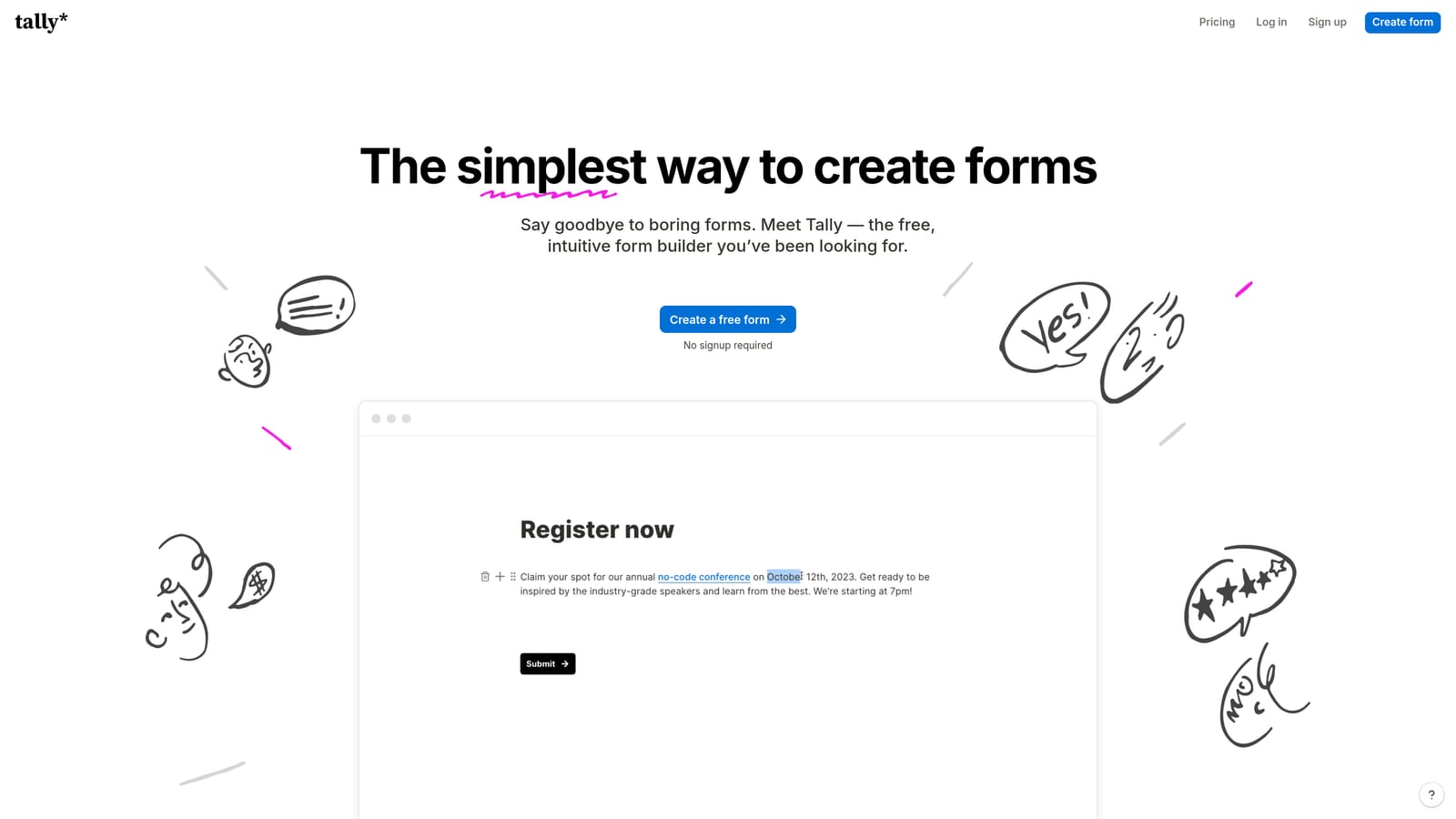
Tally is a lightweight, Notion-inspired form builder with a generous free tier and clean embed options, making it a favorite among early-stage SaaS teams.
Where This Tool Shines
Tally's block-based editor will feel immediately familiar to anyone who uses Notion. There's almost no learning curve, which means a CS team member can spin up an onboarding intake form or a quick health check survey in minutes — not hours. The free tier is notably generous: unlimited forms and unlimited responses, which is rare in this category.
For teams embedding forms in-app or within emails, Tally's clean design holds up well without heavy customization. It won't win a design award, but it doesn't look out of place either.
Key Features
Notion-Like Block Editor: Familiar interface for teams already in the Notion ecosystem — minimal onboarding required.
Unlimited Forms and Responses on Free Tier: No submission caps on the free plan, which is a significant advantage for high-volume CS teams on a budget.
Conditional Logic and Calculated Fields: Build branching paths and perform calculations within forms without upgrading.
Clean Embed Options: Embed forms in-app, in emails, or on web pages without visual friction.
Zapier and Make Integrations: Connect to your existing automation stack for downstream actions after submission.
Best For
Seed-stage and Series A SaaS companies with lean CS teams who need reliable forms without a budget line item. Also strong for indie operators and solo CSMs managing their own toolstack.
Pricing
Free tier is highly capable for most use cases. Pro plan is low-cost — verify current pricing at tally.so/pricing.
5. SurveySparrow
Best for: CS teams running structured, recurring NPS and CSAT programs at scale.
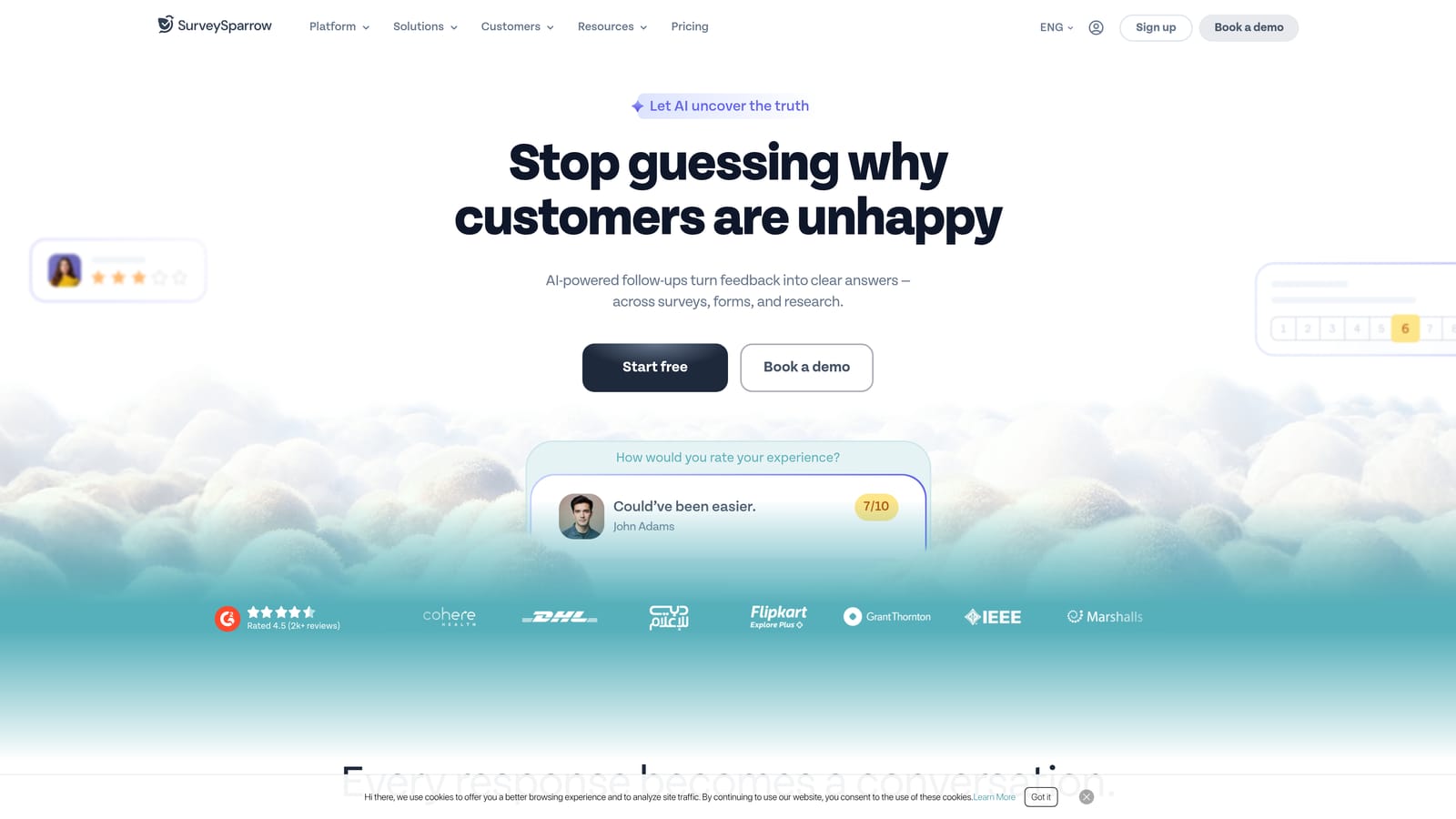
SurveySparrow is a survey platform built around automated, recurring survey programs — particularly strong for teams that want NPS and CSAT running on autopilot.
Where This Tool Shines
Most form builders can collect NPS responses. SurveySparrow is built to run an ongoing NPS program. You can schedule surveys to go out automatically on a cadence — say, 90 days after onboarding or 30 days before renewal — without manually triggering each send. For CS teams managing large account books, that kind of automated scheduling is the difference between a consistent voice-of-customer program and a sporadic one.
The chat-style survey format is also worth noting. Rather than presenting a traditional survey layout, SurveySparrow mimics a conversation, which tends to feel less clinical and more engaging for respondents.
Key Features
Recurring Survey Scheduling: Automate NPS and CSAT cadences so surveys go out on a defined schedule without manual intervention.
Chat-Style Survey Format: Conversational UI that increases engagement compared to traditional static survey layouts.
NPS, CSAT, and CES Modules: All three major CS measurement frameworks are built natively into the platform.
360-Degree Feedback: Useful for internal CS team reviews and performance measurement alongside customer-facing surveys.
Integrations with HubSpot, Intercom, and Slack: Push survey results directly into the tools your CS team already uses for follow-up.
Best For
CS teams at growth-stage and enterprise SaaS companies that want a dedicated, automated voice-of-customer program rather than ad hoc survey sending.
Pricing
Multiple tiers available — verify current pricing at surveysparrow.com/pricing.
6. Paperform
Best for: CS teams where visual presentation and brand experience are part of the customer touchpoint strategy.
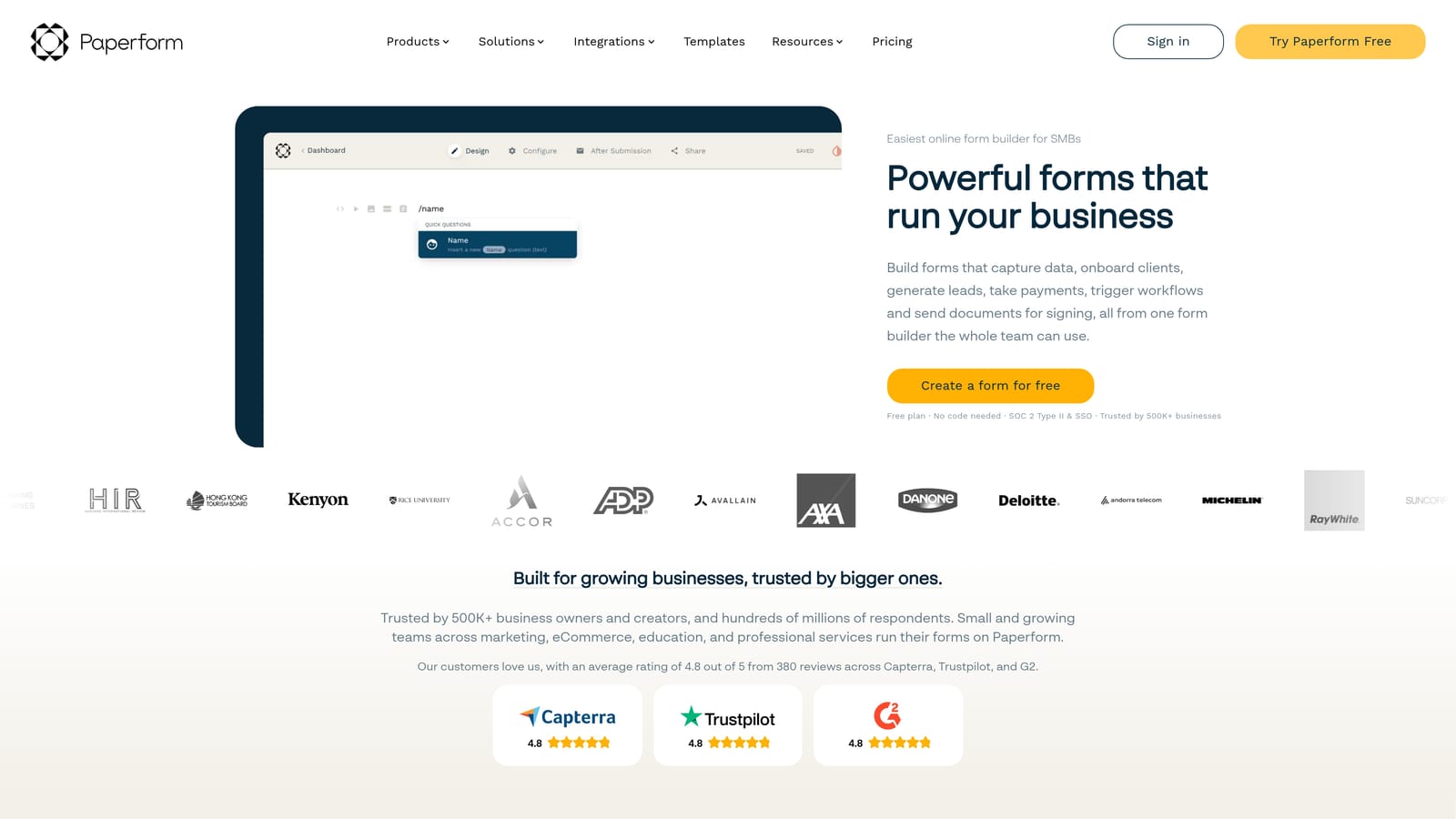
Paperform blends form functionality with landing page design, making it ideal when the form itself needs to feel like a premium customer experience.
Where This Tool Shines
Paperform occupies an interesting niche: it's for teams that want a form to feel like a destination, not just a data collection point. You can embed videos, images, and product details directly within the form — which makes it particularly useful for renewal or upsell workflows where context and presentation influence the customer's response.
The ability to combine payments, bookings, and conditional logic in a single form also makes Paperform useful for CS teams managing complex renewal conversations or scheduling QBR calls alongside collecting pre-meeting information.
Key Features
Rich Media Embedding: Include videos, images, and product details directly within forms to add context and improve the customer experience.
Payment and Booking Support: Collect payments or schedule meetings within the same form — no separate tools required.
Conditional Logic and Calculation Fields: Build branching paths and perform real-time calculations based on respondent inputs.
Custom Domain Support: Use your own branded URL for forms to maintain a consistent customer-facing identity.
Integrations with Zapier, Slack, and Major CRMs: Connect form submissions to downstream actions in your existing CS stack.
Best For
CS and account management teams at companies where brand experience is a differentiator — particularly for renewal, upsell, or executive-facing touchpoints where presentation quality matters.
Pricing
Paid plans only — no free tier. Verify current pricing at paperform.co/pricing.
7. Google Forms
Best for: Teams that need fast, zero-cost forms with no setup friction — especially for internal workflows.
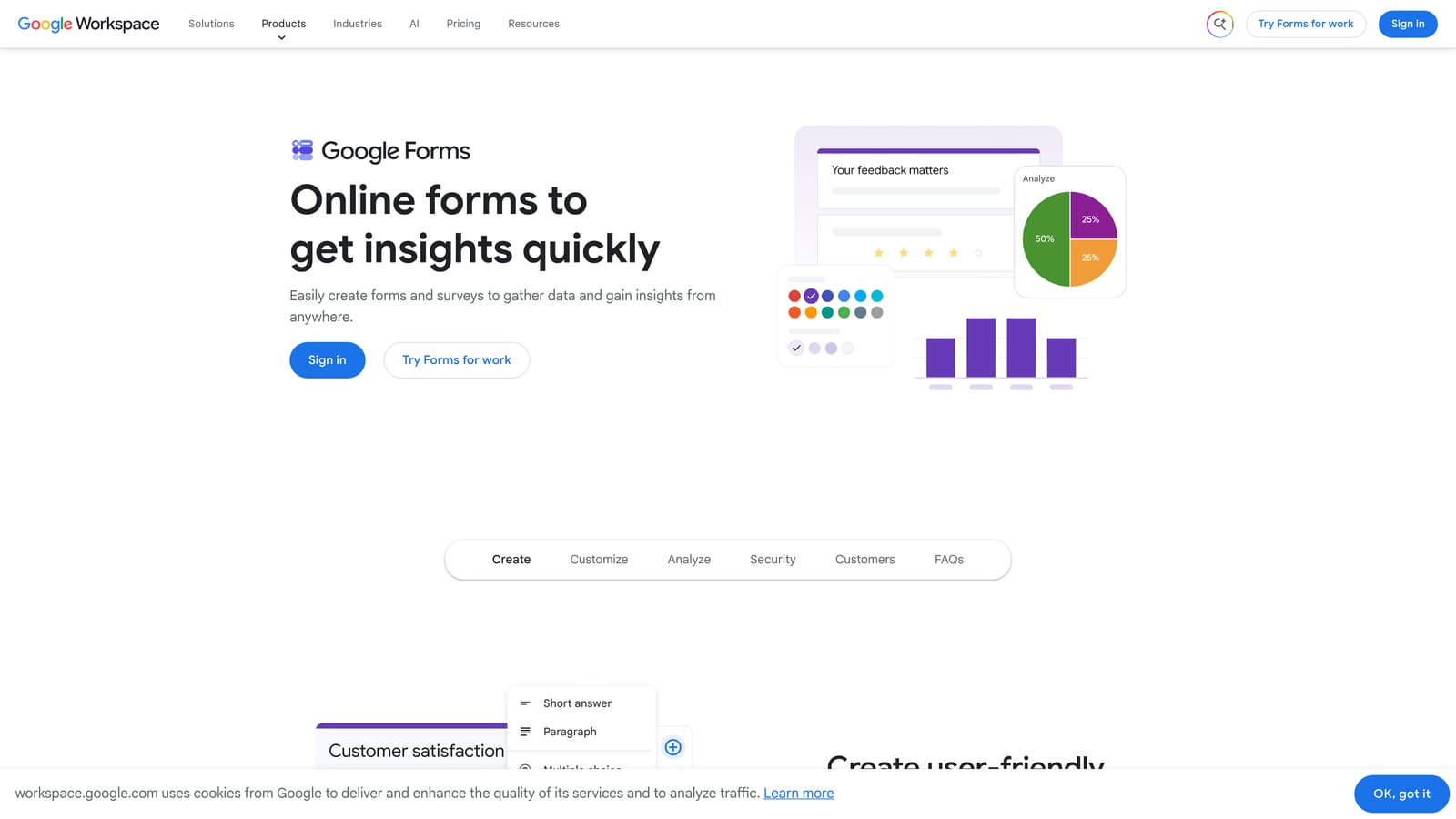
Google Forms is the free, frictionless form tool built into Google Workspace that remains useful for teams with basic needs and no budget.
Where This Tool Shines
There's no setup, no subscription, and no learning curve. If your CS team needs a quick internal health check template or a simple post-onboarding survey and you need it live in ten minutes, Google Forms delivers. The native Google Sheets integration means every response lands in a spreadsheet automatically, which works well for teams that already live in Google Workspace.
The honest caveat: Google Forms is a starting point, not a destination. It lacks design customization, native automation, and CRM integration. For teams running lightweight internal processes, that's fine. For customer-facing workflows where brand experience and automation depth matter, you'll outgrow it quickly.
Key Features
Completely Free: No cost beyond a Google account — accessible to any team immediately.
Native Google Sheets Integration: Responses flow directly into a spreadsheet for easy tracking and analysis.
Basic Conditional Logic: Show or hide sections based on previous answers — limited but functional for simple branching.
Instant Sharing: Share via link or email with no respondent account required.
Zero Friction for Respondents: Anyone can fill out a Google Form without creating an account or downloading anything.
Best For
Internal CS workflows, quick ad hoc surveys, or teams at very early stages where budget is zero and speed of deployment is the only priority.
Pricing
Free with any Google account — no paid tiers for the core form functionality.
8. Formstack
Best for: Enterprise CS teams with compliance requirements and deep Salesforce integration needs.
Formstack is an enterprise form and workflow platform with compliance certifications and a Salesforce-native integration that sets it apart in regulated industries.
Where This Tool Shines
If your company operates in a regulated industry — healthcare, financial services, or any environment where HIPAA or GDPR compliance is non-negotiable — Formstack is one of the few form builders that can actually meet those requirements out of the box. Audit trails, access controls, and compliance documentation are built in, not bolted on.
The Salesforce integration is also meaningfully deeper than most competitors. Rather than a basic field sync, Formstack can map form submissions to specific Salesforce objects, trigger workflows natively, and update records with precision — which matters for enterprise CS teams where Salesforce is the system of record.
Key Features
HIPAA and GDPR Compliance: Built-in compliance tools for regulated industries — not just checkboxes but actual certified infrastructure.
Salesforce-Native Integration: Deep field mapping and object-level sync that goes beyond basic CRM connection.
Advanced Approval and Routing Workflows: Multi-step approval chains with conditional routing based on submission content.
E-Signatures and Document Generation: Collect signatures and generate documents from form submissions in a single workflow.
Audit Trails and Access Controls: Track who accessed, edited, or submitted forms — essential for compliance and security requirements.
Best For
Enterprise CS teams at companies with compliance requirements, particularly those using Salesforce as their primary CRM and needing certified data handling alongside their form workflows.
Pricing
Enterprise pricing — verify current plans at formstack.com/pricing.
9. HubSpot Forms
Best for: CS teams already running on HubSpot CRM who want native form-to-CRM automation without additional tools.
HubSpot Forms is the native form tool within HubSpot CRM, where every submission automatically enriches contact records and can trigger workflows immediately.
Where This Tool Shines
The core value proposition is simple: if your team lives in HubSpot, HubSpot Forms removes every layer of friction between a form submission and a CRM action. A customer fills out an onboarding intake form, and HubSpot automatically creates or updates their contact record, enrolls them in an onboarding sequence, and notifies the assigned CSM — no Zapier, no manual data entry, no delay.
Progressive profiling is a particularly useful feature for CS teams. When a known contact returns to fill out another form, HubSpot automatically skips fields you already have on file and asks new questions instead. Over time, this builds richer contact profiles without ever asking customers to repeat themselves.
Key Features
Auto-Creates or Updates Contact Records: Every submission instantly enriches the HubSpot CRM with no manual data transfer required.
Native Workflow and Sequence Triggers: Kick off HubSpot workflows, enrollment sequences, and internal notifications directly from form submissions.
Progressive Profiling: Automatically asks new questions to returning contacts rather than repeating fields already captured.
Embedded and Pop-Up Form Options: Deploy forms inline on pages or as behavioral pop-ups based on visitor actions.
Free with HubSpot CRM: Available at no additional cost for teams already on HubSpot's free tier.
Best For
CS teams that are fully committed to HubSpot as their CRM and want seamless, native automation without managing a separate form tool. Less compelling for teams on Salesforce or other CRMs.
Pricing
Free with a HubSpot account. Advanced features require a paid Marketing Hub subscription — verify current pricing at hubspot.com/pricing.
Which Tool Is Right for Your CS Team?
The right choice here depends less on feature checklists and more on where your team is in its journey and what your biggest friction point actually is.
If you're a lean startup CS team with limited budget, start with Tally for its generous free tier or Google Forms for zero-setup simplicity. Both get you collecting responses quickly without spending a dollar.
If NPS and CSAT programs are your primary focus, SurveySparrow is purpose-built for recurring, automated survey cadences. Typeform is the stronger choice when response quality and brand presentation matter more than automation depth.
For teams with compliance requirements or deep Salesforce dependencies, Formstack is built for that environment. If HubSpot is your CRM of record, HubSpot Forms offers the tightest native integration available.
For CS teams that want to move beyond basic data collection into intelligent, automated workflows — where form responses trigger routing, follow-up sequences, and CRM updates without manual intervention — Orbit AI is the strongest fit. It's built specifically for high-growth SaaS teams that need the form layer to do real work, not just collect answers.
Transform your customer success workflows with AI-powered forms that qualify and route responses automatically while delivering the modern, conversion-optimized experience your team needs. Start building free forms today and see how intelligent form design can change how your CS team operates.


