

Form builders were supposed to make data collection easier. But if you're still using Wufoo in 2026, you've probably noticed something: while your business has evolved, your form builder hasn't kept pace.
The reality is stark. Wufoo, acquired by SurveyMonkey back in 2011, has seen limited innovation compared to the wave of modern alternatives that have emerged. What was once cutting-edge now feels dated—both in interface design and capabilities.
High-growth teams face specific challenges that Wufoo wasn't built to solve. You need forms that don't just collect data but actively qualify leads. You need conditional logic that actually works intuitively. You need AI-powered automation that routes prospects intelligently. And you need a modern interface that doesn't make your brand look stuck in the past.
The good news? The form builder landscape has transformed dramatically. Today's alternatives offer conversational experiences, intelligent lead scoring, seamless CRM integrations, and interfaces that actually convert. Whether you're migrating due to pricing concerns, feature limitations, or simply the need for modern capabilities, there's an alternative built for your growth trajectory.
Let's explore seven powerful Wufoo alternatives that high-growth teams are choosing in 2026—each with distinct strengths for different use cases.
1. Orbit AI: AI-Powered Lead Qualification for High-Growth Teams
The Challenge It Solves
Traditional form builders treat every submission equally, dumping raw data into your CRM without context or prioritization. Your sales team wastes hours sorting through unqualified leads, trying to identify which prospects deserve immediate attention. This creates bottlenecks that slow your growth and frustrate both your team and potential customers who don't receive timely responses.
The Strategy Explained
Orbit AI reimagines form building around intelligent lead qualification. Rather than simply collecting responses, the platform uses AI to analyze submissions in real-time, scoring leads based on fit and intent. This means your sales team receives qualified, prioritized leads with context—not just raw form data.
The platform combines modern, conversion-optimized form design with powerful automation. Forms are built to be beautiful and engaging while working behind the scenes to route high-value prospects to the right team members instantly. For high-growth teams, this transforms forms from data collection tools into active revenue drivers.
Implementation Steps
1. Design your form using Orbit AI's modern builder, focusing on questions that reveal both qualification criteria and buying intent.
2. Configure AI-powered lead scoring rules based on your ideal customer profile, setting thresholds for automatic routing and prioritization.
3. Connect your CRM and communication tools so qualified leads flow directly to sales with scoring context and suggested next actions.
Pro Tips
Start with your highest-value conversion point—typically demo requests or consultation bookings—rather than migrating all forms at once. This lets you prove ROI quickly while learning how AI qualification improves your sales process. The insights you gain will inform how you approach other forms.
2. Typeform: Conversational Experience That Engages
The Challenge It Solves
Standard forms present users with overwhelming walls of fields, leading to high abandonment rates and incomplete submissions. When prospects see ten questions stacked vertically, many bounce before even starting. This traditional approach treats forms as administrative tasks rather than conversations, resulting in lower completion rates and less engaged respondents.
The Strategy Explained
Typeform pioneered the one-question-at-a-time approach that transforms forms into conversations. Each question appears individually with smooth transitions, creating an engaging experience that feels more like dialogue than data entry. This conversational format has become synonymous with modern, user-friendly forms.
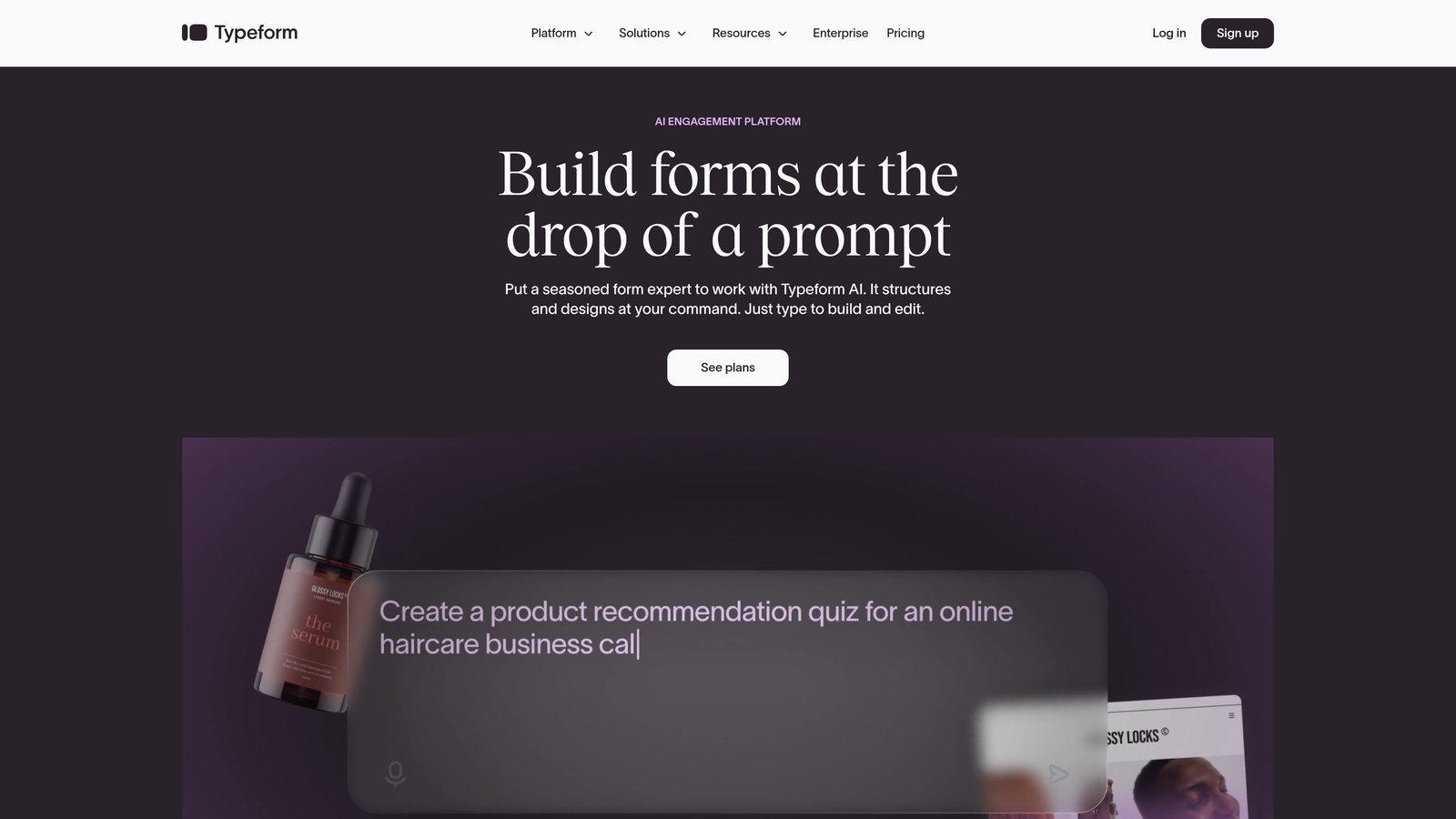
The platform excels at creating visually appealing forms with custom branding, images, and videos. For teams prioritizing user experience and brand consistency, Typeform offers sophisticated design controls that make forms feel like natural extensions of your website rather than bolted-on tools.
Implementation Steps
1. Choose from Typeform's extensive template library or build from scratch, focusing on creating logical question flows that feel conversational.
2. Add conditional logic to personalize the experience based on responses, ensuring each user sees only relevant questions.
3. Customize the visual design with your brand colors, fonts, and imagery to maintain consistency with your overall brand experience.
Pro Tips
The one-question-at-a-time format works brilliantly for surveys and feedback forms but can feel slow for simple contact forms. Consider your use case carefully—Typeform shines when engagement and completion rates matter more than speed. For lead capture where you need just name and email, simpler formats may convert better.
3. Jotform: Feature-Rich Platform with Extensive Templates
The Challenge It Solves
Building forms from scratch consumes valuable time, especially when you need specialized functionality like payment processing, appointment scheduling, or complex calculations. Many teams find themselves recreating common form types repeatedly, wishing they had starting points that already included the features they need.
The Strategy Explained
Jotform positions itself as the Swiss Army knife of form builders, offering over 10,000 templates spanning virtually every use case imaginable. Whether you need event registration, job applications, order forms, or customer surveys, there's likely a pre-built template that gets you 80% of the way there.
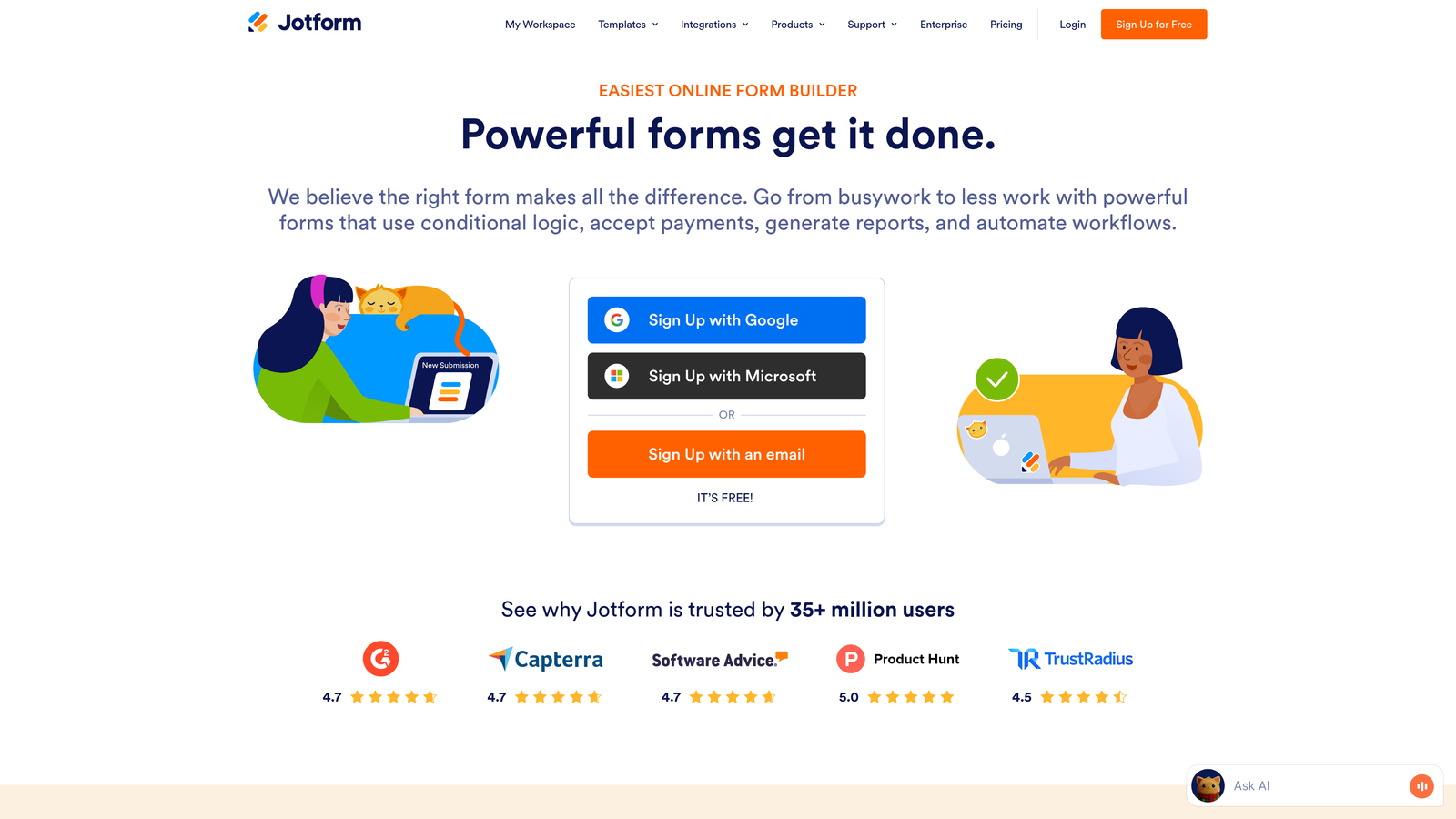
Beyond templates, Jotform packs in features that would require multiple tools elsewhere: native payment processing, appointment booking, e-signature collection, and PDF generation. The platform also offers competitive pricing tiers that make it accessible for teams with budget constraints while still providing robust capabilities.
Implementation Steps
1. Browse Jotform's template library by category or search for your specific use case, selecting the closest match to your needs.
2. Customize the template using the drag-and-drop builder, adding or removing fields and configuring integrations with your existing tools.
3. Set up conditional logic and notifications to automate workflows, then test thoroughly before publishing to ensure all features work as expected.
Pro Tips
Jotform's extensive feature set can feel overwhelming initially. Start with a template rather than building from scratch—even if it's not perfect, it's faster to modify an existing form than to discover and configure all available features yourself. Focus on the core functionality you need rather than getting lost in options.
4. Tally: Simple, Notion-Like Forms with Generous Free Tier
The Challenge It Solves
Many form builders force you onto paid plans quickly with restrictive free tiers that limit submissions, forms, or features. For startups and small teams, these limitations create frustrating constraints just when you're trying to grow. You need functional forms without immediate budget commitments or artificial restrictions that hamper experimentation.
The Strategy Explained
Tally takes a radically different approach to pricing and design. The platform offers unlimited forms and unlimited submissions on its free tier—no credit card required. If you're familiar with Notion's interface, Tally will feel immediately intuitive, using a similar block-based building approach that emphasizes simplicity.
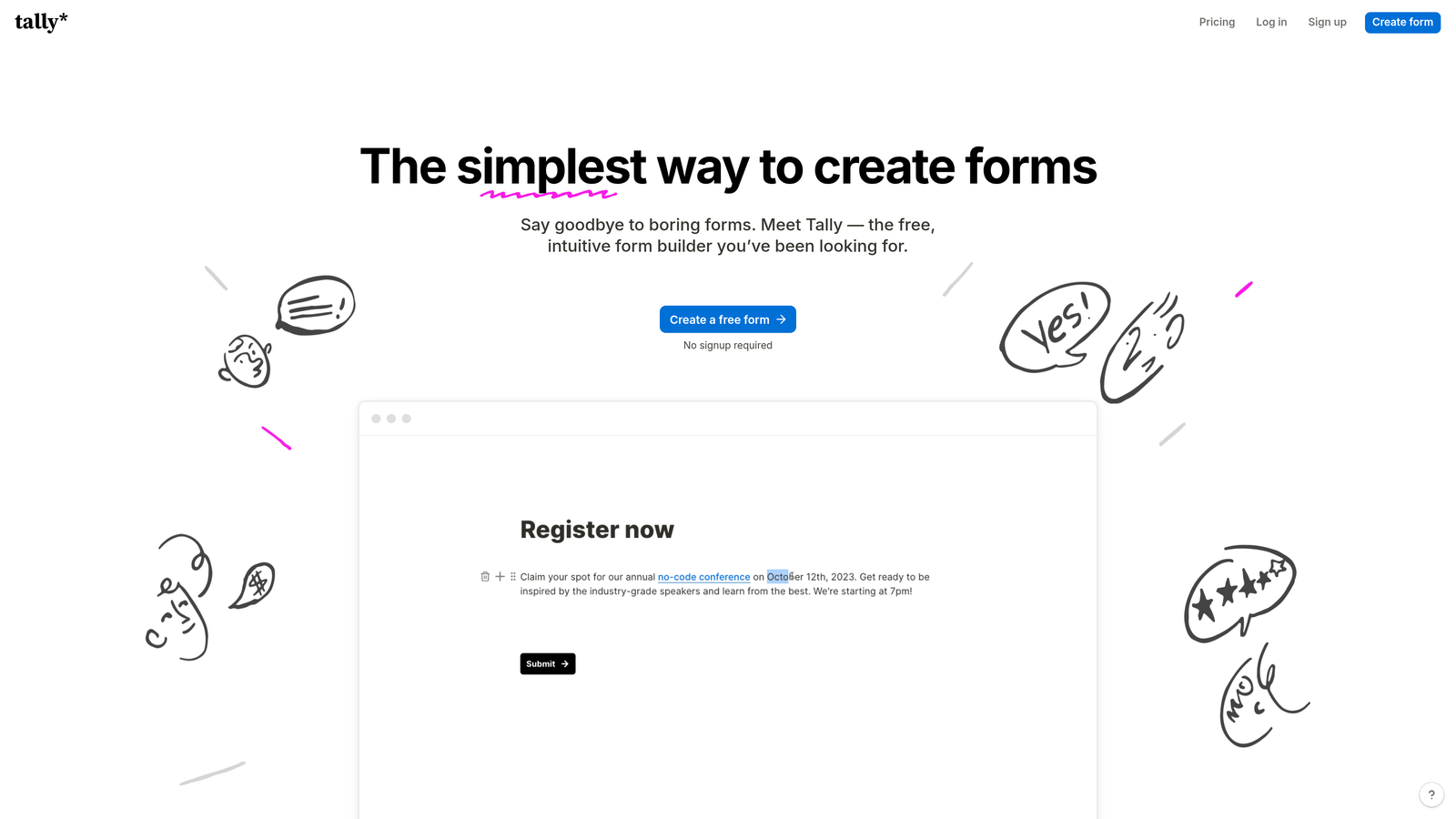
This makes Tally particularly attractive for bootstrapped startups, side projects, and teams who want to test form strategies without financial commitment. The interface prioritizes speed and simplicity over advanced features, letting you create functional forms in minutes rather than hours.
Implementation Steps
1. Create a new form using Tally's block-based interface, adding question blocks by typing "/" similar to Notion's command structure.
2. Configure basic conditional logic if needed, keeping the form structure simple and focused on essential information collection.
3. Embed the form on your website or share the direct link, taking advantage of Tally's clean, minimalist design that works well across devices.
Pro Tips
Tally excels for straightforward forms but lacks some advanced features found in premium alternatives. It's perfect for contact forms, feedback collection, and simple surveys. However, if you need sophisticated lead scoring, complex workflows, or extensive integrations, consider it a starting point rather than a long-term solution as your needs evolve.
5. Paperform: Landing Page-Style Forms with Built-In Payments
The Challenge It Solves
Traditional forms look like forms—boxes and fields that scream "data entry required." This clinical appearance doesn't inspire action or create excitement. When you're selling products, booking services, or collecting payments, you need something that feels more like a beautiful landing page than a utilitarian form.
The Strategy Explained
Paperform blurs the line between forms and landing pages, letting you create rich, content-heavy pages that happen to collect information. You can add extensive text, images, videos, and formatting alongside your form fields, creating experiences that educate and persuade while gathering responses.
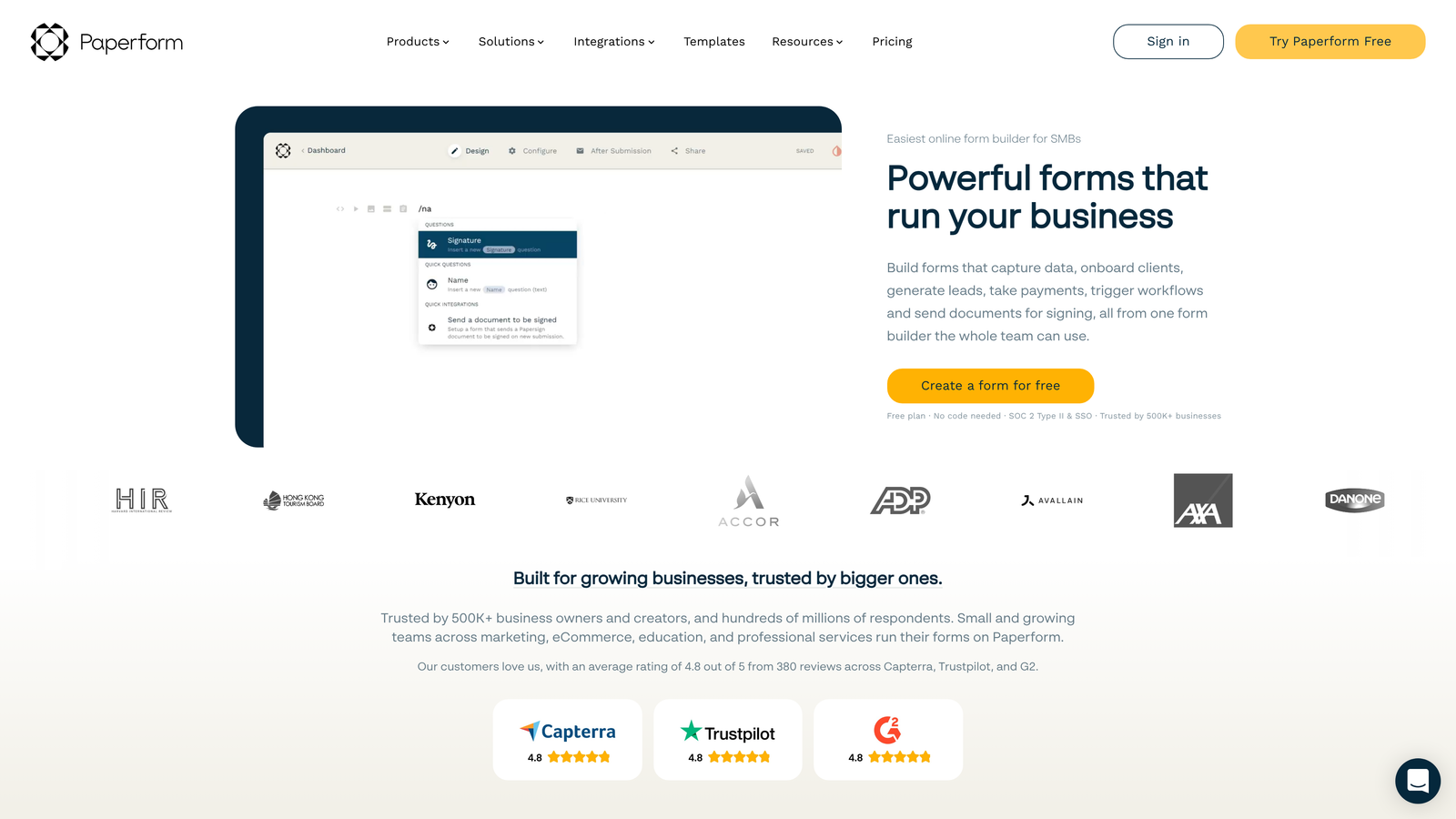
The platform's built-in payment processing and booking capabilities make it particularly powerful for service businesses, course creators, and anyone selling directly through forms. Instead of cobbling together separate tools for landing pages, forms, and payments, Paperform handles everything in one place.
Implementation Steps
1. Start with Paperform's template library focused on your use case—product orders, service bookings, or event registrations work particularly well.
2. Build out your page with rich content that explains your offer, using form fields strategically within the narrative flow rather than clustering them at the end.
3. Configure payment processing and booking logic, setting up pricing tiers, availability rules, and confirmation workflows that create a complete transaction experience.
Pro Tips
Think of Paperform as a landing page builder first and a form builder second. This mindset shift helps you create more compelling experiences. Use the content areas to address objections, showcase benefits, and build trust before asking for information or payment. The more context you provide, the higher your conversion rates will climb.
6. Formstack: Enterprise-Grade Forms with HIPAA Compliance
The Challenge It Solves
Enterprise organizations face regulatory requirements and security standards that consumer-grade form builders can't meet. Healthcare providers need HIPAA compliance. Financial services require robust data encryption. Large organizations demand advanced user permissions and audit trails. Using tools that don't meet these standards creates serious legal and security risks.
The Strategy Explained
Formstack specifically targets enterprise and regulated industries with features that go beyond basic form building. The platform offers HIPAA-compliant forms, advanced security controls, detailed audit logs, and sophisticated workflow automation that meets enterprise IT requirements.
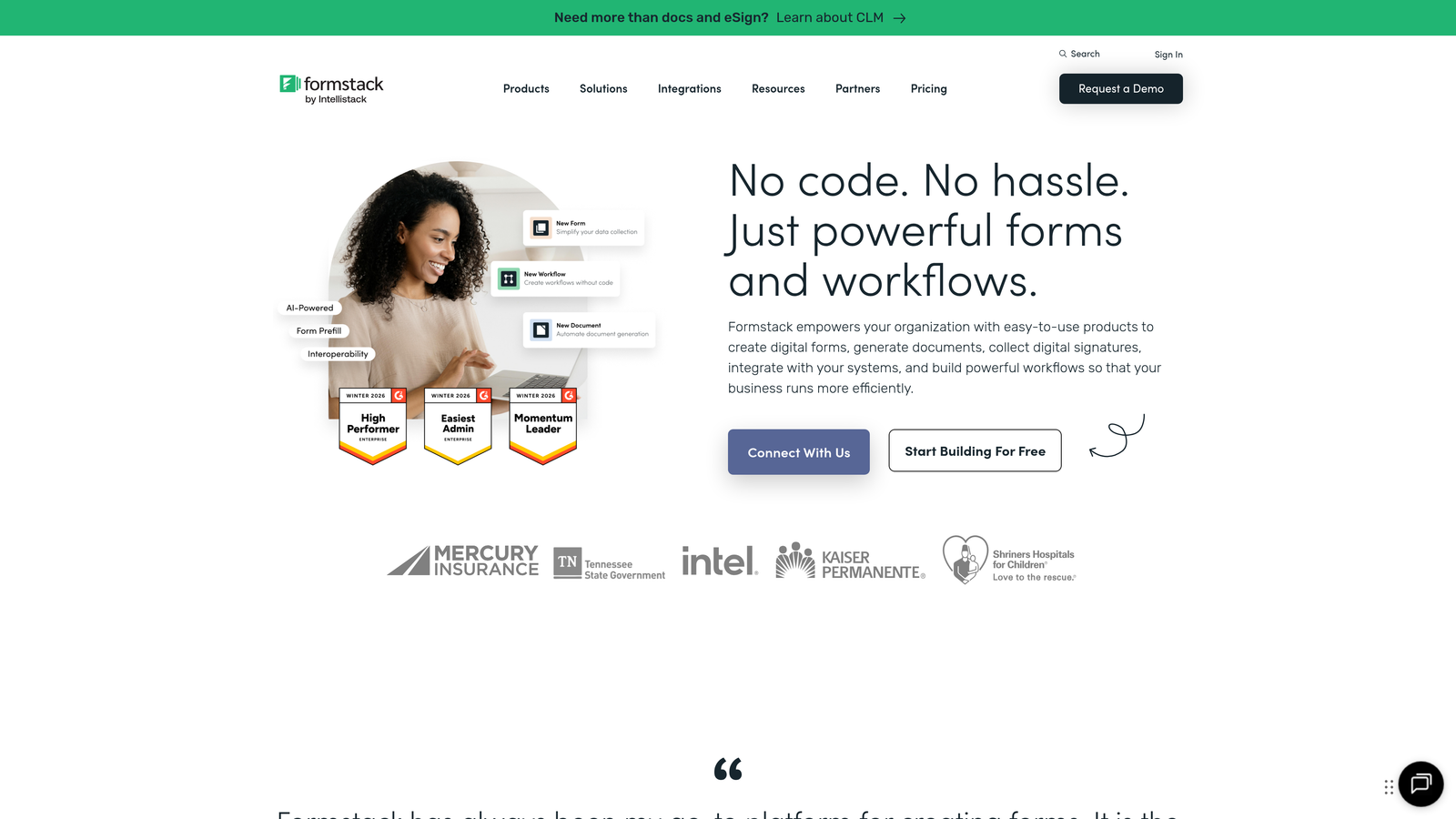
Beyond compliance, Formstack provides enterprise-level integrations with Salesforce, complex approval workflows, and advanced analytics. For organizations where forms are part of critical business processes—patient intake, financial applications, compliance documentation—Formstack provides the governance and reliability that enterprise teams require.
Implementation Steps
1. Work with your IT and compliance teams to configure security settings, user permissions, and data handling policies that meet your regulatory requirements.
2. Build forms using Formstack's advanced builder, incorporating approval workflows, complex conditional logic, and calculations as needed for your processes.
3. Set up integrations with your enterprise systems, ensuring data flows securely to your CRM, document management, and other critical platforms.
Pro Tips
Formstack's enterprise focus means higher pricing and more complexity than consumer alternatives. It's overkill for basic lead capture but essential when compliance and security are non-negotiable. Evaluate whether you truly need enterprise features or if your requirements could be met by more affordable alternatives with standard security.
7. Google Forms: Free, Basic Forms with Ecosystem Integration
The Challenge It Solves
Sometimes you need a simple form immediately without setup friction, account creation, or learning curves. For internal surveys, quick feedback collection, or situations where advanced features aren't necessary, elaborate form builders add unnecessary complexity. You just want to collect responses and move on.
The Strategy Explained
Google Forms offers the path of least resistance for basic form needs. If your organization already uses Google Workspace, you can create forms instantly without new accounts or tools. Responses flow directly into Google Sheets for easy analysis, and collaboration features let teams work together on form design.
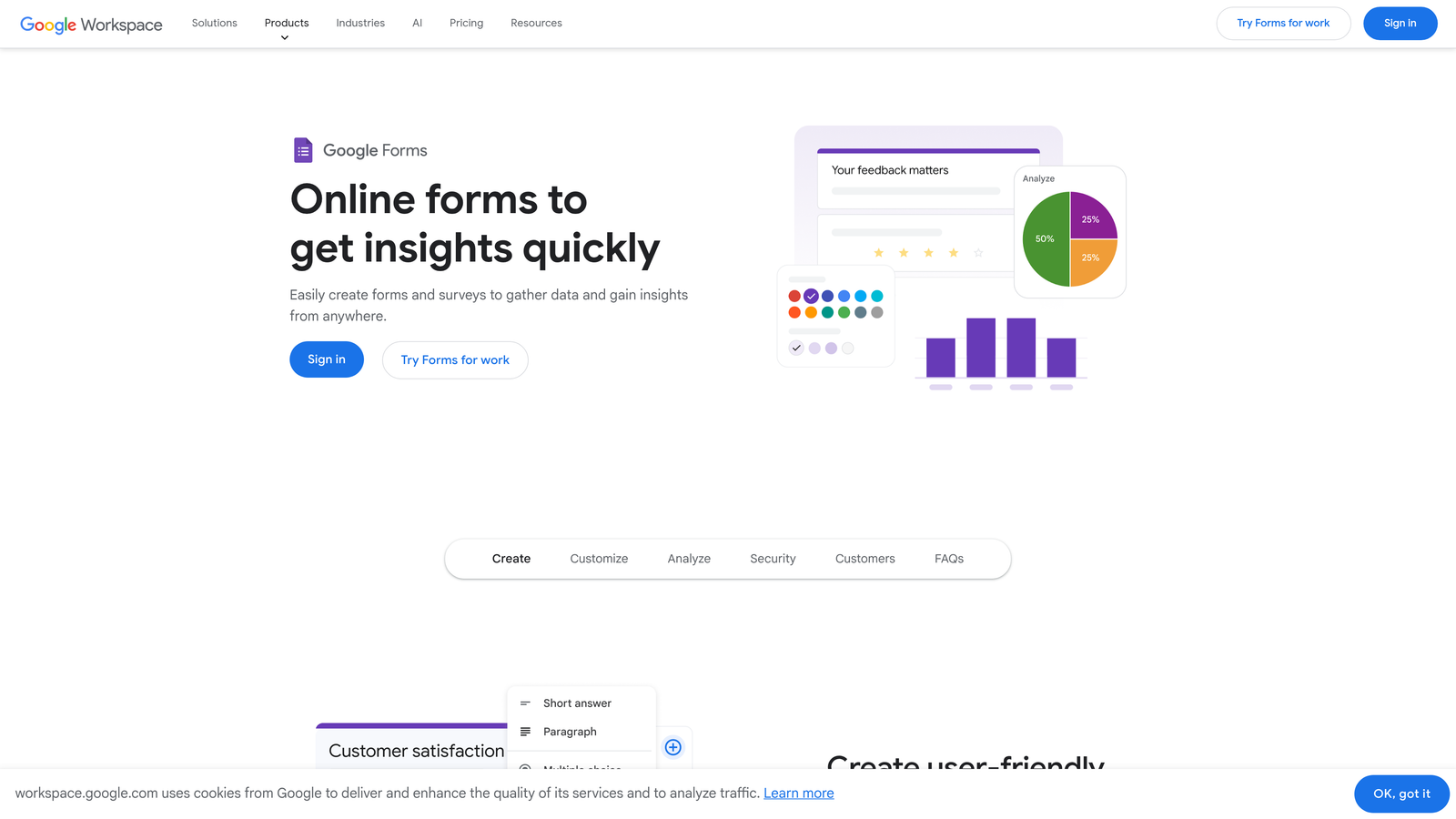
The platform excels at internal use cases—employee surveys, event RSVPs, team feedback, and simple data collection where brand experience isn't critical. While it lacks advanced features and customization options, Google Forms delivers reliable functionality at zero cost with minimal setup time.
Implementation Steps
1. Open Google Forms from your Google Drive or directly at forms.google.com, choosing a blank form or basic template.
2. Add your questions using the simple interface, configuring basic settings like required fields and response validation.
3. Share the form via link or email, with responses automatically collecting in a linked Google Sheet for analysis.
Pro Tips
Google Forms works well for internal processes but lacks the polish and features for customer-facing forms that represent your brand. Use it for employee surveys, internal feedback, and quick data collection. For lead capture, customer surveys, or anything public-facing, invest in a tool with better design capabilities and conversion optimization.
Making the Switch: Your Next Steps
Choosing the right Wufoo alternative depends less on features and more on your growth trajectory. Here's how to match your needs with the right platform.
If you're a high-growth team where lead quality directly impacts revenue, Orbit AI transforms forms from data collection into intelligent qualification. The AI-powered approach ensures your sales team focuses on prospects most likely to convert rather than sorting through every submission manually.
For teams prioritizing user experience and engagement—particularly for surveys and feedback—Typeform's conversational approach delivers higher completion rates. If you need extensive features and templates without enterprise pricing, Jotform offers remarkable value. Bootstrapped startups benefit from Tally's generous free tier that eliminates budget constraints during early growth.
Service businesses and course creators should examine Paperform's landing page approach, especially if you're collecting payments directly. Enterprise organizations in regulated industries will find Formstack's compliance features essential despite higher costs. And for purely internal use cases, Google Forms remains a solid zero-cost option.
The critical insight? Evaluate based on where you're going, not where you are. A form builder that meets today's needs but can't scale with your growth trajectory will force another migration in twelve months. Consider your roadmap: Are you planning to implement AI-driven lead qualification? Will you need sophisticated automation? Does your brand experience matter for conversion?
Migration from Wufoo typically involves exporting your existing form data as CSV files and rebuilding forms in your new platform. While direct migration tools are limited, most alternatives offer intuitive builders that make reconstruction faster than you'd expect. Start with your highest-impact forms rather than migrating everything simultaneously.
Transform your lead generation with AI-powered forms that qualify prospects automatically while delivering the modern, conversion-optimized experience your high-growth team needs. Start building free forms today and see how intelligent form design can elevate your conversion strategy.


