

Not all contact forms are created equal, and in 2026, the gap between a form that converts and one that collects dust has never been wider. Your contact form is often the first real interaction a prospect has with your brand, and the wrong plugin means lost leads, clunky UX, and zero insight into who's actually filling out your forms.
This comparison covers nine contact form plugins across the full spectrum, from AI-powered lead qualification tools to simple WordPress plugins. We've evaluated each on ease of use, conversion features, integrations, and pricing, prioritizing tools that go beyond basic data collection and actually help you qualify, route, and act on leads faster.
Whether you're replacing a legacy form tool or building your stack from scratch, here are the top contact form plugins worth your attention in 2026.
1. Orbit AI
Best for: High-growth SaaS and B2B teams that want forms to qualify leads, not just collect them.
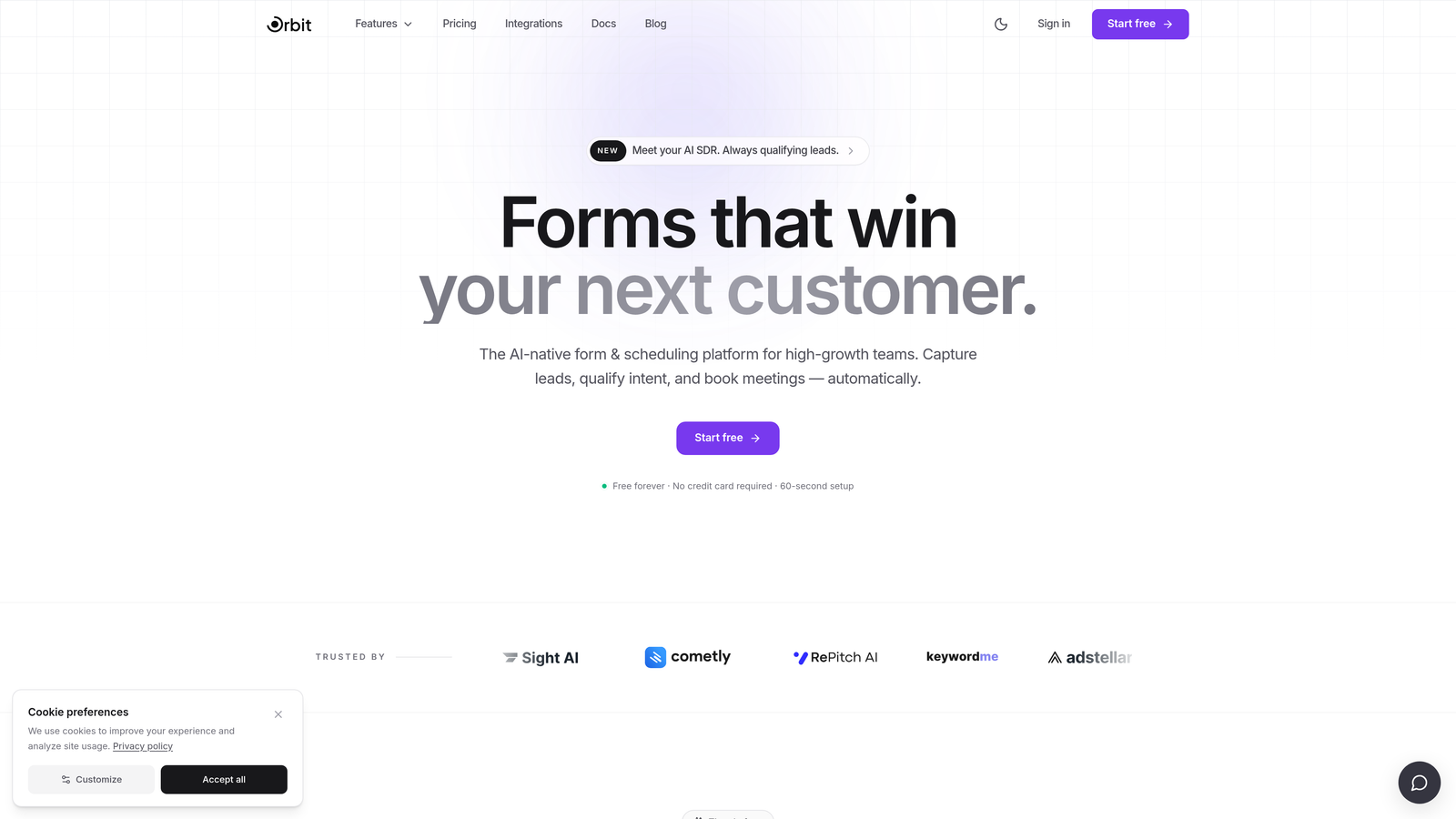
Orbit AI is an AI-powered form builder with built-in lead qualification designed for conversion-focused teams.
Where This Tool Shines
Most form tools stop at data collection. Orbit AI goes further by embedding lead qualification directly into the form flow, so your sales team receives scored, prioritized leads instead of a raw list of submissions. For high-growth teams where sales bandwidth is limited, that distinction matters enormously.
The design quality is another standout. Orbit AI forms are built to look modern and feel intentional, which reduces friction and signals professionalism from the first touchpoint. This isn't a plugin bolted onto a CMS; it's a purpose-built platform for teams that treat their forms as a conversion asset.
Key Features
AI-Powered Lead Qualification: Automatically scores and qualifies leads based on form responses, so sales teams can prioritize outreach without manual review.
Conversion-Optimized Design: Beautiful, modern form UI built to reduce drop-off and encourage completion.
Lead Scoring: Assigns scores to submissions based on criteria you define, giving your team instant signal on which leads to pursue first.
Conditional Logic and Dynamic Fields: Personalizes the form experience based on how respondents answer, keeping forms relevant and concise.
CRM and Marketing Tool Integrations: Connects with major CRMs and marketing platforms so qualified leads flow directly into your existing workflows.
Best For
Orbit AI is ideal for SaaS companies, B2B service teams, and high-growth startups that need their contact form to do more than capture an email address. If lead quality and sales efficiency are priorities, this is the tool built for that job.
Pricing
Visit orbitforms.ai for current pricing plans. The platform is designed to deliver strong ROI for teams where lead quality directly impacts revenue.
2. WPForms
Best for: WordPress users who want a reliable, beginner-friendly form plugin up and running fast.
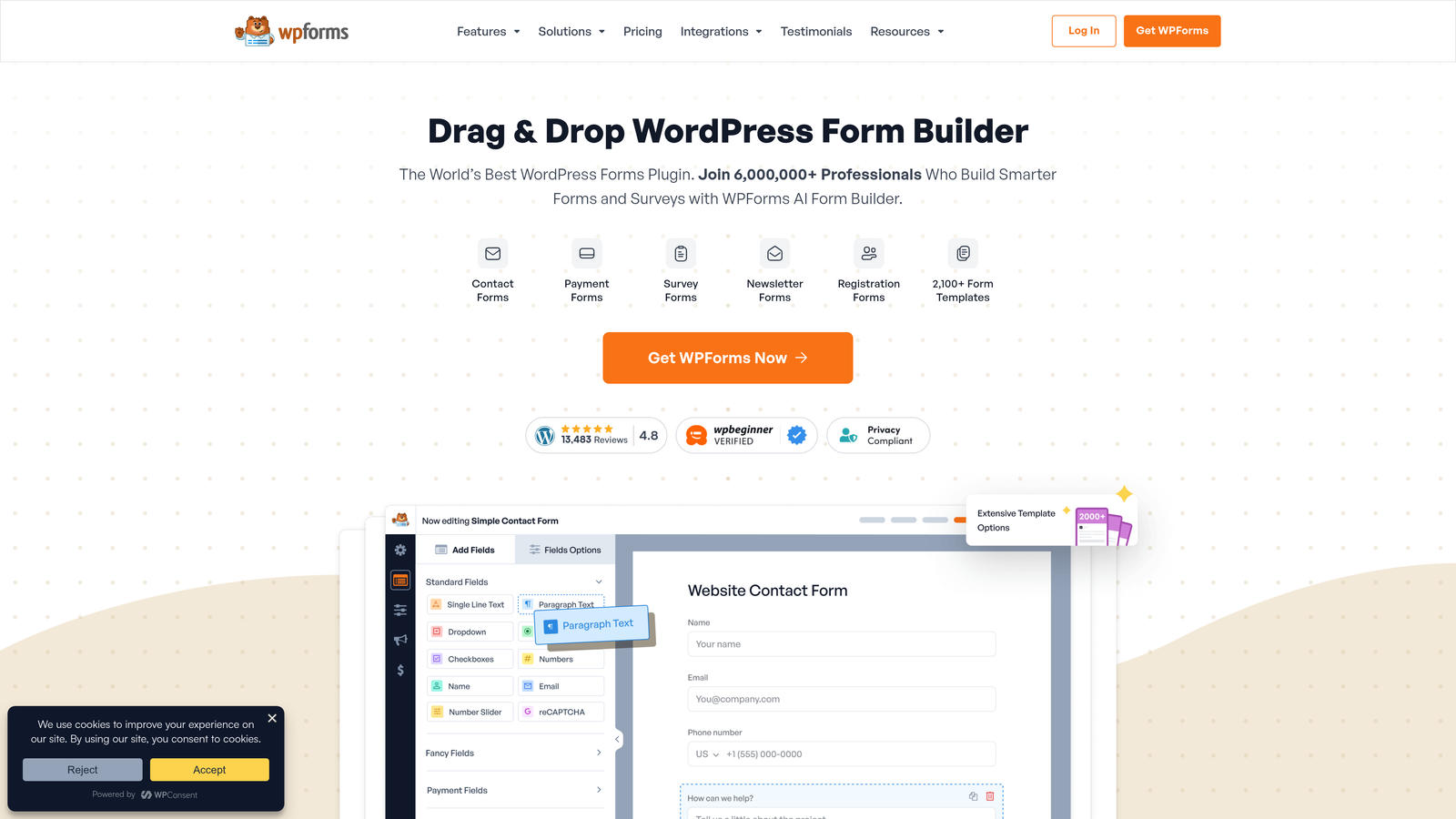
WPForms is the most widely used WordPress form plugin, known for its drag-and-drop builder and extensive template library.
Where This Tool Shines
WPForms earns its reputation by making form creation genuinely easy. The drag-and-drop interface is intuitive enough for non-technical users, and the template library covers virtually every common use case. If you need a contact form live on a WordPress site within 15 minutes, WPForms is the fastest path there.
The native integrations are solid, covering the tools most small-to-mid-size teams already use. Spam protection is built in from the start, which saves time on setup for teams that don't want to configure honeypot fields manually.
Key Features
Drag-and-Drop Builder: Over 1,800 templates make it easy to start from a solid foundation rather than a blank canvas.
Spam Protection: CAPTCHA and honeypot field support come built in, reducing junk submissions without extra configuration.
Native Integrations: Connects directly with Mailchimp, Stripe, PayPal, and Zapier without needing custom code.
Conditional Logic: Available on paid plans, letting you show or hide fields based on user responses.
Entry Management: Manage and review form submissions directly inside the WordPress admin dashboard.
Best For
WPForms is the right call for WordPress site owners, bloggers, small business owners, and marketing teams who need a dependable contact form without a steep learning curve. It's not built for advanced lead qualification, but for straightforward contact and lead capture, it's hard to beat.
Pricing
A free lite version is available. Paid plans start at approximately $49.50 per year, though you should verify current pricing on their website before purchasing.
3. Gravity Forms
Best for: Developers and agencies building complex, custom form workflows on WordPress.
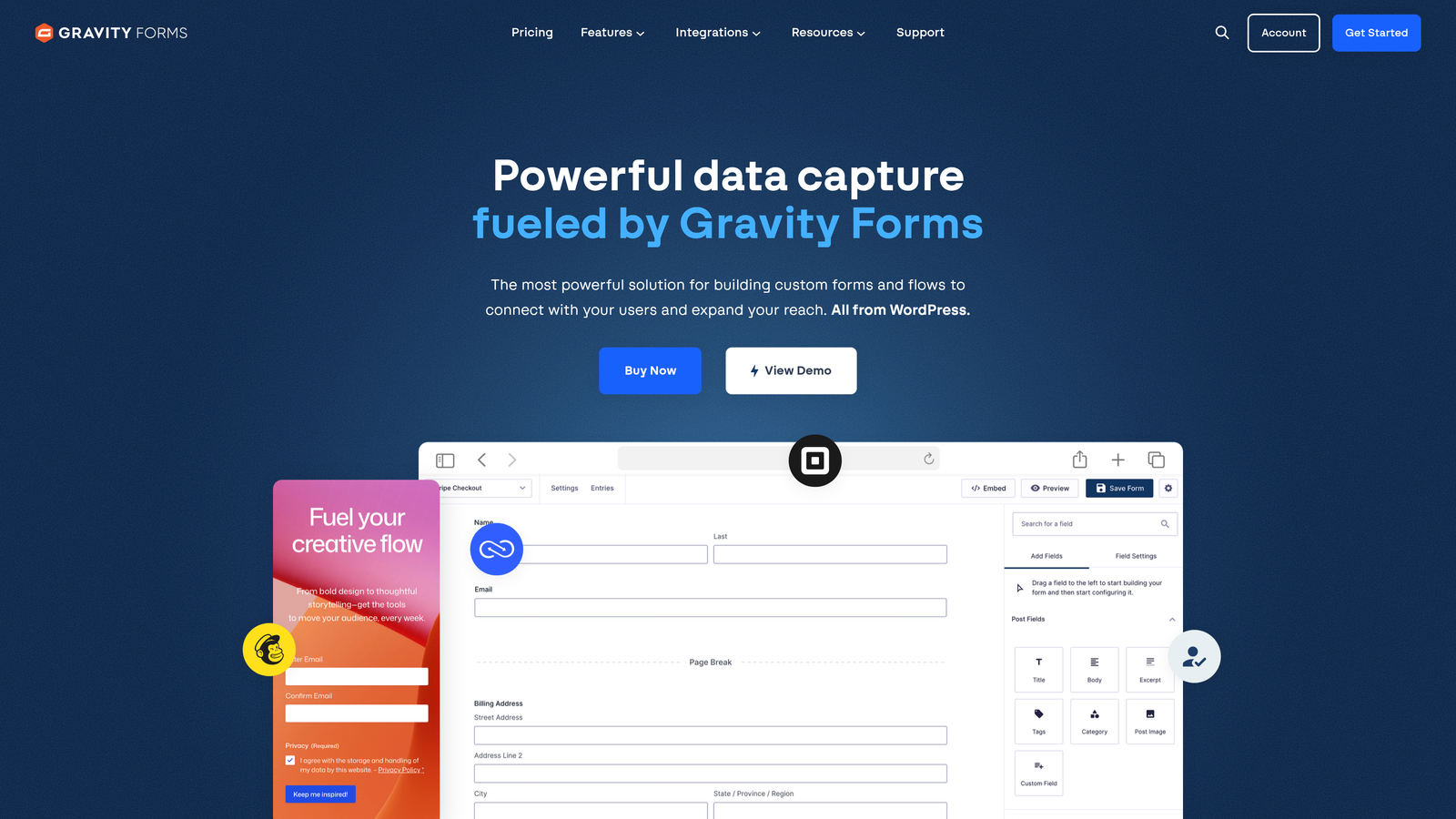
Gravity Forms is a powerful WordPress-only form plugin built for advanced logic, deep customization, and developer flexibility.
Where This Tool Shines
Gravity Forms is what agencies and developers reach for when a project outgrows simpler tools. The conditional logic engine is robust, multi-page forms are straightforward to configure, and the add-on ecosystem means you can extend functionality significantly without building from scratch.
The developer experience is a genuine differentiator. Hooks, filters, and a REST API give technical teams the control they need to build forms that behave exactly as intended within custom WordPress environments.
Key Features
Advanced Conditional Logic: Supports complex branching and multi-page forms that adapt based on user input.
Payment Processing: Stripe, PayPal, and Square integrations via official add-ons handle transactions directly through forms.
Add-On Ecosystem: A large library of official and third-party add-ons extends the platform into CRMs, marketing tools, and custom workflows.
Developer-Friendly Architecture: Hooks, filters, and a REST API make Gravity Forms highly customizable for technical builds.
Notification Routing: Flexible form confirmation and notification settings route submission data to the right people automatically.
Best For
Gravity Forms is best suited for WordPress developers, digital agencies, and technical teams managing complex form requirements. It's overkill for simple contact forms but excellent for multi-step workflows, payment forms, and data-intensive builds.
Pricing
Starts at approximately $59 per year with no free version available. Verify current plan pricing at gravityforms.com before committing.
4. Typeform
Best for: Teams that prioritize form engagement and want a conversational, design-forward experience.
Typeform is a conversational form platform that presents one question at a time, creating a more interactive and engaging experience for respondents.

Where This Tool Shines
Typeform's one-question-at-a-time format reduces the visual overwhelm that traditional multi-field forms create. For surveys, onboarding flows, and lead capture forms where engagement matters, the format tends to feel more like a conversation than a data entry task.
The design quality is consistently high, and the brand customization options let teams create forms that feel like a natural extension of their visual identity. Logic jumps add meaningful personalization without requiring technical expertise to set up.
Key Features
Conversational Format: One question at a time reduces friction and keeps respondents focused through the form.
Logic Jumps: Personalizes question paths based on previous answers, making longer forms feel shorter and more relevant.
Brand Customization: Polished design controls let you match your form to your brand's look and feel.
Native Integrations: Connects with HubSpot, Slack, Zapier, and other common tools without custom development.
Hidden Fields: Track UTM parameters and lead sources automatically to tie form submissions back to campaigns.
Best For
Typeform suits marketing teams, product teams, and companies running surveys or onboarding flows where engagement and completion rate are priorities. Teams that need traditional multi-field contact forms may find the format less practical for that specific use case.
Pricing
A free plan is available with limitations. Paid plans start at approximately $25 per month. Check typeform.com for current plan details.
5. HubSpot Forms
Best for: Inbound marketing teams already operating within the HubSpot ecosystem.
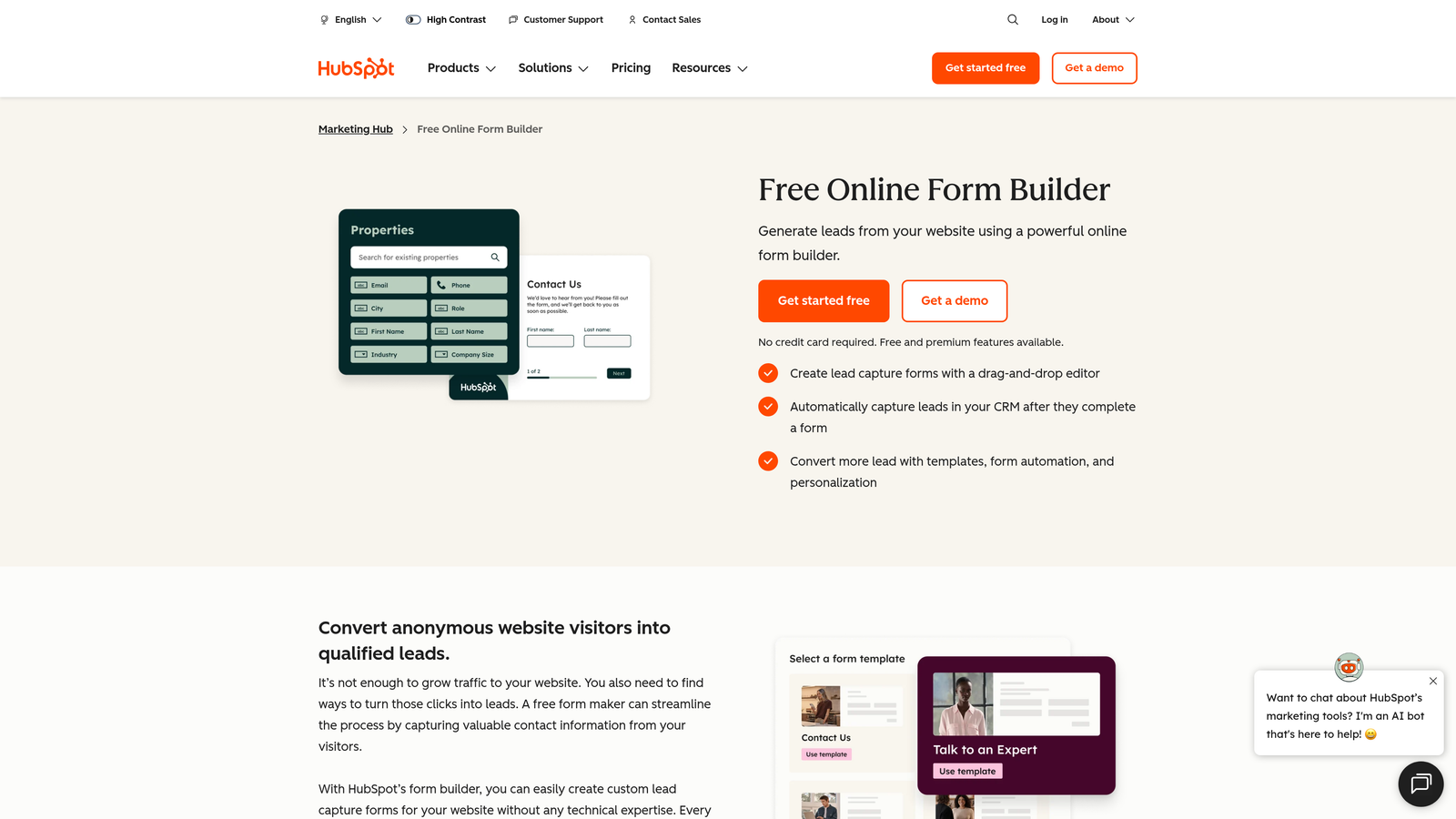
HubSpot Forms is a free form tool with native CRM integration, built to work seamlessly within HubSpot's broader marketing and sales platform.
Where This Tool Shines
The native HubSpot CRM sync is the headline feature here. Every form submission flows directly into your CRM without a third-party connector, which eliminates a common point of failure in lead capture workflows. For teams that live in HubSpot, this alone saves meaningful setup time.
Progressive profiling is a genuinely useful feature for teams with returning visitors. Rather than showing the same fields every time, HubSpot Forms can display new questions to contacts it already knows, building richer profiles over time without overwhelming users upfront.
Key Features
Native CRM Sync: Submissions go directly into HubSpot CRM with no third-party connector required.
Progressive Profiling: Shows different fields to returning contacts, gradually building more complete lead profiles.
Smart Fields: Auto-populates fields for known contacts, reducing friction for repeat visitors.
Follow-Up Automation: Triggers email sequences and workflows automatically based on form submissions.
Universal Embed: Embeds on any website platform, not just HubSpot-hosted pages.
Best For
HubSpot Forms is the obvious choice for teams already using HubSpot for CRM, email, or marketing automation. For teams outside the HubSpot ecosystem, the value proposition is significantly reduced since the most powerful features require a Marketing Hub subscription.
Pricing
The standalone form tool is free. Full functionality requires a HubSpot Marketing Hub subscription, which varies by tier. Visit hubspot.com for current pricing.
6. Jotform
Best for: Teams that need versatility across a wide range of form types, from contact forms to payment collection.
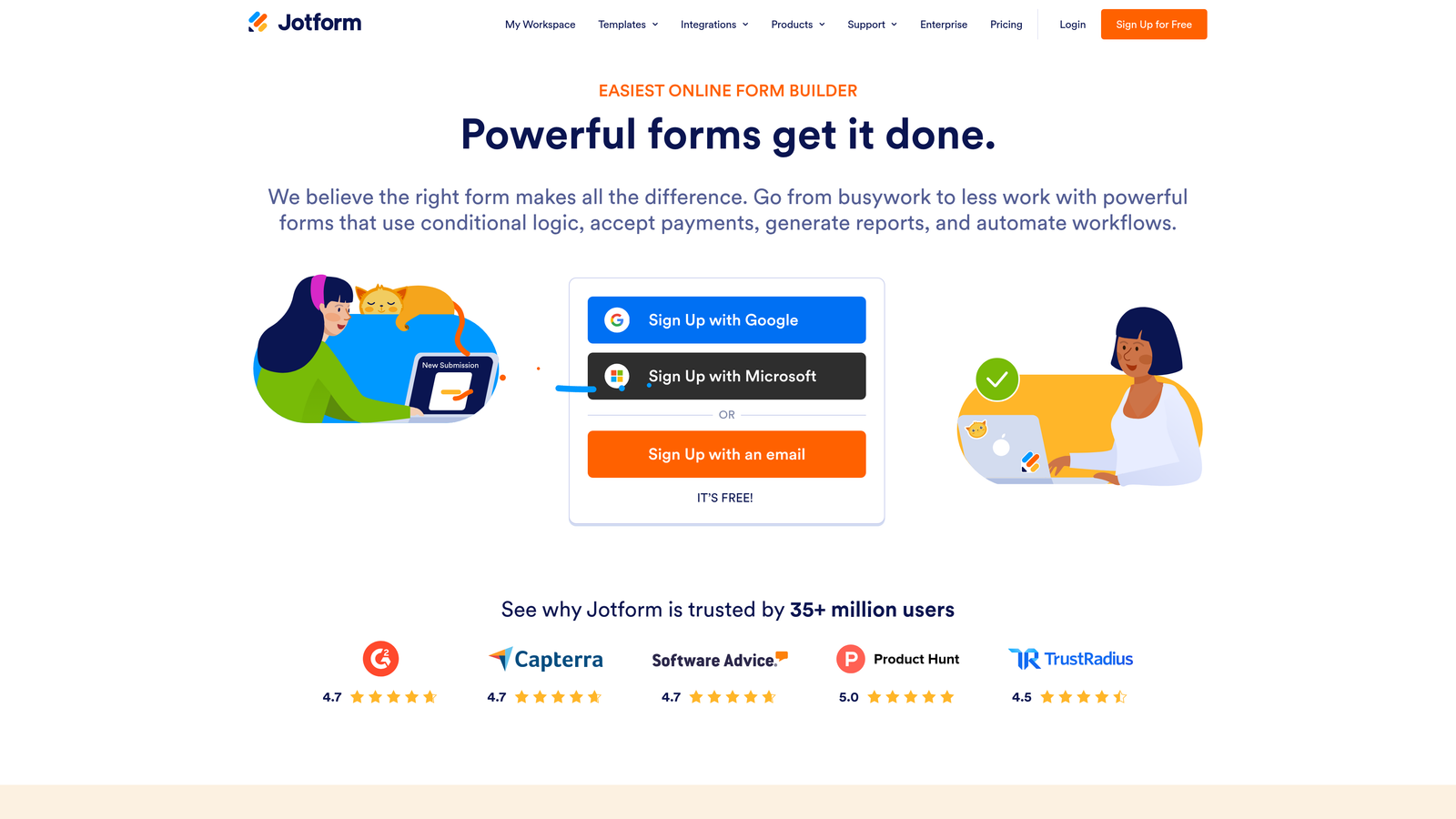
Jotform is a feature-rich form builder with one of the largest template libraries available, covering use cases well beyond standard contact forms.
Where This Tool Shines
Jotform's breadth is its defining strength. With over 10,000 templates spanning industries and use cases, it's rarely the wrong tool for a given form project. Payment collection, e-signatures, approval workflows, and PDF generation are all built in, making it a genuine operational platform rather than just a contact form tool.
The offline submission capability via mobile app is a practical differentiator for teams that collect data in the field, at events, or in environments without reliable internet access.
Key Features
10,000+ Templates: Covers virtually every form use case across dozens of categories and industries.
Payment Collection: Built-in Stripe, PayPal, and Square integrations handle transactions directly through forms.
Advanced Workflows: E-signature support, approval workflows, and PDF generation extend forms into operational processes.
Conditional Logic and Calculations: Supports dynamic forms with calculated fields for quotes, totals, and scoring.
Offline Submissions: Mobile app allows form submissions without an internet connection, syncing when connectivity returns.
Best For
Jotform works well for businesses and teams that need one platform to handle multiple form types, including HR, operations, payments, and customer contact. It's particularly strong for organizations managing high form volume across different departments.
Pricing
Free plan available with up to 5 forms and 100 submissions per month. Paid plans start at approximately $34 per month. Confirm current pricing at jotform.com.
7. Formidable Forms
Best for: WordPress developers building data-driven applications that display and manipulate form submission data.
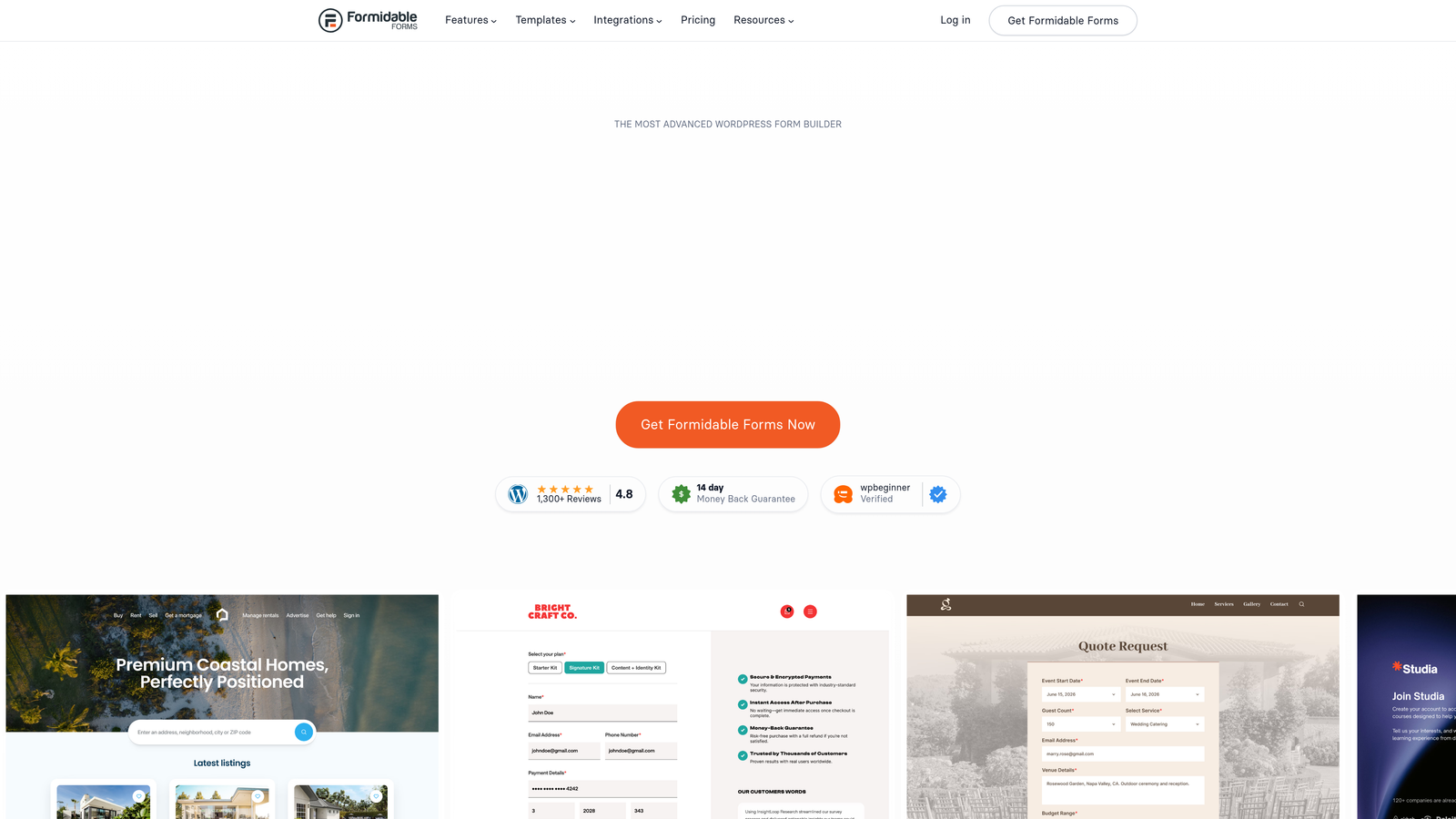
Formidable Forms is a WordPress plugin that goes beyond data collection, letting you build calculators, directories, and dynamic front-end views from form submissions.
Where This Tool Shines
Formidable Forms occupies a unique position in the WordPress plugin landscape. While most form plugins focus on capturing and storing data, Formidable lets you surface that data back to users in meaningful ways, think mortgage calculators, member directories, or user-generated listings built entirely on form submissions.
For teams building SaaS-style functionality on WordPress, this is a genuinely powerful capability. It's more technical to configure than WPForms or Gravity Forms, but the ceiling for what you can build is considerably higher.
Key Features
Data Display Views: Build calculators, directories, and dynamic front-end content from form submission data.
Advanced Conditional Logic: Supports complex branching with repeater fields for multi-entry data collection.
Front-End Posting: Allows users to submit and manage their own content from the front end without WordPress admin access.
WooCommerce Integration: Connects with WooCommerce for order forms, product customization, and related use cases.
REST API: Enables headless and custom integrations for teams building beyond the standard WordPress stack.
Best For
Formidable Forms is best for WordPress developers and technical teams building applications where form data needs to power front-end functionality. It's not the right pick for simple contact forms, but for complex data-driven builds, it's one of the most capable tools in the WordPress ecosystem.
Pricing
A free version is available. Paid plans start at approximately $39.50 per year. Check formidableforms.com for current plan options.
8. Cognito Forms
Best for: Budget-conscious teams that need advanced features without paying premium prices.
Cognito Forms is a budget-friendly form builder with a generous free tier that includes features most competitors reserve for paid plans.
Where This Tool Shines
Cognito Forms punches well above its price point. The free plan includes unlimited forms, up to 500 entries per month, calculation fields, conditional logic, and even payment collection via Stripe. That's a feature set that would cost significantly more on most competing platforms.
The embed experience is clean and works reliably across website platforms. For small teams, nonprofits, or startups that need capable forms without a large budget, Cognito Forms offers a compelling value proposition that's easy to overlook given its lower brand profile.
Key Features
Generous Free Tier: Unlimited forms with up to 500 entries per month, including advanced features at no cost.
Calculation Fields: Supports quotes, totals, and scoring calculations directly within forms.
Conditional Logic: Includes repeating sections for collecting multiple sets of related data in a single form.
Free Payment Collection: Stripe payment processing is available on the free plan, which is rare among competitors.
Clean Embed Code: Works reliably on any website platform without complex setup.
Best For
Cognito Forms is ideal for startups, small businesses, nonprofits, and individual creators who need capable, feature-rich forms without a significant monthly spend. Teams that need advanced features on a tight budget should evaluate this tool before assuming they need to pay more.
Pricing
Free tier available with strong feature access. Paid plans start at approximately $15 per month. Verify current pricing at cognitoforms.com.
9. Microsoft Forms
Best for: Internal data collection within organizations already using Microsoft 365.
Microsoft Forms is a simple form and survey tool included with Microsoft 365, built for internal use within the Microsoft ecosystem.
Where This Tool Shines
The core value proposition here is zero additional cost for Microsoft 365 subscribers. If your organization is already paying for Microsoft 365, you have access to a functional form tool without any additional spend or procurement process. For internal surveys, quizzes, and simple data collection, it covers the basics reliably.
The integration with Teams, SharePoint, and Power Automate is genuinely useful for organizations that run on Microsoft infrastructure. Triggering workflows from form responses via Power Automate adds meaningful automation capability without requiring third-party tools.
Key Features
Included with Microsoft 365: No additional cost for existing subscribers, making it the path of least resistance for many enterprise teams.
Native Microsoft Integrations: Connects directly with Teams, SharePoint, and OneDrive without custom configuration.
Power Automate Workflows: Triggers automated workflows from form responses using Microsoft's automation platform.
Response Analytics: Real-time response summaries and basic analytics are built in without additional setup.
Branch Logic: Conditional question paths let you route respondents based on their answers.
Best For
Microsoft Forms is well-suited for enterprise teams and organizations running on Microsoft 365 who need simple internal forms, surveys, and quizzes. It's not recommended for customer-facing lead capture on public websites, as design flexibility and conversion features are limited compared to dedicated form platforms.
Pricing
Included with Microsoft 365 subscriptions at no additional cost. There is no standalone free tier for external use outside of Microsoft 365.
Which Contact Form Plugin Is Right for You?
The right tool depends almost entirely on what you need your form to do. Here's a quick breakdown to cut through the noise.
If you're on WordPress and want the fastest, most reliable setup, WPForms is your best starting point. For complex WordPress workflows, custom logic, and developer-level control, Gravity Forms or Formidable Forms give you the most flexibility. Typeform wins when design and conversational UX are the priority. HubSpot Forms is the obvious pick if your team already lives in the HubSpot ecosystem. Jotform handles volume and variety better than almost anyone else on this list. Cognito Forms is the standout value play for budget-constrained teams. And Microsoft Forms belongs in enterprise Microsoft environments where internal data collection is the primary need.
But if your goal is to turn contact forms into a lead qualification engine rather than just a data collection box, that's a different conversation entirely.
High-growth teams don't just want to know who filled out a form. They want to know which leads are worth pursuing, and why. That's the gap that Orbit AI is built to close. AI-powered qualification, lead scoring, and conversion-optimized design work together to make every form submission more actionable from the moment it arrives.
Transform your lead generation with AI-powered forms that qualify prospects automatically while delivering the modern, conversion-optimized experience your high-growth team needs. Start building free forms today and see how intelligent form design can elevate your conversion strategy.


