

Registration forms are often the first touchpoint between your brand and a potential customer, attendee, or lead. A clunky, outdated form can kill conversions before they even start. Whether you're signing up event attendees, onboarding new users, or qualifying inbound leads, the right registration form builder makes the difference between a frictionless experience and a drop-off.
This guide covers the best registration form builders available online in 2026, chosen for their ease of use, design quality, automation capabilities, and how well they serve high-growth teams. We've included tools across different price points and use cases: from lightweight free options to AI-powered platforms built for serious conversion optimization.
If you want to compare features side by side before diving in, check out Orbit AI's compare page or explore form builder features to see what modern registration forms can do.
1. Orbit AI
Best for: High-growth teams that need registration forms to actively qualify and route leads
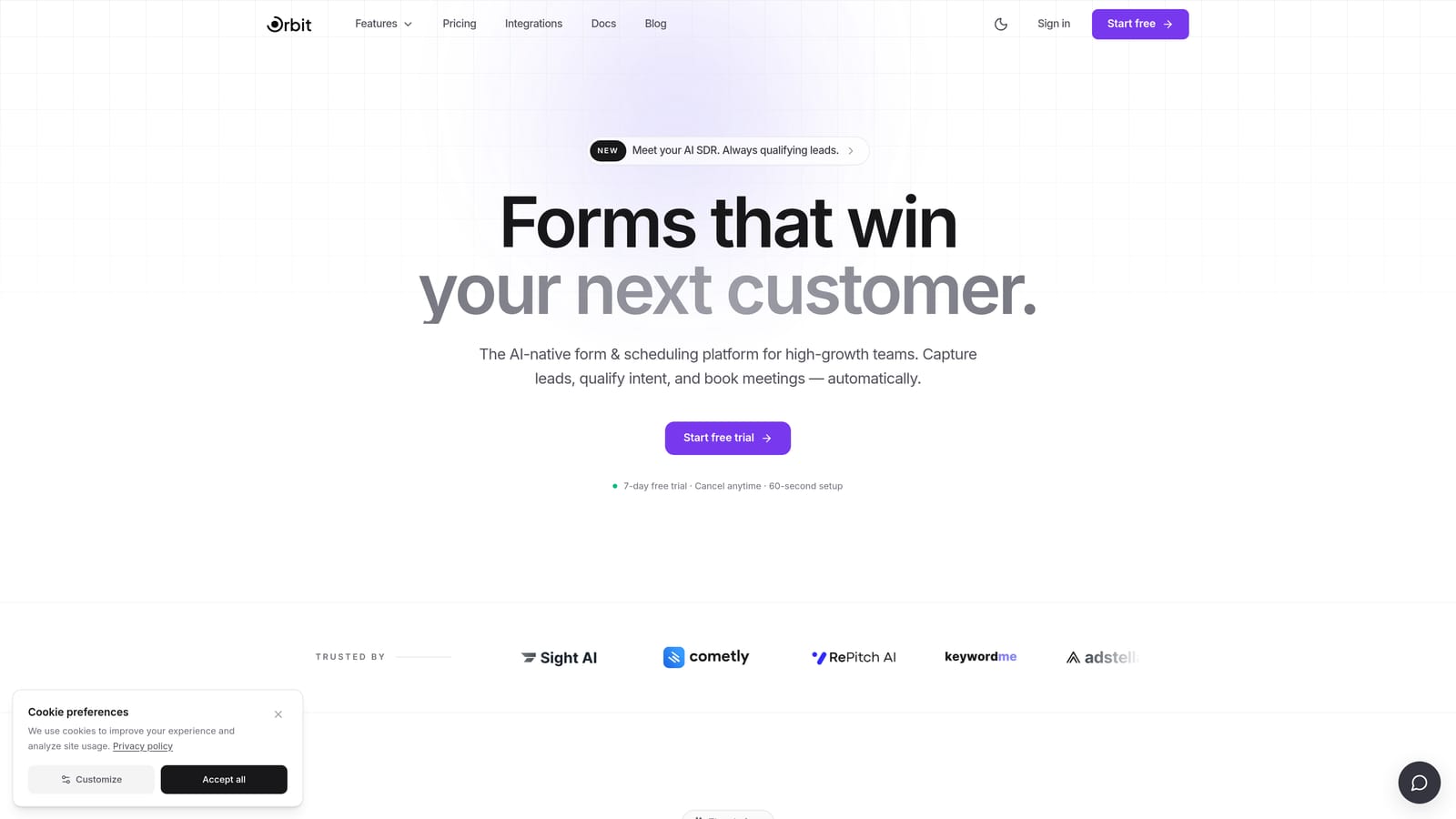
Orbit AI is an AI-powered registration form builder that goes beyond collecting data and turns every submission into a pipeline event.
Where This Tool Shines
Most form builders stop at capturing information. Orbit AI is built around what happens next. The AI qualification layer sits directly inside the form flow, scoring submissions and routing leads automatically based on rules you define. That means your sales team gets pre-qualified registrants, not a raw CSV to sort through manually.
For teams running high-volume lead generation or event registration, the combination of multi-step forms, conditional logic, and automated follow-up sequences means the form itself does meaningful pipeline work. The conversion analytics dashboard gives you visibility into where drop-offs happen, so you can iterate with real data.
Key Features
AI-Powered Lead Qualification: Qualification logic is built directly into the form flow, scoring and routing leads without manual CRM intervention.
Multi-Step Forms with Conditional Logic: Create registration flows that adapt based on user answers, showing relevant questions and hiding irrelevant ones.
Automated Follow-Up Sequences: Trigger personalized email or workflow sequences the moment a form is submitted, keeping leads warm instantly.
Conversion Analytics Dashboard: Track form performance, completion rates, and drop-off points to continuously optimize your registration experience.
Zapier Integration and Native Workflows: Connect to your existing tech stack via Zapier or use Orbit AI's built-in workflow automation for tighter control.
GDPR Compliance and Security: Built-in compliance features for teams handling sensitive registrant data across regions.
Best For
Orbit AI is the strongest fit for SaaS teams, marketing teams, and growth-focused businesses where form submissions feed directly into a sales pipeline. If you're running lead generation campaigns, webinar registrations, or demo request flows and want forms that qualify prospects automatically, this is built for that exact use case.
Pricing
Visit orbitforms.ai/pricing for current plan details. A free tier is available to get started.
2. Typeform
Best for: Teams that want a polished, conversational registration experience with strong design
Typeform is a conversational form builder known for its one-question-at-a-time format that makes registration feel less like a form and more like a dialogue.

Where This Tool Shines
Typeform's core strength is respondent experience. By presenting one question at a time, it reduces the visual overwhelm that traditional multi-field forms create. For event registrations, community signups, or lead capture forms where first impressions matter, that design philosophy pays off.
The template library is well-developed for registration use cases specifically. Logic jumps let you route respondents through different question paths based on their answers, keeping the experience relevant without requiring technical setup.
Key Features
Conversational One-Question Format: Presents questions sequentially to reduce form fatigue and create a more engaging registration experience.
Logic Jumps: Conditional routing based on answers ensures respondents only see questions relevant to them.
Registration Template Library: Pre-built templates for event registration, lead capture, and surveys that you can customize quickly.
CRM and Tool Integrations: Connects with major CRMs, Zapier, Slack, and Google Sheets for downstream data handling.
Branded Design Experience: Clean, design-forward forms that can be styled to match your brand without heavy customization work.
Best For
Typeform works well for marketing teams, event organizers, and agencies that prioritize respondent experience and brand presentation. It's less suited for data-heavy registrations where users want to scan ahead or complete forms quickly, since the sequential format can feel slow for those users.
Pricing
A free tier is available with limited responses. Paid plans start at approximately $25/month. Verify current pricing at typeform.com.
3. Jotform
Best for: Organizations needing a feature-rich builder with deep integrations and payment collection
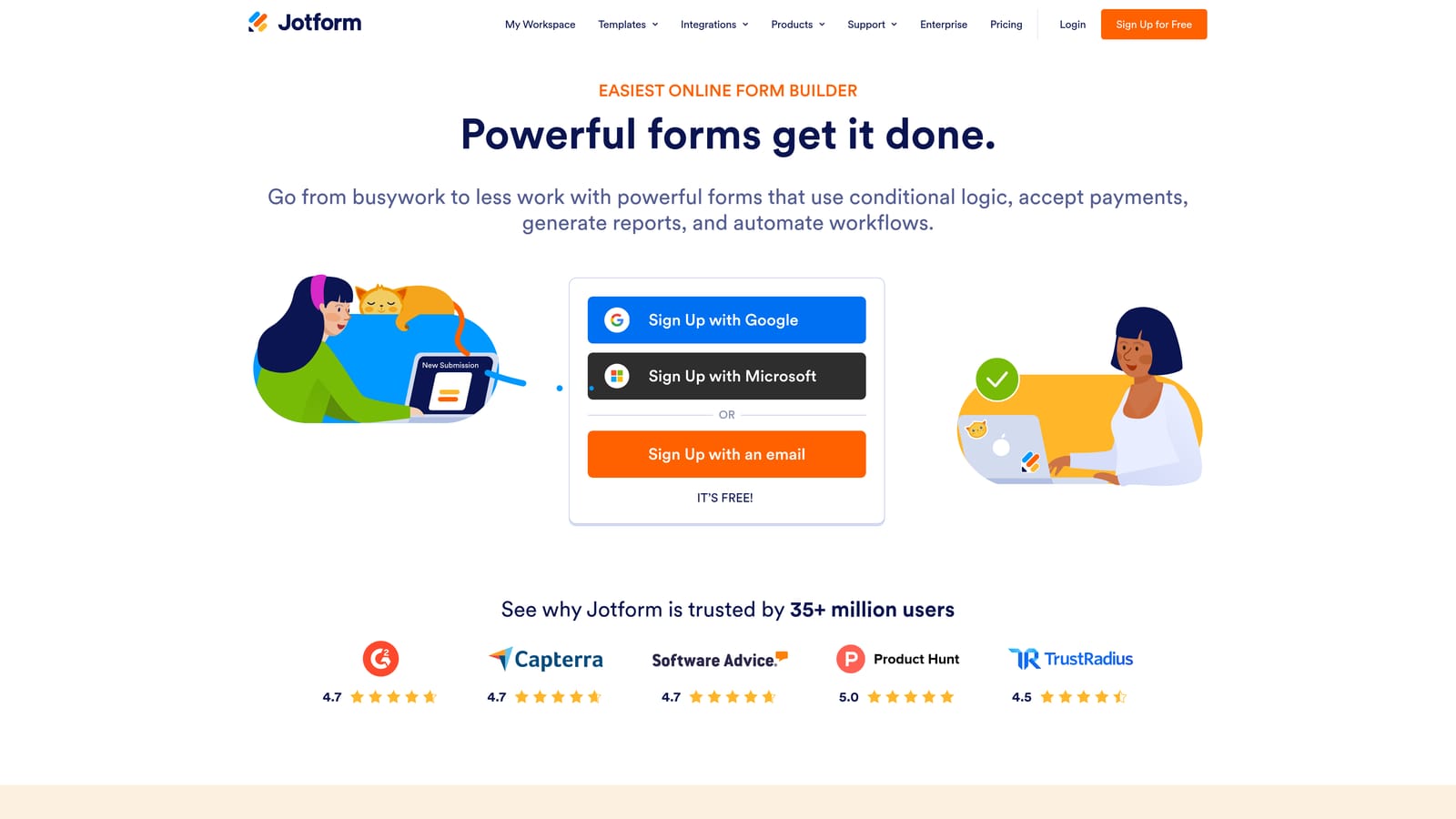
Jotform is one of the most comprehensive form builders on the market, with over 10,000 templates, native payment processing, and extensive integration support for complex registration workflows.
Where This Tool Shines
Jotform's breadth is its defining characteristic. If you need to collect payments alongside registration data, run approval workflows after submission, or connect your form to a specific niche tool, Jotform almost certainly supports it. The template library alone covers virtually every registration scenario you can think of.
For organizations with compliance requirements, Jotform offers HIPAA-compliant plans, making it one of the few accessible options for healthcare or regulated industry registrations. Team collaboration features also make it practical for larger organizations where multiple people manage forms.
Key Features
10,000+ Templates: Includes a large selection of registration-specific templates for events, courses, memberships, and more.
Native Payment Collection: Accept payments directly through forms via Stripe, PayPal, and Square without third-party workarounds.
Advanced Conditional Logic: Multi-step form support with conditional logic to create dynamic, adaptive registration flows.
HIPAA-Compliant Plans: Available for organizations handling sensitive personal or medical data in their registration processes.
100+ Native Integrations: Connects directly with a wide range of CRMs, project management tools, and business apps.
Best For
Jotform is a strong fit for established businesses, nonprofits, educational institutions, and healthcare organizations that need reliable form infrastructure with compliance coverage. New users should expect a learning curve: the interface is feature-dense and can feel overwhelming at first.
Pricing
A free tier is available. Paid plans start at approximately $34/month. Verify current pricing at jotform.com.
4. Tally
Best for: Lean teams and early-stage startups that need a capable free form builder without response limits
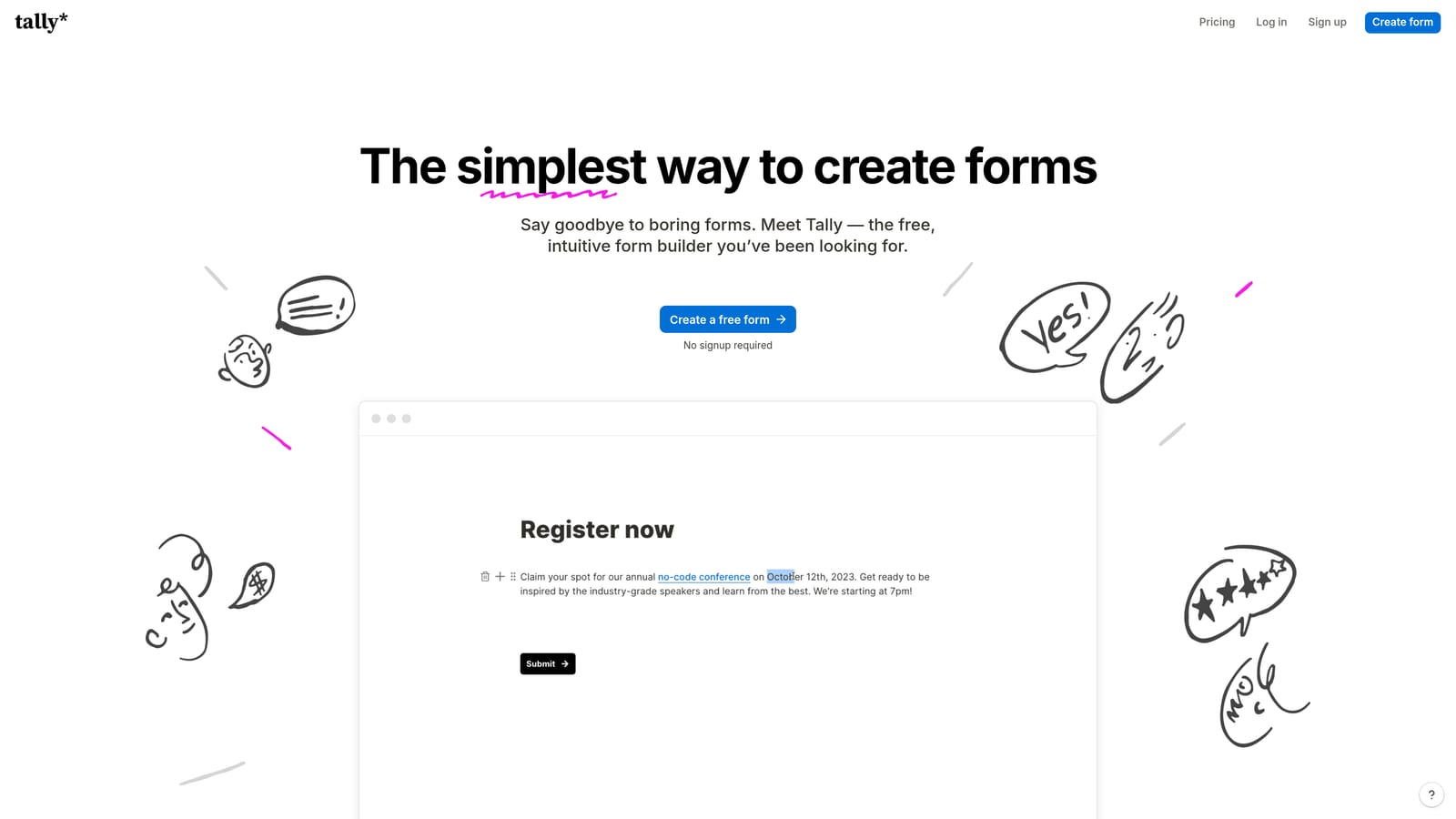
Tally is a clean, Notion-inspired form builder with a genuinely useful free tier: unlimited responses and no forced branding, which is rare in this category.
Where This Tool Shines
Most form builders on the free tier either cap responses or slap their branding on every submission. Tally does neither. For early-stage teams running registrations on a tight budget, that combination of unlimited responses and clean presentation is a meaningful advantage.
The block-based editor will feel immediately familiar to anyone who uses Notion. Building a multi-page registration form is fast and intuitive, and the interface stays clean even as forms get more complex. It's not the most feature-rich tool on this list, but it executes the essentials reliably.
Key Features
Unlimited Responses on Free Plan: No artificial caps on the free tier, making it practical for real-world registration use cases.
No Branding on Free Tier: Forms look clean and professional without paying for a plan, unlike most competitors.
Block-Based Notion-Style Editor: Familiar, intuitive editing experience that makes form building fast for teams already in the Notion ecosystem.
Conditional Logic and Hidden Fields: Supports dynamic form flows, file uploads, and hidden field tracking for more sophisticated registrations.
Native Integrations: Connects directly with Notion, Google Sheets, and Airtable, plus Zapier for extended automation.
Best For
Tally is ideal for indie hackers, early-stage startups, and lean marketing teams that need functional registration forms without a monthly bill. It's not built for lead qualification or advanced pipeline automation, so teams with those needs will outgrow it quickly.
Pricing
Free forever tier with unlimited responses. Pro plan is approximately $29/month. Verify current pricing at tally.so.
5. Paperform
Best for: Event organizers and course creators running paid registrations that need forms to look like landing pages
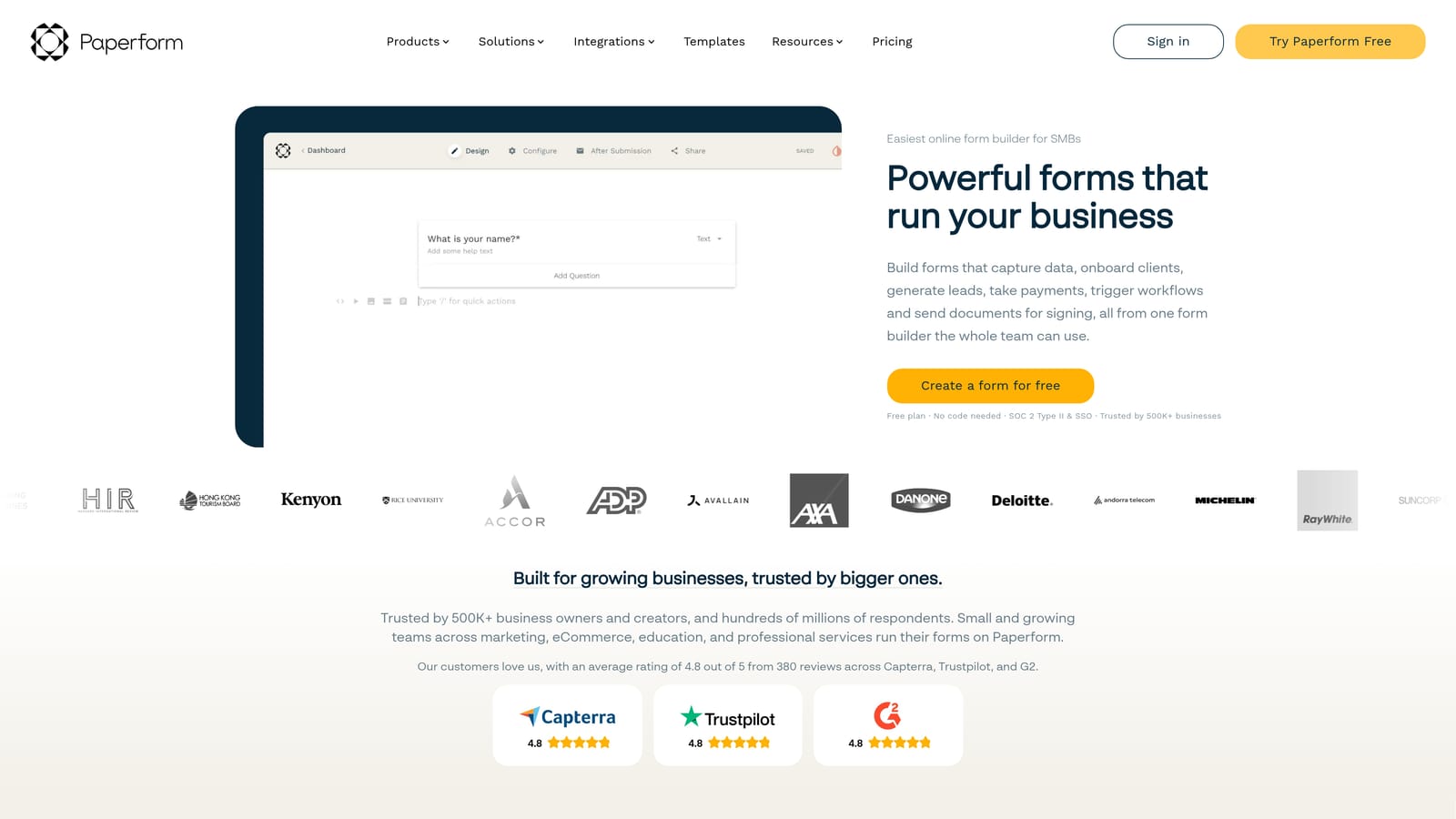
Paperform is a hybrid form builder and mini landing page tool that combines rich design flexibility with native payment processing, making it well suited for paid event and course registrations.
Where This Tool Shines
Paperform occupies a unique space between form builder and landing page tool. The rich text editor lets you embed images, video, and formatted copy directly into the form, creating a registration experience that reads more like a designed page than a data entry screen. For paid events or premium course signups, that presentation quality can meaningfully affect conversion.
The native payment processing supports Stripe, PayPal, and Braintree, and the product fields handle quantity and variant options, which is useful for registrations that involve ticket tiers, merchandise, or workshop add-ons. You don't need a separate checkout tool for straightforward paid registrations.
Key Features
Landing Page-Style Form Design: Embed rich text, images, and media directly into forms to create a polished, designed registration experience.
Native Payment Processing: Accept payments via Stripe, PayPal, and Braintree without routing users to a separate checkout page.
Conditional Logic and Multi-Section Layouts: Structure complex registrations with adaptive logic and clearly organized sections.
Scheduling and Booking Integrations: Connect with scheduling tools for registrations that involve time slot selection or appointment booking.
Product Fields for Paid Registrations: Handle ticket tiers, quantity options, and variants directly within the form.
Best For
Paperform suits event organizers, workshop hosts, online course creators, and small businesses running paid registrations where presentation quality matters. There's no permanent free tier, and the design-heavy approach comes with a learning curve, so it's best for teams that will invest time in the setup.
Pricing
Essentials plan starts at approximately $24/month. No permanent free tier is available. Verify current pricing at paperform.co.
6. Formstack
Best for: Enterprise teams and regulated industries with strict compliance requirements and complex approval workflows
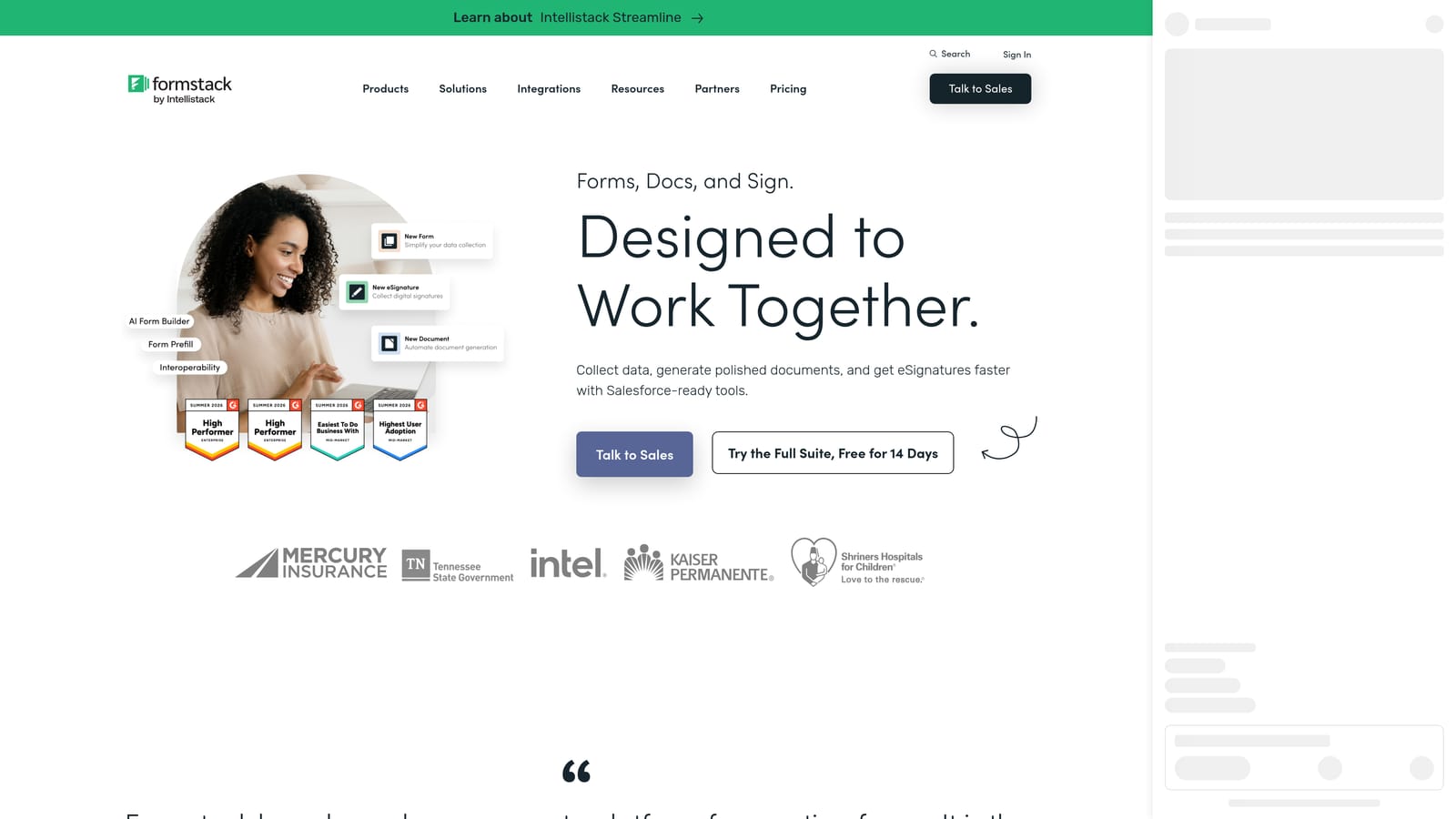
Formstack is an enterprise-grade form and workflow automation platform built for organizations where compliance certifications, audit trails, and multi-step approval chains are non-negotiable.
Where This Tool Shines
Formstack's value proposition is compliance and workflow depth. HIPAA, GDPR, and SOC 2 certifications are built into the platform, not added as afterthoughts. For healthcare organizations, legal teams, HR departments, or any enterprise collecting sensitive registration data, that compliance infrastructure removes significant risk.
Beyond compliance, the workflow routing capabilities are genuinely sophisticated. A registration submission can trigger a multi-step approval process, route to different team members based on form data, generate documents automatically, and collect e-signatures, all within a single platform. That level of automation is difficult to replicate by stitching together simpler tools.
Key Features
HIPAA, GDPR, and SOC 2 Compliance: Certified compliance across major regulatory frameworks for organizations handling sensitive registrant data.
Advanced Workflow Routing and Approvals: Route submissions through multi-step approval chains based on form data, with team-level permissions.
Document Generation and E-Signatures: Generate documents from form submissions and collect legally binding signatures within the same workflow.
Enterprise CRM Integrations: Deep native integrations with Salesforce, HubSpot, and other enterprise CRM platforms.
Audit Trails and Team Permissions: Full activity logging and role-based access controls for regulated environments.
Best For
Formstack is the right choice for enterprise operations teams, healthcare organizations, legal departments, and HR teams that need compliance-grade form infrastructure. It's overkill for small teams and priced accordingly. If your registration workflow doesn't require compliance certifications or complex approvals, a lighter tool will serve you better.
Pricing
Enterprise pricing applies. The Forms product starts at approximately $83/month. Verify current pricing at formstack.com.
Which Registration Form Builder Is Right for You?
Each tool on this list serves a distinct set of needs, so the best choice depends almost entirely on what your registration forms are supposed to accomplish.
Orbit AI is the clear pick if your forms feed a sales pipeline. The built-in AI qualification, automated follow-up sequences, and conversion analytics make it the strongest option for SaaS teams, growth marketers, and anyone running lead generation at scale.
Typeform wins on respondent experience and brand presentation. If your priority is a polished, conversational registration flow and you don't need deep pipeline automation, it's a reliable choice.
Jotform is the workhorse for organizations that need breadth: payments, compliance, complex integrations, and a template for every scenario. It's feature-dense but powerful once you're past the learning curve.
Tally is the best free option on this list, full stop. No response limits and no forced branding make it genuinely useful for lean teams and early-stage startups.
Paperform stands out for paid registrations where design quality matters. Event organizers and course creators will appreciate the landing page-style flexibility and native payment support.
Formstack is the enterprise choice when compliance certifications and workflow automation depth are requirements, not nice-to-haves.
If you're building registration forms to drive growth and convert more leads, start with a platform designed for that purpose. Start building free forms today with Orbit AI and see how AI-powered qualification and conversion-focused design can transform your registration workflow from a data collection step into a genuine pipeline asset.


