

Mobile traffic now accounts for the majority of web browsing worldwide, yet broken mobile forms remain one of the most persistent and costly conversion killers teams face. Misaligned fields, unresponsive dropdowns, virtual keyboards that cover input boxes, and submit buttons that simply don't fire on touch screens: these issues quietly drain leads and revenue every single day.
The good news is that the right tools can either eliminate mobile form breakage by design or surface exactly where and why your forms are failing. This list covers the best tools for diagnosing, fixing, and future-proofing your forms on mobile devices. Whether you're troubleshooting an existing form stack or rebuilding with mobile-first in mind, each tool addresses a distinct piece of the puzzle.
We've evaluated each option on mobile responsiveness, ease of use, integration depth, and value for high-growth teams focused on lead generation and conversion optimization. If you're also thinking about building better forms from the ground up, our guide on how to design mobile-friendly forms is worth reading alongside this list.
Three Categories of Tools That Solve Different Problems
Before diving into the list, it helps to understand that these tools fall into three distinct categories. First, there are form builders with native mobile-first design that eliminate breakage by building responsiveness into the product itself. Second, there are diagnostic tools that reveal where and how your existing forms break. Third, there are backend tools that remove fragile JavaScript dependencies, reducing breakage risk at the submission layer.
Each category solves a different root cause. The best approach for most teams is to combine at least one tool from each group.
1. Orbit AI
Best for: High-growth SaaS teams building conversion-optimized, mobile-first lead generation forms
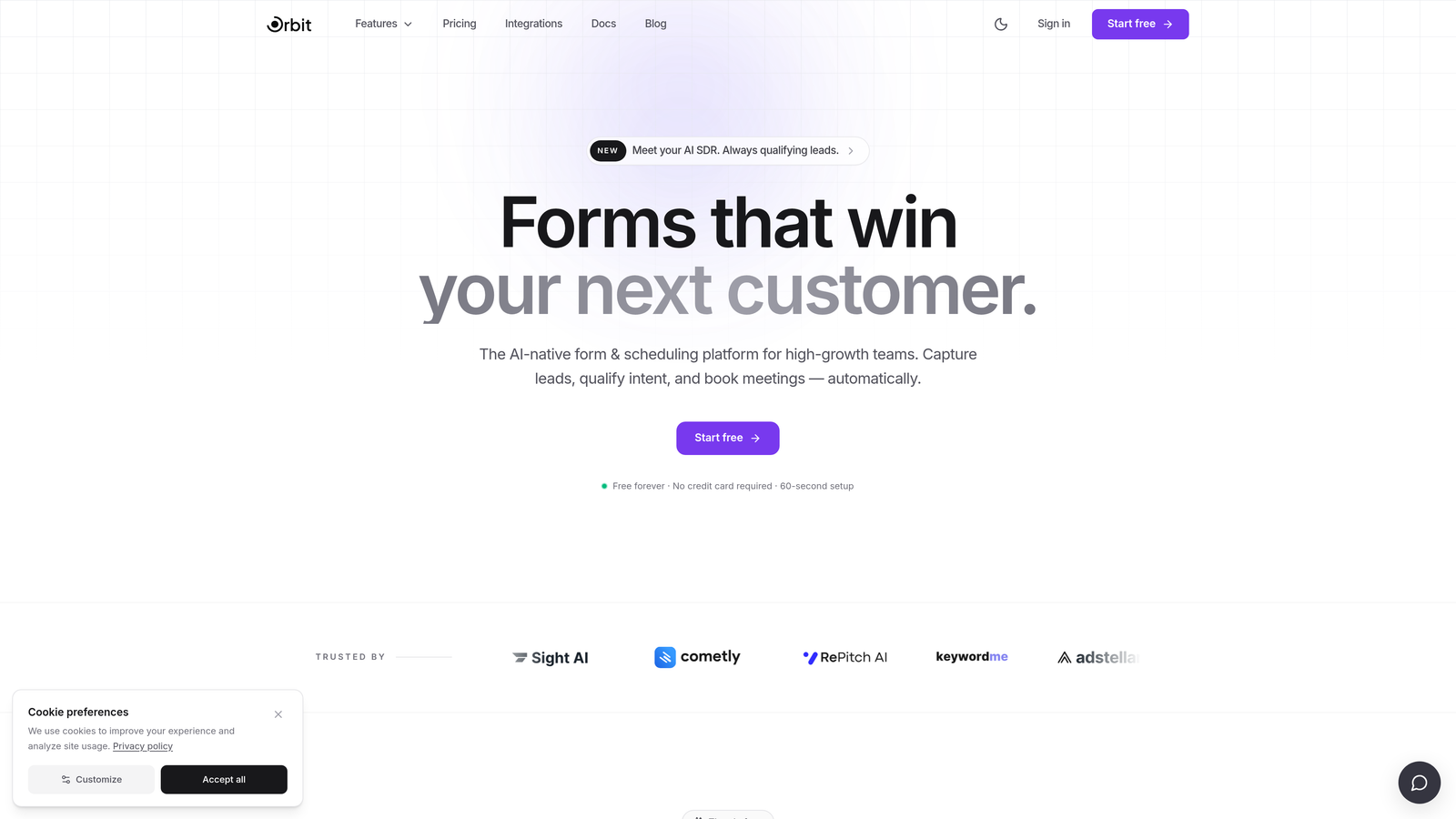
Orbit AI is an AI-powered form builder designed specifically for teams where lead quality and mobile performance both matter.
Where This Tool Shines
Orbit AI approaches mobile form performance differently from most builders. Rather than asking you to configure responsive settings or debug layout issues after the fact, it builds mobile-first responsiveness directly into every form it produces. Fields render correctly across screen sizes out of the box, without manual CSS adjustments or viewport tweaks.
The AI-powered lead qualification layer is what sets it apart for growth teams. Instead of just collecting submissions, Orbit AI scores and filters leads automatically, so your mobile forms aren't just functional: they're doing qualification work in the background while delivering a clean, modern experience to the person filling them out.
Key Features
Mobile-first responsive design: Forms render correctly across all screen sizes automatically, with no manual configuration required.
AI-powered lead qualification: Automatically filters and scores submissions so your team focuses on the highest-value leads.
Conversion-optimized layouts: Form structures are designed with lead generation best practices built in, not bolted on.
No-code builder: Clean, modern UI that lets non-technical team members build and iterate on forms quickly.
Analytics and integrations: Connect forms to your existing stack and track performance without switching tools.
Best For
Orbit AI is the strongest fit for SaaS companies, growth teams, and marketing teams running lead generation campaigns where both mobile performance and lead quality are priorities. If you're tired of debugging form layouts and want a builder that handles responsiveness automatically while adding intelligence to your funnel, this is the place to start.
Pricing
Paid plans available. Visit orbitforms.ai for current pricing details and plan options.
2. BrowserStack
Best for: QA teams and developers who need to test forms on real iOS and Android devices at scale
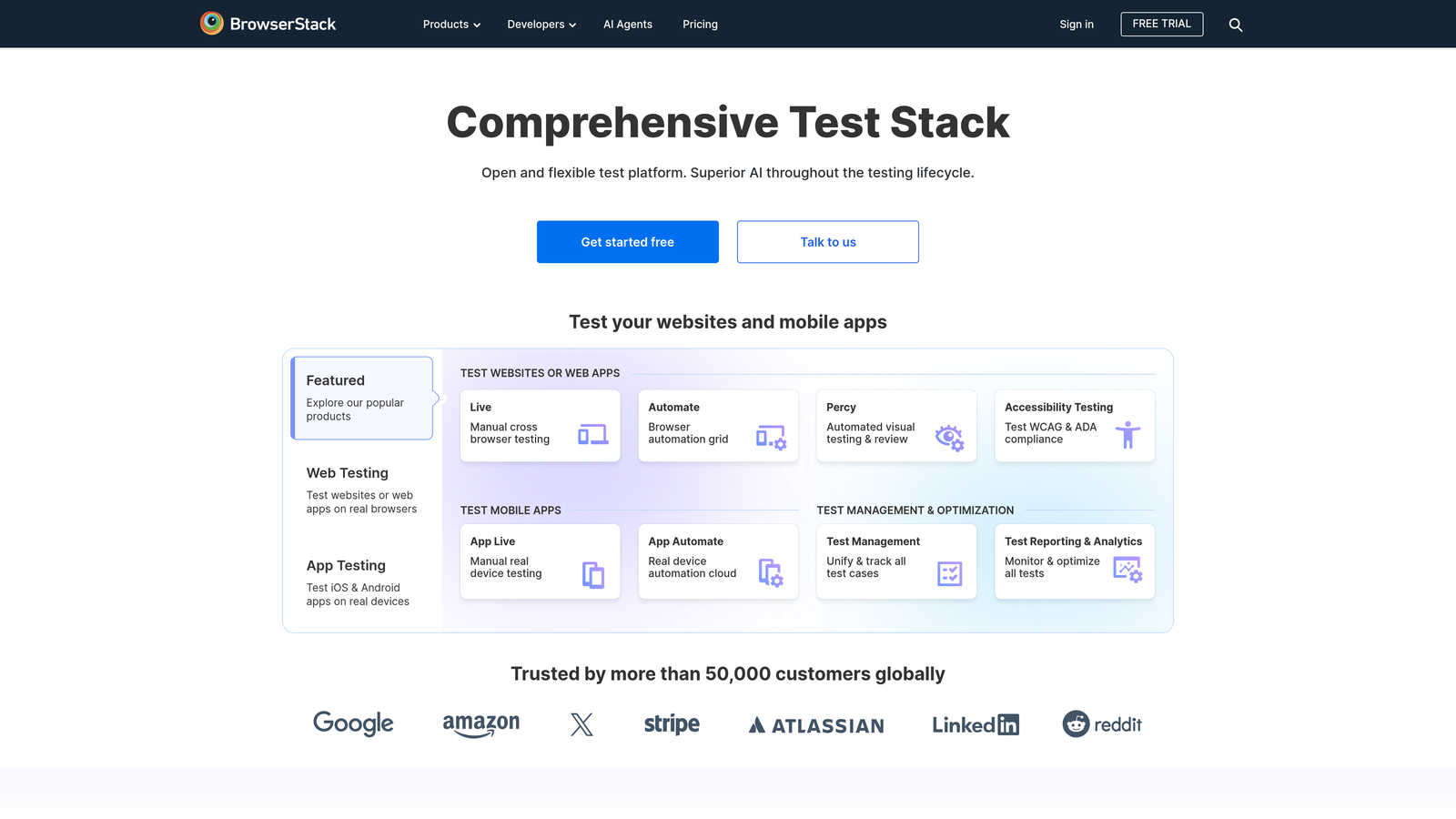
BrowserStack is a real device cloud that lets you test your forms on hundreds of actual mobile devices, not emulators, to catch rendering and interaction bugs before they reach users.
Where This Tool Shines
The critical difference between BrowserStack and browser-based emulation tools is the word "real." Emulators can miss touch event handling quirks, font rendering differences, and hardware-specific keyboard behaviors that only appear on physical devices. BrowserStack gives you live, interactive access to actual iPhones, Android phones, and tablets across a wide range of OS versions.
For teams shipping forms to a broad user base, this is invaluable. You can catch issues like a submit button that doesn't fire on Safari iOS 16, or a dropdown that renders incorrectly on a mid-range Android device, before those bugs make it to production.
Key Features
3,000+ real devices: Access actual iOS and Android hardware across a wide range of models and OS versions.
Live interactive testing: Manually interact with your forms on real devices in real time.
Automated test execution: Run Selenium, Cypress, or Playwright tests against mobile browsers at scale.
Screenshot testing: Capture form rendering across multiple devices simultaneously for visual review.
CI/CD integration: Plug into your existing pipeline for continuous mobile QA on every deployment.
Best For
Engineering and QA teams at companies with complex form stacks, high traffic volumes, or strict cross-device compatibility requirements. Particularly valuable for teams shipping to enterprise customers who use a wide variety of devices and OS versions.
Pricing
Free trial available. Paid plans start at approximately $29/month, with enterprise options for larger teams.
3. Typeform
Best for: Teams who want a conversational form experience that sidesteps mobile layout problems by design
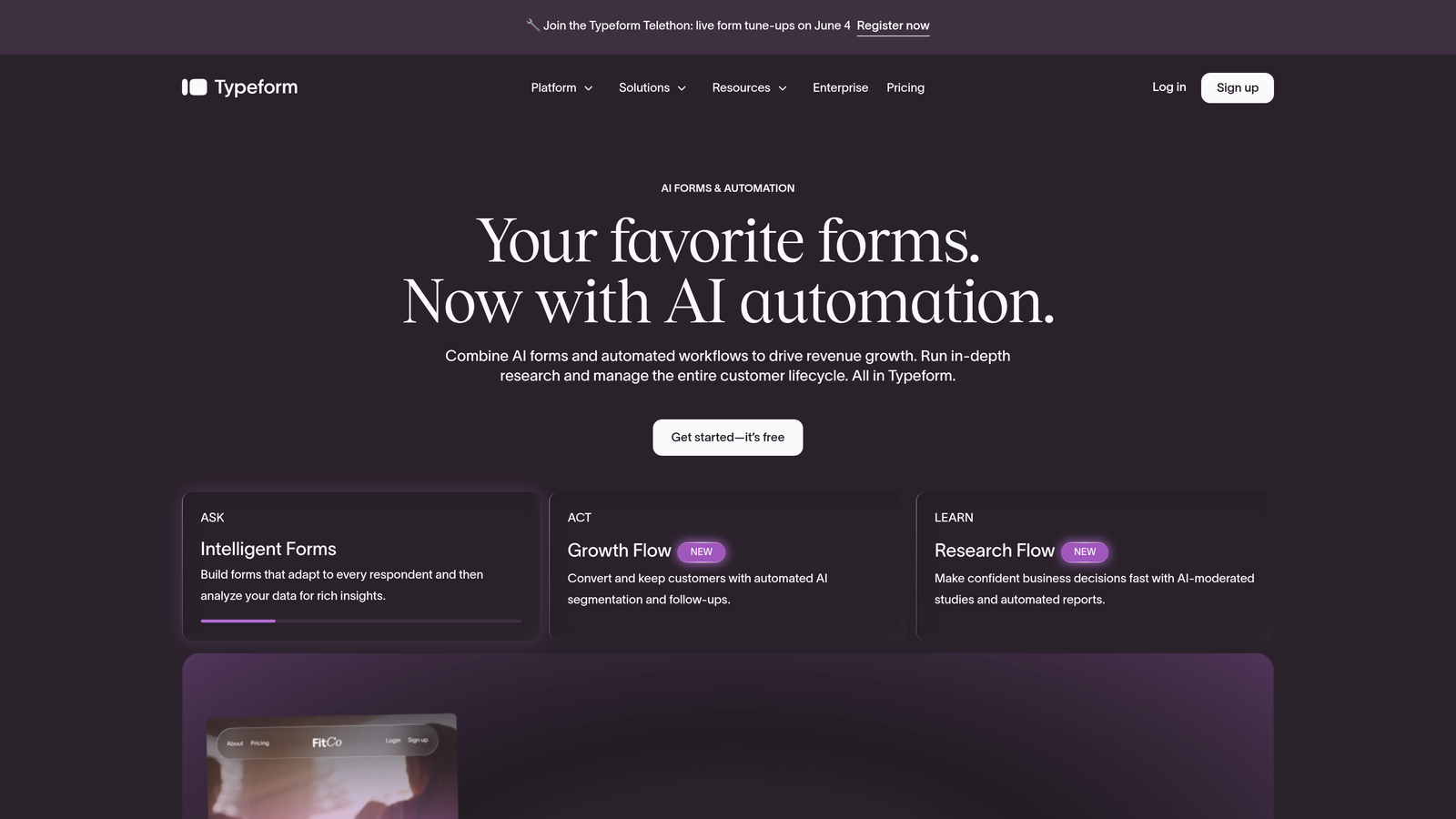
Typeform is a conversational form builder that presents one question at a time, a format that naturally eliminates most common mobile layout issues before they can occur.
Where This Tool Shines
Most mobile form breakage happens because multi-column or multi-field layouts don't reflow gracefully on small screens. Typeform's one-question-at-a-time approach sidesteps this entirely. There's nothing to reflow because each screen only ever shows a single input, making it inherently mobile-friendly by its core design philosophy.
The result is a smooth, tap-friendly experience that tends to perform well for lead capture and surveys. The visual polish also helps: Typeform forms feel intentional on mobile rather than adapted for it.
Key Features
One-question-at-a-time format: Eliminates multi-column layout breakage by showing only one field per screen.
Fully responsive design: Smooth touch interactions across iOS and Android without configuration.
Logic jumps and conditional branching: Personalize the mobile flow based on earlier answers.
Wide integration library: Connects with HubSpot, Slack, Zapier, and dozens of other tools.
Built-in analytics: Track mobile completion rates and drop-off points natively.
Best For
Marketing teams running surveys, lead capture campaigns, or onboarding flows where a polished, conversational mobile experience is more important than high-density data collection. Less suited for complex, multi-field enterprise forms.
Pricing
Free plan available. Paid plans start at $25/month with higher response limits and advanced logic features.
4. Google Search Console
Best for: Site owners who want a free, authoritative report on which form pages have mobile usability issues
Google Search Console is Google's free webmaster tool, and its Mobile Usability report is one of the most underused diagnostic resources available for catching form-related mobile issues.
Where This Tool Shines
Search Console doesn't just tell you that a page has mobile problems: it tells you specifically what kind of problem exists and which URLs are affected. For forms, the most common flags include touch targets that are too close together, viewport configuration not set, and content wider than the screen. Each of these maps directly to common form breakage patterns.
Because the data comes from Google's own crawling and indexing infrastructure, it reflects what real mobile users actually encounter. It's also worth noting that mobile usability issues flagged here can affect your search rankings, giving you an additional reason to act on them quickly.
Key Features
Mobile Usability report: Identifies specific pages with actionable mobile issues, including form pages.
Specific error categorization: Flags touch targets too close together, viewport issues, and content overflow.
Page Experience report: Shows Core Web Vitals performance on mobile for your form pages.
URL Inspection tool: Test individual form page URLs for mobile rendering issues.
No usage limits: Completely free for verified site owners with no caps on data access.
Best For
Any site owner or marketer who wants a free, high-level audit of which pages have mobile problems. Best used as a starting point for identifying which forms need attention, before using more detailed diagnostic tools to dig deeper.
Pricing
Completely free for verified site owners. No paid tiers or usage limits.
5. Hotjar
Best for: Teams who want to watch real users interact with their mobile forms and identify exactly where drop-off happens
Hotjar is a behavior analytics platform that records real user sessions and generates heatmaps, giving you a visual window into how mobile users actually experience your forms.
Where This Tool Shines
There's a significant difference between knowing a form has a high abandonment rate and watching a user struggle to tap a submit button that's partially obscured by their keyboard. Hotjar gives you the second kind of insight. By filtering session recordings to mobile devices, you can observe real interactions: where users tap repeatedly on an unresponsive field, where they scroll past a form element they missed, and exactly which step causes them to give up.
The form analytics feature is particularly useful for multi-step or multi-field forms. It shows field-by-field drop-off rates on mobile, so you can pinpoint whether the problem is a specific input type, a validation error message that doesn't display correctly, or something else entirely.
Key Features
Session recordings: Filter recordings by device type to watch real mobile user behavior on your forms.
Tap heatmaps: Visualize where mobile users are tapping, including missed or repeated taps on form elements.
Form analytics: Field-by-field drop-off data filterable by device type.
Funnels: Track mobile conversion rates through multi-step form flows.
Feedback widgets: Capture qualitative input directly from mobile users about their experience.
Best For
Growth and product teams who want qualitative insight into mobile form UX, not just quantitative data. Especially useful when you know a form is underperforming on mobile but can't identify the specific cause from analytics alone.
Pricing
Free plan available with limited recordings. Paid plans start at $32/month with higher session limits and advanced filtering.
6. Jotform
Best for: Teams managing multiple form types who need a reliable, auto-responsive builder with a large template library
Jotform is a mature, widely-used form builder with an auto-responsive layout engine that adapts forms to any screen size without requiring manual configuration.
Where This Tool Shines
Jotform's strength is breadth. It handles a wide variety of form types, from simple contact forms to complex multi-page workflows, and its auto-responsive engine means that even forms built by non-technical users tend to render acceptably on mobile. The mobile-specific field settings are a practical touch: you can specify which keyboard type appears for each field on mobile, reducing friction for users filling out forms on their phones.
The sheer size of its template library is also worth mentioning. With over 10,000 templates, most of which are pre-built with mobile readability in mind, teams can start from a working mobile baseline rather than building from scratch.
Key Features
Auto-responsive layouts: Forms reflow correctly on mobile viewports without manual CSS adjustments.
Mobile-specific field settings: Configure keyboard type per field to optimize the mobile input experience.
Jotform Mobile Forms app: Manage and fill forms on-device, including offline functionality.
10,000+ templates: Large library of pre-built forms designed for mobile readability.
150+ integrations: Extensive ecosystem connecting to CRMs, payment processors, and productivity tools.
Best For
Operations teams, small businesses, and organizations managing a high volume of different form types. Jotform's breadth makes it a practical workhorse, though teams with aggressive conversion optimization goals may want a more specialized builder.
Pricing
Free plan available with limited submissions. Paid plans start at $34/month with higher limits and advanced features.
7. Chrome DevTools (Device Mode)
Best for: Developers who need a fast, free way to diagnose CSS and JavaScript issues causing form breakage on mobile viewports
Chrome DevTools is built directly into Google Chrome, and its Device Mode is one of the most powerful free tools available for diagnosing mobile form issues at the code level.
Where This Tool Shines
Device Mode lets you emulate specific mobile viewports, simulate touch events, and inspect CSS layout in real time, all without leaving your browser. For developers trying to understand why a form field is overflowing its container or why a submit button is positioned outside the visible area on a 375px viewport, this is often the fastest path to an answer.
The network throttling feature is underused but valuable. By simulating slower mobile connections, you can test whether your form's JavaScript validation or submission logic behaves correctly under the network conditions many mobile users actually experience.
Key Features
Device emulation: Emulate specific screen sizes and pixel densities for any device profile.
Touch simulation: Test tap targets and swipe interactions without a physical device.
Network throttling: Simulate mobile connection speeds to test form behavior under real-world conditions.
Live CSS editing: Inspect and edit styles in real time to diagnose responsive layout bugs.
Console and network panels: Catch JavaScript errors and failed requests breaking form logic on mobile.
Best For
Front-end developers and engineers who need granular control over mobile debugging. Best used alongside real device testing tools like BrowserStack, since emulation doesn't catch every hardware-specific issue.
Pricing
Completely free. Built into every installation of Google Chrome with no setup required.
8. Formspree
Best for: Developers whose forms break on mobile due to complex JavaScript dependencies at the submission layer
Formspree is a lightweight HTML form backend that processes submissions without requiring JavaScript frameworks, offering a simpler and more reliable submission layer for forms that break due to JS fragility.
Where This Tool Shines
A common but underdiagnosed cause of mobile form breakage isn't the layout: it's the submission logic. Forms that rely on complex JavaScript for validation, submission handling, or redirect behavior can fail silently on older mobile browsers or in low-memory environments. Formspree eliminates this risk by accepting standard HTML form submissions directly, no JavaScript required.
For developers working with static sites, JAMstack architectures, or any HTML page where a lightweight backend is preferable to a full form builder, Formspree offers a reliable, low-maintenance solution. It handles spam filtering, email notifications, and a submission dashboard, covering the basics without adding complexity.
Key Features
Standard HTML form submissions: Works with native HTML forms without any JavaScript dependency.
Static site and JAMstack compatibility: Integrates cleanly with any HTML page or static site generator.
Spam filtering and notifications: Built-in protection and email alerts for new submissions.
AJAX option: Optional JavaScript submission for teams who want async behavior without the fragility of complex frameworks.
Third-party integrations: Connects with Zapier, Slack, and Google Sheets for basic workflow automation.
Best For
Developers and technical teams building or maintaining forms on static sites, landing pages, or any environment where reducing JavaScript complexity is a priority for mobile reliability.
Pricing
Free plan available for up to 50 submissions per month. Paid plans start at $10/month with higher submission limits and additional features.
9. LambdaTest
Best for: Engineering teams who need automated visual regression testing to catch mobile form breakage before code ships
LambdaTest is a cloud-based cross-browser testing platform with AI-powered visual regression testing, helping teams automatically detect mobile form breakage across browser and OS combinations as part of their CI/CD pipeline.
Where This Tool Shines
Where BrowserStack excels at manual real-device testing, LambdaTest's strength is automation at scale. Its SmartUI feature performs pixel-level visual comparisons between form page versions, flagging layout regressions on mobile browsers automatically. This is particularly valuable for teams that ship frequently and can't manually test every form page on every device combination after each deployment.
The AI-powered visual diff capability means the tool can distinguish between intentional design changes and accidental layout breakage, reducing false positives and making it practical to run visual regression tests as part of every pull request review.
Key Features
AI-powered visual diff testing: Automatically detects layout changes on mobile browsers, distinguishing regressions from intentional updates.
3,000+ browser and OS combinations: Covers mobile Chrome, Safari, and a wide range of device profiles.
Automated test execution: Runs Selenium, Cypress, and Playwright tests on mobile viewports at scale.
SmartUI: Pixel-level visual regression testing for form pages across mobile breakpoints.
CI/CD integrations: Works with GitHub Actions, Jenkins, CircleCI, and other common pipeline tools.
Best For
Engineering teams at growth-stage or enterprise companies who ship frequently and need automated mobile QA coverage to prevent form regressions from reaching users undetected.
Pricing
Free plan available with limited test minutes. Paid plans start at approximately $15/month, with enterprise options for higher-volume teams.
Which Tool Is Right for Your Situation
The right combination depends on where you are in the process. If you're starting fresh and want forms that simply work on mobile without debugging, Orbit AI is the strongest starting point for growth teams, with mobile-first responsiveness and AI-powered lead qualification built in. Typeform and Jotform are solid alternatives depending on your form complexity and use case.
If you're diagnosing why existing forms are breaking, the diagnostic stack looks like this: start with Google Search Console for a free high-level audit, use Hotjar to watch real mobile user behavior, and reach for Chrome DevTools for code-level investigation. For teams who need real-device confirmation, BrowserStack and LambdaTest cover manual and automated testing respectively.
If your forms are breaking specifically at the submission layer due to JavaScript fragility, Formspree is the cleanest fix for developers working with static or lightweight HTML environments.
Most high-growth teams will benefit from combining one form builder with one or two diagnostic tools. The goal isn't to use every tool on this list: it's to eliminate the specific failure mode that's costing you conversions on mobile.
If you're ready to stop debugging and start building forms that are conversion-optimized and mobile-ready from day one, start building free forms today with Orbit AI and see what a mobile-first, AI-powered approach looks like in practice.


