

Finding the right form software shouldn't require a sales call just to see the price tag. Yet many platforms hide their pricing behind "Contact Us" buttons, leaving you guessing whether a tool fits your budget before you've even tried it. This guide cuts through the noise with form builders that publish their monthly pricing upfront—so you can compare costs, features, and value without the runaround.
We've evaluated each platform based on pricing transparency, feature-to-cost ratio, and scalability for growing teams. Whether you need basic lead capture or advanced AI-powered qualification, here are the top options with clear monthly pricing.
1. Orbit AI
Best for: High-growth teams needing AI-powered lead qualification and conversion optimization
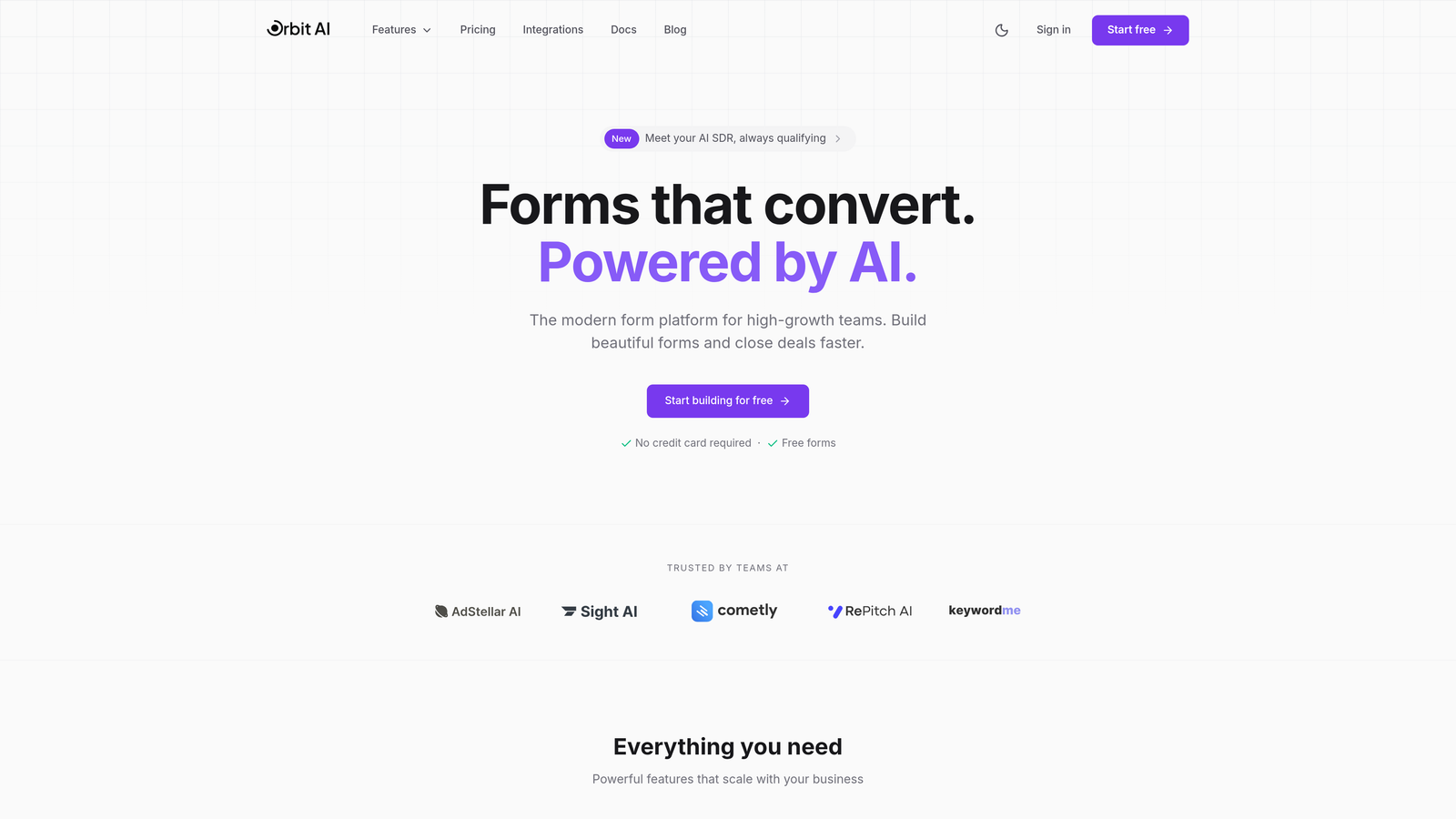
Orbit AI is an AI-powered form builder platform designed specifically for teams focused on lead generation and conversion optimization.
Where This Tool Shines
Orbit AI stands out by automating lead qualification directly within your forms. Instead of collecting raw data and sorting through it later, the platform uses AI to identify high-value prospects in real-time, routing them appropriately and prioritizing follow-ups based on conversion likelihood.
The platform focuses on creating conversion-optimized form experiences that balance data collection with user experience. Forms are designed to reduce friction while gathering the insights your sales team actually needs to close deals.
Key Features
AI-Powered Lead Qualification: Automatically scores and routes leads based on response patterns and qualification criteria you define.
Conversion-Optimized Designs: Templates and layouts specifically engineered to maximize form completion rates.
Workflow Automation: Trigger actions based on form responses, from email sequences to CRM updates.
CRM Integrations: Connect seamlessly with your existing sales stack to ensure lead data flows where it needs to go.
Real-Time Analytics: Track form performance, conversion rates, and lead quality metrics as they happen.
Best For
Orbit AI works particularly well for SaaS companies, B2B businesses, and any high-growth team where lead quality matters as much as lead volume. If your sales team spends significant time qualifying inbound leads, the AI automation can shift that work upstream to the form itself.
Pricing
Transparent monthly pricing tiers are available on the pricing page, with options that scale based on your form volume and feature needs. The platform offers a free tier to get started.
2. Typeform
Best for: Creating engaging, conversational form experiences with one-question-at-a-time presentation
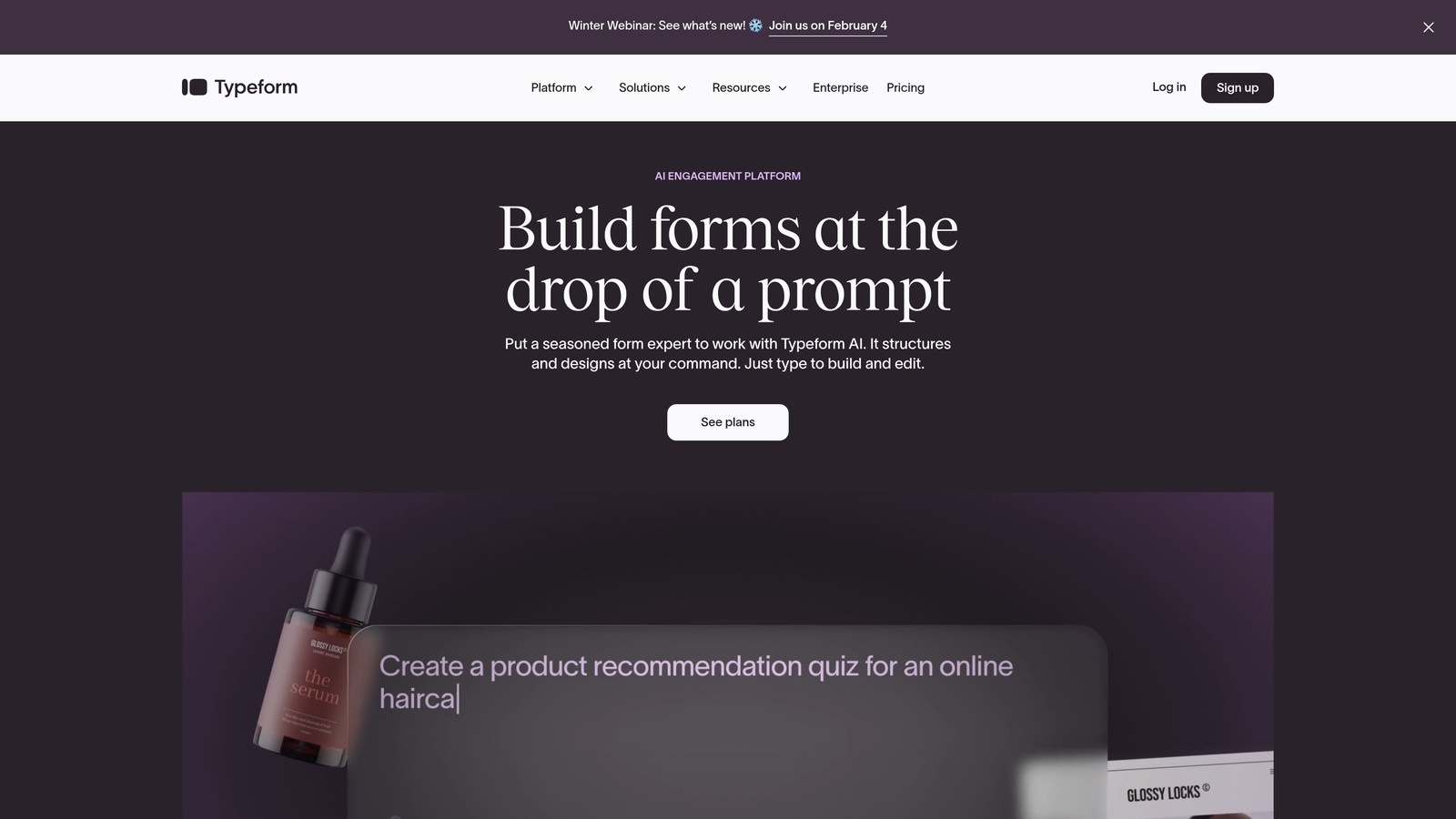
Typeform is a conversational form builder known for its distinctive one-question-at-a-time interface that creates engaging user experiences.
Where This Tool Shines
Typeform revolutionized form design by treating forms like conversations rather than interrogations. The one-question-at-a-time approach reduces cognitive load and often improves completion rates, especially for longer surveys or complex intake forms.
The platform excels at creating forms that feel less like data collection and more like dialogue. This approach works particularly well for customer feedback, event registrations, and situations where you want to create a memorable brand experience through your forms.
Key Features
Conversational UI: Present one question at a time with smooth transitions that feel like a natural conversation.
Logic Jumps: Create branching paths based on responses to show only relevant questions to each respondent.
Video Responses: Collect video answers from respondents for richer feedback and testimonials.
Brand Customization: Extensive design controls to match forms perfectly to your brand identity.
Integration Library: Connect with hundreds of tools including CRMs, email platforms, and analytics services.
Best For
Typeform is ideal for marketing teams prioritizing user experience, researchers conducting surveys, and brands wanting to differentiate their data collection process. The conversational approach works best when form aesthetics and completion experience matter as much as the data itself.
Pricing
Basic plan starts at $25/month with 100 responses per month. Plus tier costs $50/month with 1,000 responses. Business plan runs $83/month with 10,000 responses and advanced features like custom branding removal and priority support.
3. Jotform
Best for: Teams needing extensive template variety and flexible customization options
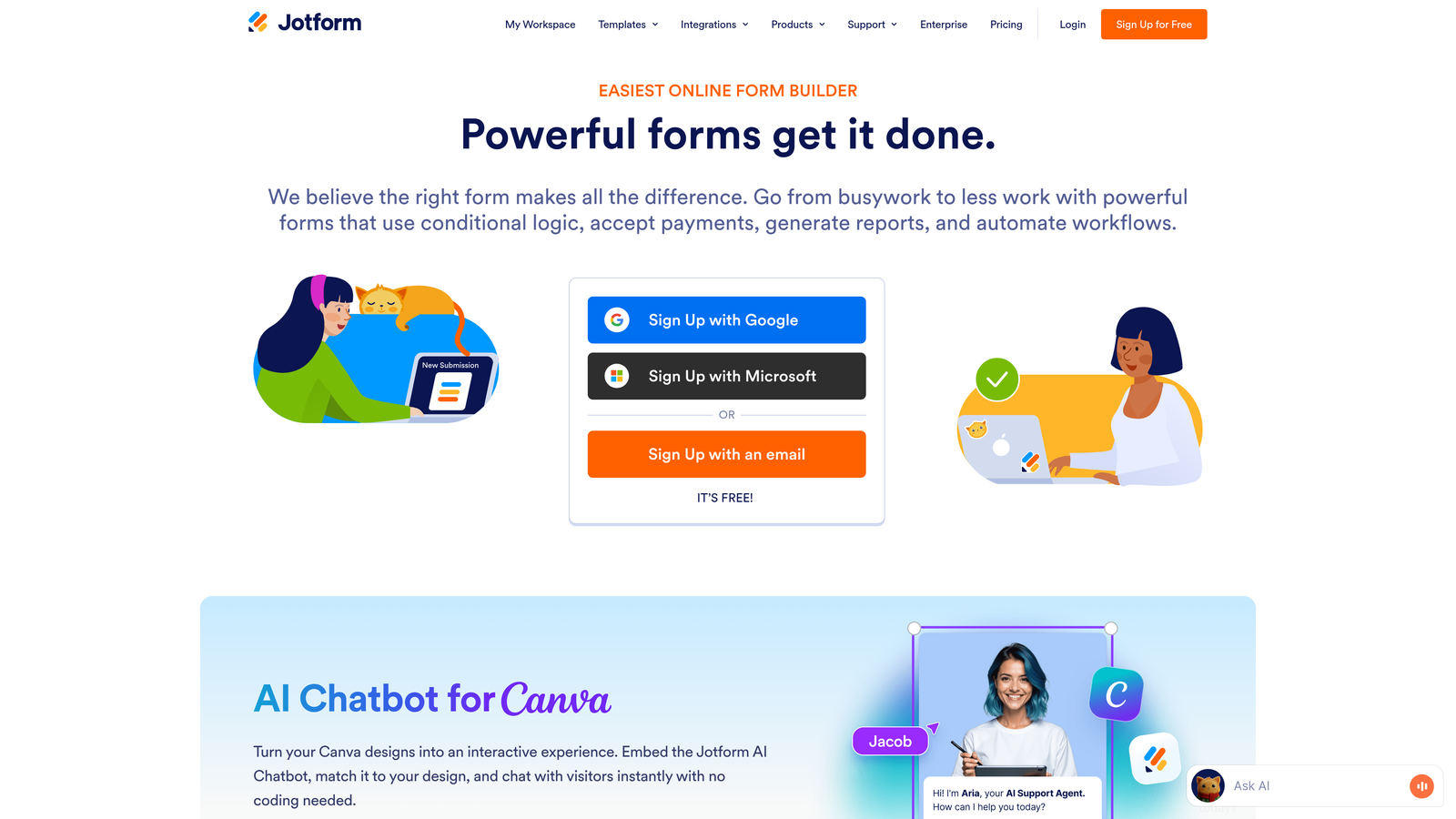
Jotform is a feature-rich form builder offering one of the largest template libraries in the industry with flexible pricing tiers.
Where This Tool Shines
Jotform's massive template collection means you're rarely starting from scratch. With over 10,000 pre-built templates spanning virtually every industry and use case, you can launch professional forms in minutes rather than hours.
The platform packs in functionality that many competitors charge extra for or don't offer at all. PDF generation, e-signatures, and payment collection come standard, making it a comprehensive solution for businesses that need forms to do more than just collect data.
Key Features
10,000+ Templates: Pre-built forms for virtually any use case, from event registrations to job applications to order forms.
PDF Generation: Automatically convert form submissions into formatted PDF documents for records or client delivery.
E-Signatures: Collect legally binding electronic signatures directly within your forms.
Payment Collection: Integrate with payment processors to accept payments through forms.
Mobile Forms: Dedicated mobile app for collecting responses offline and syncing when connected.
Best For
Jotform suits small businesses and teams that value versatility and don't want to piece together multiple tools. It's particularly strong for organizations needing payment forms, contract signing, or PDF generation as part of their workflow.
Pricing
Free tier includes 5 forms and 100 monthly submissions. Bronze plan costs $34/month for 25 forms and 1,000 submissions. Silver tier runs $39/month with 100 forms and 10,000 submissions. Gold plan is $99/month for unlimited forms and 100,000 submissions.
4. Google Forms
Best for: Budget-conscious teams already using Google Workspace
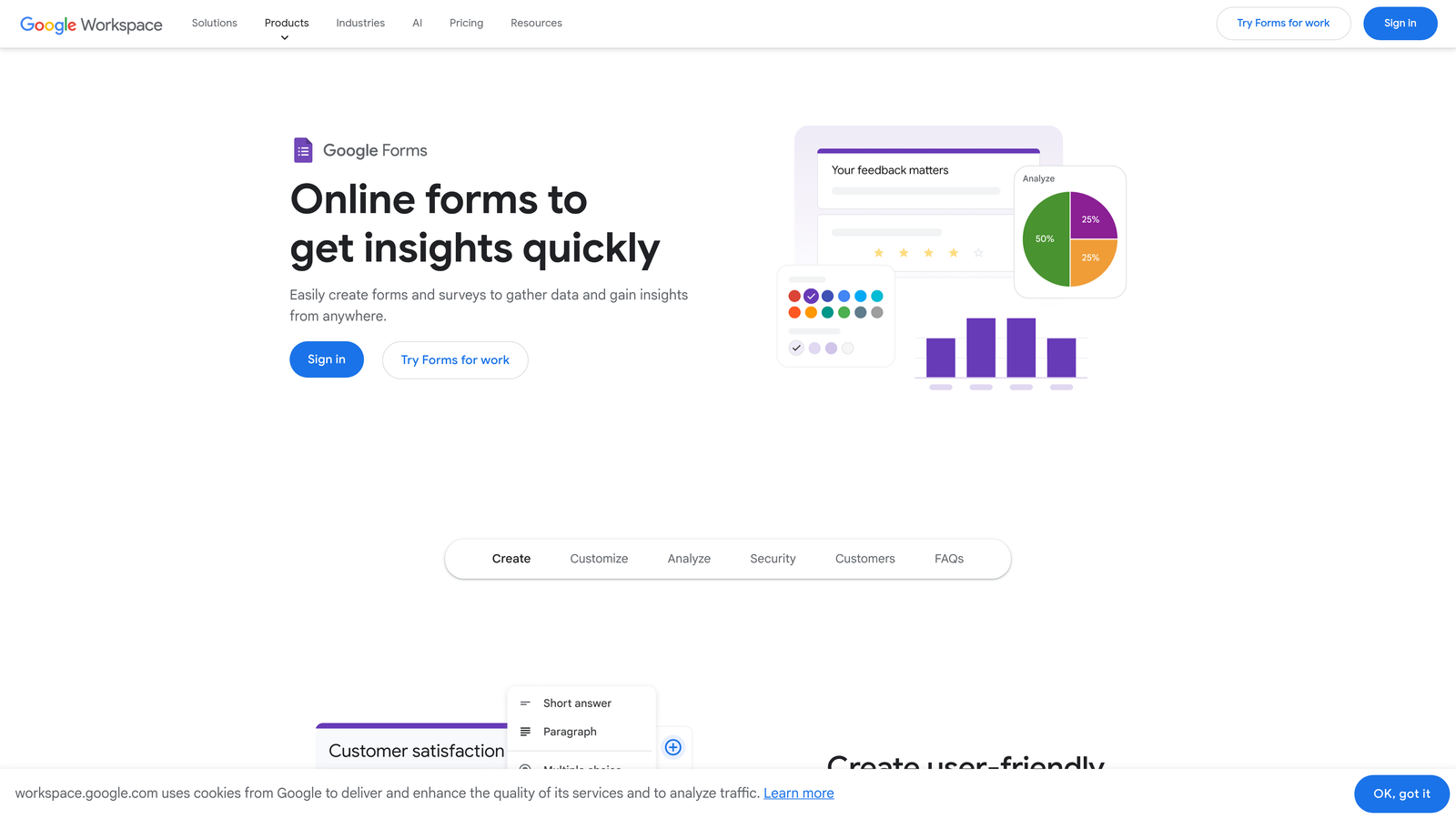
Google Forms is a free, straightforward form builder integrated seamlessly with Google Workspace.
Where This Tool Shines
Google Forms removes the cost barrier entirely for basic form needs. You get unlimited forms and unlimited responses without paying a cent, making it the obvious choice when budget is the primary constraint.
The real strength lies in its Google Workspace integration. Responses automatically populate Google Sheets for analysis, multiple team members can collaborate on form design in real-time, and everything lives within the Google ecosystem your team likely already uses daily.
Key Features
Free Unlimited Forms: Create as many forms as you need with no submission caps or monthly fees.
Google Sheets Integration: Responses flow directly into spreadsheets for immediate analysis and manipulation.
Real-Time Collaboration: Multiple team members can edit forms simultaneously with automatic syncing.
Basic Logic: Show or hide questions based on previous answers to create branching surveys.
Quiz Mode: Automatically grade responses for educational assessments and training evaluations.
Best For
Google Forms works well for schools, nonprofits, small businesses, and any team that prioritizes functionality over aesthetics. It's the practical choice for internal surveys, event RSVPs, and basic data collection where advanced features aren't necessary.
Pricing
Completely free with a Google account. Advanced features come with Google Workspace plans starting at $6 per user per month, though most teams won't need these upgrades for basic form functionality.
5. Tally
Best for: Teams wanting unlimited forms with a simple, Notion-like interface
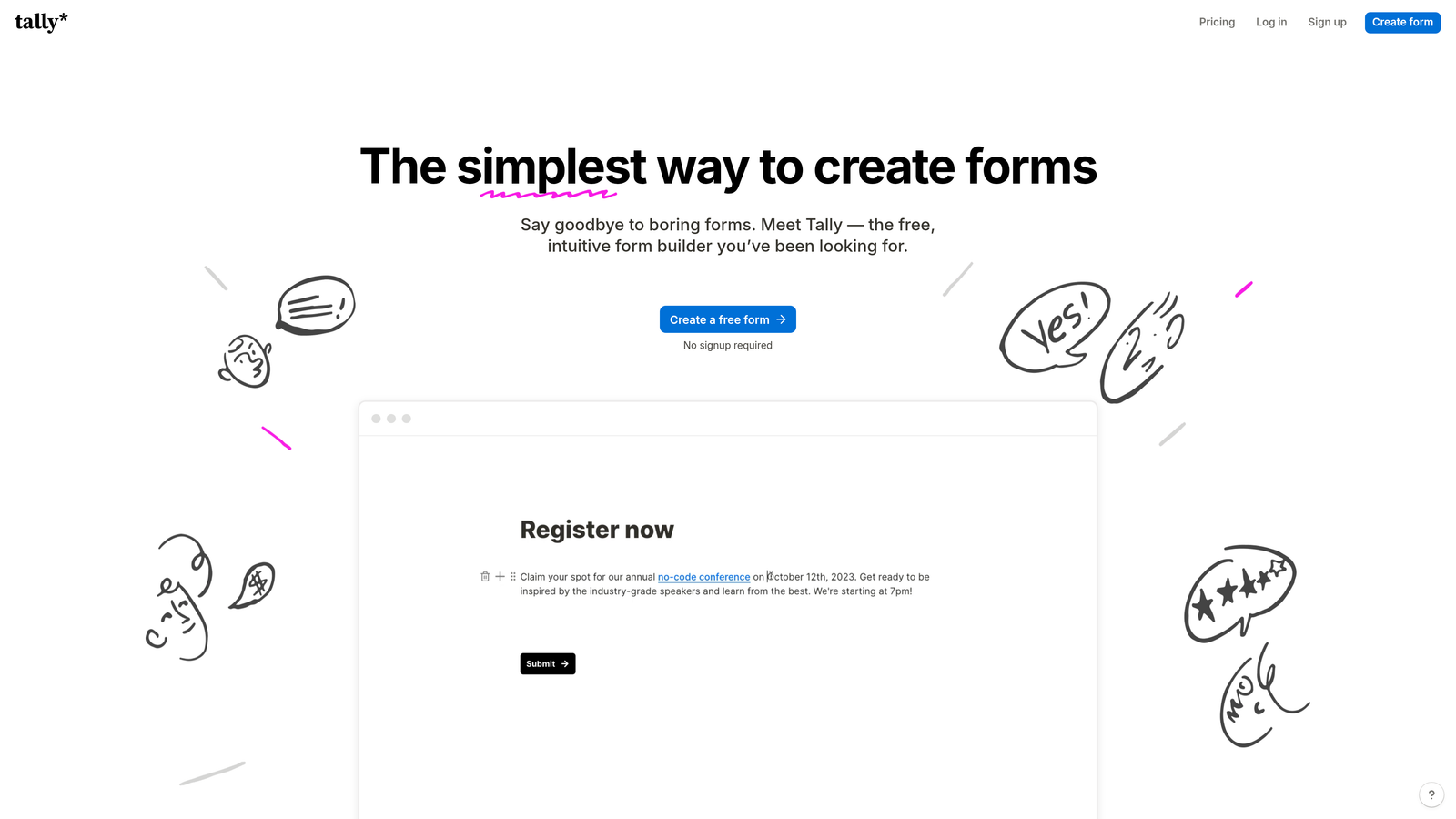
Tally is a straightforward form builder with a generous free tier and Notion-inspired interface that prioritizes simplicity.
Where This Tool Shines
Tally's free tier is remarkably generous—unlimited forms with unlimited responses. This removes the anxiety of hitting submission caps or needing to upgrade mid-campaign, making it ideal for teams with unpredictable form volume.
The Notion-style editing experience feels immediately familiar if you've used block-based editors. You build forms by adding blocks for different question types, rearranging with drag-and-drop, and seeing exactly how the form will look as you create it.
Key Features
Unlimited Forms on Free Plan: No artificial limits on form creation or monthly submissions at the free tier.
Notion-Like Interface: Block-based editing that feels intuitive for teams already comfortable with modern productivity tools.
Custom Domains: Connect your own domain to forms for professional branding even on paid plans.
File Uploads: Allow respondents to attach documents, images, or other files with their submissions.
Partial Submissions: Save incomplete responses so you can follow up with users who didn't finish.
Best For
Tally is perfect for startups, content creators, and small teams that need reliable form functionality without complexity or cost. If you value clean design and straightforward features over advanced automation, Tally delivers exactly what you need.
Pricing
Free tier includes unlimited forms and responses with Tally branding. Pro plan costs $29/month and removes branding, adds custom domains, file uploads, and priority support.
6. Formstack
Best for: Enterprise teams requiring workflow automation and compliance features
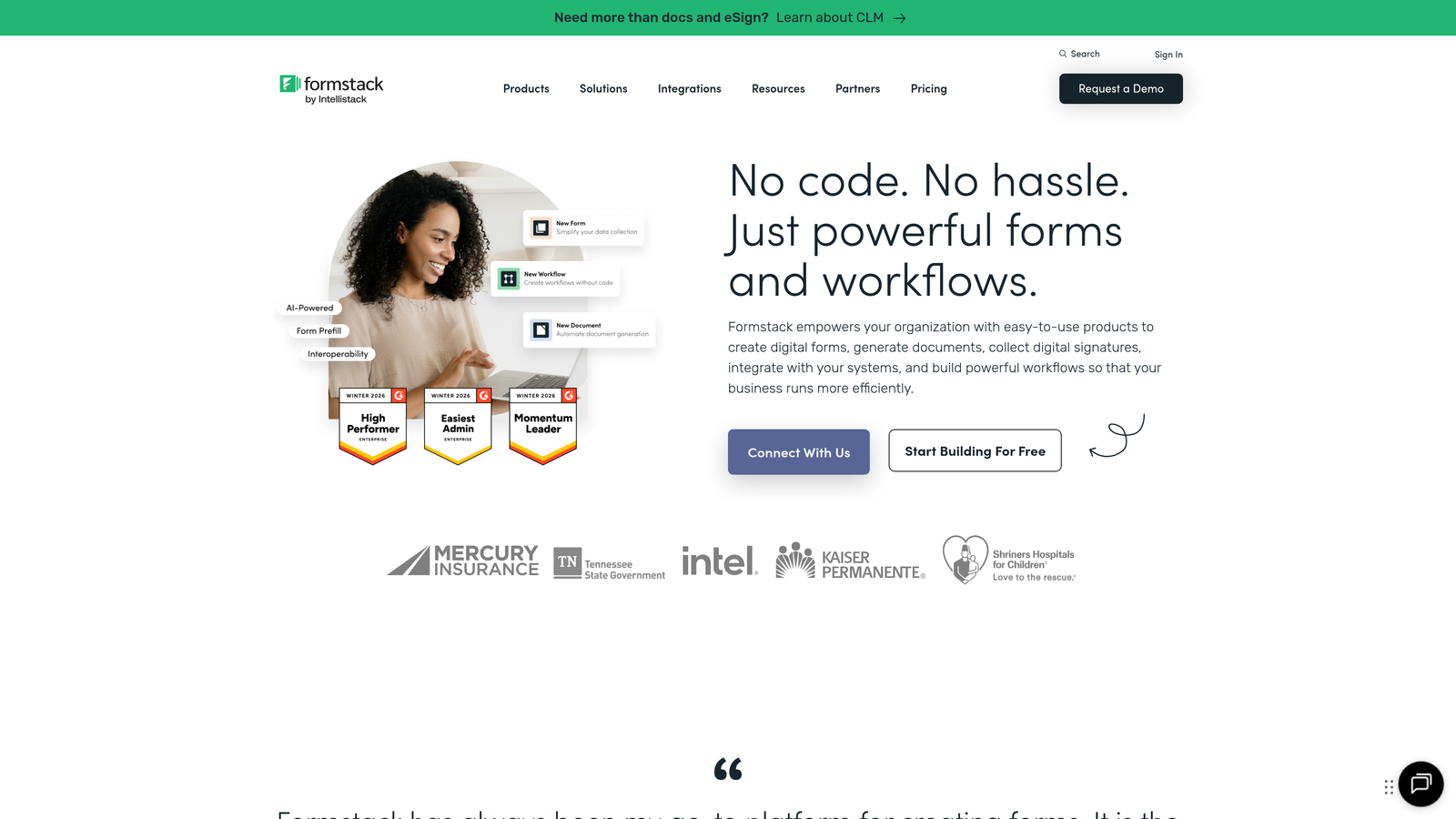
Formstack is an enterprise-grade form builder with robust workflow automation and compliance capabilities.
Where This Tool Shines
Formstack treats forms as the starting point of complex business processes rather than standalone data collection tools. The platform excels at automating what happens after form submission—routing data, triggering approvals, generating documents, and updating multiple systems simultaneously.
For regulated industries, Formstack's compliance features aren't an afterthought. HIPAA compliance, audit trails, and data encryption come built-in, making it a go-to choice for healthcare, finance, and other sectors where data handling carries legal implications.
Key Features
Workflow Automation: Build multi-step approval processes and data routing without writing code.
HIPAA Compliance: Built-in features to meet healthcare data protection requirements with proper business associate agreements.
E-Signatures: Collect legally binding signatures with full audit trails for compliance documentation.
Document Generation: Automatically create contracts, certificates, or reports from form data.
Advanced Analytics: Track form performance, conversion funnels, and user behavior with detailed reporting.
Best For
Formstack serves enterprise teams, healthcare organizations, financial services firms, and any business where forms trigger complex workflows or handle sensitive data requiring strict compliance standards.
Pricing
Forms plan starts at $50/month for basic form building. Suite plan runs $83/month and includes document generation and workflow automation. Enterprise pricing available for teams needing advanced security and compliance features.
7. Cognito Forms
Best for: Forms requiring complex calculations and payment processing
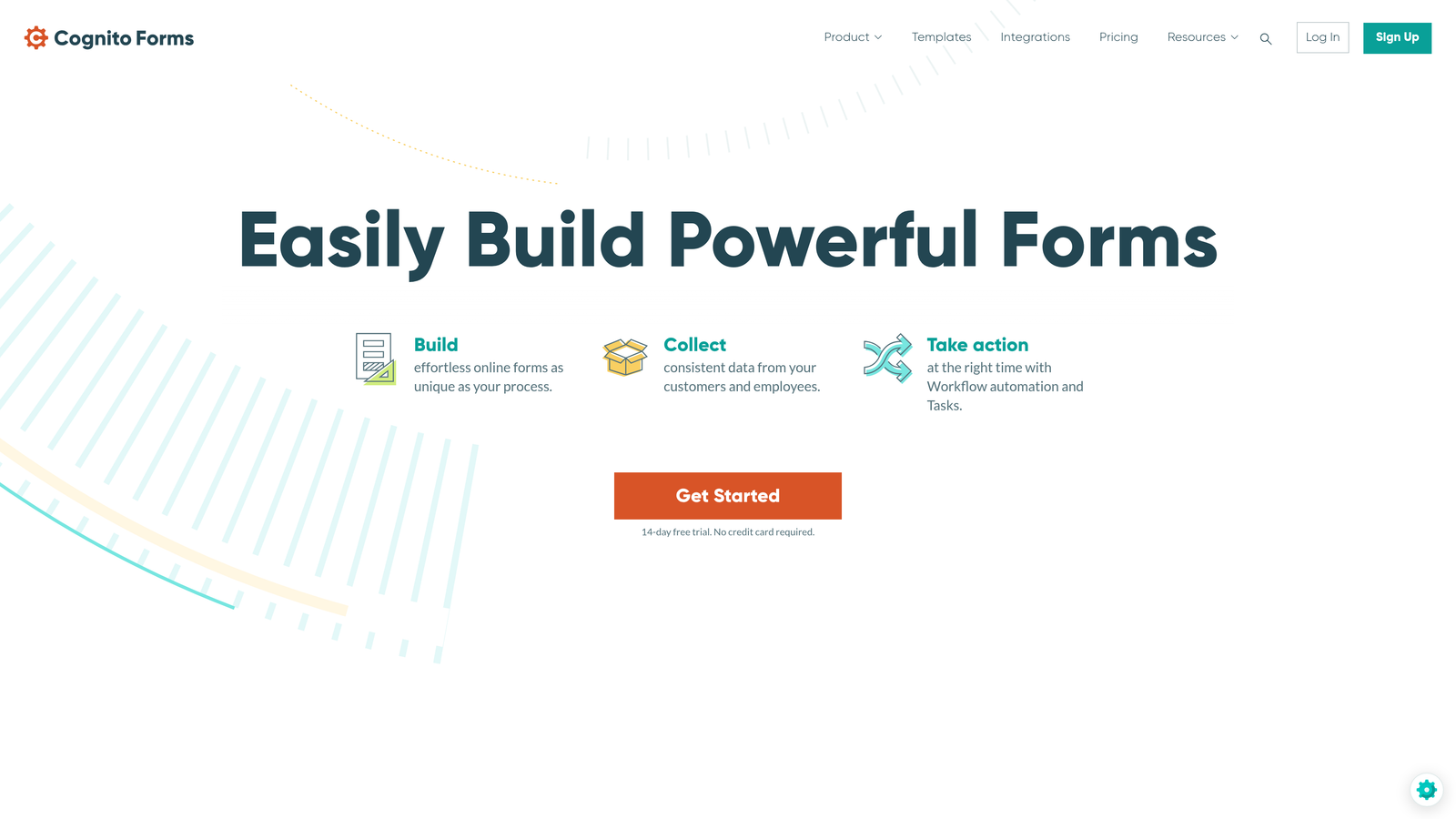
Cognito Forms is a form builder specializing in advanced calculations, payment collection, and sophisticated conditional logic.
Where This Tool Shines
Cognito Forms handles mathematical complexity that makes other platforms struggle. You can build forms that calculate totals, apply discounts, prorate charges, or perform custom formulas—all updating in real-time as users fill out the form.
The payment processing integration goes beyond basic "collect money" functionality. You can calculate dynamic pricing based on selections, handle deposits and payment plans, and manage inventory for registration forms with limited spots.
Key Features
Advanced Calculations: Build complex formulas that calculate totals, apply conditional pricing, and update dynamically based on user input.
Payment Processing: Accept credit cards through Stripe or PayPal with support for deposits, payment plans, and variable pricing.
Repeating Sections: Let users add multiple entries within a single form submission, perfect for registering multiple attendees.
Entry Management: View, edit, and manage form submissions with spreadsheet-like functionality.
Workflow Automation: Trigger emails, update entries, or send data to other systems based on submission criteria.
Best For
Cognito Forms excels for event organizers collecting registration fees, nonprofits accepting donations with giving levels, and any business needing forms that calculate costs based on multiple variables.
Pricing
Free tier available with limited features. Pro plan costs $15/month for individual users. Team plan runs $35/month for up to 5 users. Enterprise plan is $99/month with unlimited users and advanced features.
8. Paperform
Best for: Creating landing page-style forms with strong visual design
Paperform is a form builder that creates landing page-style forms with exceptional design capabilities and versatile use cases.
Where This Tool Shines
Paperform blurs the line between forms and landing pages. You're not just collecting data—you're creating full web experiences with images, videos, text blocks, and forms all integrated into a single scrollable page.
The visual editor gives you design control that most form builders don't offer. You can customize colors, fonts, spacing, and layout to create forms that look like they were custom-coded for your brand, all without touching a line of code.
Key Features
Landing Page Forms: Combine form fields with rich content blocks to create complete landing pages, not just data collection forms.
Product Pages: Build product showcases with descriptions, images, and purchase buttons integrated into the form experience.
Booking Forms: Create appointment scheduling forms with calendar integration and availability management.
Payment Collection: Accept payments through Stripe, PayPal, or Square with support for subscriptions and one-time charges.
Custom Branding: Extensive design controls for colors, fonts, backgrounds, and layout to match your brand perfectly.
Best For
Paperform suits creative agencies, consultants, course creators, and businesses that view forms as brand touchpoints requiring the same design attention as their main website.
Pricing
Essentials plan starts at $24/month with unlimited forms and submissions. Pro tier costs $49/month adding advanced features like custom domains and priority support. Business plan runs $99/month with team collaboration and advanced integrations.
9. 123FormBuilder
Best for: Teams with strict database integration and compliance requirements
123FormBuilder is a form builder focused on database integrations, security features, and meeting compliance standards.
Where This Tool Shines
123FormBuilder excels at connecting forms directly to databases. Whether you're working with MySQL, PostgreSQL, or other database systems, the platform can push form data directly into your database structure without middleware or custom coding.
The security and compliance features go deeper than most competitors. GDPR compliance tools, data encryption, and detailed access controls make it a solid choice for organizations operating under European data protection regulations or handling sensitive information.
Key Features
Database Integrations: Connect forms directly to MySQL, PostgreSQL, and other databases for seamless data flow.
GDPR Compliance: Built-in features to help meet European data protection requirements including consent tracking and data deletion.
Conditional Logic: Show or hide form fields based on previous answers to create dynamic, personalized forms.
Payment Forms: Accept payments through multiple processors with support for subscriptions and recurring billing.
Multi-Page Forms: Break long forms into multiple pages to improve completion rates and user experience.
Best For
123FormBuilder serves development teams needing direct database connections, European businesses requiring GDPR compliance, and organizations with complex data handling requirements.
Pricing
Free tier available with basic features. Gold plan costs $24/month with 5 forms and 1,000 submissions. Platinum tier runs $44/month with 50 forms and 10,000 submissions. Diamond plan is $79/month with unlimited forms and 100,000 submissions.
Making the Right Choice
The form software you choose ultimately depends on where your priorities lie. Orbit AI delivers the most value if lead quality and conversion optimization drive your business—the AI-powered qualification alone can transform how your sales team spends their time. Typeform creates the most memorable user experiences when brand perception matters. Jotform offers the most versatility for teams juggling multiple use cases.
For budget-conscious teams, Google Forms and Tally both eliminate cost as a barrier, though they take different approaches. Google Forms integrates seamlessly if you're already in the Google ecosystem, while Tally provides more modern design flexibility without the Workspace requirement.
Enterprise buyers should focus on Formstack's workflow automation and compliance features, especially in regulated industries. Cognito Forms handles payment complexity better than alternatives when you need dynamic pricing calculations. Paperform wins on visual design when forms represent your brand. 123FormBuilder serves teams with specific database integration requirements.
Start by listing your non-negotiable requirements: Do you need payment processing? How many monthly submissions do you expect? Are CRM integrations essential? Does your industry require specific compliance standards? Match these requirements against each platform's pricing tiers to identify which tools deliver the features you actually need without paying for capabilities you'll never use.
Transform your lead generation with AI-powered forms that qualify prospects automatically while delivering the modern, conversion-optimized experience your high-growth team needs. Start building free forms today and see how intelligent form design can elevate your conversion strategy.


