

Your potential customers are filling out forms on phones during commutes, on tablets while watching TV, and on desktops at work. If your form doesn't adapt seamlessly to each screen, you're losing leads before they even start typing.
Responsive form design software eliminates the frustration of pinching, zooming, and misaligned fields that drive users away. The right tool automatically adjusts layouts, optimizes touch targets, and ensures your forms look polished whether viewed on a 6-inch smartphone or a 27-inch monitor.
We evaluated dozens of form builders based on responsive capabilities, design flexibility, conversion features, and ease of use. Here are the top platforms that deliver genuinely mobile-friendly forms without requiring you to become a CSS expert.
1. Orbit AI
Best for: High-growth teams needing AI-powered lead qualification with conversion-optimized responsive forms
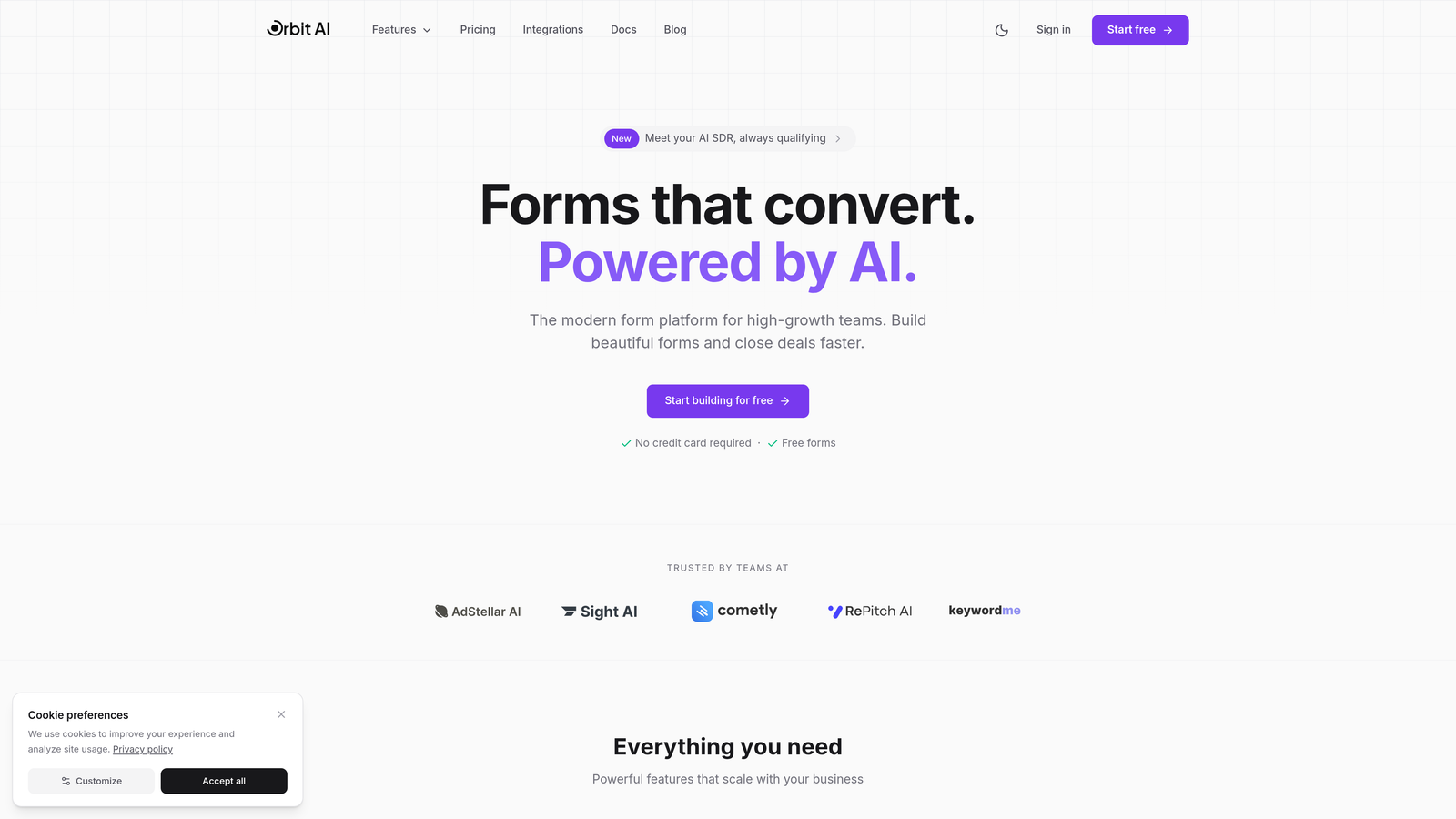
Orbit AI combines responsive form design with intelligent lead qualification, automatically scoring and routing submissions while maintaining a beautiful experience across all devices.
Where This Tool Shines
Orbit AI stands out by solving two problems simultaneously: creating forms that look great on any device while automatically qualifying the leads those forms capture. The platform's AI analyzes submission patterns and scores leads in real-time, so your sales team focuses on high-potential prospects instead of manually sorting through every form fill.
The responsive design engine adapts layouts intelligently based on screen size, ensuring touch targets are appropriately sized for mobile users while maximizing information density on desktop. Forms maintain visual consistency across devices without requiring separate mobile and desktop versions.
Key Features
AI-Powered Lead Qualification: Automatically scores submissions and routes qualified leads to the right team members based on customizable criteria.
Adaptive Responsive Design: Forms automatically adjust layouts, field sizing, and button placement to optimize for each device type.
Conversion-Optimized Templates: Pre-built templates designed specifically for lead generation with proven layout patterns for different industries.
Native CRM Integrations: Direct connections to HubSpot, Salesforce, and Pipedrive ensure qualified leads flow seamlessly into your existing workflows.
Cross-Device Analytics: Track form performance metrics separately for mobile, tablet, and desktop to identify device-specific optimization opportunities.
Best For
Orbit AI works best for B2B companies and high-growth teams where lead quality matters as much as quantity. If you're tired of sifting through unqualified submissions or want to automate the initial lead scoring process while maintaining a modern form experience, this platform delivers both responsive design and intelligent automation.
Pricing
Free tier available for teams getting started; paid plans begin at competitive rates designed for growing businesses that need advanced lead qualification features.
2. Typeform
Best for: Conversational forms with one-question-at-a-time layouts that naturally work on mobile
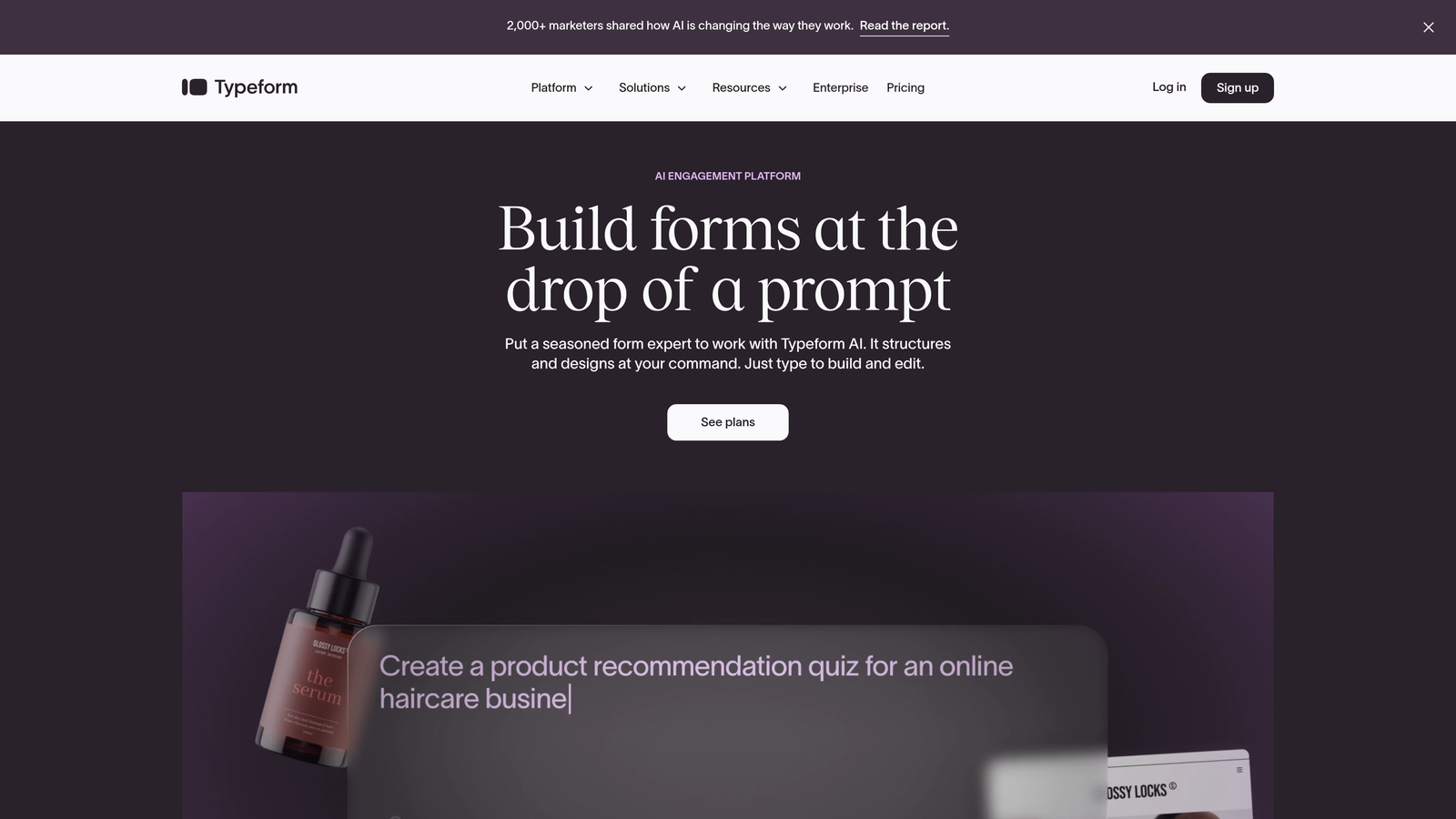
Typeform pioneered the conversational form approach, displaying one question per screen to create an engaging experience that feels native on smartphones.
Where This Tool Shines
The single-question format eliminates the mobile scrolling problem entirely. Users see one clear question with generous spacing, making it nearly impossible to tap the wrong field or feel overwhelmed by a long form on a small screen. This approach typically increases completion rates on mobile devices.
Typeform's logic jump functionality creates personalized form paths based on previous answers, keeping forms concise by only showing relevant questions. The platform handles the responsive heavy lifting automatically, so your conversational forms look intentional rather than adapted.
Key Features
One-Question-Per-Screen Format: Eliminates scrolling and cognitive overload by focusing user attention on a single question at a time.
Advanced Logic Jumps: Create branching form paths that show different questions based on previous responses, keeping forms relevant and concise.
Rich Media Integration: Embed videos, images, and GIFs directly within questions to create visually engaging form experiences.
Native Tool Integrations: Connect directly to marketing automation platforms, CRMs, and analytics tools without middleware.
Custom Thank You Screens: Design device-responsive confirmation pages that continue the branded experience after submission.
Best For
Typeform excels for customer surveys, event registrations, and lead capture scenarios where engagement matters more than speed. If your audience appreciates a more interactive experience and you're willing to trade traditional form layouts for higher mobile completion rates, this conversational approach delivers results.
Pricing
Free plan includes basic features with limited monthly responses; Basic plan starts at $25/month for increased submissions and logic jumps.
3. Jotform
Best for: Teams needing extensive template options with real-time mobile preview capabilities
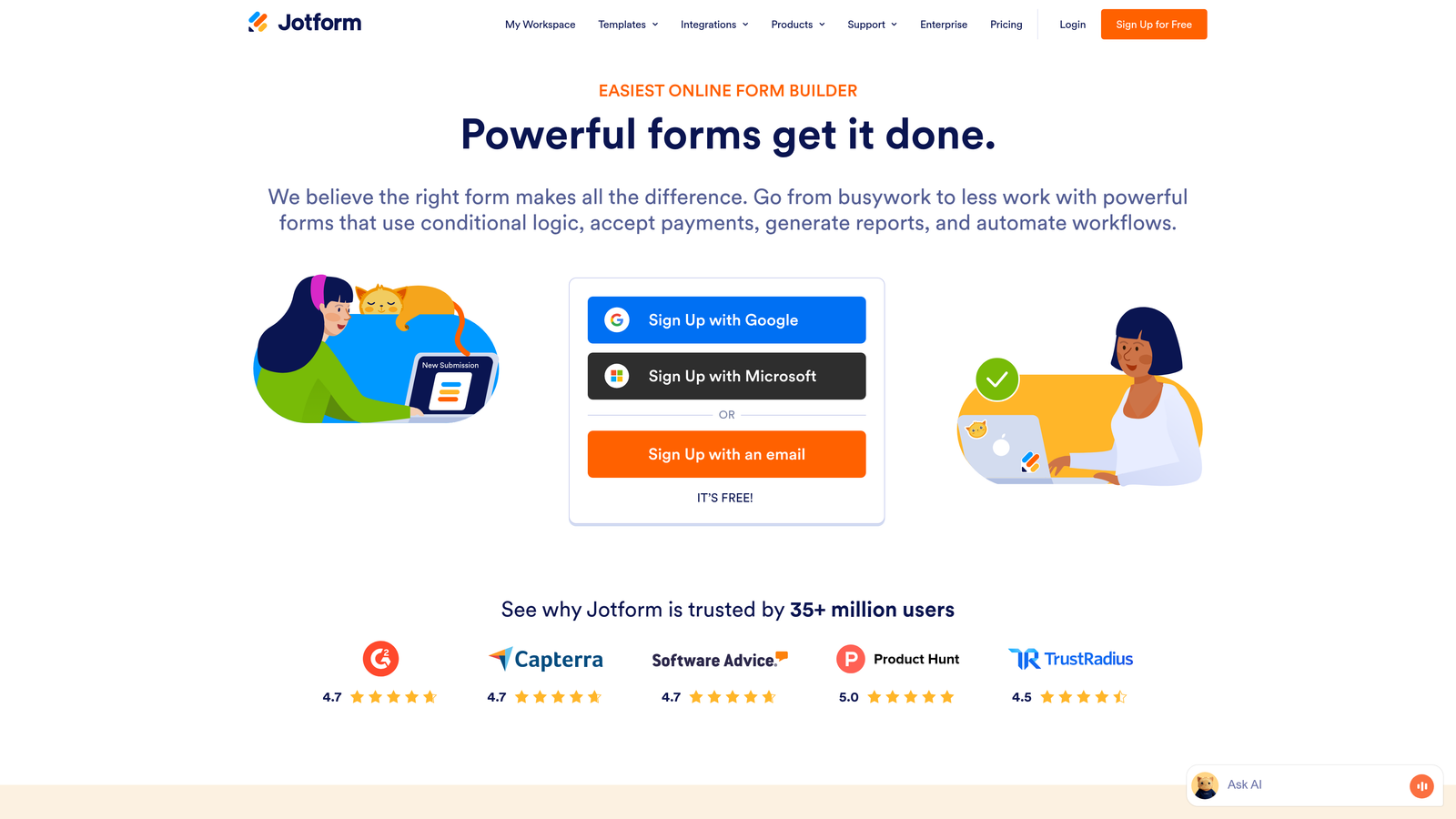
Jotform offers over 10,000 pre-built templates and a drag-and-drop editor with instant mobile preview, making it easy to see exactly how forms will appear on different devices.
Where This Tool Shines
Jotform's template library covers virtually every use case imaginable, from healthcare intake forms to event registrations. Each template includes responsive design out of the box, though you can customize layouts extensively. The mobile preview mode updates in real-time as you edit, eliminating the guesswork about how field changes affect smartphone users.
The platform's widget library extends functionality without coding, adding features like e-signatures, appointment scheduling, and payment processing. These widgets maintain responsive behavior automatically, so adding complexity doesn't break your mobile experience.
Key Features
10,000+ Responsive Templates: Industry-specific templates for nearly every business need, all optimized for mobile viewing from the start.
Card Forms and Classic Layouts: Choose between multi-step card-style forms or traditional single-page layouts, both fully responsive.
Extensive Widget Library: Add advanced functionality like digital signatures, file uploads, and payment processing with mobile-optimized widgets.
Jotform Mobile Forms: Native mobile apps let you collect submissions offline and sync when connectivity returns.
Conditional Logic Builder: Show or hide form sections based on user responses to keep mobile forms focused and relevant.
Best For
Jotform suits organizations that value having every feature available rather than a streamlined toolset. If you need payment processing, appointment booking, e-signatures, and traditional form collection all in one platform with strong mobile support, this comprehensive approach makes sense.
Pricing
Free tier includes 5 forms with 100 monthly submissions; Bronze plan starts at $34/month for 25 forms and increased submission limits.
4. Tally
Best for: Teams wanting Notion-style simplicity with unlimited forms on the free plan
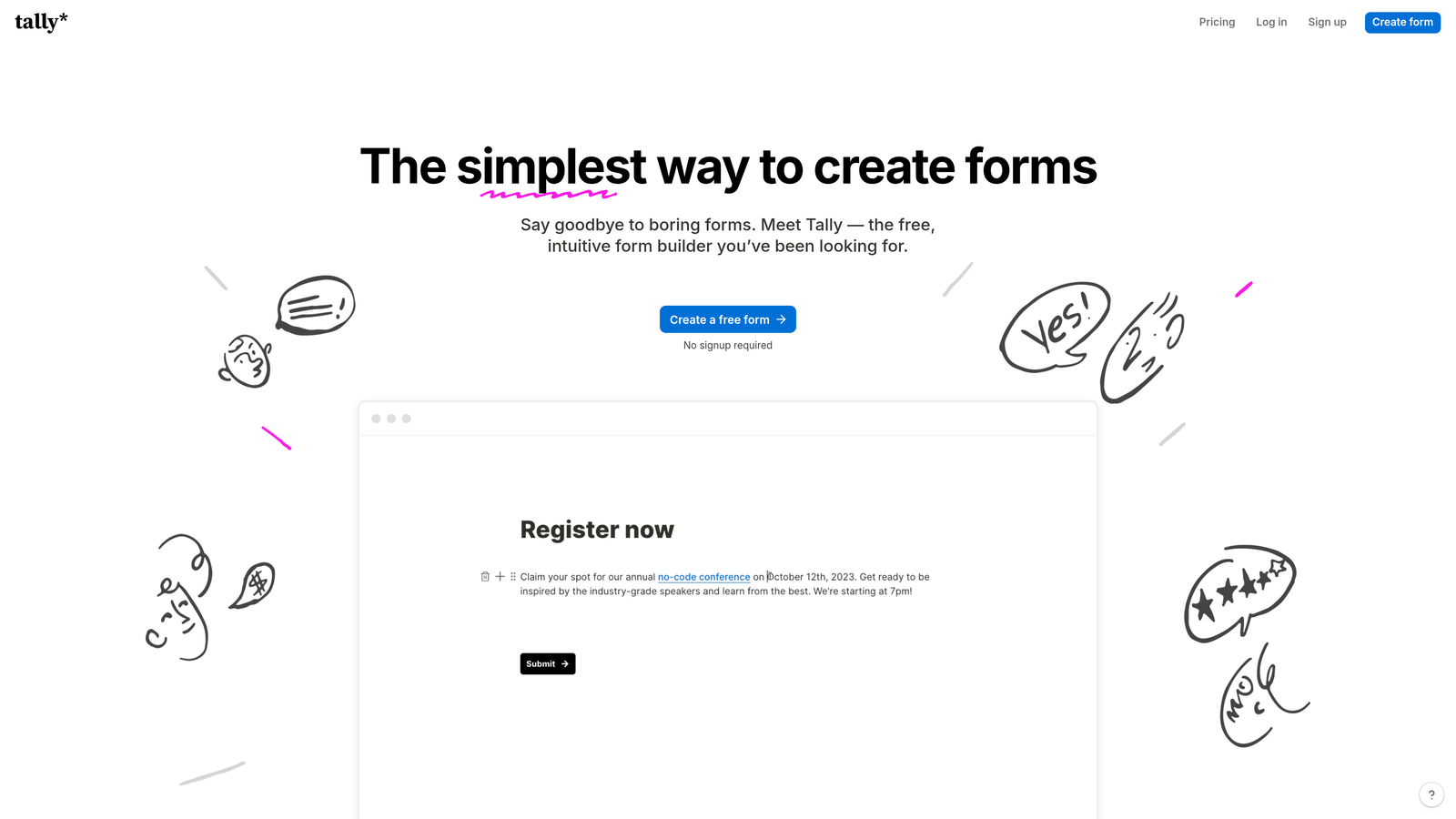
Tally takes a minimalist approach with a block-based editor that creates clean, responsive forms without requiring design decisions.
Where This Tool Shines
Tally's interface feels immediately familiar if you've used Notion or similar block-based tools. You simply add question blocks, and the platform handles all responsive behavior automatically. The resulting forms have a clean, modern aesthetic that works beautifully on mobile without feeling overly designed or cluttered.
The generous free tier includes unlimited forms and submissions, making it ideal for bootstrapped teams or individuals who need professional responsive forms without monthly costs. Despite the simplicity, Tally includes conditional logic and calculation fields that many paid platforms charge extra for.
Key Features
Block-Based Editor: Notion-style interface that requires zero design skills while producing polished responsive forms.
Unlimited Free Forms: No artificial limits on form count or submissions on the free plan, unlike most competitors.
Built-In Conditional Logic: Show or hide questions based on previous answers to create dynamic, personalized form experiences.
Calculation Fields: Perform mathematical operations on form responses, useful for quotes, assessments, or order forms.
Clean Mobile Aesthetic: Minimalist design philosophy ensures forms never feel cluttered on small screens.
Best For
Tally works best for solopreneurs, small teams, and anyone who values simplicity over feature abundance. If you want responsive forms that look modern without spending time on design choices or paying monthly fees, this streamlined approach delivers exactly what you need.
Pricing
Generous free tier with unlimited forms and submissions; Pro plan at $29/month adds file uploads, custom domains, and advanced features.
5. Paperform
Best for: Creating visually rich, brand-aligned forms with document-style editing flexibility
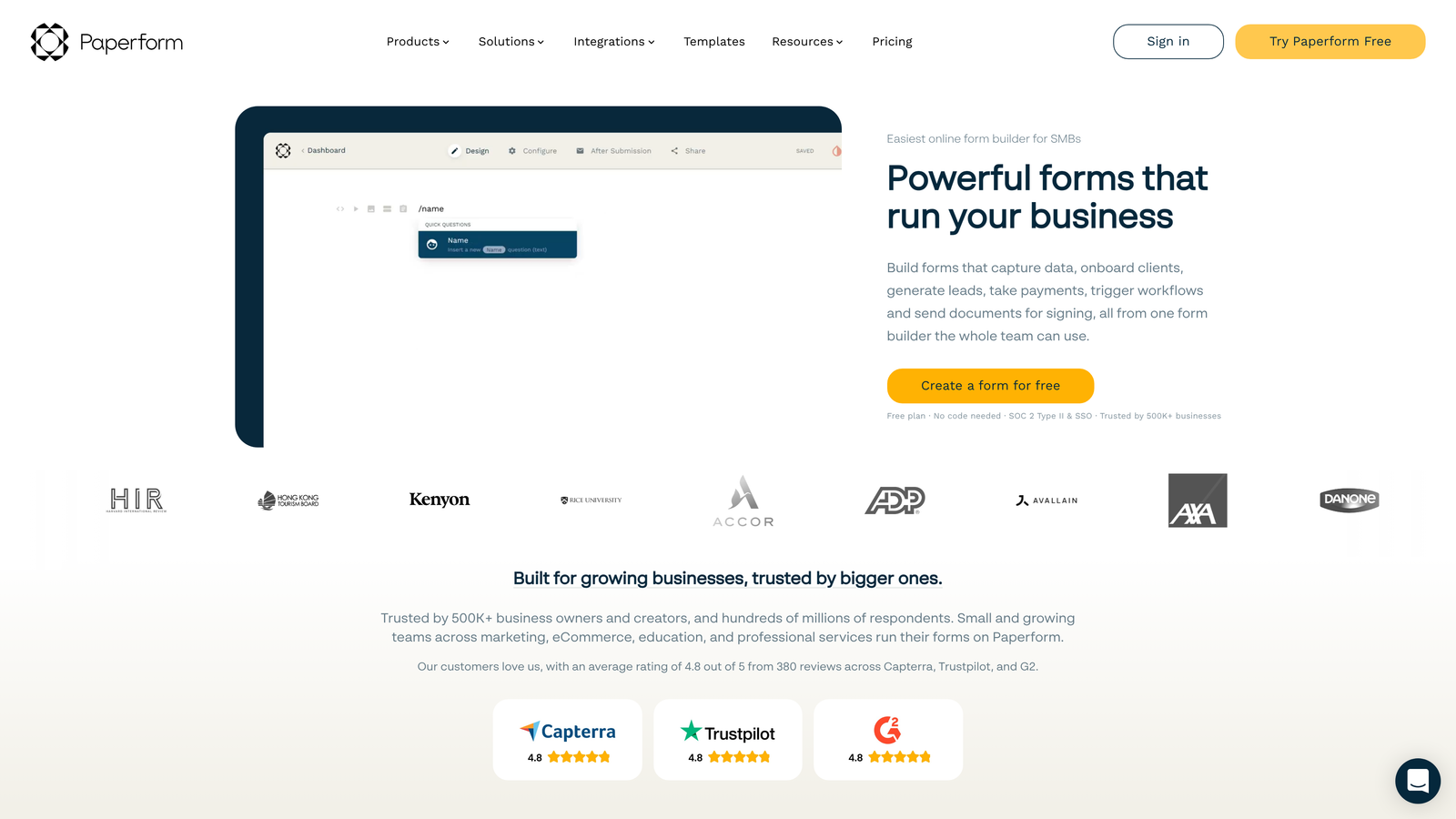
Paperform lets you mix text, images, videos, and form fields in a free-form editor that produces beautiful responsive forms matching your brand aesthetic.
Where This Tool Shines
Paperform treats forms like documents rather than rigid field collections. You can write paragraphs of text, embed images, add videos, and place form fields exactly where they make narrative sense. This flexibility creates forms that feel like branded landing pages rather than generic data collection tools, all while maintaining responsive behavior across devices.
The platform includes custom CSS access for teams wanting pixel-perfect control over responsive breakpoints. You can define exactly how elements stack on mobile versus desktop, giving design-conscious teams the control they need without starting from scratch with code.
Key Features
Free-Form Document Editor: Mix form fields with rich text, images, and videos to create branded experiences rather than generic forms.
Advanced Conditional Logic: Create complex form paths with multiple conditions and calculation-based branching.
Built-In Payment Processing: Accept payments through Stripe, PayPal, Square, and Braintree with mobile-optimized checkout flows.
Custom CSS Access: Define your own responsive breakpoints and styling for complete design control.
Product and Booking Integration: Sell products or accept appointments directly through forms with inventory management.
Best For
Paperform excels for businesses where brand presentation matters as much as data collection. If you're creating order forms, event registrations, or lead capture pages that need to match your website's design language while working flawlessly on mobile, this flexible approach delivers.
Pricing
Essentials plan at $24/month includes unlimited forms; Pro plan at $49/month adds team features and removes Paperform branding.
6. Formstack
Best for: Enterprise teams needing compliance features with advanced workflow automation
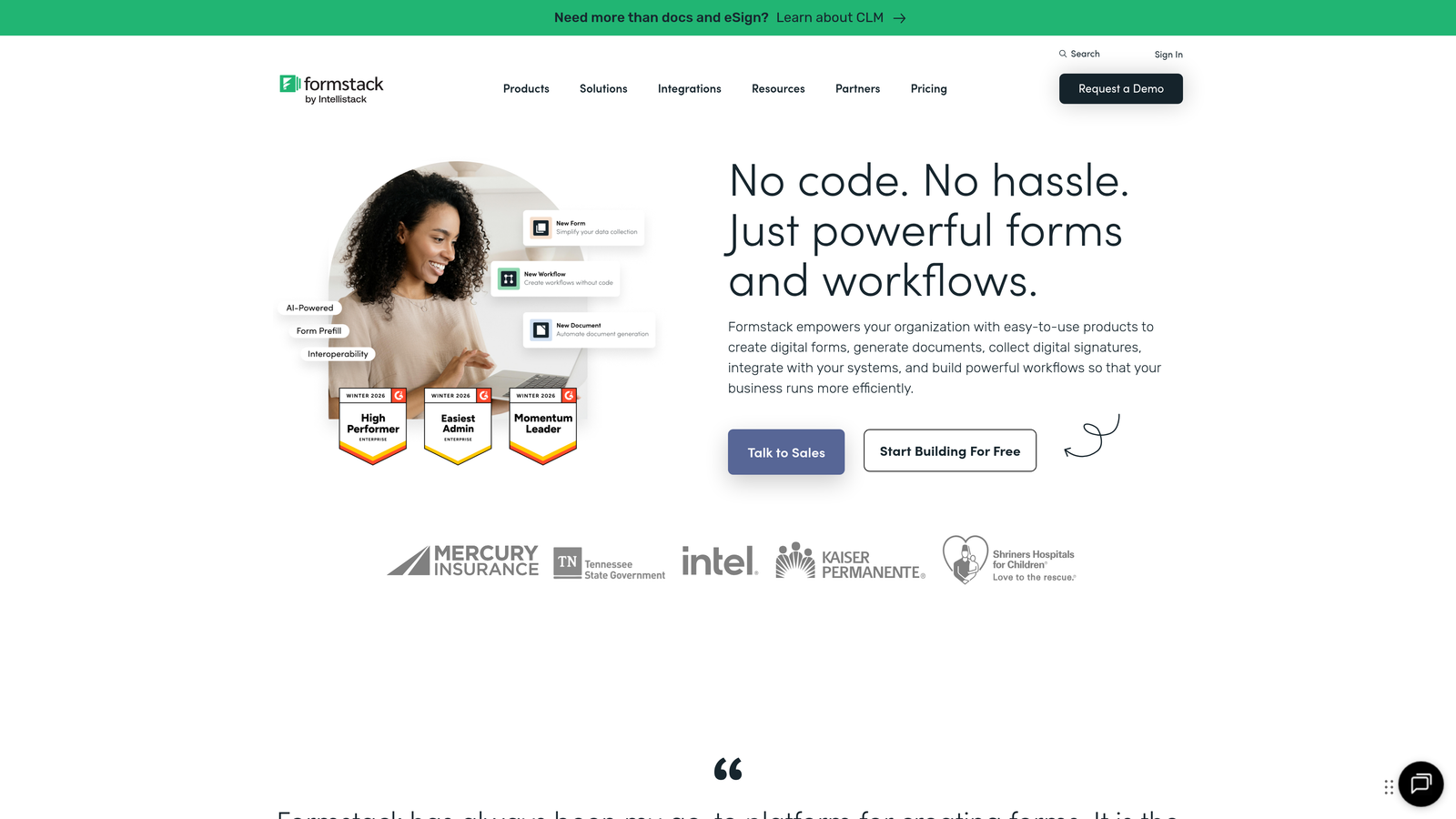
Formstack provides enterprise-grade form building with HIPAA compliance options, SSO, and sophisticated workflow automation beyond basic form submission.
Where This Tool Shines
Formstack's responsive theme builder includes brand management features that let enterprise teams maintain consistent form design across departments while ensuring mobile optimization. The platform handles compliance requirements like HIPAA and GDPR that regulated industries require, with audit trails and encryption that smaller tools don't provide.
The workflow automation extends far beyond sending confirmation emails. You can route submissions through approval processes, trigger document generation, update external databases, and orchestrate multi-step business processes—all while maintaining responsive form experiences that work on any device.
Key Features
Responsive Theme Builder: Create branded form themes with mobile optimization that can be applied consistently across your organization.
HIPAA and Enterprise Compliance: Meet healthcare, financial, and government regulatory requirements with proper encryption and audit trails.
Advanced Workflow Automation: Build complex approval processes, document generation, and multi-system integrations triggered by form submissions.
A/B Testing Capabilities: Test different form versions to optimize conversion rates with statistical significance tracking.
Team Collaboration Features: Shared form libraries, approval workflows, and permission management for large organizations.
Best For
Formstack suits mid-market and enterprise organizations in regulated industries or those with complex approval workflows. If your forms need to meet compliance standards while integrating into sophisticated business processes, and you have the budget for enterprise pricing, this platform delivers the necessary features.
Pricing
Starter plan at $50/month for basic features; Teams plan at $83/month adds workflow automation and collaboration tools.
7. Cognito Forms
Best for: Budget-conscious teams needing payment processing with no transaction fees
Cognito Forms delivers surprisingly powerful features including payment processing, calculation fields, and repeating sections at prices well below competitors.
Where This Tool Shines
Cognito Forms includes built-in payment processing without adding transaction fees on paid plans—a significant cost advantage for organizations collecting payments through forms. The responsive layouts automatically optimize field sizing for mobile devices, ensuring payment forms remain secure and easy to complete on smartphones.
The calculation and repeating section capabilities handle complex scenarios like order forms with multiple line items or registration forms for variable group sizes. These advanced features typically require expensive enterprise plans elsewhere, but Cognito includes them at entry-level pricing while maintaining mobile responsiveness throughout.
Key Features
Mobile-Optimized Responsive Layouts: Automatic field sizing and layout adjustments ensure forms work smoothly on smartphones and tablets.
Zero Transaction Fee Payments: Process credit cards through Stripe or PayPal without Cognito adding additional fees on paid plans.
Complex Calculation Support: Perform mathematical operations across multiple fields for quotes, assessments, or dynamic pricing.
Repeating Sections: Let users add multiple items or attendees within a single form submission with proper mobile handling.
Document Generation: Automatically create PDFs from form submissions using custom templates.
Best For
Cognito Forms works well for nonprofits, small businesses, and educational institutions that need advanced features without enterprise budgets. If you're collecting payments, handling complex calculations, or generating documents from submissions while needing strong mobile support, this value-focused platform delivers.
Pricing
Free tier available with basic features; Pro plan at $15/month removes limits and adds payment processing without transaction fees.
8. 123FormBuilder
Best for: Healthcare and organizations requiring HIPAA compliance with accessibility standards
123FormBuilder focuses on security and compliance, offering HIPAA-compliant forms with GDPR adherence and accessibility features for users with disabilities.
Where This Tool Shines
123FormBuilder holds certifications that healthcare organizations and other regulated industries require, including HIPAA compliance with proper Business Associate Agreements. The responsive forms meet accessibility standards like WCAG 2.1, ensuring users with screen readers or other assistive technologies can complete forms on mobile devices.
The multi-page form functionality includes save-and-continue features that let users complete lengthy forms across multiple sessions—particularly valuable for mobile users who may need to gather information or stop mid-form. The responsive design maintains progress indicators and navigation across all devices.
Key Features
HIPAA-Compliant Forms: Meet healthcare privacy requirements with encrypted data transmission and storage plus proper Business Associate Agreements.
Accessibility Compliance: Forms meet WCAG 2.1 standards for users with disabilities, including proper screen reader support on mobile devices.
Save-and-Continue Functionality: Let users pause lengthy forms and return later from any device without losing progress.
Team Collaboration Workflows: Route submissions through approval processes with role-based permissions and audit trails.
Advanced Security Options: SSL encryption, IP restrictions, and password-protected forms for sensitive data collection.
Best For
123FormBuilder suits healthcare providers, financial services firms, and any organization handling sensitive personal information that requires compliance certifications. If your forms must meet HIPAA, GDPR, or accessibility standards while maintaining responsive mobile experiences, this security-focused platform addresses those requirements.
Pricing
Free plan available with basic features; Gold plan at $24.99/month includes HIPAA compliance and advanced security features.
9. Feathery
Best for: Developer teams wanting React components with full CSS customization control
Feathery provides a developer-friendly form builder with React SDK, API-first architecture, and complete CSS control for teams needing custom responsive implementations.
Where This Tool Shines
Feathery treats forms as embeddable React components rather than standalone pages, letting developers integrate form functionality directly into web applications with full control over responsive behavior. The React SDK provides programmatic access to form state, validation, and submission handling, so forms feel native to your application rather than embedded third-party widgets.
The API-first architecture supports headless implementations where you control the frontend entirely while Feathery handles backend logic, data storage, and integrations. This approach gives design-conscious teams complete control over responsive breakpoints, animations, and mobile interactions without sacrificing the backend infrastructure benefits.
Key Features
React SDK: Embed forms as native React components with programmatic control over behavior and responsive styling.
Full CSS and JavaScript Access: Define custom responsive breakpoints, animations, and interactions without platform limitations.
API-First Architecture: Build headless form implementations where you control the frontend while Feathery handles backend infrastructure.
Advanced Logic Builder: Create complex conditional logic with external API calls and data transformations.
Developer-Friendly Documentation: Comprehensive API docs and code examples for common responsive implementation patterns.
Best For
Feathery excels for product teams building web applications where forms need to match existing design systems exactly. If you have frontend developers who want granular control over responsive behavior while avoiding backend infrastructure work, this developer-focused approach delivers the flexibility you need.
Pricing
Free tier available for development and testing; Growth plan at $49/month for production use with increased submission limits.
Making the Right Choice
The best responsive form design software depends on what matters most to your team beyond basic mobile compatibility.
If lead qualification matters as much as form design, Orbit AI combines responsive layouts with AI-powered scoring that automatically identifies your most promising prospects. High-growth teams appreciate having both conversion-optimized forms and intelligent lead routing in one platform.
For conversational form experiences that naturally work on mobile, Typeform's one-question-at-a-time approach eliminates scrolling and creates engaging interactions. Teams prioritizing user experience over traditional form layouts often see higher mobile completion rates with this format.
Budget-conscious teams should consider Tally's unlimited free tier or Cognito Forms' affordable pricing with no payment processing fees. Both deliver solid responsive design without monthly costs eating into tight budgets.
Enterprise organizations in regulated industries need Formstack's compliance features and workflow automation or 123FormBuilder's HIPAA certifications. The higher pricing reflects the security, audit trails, and certifications that healthcare and financial services require.
Developer teams wanting complete design control should explore Feathery's React SDK and API-first architecture. This approach requires more technical expertise but delivers the customization that product teams need when forms must match existing design systems exactly.
Most teams will find success with platforms that balance ease of use, responsive capabilities, and conversion features without requiring extensive customization. The right choice comes down to whether you value simplicity, advanced features, compliance requirements, or developer flexibility most.
Transform your lead generation with AI-powered forms that qualify prospects automatically while delivering the modern, conversion-optimized experience your high-growth team needs. Start building free forms today and see how intelligent form design can elevate your conversion strategy.


