

If your team lives in Slack, you already know the pain: a lead submits a form, and by the time someone checks the inbox, the moment is gone. The window for a fast, personalized response closes fast, and in competitive SaaS markets, speed-to-response is often the difference between a closed deal and a lost one.
Form builders with native Slack integration solve this by pushing responses directly into the channels where your team is already working. No tab-switching, no delayed email digests, no missed opportunities. Whether you need instant lead alerts, automated team notifications, or full workflow triggers, the right tool can transform how your team responds to inbound interest.
This roundup covers the top form builders that connect with Slack. We evaluated each tool on the quality of its Slack integration, ease of setup, form customization, and fit for high-growth teams. If you're optimizing for speed-to-response and lead qualification, these are the tools worth your attention.
1. Orbit AI
Best for: High-growth SaaS teams that need AI-powered lead qualification with intelligent Slack routing
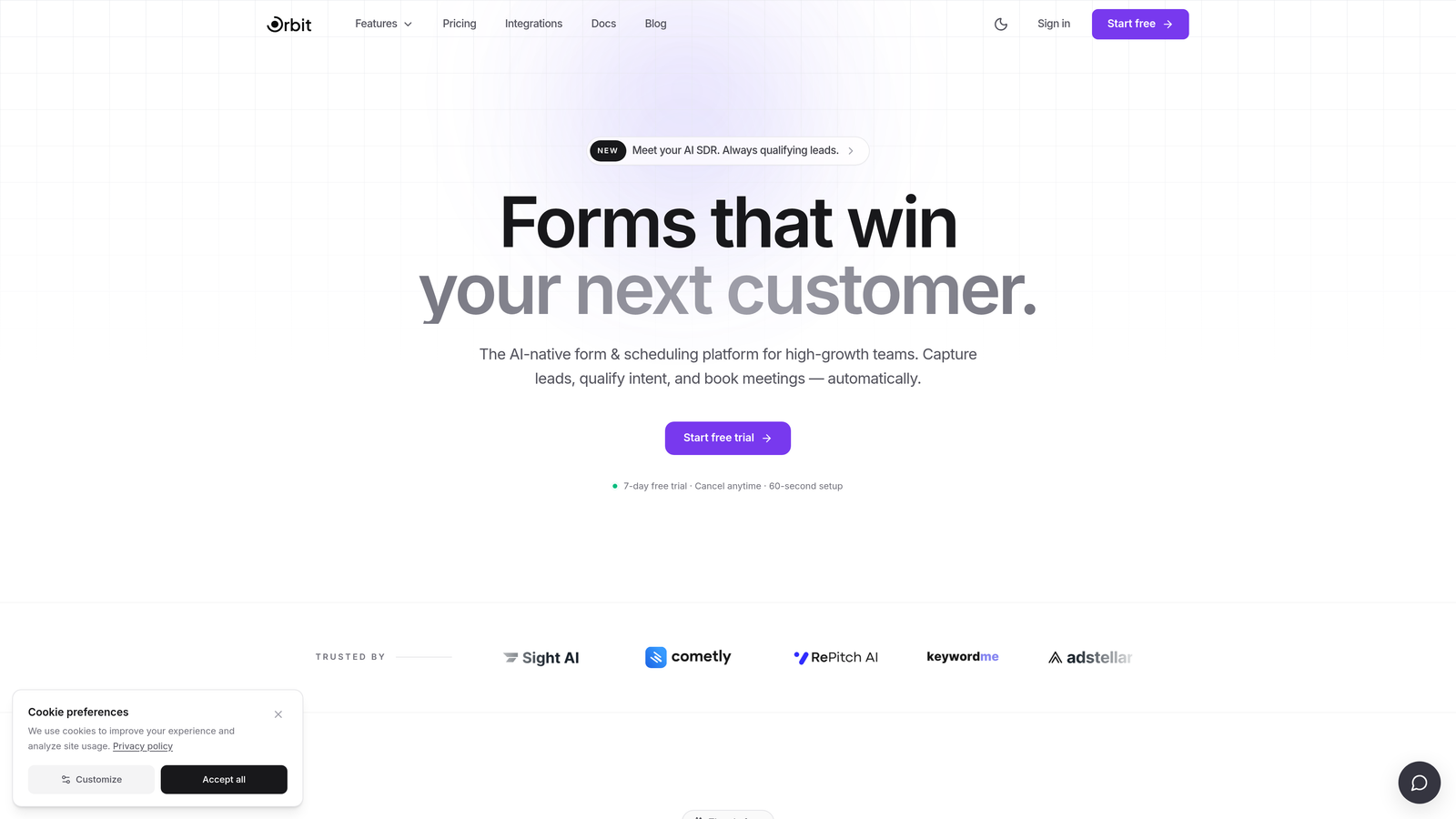
Orbit AI is an AI-powered form builder that qualifies and routes leads automatically at the point of submission, delivering the right context to the right Slack channel before your team even has time to ask "who's this?"
Where This Tool Shines
Most form builders treat Slack integration as a simple notification feature: someone submits, Slack pings. Orbit AI goes several steps further. It scores and segments leads at the moment of submission, then routes high-priority prospects to designated Slack channels based on that score or segment. Your enterprise leads land in #sales-enterprise, your SMB leads go to #sales-smb, and your team knows exactly what they're looking at before they even open the conversation.
The form design itself is built for conversion. Conversational, modern, and optimized for completion rates, Orbit AI forms feel less like a data collection exercise and more like the beginning of a real conversation. For SaaS teams running lead gen at scale, that combination of beautiful design and intelligent routing is a genuine differentiator.
Key Features
AI Lead Scoring and Qualification: Evaluates and scores leads at the point of form submission, so your team receives pre-qualified context with every notification.
Intelligent Slack Routing: Automatically sends high-priority leads to designated channels based on score or segment, eliminating manual triage entirely.
Real-Time Slack Alerts with Context: Notifications arrive with lead details included, so your team can act immediately without clicking through to a separate dashboard.
Conversational Form Design: Modern, conversion-optimized form flows designed to maximize completion rates for high-growth SaaS use cases.
SaaS Sales and Marketing Workflows: Purpose-built for the speed and complexity that fast-moving revenue teams actually need.
Best For
Orbit AI is the strongest fit for SaaS sales and marketing teams that need more than a notification. If your team is dealing with high lead volume, needs to route prospects to different reps or channels, or wants to automate lead routing without building a complex tech stack, this is the tool built for that exact problem.
Pricing
Visit orbitforms.ai for current plan details. Plans are designed for teams at different stages of growth.
2. Typeform
Best for: Marketing teams that want polished, conversational forms with straightforward Slack notifications
Typeform is a widely used conversational form builder known for its clean, one-question-at-a-time UX and solid integration ecosystem, including both native and Zapier-based Slack connections.

Where This Tool Shines
Typeform has built its reputation on form experiences that feel genuinely different. The one-question-at-a-time format reduces cognitive load for respondents and tends to produce higher completion rates on longer forms. For marketing teams running lead gen, NPS surveys, or onboarding questionnaires, that UX polish matters.
Its Slack integration covers the basics well: when a form is submitted, a notification fires to your chosen channel. For teams that need more sophisticated routing or conditional logic in their Slack alerts, the Zapier connection extends what's possible, though it does add a layer of setup and potential cost.
Key Features
Conversational One-Question-at-a-Time Flow: Reduces friction and improves completion rates on longer or more complex forms.
Native Slack Integration: Built-in submission notifications to designated Slack channels without requiring third-party middleware.
Logic Jumps and Conditional Branching: Personalizes the form experience based on how respondents answer earlier questions.
Strong Template Library: A broad selection of pre-built templates for lead gen, surveys, feedback, and more.
Zapier-Based Slack Automation: Extends Slack integration capabilities for teams that need more complex workflow triggers.
Best For
Typeform works well for marketing and growth teams that prioritize form aesthetics and respondent experience. It's a solid choice for lead gen, customer research, and brand-forward survey campaigns where the form itself reflects on your company's polish.
Pricing
Typeform offers a freemium model with paid tiers for advanced features. Verify current pricing at typeform.com.
3. Jotform
Best for: Teams that need deep conditional notification logic and a massive template library
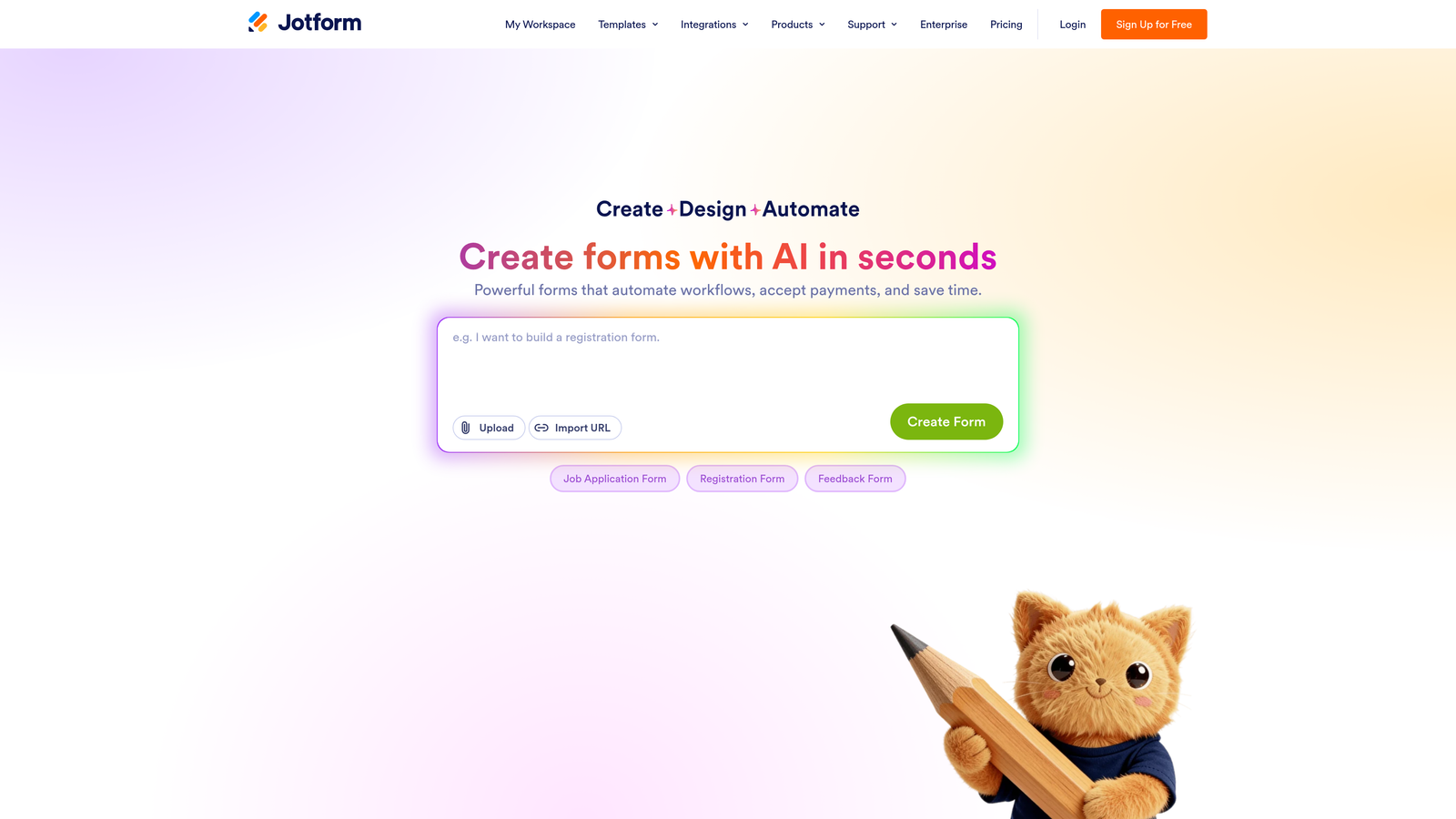
Jotform is one of the most feature-rich form builders available, with a native Slack integration that goes beyond simple notifications to support conditional alerting based on specific form answers.
Where This Tool Shines
Where Jotform stands out for Slack-connected workflows is its conditional notification logic. You can configure Slack alerts to fire only when a respondent selects a specific answer, meets a certain threshold, or falls into a particular category. For operations, support, and HR teams that need to filter signal from noise, this kind of conditional routing is genuinely useful.
Jotform also supports a wide range of form types beyond simple lead gen: payment collection, e-signatures, multi-step approval workflows, and more. It's a strong choice when your form needs to do more than capture data.
Key Features
Native Slack Integration with Custom Formatting: Send tailored notification messages to Slack channels with control over what information appears in the alert.
Conditional Slack Notifications: Trigger alerts only when specific answers or conditions are met, reducing noise in busy channels.
Extensive Template Library: Thousands of pre-built templates covering nearly every industry and use case imaginable.
Payments and E-Signatures: Collect payments and signatures directly within the form without requiring additional tools.
Multi-Step Approval Workflows: Route submissions through internal approval processes before taking action.
Best For
Jotform is well-suited for operations, HR, support, and cross-functional teams that need versatile forms with smart notification logic. It's particularly strong for teams managing high volumes of varied form types across multiple departments.
Pricing
Jotform offers a freemium model with paid plans for higher submission volumes and advanced features. Verify current pricing at jotform.com.
4. Tally
Best for: Startups and indie teams that want Slack integration on a generous free plan
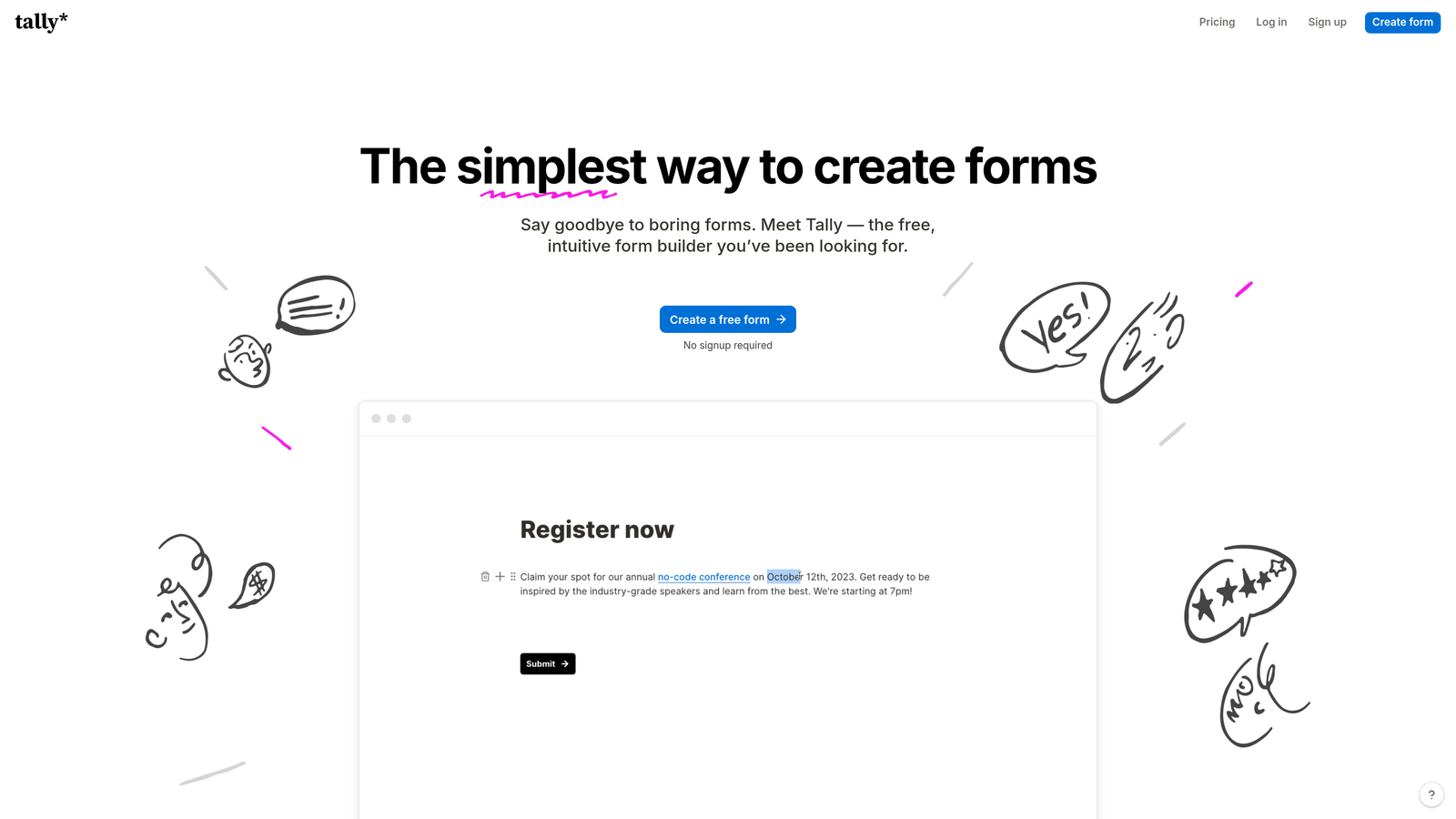
Tally is a minimalist, Notion-inspired form builder that punches well above its price point, offering webhook-based Slack integration even on its free tier.
Where This Tool Shines
Tally's appeal is its combination of simplicity and generosity. The free tier includes unlimited forms and unlimited responses, which is rare in this category. The Notion-style drag-and-drop editor feels immediately familiar to anyone already working in that ecosystem, and the forms themselves are clean and distraction-free.
The Slack integration works via incoming webhooks, which requires a bit more technical setup than a native integration but remains accessible to anyone comfortable with Slack's app settings. For lean teams or solo operators who don't want to pay for Zapier just to get a Slack notification, Tally's webhook approach is a practical and cost-effective solution.
Key Features
Webhook-Based Slack Integration: Available on the free plan, allowing Slack notifications without requiring a paid tier or third-party middleware.
Notion-Style Editor: Familiar drag-and-drop interface that feels intuitive for teams already using Notion.
Unlimited Forms and Responses on Free Tier: No submission caps or form limits on the free plan, making it genuinely usable without upgrading.
Lightweight Embed Options: Easily embed forms anywhere with minimal code.
Conditional Logic and Hidden Fields: Basic logic and personalization features available even at the free level.
Best For
Tally is the right pick for early-stage startups, indie hackers, and small teams that need functional Slack-connected forms without a monthly software bill. It's also a strong option for teams already embedded in the Notion ecosystem.
Pricing
Tally has a generous free tier with a Pro plan available for advanced features. Verify current pricing at tally.so.
5. Paperform
Best for: Agencies and creators who need branded, document-style form experiences with native Slack alerts
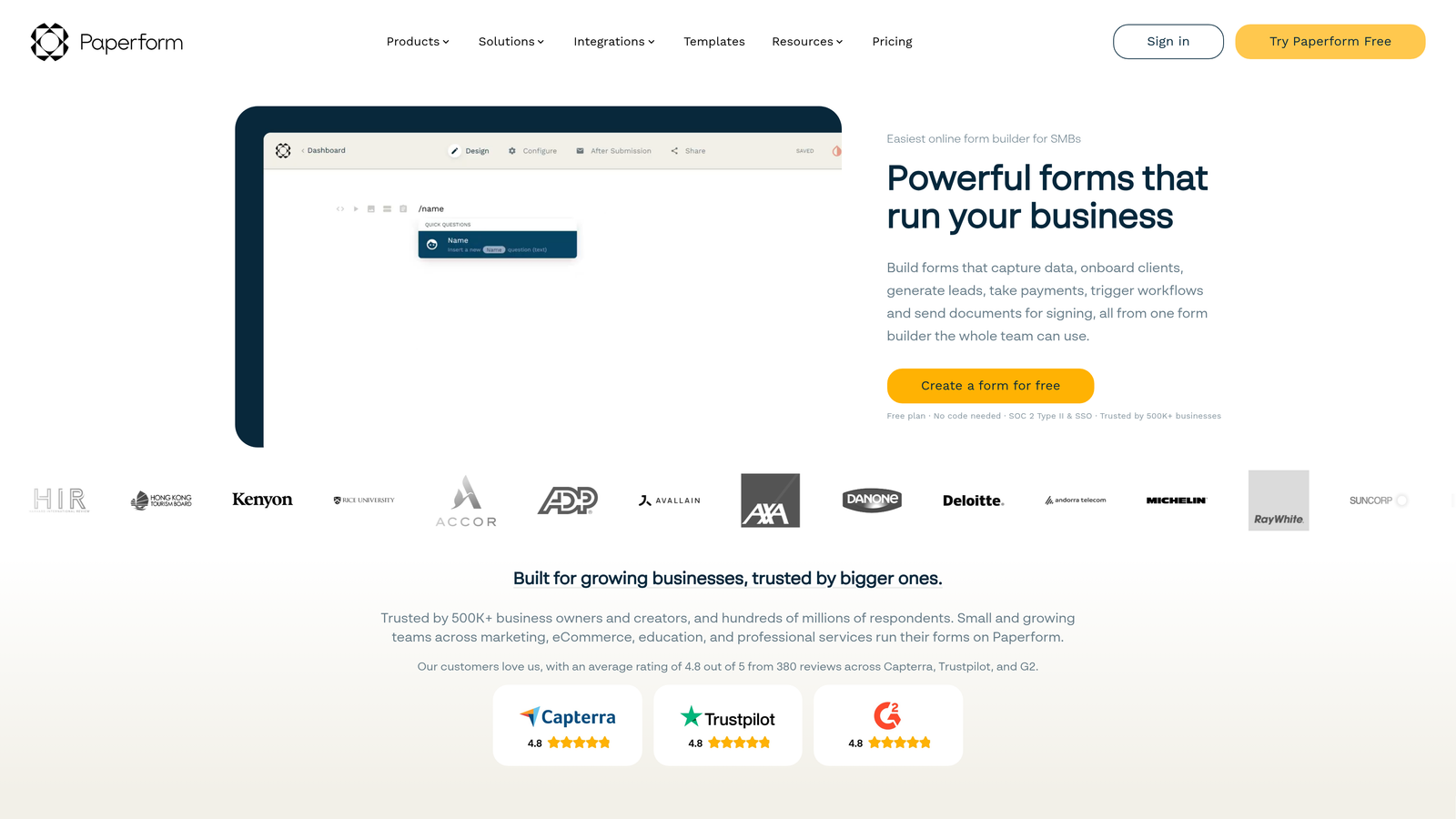
Paperform takes a distinctive approach to form building, blending form fields with rich content like text, images, and video on a single page, and backing it with native Slack integration on paid plans.
Where This Tool Shines
Paperform is the tool to reach for when the form itself needs to be part of the brand experience. Because you can combine form fields with rich editorial content on the same page, you can build something that looks and reads like a landing page while still capturing structured data. For agencies building client-facing intake forms or coaches running discovery calls through a form, that flexibility is hard to match.
The native Slack integration on paid plans covers submission notifications reliably. Combined with Paperform's strong conditional logic and built-in payment collection, it's a capable end-to-end solution for teams that want to consolidate tools.
Key Features
Native Slack Integration: Available on paid plans for reliable submission notifications without third-party dependencies.
Rich Content and Form Fields on One Page: Combine text, images, video, and form inputs in a document-style layout for branded experiences.
Conditional Logic and Calculation Fields: Build smart forms that adapt based on responses and calculate values dynamically.
Built-In Payment Collection: Accept payments directly through forms without requiring a separate integration.
Flexible Design Customization: High degree of visual control for agencies and teams with specific brand requirements.
Best For
Paperform is best suited for agencies, consultants, coaches, and marketing teams that need forms to look and feel like polished brand assets. It's also a good fit for teams that want to consolidate form building, landing page creation, and payment collection into a single tool.
Pricing
Paperform is paid-only with no permanent free tier. Verify current plan pricing at paperform.co.
6. Formstack
Best for: Mid-market and enterprise teams with complex routing needs and compliance requirements
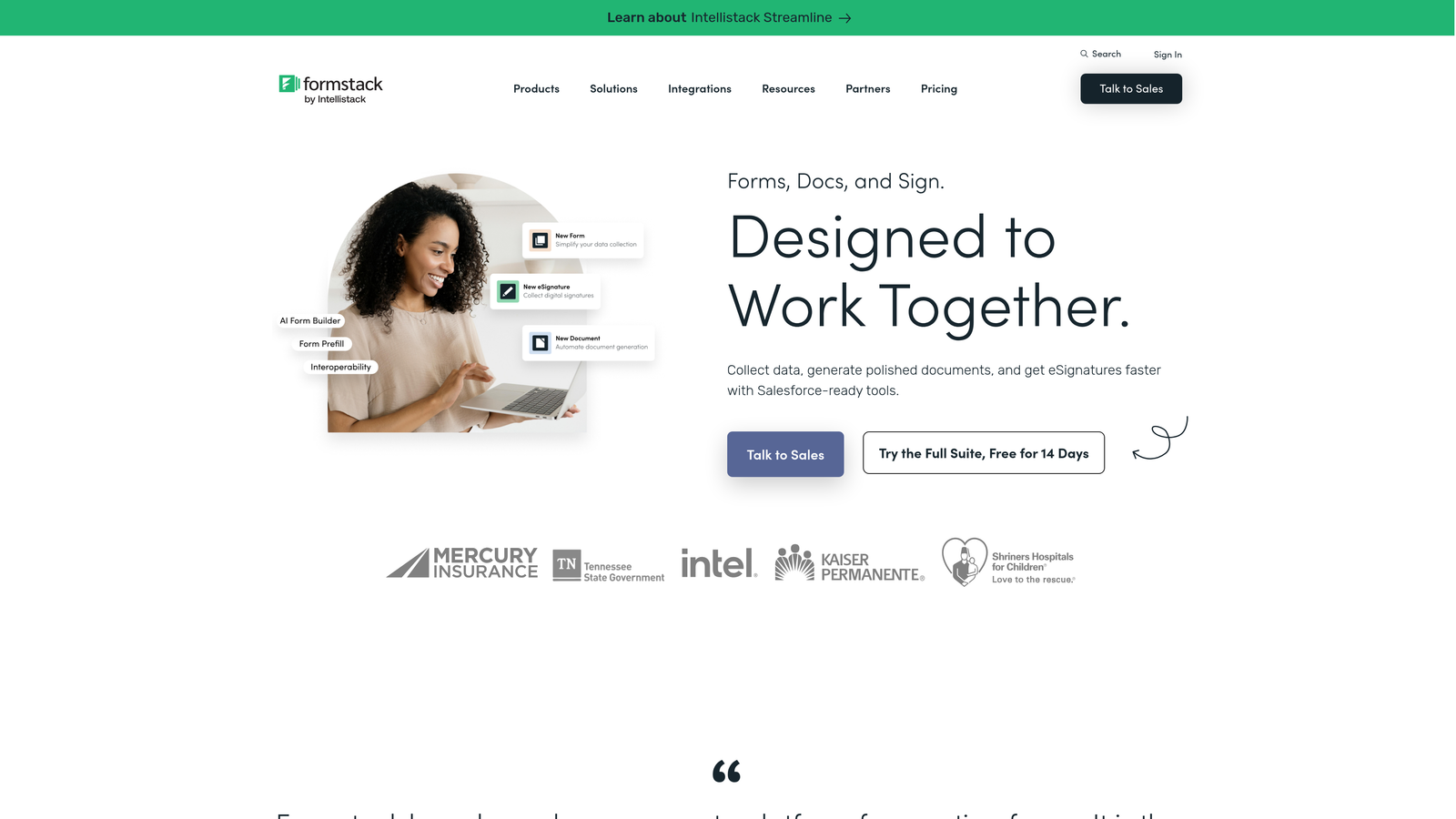
Formstack is an enterprise-grade form and workflow automation platform with Slack integration built to support complex approval workflows and compliance-sensitive environments.
Where This Tool Shines
Formstack operates at a different level of complexity than the other tools on this list. Its Slack integration connects not just to simple submission notifications, but to broader multi-step approval workflows, meaning a form submission can trigger a chain of actions across teams before a final notification lands in Slack. For organizations managing regulated data or complex internal processes, that depth matters.
The platform also includes HIPAA-compliant options, document generation, and e-signature capabilities, making it one of the few form tools that can serve healthcare, legal, and financial services teams without requiring a separate compliance stack.
Key Features
Slack Integration for Notifications and Workflow Triggers: Connects Slack to multi-step approval workflows, not just simple submission alerts.
Advanced Conditional Logic: Sophisticated branching and routing logic for complex internal processes.
HIPAA-Compliant Options: Suitable for healthcare and other regulated industries that require data handling compliance.
Document Generation and E-Signatures: Create and collect signed documents directly within the platform.
Enterprise Workflow Automation: Designed for mid-market and enterprise teams managing high-stakes, multi-stakeholder processes.
Best For
Formstack is the right choice for enterprise and mid-market organizations that need compliance-grade features, complex approval routing, and deep workflow automation. It's overkill for most startups but well-suited for regulated industries and large operations teams.
Pricing
Formstack is priced at the higher end of the market, reflecting its enterprise feature set. Verify current pricing at formstack.com.
Which Tool Is Right for Your Team?
The best form builder with Slack integration depends entirely on what you need Slack to actually do for your team. Here's a quick way to think about it.
If you're a SaaS sales or marketing team focused on lead qualification and fast response, Orbit AI is the clear standout. Its AI-powered scoring, intelligent channel routing, and conversion-optimized form design make it the only tool on this list built specifically for that problem. It's not just a notification tool; it's a lead qualification layer that sits at the top of your funnel.
For marketing teams that prioritize form aesthetics and respondent experience, Typeform delivers a polished conversational flow with reliable Slack notifications. If you need versatile forms with conditional Slack alerting across multiple departments, Jotform offers the deepest feature set at a competitive price point.
Tally is the obvious pick for lean teams and startups that want Slack-connected forms without a monthly bill. Paperform wins for agencies and creators who need forms that look like brand experiences. And Formstack is the enterprise choice when compliance, document generation, and complex approval workflows are non-negotiable.
Whatever tool you choose, the underlying principle is the same: the faster your team can act on a qualified lead, the better your conversion outcomes. If you want to go deeper on building that system, explore our guides on how to improve lead quality and building a lead qualification framework for sales.
Ready to see what AI-powered qualification looks like in practice? Start building free forms today and experience how intelligent form design can transform your lead generation from a passive inbox exercise into an active, real-time revenue workflow.


