

When your forms collect health information, financial details, legal disclosures, or personal identifiers, a pretty interface isn't enough. You need airtight security baked into every layer of the experience. The wrong form builder can expose your business to compliance violations, data breaches, and broken user trust that's nearly impossible to rebuild.
The right one handles encryption, access controls, and regulatory frameworks without slowing your team down. Each tool in this guide was evaluated on SSL/TLS encryption, GDPR and HIPAA compliance posture, data storage practices, access controls, and overall suitability for high-stakes data collection. Whether you're a SaaS company collecting lead qualification data, a healthcare provider gathering patient intake information, or a legal firm handling client disclosures, there's a right fit here for your workflow.
1. Orbit AI
Best for: High-growth SaaS and B2B teams that need security and AI-powered lead qualification together.
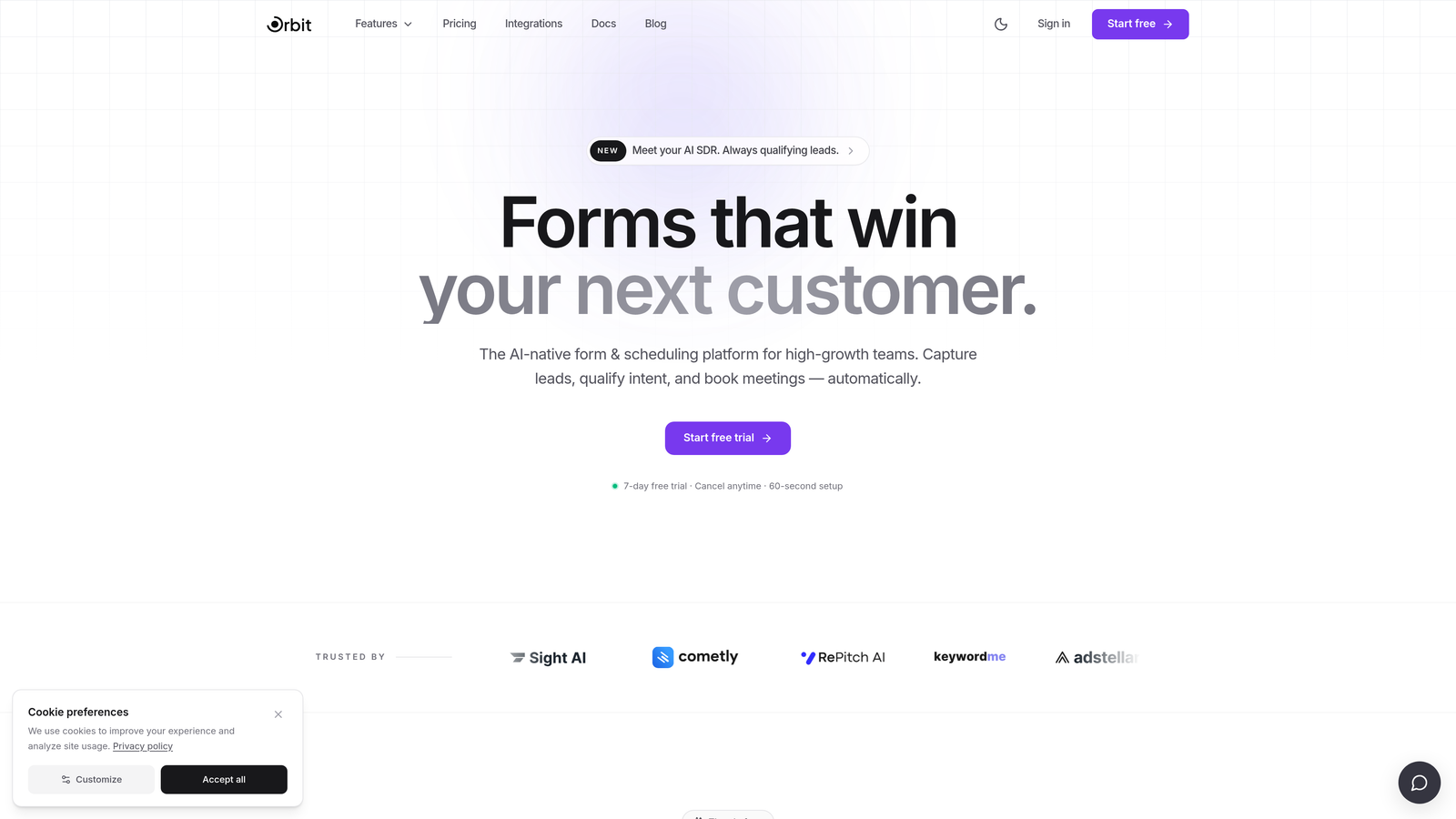
Orbit AI is an AI-powered form builder that combines conversion-optimized design with intelligent lead qualification and solid data security practices.
Where This Tool Shines
Most secure form builders force you to choose between compliance and conversion. Orbit AI is built around the idea that you shouldn't have to. It's designed specifically for high-growth teams collecting sensitive prospect data like job title, company size, and budget, where that data needs to be both protected and immediately actionable.
The AI-powered lead qualification layer is what separates Orbit AI from a standard form builder. Rather than just collecting and storing responses, the platform helps you understand and act on the data as it comes in, making it particularly valuable for SaaS teams running lead generation campaigns where speed-to-insight matters as much as data integrity.
Key Features
AI-Powered Lead Qualification: Intelligent qualification is built directly into the form experience, helping teams prioritize and act on incoming leads without manual review.
Conversion-Optimized Form Design: Purpose-built for high-stakes data collection scenarios where form completion rates directly affect pipeline and revenue.
Secure Data Handling: Encryption and access controls are built into the platform to protect sensitive prospect and customer data at every stage.
Conditional Logic and Dynamic Fields: Progressive data collection through smart branching keeps forms concise while gathering the depth of information your team needs.
CRM and Marketing Automation Integrations: Connects directly with the tools your team already uses, so qualified lead data flows into your workflows automatically.
Best For
Orbit AI is the strongest fit for SaaS companies, B2B marketing teams, and high-growth businesses that treat lead qualification as a core part of their data collection strategy. If you need your form builder to do more than store responses, and you want security without sacrificing conversion performance, this is the tool to evaluate first.
Pricing
Visit orbitforms.ai for current pricing and plan details, as plans are updated regularly to reflect new features and team tiers.
2. Typeform
Best for: Marketing and lead generation teams in non-healthcare contexts needing GDPR compliance and EU data residency.
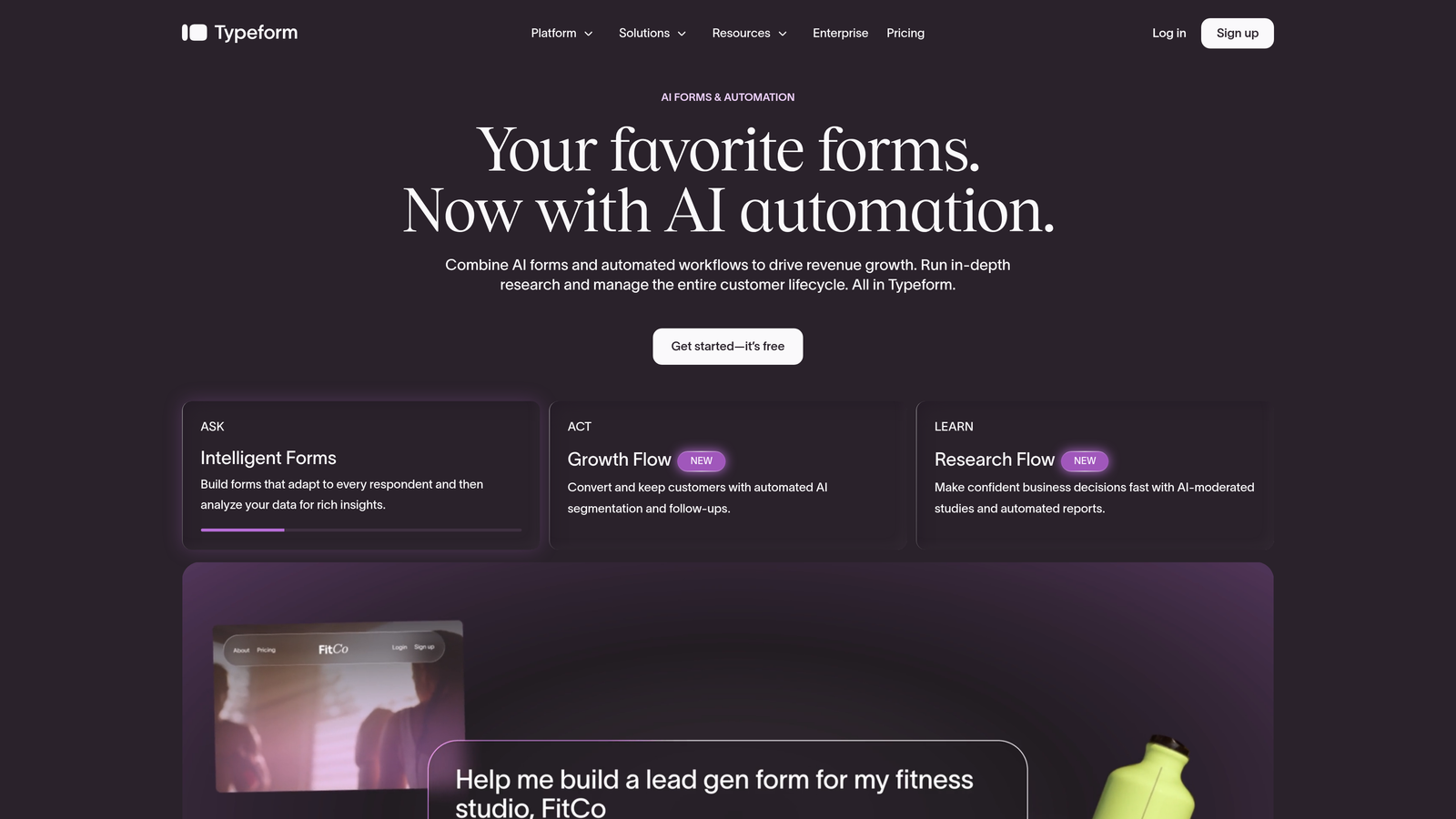
Typeform is a conversational form builder known for its engaging one-question-at-a-time interface, with solid GDPR compliance tooling and EU data residency options.
Where This Tool Shines
Typeform's signature conversational format makes it one of the more engaging ways to collect sensitive data without overwhelming respondents. For teams running NPS surveys, client intake forms, or lead generation campaigns where user experience is a priority, the interface genuinely reduces form abandonment.
On the compliance side, Typeform offers Data Processing Agreements and EU data storage options, making it a reasonable choice for European teams or any organization with GDPR obligations. That said, it's worth noting clearly: Typeform does not natively support HIPAA compliance, so it's not appropriate for collecting protected health information.
Key Features
GDPR Compliance with DPA Availability: Data Processing Agreements are available, and the platform is built with European data privacy requirements in mind.
EU Data Storage Options: Teams with European data residency requirements can store responses within EU infrastructure.
Consent Fields and Privacy Configuration: Built-in tools for adding consent checkboxes and configuring privacy-focused form settings.
Logic Jumps and Conditional Branching: Smart routing ensures respondents only see relevant questions, keeping sensitive data collection targeted.
Wide Integration Ecosystem: Connects with major CRM and marketing automation platforms for seamless data flow downstream.
Best For
Typeform works well for marketing teams, researchers, and customer success teams collecting sensitive but non-medical data. It's a strong choice when form completion experience is a priority and GDPR compliance is the primary regulatory concern. Teams in healthcare or those handling PHI should look elsewhere.
Pricing
A free plan is available with limited responses. Paid plans unlock higher response limits and advanced features. Check typeform.com for current pricing.
3. Jotform
Best for: Healthcare providers, HR teams, and any organization requiring signed BAAs and verified HIPAA compliance.
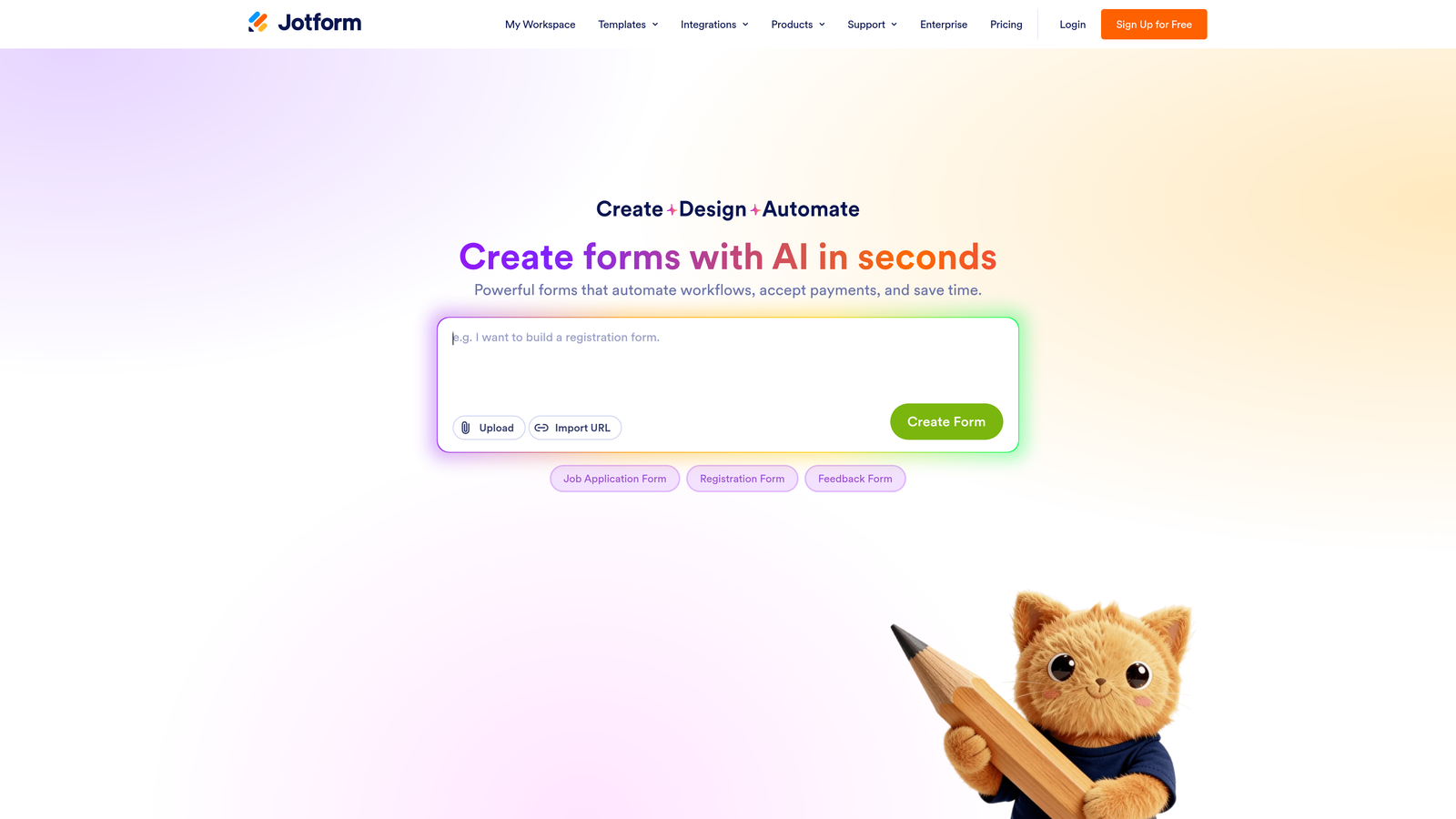
Jotform is one of the most established HIPAA-compliant form builders available, offering signed Business Associate Agreements, encrypted submissions, and SOC 2 Type II certification.
Where This Tool Shines
When compliance documentation matters as much as the tool itself, Jotform delivers. It's one of the few form builders that will actually sign a BAA with you, which is a non-negotiable requirement for any organization collecting protected health information under HIPAA. That signed agreement, combined with SOC 2 Type II certification, gives compliance and legal teams real documentation to work with.
Beyond healthcare, Jotform's breadth of templates makes it genuinely useful for HR departments handling sensitive employee data and legal teams managing client intake. The platform has clearly invested in regulated-industry use cases, and it shows in both the feature set and the available support resources.
Key Features
HIPAA Compliance with Signed BAA: Business Associate Agreements are available on qualifying plans, making PHI collection legally defensible.
SOC 2 Type II Certified Infrastructure: Third-party audited security controls provide verifiable assurance for enterprise and regulated-industry teams.
Encrypted Form Submissions and Storage: Data is protected both in transit and at rest, meeting the expectations of healthcare and enterprise compliance teams.
GDPR Compliance Tools: Data processing controls and deletion capabilities support European privacy obligations alongside HIPAA requirements.
Extensive Template Library: Hundreds of templates specifically designed for medical intake, HR processes, and legal data collection accelerate deployment.
Best For
Jotform is the go-to for healthcare organizations, HR departments, and any team where HIPAA compliance is a hard requirement. It's also well-suited to enterprise teams that need both GDPR and HIPAA coverage from a single platform with documented certifications.
Pricing
A free plan is available, but HIPAA compliance features are gated to higher-tier plans. Check jotform.com for current plan details and HIPAA-specific pricing.
4. Formstack
Best for: Mid-market and enterprise teams in regulated industries needing forms, documents, and e-signatures in one compliant platform.
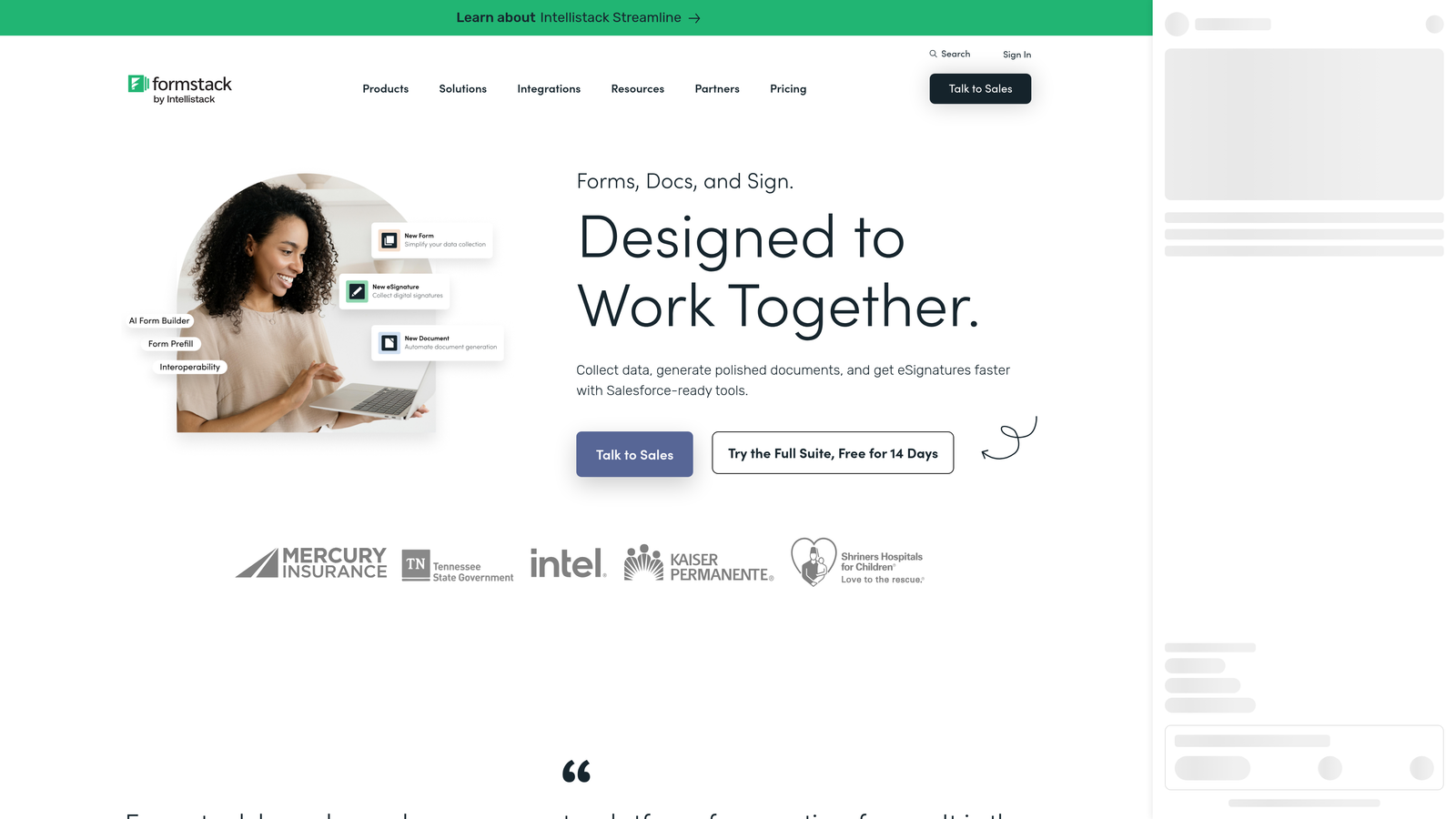
Formstack is an enterprise-grade platform combining HIPAA-compliant forms with document generation and e-signature capabilities, purpose-built for regulated industries.
Where This Tool Shines
Formstack goes beyond form building. For regulated industries where data collection is just the first step in a longer workflow, the platform's combination of forms, document generation, and e-signatures under one compliant roof is genuinely valuable. Think patient intake that flows directly into a signed consent document, or client onboarding that moves from data collection to executed agreement without leaving the platform.
The Salesforce-native version is particularly relevant for enterprise teams already operating within that ecosystem. Role-based access controls and audit logs give compliance officers the visibility they need, and the SOC 2 Type II certification and BAA availability mean the documentation is there when regulators ask for it.
Key Features
HIPAA Compliance with BAA Availability: Qualifying plans include signed Business Associate Agreements for organizations handling protected health information.
SOC 2 Type II Certified: Third-party audited security posture appropriate for enterprise procurement and compliance review processes.
Integrated Document Generation and E-Signatures: End-to-end workflow support from data collection through to signed documents, all within one compliant platform.
Role-Based Access Controls and Audit Logs: Granular permission management and full audit trails for regulated environments with strict data governance requirements.
Salesforce-Native Version: Purpose-built integration for enterprise teams managing sensitive data inside Salesforce CRM infrastructure.
Best For
Formstack is best suited for mid-market and enterprise organizations in healthcare, legal, financial services, or any regulated industry where multi-step workflows and compliance documentation are daily requirements. It's more expensive than most alternatives, which reflects its enterprise positioning.
Pricing
Formstack is positioned at mid-market to enterprise price points. Check formstack.com for current plan details and to request a demo for enterprise pricing.
5. Paperform
Best for: Small teams and agencies needing design flexibility, clear data ownership, and solid baseline security without enterprise complexity.
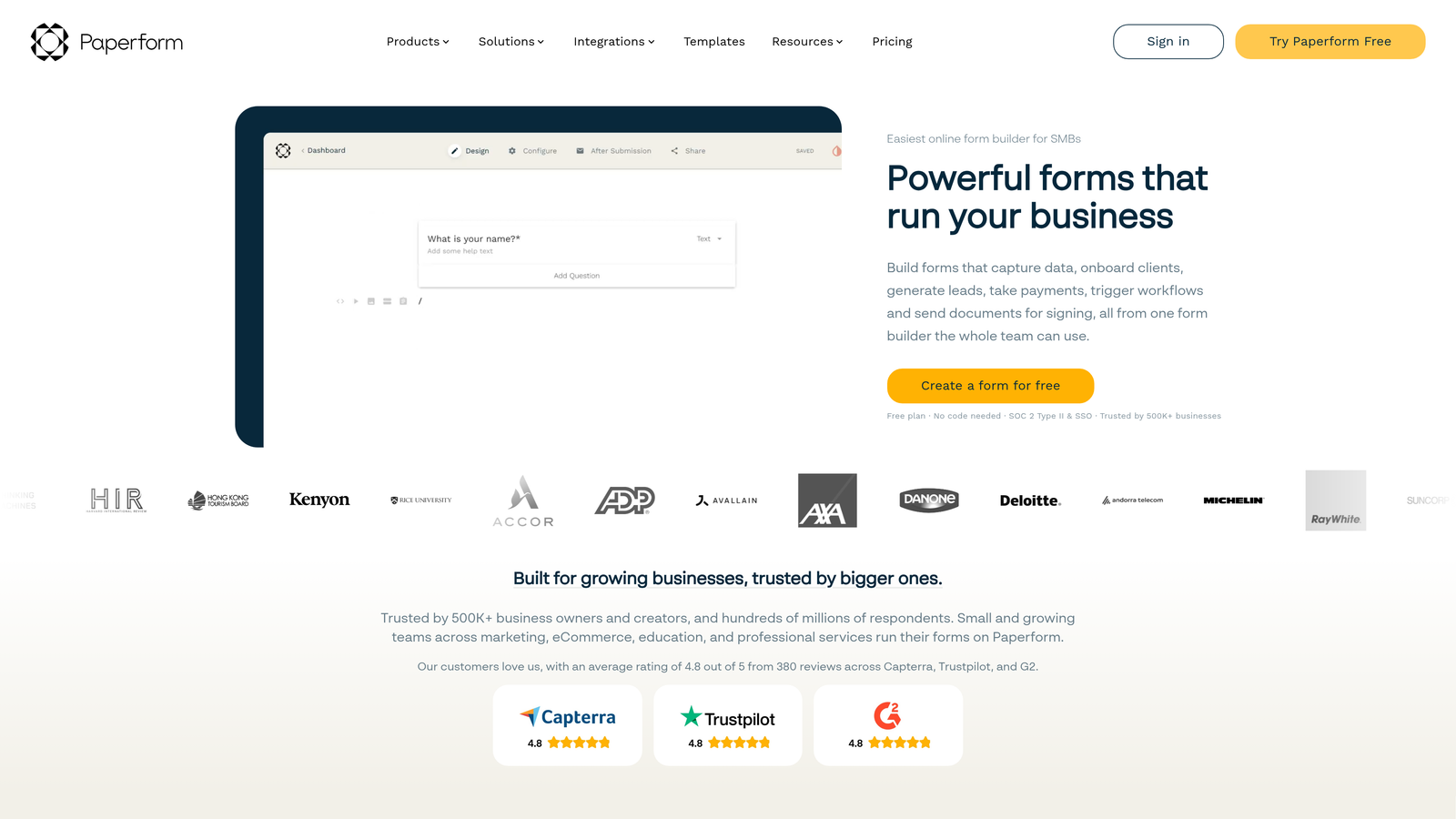
Paperform is a flexible, design-forward form builder with solid baseline security, GDPR compliance, and clear data ownership policies.
Where This Tool Shines
Paperform occupies a useful middle ground: more design flexibility than most compliance-focused tools, and more security transparency than most design-focused ones. For agencies building client-facing forms or small businesses collecting moderately sensitive data like booking information, client intake details, or payment data, it strikes a practical balance.
One thing worth highlighting is Paperform's clear stance on data ownership: your data is yours, full stop. That kind of explicit policy matters when you're collecting sensitive client information and need to be confident about how the platform handles it. It's GDPR compliant, though like Typeform and Tally, it does not offer HIPAA compliance, so it's not appropriate for healthcare use cases.
Key Features
SSL Encryption on All Forms: All data in transit is protected by SSL encryption as a baseline across every plan.
GDPR Compliance with Clear Data Ownership: Data ownership is explicitly assigned to the user, with GDPR-compliant data handling practices in place.
Flexible Design System: Highly customizable form design for branded, client-facing experiences that need to match a specific visual identity.
Conditional Logic and Multi-Step Forms: Smart branching and multi-page form support for collecting sensitive data progressively without overwhelming respondents.
Payment Integrations: Supports transactional data collection with payment processor integrations for sensitive financial form scenarios.
Best For
Paperform is an excellent fit for freelancers, agencies, and small-to-medium businesses that need polished, branded forms with solid baseline security. It's well-suited for client intake, booking forms, and order forms where GDPR compliance is required but HIPAA is not a factor.
Pricing
Paperform does not offer a permanent free plan. Paid plans are available at different tiers. Check paperform.co for current pricing details.
6. Tally
Best for: Lean teams and budget-conscious users with basic secure data collection needs and no HIPAA requirements.
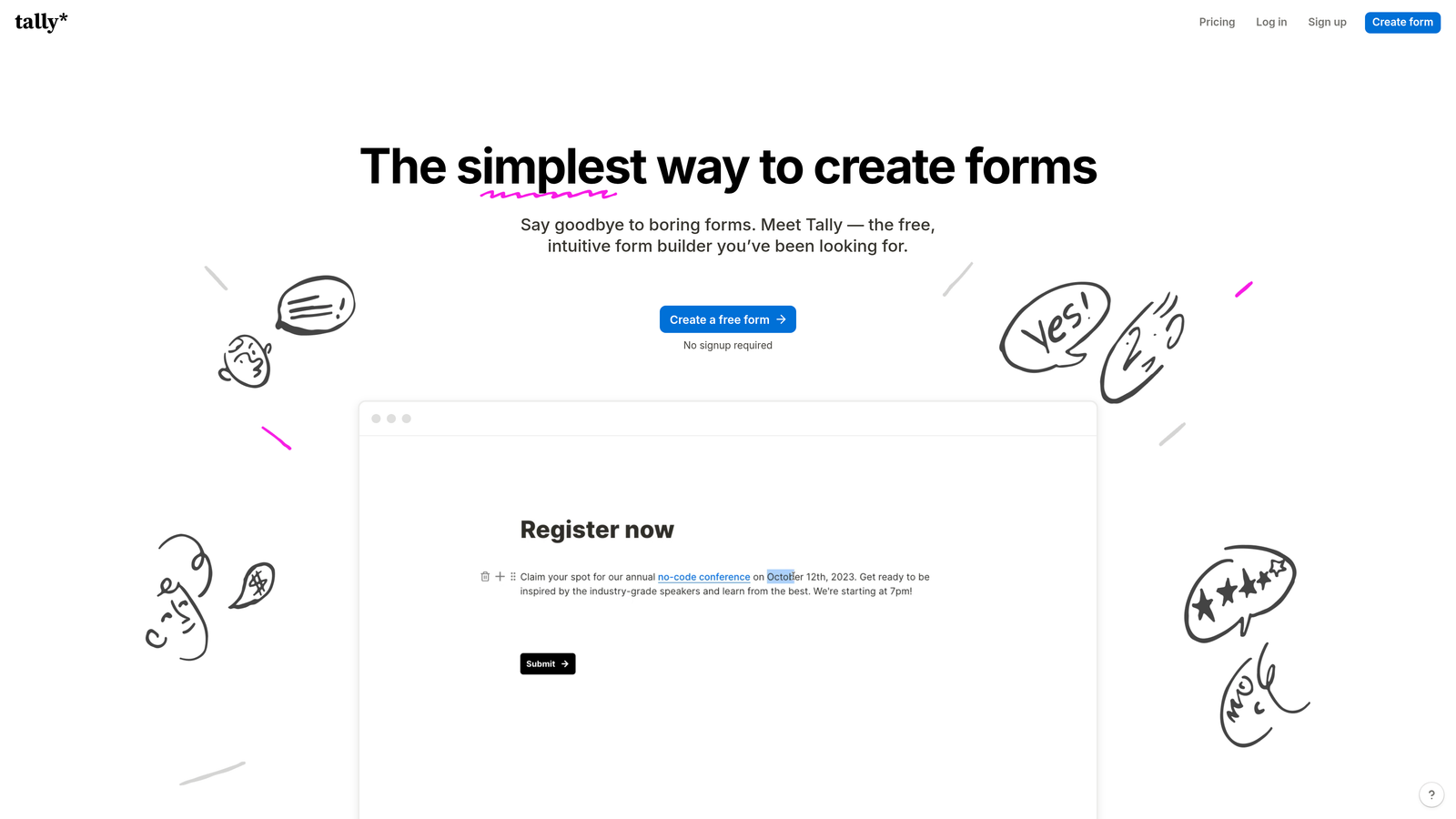
Tally is a clean, minimal form builder with transparent privacy practices and GDPR-compliant infrastructure, built around a genuinely useful free plan.
Where This Tool Shines
Tally's appeal is its honesty and simplicity. The platform is transparent about its privacy practices, explicit about not selling user data, and straightforward in how it communicates what it does and doesn't offer. For lean teams, researchers, and indie operators collecting sensitive but non-medical data, that transparency is genuinely reassuring.
The free plan is one of the most generous in the category, offering unlimited forms and responses without the artificial limitations that push users toward paid tiers. For teams that need to collect contact information, run applications, or gather feedback with a basic level of security, Tally delivers without unnecessary complexity or cost.
Key Features
GDPR-Compliant Data Handling: Infrastructure and data practices are built to meet GDPR requirements, with a clear no-data-selling policy.
SSL Encryption on All Submissions: All form responses are encrypted in transit as a standard feature across all plans including free.
Transparent Privacy Practices: Tally is straightforward about how data is handled, stored, and protected, which matters when collecting sensitive information.
Unlimited Forms and Responses on Free Plan: One of the most generous free tiers in the form builder market, making it accessible for lean teams and early-stage projects.
Conditional Logic and Embedding: Basic branching logic and flexible embedding options for deploying forms across websites, apps, and workflows.
Best For
Tally is the right choice for indie hackers, researchers, nonprofit teams, and early-stage startups that need basic secure data collection without a significant budget commitment. It's not suitable for healthcare or any context requiring HIPAA compliance, but for GDPR-covered general data collection, it's hard to beat on value.
Pricing
Tally offers a generous permanent free plan with unlimited forms and responses. A Pro plan unlocks advanced features. Check tally.so for current pricing.
Choosing the Right Tool for Your Situation
Security features should be non-negotiable regardless of your budget or team size. The consequences of collecting sensitive data on an inadequately secured platform, whether that's a GDPR violation, a HIPAA breach, or simply losing a client's trust, are real and often disproportionate to the cost of getting it right upfront.
Here's how to think about the decision based on your specific context:
Healthcare teams and PHI collection: Jotform and Formstack are your two strongest options. Both offer signed BAAs and SOC 2 Type II certification. Formstack is the better fit if you need multi-step workflows with document generation and e-signatures. Jotform is more accessible for smaller healthcare organizations and clinics.
SaaS and high-growth B2B teams: Orbit AI is built for this exact use case. The combination of data security and AI-powered lead qualification means you're not just protecting your data, you're actively extracting value from it. For teams where lead quality and conversion performance are as important as compliance, it's the most purpose-fit option in this list.
Small teams, agencies, and budget-conscious users: Tally and Paperform both deliver solid baseline security without enterprise pricing. Tally's free plan makes it the easiest starting point. Paperform is worth the investment if design quality and client-facing polish matter to your brand.
GDPR-first teams in European markets: Typeform's EU data residency options and mature GDPR tooling make it a strong contender for marketing and research teams operating primarily in European contexts.
Before committing to any tool, verify its specific compliance certifications directly with the vendor. Compliance postures change, certifications expire, and the details of what's included on which plan matter more than the headline claims on a marketing page.
If you're a high-growth team ready to move beyond basic form collection and start qualifying leads intelligently while keeping your data secure, Book a demo and see how Orbit AI's combination of AI-powered qualification and conversion-optimized design can transform what your forms actually do for your business.


