

If your forms need to do math, a standard drag-and-drop builder will leave you stuck. Whether you're building a real-time pricing estimator, a lead scoring quiz, a BMI calculator, or an ROI tool, you need calculated fields: dynamic logic that processes user inputs on the fly and surfaces a meaningful result without requiring a developer to wire it all together.
Not all form builders handle calculations equally well. Some offer basic arithmetic on number fields. Others support complex expression engines with conditional formulas, repeating sections, and running totals. And a handful go further, combining calculated outputs with lead qualification logic that helps your team prioritize follow-up automatically.
This guide covers the top form builders with calculated fields in 2026, evaluated on calculation power, ease of setup, conditional logic depth, and conversion performance. Whether you're a SaaS team building a pricing page estimator, an agency creating client intake forms, or a developer looking for a free workaround, there's a fit here for you.
1. Orbit AI
Best for: SaaS and B2B teams combining real-time calculations with AI-powered lead qualification
Orbit AI is an AI-powered form builder that pairs real-time calculated fields with intelligent lead scoring, built specifically for high-growth teams that want their forms to do more than collect data.

Where This Tool Shines
Most form builders treat calculated fields and lead qualification as separate problems. Orbit AI connects them. As a respondent fills out a pricing estimator or assessment form, the platform scores their inputs in real time, qualifying or disqualifying leads before they ever hit submit. This means your sales team receives enriched, pre-scored leads rather than raw form submissions.
The form design is clean and conversion-optimized by default, which matters when your form is the first touchpoint in a sales funnel. You're not fighting against a clunky UI to get something that looks professional.
Key Features
Real-Time Calculated Fields: Build pricing estimators, scoring tools, and estimation forms that update outputs as users interact.
AI-Powered Lead Qualification: Automatically scores respondents based on their inputs, so your team focuses on the highest-value leads first.
Conditional Logic on Calculated Results: Show or hide fields, sections, or messages based on what the calculation produces, not just what the user selected.
Conversion-Optimized Design: Modern, clean form UI designed to reduce friction and improve completion rates out of the box.
CRM and Marketing Stack Integrations: Connect form submissions and lead scores directly to your existing tools without extra middleware.
Best For
Orbit AI is the strongest fit for SaaS teams, B2B marketers, and growth-focused businesses that want calculated fields and lead qualification working together. If your form is a core part of your acquisition funnel, this is built for that exact use case.
Pricing
Visit orbitforms.ai for current pricing details. A free plan is available to get started.
2. Typeform
Best for: Conversational quizzes, marketing assessments, and branded lead capture forms
Typeform is a conversational form builder known for its polished one-question-at-a-time experience, with score variables and hidden field math built in.

Where This Tool Shines
Typeform's score variable system is well-suited for quiz-style forms where points accumulate across multiple answers. You can build personality assessments, product recommendation quizzes, or lead scoring tools that feel like a conversation rather than a data collection exercise.
The tradeoff is that calculation capabilities are less flexible than dedicated formula-based tools. You're working with score accumulation and hidden field logic rather than a full expression engine. For marketing-driven use cases, that's usually enough.
Key Features
Score Variables: Accumulate points across answers to build quiz scores or lead qualification logic.
Hidden Fields: Pass and manipulate data behind the scenes to support more complex calculation flows.
Conditional Logic: Branch the form experience based on calculated scores or selected values.
Polished UX: One-question-at-a-time format that tends to drive higher completion rates for longer forms.
Native Integrations: Connects directly with HubSpot, Salesforce, and Zapier for lead routing and CRM sync.
Best For
Marketing teams building branded quizzes, product recommendation tools, or audience segmentation assessments. Less suited for complex multi-variable pricing calculators where formula precision matters.
Pricing
Free plan available with limited responses. Paid plans start at $25/month, with higher tiers unlocking more logic features and response volume.
3. Jotform
Best for: Feature-rich calculation needs across e-commerce, operations, and multi-step forms
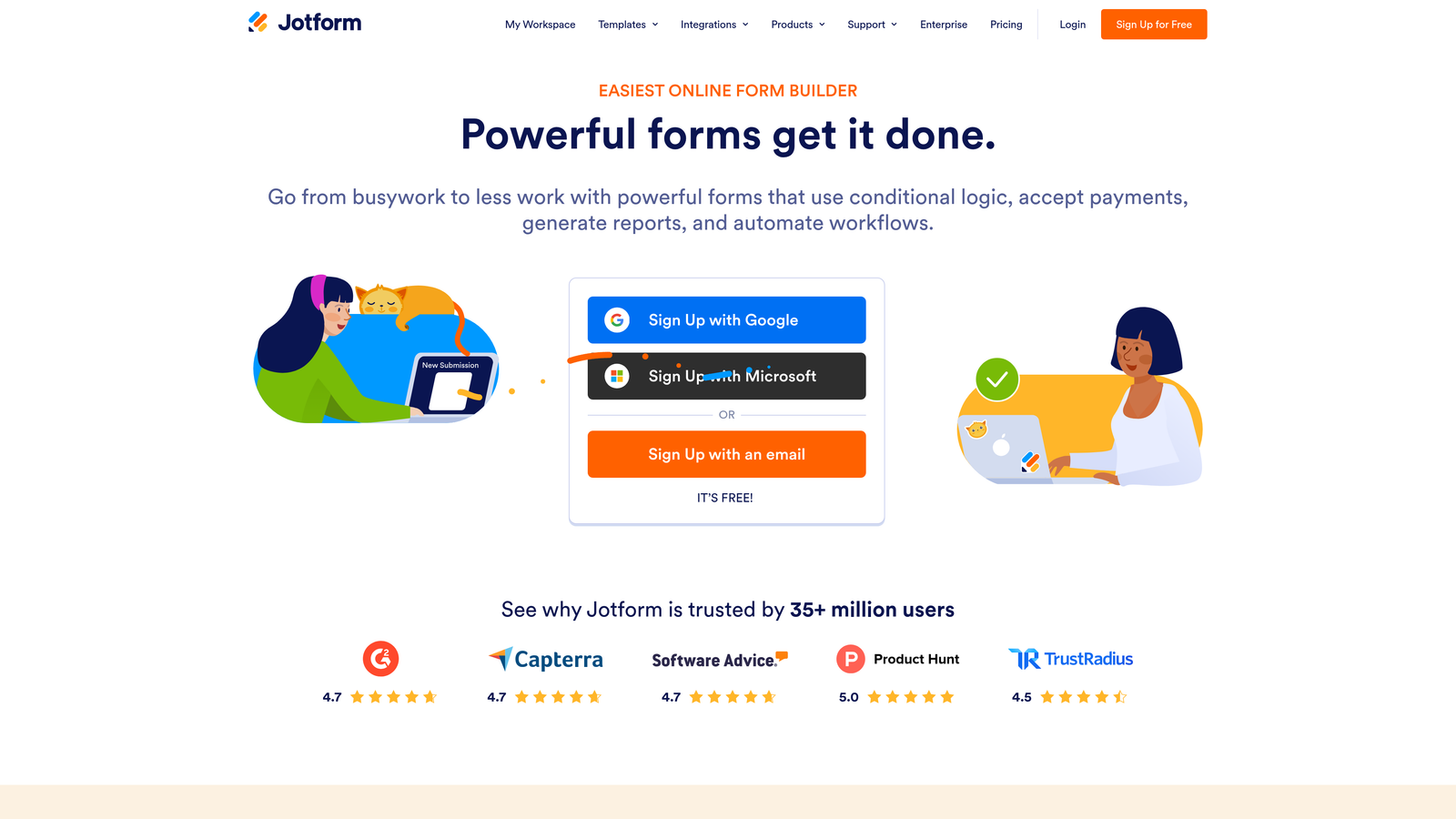
Jotform is one of the most comprehensive form builders available, with a dedicated Form Calculation widget that handles complex mathematical formulas across multi-step forms.
Where This Tool Shines
Jotform's calculation widget goes beyond basic arithmetic. You can use functions like min, max, round, and conditional expressions, making it viable for more sophisticated use cases like tiered pricing, registration fee calculators with conditional discounts, or booking forms that calculate totals based on duration and quantity.
The template library is extensive, with thousands of pre-built forms including quote generators and cost estimators that you can adapt rather than build from scratch.
Key Features
Form Calculation Widget: A dedicated formula builder that supports a wide range of mathematical functions and conditional logic.
Math Functions: Includes min, max, round, and conditional expressions for more nuanced calculation scenarios.
Payment Calculation Fields: Calculates totals for e-commerce checkouts, bookings, and service orders in real time.
Repeating Sections with Totals: Add line items dynamically and track running totals across the entire form.
5,000+ Templates: Includes pre-built quote forms, estimate generators, and order forms ready to customize.
Best For
Operations teams, e-commerce businesses, and service providers who need robust calculation support without writing custom code. Also strong for teams that want to move fast using pre-built templates.
Pricing
Free plan available with core features. Paid plans start at $34/month, with higher tiers for more submissions, storage, and team access.
4. Gravity Forms
Best for: WordPress sites needing native calculation fields with developer-level customization
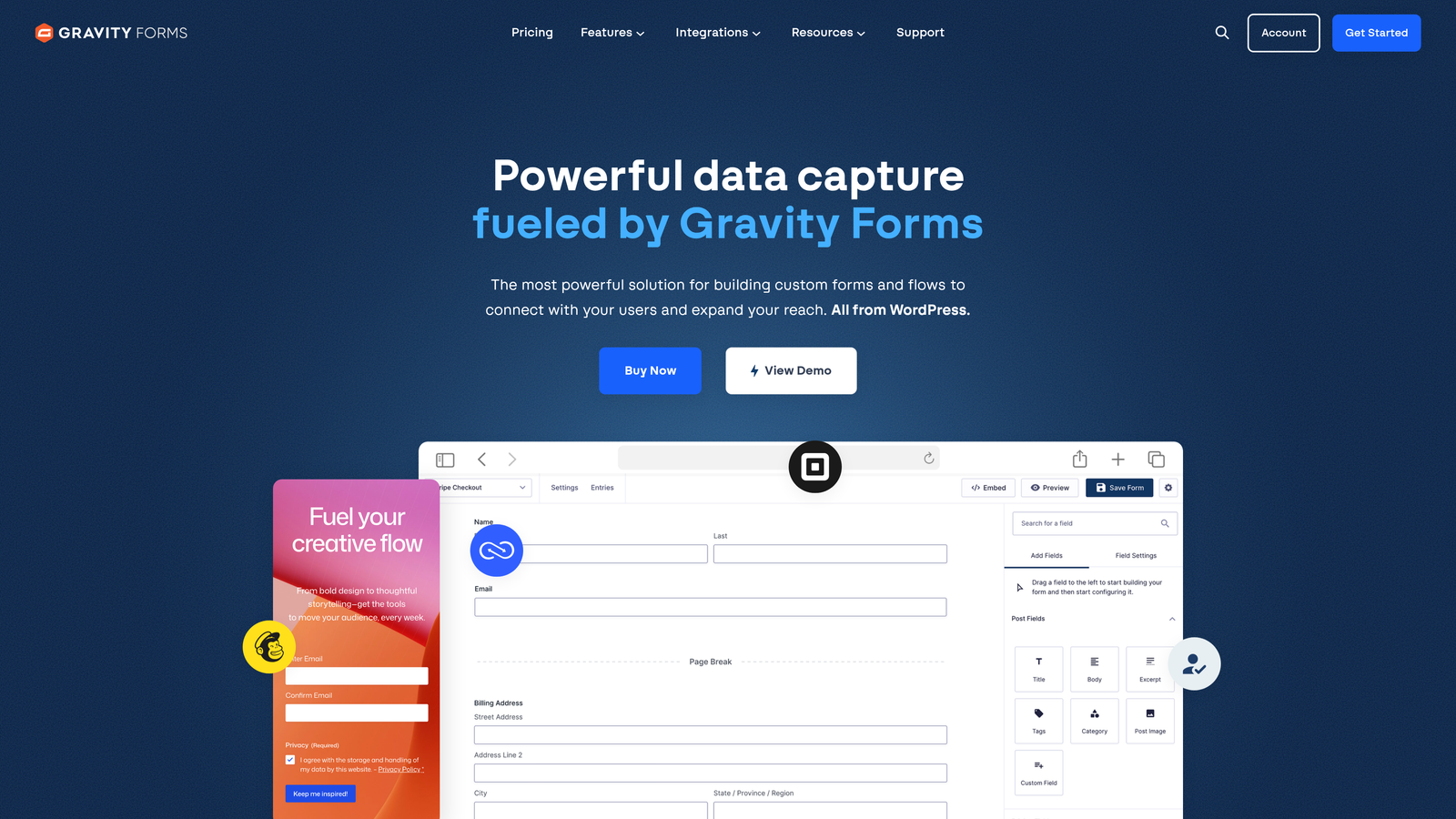
Gravity Forms is a WordPress-native form plugin with built-in calculation support, merge tags, and an extensive add-on ecosystem for teams already running on WordPress.
Where This Tool Shines
If your website runs on WordPress, Gravity Forms is the most deeply integrated option available. Calculations are built using merge tags that reference other field values, giving developers precise control over formula logic without leaving the WordPress admin. The add-on ecosystem extends this further with payment gateways, CRM connections, and advanced post creation.
The developer-friendly architecture, with extensive hooks and filters, means technical teams can build highly customized calculation flows that would be difficult or impossible in SaaS-based tools.
Key Features
Native Calculation Fields: Number fields support formula-based calculations using merge tags to reference other field values.
Conditional Logic: Show or hide fields based on calculated values, not just user selections.
Add-On Ecosystem: Extend with payment processing, CRM integrations, and advanced workflow add-ons.
Developer Hooks and Filters: Deep customization options for teams that need calculation logic beyond what the UI supports.
WordPress-Native: Lives entirely within the WordPress admin, no external platform to manage.
Best For
WordPress developers and agencies building custom sites with complex form logic. Not a good fit for teams not on WordPress or those who want a hosted, no-code solution.
Pricing
Starts at $59/year for a single site license. Higher tiers unlock more add-ons and multi-site support.
5. Formstack
Best for: Enterprise teams connecting calculated fields to approval workflows and document generation
Formstack is an enterprise form and workflow platform where calculation fields feed directly into multi-step approval processes, data routing, and document generation.
Where This Tool Shines
Formstack's differentiator isn't just the calculation itself, it's what happens after. A calculated value can trigger a workflow, route a submission to the right approver, or populate a generated document automatically. For teams in healthcare, finance, or operations where forms are part of a larger process, this end-to-end capability is genuinely valuable.
HIPAA compliance support also makes it one of the few calculation-capable form builders suitable for healthcare use cases without significant custom development.
Key Features
Calculation Fields with Conditional Formulas: Supports formula-based calculations with conditional logic built in.
Workflow Automation: Triggers approval workflows, notifications, and data routing based on calculated field values.
HIPAA-Compliant Forms: Suitable for healthcare teams collecting sensitive patient or billing data.
Document Generation: Populates documents and contracts automatically from form submission data, including calculated values.
Enterprise CRM Integrations: Deep Salesforce integration and connections to other enterprise systems.
Best For
Mid-market and enterprise teams in healthcare, finance, and operations where form submissions feed into structured approval and documentation workflows.
Pricing
Starts at $83/month billed annually. Pricing reflects the enterprise feature set; not the right fit for smaller teams with simpler needs.
6. Cognito Forms
Best for: Teams that need a powerful expression engine without paying enterprise prices
Cognito Forms is a budget-friendly form builder with one of the most capable calculation expression engines available at its price point.
Where This Tool Shines
Cognito Forms punches well above its weight on calculation depth. The expression engine supports complex formulas, and the repeating sections feature, where users can add multiple line items with calculated subtotals that roll up into a grand total, is genuinely powerful for order forms, project scoping tools, and service quoting forms.
The free plan includes calculation support, which is unusual. Most competitors gate advanced logic behind paid tiers, making Cognito Forms a strong option for teams testing calculation-heavy forms before committing to a paid platform.
Key Features
Advanced Expression Engine: Supports complex multi-variable formulas well beyond basic arithmetic.
Repeating Sections with Totals: Users can add dynamic line items, with the form calculating subtotals and running totals automatically.
Conditional Logic on Calculated Values: Show or hide sections based on what the calculation produces.
Stripe Payment Integration: Collect payments based on calculated totals directly within the form.
Generous Free Plan: Calculation fields are available on the free tier, not locked behind a paywall.
Best For
Small businesses, freelancers, and startups that need sophisticated calculation logic on a tight budget. Also a strong choice for order forms and service quote generators with dynamic line items.
Pricing
Free plan available with calculation support included. Paid plans start at $15/month, making it one of the most affordable options on this list.
7. Paperform
Best for: Service businesses and consultants wanting document-style forms with inline calculations
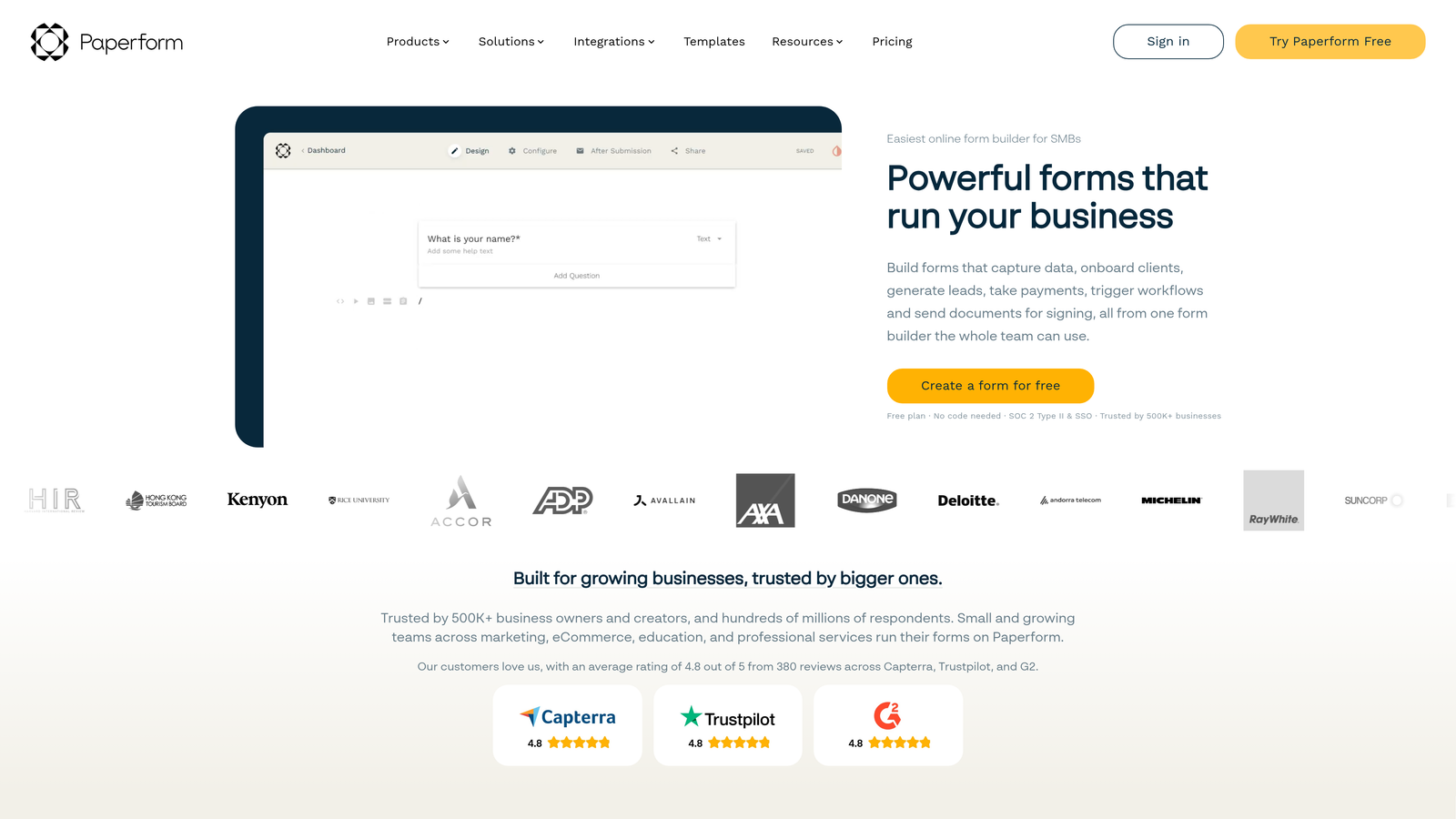
Paperform is a document-style form builder with a freeform layout, inline calculation fields, and native payment processing, popular with consultants, agencies, and service-based businesses.
Where This Tool Shines
Paperform's layout model is fundamentally different from most form builders. Instead of a rigid field-by-field structure, you write a form more like a document, mixing text, images, and fields in a freeform canvas. Calculation fields embed naturally within this layout, making it ideal for proposals, intake forms, and pricing sheets that need to look polished rather than functional.
The native Stripe and PayPal integration means calculated totals can flow directly into payment collection without additional tools.
Key Features
Inline Calculation Fields: Calculations sit naturally within the document-style layout, not bolted on as a separate widget.
Price Fields with Dynamic Totals: Calculate order totals based on product selections, quantities, and conditional pricing rules.
Conditional Sections: Show or hide entire content blocks based on calculated results.
Native Payment Processing: Accept payments via Stripe and PayPal based on calculated totals without third-party integrations.
Document-Like Design: Clean, editorial aesthetic that works well for client-facing proposals and professional intake forms.
Best For
Consultants, agencies, and service businesses that want forms to feel like branded documents rather than generic data collection tools. Strong for client proposals, intake forms, and service order forms.
Pricing
Starts at $24/month billed annually. No free plan, but a trial is available.
8. Outgrow
Best for: Marketing teams building ROI calculators and interactive assessments as lead magnets
Outgrow is a purpose-built interactive content platform for creating calculators, quizzes, and assessments with lead capture built directly into the experience.
Where This Tool Shines
Outgrow is the most purpose-built tool on this list for interactive content marketing. Rather than adapting a form builder to create a calculator, you're working in a platform designed specifically for that use case. The formula and logic editor is built around calculator creation, with pre-built templates for ROI tools, cost estimators, and assessment scoring.
The built-in lead capture gate, where users see a teaser of their result and provide their email before the full output is revealed, is a proven structure for interactive lead magnets that other form builders require custom workarounds to replicate.
Key Features
Dedicated Calculator Builder: A formula and logic editor designed specifically for building interactive calculators, not adapted from a generic form tool.
Pre-Built Calculator Types: ROI calculators, cost estimators, assessment score tools, and product recommenders available as starting templates.
Lead Capture Gate: Show a partial result to create curiosity, then capture contact information before revealing the full output.
Engagement Analytics: Track how users interact with the calculator, where they drop off, and how it converts.
CRM Integrations: Connects with HubSpot, Marketo, and other major CRM and marketing automation platforms.
Best For
B2B marketing teams using interactive calculators as top-of-funnel lead magnets. Strong for demand generation, content marketing, and account-based marketing campaigns where a value-first calculator drives pipeline.
Pricing
Starts at $22/month billed annually. Higher tiers unlock more content types, leads, and integrations.
9. Google Forms + Apps Script
Best for: Technical teams and developers who need calculated fields with zero budget
Google Forms doesn't support calculated fields natively, but paired with Google Apps Script, it becomes a viable free option for teams comfortable with a bit of scripting.
Where This Tool Shines
The core appeal here is cost: it's completely free with a Google account. Apps Script lets you write JavaScript-based logic that runs on form submission, processes the inputs, and writes calculated results directly into a connected Google Sheet. For internal tools, surveys with scoring, or low-stakes data collection, this approach works without any ongoing subscription cost.
The tradeoff is real-time display. Unlike dedicated form builders, the calculation typically runs after submission rather than updating live as the user fills in the form. For use cases where respondents don't need to see the result during the form experience, this limitation is manageable.
Key Features
Completely Free: No subscription required; runs on any Google account.
Apps Script Calculation Logic: Custom JavaScript runs on form submission to process inputs and calculate outputs.
Google Sheets Integration: Calculated results feed directly into a spreadsheet for further analysis, reporting, or automation.
Familiar Interface: No learning curve for teams already using Google Workspace.
Suitable for Internal Use: Works well for internal surveys, employee assessments, and low-volume data collection tools.
Best For
Developers, educators, and internal operations teams who need basic calculation logic with no budget and are comfortable writing or adapting simple scripts. Not suitable for customer-facing forms where real-time results and polished design matter.
Pricing
Free with a Google account. No paid tiers; all features are included at no cost.
Choosing the Right Tool for Your Use Case
The best form builder with calculated fields depends almost entirely on what you're building and who it's for. Here's a quick-reference breakdown to help you decide.
For SaaS and B2B lead generation: Orbit AI is the strongest fit if you want calculated fields and lead qualification working together in a single platform. It's built for teams where the form is part of the acquisition funnel, not just a data collection step.
For marketing quizzes and branded assessments: Typeform delivers the best conversational UX and integrates cleanly with HubSpot and Salesforce for lead routing.
For complex multi-variable calculations on a budget: Cognito Forms offers the deepest expression engine at the lowest price, with calculation support available even on the free plan.
For WordPress sites: Gravity Forms is the clear choice, with native WordPress integration, developer-friendly customization, and a strong add-on ecosystem.
For interactive content marketing and lead magnets: Outgrow is purpose-built for ROI calculators and assessments, with a lead capture gate structure that other tools require workarounds to replicate.
For enterprise workflows and document generation: Formstack connects calculated fields to approval processes and document automation in a way that simpler tools can't match.
For zero-budget internal tools: Google Forms with Apps Script is a viable workaround for technical teams who don't need real-time results.
If you're building forms that need to qualify leads while delivering a real-time calculated result, Orbit AI combines both capabilities in a platform designed specifically for high-growth teams. Start building free forms today and see how intelligent form design can turn your lead capture into a genuine conversion asset.


