

Your forms are often the first real conversation you have with potential customers—and most businesses are leaving conversions on the table with outdated, static forms that feel like filling out tax paperwork. The right form software doesn't just collect information; it qualifies leads in real-time, personalizes the experience, and routes hot prospects to your sales team before they lose interest.
We evaluated dozens of form builders based on conversion optimization features, lead qualification capabilities, integration depth, and ease of use. Here are the top options for teams serious about turning form submissions into revenue.
1. Orbit AI
Best for: High-growth teams that need AI-powered lead qualification and conversion optimization.
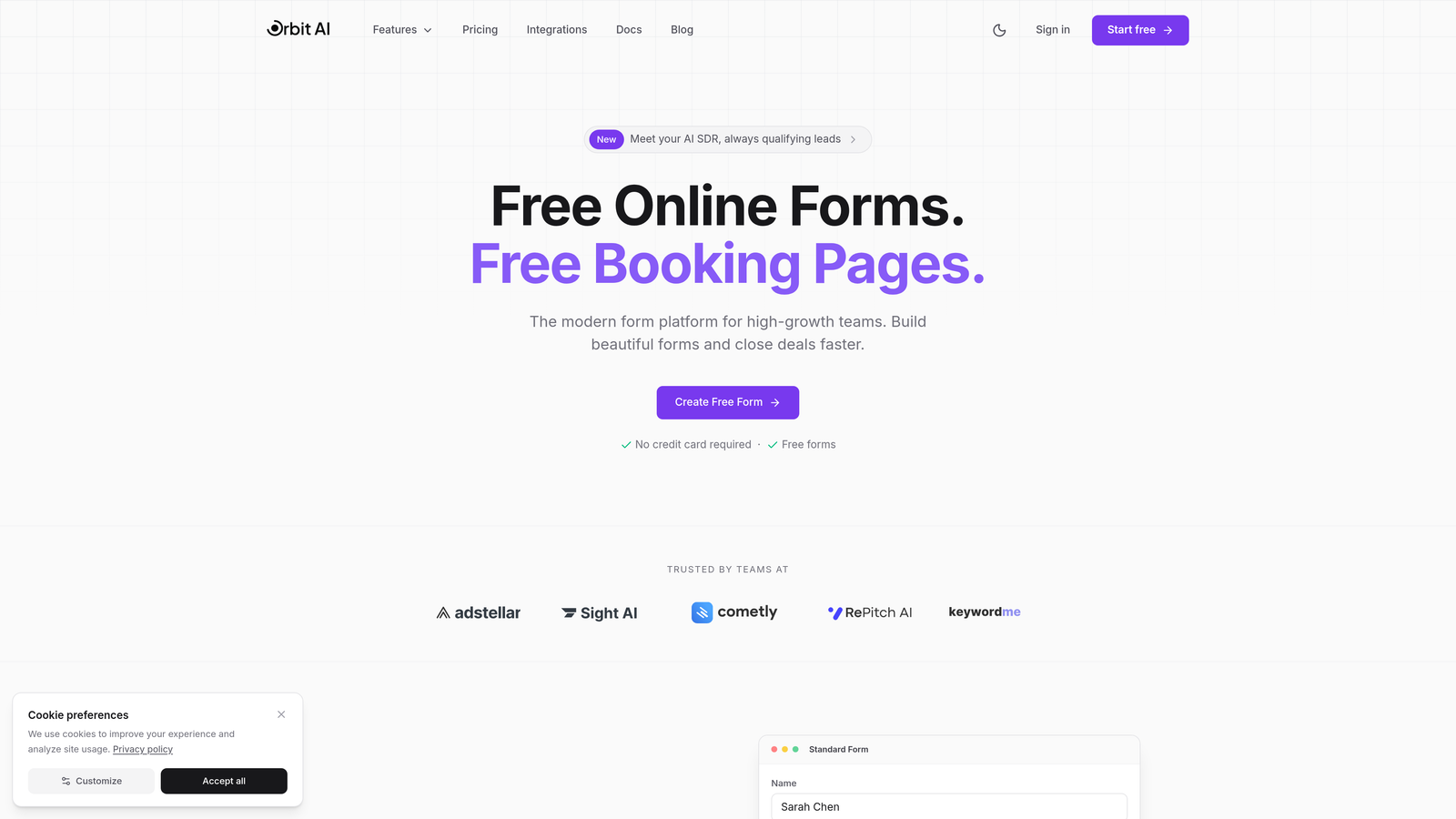
Orbit AI is an AI-powered form builder platform designed specifically for teams focused on turning form submissions into qualified pipeline.
Where This Tool Shines
Orbit AI stands out by automating the lead qualification process that most teams handle manually after form submission. The platform scores and routes leads in real-time based on their responses, ensuring your sales team connects with hot prospects while they're still engaged.
The conversational form experience adapts dynamically based on user responses, creating a personalized journey that feels less like a form and more like a conversation. This approach consistently delivers higher completion rates compared to traditional static forms.
Key Features
AI-Powered Lead Qualification: Automatically scores and categorizes leads based on their responses, routing high-value prospects directly to sales.
Conversational Form Experiences: Forms adapt in real-time based on responses, creating personalized pathways that increase engagement.
Native CRM Integrations: Seamlessly connects with HubSpot, Salesforce, and Pipedrive to sync lead data instantly.
Built-In Analytics Dashboard: Track conversion rates, drop-off points, and lead quality metrics without third-party tools.
Workflow Automation: Trigger instant follow-up sequences based on lead score and qualification criteria.
Best For
Orbit AI works best for SaaS companies, B2B service providers, and high-growth teams where lead quality matters as much as quantity. If your sales team wastes time chasing unqualified leads, the AI qualification features pay for themselves quickly.
Pricing
Free tier available for teams getting started. Paid plans start at competitive rates designed for growing teams focused on conversion optimization.
2. Typeform
Best for: Creating visually engaging, one-question-at-a-time conversational forms.
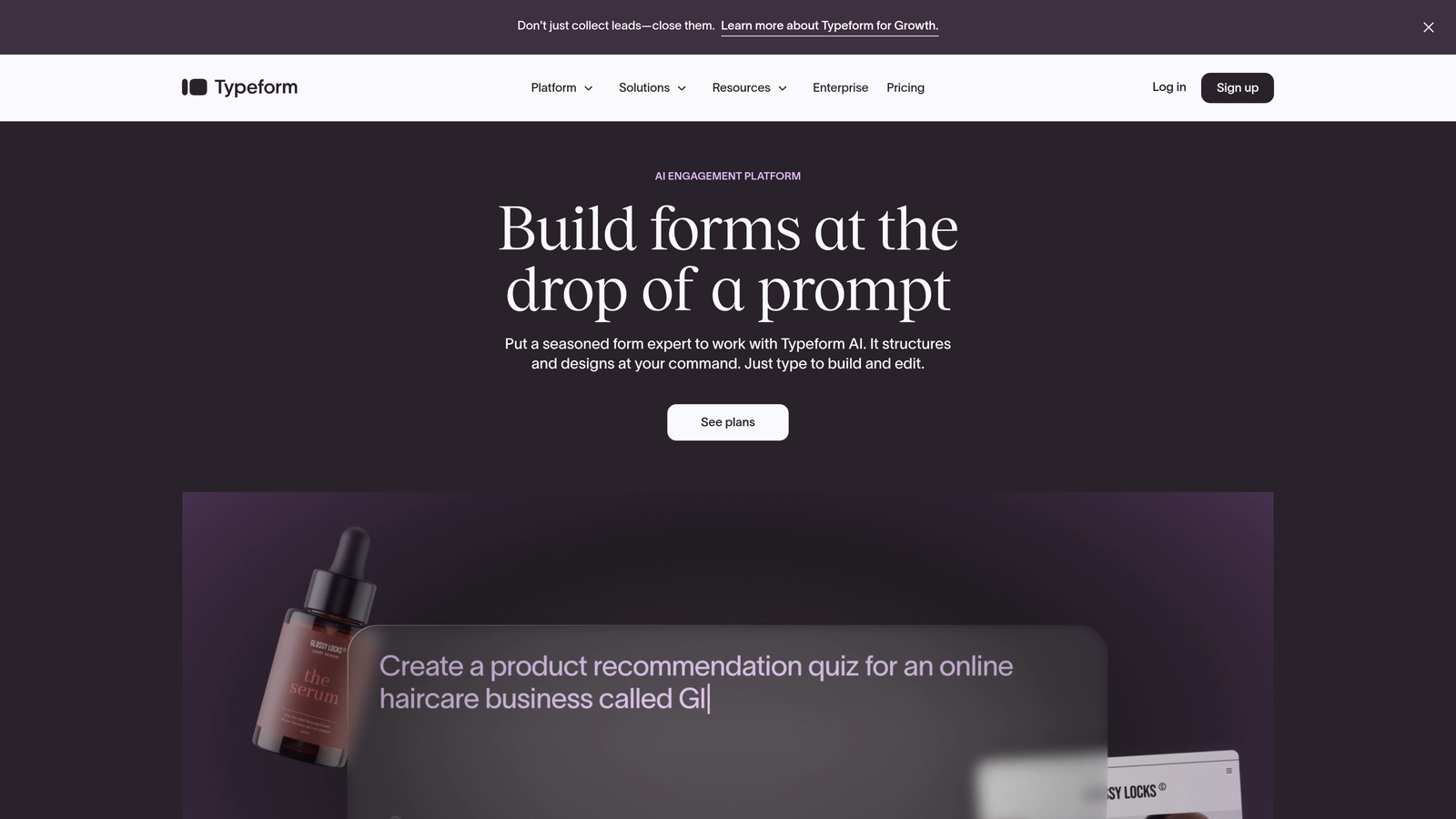
Typeform is a conversational form builder known for its distinctive one-question-at-a-time interface that drives high engagement rates.
Where This Tool Shines
Typeform pioneered the conversational form format that many tools now emulate. The clean, distraction-free interface keeps users focused on one question at a time, which typically results in higher completion rates than traditional multi-field forms.
The platform offers extensive brand customization options, allowing you to create forms that feel like a natural extension of your website. Video and image embedding capabilities make it particularly strong for creative teams building brand-aligned experiences.
Key Features
One-Question-at-a-Time Interface: Reduces cognitive load and increases completion rates by focusing attention on single questions.
Extensive Brand Customization: Control colors, fonts, backgrounds, and layouts to match your brand identity perfectly.
Logic Jumps and Conditional Branching: Create dynamic form paths based on user responses to gather relevant information.
Native Marketing Tool Integrations: Connect directly with popular platforms like Mailchimp, Google Sheets, and Slack.
Video and Image Embedding: Enrich forms with multimedia content to create more engaging experiences.
Best For
Typeform excels for creative agencies, marketing teams, and businesses where brand presentation matters as much as data collection. It's particularly effective for customer feedback surveys and event registrations where engagement is critical.
Pricing
Free plan available with basic features. Basic paid plan starts at $25/month for individuals and small teams.
3. HubSpot Forms
Best for: Teams already using HubSpot who need seamless CRM integration.
HubSpot Forms is the native form builder within the HubSpot ecosystem, offering tight integration with the HubSpot CRM and marketing tools.

Where This Tool Shines
If you're already invested in the HubSpot ecosystem, their native form builder eliminates data sync headaches entirely. Forms connect directly to contact records, automatically updating profiles and triggering workflows without third-party integrations.
Progressive profiling is the standout feature here. Instead of asking returning visitors the same questions repeatedly, HubSpot Forms remembers what you already know and asks new questions each time, gradually building richer contact profiles without form fatigue.
Key Features
Direct CRM Integration: Form submissions instantly create or update contact records in HubSpot CRM with zero configuration.
Progressive Profiling: Automatically shows different questions to returning visitors to gather information over time.
Smart Fields: Pre-populate known information for returning visitors to reduce friction and increase conversions.
Built-In Analytics and Reporting: Track form performance, conversion rates, and submission sources within HubSpot's analytics suite.
Dependent Field Logic: Show or hide form fields based on previous responses to create dynamic experiences.
Best For
HubSpot Forms is ideal for companies already using HubSpot for marketing automation or CRM. The value proposition diminishes significantly if you're not in the HubSpot ecosystem, as you'd be paying for integration capabilities you won't use.
Pricing
Free with HubSpot CRM. Advanced form features like progressive profiling require Marketing Hub paid tiers starting at $45/month.
4. Jotform
Best for: Teams needing extensive templates and payment collection capabilities.
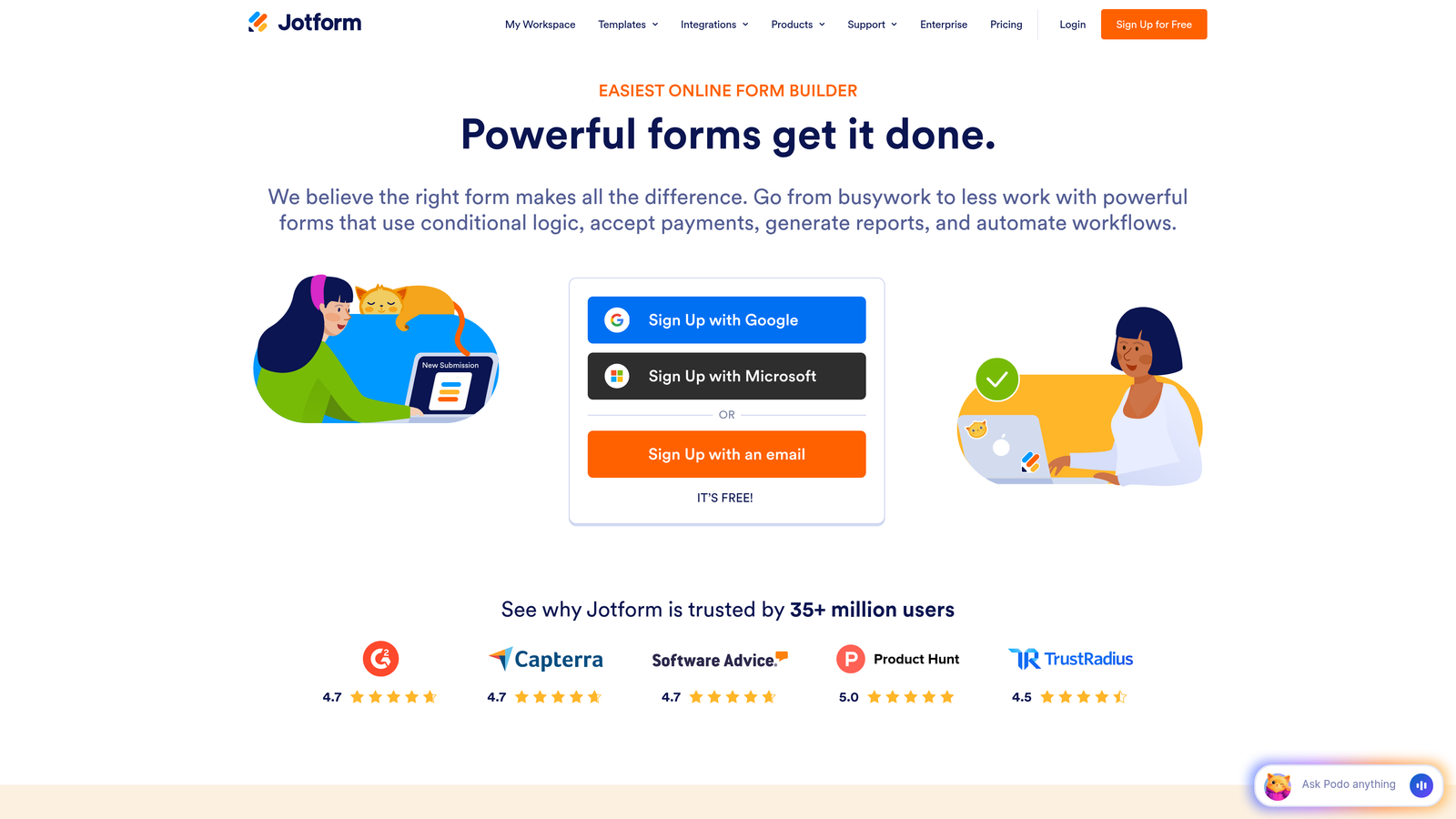
Jotform is a versatile form builder offering thousands of pre-built templates and extensive third-party integrations.
Where This Tool Shines
Jotform's massive template library means you rarely start from scratch. With over 10,000 pre-built forms covering virtually every use case, you can launch professional forms in minutes rather than hours.
The payment collection features are particularly robust. Built-in integration with Stripe, PayPal, and Square makes Jotform a strong choice for businesses collecting deposits, processing orders, or accepting donations directly through forms.
Key Features
10,000+ Pre-Built Templates: Extensive library covering lead generation, event registration, surveys, order forms, and specialized industry needs.
Payment Collection: Accept payments directly through forms via Stripe, PayPal, Square, and other payment processors.
Conditional Logic and Calculations: Create dynamic forms that calculate totals, show relevant fields, and adapt based on responses.
PDF Generation: Automatically generate PDF documents from form submissions for contracts, receipts, or reports.
HIPAA-Compliant Options: Enterprise plans offer HIPAA-compliant forms for healthcare organizations handling protected health information.
Best For
Jotform works well for small businesses, nonprofits, and organizations that need versatile forms for multiple purposes. The template library makes it particularly valuable for teams without dedicated design resources.
Pricing
Free tier allows up to 5 forms with 100 monthly submissions. Bronze plan starts at $34/month for unlimited forms.
5. Leadformly
Best for: Conversion-focused teams that need built-in A/B testing capabilities.
Leadformly is a conversion-optimized form builder designed specifically for lead generation with native A/B testing functionality.

Where This Tool Shines
Leadformly was built from the ground up for conversion optimization. The platform specializes in multi-step forms that break long forms into manageable sections, consistently delivering higher completion rates than single-page alternatives.
The native A/B testing capability sets it apart from competitors. You can test different form lengths, field orders, button copy, and layouts without integrating third-party tools or exporting data to analytics platforms.
Key Features
Multi-Step Forms Optimized for Conversions: Break complex forms into digestible steps with progress indicators that encourage completion.
Native A/B Testing: Test form variations directly within the platform to identify what drives the highest conversion rates.
Lead Scoring and Qualification: Assign point values to responses to automatically score and prioritize leads.
Partial Submission Capture: Collect data from users who abandon forms mid-way, allowing follow-up with partially qualified leads.
Conversion Analytics Dashboard: Track completion rates, drop-off points, and conversion metrics across form variations.
Best For
Leadformly is ideal for marketing teams running paid advertising campaigns where form conversion rates directly impact ROI. The A/B testing features make it particularly valuable for teams committed to continuous optimization.
Pricing
Starts at $37/month for essential features including A/B testing and lead scoring capabilities.
6. Paperform
Best for: Creating content-rich form pages that blend marketing copy with lead capture.
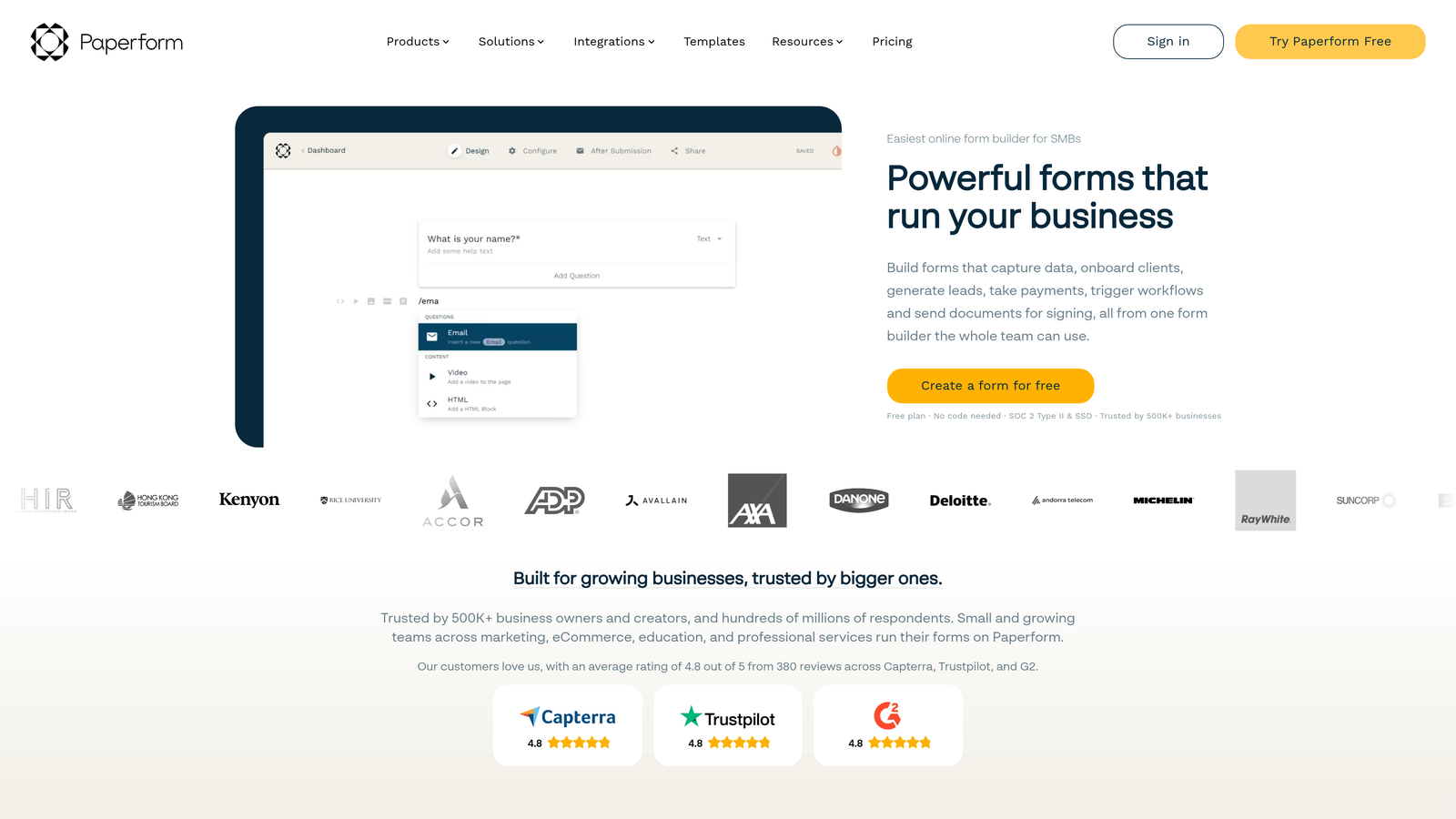
Paperform is a document-style form builder that combines content marketing with lead capture in a unique, flexible interface.
Where This Tool Shines
Paperform breaks the traditional form mold by letting you create pages that mix text, images, video, and form fields in any order. This makes it perfect for landing pages where you need to educate prospects before asking for information.
The document-style editor feels more like building a webpage than a form. You can add explanatory paragraphs, embed product videos, include customer testimonials, and weave form fields throughout the content to create a cohesive experience.
Key Features
Content-Rich Form Pages: Mix text, images, videos, and form fields in any arrangement to create engaging landing pages.
Strong Conditional Logic: Show or hide entire sections based on responses to create personalized experiences.
Built-In Payment Processing: Accept payments through Stripe and PayPal without leaving the form experience.
Appointment Scheduling Integration: Connect with Calendly and other scheduling tools to book meetings directly from forms.
Custom Success Pages and Redirects: Send users to tailored thank-you pages or redirect to specific URLs based on their responses.
Best For
Paperform excels for coaches, consultants, and service businesses that need to explain their offering before capturing leads. It's particularly effective when your lead generation requires education and context rather than quick data capture.
Pricing
Essentials plan starts at $24/month for individuals and small businesses.
7. Formstack
Best for: Enterprise teams requiring robust compliance and workflow automation.
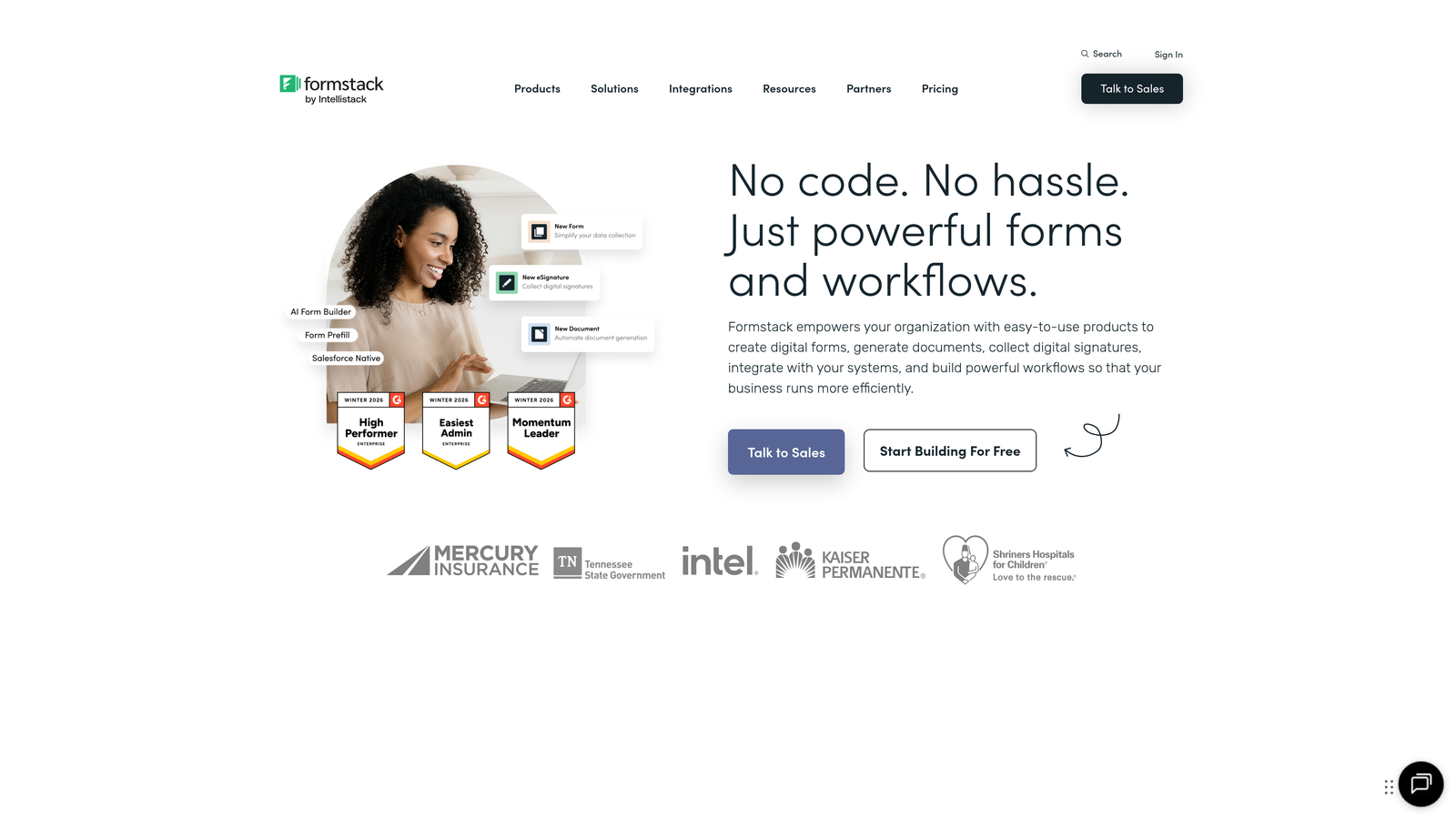
Formstack is an enterprise-grade form builder with advanced workflow automation and comprehensive compliance features.
Where This Tool Shines
Formstack targets enterprise buyers with strict compliance requirements. The platform offers HIPAA, GDPR, and SOC 2 compliance options that most competitors can't match, making it the default choice for healthcare, finance, and other regulated industries.
The workflow automation capabilities extend far beyond simple email notifications. You can build approval processes, route submissions to different team members based on complex criteria, and trigger multi-step workflows that rival dedicated automation platforms.
Key Features
Workflow Automation with Approvals: Create multi-step approval processes that route submissions through your organization systematically.
HIPAA, GDPR, and SOC 2 Compliance: Enterprise plans include compliance certifications required for regulated industries.
Electronic Signature Collection: Capture legally binding signatures directly within forms for contracts and agreements.
Advanced Field Validation: Implement complex validation rules to ensure data quality and reduce errors.
Team Collaboration Features: Multiple team members can collaborate on form building with role-based permissions.
Best For
Formstack is built for enterprise organizations, healthcare providers, financial services, and any business where compliance and data security are non-negotiable. The pricing reflects the enterprise focus, making it less suitable for small teams.
Pricing
Starts at $50/month for the Forms product. Enterprise features and compliance options available at higher tiers.
8. Gravity Forms
Best for: WordPress sites needing deep native integration and one-time pricing.
Gravity Forms is a WordPress-native form plugin with extensive add-ons and a one-time annual pricing model.
Where This Tool Shines
For WordPress users, Gravity Forms offers integration depth that cloud-based tools simply can't match. The plugin lives directly in your WordPress admin panel, accessing your theme, user database, and post types natively.
The pricing model is refreshingly straightforward. Instead of monthly subscriptions that add up over time, you pay an annual fee that includes all updates and support. For long-term WordPress projects, this often proves more economical than subscription-based alternatives.
Key Features
Deep WordPress Integration: Native access to WordPress users, posts, custom fields, and theme functions that external tools can't replicate.
Extensive Add-On Marketplace: Hundreds of official and third-party add-ons extend functionality for payments, CRM integration, and specialized use cases.
Conditional Logic and Multi-Page Forms: Create complex forms with dynamic field visibility and progress-tracked multi-page experiences.
File Upload Capabilities: Accept file uploads with size limits, file type restrictions, and automatic WordPress media library integration.
User Registration Forms: Create custom registration forms that add users to your WordPress site with specific roles and capabilities.
Best For
Gravity Forms is the top choice for WordPress-centric businesses, agencies managing multiple client sites, and organizations that prefer self-hosted solutions over cloud platforms. If you're not on WordPress, this tool isn't relevant.
Pricing
Basic license starts at $59/year with annual renewal. One-time annual fee includes updates and support.
9. Tally
Best for: Startups and small teams needing unlimited forms on a generous free tier.
Tally is a simple yet powerful form builder with a Notion-like interface and one of the most generous free plans available.
Where This Tool Shines
Tally's free plan offers unlimited forms with unlimited submissions, a rarity in the form builder space where most competitors cap you at 3-5 forms or 100 monthly submissions. This makes it perfect for bootstrapped startups testing multiple lead magnets or running various campaigns simultaneously.
The Notion-style block-based editor will feel instantly familiar to teams already using Notion. You build forms by adding blocks for different field types, dragging to reorder, and nesting elements, creating a low-friction building experience.
Key Features
Unlimited Forms on Free Plan: Create as many forms as needed without hitting artificial limits or paying for basic functionality.
Notion-Style Block Editor: Build forms using an intuitive block-based interface that requires minimal learning curve.
Conditional Logic and Calculations: Show or hide fields based on responses and perform calculations within forms.
File Uploads and Signatures: Collect documents and capture electronic signatures without upgrading to paid plans.
Embed Anywhere: Embed forms on any website, share via direct links, or use as standalone landing pages.
Best For
Tally works best for early-stage startups, solopreneurs, and small teams with limited budgets. The free tier provides genuine value without feeling like a trial version designed to force upgrades.
Pricing
Free plan includes unlimited forms and submissions. Pro plan at $29/month adds advanced features like custom domains and removal of Tally branding.
Making the Right Choice
The form software you choose depends heavily on where lead generation fits in your overall growth strategy. If you're running high-volume campaigns where every percentage point of conversion matters, tools with native A/B testing like Leadformly or AI-powered qualification like Orbit AI deliver measurable ROI through improved conversion rates and lead quality.
For teams already invested in specific ecosystems, the decision often makes itself. HubSpot users benefit from the seamless integration and progressive profiling of HubSpot Forms, while WordPress-centric organizations get unmatched depth from Gravity Forms. Fighting against your existing tech stack rarely makes sense when native options exist.
Budget considerations vary widely across these tools. Tally offers remarkable value for bootstrapped startups with its unlimited free tier, while enterprise buyers in regulated industries may find Formstack's compliance features worth the premium pricing. The one-time annual fee model of Gravity Forms appeals to teams tired of subscription creep.
Think about your lead volume and quality requirements. High-growth B2B teams typically prioritize lead qualification and routing speed over template variety. Orbit AI's real-time lead scoring ensures your sales team connects with hot prospects immediately, while tools like Jotform focus more on versatility across use cases.
The conversational form format has proven itself across industries, with Typeform pioneering the approach and many competitors following suit. If your current forms feel like interrogations rather than conversations, switching to a one-question-at-a-time format often delivers immediate completion rate improvements.
Consider your team's technical capabilities and available time. Paperform's content-rich approach requires more upfront effort but creates compelling landing pages that educate while capturing leads. Simpler tools like Tally get you live faster but offer less flexibility for complex lead generation campaigns.
Integration requirements often become the deciding factor. Check whether your CRM, email platform, and marketing automation tools connect natively with your chosen form builder. Manual data entry defeats the purpose of automation, and third-party integration tools like Zapier add cost and complexity.
Transform your lead generation with AI-powered forms that qualify prospects automatically while delivering the modern, conversion-optimized experience your high-growth team needs. Start building free forms today and see how intelligent form design can elevate your conversion strategy.


