

Free plans sound great until you hit a wall. Submission caps that cut off mid-campaign. Conditional logic locked behind a paywall. Branding you can't remove on forms your leads actually see. For high-growth teams using forms to capture and qualify leads, the wrong free plan can quietly cost you conversions before you even realize it.
This guide breaks down the best form builders with genuinely useful free plans, comparing what you actually get: submission limits, field types, integrations, conditional logic, and whether AI-powered features are available without paying. Whether you're validating a new funnel, running a lean startup, or testing a tool before committing, these are the free plans worth your time.
We evaluated each tool on what's included in the free tier, how restrictive the limits are, whether the free plan supports lead qualification workflows, and how well it scales when you're ready to upgrade.
1. Orbit AI
Best for: High-growth B2B and SaaS teams that need AI-powered lead qualification from day one.
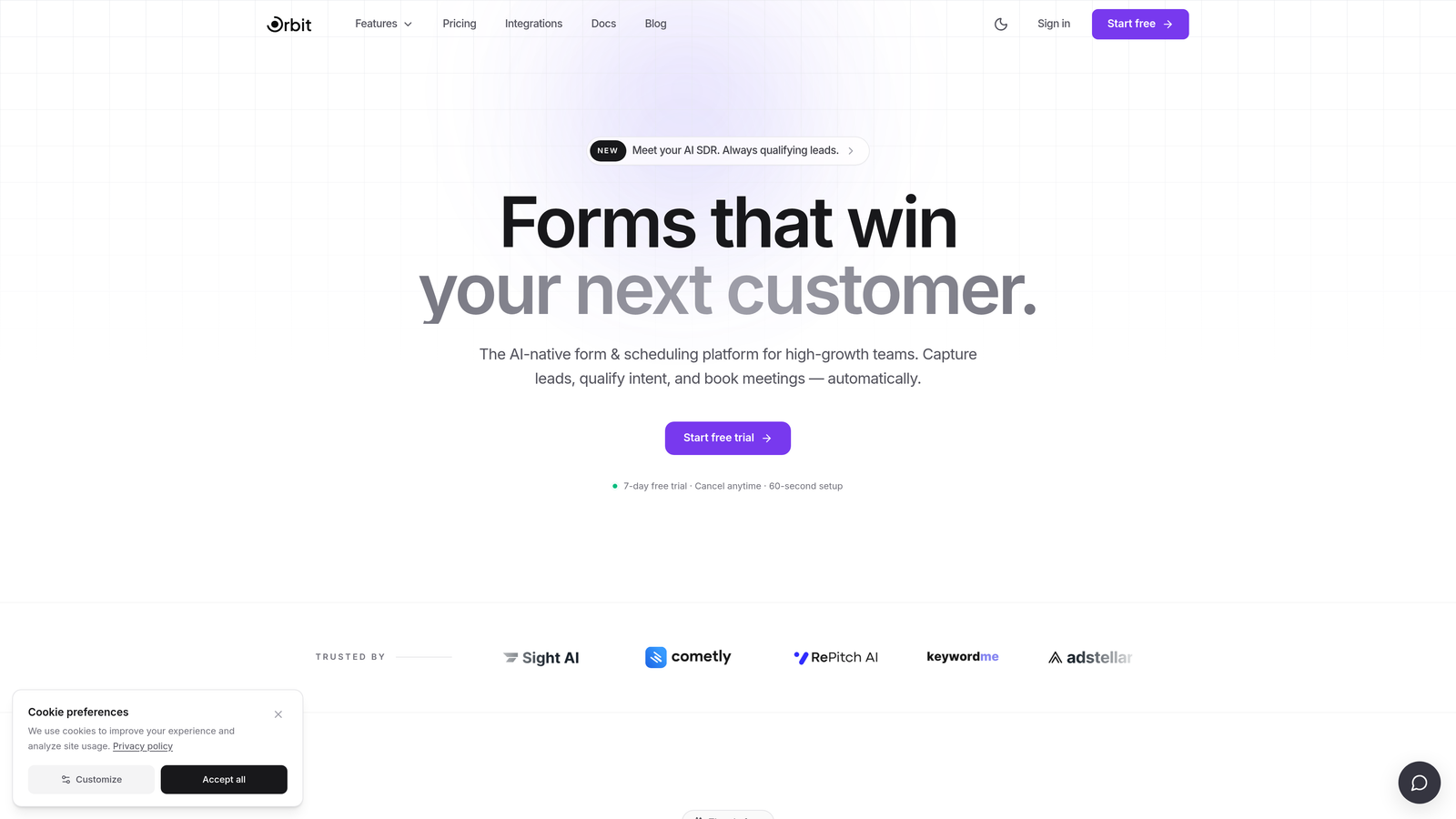
Orbit AI is a modern form builder built specifically for conversion-focused teams who need more than a basic contact form.
Where This Tool Shines
Most form builders treat qualification as an afterthought. You capture a lead, export a CSV, and then someone manually decides who to follow up with. Orbit AI flips that model by embedding AI-powered lead scoring and routing directly into the form flow itself.
This is particularly valuable for SaaS and B2B teams running outbound or inbound campaigns where not every lead deserves the same follow-up. The form does the filtering work automatically, so your sales team spends time on prospects who actually match your ICP rather than wading through noise.
Key Features
AI-Powered Lead Qualification: Intelligent scoring built directly into the form experience, so leads are evaluated and routed without manual review.
Conditional Logic: Dynamic, personalized form flows that adapt based on how a respondent answers, creating a more relevant experience.
Conversion-Optimized Design: Clean, modern UI designed to reduce friction and improve completion rates on lead gen forms.
Lead Routing: Automatically directs qualified leads to the right team or workflow based on scoring criteria you define.
B2B and SaaS-Focused Templates: Purpose-built starting points for the lead capture workflows high-growth teams actually use.
Best For
Teams where lead quality matters as much as lead volume. If you're running paid acquisition, outbound sequences, or any funnel where manual qualification creates a bottleneck, Orbit AI's approach to embedding intelligence into the form itself is a genuine differentiator. Verify current free plan details at orbitforms.ai/pricing.
Pricing
Free plan available. Check orbitforms.ai/pricing for current tier limits and what's included at no cost.
2. Tally
Best for: Teams that need unlimited forms and responses without hitting a monthly cap.
Tally is a free-first form builder that stands out for offering unlimited forms and unlimited responses on its free tier, with no forced branding.

Where This Tool Shines
In a market where most free plans feel like a funnel into a paid subscription, Tally's free tier is genuinely generous. Unlimited responses means you can run real campaigns without watching a counter tick down. And unlike most competitors, Tally doesn't stamp its logo on your free-tier forms, which matters when you're presenting a professional face to leads.
The editor is clean and Notion-inspired, making it fast to pick up without a learning curve. Conditional logic is available on the free plan, which is a meaningful advantage for anyone building flows that branch based on answers.
Key Features
Unlimited Forms and Responses: No monthly submission caps on the free plan, making it viable for active campaigns.
No Forced Branding: Free-tier forms don't carry Tally branding, an unusual and welcome differentiator.
Conditional Logic on Free Plan: Build branching flows without upgrading, useful for basic qualification sequences.
Block-Based Editor: Notion-style building experience that's intuitive and fast to navigate.
Paid Upgrades Available: File uploads, hidden fields, and custom domains unlock on paid tiers.
Best For
Startups and lean teams that need a reliable, no-cap free plan for surveys, lead forms, or feedback collection. Also a strong choice for anyone who's been burned by submission limits on other free tiers and wants a tool that won't interrupt a campaign mid-run.
Pricing
Free plan includes unlimited forms and responses. Pro plan starts at approximately $29/month. Verify current pricing at tally.so.
3. Typeform
Best for: Simple campaigns and surveys where conversational design improves completion rates.
Typeform is a conversational form builder that presents one question at a time, creating a polished, engaging experience for respondents.

Where This Tool Shines
Typeform's one-question-at-a-time format genuinely changes how forms feel. Instead of a long page of fields, respondents move through a focused sequence that feels closer to a conversation than a form. This tends to work well for surveys, NPS collection, and top-of-funnel lead capture where first impressions matter.
The design quality out of the box is high. Even on the free plan, forms look polished and are fully mobile-responsive. For teams that care about brand perception during the lead capture moment, that visual quality is worth something.
Key Features
Conversational Format: One-question-at-a-time flow that reduces cognitive load and can improve completion rates.
Polished Design: Mobile-responsive, visually refined forms without requiring design work.
Integration Ecosystem: Connects with Zapier, HubSpot, Salesforce, and other major platforms on paid tiers.
Template Library: Wide selection of pre-built templates for surveys, lead forms, quizzes, and more.
Logic Jumps: Conditional branching available on paid plans, not on the free tier.
Best For
Teams running simple campaigns, surveys, or NPS programs where the free plan's response limits aren't a constraint. Worth noting: the free tier has meaningful limits on both questions per form and monthly responses, and conditional logic requires upgrading. Verify current free plan limits at typeform.com before building a workflow around them.
Pricing
Free plan includes limited monthly responses and questions per form. Paid plans start at approximately $25/month. Confirm current limits at typeform.com.
4. Jotform
Best for: Teams that need a wide range of field types and a large template library to get started quickly.
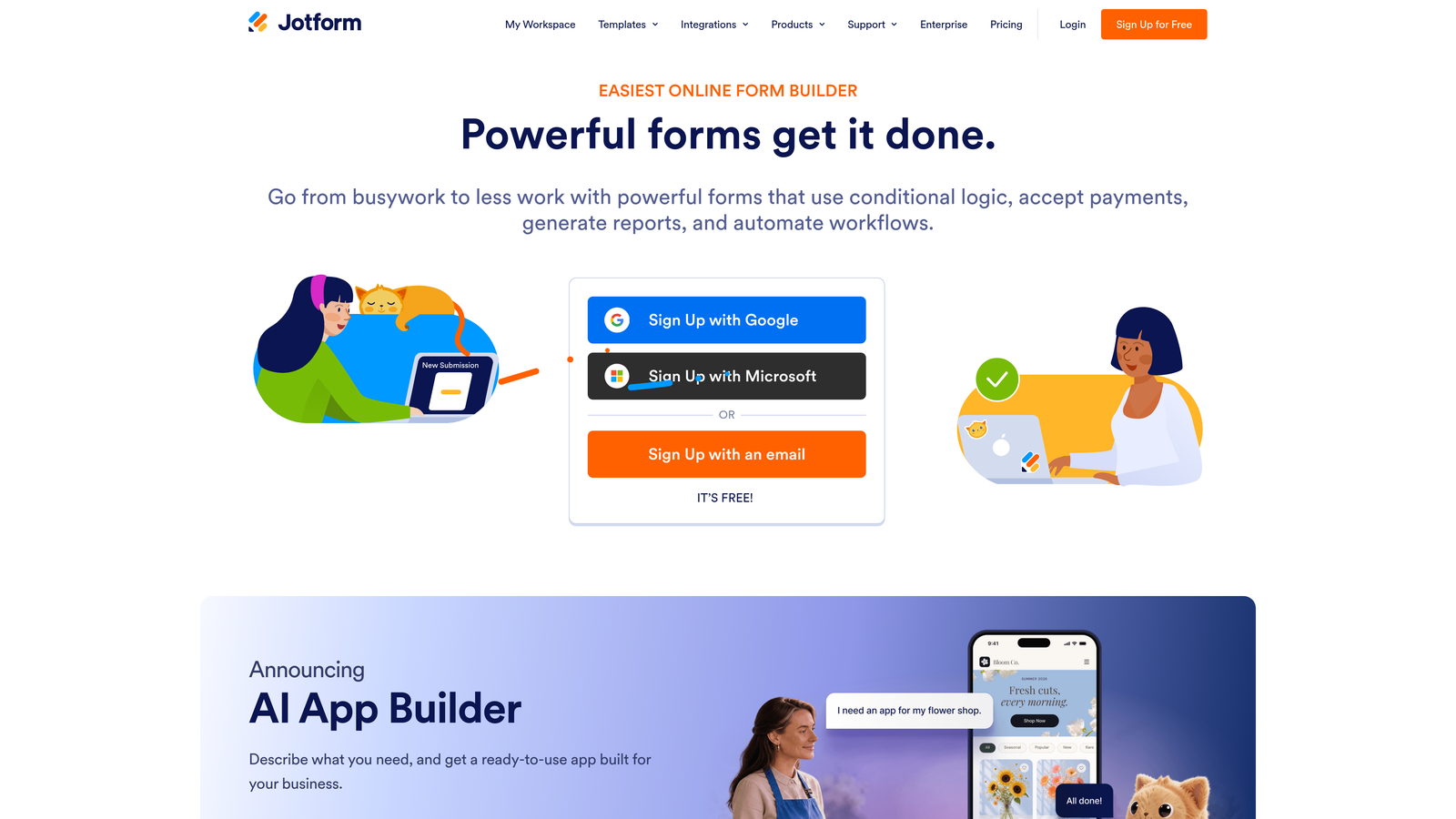
Jotform is a feature-rich form builder with one of the largest template libraries in the market, covering everything from payment forms to e-signature collection.
Where This Tool Shines
If breadth is what you need, Jotform delivers. The template library spans thousands of use cases across industries, and the range of field types available, including payment processing, e-signatures, file uploads, and calculations, is hard to match. For teams that need a form builder to handle diverse use cases across departments, Jotform's versatility is a genuine strength.
The drag-and-drop editor requires no coding knowledge, and the integration library is extensive even on paid tiers. The free plan is more restricted than some alternatives, but it's enough to evaluate whether the tool fits your workflow before committing.
Key Features
10,000+ Templates: One of the largest template libraries available, covering a wide range of industries and use cases.
Diverse Field Types: Supports payments, e-signatures, file uploads, and calculations alongside standard form fields.
Drag-and-Drop Builder: No coding required; accessible for non-technical users.
Extensive Integration Library: Connects with a wide range of third-party tools on paid tiers.
HIPAA Compliance: Available on higher-tier plans for healthcare and regulated industries.
Best For
Operations teams, HR departments, and businesses that need forms across multiple use cases rather than a single lead gen workflow. The free plan (5 forms, 100 monthly submissions, 100MB storage) is enough to test the tool. Teams with higher volumes will want to verify current paid plan pricing at jotform.com.
Pricing
Free plan includes 5 forms and 100 monthly submissions. Paid plans start at approximately $34/month. Verify current details at jotform.com.
5. Paperform
Best for: Teams that want forms that function more like landing pages with rich media and content.
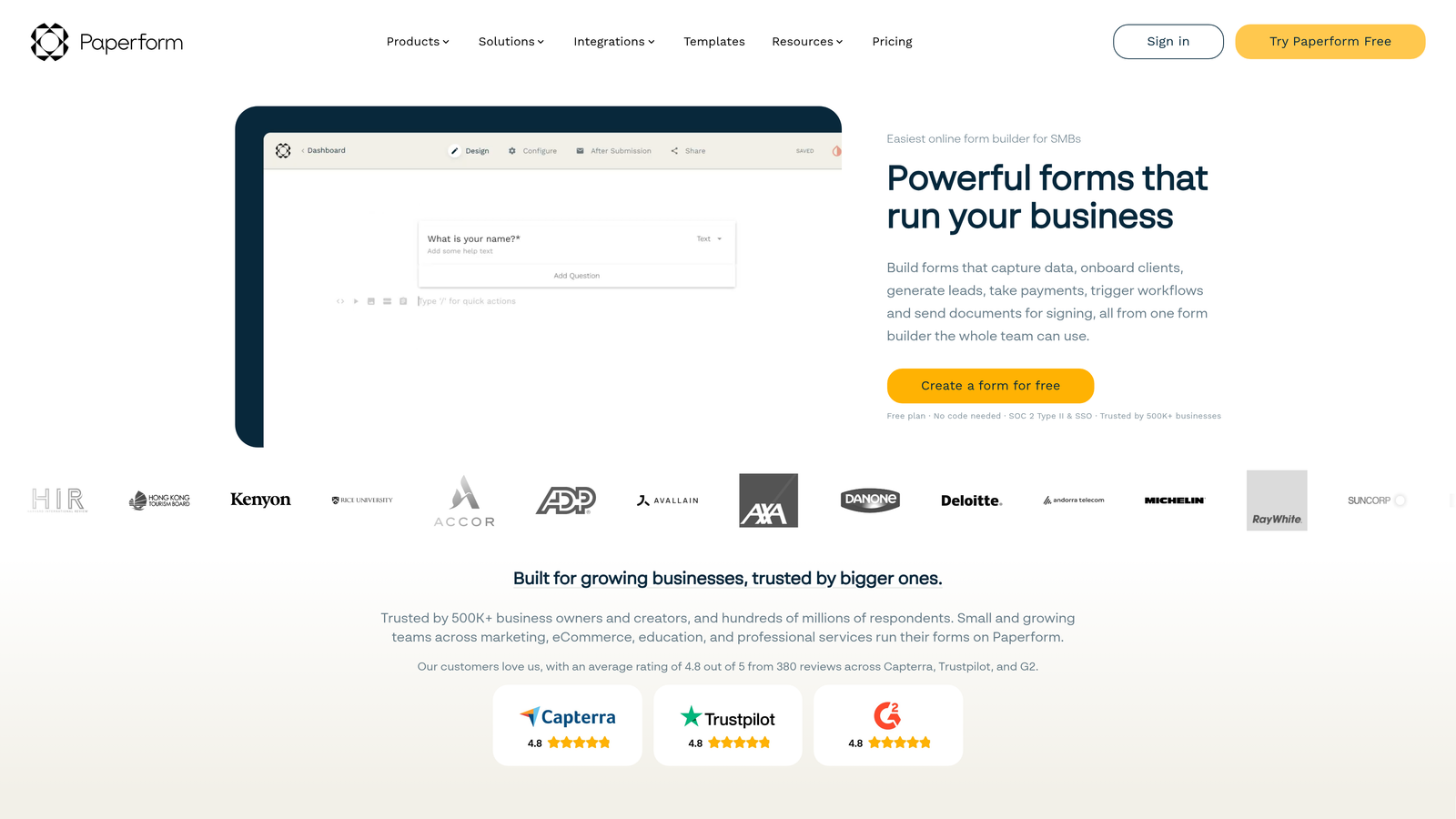
Paperform is a form builder that blurs the boundary between forms and landing pages, letting you embed text, images, and video alongside form fields.
Where This Tool Shines
Paperform occupies a unique position in this category. Rather than presenting a clean, minimal form, it lets you build something closer to a full content page where the form is embedded within a richer experience. This is particularly useful when context matters: product demos, quote requests, or applications where you want to explain something before asking a question.
Calculation fields are a standout feature, allowing you to build forms that compute pricing, scores, or outputs dynamically based on responses. Combined with conditional logic and smart fields, Paperform can handle more complex workflows than its design-focused positioning might suggest.
Key Features
Landing Page-Style Forms: Rich text, images, and video can be embedded alongside form fields for a content-rich experience.
Calculation Fields: Dynamic fields that compute pricing, quotes, or scores based on respondent inputs.
Conditional Logic: Smart branching and field visibility rules for personalized form flows.
Payment Processing: Built-in payment integration for collecting fees or purchases within a form.
Custom Domain Support: Available on paid plans for a fully branded experience.
Best For
Content-driven teams, consultants, and businesses where the form is part of a larger narrative or sales process. Worth noting: Paperform's free tier is limited, and the tool is primarily trial-based rather than offering an ongoing free plan. Verify current free tier availability at paperform.co before planning around it.
Pricing
Trial available. Paid plans start at approximately $24/month. Confirm current free tier details at paperform.co.
6. Formstack
Best for: Operations and HR teams that need workflow automation, approvals, and compliance features.
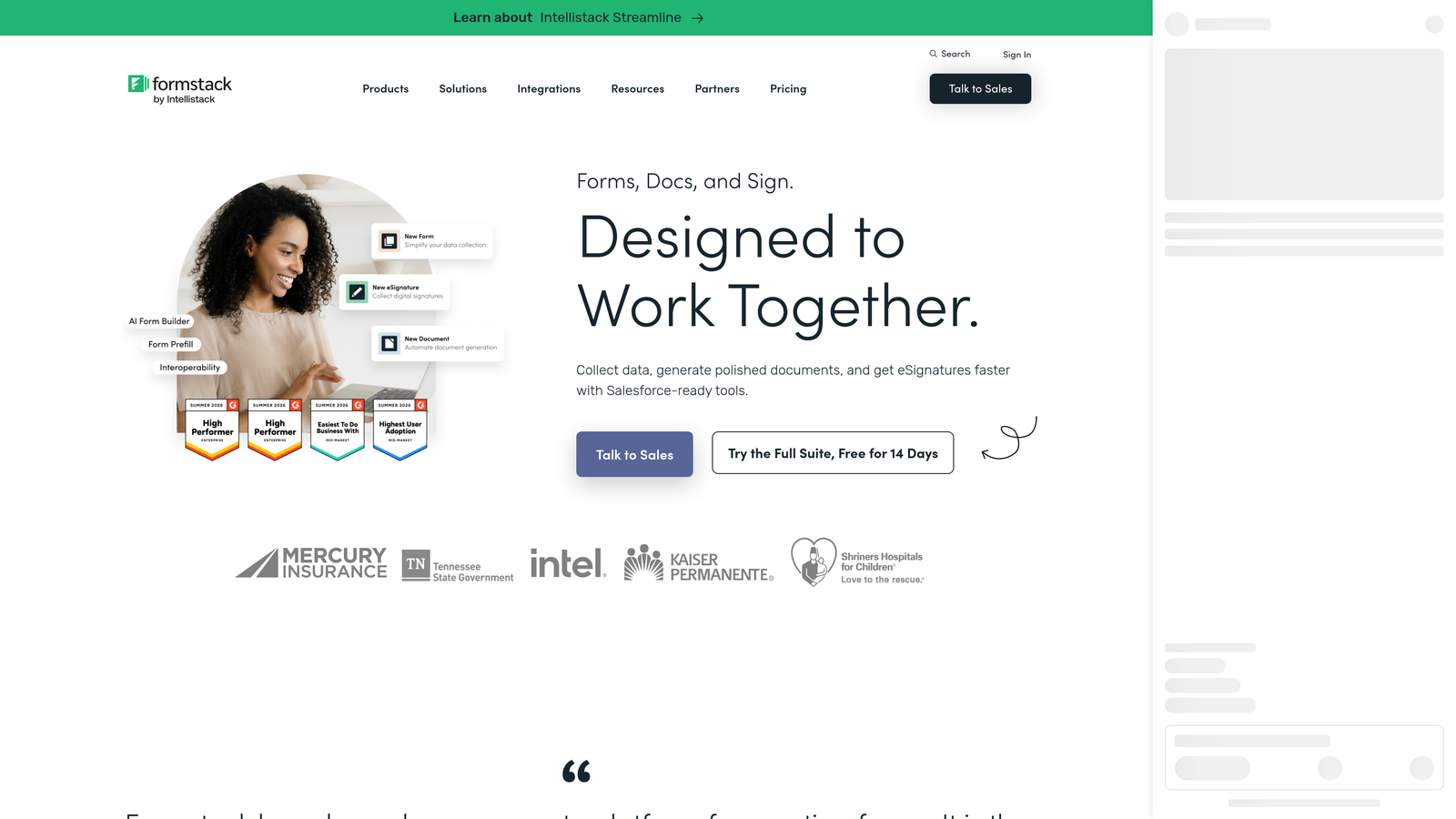
Formstack is an enterprise-grade form and workflow automation platform built for teams that need data routing, approval processes, and compliance capabilities.
Where This Tool Shines
Formstack isn't really competing on the same terms as the other tools in this list. Where most form builders optimize for speed and simplicity, Formstack is designed for organizations where forms are part of larger operational workflows. Think multi-step approval processes, document generation, and compliance-sensitive data collection.
The integration depth with Salesforce, HubSpot, and other enterprise CRMs is strong, and the compliance features, including HIPAA and GDPR support, make it a viable choice for regulated industries. If your team's primary challenge is workflow automation rather than lead capture, Formstack's feature set is well-matched to that problem.
Key Features
Workflow Routing and Approvals: Multi-step approval processes built directly into the form workflow.
Compliance Support: HIPAA and GDPR compliance features for regulated industries and data-sensitive organizations.
Conditional Logic and Branching: Dynamic form flows based on respondent inputs.
CRM Integrations: Deep connections with Salesforce, HubSpot, and other major platforms.
Document Generation and E-Signatures: Generate documents and collect signatures within the same workflow.
Best For
Operations, HR, and compliance teams at mid-size to enterprise organizations. Formstack is not the right fit for lean marketing teams focused on lead gen speed. Its free tier is limited and primarily trial-based, so teams should verify current availability at formstack.com before evaluating it as a free option.
Pricing
Trial available. Paid plans start at approximately $83/month. Verify current free tier and pricing details at formstack.com.
Which Tool Is Right for Your Team?
The right free plan depends on what you'll outgrow first: submission caps, integrations, or smart logic. Each tool on this list has a different ceiling, and understanding where that ceiling sits matters before you build a workflow around it.
Here's a quick breakdown by priority:
Lead qualification is your top priority: Orbit AI is the only tool on this list that brings AI-powered scoring and routing into the form itself, and that's available on the free plan. For SaaS and B2B teams where lead quality directly affects pipeline, that's a meaningful advantage no other free tier here matches.
You need unlimited submissions with no caps: Tally is the clear standout. Unlimited forms, unlimited responses, no branding, and conditional logic on the free tier makes it the most generous free plan in this comparison for volume-focused teams.
Conversational design matters for your audience: Typeform's free tier works well for simple surveys and lead capture campaigns where response volume is low and the polished one-question format improves completion.
You need template breadth across multiple use cases: Jotform's 10,000+ templates and wide field type support make it the best starting point for teams managing diverse form needs across departments.
Your form needs to feel like a landing page: Paperform is purpose-built for content-rich form experiences. Just confirm the current free tier before planning around it, as it skews toward a trial model.
Workflow automation and compliance are the priority: Formstack is the enterprise option here, suited to operations and HR teams rather than marketing-focused lead gen.
Most teams doing serious lead generation will hit free plan limits faster than expected. That's exactly why it's worth starting with a tool whose paid tiers are worth upgrading to, and whose free plan already reflects the product's core value.
Ready to see what a free plan built for conversion actually looks like? Start building free forms today and experience how AI-powered qualification can change what your forms do for your pipeline.


