

Missing a form submission can mean losing a hot lead forever. When someone fills out your contact form at 2 AM, the difference between a 5-minute response and a 5-hour response can determine whether they become a customer or go to your competitor. Form submission notification software ensures you never miss another lead by instantly alerting your team through email, Slack, SMS, or your CRM the moment someone submits a form. We evaluated dozens of tools based on notification speed, channel flexibility, integration depth, and ease of setup to bring you the top options for 2026.
1. Orbit AI
Best for: Teams that want AI-powered lead qualification combined with instant multi-channel notifications
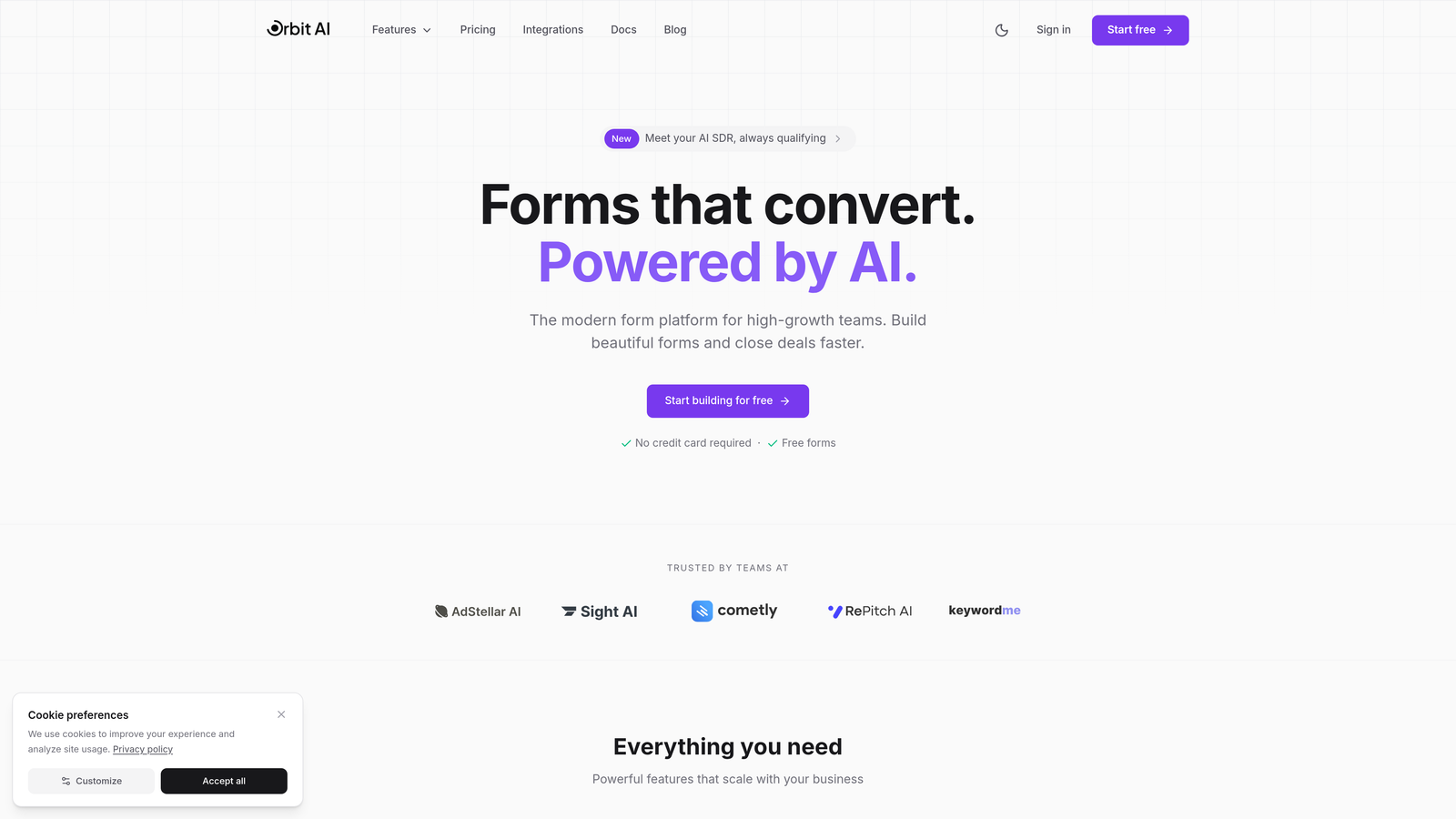
Orbit AI is an AI-powered form builder that automatically qualifies leads while delivering instant notifications across multiple channels.
Where This Tool Shines
What sets Orbit AI apart is its ability to qualify leads on submission using AI, then route notifications based on lead score. High-priority leads trigger immediate Slack alerts to your sales team, while lower-priority submissions go to a different workflow.
The platform combines beautiful, conversion-optimized form design with intelligent notification routing. You're not just getting alerts—you're getting context about which leads deserve immediate attention, helping your team prioritize responses effectively.
Key Features
AI-Powered Lead Qualification: Automatically scores and categorizes leads on submission, helping teams prioritize follow-up.
Multi-Channel Notifications: Instant alerts via Slack, email, and direct CRM integrations ensure your team sees submissions immediately.
Conditional Routing: Route high-value leads to sales, support requests to customer success, and general inquiries to marketing based on submission data.
Native CRM Integrations: Direct connections to HubSpot, Salesforce, and other platforms push data and trigger workflows automatically.
Modern Form Builder: Create conversion-optimized forms with a focus on user experience and design quality.
Best For
High-growth teams and businesses focused on lead generation who need both instant notifications and intelligent lead qualification. Particularly valuable for sales teams that handle high volumes of inbound leads and need to prioritize responses based on lead quality rather than just submission order.
Pricing
Free tier available for getting started. Paid plans begin at $29/month with access to AI qualification features and advanced notification routing.
2. Typeform
Best for: Creating engaging conversational forms with extensive notification integration options
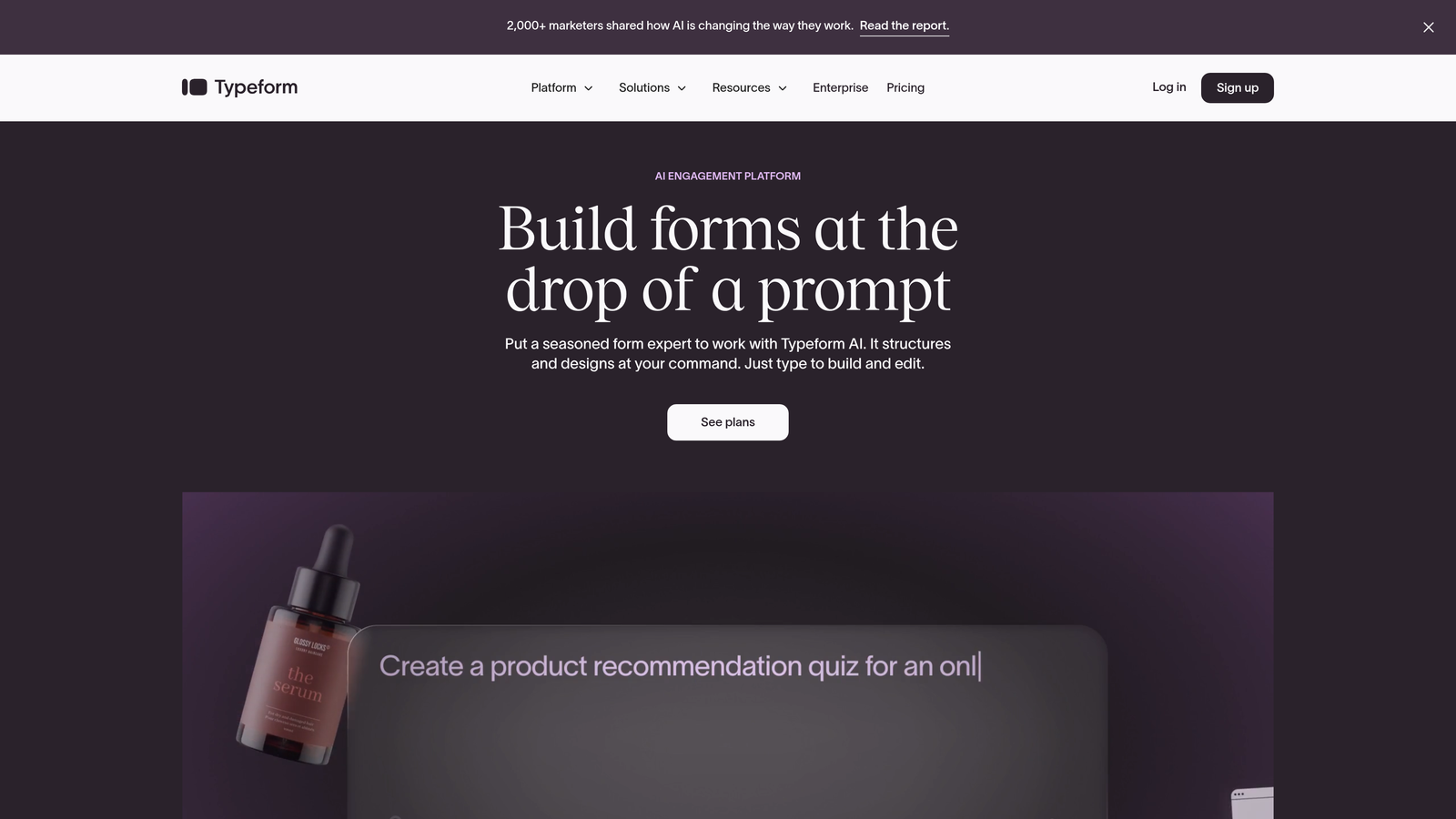
Typeform is a conversational form builder known for its engaging user experience and deep integration ecosystem.
Where This Tool Shines
Typeform excels at creating forms that feel like conversations rather than interrogations. The one-question-at-a-time approach improves completion rates, and when someone finishes, you get notified through virtually any channel you can imagine.
With native integrations to over 500 apps, Typeform connects to almost any tool in your stack. Whether you need notifications in Slack, emails with formatted response data, or webhooks triggering custom workflows, Typeform handles it smoothly.
Key Features
500+ Native Integrations: Connect to your entire tech stack without middleware, from CRMs to project management tools.
Webhook Notifications: Trigger custom workflows and automations the moment someone submits a form.
Formatted Email Notifications: Receive clean, organized emails with response data that's easy to scan and act on.
Team Collaboration Tools: Slack and Microsoft Teams integrations keep your entire team informed in real-time.
Conditional Logic: Show or hide questions based on previous answers, creating personalized form experiences.
Best For
Marketing teams and businesses that prioritize form completion rates and need flexibility in where notifications land. Ideal for companies with diverse tech stacks who want native integrations rather than relying on third-party automation tools.
Pricing
Free tier available with basic features. Paid plans start at $25/month, with advanced notification and integration features in higher tiers.
3. Jotform
Best for: Teams needing granular control over notification rules and multiple recipients
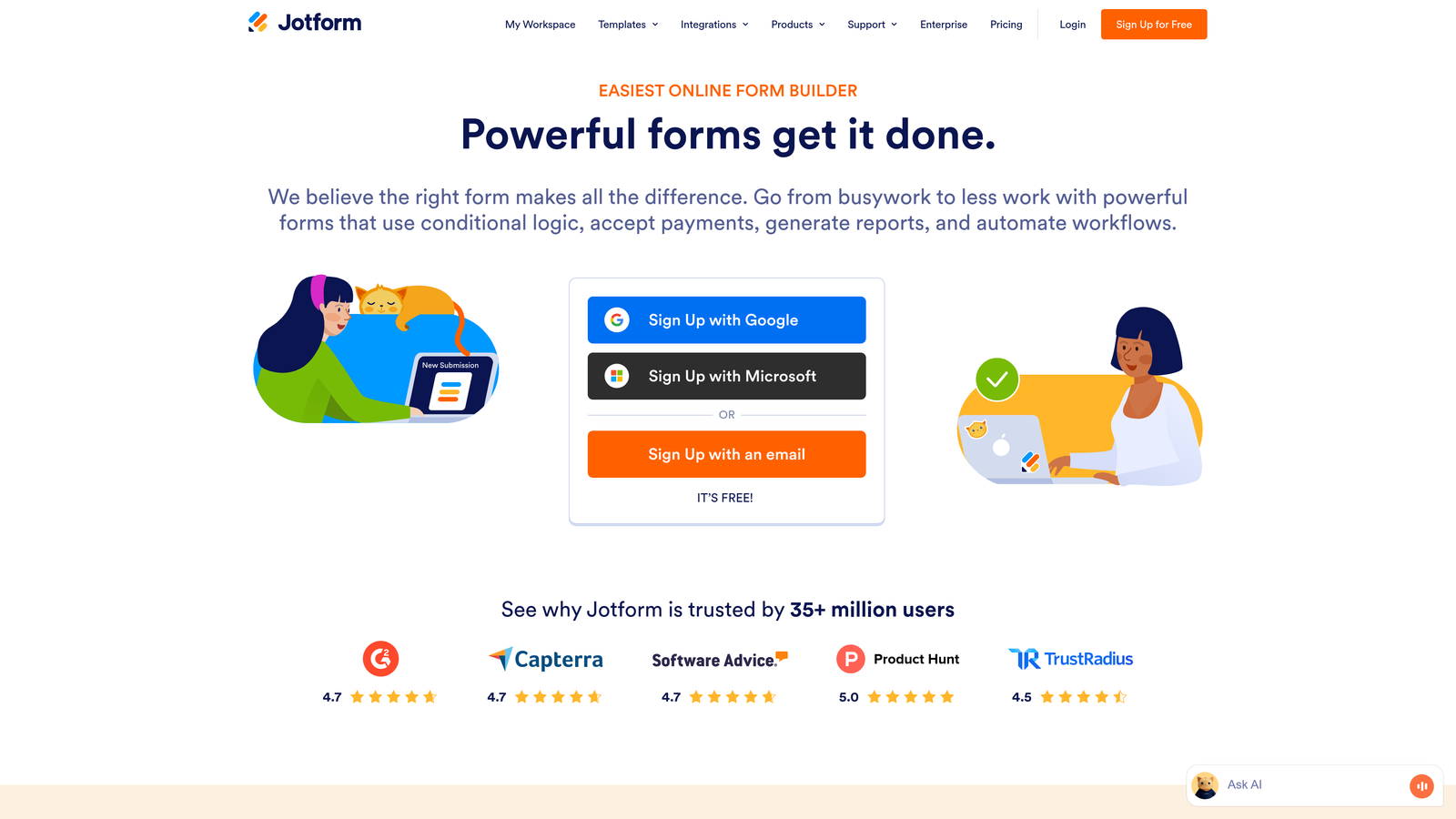
Jotform is a feature-rich form builder with highly customizable notification options and extensive template library.
Where This Tool Shines
Jotform gives you unprecedented control over who gets notified and when. Set up multiple notification emails per form, each with different triggers, recipients, and content. Send one notification to sales when someone selects "Enterprise" pricing, another to support for technical questions, and a third to your CRM via integration.
The platform's conditional notification logic means you're not just blasting every submission to everyone. Route notifications intelligently based on form responses, ensuring the right team member sees the right leads without notification fatigue.
Key Features
Conditional Email Notifications: Trigger different notifications based on specific form responses, routing submissions to the right team members.
Multiple Recipients Per Form: Send the same submission to different people or teams with customized notification content for each.
Autoresponder Emails: Automatically send confirmation emails to form submitters with custom messaging and branding.
PDF Attachments: Include form responses as PDF attachments in notification emails for easy record-keeping.
Template Customization: Fully customize notification email templates with HTML or use the visual editor.
Best For
Organizations with complex notification requirements where different form responses need to reach different departments or team members. Perfect for companies that want fine-grained control without writing code.
Pricing
Free tier available for basic forms. Paid plans start at $34/month with advanced notification features and higher submission limits.
4. Gravity Forms
Best for: WordPress users who need powerful notification routing within their existing site
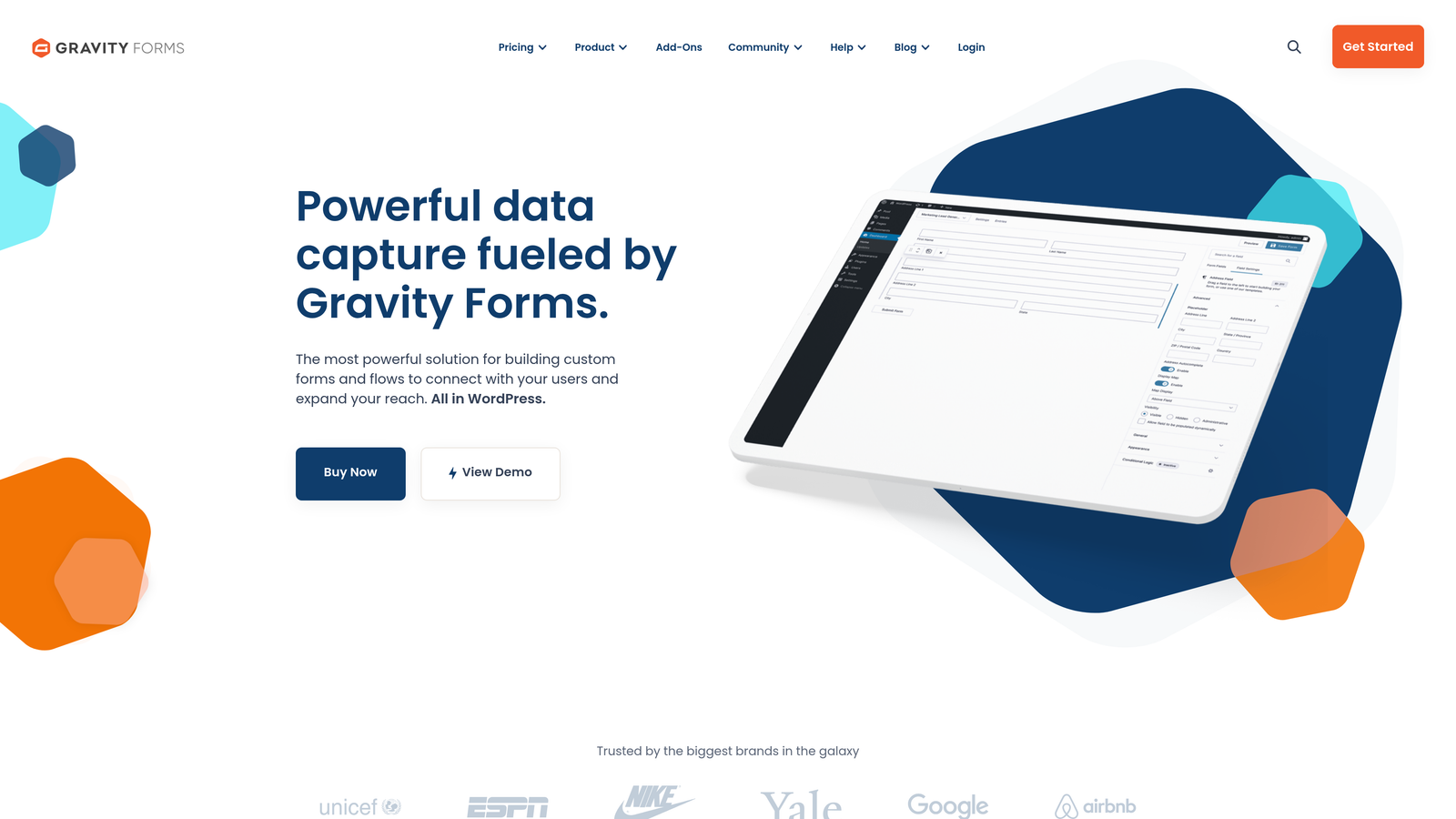
Gravity Forms is a WordPress plugin offering enterprise-grade form functionality with sophisticated notification capabilities.
Where This Tool Shines
For WordPress sites, Gravity Forms is the gold standard. It lives natively in your WordPress admin, meaning no external platforms or iframe embeds. The notification system is remarkably powerful—create multiple notifications per form, each with its own conditional logic determining when it fires and who receives it.
The plugin integrates deeply with the WordPress ecosystem, connecting to thousands of other plugins and themes. Route notifications based on field values, user roles, or even calculation results, giving you notification control that rivals standalone platforms.
Key Features
Multiple Conditional Notifications: Set up unlimited notifications per form, each with different triggers, recipients, and content based on submission data.
Field-Based Routing: Send notifications to different email addresses based on dropdown selections, checkbox choices, or any field value.
Advanced Email Customization: Control BCC, reply-to addresses, email formatting, and attachment options for each notification.
WordPress Ecosystem: Integrate with thousands of WordPress plugins for extended functionality and notification channels.
User Registration Integration: Trigger notifications when users register through forms, with role-based routing options.
Best For
WordPress site owners who want enterprise-level form functionality without leaving their content management system. Ideal for agencies managing multiple client sites who need consistent, powerful form solutions.
Pricing
Annual licensing starting at $59/year for a single site. Higher tiers include additional features and support for multiple sites.
5. Formstack
Best for: Enterprise teams requiring approval workflows and compliance-ready notifications
Formstack is an enterprise form platform with advanced workflow capabilities and industry-specific compliance features.
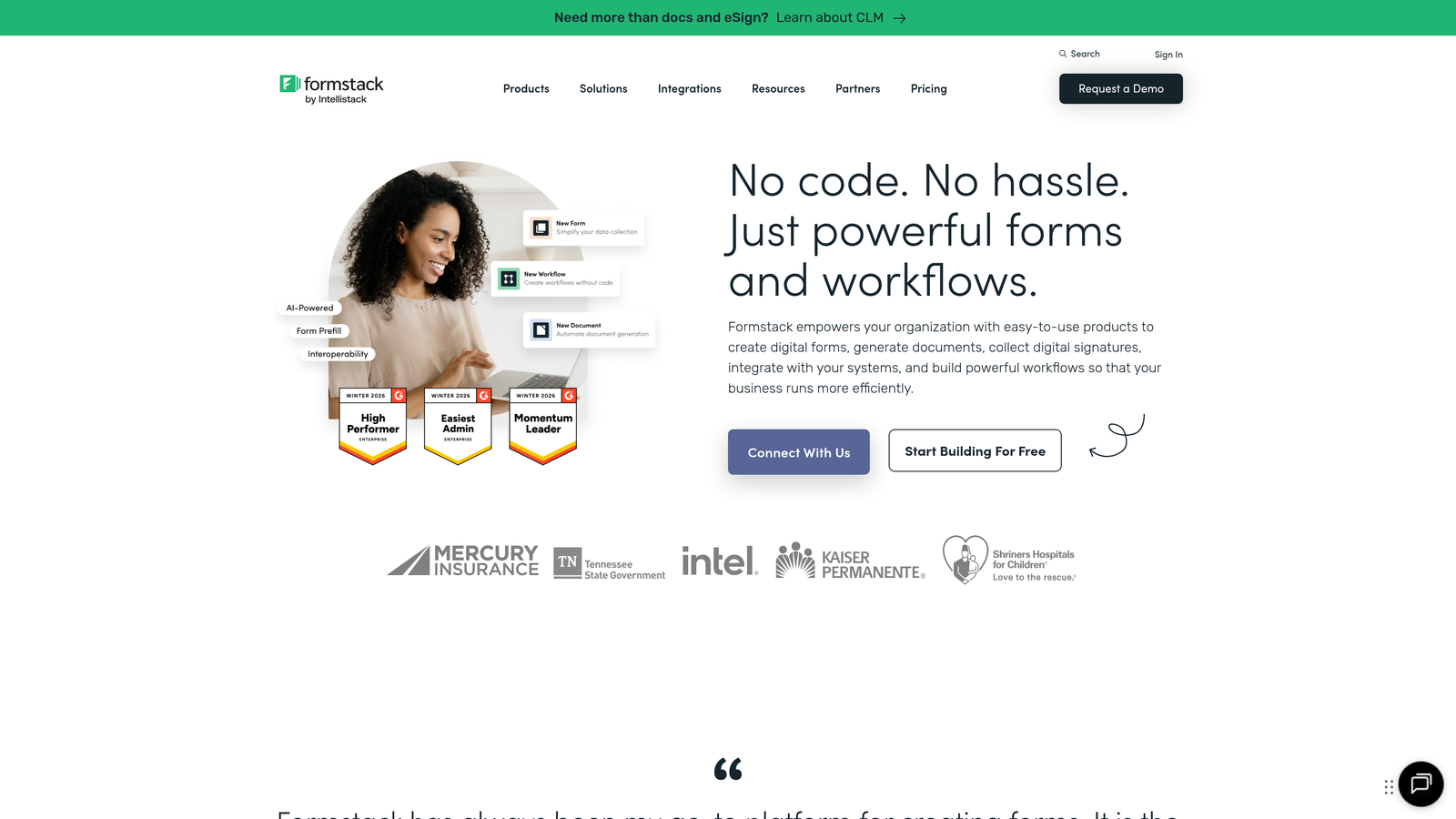
Where This Tool Shines
Formstack excels in regulated industries where form submissions need approval workflows before action. Healthcare providers using HIPAA-compliant forms get secure notifications that meet regulatory requirements, while finance teams can route submissions through approval chains with notification at each stage.
The Salesforce native integration is particularly strong, pushing form data directly into your CRM while triggering notifications to the right sales reps based on territory, product interest, or lead score. This eliminates the delay of middleware tools processing submissions.
Key Features
Approval Workflow Notifications: Route submissions through multi-step approval processes with notifications at each stage to relevant stakeholders.
HIPAA-Compliant Handling: Secure notification delivery that meets healthcare industry requirements for protected health information.
Salesforce Native Integration: Direct CRM connection that pushes data and triggers workflows without third-party tools.
Conditional Team Routing: Automatically route submissions to different departments or team members based on form responses.
Audit Trail Notifications: Track who viewed, approved, or acted on submissions with detailed notification logs.
Best For
Enterprise organizations in regulated industries like healthcare, finance, or government that need compliance-ready form solutions with sophisticated approval workflows. Best suited for teams with complex organizational structures requiring multi-level notification routing.
Pricing
Plans start at $50/month when billed annually. Enterprise features and compliance certifications available in higher-tier plans.
6. Paperform
Best for: Design-conscious teams wanting beautiful forms with flexible notification triggers
Paperform is a design-focused form builder that creates forms resembling landing pages with powerful notification customization.
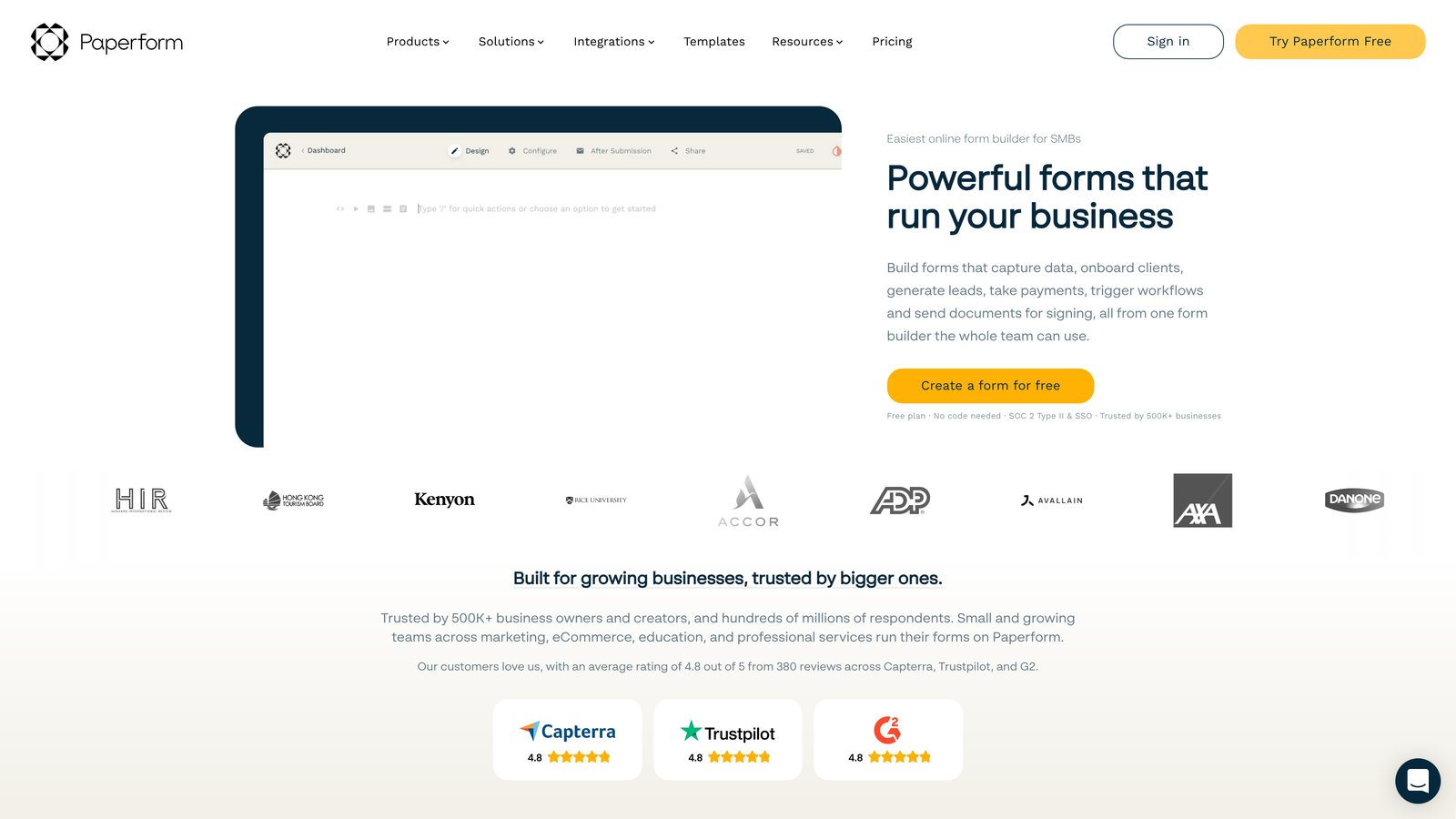
Where This Tool Shines
Paperform treats forms as design elements rather than afterthoughts. The forms look like natural extensions of your website, which improves completion rates and brand consistency. Behind the beautiful interface sits a sophisticated notification engine that triggers alerts based on calculations, conditional logic, or specific field values.
The calculation-based alerts are particularly clever—trigger notifications when someone's form responses indicate high purchase intent, when order totals exceed thresholds, or when specific scoring criteria are met. This lets you prioritize follow-up intelligently rather than treating all submissions equally.
Key Features
Conditional Notification Triggers: Fire notifications based on complex conditions, field values, or calculation results.
Calculation-Based Alerts: Trigger notifications when form calculations meet specific criteria, perfect for scoring or qualification.
3,000+ App Integrations: Connect to virtually any tool via Zapier, expanding notification channel options dramatically.
Custom Email Templates: Design branded notification emails that match your company's visual identity.
Product and Payment Notifications: Receive alerts for form-based purchases or bookings with transaction details.
Best For
Businesses that care deeply about brand presentation and user experience while needing sophisticated notification logic. Particularly valuable for companies using forms for bookings, orders, or applications where calculation-based notifications add value.
Pricing
Plans begin at $24/month with access to core notification features and integrations.
7. Cognito Forms
Best for: Budget-conscious teams needing reliable notifications without premium pricing
Cognito Forms is an affordable form builder offering solid notification features and Microsoft ecosystem integration.
Where This Tool Shines
Cognito Forms delivers enterprise-level notification features at a fraction of typical pricing. The email notification system includes PDF attachments of form responses, making it easy to forward submissions to team members who don't have platform access. Confirmation emails to submitters happen automatically, reducing support inquiries about submission status.
For Microsoft-centric organizations, the Power Automate integration opens up notification possibilities across the entire Microsoft 365 suite. Trigger Teams notifications, create SharePoint items, or update Excel spreadsheets automatically when forms are submitted.
Key Features
PDF Attachment Notifications: Automatically attach form responses as PDFs to notification emails for easy sharing and archiving.
Submitter Confirmations: Send branded confirmation emails to form submitters with custom messaging and next steps.
Conditional Notification Logic: Route notifications based on form responses, ensuring the right team members receive relevant submissions.
Microsoft Power Automate: Deep integration with Microsoft's automation platform for notifications across the Microsoft ecosystem.
Workflow Automation: Create multi-step workflows triggered by form submissions with notifications at each stage.
Best For
Small to mid-sized businesses looking for reliable notification features without premium pricing. Especially valuable for organizations already using Microsoft 365 who want tight integration with their existing tools.
Pricing
Free tier available for basic usage. Paid plans start at just $15/month, making it one of the most affordable options with advanced features.
8. 123FormBuilder
Best for: Teams requiring SMS and mobile push notifications for instant alerts
123FormBuilder is a form platform with strong mobile notification capabilities and SMS alert features.
Where This Tool Shines
When email isn't fast enough, 123FormBuilder's SMS notifications ensure critical form submissions reach your team instantly. Field service teams, emergency response organizations, or sales teams on the go benefit from text message alerts that don't require opening email or checking dashboards.
The mobile app extends this with push notifications, letting team members receive and respond to form submissions from their phones. This is particularly valuable for businesses where immediate response times directly impact conversion rates or customer satisfaction.
Key Features
SMS Notifications: Send text message alerts to team members' phones the moment forms are submitted for truly instant awareness.
Mobile App with Push: Dedicated mobile application delivers push notifications and lets you view submissions on the go.
Multiple Recipients: Configure different notification recipients for different forms or based on conditional logic.
Conditional Rules: Trigger SMS or email notifications based on specific form responses or field values.
Notification Scheduling: Control when notifications are sent to avoid off-hours alerts for non-urgent submissions.
Best For
Mobile-first teams and businesses where immediate response to form submissions is critical. Perfect for field service operations, emergency response scenarios, or sales teams that need to contact leads within minutes of submission.
Pricing
Free tier available with basic features. Paid plans start at $24.99/month with SMS notification credits and mobile app access in higher tiers.
9. Formspree
Best for: Developers wanting simple email notifications without backend infrastructure
Formspree is a developer-friendly form backend that handles form submissions and notifications without requiring server-side code.
Where This Tool Shines
Formspree solves a specific problem elegantly: adding form functionality to static sites without building backend infrastructure. Point your HTML form to Formspree's endpoint, and submissions automatically trigger email notifications to your specified address. No servers, no databases, no complexity.
For developers working with static site generators like Jekyll, Hugo, or Gatsby, Formspree is invaluable. The webhook support means you can still integrate with other tools and services when needed, but the core notification system works immediately with zero configuration beyond specifying an email address.
Key Features
Zero Backend Required: Add form functionality to static sites without server-side code or infrastructure management.
Instant Email Notifications: Receive form submissions via email immediately, with clean formatting and all field data.
Webhook Support: Trigger custom integrations and workflows by sending submission data to webhook endpoints.
Built-in Spam Filtering: Automatic spam protection keeps notification emails focused on legitimate submissions.
Simple Integration: Add a single endpoint URL to your HTML form and start receiving notifications immediately.
Best For
Developers building static sites, portfolios, or landing pages who need simple form notifications without backend complexity. Ideal for freelancers, agencies, and technical teams who prefer straightforward solutions over feature-heavy platforms.
Pricing
Free tier available for basic usage. Paid plans start at $10/month with higher submission limits and advanced features.
Making the Right Choice
The right form notification software depends on your specific workflow and response requirements. Choose Orbit AI if you want AI-powered lead qualification combined with instant multi-channel notifications—it's particularly valuable when you need to prioritize which submissions deserve immediate attention versus which can wait.
Go with Typeform when engaging form experiences matter as much as notifications, or Jotform when you need granular control over notification rules with multiple recipients. WordPress users should consider Gravity Forms for native integration, while enterprise teams in regulated industries will appreciate Formstack's compliance features and approval workflows.
Paperform strikes a balance between beautiful design and sophisticated notification logic. Cognito Forms delivers solid functionality at budget-friendly pricing, especially for Microsoft-centric organizations. 123FormBuilder excels when SMS and mobile notifications are critical for response speed, and Formspree offers the simplest path for developers adding forms to static sites.
The common thread across all these tools is eliminating the risk of missed submissions. Whether you're routing high-value leads to sales, alerting support teams to urgent issues, or simply ensuring someone sees every form completion, instant notifications transform forms from passive data collection into active lead generation engines. Start building free forms today and see how intelligent form design can elevate your conversion strategy.


