

When a lead fills out your contact form, what happens next determines whether they convert or disappear. If your form tool doesn't connect directly to your CRM, you're stuck manually exporting CSVs, copy-pasting data, and watching response times stretch from minutes to hours. For high-growth teams, that lag is a conversion killer.
The right contact form builder with CRM integration eliminates that gap entirely, routing leads automatically, triggering follow-up sequences, and even scoring prospects before they hit your pipeline. This guide covers the best options available in 2026, evaluated on CRM connectivity depth, form customization, lead qualification capabilities, and pricing.
Whether you're a SaaS team capturing demo requests or an agency managing multiple client pipelines, there's a clear winner for your workflow. We've also linked to our analysis of lead generation tools and lead forms for B2B companies if you want deeper context before diving in.
1. Orbit AI
Best for: High-growth SaaS and B2B teams that need lead qualification at the form layer
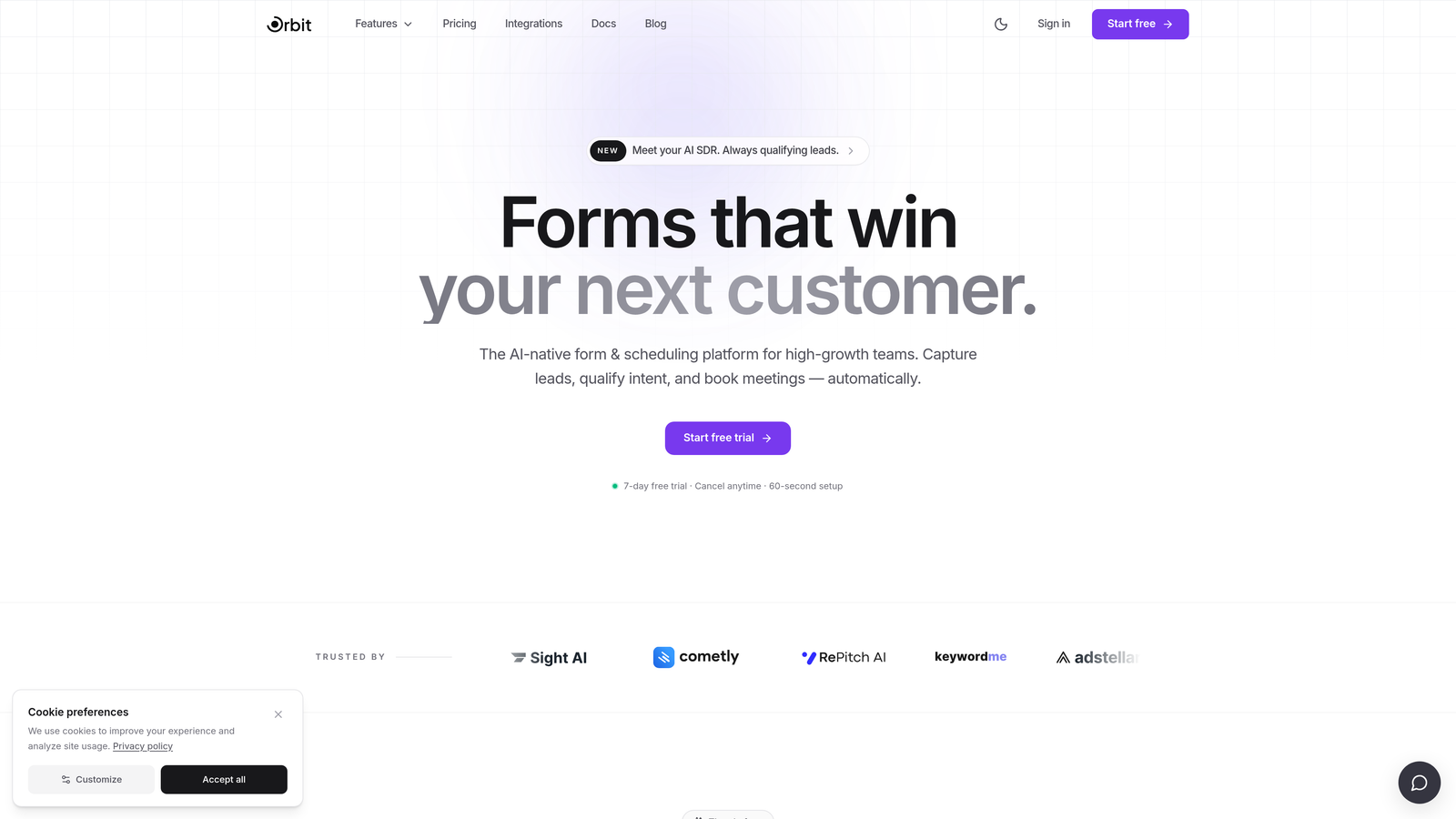
Orbit AI is an AI-powered form builder that scores and routes leads before they ever reach your CRM.
Where This Tool Shines
Most form builders are passive data collectors. They capture what a prospect types, then dump that raw information into your CRM for your sales team to sort through. Orbit AI takes a fundamentally different approach: it qualifies leads within the form experience itself, so only high-intent prospects make it into your pipeline.
This is particularly valuable for teams dealing with pipeline noise. When your CRM is flooded with unqualified submissions, your sales team wastes time triaging instead of closing. Orbit AI's AI-driven qualification layer acts as a filter before the data ever lands, keeping your pipeline clean and your reps focused on the right conversations.
Key Features
AI-Driven Lead Qualification: Leads are scored and routed at the form layer before entering your CRM, reducing pipeline noise from the start.
Conversion-Optimized Design: Forms are built with high-growth teams in mind, prioritizing completion rates and a polished user experience.
CRM Integration: Connects to major CRMs via native connectors and webhooks for seamless, automated data routing.
Conditional Logic: Dynamic form experiences that adapt based on respondent answers, creating personalized paths through the form.
Purpose-Built for Lead Generation: Every feature is designed around pipeline quality, not just data collection, making it a natural fit for B2B and SaaS workflows.
Best For
Orbit AI is the strongest choice for SaaS companies, B2B teams, and growth-stage businesses that care as much about lead quality as lead volume. If your sales team is spending too much time qualifying inbound submissions manually, this is the tool that addresses that problem at the source.
Pricing
Check orbitforms.ai for current pricing plans. The platform is designed for growth-stage teams, so plans reflect the needs of scaling businesses.
2. Typeform
Best for: Teams prioritizing high form completion rates with solid native CRM connectivity
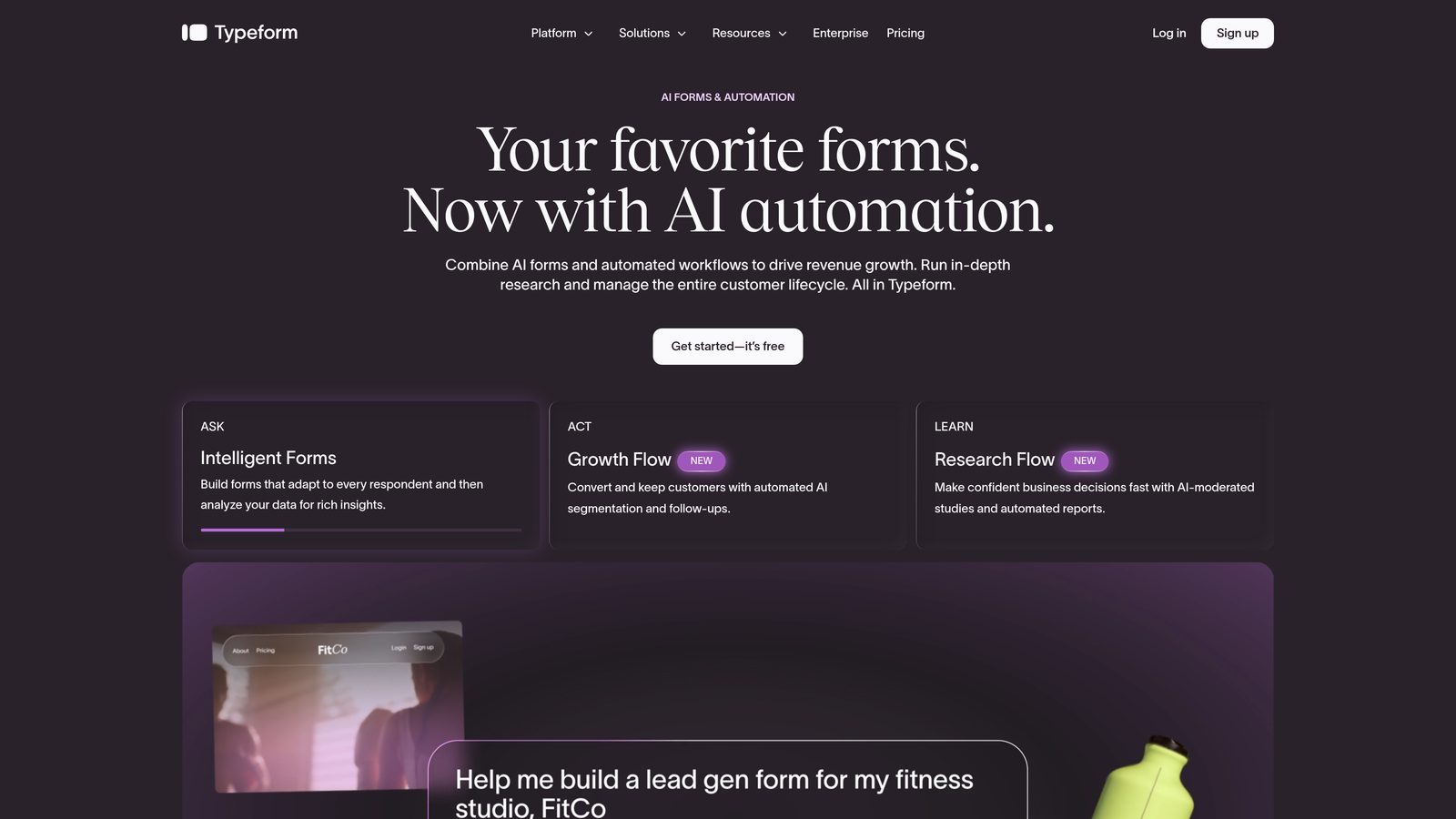
Typeform is a conversational form builder known for its one-question-at-a-time UX and native integrations with leading CRM platforms.
Where This Tool Shines
Typeform's biggest advantage is the experience it creates for respondents. By presenting one question at a time in a clean, distraction-free interface, it tends to drive higher completion rates compared to traditional long-form layouts. For teams where form abandonment is a problem, this UX approach can make a meaningful difference.
On the CRM side, Typeform offers native integrations with HubSpot, Salesforce, and Pipedrive, among others. The connections are reliable and straightforward to configure, making it a solid choice for teams that want a well-supported integration without heavy technical setup.
Key Features
Conversational UX: One-question-at-a-time format keeps respondents engaged and reduces abandonment.
Native CRM Integrations: Direct connections to HubSpot, Salesforce, Pipedrive, and other major platforms.
Logic Jumps: Conditional routing based on respondent answers creates personalized form paths.
Embeddable Forms: Customizable branding options for embedding forms directly into your website or landing pages.
Free Tier Available: A starting plan exists for teams testing the tool before committing to paid features.
Best For
Typeform works well for marketing teams, SaaS companies running lead capture campaigns, and anyone who wants a visually polished form experience. It's a strong mid-market option, though teams needing highly granular CRM field mapping may find its integration depth less flexible than Jotform or Formstack.
Pricing
Free tier available with limited features. Paid plans unlock advanced logic, integrations, and higher response limits. Verify current pricing at typeform.com.
3. Jotform
Best for: Teams needing the broadest possible CRM and app integration library
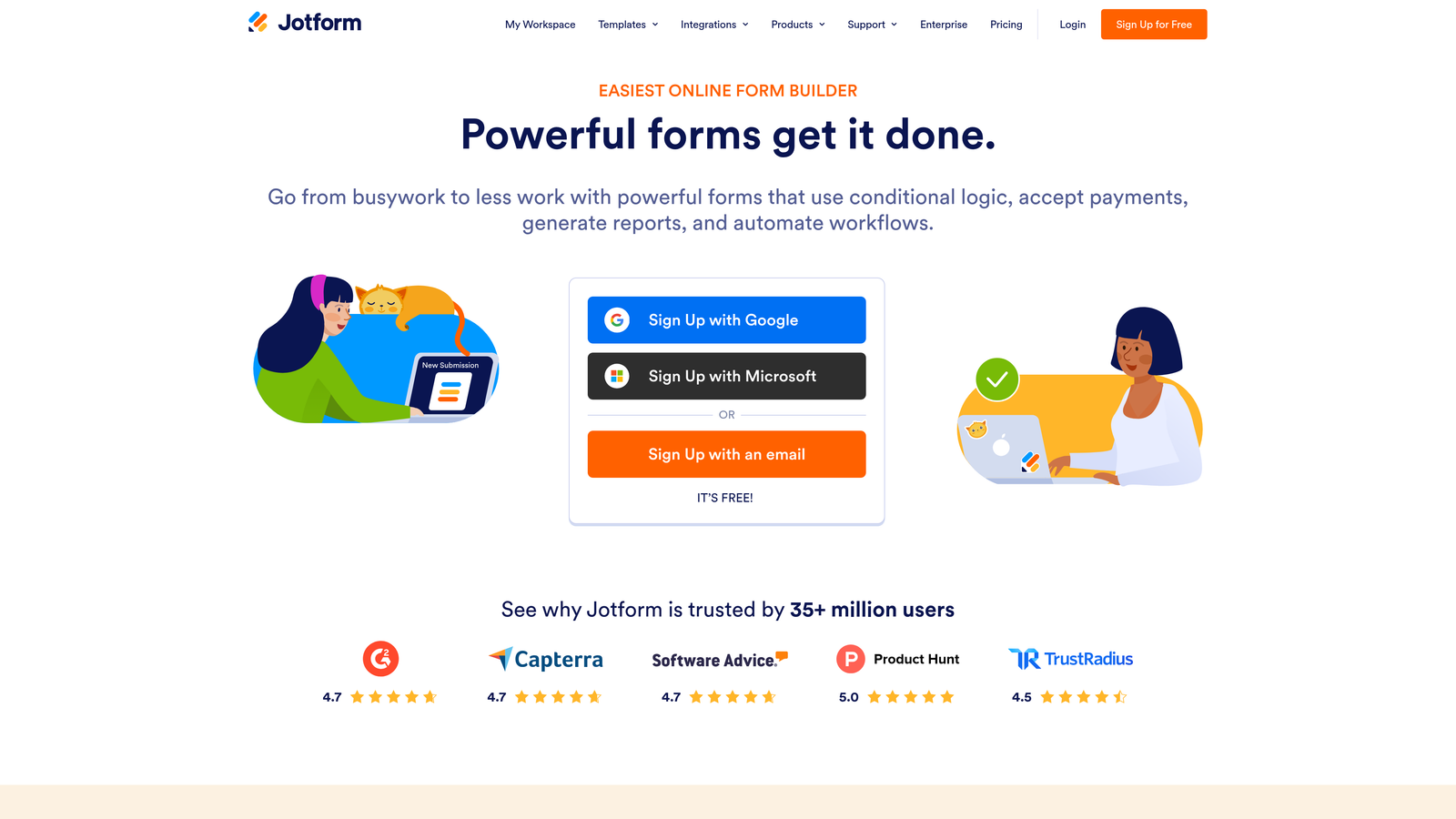
Jotform is a feature-rich form builder with one of the most extensive native integration libraries in the market, covering both legacy and modern CRM platforms.
Where This Tool Shines
If CRM compatibility breadth is your primary concern, Jotform is hard to beat. With over 150 native app integrations, it connects to Salesforce, HubSpot, Zoho CRM, Pipedrive, and dozens of other platforms directly, without requiring middleware for most major CRMs. This makes it particularly useful for agencies managing multiple client stacks or enterprises with complex, multi-tool environments.
Jotform also brings a massive template library to the table, which speeds up form creation significantly. And for teams that want a lightweight data layer without a full CRM, Jotform Tables offers basic record management built right into the platform.
Key Features
150+ Native Integrations: Direct connections to Salesforce, HubSpot, Zoho CRM, Pipedrive, and many more CRM and business tools.
Extensive Template Library: Thousands of pre-built templates covering nearly every use case imaginable.
Jotform Tables: A built-in lightweight data management layer for teams that don't need a full CRM for every workflow.
Conditional Logic and Calculations: Dynamic fields and calculated values for more sophisticated form experiences.
Scalable Free Tier: A free plan is available, with paid plans scaling based on submission volume and feature requirements.
Best For
Jotform is ideal for agencies, operations teams, and enterprises that need to connect forms to a wide variety of CRM platforms. It's also a strong pick for teams that rely heavily on templates to move quickly. If you're optimizing for AI-driven lead qualification, you'll want to look elsewhere, but for raw integration breadth, Jotform leads the pack.
Pricing
Free tier available. Paid plans scale by submission volume and feature set. Verify current pricing at jotform.com.
4. Formstack
Best for: Mid-market and enterprise teams needing deep Salesforce integration and workflow automation
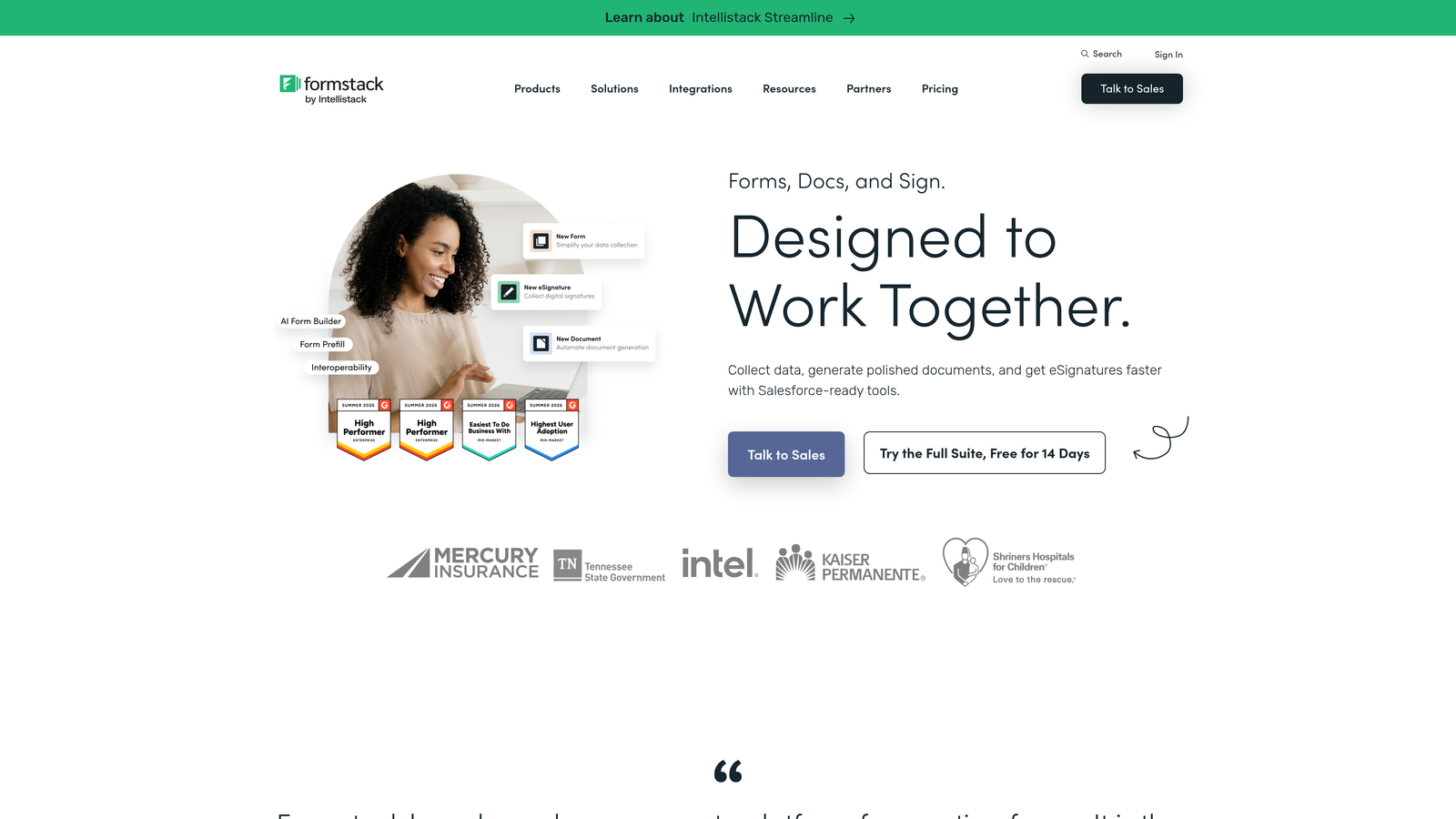
Formstack is a workflow automation platform with robust form building capabilities and a flagship bidirectional Salesforce integration.
Where This Tool Shines
Formstack goes well beyond form building. It's built for organizations that need forms to trigger complex downstream processes: approval chains, document generation, e-signatures, and precise CRM field mapping. Its Salesforce integration is notably deep, supporting bidirectional sync and the ability to pre-fill forms with existing CRM data, which is a significant advantage for teams managing renewals, account updates, or customer-facing workflows.
For regulated industries or teams with compliance requirements, Formstack also includes features designed to support HIPAA, GDPR, and other standards. This makes it one of the few form tools that can serve both marketing and operations teams within the same platform.
Key Features
Bidirectional Salesforce Integration: Native sync with Salesforce including pre-fill from existing CRM records, not just one-way data push.
Workflow Automation: Conditional approval chains and automated routing for complex multi-step processes.
Document Generation and E-Signatures: Create documents directly from form data and collect signatures within the same workflow.
Precise Field Mapping: Granular control over how form data maps to CRM fields, reducing manual cleanup.
Compliance Features: Built-in support for regulated industries requiring HIPAA or GDPR compliance.
Best For
Formstack is the right call for mid-market and enterprise teams with Salesforce at the center of their stack. It's particularly strong for operations-heavy workflows where forms are part of a larger automated process. The trade-off is that the UI feels more utilitarian compared to more design-forward tools like Typeform or Orbit AI.
Pricing
Mid-market to enterprise pricing. Verify current plans and pricing at formstack.com.
5. Paperform
Best for: Teams wanting document-style, media-rich forms with flexible design and Zapier-based CRM connectivity
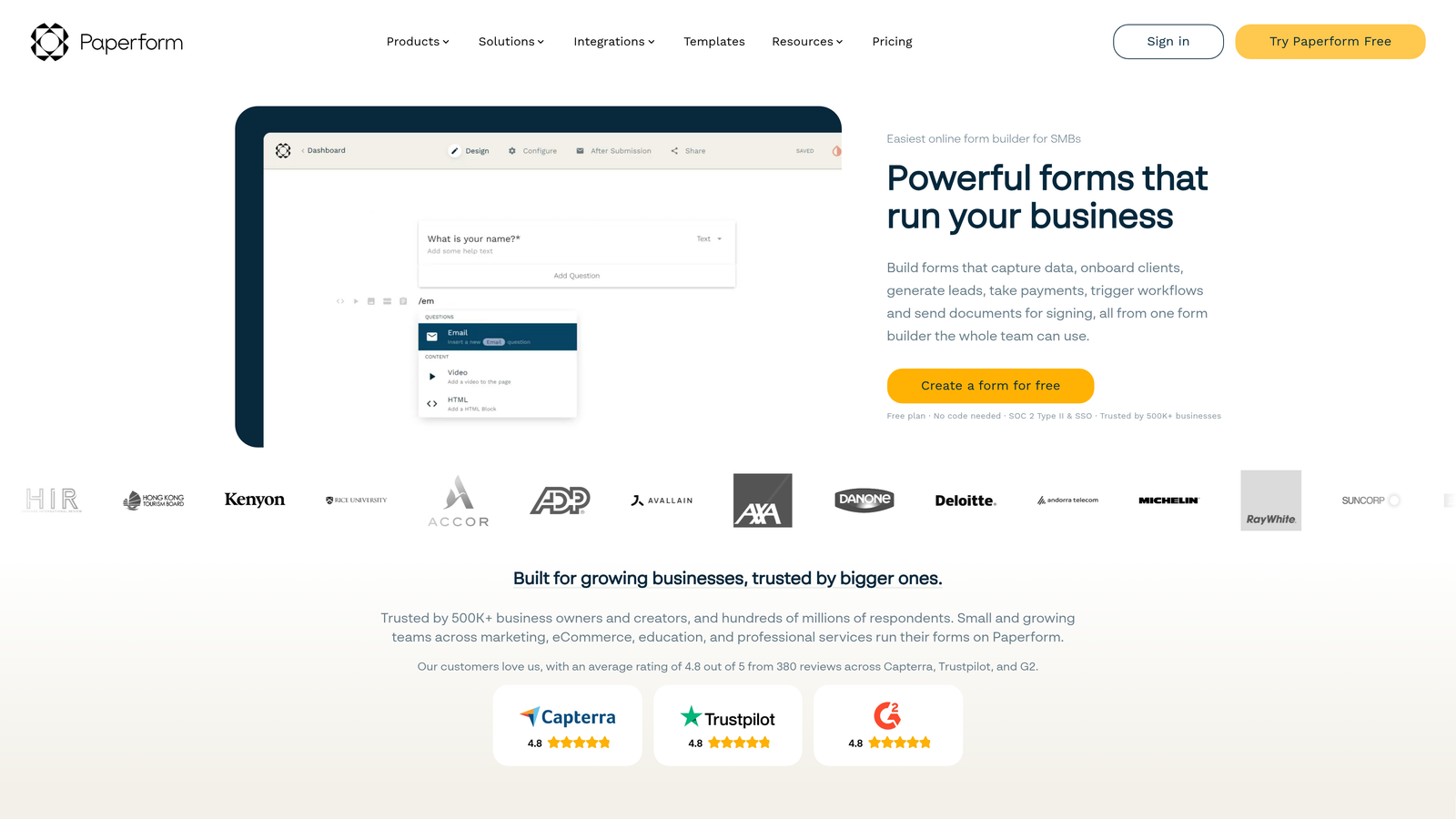
Paperform is a document-style form builder where forms feel more like landing pages or articles than traditional input fields.
Where This Tool Shines
Paperform's design approach is genuinely different. Instead of a standard form layout, you build forms that look like rich content pages, complete with embedded images, video, product listings, and descriptive text woven between questions. This makes it particularly effective for intake forms, bookings, product orders, and any scenario where context and presentation matter to the respondent.
CRM connectivity is handled primarily through Zapier, Make, and webhooks rather than deep native integrations. For teams already running Zapier workflows, this is seamless. For teams that want a direct, native CRM connection without middleware, it's worth factoring in the added complexity and cost of that layer.
Key Features
Document-Style Design: Forms feel like content pages rather than traditional input forms, improving the respondent experience for complex use cases.
Rich Media Embedding: Add images, video, and product listings directly within the form layout.
Zapier and Webhook Connectivity: CRM integration via Zapier, Make, and webhooks covers most major platforms with flexible routing.
Calculations and Conditional Logic: Dynamic pricing, calculated fields, and conditional question paths for sophisticated workflows.
Payment Collection: Built-in payment processing makes it suitable for order forms and paid bookings.
Best For
Paperform suits creative teams, consultants, and businesses that want their forms to feel like polished branded experiences. It's a strong fit for intake forms, event registrations, and product orders. Teams needing deep, native CRM sync without middleware will likely find the Zapier dependency limiting.
Pricing
No free tier. Paid plans available at monthly rates. Verify current pricing at paperform.co.
6. Tally
Best for: Budget-conscious teams that need unlimited forms and responses on a free plan
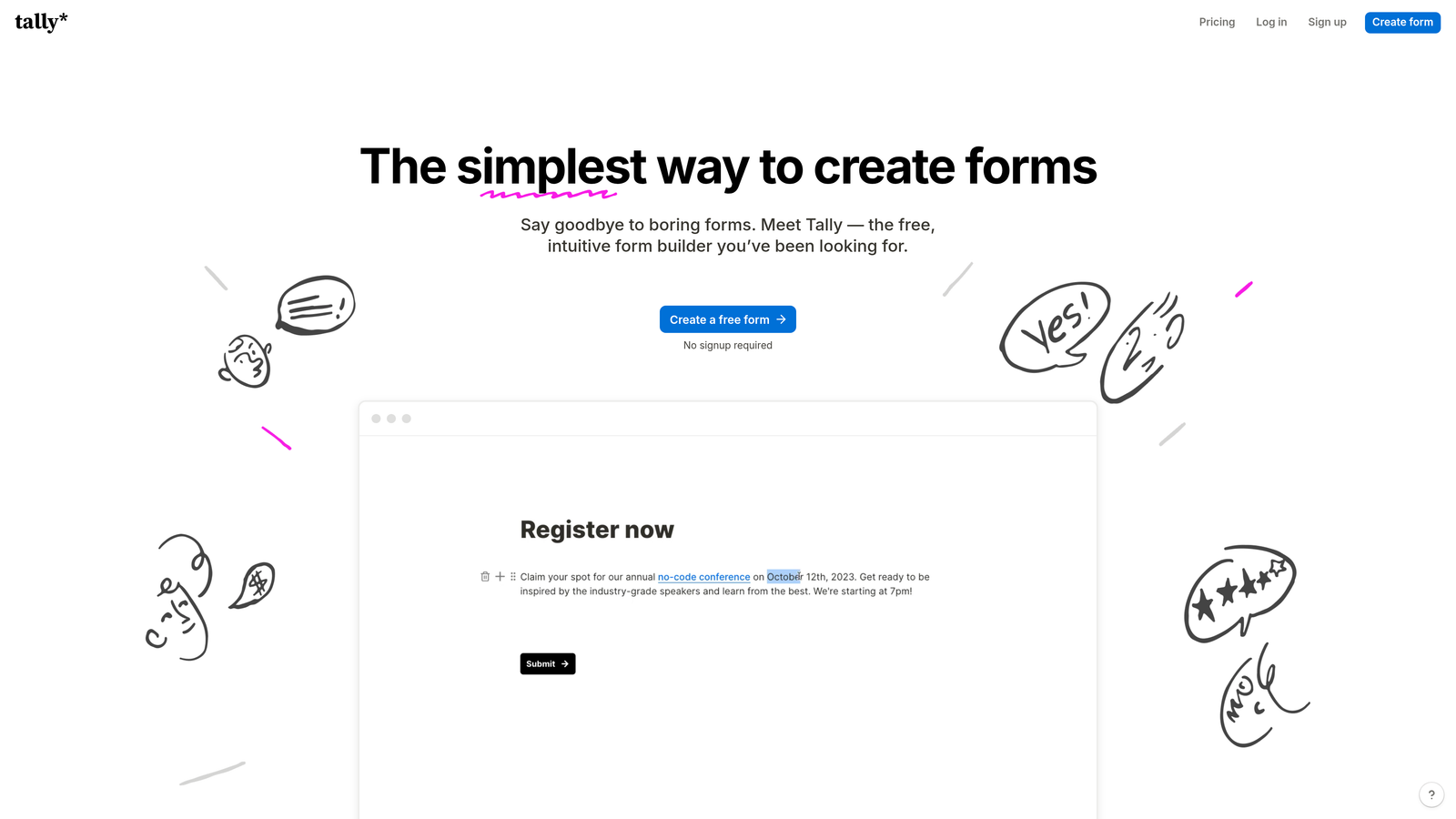
Tally is a clean, block-based form builder with a remarkably generous free tier and CRM connectivity through Zapier and webhooks.
Where This Tool Shines
Tally's free tier is one of the most generous in the market. Unlimited forms and unlimited responses at no cost makes it an obvious starting point for early-stage teams, bootstrapped startups, or anyone testing a new lead capture workflow without budget commitment. The building experience is Notion-like: block-based, intuitive, and fast to use once you're familiar with the interface.
The trade-off is that CRM connectivity relies entirely on middleware. There are no native CRM integrations on Tally. Everything routes through Zapier, Make, or webhooks, which means you'll need those tools set up and configured to connect your forms to your pipeline. For teams already using Zapier, this is a minor hurdle. For teams without existing automation infrastructure, it adds a setup step.
Key Features
Generous Free Tier: Unlimited forms and unlimited responses at no cost, making it accessible for teams at any stage.
Block-Based Building: Notion-style interface that's clean and quick to work with for anyone familiar with modern productivity tools.
Logic Jumps on Free Plan: Conditional fields and logic jumps are available even without upgrading, which is uncommon at this price point.
Zapier and Webhook Integration: CRM connectivity via Zapier, Make, and webhooks covers all major platforms through middleware.
Tally Pro: Paid tier unlocks advanced customization, removal of Tally branding, and additional integration options.
Best For
Tally is the right pick for startups, side projects, and budget-conscious teams that need functional, good-looking forms without spending anything upfront. It's also a solid option for teams already deep in a Zapier workflow who don't need native CRM integrations. Teams prioritizing AI-driven lead qualification or deep CRM sync will need to look at more specialized tools.
Pricing
Free tier with unlimited forms and responses. Tally Pro unlocks advanced features. Verify current pricing at tally.so.
Choosing the Right Tool for Your Stack
Every tool on this list solves the core problem of connecting forms to your CRM, but they do it in meaningfully different ways. Here's how to cut through the options quickly.
If your primary pain point is pipeline quality rather than just data capture, Orbit AI is the standout choice. It's the only tool here that qualifies and scores leads at the form layer before they enter your CRM, which directly addresses the problem of sales teams drowning in unqualified submissions. For SaaS and B2B teams where lead quality matters as much as volume, that distinction is significant. You can also explore resources on reducing form field friction and multi-step form best practices to get more out of your form strategy.
If you're running Salesforce at the center of a mid-market or enterprise stack and need bidirectional sync with workflow automation, Formstack is the most capable option. If you need the broadest CRM compatibility across a complex multi-tool environment, Jotform wins on sheer integration breadth.
For teams prioritizing form completion rates with a polished conversational experience, Typeform is a proven choice. If your forms need to feel like rich content experiences with embedded media, Paperform takes a unique approach that works well for bookings and intake workflows. And if budget is the primary constraint, Tally's free tier is genuinely hard to argue with for getting started.
The right tool ultimately depends on where your biggest gap is: data routing, lead quality, form experience, or budget. For high-growth teams that need all three to work together, the form layer itself is where the leverage lives.
Transform your lead generation with AI-powered forms that qualify prospects automatically while delivering the modern, conversion-optimized experience your high-growth team needs. Start building free forms today and see how intelligent form design can elevate your conversion strategy.


