

SurveyMonkey built its reputation on surveys, but if your priority is high-converting forms, lead qualification, or modern UX, it often falls short. The interface feels dated, pricing scales quickly, and there's no native intelligence to help you qualify or route leads based on responses.
This list covers the best SurveyMonkey alternatives specifically for form building: whether you need conversational flows, AI-powered lead qualification, payment collection, or just a cleaner experience. Each tool has been evaluated on form-building capability, UX, integrations, lead generation features, and pricing. Whether you're a SaaS team, agency, or growth marketer, there's a fit here for you.
1. Orbit AI
Best for: AI-powered lead qualification and conversion-optimized forms for high-growth SaaS and B2B teams
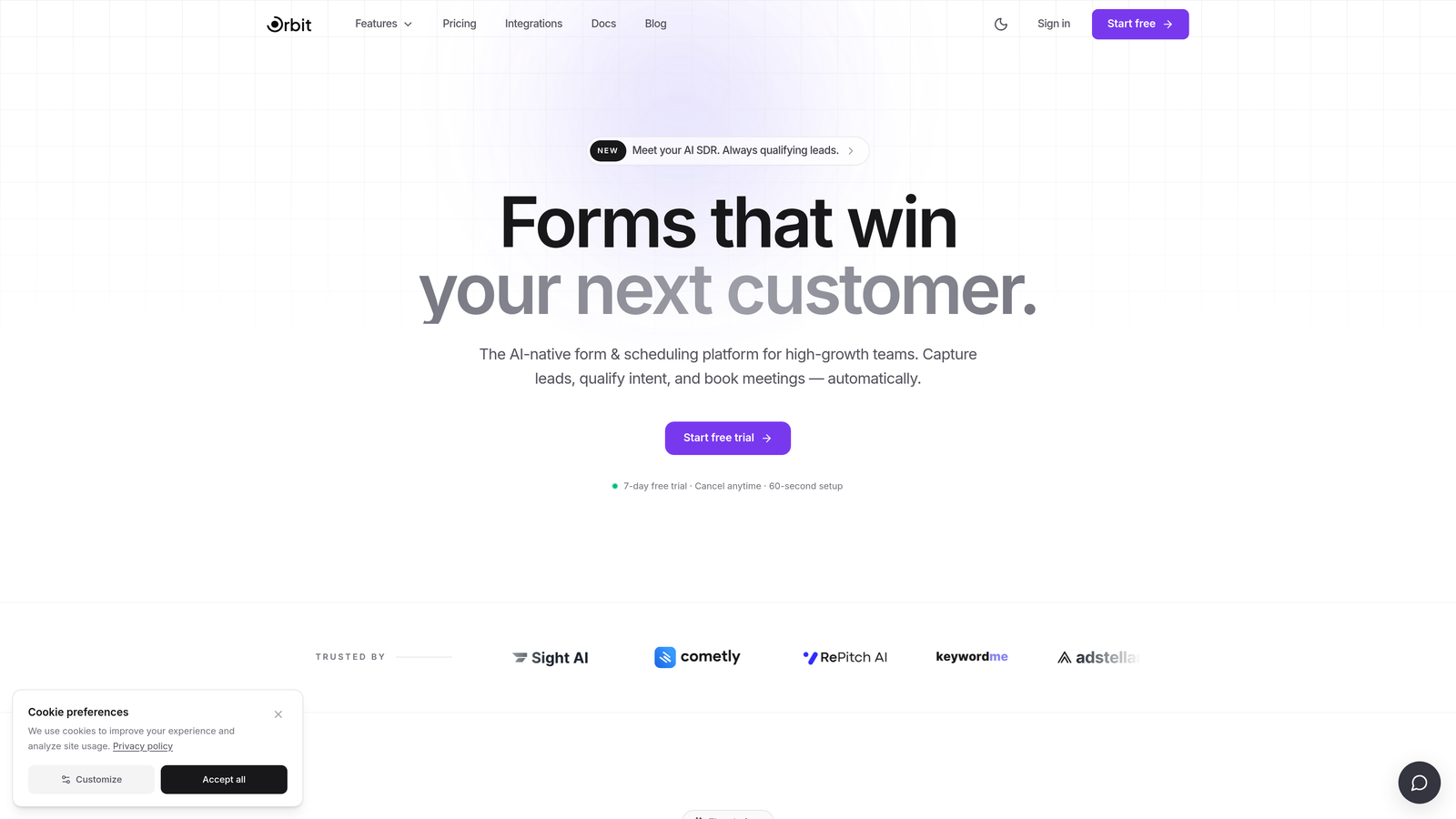
Orbit AI is an AI-powered form builder with native lead qualification capabilities, built for teams that need forms to do more than collect data.
Where This Tool Shines
Most form builders treat qualification as an afterthought. Orbit AI builds it directly into the form logic, so you're not just collecting responses but actively scoring, routing, and qualifying leads as they move through each step. That's a genuine capability gap compared to SurveyMonkey and most tools on this list.
The design side is equally strong. Forms are clean, modern, and brandable without requiring design expertise. For SaaS and B2B teams where the form is often a prospect's first real interaction with your product, that first impression matters.
Key Features
AI-Powered Lead Qualification: Built directly into form logic, so leads are scored and routed automatically based on their responses without manual follow-up.
Conversion-Optimized Design: Modern, clean UI with templates engineered for completion rates, not just aesthetics.
Lead Scoring and Routing: Responses trigger intelligent routing so the right leads reach the right team members immediately.
Built for SaaS and B2B: Designed around the workflows and use cases that growth teams actually encounter, from demo requests to onboarding flows.
Brandable Templates: Beautiful, customizable templates that fit seamlessly into your brand without custom CSS.
Best For
High-growth SaaS teams, B2B marketers, and revenue operations professionals who need forms that actively contribute to pipeline quality, not just data volume. If lead qualification is a priority, this is the tool built specifically for that job.
Pricing
Visit orbitforms.ai for current pricing and plan details. Pricing is updated regularly.
2. forms.app
Best for: Businesses that want unlimited responses, team collaboration, and 500+ integrations on a free plan
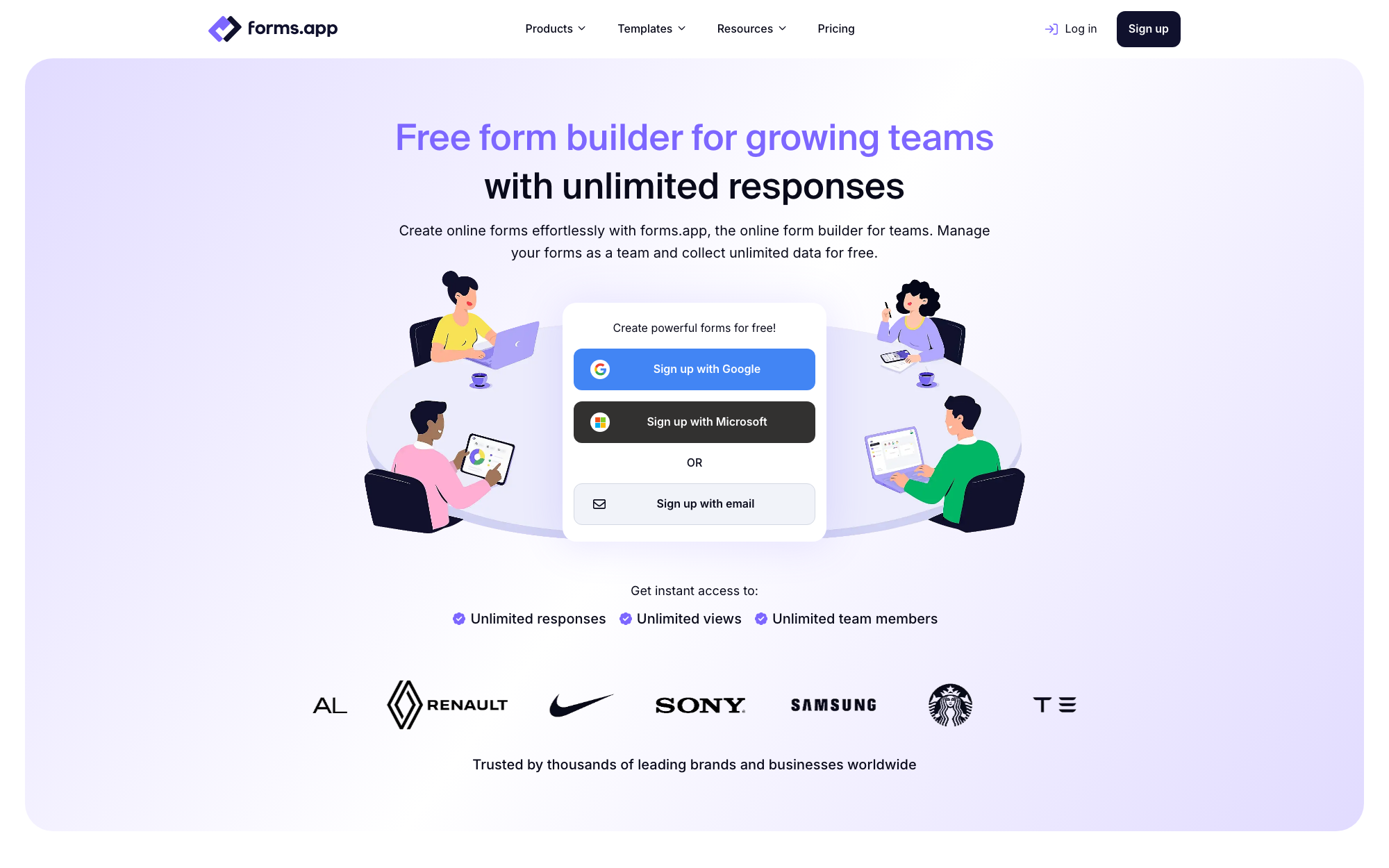
forms.app is a free online form builder for growing teams, offering unlimited responses, team collaboration, and 500+ integrations in a modern, easy-to-use package.
Where This Tool Shines
Where SurveyMonkey gates its most useful features behind expensive tiers, forms.app leads with a free plan that includes unlimited responses and core features most teams actually need. For surveys, quizzes, and feedback forms, that makes it one of the most cost-effective switches available.
The platform covers classic survey use cases well: conditional logic and branching, a calculator field for scored quizzes, and detailed response analytics with charts and filters. AI form generation speeds up the initial build, and 500+ integrations route results into the tools your team already uses.
Key Features
Generous Free Plan: Unlimited responses on the free tier, with no credit card required to get started.
AI Form Generation: Describe the form you need in a sentence and AI builds a complete, editable starting point.
Conditional Logic and Calculator Fields: Build branching flows, scored quizzes, and forms that perform calculations in real time.
Team Collaboration: Shared workspaces and team management features let whole teams build and manage forms together.
500+ Integrations: Native connections plus Zapier support for routing submissions into CRMs, spreadsheets, and payment tools.
Best For
Startups, small businesses, and growing teams that want a capable, modern form builder with a genuinely useful free plan and room to scale into advanced features as needs grow.
Pricing
Free plan available with unlimited responses; paid plans start at approximately $19/month billed annually for more forms, storage, and branding removal.
3. Typeform
Best for: Conversational form experiences with polished, brand-forward design
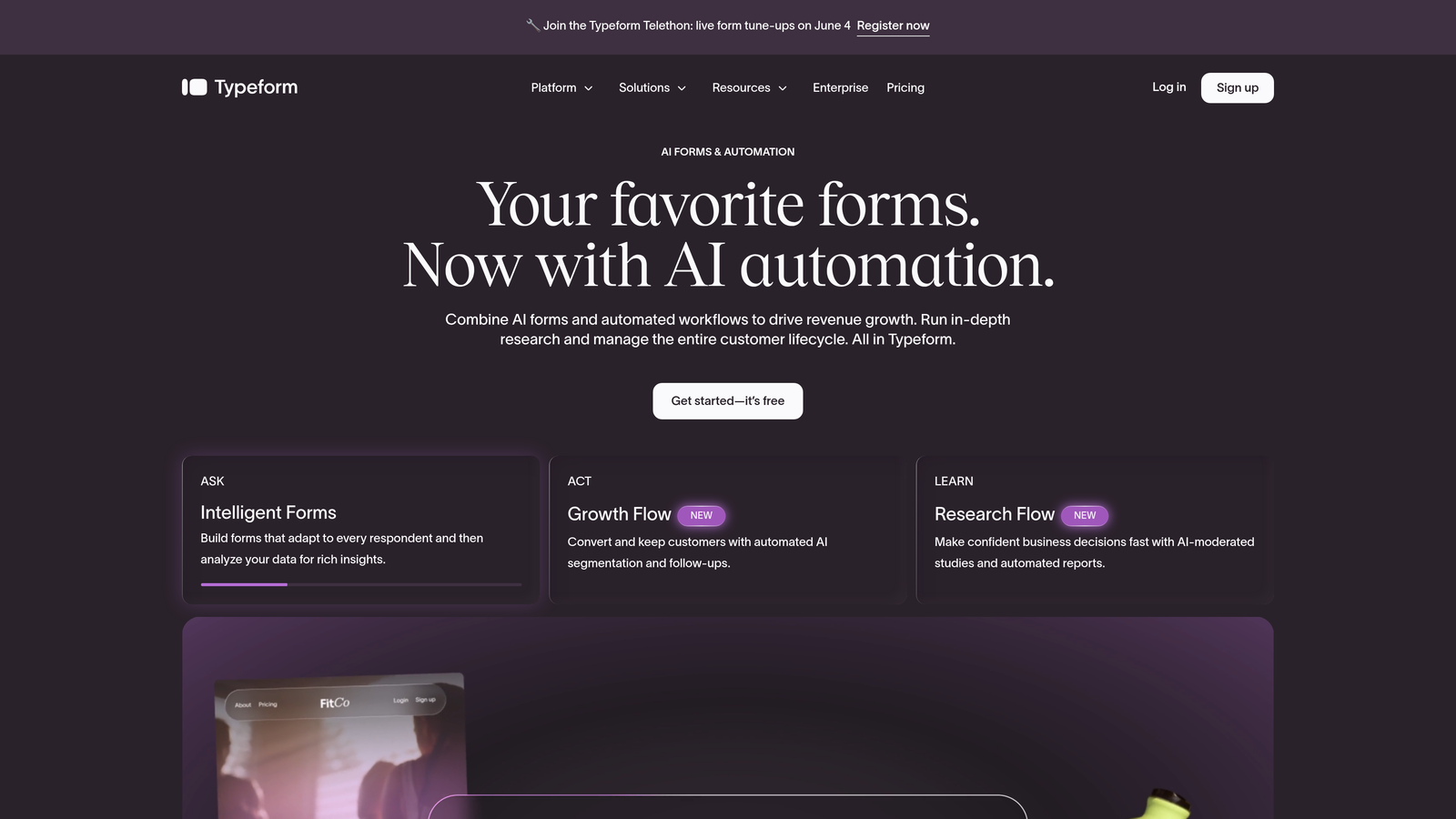
Typeform is a conversational form builder known for its one-question-at-a-time format and premium visual design.
Where This Tool Shines
Typeform's signature UX, presenting one question at a time, creates a more engaging experience than a wall of form fields. For customer-facing forms where completion rate matters, this approach tends to reduce friction and keep respondents moving through the flow.
The design quality is genuinely excellent. Typeform forms feel like branded experiences rather than generic data collection tools, which makes a difference when you're embedding a form on a polished marketing site.
Key Features
Conversational Format: One question at a time keeps respondents focused and reduces abandonment on longer forms.
Visual Branding: Deep customization for fonts, colors, backgrounds, and imagery to match your brand identity.
Logic Jumps: Conditional branching lets you tailor the question path based on previous answers.
Integration Library: Connects with HubSpot, Salesforce, Slack, Google Sheets, and hundreds more via native integrations and Zapier.
Media Embedding: Add video and images directly within questions to enrich the form experience.
Best For
Marketing teams, agencies, and product teams that prioritize form aesthetics and completion rates. Typeform works especially well for lead gen forms, NPS surveys, and onboarding flows where brand experience matters.
Pricing
Free tier available with limited responses. Paid plans start around $25/month. Verify current pricing at typeform.com as plans change regularly.
4. Jotform
Best for: Feature-rich form building with payment collection and workflow automation
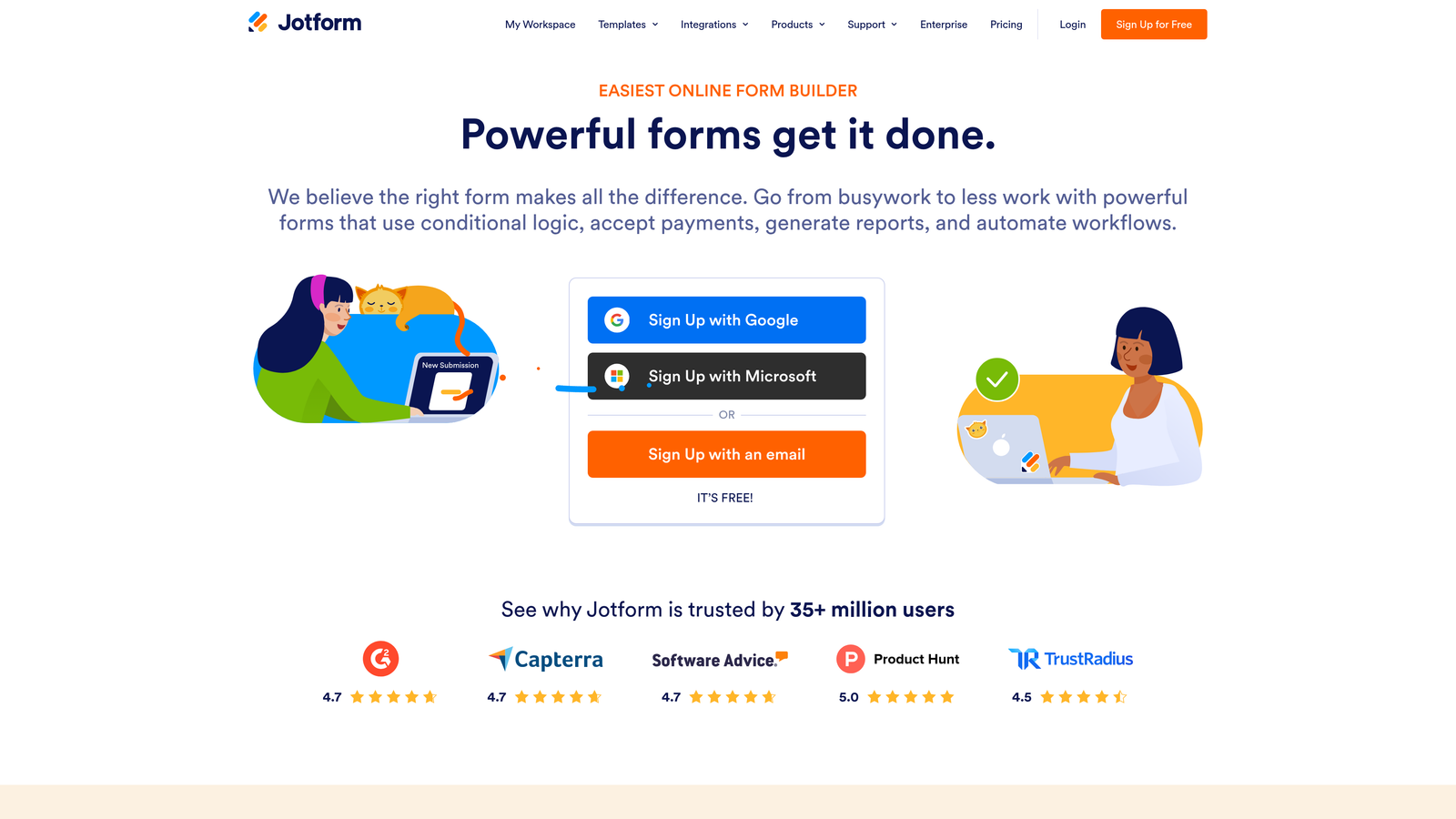
Jotform is one of the most comprehensive form builders available, with thousands of templates and built-in tools for payments, approvals, and document generation.
Where This Tool Shines
Jotform's sheer breadth of features is its defining strength. If you need a form that collects payment, generates a PDF, triggers an approval workflow, and syncs to your CRM, Jotform can handle all of that without requiring third-party tools for each step.
The template library is particularly impressive. With over 5,000 templates spanning industries from healthcare to e-commerce, teams can get a working form live in minutes rather than building from scratch.
Key Features
5,000+ Templates: Pre-built forms across virtually every industry and use case, ready to customize and deploy.
Payment Collection: Native integrations with Stripe, PayPal, and Square for accepting payments directly within forms.
PDF Generation and E-Signatures: Automatically generate documents from form submissions and collect legally binding signatures.
Approval Workflows: Route submissions through multi-step approval processes with team collaboration built in.
Extensive Integrations: Connects with hundreds of apps including Salesforce, HubSpot, Google Sheets, and Dropbox.
Best For
SMBs, nonprofits, operations teams, and anyone who needs a high-feature form tool without enterprise pricing. Especially strong for use cases involving payments, document workflows, or team-based approvals.
Pricing
Generous free tier available. Paid plans start around $34/month. Verify current pricing at jotform.com.
5. Tally
Best for: Startups and indie teams who want a powerful free form builder with no response limits
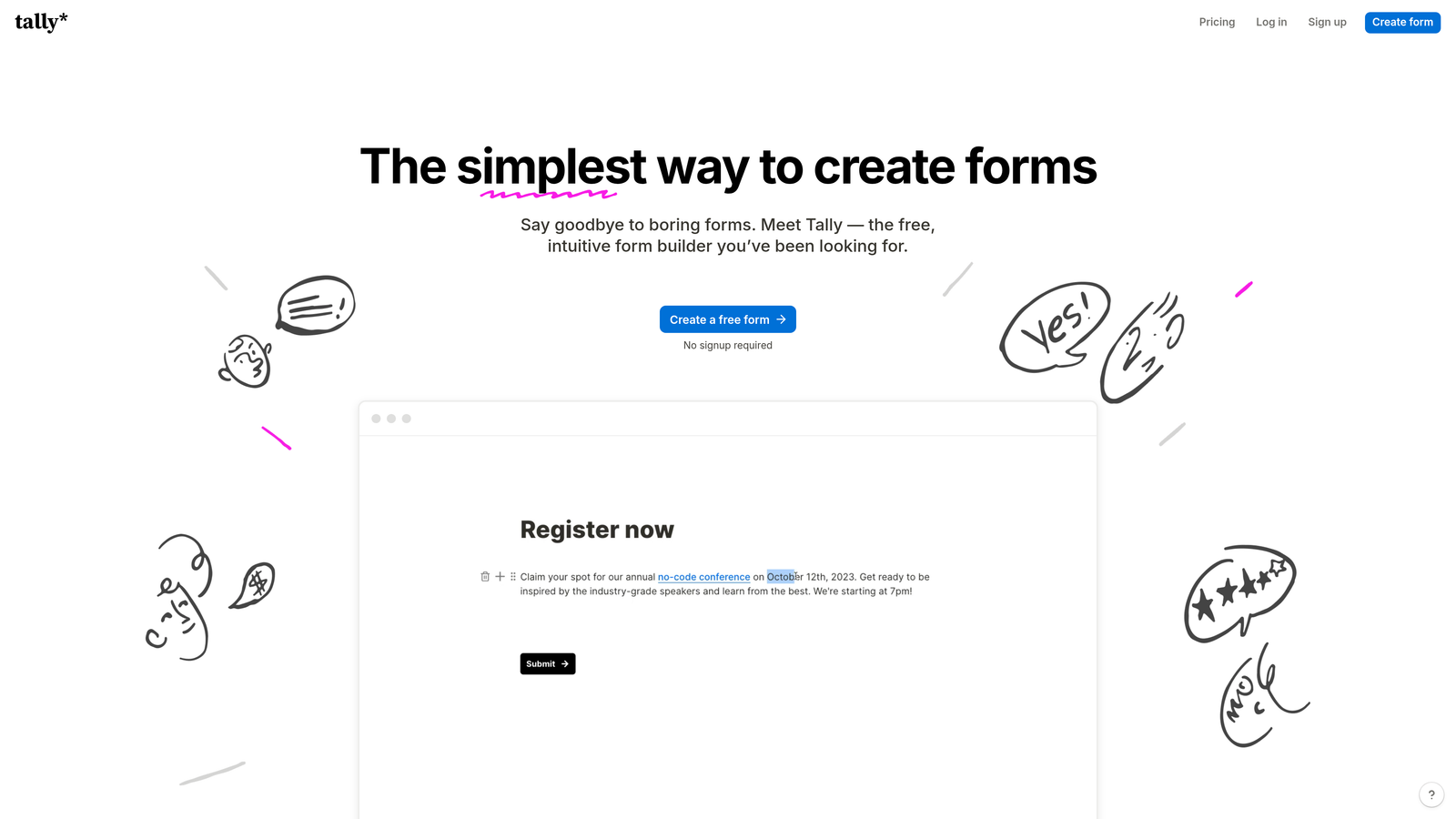
Tally is a Notion-inspired form builder that offers unlimited forms and responses on its free plan, with a clean block-based editor that feels familiar to modern teams.
Where This Tool Shines
Tally's free plan is genuinely generous. Unlimited forms, unlimited responses, and no Tally branding on embedded forms is a combination that most competitors reserve for paid tiers. For early-stage teams or those with tight budgets, this is a significant advantage over SurveyMonkey's restrictive free limits.
The block-based editor feels natural to anyone who uses Notion or similar tools. Building a form feels less like filling out a template and more like writing a document, which makes the creation process faster and more intuitive.
Key Features
Unlimited Free Plan: No caps on forms or responses, with no branding watermark on embedded forms.
Block-Based Editor: Notion-style interface that makes form building feel fast and familiar.
Conditional Logic: Multi-page forms with branching logic to personalize the respondent's path.
Embed Anywhere: Clean embed options for websites, Notion pages, and other platforms.
Zapier and Native Integrations: Connect responses to your existing tools without complex setup.
Best For
Startups, indie makers, and small teams that need capable forms without the cost. Also great for internal tools, research forms, and quick-launch projects where speed matters more than advanced features.
Pricing
Free plan available with no response limits. Pro plan around $29/month. Verify current pricing at tally.so.
6. Google Forms
Best for: Internal data collection within Google Workspace environments
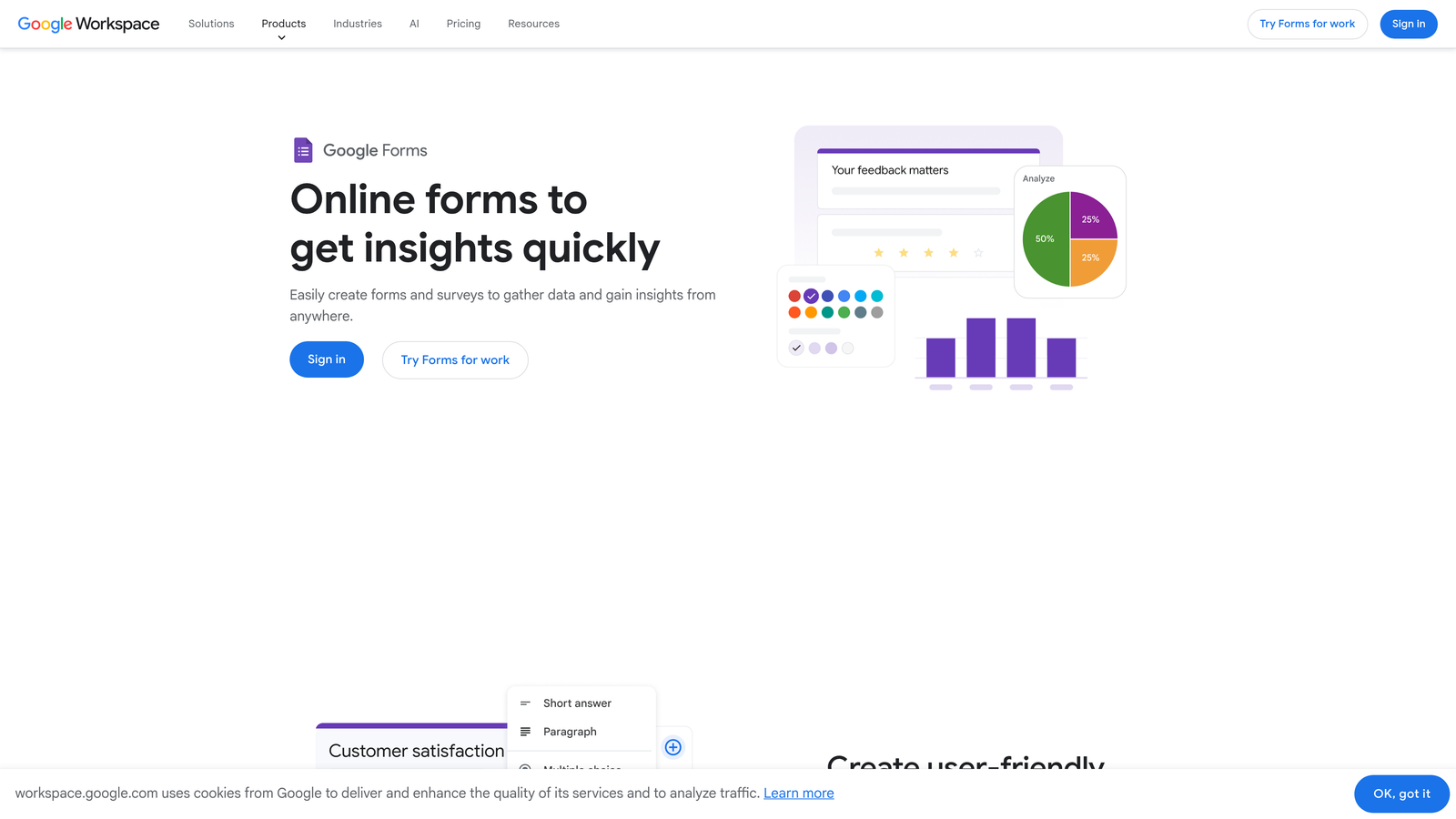
Google Forms is a completely free form and survey tool that integrates directly with Google Sheets for automatic response tracking.
Where This Tool Shines
When cost is the primary concern and you're already in the Google ecosystem, Forms is hard to argue with. It's free, reliable, and responses flow directly into a Google Sheet with zero setup. For internal surveys, quick feedback forms, or team check-ins, it covers the basics without any friction.
Real-time collaboration is a genuine strength. Multiple team members can edit the same form simultaneously, and response summaries update in real time, which is useful for time-sensitive data collection.
Key Features
Completely Free: No paid tiers, no response limits, no branding concerns with a standard Google account.
Google Sheets Integration: Responses automatically populate a connected spreadsheet for easy analysis.
Basic Conditional Logic: Show or skip sections based on answers, covering straightforward branching needs.
Real-Time Collaboration: Multiple editors can work on the same form simultaneously.
Quiz Functionality: Built-in quiz mode with automatic grading and point assignment.
Best For
Teams already on Google Workspace who need quick internal forms, employee surveys, or event registrations. Not well-suited for customer-facing lead generation due to limited design customization and branding options.
Pricing
Free with any Google account. No paid tiers for Google Forms specifically.
7. HubSpot Forms
Best for: HubSpot CRM users who want forms that feed directly into their marketing and sales workflows
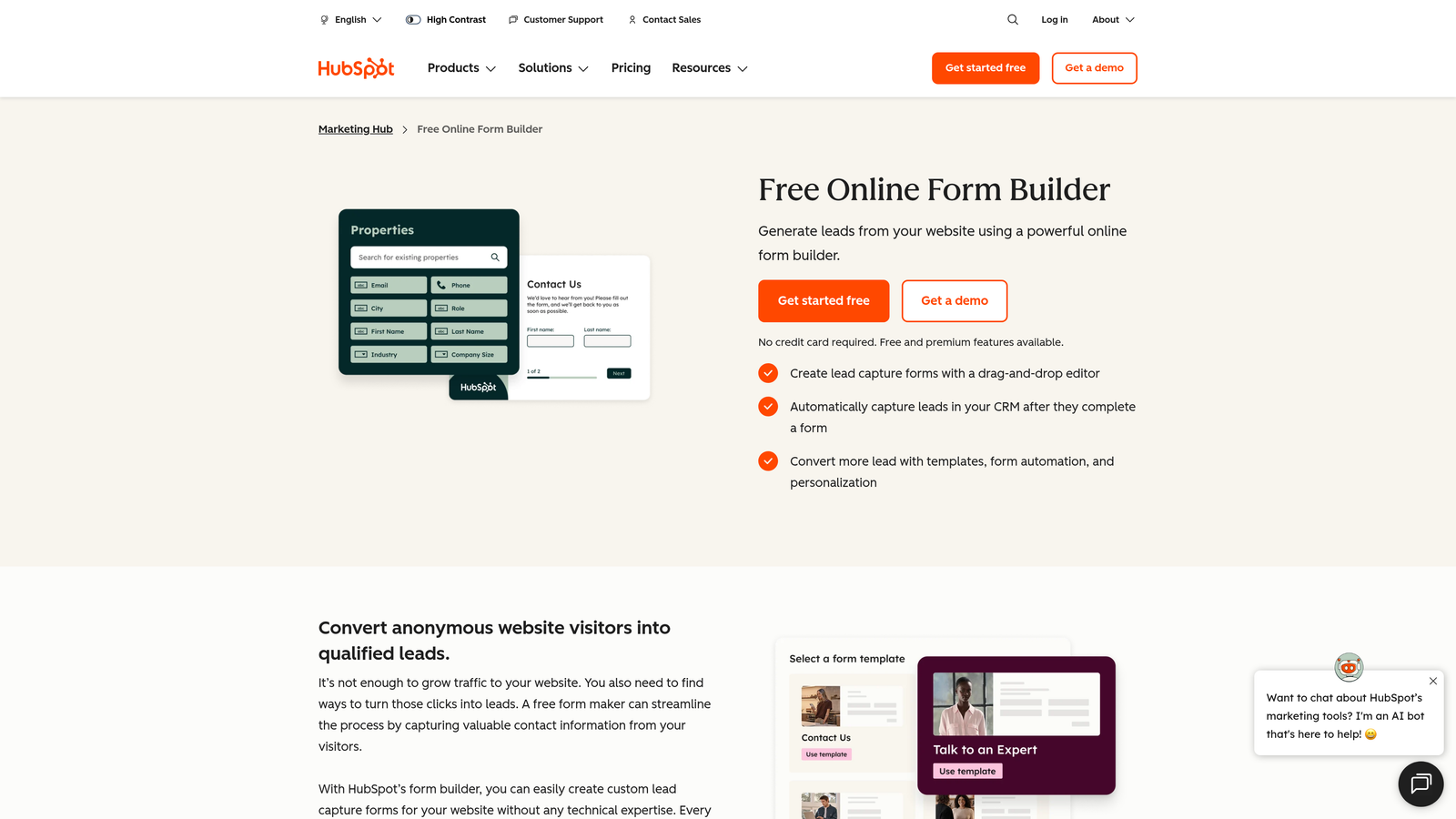
HubSpot Forms is a CRM-native form builder that creates or updates contact records automatically on every submission.
Where This Tool Shines
If you're already running HubSpot, the value of native forms is hard to overstate. Every submission creates or updates a contact, triggers workflows, enrolls leads in sequences, and logs activity in the CRM without any manual syncing or Zap maintenance. The data just flows.
Progressive profiling is a particularly smart feature. Instead of asking the same questions to returning visitors, HubSpot Forms detects known contacts and surfaces new questions to gradually build a richer contact profile over time.
Key Features
Native CRM Sync: Every form submission automatically creates or updates a HubSpot contact record.
Workflow Triggers: Submissions can instantly enroll contacts in email sequences, assign owners, or trigger internal notifications.
Progressive Profiling: Returning visitors see new questions instead of ones they've already answered, building richer data over time.
Multiple Form Types: Popup, embedded, standalone, and slide-in form options for different placement contexts.
Free with HubSpot CRM: Core form functionality is available at no additional cost on the free HubSpot tier.
Best For
Marketing and sales teams running HubSpot as their CRM. Standalone value is limited, but within the HubSpot ecosystem it's one of the most efficient ways to capture and activate leads without additional tooling.
Pricing
Free with HubSpot's free CRM tier. Advanced features like A/B testing and smart content require paid HubSpot plans.
8. Paperform
Best for: Content-rich forms that blend text, images, and form fields into a single branded page
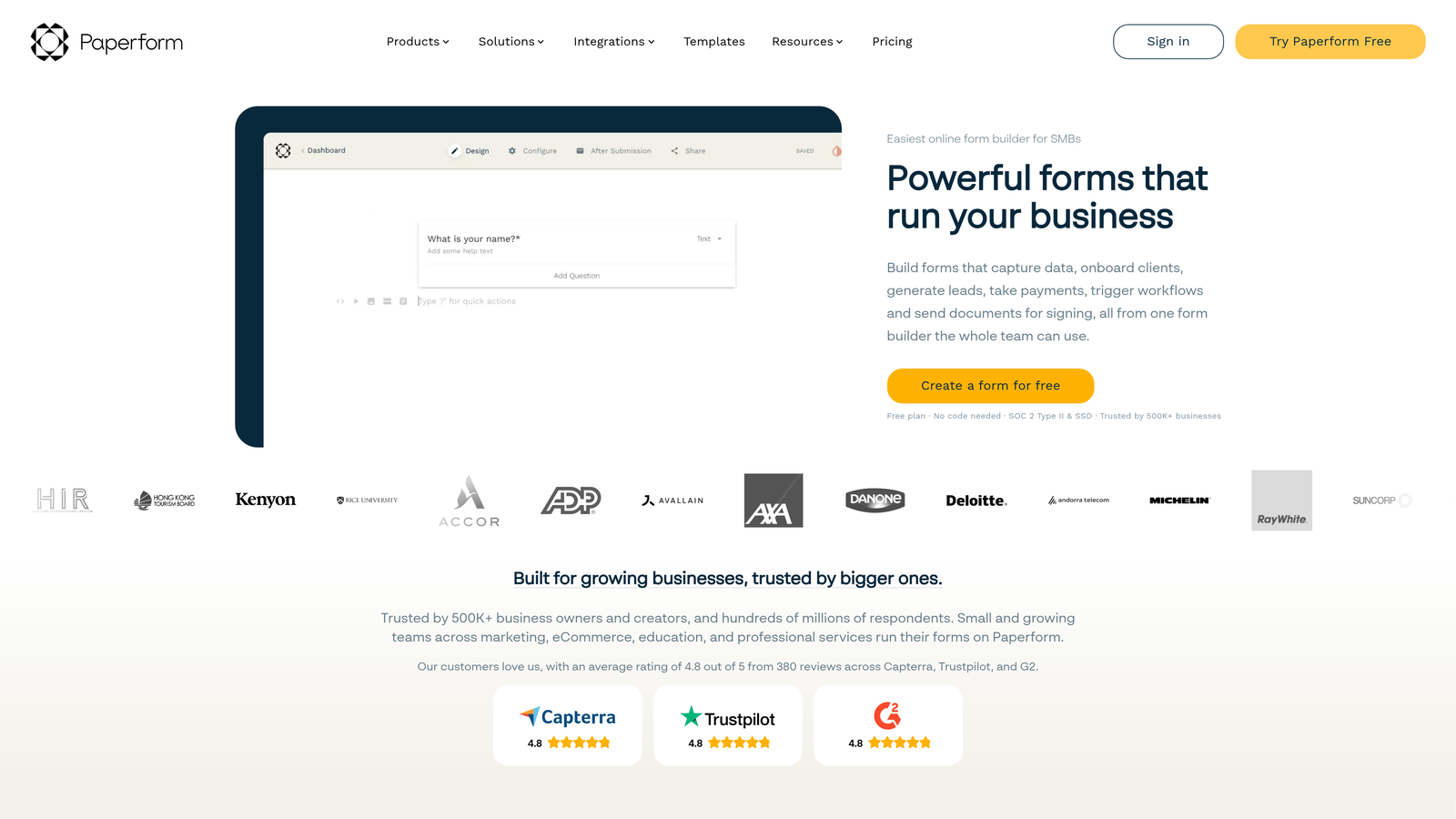
Paperform is a content-first form builder that lets you mix rich text, images, and form fields on a single page, creating something closer to a mini landing page than a traditional form.
Where This Tool Shines
Paperform's freeform editor is genuinely different from most form builders. You can write paragraphs of context, drop in product images, embed videos, and then place form fields exactly where they make sense in the narrative. For coaches, consultants, and service businesses, this approach lets the form tell a story while collecting information.
The payment and scheduling capabilities are well-integrated. You can sell products, collect deposits, and book appointments all within the same Paperform, which reduces the need for separate tools in service-based workflows.
Key Features
Freeform Content Editor: Mix rich text, images, and form fields anywhere on the page for a document-like experience.
Payment Collection: Accept payments and sell products directly within forms via Stripe integration.
Conditional Logic and Calculations: Dynamic fields that respond to previous answers or calculate values in real time.
Appointment Booking: Built-in scheduling functionality for service-based businesses.
Custom Domain Support: Host forms on your own domain for a fully branded experience.
Best For
Coaches, consultants, small agencies, and service businesses that want forms to feel like branded experiences rather than data entry screens. Also strong for intake forms, proposals, and event registrations with rich context.
Pricing
Plans start around $24/month. Verify current pricing at paperform.co.
9. Cognito Forms
Best for: Complex conditional logic and calculation-heavy forms on a budget
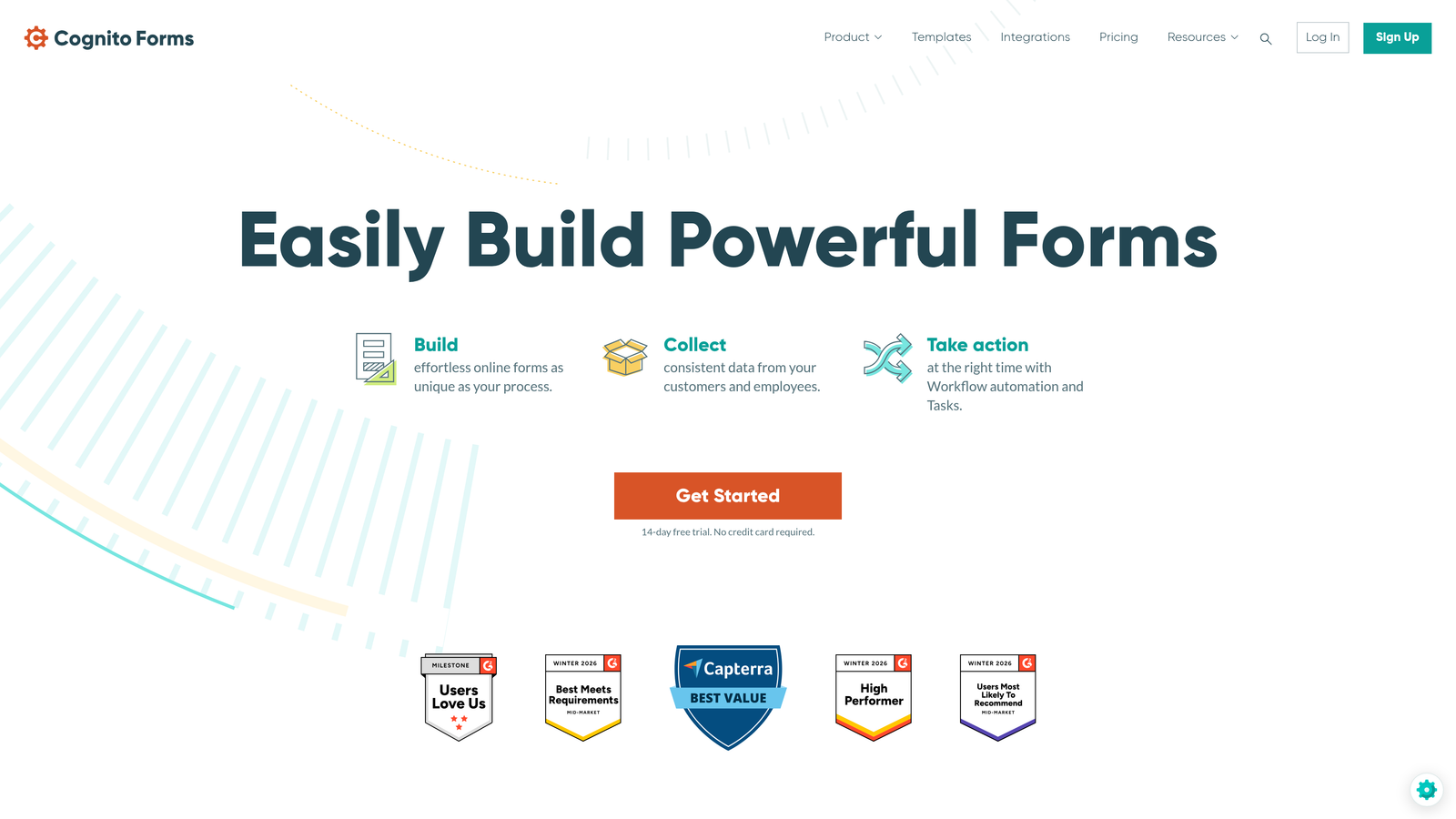
Cognito Forms is a budget-friendly form builder with unusually powerful conditional logic, calculation fields, and repeating sections that rival more expensive tools.
Where This Tool Shines
Cognito Forms punches well above its price point when it comes to logic and calculations. You can build forms that compute pricing, score responses, apply conditional rules across multiple fields, and handle dynamic multi-entry sections without needing a developer or an enterprise plan.
Operations teams and event organizers often gravitate toward Cognito because it handles the kind of complex, branching logic that most form builders either can't do or lock behind expensive tiers. The entry management interface also makes it easy to review and act on submissions directly within the platform.
Key Features
Advanced Conditional Logic: Multi-level branching rules that respond to combinations of field values, not just single answers.
Calculation Fields: Built-in math for pricing calculators, scoring systems, and dynamic totals.
Repeating Sections: Allow respondents to add multiple entries within a single form, useful for registrations or itemized requests.
Payment Collection: Accept payments via Stripe with calculated totals from form fields.
Entry Management: Review, filter, and act on submissions directly within Cognito's dashboard.
Best For
Operations teams, event organizers, and anyone who needs complex logic or calculation features without the cost of enterprise form tools. A strong fit when Jotform or Typeform feel like overkill for the price.
Pricing
Free tier available. Paid plans start around $15/month. Verify current pricing at cognitoforms.com.
10. Microsoft Forms
Best for: Microsoft 365 organizations needing internal forms with zero additional cost
Microsoft Forms is a bundled form and survey tool for Microsoft 365 subscribers, integrated with Teams, SharePoint, and Excel.
Where This Tool Shines
For organizations already paying for Microsoft 365, Forms is simply there. No additional licensing, no new vendor to evaluate, no procurement process. It integrates cleanly with Teams for quick polls and surveys, and responses export directly to Excel for analysis within tools the team already knows.
The real-time summary view is a practical feature for quick internal surveys. Response charts update live as submissions come in, which is useful for all-hands polls, training quizzes, or event registrations within a corporate environment.
Key Features
Included with Microsoft 365: No additional cost for subscribers, covering the core form and survey use cases.
Teams and SharePoint Integration: Embed forms directly in Teams channels or SharePoint pages for internal distribution.
Excel Export: Response data exports cleanly to Excel for analysis in familiar tools.
Basic Branching Logic: Show or skip questions based on previous answers for simple conditional flows.
Live Response Charts: Real-time visual summaries update as responses arrive.
Best For
Enterprise and mid-market organizations on Microsoft 365 who need internal forms, employee surveys, or training quizzes without adding new vendors or costs. Not recommended for customer-facing lead generation due to limited branding flexibility.
Pricing
Included with any Microsoft 365 subscription at no additional cost.
Which Tool Is Right for You
The right choice depends almost entirely on what you need your forms to do. Here's a quick way to think through it.
If lead qualification is the goal, Orbit AI is the only tool on this list with AI-powered qualification built natively into the form logic. For SaaS and B2B teams where pipeline quality matters as much as volume, that's a meaningful differentiator over every other option here, including SurveyMonkey.
If conversational UX and design quality are the priority, Typeform remains the benchmark. For feature breadth and payment workflows, Jotform covers more ground than almost anything else at its price point. If you need maximum capability on a zero budget, Tally's free plan is genuinely hard to beat.
For teams already embedded in larger ecosystems, the decision is often made for you. Google Workspace users will find Google Forms sufficient for internal needs. HubSpot users should start with HubSpot Forms before evaluating anything else. Microsoft 365 organizations can lean on Microsoft Forms for internal use cases without any additional cost.
Paperform is the right call when your form needs to tell a story, and Cognito Forms earns its place for anyone who needs complex logic without paying enterprise prices.
The common thread across all of these alternatives is that they're built for forms first, not surveys. SurveyMonkey's survey-centric design shows up in its limited embedding flexibility, dated interface, and lack of conversion-focused features. Every tool on this list handles those gaps better.
For high-growth teams that want forms to actively contribute to revenue, not just collect data, the next step is clear. Transform your lead generation with AI-powered forms that qualify prospects automatically while delivering the modern, conversion-optimized experience your team needs. Start building free forms today and see how intelligent form design can elevate your conversion strategy.


