

When your team is scaling fast, the last thing you need is a form builder that can't keep up. What worked when you had 50 leads a month starts breaking at 500: clunky workflows, no lead qualification, zero visibility into which submissions actually matter.
A form platform built for growing teams needs to do more than collect data. It should help you qualify leads, route them to the right people, integrate with your existing stack, and scale without requiring a developer on speed dial.
We evaluated dozens of form platforms against the criteria that matter most to high-growth teams: ease of use, lead qualification capabilities, CRM integrations, collaboration features, and pricing that scales sensibly. Here are the top options for teams that are building momentum and need tools that won't slow them down.
1. Orbit AI
Best for: High-growth teams that need AI-powered lead qualification built directly into the form experience.
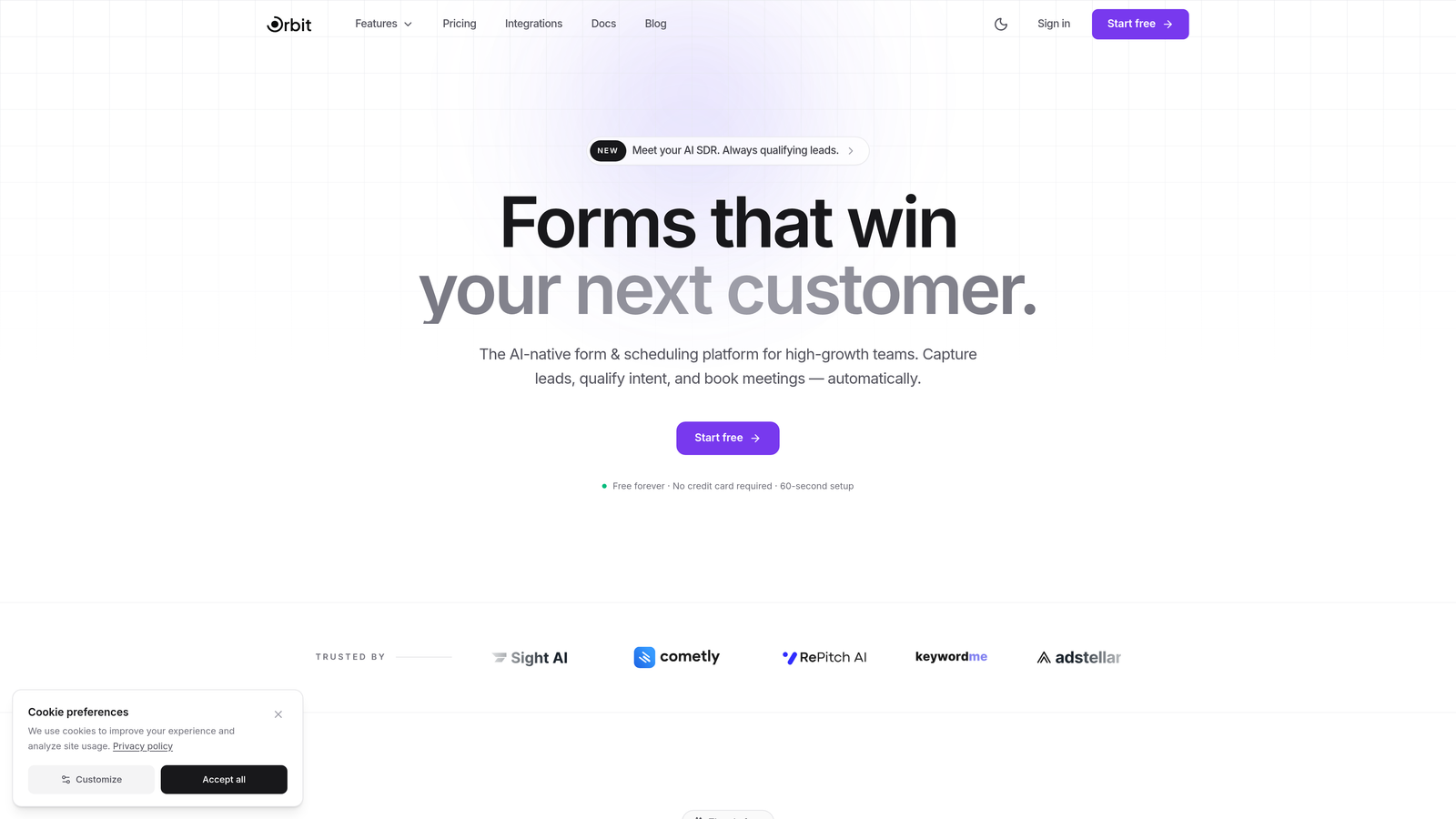
Orbit AI is an AI-powered form builder platform with built-in lead qualification and scoring, designed specifically for teams where lead quality matters as much as lead volume.
Where This Tool Shines
Most form platforms treat qualification as a downstream problem: you collect the submission, then figure out what to do with it in your CRM. Orbit AI flips that model. Lead scoring and qualification happen at the point of capture, which means your sales team sees prioritized, pre-qualified leads rather than a raw pile of form submissions to sort through.
The conversational form format is another differentiator. Rather than presenting a wall of fields, Orbit AI guides respondents through an adaptive experience that adjusts based on their answers. This creates a more engaging interaction and tends to drive stronger completion rates on the forms where it matters most: demo requests, pricing inquiries, and high-intent B2B lead generation.
Key Features
AI-Powered Lead Qualification: Scores and qualifies leads automatically at the form level, so your team starts every conversation with context.
Conversion-Optimized Templates: Pre-built templates designed specifically for B2B lead generation scenarios, not generic use cases.
Intelligent Field Adaptation: Forms adjust dynamically based on respondent behavior, presenting the most relevant follow-up questions in real time.
CRM Integration with Smart Routing: Connects to your CRM and routes leads automatically based on their qualification score, getting the right lead to the right rep without manual triage.
Conversational Format: One-step-at-a-time flow designed to reduce drop-off and increase completion on high-stakes forms.
Best For
Sales and marketing teams at B2B SaaS companies or high-growth businesses where lead quality is a priority. Particularly valuable for teams that are tired of manually sorting form submissions or losing time to unqualified outreach.
Pricing
Visit orbitforms.ai for current plan details. A free tier is available to get started.
2. Typeform
Best for: Teams that want a polished, conversational form experience with strong design flexibility.
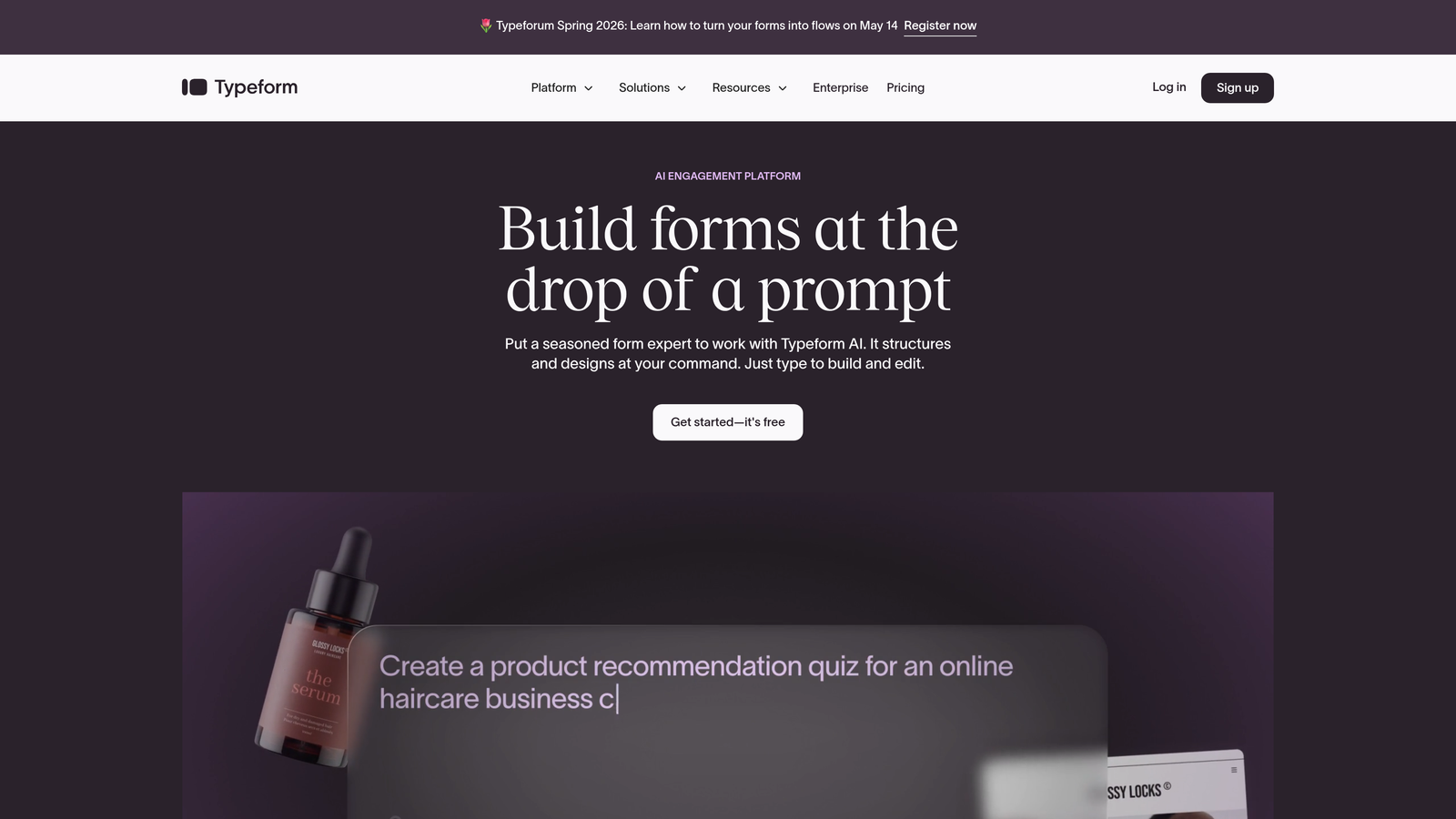
Typeform is a conversational form builder known for its one-question-at-a-time format that creates engaging, human-feeling form experiences.
Where This Tool Shines
Typeform built its reputation on making forms feel less like forms. The single-question format reduces cognitive load for respondents and tends to perform well for surveys, onboarding flows, and lead capture where experience quality matters.
The conditional logic is genuinely powerful, allowing teams to build branching flows that feel tailored to each respondent. Native integrations with tools like HubSpot, Salesforce, Slack, and Mailchimp cover most common marketing stacks without requiring middleware.
Key Features
One-Question-at-a-Time Interface: The signature conversational format that reduces drop-off on longer forms.
Conditional Logic and Branching: Sophisticated routing that adapts the form path based on previous answers.
Native Integrations: Direct connections to popular CRM, marketing, and analytics tools.
Media Embedding: Add video and images within forms to create richer, more context-aware experiences.
Custom Branding: Full control over colors, fonts, and layout to match your brand identity.
Best For
Marketing teams focused on brand experience, companies running surveys or research, and teams that need a polished form product without a heavy technical lift. Less suited for teams that need built-in lead scoring or complex approval workflows.
Pricing
Free plan available. Paid plans start at around $25/month, scaling up based on response volume and features.
3. Jotform
Best for: Teams that need maximum template variety and a wide range of form use cases under one roof.
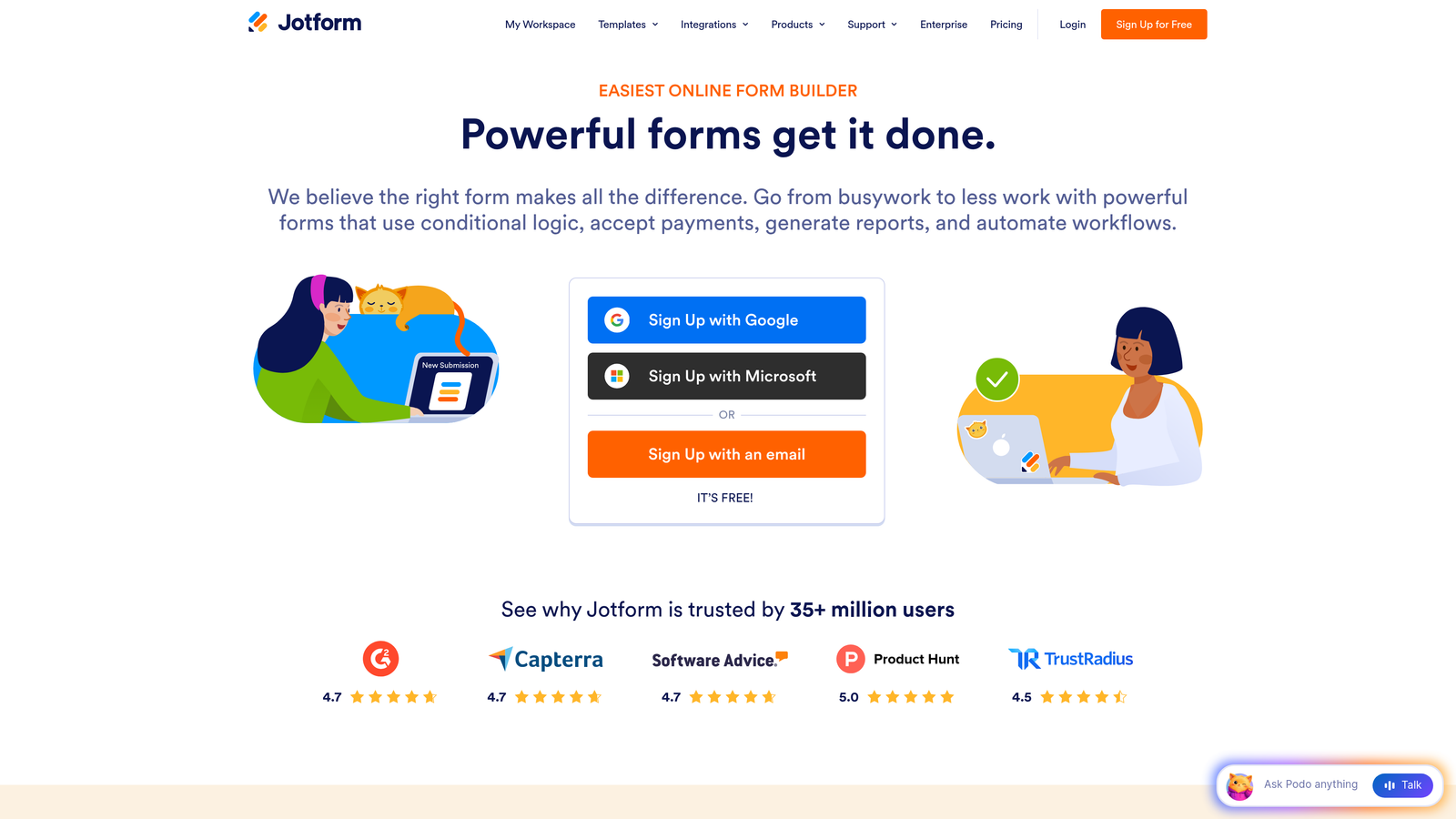
Jotform is a feature-rich form builder with over 10,000 templates and a massive widget ecosystem that covers nearly every form use case imaginable.
Where This Tool Shines
Jotform's breadth is its biggest advantage. Whether you need a registration form, a payment form, an HR intake form, or a lead capture page, there's almost certainly a template for it. The drag-and-drop builder is accessible to non-technical users, and the widget marketplace extends functionality without custom development.
Jotform Tables adds a layer of data management that many teams find useful: submissions flow into a spreadsheet-style view where you can filter, sort, and collaborate without exporting to another tool.
Key Features
10,000+ Templates: One of the largest template libraries in the market, covering virtually every industry and use case.
Drag-and-Drop Builder: Intuitive editor with an extensive widget marketplace for added functionality.
Jotform Tables: Built-in data management layer for organizing and acting on submission data.
PDF Generation: Automatically generate PDF reports or documents from form submissions.
Team Collaboration: Shared workspaces and team permissions for multi-user environments.
Best For
Teams with diverse form needs across multiple departments. Also a strong choice for operations teams that need forms for internal processes like approvals, HR, or data collection alongside external lead capture.
Pricing
Free plan available with submission limits. Paid plans start at around $34/month, with higher tiers for increased submission volume and advanced features.
4. HubSpot Forms
Best for: Teams already using HubSpot's CRM or marketing platform who want native, zero-friction form integration.
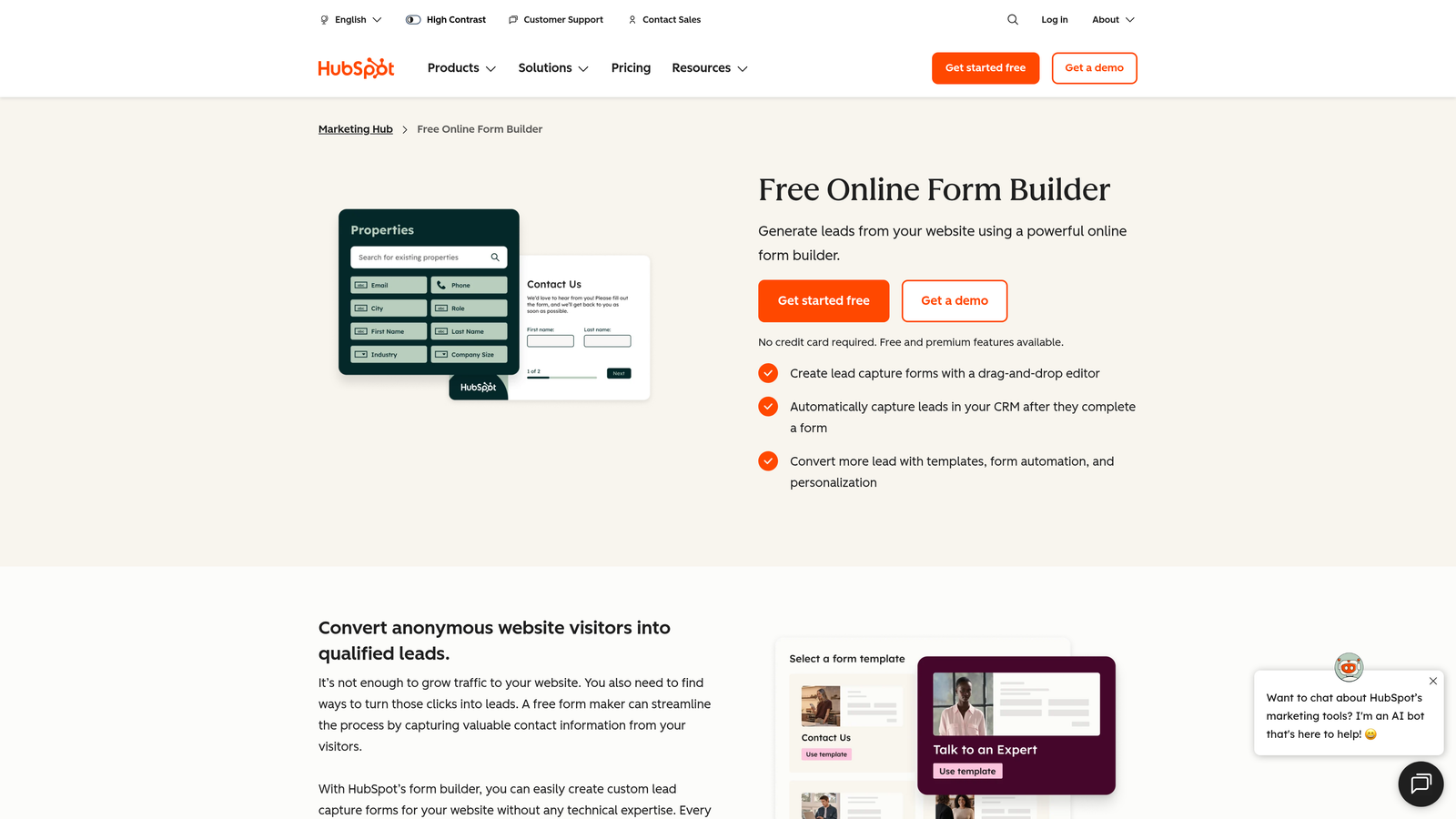
HubSpot Forms is a form builder natively integrated into HubSpot's CRM and marketing platform, offering seamless contact creation and lifecycle management from every submission.
Where This Tool Shines
If your team lives in HubSpot, this is the path of least resistance. Every form submission automatically creates or updates a contact record, triggers workflows, and feeds into your marketing attribution without any integration overhead. The progressive profiling feature is particularly useful for growing teams: rather than asking the same questions twice, HubSpot Forms surfaces new fields for known contacts to gradually enrich their profiles over time.
Smart fields that adapt based on existing contact data reduce friction for returning visitors and improve the quality of data you collect from repeat interactions.
Key Features
Native CRM Integration: Automatic contact creation and lifecycle stage updates with every submission.
Progressive Profiling: Replaces already-known fields with new questions to continuously enrich contact data.
Smart Fields: Adapts form content based on what HubSpot already knows about the visitor.
A/B Testing: Built-in form optimization testing within the HubSpot interface.
Workflow Triggers: Form submissions can trigger email sequences, task creation, and pipeline updates automatically.
Best For
HubSpot-native teams where CRM sync is the top priority. Less compelling as a standalone tool if you're not already invested in the HubSpot ecosystem.
Pricing
Free with HubSpot CRM. Advanced features are included in Marketing Hub paid plans, which start at a higher price point.
5. Tally
Best for: Lean teams or early-stage companies that need powerful forms without a significant budget commitment.
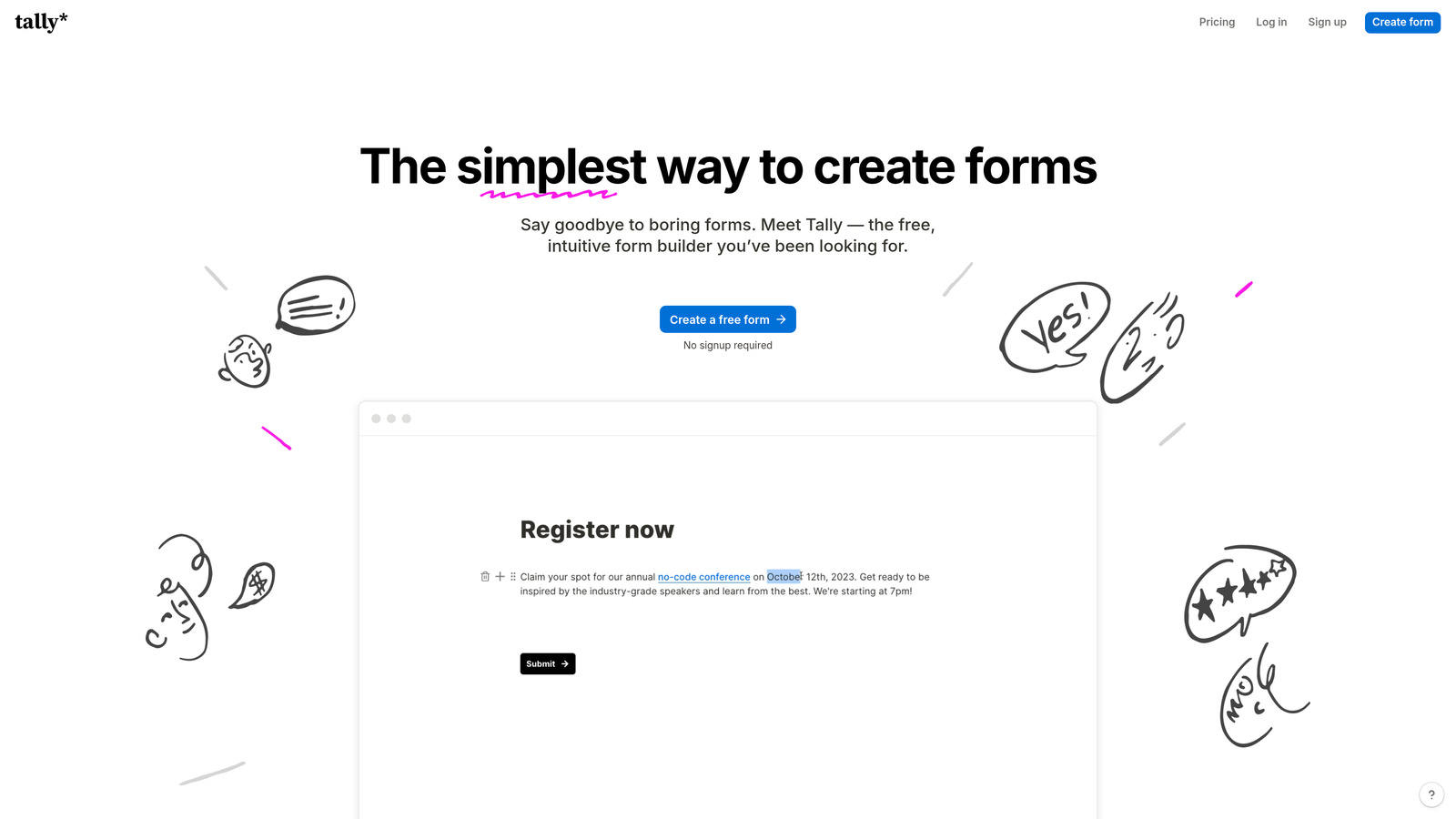
Tally is a minimalist, Notion-style form builder with one of the most generous free tiers in the market: unlimited forms and unlimited submissions at no cost.
Where This Tool Shines
Tally's free tier is genuinely remarkable by industry standards. Most platforms cap submissions, forms, or both on free plans. Tally removes those limits, making it a practical choice for teams that need to ship forms quickly without worrying about hitting a wall mid-month.
The Notion-style editor feels natural to anyone already working in that environment, and the interface is clean enough that non-technical team members can build and manage forms independently. Conditional logic and hidden fields add meaningful flexibility without overwhelming the experience.
Key Features
Unlimited Free Forms and Submissions: No submission caps on the free plan, which is rare in this market.
Notion-Style Editor: Familiar block-based editing experience that's quick to learn.
Conditional Logic: Branching and hidden fields for smarter form flows.
Webhook and Zapier Support: Connect to your existing stack via automation platforms.
Custom Domains (Paid): Remove Tally branding and use your own domain on Pro plans.
Best For
Early-stage startups, lean teams, or any organization that needs a capable, no-cost form solution while managing growth-stage budgets. Teams that eventually need advanced integrations or branding control will likely upgrade to Pro.
Pricing
Free tier is genuinely unlimited on core features. Pro plan starts at around $29/month for branding, custom domains, and priority support.
6. Fillout
Best for: Teams using Airtable, Notion, or Google Sheets as their primary data layer who want forms that connect directly to those sources.
Fillout is a database-connected form builder that integrates natively with Airtable, Notion, Google Sheets, and other structured data tools.

Where This Tool Shines
Fillout solves a specific and common problem: your team already has data in Airtable or Notion, and you want forms that read from and write back to those databases without building custom integrations. The ability to pre-fill forms from existing records and update those records through submissions is a significant workflow accelerator for operations-heavy teams.
Multi-page forms with conditional logic keep the experience clean for respondents, while built-in scheduling and payment collection add utility for teams that need more than basic data capture.
Key Features
Native Database Integrations: Direct connections to Airtable, Notion, Smartsheet, and Google Sheets without middleware.
Pre-Fill from Existing Records: Populate form fields with data already in your database for returning users.
Record Updates via Forms: Allow form submissions to update existing database entries, not just create new ones.
Conditional Logic and Multi-Page Forms: Keep forms focused and user-friendly across complex workflows.
Scheduling and Payment Collection: Built-in capabilities that reduce the need for additional tools.
Best For
Operations teams, product teams, and growing companies whose workflows are built around Airtable or Notion. Especially useful when forms need to interact with existing structured data rather than just collecting new records.
Pricing
Free plan available. Paid plans start at around $15/month, making it one of the more accessible options for database-connected form workflows.
7. Paperform
Best for: Teams that want forms to feel like branded landing pages with built-in payment and content capabilities.
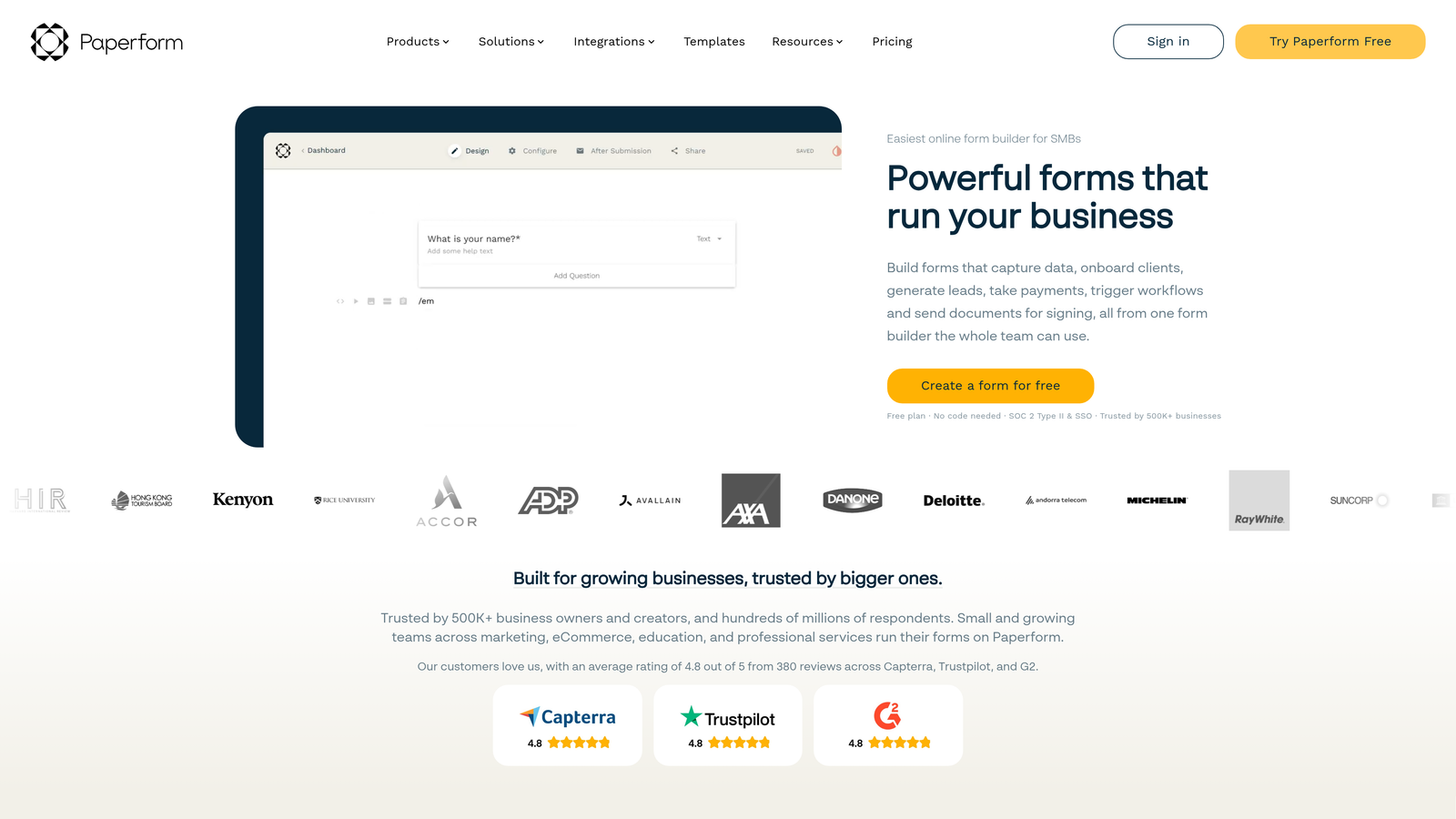
Paperform is a form builder that blends rich content editing with form functionality, allowing teams to create experiences that look and feel like fully designed pages.
Where This Tool Shines
Paperform occupies an interesting middle ground between a form builder and a lightweight landing page tool. You can add rich text, images, and video alongside your form fields, which creates a more immersive experience for respondents. This is particularly effective for product order forms, event registrations, and intake forms where context and presentation matter.
The built-in payment processing via Stripe, Square, and Braintree means teams can handle transactions without a separate e-commerce setup, and the analytics dashboard provides enough visibility to optimize over time.
Key Features
Rich Content Editing: Combine text, images, and video with form fields for landing-page-quality experiences.
Built-In Payment Processing: Accept payments via Stripe, Square, and Braintree directly within forms.
Calculation Fields: Handle conditional pricing, scoring, and dynamic totals within the form logic.
Custom Success Pages: Control what respondents see after submission with redirects or custom thank-you content.
Submission Analytics: Track performance and identify drop-off points from a built-in dashboard.
Best For
Marketing teams, small businesses, and growing companies that need forms to carry more visual weight. A strong choice when the form itself is part of the brand experience, such as service intake, event registration, or product configuration.
Pricing
Plans start at around $24/month. No free tier, but a trial period is typically available.
8. Formstack
Best for: Teams with complex approval workflows, document generation needs, or enterprise compliance requirements.
Formstack is an enterprise-leaning form and workflow platform that combines form building with document generation, e-signatures, and multi-step approval processes.
Where This Tool Shines
Formstack is built for teams where a form submission is the beginning of a longer workflow, not the end of it. The combination of form capture, document generation, e-signature collection, and approval routing in a single platform is genuinely powerful for business processes like contracts, HR onboarding, compliance documentation, and vendor management.
Salesforce-native integration makes it a natural fit for enterprise sales teams, and HIPAA compliance options open the door for healthcare-adjacent use cases where data handling standards are non-negotiable.
Key Features
Document Generation: Automatically create documents from form submission data, reducing manual assembly.
E-Signature Workflows: Collect legally binding signatures as part of the form and document flow.
Approval Routing: Route submissions through multi-step approval chains with role-based permissions.
Salesforce-Native Integration: Deep CRM sync for enterprise teams operating within the Salesforce ecosystem.
HIPAA Compliance: Data encryption and compliance options for regulated industries.
Best For
Mid-market and enterprise teams with complex, multi-step workflows that span form collection, document creation, and approvals. Likely overkill for teams that need straightforward lead capture, but powerful for process-heavy environments.
Pricing
Plans start at around $50/month. Enterprise pricing is available for larger teams with advanced requirements.
9. Cognito Forms
Best for: Teams that need advanced calculation logic, dynamic pricing, or variable-length forms with payment collection.
Cognito Forms is a form builder with standout calculation and payment capabilities, well-suited for teams handling pricing, invoicing, or complex data logic within forms.
Where This Tool Shines
Cognito Forms earns its place on this list through depth of calculation functionality. If you need a form that calculates a custom quote, applies conditional pricing rules, or scores a respondent based on multiple inputs, Cognito handles that logic natively without requiring external tools or custom code.
The repeating sections feature is particularly useful for variable-length forms, such as order forms where a customer might add one item or twenty. Combined with built-in payment collection and HIPAA compliance options, Cognito covers a niche that many general-purpose form builders leave underserved.
Key Features
Advanced Calculation Fields: Build complex pricing, scoring, and conditional total logic directly within the form.
Payment Collection: Accept payments via Stripe, Square, and PayPal without additional plugins.
Repeating Sections: Allow respondents to add multiple entries of the same field group dynamically.
HIPAA Compliance Options: Data encryption and compliance features for regulated use cases.
Approval Workflows: Role-based access and approval routing for team-based form management.
Best For
Teams with complex pricing or quoting workflows, organizations collecting payments through forms, and any use case where calculation logic is central to the form experience. The free plan makes it accessible for smaller teams to test before committing.
Pricing
Free plan available. Paid plans start at around $15/month, making it one of the more affordable options for teams that need its specialized capabilities.
Which Platform Is Right for Your Team?
The honest answer is that the best form platform depends on what your team is actually trying to solve. Here's a quick way to think through it.
If lead quality is your primary concern and you want AI-powered qualification built into the form itself, Orbit AI is the most purpose-built option for that job. It's designed from the ground up for high-growth B2B teams where the difference between a qualified and unqualified lead has real revenue implications.
If you're a HubSpot shop and CRM sync is the top priority, HubSpot Forms is the obvious choice. If you need forms that connect directly to Airtable or Notion, Fillout earns a serious look. For complex document and approval workflows, Formstack handles that territory better than any other tool on this list.
Budget-conscious teams with straightforward needs will find Tally's free tier hard to beat. Teams that want a polished, branded form experience with payment collection built in should evaluate Paperform. And if your forms require sophisticated calculation logic or dynamic pricing, Cognito Forms is the specialist.
Typeform and Jotform both earn their spots as dependable horizontal platforms. Typeform wins on experience quality; Jotform wins on breadth and template variety.
One broader principle worth keeping in mind: growing teams often find they outgrow their form platform faster than expected. Submission volume increases, lead routing becomes more complex, and the need for qualification and CRM sync becomes critical. Choosing a platform that handles that growth curve from the start saves a painful migration later.
If your team is focused on lead generation and conversion quality, start building free forms today with Orbit AI and see how intelligent form design with built-in lead qualification can change the quality of every conversation your sales team has.


