

Cognito Forms has served teams well for years with its reliable conditional logic and payment collection features. But if you're reading this, you've probably hit its limitations—whether it's the dated interface, basic analytics, or lack of AI-powered lead qualification that modern teams need.
The form builder landscape has evolved dramatically. Today's high-growth teams need more than basic data collection. They need intelligent forms that qualify leads automatically, integrate seamlessly with modern tech stacks, and convert visitors into customers without manual follow-up.
Here are the top modern form builders that go beyond what Cognito Forms offers, each bringing unique strengths to help you capture better leads, faster.
1. Orbit AI
Best for: High-growth teams needing AI-powered lead qualification and conversion-optimized forms
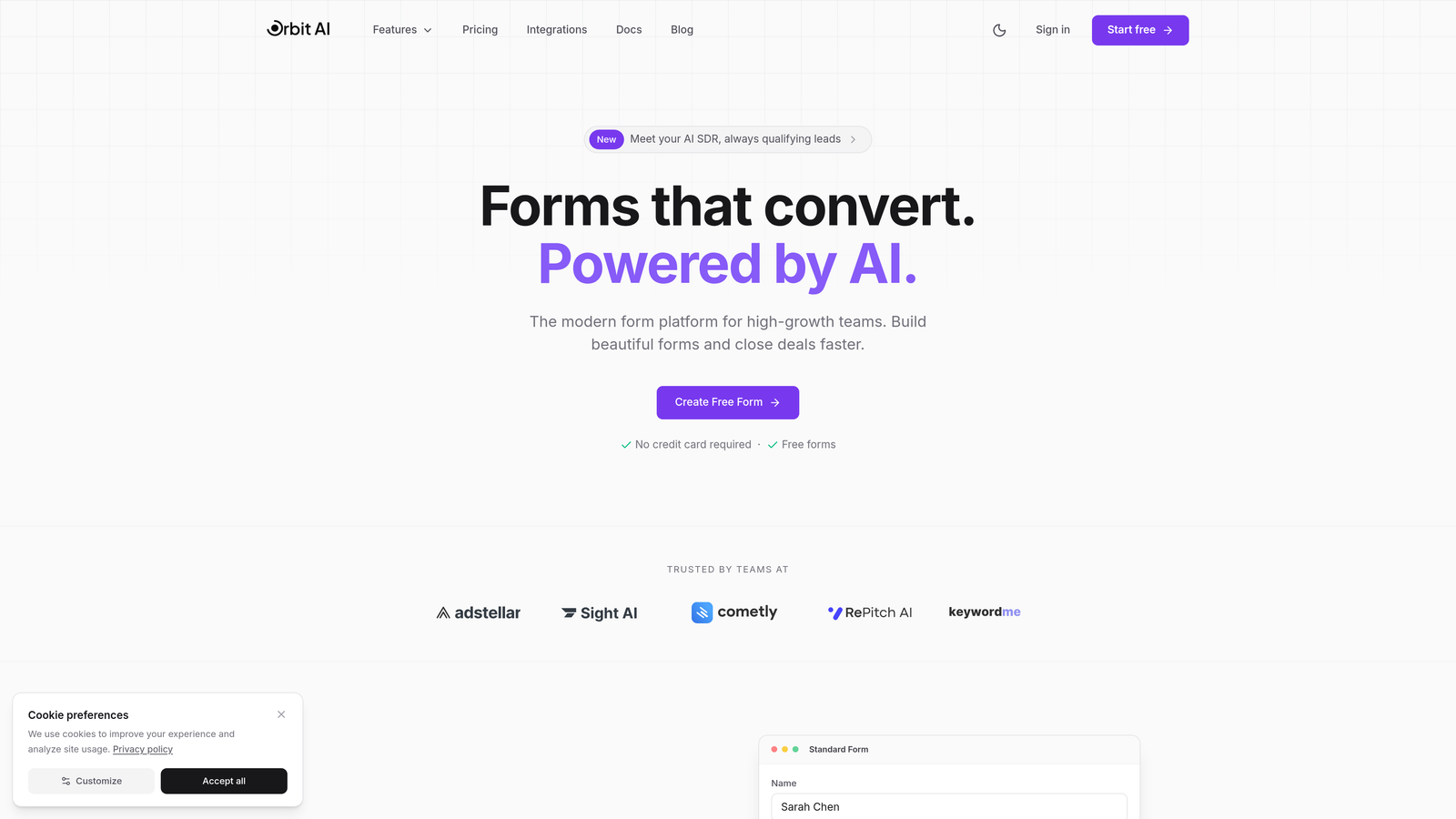
Orbit AI is a modern form builder designed specifically for teams that need their forms to do more than collect data.
Where This Tool Shines
The standout feature is AI-powered lead qualification that scores and routes prospects automatically based on their responses. Instead of manually reviewing every submission, you get intelligent scoring that identifies your best leads instantly.
The platform combines beautiful, conversion-optimized designs with smart workflow automation. Forms integrate natively with HubSpot, Salesforce, Slack, and 15+ other tools—no middleware required. AI agents can even interact with form respondents, asking follow-up questions based on their answers to gather richer data.
Key Features
AI Lead Qualification: Automatically scores and qualifies leads based on response patterns and custom criteria.
Conversion-Optimized Designs: Modern, mobile-responsive templates built specifically to maximize completion rates.
Native Integrations: Direct connections to CRM, marketing automation, and communication tools without complex setup.
Built-in Analytics: Track form performance, drop-off points, and conversion metrics in real-time.
Workflow Automation: Trigger actions, route leads, and update records automatically based on form submissions.
Best For
Teams focused on lead generation and conversion optimization who want forms that actively help qualify prospects. Particularly valuable for SaaS companies, agencies, and B2B businesses where lead quality matters more than volume.
Pricing
Free tier available for getting started. Paid plans begin at $29/month with access to AI features and advanced integrations.
2. Typeform
Best for: Creating engaging, conversational experiences with one-question-at-a-time format
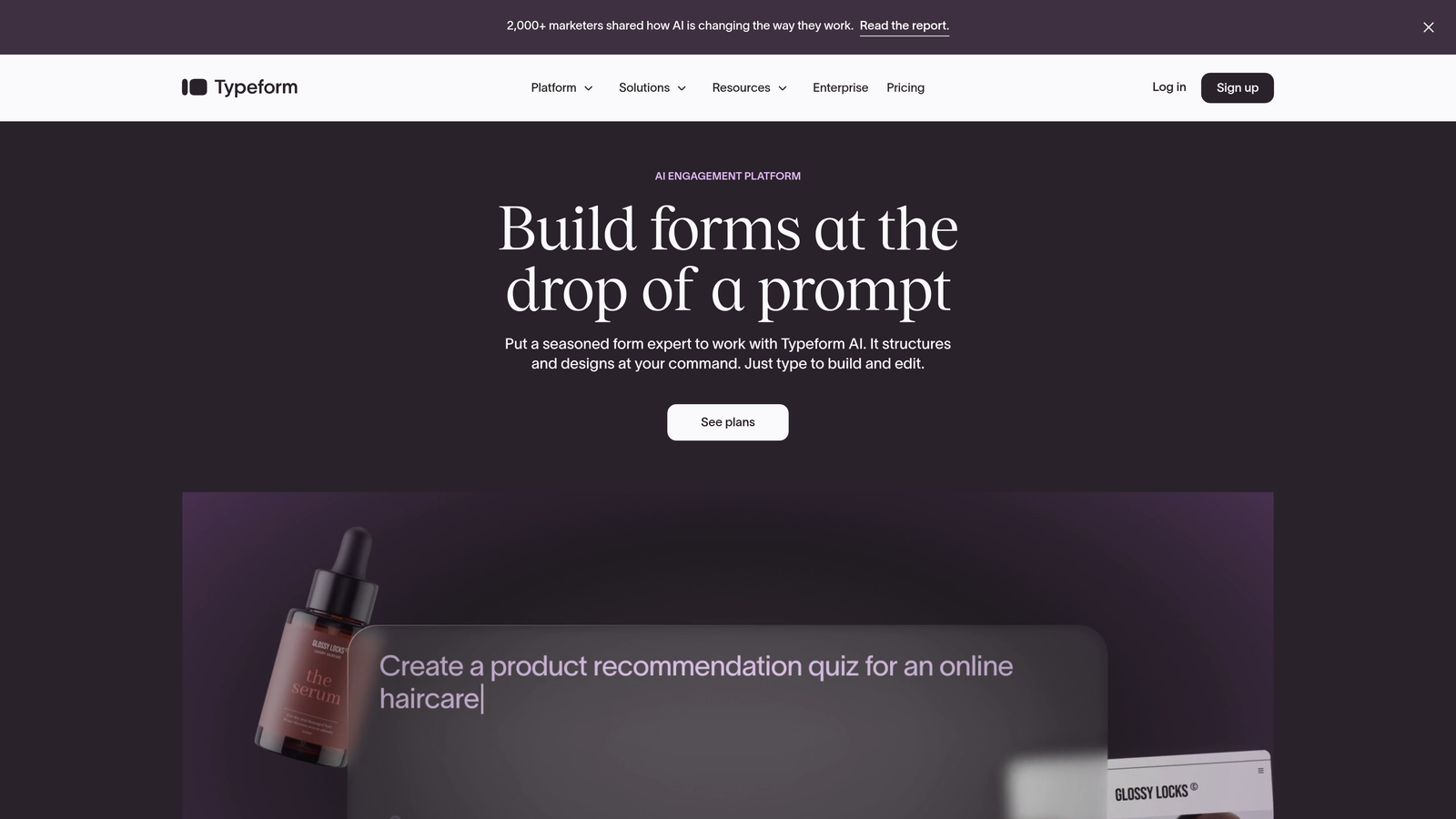
Typeform is the pioneer of conversational forms that feel more like human interactions than traditional surveys.
Where This Tool Shines
The one-question-at-a-time approach reduces cognitive load and significantly improves completion rates. Instead of overwhelming respondents with a wall of fields, Typeform guides them through a natural conversation.
Brand customization is exceptional. You can embed videos, images, and GIFs throughout the form experience, creating truly memorable interactions. The interface feels modern and polished, making even mundane data collection feel engaging.
Key Features
Conversational Interface: One question per screen creates a focused, distraction-free experience.
Logic Jumps: Branch questions based on previous answers to create personalized paths.
Rich Media Embedding: Add videos, images, and GIFs to make forms visually compelling.
Brand Customization: Extensive design controls to match your brand identity perfectly.
Integration Library: Connects with hundreds of tools including Slack, Google Sheets, and Mailchimp.
Best For
Marketing teams creating surveys, quizzes, and lead capture forms where engagement and completion rates are critical. Works especially well for consumer-facing applications where experience matters.
Pricing
Free tier allows 10 responses per month. Basic plan starts at $25/month with 100 responses and logic jumps.
3. Jotform
Best for: Teams needing extensive templates and widgets for virtually any use case
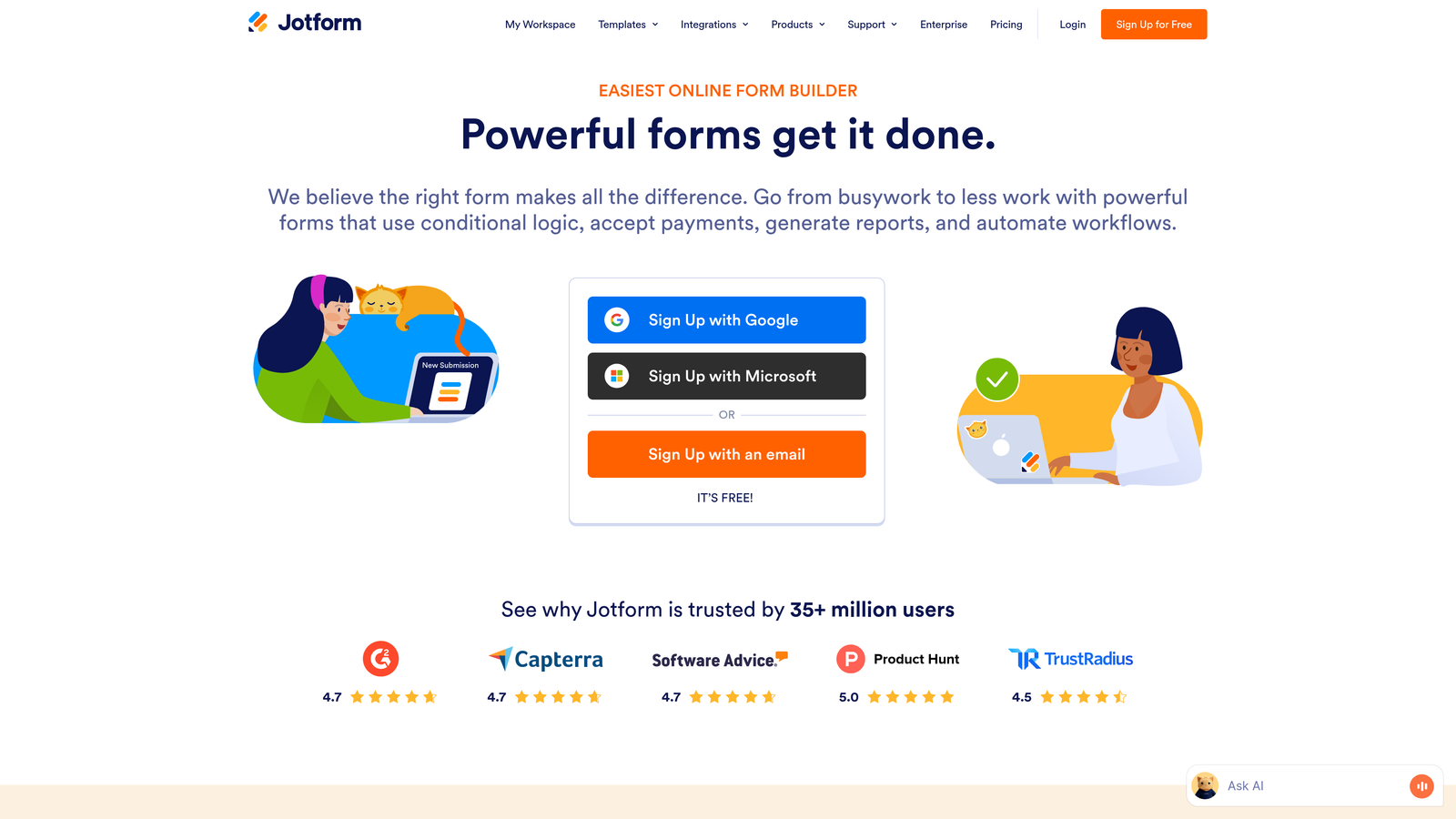
Jotform is the Swiss Army knife of form builders with over 10,000 templates and endless customization options.
Where This Tool Shines
The sheer breadth of pre-built templates means you can find a starting point for almost any scenario—from event registrations to HIPAA-compliant patient intake forms. The widget library extends functionality far beyond basic forms.
Payment collection is particularly robust, supporting multiple processors including PayPal, Stripe, and Square. You can create entire e-commerce experiences within forms, complete with product catalogs and shopping carts.
Key Features
10,000+ Templates: Pre-built forms for virtually every industry and use case imaginable.
Widget Library: Hundreds of widgets add functionality from appointment scheduling to signature collection.
Payment Processing: Accept payments through 30+ payment gateways with product catalogs.
PDF Generation: Automatically create PDF documents from form submissions.
HIPAA Compliance: Enterprise plans include features for healthcare data collection.
Best For
Organizations needing versatile forms across multiple departments—from HR to sales to operations. Particularly valuable when payment collection or regulatory compliance is required.
Pricing
Free tier includes 5 forms with 100 monthly submissions. Bronze plan starts at $34/month for 25 forms and 1,000 submissions.
4. Tally
Best for: Simple, unlimited form creation with a Notion-like editing experience
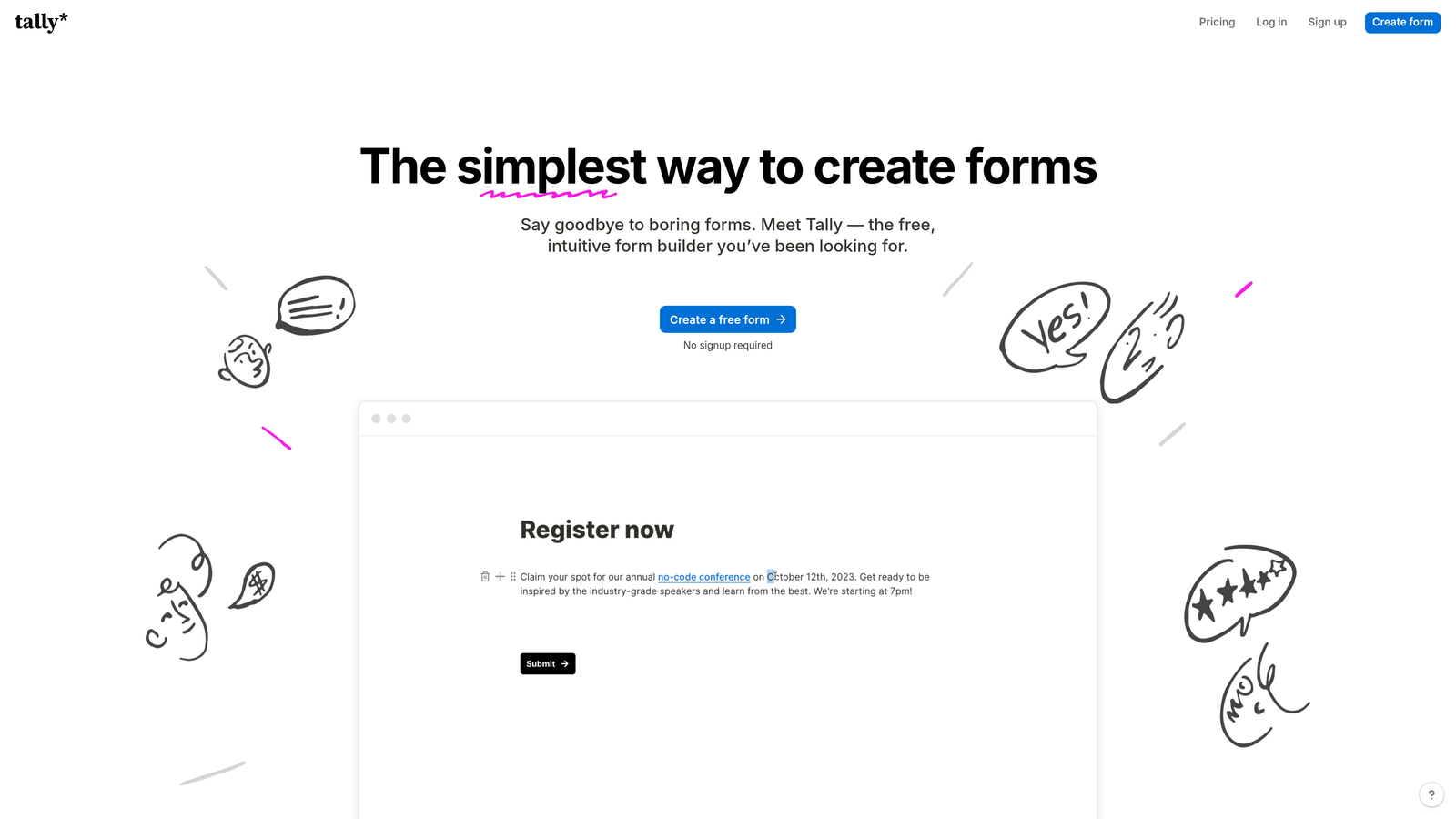
Tally is a modern form builder that brings Notion's beloved block-based editing to form creation.
Where This Tool Shines
The free tier is remarkably generous—unlimited forms and unlimited submissions with no hidden catches. For many small teams and startups, Tally's free plan provides everything they need without ever upgrading.
The Notion-style editor feels instantly familiar to anyone who's used block-based tools. Building forms is intuitive and fast, with a clean, minimal aesthetic that looks professional out of the box.
Key Features
Unlimited Free Plan: Create unlimited forms with unlimited submissions on the free tier.
Block-Based Editor: Notion-style interface makes form building intuitive and fast.
Clean Design: Modern, minimal aesthetic that works for most professional contexts.
Conditional Logic: Basic branching and skip logic included even on free plan.
Database Integrations: Native connections to Notion, Airtable, and Google Sheets.
Best For
Startups, small teams, and individuals who need professional forms without monthly fees. Particularly appealing to Notion users who want a familiar editing experience.
Pricing
Free tier is exceptionally generous with unlimited forms and submissions. Pro plan at $29/month adds features like custom domains and file uploads.
5. Fillout
Best for: Teams using Airtable or Notion as their database backend
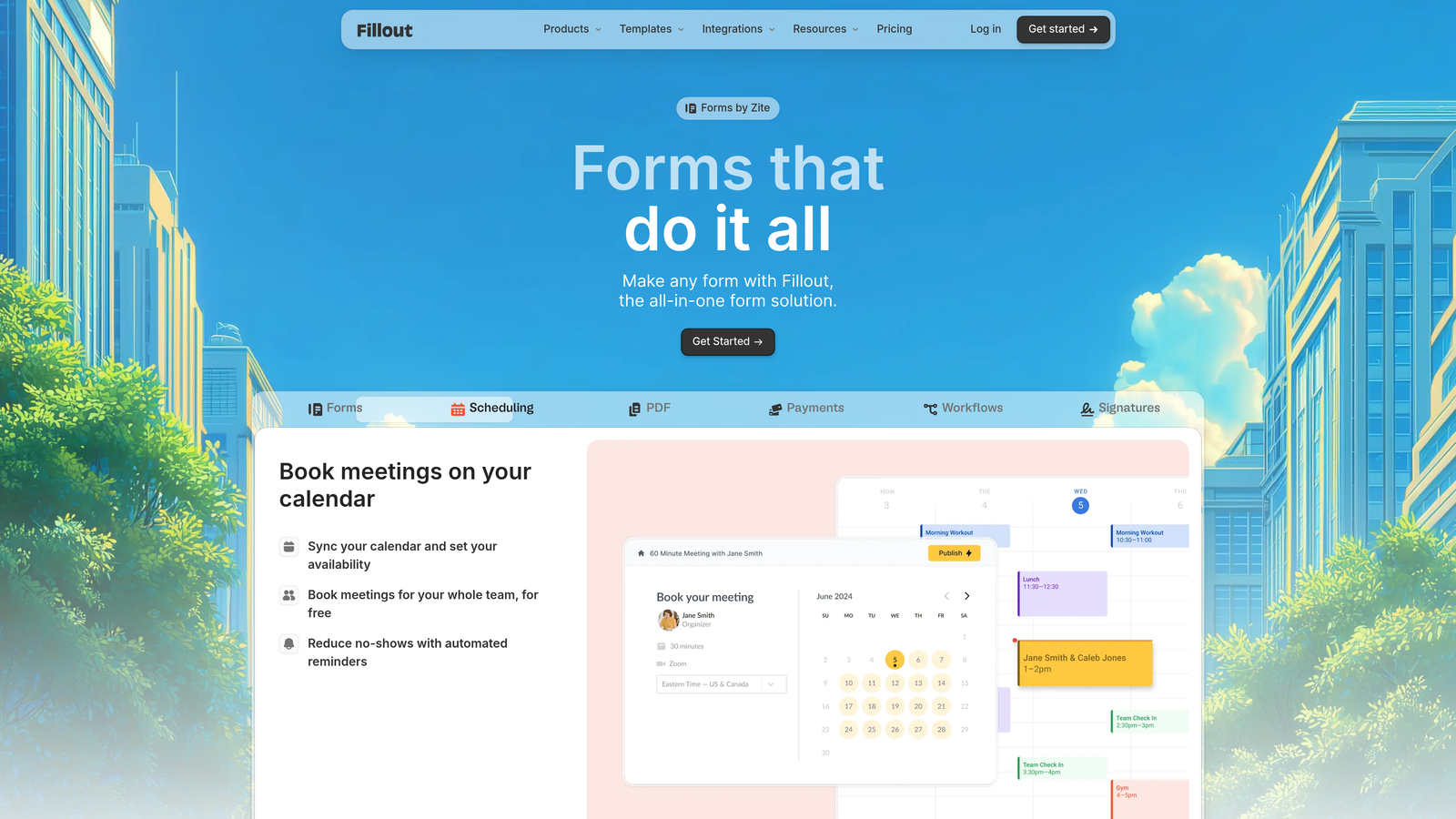
Fillout is built specifically for teams who want forms that work directly with their existing databases.
Where This Tool Shines
The native Airtable and Notion integration goes beyond simple data pushing. You can pre-fill forms with existing record data, update records via form submissions, and create truly dynamic form experiences tied to your database.
This database-first approach eliminates the typical form-to-spreadsheet workflow. Forms become a direct interface to your structured data, maintaining relationships and data integrity automatically.
Key Features
Native Database Integration: Direct two-way sync with Airtable and Notion bases.
Record Pre-filling: Pull existing data into forms for updates and edits.
Update Existing Records: Modify database records directly through form submissions.
Modern Themes: Clean, customizable designs that look professional by default.
Payment & Scheduling: Built-in features for collecting payments and booking appointments.
Best For
Teams already using Airtable or Notion as their system of record who want forms that integrate seamlessly with their existing workflows and data structures.
Pricing
Free tier available with basic features. Starter plan begins at $15/month for advanced integrations and unlimited submissions.
6. Paperform
Best for: Creating document-style forms with rich content and e-commerce capabilities
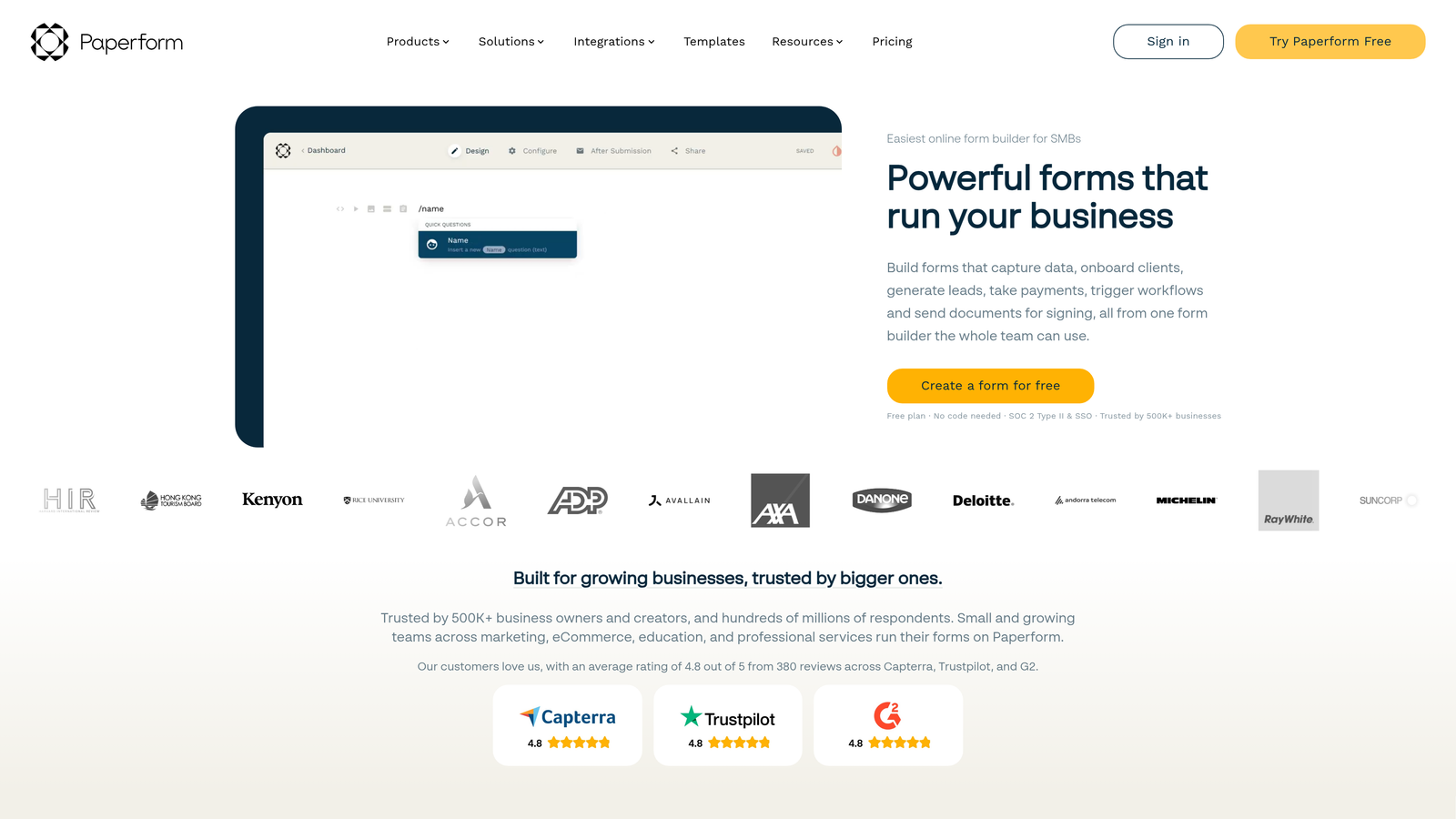
Paperform takes a unique approach by making forms feel like interactive documents rather than traditional field collections.
Where This Tool Shines
The document-style interface lets you mix form fields with rich content blocks—paragraphs, images, videos, and pricing tables—creating experiences that feel more like landing pages than forms.
E-commerce features are particularly strong. You can build product catalogs, calculate totals with complex formulas, and create complete checkout experiences. The appointment scheduling functionality rivals dedicated booking tools.
Key Features
Document-Style Forms: Mix form fields with rich content to create landing page-like experiences.
E-commerce Features: Product catalogs, inventory management, and complex pricing calculations.
Appointment Scheduling: Built-in booking functionality with calendar integration.
Custom Success Pages: Create branded confirmation experiences or redirect to custom URLs.
Calculations: Build complex formulas for pricing, scoring, or conditional outputs.
Best For
Businesses selling products or services through forms, or teams creating branded experiences where forms need to feel like cohesive landing pages rather than standalone data collection tools.
Pricing
Essentials plan starts at $24/month with no free tier. Pro plan at $49/month adds advanced features and removes branding.
7. Formstack
Best for: Enterprise teams needing advanced compliance, workflows, and document generation
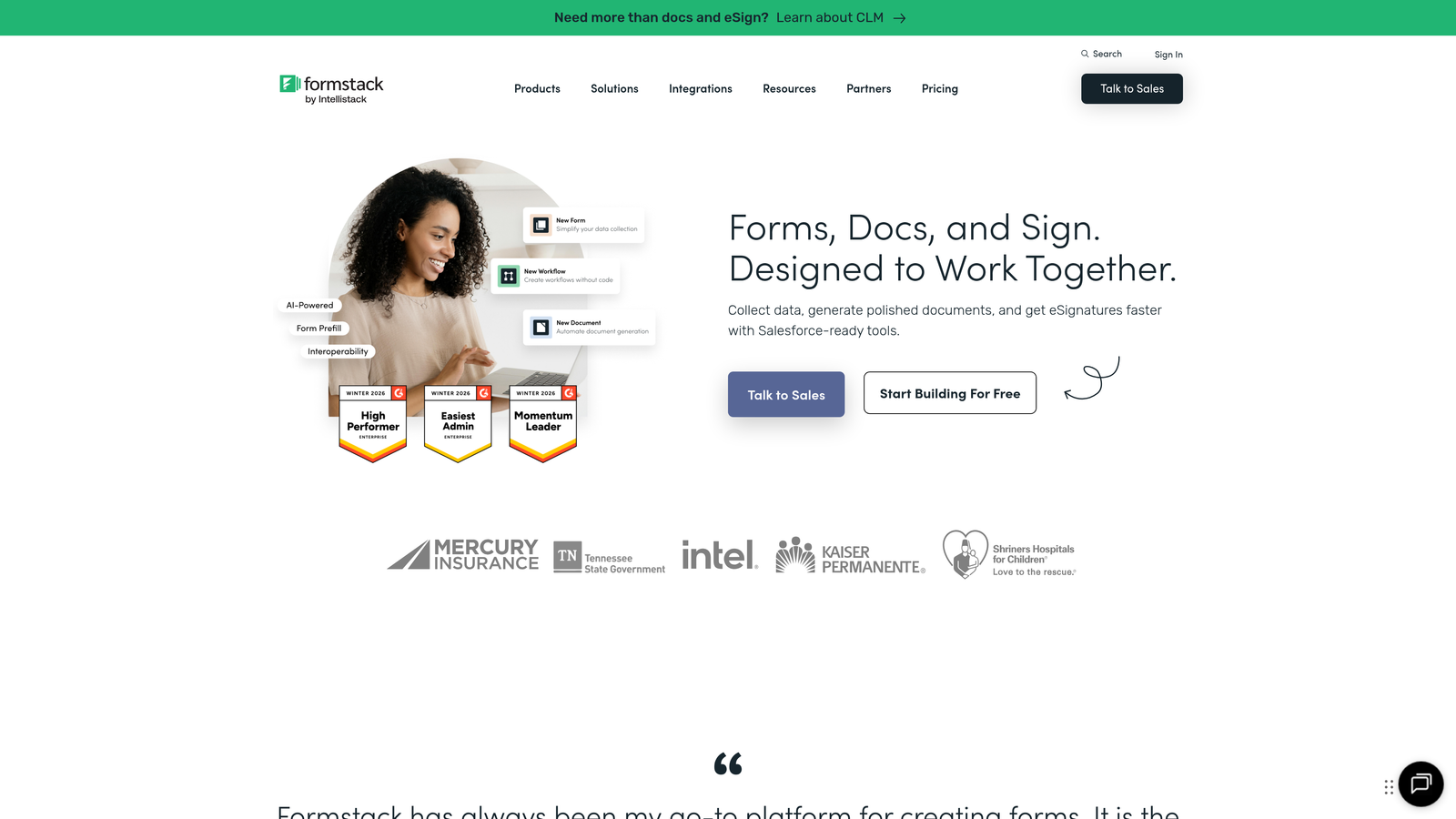
Formstack is an enterprise-grade platform built for organizations with complex workflow and compliance requirements.
Where This Tool Shines
Compliance features are comprehensive—HIPAA, GDPR, SOC 2, and other regulatory requirements are built into the platform. For healthcare, finance, and other regulated industries, this eliminates significant compliance burden.
Workflow automation goes far beyond basic notifications. You can build multi-step approval processes, route submissions based on complex criteria, and generate documents automatically from form data. E-signature collection is built in, creating complete digital workflows.
Key Features
Advanced Workflows: Multi-step approval routing and conditional automation.
Compliance Certifications: HIPAA, GDPR, SOC 2 compliance built into the platform.
Document Generation: Automatically create PDFs, contracts, and reports from form data.
E-signature Collection: Legally binding signatures integrated into form workflows.
Enterprise Security: SSO, advanced permissions, and audit logs for enterprise IT requirements.
Best For
Enterprise organizations and regulated industries requiring robust compliance, complex approval workflows, and enterprise-grade security features. Particularly valuable in healthcare, finance, and government sectors.
Pricing
Starter plan begins at $50/month. Enterprise pricing available for organizations needing advanced compliance and custom deployments.
8. Google Forms
Best for: Basic data collection and internal surveys with zero budget
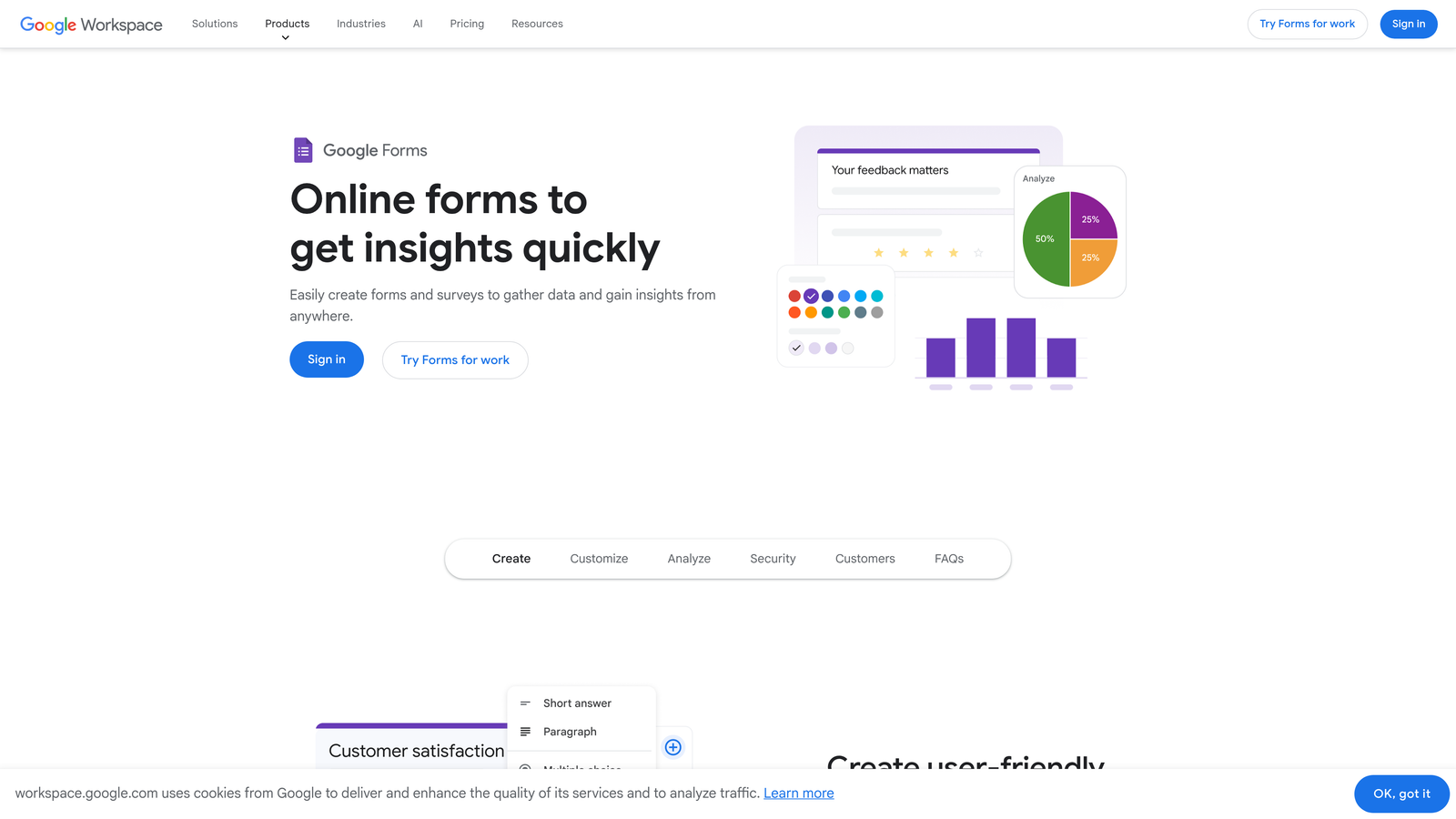
Google Forms is the completely free, no-frills option integrated with Google Workspace.
Where This Tool Shines
You can't beat the price—completely free with a Google account, no limits on forms or responses. For internal surveys, event RSVPs, or basic data collection, it handles the essentials without any cost.
The automatic Google Sheets integration means responses flow directly into spreadsheets for analysis. Real-time collaboration lets multiple team members build and edit forms simultaneously, just like Google Docs.
Key Features
Completely Free: Unlimited forms and responses with any Google account.
Google Sheets Integration: Automatic data export to spreadsheets for analysis.
Real-time Collaboration: Multiple users can edit forms simultaneously.
Basic Logic: Simple conditional sections based on previous answers.
Quiz Features: Built-in grading and scoring for educational use cases.
Best For
Internal teams, educators, and organizations with zero budget for form tools. Works well for simple surveys, event registrations, and basic data collection where design and advanced features aren't critical.
Pricing
Completely free with a Google account. No paid tiers or upgrade options.
9. HubSpot Forms
Best for: Teams already using HubSpot CRM and marketing automation
HubSpot Forms is the native form builder within HubSpot's ecosystem, designed for seamless CRM integration.
Where This Tool Shines
If you're already using HubSpot, the native integration is unbeatable. Form submissions automatically create or update contact records, trigger workflows, and feed into your marketing automation—no middleware or custom integration required.
Progressive profiling is a standout feature. Instead of asking the same questions repeatedly, HubSpot Forms remembers what it knows about each contact and asks new questions on subsequent visits, gradually building richer profiles without form fatigue.
Key Features
Native CRM Integration: Automatic contact creation and updates in HubSpot CRM.
Progressive Profiling: Dynamically change form fields based on what you already know about contacts.
Smart Fields: Pre-fill form data for known contacts to reduce friction.
Lead Scoring: Automatically score leads based on form submissions and behavior.
Marketing Automation: Trigger workflows, sequences, and campaigns directly from form submissions.
Best For
Organizations already invested in the HubSpot ecosystem who want forms that work seamlessly with their CRM and marketing automation. The value proposition is strongest when you're using multiple HubSpot tools together.
Pricing
Free with HubSpot CRM. Advanced features like progressive profiling and A/B testing require paid Marketing Hub plans starting at $45/month.
Finding Your Perfect Form Builder Match
The right form builder depends entirely on what you're trying to accomplish and where you are in your growth journey.
If you're a high-growth team focused on lead quality over quantity, Orbit AI delivers AI-powered qualification that automatically identifies your best prospects. For teams creating engaging surveys and quizzes, Typeform's conversational interface maximizes completion rates. Organizations already using Airtable or Notion as their database should look at Fillout for seamless integration.
Budget-conscious teams have solid options too. Tally offers unlimited forms and submissions completely free, while Google Forms handles basic internal needs at zero cost. HubSpot users get powerful forms included with their CRM.
For enterprise requirements, Formstack brings comprehensive compliance and workflow automation. If you're selling products or services through forms, Paperform's e-commerce features rival dedicated platforms. And when you need maximum flexibility with thousands of templates, Jotform delivers versatility.
The form builder landscape has moved far beyond simple data collection. Modern tools actively help you qualify leads, integrate with your entire tech stack, and convert visitors into customers. The question isn't whether to upgrade from Cognito Forms—it's which modern alternative fits your specific needs.
Transform your lead generation with AI-powered forms that qualify prospects automatically while delivering the modern, conversion-optimized experience your high-growth team needs. Start building free forms today and see how intelligent form design can elevate your conversion strategy.


