

Remember when building a form meant dragging fields into a box, hoping the layout didn't break on mobile, and then waiting for a CSV export to arrive in your inbox? That was the standard for years. It still is, for a lot of teams.
But the form builder landscape has quietly split into two distinct camps: traditional tools built around data collection, and a new generation of modern platforms built around outcomes. The difference isn't just cosmetic. It's about whether your form sits passively on a page or actively works to qualify leads, route prospects, and drive pipeline.
To help you navigate both worlds, we evaluated tools across user experience, AI capabilities, integration depth, analytics quality, and pricing flexibility. The list includes both modern-first platforms and traditional builders that have evolved, so you can see exactly where each tool fits and which one matches your growth stage. Let's get into it.
1. Orbit AI
Best for: High-growth teams that want forms to actively qualify leads and drive pipeline.
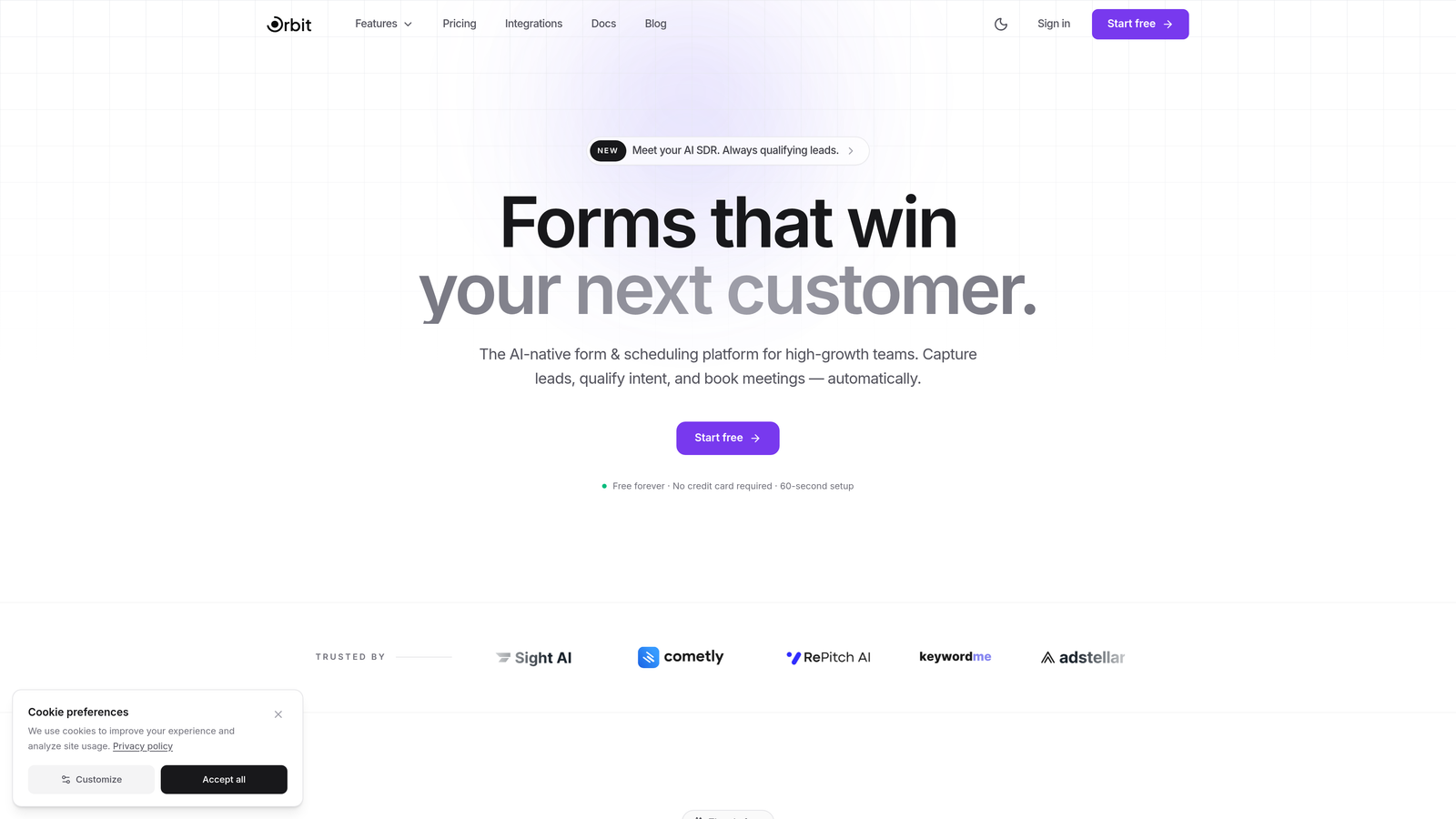
Orbit AI is an AI-powered form builder designed to turn every form submission into a qualified sales opportunity.
Where This Tool Shines
Most form builders stop at data collection. Orbit AI starts there and keeps going. The platform embeds AI agents directly into the form experience, qualifying and scoring leads in real time as prospects fill out their responses. That means your sales team gets context, not just contact details.
The built-in sequences and scheduler take it a step further by automating follow-up directly from form submissions. You're not stitching together a form tool, an email tool, and a CRM. The pipeline motion starts the moment someone hits submit.
Key Features
AI Lead Qualification: AI agents score and qualify leads in real time within the form, so your team knows exactly who to prioritize before they even open their inbox.
Built-in Sequences and Scheduler: Automated follow-up sequences and appointment scheduling launch directly from form submissions, removing the need for separate automation tools.
Conversion Analytics Dashboard: Track form performance, lead quality, and conversion rates in one place, with insights built specifically around pipeline outcomes.
Smart Conditional Logic and Routing: Beautiful, modern form design with conditional logic that routes prospects based on their answers, creating a personalized experience at scale.
Native CRM Integrations: Connects directly with HubSpot, Close, and Attio so qualified leads land in your CRM automatically, with full context attached.
Best For
SaaS companies, growth teams, and B2B marketers who need forms to do more than collect data. If lead qualification, pipeline velocity, and conversion optimization are priorities, Orbit AI is built for exactly that use case.
Pricing
Free tier available to get started. Paid plans with advanced AI features and integrations are detailed on the Orbit AI pricing page.
2. Typeform
Best for: Brand-conscious teams that want high completion rates through conversational form design.
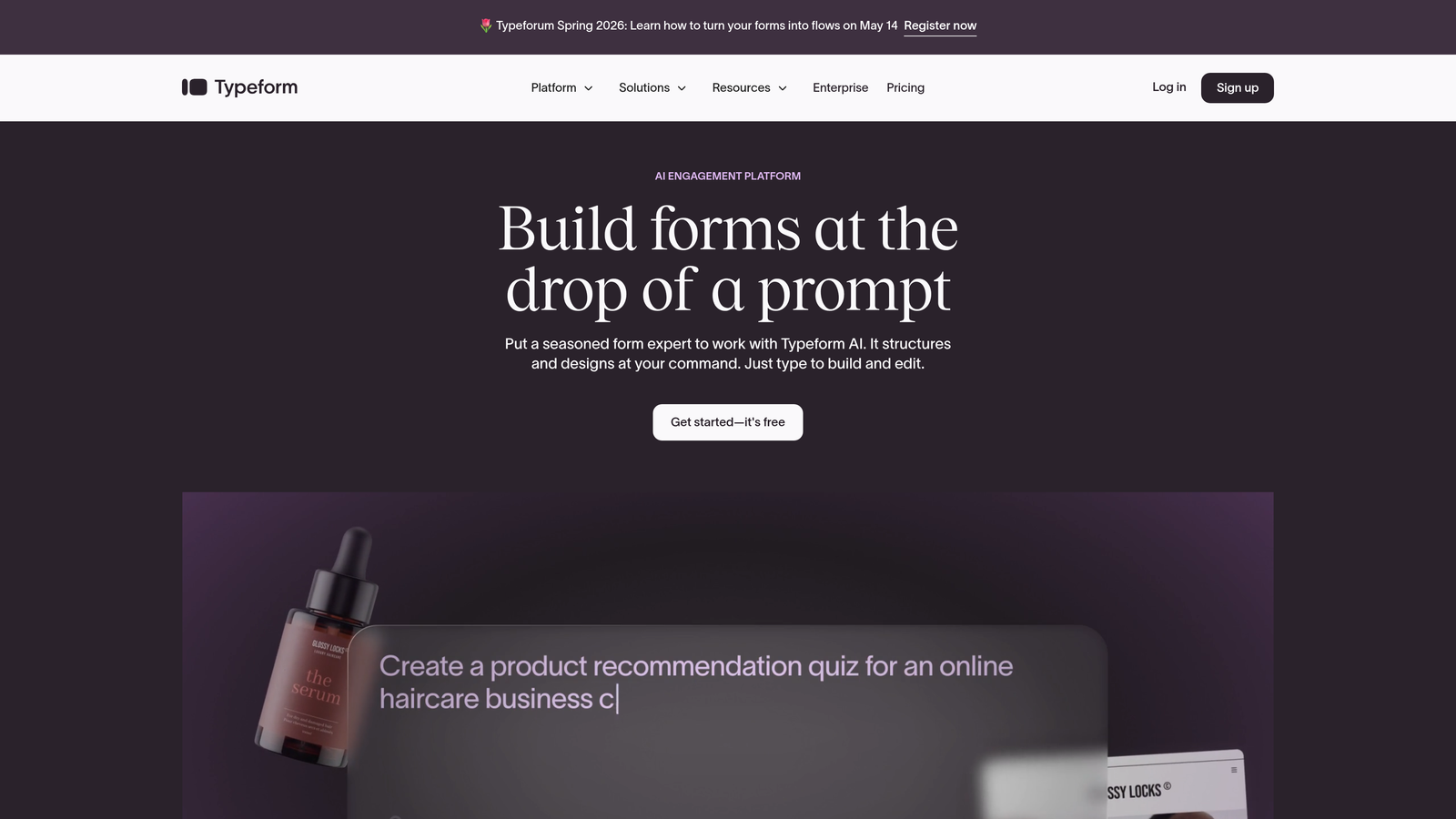
Typeform is a conversational form builder known for its one-question-at-a-time format and polished visual experience.
Where This Tool Shines
Typeform's core insight was simple but powerful: people don't like filling out forms, but they don't mind having a conversation. By presenting one question at a time with clean transitions and responsive design, Typeform consistently drives higher completion rates than traditional multi-field layouts.
The design flexibility is genuinely impressive. Brand kit support, custom fonts, video embeds, and image questions make Typeform forms feel like a natural extension of your product or website rather than a bolted-on data collection tool.
Key Features
Conversational One-Question UX: Presents questions sequentially to reduce cognitive load and improve engagement throughout the form experience.
Brand Kit Support: Apply your brand colors, fonts, and logo globally across all forms for a consistent visual identity.
Logic Jumps: Conditional branching that routes respondents through different question paths based on their answers.
Media Embeds: Add video and images directly within questions to enrich the form experience.
Integration Ecosystem: Connects with Zapier, HubSpot, Slack, Salesforce, and dozens of other platforms.
Best For
Marketing teams, brand-forward companies, and anyone running customer surveys, NPS collection, or lead capture where design quality and completion rate matter most.
Pricing
Free plan available with limited responses. Basic plan starts at approximately $25 per month, with higher tiers for more responses and advanced features.
3. Jotform
Best for: Teams needing a broad, established feature set with a massive template library.
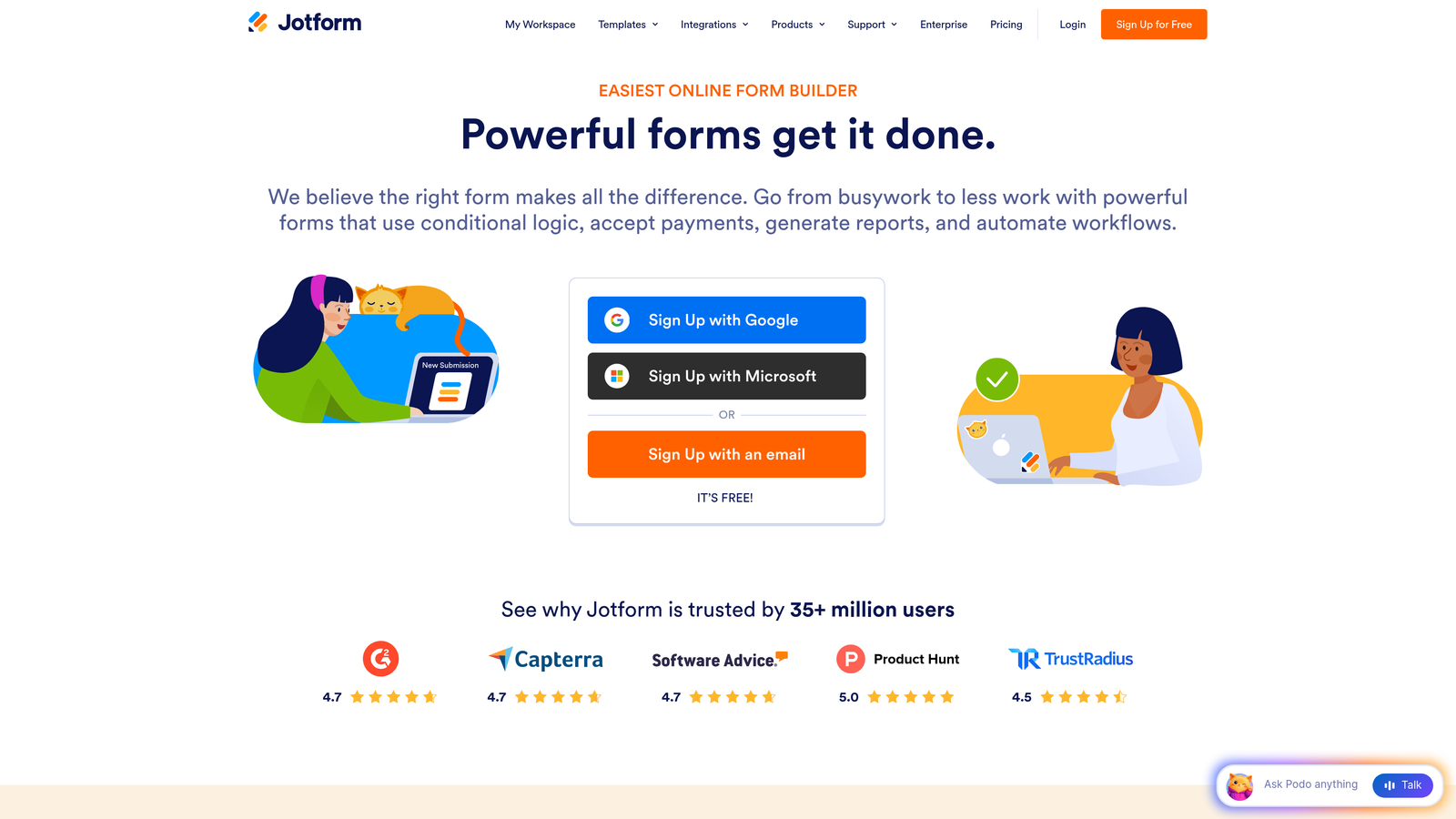
Jotform is one of the most established form builders available, offering thousands of templates and a classic drag-and-drop editing experience.
Where This Tool Shines
Jotform's strength is breadth. With over 10,000 pre-built templates spanning healthcare, legal, education, e-commerce, and beyond, there's almost no use case it hasn't accounted for. If you need a form fast and want a proven starting point, Jotform's template library is hard to beat.
The platform also extends well beyond basic forms. E-signature support, PDF generation, approval workflows, and payment integrations make Jotform a practical all-in-one tool for teams that need forms embedded in operational processes rather than just marketing funnels.
Key Features
10,000+ Templates: One of the largest template libraries in the industry, covering virtually every industry and use case.
Drag-and-Drop Editor: Classic visual editor that requires no technical knowledge to build complex, multi-field forms.
E-Signature and PDF Support: Collect legally binding signatures and auto-generate PDF reports from submissions.
Approval Workflows: Route submissions through multi-step approval processes with team collaboration built in.
Payment Integrations: Native connections with PayPal, Stripe, and Square for payment collection directly in forms.
Best For
Operations teams, small businesses, healthcare providers, and anyone who needs a reliable, feature-rich form builder with minimal setup time and a template for every situation.
Pricing
Free plan supports up to 5 forms. Bronze plan starts at approximately $34 per month with expanded limits and features.
4. Tally
Best for: Startups and indie makers who want a generous free tier and a Notion-like building experience.
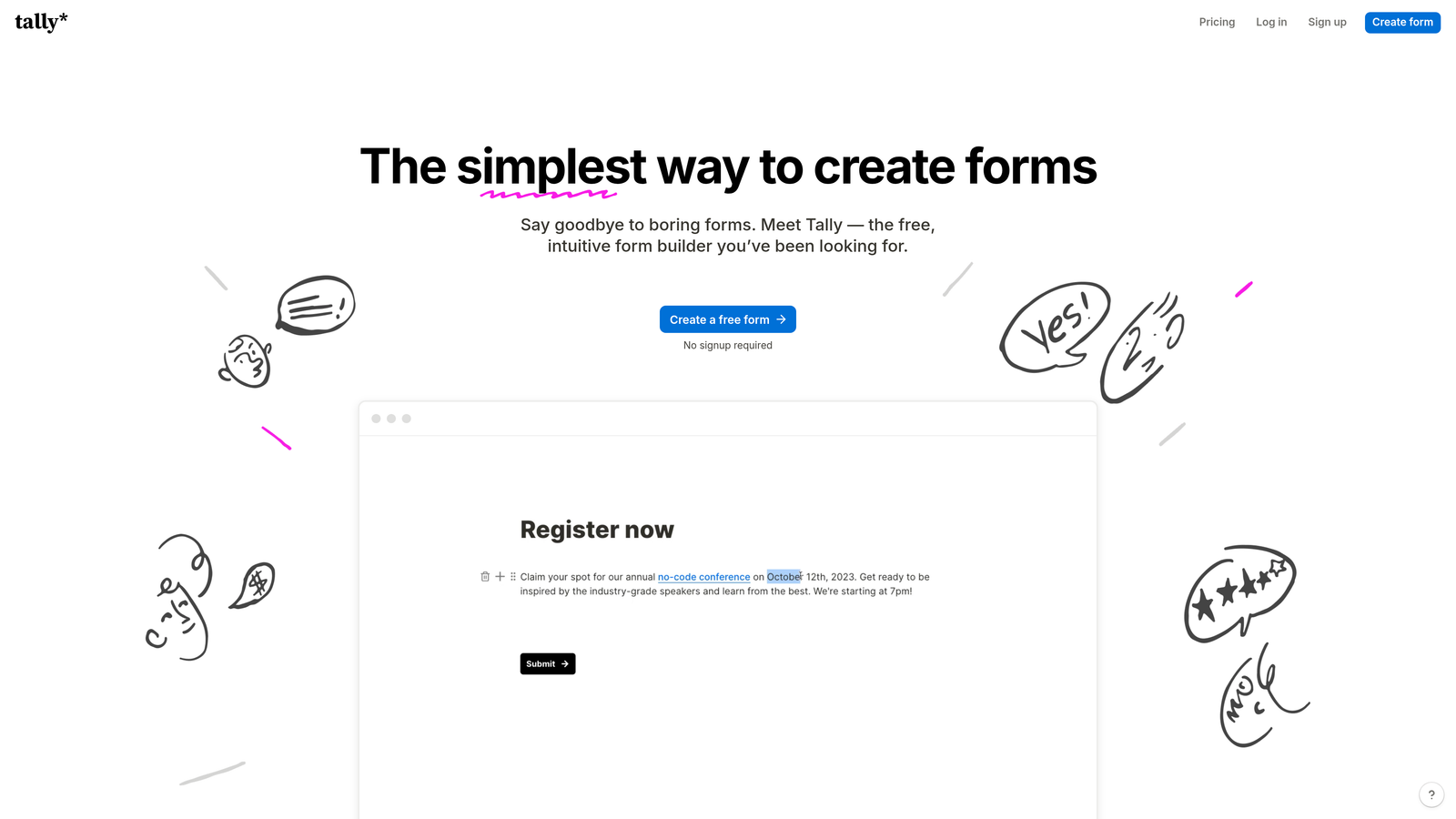
Tally is a free-first form builder with a clean, block-based editor that feels immediately familiar to anyone who's used Notion.
Where This Tool Shines
Tally made a deliberate bet on simplicity and generosity. The free plan includes unlimited forms and unlimited submissions, which is genuinely rare in this space. For bootstrapped teams or individuals who don't want to think about usage limits, that alone is a compelling reason to start here.
The block-based editor is intuitive without being dumbed down. You can build conditional logic, hidden fields, and even payment collection without ever feeling like you're fighting the interface. It's a refreshingly low-friction experience.
Key Features
Unlimited Free Forms: No submission caps or form limits on the free plan, making it one of the most accessible options available.
Block-Based Editor: Notion-style editing experience that makes form creation feel natural and fast for modern teams.
Conditional Logic: Show or hide fields based on previous answers, with hidden field support for pre-populated data.
Calculator Fields: Built-in calculation logic for quotes, scores, or any numeric output derived from form responses.
Webhooks and Native Integrations: Connect to external tools via webhooks or native connectors for Notion, Google Sheets, and others.
Best For
Early-stage startups, solo founders, and indie product teams who want a capable, modern form builder without the overhead of paid plans or complex setup.
Pricing
Most features available completely free. Pro plan at $29 per month adds custom domains, branding removal, and priority support.
5. HubSpot Forms
Best for: Teams already running HubSpot who want forms that feed directly into their CRM and marketing automation.
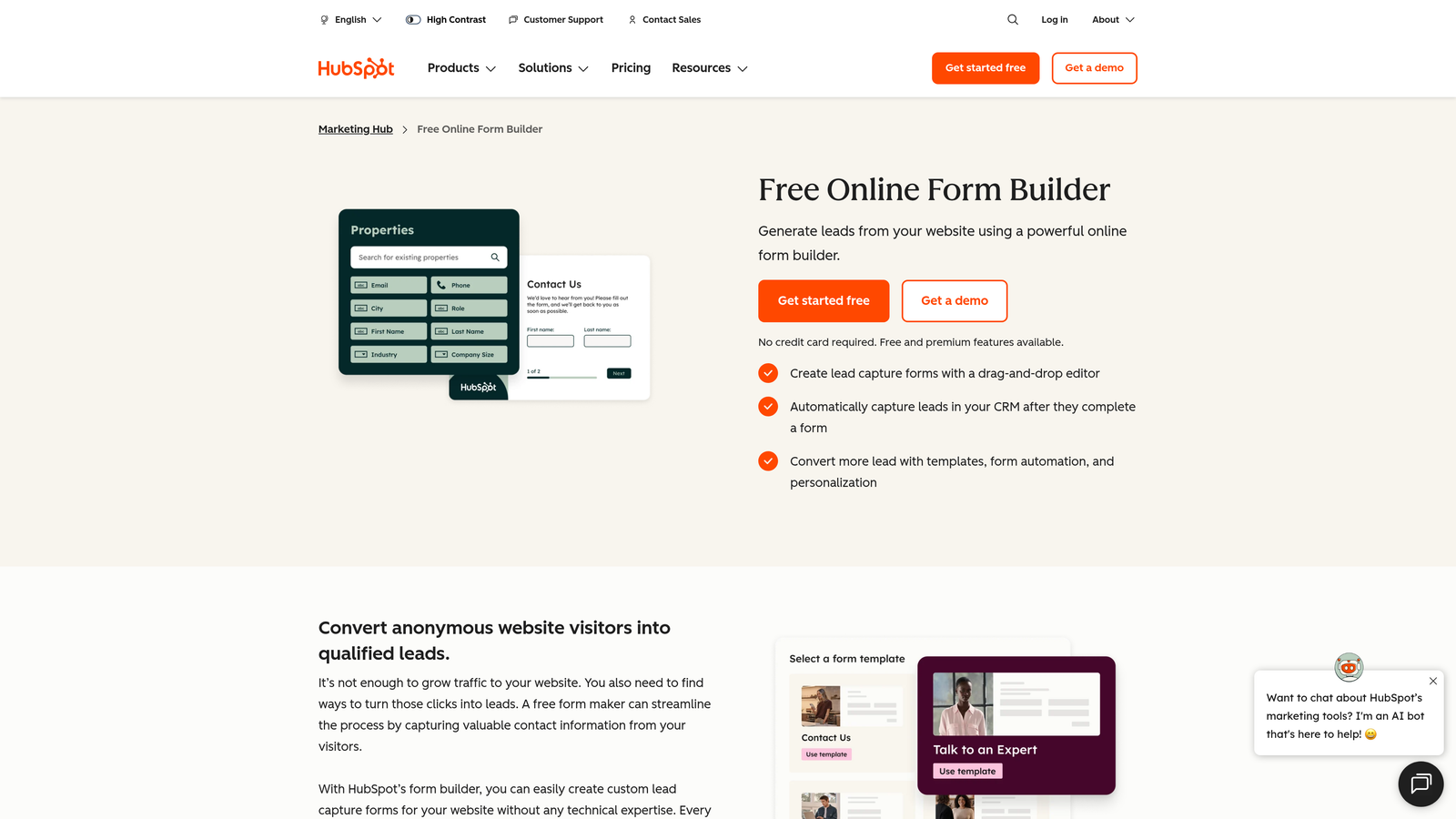
HubSpot Forms is a native form builder embedded within the HubSpot ecosystem, designed to work seamlessly with HubSpot's CRM and marketing tools.
Where This Tool Shines
HubSpot Forms isn't trying to win on form design. It wins on context. When a prospect submits a HubSpot form, that data flows directly into the CRM, triggering workflows, updating contact records, and enrolling leads in nurture sequences without any manual intervention or third-party sync required.
Progressive profiling is a particularly smart feature: rather than showing every field on every visit, HubSpot asks new questions to returning visitors, gradually building a richer contact profile without overwhelming first-time users.
Key Features
Seamless CRM Sync: Form submissions automatically create or update contact records in HubSpot CRM with zero additional configuration.
Progressive Profiling: Dynamically replaces already-known fields with new questions on return visits to enrich contact data over time.
Smart and Dependent Fields: Show or hide fields based on CRM data already associated with the visitor, creating a personalized experience.
A/B Testing: Test form variations against each other to identify which design or field set drives higher conversion rates.
Marketing Automation Integration: Forms plug directly into HubSpot workflows, email sequences, and lead scoring models.
Best For
Marketing and sales teams that are already invested in the HubSpot ecosystem and want their forms to be a seamless part of their existing automation and CRM workflows.
Pricing
Free with any HubSpot CRM account. Advanced features unlock in Marketing Hub Starter at approximately $20 per month.
6. Fillout
Best for: Teams running database-connected workflows who need forms that read from and write to Airtable, Notion, or Google Sheets.
Fillout is a modern form builder built specifically for database-connected use cases, with native integrations that go beyond simple data dumping.

Where This Tool Shines
Most form builders write data to a destination. Fillout goes both directions. It can read existing records from Airtable, Notion, or Google Sheets and use that data to pre-populate fields, update existing entries, or create relational records, which is a significant step up from what traditional form tools offer.
This makes Fillout particularly powerful for operational workflows: intake forms that update project records, client portals that pull existing data, or approval forms that modify database entries rather than creating duplicates.
Key Features
Bidirectional Database Sync: Read from and write to Airtable, Notion, and Google Sheets, enabling true database-connected form experiences.
Record Updates: Update existing records rather than only creating new ones, which is essential for operational and CRM-style workflows.
Conditional Logic and Multi-Page Forms: Build branching, multi-step forms with clean conditional logic across pages.
Scheduling and Payments: Built-in appointment scheduling and payment collection without needing additional integrations.
Modern Design Customization: Clean, polished form design with layout and branding options that look contemporary out of the box.
Best For
Operations teams, no-code builders, and product teams using Airtable or Notion as their primary database who need forms that interact with existing data rather than just appending to it.
Pricing
Free plan available. Starter plan at $19 per month with expanded response limits and integration features.
7. Gravity Forms
Best for: WordPress-based teams that need a mature, extensible form solution with deep platform integration.
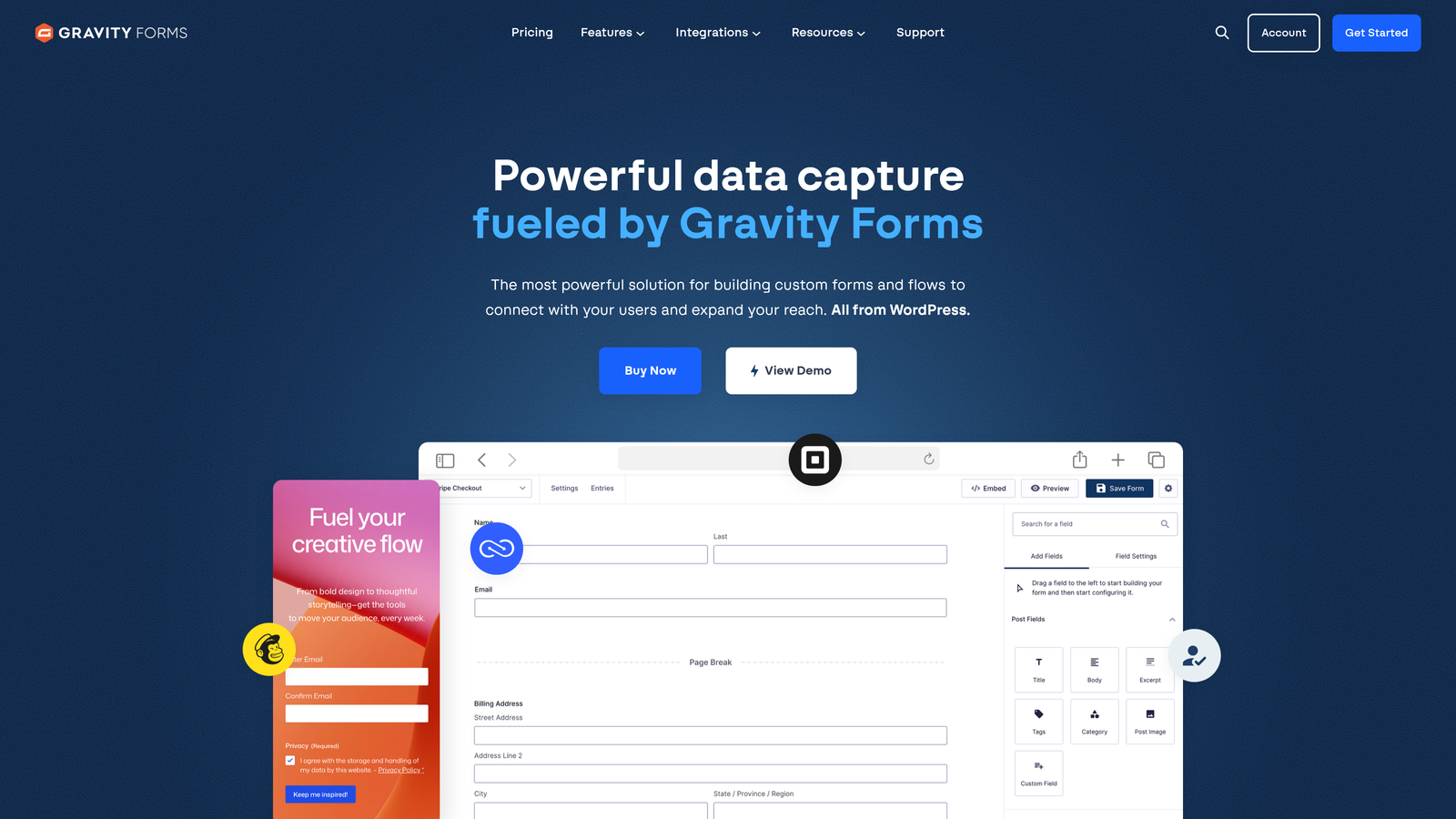
Gravity Forms is the long-standing standard for WordPress form building, backed by a rich add-on ecosystem and developer-friendly architecture.
Where This Tool Shines
If your stack is built on WordPress, Gravity Forms is the most mature and capable option available. It's been the go-to choice for agencies and developers for years, largely because it doesn't just sit on top of WordPress — it integrates deeply with it. You can create posts, register users, and trigger complex workflows all from a single form submission.
The add-on marketplace extends the core product significantly, covering payment gateways, CRM connections, email marketing platforms, and specialized use cases like quiz building or user-generated content. It's a platform, not just a tool.
Key Features
Deep WordPress Integration: Works natively with shortcodes and the block editor, with support for post creation and user registration from submissions.
Extensive Add-On Marketplace: Hundreds of official and third-party add-ons for payments, CRMs, email marketing, and specialized workflows.
Conditional Logic: Show, hide, or require fields based on user input across multi-page form flows.
Developer-Friendly Architecture: Hooks, filters, and a REST API give developers full control over form behavior and data handling.
Payment Processing: Native integrations with Stripe, PayPal, and Square through dedicated add-ons.
Best For
Agencies, WordPress developers, and established businesses running WordPress who need a powerful, extensible form solution with proven reliability and deep platform integration.
Pricing
Basic license at $59 per year. Elite license at $259 per year includes all add-ons and unlimited site usage.
8. Paperform
Best for: Small businesses that want forms and landing pages in one, with rich content blocks and built-in payments.
Paperform is a form builder that blends form fields with rich content blocks, creating experiences that feel closer to a landing page than a traditional form.
Where This Tool Shines
Paperform occupies an interesting niche: it's for teams that want their form to tell a story. By mixing images, video, text blocks, and form fields in a single document-style layout, Paperform lets you create guided experiences that provide context alongside the questions, which can be especially effective for product orders, event registrations, or client onboarding.
The built-in booking and payment capabilities mean small businesses can often replace multiple tools with a single Paperform. An appointment booking page with intake questions and upfront payment collection is entirely possible without any third-party integrations.
Key Features
Rich Content Blocks: Mix images, video, and formatted text with form fields to create immersive, page-like form experiences.
Built-in Payment Processing: Accept payments via Stripe, PayPal, and Braintree directly within forms, with support for one-time and recurring charges.
Conditional Logic and Calculations: Branch form paths and calculate dynamic values like quotes or scores based on respondent input.
Booking and Scheduling: Built-in appointment scheduling that works alongside form fields for a seamless intake-and-book experience.
Custom Success Pages: Configure post-submission redirects or custom thank-you pages based on specific responses.
Best For
Small business owners, coaches, consultants, and service providers who want a single tool that handles client intake, booking, and payment collection without requiring a separate landing page builder.
Pricing
Essentials plan at $24 per month. Pro plan at $49 per month with expanded submission limits and advanced features.
9. Google Forms
Best for: Quick internal surveys, basic data collection, and teams that need a completely free, zero-setup option.
Google Forms is the simplest free form tool available, fully integrated with Google Workspace and accessible to anyone with a Google account.
Where This Tool Shines
Google Forms doesn't try to be impressive. It tries to be instant. There's no sign-up friction, no pricing tier to navigate, and no learning curve. For internal surveys, event RSVPs, quick polls, or basic data collection, it gets the job done in minutes and syncs responses directly to Google Sheets.
For teams already operating within Google Workspace, the collaborative editing experience is seamless. Multiple team members can edit a form simultaneously, and the quiz mode with auto-grading makes it a practical tool for training assessments or knowledge checks.
Key Features
Completely Free: No submission limits, no paid tiers, no expiration — fully free with any Google account.
Google Sheets Sync: Responses automatically populate a connected spreadsheet in real time, making data analysis straightforward.
Section Branching: Basic conditional logic that routes respondents to different sections based on their answers.
Collaborative Editing: Multiple team members can build and edit forms simultaneously within Google Workspace.
Quiz Mode: Built-in quiz functionality with automatic grading, point values, and answer feedback.
Best For
Internal teams, educators, event organizers, and anyone who needs a fast, free, no-frills form with reliable Google Workspace integration and zero overhead.
Pricing
Completely free with a Google account. No paid tiers or usage limits.
Choosing the Right Form Builder for Your Growth Stage
The honest answer is that the best form builder depends entirely on what you're trying to accomplish. Not all forms have the same job.
If you're a high-growth SaaS or B2B team and your forms are part of your sales funnel, you need a tool built around outcomes, not just data collection. Orbit AI is the clear choice here. The combination of real-time AI lead qualification, built-in follow-up sequences, and conversion analytics means your forms are actively working to build pipeline rather than passively waiting for someone to review a spreadsheet.
If design and completion rate are your primary concerns and you're running brand surveys, NPS programs, or marketing lead capture, Typeform delivers a polished conversational experience that's hard to match. For teams deeply embedded in the HubSpot ecosystem, HubSpot Forms is the logical choice because the CRM integration alone eliminates significant workflow friction.
For database-connected operational workflows, Fillout stands out. For WordPress-native teams, Gravity Forms remains the most mature and extensible option. And if you're a small business that needs forms, payments, and booking in one place, Paperform punches well above its weight class.
Tally and Google Forms serve the simplicity end of the spectrum well. Tally is the modern free option for startups, while Google Forms is the fastest zero-setup choice for internal use. Jotform sits in the middle, offering the broadest template library for teams that need variety and operational depth.
The broader shift happening across this category is worth noting: the expectation is no longer that forms just collect data. Modern teams expect forms to integrate into their workflows, qualify their leads, and contribute directly to revenue. That's the direction the best tools are moving.
If your team is ready to make that shift, start building free forms today with Orbit AI and see how AI-powered lead qualification and conversion-focused design can transform what your forms actually deliver.


