

Every business runs on forms. Lead capture pages, customer feedback surveys, event registrations, payment checkouts, onboarding questionnaires: forms are the connective tissue between your business and the people you serve. But somewhere along the way, form builders got expensive, and many platforms started charging premium prices for features that growing teams genuinely need.
Here's the good news: affordable doesn't mean limited. The best budget-friendly form builders deliver conditional logic, deep integrations, analytics, and even AI-powered features without requiring an enterprise budget to unlock them.
To put this list together, the tools were evaluated on pricing transparency, feature depth at lower tiers, scalability as your team grows, ease of use for non-technical users, and the strength of their integration ecosystems. Whether you're a lean startup or a scaling SaaS team, there's a right tool for your specific workflow.
Here are the top affordable form builders worth your attention in 2026.
1. Orbit AI
Best for: High-growth teams that want forms to actively qualify and convert leads, not just collect data.
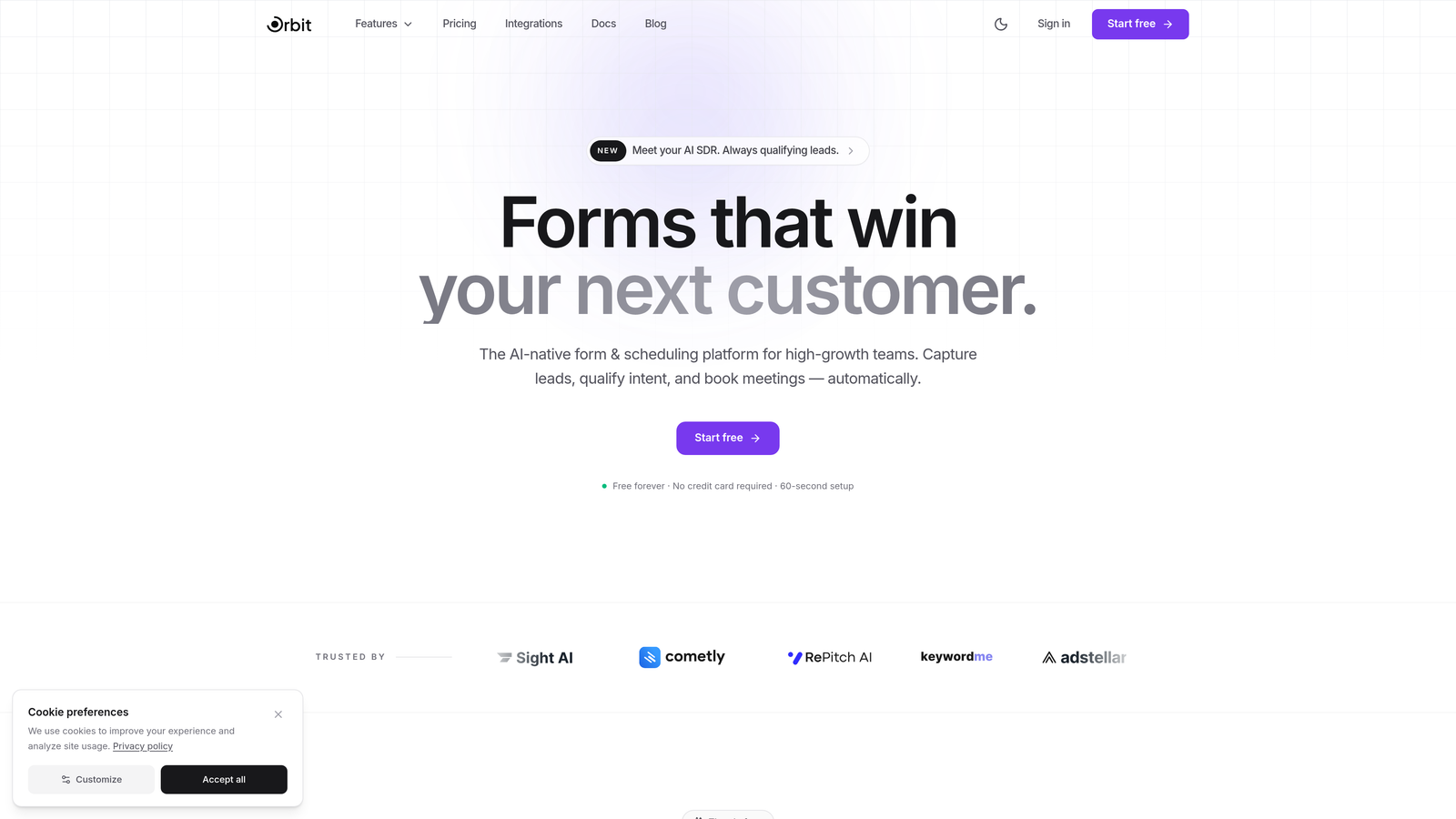
Orbit AI is an AI-powered form builder designed to turn every form submission into a qualified sales opportunity.
Where This Tool Shines
Most form builders are passive. They collect information and hand it off. Orbit AI takes a fundamentally different approach: it uses AI agents embedded within the form experience itself to qualify and score leads in real time, before a submission ever reaches your CRM. That means your sales team only sees the prospects who actually matter.
For conversion-focused teams, this changes the math entirely. Instead of spending time triaging a noisy inbox of unqualified submissions, you get a clean pipeline of scored leads routed automatically to the right person. The forms themselves are also built with conversion optimization at the core, not as an afterthought.
Key Features
Real-Time AI Lead Qualification: AI agents score and qualify leads within the form experience itself, so your team receives pre-vetted prospects, not raw data.
Conversion-Optimized Templates: Purpose-built templates designed specifically for lead generation, not generic data collection.
Built-In Performance Analytics: Track form completion rates, drop-off points, and conversion metrics to continuously improve your forms.
Workflow Automation: Automatically routes qualified leads to the right team member or pipeline stage the moment they submit.
CRM Integrations: Native connections with HubSpot, Close, Attio, and other modern CRM platforms to keep your data in sync.
Best For
Orbit AI is the right choice for SaaS companies, marketing teams, and sales-driven organizations that treat lead generation as a core business function. If you're running paid campaigns, content marketing, or any inbound motion where lead quality matters, this tool earns its place at the top of your stack.
Pricing
Free plan available to get started without a credit card. Paid plans scale with usage and team size. Visit orbitforms.ai/pricing for current tier details.
2. Tally
Best for: Teams that need unlimited forms and submissions without paying a cent.
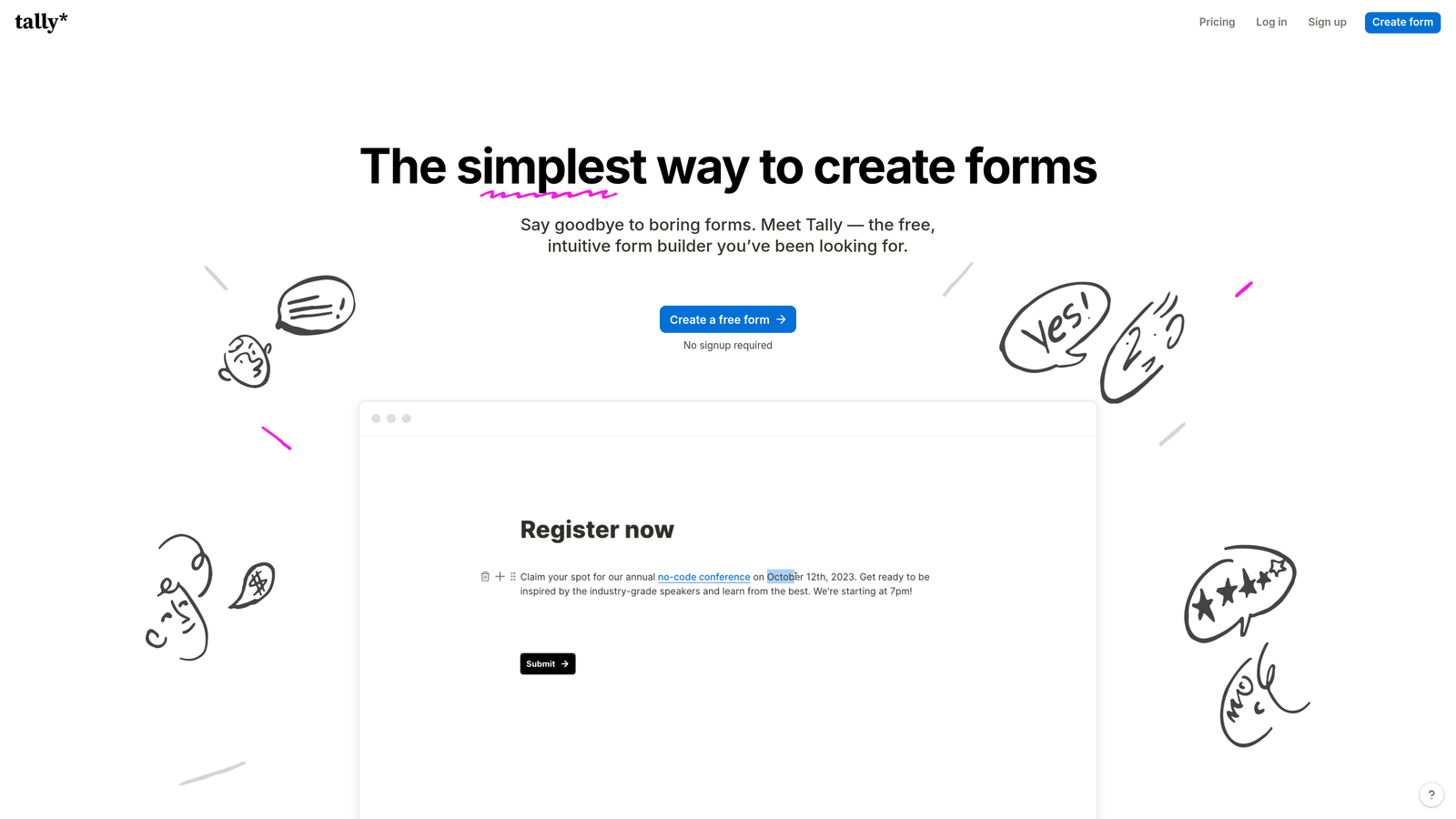
Tally is a refreshingly simple form builder with one of the most generous free tiers in the market.
Where This Tool Shines
Tally's free plan is genuinely remarkable: unlimited forms, unlimited submissions, conditional logic, hidden fields, and integrations are all included at no cost. That's not a 30-day trial. That's the actual product, free, for as long as you use it.
The editor feels like a Notion document, which makes it immediately intuitive for teams already living in that ecosystem. Building a form feels less like filling out a configuration panel and more like writing a page. It's one of the lowest-friction tools on this list.
Key Features
Unlimited Free Forms and Submissions: No submission caps or form limits on the free plan, a genuine rarity in this market.
Notion-Style Editor: Intuitive block-based editor that makes form building feel natural and fast.
Conditional Logic (Free): Show or hide fields based on previous answers without upgrading.
Webhooks and Native Integrations: Connect to Zapier, Make, Notion, and other tools directly from the free tier.
Custom Branding on Pro: Remove Tally branding and add custom domains with the paid plan.
Best For
Tally is ideal for freelancers, early-stage startups, and small teams that need capable forms without a budget. It's also a great secondary tool for teams that use a paid platform for critical flows but want a free option for internal or low-stakes forms.
Pricing
Free plan covers most use cases. Tally Pro starts at $29/month for custom domains, branding removal, and priority support.
3. Jotform
Best for: Businesses that need ready-made templates and built-in payment processing.
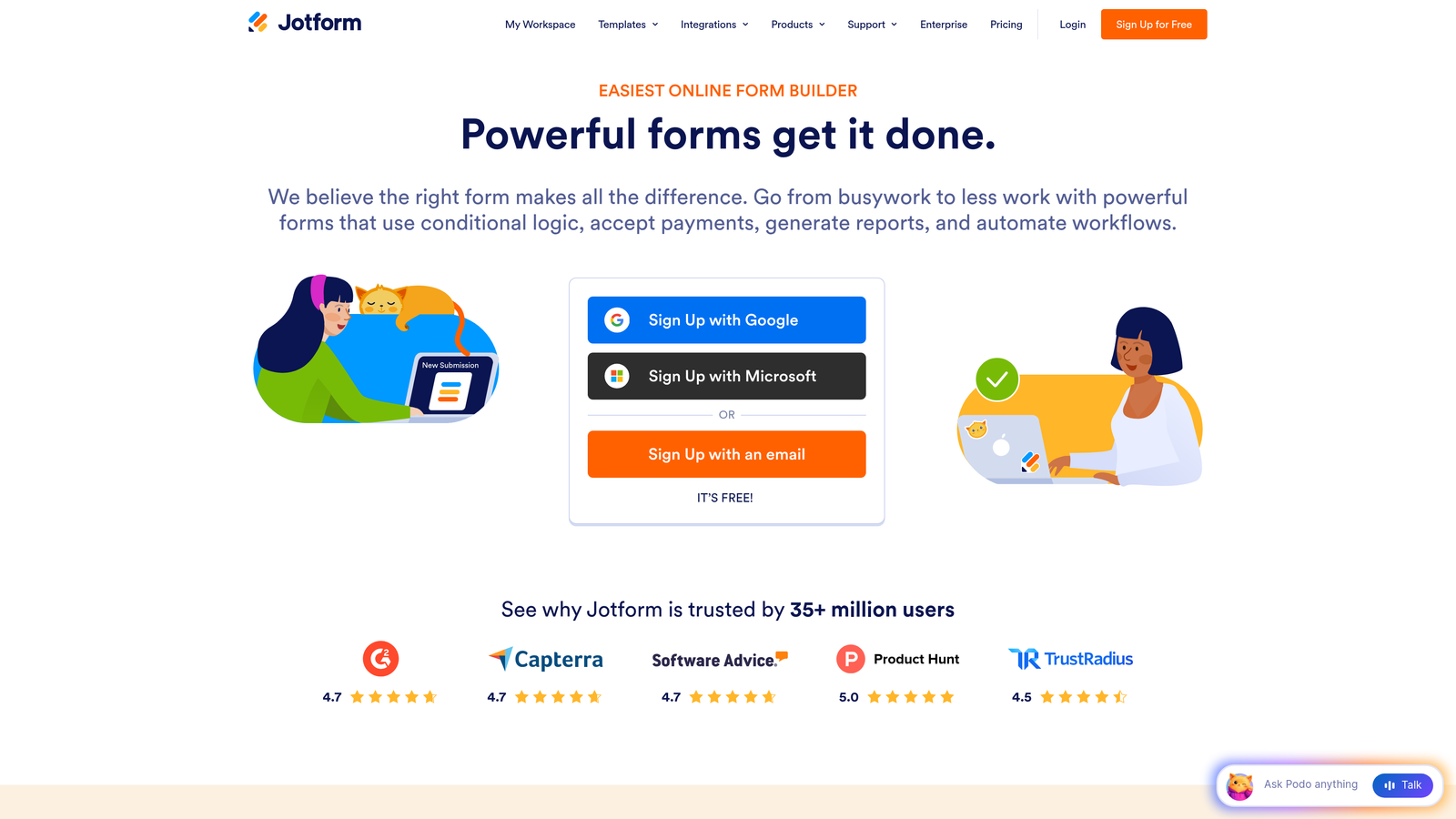
Jotform is a veteran form builder with one of the largest template libraries in the industry and robust payment capabilities.
Where This Tool Shines
If you need to deploy a form fast, Jotform's template library is hard to beat. With over 10,000 templates spanning industries from healthcare to e-commerce to education, you're rarely starting from scratch. For businesses that need to accept payments, Jotform's built-in processing integrations with Stripe, PayPal, and Square make it a natural fit.
The platform has also invested heavily in compliance, with HIPAA-compliant plans available for healthcare organizations. That kind of vertical-specific depth is rare at this price point.
Key Features
10,000+ Templates: Industry-spanning template library that covers virtually every business use case imaginable.
Built-In Payment Processing: Accept payments via Stripe, PayPal, Square, and other processors directly within forms.
Drag-and-Drop Builder with Conditional Logic: Visual editor with branching logic to create smart, dynamic forms.
PDF Report Generation: Automatically generate formatted PDF reports from form submissions.
HIPAA-Compliant Plans: Available for healthcare businesses that need to handle sensitive patient data securely.
Best For
Jotform works well for small businesses, agencies, and non-profits that need a reliable, template-rich platform with payment capabilities. It's especially strong for organizations in regulated industries or those managing high-volume, multi-purpose form workflows.
Pricing
Free plan includes 5 forms and 100 monthly submissions. Paid plans start at $34/month (Starter), with higher tiers unlocking more forms, submissions, and storage.
4. Typeform
Best for: Brands that want a premium, conversational form experience to drive higher completion rates.
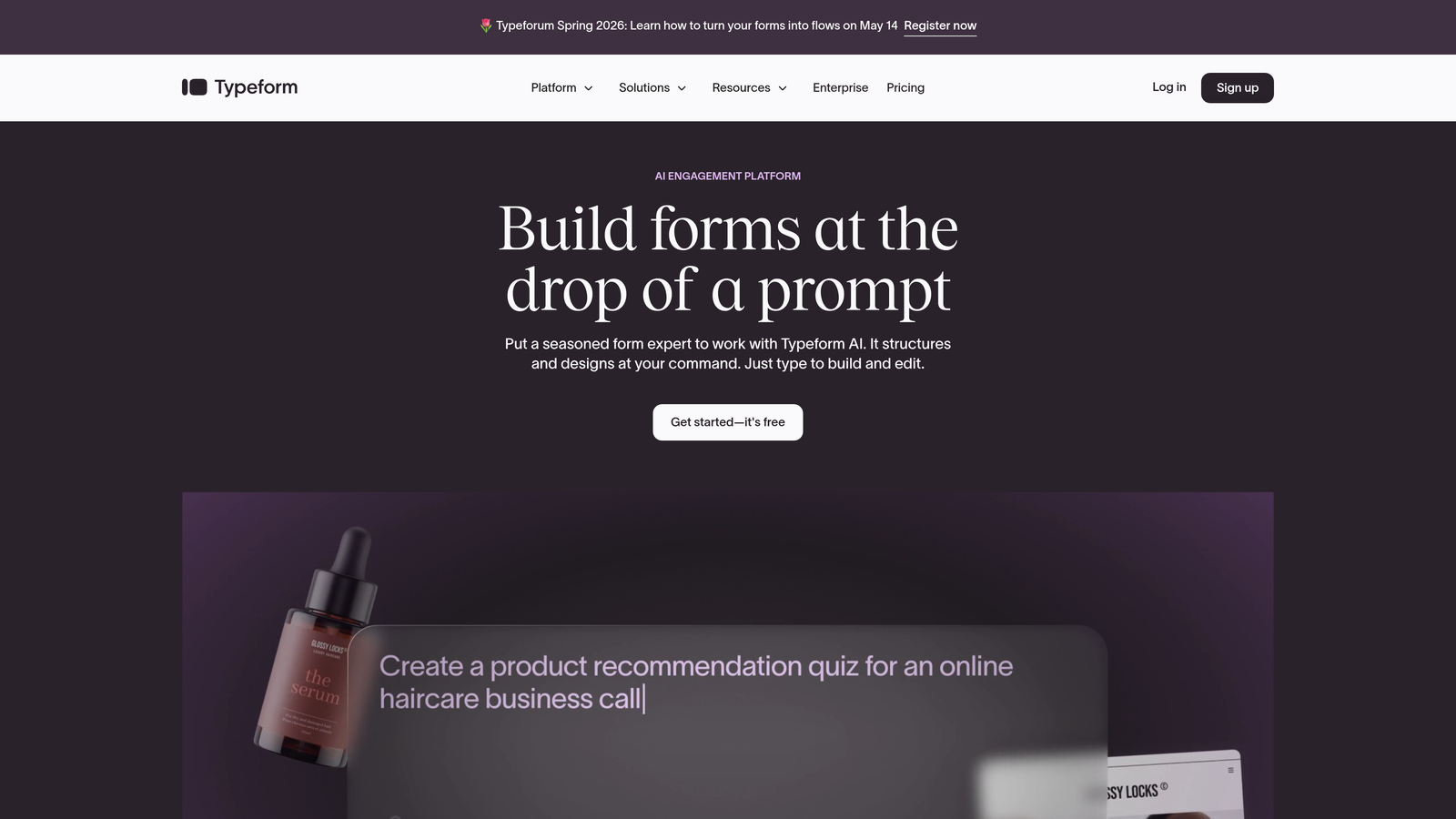
Typeform is the go-to platform for conversational, one-question-at-a-time form experiences that feel less like surveys and more like conversations.
Where This Tool Shines
Typeform's signature format presents one question at a time, which reduces cognitive load and tends to improve completion rates compared to traditional multi-field forms. For brand-conscious teams, the design quality is also a genuine differentiator: Typeform forms look polished out of the box in a way that generic form builders simply don't.
The logic branching capabilities are strong, and the native integration ecosystem covers most major marketing and CRM tools. If form experience is part of your brand impression, Typeform is worth the investment.
Key Features
Conversational One-Question Format: Sequential question presentation that reduces friction and improves completion rates.
Design and Branding Customization: Strong visual customization options to match your brand identity precisely.
Logic Jumps and Conditional Branching: Route respondents through different question paths based on their answers.
Native Integrations: Connects directly with HubSpot, Salesforce, Mailchimp, Slack, and other popular tools.
Video and Image Embedding: Embed rich media within forms to create more engaging, interactive experiences.
Best For
Typeform is best for marketing teams, agencies, and consumer-facing brands where form aesthetics and user experience directly impact conversion. It's particularly effective for lead generation campaigns, customer research, and onboarding flows where engagement matters.
Pricing
Free plan available with limited responses. Basic plan starts at $25/month, with higher tiers unlocking more responses, logic features, and integrations.
5. Google Forms
Best for: Teams on a zero budget that need simple, reliable forms with zero setup friction.
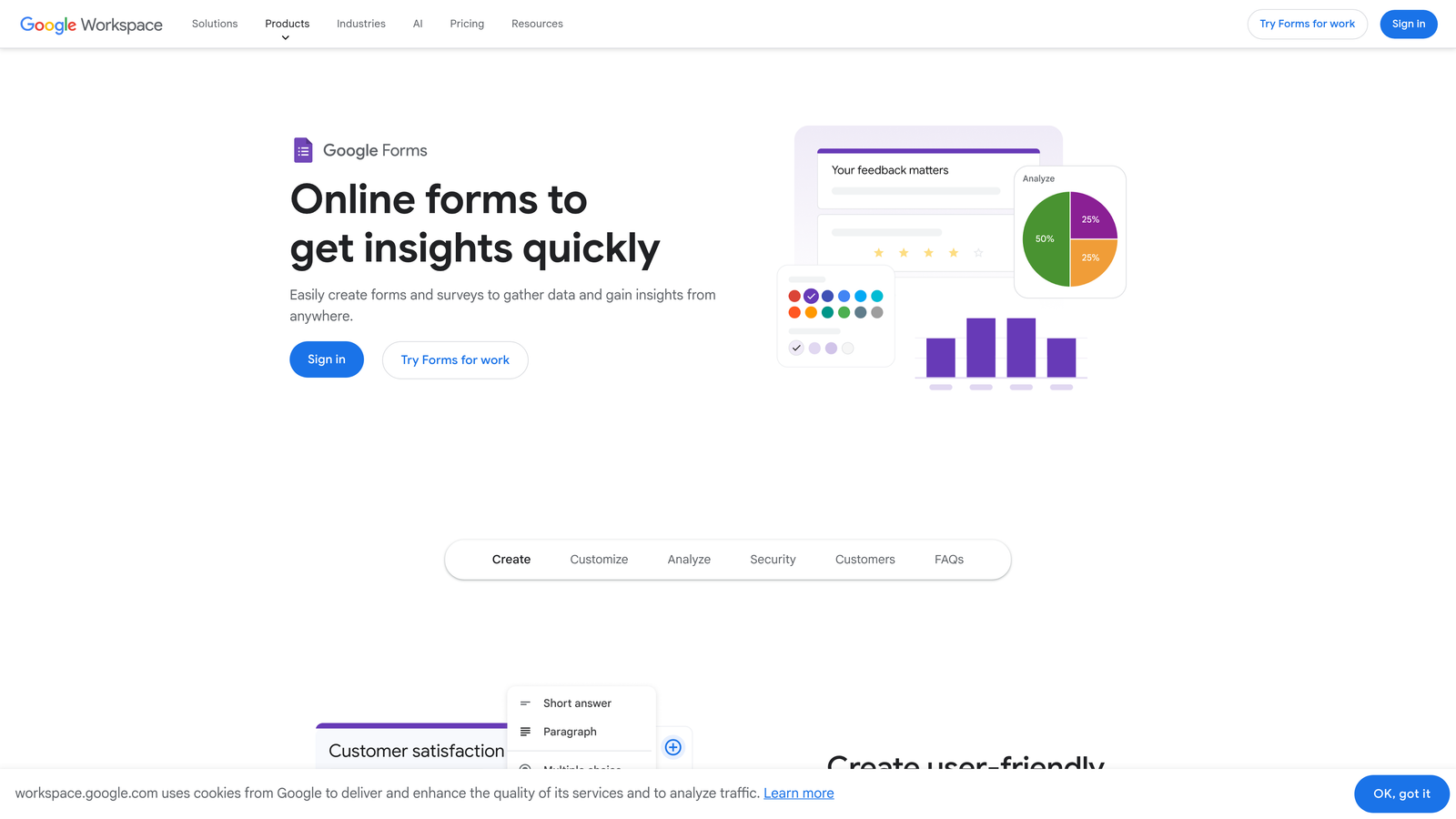
Google Forms is the completely free, no-frills form builder that comes built into every Google account.
Where This Tool Shines
There's no simpler answer to "we need a form today" than Google Forms. It requires no sign-up beyond a Google account, has no submission limits, and automatically pipes every response into a Google Sheet for instant analysis. For teams already working in Google Workspace, the collaborative editing and sharing features are seamless.
The platform won't win design awards, and it won't impress with advanced logic or integrations. But for internal surveys, quick feedback collection, or event registrations where aesthetics don't matter, it remains one of the most practical tools available.
Key Features
Completely Free with No Limits: No submission caps, no form limits, no paid tiers required.
Automatic Google Sheets Integration: Every response flows directly into a spreadsheet for instant data access and analysis.
Basic Conditional Logic: Route respondents to different sections based on their answers.
Collaborative Editing: Multiple team members can build and edit forms simultaneously, just like a Google Doc.
Quiz Mode with Auto-Grading: Built-in quiz functionality with automatic scoring, useful for training and assessments.
Best For
Google Forms is the right call for internal teams, educators, non-profits, and any organization where budget is the primary constraint and brand experience is secondary. It's also a strong choice for quick one-off forms that don't justify a paid tool.
Pricing
Completely free. Included with any Google account, with no paid upgrade path required for core functionality.
6. Fillout
Best for: Teams that want forms tightly integrated with their existing data infrastructure.
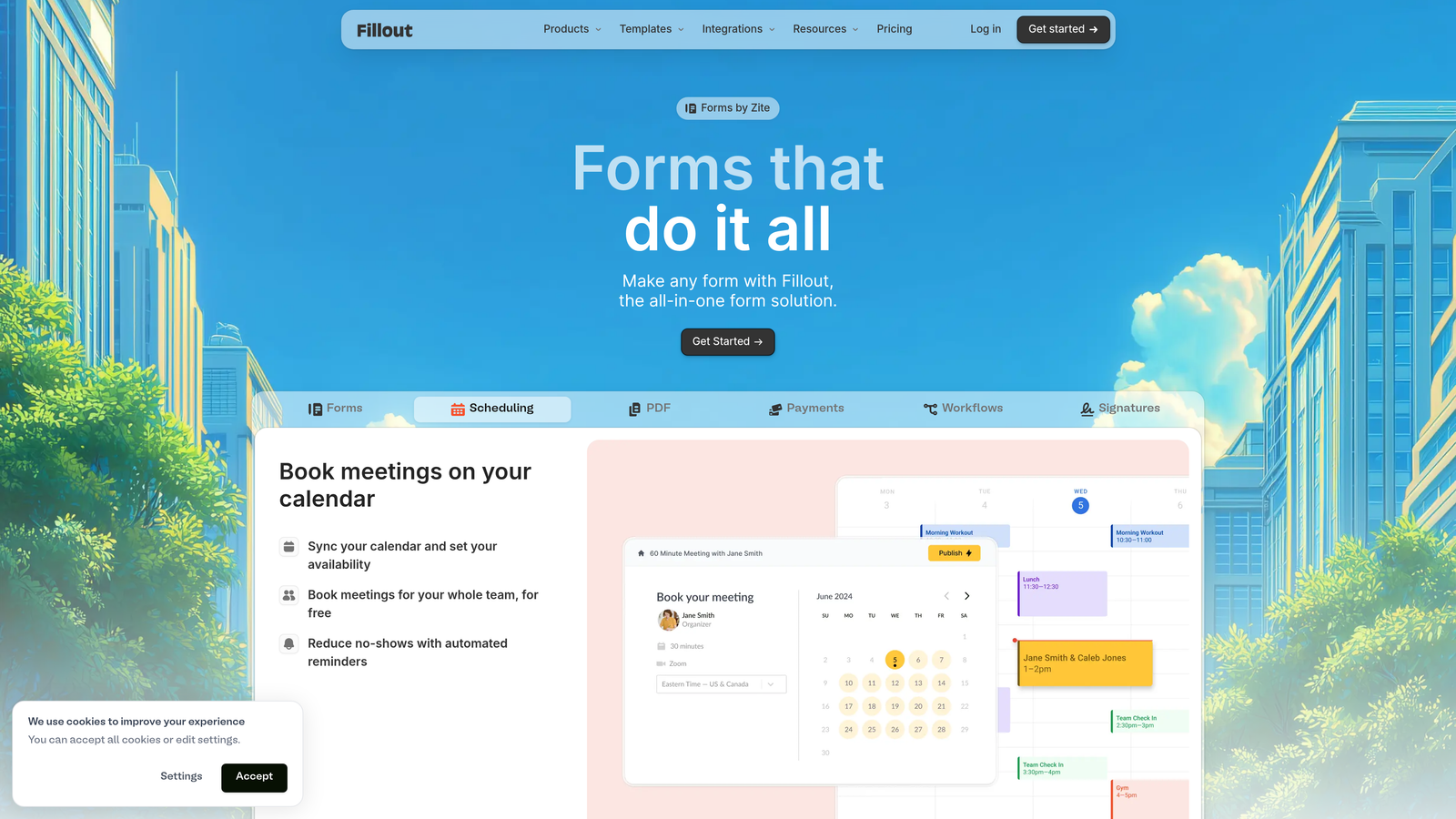
Fillout is a modern form builder that excels at connecting directly to databases and productivity tools like Airtable, Notion, and Google Sheets.
Where This Tool Shines
Fillout's key differentiator is its ability to not just send data to external tools, but to read from and write to them in real time. A form can update an existing Airtable record, pre-populate fields from a Notion database, or sync directly with a Google Sheet as a live data layer. For operations teams and product builders, this bidirectional data flow is genuinely powerful.
The platform also handles scheduling natively, which means you can build forms that include calendar booking without stitching together separate tools. At $15/month for paid plans, it delivers strong value for data-centric workflows.
Key Features
Native Database Integrations: Direct, two-way connections with Airtable, Notion, Google Sheets, and Smartsheet.
Record Update Capability: Update existing database records from form submissions, not just create new ones.
Built-In Scheduling: Calendar integration for appointment booking directly within the form flow.
Conditional Logic and Multi-Page Forms: Dynamic branching and multi-step form experiences for complex workflows.
Stripe Payment Collection: Accept payments within forms without requiring a separate payment tool.
Best For
Fillout is ideal for operations teams, product managers, and no-code builders who use Airtable or Notion as their data layer and want forms that work as a true frontend for those databases.
Pricing
Free plan available with core features. Paid plans start at $15/month, making it one of the more affordable options on this list for teams that need database connectivity.
7. Paperform
Best for: Teams that want forms to feel like branded landing pages, not sterile data entry fields.
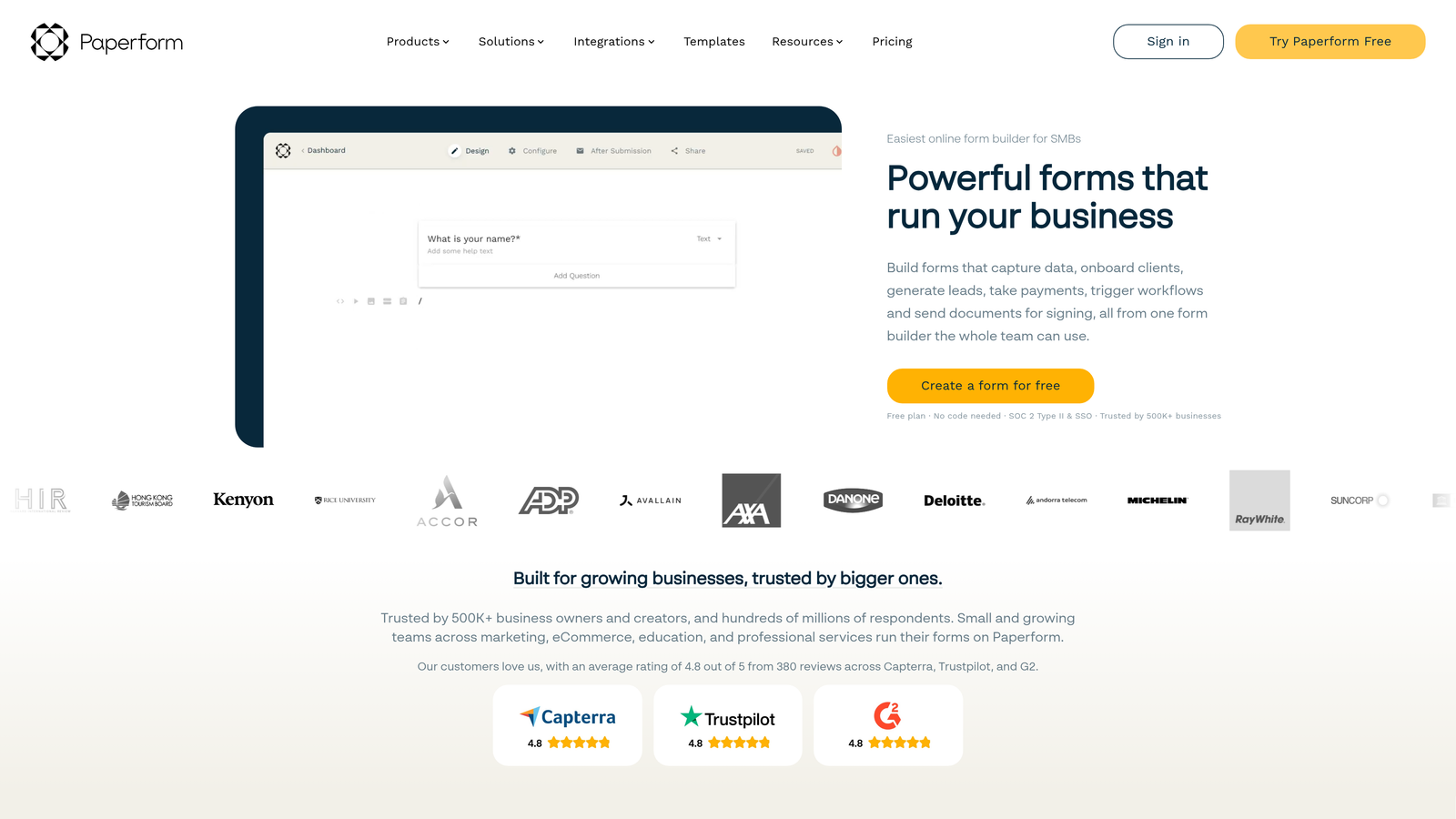
Paperform is a hybrid form builder and landing page creator that blends rich content with form fields for immersive, page-like experiences.
Where This Tool Shines
Paperform occupies a unique space between form builder and landing page tool. You can embed images, videos, pricing tables, and rich text directly alongside your form fields, creating an experience that feels more like a thoughtfully designed page than a traditional form. For businesses selling products, booking appointments, or running campaigns, this visual depth matters.
The built-in payment and product catalog features make it a viable lightweight e-commerce tool for small businesses that want to sell without a full Shopify setup. The advanced calculation logic also opens up use cases like quote generators and cost estimators.
Key Features
Rich Content Editor: Blend images, video, text, and form fields in a single page-like experience.
Built-In Payments and Product Catalog: Accept payments and showcase products without needing a separate e-commerce platform.
Appointment Scheduling: Native scheduling functionality embedded directly within forms.
Advanced Calculations and Conditional Logic: Build dynamic pricing calculators, quote tools, and complex branching logic.
Custom Success Pages: Redirect or display custom confirmation experiences after submission.
Best For
Paperform works well for small business owners, consultants, and marketing teams that want a single tool for forms, landing pages, payments, and scheduling without managing multiple subscriptions.
Pricing
Plans start at $24/month (Essentials). No free plan, but a 14-day free trial is available to test the platform before committing.
8. Formspree
Best for: Developers who want full frontend control with a reliable form backend handling submissions.
Formspree is a developer-focused form backend that handles submissions, spam filtering, and integrations while leaving the frontend entirely in your hands.
Where This Tool Shines
Most form builders force you into their editor, their templates, and their design constraints. Formspree flips that model entirely. You write your own HTML, React, or Vue form, point it at Formspree's endpoint, and let the backend handle everything else: spam filtering, email notifications, file uploads, and webhook routing. The result is zero vendor lock-in on your design.
For development teams building custom websites or web applications, this approach is far more practical than trying to embed a third-party form widget into a carefully designed interface. At $10/month for paid plans, it's also one of the most cost-effective options on this list.
Key Features
API-First Architecture: Bring your own HTML, React, or Vue frontend and point it at Formspree's backend endpoint.
Spam Filtering: Built-in reCAPTCHA and Akismet integration to keep submission inboxes clean.
File Upload Handling: Accept and manage file attachments from form submissions without additional infrastructure.
Webhooks and Zapier Integration: Route submissions to any downstream tool or workflow automatically.
No Frontend Lock-In: Full design freedom with no requirement to use Formspree's visual editor.
Best For
Formspree is purpose-built for developers, agencies, and technical teams building custom websites or web apps who need a reliable form backend without sacrificing design control or introducing visual inconsistencies.
Pricing
Free plan includes 50 submissions per month. Paid plans start at $10/month for higher submission volumes, additional forms, and advanced features.
9. HubSpot Free Forms
Best for: Sales-driven teams that want form submissions to feed directly into CRM contact records.
HubSpot Free Forms is part of HubSpot's free CRM suite, designed to turn every form submission into a managed sales contact automatically.
Where This Tool Shines
The core value proposition here is tight CRM integration. Every time someone submits a HubSpot form, the platform either creates a new contact record or updates an existing one, automatically, with no manual data entry required. For sales teams, this eliminates a significant operational burden and ensures no lead slips through the cracks.
The progressive profiling feature is particularly clever: it recognizes returning visitors and asks different questions each time, gradually building a richer contact profile without ever asking the same thing twice. That's enterprise-level behavior available on a free plan.
Key Features
Automatic CRM Contact Creation: Every submission creates or updates a HubSpot contact record without manual intervention.
Multiple Form Types: Pop-up, embedded, and standalone form formats to suit different placement contexts.
Progressive Profiling: Recognizes returning visitors and asks new questions to build richer contact data over time.
Built-In Email Follow-Up Automation: Trigger automated follow-up emails from form submissions, available on the free tier.
Native HubSpot Ecosystem Integration: Seamless connection to HubSpot's marketing, sales, and service hubs for full funnel visibility.
Best For
HubSpot Free Forms is the natural choice for teams already using or planning to adopt HubSpot CRM. It's especially strong for B2B sales teams, inbound marketing programs, and any organization where lead management and follow-up cadence are central to the business.
Pricing
Free with any HubSpot CRM account, though forms will carry HubSpot branding. Paid Marketing Hub plans start at $20/month to remove branding and unlock additional features.
The Right Form Builder Pays for Itself
The best affordable form builder isn't the one with the lowest price tag. It's the one that delivers the most value per dollar for your specific workflow, whether that means qualifying leads automatically, syncing with your database, or simply getting a form live in five minutes without a developer.
Here's a quick breakdown by use case to help you choose:
For AI-powered lead qualification: Orbit AI is the standout choice for teams where lead quality directly impacts revenue. The built-in scoring and routing capabilities go well beyond what any passive form builder can offer.
For free simplicity: Tally delivers unlimited forms and submissions at no cost, making it the best truly free option for teams watching their budget.
For templates and payments: Jotform's massive template library and multi-processor payment support make it the most versatile option for businesses with diverse form needs.
For brand experience: Typeform is the right call when form aesthetics and completion rates are a priority for customer-facing campaigns.
For zero-budget basics: Google Forms remains the most practical no-cost option for internal and low-stakes use cases.
For database-connected workflows: Fillout's bidirectional Airtable and Notion integrations make it the best choice for operations and no-code teams.
For landing-page-style forms: Paperform blends rich content with form functionality in a way no other tool on this list matches.
For developers: Formspree gives technical teams full frontend freedom with a reliable, affordable backend.
For CRM-connected sales teams: HubSpot Free Forms is the obvious choice for teams already in the HubSpot ecosystem.
If lead generation is central to your growth strategy, the smartest move is starting with a tool built specifically for conversion. Start building free forms today with Orbit AI and experience how intelligent lead qualification can transform the way your team handles inbound prospects.


