

Enterprise form solutions have evolved far beyond simple data collection—they now drive lead qualification, automate workflows, and integrate deeply with your tech stack. But with pricing models ranging from per-seat charges to submission-based tiers to custom enterprise contracts, comparing options can feel like navigating a maze.
This guide breaks down leading enterprise form solutions, examining their pricing structures, feature sets, and ideal use cases. Whether you're scaling a high-growth team or managing complex data collection across departments, you'll find a solution that fits both your requirements and your budget.
1. Orbit AI
Best for: High-growth teams needing AI-powered lead qualification built directly into their forms
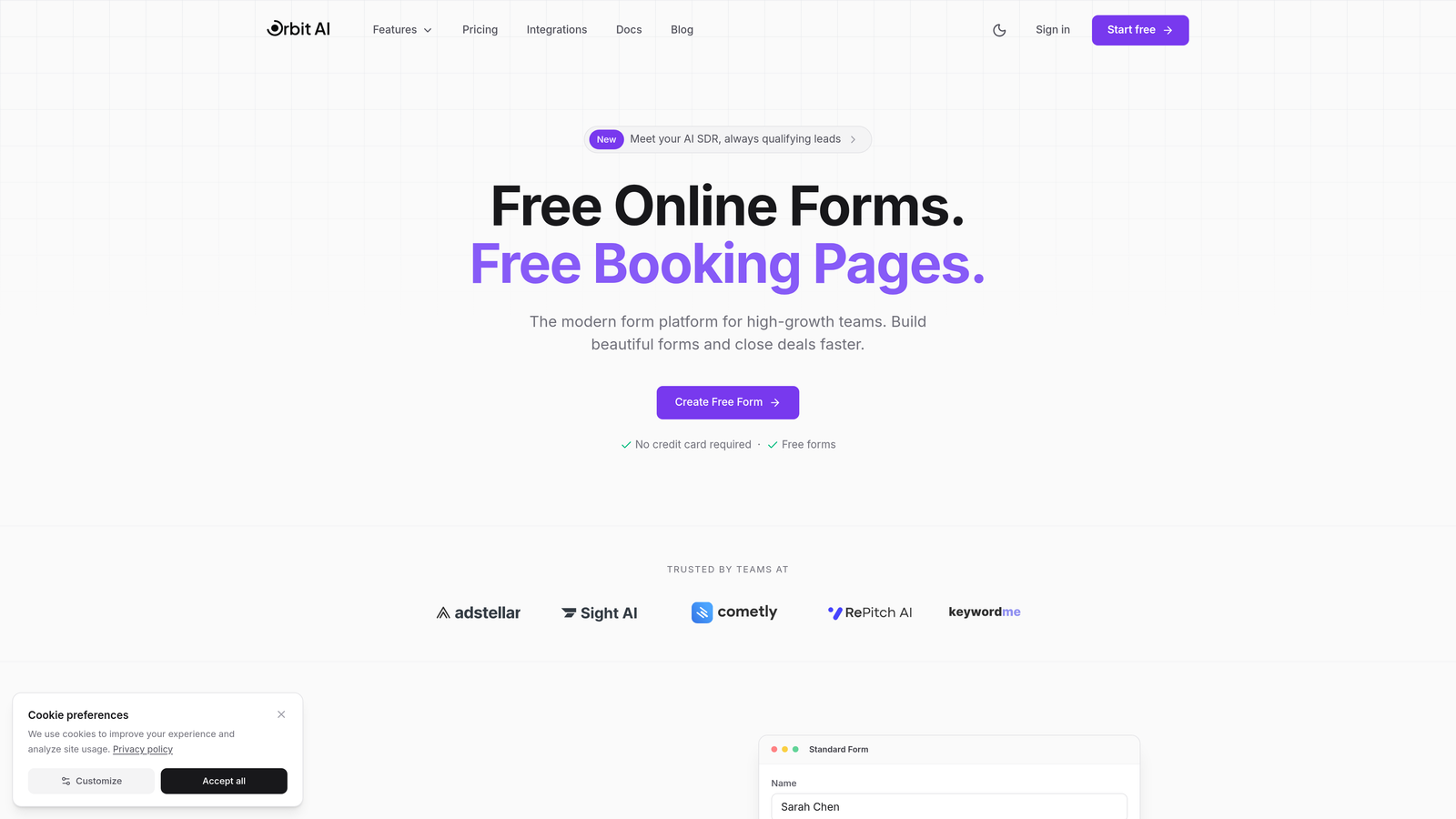
Orbit AI is an AI-powered form builder platform that qualifies leads in real-time during form completion.
Where This Tool Shines
Orbit AI takes a fundamentally different approach to enterprise forms by embedding AI agents directly into the form experience. Instead of collecting data and qualifying leads afterward, the platform evaluates prospect fit as they fill out your form.
This real-time qualification means your sales team receives pre-scored leads with context about fit and intent. The platform's conversion-optimized templates are designed specifically for high-growth environments where speed and lead quality both matter.
Key Features
AI Lead Qualification: AI agents analyze responses in real-time to score and route leads based on fit criteria you define.
Conversion Optimization: Templates and design patterns built specifically to maximize form completion rates.
Native CRM Integrations: Direct connections to Salesforce, HubSpot, and major CRMs without middleware.
Workflow Automation: Trigger sequences and actions based on form submissions and qualification scores.
Performance Analytics: Dashboard tracking form performance, conversion rates, and lead quality metrics.
Best For
Orbit AI fits teams that prioritize lead quality over raw volume. If you're dealing with high lead volumes and need intelligent filtering before leads reach your sales team, or if you're focused on conversion optimization alongside data collection, this platform delivers both.
Pricing
Enterprise pricing is custom based on volume and feature requirements. Visit orbitforms.ai/pricing for tier details and contact sales for enterprise quotes.
2. Typeform
Best for: Creating engaging conversational experiences with strong brand customization
Typeform is a conversational form builder known for its one-question-at-a-time interface that prioritizes user engagement.

Where This Tool Shines
Typeform revolutionized form design by breaking away from traditional long-form layouts. The conversational approach shows one question at a time, creating a more engaging experience that often yields higher completion rates for surveys and customer feedback.
The platform's design flexibility and branding options make it particularly strong for customer-facing forms where brand experience matters. Video and image embedding capabilities let you create visually rich experiences that feel more like conversations than data collection.
Key Features
Conversational Interface: One-question-at-a-time presentation that reduces form abandonment.
Advanced Logic Jumps: Sophisticated branching that adapts the form path based on previous answers.
Media Embedding: Integrate videos, images, and GIFs directly into your form experience.
Custom Branding: Extensive design control to match your brand identity perfectly.
Marketing Tool Integrations: Connect to major platforms including Mailchimp, Slack, and Google Sheets.
Best For
Typeform excels for marketing teams and customer experience professionals who need engaging surveys, feedback forms, or lead capture experiences. It's ideal when form aesthetics and completion rates are top priorities.
Pricing
Business plan at $83 per user per month. Enterprise tier available with custom pricing for larger organizations needing advanced security and support.
3. Jotform Enterprise
Best for: Organizations requiring dedicated infrastructure and healthcare compliance certifications
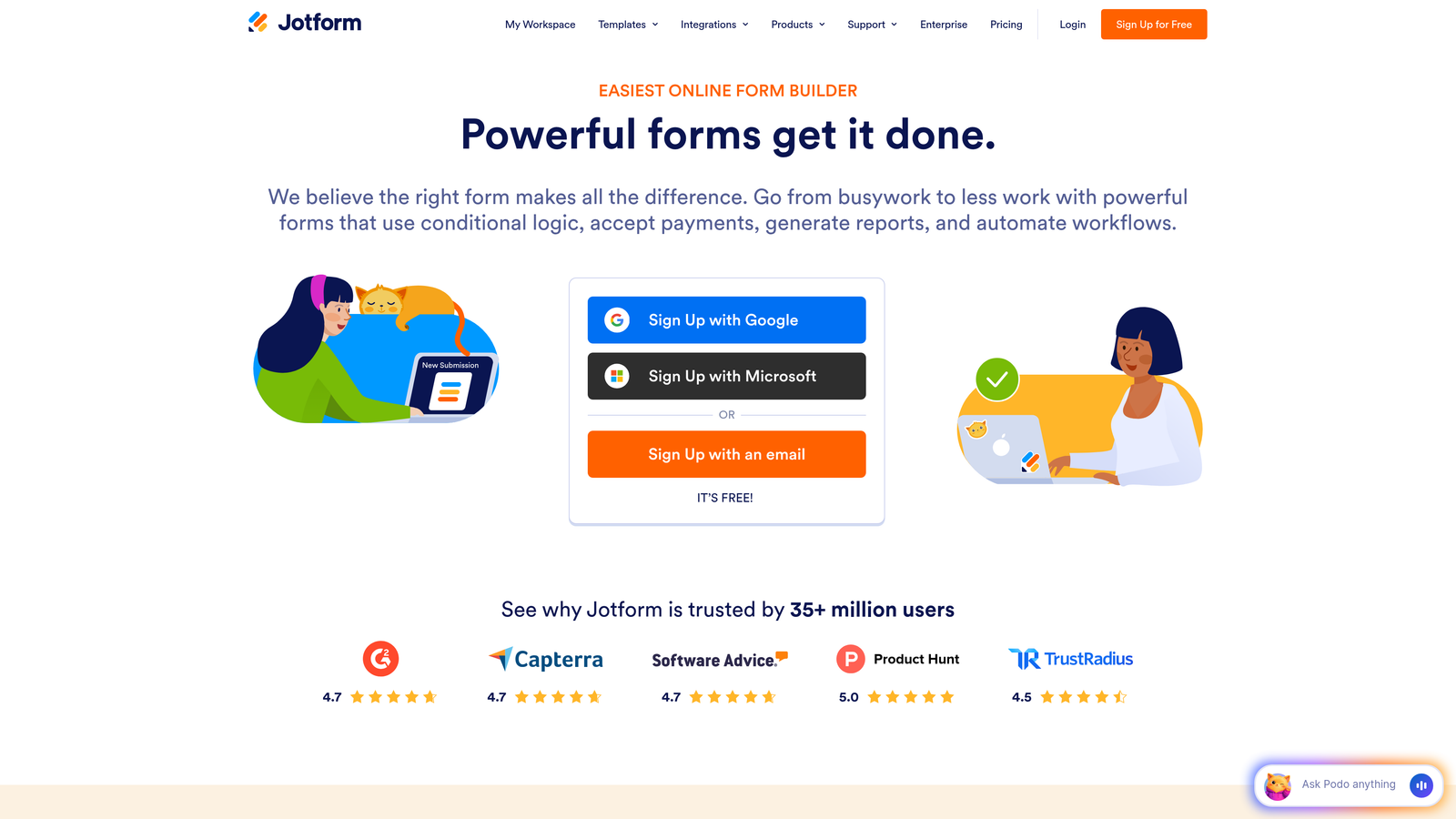
Jotform Enterprise is an enterprise-grade form solution offering dedicated server infrastructure and comprehensive compliance options.
Where This Tool Shines
Jotform Enterprise addresses the infrastructure and compliance needs that standard form builders can't meet. The dedicated server option means your forms run on isolated infrastructure, critical for organizations with strict data residency or security requirements.
HIPAA compliance with Business Associate Agreements makes Jotform a go-to choice for healthcare organizations. The platform can handle up to 100,000 monthly submissions on enterprise plans, making it viable for high-volume data collection scenarios.
Key Features
HIPAA Compliance: Full HIPAA compliance with available BAA agreements for healthcare applications.
Dedicated Infrastructure: Isolated server environment for enhanced security and performance.
High Volume Capacity: Support for up to 100,000 monthly submissions on enterprise tiers.
White-Label Options: Remove Jotform branding completely for a fully branded experience.
SSO/SAML Authentication: Enterprise authentication options for secure team access.
Best For
Jotform Enterprise fits healthcare organizations, financial services firms, and any enterprise with strict compliance requirements or data residency needs. The dedicated infrastructure option appeals to organizations that can't use shared SaaS platforms.
Pricing
Custom enterprise pricing based on volume, compliance requirements, and infrastructure needs. Contact Jotform sales for detailed quotes.
4. Formstack
Best for: Workflow automation with built-in document generation and e-signature capabilities
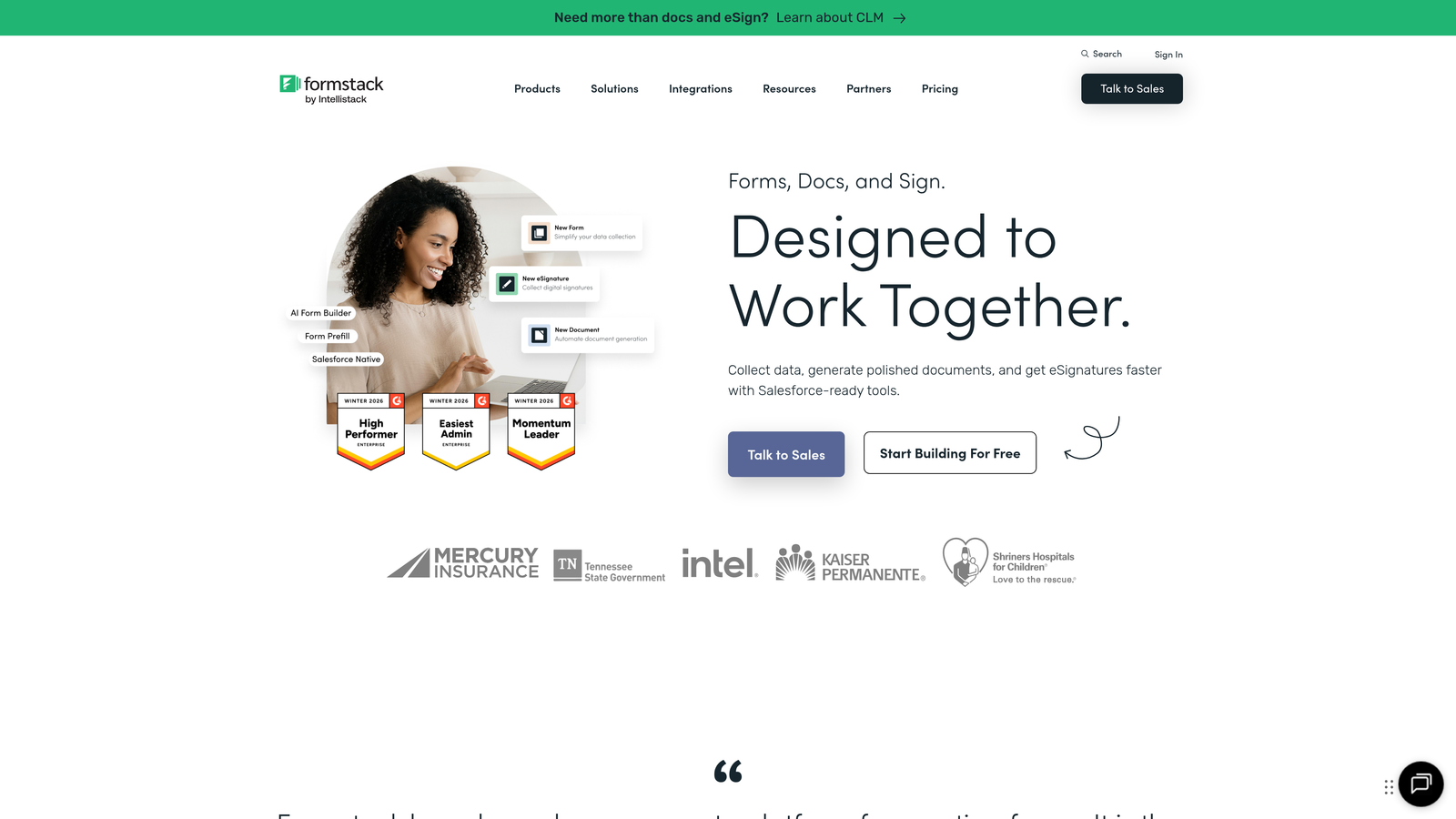
Formstack is a workflow-focused form platform that extends beyond data collection into document automation and approval processes.
Where This Tool Shines
Formstack's real power emerges when you need forms to trigger complex workflows. The platform automatically generates documents from form submissions—think contracts, proposals, or reports—eliminating manual copy-paste work.
Built-in e-signature functionality means you can collect information and secure approvals in one continuous workflow. This makes Formstack particularly valuable for HR onboarding, contract processes, or any scenario where forms lead directly to documents requiring signatures.
Key Features
Document Generation: Automatically create PDFs, Word docs, or other documents from form data.
E-Signature Integration: Built-in electronic signature capture without third-party tools.
Approval Workflows: Route submissions through multi-step approval processes with notifications.
Compliance Options: HIPAA and GDPR compliance features for regulated industries.
Conditional Logic: Advanced branching and field visibility rules for complex forms.
Best For
Formstack fits operations teams, HR departments, and any organization where forms trigger downstream document workflows. It's ideal when you need to connect data collection to document creation and approval processes.
Pricing
Teams plan starts around $83 per month. Enterprise tier with custom pricing available for larger organizations needing advanced features and support.
5. Microsoft Forms
Best for: Organizations already invested in Microsoft 365 ecosystem
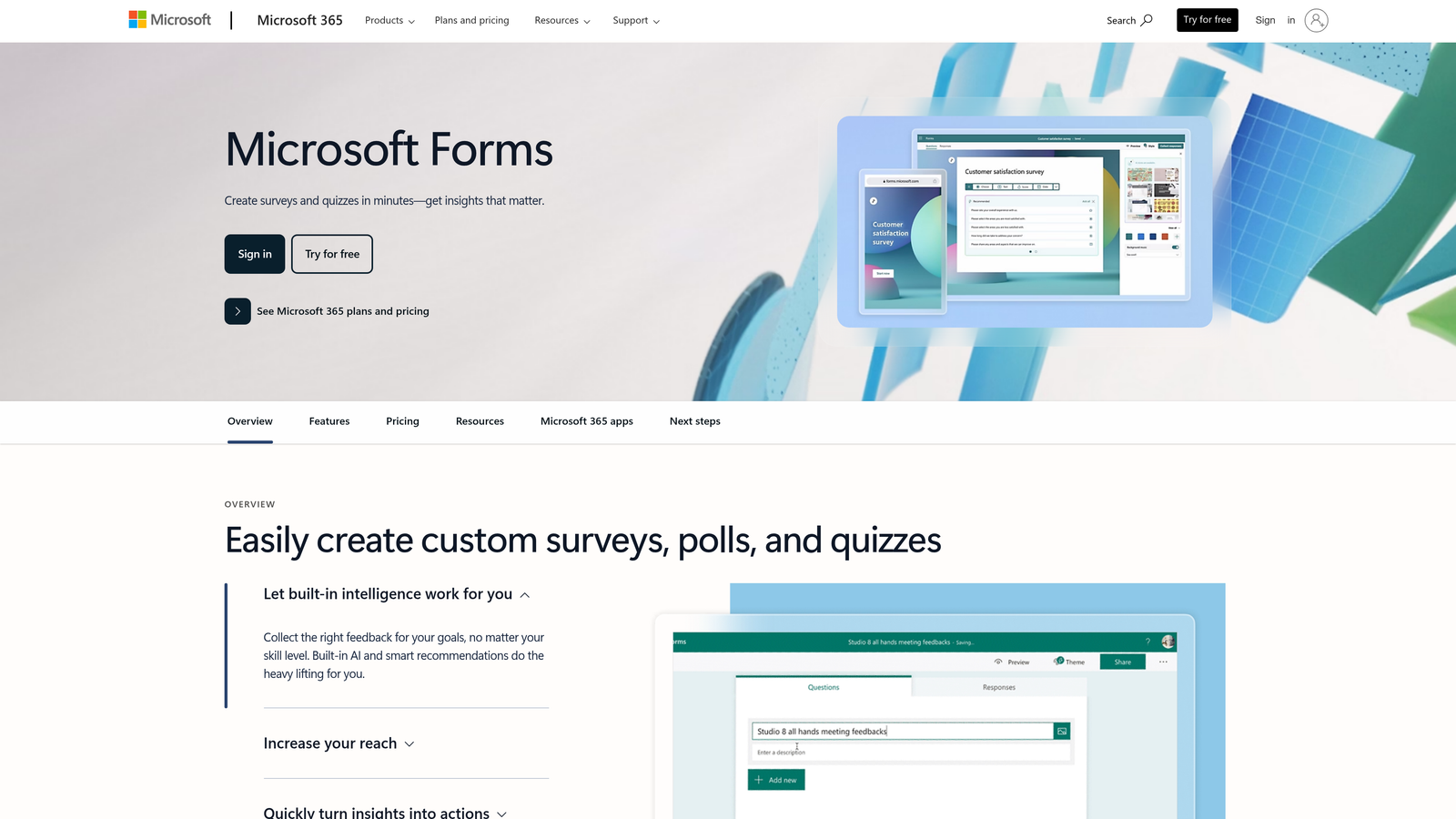
Microsoft Forms is the native form solution within Microsoft 365, offering deep integration with Teams, SharePoint, and Power Platform.
Where This Tool Shines
Microsoft Forms delivers the most value when you're already operating within the Microsoft ecosystem. The native Teams integration means you can share forms, collect responses, and discuss results without leaving your collaboration workspace.
Power Automate integration unlocks workflow automation that connects form submissions to hundreds of Microsoft and third-party services. Since Forms is included with Microsoft 365 subscriptions, there's no additional cost for organizations already paying for the suite.
Key Features
Teams Integration: Share forms directly in Teams channels and collect responses within your workspace.
Power Automate Triggers: Launch automated workflows based on form submissions.
Real-Time Collaboration: Multiple team members can build and edit forms simultaneously.
Response Analysis: Automatic charts and summary statistics for survey results.
Included License: No additional cost with Microsoft 365 Business or Enterprise subscriptions.
Best For
Microsoft Forms makes sense for organizations standardized on Microsoft 365 who need basic to intermediate form capabilities. It's particularly strong for internal surveys, event registration, and departmental data collection.
Pricing
Included with Microsoft 365 Business and Enterprise subscriptions. No standalone pricing—access depends on your existing Microsoft license tier.
6. Google Forms with AppSheet
Best for: Budget-conscious teams needing unlimited forms with optional advanced automation
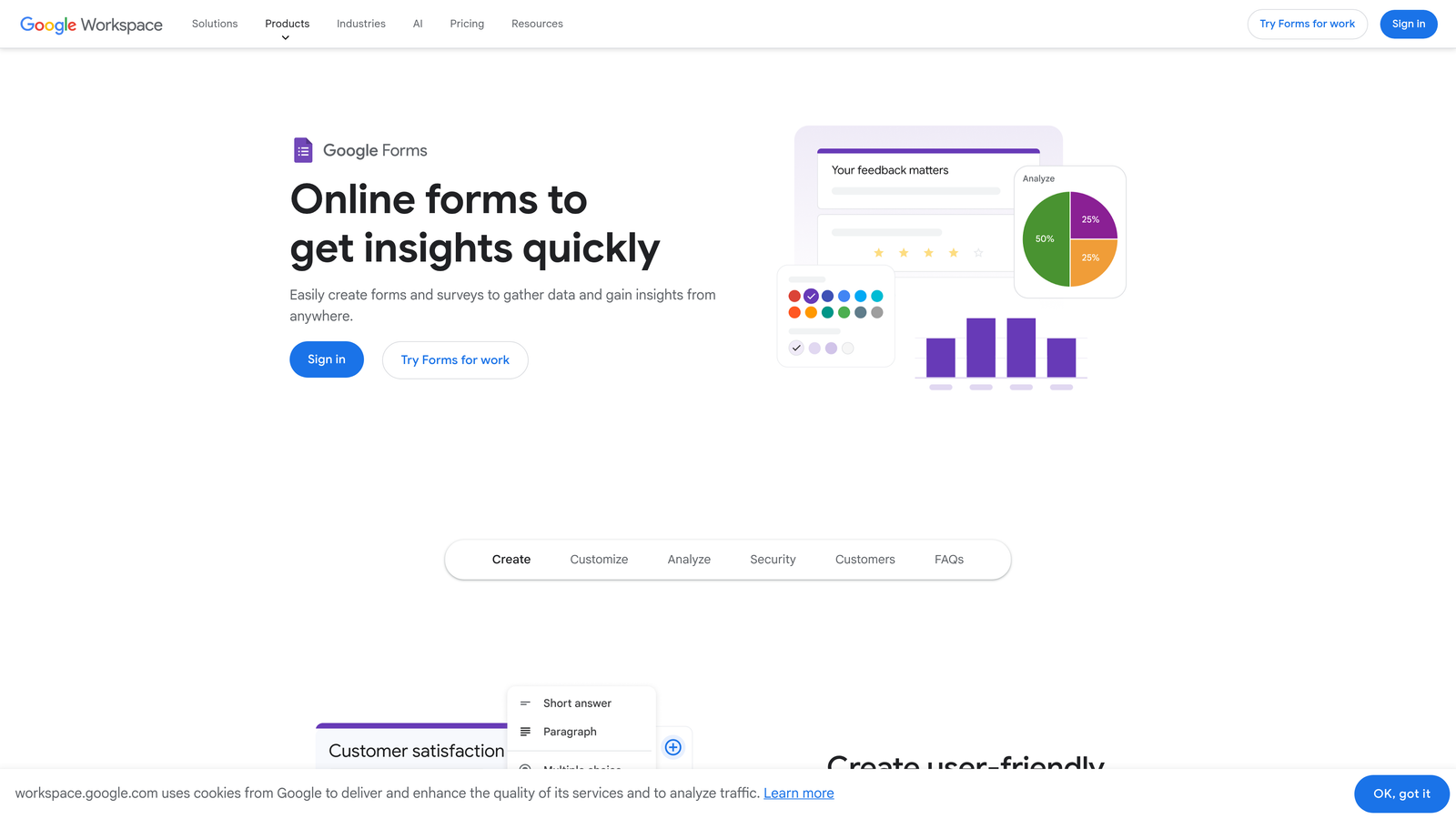
Google Forms is a free form builder with Google Sheets integration, expandable with AppSheet for no-code app building and automation.
Where This Tool Shines
Google Forms offers unlimited forms and unlimited responses at zero cost, making it unbeatable for budget-conscious organizations. The Google Sheets integration provides a familiar spreadsheet interface for analyzing responses.
AppSheet integration elevates Google Forms beyond basic data collection. You can build no-code apps that read from your form responses, create approval workflows, or build custom dashboards—all without writing code. This combination delivers enterprise-grade capabilities at a fraction of typical costs.
Key Features
Unlimited Free Forms: No limits on forms created or responses collected on the free tier.
Sheets Integration: Automatic response collection in Google Sheets for familiar data analysis.
AppSheet Apps: Build custom apps and workflows using form data without coding.
Real-Time Collaboration: Multiple team members can edit forms simultaneously.
Basic Branching: Simple conditional logic to show or hide questions based on responses.
Best For
Google Forms fits startups, nonprofits, and teams with tight budgets who need reliable form functionality. Adding AppSheet makes sense when you need workflow automation or custom apps without enterprise form builder pricing.
Pricing
Google Forms is completely free. AppSheet starts at $5 per user per month for the Starter plan, with higher tiers for advanced automation and app features.
7. Cognito Forms
Best for: Payment collection without transaction fees and complex form calculations
Cognito Forms is a payment-friendly form builder that charges no transaction fees and offers advanced calculation capabilities.
Where This Tool Shines
Cognito Forms stands out by charging zero transaction fees on payment collection. If you're processing significant payment volume through forms, this pricing model can save thousands compared to platforms that take a percentage of each transaction.
The platform's calculation engine handles complex math within forms—useful for order forms, quote requests, or registration forms with variable pricing. Repeating sections let you build sophisticated multi-item forms without custom development.
Key Features
Zero Transaction Fees: Collect payments through Stripe or Square without platform fees.
Advanced Calculations: Perform complex math and conditional pricing within your forms.
Repeating Sections: Let users add multiple items or entries within a single form submission.
Document Uploads: Collect files and documents with configurable size and type restrictions.
Workflow Routing: Send submissions through approval processes with email notifications.
Best For
Cognito Forms fits organizations processing payments through forms, particularly those with high transaction volumes. It's also strong for complex registration forms, order forms, or applications requiring calculations.
Pricing
Team plan at $24 per month for basic features. Enterprise tier available with custom pricing for larger organizations needing advanced capabilities and support.
8. Formsite
Best for: Security-focused organizations needing SOC 2 compliance and advanced result management
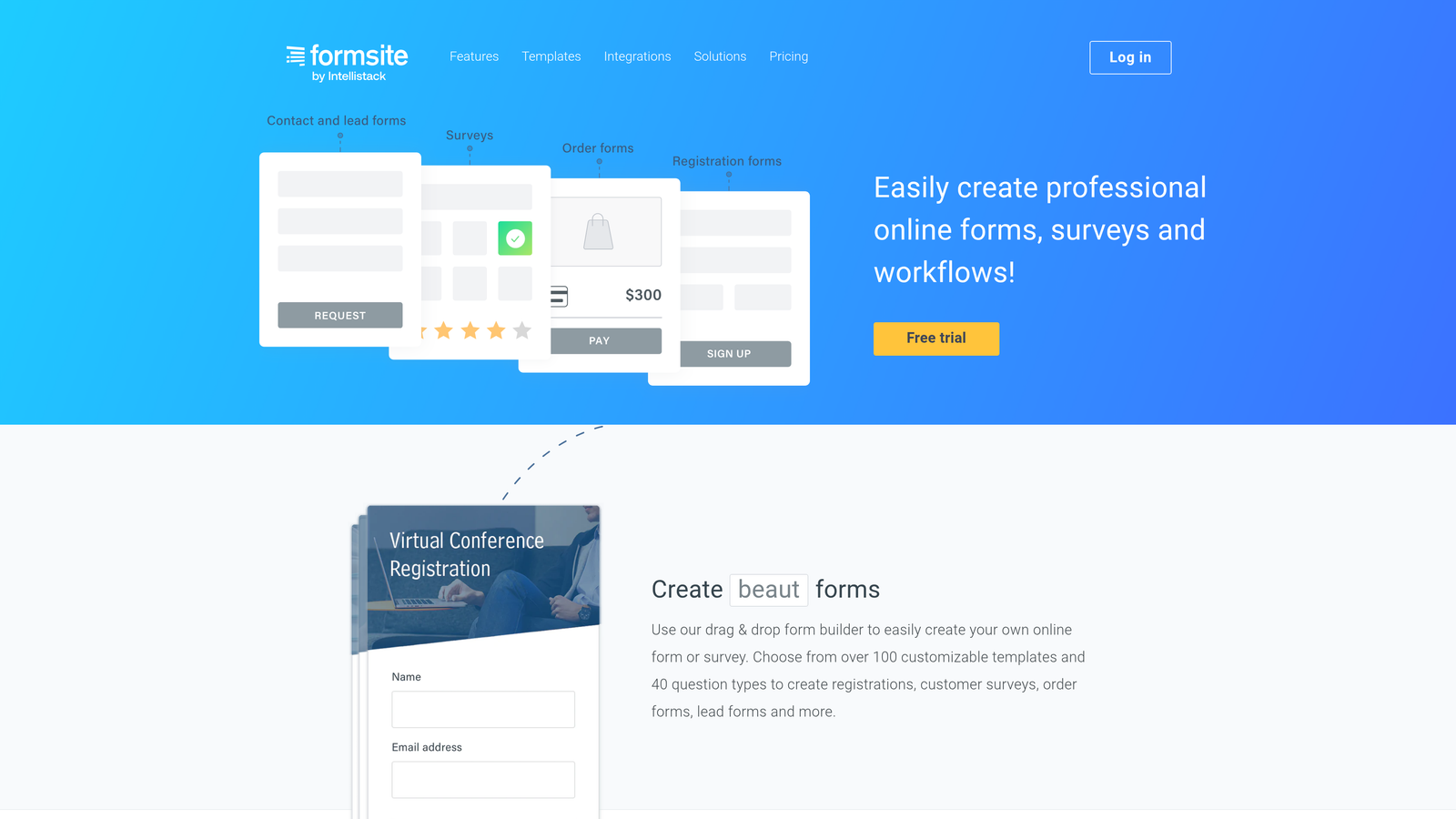
Formsite is a security-focused form builder offering SOC 2 Type II compliance and sophisticated result filtering for data-heavy applications.
Where This Tool Shines
Formsite prioritizes security and compliance in ways most form builders don't. SOC 2 Type II certification demonstrates rigorous security controls—critical for organizations in regulated industries or those handling sensitive customer data.
The result management system goes beyond basic spreadsheet exports. Advanced filtering, custom reports, and result piping let you analyze and act on form data without exporting to external tools. This matters when you're managing thousands of submissions across multiple forms.
Key Features
SOC 2 Type II Compliance: Independently audited security controls meeting enterprise standards.
Advanced Result Filtering: Sophisticated search and filter capabilities across all form submissions.
Conditional Logic: Complex branching and field visibility rules for dynamic forms.
Payment Processing: Integrated payment collection through multiple gateways.
Custom Workflows: Automated notifications and routing based on submission criteria.
Best For
Formsite fits financial services, healthcare, and enterprise organizations with strict security requirements. It's particularly valuable when you need to manage and analyze large volumes of submissions without constant data exports.
Pricing
Enterprise plan at $249.95 per month with comprehensive features. Custom pricing available for organizations needing higher limits or specialized requirements.
9. Paperform
Best for: Creating landing pages and forms in one platform with full design control
Paperform is a form and landing page hybrid that combines data collection with complete page design capabilities.
Where This Tool Shines
Paperform blurs the line between forms and landing pages. You can build complete web pages with text, images, and multimedia, then embed form fields wherever they make sense in your layout. This flexibility lets you create product pages with embedded order forms or event pages with integrated registration.
The product catalog and booking features extend beyond traditional form capabilities. You can build storefronts, appointment schedulers, or membership portals—all within the form builder interface. Custom domain support means your Paperform pages can live on your own domain.
Key Features
Page Design Flexibility: Full control over layout, styling, and content beyond traditional form constraints.
Product Catalogs: Build product showcases with add-to-cart functionality and checkout.
Booking Capabilities: Integrated appointment scheduling and calendar management.
Advanced Calculations: Complex pricing logic and conditional calculations within forms.
Custom Domains: Host your Paperform pages on your own domain for seamless branding.
Best For
Paperform fits marketing teams and small businesses that need forms to do double duty as landing pages. It's ideal when you want to combine content marketing with data collection or build simple e-commerce experiences without a full platform.
Pricing
Agency plan at $159 per month for advanced features and higher limits. Custom enterprise pricing available for larger organizations with specific requirements.
Making Your Final Decision
The right enterprise form solution depends on where your priorities fall. If AI-powered lead qualification matters most, Orbit AI delivers real-time prospect scoring that traditional form builders can't match. For healthcare organizations, Jotform Enterprise's HIPAA compliance and dedicated infrastructure address regulatory requirements head-on.
Budget constraints? Google Forms with AppSheet provides remarkable capabilities at minimal cost. Already invested in Microsoft 365? Forms integrates seamlessly with your existing tools. Processing high payment volumes? Cognito Forms eliminates transaction fees that add up quickly.
Think about your workflow needs. Formstack shines when forms trigger document generation and approval processes. Typeform excels at creating engaging conversational experiences. Paperform works when you need forms embedded in full landing page designs.
Security requirements matter too. Formsite's SOC 2 Type II certification and advanced result management appeal to regulated industries. Microsoft Forms benefits from enterprise-grade security built into the Microsoft 365 platform.
Consider your growth trajectory. Solutions like Orbit AI and Typeform scale with high-growth teams that need both volume capacity and sophisticated features. Google Forms and Cognito Forms offer more budget-friendly paths for organizations watching costs carefully.
Most platforms offer trial periods or demo environments. Test the tools that align with your top three requirements. Pay attention to how quickly you can build your first form, how intuitive the logic builder feels, and whether integrations work smoothly with your existing stack.
Transform your lead generation with AI-powered forms that qualify prospects automatically while delivering the modern, conversion-optimized experience your high-growth team needs. Start building free forms today and see how intelligent form design can elevate your conversion strategy.


