

You've built a beautiful Typeform survey that prospects love to complete. But when those submissions land in your inbox, you're still manually reviewing each response, trying to figure out which leads are worth your team's time. The form looks great—but your qualification process? That's happening in spreadsheets, Slack threads, and frantic Monday morning triage meetings.
This is the gap that's driving teams to explore Typeform alternatives specifically built for lead qualification. While Typeform excels at creating engaging, conversational experiences, its native qualification capabilities require extensive workarounds: Zapier chains to calculate scores, manual rules to route leads, and constant maintenance as your criteria evolve.
The tools below were selected based on four critical capabilities: intelligent lead scoring and qualification, sophisticated routing and automation, depth of CRM integration, and total cost including necessary add-ons. Here are the top Typeform alternatives designed specifically for teams who need their forms to do more than collect data—they need them to qualify, score, and route leads automatically.
1. Orbit AI
Best for: High-growth teams needing AI-powered lead qualification with automated scoring and intelligent routing
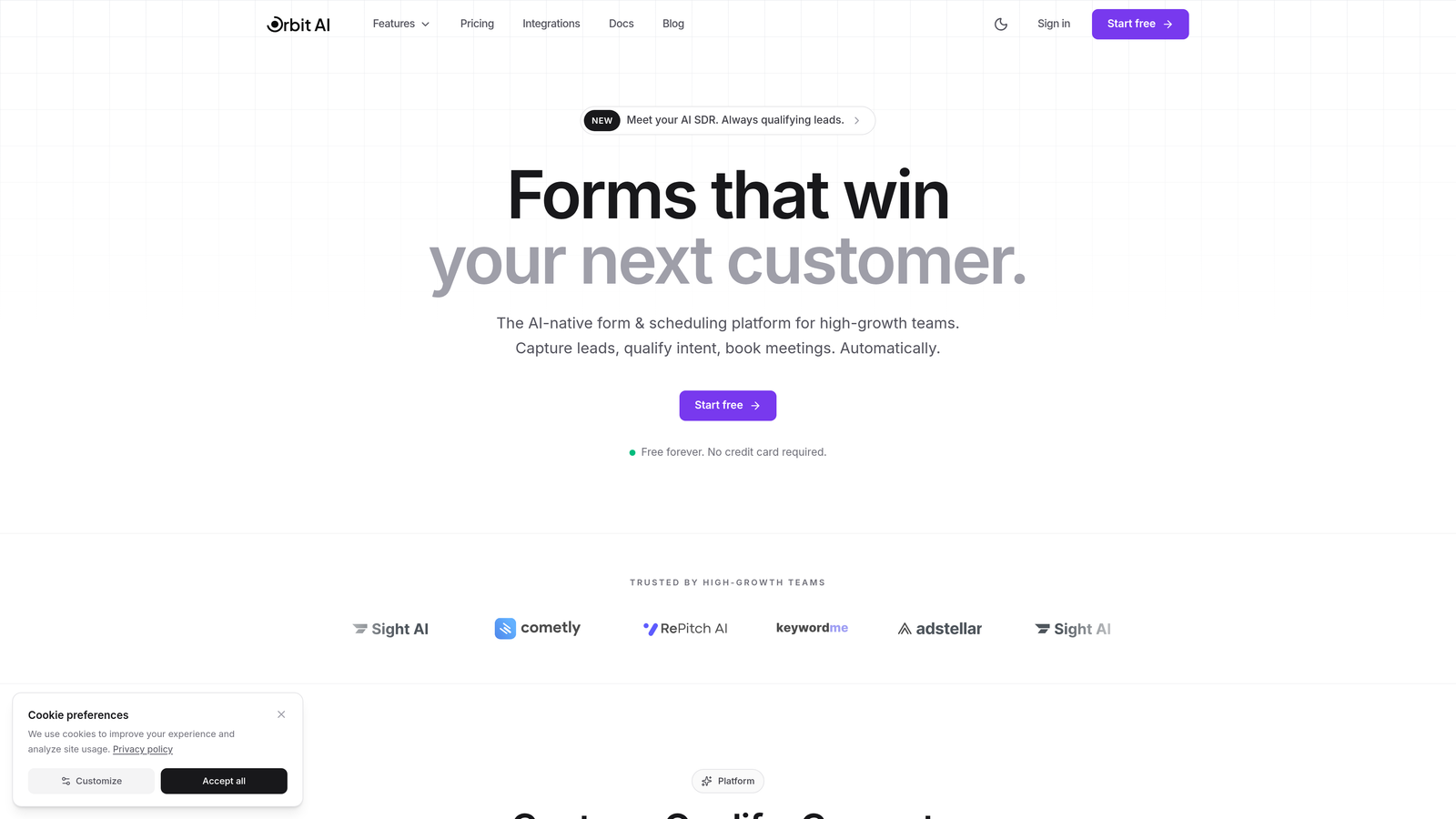
Orbit AI is an AI-powered form builder platform designed specifically for teams who need their forms to qualify leads, not just collect responses.
Where This Tool Shines
Unlike traditional form builders that treat qualification as an afterthought, Orbit AI builds it into the core experience. AI agents analyze responses in real-time, asking follow-up questions based on prospect answers and automatically scoring leads as the conversation unfolds. This means your sales team receives pre-qualified leads with context, not just raw form submissions.
The platform's strength lies in its ability to create conversational qualification flows without complex branching logic. The AI adapts the conversation naturally, similar to how your best sales rep would qualify a prospect on a discovery call—but automated across every form submission.
Key Features
AI-Powered Qualification Agents: Conversational AI that adapts questions based on responses, qualifying leads through natural dialogue rather than rigid conditional logic.
Real-Time Lead Scoring: Automatic scoring that updates as prospects answer, with customizable criteria that match your ideal customer profile.
Intelligent Routing: Leads automatically flow to the right team member or workflow based on qualification score, industry, company size, or any custom criteria.
Native CRM Integration: Direct connections to HubSpot, Close, and Attio that sync qualified leads with full conversation context and scoring data.
Workflow Automation: Trigger follow-up sequences, Slack notifications, or custom actions based on qualification outcomes without third-party tools.
Best For
High-growth B2B teams who need to qualify inbound leads at scale without adding headcount. Particularly valuable for companies with clear ICP criteria where automated qualification can filter out poor-fit prospects before they reach sales. Marketing teams who want to prove ROI by delivering qualified opportunities, not just form fills.
Pricing
Free tier available for testing qualification workflows. Paid plans start at $29/month with predictable monthly response limits and native integrations included—no per-submission fees or integration upcharges.
2. Tally
Best for: Budget-conscious teams wanting unlimited forms with clean design and simple conditional qualification logic
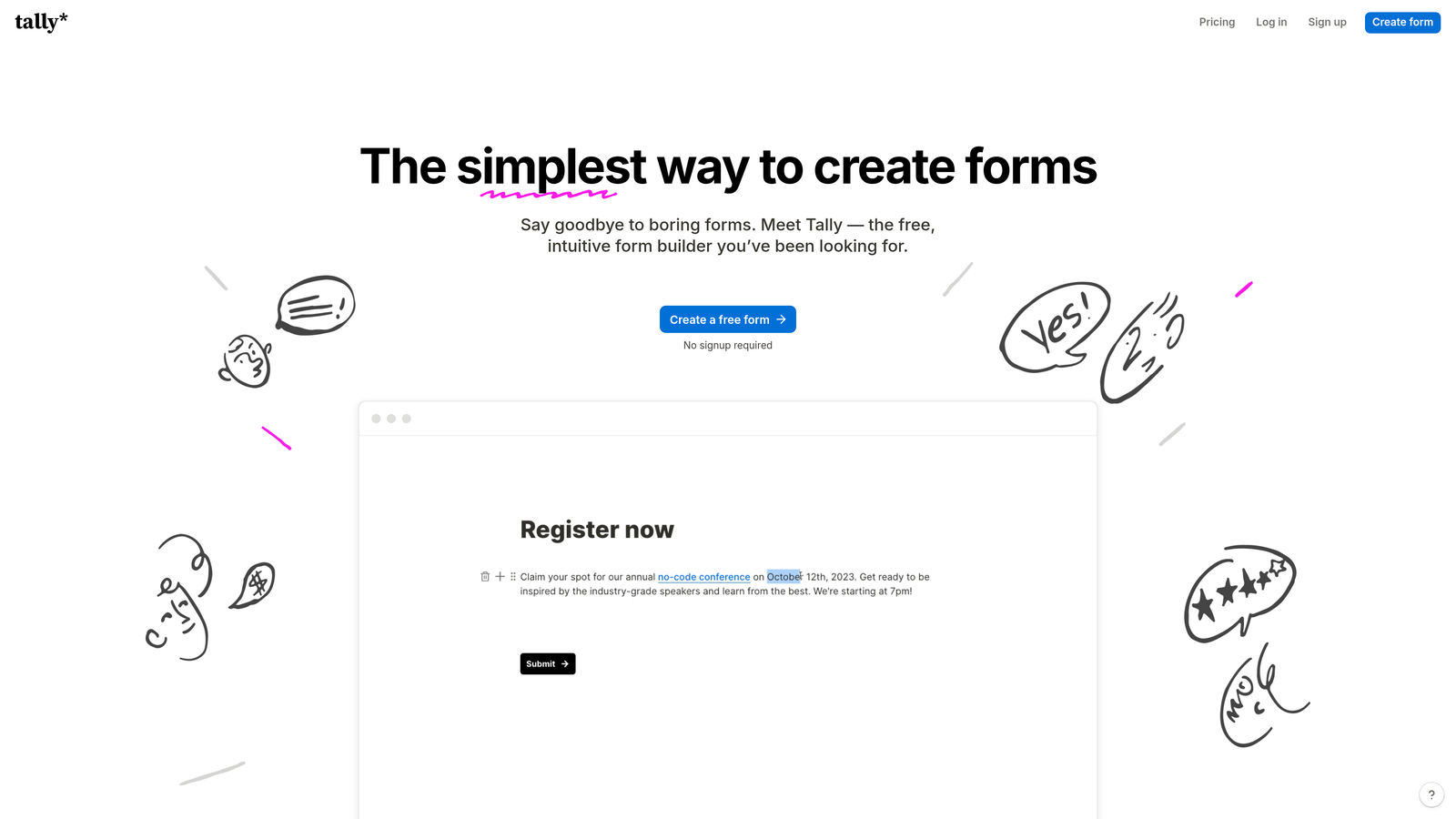
Tally is a free-first form builder with a Notion-like interface that makes creating clean, professional forms remarkably simple.
Where This Tool Shines
Tally's genius is in what it doesn't charge for. While most form builders nickel-and-dime you with submission limits and feature paywalls, Tally gives you unlimited forms, unlimited submissions, and core conditional logic on the free plan. For teams just starting to implement basic lead qualification, this removes the financial barrier to experimentation.
The interface feels familiar to anyone who's used Notion—simple blocks that you arrange and configure. There's no learning curve, no template paralysis. You can build a qualification form in minutes, test different approaches, and iterate without worrying about hitting plan limits.
Key Features
Unlimited Everything on Free: No submission caps, no form limits, no hidden fees for basic features that other platforms charge for.
Conditional Logic: Show or hide questions based on previous answers, creating simple qualification paths without complex branching.
Hidden Fields and Calculations: Score responses behind the scenes using calculator fields, useful for basic lead scoring implementations.
Native Notion Integration: Submissions flow directly into Notion databases, perfect for teams already managing leads there.
Clean, Minimal Design: Forms that look professional without customization effort—the default aesthetic is already polished.
Best For
Startups and small teams who need to implement basic lead qualification without budget. Marketing teams already using Notion for project management who want form submissions in the same workspace. Anyone testing qualification approaches before committing to enterprise tools.
Pricing
Free for unlimited forms and submissions with core features. Pro plan at $29/month adds custom domains, file uploads, and payment collection.
3. Jotform
Best for: Enterprise teams needing complex conditional logic, extensive integrations, and industry compliance for qualification workflows
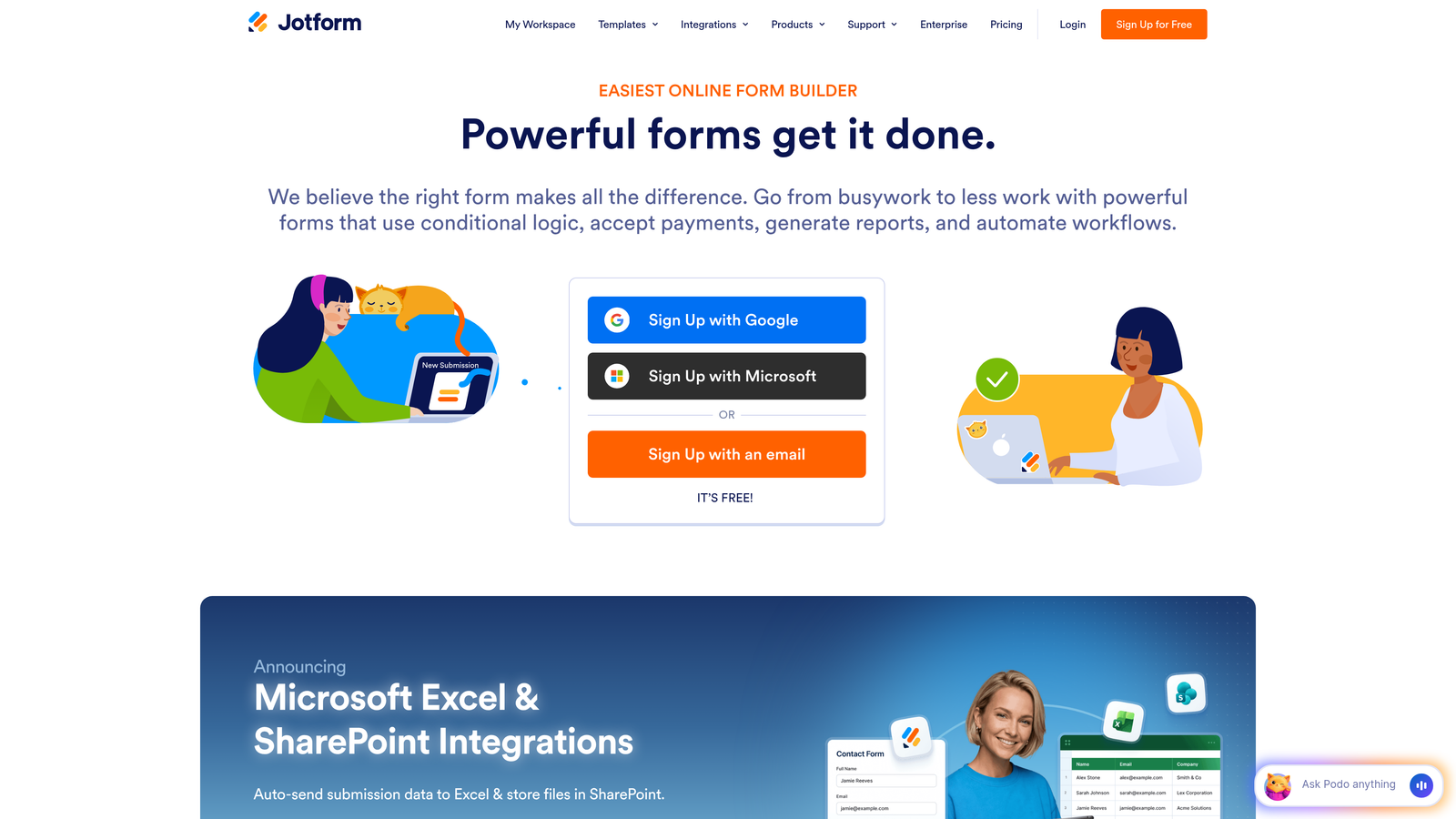
Jotform is a comprehensive form platform with over a decade of development behind its extensive feature set and template library.
Where This Tool Shines
When your qualification requirements are complex—multiple decision trees, industry-specific compliance needs, payment processing alongside lead capture—Jotform has likely already built the feature. With 10,000+ templates, there's a strong chance someone in your industry has already created a similar qualification workflow that you can adapt.
The platform's advanced conditional logic supports multiple conditions and complex branching that would be difficult to implement in simpler tools. You can create sophisticated qualification paths that rival custom-built applications, with conditions based on calculations, hidden fields, and even previous submission data.
Key Features
Advanced Conditional Logic: Multiple conditions per rule with AND/OR operators, supporting complex qualification decision trees that adapt to numerous variables.
Jotform Tables: Built-in database view of submissions with filtering, sorting, and collaboration features for managing qualified leads.
10,000+ Templates: Industry-specific form templates including many designed for lead capture and qualification in various sectors.
Payment Processing: Native integrations with 30+ payment processors for qualifying and converting leads in the same form.
Compliance Options: HIPAA-compliant forms available for healthcare, with data encryption and security features for regulated industries.
Best For
Enterprise organizations with complex qualification requirements spanning multiple departments. Healthcare, finance, or legal firms needing compliance-certified form solutions. Teams that need payment processing integrated with lead qualification for product demos or paid consultations.
Pricing
Free tier with 100 monthly submissions. Paid plans start at $34/month (Bronze) with increased submissions and features. Enterprise plans available with HIPAA compliance and dedicated support.
4. Fillout
Best for: Operations teams using Airtable or Notion as their source of truth, needing database-native forms with calculation capabilities
Fillout is a form builder designed specifically for teams who manage their data in Airtable or Notion databases.

Where This Tool Shines
If your lead database lives in Airtable or Notion, Fillout eliminates the integration headache entirely. Forms connect directly to your database as native views—no Zapier middleware, no sync delays, no data transformation issues. When a prospect submits a qualification form, it appears in your Airtable base instantly with all the relationships and automation you've already built.
The calculation and formula fields are particularly powerful for qualification scoring. You can build scoring logic directly in the form using the same formula syntax you already use in Airtable, making it easy for operations teams to maintain without developer involvement.
Key Features
Native Database Sync: Forms function as direct interfaces to Airtable and Notion databases, with two-way sync that respects existing relationships and automation.
Calculation Fields: Formula-based fields that perform math, concatenate text, or evaluate conditions—perfect for building scoring logic.
Built-In Scheduling: Calendly-style scheduling functionality embedded in forms, useful for qualifying leads and booking discovery calls in one flow.
Multi-Page Forms: Break long qualification forms into steps with progress tracking, improving completion rates for detailed assessments.
Custom Domains: White-label forms with your own domain, maintaining brand consistency throughout the qualification experience.
Best For
Operations teams who have already built their lead management system in Airtable or Notion and need forms that integrate natively. Companies using database-driven workflows where form submissions need to trigger complex automation. Teams that want to maintain a single source of truth without middleware platforms.
Pricing
Free tier with 1,000 monthly submissions. Paid plans from $15/month (Basic) include unlimited submissions and advanced features like custom domains.
5. Paperform
Best for: Brand-conscious agencies and creative teams needing beautiful, highly customizable forms with strong calculation and scoring capabilities
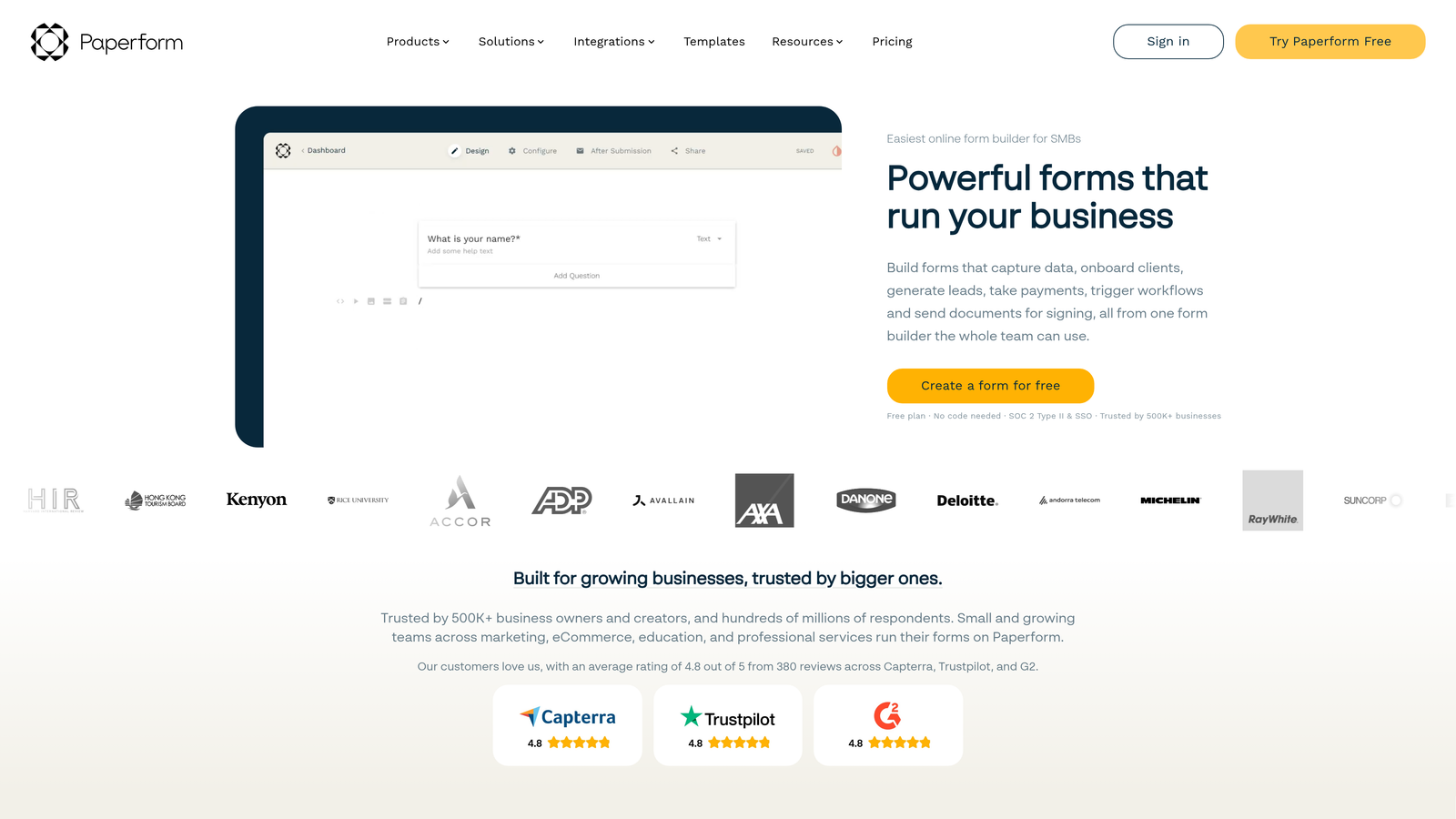
Paperform is a design-forward form builder that treats forms as brand experiences, not just data collection tools.
Where This Tool Shines
While most form builders give you templates and hope for the best, Paperform gives you granular design control. Every element can be customized—fonts, colors, spacing, animations. For agencies qualifying clients or premium B2B companies where brand perception matters, this level of polish makes a difference in how prospects perceive your professionalism.
The calculation and scoring engine is surprisingly robust for a design-focused tool. You can build complex qualification scores using conditional calculations, hidden fields, and formula logic—then route leads based on those scores while maintaining a beautiful, on-brand experience throughout.
Key Features
Advanced Design Customization: Granular control over typography, colors, spacing, and layout with custom CSS support for pixel-perfect brand alignment.
Calculation and Scoring Engine: Build complex qualification scores using formulas, conditional logic, and hidden fields that calculate behind the scenes.
Product Catalog Support: Embed product catalogs with pricing, useful for qualifying leads based on product interest or budget.
Conditional Logic with Scoring: Show different questions based on calculated scores, creating adaptive qualification paths that feel personalized.
Embed Anywhere: Forms integrate seamlessly into websites with custom styling that matches your existing design system.
Best For
Creative agencies qualifying potential clients where form design reflects service quality. Premium B2B companies where brand consistency matters throughout the buyer journey. Marketing teams who need forms that match high-end website design without developer involvement.
Pricing
Plans start at $24/month (Essentials) with 1,000 submissions. Pro plan at $44/month adds advanced calculations, custom domains, and priority support.
6. Formstack
Best for: Regulated industries requiring HIPAA/GDPR compliance with complex approval workflows and document generation from qualified leads
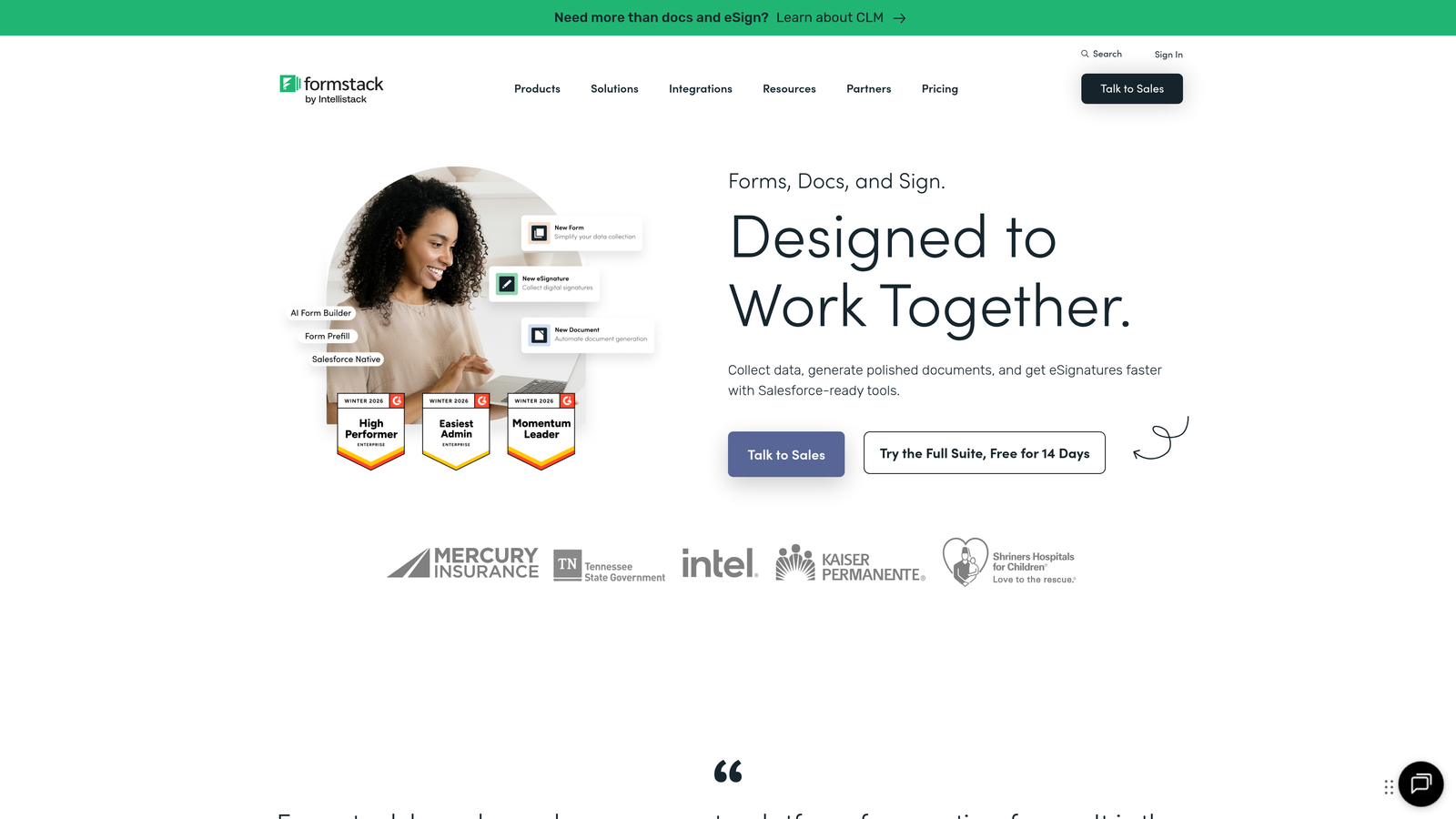
Formstack is an enterprise workflow platform that extends beyond forms into document automation, e-signatures, and compliance management.
Where This Tool Shines
When lead qualification is just the first step in a complex, regulated process—think healthcare patient intake, financial services applications, or legal client onboarding—Formstack's integrated platform shines. A qualified lead can automatically trigger document generation, route through approval workflows, collect e-signatures, and update your CRM without leaving the Formstack ecosystem.
The compliance certifications are genuine and maintained rigorously. HIPAA, GDPR, SOC 2—these aren't marketing claims but audited standards that matter when your qualification forms collect sensitive information. For regulated industries, this eliminates the risk of cobbling together multiple tools with varying security standards.
Key Features
Document Generation: Automatically create contracts, proposals, or intake documents from form submissions, populating templates with qualified lead data.
E-Signature Integration: Built-in Formstack Sign functionality for collecting legally binding signatures as part of qualification workflows.
Workflow Automation: Multi-step approval processes with conditional routing based on form responses and calculated qualification scores.
Compliance Certifications: HIPAA, GDPR, and SOC 2 Type II compliance with audit trails and data encryption for regulated industries.
Salesforce Native Integration: Deep, bi-directional integration with Salesforce that maintains data relationships and triggers automation.
Best For
Healthcare organizations qualifying and onboarding patients with HIPAA-compliant forms. Financial services firms with multi-step approval processes for qualified leads. Legal practices that need intake forms, document generation, and e-signatures in one platform. Enterprise sales teams using Salesforce as their primary CRM.
Pricing
Forms plan starts at $83/month. Full platform access with document generation and e-signatures requires higher-tier plans. Enterprise pricing available with dedicated support and custom SLAs.
7. HubSpot Forms
Best for: Teams already using HubSpot CRM who need native forms with progressive profiling and seamless lead management
HubSpot Forms is the native form builder within the HubSpot CRM platform, designed to work seamlessly with HubSpot's marketing and sales tools.
Where This Tool Shines
If you're already in the HubSpot ecosystem, using a separate form builder creates unnecessary friction. HubSpot Forms eliminates the integration layer entirely—every submission automatically creates or updates a contact record, triggers workflows, and appears in your sales team's dashboard without configuration.
Progressive profiling is the standout feature for lead qualification. Returning visitors see different questions based on information HubSpot already knows about them. Instead of asking for their company name again, you can ask qualifying questions about budget, timeline, or specific pain points—gathering deeper qualification data with each interaction.
Key Features
Native CRM Integration: Submissions automatically create contact records with full activity history, eliminating manual data entry or integration maintenance.
Progressive Profiling: Forms adapt based on known contact data, asking new qualifying questions to returning visitors instead of redundant information.
Smart Fields: Form fields pre-populate with known data for returning visitors, reducing friction while collecting additional qualification details.
Lead Scoring Integration: Form submissions automatically update HubSpot lead scores based on your qualification criteria and workflow rules.
Multiple Form Types: Embedded forms, pop-ups, slide-ins, and standalone pages—all managed within the HubSpot platform.
Best For
Marketing teams already using HubSpot for email, automation, and CRM who want to eliminate form integration complexity. Companies with established HubSpot workflows where form submissions need to trigger sophisticated nurture sequences. Sales teams who need qualified leads to appear in their HubSpot pipeline automatically.
Pricing
Free with HubSpot CRM, including basic forms and contact management. Advanced features like progressive profiling and smart fields require Marketing Hub plans starting at $45/month (Starter tier).
8. Cognito Forms
Best for: Small businesses needing enterprise-level calculation and payment features at affordable pricing for client qualification
Cognito Forms is a feature-rich form builder that punches above its weight class in calculation capabilities and payment processing.
Where This Tool Shines
Cognito Forms offers calculation and conditional logic features that typically cost hundreds per month in enterprise platforms—but at small business pricing. The calculation engine supports complex math, conditional formulas, and field dependencies that enable sophisticated qualification scoring without custom development.
The repeating sections feature is particularly useful for B2B qualification where prospects might need to provide information about multiple locations, team members, or use cases. Instead of creating separate forms or asking prospects to submit multiple times, they can add as many sections as needed within a single submission.
Key Features
Advanced Calculations: Build complex qualification scores using mathematical formulas, conditional logic, and field dependencies with Excel-like formula syntax.
Repeating Sections: Allow prospects to add multiple entries within a single form—useful for qualifying multi-location businesses or team-based purchases.
Payment Processing: Native integrations with Stripe, PayPal, and Square for collecting payments alongside qualification data.
Conditional Logic: Show or hide entire sections based on previous answers, creating adaptive qualification paths.
Data Encryption: Field-level encryption and compliance features for handling sensitive qualification data securely.
Best For
Small businesses that need advanced features like calculations and payment processing but can't justify enterprise pricing. Service providers qualifying clients while collecting deposits or consultation fees. Teams that need repeating sections for complex B2B qualification scenarios.
Pricing
Free tier with 500 monthly entries. Pro plan at $15/month includes unlimited entries, calculations, and payment processing with reasonable transaction fees.
9. Leadformly (by Leadpages)
Best for: Marketing teams focused on conversion optimization through multi-step forms with built-in A/B testing and analytics
Leadformly is a conversion-optimized form builder specifically designed for lead generation, now integrated into the Leadpages landing page platform.
Where This Tool Shines
Leadformly approaches form building through a conversion optimization lens. Every feature—multi-step progression, progress bars, question sequencing—is designed based on research about what increases completion rates. For marketing teams measured on conversion metrics, this focus on optimization rather than just data collection makes a material difference.
The A/B testing capability is rare in form builders. You can test different question sequences, form lengths, or qualification criteria to find what maximizes both completion rates and lead quality. This data-driven approach helps you refine qualification processes based on actual behavior, not assumptions.
Key Features
Multi-Step Optimization: Forms broken into logical steps with progress indicators, proven to increase completion rates compared to long single-page forms.
A/B Testing: Test different form variations to optimize for completion rate, lead quality, or specific qualification outcomes.
Lead Routing: Automatically route qualified leads to different team members or workflows based on form responses and scoring.
Leadpages Integration: Seamlessly embed forms in Leadpages landing pages, creating cohesive lead generation campaigns.
Analytics Dashboard: Track completion rates, drop-off points, and conversion metrics to identify qualification workflow improvements.
Best For
Marketing teams running paid acquisition campaigns where form conversion rate directly impacts ROI. Companies already using Leadpages for landing pages who want integrated form optimization. Growth marketers who need to test and iterate qualification approaches based on conversion data.
Pricing
Leadformly is included with Leadpages subscriptions starting at $49/month (Standard plan). No standalone Leadformly pricing—requires Leadpages platform access.
Finding Your Qualification Solution
The right Typeform alternative depends on where qualification fits in your broader workflow. If you need AI to handle qualification conversations automatically while routing leads intelligently, Orbit AI delivers that without requiring integration gymnastics. For teams on tight budgets just implementing basic qualification, Tally's unlimited free tier removes financial barriers to experimentation.
Already deep in the HubSpot ecosystem? HubSpot Forms' native integration and progressive profiling make it the obvious choice—fighting that integration would cost more than any feature advantage elsewhere. For regulated industries where compliance isn't optional, Formstack's certified platform handles HIPAA and GDPR requirements that general-purpose tools can't match.
The qualification gap isn't about form aesthetics—it's about the intelligence layer between submission and action. The tools above solve that gap in different ways, from AI-powered conversations to database-native workflows to enterprise compliance. Your choice should match not just your current needs, but how sophisticated you need qualification to become as you scale.
Transform your lead generation with AI-powered forms that qualify prospects automatically while delivering the modern, conversion-optimized experience your high-growth team needs. Start building free forms today and see how intelligent form design can elevate your conversion strategy.


