

Building forms shouldn't require a computer science degree. Whether you're capturing leads, collecting feedback, or processing applications, no code form tools let you create professional, conversion-optimized forms in minutes—not weeks. But with dozens of options flooding the market, finding the right fit for your team can feel overwhelming.
We've tested and evaluated the top no code form builders based on ease of use, customization options, integrations, and value for growing teams. Here's our curated list of the best tools to help you build forms that actually convert.
1. Orbit AI
Best for: High-growth teams needing AI-powered lead qualification with conversion-optimized forms
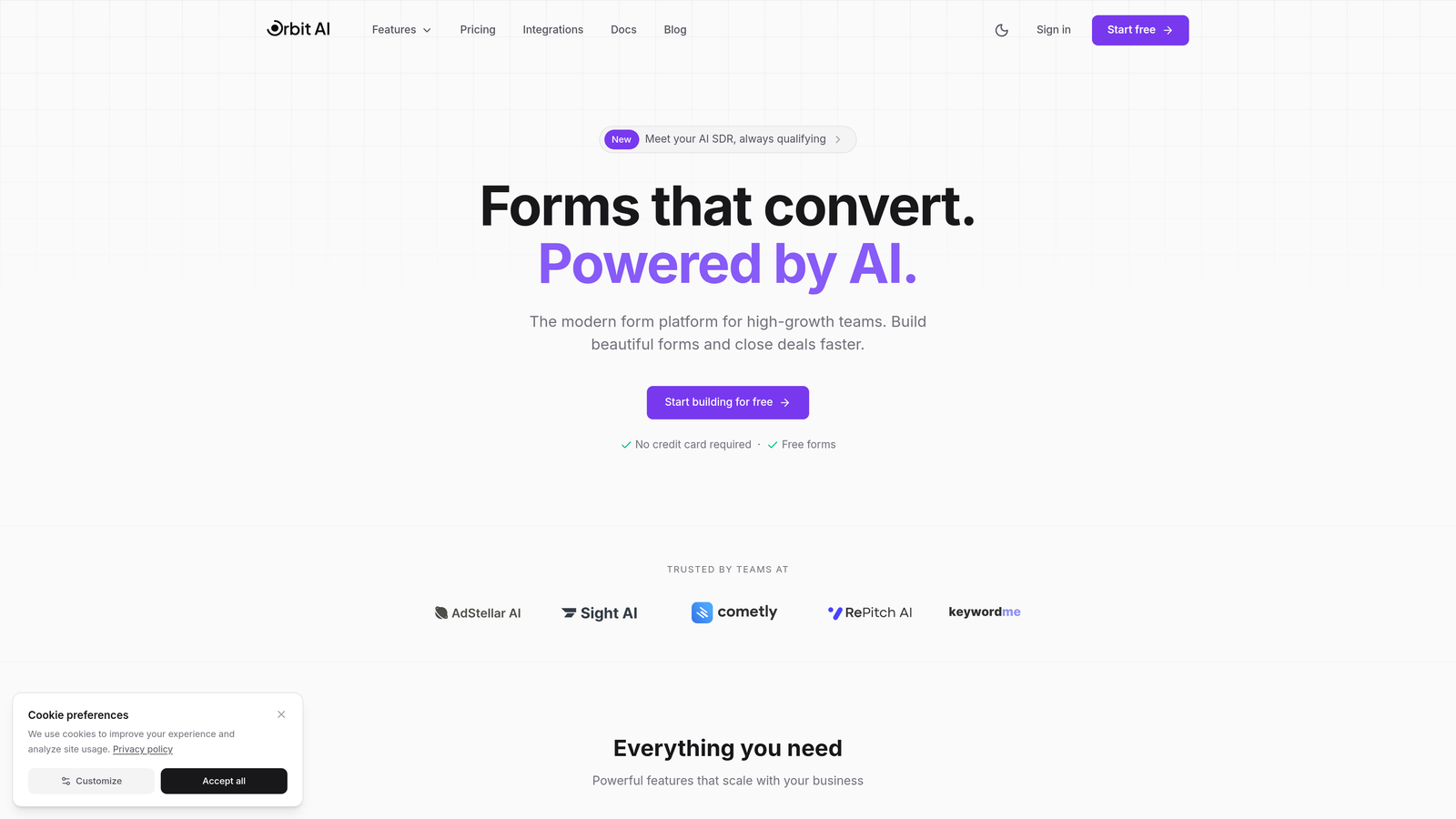
Orbit AI is an AI-powered form builder platform designed specifically for teams who need more than just data collection—they need intelligent lead qualification built directly into their forms.
Where This Tool Shines
Orbit AI stands out by automatically qualifying and scoring leads as they fill out your forms. Instead of manually reviewing every submission, the platform's AI analyzes responses in real-time, helping you prioritize high-value prospects immediately.
The conversion-optimized templates are built on modern design principles that actually improve completion rates. You're not starting from scratch—you're working with proven form structures that have been tested for performance.
Key Features
AI-Powered Lead Qualification: Automatically scores and qualifies leads based on their responses, saving your team hours of manual review.
Conversion-Optimized Templates: Pre-built form templates designed specifically to maximize completion rates and reduce drop-off.
Native CRM Integrations: Seamlessly connects with major CRM platforms to route qualified leads directly into your sales workflow.
Advanced Analytics: Track form performance with detailed metrics on completion rates, drop-off points, and conversion patterns.
Modern Form Designs: Beautiful, contemporary form layouts that match the aesthetic expectations of today's users.
Best For
Teams focused on lead generation who want to automate qualification without sacrificing form quality. Ideal for SaaS companies, agencies, and B2B businesses where lead quality matters as much as quantity.
Pricing
Free tier available for getting started. Paid plans begin at $29/month with expanded features and higher submission limits.
2. Typeform
Best for: Creating engaging conversational experiences with one-question-at-a-time format
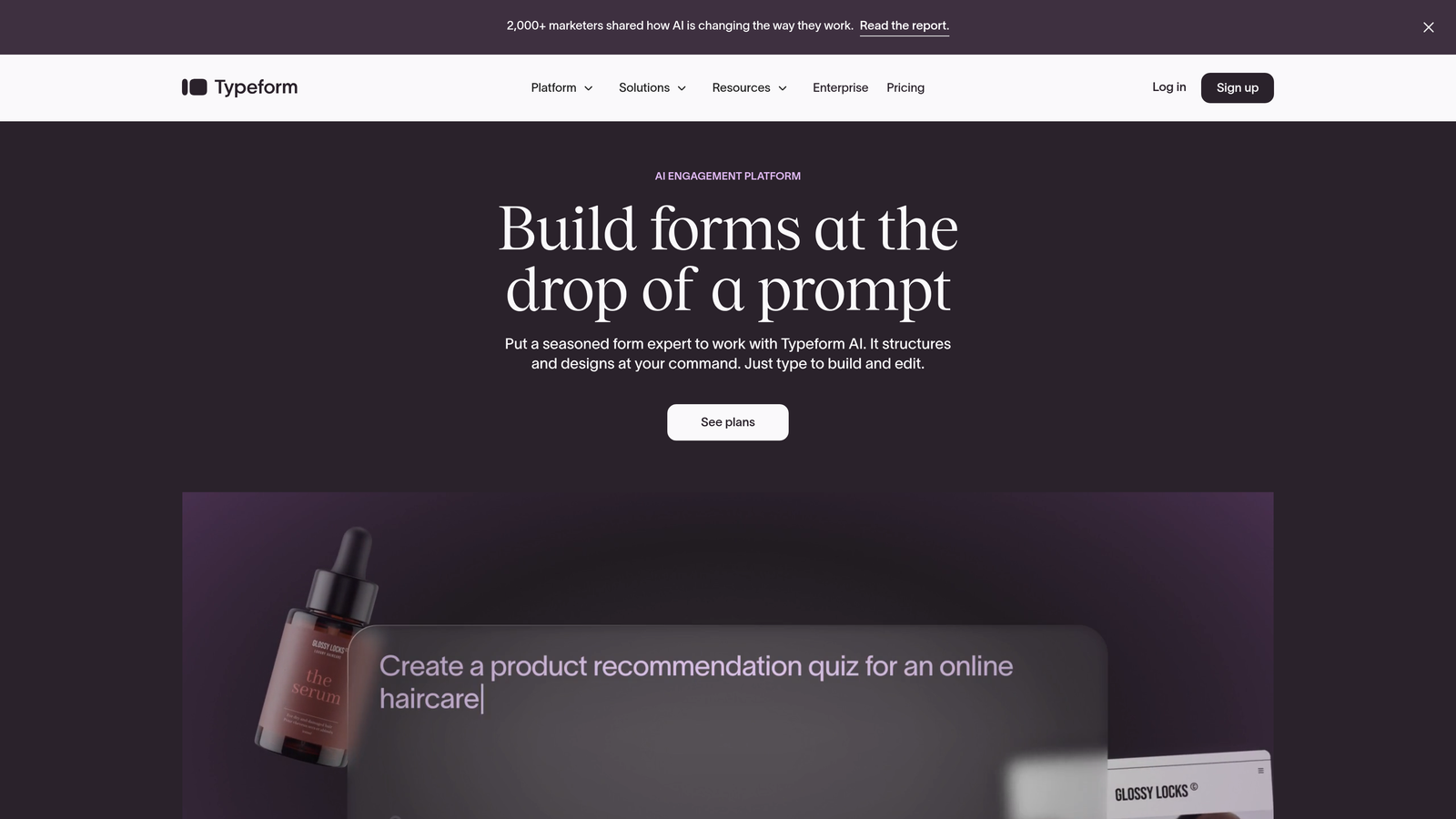
Typeform is a conversational form builder that revolutionized how people think about online forms by making them feel more like human conversations.
Where This Tool Shines
The one-question-at-a-time approach reduces cognitive load and keeps respondents focused. Instead of facing a wall of fields, users answer questions sequentially, which often improves completion rates for longer forms.
Brand customization options are extensive. You can match your brand colors, add custom fonts, incorporate images and videos, and create forms that feel like a natural extension of your website.
Key Features
Conversational Format: Presents one question at a time, creating a more engaging and less overwhelming experience for form fillers.
Logic Jumps: Route respondents to different questions based on their previous answers, creating personalized form paths.
Rich Media Support: Embed videos, images, and GIFs directly into your forms to increase engagement and provide context.
Brand Customization: Deep customization options for colors, fonts, backgrounds, and overall form appearance.
Integration Library: Connects with hundreds of tools including CRMs, email platforms, and automation software.
Best For
Marketing teams and creative agencies who prioritize user experience and want forms that feel less transactional. Works particularly well for surveys, quizzes, and lead capture where engagement matters.
Pricing
Free tier includes basic features with limited monthly responses. Basic paid plan starts at $25/month with increased response limits and advanced features.
3. Jotform
Best for: Teams needing extensive template variety and flexible customization for diverse use cases
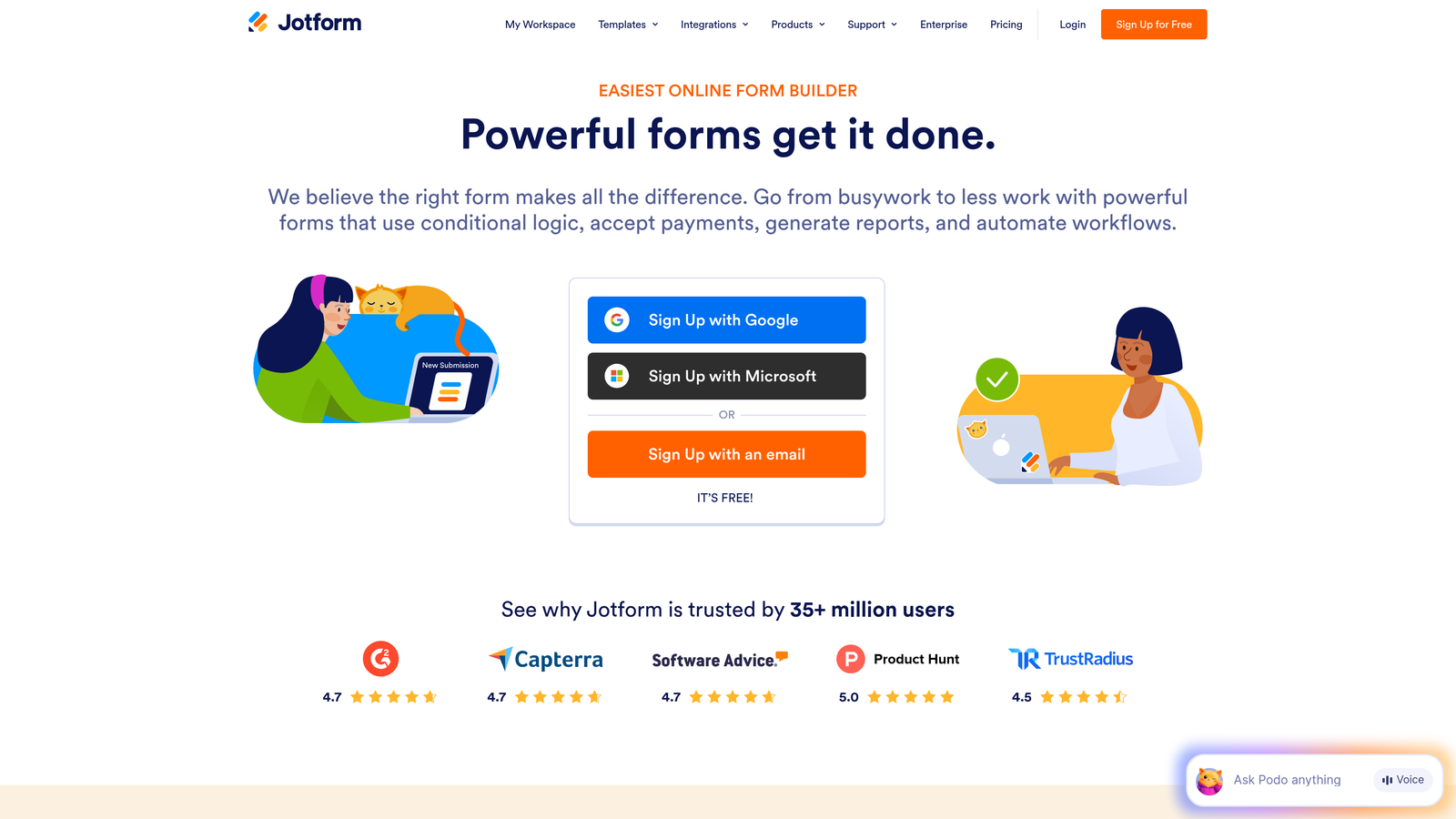
Jotform is a feature-rich form builder offering one of the largest template libraries in the industry with solutions for virtually any form scenario.
Where This Tool Shines
With over 10,000 pre-built templates, you'll find ready-made solutions for registration forms, surveys, order forms, job applications, and countless other use cases. This massive library saves significant time compared to building from scratch.
The drag-and-drop builder balances power with usability. Advanced users can access extensive customization options while beginners can stick with simple point-and-click editing.
Key Features
10,000+ Templates: Massive library covering virtually every form type imaginable, from simple contact forms to complex applications.
Payment Integrations: Accept payments directly through forms with connections to PayPal, Stripe, Square, and other processors.
PDF Form Creation: Generate fillable PDF forms and automatically convert submissions into PDF documents.
Mobile App: Manage forms, view submissions, and make edits directly from iOS or Android devices.
Conditional Logic: Show or hide fields based on user responses to create dynamic, personalized form experiences.
Best For
Organizations handling diverse form needs across departments. Excellent for schools, nonprofits, and businesses requiring everything from event registrations to payment collection in one platform.
Pricing
Free tier allows up to 5 forms with 100 monthly submissions. Bronze plan starts at $34/month with expanded limits and features.
4. Tally
Best for: Teams wanting unlimited free forms with a clean, Notion-like editing experience
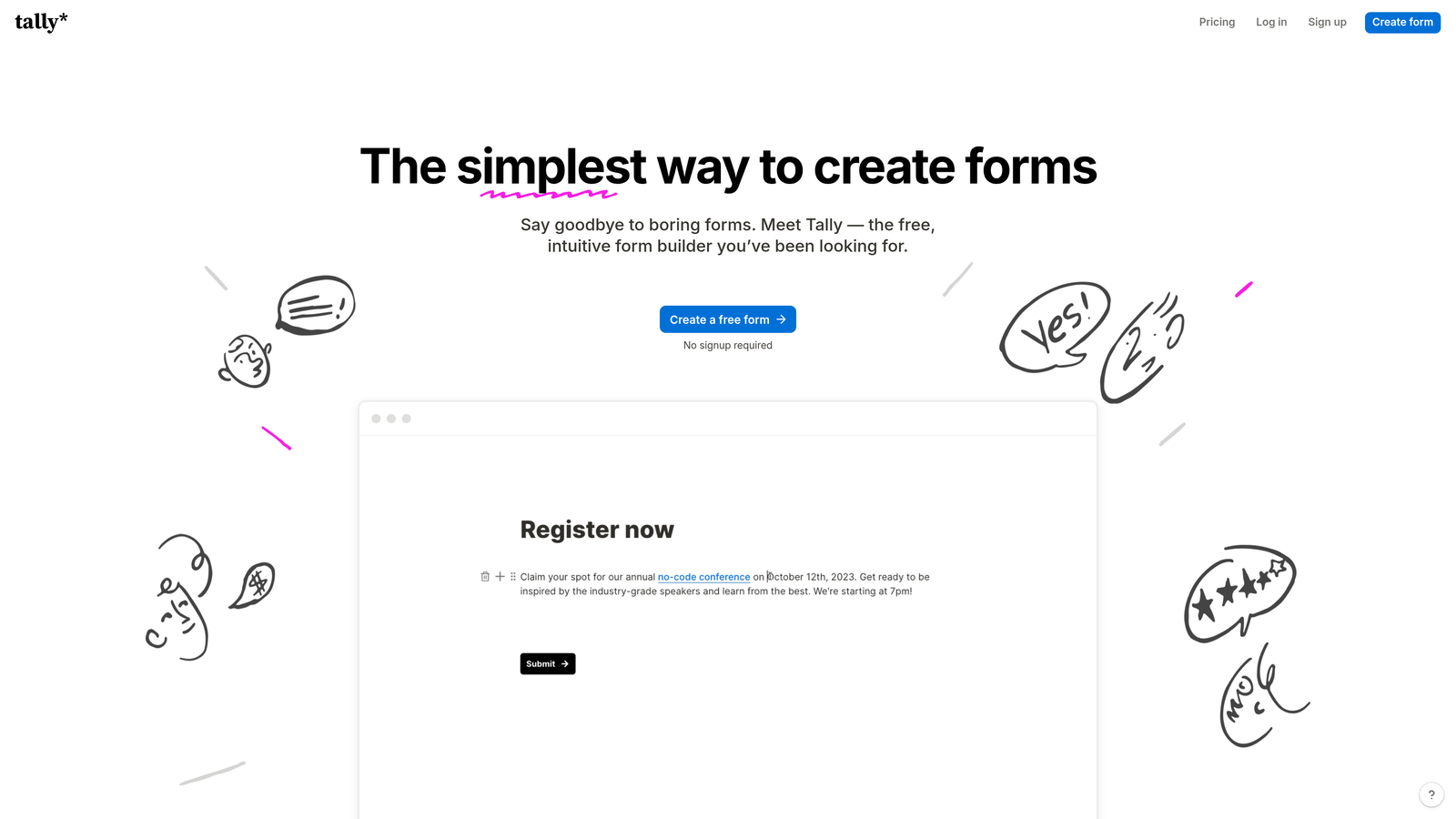
Tally is a minimalist form builder that offers unlimited forms on its free plan with a block-based editor that feels familiar to Notion users.
Where This Tool Shines
The unlimited forms on the free tier make Tally incredibly attractive for startups and small teams. While other platforms restrict form count or submissions, Tally lets you create as many forms as you need without upgrading.
The block-based editor uses a simple, intuitive interface where you add form elements by typing "/" just like in Notion. This approach feels more natural than traditional drag-and-drop builders for many users.
Key Features
Unlimited Free Forms: Create as many forms as needed without hitting artificial limits on the free tier.
Block-Based Editor: Notion-style interface where you build forms by adding blocks with simple keyboard commands.
Conditional Logic: Show or hide questions based on responses, included even on the free plan.
Custom Domains: Connect your own domain to forms on paid plans for professional branding.
Integrations: Connect with Zapier, webhooks, and other automation tools to route form data where you need it.
Best For
Startups and solopreneurs who need professional forms without monthly costs. Also ideal for teams already using Notion who want a consistent editing experience.
Pricing
Generous free tier with unlimited forms. Pro plan starts at $29/month adding custom domains, file uploads, and advanced features.
5. Fillout
Best for: Teams using Airtable or Notion who need seamless database synchronization
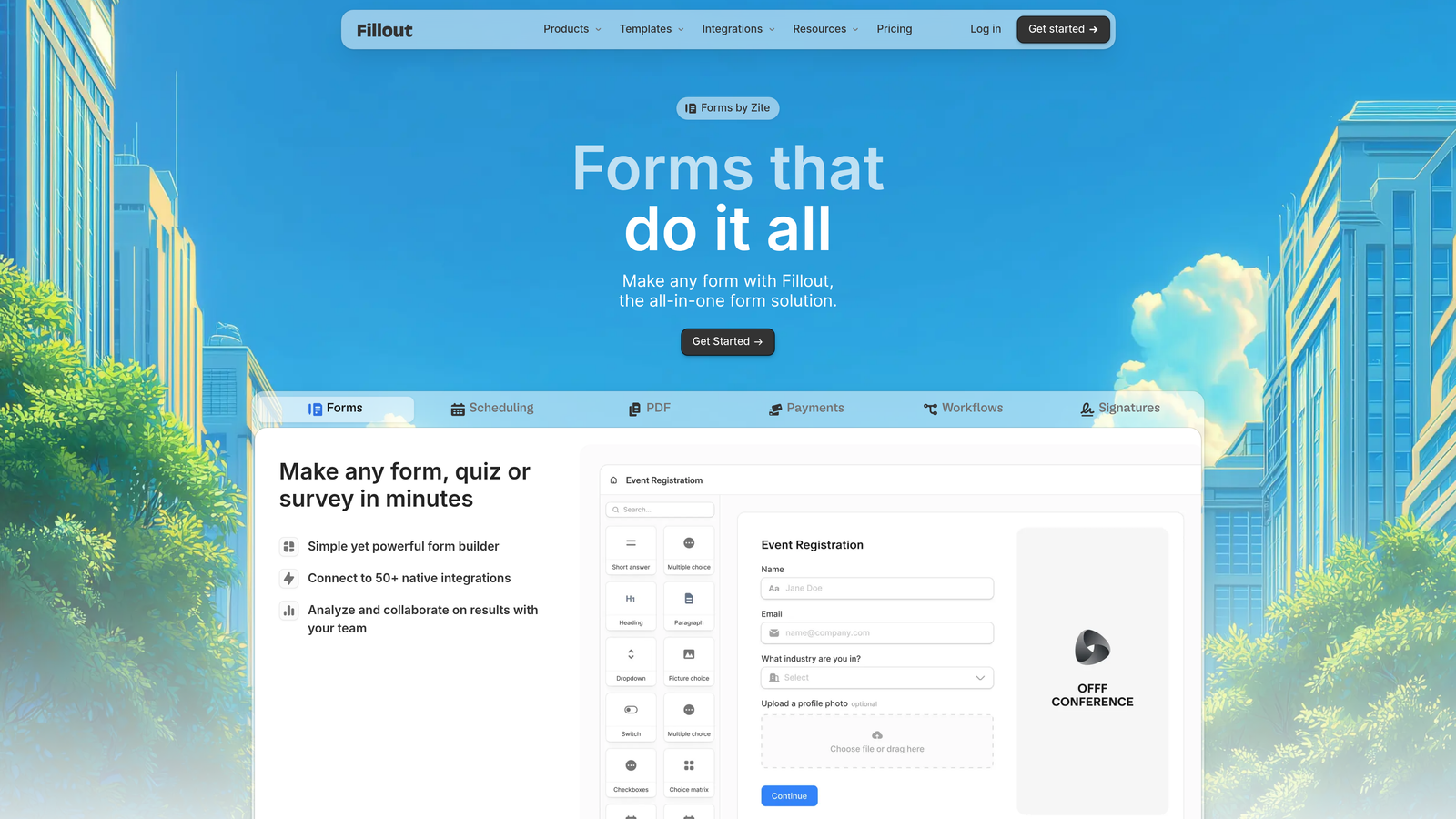
Fillout is a modern form builder with exceptional database integrations, particularly strong native connections to Airtable and Notion databases.
Where This Tool Shines
The native Airtable and Notion sync is where Fillout truly differentiates itself. Form submissions can automatically create or update records in your databases, eliminating manual data entry and keeping everything synchronized in real-time.
Multi-page forms are handled elegantly with progress indicators and smooth transitions. This makes longer forms feel less overwhelming while maintaining all data in a single submission.
Key Features
Database Sync: Native two-way synchronization with Airtable and Notion, automatically creating and updating records from form submissions.
Advanced Conditional Logic: Complex branching and field visibility rules based on multiple conditions and user inputs.
Multi-Page Forms: Split long forms across multiple pages with progress tracking to improve completion rates.
File Uploads: Accept document and image uploads directly through forms with customizable file type restrictions.
Custom Thank You Pages: Design personalized confirmation experiences based on form responses and submission data.
Best For
Teams already managing data in Airtable or Notion who want forms that integrate seamlessly with their existing workflows. Perfect for operations teams and project managers.
Pricing
Free tier available with basic features. Starter plan begins at $15/month with enhanced database features and higher submission limits.
6. Google Forms
Best for: Simple data collection needs with free unlimited usage and Google Workspace integration
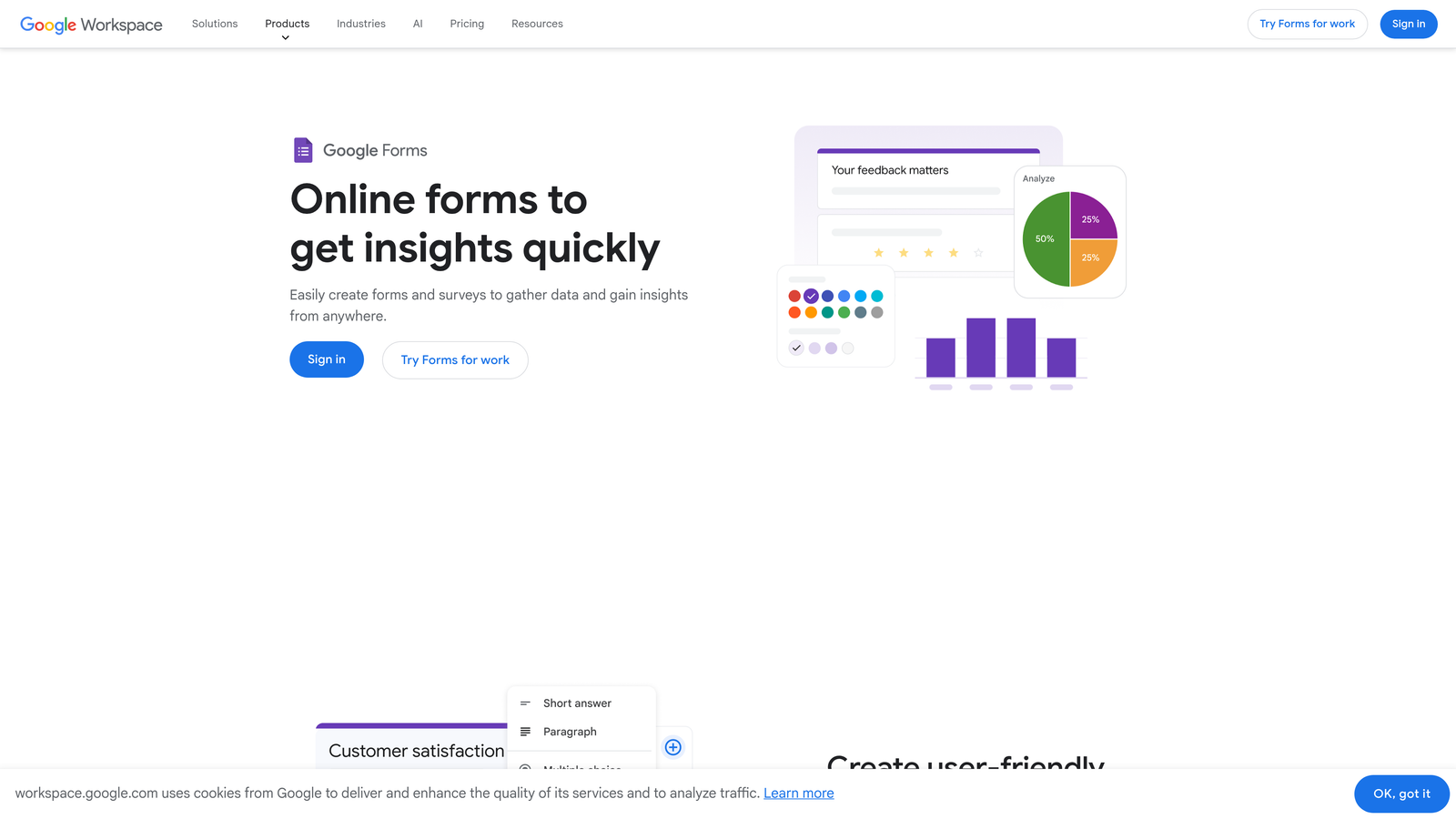
Google Forms is a straightforward, completely free form builder integrated with Google Workspace, ideal for basic surveys and data collection.
Where This Tool Shines
Being completely free with no submission limits makes Google Forms unbeatable for budget-conscious teams. There are no premium tiers or hidden costs—everything is available to anyone with a Google account.
The Google Sheets integration is seamless and powerful. Responses automatically populate a spreadsheet where you can analyze, filter, and manipulate data using familiar spreadsheet tools.
Key Features
Completely Free: Unlimited forms and responses at no cost, making it accessible for any team or individual.
Google Sheets Integration: Automatic response collection in spreadsheets with real-time updates and easy data analysis.
Basic Conditional Logic: Show or skip sections based on answers to create simple branching paths.
Collaboration: Multiple team members can edit forms simultaneously with Google's real-time collaboration features.
Quiz Mode: Create quizzes and assessments with automatic grading and immediate feedback options.
Best For
Schools, nonprofits, and small businesses needing simple surveys or registration forms without any budget. Also great for internal company forms and quick feedback collection.
Pricing
Completely free with a Google account. No paid tiers or premium features.
7. Paperform
Best for: Creating document-style forms with integrated e-commerce and payment processing
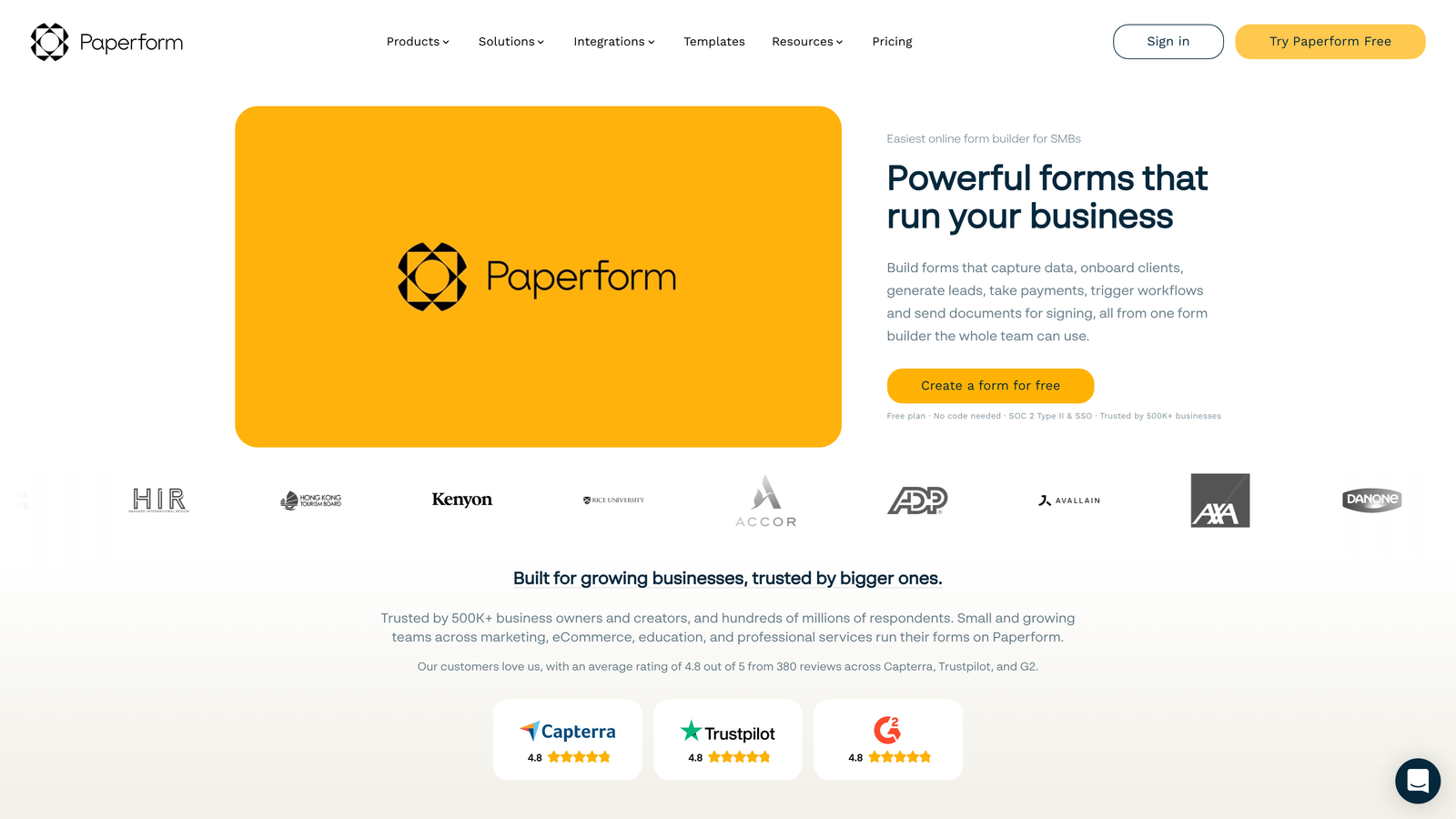
Paperform is a document-style form builder that blends rich content with form fields, offering strong e-commerce capabilities and payment features.
Where This Tool Shines
The document-style approach lets you create forms that read more like landing pages. You can mix text, images, videos, and form fields in a flowing document format rather than rigid form structures.
Built-in payment processing and product catalog features make Paperform particularly strong for selling products, accepting bookings, or collecting payments. You can create entire checkout experiences within a single form.
Key Features
Document-Style Builder: Create forms that blend seamlessly with content, reading more like web pages than traditional forms.
Payment Processing: Accept payments through Stripe and PayPal with customizable product catalogs and checkout flows.
Booking and Scheduling: Built-in appointment scheduling with calendar integrations and automated reminders.
Rich Media Embedding: Add videos, images, maps, and other media directly into your forms for context and engagement.
Calculation Fields: Perform calculations based on user inputs, useful for quotes, pricing, and order totals.
Best For
Freelancers, consultants, and small businesses selling services or products through forms. Excellent for booking appointments, accepting orders, or creating interactive sales experiences.
Pricing
Essentials plan starts at $24/month with core features. Higher tiers add advanced integrations and increased submission limits.
8. Formstack
Best for: Enterprise organizations requiring advanced security, compliance, and workflow automation
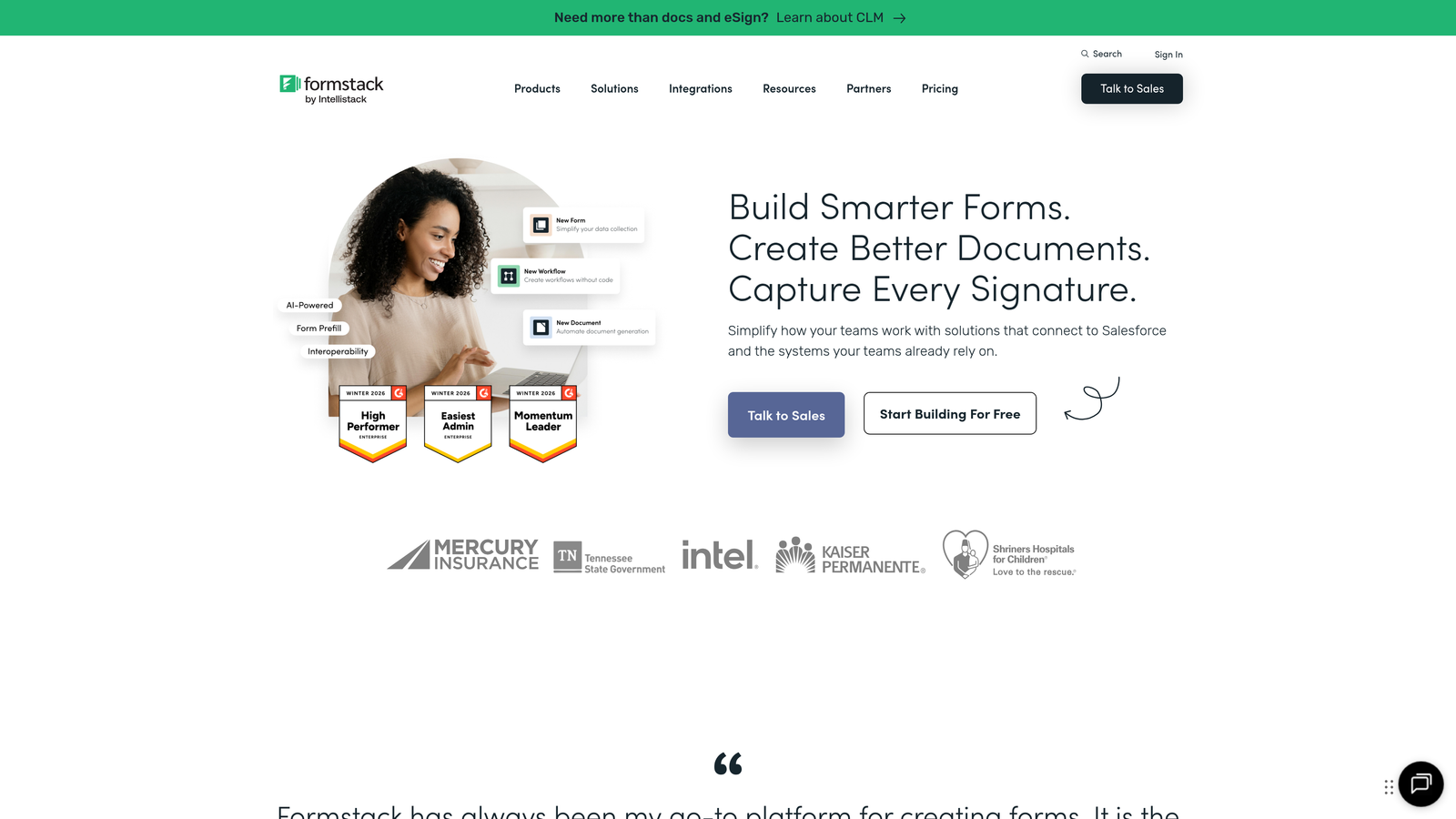
Formstack is an enterprise-grade form builder with advanced security features, compliance certifications, and powerful workflow automation for regulated industries.
Where This Tool Shines
HIPAA and GDPR compliance features make Formstack the go-to choice for healthcare, financial services, and other regulated industries. The platform includes business associate agreements, data encryption, and audit trails required for compliance.
Workflow automation goes far beyond basic integrations. You can build complex approval processes, routing rules, and multi-step workflows that automate entire business processes around form submissions.
Key Features
Compliance Certifications: HIPAA, GDPR, and SOC 2 compliance with business associate agreements and encrypted data storage.
Advanced Workflows: Build complex approval processes, routing rules, and automated workflows triggered by form submissions.
Electronic Signatures: Collect legally binding signatures directly within forms for contracts and agreements.
Offline Data Collection: Mobile app allows form completion without internet connection, syncing when connectivity returns.
Enterprise Security: SSO, advanced user permissions, IP restrictions, and comprehensive audit logging.
Best For
Healthcare providers, financial institutions, and large enterprises with strict security and compliance requirements. Ideal for organizations processing sensitive data or requiring detailed audit trails.
Pricing
Starter plan begins at $50/month. Enterprise pricing available with custom features, dedicated support, and volume discounts.
9. Cognito Forms
Best for: Collecting payments without transaction fees and building forms with advanced calculations
Cognito Forms is a versatile form builder with powerful calculation capabilities and payment collection that doesn't charge transaction fees on top of processor costs.
Where This Tool Shines
No transaction fees on payments sets Cognito Forms apart from many competitors. When you collect payments through Stripe or PayPal, you only pay the standard processor fees—Cognito doesn't take an additional cut.
Advanced calculation fields let you build complex forms with dynamic pricing, quote generators, and order forms where totals update automatically based on user selections. This goes far beyond basic math.
Key Features
Zero Transaction Fees: Collect payments without Cognito Forms taking a percentage—you only pay standard processor fees.
Advanced Calculations: Build complex formulas and calculations that update dynamically based on user inputs and selections.
Repeating Sections: Allow users to add multiple entries within a single form, perfect for registering multiple attendees or listing items.
Save and Resume: Users can save partially completed forms and return later to finish, reducing abandonment on longer forms.
Workflow Routing: Create approval processes and route submissions to different team members based on form content.
Best For
Organizations collecting payments frequently who want to minimize transaction costs. Also excellent for registration forms, order forms, and any scenario requiring complex calculations.
Pricing
Free tier available with basic features. Pro plan starts at $15/month with payment collection and advanced features included.
10. HubSpot Forms
Best for: Teams already using HubSpot CRM who want seamless marketing and sales integration
HubSpot Forms is a form builder integrated with HubSpot's free CRM, designed specifically for marketing and sales teams already in the HubSpot ecosystem.
Where This Tool Shines
The free CRM integration is incredibly powerful. Form submissions automatically create or update contact records, track interactions, and feed into your sales pipeline without any additional setup or third-party connections.
Progressive profiling is a standout feature that reduces form friction. Instead of asking returning visitors the same questions, HubSpot automatically shows new fields to gradually build complete contact profiles over time.
Key Features
Free CRM Integration: Seamlessly connects with HubSpot's free CRM to automatically manage contacts and track form interactions.
Progressive Profiling: Automatically shows different questions to returning visitors, gradually building complete contact profiles without repetition.
Smart Fields: Pre-fill known information for returning visitors to reduce form length and improve completion rates.
Form Analytics: Track views, submissions, and conversion rates with detailed analytics integrated into HubSpot's reporting.
Lead Routing: Automatically assign leads to sales reps based on form responses, territory, or custom rules.
Best For
Marketing and sales teams already using or planning to use HubSpot CRM. The tight integration makes it the obvious choice if you're in the HubSpot ecosystem.
Pricing
Free with HubSpot CRM account. Advanced features like A/B testing and automation require paid Marketing Hub subscriptions starting at higher price points.
11. Feathery
Best for: Design-focused teams needing pixel-perfect control and developer-friendly customization
Feathery is a design-focused form builder offering exceptional customization control with the unique ability to export forms as React components for developers.
Where This Tool Shines
Pixel-perfect design control gives you the ability to match your exact brand standards down to the smallest detail. Unlike most form builders with template constraints, Feathery lets you control spacing, typography, and styling with precision.
React component export is a game-changer for development teams. You can design forms visually in Feathery, then export clean React code to embed directly in your application—bridging the gap between design and development.
Key Features
Pixel-Perfect Design: Granular control over every design element, allowing exact brand matching and custom styling.
React Export: Export forms as clean React components for seamless integration into modern web applications.
Advanced Styling: Custom CSS, design tokens, and component-level styling options for complete visual control.
Developer APIs: Robust APIs for programmatic form creation, data management, and custom integrations.
Custom Code Injection: Add custom JavaScript and CSS to extend functionality beyond built-in features.
Best For
Product teams and developers who need forms that integrate seamlessly into modern web applications. Ideal for SaaS products requiring on-brand, embedded form experiences.
Pricing
Free tier available for testing and small projects. Growth plan starts at $49/month with expanded features and higher usage limits.
Finding Your Perfect Form Builder
The right no code form tool depends entirely on your specific needs and existing workflow. Here's how to choose:
For AI-powered lead qualification: Orbit AI delivers intelligent lead scoring built directly into your forms, helping high-growth teams focus on the prospects that matter most. The conversion-optimized templates and modern design make it easy to create forms that actually convert.
For engaging user experiences: Typeform's conversational approach creates forms that feel less like data collection and more like human interaction. If completion rates and user experience are your top priorities, the one-question format delivers results.
For maximum flexibility: Jotform's massive template library means you'll find a starting point for virtually any form scenario. The extensive feature set handles everything from simple contact forms to complex applications.
For budget-conscious teams: Tally's unlimited free forms remove typical restrictions, while Google Forms offers completely free unlimited usage. Both provide solid core functionality without monthly costs.
For enterprise requirements: Formstack brings the compliance, security, and workflow automation that regulated industries demand. The investment pays off when you need HIPAA compliance or complex approval processes.
The no code form builder market has evolved far beyond basic data collection. Today's tools offer sophisticated features like AI qualification, progressive profiling, and seamless database synchronization—all without requiring any coding knowledge. The key is matching your tool to your workflow rather than forcing your process to fit the tool.
Think about where your forms fit in your broader strategy. Are they primarily for lead generation? Then prioritize tools with strong CRM integrations and qualification features. Collecting payments? Focus on platforms with built-in payment processing and low transaction fees. Building internal workflows? Look for approval routing and database connections.
Most platforms offer free tiers or trials, so test 2-3 options with real use cases before committing. Build the same form in each platform and evaluate the editing experience, final result, and integration capabilities. The best form builder is the one that fits naturally into how your team already works.
Start building free forms today and see how intelligent form design can elevate your conversion strategy. Transform your lead generation with AI-powered forms that qualify prospects automatically while delivering the modern, conversion-optimized experience your high-growth team needs.


