

Marketo's form builder has been a staple for enterprise marketing teams, but its complexity, rigid customization options, and steep learning curve have pushed many teams to seek alternatives. Whether you're frustrated by Marketo's dated form designs, limited conditional logic, or the developer resources required for simple changes, you're not alone.
Modern form builders now offer AI-powered lead qualification, drag-and-drop simplicity, and conversion-focused designs that Marketo simply can't match. We've evaluated dozens of alternatives based on ease of use, customization flexibility, integration capabilities, and value for high-growth teams. Here are the top contenders that deliver better results with less friction.
1. Orbit AI
Best for: High-growth teams seeking AI-powered lead qualification with modern, conversion-optimized form experiences
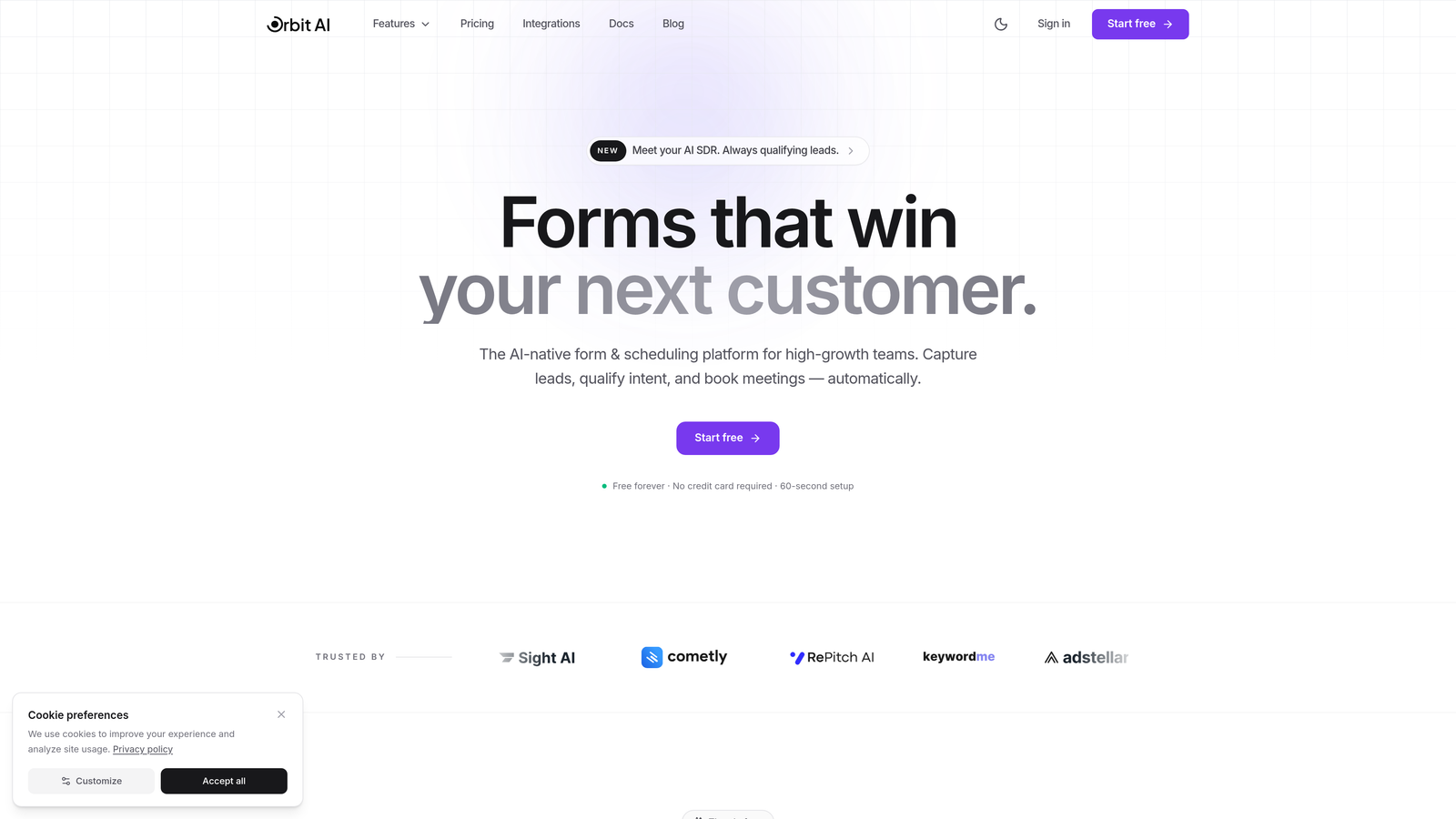
Orbit AI is an AI-powered form builder platform designed specifically for teams who need more than basic data collection.
Where This Tool Shines
Orbit AI stands out by combining intelligent lead qualification with beautiful form design. While Marketo requires complex scoring rules and manual setup, Orbit AI uses artificial intelligence to automatically qualify and score leads as they fill out forms, helping your sales team focus on the prospects most likely to convert.
The platform eliminates the need for developer resources that Marketo often demands. Marketing teams can build sophisticated forms with conditional logic, multi-step workflows, and custom branding without writing a single line of code. The modern interface delivers the kind of user experience today's prospects expect, moving far beyond Marketo's dated form aesthetics.
Key Features
AI-Powered Lead Qualification: Automatically scores and qualifies leads based on form responses, routing high-value prospects to sales immediately.
Conversion-Optimized Designs: Modern, mobile-responsive templates built specifically to maximize completion rates and reduce form abandonment.
No-Code Conditional Logic: Create complex branching workflows and dynamic field displays without developer support or custom coding.
Built-In Analytics: Track conversion rates, completion times, and drop-off points with detailed analytics dashboards.
Seamless CRM Integration: Connect directly to your existing CRM and marketing tools without complex API configurations.
Best For
Orbit AI works exceptionally well for B2B SaaS companies, marketing agencies, and high-growth teams who need intelligent lead qualification without the overhead of traditional marketing automation platforms. If your team struggles with lead quality or spends too much time manually scoring prospects, the AI capabilities deliver immediate value.
Pricing
Free tier available for teams getting started. Paid plans start at competitive rates designed for growing teams, with transparent pricing that scales based on your needs rather than locking you into expensive enterprise contracts.
2. Typeform
Best for: Creating conversational, engaging form experiences that drive higher completion rates
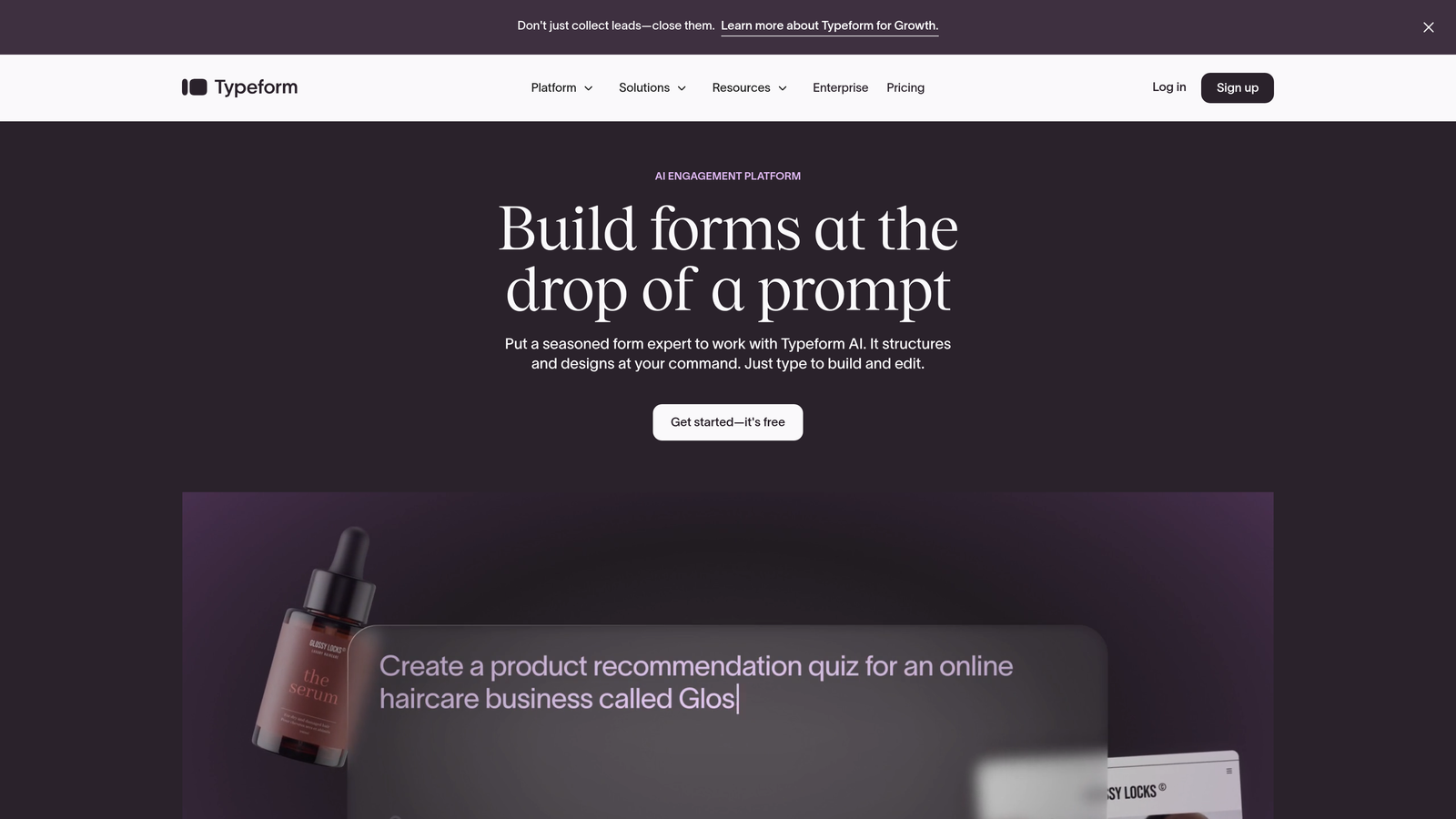
Typeform is a conversational form builder known for its distinctive one-question-at-a-time format.
Where This Tool Shines
Typeform revolutionized form design by presenting questions one at a time, creating a conversational flow that feels more like a dialogue than an interrogation. This approach consistently delivers higher engagement and completion rates compared to traditional multi-field forms.
The platform excels at creating memorable brand experiences. With extensive customization options, you can match your brand's visual identity down to the smallest detail. The interface feels modern and polished, making it particularly effective for customer surveys, event registrations, and lead generation where user experience matters.
Key Features
Conversational Format: One-question-at-a-time presentation reduces cognitive load and increases form completion rates.
Logic Jumps: Create dynamic question paths based on previous answers, personalizing the experience for each respondent.
Rich Media Integration: Embed videos, images, and GIFs throughout forms to create engaging, interactive experiences.
Native Integrations: Connect seamlessly with popular tools including Slack, Google Sheets, Mailchimp, and HubSpot.
Custom Branding: Complete control over colors, fonts, backgrounds, and thank you screens to match your brand identity.
Best For
Typeform works best for teams prioritizing user experience and engagement over pure data collection efficiency. Marketing teams running campaigns, product teams gathering feedback, and event organizers managing registrations will find the conversational approach particularly effective.
Pricing
Free plan available with basic features. Basic starts at $25/month, Plus at $50/month, and Business at $83/month, with annual billing offering additional savings.
3. HubSpot Forms
Best for: Teams already using HubSpot who need native CRM integration and progressive profiling
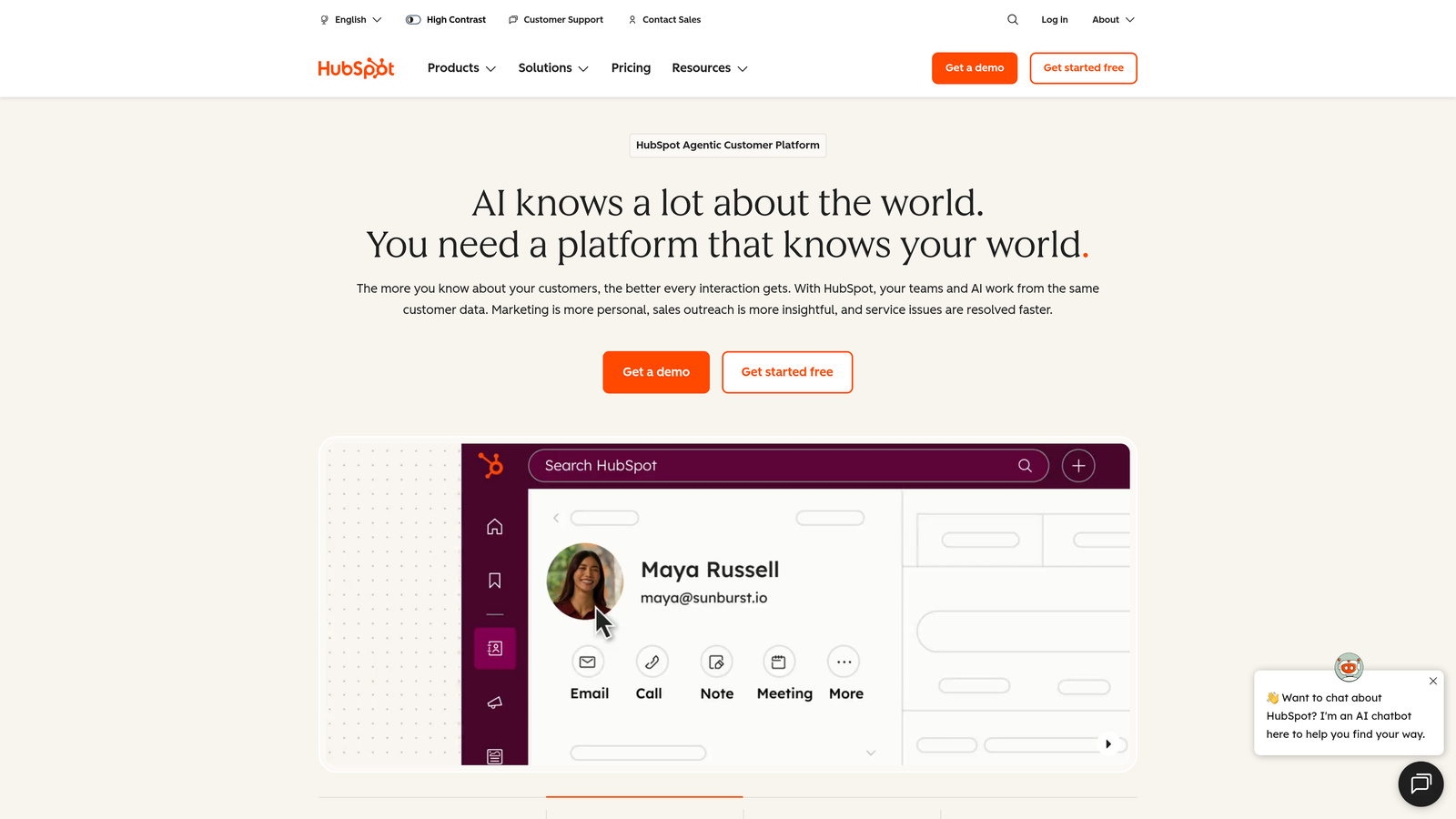
HubSpot Forms is the native form builder within HubSpot's marketing platform.
Where This Tool Shines
HubSpot Forms delivers unmatched integration if you're already invested in the HubSpot ecosystem. Every form submission automatically creates or updates contact records, triggers workflows, and feeds into your marketing automation without any configuration hassle.
Progressive profiling sets HubSpot apart from basic form builders. Instead of asking returning visitors the same questions repeatedly, the system automatically shows different fields based on what information you already have. This reduces form fatigue while gradually building complete contact profiles over multiple interactions.
Key Features
Native CRM Integration: Instant contact creation and enrichment with zero setup, leveraging HubSpot's unified database.
Progressive Profiling: Automatically rotate form fields to gather new information from returning visitors without repetition.
Dependent Fields: Show or hide form fields based on previous selections, creating dynamic, personalized experiences.
A/B Testing: Test different form variations to optimize conversion rates with built-in experimentation tools.
Smart Fields: Pre-populate known information for returning visitors, reducing friction and improving completion rates.
Best For
HubSpot Forms makes perfect sense for companies already using HubSpot CRM or Marketing Hub. The native integration eliminates data sync issues and workflow complications that plague third-party form builders. However, teams not using HubSpot may find the platform overkill for their needs.
Pricing
Basic forms are included free with HubSpot CRM. Advanced features like progressive profiling and A/B testing require Marketing Hub, starting at $800+/month for professional tier.
4. Jotform
Best for: Teams needing extensive template options, payment processing, and broad integration capabilities
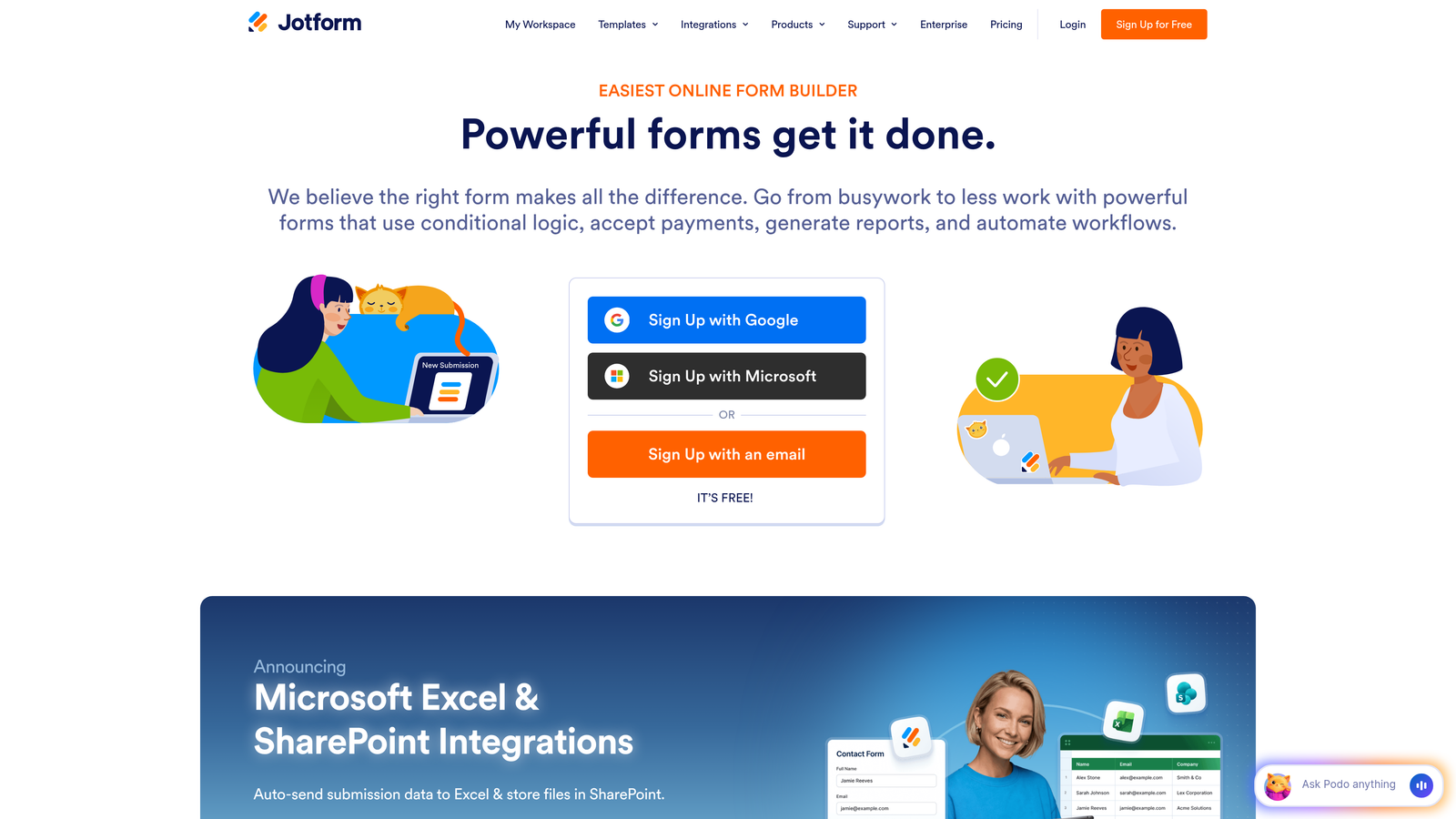
Jotform is a versatile form builder with one of the largest template libraries available.
Where This Tool Shines
Jotform's massive template library means you can find pre-built forms for virtually any use case imaginable. With over 10,000 templates spanning industries and purposes, you're rarely starting from scratch. This dramatically reduces setup time compared to building custom forms in Marketo.
Payment collection capabilities make Jotform particularly valuable for teams handling transactions. Native integrations with PayPal, Stripe, Square, and other processors let you collect payments directly through forms without additional tools. The workflow automation features extend beyond basic form submission, enabling approval processes and multi-step business workflows.
Key Features
10,000+ Templates: Pre-built forms for every industry and use case, from event registrations to job applications.
Payment Processing: Native integration with major payment gateways for collecting fees, donations, and purchases.
Workflow Automation: Create approval chains, routing rules, and multi-step processes triggered by form submissions.
PDF Generation: Automatically convert form submissions into formatted PDF documents for records and distribution.
E-Signature Collection: Gather legally binding signatures directly within forms for contracts and agreements.
Best For
Jotform serves teams who need versatility and quick deployment across diverse use cases. Organizations collecting payments, managing complex approval workflows, or requiring document generation alongside data collection will find the feature breadth valuable.
Pricing
Free plan includes 5 forms with basic features. Bronze at $34/month, Silver at $39/month, and Gold at $99/month, with pricing based on form limits and submission volumes.
5. Formstack
Best for: Enterprise teams requiring compliance, advanced workflows, and document automation
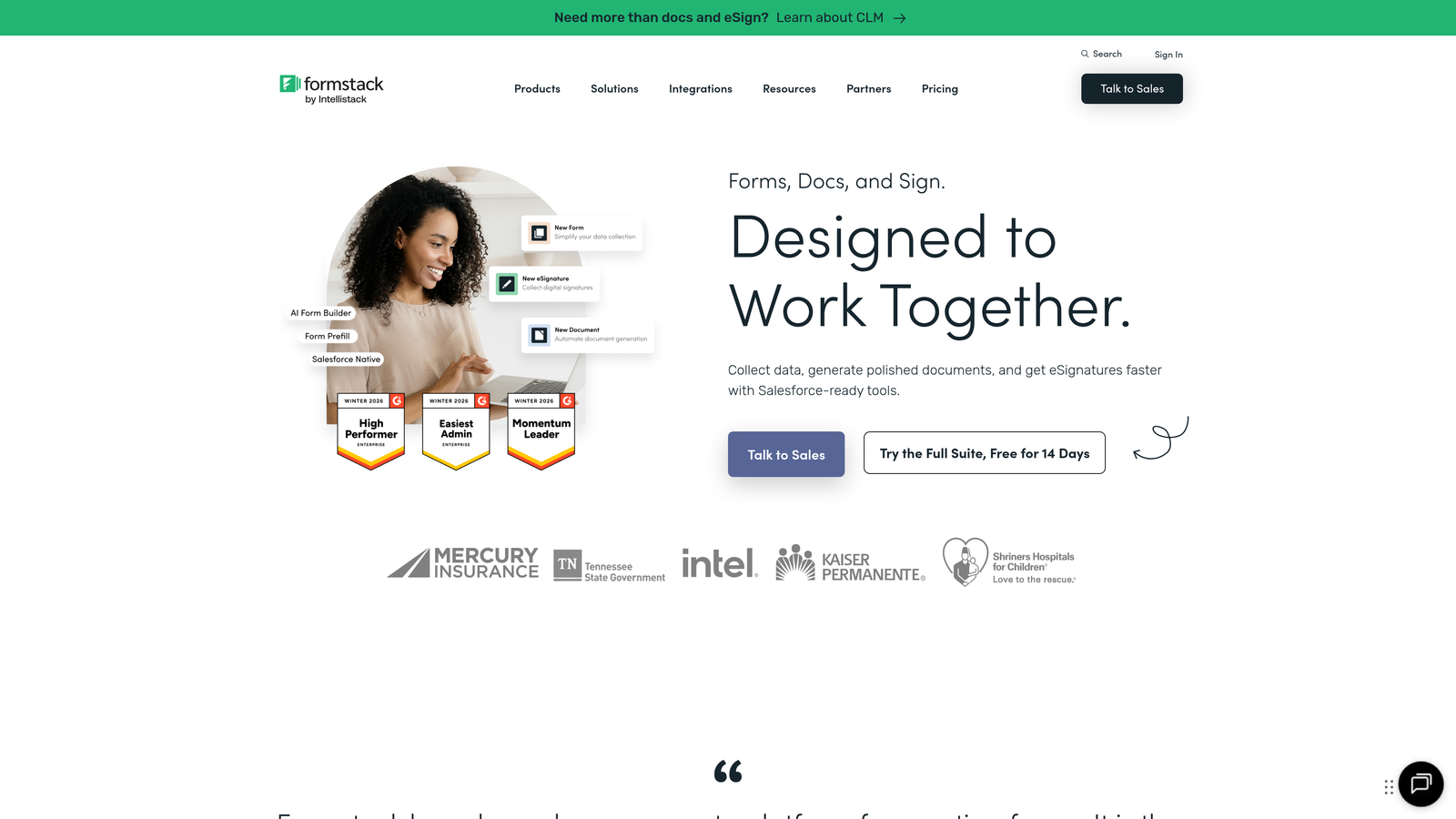
Formstack is an enterprise-grade form builder focused on workflow automation and regulatory compliance.
Where This Tool Shines
Formstack takes compliance seriously in ways that matter for regulated industries. HIPAA and GDPR compliance features come built-in, with encryption, audit trails, and data handling controls that meet strict regulatory requirements. Healthcare providers, financial services, and other regulated industries can collect sensitive information with confidence.
The platform's document generation capabilities go beyond simple PDF creation. You can automatically populate complex documents, contracts, and reports based on form data, then route them through approval workflows with integrated e-signature collection. This eliminates manual document creation and reduces processing time for complex business processes.
Key Features
Compliance Controls: HIPAA and GDPR compliance features including encryption, audit logs, and data residency controls.
Advanced Conditional Logic: Create sophisticated branching paths and field dependencies based on multiple conditions.
Document Generation: Automatically populate templates with form data to create contracts, reports, and custom documents.
Workflow Routing: Build multi-step approval processes with automated routing, notifications, and status tracking.
Salesforce Native: Deep integration with Salesforce that goes beyond basic data sync to leverage platform capabilities.
Best For
Formstack targets enterprise organizations with complex compliance requirements and sophisticated workflow needs. Healthcare providers, financial institutions, government agencies, and large corporations handling sensitive data will appreciate the security and automation capabilities.
Pricing
Forms product starts at $50/month. Suite pricing varies based on specific needs and typically requires custom quotes for enterprise deployments with full compliance features.
6. Gravity Forms
Best for: WordPress users seeking deep customization and one-time pricing
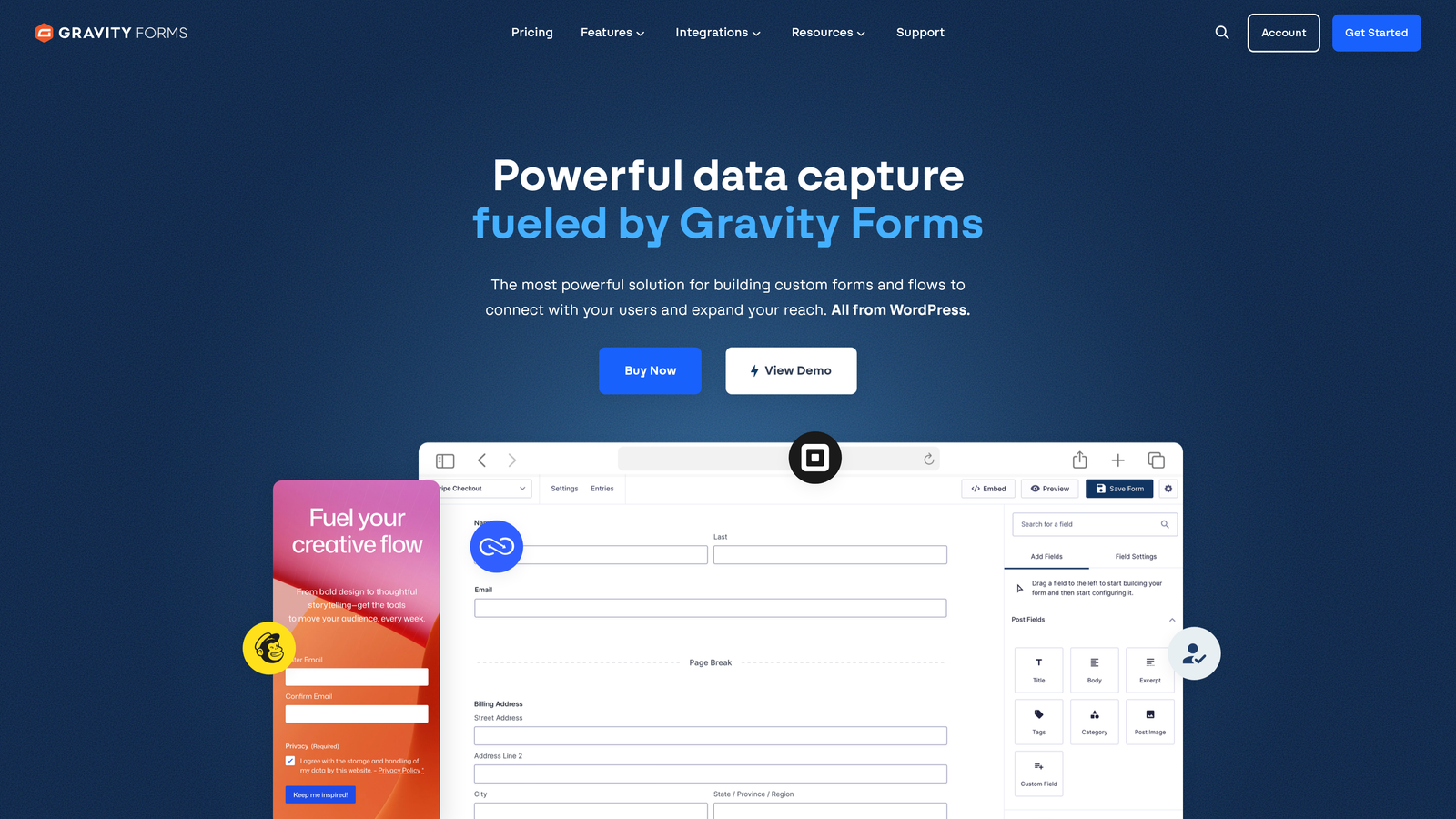
Gravity Forms is a WordPress-native form plugin with extensive customization capabilities.
Where This Tool Shines
Gravity Forms integrates seamlessly with WordPress in ways that external form builders simply can't match. The plugin feels like a natural extension of your WordPress site, with forms that inherit your theme styling and work perfectly with your existing plugins and workflows.
The one-time annual pricing model offers significant cost advantages over monthly SaaS subscriptions, especially for agencies managing multiple client sites. The extensive add-on marketplace provides specialized functionality for payments, CRM integration, advanced calculations, and more, letting you build exactly the solution you need without unnecessary bloat.
Key Features
Native WordPress Integration: Deep integration with WordPress core, themes, and plugins for seamless site integration.
Add-On Marketplace: Extensive ecosystem of official and third-party add-ons for specialized functionality.
Advanced Conditional Logic: Show, hide, and require fields based on complex conditions and user selections.
Multi-Page Forms: Create long forms with save and continue functionality to reduce abandonment.
Developer-Friendly: Extensive hooks, filters, and API for custom functionality and integrations.
Best For
Gravity Forms serves WordPress users who need powerful form capabilities without leaving their CMS. Web agencies managing multiple WordPress sites, developers building custom solutions, and organizations committed to the WordPress ecosystem will find the deep integration invaluable.
Pricing
One-time annual license model: Basic at $59/year for one site, Pro at $159/year for three sites, and Elite at $259/year for unlimited sites. No monthly fees make this particularly cost-effective for agencies.
7. Paperform
Best for: Creating beautiful, content-rich forms that double as landing pages
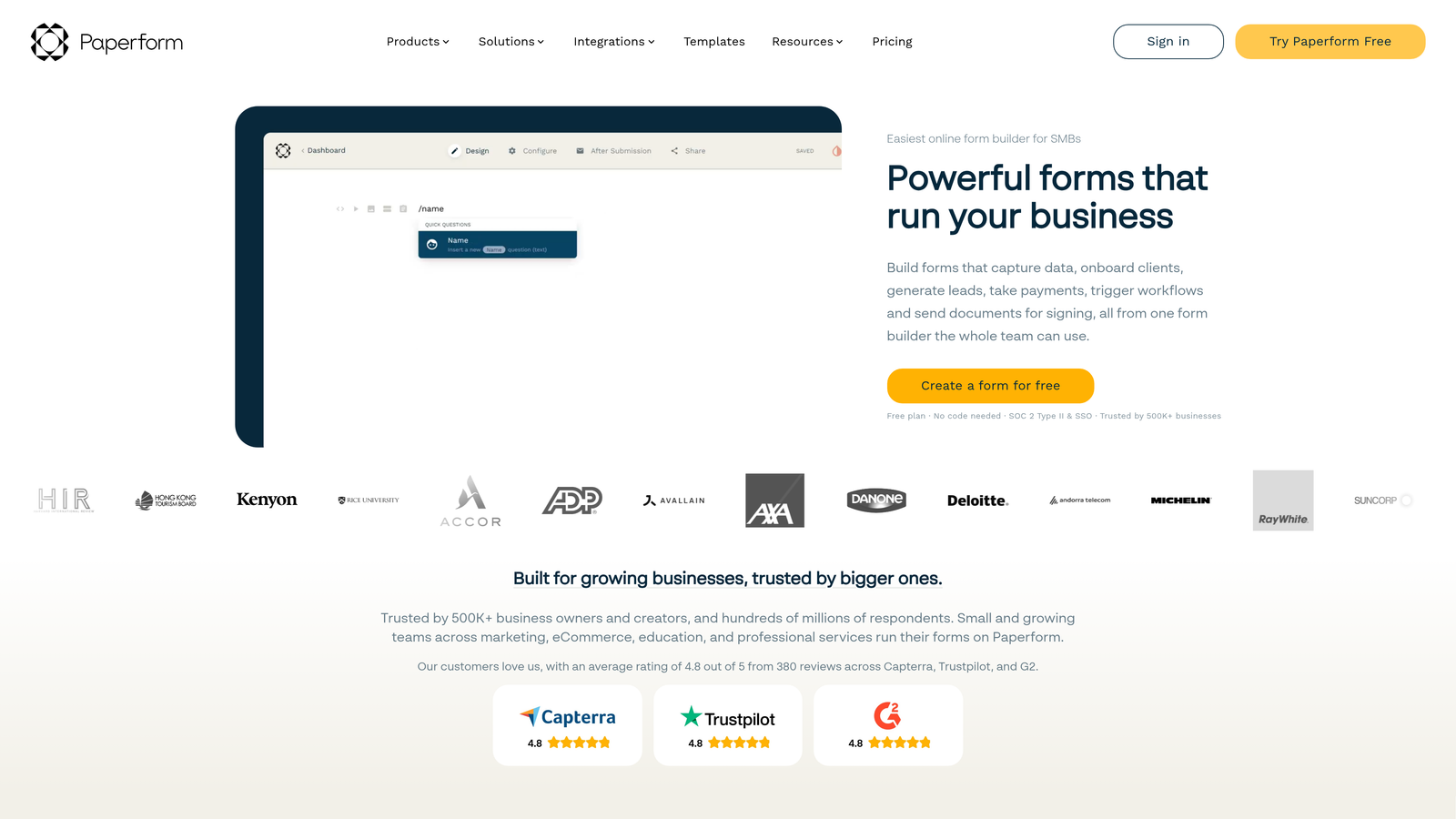
Paperform takes a unique document-style approach to form building.
Where This Tool Shines
Paperform's document-style editor lets you blend form fields seamlessly with rich content, images, videos, and formatting. Instead of feeling like a traditional form, your creation can look like an interactive landing page or content experience. This approach works brilliantly for applications, registrations, and lead generation where context matters.
The platform makes it incredibly easy to create visually stunning forms without design skills. You can embed videos between questions, add explanatory text with formatting, include images for context, and create custom thank you pages that continue the brand experience. The result feels more like a curated experience than a data collection form.
Key Features
Document-Style Building: Mix form fields with rich text, images, and videos in a natural document flow.
Rich Media Embedding: Seamlessly incorporate videos, images, and formatted text throughout forms.
Payment Processing: Accept payments through Stripe and PayPal with customizable product options and pricing.
Calculation Fields: Create dynamic pricing, scoring, and calculations based on user selections.
Custom Thank You Pages: Design branded confirmation experiences with rich content and next-step guidance.
Best For
Paperform excels for teams who view forms as brand touchpoints rather than just data collection tools. Marketing teams running campaigns, event organizers creating registration experiences, and businesses selling products or services through forms will appreciate the design flexibility.
Pricing
Essentials starts at $24/month, Pro at $49/month, and Business at $99/month. Annual billing provides two months free on all plans.
8. Cognito Forms
Best for: Budget-conscious teams needing advanced calculations and generous free tier
Cognito Forms offers powerful capabilities at remarkably affordable pricing.
Where This Tool Shines
Cognito Forms delivers enterprise-level features at prices that make sense for small teams and growing businesses. The calculation engine handles complex mathematical operations, conditional pricing, and dynamic field values with ease. You can build sophisticated order forms, registration systems, and applications that adjust pricing and options based on user selections.
The free tier stands out for its generosity. Unlike competitors that severely limit free plans, Cognito Forms provides unlimited forms with robust features at no cost. This makes it ideal for nonprofits, small businesses, and teams testing form solutions before committing to paid plans.
Key Features
Advanced Calculations: Powerful calculation engine for dynamic pricing, scoring, and conditional values.
Payment Integration: Accept payments through Stripe, PayPal, and Square with flexible pricing options.
Repeating Sections: Allow users to add multiple instances of field groups for complex data collection.
Data Encryption: Built-in encryption and compliance features for handling sensitive information securely.
Workflow Automation: Create automated email notifications, data routing, and multi-step processes.
Best For
Cognito Forms works well for budget-conscious teams who refuse to compromise on functionality. Small businesses, nonprofits, educational institutions, and startups will find the pricing accessible while still getting the features needed for professional form experiences.
Pricing
Generous free plan with unlimited forms. Pro at $15/month, Team at $35/month, and Enterprise at $99/month, making it one of the most affordable options for advanced features.
9. Pardot (Marketing Cloud Account Engagement)
Best for: Salesforce-centric B2B teams requiring deep CRM integration
Pardot is Salesforce's B2B marketing automation platform with native form capabilities.
Where This Tool Shines
Pardot offers unmatched Salesforce integration because it's built on the same platform. Form submissions flow directly into Salesforce without middleware, sync delays, or integration headaches. Lead scoring, grading, and routing happen natively within the Salesforce ecosystem, giving sales teams immediate access to qualified prospects.
The B2B focus shows in features like progressive profiling, lead grading based on fit criteria, and ROI reporting tied directly to opportunities and revenue. Unlike general-purpose form builders, Pardot understands B2B sales cycles and provides tools specifically designed for complex, multi-touch conversion processes.
Key Features
Native Salesforce Integration: Built on Salesforce platform for instant data sync and unified prospect management.
Lead Scoring and Grading: Sophisticated scoring based on engagement and grading based on demographic fit criteria.
Progressive Profiling: Automatically adjust form fields to gather new information from known prospects over time.
B2B Automation: Multi-touch nurture campaigns, drip programs, and engagement tracking designed for long sales cycles.
Revenue Attribution: Track form performance through to closed deals with ROI reporting tied to opportunities.
Best For
Pardot makes sense exclusively for organizations deeply invested in Salesforce who need sophisticated B2B marketing automation. Enterprise sales teams with complex, multi-touch sales processes and substantial marketing budgets will find the platform capabilities justify the investment.
Pricing
Growth edition starts at $1,250/month, Plus at $2,750/month, and Advanced at $4,400/month. Enterprise pricing represents significant investment compared to standalone form builders.
Making the Right Choice
The right Marketo form builder alternative depends on your team's priorities and existing tech stack. For AI-powered lead qualification and conversion-focused design without the complexity, Orbit AI offers the most modern approach specifically built for high-growth teams.
Teams already invested in HubSpot should consider HubSpot Forms for seamless integration and progressive profiling. If conversational experiences drive your strategy and user engagement matters most, Typeform excels at creating memorable form interactions.
WordPress users will find Gravity Forms the natural choice with deep CMS integration and cost-effective annual pricing. Salesforce-centric organizations may prefer staying in-ecosystem with Pardot, despite the significant investment required.
Budget-conscious teams should explore Cognito Forms for its generous free tier and affordable paid plans, or Jotform for extensive templates and versatility. Enterprise teams with compliance requirements will appreciate Formstack's security controls and workflow capabilities.
Whatever you choose, modern alternatives offer faster implementation, better designs, and smarter lead handling than Marketo's aging form builder. The key is matching your selection to your team's specific needs, technical capabilities, and growth trajectory.
Transform your lead generation with AI-powered forms that qualify prospects automatically while delivering the modern, conversion-optimized experience your high-growth team needs. Start building free forms today and see how intelligent form design can elevate your conversion strategy.


