

When your team needs to capture leads and qualify them fast, the build-vs-buy decision matters more than most people realize. Custom code gives you total control, but it costs engineering time, maintenance overhead, and months you don't have. Form builders ship in hours, yet not all of them are built for teams that care about conversion rates, lead quality, and growth.
This guide cuts through the noise. We've evaluated the top form builder options and made the case for when custom code actually wins, so you can make the right call for your team. Whether you're a SaaS startup optimizing a demo request flow or a growth team rebuilding your entire lead capture stack, here's what to reach for and why.
1. Orbit AI
Best for: High-growth SaaS teams that need AI-powered lead qualification built directly into the form layer.
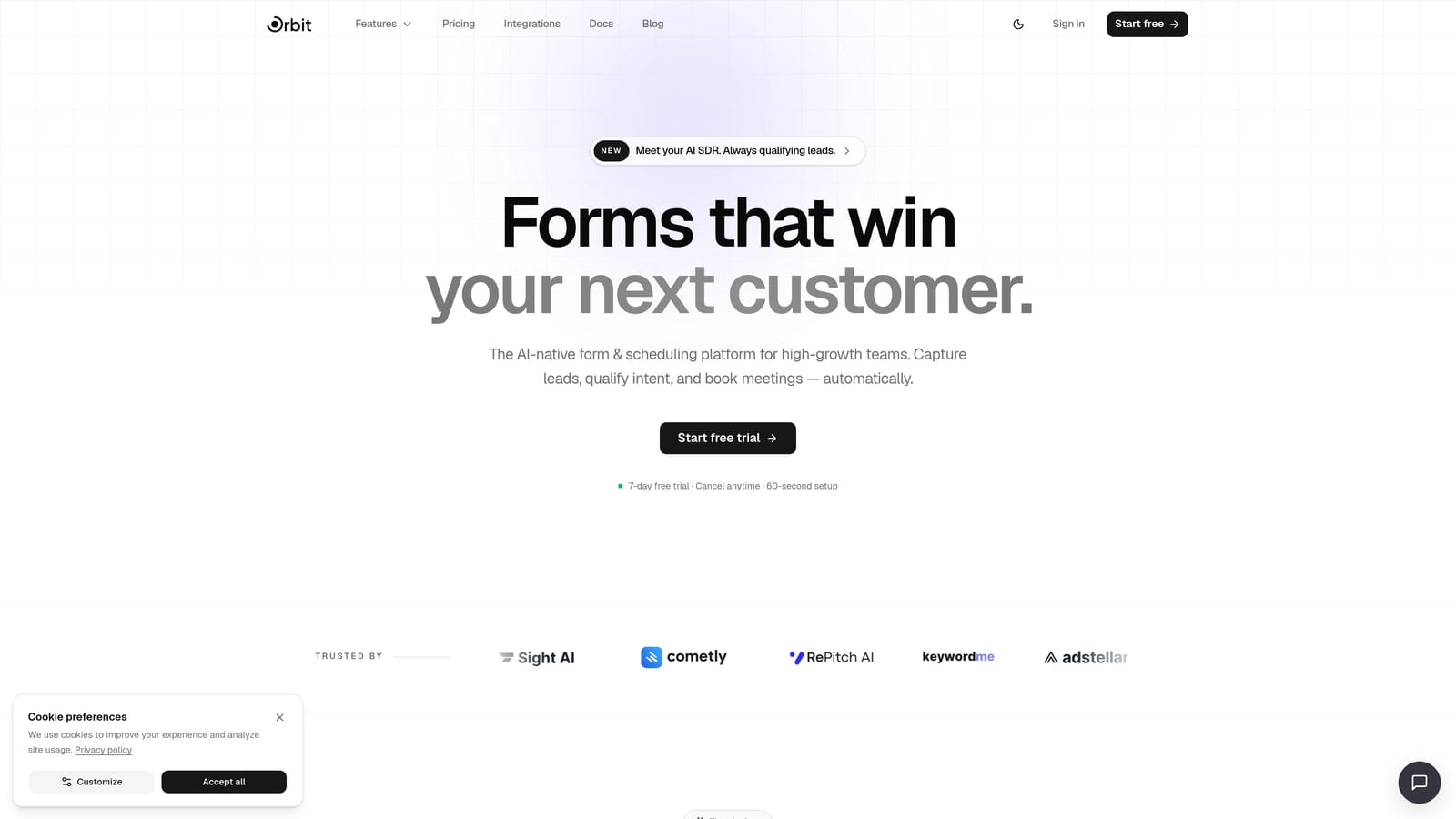
Orbit AI is an AI-native form builder that goes beyond data collection by qualifying, routing, and scoring leads in real time as they fill out your forms.
Where This Tool Shines
Most form builders collect data and hand it off to your CRM. Orbit AI does something fundamentally different: its AI agents evaluate leads at the point of submission, so your sales team receives pre-qualified contacts rather than a raw list to sort through manually. For growth teams running high-volume demo request flows or gated content campaigns, that distinction matters enormously.
The platform is also built with conversion optimization as a first-class concern. Templates are designed specifically for SaaS and growth use cases, not generic business forms, which means less time customizing and more time shipping flows that actually perform.
Key Features
AI Lead Qualification: AI agents assess and qualify leads in real time at the form layer, routing high-intent prospects automatically.
Conversion-Optimized Templates: Pre-built templates designed for SaaS demo requests, lead capture, and growth workflows out of the box.
Built-In Workflows and Sequences: Native automation for follow-up sequences, contact management, and multi-step routing without needing a separate tool.
Analytics Dashboard: Track form performance, submission quality, and lead scoring data in one place to continuously improve conversion rates.
GDPR-Compliant Data Handling: Modern security standards and compliance controls built in, so you're not retrofitting data governance after the fact.
Best For
Orbit AI is the right fit for SaaS teams, growth marketers, and revenue operations professionals who need more than a form. If lead quality, qualification speed, and conversion optimization are core priorities rather than nice-to-haves, this is the tool built around those goals specifically.
Pricing
See orbitforms.ai/pricing for current plan details. A free tier is available to get started without a credit card.
2. Typeform
Best for: Brand-forward teams that want a polished, conversational form experience for surveys and onboarding flows.
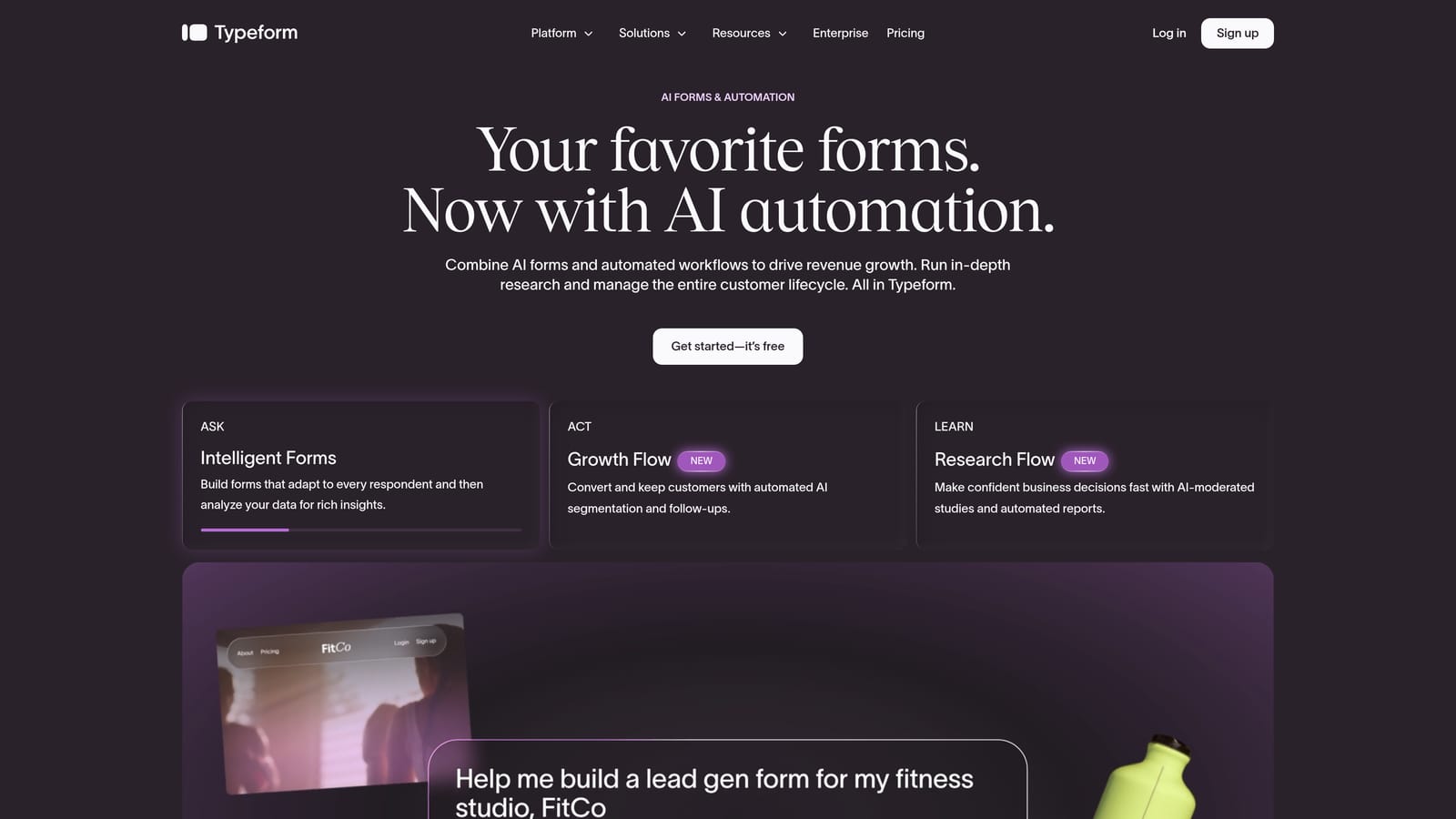
Typeform is a conversational form builder known for its one-question-at-a-time UX and strong visual customization options.
Where This Tool Shines
Typeform's signature experience, presenting one question at a time in a clean, full-screen layout, tends to feel less like a form and more like a conversation. That approach works particularly well for longer surveys, NPS flows, and brand-conscious lead capture where first impressions matter. Completion rates on well-designed Typeform flows can be meaningfully higher than traditional multi-field forms, though results vary by audience and use case.
The visual customization options are genuinely strong. You can match your brand palette, add custom backgrounds, and incorporate video questions, making it a solid choice for teams where form aesthetics are a deliberate part of the user experience.
Key Features
Conversational One-Question Format: Each question appears individually, creating an experience that feels less overwhelming than a dense multi-field form.
Visual Branding and Custom Themes: Full control over colors, fonts, and backgrounds to match your brand identity precisely.
Logic Jumps and Conditional Flows: Route respondents through different question paths based on their answers.
CRM and Marketing Tool Integrations: Connects with major platforms including HubSpot, Salesforce, and Mailchimp via native integrations and Zapier.
Video Questions and Multimedia Elements: Embed video prompts within forms for richer, more engaging data collection experiences.
Best For
Typeform suits marketing teams, brand studios, and product teams running surveys or onboarding flows where the form experience itself is part of the brand. It's less optimized for high-volume lead qualification or CRM-style routing workflows.
Pricing
A free plan is available with limited responses. Paid plans start at approximately $25/month. Verify current pricing at typeform.com, as tiers can escalate with response volume.
3. Tally
Best for: Lean teams and indie builders who need fast, no-fuss forms with a generous free tier.
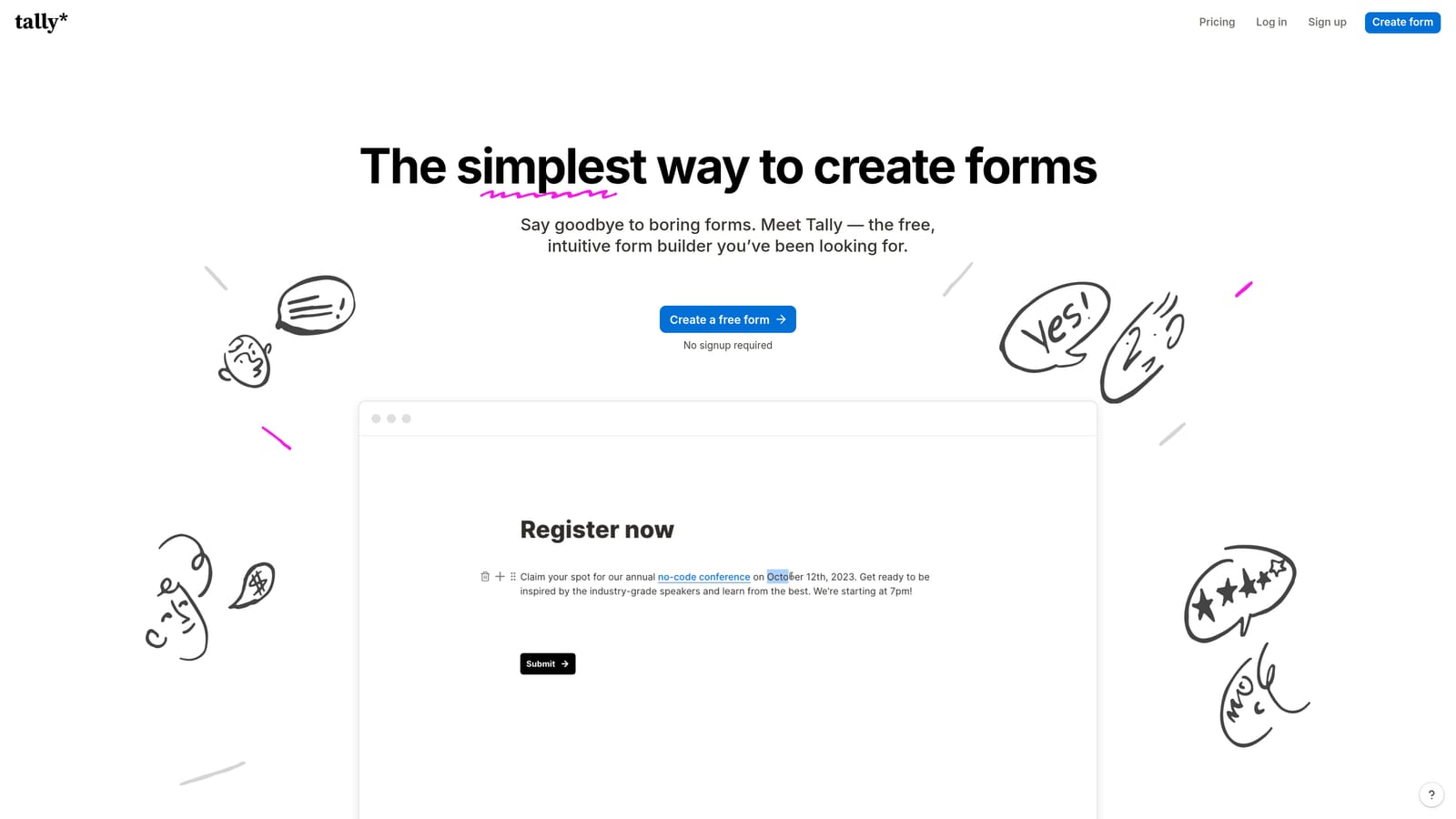
Tally is a lightweight, Notion-inspired form builder with a clean block editor and one of the most generous free plans available in the category.
Where This Tool Shines
Tally's biggest advantage is its speed to deploy. The block-based editor will feel immediately familiar to anyone who uses Notion, which means almost no learning curve. You can have a functional form embedded in your site or shared as a link within minutes of signing up. For internal tooling, quick surveys, or simple external use cases, that frictionless experience is genuinely valuable.
The unlimited forms and submissions on the free plan also make Tally a practical choice for bootstrapped teams or anyone who needs to ship something quickly without committing to a paid tool. It's not trying to be an enterprise platform, and that focus keeps it fast and clean.
Key Features
Notion-Like Block Editor: Drag-and-drop block interface that's intuitive for teams already familiar with Notion-style tools.
Unlimited Forms on Free Plan: No artificial caps on form count or submission volume on the free tier, which is rare in this category.
Conditional Logic and Hidden Fields: Basic branching logic and hidden field support for personalization and pre-population.
Website and Notion Embedding: Embed forms directly into web pages or Notion documents with a simple embed code.
Webhook and Zapier Integration: Connect form submissions to downstream tools via webhooks or Zapier for lightweight automation.
Best For
Tally is ideal for solo founders, small teams, and internal ops workflows where simplicity and cost efficiency outweigh the need for advanced qualification or analytics. It's less suited to teams running conversion-focused lead generation at scale.
Pricing
Free plan includes unlimited forms and submissions. Tally Pro unlocks additional features. Verify current pricing at tally.so.
4. Paperform
Best for: Teams that need native payment processing, scheduling, or ecommerce-style form flows in a single tool.
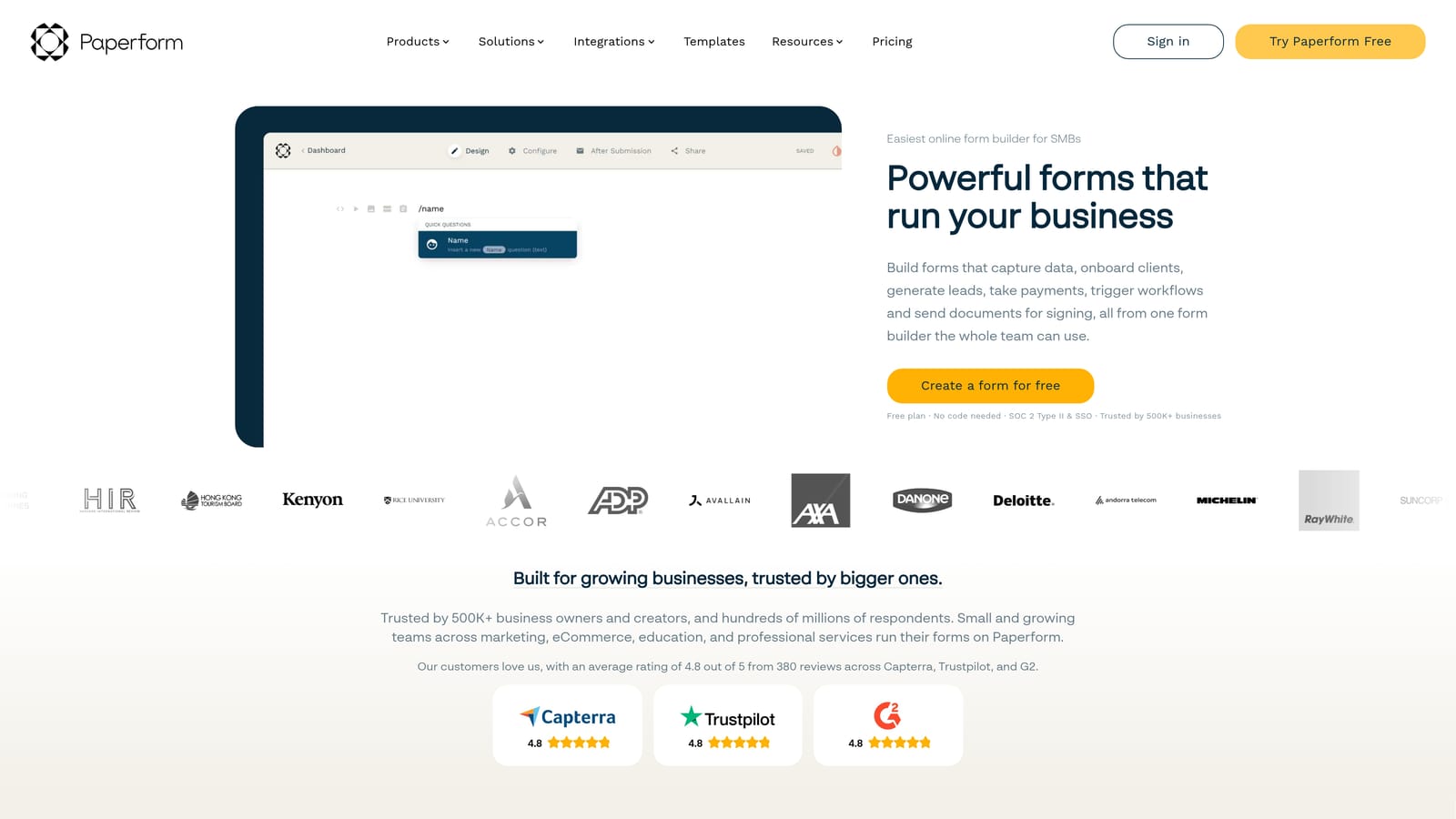
Paperform is a hybrid form and landing page builder with built-in payment processing and appointment scheduling capabilities.
Where This Tool Shines
Paperform occupies an interesting niche: it's part form builder, part lightweight landing page tool. You can mix rich text, images, and multimedia directly into your form layout, which makes it possible to create a form that reads more like a designed page than a data entry screen. For teams selling products, collecting deposits, or booking appointments, that flexibility is hard to replicate with a standard form builder.
The native payment integrations with Stripe, PayPal, and Square are a genuine differentiator. You don't need a separate checkout tool or a Zapier workaround to collect payment at the point of submission, which simplifies the stack for transactional use cases considerably.
Key Features
Native Payment Integrations: Accept payments via Stripe, PayPal, and Square directly within the form without third-party checkout tools.
Scheduling and Appointment Booking: Built-in booking functionality for teams that need to capture time slots alongside form data.
Product Catalog and Ecommerce Flows: Build order forms with product listings, quantities, and pricing logic natively.
Rich Text and Multimedia Design: Embed text blocks, images, and video within the form layout for a more polished, page-like experience.
Conditional Logic and Calculation Fields: Dynamic fields that calculate totals, scores, or custom outputs based on respondent inputs.
Best For
Paperform works well for service businesses, consultants, and ecommerce teams that need transactional form flows. It's less focused on lead qualification or CRM-style automation for SaaS growth use cases.
Pricing
Paid plans only, starting at approximately $24/month. Verify current pricing at paperform.co.
5. Jotform
Best for: High-volume or compliance-sensitive organizations that need a proven, template-rich platform with enterprise controls.
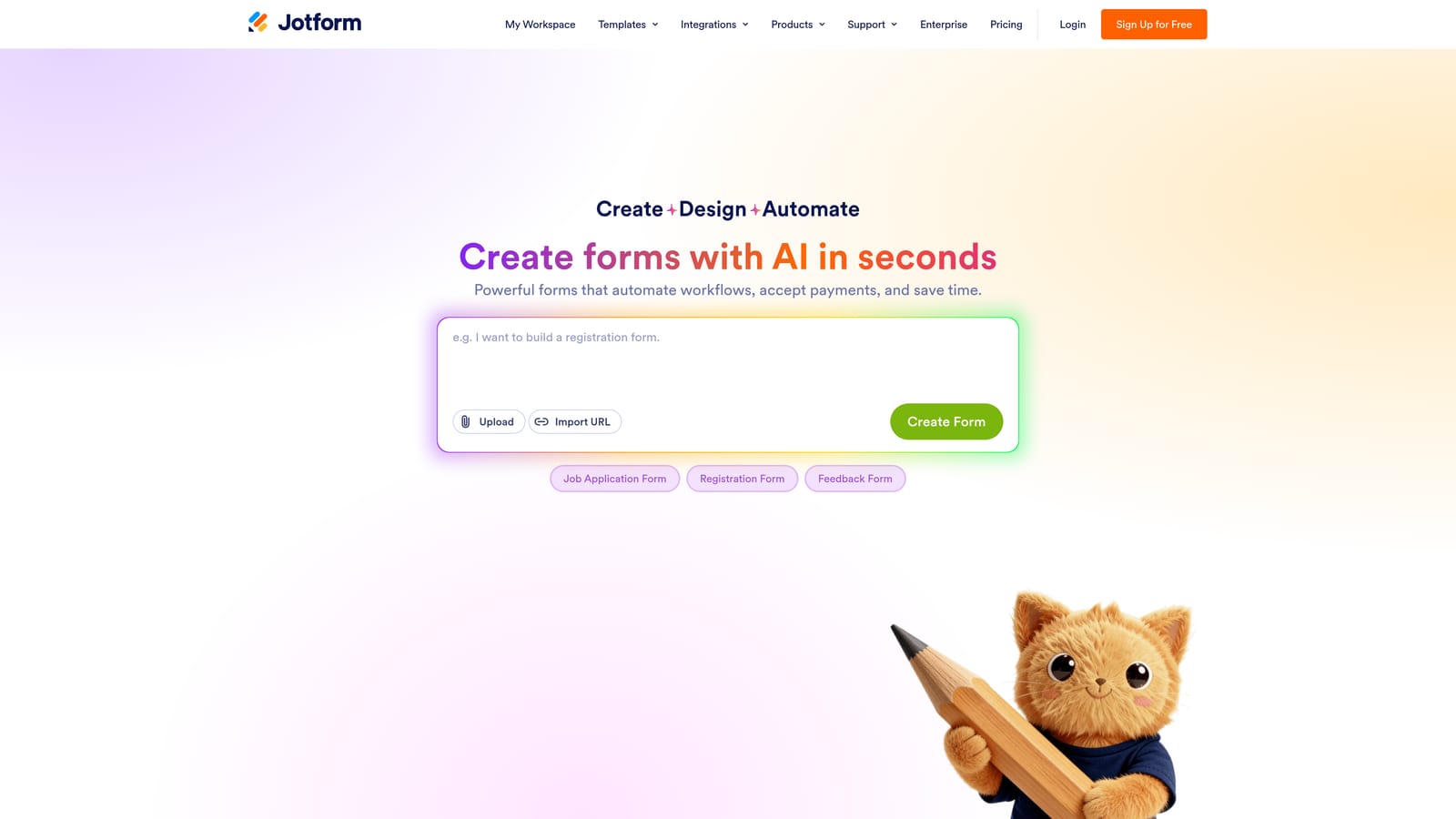
Jotform is one of the most established form builders available, with a massive template library, high submission volume capacity, and HIPAA-compliant plans for regulated industries.
Where This Tool Shines
Jotform's scale is its most obvious strength. With thousands of pre-built templates spanning virtually every industry and use case, you're unlikely to start from a blank canvas. For organizations that process large numbers of form submissions across multiple departments, Jotform's infrastructure handles volume reliably, and its paid tiers are designed with that scale in mind.
The compliance capabilities are also worth noting. HIPAA-compliant plans make Jotform one of the few form builders that healthcare organizations can realistically consider for patient-facing data collection. For teams in regulated industries, that compliance infrastructure removes a significant barrier.
Key Features
Extensive Template Library: Thousands of pre-built templates across industries, reducing setup time for common use cases significantly.
HIPAA-Compliant Plan: Dedicated compliance tier for healthcare organizations collecting protected health information.
High Submission Volume Limits: Paid tiers are structured to support organizations processing large numbers of submissions monthly.
Third-Party Integrations: Connects with a broad range of CRMs, payment processors, and business tools via native integrations.
Form Analytics and Report Builder: Built-in reporting tools to analyze submission data and generate summaries without exporting to a separate tool.
Best For
Jotform suits larger organizations, healthcare providers, and ops-heavy teams that prioritize template variety, compliance, and submission volume over conversion optimization or AI-driven lead qualification.
Pricing
Free plan available with limited submissions. Paid plans scale by submission volume. Verify current pricing at jotform.com.
6. Formstack
Best for: Enterprise teams that need multi-step workflow routing, document generation, and e-signature capabilities in one platform.
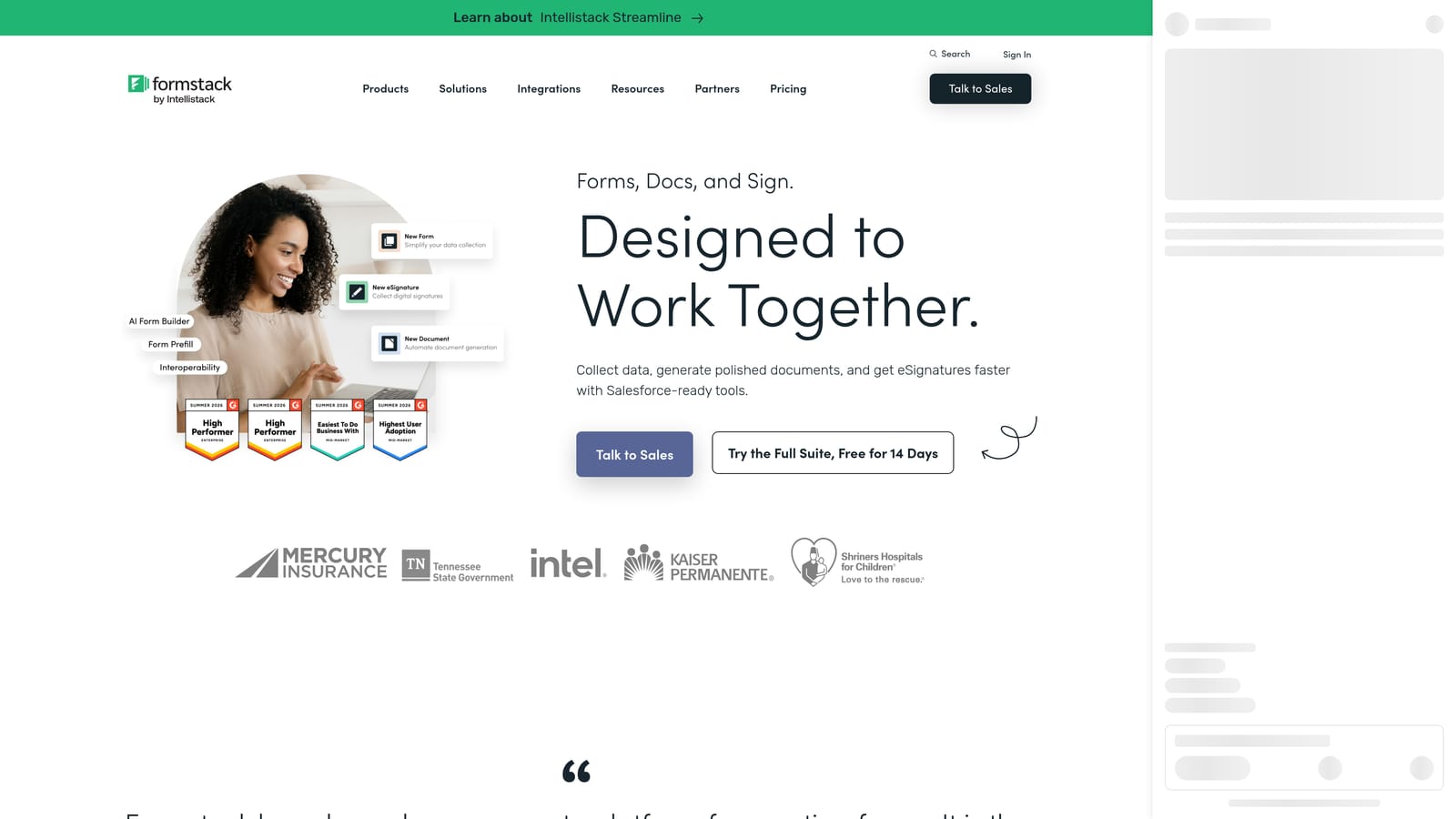
Formstack is an enterprise workflow platform that combines form building with document generation, e-signatures, and complex multi-step data routing.
Where This Tool Shines
Formstack is less a form builder and more a workflow automation platform that happens to start with a form. If your use case involves routing submissions through approval chains, generating documents from form data, or collecting legally binding e-signatures, Formstack handles all of that within a single connected system. For ops-heavy organizations, that consolidation can meaningfully reduce the number of point solutions in the stack.
The enterprise security and compliance controls also reflect Formstack's positioning. It's built for organizations with strict data governance requirements, IT oversight, and multi-department workflows rather than for lean growth teams shipping lead capture pages quickly.
Key Features
Multi-Step Workflow Routing: Route form submissions through custom approval chains and conditional workflows across departments.
Document Generation: Automatically generate populated documents from form submission data, reducing manual data entry downstream.
E-Signature via Formstack Sign: Collect legally binding signatures within the same platform as your form and workflow tools.
Advanced Data Routing and Conditional Workflows: Complex conditional logic that determines where data goes based on submission content and rules.
Enterprise Security and Compliance Controls: Role-based access, audit trails, and compliance features designed for large organizations with governance requirements.
Best For
Formstack is the right choice for enterprise operations teams, legal departments, and compliance-driven organizations that need workflow automation, document management, and e-signatures integrated with their form layer. It's not designed for conversion-focused lead generation or AI-driven qualification.
Pricing
Enterprise-oriented pricing. Contact Formstack directly for current plan details at formstack.com.
When Custom Code Actually Wins
Before making a final call, it's worth being honest about when custom code is the right answer. Form builders cover the vast majority of use cases, but there are genuine scenarios where building from scratch makes more sense.
Complex single-page applications: If your form needs to integrate deeply with proprietary state management in a custom SPA, the constraints of a third-party builder may create more friction than they solve.
Strict data residency requirements: Highly regulated industries with specific data sovereignty rules may not be able to use any SaaS form tool, regardless of compliance certifications.
Forms as a core product feature: If your product itself is built around a custom form experience and your engineering team has the bandwidth, owning the code gives you long-term flexibility.
Deeply proprietary validation logic: When validation rules are tightly coupled to backend systems that no third-party tool can access, custom code may be the only viable path.
For most growth teams, none of these conditions apply to standard lead capture, demo requests, or qualification flows. The engineering cost of building and maintaining a custom form is rarely justified when modern form builders offer APIs, webhooks, and conditional logic that close most of the flexibility gap.
Which Tool Should You Choose?
The right tool depends on what you're actually optimizing for. Here's a quick-reference breakdown by team type.
If lead qualification and conversion optimization are your core goals: Orbit AI is built specifically for this. The AI-driven qualification layer, conversion-optimized templates, and built-in workflow automation make it the strongest fit for SaaS and growth teams where lead quality drives revenue.
If brand experience and conversational UX matter most: Typeform delivers a polished, one-question-at-a-time experience that works well for surveys, NPS, and brand-forward onboarding flows.
If you need something fast and free: Tally's unlimited free tier and Notion-like editor make it the easiest tool to deploy for lean teams or internal use cases.
If you're collecting payments or booking appointments: Paperform's native payment and scheduling integrations make it the natural choice for transactional form flows.
If compliance and submission volume are the priority: Jotform's HIPAA-compliant plans and high-volume infrastructure suit regulated, ops-heavy organizations well.
If your team needs enterprise workflow automation: Formstack's document generation, e-signature, and multi-step routing capabilities go well beyond what a standard form builder offers.
For high-growth teams where every lead matters and qualification speed is a competitive advantage, the choice is clear. Transform your lead generation with AI-powered forms that qualify prospects automatically while delivering the modern, conversion-optimized experience your team needs. Start building free forms today and see how intelligent form design can elevate your conversion strategy. You can also explore pricing plans and platform features to find the right fit for your team.


