

Your SaaS growth depends on capturing and qualifying leads efficiently. The right form builder does more than collect data—it integrates with your tech stack, qualifies prospects automatically, and converts visitors into pipeline.
With dozens of options available, choosing the best fit for your specific needs can feel overwhelming. We've evaluated the top form builders based on SaaS-specific criteria: CRM integrations, lead qualification capabilities, conversion optimization features, and pricing that scales with your growth.
Here are the nine best form builders for SaaS companies in 2026.
1. Orbit AI
Best for: High-growth SaaS teams needing AI-powered lead qualification and conversion optimization
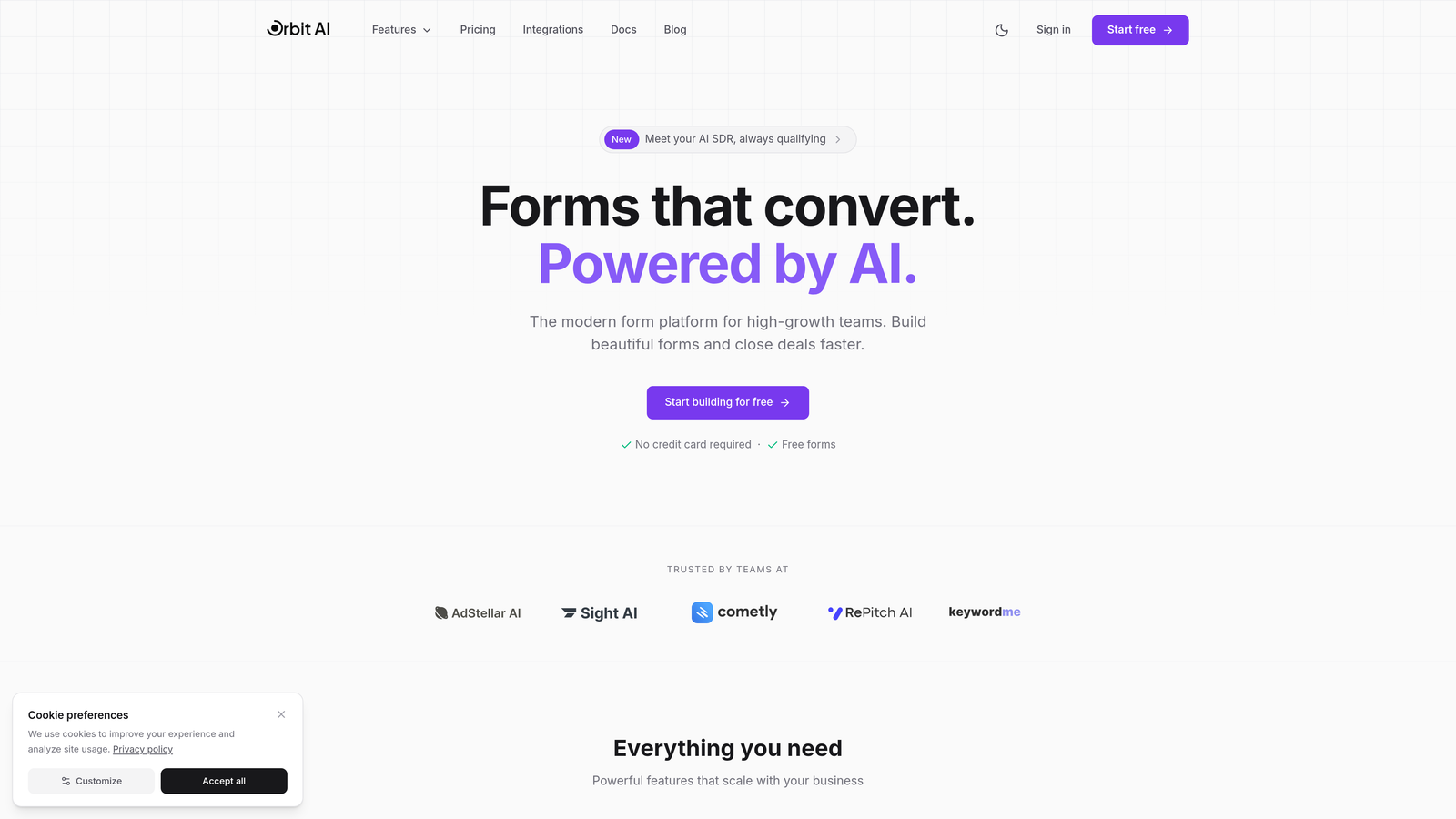
Orbit AI is an AI-powered form builder designed specifically for SaaS teams focused on converting visitors into qualified pipeline.
Where This Tool Shines
The standout feature is intelligent lead qualification that happens automatically as prospects fill out your forms. Instead of manually reviewing every submission, the AI scores and routes leads based on your ideal customer profile.
The platform combines modern form design with conversion optimization features that high-growth teams need. Forms look professional out of the box, and the multi-step format keeps completion rates high even for longer qualification processes.
Key Features
AI-Powered Lead Qualification: Automatically scores and routes leads based on responses, saving your team hours of manual review.
Conversion-Optimized Templates: Modern, professionally designed form templates built specifically for SaaS conversion patterns.
Native CRM Integrations: Connects directly with HubSpot, Salesforce, Slack, and other tools in your tech stack without middleware.
Built-In Analytics: Track form performance, conversion rates, and lead quality metrics without connecting external analytics tools.
Conditional Logic & Multi-Step Forms: Create dynamic forms that adapt based on responses and break long forms into digestible steps.
Best For
SaaS companies that receive high volumes of inbound leads and need to qualify prospects efficiently. Particularly valuable for teams using HubSpot or Salesforce who want to automate lead scoring and routing without building complex workflows.
Pricing
Free tier available for getting started. Paid plans scale with usage, making it accessible for early-stage startups while supporting enterprise-level form volumes.
2. Typeform
Best for: Creating engaging, conversational form experiences with high completion rates
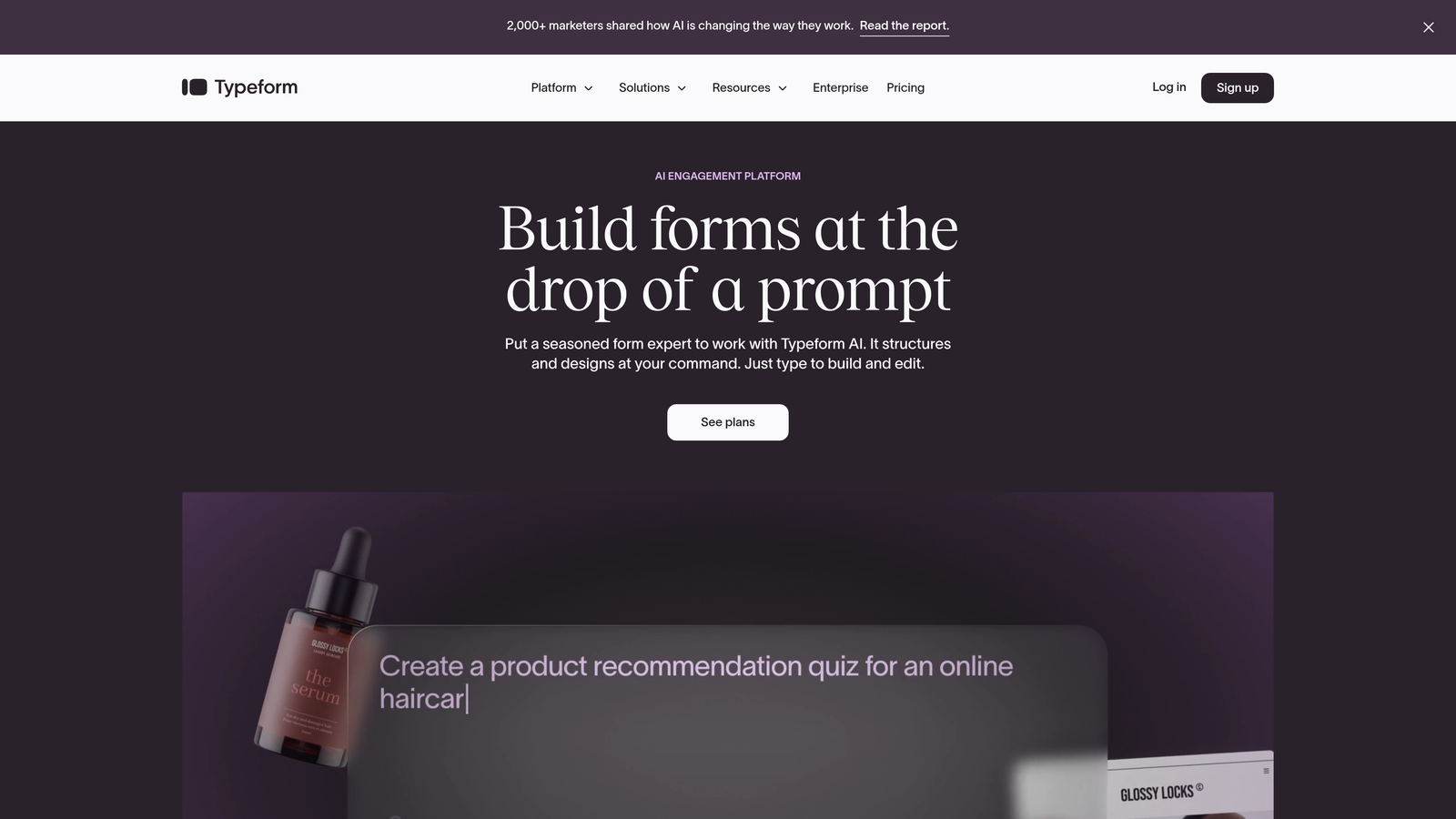
Typeform is a conversational form builder known for beautiful, one-question-at-a-time experiences that feel more like conversations than traditional forms.
Where This Tool Shines
The conversational format significantly improves engagement compared to traditional multi-field forms. By showing one question at a time, Typeform reduces cognitive load and makes longer forms feel less overwhelming.
Brand customization options are extensive. You can match forms to your brand identity with custom colors, fonts, backgrounds, and even video elements. This makes Typeform popular for customer-facing forms where brand experience matters.
Key Features
One-Question-at-a-Time Format: Conversational interface that improves completion rates by reducing form intimidation.
Logic Jumps: Dynamic question paths based on previous answers, creating personalized form experiences.
Rich Media Support: Embed videos, images, and GIFs to create engaging, interactive forms.
Integration Ecosystem: Native connections to popular SaaS tools including Slack, HubSpot, Google Sheets, and hundreds more via Zapier.
Custom Branding: Extensive design controls to match forms perfectly to your brand guidelines.
Best For
SaaS companies prioritizing user experience and brand consistency in their forms. Works well for product feedback surveys, customer onboarding flows, and lead capture where engagement matters more than speed.
Pricing
Free tier with basic features. Basic plan starts at $25/month, with Plus and Business tiers adding advanced logic, integrations, and team collaboration features.
3. HubSpot Forms
Best for: Teams already using HubSpot CRM who want seamless native integration
HubSpot Forms is the native form builder within HubSpot's ecosystem, designed to work seamlessly with HubSpot CRM and marketing automation tools.

Where This Tool Shines
If you're already in the HubSpot ecosystem, this is the obvious choice. Forms sync instantly with your CRM, automatically creating or updating contact records without any integration setup.
Progressive profiling is a standout feature. The system remembers what information you've already collected from returning visitors and asks new questions each time, gradually building complete profiles without overwhelming prospects with long forms.
Key Features
Native CRM Integration: Instant syncing with HubSpot CRM, no middleware or API setup required.
Progressive Profiling: Automatically shows different questions to returning visitors to build complete profiles over time.
Marketing Automation Triggers: Form submissions automatically trigger workflows, email sequences, and internal notifications.
Smart Fields: Pre-populate known information for returning visitors and create dependent fields based on previous answers.
Built-In Analytics: Track form performance, conversion rates, and attribution directly in HubSpot's reporting dashboard.
Best For
SaaS companies already using HubSpot for CRM or marketing automation. The value proposition decreases significantly if you're not in the HubSpot ecosystem, but for HubSpot users, it's the most frictionless option.
Pricing
Free with HubSpot CRM. Advanced features like progressive profiling, automation triggers, and detailed analytics require paid Marketing Hub tiers starting at $45/month.
4. Jotform
Best for: Teams needing versatile forms with extensive template library and payment processing
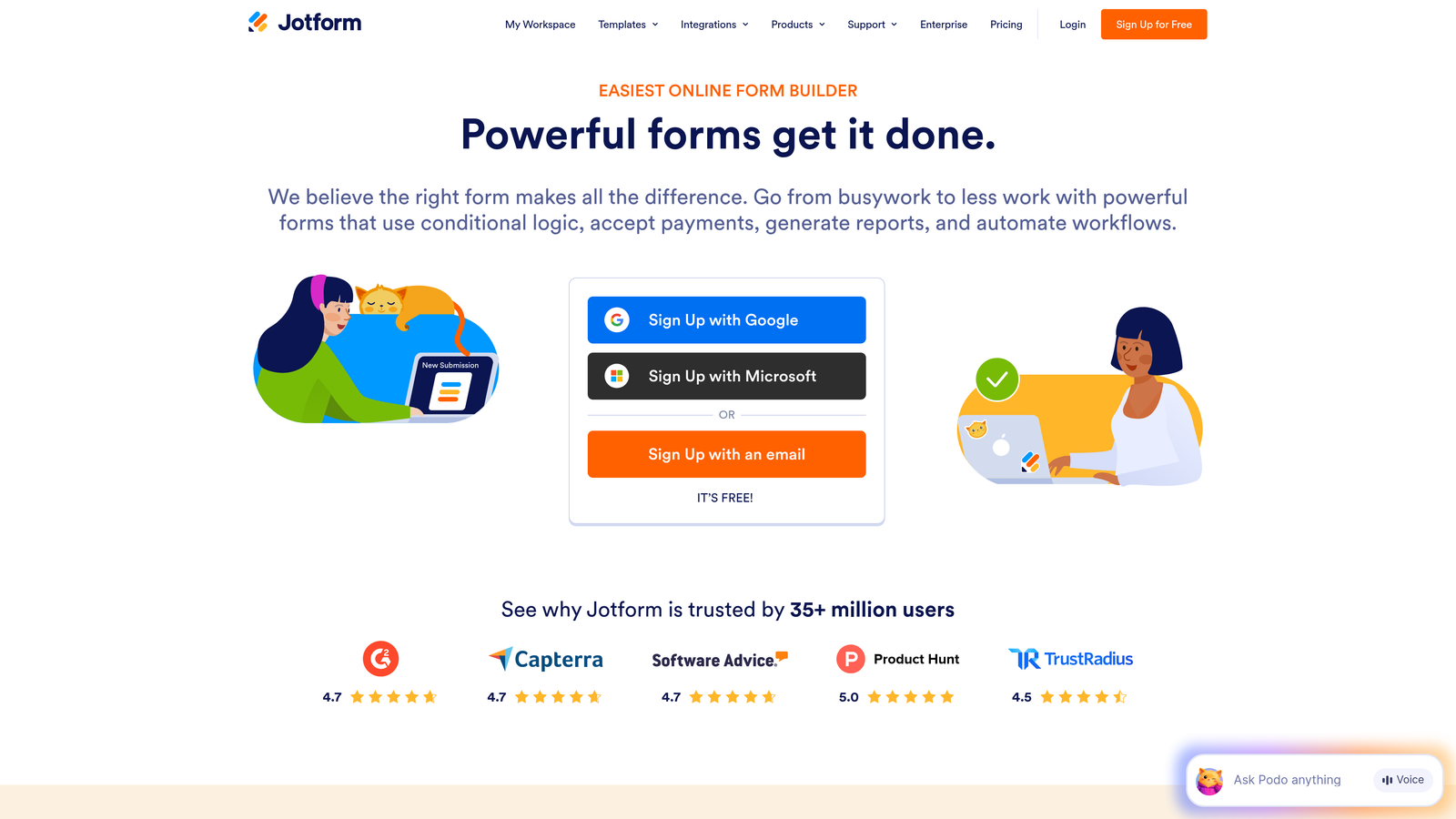
Jotform is a comprehensive form builder offering over 10,000 templates and extensive customization options for virtually any use case.
Where This Tool Shines
The template library is unmatched. Whether you need a simple contact form or a complex multi-page application, there's likely a pre-built template you can customize rather than starting from scratch.
Payment integration is robust and built-in. You can collect payments through forms using Stripe, PayPal, Square, and other processors without needing separate tools or complex setup.
Key Features
10,000+ Templates: Pre-built forms for nearly every industry and use case, significantly reducing setup time.
Drag-and-Drop Builder: Intuitive editor with widgets for advanced functionality like file uploads, e-signatures, and calculations.
Payment Processing: Native integrations with major payment processors for collecting payments directly through forms.
PDF Report Generation: Automatically generate PDF reports from form submissions for contracts, invoices, or documentation.
HIPAA Compliance: Available on higher-tier plans for healthcare and other regulated industries.
Best For
SaaS companies with diverse form needs across departments. Particularly valuable if you need payment collection, document generation, or compliance features like HIPAA alongside standard lead capture.
Pricing
Free tier with Jotform branding. Bronze plan starts at $34/month, removing branding and adding more submissions and storage. Silver and Gold tiers add HIPAA compliance and advanced features.
5. Tally
Best for: Startups and small teams wanting unlimited forms on a generous free tier
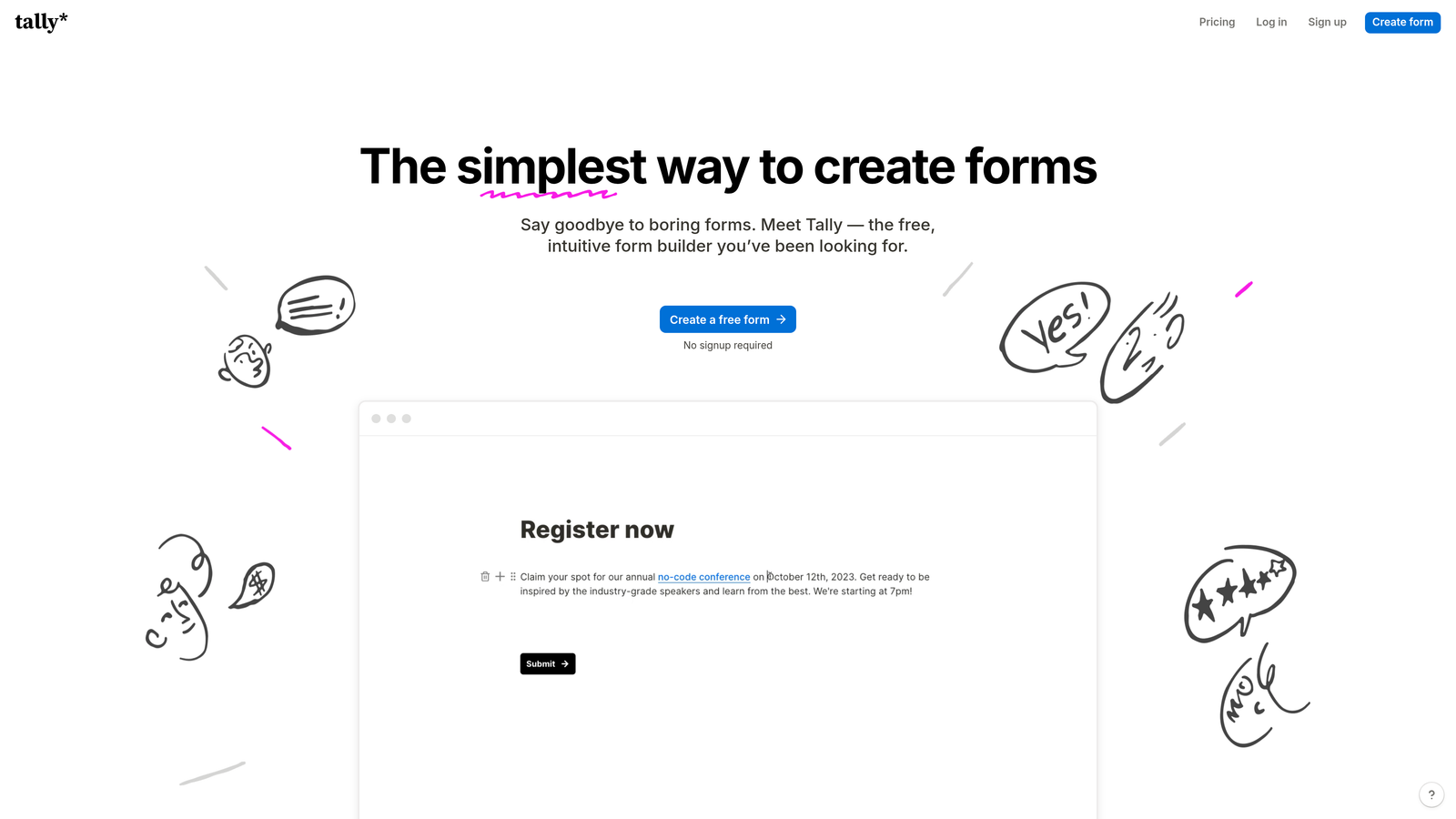
Tally is a minimalist form builder with a Notion-like block-based interface, offering unlimited forms even on the free plan.
Where This Tool Shines
The free tier is genuinely generous. Unlike competitors that limit you to a handful of forms or responses, Tally gives you unlimited forms with unlimited responses, making it ideal for early-stage startups watching every dollar.
The Notion-style interface feels familiar if you're already using Notion for documentation or project management. Building forms feels like writing a document, with blocks for different field types that you can rearrange easily.
Key Features
Unlimited Free Forms: No artificial limits on form count or monthly responses on the free tier.
Block-Based Editor: Notion-style interface that makes form building feel intuitive and fast.
Conditional Logic: Show or hide questions based on previous answers to create dynamic form experiences.
Calculations: Perform calculations within forms for quotes, assessments, or scoring.
Webhook Integration: Connect to Zapier, Make, or custom webhooks to integrate with your tech stack.
Best For
Early-stage SaaS companies and bootstrapped startups that need professional forms without monthly costs. Also great for teams already using Notion who want a consistent interface across tools.
Pricing
Free tier with unlimited forms and responses. Pro plan at $29/month adds custom domains, file uploads, payment collection, and priority support.
6. Paperform
Best for: Creating landing page-style forms with rich media and built-in payments
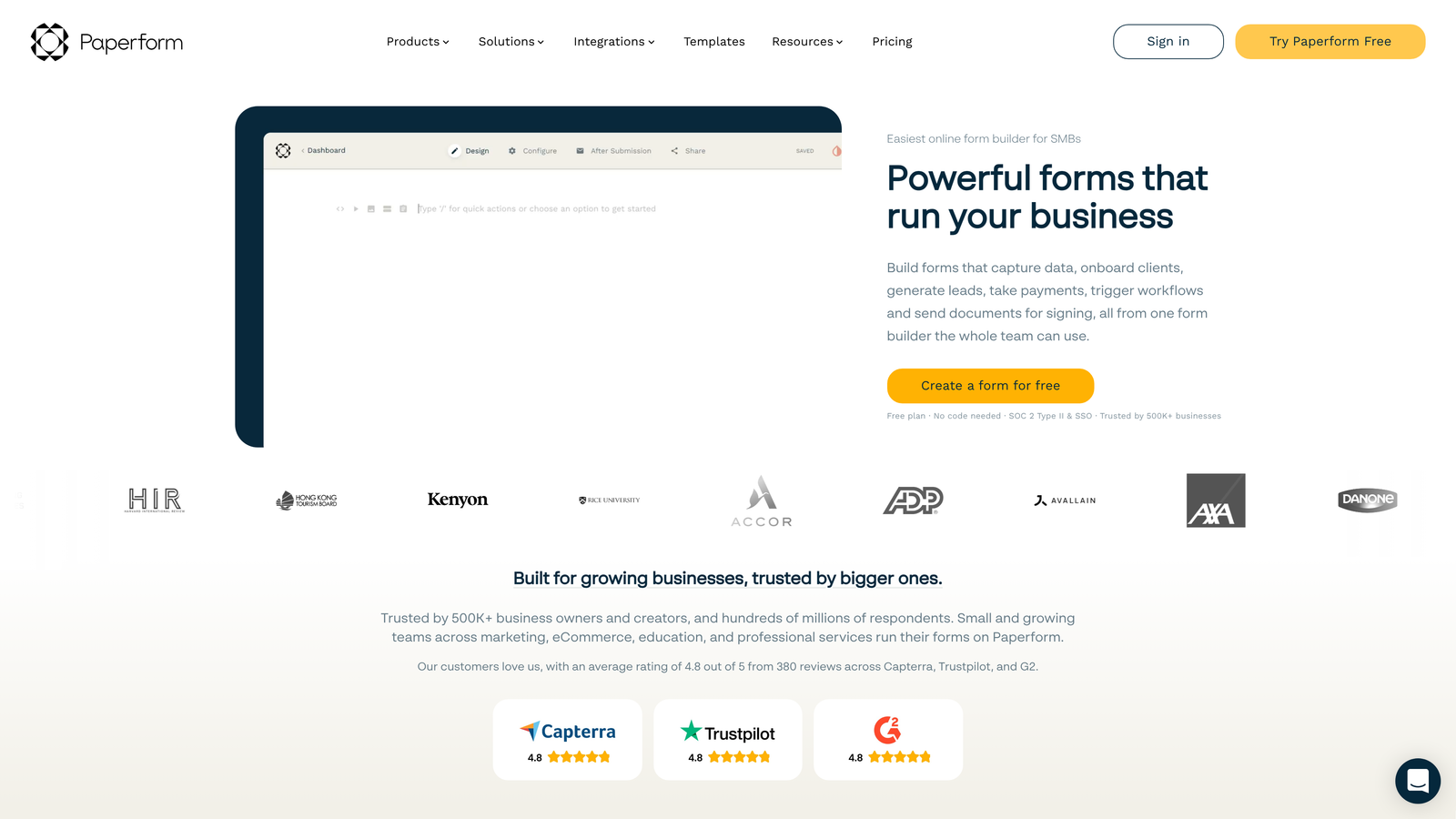
Paperform is a form builder that creates landing page-style experiences with rich media support, built-in payment processing, and scheduling capabilities.
Where This Tool Shines
Forms look more like landing pages than traditional forms. You can add headers, images, videos, and formatted text between questions, creating a cohesive experience that matches your marketing materials.
The built-in payment processing is comprehensive. Beyond simple payment collection, you can create product catalogs, handle subscriptions, and even build basic e-commerce experiences directly in your forms.
Key Features
Landing Page Design: Create forms that look like full landing pages with rich media, custom layouts, and branding.
Payment Processing: Accept one-time payments, subscriptions, and product orders through Stripe or PayPal.
Advanced Conditional Logic: Complex branching and calculations for dynamic pricing, eligibility checks, and personalized experiences.
Appointment Scheduling: Built-in calendar integration for booking meetings or demos directly through forms.
Custom Themes: Pre-built design themes or complete customization with CSS for perfect brand matching.
Best For
SaaS companies that want forms to double as landing pages or need to collect payments for trials, subscriptions, or add-ons. Works well for demo requests that include scheduling or product trials with payment collection.
Pricing
Essentials plan at $24/month includes unlimited forms and submissions. Pro plan at $49/month adds advanced integrations, custom domains, and priority support.
7. Formstack
Best for: Enterprise SaaS teams needing advanced security, compliance, and workflow automation
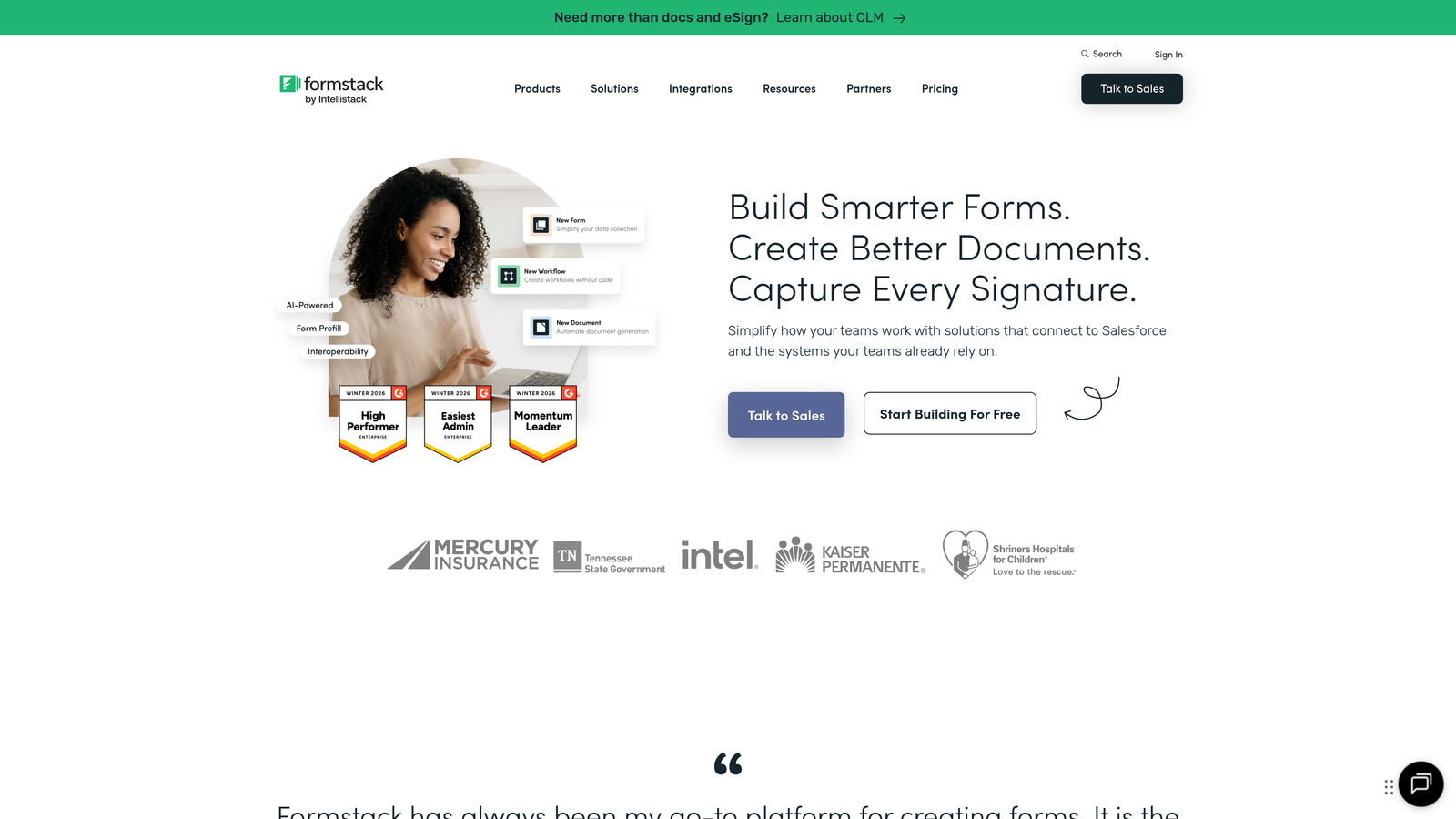
Formstack is an enterprise-grade form builder with advanced security features, sophisticated workflow automation, and document generation capabilities.
Where This Tool Shines
Compliance and security are built into the core product. HIPAA, GDPR, and SOC 2 compliance come standard, making Formstack the go-to choice for regulated industries or enterprise buyers with strict security requirements.
Workflow automation goes beyond basic form submissions. You can trigger complex multi-step processes, generate documents from form data, collect electronic signatures, and route approvals through your organization automatically.
Key Features
Enterprise Security: HIPAA, GDPR, and SOC 2 Type II compliance with data encryption and audit trails.
Advanced Workflows: Multi-step automation with conditional routing, approvals, and notifications.
Document Generation: Automatically create PDFs, contracts, or reports from form submissions using custom templates.
Electronic Signatures: Collect legally binding e-signatures directly within forms.
Salesforce Native Integration: Deep integration with Salesforce, not just API connections.
Best For
Enterprise SaaS companies with compliance requirements, complex approval workflows, or needs for document automation. The pricing reflects enterprise positioning, so it's overkill for small teams without these specific needs.
Pricing
Starter plan at $50/month for basic features. Teams plan at $83/month adds workflow automation and integrations. Enterprise plans with full compliance and security features require custom pricing.
8. Cognito Forms
Best for: Teams needing advanced calculations and competitive pricing for growing volumes
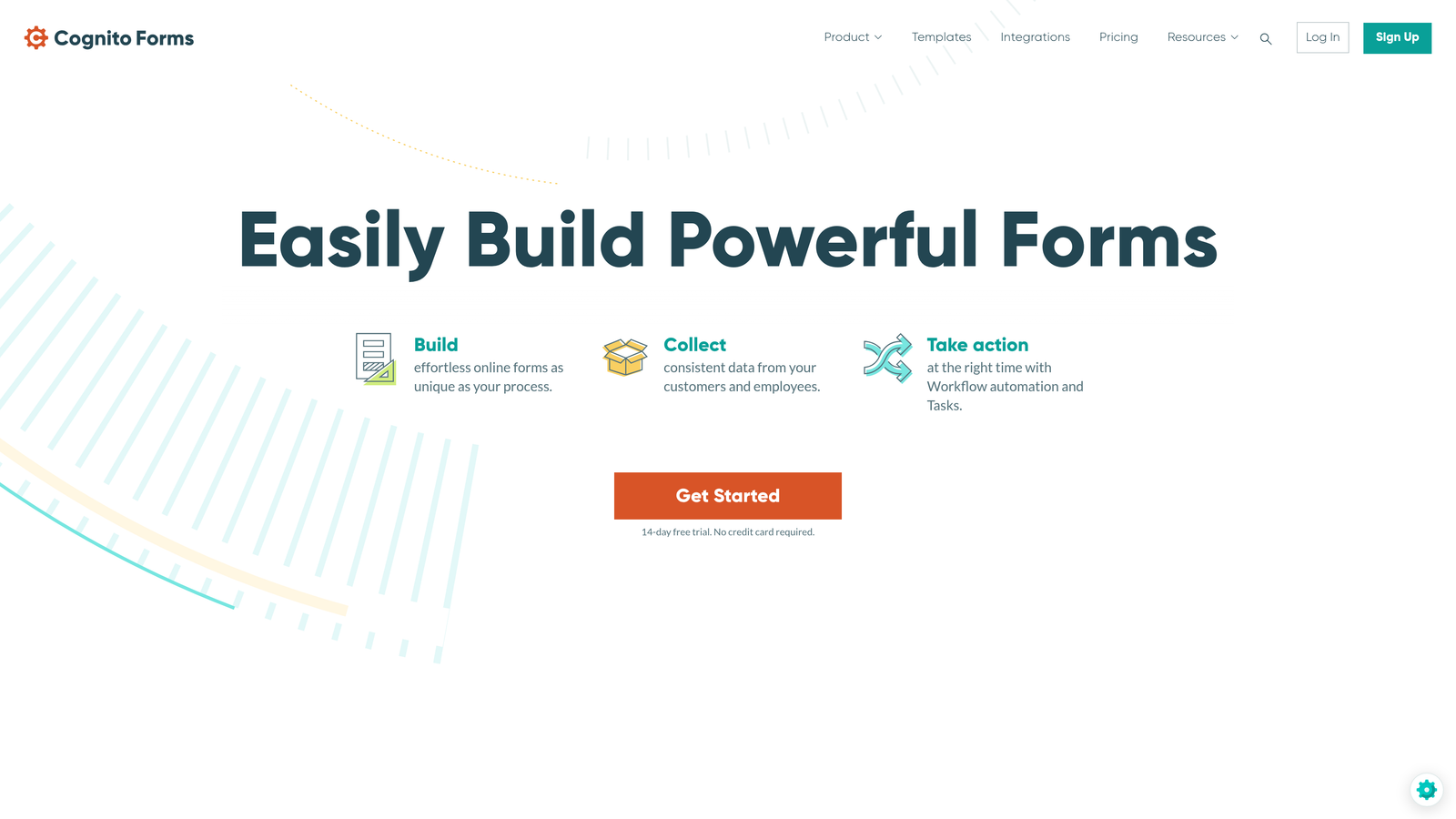
Cognito Forms is a calculation-focused form builder with strong payment integrations and pricing that remains competitive as your form volume grows.
Where This Tool Shines
Calculation capabilities are more advanced than most competitors. You can build complex pricing calculators, scoring systems, or conditional calculations that update in real-time as users fill out forms.
The pricing structure is particularly favorable for growing teams. While many tools become expensive as you scale, Cognito Forms maintains reasonable pricing even at higher submission volumes, making it cost-effective for SaaS companies with high inbound traffic.
Key Features
Advanced Calculations: Build complex formulas with conditional logic for dynamic pricing, scoring, or eligibility determination.
Payment Integrations: Accept payments through Stripe, Square, or PayPal with support for subscriptions and variable pricing.
Repeating Sections: Allow users to add multiple entries within a single form, useful for complex applications or multi-item submissions.
Conditional Logic: Show, hide, or require fields based on previous answers or calculated values.
Data Encryption: HIPAA-compliant options with encryption at rest and in transit.
Best For
SaaS companies that need calculation-heavy forms for pricing quotes, ROI calculators, or qualification scoring. Also valuable for teams expecting high submission volumes who want to control costs as they scale.
Pricing
Free tier for basic usage. Pro plan at $15/month supports individual users. Team plan at $35/month adds collaboration features and higher limits, remaining competitive compared to enterprise-focused alternatives.
9. Google Forms
Best for: Internal surveys, feedback collection, and basic data gathering without budget
Google Forms is a completely free, simple form builder ideal for internal use cases and basic data collection.
Where This Tool Shines
The price is unbeatable because there isn't one. For internal surveys, employee feedback, event registration, or any use case where advanced features aren't necessary, Google Forms delivers solid functionality at zero cost.
Google Sheets integration is seamless and powerful. Responses flow directly into spreadsheets where your team can analyze, filter, and manipulate data using familiar tools. Real-time collaboration means multiple team members can work on forms simultaneously.
Key Features
Completely Free: No limits on forms, responses, or features—everything is included with a Google account.
Google Sheets Integration: Responses automatically populate spreadsheets for easy analysis and reporting.
Real-Time Collaboration: Multiple team members can edit forms simultaneously, just like Google Docs.
Basic Conditional Logic: Show or hide questions based on previous answers for simple branching.
Quiz Functionality: Create quizzes with automatic grading, useful for training or assessments.
Best For
Internal use cases where brand experience and advanced features aren't priorities. Great for employee surveys, internal feedback collection, event registration, or basic research. Not recommended for customer-facing lead generation where you need professional branding and advanced qualification.
Pricing
Free with any Google account. No paid tiers or premium features.
Matching Your SaaS to the Right Form Builder
The best form builder for your SaaS depends on where you are in your growth journey and what matters most to your team.
If you're an early-stage startup watching every dollar, Tally's unlimited free tier or Google Forms for internal use make the most sense. As you start generating inbound leads, you'll want to graduate to a tool that can qualify prospects automatically and integrate with your CRM.
For high-growth teams focused on conversion optimization and lead qualification, tools with AI-powered scoring and native CRM integrations deliver the most value. The time saved on manual lead review and the improved conversion rates from optimized forms typically justify higher pricing.
Enterprise teams with compliance requirements or complex workflows should prioritize security and automation capabilities over cost. The risk of non-compliance or inefficient manual processes far outweighs the price difference between mid-tier and enterprise solutions.
Consider your tech stack when evaluating options. If you're already invested in HubSpot, their native forms eliminate integration headaches. Teams using Salesforce heavily might find Formstack's native integration worth the premium. And if you're building a modern stack from scratch, look for tools with robust APIs and webhook support.
The conversational format of Typeform or the landing page approach of Paperform can significantly improve completion rates for longer forms. If you're asking for substantial information upfront, these user experience improvements often translate directly to more qualified leads in your pipeline.
Most importantly, your form builder should scale with you. What works at 50 leads per month might become prohibitively expensive or operationally inefficient at 5,000 leads per month. Look for pricing models that align with your growth trajectory and feature sets that will support your needs six months from now, not just today.
Transform your lead generation with AI-powered forms that qualify prospects automatically while delivering the modern, conversion-optimized experience your high-growth team needs. Start building free forms today and see how intelligent form design can elevate your conversion strategy.


