

Professional services firms lose potential clients every day, not because of poor service, but because booking a consultation feels like solving a puzzle. The back-and-forth emails, the "does Thursday at 2pm work for you?" chains, the intake forms sent as PDF attachments after the call is already scheduled. It's friction that costs you business.
The right booking form changes all of that. It collects qualifying information upfront, routes prospects to the right team member, syncs with your calendar automatically, and creates a seamless first impression that reflects your firm's professionalism. Whether you're a solo consultant, a growing law firm, or a multi-advisor financial practice, the tools below will help you streamline intake and book more of the right clients.
We evaluated these platforms on ease of setup, customization for professional services workflows, calendar integration, lead qualification features, and pricing. If you're also thinking about your broader intake strategy, our guides on contact forms for professional services and how to improve form conversion rates are worth reading alongside this one.
1. Orbit AI
Best for: High-growth professional services teams that want AI-powered lead qualification built directly into the booking flow.
Orbit AI is an AI-powered form builder that combines conversion-optimized booking forms with intelligent lead qualification, so your team only gets on calls with prospects who are actually a fit.
Where This Tool Shines
Most booking tools treat qualification as an afterthought, a few extra fields tacked onto a scheduling widget. Orbit AI is built around the idea that the form itself should do the qualifying work. Its AI layer evaluates responses as prospects fill out the form, adapting questions dynamically and routing or filtering based on fit before a calendar slot is ever confirmed.
For professional services teams, this matters enormously. Consultants, agencies, and financial advisors don't want to spend 30 minutes on a discovery call to find out the prospect isn't in their target market. Orbit AI front-loads that discovery into the booking experience itself, making every confirmed call a warmer, higher-quality conversation.
Key Features
AI-Powered Lead Qualification: The platform evaluates prospect responses in real time, scoring and routing leads based on fit criteria you define.
Dynamic Form Fields: Questions adapt based on previous answers, creating a personalized intake experience without overwhelming prospects with irrelevant fields.
Conversion-Optimized Templates: Modern, beautifully designed form templates built specifically for professional services and high-growth teams.
CRM and Calendar Integrations: Connects booking data directly to your CRM and syncs confirmed appointments to your calendar without manual effort.
Branded Form Design: Full customization to match your firm's visual identity, creating a polished, trust-building experience from the first touchpoint.
Best For
Orbit AI is ideal for consultants, agencies, financial advisors, and any professional services team that handles significant inbound volume and needs to filter prospects before investing time in a call. It's particularly valuable for teams that have outgrown generic scheduling links and want their booking flow to actively contribute to pipeline quality.
Pricing
Visit orbitforms.ai for current pricing plans and available tiers.
2. Calendly
Best for: Professional services teams that want a reliable, widely recognized scheduling experience with minimal setup.
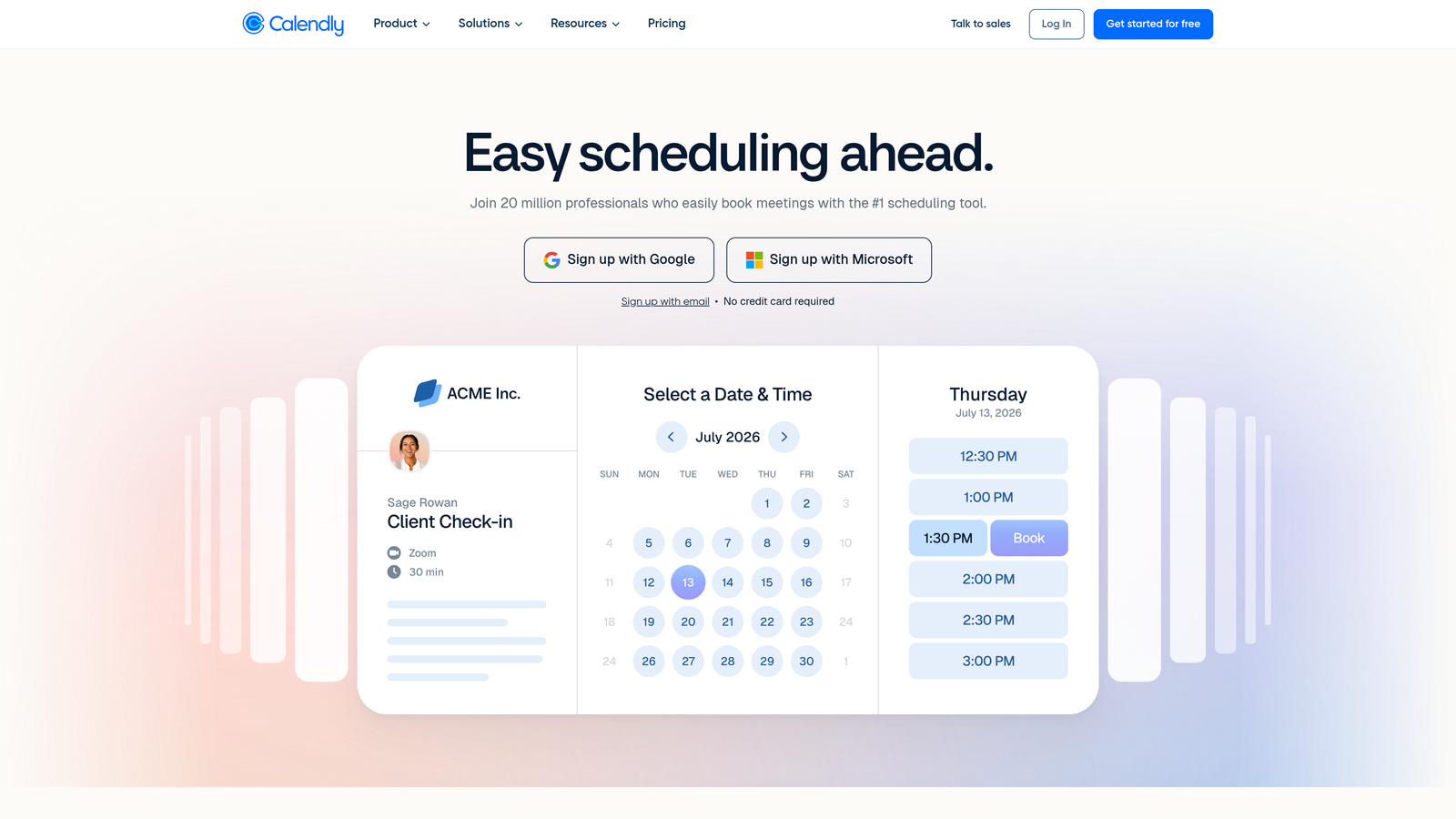
Calendly is the industry-standard scheduling platform, known for its clean one-click booking experience and broad ecosystem of integrations.
Where This Tool Shines
Calendly's strength is its simplicity and ubiquity. Most professionals and clients already recognize the Calendly interface, which removes the learning curve entirely. For firms with multiple advisors or departments, the round-robin and team routing features mean prospects automatically land with the right person without any manual coordination.
Its pre-meeting questionnaire fields allow you to collect basic qualifying information before the call, though the logic and customization depth are more limited compared to form-first platforms. Where Calendly truly excels is reliability: calendar sync works seamlessly, reminders go out automatically, and the booking experience rarely causes confusion for clients.
Key Features
One-Click Scheduling: Shareable links let prospects book directly from your calendar availability without email back-and-forth.
Round-Robin and Team Routing: Automatically distributes bookings across team members based on availability or assignment rules.
Pre-Meeting Questionnaires: Collect basic intake information before the meeting is confirmed.
Deep Integrations: Connects with Zoom, Google Meet, Salesforce, HubSpot, and hundreds of other tools.
Automated Reminders: Email and SMS reminders reduce no-shows without any manual follow-up.
Best For
Calendly works well for solo practitioners and small-to-mid-size firms that prioritize ease of use and broad compatibility. It's a strong choice when your primary need is clean, reliable scheduling rather than deep intake customization or qualification logic.
Pricing
Free plan available for basic use. Paid plans start at $10 per seat per month, with advanced team features on higher tiers.
3. Acuity Scheduling
Best for: Service providers with complex intake requirements, multiple appointment types, and payment collection needs.
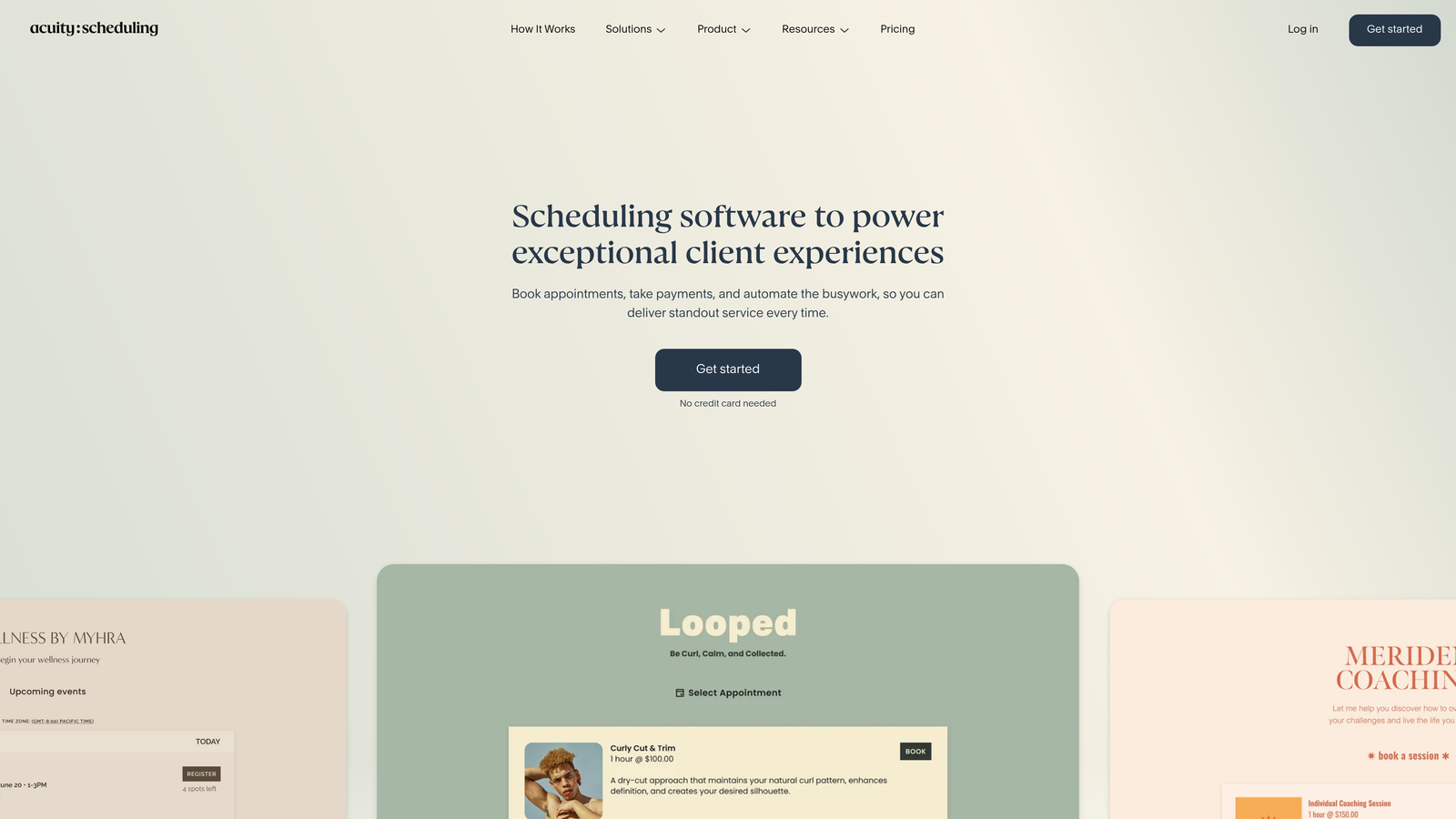
Acuity Scheduling is a Squarespace-owned platform built for service businesses that need detailed intake forms, payment processing, and flexible appointment management in one place.
Where This Tool Shines
Acuity goes deeper on intake customization than most pure scheduling tools. You can build different intake forms for different appointment types, meaning a new client consultation collects different information than a follow-up session. This is particularly useful for law firms, therapists, and accountants where the intake requirements vary significantly by service.
The built-in payment processing is another standout. Collecting deposits or full payment at booking reduces no-shows considerably, and Acuity handles this natively through Stripe, Square, or PayPal without requiring a third-party workaround. The client self-service portal also lets clients reschedule or cancel on their own, reducing administrative overhead for your team.
Key Features
Appointment-Type-Specific Intake Forms: Custom intake questions tied to specific service types rather than a one-size-fits-all approach.
Built-In Payment Processing: Accept deposits or full payment at booking via Stripe, Square, or PayPal.
Packages and Subscriptions: Sell service packages, gift certificates, and recurring appointments directly through the booking flow.
Client Self-Service Portal: Clients can manage their own appointments, reducing back-and-forth with your team.
HIPAA-Compliant Option: Available for healthcare professionals and other regulated service providers.
Best For
Acuity is an excellent fit for professional services firms with diverse service menus, high intake complexity, or a need to collect payment at booking. It's particularly popular with legal, wellness, and financial services providers.
Pricing
Plans start at $16 per month on the Emerging plan, with higher tiers available for growing teams.
4. HubSpot Meetings
Best for: Firms already running on HubSpot CRM that want booking data to flow directly into their sales pipeline.
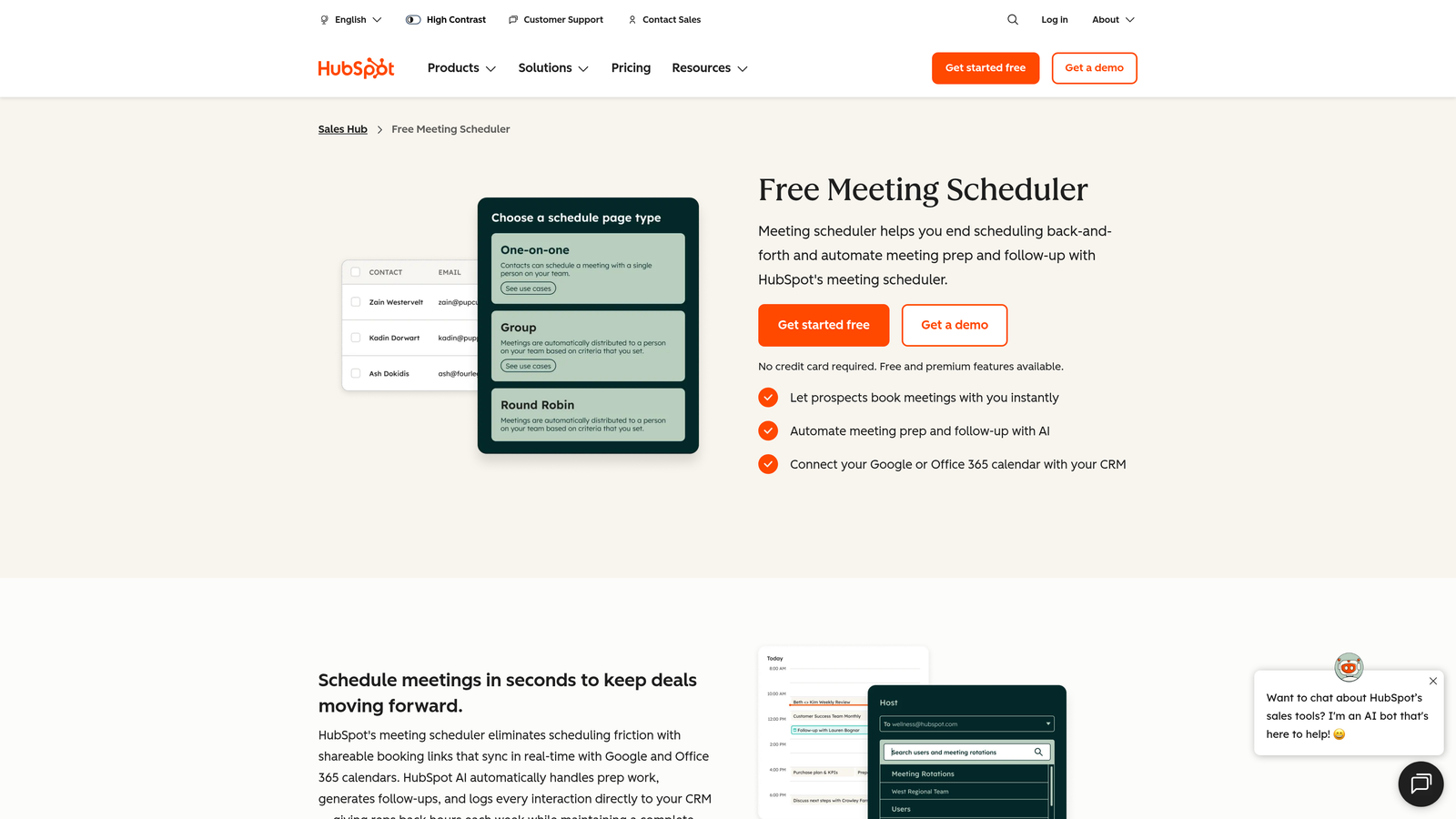
HubSpot Meetings is a native scheduling tool embedded within the HubSpot ecosystem, connecting booking activity directly to CRM records, deals, and sales workflows.
Where This Tool Shines
If your firm lives in HubSpot, this tool eliminates a significant data problem. Every booking automatically creates or updates a contact record, logs the meeting, and can trigger workflow automation, all without any manual CRM entry. For sales-focused professional services teams tracking pipeline stages, this tight integration is genuinely valuable.
The embeddable meeting links work cleanly within email signatures, website pages, and outbound sequences. Pre-meeting form fields populate directly into CRM properties, so by the time the call happens, your team already has context on the prospect's situation without digging through a separate intake form or email thread.
Key Features
CRM-Native Booking: Automatic contact creation and meeting logging with every booking, no manual entry required.
Embeddable Meeting Links: Drop booking links into emails, website pages, or outbound sequences with minimal friction.
Round-Robin and Group Scheduling: Route prospects to available team members or schedule multi-person meetings.
CRM Property Population: Pre-meeting form fields map directly to HubSpot contact and deal properties.
Workflow Automation: Bookings trigger HubSpot workflows for follow-up sequences, notifications, and pipeline updates.
Best For
HubSpot Meetings is the natural choice for professional services firms already invested in the HubSpot ecosystem. Outside of that context, its standalone value is more limited compared to dedicated scheduling platforms.
Pricing
Available free with HubSpot CRM. Advanced features require Sales Hub Starter at $20 per seat per month.
5. Typeform
Best for: Agencies and brand-conscious firms that want their booking intake to feel like a premium, conversational experience.
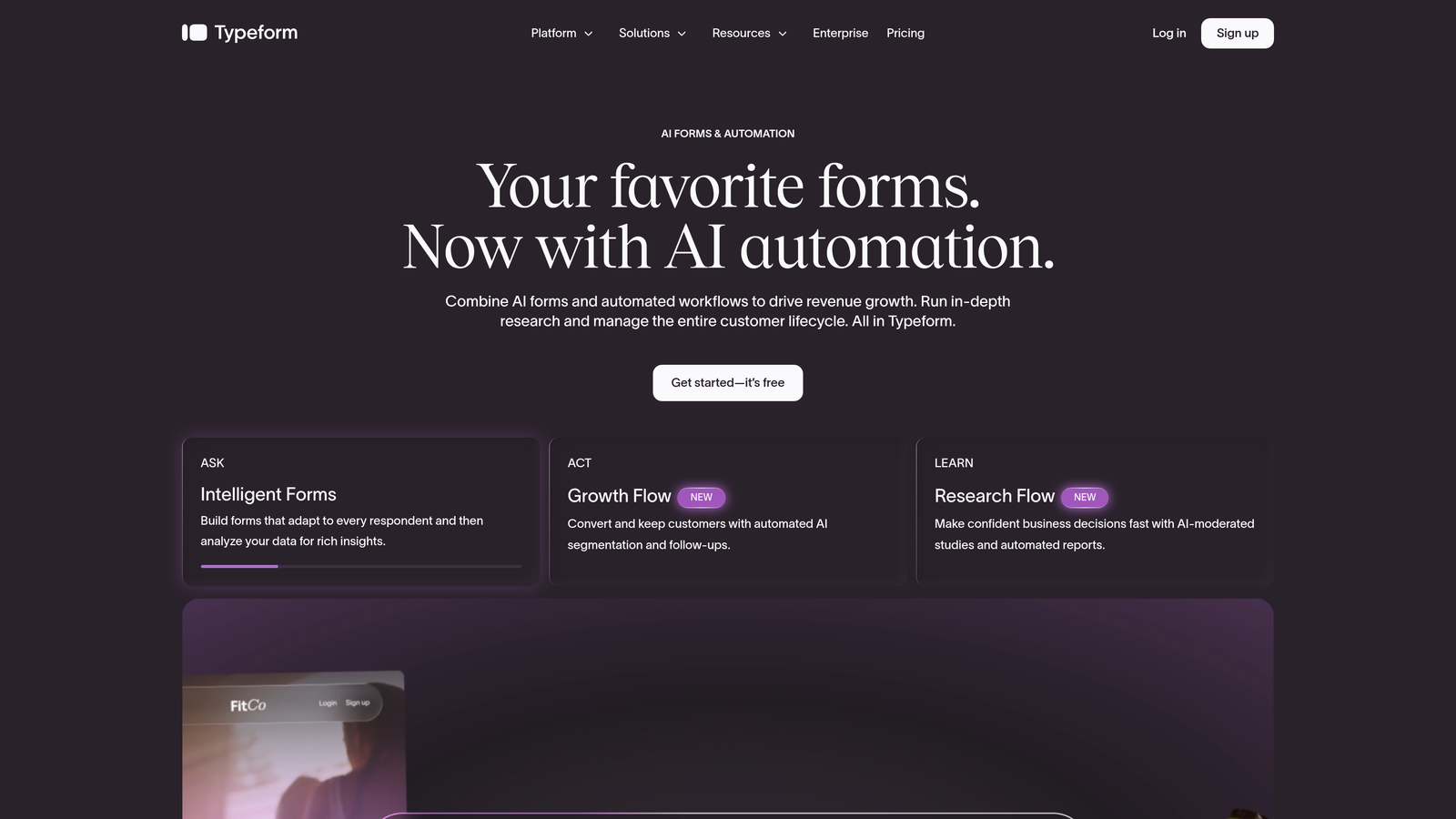
Typeform is a conversational form builder that presents one question at a time, creating an engaging intake experience that feels more like a dialogue than a data collection exercise.
Where This Tool Shines
Typeform's one-question-at-a-time format dramatically changes how prospects experience the intake process. Instead of staring at a long form with fifteen fields, they answer one question, then the next, in a flow that feels natural and low-pressure. For professional services firms where the intake form is often the first real impression of the brand, this matters.
The conditional logic and branching capabilities allow you to build sophisticated qualification flows that adapt based on answers. Pair this with Typeform's Calendly integration, which lets prospects schedule directly within the form after completing intake, and you get a combined qualification-plus-booking experience without needing to stitch together multiple tools manually.
Key Features
Conversational One-Question UX: Presents questions sequentially to reduce overwhelm and improve completion rates.
Logic Jumps and Conditional Branching: Routes prospects through different question paths based on their answers.
Calendly Integration: Embed scheduling directly within the form flow after intake questions are complete.
Extensive Design Customization: Full branding control including fonts, colors, imagery, and custom domains.
CRM and Zapier Integrations: Connect form responses to your CRM or other tools via native integrations or Zapier.
Best For
Typeform is an excellent choice for agencies, consultancies, and professional services firms where brand experience is a differentiator. It requires pairing with a scheduling tool for full booking functionality, which adds some complexity.
Pricing
Free plan available with limited responses. Paid plans start at $25 per month.
6. Jotform
Best for: Teams that want maximum template variety and a flexible all-in-one form and appointment scheduling solution.
Jotform is a versatile form builder with an extensive template library, an appointment scheduling widget, and built-in payment processing, covering a wide range of professional services booking needs.
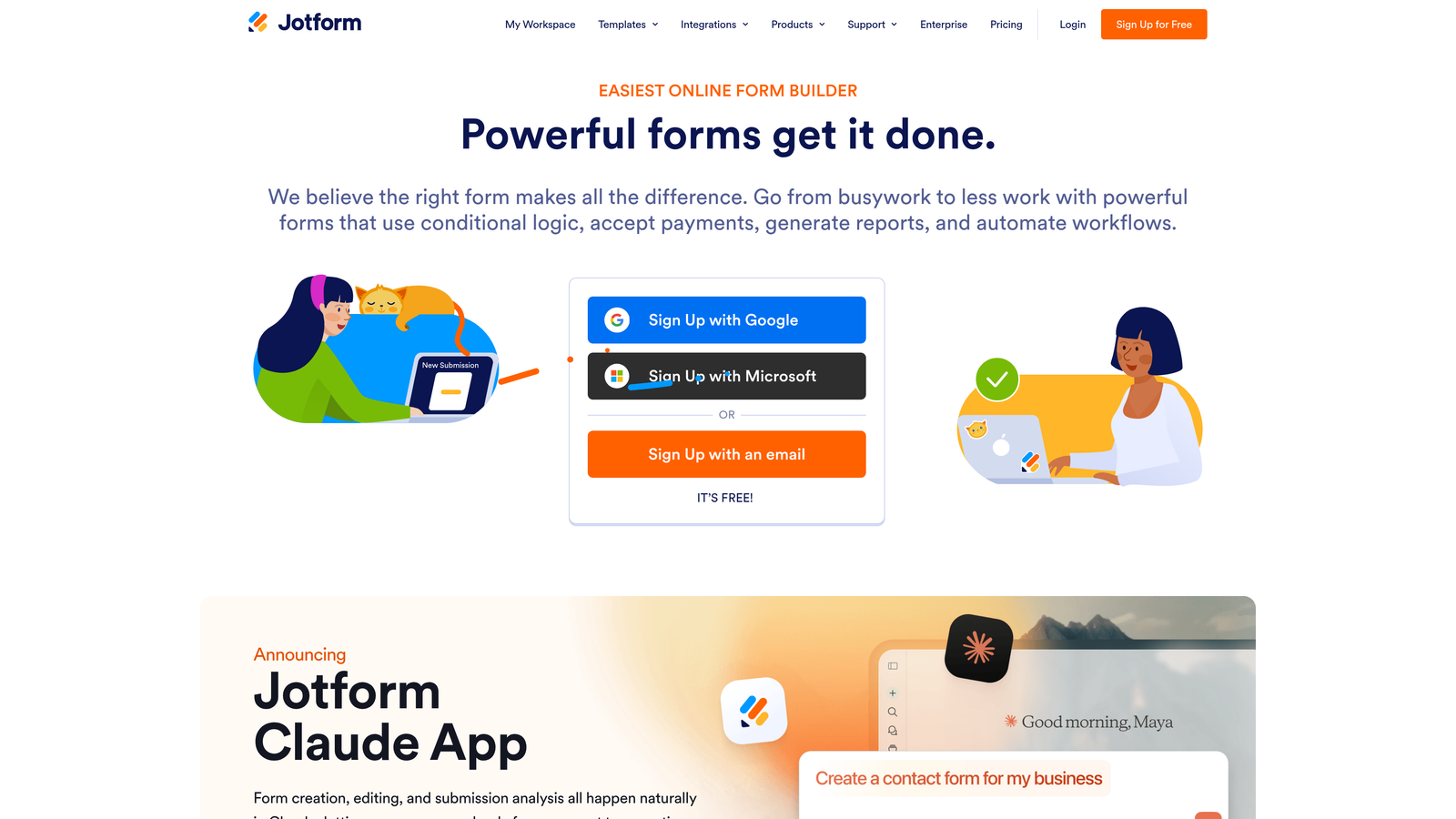
Where This Tool Shines
Jotform's template library is one of the largest in the market, with thousands of booking and intake form templates across industries. For professional services firms that want to get up and running quickly without building from scratch, this is a genuine advantage. The appointment scheduling widget integrates calendar sync directly into forms, so intake and booking happen in a single submission flow.
The platform's conditional logic capabilities allow multi-page forms to adapt based on responses, routing prospects through relevant sections while skipping irrelevant ones. HIPAA-compliant plans make it a viable option for healthcare-adjacent professional services, and payment collection via Stripe, PayPal, or Square adds another layer of functionality for firms that charge consultation fees.
Key Features
Massive Template Library: Over 10,000 templates including booking-specific options across industries.
Appointment Scheduling Widget: Embedded calendar sync within forms for combined intake and booking.
Payment Collection: Accept consultation fees or deposits via PayPal, Stripe, or Square.
Conditional Logic and Multi-Page Forms: Create branching intake flows that adapt to prospect responses.
HIPAA-Compliant Plans: Available for regulated professional services environments.
Best For
Jotform suits professional services firms that need flexibility across multiple use cases, from booking to contracts to payment collection, without investing in multiple separate tools. It's particularly strong for teams that value a large template library as a starting point.
Pricing
Free plan supports up to 5 forms. Paid plans start at $34 per month.
7. Cal.com
Best for: Developer-friendly teams or firms that need full customization control and open-source flexibility.
Cal.com is an open-source scheduling platform with self-hosting options, an API-first architecture, and deep customization capabilities for teams that want complete control over their booking infrastructure.
Where This Tool Shines
Cal.com occupies a unique position in this market: it's the only major scheduling platform that offers full open-source access. For professional services firms with technical resources, this means you can self-host, modify the codebase, and build custom integrations without being constrained by a vendor's feature roadmap or data policies.
Even without self-hosting, Cal.com's API-first design makes it significantly more extensible than most scheduling tools. Teams can build custom booking flows, integrate with proprietary CRM systems, or embed scheduling into existing client portals in ways that closed platforms simply don't support. The pre-booking question fields and routing logic cover the basics for qualification, though they're not as sophisticated as AI-driven platforms.
Key Features
Open-Source Codebase: Full access to source code with self-hosting option for complete data control.
API-First Architecture: Designed for custom integrations and embedding within existing applications.
Customizable Booking Pages: Extensive control over booking page design and workflow logic.
Team Scheduling: Round-robin, collective events, and multi-person booking support.
Pre-Booking Questions and Routing: Collect intake information and route to appropriate team members or appointment types.
Best For
Cal.com is the right choice for tech-forward professional services firms, SaaS companies, or any team with developer resources who want full ownership and extensibility over their scheduling infrastructure.
Pricing
Free for individual users. Team plan starts at $12 per user per month.
8. Setmore
Best for: Small professional services firms or solo practitioners looking for a capable, budget-friendly scheduling solution.
Setmore is a scheduling platform with a generous free tier, staff management features, and a branded booking page designed for small service businesses.
Where This Tool Shines
Setmore's free plan is genuinely functional, supporting up to four staff profiles without requiring a credit card. For solo practitioners or small firms just getting started with online booking, this removes the cost barrier entirely while still providing a professional-looking booking page with your branding, services, and availability.
The platform includes automated email and SMS reminders, which address one of the most common pain points for professional services firms: no-shows. Integrations with Zoom and Google Meet handle virtual meeting link generation automatically, and the customer review feature adds a social proof element to your booking page that can build confidence with new prospects.
Key Features
Generous Free Plan: Supports up to 4 staff profiles at no cost, making it accessible for small teams.
Branded Booking Page: Customizable page with service menu, staff profiles, and availability display.
Automated Reminders: Email and SMS reminders reduce no-shows without manual follow-up.
Video Meeting Integrations: Native connections with Zoom and Google Meet for automatic link generation.
Recurring Appointments: Support for ongoing client relationships with repeat booking functionality.
Best For
Setmore is ideal for solo consultants, small legal practices, or independent financial advisors who want a professional booking experience without a significant monthly investment. It's a strong starting point before scaling to more feature-rich platforms.
Pricing
Free plan available. Pro plan starts at $5 per user per month.
9. Cogsworth
Best for: Professional services firms that need conditional logic to route prospects to the right appointment type, service, or team member.
Cogsworth is an embeddable booking form builder that uses conditional logic to guide prospects through a decision-tree booking flow, ensuring they land on the right appointment type before confirming.
Where This Tool Shines
Cogsworth solves a specific problem that many professional services firms encounter: when you offer multiple services or have multiple specialists, a single generic booking link creates confusion. Prospects don't know whether to book a "discovery call," a "tax consultation," or a "contract review," and they often make the wrong choice or abandon the process entirely.
Cogsworth's conditional logic-driven flows ask qualifying questions first, then route the prospect to the appropriate appointment type, calendar, or team member based on their answers. The embeddable design means this experience lives directly on your website, matching your branding without redirecting prospects to a third-party page. For multi-service or multi-location firms, this routing capability is a meaningful differentiator.
Key Features
Conditional Logic Booking Flows: Decision-tree routing guides prospects to the right appointment type based on their responses.
Embeddable Forms: Embed directly on your website with design customization to match your brand.
Multi-Service and Multi-Location Routing: Handle complex service menus and team structures within a single booking flow.
Calendar Sync: Integrates with Google Calendar, Outlook, and iCal for real-time availability.
White-Label Options: Custom branding and white-label capabilities for agencies or firms with strict brand standards.
Best For
Cogsworth is a strong fit for multi-service professional services firms, agencies managing multiple client verticals, or any team where routing the right prospect to the right appointment type is a recurring challenge.
Pricing
Plans start at $9 per month on the Solo plan, making it one of the more affordable options with conditional logic capabilities.
Making the Right Choice for Your Firm
The best booking form for your professional services firm depends on where your biggest friction point actually lives. Is it qualification? Routing? Intake complexity? Payment collection? The tools above each solve a different version of the same core problem.
Here's a quick-hit guide to help you navigate the decision:
Orbit AI: Best when you want AI-powered lead qualification baked into the booking flow itself, filtering out poor-fit prospects before they ever reach your calendar.
Calendly: Best for simplicity and reliability. If you need a clean, widely recognized scheduling experience with minimal setup, this is the default choice.
Acuity Scheduling: Best for intake-heavy workflows where different appointment types require different intake forms, and where collecting payment at booking is important.
HubSpot Meetings: Best for CRM-centric firms already running on HubSpot who want booking data to flow automatically into their pipeline.
Typeform: Best for brand-forward agencies and consultancies where the intake experience itself is a differentiator and a reflection of your firm's quality.
Jotform: Best for teams that need flexibility across multiple use cases and want a large template library to start from.
Cal.com: Best for developer-friendly teams that want open-source control, self-hosting, and API extensibility.
Setmore: Best for solo practitioners and small firms that need a professional booking page without a significant monthly cost.
Cogsworth: Best for multi-service or multi-location firms where routing prospects to the right appointment type is the core challenge.
Whatever tool you choose, remember that the goal isn't just to make booking easier. It's to make booking smarter. The right form reduces no-shows, pre-qualifies leads before the call, and removes the scheduling friction that costs you clients at the very first touchpoint. Our guides on how to qualify leads with forms and how to reduce form field friction can help you optimize whichever platform you select.
If you're ready to combine intelligent qualification with a beautiful, conversion-optimized booking experience, start building free forms today and see how Orbit AI's approach can transform the quality of your inbound pipeline from the very first interaction.


