

Paper intake forms have a way of starting the patient relationship on the wrong foot. Clipboards full of redundant questions, illegible handwriting, manual data entry back at the front desk, and a waiting room full of patients wondering why they're still filling out paperwork in 2026. It's a familiar scene, and it costs practices real time and real money.
Digital intake form solutions solve this by moving registration online, before the patient ever walks through the door. The best platforms capture insurance details, collect medical histories, gather consent signatures, and maintain HIPAA compliance, all without adding complexity to your staff's workflow. If you're thinking about how to build more effective web forms or want to understand how to reduce form field friction for patients, the right tool makes all the difference.
This article covers nine platforms worth considering for healthcare intake. Each was evaluated on ease of use, HIPAA compliance capabilities, EHR and practice management integrations, customization options, and pricing transparency. Whether you run a solo practice or a multi-location health system, there's a solution here that fits.
1. Orbit AI
Best for: Healthcare practices that want AI-powered intake triage and conversion-optimized form design
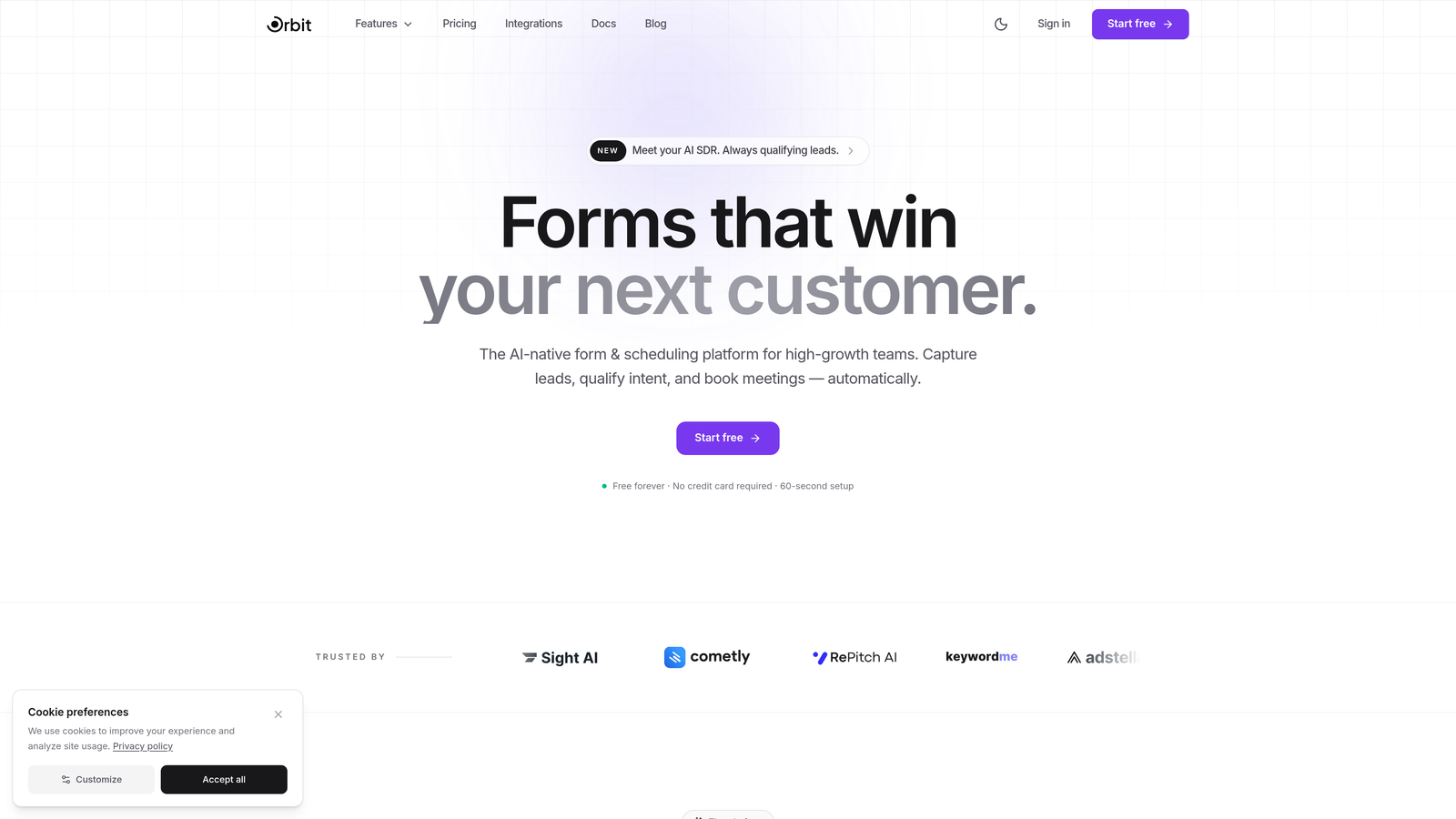
Orbit AI is a modern, AI-powered form builder that brings intelligent lead qualification and dynamic conditional logic to healthcare intake workflows.
Where This Tool Shines
Orbit AI's standout capability is its AI-powered qualification layer, which can triage and prioritize patient submissions as they come in. For busy practices managing high volumes of new patient requests, this means your front desk team isn't manually sorting through every submission to determine urgency or appointment type. The system does that work automatically.
The platform is also built with conversion optimization at its core. Forms are designed to reduce abandonment, which matters more than most practices realize. A patient who starts but doesn't finish an intake form is a scheduling gap waiting to happen. Orbit AI's mobile-responsive templates and clean design keep patients moving through the process.
Key Features
AI-Powered Lead Qualification: Automatically triages and prioritizes incoming patient submissions based on responses, helping staff focus on the most urgent cases first.
Dynamic Conditional Logic: Form fields adapt in real time based on patient answers, so patients only see questions relevant to their situation rather than a wall of irrelevant fields.
Conversion-Optimized Design: Templates are built to minimize drop-off, with modern layouts that work seamlessly on mobile devices.
CRM and Third-Party Integrations: Connects with CRMs and a range of healthcare-adjacent tools to route intake data where your team needs it.
Modern Form Templates: Pre-built, customizable templates that can be adapted for different visit types, specialties, and intake scenarios.
Best For
Healthcare practices, clinics, and digital health teams that want to move beyond basic form builders and apply intelligent automation to their intake process. Particularly well-suited for high-growth practices managing significant new patient volume where manual triage creates bottlenecks.
Pricing
Visit orbitforms.ai for current pricing plans. Multiple tiers are available to fit different practice sizes and needs.
2. Jotform
Best for: Practices wanting a large library of healthcare templates with minimal setup time
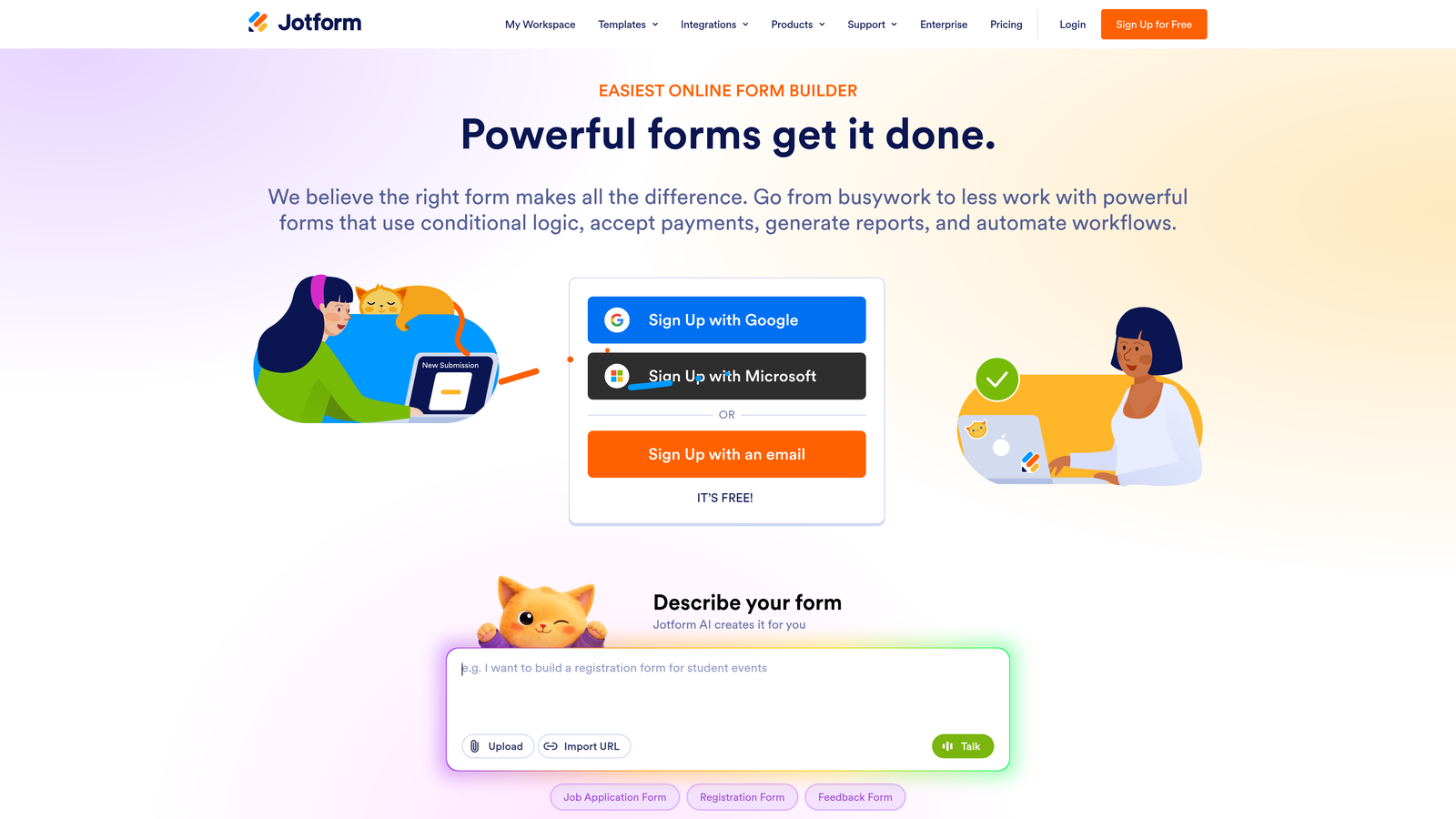
Jotform is a popular drag-and-drop form builder with one of the largest collections of healthcare-specific templates available on the market.
Where This Tool Shines
Jotform's biggest advantage for healthcare is sheer template volume. With over 300 pre-built medical and healthcare forms, most practices can find a starting point that's already close to what they need. This dramatically reduces setup time compared to building from scratch.
HIPAA compliance is available on paid plans, which makes Jotform a practical choice for practices that want a familiar, general-purpose tool without sacrificing compliance. The interface is intuitive enough that non-technical staff can manage form updates independently.
Key Features
300+ Healthcare Templates: Pre-built forms covering patient registration, medical history, consent, and specialty-specific intake scenarios.
HIPAA Compliance with BAA: Available on Gold plan and above, enabling practices to handle protected health information appropriately.
Drag-and-Drop Builder: No coding required; forms can be created and modified by administrative staff without technical support.
Payment and E-Signature Widgets: Collect copays or gather consent signatures within the same form workflow.
Broad Integrations: Connects with Google Sheets, Airtable, and a range of EHR-adjacent systems through native integrations and Zapier.
Best For
Small to mid-size practices that want a proven, widely-used platform with minimal learning curve. Also a good fit for practices that need HIPAA compliance but don't require deep EHR integration out of the box.
Pricing
Free tier available for non-PHI use cases. HIPAA-compliant plans start around $34/month on the Gold plan, billed annually.
3. Phreesia
Best for: Mid-size to large practices needing automated insurance verification and clinical screening at intake
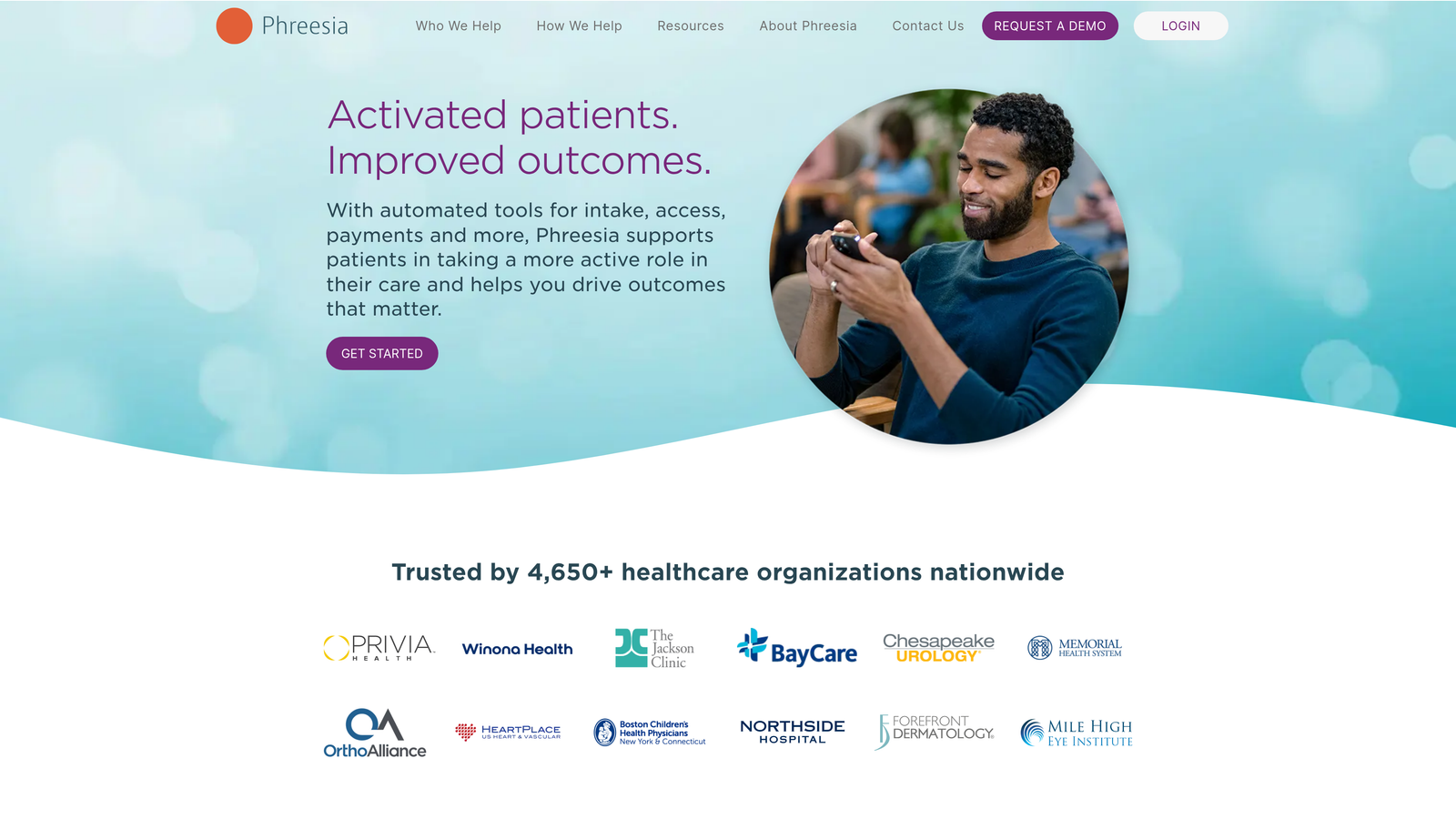
Phreesia is a purpose-built patient intake management platform designed specifically for healthcare environments, with deep operational capabilities beyond basic form collection.
Where This Tool Shines
Phreesia goes well beyond collecting patient information. Its automated insurance eligibility verification runs at check-in, reducing claim denials and front-desk phone calls. The platform also handles copay and outstanding balance collection during the intake process, which can meaningfully improve a practice's revenue cycle without adding staff workload.
The clinical screening tools are another differentiator. Standardized questionnaires like PHQ-9 for depression screening and GAD-7 for anxiety can be embedded directly into the intake flow, automatically surfacing results for the care team before the appointment begins.
Key Features
Automated Insurance Eligibility Verification: Checks coverage in real time at check-in, reducing manual verification calls and claim errors.
Copay and Balance Collection: Patients can pay outstanding amounts during intake, improving collections without extra staff effort.
Clinical Screening Questionnaires: Built-in support for PHQ-9, GAD-7, and other validated screening tools integrated into the intake workflow.
Deep EHR/PM Integrations: Native connections with Epic, Cerner, athenahealth, and other major systems for seamless data transfer.
Kiosk and Mobile Check-In: Supports both in-office self-service kiosks and pre-appointment mobile check-in options.
Best For
Multi-provider practices and larger health systems that need a comprehensive intake platform with revenue cycle, clinical screening, and EHR integration built in. Less suited for solo practitioners or practices with very basic intake needs.
Pricing
Custom pricing based on practice size and selected modules. Contact Phreesia directly for a quote tailored to your organization.
4. IntakeQ
Best for: Private practices wanting a healthcare-native intake platform with scheduling and secure messaging
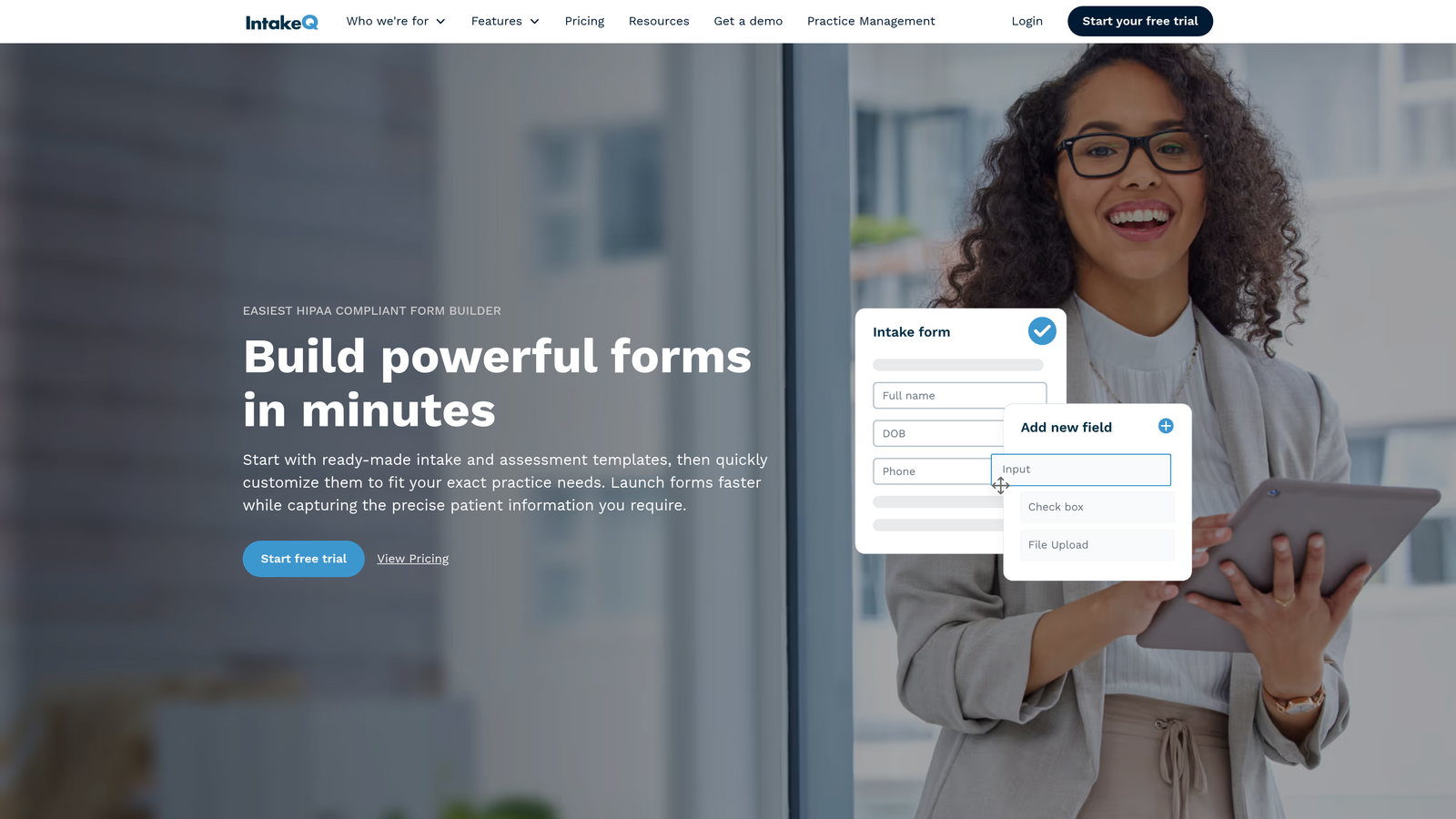
IntakeQ is built specifically for private practice environments, combining HIPAA-compliant intake forms with appointment scheduling and patient communication tools.
Where This Tool Shines
IntakeQ was designed with private practice workflows in mind, which shows in the details. Forms are automatically sent to patients when appointments are booked, reminders go out automatically, and completed forms land in a secure portal where practitioners can review them before the visit. There's no manual coordination required once the workflow is configured.
The secure patient messaging portal is a genuine differentiator for practices that want to consolidate communication. Instead of patients emailing sensitive information or calling the front desk, everything flows through a HIPAA-compliant channel.
Key Features
HIPAA-Compliant Forms with E-Signatures: Patients can complete and sign intake documents digitally before their appointment.
Appointment Scheduling and Reminders: Built-in scheduling with automated reminders reduces no-shows and manual follow-up.
Secure Patient Messaging: HIPAA-compliant two-way messaging keeps patient communication contained within a secure portal.
Specialty-Specific Templates: Customizable forms for mental health, physical therapy, chiropractic, and other private practice specialties.
Practice Management Integrations: Connects with platforms like Jane App and Cliniko for practices already using those systems.
Best For
Solo practitioners and small private practices in specialties like mental health, physical therapy, or integrative medicine that want an all-in-one intake and communication platform without enterprise-level complexity or cost.
Pricing
Starts at $49.90/month for solo practitioners. Multi-practitioner plans are available at higher tiers based on provider count.
5. Formstack
Best for: Healthcare organizations needing workflow automation, document generation, and e-signatures in one platform
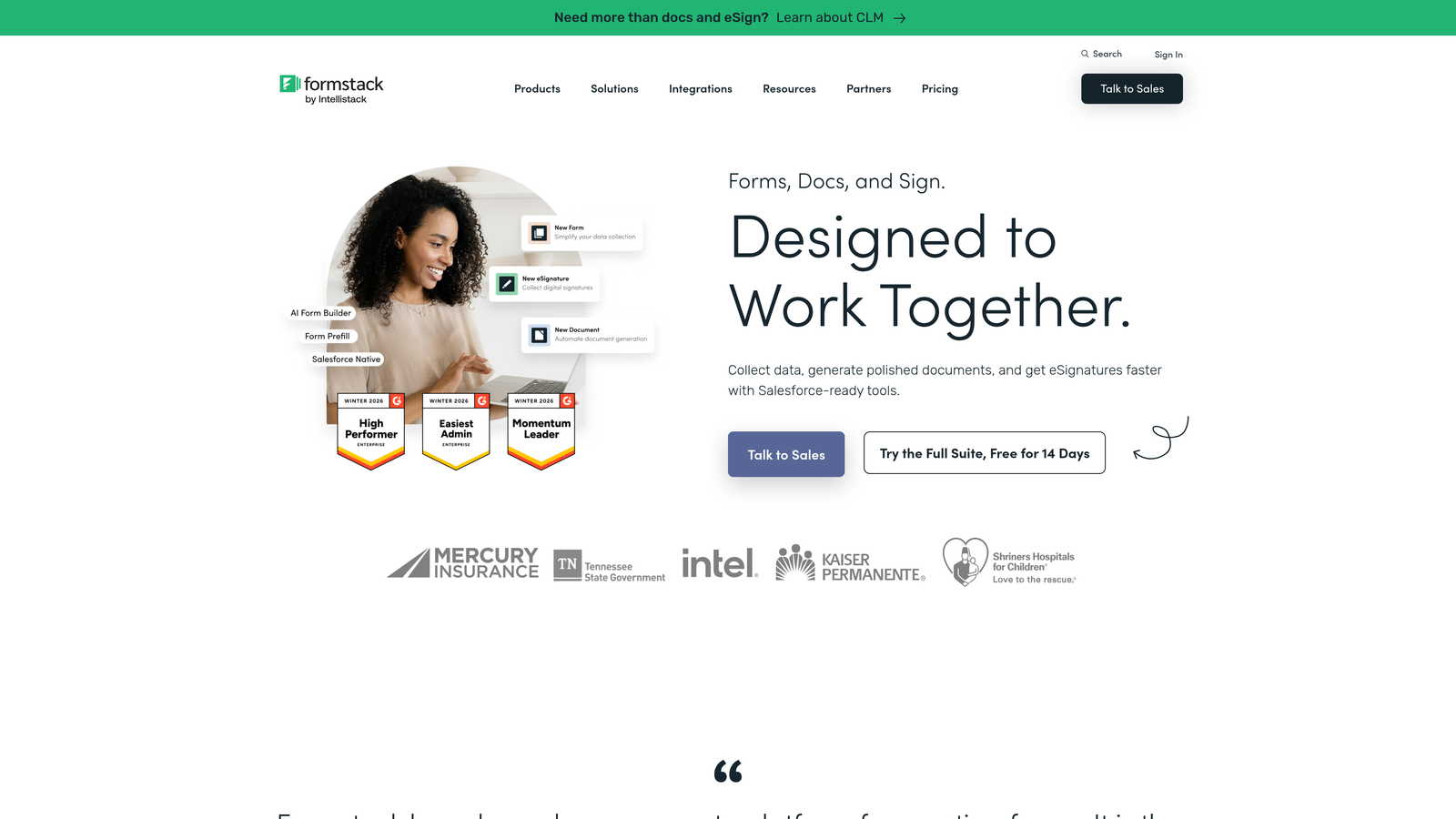
Formstack is a workflow automation platform that combines HIPAA-compliant form building with document creation and electronic signature capabilities.
Where This Tool Shines
Formstack's strength is its ability to connect intake data collection to downstream workflows. When a patient submits a form, that data can automatically generate documents, route notifications to the appropriate staff, and trigger next steps, all without manual intervention. For practices dealing with high administrative overhead, this kind of automation can make a real difference.
The native e-signature tool, Formstack Sign, means practices don't need a separate service for consent forms and agreements. Everything stays within one platform, which simplifies vendor management and compliance documentation.
Key Features
HIPAA-Compliant Form Builder with BAA: Meets PHI handling requirements with a Business Associate Agreement available for healthcare organizations.
Workflow Automation: Routes intake data to the right team members automatically based on form responses and rules.
Document Generation: Creates formatted documents from form submissions, useful for consent packets and intake summaries.
Formstack Sign: Native e-signature tool built directly into the platform for consent and agreement workflows.
Broad Integrations: Connects with Salesforce, Microsoft 365, and a range of healthcare and administrative platforms.
Best For
Healthcare organizations and larger practices that need more than a form builder and want to automate the entire intake-to-documentation workflow. Also a strong fit for practices already using Salesforce for patient relationship management.
Pricing
HIPAA-compliant plans start around $92/month billed annually. Pricing scales based on features and user count.
6. Google Forms
Best for: Practices with minimal budget that need basic intake forms and already use Google Workspace
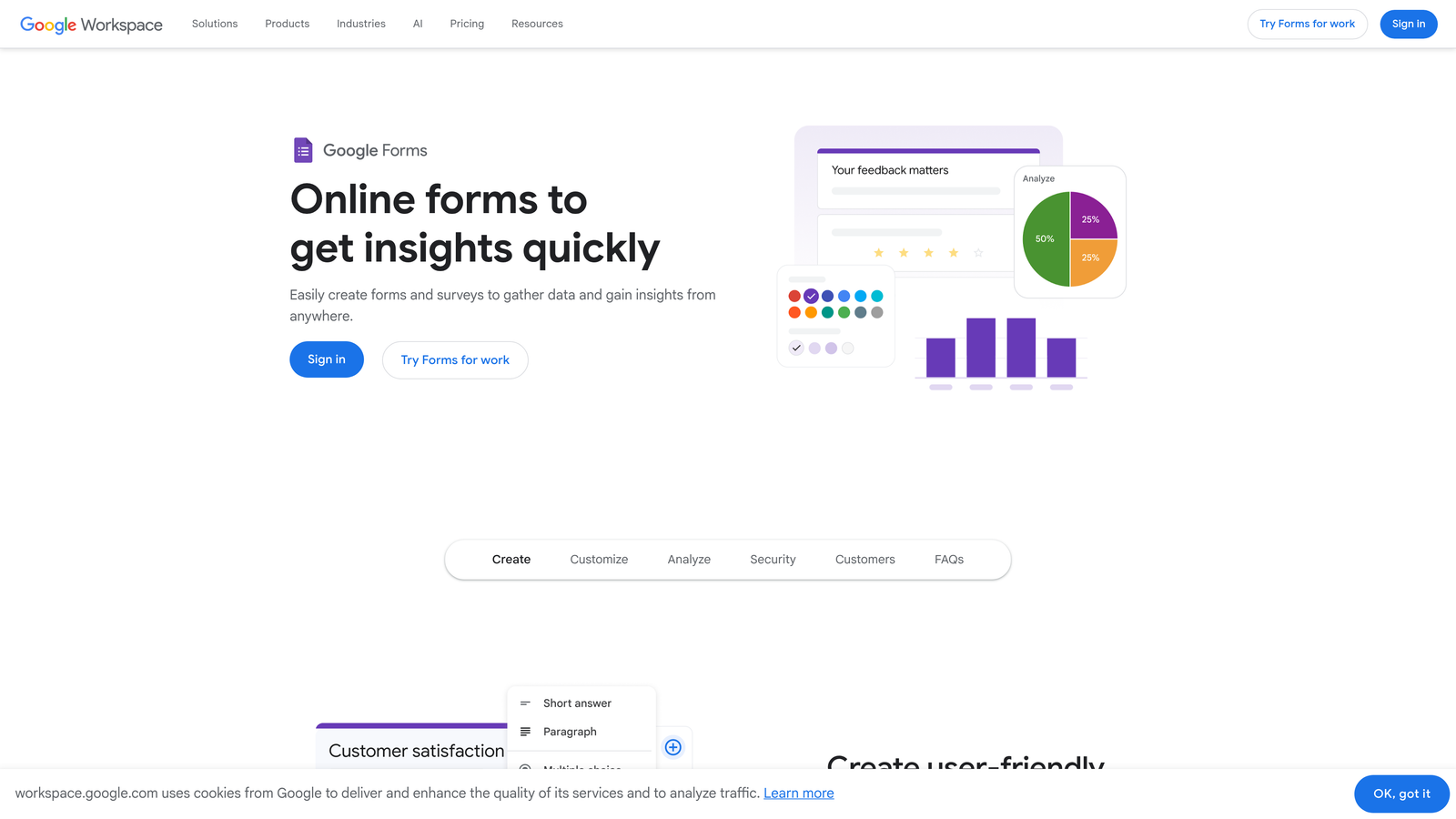
Google Forms is a free, widely familiar form builder that can be used for basic healthcare intake under specific compliance conditions, though with notable limitations.
Where This Tool Shines
Google Forms' primary appeal is zero cost and near-universal familiarity. Most staff already know how to use it, responses flow directly into Google Sheets for easy review, and setup takes minutes rather than hours. For practices with very simple intake needs and tight budgets, it removes barriers to getting started.
That said, HIPAA compliance with Google Forms is conditional and limited. It requires a Google Workspace Business or Enterprise plan with a signed Business Associate Agreement, and even then, the tool lacks native e-signature support, advanced conditional logic, or any clinical workflow integration. It's a starting point, not a long-term solution for most practices.
Key Features
Free to Use: Available at no cost with any Google account, with responses collected automatically in Google Sheets.
Simple Form Creation: Drag-and-drop interface familiar to most users with minimal learning curve.
Conditional HIPAA Coverage: HIPAA compliance is possible only with Google Workspace Business or Enterprise plans and a signed BAA.
Google Ecosystem Integration: Works natively with Google Sheets, Drive, and other Workspace tools.
Limited Customization: No native e-signature, limited branding options, and basic conditional logic compared to purpose-built tools.
Best For
Practices in early stages of digitizing intake that need a free, immediate solution and already operate within the Google Workspace environment. Not recommended as a long-term solution for practices handling significant PHI or needing clinical workflow integration.
Pricing
Free for basic use. Google Workspace plans with BAA eligibility start at $12/user/month on Business Starter.
7. Typeform
Best for: Practices prioritizing patient experience and engagement over traditional form design
Typeform is a conversational form builder that presents one question at a time, creating a more approachable and engaging intake experience for patients.
Where This Tool Shines
Typeform's one-question-at-a-time format feels fundamentally different from a traditional form. For patients who might feel overwhelmed by a long list of medical questions, the conversational approach reduces cognitive load and tends to improve completion rates. It's particularly effective for mental health, wellness, and specialty practices where patient experience is a priority.
The visual design is consistently polished, which matters for practices that want their digital touchpoints to reflect a modern, patient-centered brand. Conditional logic allows the form to branch based on answers, so patients only encounter questions relevant to their situation.
Key Features
Conversational Interface: One-question-at-a-time format that feels less clinical and more approachable for patients.
Conditional Logic and Branching: Personalizes the intake flow based on patient responses, reducing irrelevant questions.
Modern Visual Design: Polished, brand-consistent templates that elevate the patient-facing experience.
Broad Integrations: Connects with CRMs, email platforms, and Zapier for routing intake data to existing tools.
HIPAA Compliance on Business Plan: BAA available on the Business plan, enabling PHI handling for qualifying use cases.
Best For
Specialty practices, mental health providers, and wellness-focused clinics that want to differentiate through patient experience. Also a good fit for practices that already use Typeform for other purposes and want to extend it to intake.
Pricing
HIPAA compliance requires the Business plan, which starts around $83/month. Lower-tier plans are available but do not include BAA coverage.
8. Klara
Best for: Practices that want to combine digital intake with ongoing HIPAA-compliant patient communication
Klara is a patient communication platform that integrates digital intake forms with two-way messaging, appointment reminders, and broadcast capabilities in a single HIPAA-compliant environment.
Where This Tool Shines
Klara's differentiator is the way it connects pre-visit intake with ongoing patient communication. Intake forms are sent via text message before appointments, meeting patients where they already are rather than requiring them to log into a portal. Once the relationship is established, the same platform handles follow-up messages, appointment reminders, and broadcast outreach.
For practices struggling with patient communication fragmentation, where intake happens one way, reminders go out another way, and follow-up is handled through yet another channel, Klara consolidates everything into one compliant workflow.
Key Features
Text-Based Intake Delivery: Intake forms are sent via SMS before appointments, improving completion rates without requiring portal logins.
Two-Way HIPAA-Compliant Messaging: Enables secure back-and-forth communication between patients and staff within the platform.
Automated Reminders and Follow-Ups: Reduces no-shows and post-visit gaps with automated appointment and follow-up messaging.
Broadcast Messaging: Allows practices to send outreach messages to patient segments for recalls, announcements, or campaigns.
EHR Integrations: Native connections with athenahealth, Nextech, ModMed, and other practice management systems.
Best For
Practices that view patient communication as a strategic priority and want intake to be the first step in a connected, ongoing patient relationship rather than a one-time administrative task.
Pricing
Custom pricing based on practice size and selected features. Contact Klara directly for a demo and pricing information.
9. DocuSign
Best for: Healthcare organizations that need enterprise-grade e-signature and consent form management with strong audit trails
DocuSign is the industry-leading e-signature platform with HIPAA-compliant agreement workflows, identity verification, and comprehensive consent management capabilities for healthcare settings.
Where This Tool Shines
DocuSign's primary value in healthcare is the trust and legal defensibility it brings to consent and agreement workflows. Its tamper-evident seal, detailed audit trail, and identity verification capabilities make it the right choice when signature integrity and compliance documentation are non-negotiable. For practices managing large volumes of consent forms, treatment agreements, or release authorizations, DocuSign provides a level of assurance that general-purpose form builders don't match.
It's worth noting that DocuSign is primarily a signature and agreement platform, not a patient intake form builder in the traditional sense. Practices typically pair it with another tool for clinical data collection and use DocuSign specifically for the consent and authorization layer.
Key Features
HIPAA-Compliant E-Signature with BAA: Meets healthcare compliance requirements for electronic signatures on consent and authorization documents.
Identity Verification: Authentication options confirm signer identity before documents are executed, adding a layer of security for sensitive agreements.
Pre-Built Healthcare Templates: Templates for common consent forms, treatment agreements, and HIPAA authorization documents.
Audit Trail and Tamper-Evident Seal: Every signed document includes a complete audit trail and cryptographic seal for compliance documentation.
EHR and Healthcare IT Integrations: Connects with major EHR and healthcare information systems for document workflow integration.
Best For
Larger healthcare organizations, hospital systems, and practices with complex consent management requirements where legal defensibility and audit documentation are critical priorities.
Pricing
The Business Pro plan, recommended for healthcare use cases, starts around $40/user/month. Enterprise pricing is available for larger organizations.
Choosing the Right Platform for Your Practice
The right intake form solution depends heavily on where your practice sits today and where you're headed. Here's a quick-pick guide to cut through the options.
Solo and small private practices will find the most value in IntakeQ or Jotform. Both offer HIPAA compliance at accessible price points, strong template libraries, and enough customization to handle specialty-specific intake without requiring technical expertise. IntakeQ edges ahead if you want scheduling and secure messaging built in.
Mid-size multi-provider practices should look closely at Phreesia, Klara, or Formstack depending on their priorities. Phreesia wins on revenue cycle and clinical screening integration. Klara is the choice if patient communication continuity matters most. Formstack fits practices that need to automate the entire intake-to-documentation workflow.
Large health systems with complex EHR environments and enterprise compliance requirements are best served by Phreesia for intake operations or DocuSign for consent and authorization management, often used in combination with existing EHR-native tools.
Across all practice sizes, three factors should anchor your decision: HIPAA compliance with a signed BAA, the ability to integrate with your existing EHR or practice management system, and a patient-facing experience that actually encourages completion rather than abandonment.
For practices that want to go further with intelligent automation, Orbit AI brings AI-powered triage and conversion-optimized design to intake workflows, helping high-growth teams manage new patient volume without proportionally increasing administrative overhead. If you're ready to explore what smarter intake looks like, start building free forms today and see how AI-powered form design can transform your patient acquisition process.
Want to go deeper on form optimization? Explore our guides on how to improve form conversion rates and contact forms for professional services for more strategies to reduce friction and improve intake performance.


