

Your form builder isn't just a data collection tool—it's the first real conversation your business has with potential customers. Choose wrong, and you're looking at abandoned forms, unqualified leads clogging your pipeline, and a sales team frustrated by low-quality submissions. Choose right, and you've got a conversion machine that not only captures information but actually understands which leads deserve immediate attention.
The problem? Most teams approach this decision by comparing feature lists and pricing tiers, missing the factors that actually determine whether a form builder will accelerate or bottleneck their growth. In 2026, high-growth teams are rethinking this entire category, moving beyond the traditional Typeform-versus-Jotform debate to ask deeper questions about lead quality, mobile experience, and intelligent automation.
Here's your strategic framework for making this decision—seven approaches that reveal what really matters when your conversion rates and pipeline quality hang in the balance.
1. Audit Your Actual Form Needs
The Challenge It Solves
Most teams jump straight into platform comparisons without documenting what they actually need from their forms. This leads to choosing based on impressive features you'll never use while missing capabilities that would transform your workflow. You end up either overpaying for unnecessary complexity or discovering critical gaps after you've already migrated your entire form infrastructure.
The Strategy Explained
Before you compare a single platform, spend time mapping your actual form requirements across your entire organization. Document every form type you currently use—lead capture, event registration, customer feedback, support requests, qualification surveys. For each one, identify the must-have capabilities versus nice-to-haves.
This isn't about creating the perfect wish list. It's about understanding your baseline requirements so you can evaluate platforms against real needs rather than marketing promises. Pay special attention to conditional logic requirements, file upload needs, payment processing, and any industry-specific compliance requirements that might eliminate certain options immediately.
Implementation Steps
1. Create a spreadsheet listing every form currently in use across your organization, including who owns it and its primary purpose.
2. For each form, document the required fields, conditional logic, integrations, and any special features (payments, file uploads, multi-step flows).
3. Interview stakeholders from sales, marketing, and customer success to understand their pain points with current forms and their ideal improvements.
4. Identify your three highest-impact forms—the ones that drive the most revenue or handle the most volume—and use these as your primary evaluation criteria.
Pro Tips
Don't just document current needs—anticipate growth. If you're planning to scale lead generation by 3x over the next year, make sure your requirements reflect the volume and complexity you'll need to handle, not just where you are today. This forward-thinking approach prevents another painful migration in twelve months.
2. Prioritize Lead Qualification Over Collection
The Challenge It Solves
Traditional form builders excel at collecting information but fall short when it comes to understanding which leads actually matter. Your sales team wastes hours sorting through submissions, trying to identify the qualified prospects buried among tire-kickers and spam. The result? Longer response times to your best leads and a pipeline bloated with opportunities that will never close.
The Strategy Explained
Shift your evaluation criteria from "Can this platform collect information?" to "Can this platform help me identify and prioritize qualified leads automatically?" This means looking beyond basic form fields to understand how each platform handles lead scoring, automatic routing, and intelligent follow-up. Implementing a robust lead grading system becomes essential for distinguishing high-value prospects from casual inquiries.
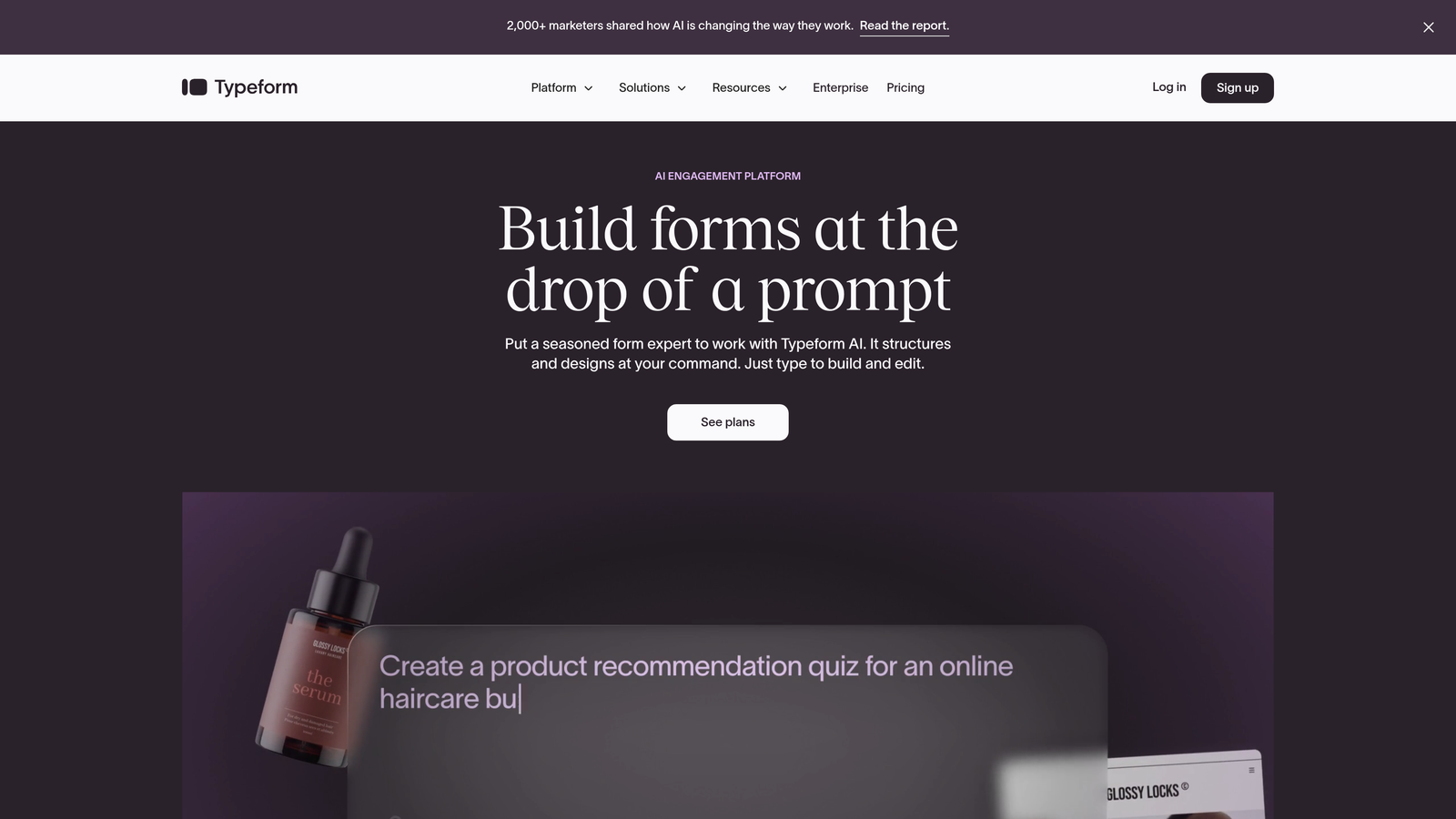
Typeform offers a clean, conversational experience but requires external tools or complex Zapier workflows to add qualification logic. Jotform provides conditional logic for branching but doesn't inherently understand lead quality. Modern alternatives built specifically for high-growth teams often include AI-powered qualification as a core feature, analyzing responses in real-time to route hot leads immediately while filtering out low-quality submissions.
The platforms that help you qualify—not just collect—transform your entire lead generation funnel. Instead of every submission landing in the same queue, your best prospects get immediate attention while others enter appropriate nurture sequences. Many teams are now exploring lead pre-qualification tools to automate this critical process.
Implementation Steps
1. Define what "qualified" means for your business—specific job titles, company sizes, budget indicators, or timeline signals that predict conversion likelihood.
2. During platform trials, build a test form with qualification logic and see how naturally each platform handles lead scoring and routing.
3. Evaluate whether qualification requires complex workarounds (multiple Zapier steps, external tools) or if it's built into the platform's core functionality.
4. Test how each platform presents qualified versus unqualified leads to your team—does it require manual sorting or does it automatically prioritize your pipeline?
Pro Tips
Ask potential vendors how their existing customers handle lead qualification. If the answer involves complicated multi-tool workflows or manual processes, that's a red flag. The best platforms make qualification feel automatic, not like a project you need to engineer.
3. Test Mobile Experience First
The Challenge It Solves
Form builders often showcase their desktop experience in demos and marketing materials, but many high-value leads will encounter your forms on mobile devices. A form that looks beautiful on your laptop can become a frustrating, abandonment-prone experience on a smartphone. By the time you discover mobile issues, you've already lost conversions you can't get back.
The Strategy Explained
Make mobile testing your first evaluation step, not an afterthought. Pull out your phone and actually complete forms on each platform you're considering—don't just resize your browser window and call it mobile testing. Pay attention to how fields behave, whether the keyboard covers important elements, how easy it is to navigate between questions, and whether the submit button is actually accessible without scrolling gymnastics.
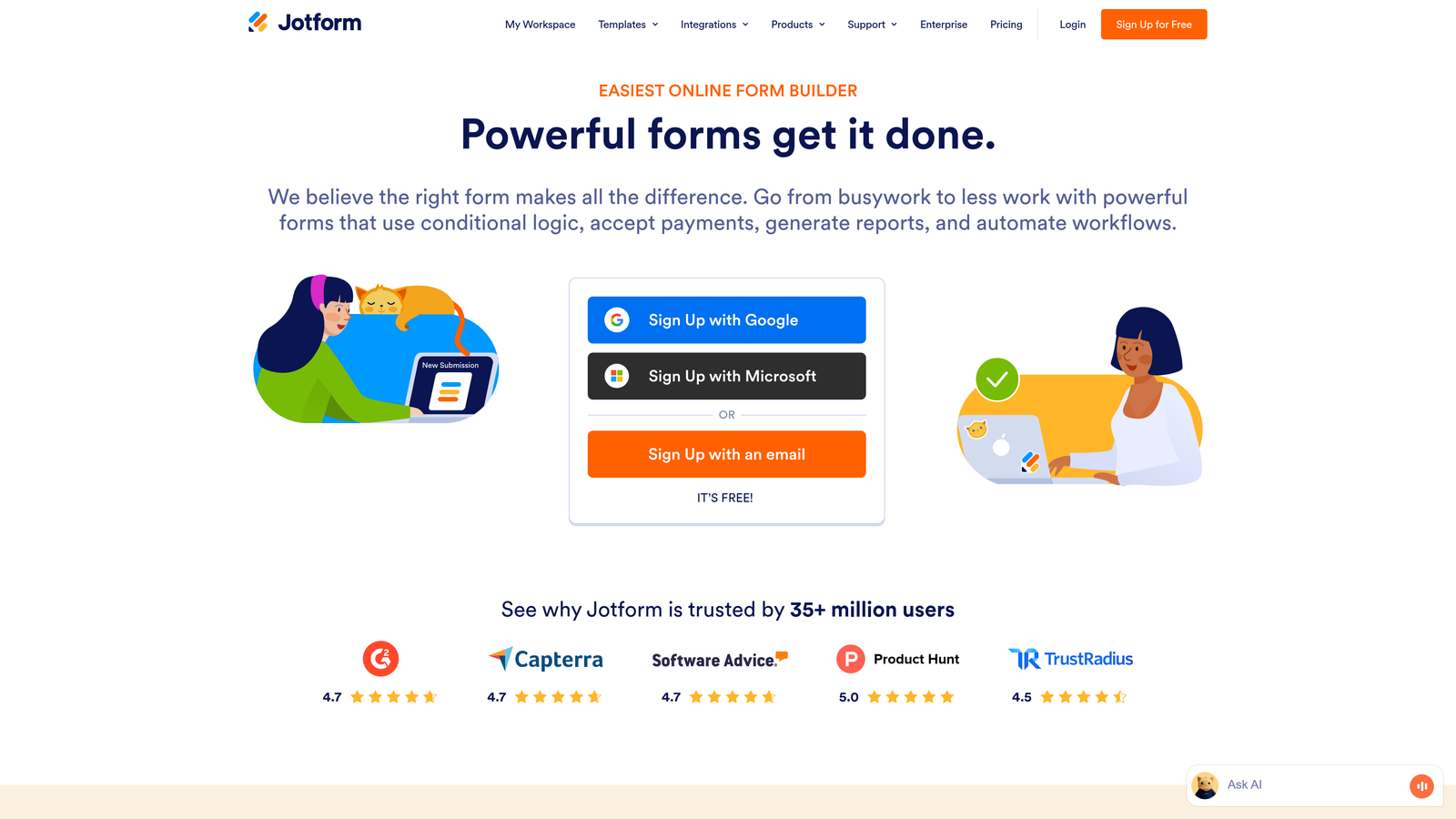
Typeform's one-question-at-a-time approach generally translates well to mobile, though the experience can feel slower for users who want to scan ahead. Jotform's traditional multi-field layouts can become cramped on smaller screens, requiring careful optimization. Look for platforms that prioritize responsive form design as a first-class experience rather than a responsive afterthought.
Implementation Steps
1. Create identical test forms on each platform you're evaluating—use the same fields, logic, and length.
2. Complete each form on multiple mobile devices (iPhone, Android) using different browsers to catch platform-specific issues.
3. Time yourself completing each form and note any friction points—awkward scrolling, tiny tap targets, keyboard issues, or confusing navigation.
4. Share test forms with colleagues and ask them to complete on mobile, gathering feedback on their experience without revealing which platform is which.
Pro Tips
Test your forms on older devices with smaller screens, not just the latest flagship phones. Your audience likely includes people with devices that are 2-3 years old, and those experiences matter just as much. If a form feels clunky on an older iPhone, you're losing real conversions.
4. Map Your Integration Ecosystem
The Challenge It Solves
A form builder is only as valuable as its ability to connect with your existing tech stack. Teams often choose a platform based on features and pricing, only to discover that integrations with their CRM, marketing automation, or analytics tools are either non-existent, buggy, or require expensive middleware. This creates data silos, manual export/import workflows, and missed opportunities for automation.
The Strategy Explained
Before comparing form builders, document every tool that needs to receive or interact with form data—your CRM, email platform, analytics, project management, payment processor, and any industry-specific tools. Then evaluate each form builder specifically on the quality of these integrations, not just their existence.
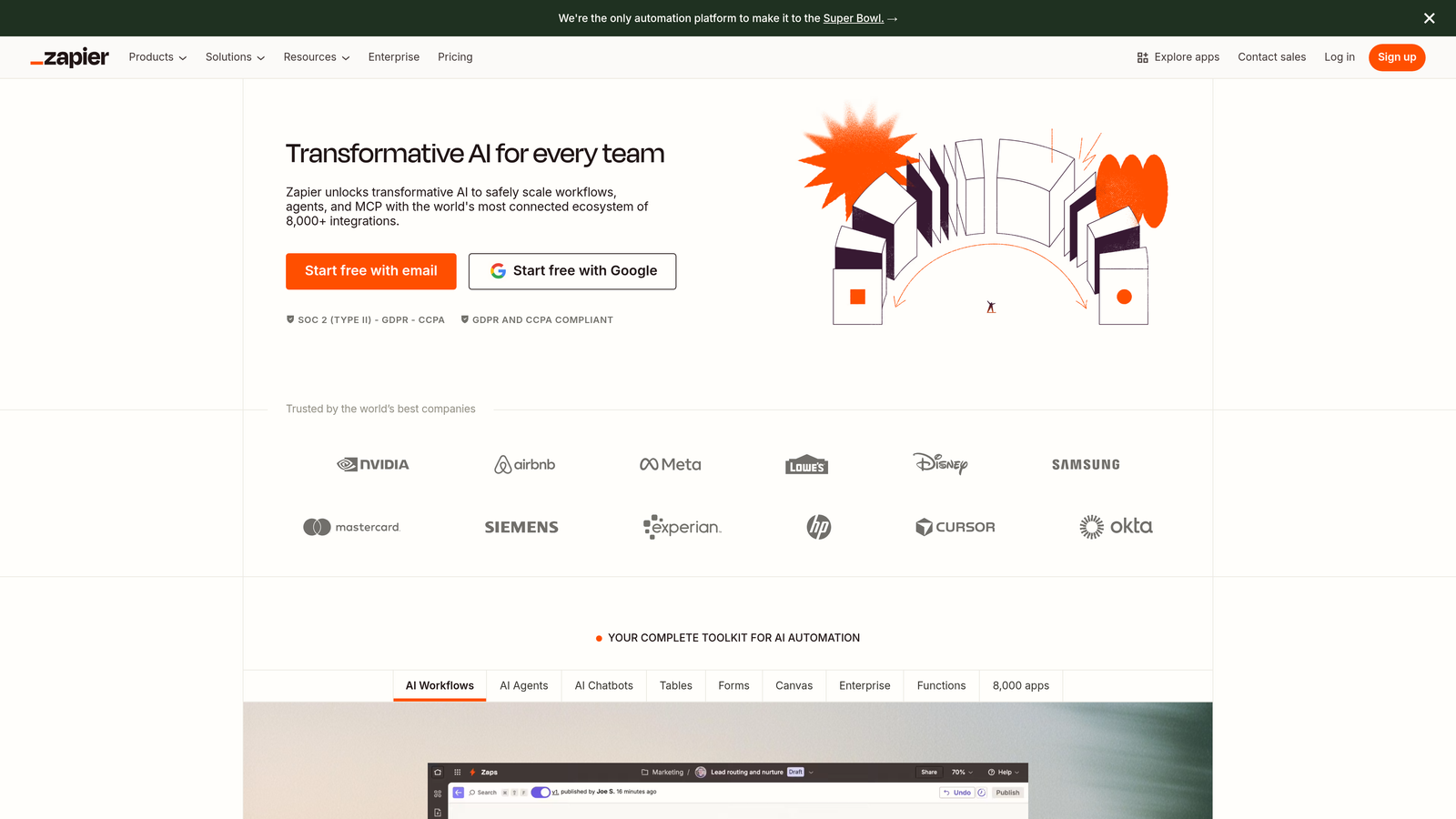
Both Typeform and Jotform offer extensive integration marketplaces, but integration quality varies dramatically. Native integrations typically provide deeper functionality and more reliable data sync than generic webhook connections or Zapier-based workflows. During trials, actually set up your critical integrations and verify that data flows correctly, fields map properly, and updates happen in real-time.
The difference between a platform that "supports" an integration and one that truly excels at it can be the difference between automated workflows and daily manual data management. For B2B teams, this integration capability directly impacts your lead capture software effectiveness.
Implementation Steps
1. List every tool in your tech stack that should receive or interact with form data, prioritizing your most critical systems.
2. For each form builder, research whether integrations are native, webhook-based, or require third-party tools like Zapier.
3. During trials, set up at least your top three integrations and submit test data, verifying that information flows correctly and appears where expected.
4. Test edge cases—what happens when someone updates a submission, when required fields are missing, or when your CRM is temporarily unavailable?
Pro Tips
Don't trust integration listings alone—check user reviews and forums for complaints about specific integrations you need. A platform might technically support your CRM, but if users consistently report sync issues or data loss, that integration isn't actually viable for your business.
5. Calculate True Cost Per Submission
The Challenge It Solves
Form builder pricing can be deceptively complex. What looks affordable on the pricing page becomes expensive at scale when you factor in submission limits, user seats, premium features, and integration costs. Teams often choose based on current usage, only to face unexpected bills or forced upgrades as they grow. By then, switching platforms means migrating forms, updating links, and potentially losing historical data.
The Strategy Explained
Instead of comparing monthly plan prices, project your costs at realistic scale. If you're currently collecting 500 submissions monthly but planning to grow lead generation, calculate what each platform would cost at 2,000 or 5,000 submissions. Factor in any features you'll need that require plan upgrades—advanced logic, integrations, team collaboration, or branding removal.
Typeform's pricing increases significantly at higher submission volumes, particularly if you need features like logic jumps or integrations beyond their basic tier. Jotform offers more generous submission limits at lower price points but charges separately for certain advanced features. Some modern alternatives use simpler pricing models that scale more predictably with your growth. Our detailed Typeform vs Jotform comparison breaks down these pricing differences in depth.
The goal isn't finding the cheapest option—it's understanding the true cost trajectory so there are no surprises when you scale.
Implementation Steps
1. Document your current monthly form submissions and project realistic growth over the next 12-24 months based on your marketing plans.
2. For each platform, calculate costs at your current volume, 2x volume, and 5x volume, including any required feature upgrades.
3. Add in costs for necessary integrations, additional user seats, and any premium features your audit identified as must-haves.
4. Calculate cost per submission at each volume level to understand which platforms become more or less economical as you scale.
Pro Tips
Ask vendors about their typical upgrade paths—when do most customers need to move to higher tiers? This reveals the real-world scaling costs better than published pricing pages. Also inquire about annual billing discounts, as committing yearly can significantly reduce per-submission costs if you're confident in your choice.
6. Evaluate Analytics and Optimization Tools
The Challenge It Solves
Many form builders treat analytics as an afterthought—giving you basic submission counts but no real insight into where people abandon, which questions cause friction, or how to improve conversion rates. Without these insights, you're flying blind, unable to optimize forms based on actual user behavior. You might be losing half your potential leads to a confusing question or poor mobile experience without ever knowing it.
The Strategy Explained
Evaluate platforms based on their ability to help you understand and improve form performance over time. Look for detailed analytics that show completion rates, time spent on each question, abandonment points, and device-specific performance. The best platforms go beyond reporting to offer actionable optimization suggestions based on your data. Understanding what form abandonment rate means and how to reduce it should be central to your evaluation.
Typeform provides solid analytics showing completion rates and time-per-question, though deeper insights often require exporting data to external tools. Jotform offers form analytics but with less granular behavioral data. Modern platforms built for conversion optimization often include built-in A/B testing, heatmaps, and AI-powered suggestions for improving form performance.
The difference between basic reporting and true optimization tools is the difference between knowing you have a problem and knowing exactly how to fix it. Investing in proper form analytics and optimization software pays dividends through higher conversion rates.
Implementation Steps
1. Create test forms on each platform and generate sample submissions to see what analytics are actually available.
2. Evaluate whether you can identify specific abandonment points, understand completion time patterns, and compare performance across devices.
3. Check if the platform offers A/B testing capabilities or if you'd need external tools to test form variations.
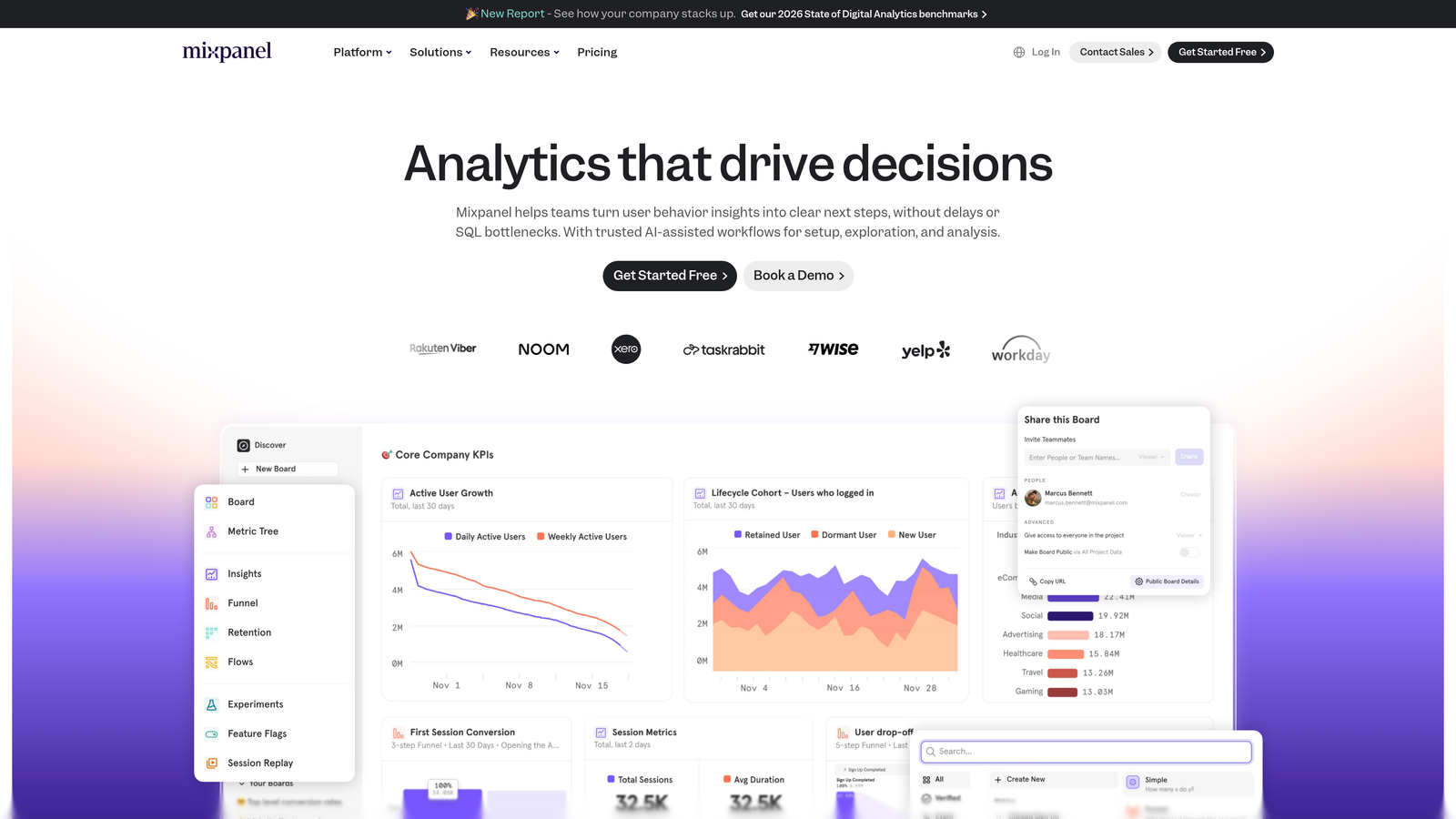
4. Assess whether analytics integrate with your existing analytics stack (Google Analytics, Mixpanel, etc.) or remain siloed in the form builder.

Pro Tips
The most valuable analytics aren't just descriptive—they're prescriptive. Look for platforms that don't just show you completion rates but suggest specific improvements based on your data. If a platform tells you "Question 3 has high abandonment" but offers no guidance on fixing it, you're only halfway to a solution.
7. Consider AI-Powered Alternatives
The Challenge It Solves
Traditional form builders were designed in an era before AI could meaningfully improve the form experience. They collect data but don't understand it, require manual qualification workflows, and treat every submission identically. As your business grows, these limitations compound—you're processing more leads but not necessarily better leads, and your team spends increasing time on manual triage and follow-up.
The Strategy Explained
Explore platforms built specifically for the challenges high-growth teams face in 2026—automatic lead qualification, intelligent routing, and conversion optimization powered by AI. These modern alternatives aren't just traditional form builders with AI features bolted on; they're fundamentally designed around understanding and acting on the quality of each submission. Solutions featuring automated lead filtering can dramatically reduce time spent on unqualified prospects.
Platforms like Orbit AI represent this new category, combining beautiful, conversion-optimized form design with built-in lead qualification capabilities. Instead of collecting information and leaving you to figure out what it means, these tools analyze responses in real-time, scoring lead quality and routing your best prospects for immediate follow-up while others enter appropriate nurture sequences.
This approach transforms forms from passive data collection into active lead qualification—every submission is automatically evaluated, prioritized, and routed based on its actual business value. For teams serious about scaling lead generation without proportionally scaling their sales operations team, this represents a fundamental improvement over traditional approaches. Many organizations are discovering that a Jotform alternative with AI capabilities delivers significantly better results.
Implementation Steps
1. Research modern form platforms that emphasize lead qualification and AI-powered features as core capabilities, not add-ons.
2. During trials, test how these platforms handle lead scoring and routing compared to manual workflows you'd need with traditional builders.
3. Evaluate whether AI features feel genuinely useful or like marketing buzzwords—do they actually save time and improve lead quality?
4. Compare the total cost of ownership: a modern platform with built-in qualification versus a traditional builder plus all the additional tools needed to achieve similar functionality.
Pro Tips
Don't assume that established platforms are inherently better than newer alternatives. Sometimes the newest entrants have significant advantages precisely because they're not constrained by legacy architecture or outdated assumptions about what forms should do. Evaluate each platform on its current capabilities and roadmap, not its market tenure.
Putting It All Together
Choosing between Typeform, Jotform, and modern alternatives isn't about picking the platform with the longest feature list or the lowest starting price. It's about finding the solution that aligns with how your business actually operates and where you're trying to grow.
Start with strategy one—audit your actual needs—before you compare a single platform. This foundation ensures you're evaluating options against real requirements rather than impressive demos. Then prioritize lead qualification capabilities, because collecting information without understanding its value creates work, not results.
Test mobile experiences thoroughly, map your integration ecosystem carefully, and calculate true costs at scale. These practical steps reveal the real-world experience you'll have with each platform, not just the polished version shown in marketing materials.
Finally, don't limit yourself to the traditional players. Modern alternatives built specifically for lead qualification and conversion optimization often solve problems that traditional form builders weren't designed to address. Exploring the full range of Typeform alternatives ensures you find the right fit for your specific needs. The right platform should feel like it's accelerating your growth, not just keeping pace with it.
Your decision framework: Run parallel trials with your top three finalists, building the same high-impact form on each platform. Complete it on mobile, set up your critical integrations, and evaluate the analytics you receive. The platform that makes qualification feel automatic, provides actionable insights, and scales economically with your growth—that's your answer.
Transform your lead generation with AI-powered forms that qualify prospects automatically while delivering the modern, conversion-optimized experience your high-growth team needs. Start building free forms today and see how intelligent form design can elevate your conversion strategy.


