

Choosing the wrong form builder can quietly kill your conversion rates. Clunky UX, no lead qualification logic, and zero automation turn high-intent visitors into lost opportunities before they ever reach your sales team.
This guide cuts through the noise with a focused comparison of the top form builder platforms for high-growth teams in 2026. We evaluated each tool on ease of use, AI and automation capabilities, lead qualification features, design flexibility, and pricing.
Whether you're a SaaS team optimizing a demo request flow or a growth marketer running lead gen campaigns, there's a clear winner for every use case. We've included Orbit AI as our number one pick — not just because it's our product, but because it's genuinely built for the conversion-first use case this audience cares about.
Here are the top form builder software tools compared for 2026, so you can find the right fit for your stack.
1. Orbit AI
Best for: High-growth SaaS and marketing teams who need AI-powered lead qualification inside the form flow.
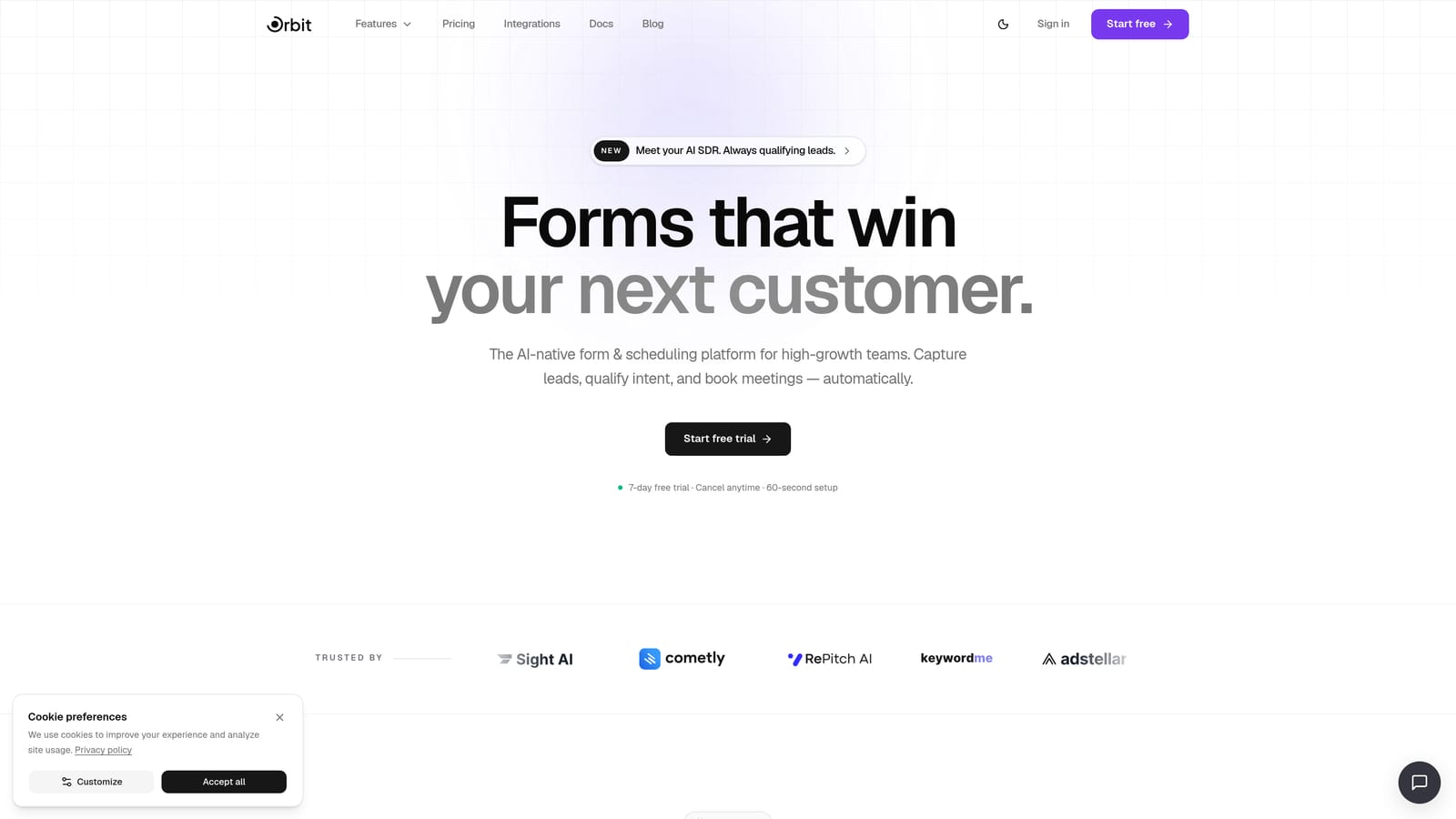
Orbit AI is an AI-native form builder designed specifically for conversion optimization and intelligent lead qualification.
Where This Tool Shines
Most form builders stop at data collection. Orbit AI is built around what happens next: qualifying the lead, routing them to the right experience, and following up automatically. The AI qualification layer lives natively inside the form flow, which means you're not stitching together a form tool, a scoring spreadsheet, and a separate email sequence.
For teams running demo request flows, inbound lead gen, or any high-stakes form where prospect quality matters, that native intelligence is a genuine differentiator. You get a modern, conversion-optimized design out of the box, without needing a designer or developer to make it look good.
Key Features
AI Lead Qualification: Built directly into the form flow, so leads are scored and categorized without third-party tools.
Sequences and Automated Follow-Up: Send targeted follow-up messages based on form responses without leaving the platform.
Workflow Automation and CRM-Ready Contacts: Route leads and manage contacts natively, with clean data ready for your CRM.
Conversion-Optimized Form Design: Modern UI templates built to maximize completion rates and reduce drop-off.
Analytics Dashboard: Track form performance, completion rates, and lead quality from a single view.
AI Agents for Respondent Routing: Intelligently direct respondents to different outcomes based on their answers and qualification signals.
Best For
Orbit AI is the strongest fit for SaaS companies, growth marketing teams, and demand generation professionals who need forms to do more than collect data. If lead qualification, automated follow-up, and conversion optimization are core to your workflow, this platform was built with your use case in mind.
Pricing
Visit orbitforms.ai/pricing for current plan details. Multiple tiers are available to suit teams at different stages of growth.
2. Typeform
Best for: Teams prioritizing respondent engagement and a polished, branded form experience.
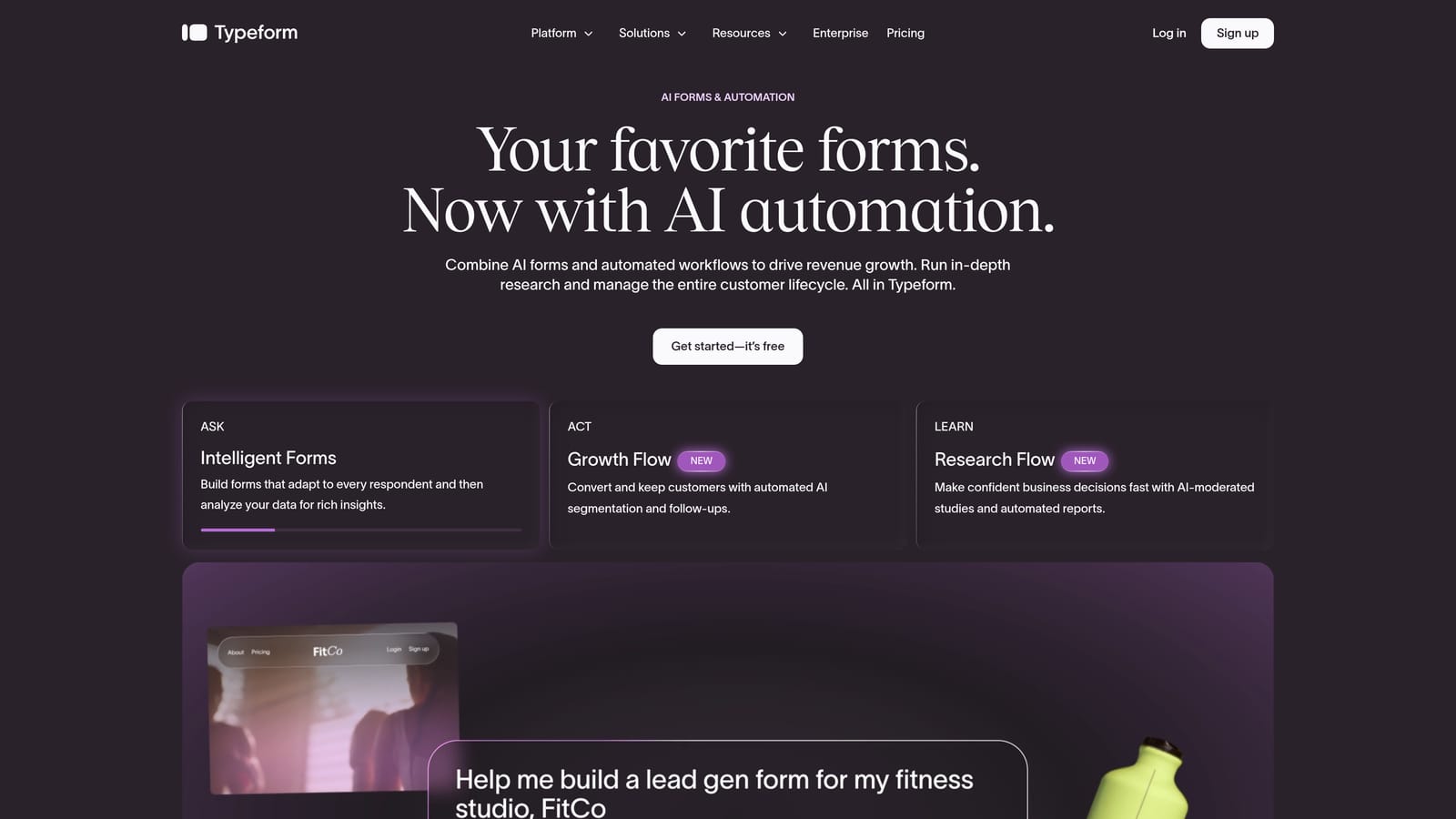
Typeform is a conversational form builder known for its one-question-at-a-time format and strong visual design.
Where This Tool Shines
Typeform's signature strength is the respondent experience. The one-question-at-a-time format feels less like filling out a form and more like having a conversation, which tends to improve completion rates for longer surveys and research flows. It's a natural fit for brand-conscious teams who want their forms to feel like an extension of their product.
The trade-off is that the format can feel slow for respondents who just want to fill in a quick contact form. And as your response volume grows, the pricing can escalate meaningfully. Typeform has added logic and some AI-adjacent features in recent years, but lead qualification remains a bolt-on rather than a native capability.
Key Features
Conversational One-Question-at-a-Time UX: Guides respondents through forms in a flowing, engaging sequence.
Visual Design and Brand Customization: Strong theming options that align forms with your brand identity.
Logic Jumps and Conditional Branching: Show or hide questions based on previous answers.
CRM and Marketing Tool Integrations: Connects with popular platforms for data handoff.
Video and Image Embedding: Add rich media directly into the form flow for context or engagement.
Best For
Typeform works well for teams running surveys, research studies, or brand-forward lead gen forms where the respondent experience is the priority. It's less suited for teams who need native lead qualification or complex automation without relying on external integrations.
Pricing
A free tier is available with limited monthly responses. Paid plans scale based on response volume and feature access, and costs can increase quickly for high-traffic forms.
3. Tally
Best for: Budget-conscious teams that need clean, simple forms with unlimited submissions at no cost.
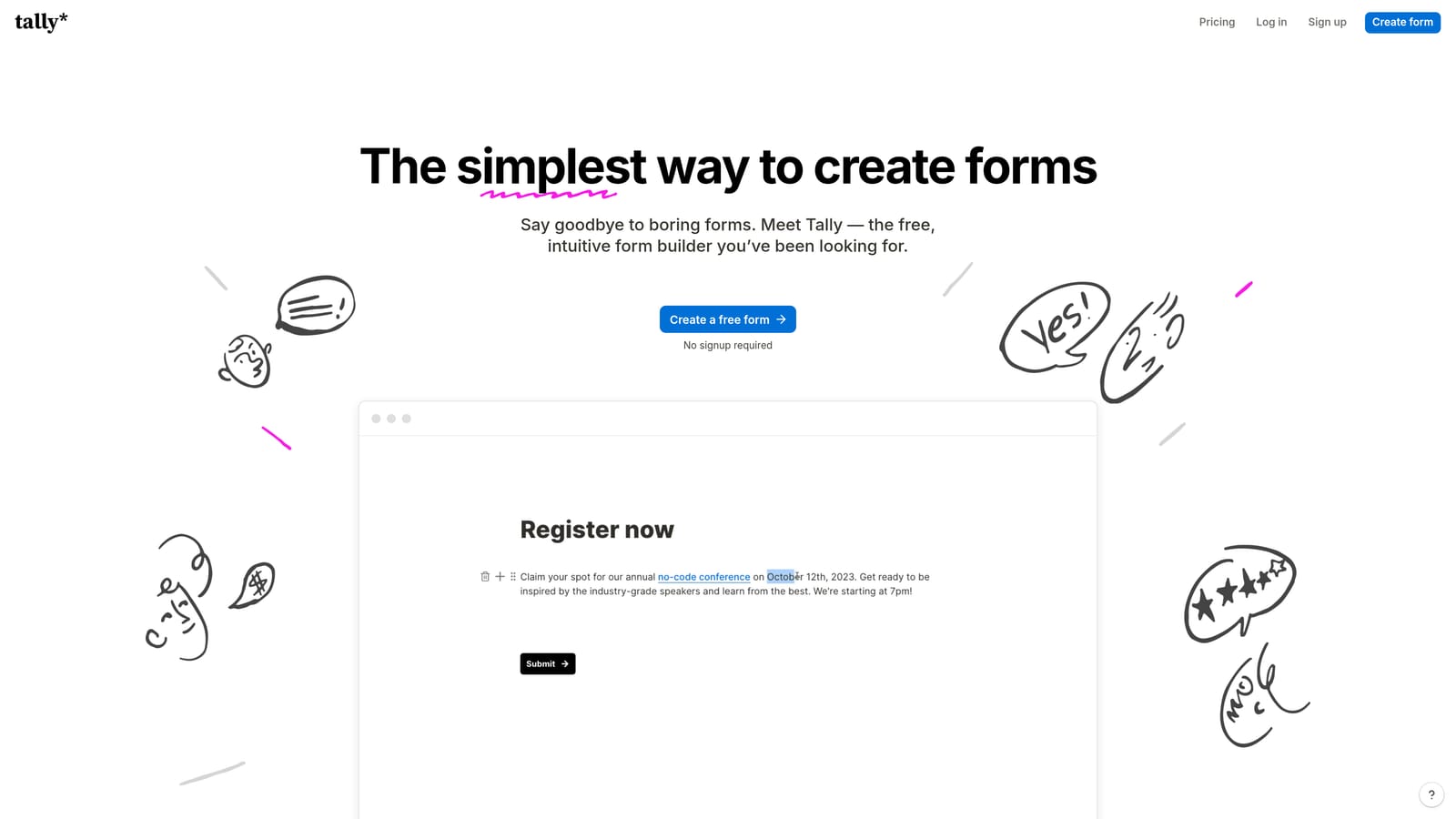
Tally is a Notion-inspired form builder offering a genuinely generous free tier with unlimited forms and submissions.
Where This Tool Shines
Tally's free plan is legitimately one of the most accessible in the market. No submission caps, no form limits, and a clean block-based editor that anyone familiar with Notion can pick up in minutes. For teams that need straightforward forms without budget overhead, it's hard to argue with the value.
The limitation is depth. Tally is built for simplicity, which means advanced lead qualification, AI features, and complex automation aren't part of the picture. It's a great starting point, but teams with serious conversion goals tend to outgrow it as their needs become more sophisticated.
Key Features
Unlimited Forms and Submissions on Free Plan: No artificial caps that force you to upgrade before you're ready.
Notion-Like Block Editor: Familiar drag-and-drop interface that's fast to learn and use.
Clean, Minimal Design Aesthetic: Forms look professional without requiring design work.
Basic Conditional Logic: Show or hide fields based on responses, though branching depth is limited.
Simple Embed Options: Drop forms into websites or landing pages with minimal friction.
Best For
Tally is ideal for early-stage startups, indie makers, or internal teams that need simple data collection without spending money. If your forms don't need to qualify leads or trigger automated workflows, Tally handles the basics exceptionally well.
Pricing
The free tier includes unlimited forms and submissions with Tally branding. A paid plan removes branding and unlocks advanced features like custom domains and priority support.
4. Paperform
Best for: Teams that want to blend rich content with form fields in a single branded page experience.
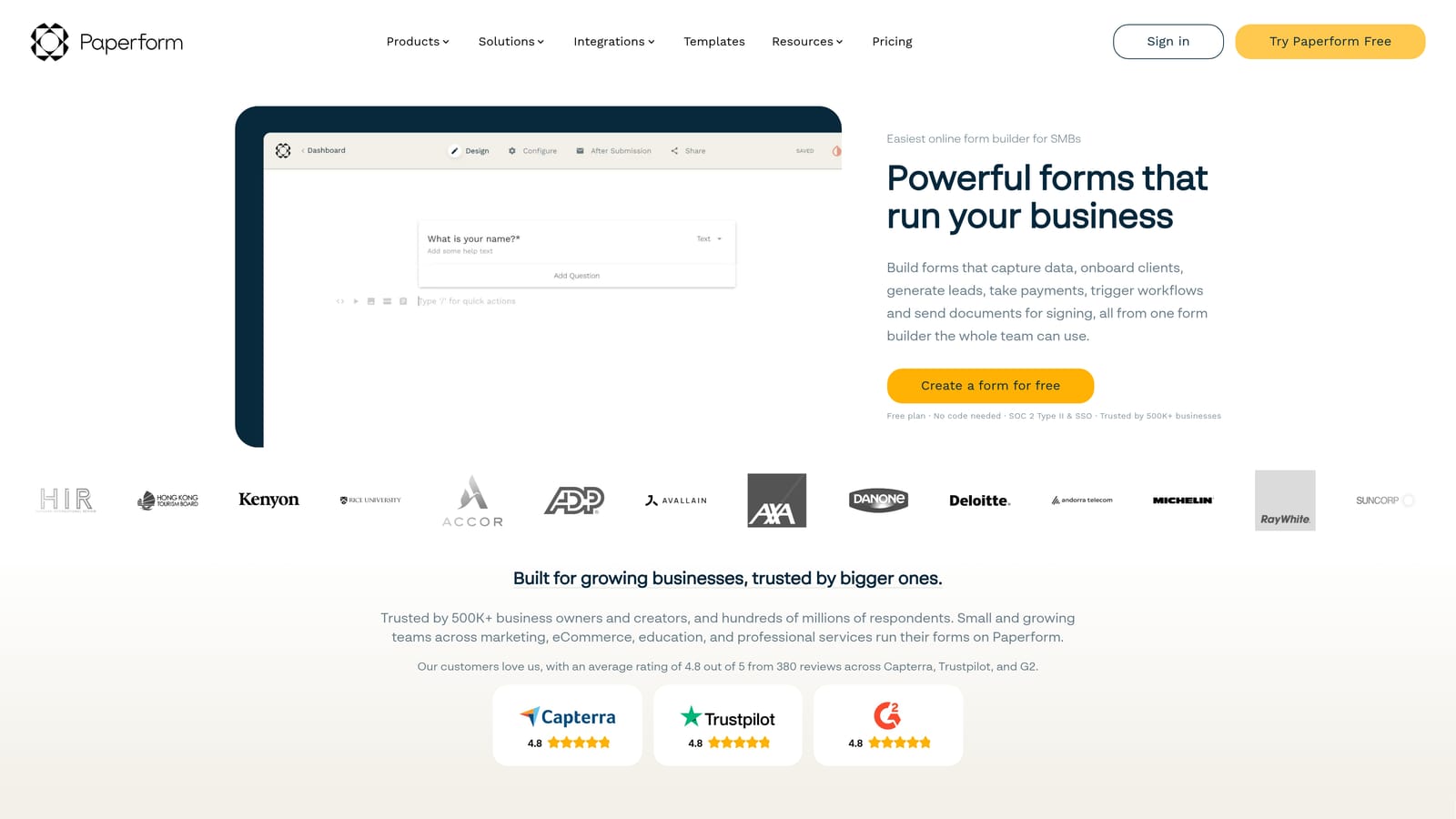
Paperform is a hybrid form builder and landing page tool that lets you combine text, images, video, and form fields in one cohesive experience.
Where This Tool Shines
Paperform sits in an interesting space between a form tool and a landing page builder. You can build a form that reads more like a designed page, with context, imagery, and copy woven around the form fields. This makes it particularly useful for coaches, consultants, and small businesses that want a polished intake or application experience without spinning up a separate landing page.
The platform includes conditional logic, payment collection, and a solid template library. It's not built for AI-driven lead qualification or complex automation, but for teams that want a beautiful, content-rich form without developer help, it's a strong option.
Key Features
Rich Content Editor: Blend media, copy, and form fields in a single page layout without needing a separate landing page tool.
Conditional Logic and Branching: Adjust the form experience based on respondent answers.
Built-In Payment Collection: Accept payments directly through the form without a separate integration.
Custom Domain Support: Host forms on your own domain for a fully branded experience.
Template Library: Start from a range of pre-built layouts across common use cases.
Best For
Paperform is a good fit for service businesses, coaches, and small marketing teams that want a high-quality form and landing page hybrid. It's less suited for high-volume lead gen operations or teams that need native qualification and routing logic.
Pricing
There is no permanent free tier. A trial is available to test the platform before committing. Paid plans are tiered by feature access and submission volume.
5. Jotform
Best for: Enterprise and compliance-heavy teams that need templates, HIPAA compliance, and approval workflows at scale.
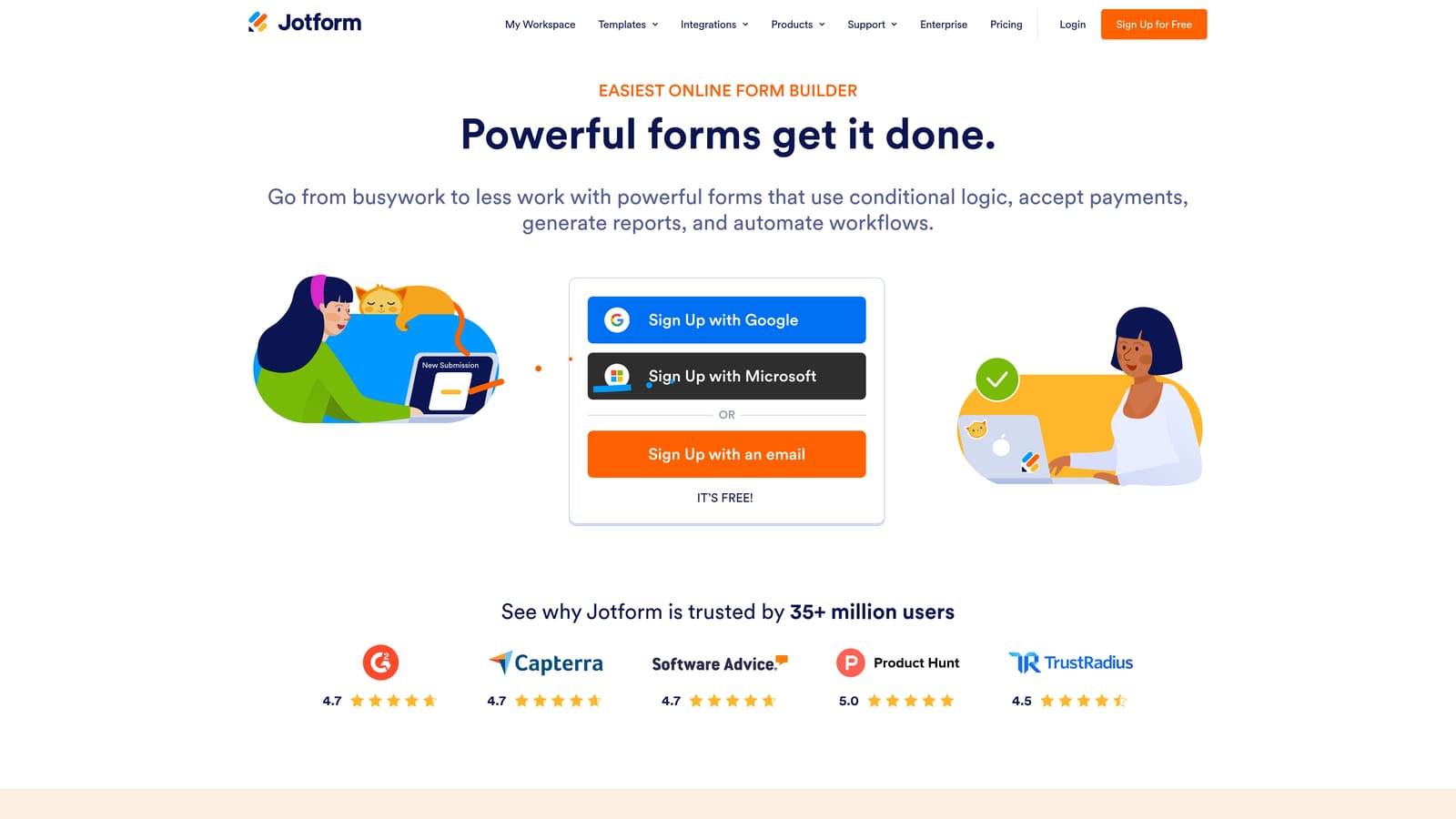
Jotform is one of the most feature-complete form builders available, with thousands of templates and enterprise-grade compliance options.
Where This Tool Shines
Jotform's depth is its defining characteristic. The template library alone covers an enormous range of industries and use cases, making it fast to get started even for niche requirements. For teams in healthcare, legal, or finance where HIPAA compliance and data security are non-negotiable, Jotform offers dedicated compliant plans that most competitors don't match.
The platform also handles approval workflows, e-signatures, payment collection, and PDF generation from submissions. The trade-off is complexity: Jotform can feel overwhelming for teams that just need a clean lead gen form. It's a platform built for breadth, which means there's a learning curve if you're not using most of its features.
Key Features
Thousands of Pre-Built Templates: Cover nearly every industry and use case with ready-to-use starting points.
HIPAA-Compliant Plans: Purpose-built compliance for healthcare and regulated industries.
Payment Collection and E-Signature Support: Handle transactions and document signing within the same platform.
Approval Workflow Builder: Route submissions through multi-step review and approval processes.
PDF Document Generation: Automatically create formatted documents from form submissions.
Best For
Jotform is the strongest choice for enterprise teams, healthcare organizations, and any business where compliance, document workflows, and template variety are the primary requirements. Growth-stage SaaS teams focused on conversion optimization may find it more platform than they need.
Pricing
A free tier is available with monthly submission limits. Paid plans scale by submission volume and storage, with HIPAA-compliant plans at a higher price point.
6. Formstack
Best for: Enterprise teams managing complex data pipelines, deep CRM integrations, and document generation workflows.
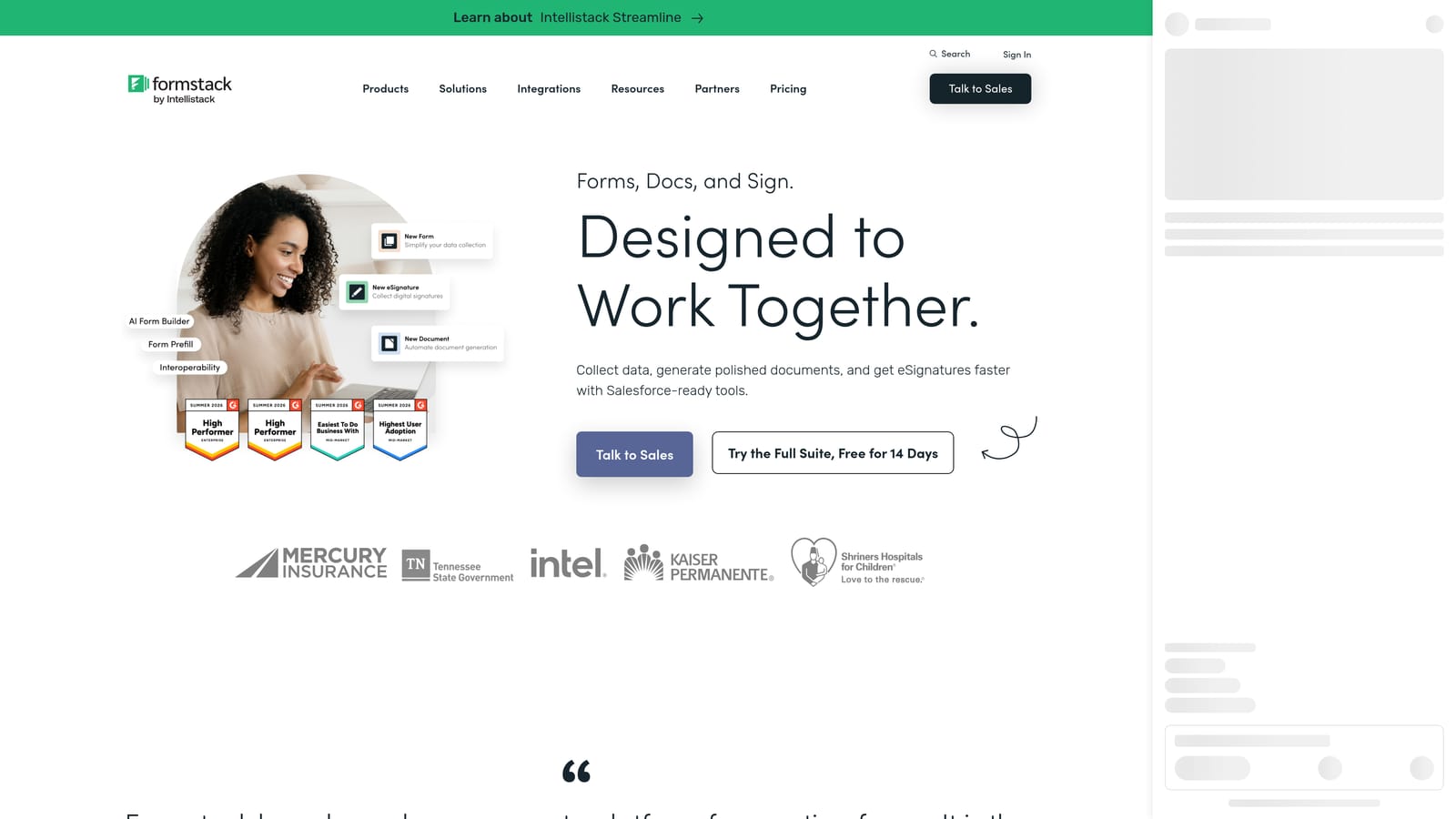
Formstack is an enterprise-focused platform combining form building with advanced workflow automation, document generation, and deep CRM connectivity.
Where This Tool Shines
Formstack is less a form builder and more a data routing and workflow platform that happens to start with a form. Its strength is what happens after submission: automated approval routing, document generation, Salesforce integration, and compliance-grade data handling. For operations teams managing complex internal processes, it's a powerful hub.
Design and respondent UX are not Formstack's primary focus, which means it's not the right tool if conversion optimization and brand experience are your priorities. But for enterprise teams where data integrity, workflow depth, and CRM fidelity matter more than aesthetics, it's a well-built solution.
Key Features
Advanced Workflow Automation and Approval Routing: Build multi-step automated processes triggered by form submissions.
Document Generation from Submissions: Automatically produce formatted documents as part of the workflow.
Deep Salesforce and Enterprise CRM Integrations: Native connections that go beyond basic Zapier-style data passing.
Data Encryption and Compliance Features: Built for organizations with strict data governance requirements.
Multi-Step Forms and Conditional Logic: Handle complex, branching form flows for detailed data collection.
Best For
Formstack is built for enterprise operations teams, large organizations with complex approval chains, and businesses where Salesforce integration and document generation are central to the workflow. It's not the right fit for growth-stage teams optimizing for speed and conversion.
Pricing
Formstack operates at enterprise-tier pricing. Plans are available for teams and organizations, with custom quotes for larger deployments. Contact their sales team for accurate pricing.
Which Form Builder Is Right for Your Team?
The right tool depends entirely on what you need your forms to do. Here's a quick way to cut through the decision.
If AI lead qualification is your priority: Orbit AI is the only platform on this list where qualification, routing, and follow-up are built natively into the form flow. You're not assembling a stack of tools; it's all in one place.
If conversational UX and brand experience matter most: Typeform is the clear choice. Its one-question-at-a-time format creates a genuinely engaging respondent experience that most other tools don't replicate.
If budget is the primary constraint: Tally's free tier is legitimately generous. Unlimited forms and submissions with a clean design aesthetic make it the best no-cost starting point in this comparison.
If you want a landing page and form in one: Paperform's rich content editor lets you build a fully branded, content-rich experience without a separate page builder.
If compliance and template depth are non-negotiable: Jotform's HIPAA-compliant plans, massive template library, and approval workflows make it the go-to for regulated industries and enterprise teams.
If workflow automation and CRM depth are the core requirement: Formstack's enterprise-grade routing, document generation, and Salesforce integration are hard to match for complex data operations.
For most high-growth SaaS and marketing teams, though, the gap between collecting a lead and qualifying that lead is where revenue is won or lost. That's the problem Orbit AI was built to solve.
Transform your lead generation with AI-powered forms that qualify prospects automatically while delivering the modern, conversion-optimized experience your high-growth team needs. Start building free forms today and see how intelligent form design can elevate your conversion strategy.


