

Choosing a form builder comes down to one question: what do you actually need? Free plans are tempting, but they often cap responses, add competitor branding to your forms, and lock out the integrations your stack depends on. Paid plans unlock the features that turn a basic form into a lead-generation engine — but not every team needs every feature on day one.
This guide breaks down six form builders covering both free and paid tiers, so you can match the right tool to where your team is right now. Whether you're a solo founder testing a landing page idea or a high-growth SaaS team qualifying leads at scale, there's a clear answer here. We've evaluated each tool on form design quality, free plan generosity, paid plan value, integrations, and AI or automation capabilities.
1. Orbit AI
Best for: High-growth SaaS teams that need forms to qualify leads, not just collect them.
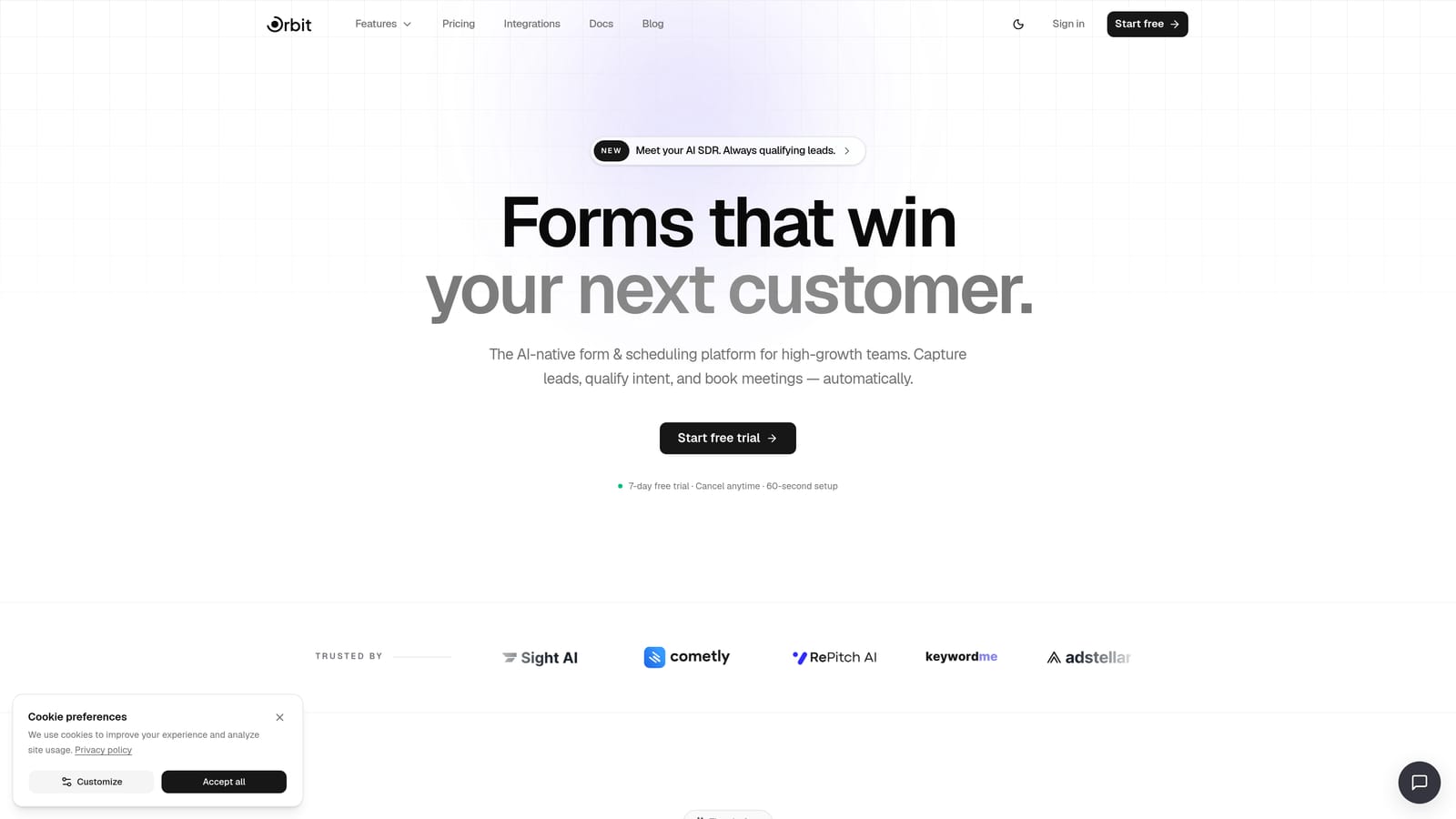
Orbit AI is an AI-powered form builder with built-in lead qualification capabilities designed for conversion-focused teams.
Where This Tool Shines
Most form builders treat a submission as the finish line. Orbit AI treats it as the starting point. The platform's AI agents can score and qualify leads within the form experience itself, meaning your team receives enriched, prioritized contact data rather than a raw list of responses to sort through manually.
For demand generation teams where every form submission represents pipeline value, this distinction matters enormously. Instead of routing raw responses into a CRM and hoping someone follows up, Orbit AI triggers workflows and sequences automatically based on how a lead qualifies during the form interaction.
Key Features
AI Lead Qualification: AI agents score and qualify leads directly within the form experience, delivering prioritized pipeline data rather than unfiltered responses.
Conversion-Optimized Design: Forms are built with modern SaaS aesthetics in mind, balancing clean visual design with the structural elements that drive completion rates.
Workflow Automation and Sequences: Trigger follow-up sequences, routing logic, and CRM actions based on how a respondent answers, without needing a separate automation tool.
Built-In Analytics: Track form performance and lead quality in one place, so you can see which forms are generating qualified pipeline, not just raw volume.
CRM-Ready Contact Management: AI-enriched lead data flows into a built-in contacts layer, making it easy to manage and act on new leads without exporting to a spreadsheet first.
Best For
Orbit AI is the right choice for high-growth SaaS teams, demand generation marketers, and revenue-focused operators who need forms to do more than collect data. If your form submissions have direct dollar value attached and you want automation that acts on responses immediately, this is the platform built for that workflow.
Pricing
Check current plans and tiers at orbitforms.ai/pricing. Pricing is structured to scale with team size and lead volume.
2. Typeform
Best for: Surveys, quizzes, and lead capture forms where engagement and completion rate matter.
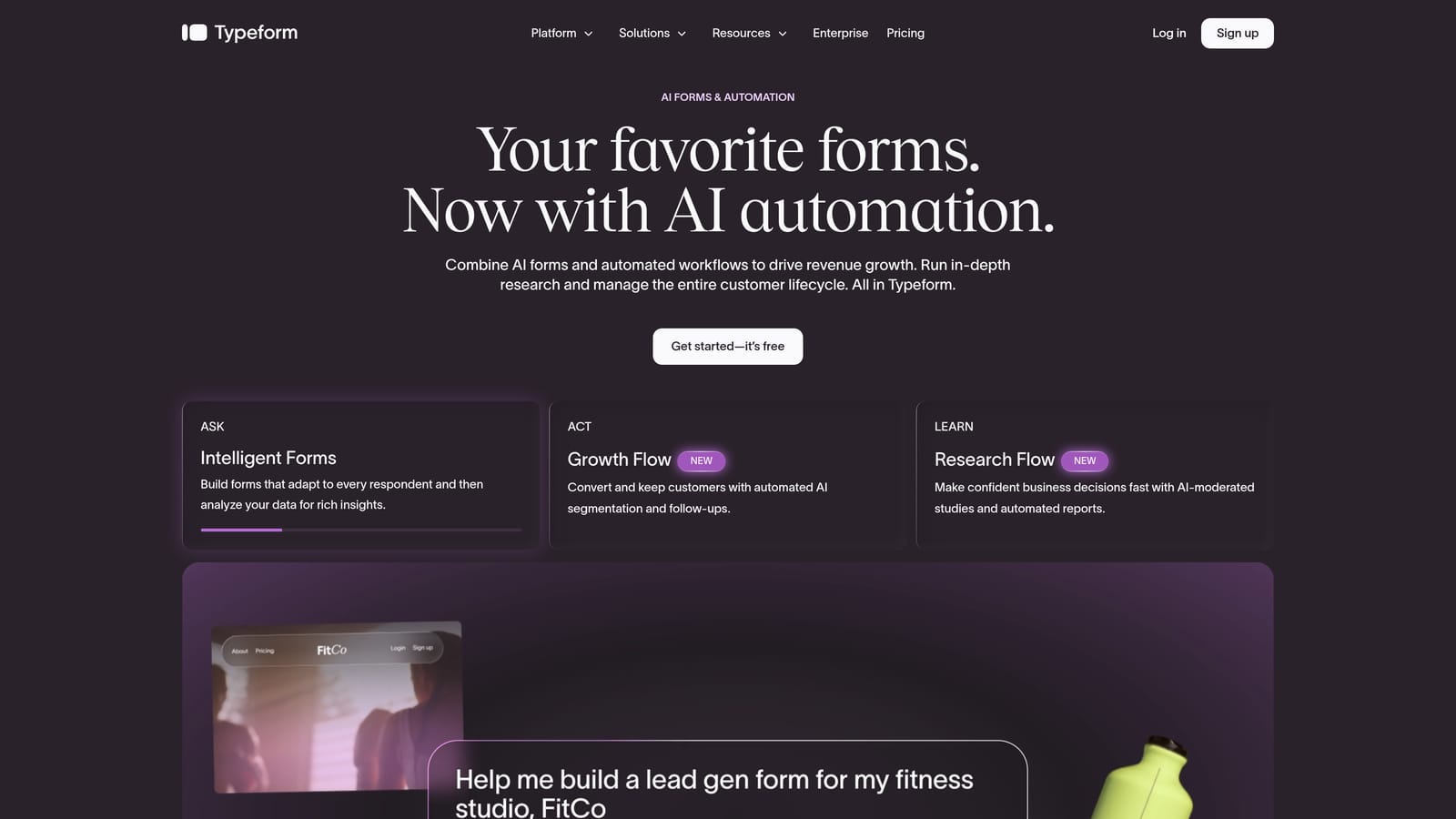
Typeform is a conversational form builder known for its one-question-at-a-time experience that drives higher engagement across surveys and lead forms.
Where This Tool Shines
Typeform's signature format, presenting one question at a time in a clean, focused interface, consistently outperforms traditional multi-field forms in terms of respondent engagement. For NPS surveys, product feedback forms, and top-of-funnel lead capture, this approach reduces the cognitive load that causes abandonment.
The integration ecosystem is genuinely strong. Connections to HubSpot, Salesforce, and Zapier mean that form responses can feed directly into your existing marketing and sales stack without custom development work.
Key Features
Conversational One-Question UI: The signature format presents questions sequentially, creating a more natural, engaging experience than traditional form layouts.
Logic Jumps and Conditional Branching: Route respondents through different question paths based on previous answers, making forms feel personalized rather than generic.
Wide Integration Ecosystem: Native connections to HubSpot, Salesforce, Zapier, and other major platforms make it straightforward to route data where it needs to go.
Video and Image Support: Embed visual content directly inside questions to add context or personality to surveys and quizzes.
Custom Branding on Paid Plans: Remove Typeform's branding and apply your own colors, fonts, and logo to maintain a consistent brand experience.
Best For
Typeform works well for marketing teams running surveys, product teams collecting user feedback, and growth teams using quizzes for lead segmentation. It's less suited for high-volume data collection at scale, where the pricing structure can become a limiting factor.
Pricing
A free plan is available with response limits and Typeform branding on forms. Paid plans unlock higher response limits, custom branding, and expanded logic capabilities. See current tiers at typeform.com/pricing.
3. Jotform
Best for: Teams that need a wide template library, payment processing, and a relatively generous free starting point.
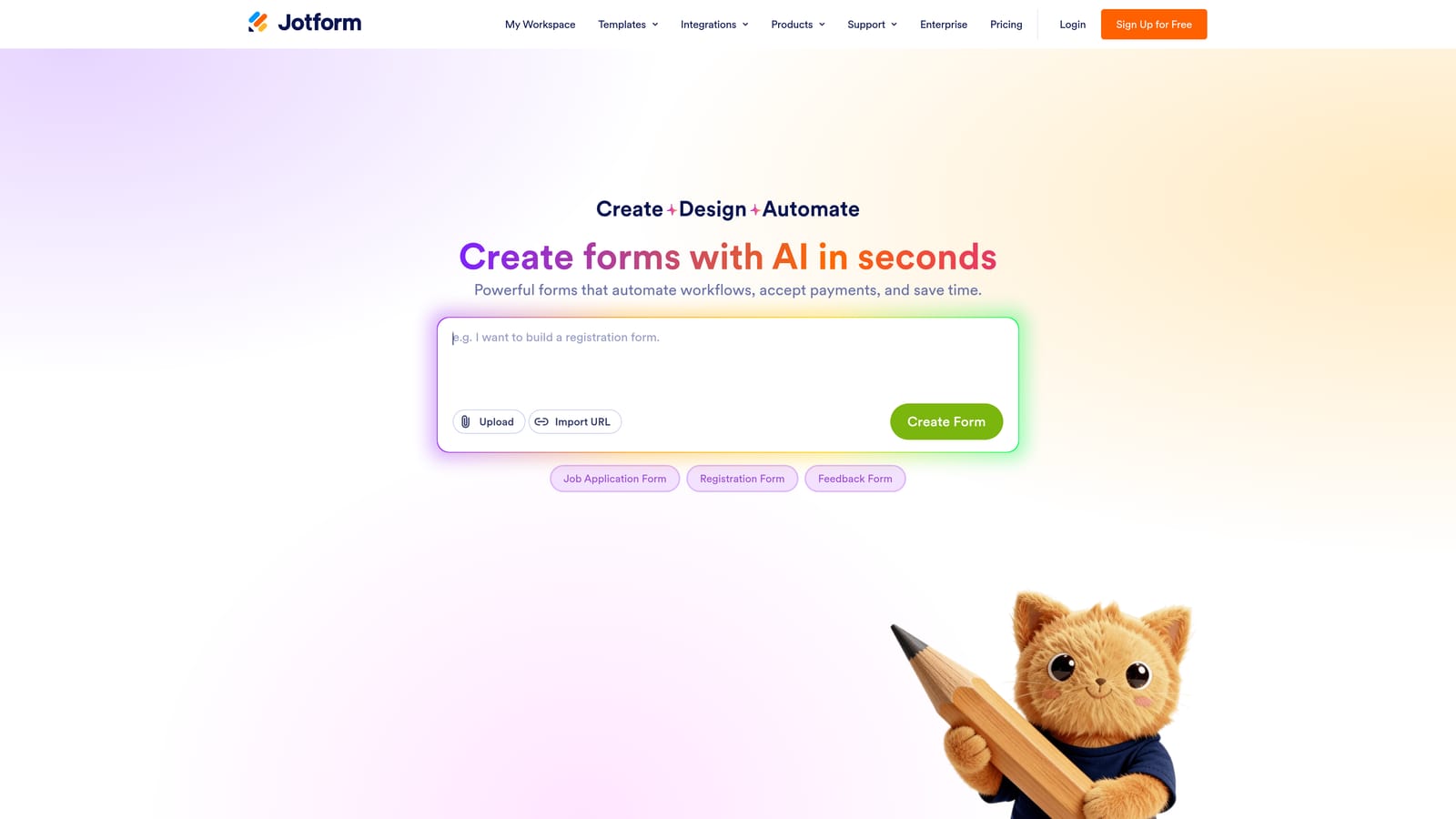
Jotform is a feature-rich form builder with one of the largest template libraries in the category and strong built-in payment integrations.
Where This Tool Shines
If your team needs to get a form live quickly without starting from scratch, Jotform's template library is hard to beat. Covering everything from event registrations to medical intake forms to payment order forms, the depth of pre-built options means most use cases are already handled before you open the editor.
The free plan is also notably more generous than many competitors, allowing a meaningful number of monthly submissions before you hit a wall. For small businesses, nonprofits, and educators who need functional forms without a monthly bill, Jotform's free tier is a practical starting point.
Key Features
Thousands of Pre-Built Templates: An extensive template library spans industries and use cases, dramatically reducing setup time for common form types.
Built-In Payment Processing: Native integrations with Stripe, PayPal, and Square let you collect payments directly through forms without third-party workarounds.
Drag-and-Drop Builder: An intuitive visual editor with a wide range of field types makes it accessible to non-technical users while still supporting complex form structures.
Conditional Logic and Calculations: Build forms that adapt based on user input and perform calculations, useful for quotes, registrations, and multi-step applications.
Generous Free Tier: The free plan includes a meaningful monthly submission allowance, making it one of the more practical free options for low-to-medium volume use cases.
Best For
Jotform suits small businesses, nonprofits, educators, and operations teams that need reliable forms with payment capabilities. It's a strong fit when template variety and built-in payment processing matter more than cutting-edge design or AI-powered features.
Pricing
A free plan is available with submission and storage limits, plus Jotform branding on forms. Paid plans remove branding and increase limits across submissions, storage, and forms. See current tiers at jotform.com/pricing.
4. Tally
Best for: Early-stage teams and individuals who need clean, unlimited forms without paying anything.
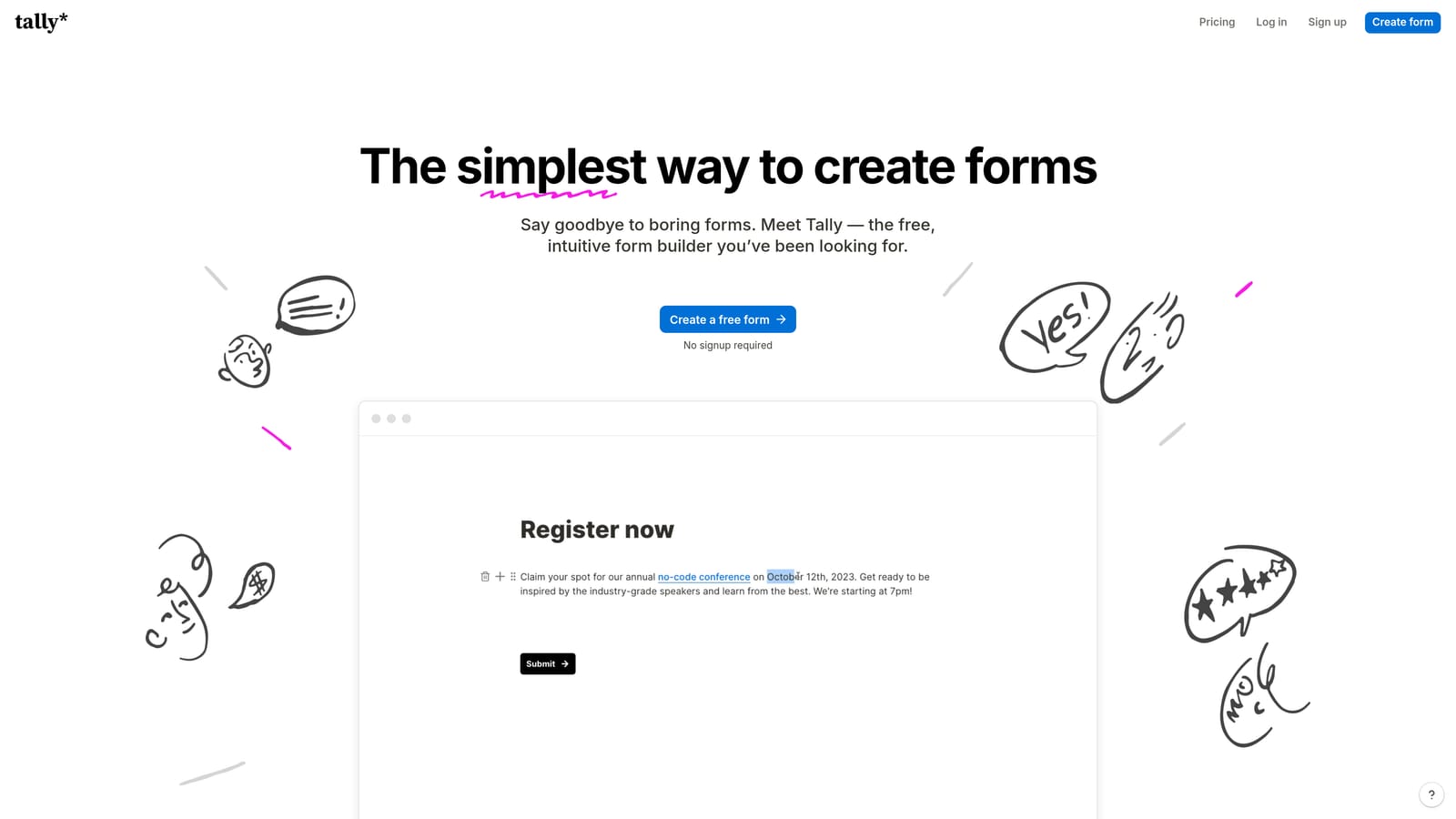
Tally is a minimalist form builder with a genuinely unlimited free plan, making it the standout free option in the market for teams watching their tool spend.
Where This Tool Shines
Here's the thing about Tally's free plan: it's actually free. No submission caps. No response limits. Just unlimited forms and unlimited responses with Tally branding included. For a category where most free tiers are designed to push you toward a paid plan within weeks, this is a genuine differentiator.
The editor takes obvious inspiration from Notion's block-based interface, which means if your team already lives in Notion, the learning curve is nearly flat. Forms embed cleanly into websites and Notion pages, which makes Tally a natural fit for teams that use Notion as their operating system.
Key Features
Unlimited Forms and Responses on Free Plan: No submission caps or response limits on the free tier, which is genuinely rare in this category.
Notion-Inspired Editor: A clean, block-based editing experience with a very low learning curve, especially for teams already familiar with Notion.
Conditional Logic on Free Tier: Basic conditional logic is available without upgrading, giving free users more flexibility than most competitors offer at no cost.
Clean Embeds: Forms embed smoothly into websites and Notion pages, making it easy to deploy forms wherever your audience already is.
Tally Pro for Advanced Needs: The paid plan removes Tally branding, adds custom domains, and unlocks additional features for teams that have outgrown the free tier.
Best For
Tally is the right call for freelancers, early-stage founders, and individuals who need functional forms without any ongoing cost. It's also a strong choice for teams that want a secondary form tool for internal use cases where branding doesn't matter.
Pricing
The free plan includes unlimited forms and responses with Tally branding. Tally Pro removes branding, adds custom domains, and unlocks advanced features. See current pricing at tally.so/pricing.
5. Paperform
Best for: Consultants, agencies, and course creators who need forms that look and function like landing pages.
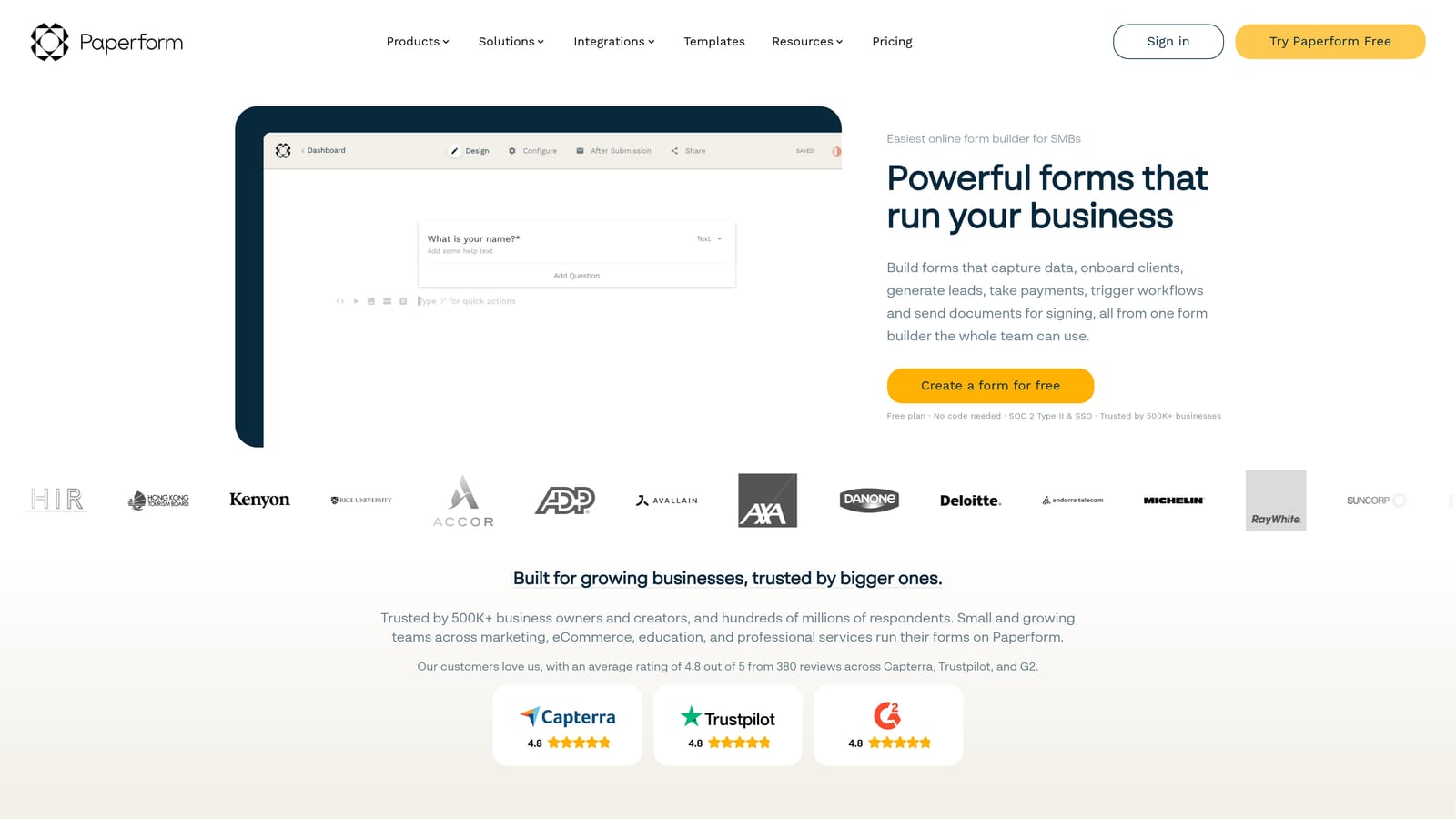
Paperform is a form builder that blurs the line between forms and landing pages, supporting rich content, built-in payments, and a highly customizable page-style layout.
Where This Tool Shines
Paperform's core insight is that forms don't have to look like forms. The editor lets you mix rich text, images, video, and product listings directly alongside form fields, creating an experience that feels more like a curated page than a data collection tool. For consultants building intake forms, agencies creating client onboarding flows, or course creators selling products, this changes what's possible without touching a website builder.
Built-in Stripe payment processing means you can take payment and collect information in a single seamless experience, without stitching together a form tool and a payment processor separately.
Key Features
Page-Style Form Design: Mix rich text, images, and video directly with form fields to create experiences that look more like landing pages than traditional forms.
Built-In Stripe Payments: Accept payments and collect form responses in a single flow, with product fields and pricing options built directly into the form structure.
Calculation Fields: Build dynamic quote forms and pricing calculators that update in real time based on respondent inputs.
Conditional Sections and Logic: Show or hide entire sections of a form based on previous answers, keeping the experience relevant and uncluttered.
Free Trial, No Ongoing Free Plan: Paperform offers a trial period to explore the platform before committing, but there is no permanent free tier.
Best For
Paperform works best for solopreneurs, consultants, and small agencies that want a polished, content-rich form experience without hiring a designer. It's particularly strong for payment-enabled forms, client intake, and any use case where the form itself needs to do selling work alongside collecting information.
Pricing
No ongoing free plan is available. Paid plans start at an accessible price point for individuals and small teams, with higher tiers for agencies and larger organizations. See current options at paperform.co/pricing.
6. Formstack
Best for: Enterprise teams in regulated industries that need compliance, document generation, and advanced workflow routing.
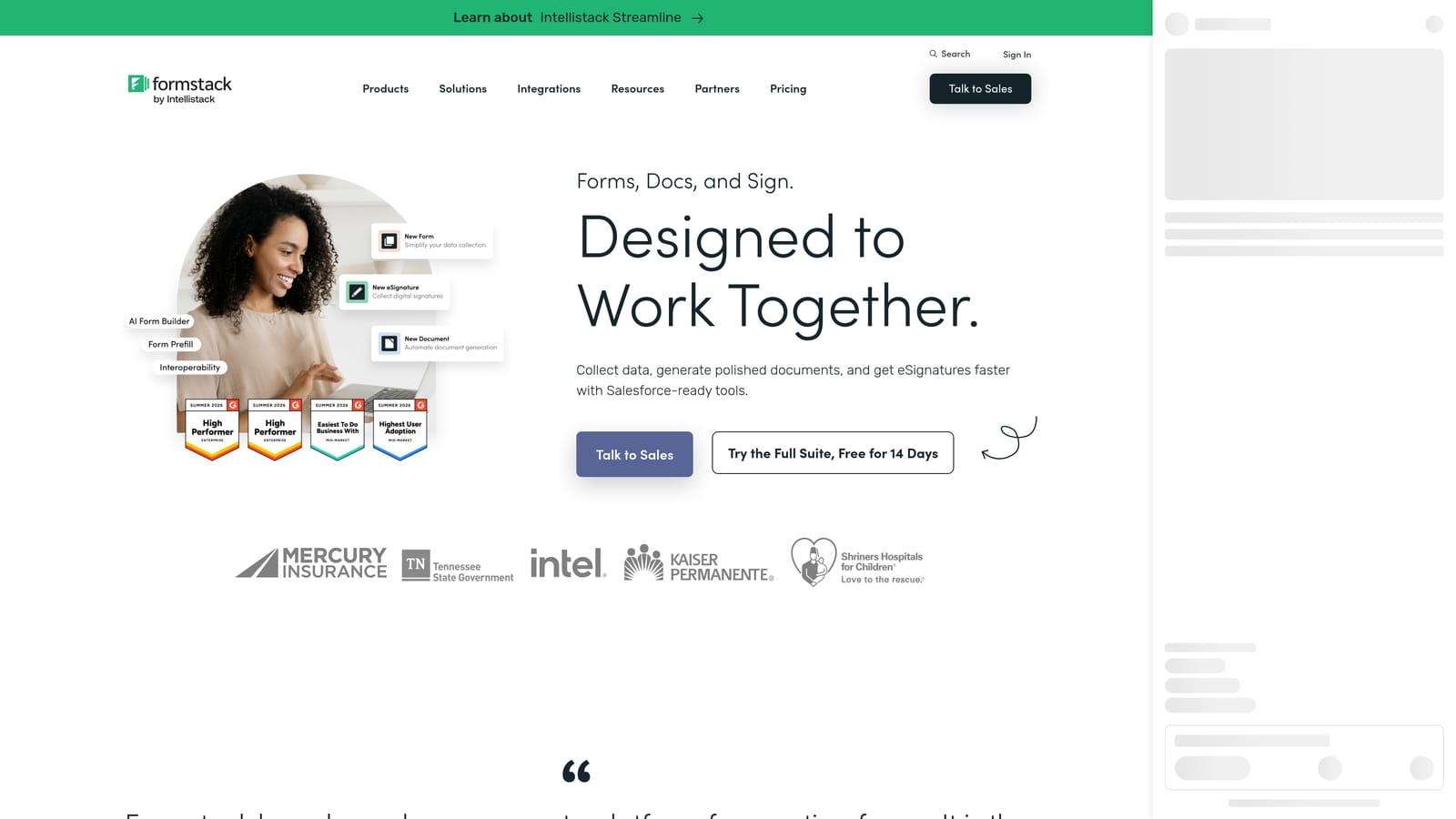
Formstack is an enterprise form and workflow platform that extends well beyond form building into document generation, eSignatures, and compliance-grade data management.
Where This Tool Shines
Formstack plays in a different league than the other tools on this list. It's not trying to be the simplest or most design-forward option. It's built for organizations where forms are part of a regulated, multi-step business process, and where data handling, audit trails, and compliance certification aren't optional extras.
The HIPAA-compliant form option is a meaningful differentiator for healthcare organizations, legal teams, and any business operating in a regulated environment where data handling requirements are non-negotiable. Pair that with document generation, eSignatures, and Salesforce-native integration, and Formstack starts to look less like a form builder and more like a workflow infrastructure layer.
Key Features
HIPAA-Compliant Forms: Purpose-built compliance options for healthcare, legal, and regulated industries where standard form tools fall short of data handling requirements.
Document Generation and eSignatures: Go beyond data collection to generate documents and collect legally binding signatures within the same platform.
Advanced Workflow Routing: Build multi-step approval chains and automated routing logic that matches complex organizational processes.
Salesforce-Native Integration: Deep Salesforce connectivity that goes beyond a basic Zapier connection, making it a natural fit for enterprise sales and operations teams already running on Salesforce.
Enterprise Security and Audit Trails: Granular access controls, audit logs, and enterprise-grade security standards that satisfy IT and compliance requirements at scale.
Best For
Formstack is the right choice for large organizations in healthcare, legal, financial services, and other regulated industries where compliance, data governance, and complex workflow routing are core requirements. It's significantly overbuilt for small teams and startups, but for the right enterprise use case, it's purpose-fit.
Pricing
Formstack uses enterprise pricing with no meaningful free plan. Evaluation is best done via a demo with their sales team. See current options at formstack.com/pricing.
Which Tool Is Right for Your Team?
The honest answer is that the best form builder depends almost entirely on what you need to happen after someone hits submit. The form itself is rarely the hard part. The routing, qualification, branding, and automation that follows is where the real differences show up.
Here's a quick map to the right choice based on use case:
Free plan with no limits: Tally is the clear winner. Unlimited responses, no submission caps, and a genuinely usable free tier make it the default choice for early-stage teams and individuals who aren't ready to pay for a form tool.
Engagement-driven surveys and quizzes: Typeform's conversational format drives higher completion rates for surveys, NPS forms, and quiz-based lead capture. If the form experience itself needs to feel like a conversation, Typeform delivers that consistently.
Template volume and payment processing: Jotform's template library and native payment integrations make it the practical choice for small businesses and ops teams that need to get forms live quickly across a wide range of use cases.
Content-rich forms that sell: Paperform is the right fit when your form needs to do landing page work, combining rich content, product fields, and payment processing in a single polished experience.
Enterprise compliance and workflow: Formstack is built for organizations where HIPAA compliance, document generation, and multi-step approval routing are non-negotiable requirements. It's enterprise infrastructure, not a lightweight form tool.
AI-powered lead qualification at scale: If your form submissions represent pipeline value and you need more than data collection, Orbit AI is built specifically for this. The AI qualification layer, built-in workflows, and CRM-ready contact management mean your team receives prioritized, enriched leads rather than a raw list to sort through.
The free vs. paid decision ultimately comes down to whether your forms are tied to revenue. When they are, the cost of the right paid plan is rarely the constraint. The cost of missing qualified leads, losing data to manual processes, or presenting competitor-branded forms to prospects is almost always higher.
Transform your lead generation with AI-powered forms that qualify prospects automatically while delivering the modern, conversion-optimized experience your high-growth team needs. Start building free forms today and see how intelligent form design can elevate your conversion strategy. When you're ready to explore plans, visit orbitforms.ai/pricing to find the right fit for your team's stage and scale.


