

Building professional forms shouldn't require a computer science degree. Whether you're collecting leads, gathering customer feedback, or processing applications, the right form builder lets you create polished, conversion-optimized forms in minutes—not hours of wrestling with code.
We've tested dozens of form builders to find the ones that truly deliver on the promise of simplicity without sacrificing power. Our selection criteria: intuitive drag-and-drop interfaces, zero coding requirements, modern templates, reliable integrations, and responsive customer support.
Here are the top easy form builders for teams who want beautiful, functional forms without the technical headaches.
1. Orbit AI
Best for: High-growth teams who want beautiful forms with built-in AI lead qualification
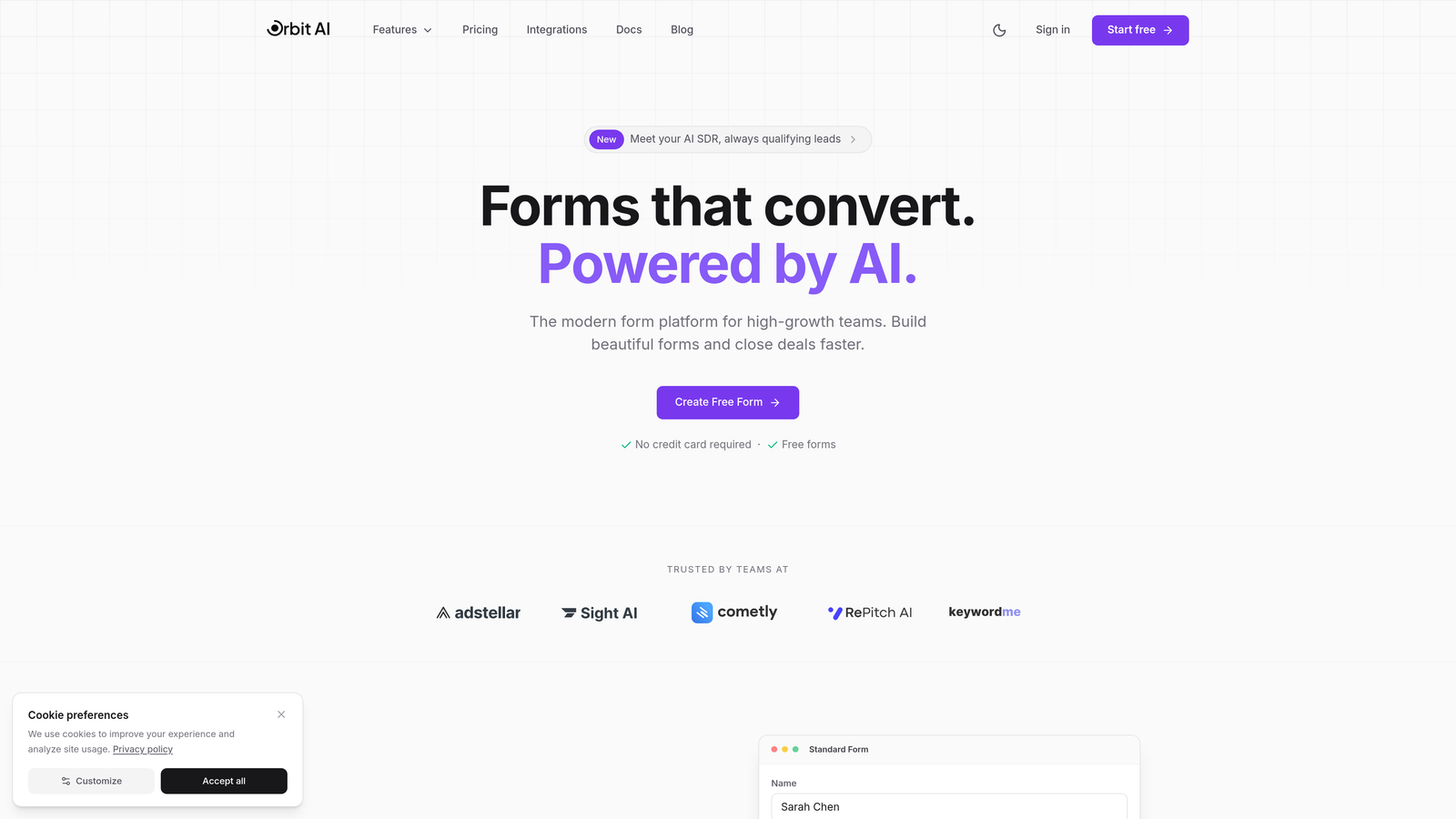
Orbit AI combines an intuitive drag-and-drop builder with AI-powered lead qualification, automatically scoring and routing prospects based on their responses.
Where This Tool Shines
Orbit AI stands out by doing something most form builders can't: it thinks about your leads for you. While you're building beautiful forms with zero technical skills, the AI is working behind the scenes to identify your highest-value prospects.
The platform eliminates the gap between form submission and action. Instead of manually reviewing every response to determine which leads deserve immediate attention, Orbit AI scores and qualifies them automatically, sending hot leads directly to your sales team while nurturing others through appropriate workflows.
Key Features
AI-Powered Lead Qualification: Automatically scores and qualifies leads based on their responses, routing high-value prospects to the right team members.
Modern Drag-and-Drop Builder: Create professional forms without touching code using an intuitive visual interface with conversion-optimized templates.
Native CRM Integrations: Connect seamlessly with HubSpot, Salesforce, and Slack to keep your workflows running smoothly.
Built-in Analytics: Track form performance, completion rates, and lead quality with comprehensive analytics dashboards.
Automated Workflows: Set up intelligent routing and follow-up sequences that respond to lead scores and qualification criteria.
Best For
Growing businesses and marketing teams who need more than just form submissions—they need qualified leads ready for sales conversations. Perfect for teams tired of sorting through low-quality form fills manually.
Pricing
Free plan available to get started. Paid plans begin at competitive rates designed for growing teams focused on conversion optimization.
2. Typeform
Best for: Creating engaging, conversational forms that feel like real interactions
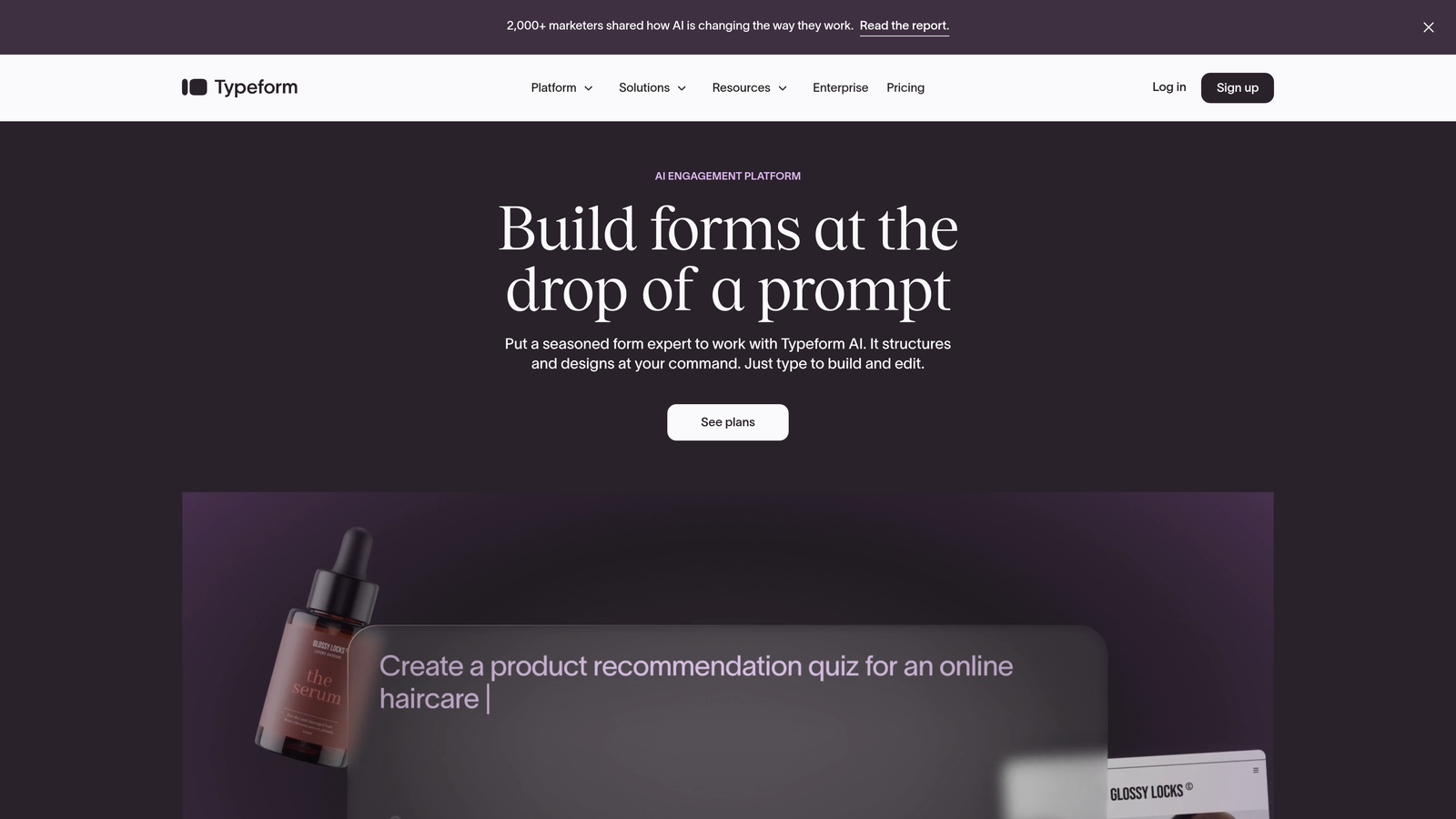
Typeform pioneered the one-question-at-a-time format that makes forms feel less like paperwork and more like conversations.
Where This Tool Shines
Typeform transformed how people think about form design. Instead of confronting users with a wall of fields, it presents questions one at a time, creating a focused, engaging experience that significantly improves completion rates.
The platform's design-forward approach makes even mundane data collection feel premium. Every interaction is smooth, visually appealing, and optimized for mobile devices—crucial when most form fills now happen on phones.
Key Features
Conversational Interface: One-question-at-a-time format reduces cognitive load and increases completion rates compared to traditional forms.
Beautiful Templates: Dozens of professionally designed templates that look modern without any customization needed.
Logic Jumps: Show or hide questions based on previous answers to create personalized experiences for each respondent.
Rich Media Support: Embed videos, images, and GIFs directly into your forms to boost engagement and clarify questions.
Integration Ecosystem: Connect with hundreds of tools including Google Sheets, Mailchimp, Slack, and Zapier for automated workflows.
Best For
Teams prioritizing user experience and completion rates over feature complexity. Ideal for customer surveys, feedback forms, and lead capture where engagement matters more than data density.
Pricing
Free plan includes 10 responses per month. Basic plan starts at $25/month for 100 responses and removes Typeform branding.
3. Jotform
Best for: Teams needing extensive templates and widgets for specialized use cases
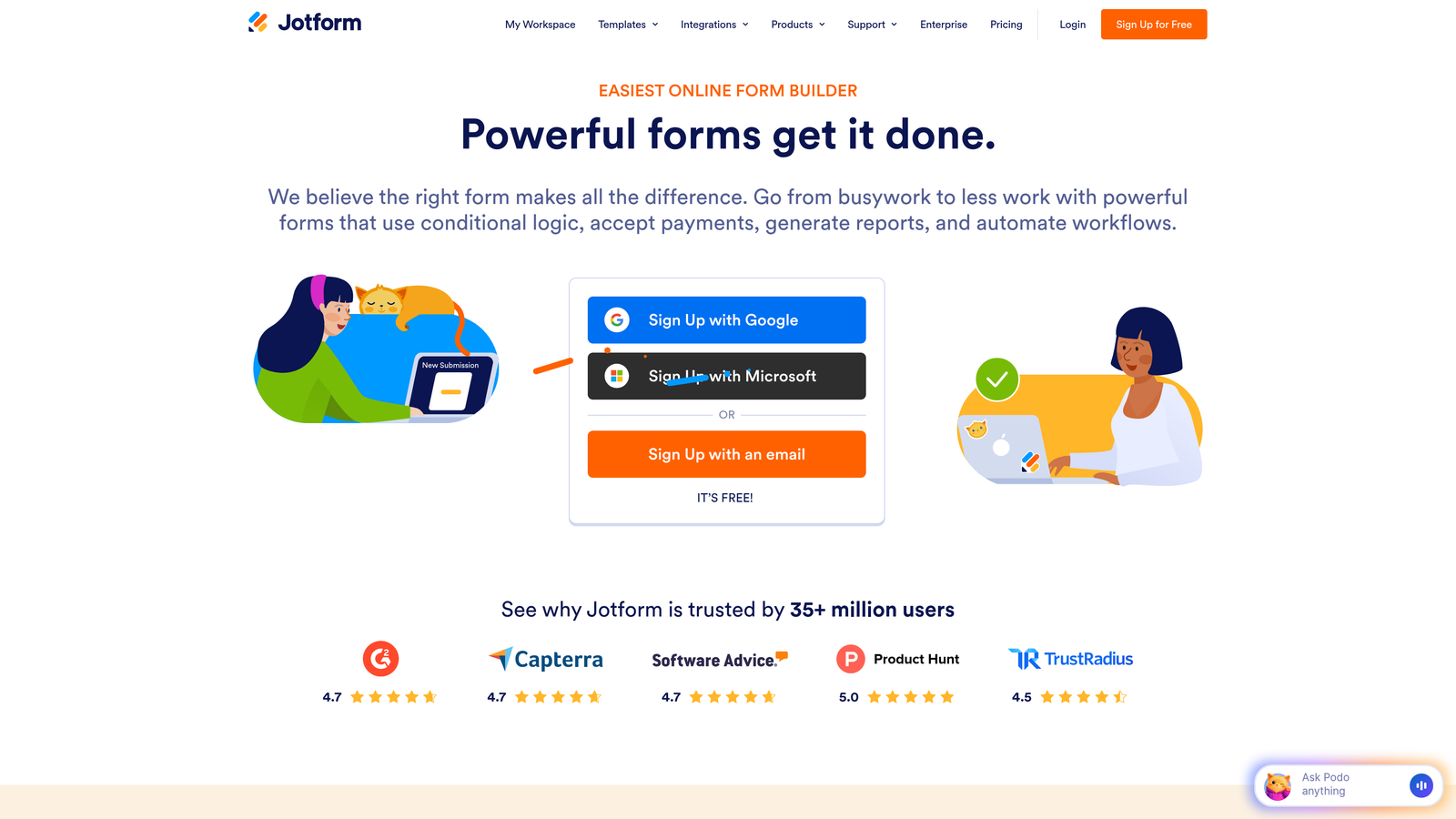
Jotform offers one of the most comprehensive template libraries in the industry, with over 10,000 pre-built forms covering virtually every scenario.
Where This Tool Shines
Jotform solves the "blank canvas problem" better than anyone. With templates for everything from medical intake forms to event registrations, you're rarely starting from scratch. The platform's widget marketplace extends functionality far beyond basic forms.
The PDF form creation feature is particularly valuable for businesses that need to generate professional documents from form submissions—think contracts, invoices, or certificates that populate automatically with submitted data.
Key Features
Massive Template Library: Over 10,000 pre-built templates covering industries from healthcare to education to e-commerce.
Widget Marketplace: Access 100+ widgets for specialized functionality like appointment scheduling, signature capture, and file uploads.
PDF Form Generation: Automatically create professional PDF documents populated with form submission data.
Payment Processing: Accept payments directly through forms with integrations for PayPal, Square, and Stripe.
Mobile App: Manage forms, view submissions, and respond to entries from iOS or Android devices.
Best For
Organizations with diverse form needs across departments, or businesses requiring specialized functionality like payment collection, PDF generation, or appointment scheduling built directly into forms.
Pricing
Free plan includes 5 forms and 100 monthly submissions. Bronze plan starts at $34/month for 25 forms and 1,000 submissions.
4. Google Forms
Best for: Teams already using Google Workspace who need simple, free forms
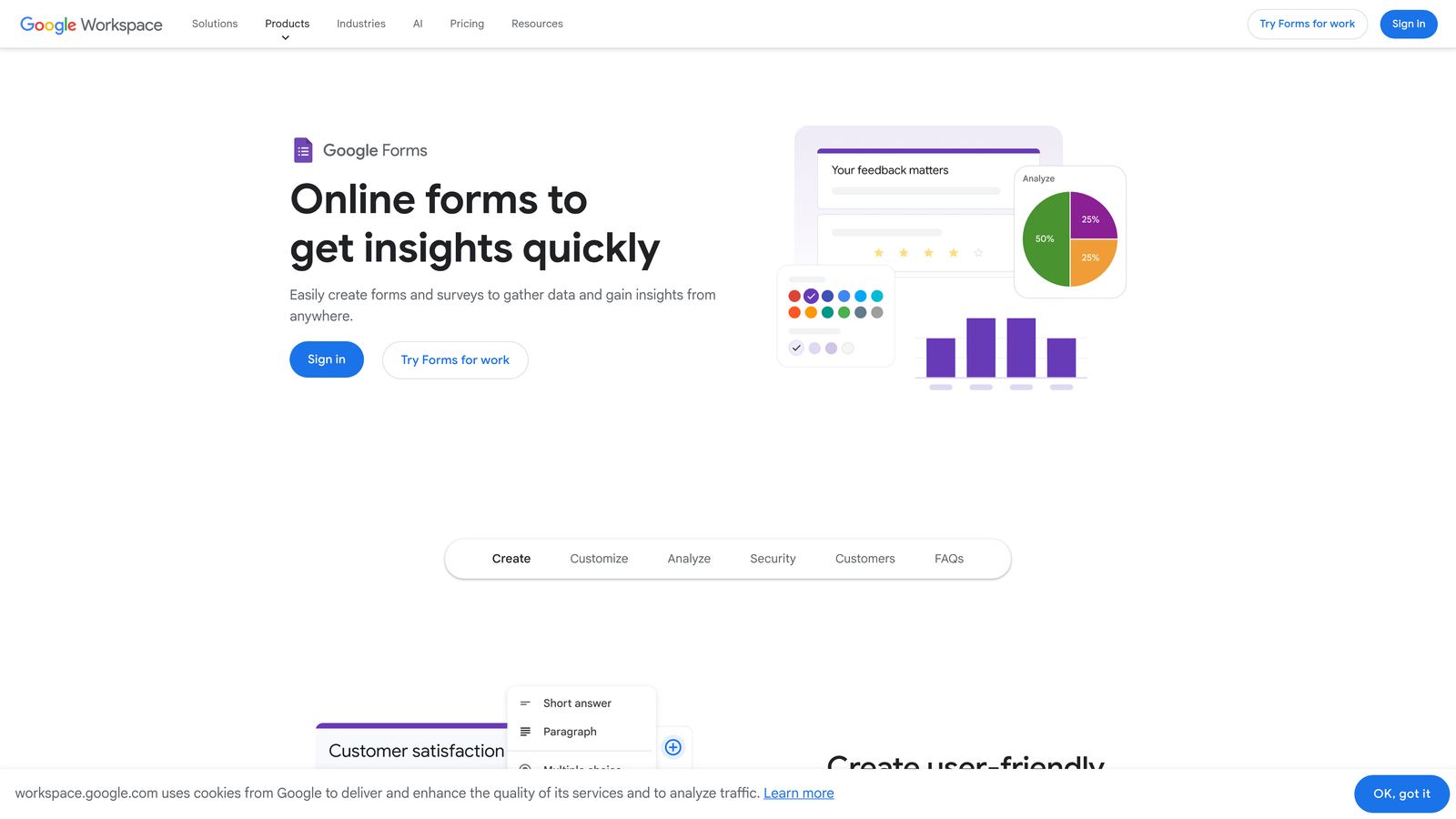
Google Forms offers completely free form building with seamless integration into the Google ecosystem.
Where This Tool Shines
Google Forms wins on accessibility and cost. Zero learning curve if you've used any Google product, zero cost regardless of usage, and zero friction when your data needs to live in Google Sheets.
The real-time collaboration features mirror Google Docs, letting multiple team members build and edit forms simultaneously. For internal surveys, event RSVPs, or quick data collection, the simplicity is actually a feature rather than a limitation.
Key Features
Completely Free: Unlimited forms, unlimited responses, unlimited users—no hidden costs or upgrade pressure.
Google Sheets Integration: Responses flow directly into spreadsheets for instant analysis and sharing.
Real-Time Collaboration: Multiple team members can edit the same form simultaneously with live updates.
Quiz Mode: Create self-grading quizzes with automatic scoring and feedback for educational or assessment purposes.
Basic Logic: Show or hide sections based on previous answers to create branching experiences.
Best For
Organizations already invested in Google Workspace, educators creating quizzes, or any team needing straightforward data collection without budget for specialized tools.
Pricing
Completely free with a Google account. No paid tiers or premium features.
5. Tally
Best for: Teams who love Notion's interface and want unlimited forms free
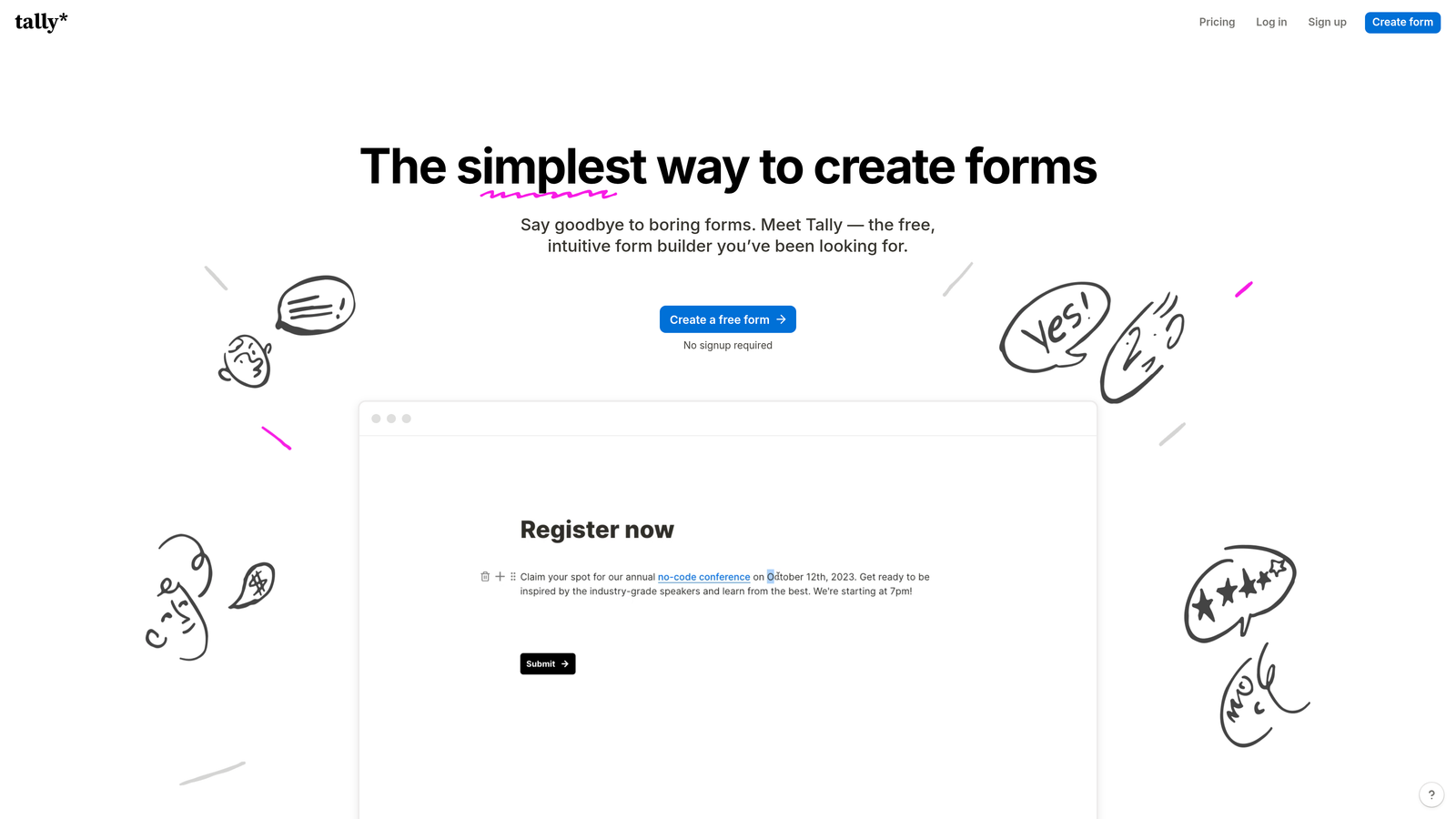
Tally brings Notion's beloved block-based editing experience to form building, with an incredibly generous free plan.
Where This Tool Shines
Tally feels instantly familiar to anyone who's used Notion. The block-based interface lets you build forms by simply typing and adding elements, making the creation process feel more like writing a document than configuring a tool.
The free plan's unlimited forms and responses make it remarkably accessible for startups and small teams. While competitors gate features behind paywalls, Tally gives away conditional logic, calculations, and integrations without charging a dollar.
Key Features
Unlimited Free Forms: No artificial limits on form count or monthly responses on the free tier.
Notion-Style Editor: Block-based interface that feels natural for anyone familiar with modern document editors.
Conditional Logic: Show or hide fields based on previous answers, available even on the free plan.
Calculations: Perform math operations on form fields for quotes, pricing calculators, or scoring systems.
Database Integrations: Connect directly with Notion and Airtable to sync form responses with your existing workflows.
Best For
Notion power users, startups with tight budgets, and teams who prefer minimalist interfaces over feature-heavy dashboards. Perfect for internal forms and simple data collection.
Pricing
Free plan with unlimited forms and responses. Pro plan at $29/month adds custom domains, file uploads, and payment collection.
6. Fillout
Best for: Teams using Airtable or Notion as their primary database
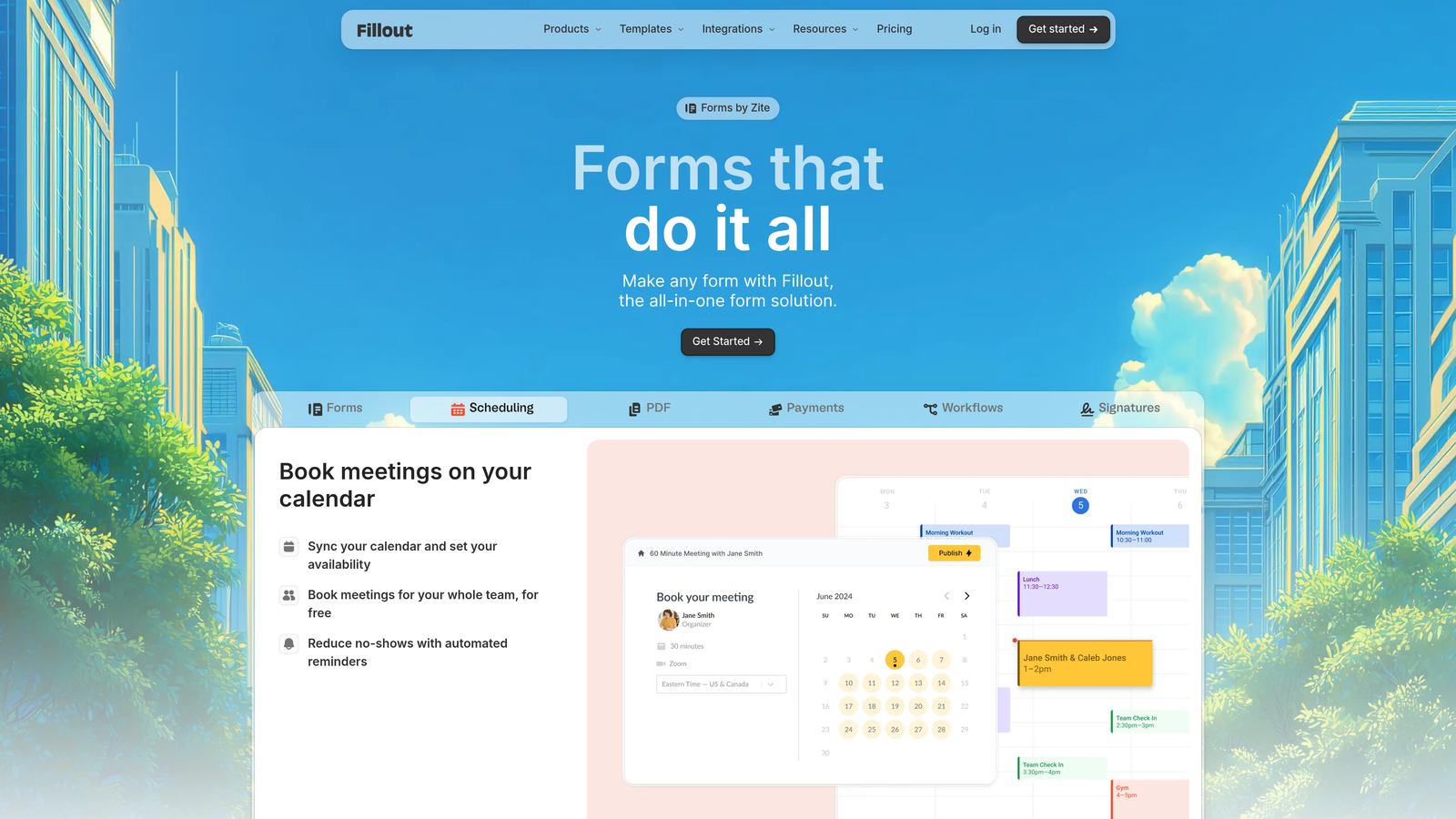
Fillout specializes in native database integrations, syncing form responses directly with Airtable, Notion, and other platforms.
Where This Tool Shines
Fillout eliminates the middleware. Instead of routing data through Zapier or Make, it connects directly with your Airtable bases or Notion databases, creating or updating records in real-time as forms are submitted.
The platform understands database structures, letting you map form fields to specific columns and even pre-fill forms with existing data. This makes it excellent for updating records, not just creating new ones.
Key Features
Native Database Sync: Direct two-way integration with Airtable and Notion without requiring third-party automation tools.
Conditional Logic: Create branching paths that show different questions based on previous answers or database values.
Multi-Step Forms: Break long forms into manageable sections with progress indicators to improve completion rates.
File Uploads: Collect documents, images, or other files with built-in storage and organization.
Scheduling Integration: Embed calendar booking directly into forms for appointment-based workflows.
Best For
Teams who've built their operations around Airtable or Notion and want forms that feel like native features rather than external tools. Ideal for customer portals and internal workflows.
Pricing
Free plan available with core features. Starter plan at $15/month adds unlimited submissions and advanced integrations.
7. Paperform
Best for: Creating form-based landing pages with built-in payment processing
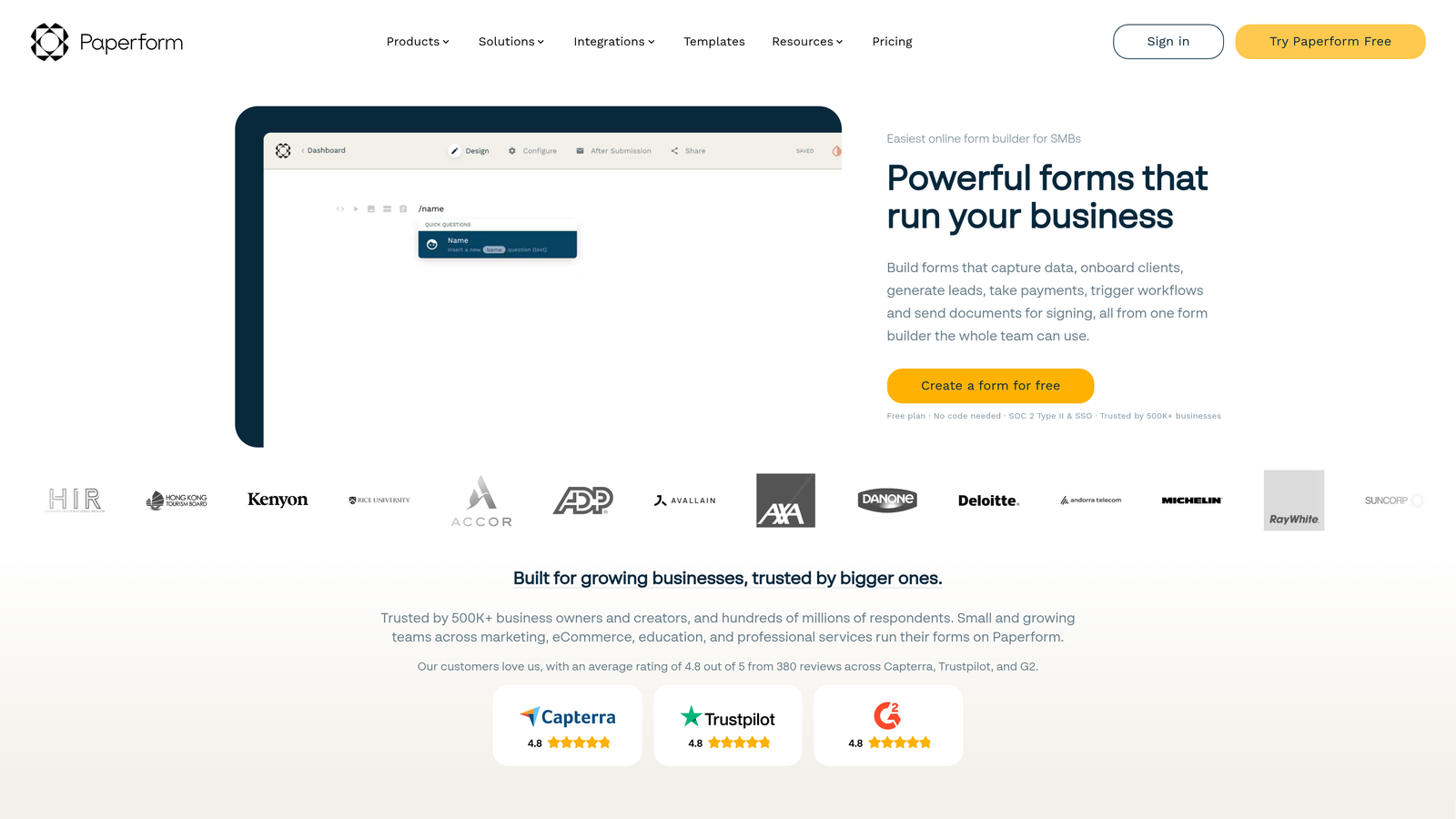
Paperform uses a document-style editor that lets you create forms by simply typing, turning any text into a beautiful form-based landing page.
Where This Tool Shines
Paperform blurs the line between forms and landing pages. The free-form editor lets you mix form fields with rich content—images, videos, formatted text—creating experiences that feel more like interactive pages than traditional forms.
The built-in payment processing makes it powerful for selling products, accepting bookings, or collecting deposits without needing separate e-commerce tools. Combined with calculation fields, you can build sophisticated pricing forms that adjust totals based on user selections.
Key Features
Document-Style Editor: Build forms by typing naturally, with automatic conversion of text into form elements and fields.
Payment Processing: Accept payments through Stripe or PayPal directly within forms without external checkout pages.
Product Pages: Create order forms and product catalogs with variants, quantities, and dynamic pricing.
Advanced Calculations: Build complex formulas for quotes, pricing calculators, or scoring systems with spreadsheet-like functions.
Custom Success Pages: Design unique confirmation experiences based on form responses or payment outcomes.
Best For
Businesses selling services or products through forms, consultants offering quotes, or any team needing payment collection integrated directly into the form experience.
Pricing
No free plan, but 14-day trial available. Essentials plan starts at $24/month for unlimited forms and 1,000 submissions.
8. Cognito Forms
Best for: Budget-conscious teams needing advanced features on a free plan
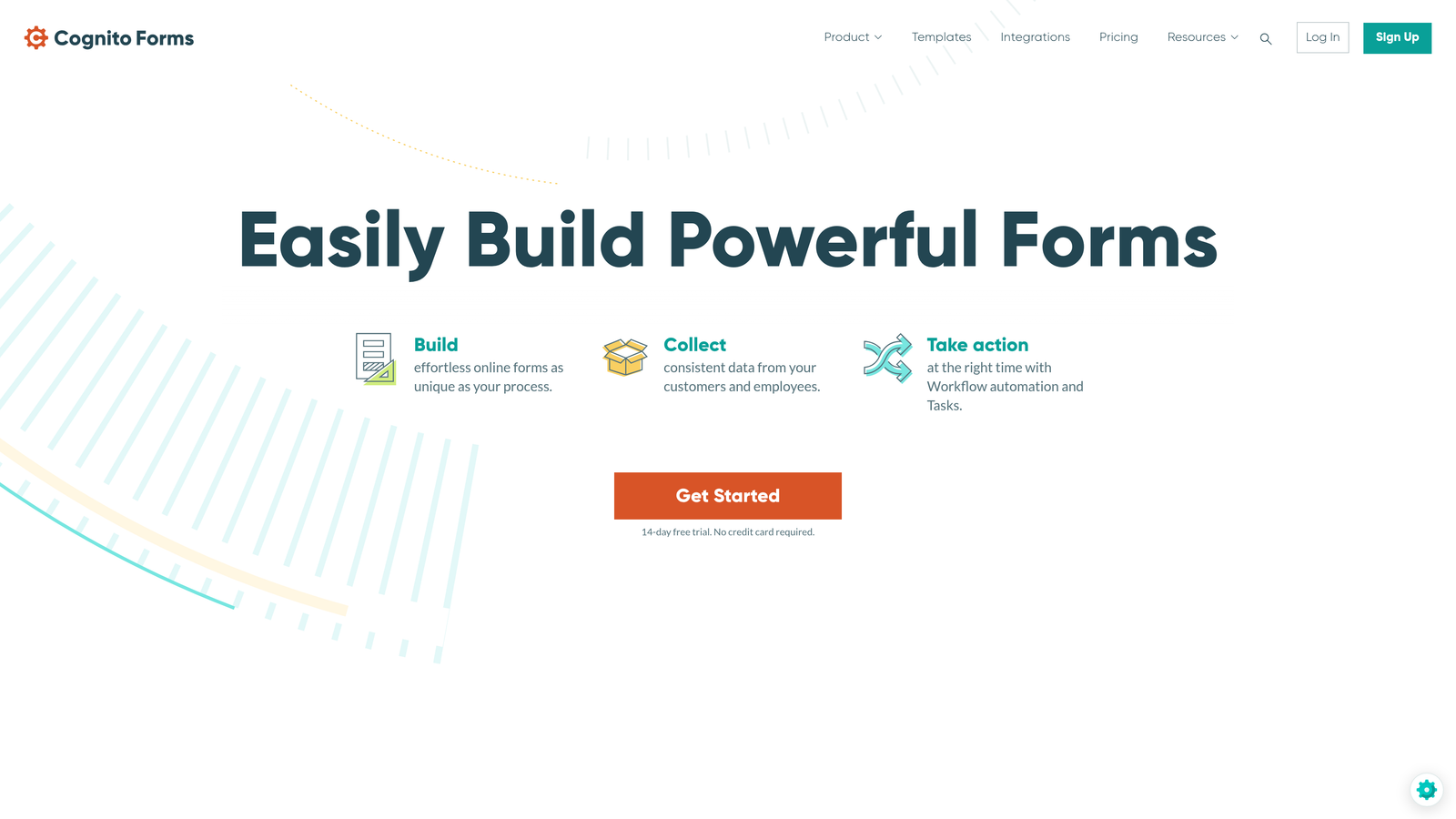
Cognito Forms offers calculation fields, payment processing, and workflow features that competitors typically reserve for paid tiers.
Where This Tool Shines
Cognito Forms delivers premium functionality at entry-level prices. The free plan includes calculation fields and payment processing—features that cost money on most platforms. This makes it exceptional for organizations with sophisticated needs but limited budgets.
The HIPAA compliance option addresses a specific pain point for healthcare organizations. Combined with workflow routing and approval processes, it handles complex, regulated use cases that simpler form builders can't touch.
Key Features
Calculations on Free Plan: Build pricing calculators, quotes, and dynamic forms with mathematical operations without paying.
Payment Processing: Accept credit card payments through Stripe or PayPal on even the free tier.
HIPAA Compliance: Available on higher tiers for healthcare organizations handling protected health information.
Repeating Sections: Let users add multiple entries of the same fields, perfect for registering multiple attendees or adding line items.
Workflow Routing: Set up approval processes and multi-step workflows based on form data and user roles.
Best For
Nonprofits and small businesses needing advanced features without premium pricing, or healthcare organizations requiring HIPAA-compliant form solutions with workflow capabilities.
Pricing
Free plan with unlimited forms and generous features. Pro plan starts at $15/month for increased submission limits and advanced features.
9. 123FormBuilder
Best for: Enterprise teams requiring compliance, security, and workflow automation
123FormBuilder focuses on enterprise-grade security and compliance features alongside traditional form building capabilities.
Where This Tool Shines
123FormBuilder takes compliance seriously. GDPR and HIPAA compliance aren't afterthoughts—they're core features with proper documentation and support. For organizations in regulated industries, this attention to security and privacy is non-negotiable.
The workflow automation goes beyond simple notifications. You can build multi-stage approval processes with role-based access control, letting different team members interact with submissions based on their permissions and the form's current state.
Key Features
GDPR and HIPAA Compliance: Built-in compliance features with proper documentation for organizations handling sensitive data.
Workflow Automation: Create multi-step approval processes with conditional routing based on form data and user roles.
Electronic Signatures: Collect legally binding signatures directly within forms for contracts and agreements.
Role-Based Access: Control who can view, edit, or approve form submissions with granular permission settings.
Advanced Reporting: Generate detailed analytics and custom reports on form performance and submission data.
Best For
Enterprise organizations with compliance requirements, businesses needing electronic signature collection, or teams managing complex approval workflows across departments.
Pricing
Free plan available with basic features. Gold plan starts at $19.99/month for advanced features and increased submission limits.
Finding Your Perfect Match
The right form builder depends entirely on your specific needs and existing tech stack. If you're focused on lead quality over quantity and want AI working for you, Orbit AI delivers intelligent lead qualification that turns form submissions into actionable sales opportunities.
For teams prioritizing engagement and completion rates, Typeform's conversational interface creates experiences users actually want to complete. Google Forms remains unbeatable for simple internal use within Google Workspace environments.
Budget-conscious teams should look at Tally's generous free tier or Cognito Forms' advanced features at entry-level prices. If you're deeply invested in Airtable or Notion, Fillout's native integrations eliminate integration headaches.
Consider your primary use case: Are you selling products? Paperform's payment features shine. Need compliance? 123FormBuilder handles HIPAA and GDPR properly. Want extensive templates? Jotform's library covers nearly every scenario.
Most importantly, match the tool to your team's technical comfort level. Every option here delivers on the "easy for non-technical users" promise, but some lean toward simplicity while others offer depth. Start with your must-have features, then test the platforms that check those boxes.
Transform your lead generation with AI-powered forms that qualify prospects automatically while delivering the modern, conversion-optimized experience your high-growth team needs. Start building free forms today and see how intelligent form design can elevate your conversion strategy.


