

When your team is building forms at scale — for lead gen, onboarding, research, or customer feedback — the right platform makes a measurable difference. The wrong one creates bottlenecks: clunky collaboration, poor conversion rates, and leads that slip through the cracks.
This guide covers the best form platforms built for teams in 2026. We evaluated each tool on collaboration features, conversion optimization, integrations, ease of use, and pricing. Whether you're a high-growth SaaS team qualifying inbound leads or a marketing agency managing forms for multiple clients, there's a clear winner for every use case.
If you want to go deeper on specific topics, check out our guides on how to build effective web forms and how to improve form conversion rates before diving in.
1. Orbit AI
Best for: High-growth SaaS and B2B teams that need AI-powered lead qualification built into their forms.
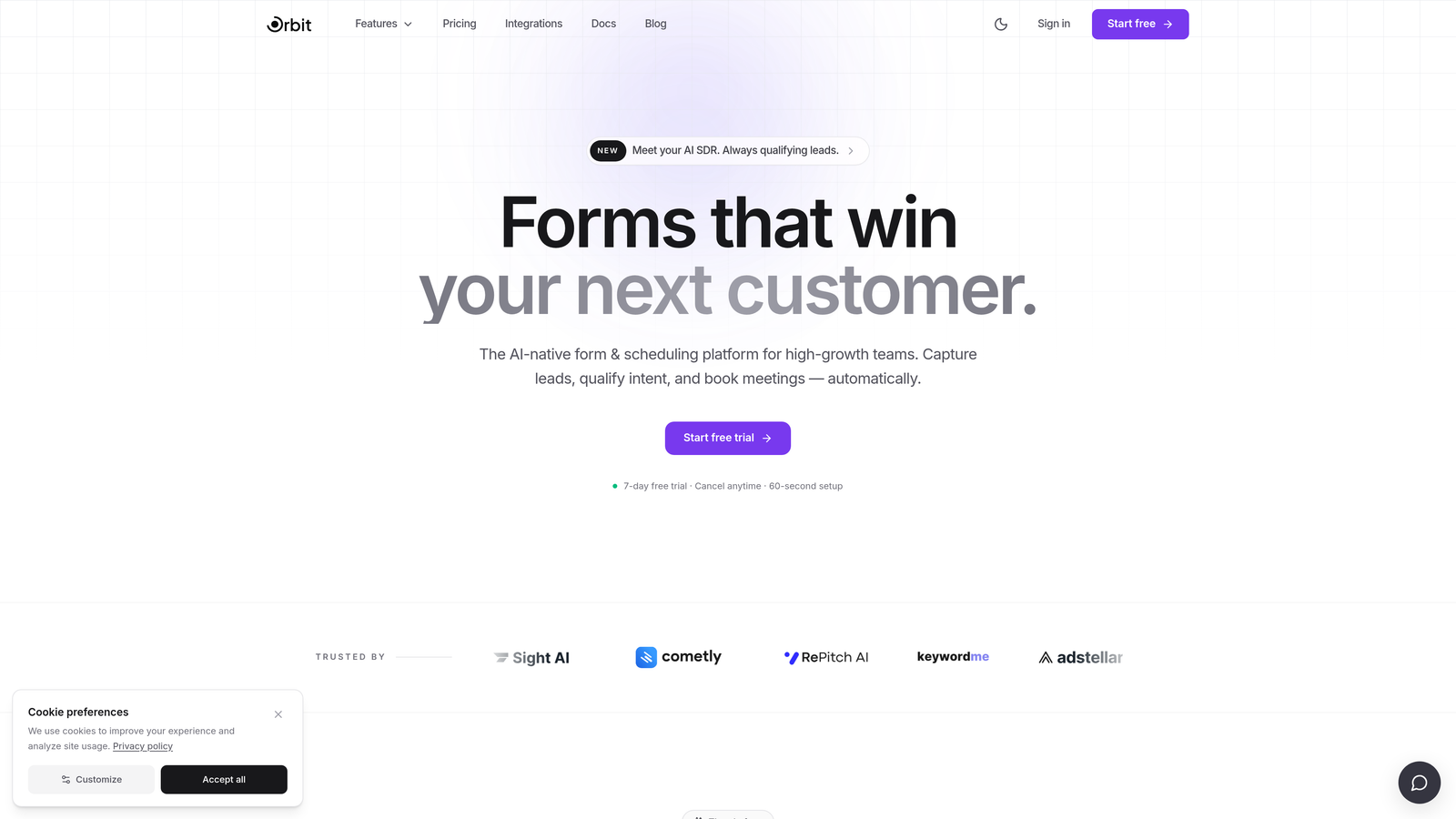
Orbit AI is an AI-powered form builder with native lead qualification, designed for teams where lead quality matters as much as lead volume.
Where This Tool Shines
Most form platforms treat qualification as an afterthought — you collect submissions, then manually sort through them in your CRM. Orbit AI flips that model. Its AI scores and segments leads at the moment of submission, so your sales team receives prioritized, qualified prospects rather than a raw list to sift through.
The platform is also built with conversion in mind from the ground up. The form design is modern and clean, and the multi-step format reduces friction at every stage of the submission flow. For teams where forms are a core part of the growth engine, that combination of qualification intelligence and conversion-optimized design is genuinely hard to find elsewhere.
Key Features
AI Lead Qualification: Automatically scores and segments leads at the point of submission, reducing manual triage for sales teams.
Conversion-Optimized Design: Beautiful, modern form UI built to maximize completion rates across device types.
Lead Scoring and Segmentation: Built-in scoring logic that routes high-value prospects to the right team or workflow automatically.
Conditional Logic and Multi-Step Forms: Personalize the form experience based on user responses to keep respondents engaged.
CRM and Marketing Automation Integrations: Connects with the tools your GTM stack already relies on, keeping data flowing without manual exports.
Best For
Orbit AI is the strongest fit for SaaS companies, B2B marketing teams, and growth-focused organizations where inbound lead quality directly affects revenue. If your sales team is spending significant time manually qualifying form submissions, this platform addresses that problem at the source.
Pricing
Visit orbitforms.ai for current pricing details. Plans are designed to scale with high-growth teams.
2. Typeform
Best for: Marketing and UX research teams that prioritize conversational, brand-forward form experiences.
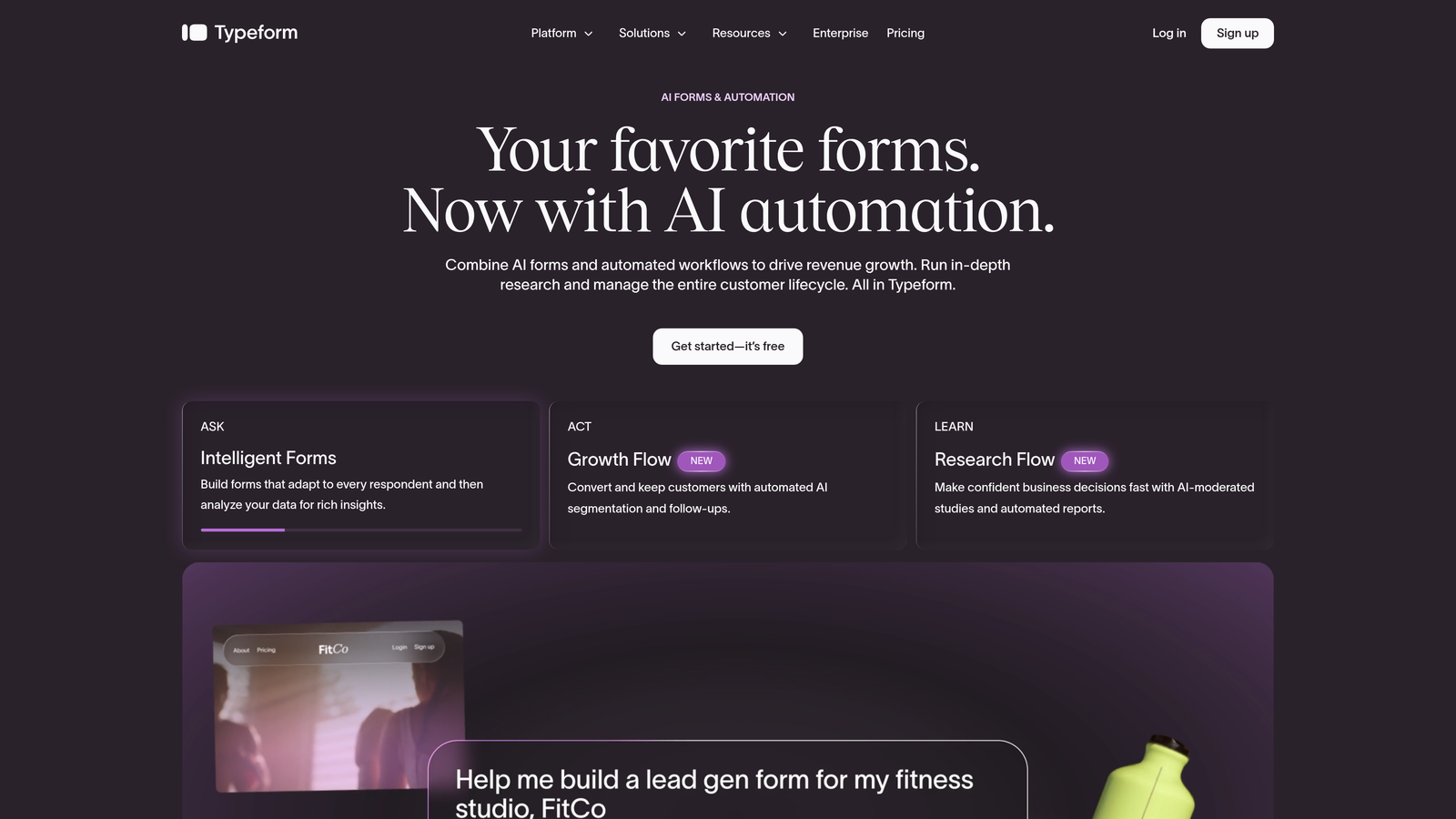
Typeform is a conversational form platform known for its one-question-at-a-time UX and strong brand customization options.
Where This Tool Shines
Typeform's signature format — presenting one question at a time — creates a more engaging, interview-like experience compared to traditional multi-field forms. Completion rates tend to be higher for forms that feel less overwhelming, and Typeform's design leans into that psychology effectively.
Brand customization is another genuine strength. Teams can match forms tightly to their visual identity, which matters when forms are embedded in public-facing marketing campaigns or product flows. The integration ecosystem is broad, covering the major CRMs and marketing automation platforms that most teams already use.
Key Features
Conversational One-Question Format: Presents questions sequentially to reduce cognitive load and improve completion rates.
Brand Customization: Deep control over fonts, colors, and imagery to match your visual identity precisely.
Logic Jumps and Conditional Branching: Route respondents through different question paths based on their answers.
Team Workspaces: Collaborative workspaces available on paid plans for managing forms across a team.
Integrations: Connects with HubSpot, Salesforce, Slack, and a wide range of other tools via native integrations and Zapier.
Best For
Typeform works best for marketing teams running campaigns, UX researchers conducting user studies, and any team where the form experience itself is part of the brand impression. It's less optimized for heavy-duty lead qualification or enterprise workflow automation.
Pricing
Free plan available with limited responses. Paid plans start at $25/month billed annually. Response limits apply on all tiers, which can become a cost consideration at high volume.
3. Jotform
Best for: Large organizations and enterprises that need a feature-rich platform with compliance capabilities and approval workflows.
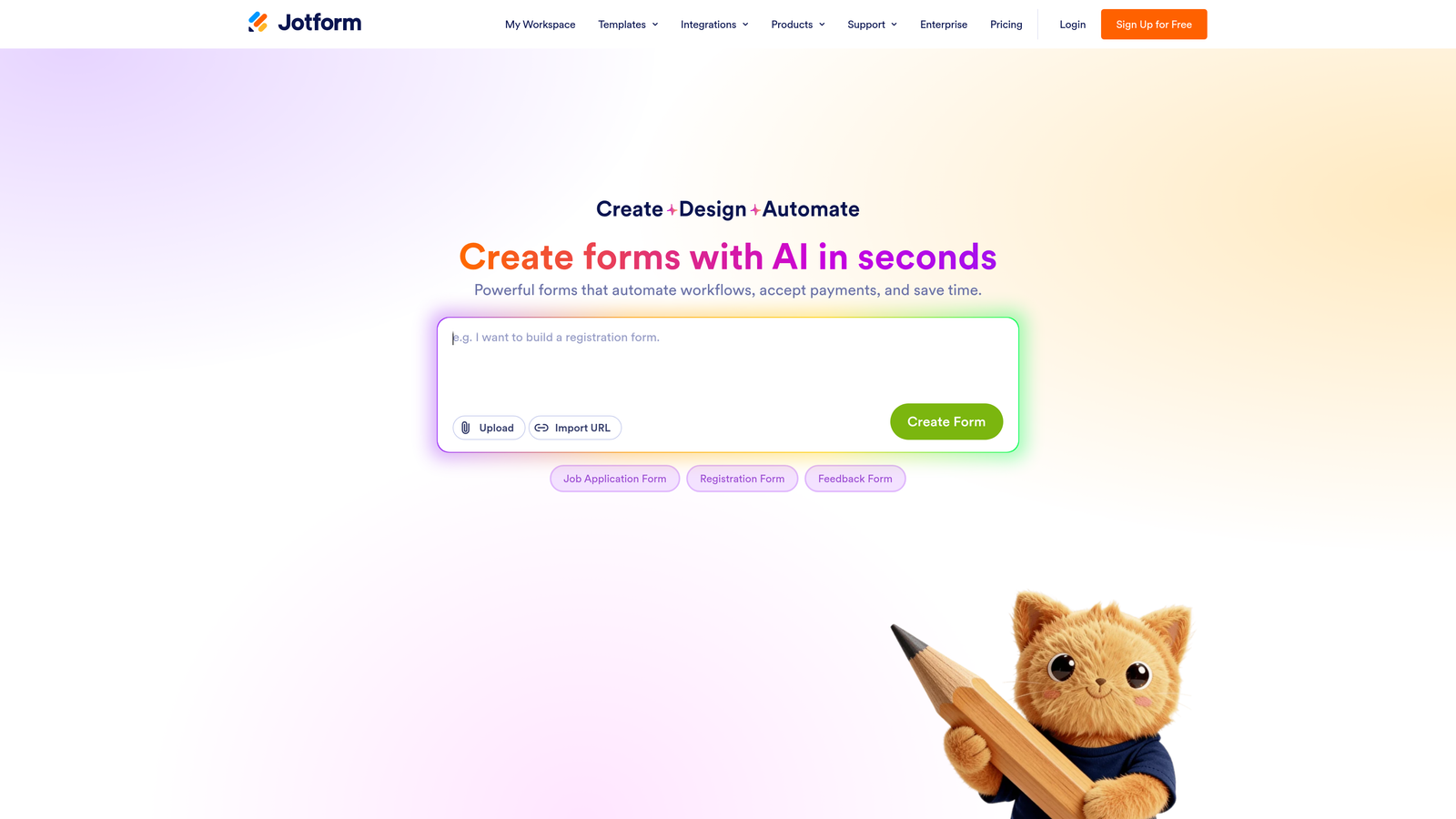
Jotform is a feature-rich form builder with one of the largest template libraries on the market, enterprise workflows, and strong compliance credentials.
Where This Tool Shines
Jotform's depth is its defining quality. With thousands of pre-built templates spanning virtually every industry and use case, teams can get a functional form live in minutes rather than building from scratch. For organizations managing high volumes of forms across multiple departments, that template library alone saves meaningful time.
On the enterprise side, Jotform's approval workflow capabilities and HIPAA compliance support make it one of the few platforms that can serve regulated industries without requiring custom development. White-label options also make it a practical choice for agencies managing forms on behalf of clients.
Key Features
Massive Template Library: Thousands of pre-built templates across industries, dramatically reducing setup time for common use cases.
Advanced Approval Workflows: Multi-step approval chains and team management features for complex internal processes.
HIPAA Compliance: Supports healthcare organizations with compliant data handling and storage options.
White-Label Options: Agencies can present Jotform-powered forms under their own branding.
Payment Integrations: Native connections to Stripe, PayPal, and other payment processors for forms that collect transactions.
Best For
Jotform is a strong fit for large organizations, healthcare teams, and agencies managing forms at scale. Smaller teams may find the feature density more than they need, but for enterprises with complex workflows and compliance requirements, it's hard to outgrow.
Pricing
Free plan available with a useful feature set. Paid plans start at $34/month. Enterprise pricing is available for organizations with advanced needs.
4. Paperform
Best for: Multi-use teams that need one platform to handle forms, payments, bookings, and lightweight landing pages.
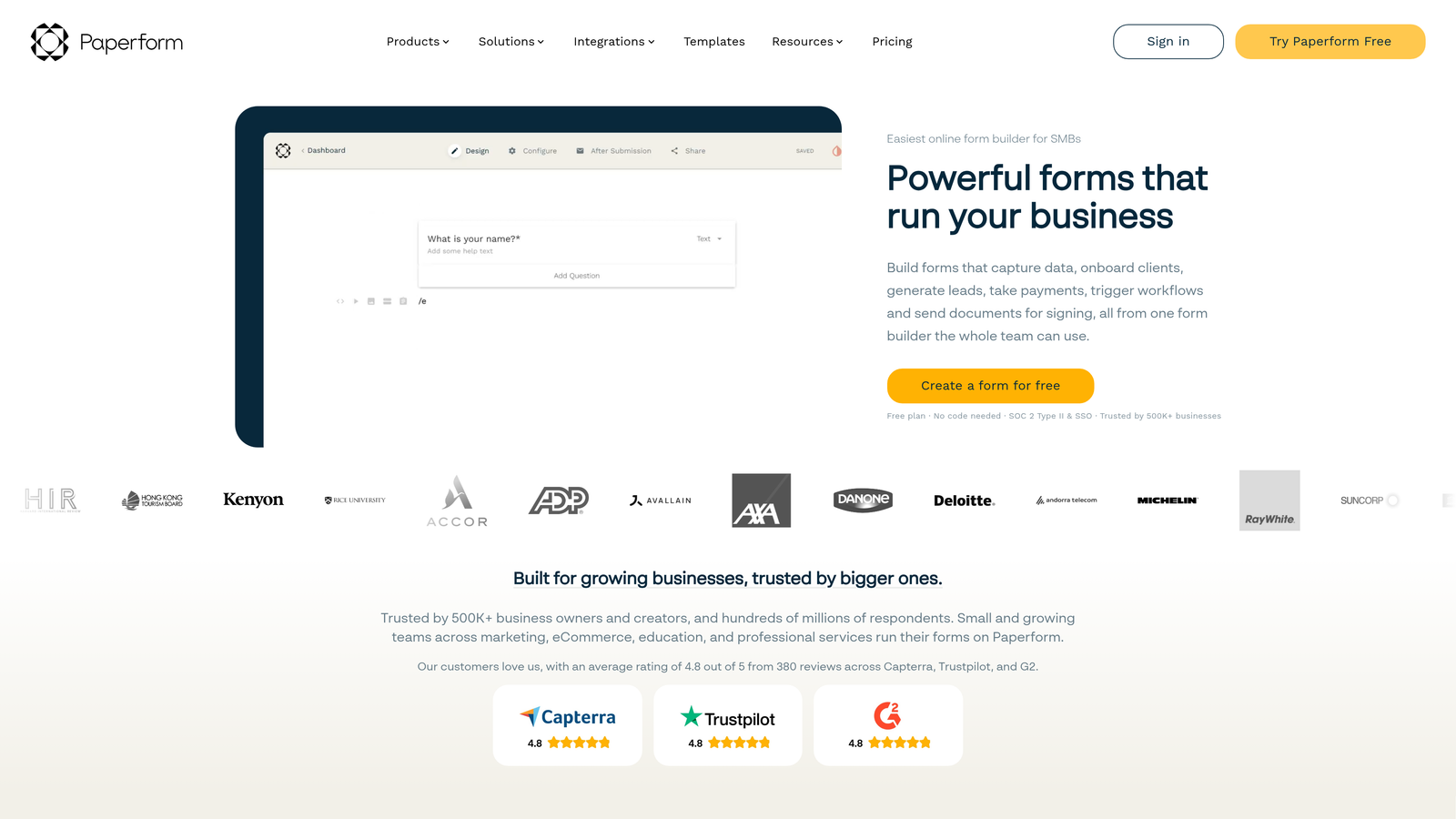
Paperform is a flexible form and landing page hybrid that handles registrations, payments, bookings, and surveys within a single tool.
Where This Tool Shines
Paperform occupies an interesting niche: it's not purely a form builder, and it's not a full landing page platform. It sits comfortably in between, letting teams build forms that look and feel like polished product pages without needing a separate tool. For teams that regularly run events, sell digital products, or collect bookings alongside standard form submissions, that consolidation is genuinely useful.
The flat-fee pricing model is also worth highlighting. Unlike platforms that charge based on response volume, Paperform's pricing stays predictable as your form traffic grows. That's a real advantage for teams running high-traffic campaigns who don't want to monitor submission counts.
Key Features
Form and Landing Page Hybrid: Combines form functionality with lightweight design tools to create polished, conversion-friendly pages.
Built-In Payments and Bookings: Native support for transactions and scheduling without requiring third-party tools.
Flat-Fee Pricing: No response-volume pricing tiers, making costs predictable as traffic scales.
Quiz and Survey Capabilities: Flexible enough to handle scored quizzes, research surveys, and standard lead capture forms.
Custom Domain Support: Available on paid plans for teams that want forms hosted under their own domain.
Best For
Paperform is ideal for small to mid-sized teams that need versatility without managing multiple tools. It's particularly well-suited to teams running events, selling products, or managing bookings alongside standard lead capture.
Pricing
Starts at $24/month billed annually. No response-based pricing tiers, making it one of the more predictable options as your team scales.
5. Formstack
Best for: Enterprise and mid-market teams with compliance requirements and complex document or signature workflows.
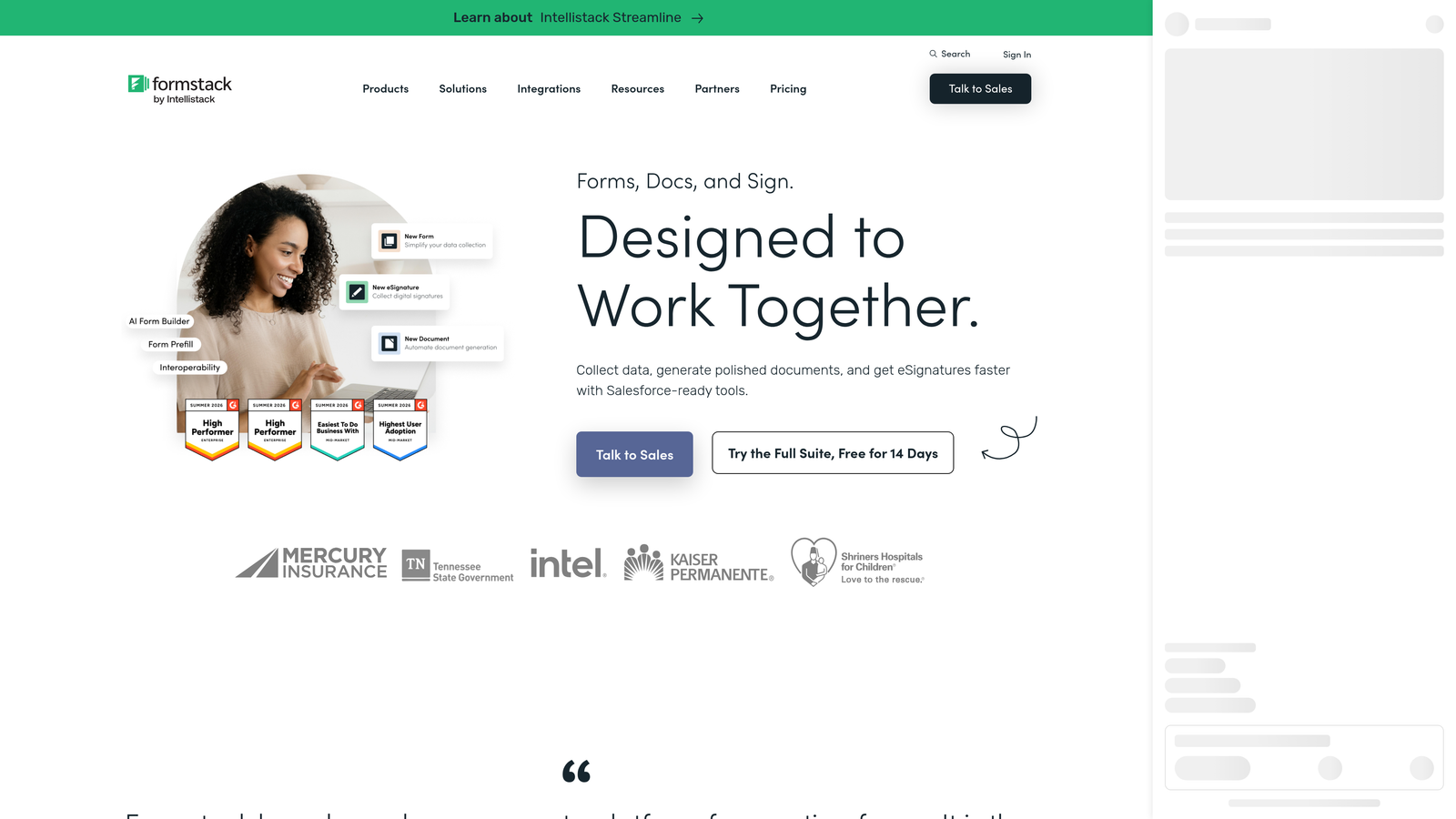
Formstack is an enterprise form and workflow platform that extends beyond data collection into document generation, e-signature, and process automation.
Where This Tool Shines
Formstack's core differentiator is that it treats forms as the entry point to a broader workflow, not the endpoint. A form submission can trigger document generation, route for e-signature, and update records in Salesforce or HubSpot — all within the same platform. For operations teams managing complex, multi-step processes, that level of automation is difficult to replicate with simpler tools.
Compliance is another area where Formstack stands apart. HIPAA support and enterprise-grade data handling make it a viable option for healthcare organizations, financial services teams, and other regulated industries where data security is non-negotiable.
Key Features
Advanced Workflow Automation: Form submissions trigger multi-step workflows that can span approvals, notifications, and system updates.
Document Generation and E-Signature: The Formstack Suite adds document creation and signing capabilities directly tied to form data.
HIPAA and Enterprise Compliance: Built for regulated industries with appropriate data handling and security controls.
Prefill and Conditional Logic: Reduces friction for returning users and personalizes the form experience based on known data.
Enterprise Integrations: Deep connections with Salesforce, HubSpot, and other enterprise platforms.
Best For
Formstack is the right choice for mid-market and enterprise teams where forms are part of a larger operational workflow rather than a standalone data collection tool. It's less focused on conversion optimization and better suited to process automation and compliance-heavy environments.
Pricing
Starts at $83/month billed annually. Formstack Documents and Sign features are priced separately as part of the broader Suite offering.
6. Tally
Best for: Lean teams and early-stage startups that need capable, no-cost forms with a clean, intuitive editor.
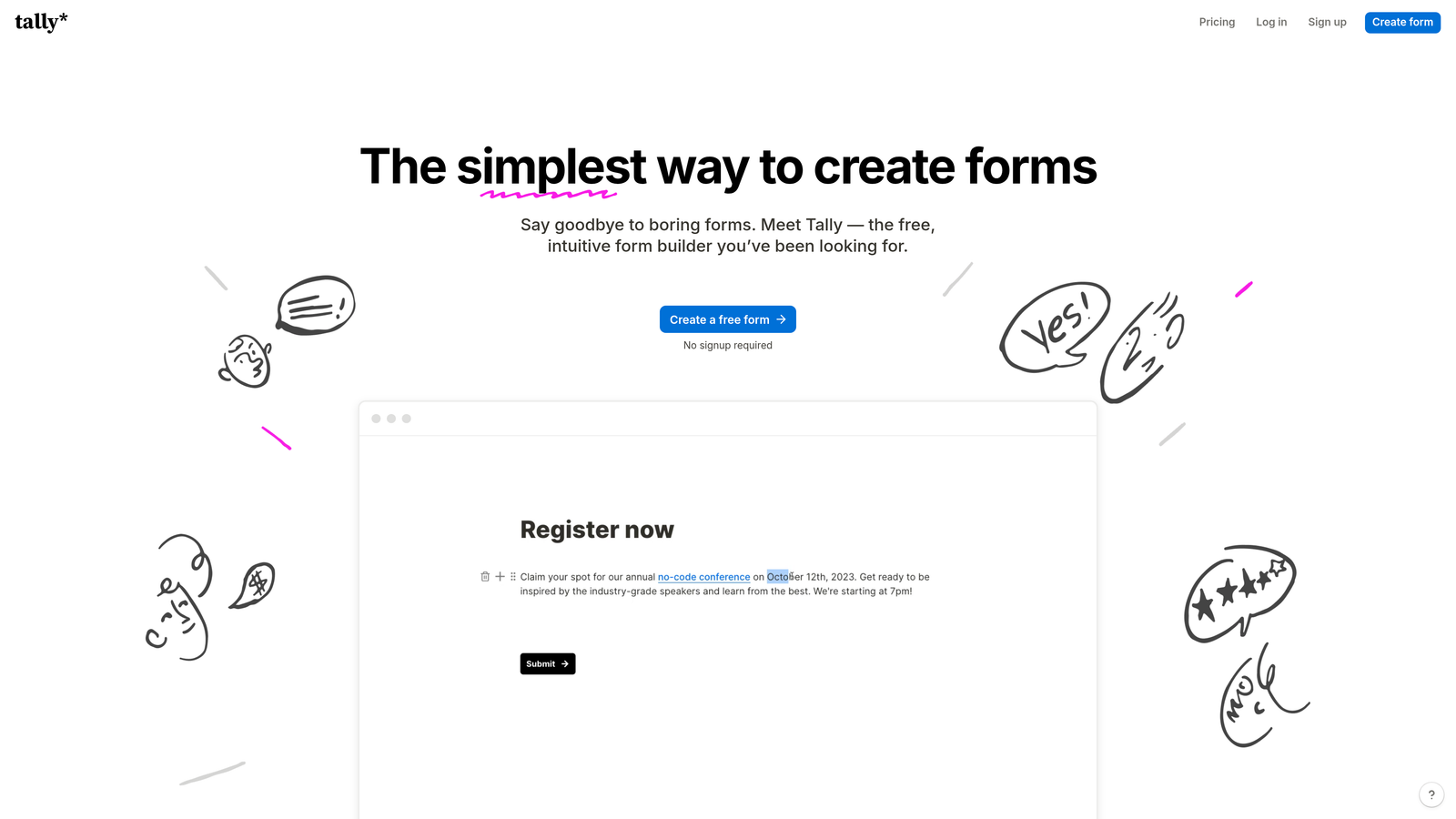
Tally is a Notion-inspired free form builder with unlimited forms and responses, designed for teams that need simplicity without sacrificing flexibility.
Where This Tool Shines
Tally's free plan is genuinely generous. Unlimited forms and unlimited responses without a time limit is rare in this category, and it makes Tally an easy starting point for teams that want to test form-based workflows before committing to a paid platform. The block-based editor will feel immediately familiar to anyone who uses Notion, which lowers the learning curve significantly for non-technical users.
For internal forms, quick surveys, and lightweight lead capture, Tally handles the job without requiring any configuration overhead. It's not the right tool for teams that need AI-powered qualification or deep CRM integration on the free tier, but as a no-cost starting point, it's hard to beat.
Key Features
Unlimited Forms and Responses on Free Plan: No submission caps or form limits, even on the free tier.
Block-Based Editor: Notion-style editing interface that's intuitive for non-technical team members.
Conditional Logic and Multi-Page Forms: Available on both free and paid plans for more dynamic form experiences.
Custom Domain and Integrations: Available on the Pro plan for teams that need branded forms and deeper tool connections.
Clean Minimal Design: Forms look polished out of the box without requiring design work.
Best For
Tally is the best starting point for early-stage startups, lean ops teams, and anyone who needs internal forms or quick surveys without a budget. Teams that eventually need lead scoring, advanced integrations, or AI-powered qualification will likely outgrow it, but as an entry point, it delivers real value at zero cost.
Pricing
Free plan covers most core use cases with no response limits. Pro plan is $29/month billed annually, adding branding removal, custom domains, and integration access.
Which Platform Is Right for Your Team?
The honest answer is that the best form platform depends entirely on what your team is trying to accomplish. Here's a quick way to think through it.
If lead quality and conversion optimization are central to your growth strategy, Orbit AI is the platform built specifically for that problem. The AI-powered qualification layer at submission is something no other tool on this list offers natively, and for SaaS and B2B teams where a single high-quality lead can justify significant acquisition spend, that matters.
If your team prioritizes a polished, conversational form experience and strong brand alignment, Typeform remains the benchmark. For enterprise organizations managing complex approval workflows or operating in regulated industries, Jotform and Formstack are the most capable options, with Formstack pulling ahead specifically for document and e-signature workflows.
Paperform is the right call for multi-use teams that want one tool to handle forms, payments, and bookings without juggling multiple subscriptions. And if you're early-stage or working with a lean budget, Tally gives you a surprisingly capable free foundation to build from.
The common thread across every high-performing team we've observed: forms that are treated as a strategic asset rather than a utility consistently outperform forms that are bolted on as an afterthought. The platform you choose shapes how well your forms can serve that strategic role.
If your forms are a key part of your growth engine, start building free forms today and see how intelligent form design and AI-powered lead qualification can change what your team gets out of every submission. For more on maximizing your results, explore our guides on lead qualification best practices and how to qualify leads with forms.


