

WordPress powers more websites than any other CMS on the planet, but out of the box, its form capabilities are pretty basic. If you want to capture leads, qualify prospects, run surveys, or collect payments, you need a plugin — and choosing the wrong one can quietly kill your conversion rates.
The good news is the ecosystem has matured significantly. Today's options range from ultra-lightweight contact form tools to AI-powered platforms that score and segment leads in real time. The challenge is cutting through the noise to find what actually fits your team's needs.
This guide covers the top WordPress form builder plugins in 2026, evaluated on ease of use, feature depth, integrations, and value for money. Whether you're a solo developer, a growing SaaS team, or a marketing agency managing multiple clients, there's a strong option here for you. If you're also exploring non-WordPress options, check out our guide to WordPress form builder alternatives.
1. Orbit AI
Best for: High-growth SaaS and marketing teams that need AI-powered lead qualification alongside their forms.
Orbit AI is an AI-powered form builder with built-in lead qualification, workflow automation, and conversion optimization designed for teams where lead quality matters as much as lead volume.

Where This Tool Shines
Most form builders stop at data collection. Orbit AI goes further by qualifying leads the moment they submit a form, scoring and segmenting responses in real time so your sales team focuses on the right prospects immediately. This is a meaningful shift for SaaS and marketing teams that are tired of sifting through unqualified submissions manually.
The form design is genuinely conversion-optimized out of the box, with no coding required. Pair that with AI agents that can handle intelligent follow-up and lead nurturing automatically, and you have a platform that compresses what used to take multiple tools into a single workflow.
Key Features
AI-Driven Lead Qualification: Scores and segments submissions in real time so high-intent leads are immediately prioritized.
Workflow Automation: Routes leads to the right team member or sequence automatically based on form responses and qualification scores.
Conversion-Optimized Design: Beautiful, modern form templates built to maximize completion rates with no code required.
Analytics Dashboard: Tracks form performance and lead quality so you can continuously improve your conversion strategy.
AI Agents: Handles intelligent follow-up and lead nurturing automatically, reducing manual work for your team.
Best For
Orbit AI is the strongest fit for SaaS companies, marketing teams, and high-growth businesses where lead qualification is a core workflow, not an afterthought. If you're generating meaningful form volume and need to know which leads are worth pursuing immediately, this is built for that exact problem.
Pricing
Visit orbitforms.ai/pricing for current plans. A free starting option is available.
2. WPForms
Best for: Beginners and small businesses that want a reliable, easy-to-use WordPress form builder.
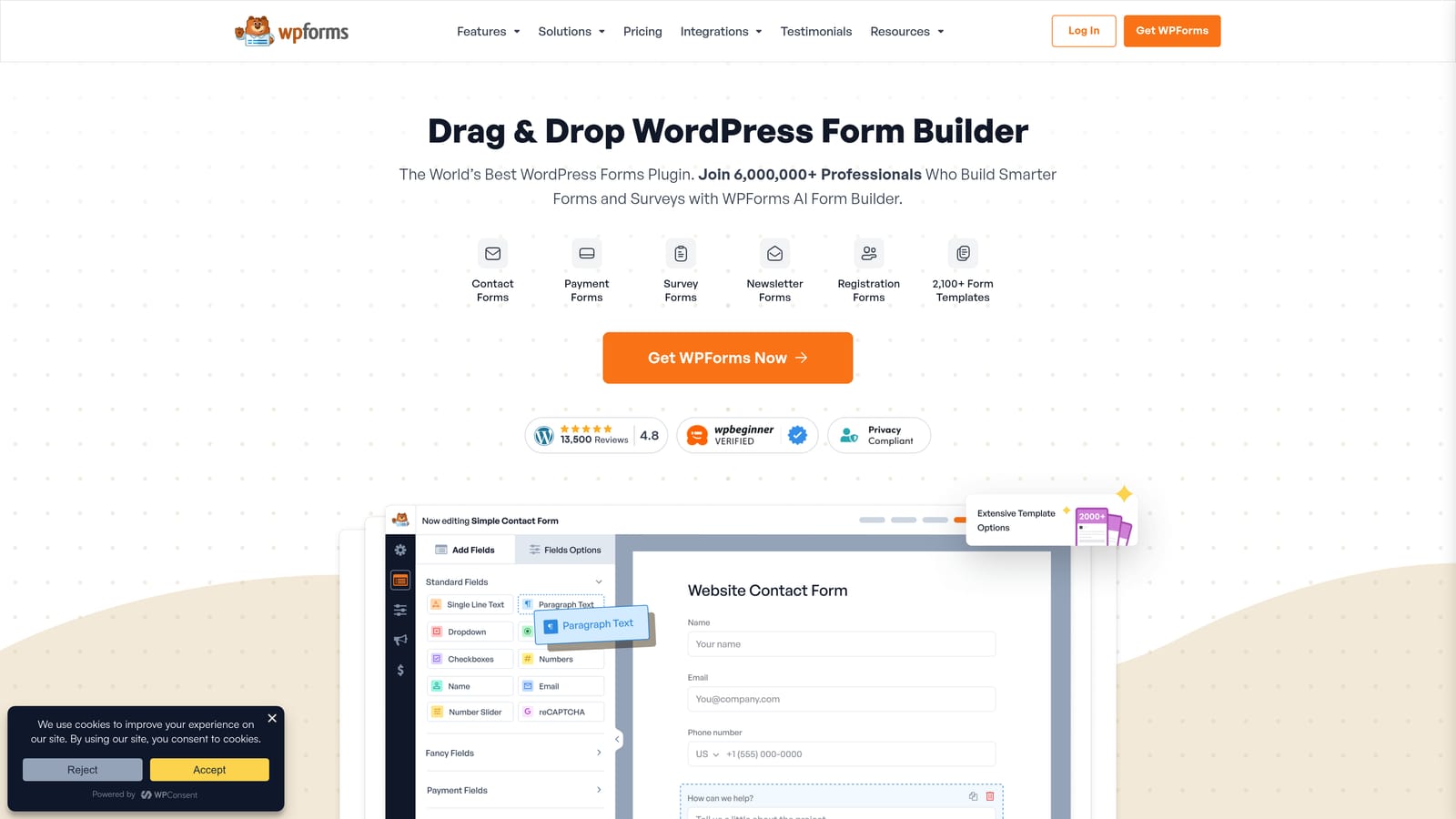
WPForms is the most beginner-friendly WordPress form builder available, with a large template library and a polished drag-and-drop interface that gets you from zero to live form in minutes.
Where This Tool Shines
WPForms has earned its reputation by making form creation genuinely approachable. The drag-and-drop builder is intuitive enough for non-technical users, and the template library covers virtually every common use case — contact forms, event registrations, payment forms, surveys, and more.
On paid plans, WPForms adds solid depth with conditional logic, multi-step forms, and integrations with payment processors and email marketing platforms. It's a well-rounded tool that rarely frustrates users, which is why it consistently ranks among the most widely installed form plugins in the WordPress ecosystem.
Key Features
Drag-and-Drop Builder: Intuitive visual interface that requires no technical knowledge to build functional forms.
Template Library: Extensive collection of pre-built templates covering a wide range of use cases.
Payment Integrations: Stripe and PayPal support available on paid plans for collecting payments directly through forms.
Conditional Logic: Show or hide fields based on user responses to create smarter, more relevant form experiences.
Email Marketing Integrations: Connects with Mailchimp, Constant Contact, and other major platforms to sync subscribers automatically.
Best For
WPForms is ideal for bloggers, small business owners, and non-technical WordPress users who want a reliable, full-featured form builder without a steep learning curve. It's also a solid choice for agencies managing client sites that need a dependable, low-maintenance solution.
Pricing
A free Lite version is available. Paid plans are billed annually. See wpforms.com/pricing for current rates.
3. Gravity Forms
Best for: Developers and agencies building complex, highly customized WordPress form workflows.
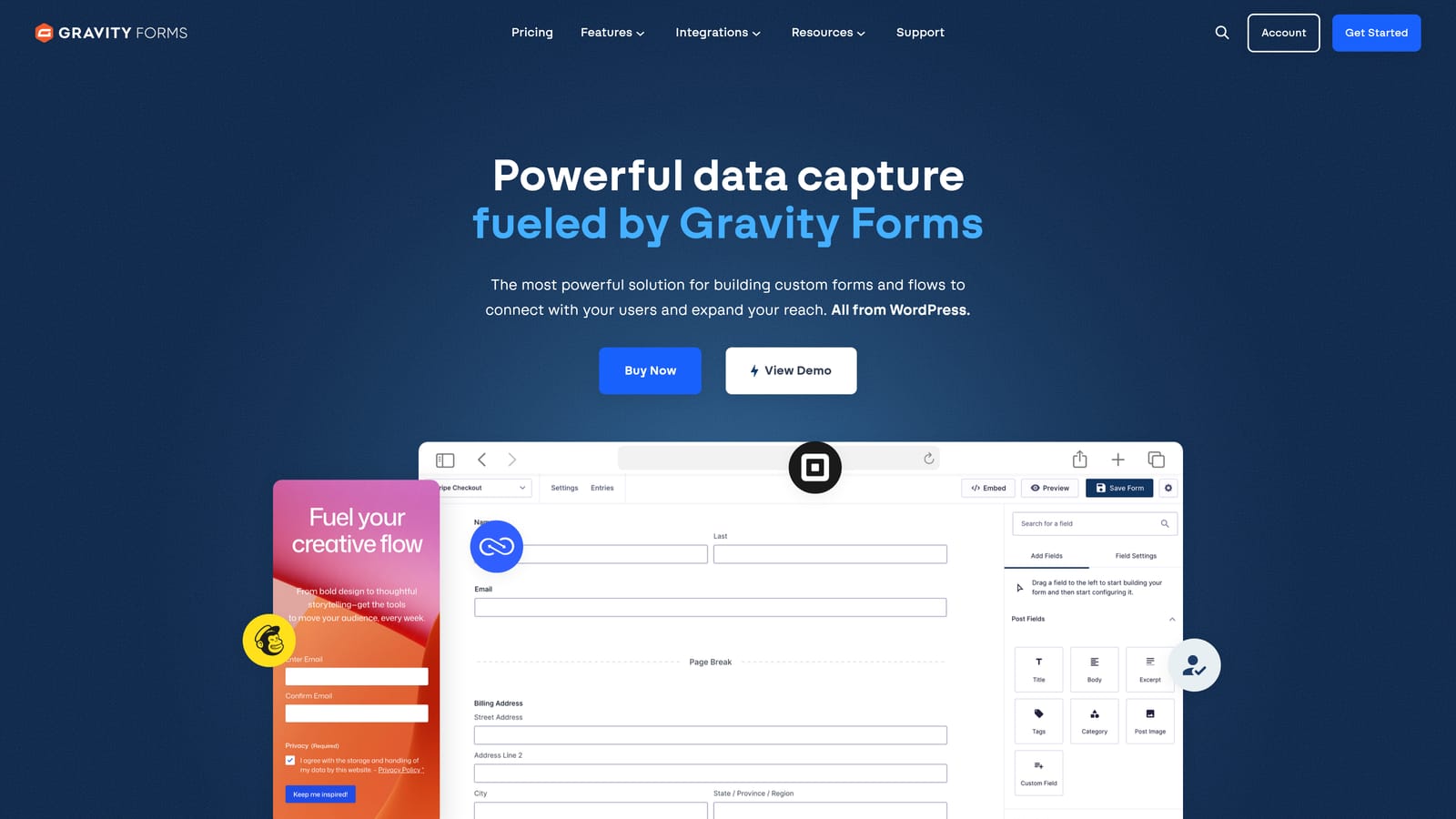
Gravity Forms is the developer and agency standard for complex WordPress forms, with best-in-class conditional logic and a rich add-on ecosystem that extends into virtually every major platform.
Where This Tool Shines
Where most form builders offer conditional logic as a feature, Gravity Forms has built its entire reputation around it. The branching logic system is genuinely powerful, enabling dynamic form flows that adapt in sophisticated ways based on user input. For agencies building custom client solutions, this flexibility is invaluable.
The add-on ecosystem is another standout. From payment processors to CRMs to project management tools, Gravity Forms connects to almost everything. Developers also appreciate the well-documented API, hooks, and filters that make deep customization straightforward rather than painful.
Key Features
Advanced Conditional Logic: Industry-leading branching logic for dynamic, multi-path form experiences that adapt to user responses.
Extensive Add-On Library: Official and third-party add-ons covering payments, CRMs, project management tools, and more.
Developer-Friendly Architecture: Comprehensive hooks, filters, and a well-documented API for deep customization.
Multi-Page Forms: Progress indicators and multi-step layouts for longer, more complex form sequences.
Calculations and Dynamic Fields: Built-in support for calculation fields and dynamic field population based on user input.
Best For
Gravity Forms is the go-to for developers, agencies, and technically sophisticated teams building complex form workflows on WordPress. It's less suited to non-technical users given its learning curve and the absence of a free tier.
Pricing
Annual license model with no free tier. See gravityforms.com for current pricing tiers.
4. Formidable Forms
Best for: Teams that need to display and manage collected data on the front end, or build lightweight WordPress applications.
Formidable Forms goes well beyond standard form building by letting you display and manipulate collected data directly on the front end of your WordPress site.

Where This Tool Shines
Formidable Forms occupies a unique niche: it's the tool you reach for when a form is just the starting point. The "Views" feature lets you display submitted data as tables, searchable directories, member portals, or custom layouts — essentially turning WordPress into a lightweight web application platform.
Calculation fields are another standout. If you need a quote calculator, cost estimator, or mortgage calculator embedded in your site, Formidable handles this more elegantly than most alternatives. It's a genuinely different category of tool compared to simpler contact form plugins.
Key Features
Front-End Views: Display submitted form data as tables, lists, directories, or custom layouts directly on your site.
Calculation Fields: Build quotes, cost estimators, and complex calculators using form field values.
Repeater Fields: Allow users to add multiple entries within a single form submission dynamically.
Payment and E-Commerce Integrations: Connect to payment processors for collecting fees or purchases through forms.
Free Core Plugin: Solid baseline functionality available at no cost, with premium add-ons for advanced features.
Best For
Formidable Forms suits developers and businesses that want to build data-driven front-end experiences on WordPress — directories, portals, calculators, and custom applications. If you just need a contact form, it may be more than you need.
Pricing
Free core plugin available. Paid plans unlock advanced features. See formidableforms.com for current pricing.
5. Ninja Forms
Best for: Teams with specific, limited form requirements who want to pay only for the features they actually use.
Ninja Forms is a modular form builder with a capable free core and an à la carte add-on model that lets you build exactly the feature set you need without overpaying for an all-in-one suite.
Where This Tool Shines
The modular approach is Ninja Forms' defining characteristic. The free core plugin covers most basic form needs surprisingly well, and when you need more, you purchase individual add-ons rather than upgrading to a higher tier that bundles features you'll never use. For teams with specific, well-defined requirements, this is genuinely cost-efficient.
The builder itself is straightforward and accessible to non-technical users. It doesn't have the same polish as WPForms, but it gets the job done reliably, and the community around it is active enough that finding solutions to edge cases is rarely difficult.
Key Features
Capable Free Core: The free plugin covers basic contact forms, email notifications, and standard field types without requiring an upgrade.
Modular Add-On Pricing: Purchase only the specific functionality you need, such as Stripe payments, Mailchimp integration, or multi-step forms.
Multi-Step Forms: Break longer forms into multiple steps to improve completion rates.
Conditional Logic: Show or hide fields based on user responses for smarter form experiences.
Payment Processing: Stripe and PayPal add-ons available for collecting payments through forms.
Best For
Ninja Forms works well for freelancers, small businesses, and developers who have specific requirements and prefer the flexibility of paying for only what they need rather than committing to a full-featured premium plan.
Pricing
Free core plugin available. Individual add-ons and bundles sold separately. See ninjaforms.com for current pricing.
6. Fluent Forms
Best for: Performance-conscious WordPress sites that need a feature-rich form builder with minimal page speed impact.
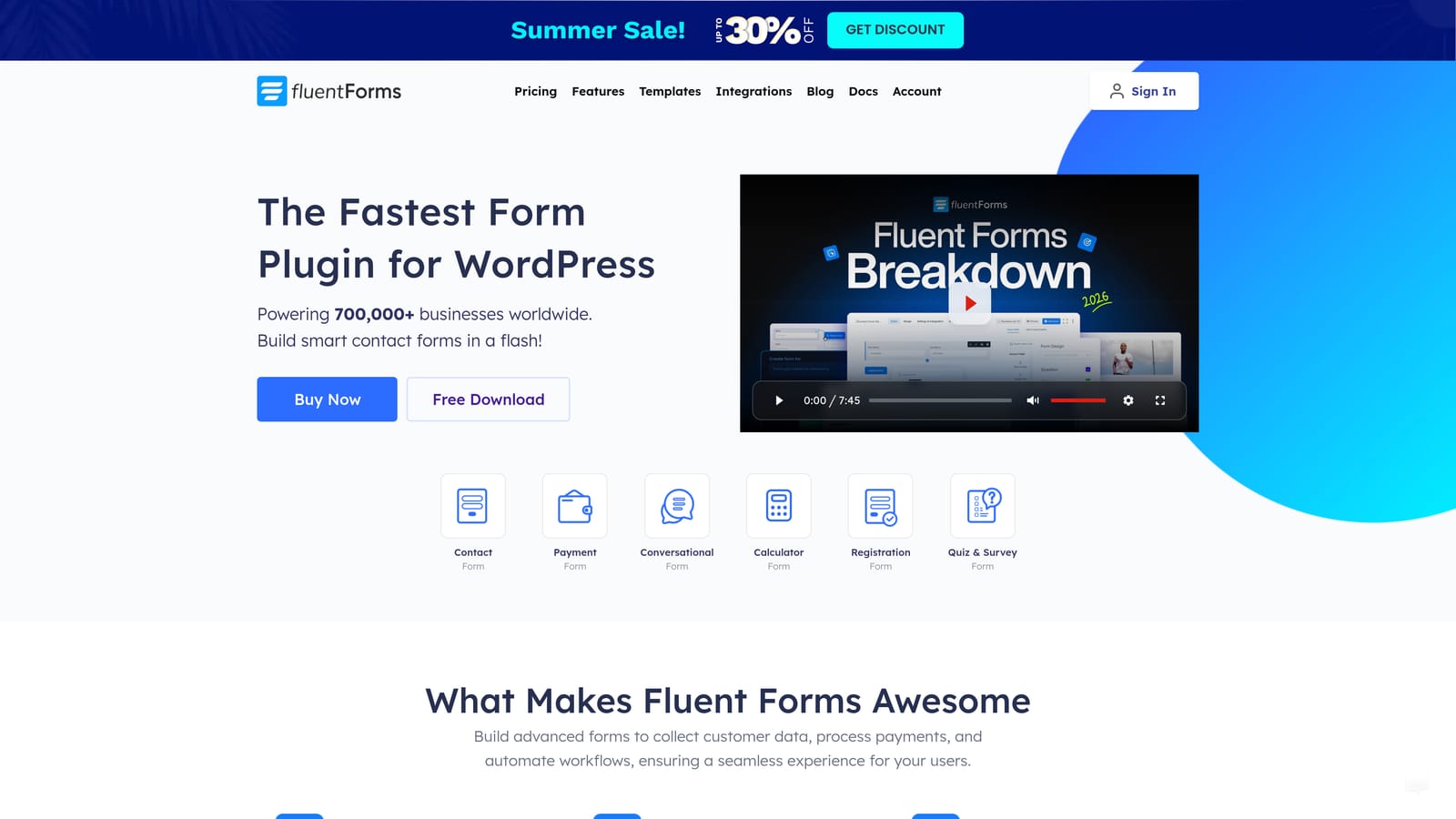
Fluent Forms is a lightweight, high-performance form builder that consistently punches above its weight class, offering a generous free tier and fast-loading forms that don't drag down your site.
Where This Tool Shines
In developer communities, Fluent Forms is frequently praised for one thing above all: it's fast. The plugin architecture is lean, meaning it adds minimal overhead to your pages compared to heavier alternatives. For sites where performance is a priority, this matters more than most form builders acknowledge.
Beyond performance, Fluent Forms offers a conversational form mode that delivers a Typeform-style one-question-at-a-time experience natively within WordPress. Combined with a competitive pro pricing model and a solid free tier, it's one of the better value propositions in the category.
Key Features
Lightweight Architecture: Minimal performance overhead that keeps page speed scores healthy even on form-heavy pages.
Conversational Form Mode: Native one-question-at-a-time format for a more engaging form experience without needing a third-party tool.
Conditional Logic and Multi-Step Forms: Dynamic form flows and multi-page layouts available on both free and paid plans.
Payment Integrations: Connects with Stripe, PayPal, and other payment processors for collecting fees through forms.
Quiz and Survey Capabilities: Built-in support for quiz scoring and survey-style forms beyond standard data collection.
Best For
Fluent Forms is an excellent choice for performance-focused WordPress developers, bloggers, and small-to-medium businesses that want strong functionality at a competitive price point without sacrificing site speed.
Pricing
Generous free tier available. Pro plans at competitive annual pricing. See fluentforms.com for current rates.
7. Contact Form 7
Best for: Developers who want a completely free, zero-bloat contact form solution with no premium upsells.
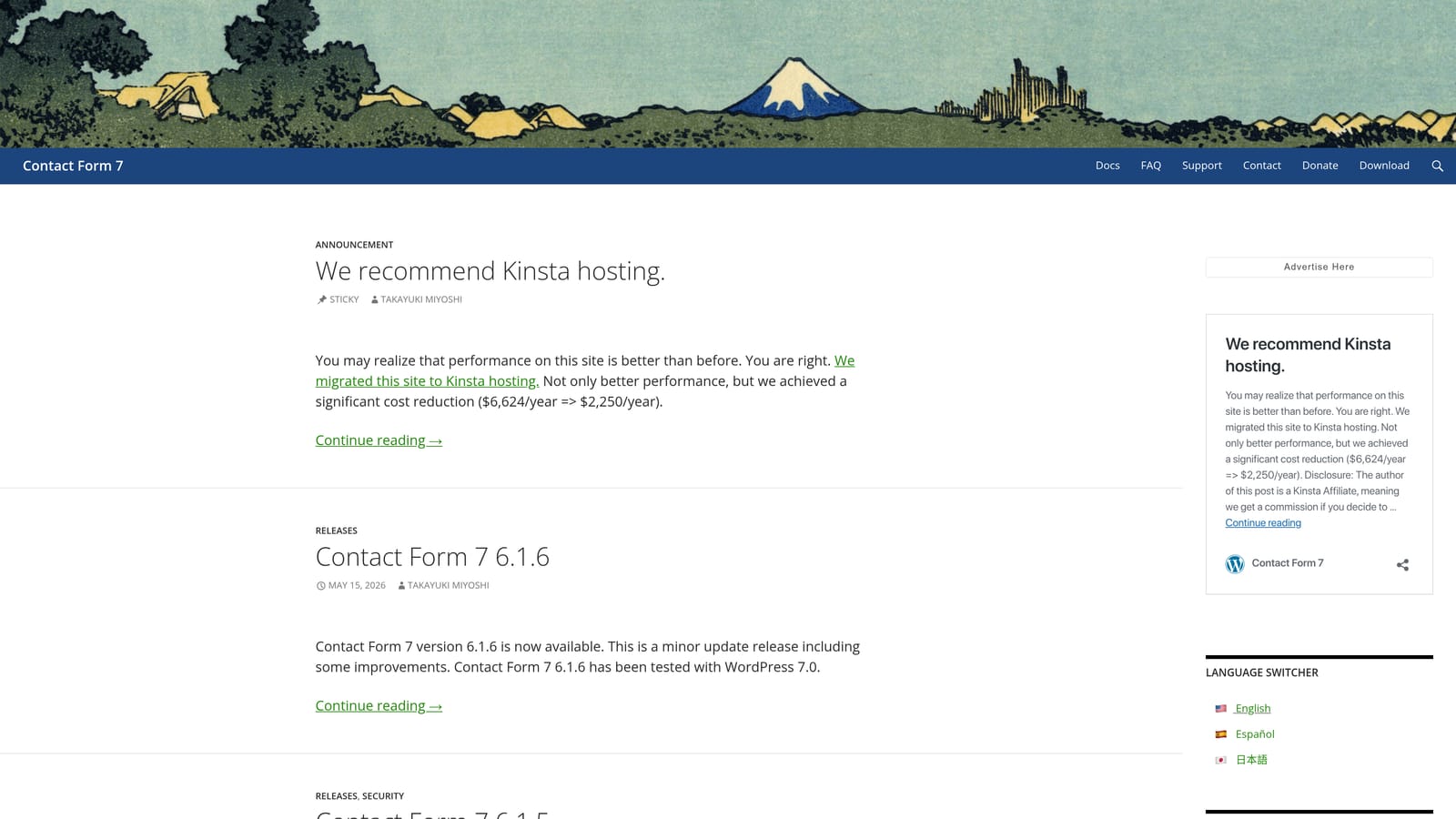
Contact Form 7 is the original WordPress contact form plugin — entirely free, ultra-lightweight, and configured through simple markup rather than a visual drag-and-drop interface.
Where This Tool Shines
Contact Form 7 has been around long enough that it's practically a WordPress institution. Its appeal is simple: it's completely free, has virtually zero performance overhead, and does exactly what it says. For a developer who needs a basic contact form on a client site and doesn't want to introduce unnecessary complexity, it's hard to argue against.
The markup-based configuration is a feature for developers who find visual builders limiting. You get precise control over form structure without wrestling with a drag-and-drop interface. The large ecosystem of third-party add-ons also extends its capabilities for spam protection, CRM sync, and more when needed.
Key Features
Completely Free: No premium tiers, no upsells, no feature gating — the entire plugin is free with no strings attached.
Minimal Performance Overhead: One of the lightest form plugins available, with negligible impact on page load times.
Markup-Based Configuration: Simple tag-based syntax that developers find familiar and precise.
CAPTCHA and Spam Filtering: Built-in support for reCAPTCHA and Akismet to reduce form spam.
Third-Party Add-On Ecosystem: A large community of add-ons extends functionality for CRM sync, file uploads, and other features.
Best For
Contact Form 7 is best suited to developers and technically comfortable WordPress users who need a simple, reliable, zero-cost contact form without the overhead of a full-featured plugin. It's not the right choice for non-technical users or teams that need advanced features natively.
Pricing
Completely free. No paid plans or premium tiers.
8. Typeform
Best for: Teams that prioritize form engagement and completion rates, particularly for surveys, quizzes, and onboarding flows.
Typeform is a standalone form platform embedded into WordPress via an official plugin, known for its conversational one-question-at-a-time format that can meaningfully improve engagement on longer forms.
Where This Tool Shines
Typeform's signature format, presenting one question at a time in a clean, full-screen interface, creates a fundamentally different experience from traditional multi-field forms. For longer surveys, onboarding questionnaires, or quizzes where drop-off is a real concern, this format can improve completion rates in ways that conventional form layouts struggle to match.
The design quality is consistently excellent, and the mobile responsiveness is among the best in the category. Logic jumps allow for personalized branching experiences, and native integrations with major CRMs and marketing platforms make it practical for teams with existing tech stacks.
Key Features
Conversational Form Format: One-question-at-a-time layout that reduces cognitive load and can improve completion rates on longer forms.
Polished Design: High-quality visual design with strong mobile responsiveness across all form types.
Logic Jumps and Branching: Personalized form flows based on user responses for more relevant experiences.
Native CRM Integrations: Connects with major CRMs and marketing platforms for seamless data sync.
Official WordPress Plugin: Easy embedding into WordPress sites without custom code or iframe workarounds.
Best For
Typeform suits marketing teams, researchers, and product teams running surveys, quizzes, NPS forms, or onboarding flows where engagement and completion quality are the primary goals. It's less suited for simple contact forms or teams on tight budgets.
Pricing
Free tier available with response limits. Paid plans required for higher response volumes and advanced features. See typeform.com/pricing for current rates.
9. HubSpot Forms
Best for: Teams already using HubSpot CRM who want seamless form-to-CRM sync without additional integration tools.
HubSpot Forms is HubSpot's official WordPress plugin, embedding native HubSpot forms that sync submissions directly to your CRM in real time — a natural fit for teams already operating within the HubSpot ecosystem.
Where This Tool Shines
The core value proposition here is frictionless CRM sync. Every submission automatically creates or updates a contact in HubSpot, triggers list segmentation, and can fire off workflow automations and email sequences — all without any manual data transfer or Zapier middleware. For HubSpot users, this eliminates a meaningful amount of operational friction.
The plugin itself is free, and the form builder within HubSpot is capable enough for most standard lead generation needs. Built-in analytics within the HubSpot dashboard means you're reporting on form performance within the same platform where you're managing your contacts and campaigns.
Key Features
Real-Time CRM Sync: Form submissions instantly create or update contacts in HubSpot CRM with no manual intervention.
Automatic List Segmentation: Submissions can automatically add contacts to specific lists based on form responses.
Workflow and Sequence Triggers: Fire HubSpot workflows and email sequences directly from form submissions.
Built-In Analytics: Track form performance within the HubSpot dashboard alongside your broader marketing data.
Free Plugin: The WordPress plugin itself is free to use with any HubSpot account.
Best For
HubSpot Forms is the obvious choice for teams already invested in the HubSpot ecosystem. If you're not using HubSpot CRM, the plugin offers limited standalone value compared to dedicated WordPress form builders.
Pricing
Free plugin. Advanced CRM features require a paid HubSpot plan. See hubspot.com/pricing for current plan details.
Which WordPress Form Builder Is Right for Your Team?
The honest answer is that the right plugin depends almost entirely on what you're trying to accomplish. There's no single best option — there's only the best option for your specific use case, team size, and technical comfort level.
Here's a quick way to think about it:
For AI-powered lead qualification and workflow automation: Orbit AI is the standout choice for SaaS and marketing teams where lead quality is the priority. It's the only platform in this list that actively qualifies and segments leads at the point of submission rather than simply collecting data.
For beginners and small businesses: WPForms is the most approachable entry point, with a polished interface and a template library that covers virtually every common use case.
For developers and agencies building complex workflows: Gravity Forms remains the industry standard, with unmatched conditional logic and a deep add-on ecosystem.
For performance-focused sites on a budget: Fluent Forms delivers impressive functionality with minimal page speed impact and competitive pricing.
For building lightweight WordPress applications: Formidable Forms is in a category of its own when you need to display and manage form data on the front end.
For teams already in the HubSpot ecosystem: HubSpot Forms eliminates CRM sync friction and is the most natural choice if you're already operating within that platform.
If your team is focused on growth and you want forms that do more than collect data, the gap between a traditional form builder and an AI-powered platform like Orbit AI becomes clear quickly. Qualifying leads manually after the fact is a bottleneck that compounds as your form volume grows.
Transform your lead generation with AI-powered forms that qualify prospects automatically while delivering the modern, conversion-optimized experience your high-growth team needs. Start building free forms today and see how intelligent form design can elevate your conversion strategy.


