

When a lead fills out your form, every second of delay before it hits your CRM is a second your team loses context, speed, and conversion potential. The right form builder doesn't just collect data — it syncs it instantly, qualifies leads automatically, and slots cleanly into the tools your sales team already lives in.
But not every form builder is built with CRM integration in mind. Some offer native connectors; others rely on middleware workarounds that break under volume. This guide cuts through the noise. We evaluated six form builders on the depth of their CRM integrations, lead qualification capabilities, ease of setup, and overall fit for high-growth teams. Whether you're routing leads into Salesforce, HubSpot, or a custom CRM stack, there's a right tool for your workflow — and we'll help you find it.
1. Orbit AI
Best for: High-growth SaaS and B2B teams that need AI-powered lead qualification before CRM entry
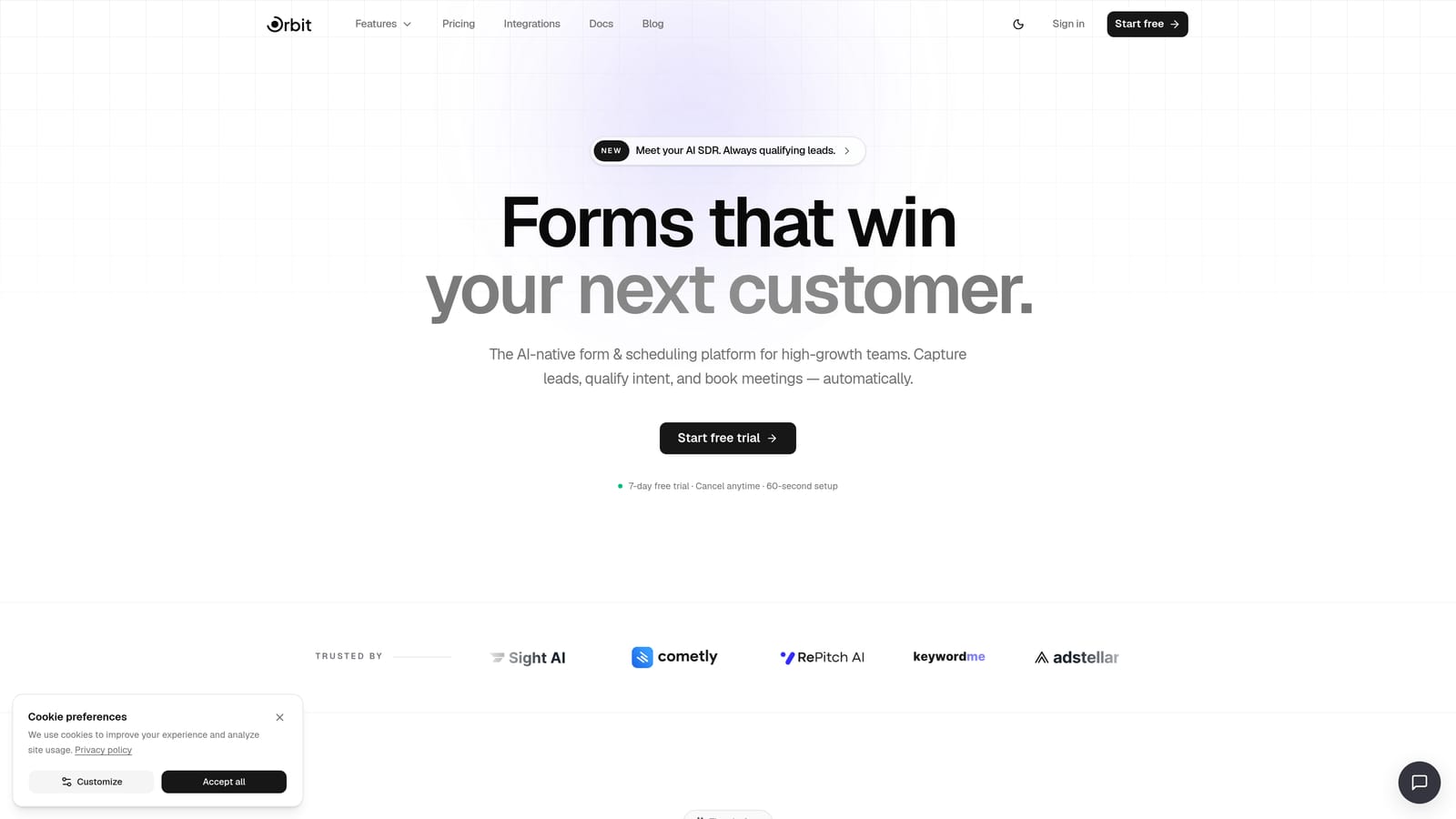
Orbit AI is an AI-powered form builder with built-in lead qualification, scoring, and CRM sync designed for conversion-focused teams.
Where This Tool Shines
Most form builders stop at data collection. Orbit AI takes a fundamentally different approach: AI agents evaluate and qualify leads at the exact moment of form submission, before anything lands in your CRM. That means your sales team isn't sorting through raw submissions — they're receiving pre-qualified, prioritized leads with context already attached.
This is particularly valuable for high-growth teams running significant inbound or outbound volume, where manual lead triage creates bottlenecks. The built-in workflow engine handles routing logic automatically, sending leads to the right CRM fields, team queues, or follow-up sequences without any manual intervention.
Key Features
AI Lead Qualification: AI agents score and qualify leads at the point of form submission, so your CRM receives clean, prioritized data rather than raw entries.
Automated Lead Routing: Workflow logic routes qualified leads to the correct CRM fields, team members, or queues based on rules you define.
Conversion-Optimized Templates: Beautifully designed form templates built specifically to maximize completion rates and lead quality.
Built-in Sequences: Post-submission follow-up automation triggers directly from form activity, keeping leads warm without leaving the platform.
Analytics Dashboard: Track form performance, lead quality trends, and conversion metrics in one place to continuously improve your funnel.
Best For
Orbit AI is the strongest fit for SaaS and B2B teams running lead generation at volume who want qualification logic baked into the form layer — not bolted on afterward. If your team is tired of manually scoring leads after they hit the CRM, this is the tool built to solve that problem.
Pricing
Visit orbitforms.ai/pricing for current plan details. Multiple tiers are available to match different team sizes and submission volumes.
2. Typeform
Best for: Marketing teams prioritizing form experience and completion rates with HubSpot CRM
Typeform is a conversational form builder known for its one-question-at-a-time UX and strong HubSpot integration.

Where This Tool Shines
Typeform's core strength is the form experience itself. The conversational, one-question-at-a-time format tends to feel less overwhelming than a traditional form wall, which can improve completion rates for longer or more complex lead capture flows. For teams where the form is a significant touchpoint in the brand experience, Typeform delivers polish that generic builders can't match.
For HubSpot users specifically, the native integration is clean and reliable. Data flows directly into HubSpot contacts and deals without middleware. For other CRM platforms, you'll typically route through Zapier or Make, which adds a layer of dependency worth factoring into your setup.
Key Features
Conversational Form UX: One-question-at-a-time format creates a guided experience that can reduce form abandonment on longer submissions.
Native HubSpot Integration: Direct sync to HubSpot contacts, properties, and deals without requiring third-party middleware.
Conditional Logic: Personalize form paths based on previous answers to keep respondents on relevant question tracks.
Hidden Fields: Capture UTM parameters, campaign data, and referral sources automatically alongside lead information.
Zapier and Make Connectivity: Extend CRM reach beyond HubSpot to Salesforce and other platforms via middleware connectors.
Best For
Typeform works well for marketing teams running lead capture campaigns where form aesthetics and completion rate are priorities, particularly those already using HubSpot as their primary CRM. Teams relying on Salesforce or less common CRMs should expect to add middleware to the stack.
Pricing
A free tier is available with basic features. Paid plans scale with response volume and advanced capabilities. Check typeform.com for current pricing details.
3. Jotform
Best for: Teams managing multiple CRM platforms who need the broadest native integration library
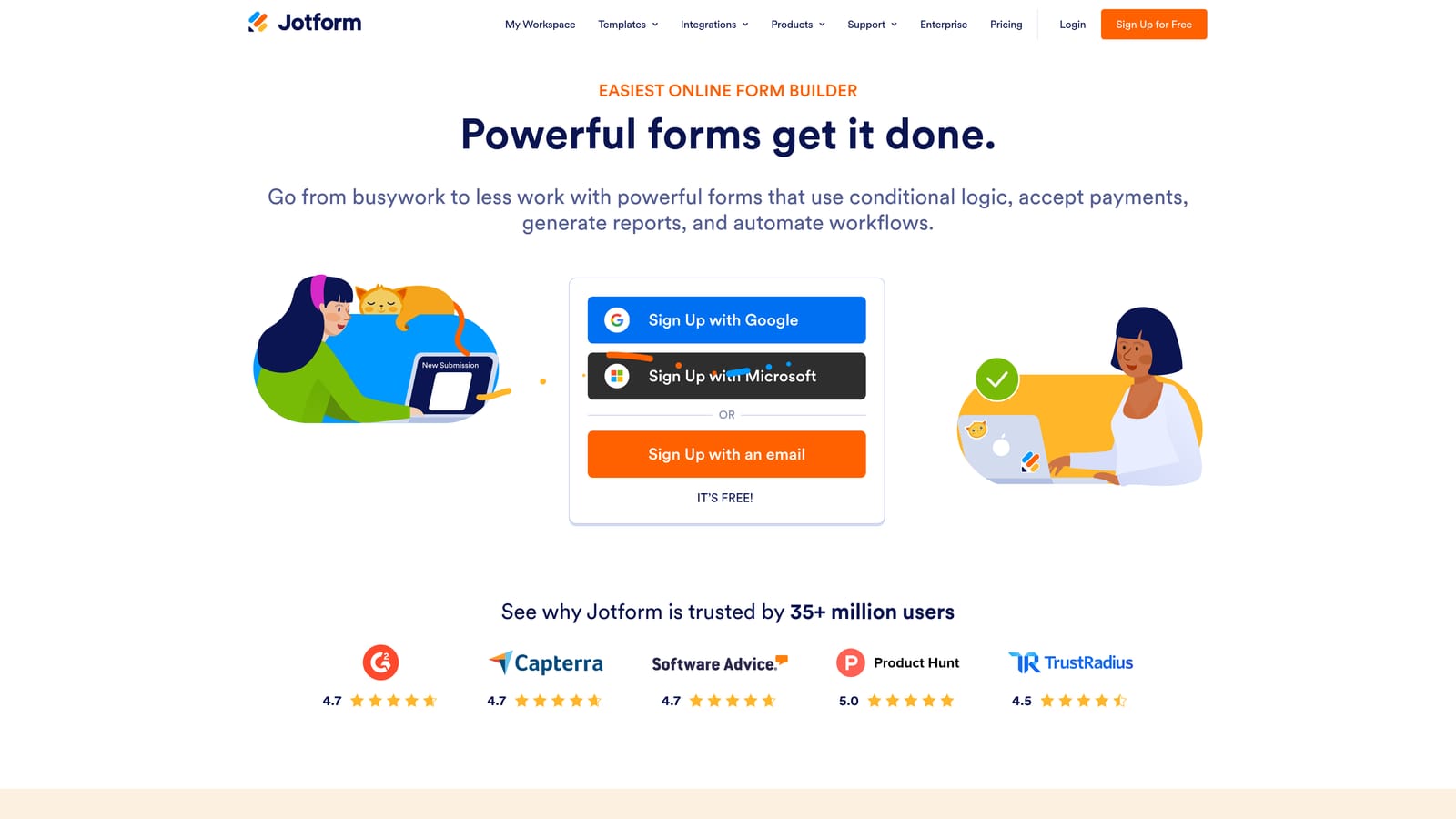
Jotform is a feature-rich form builder with one of the widest native CRM integration libraries in the market, spanning Salesforce, HubSpot, Zoho, Pipedrive, and beyond.
Where This Tool Shines
If native CRM connectivity is your primary requirement, Jotform is hard to beat on sheer breadth. Direct API integrations with major CRM platforms mean fewer failure points compared to middleware-dependent setups. For teams managing complex CRM environments — or organizations that have standardized on a less common CRM — Jotform's integration library dramatically reduces the need for custom workarounds.
The template library is equally impressive, with thousands of pre-built forms covering virtually every use case. Multi-page forms and conditional logic add flexibility for more complex lead capture flows, and built-in payment collection means you can combine lead capture and transaction processing in a single form.
Key Features
Native CRM Integrations: Direct connectors to Salesforce, HubSpot, Zoho, Pipedrive, and numerous other platforms without requiring middleware.
Extensive Template Library: Thousands of pre-built form templates across industries and use cases to accelerate deployment.
Conditional Logic and Multi-Page Support: Build branching, multi-step forms that adapt based on respondent answers.
Built-in Payment Collection: Accept payments alongside lead capture in the same form experience.
HIPAA-Compliant Plans: Regulated industries can use Jotform with appropriate compliance configurations.
Best For
Jotform is ideal for operations and sales teams managing multiple CRM tools simultaneously, or for organizations that need reliable native connectors without the overhead of maintaining middleware workflows. It's less focused on conversion optimization and lead qualification, so teams with those priorities may find it limiting.
Pricing
A free tier is available. Paid plans are based on monthly submissions and storage limits. Check jotform.com for current pricing tiers.
4. Formstack
Best for: Enterprise sales and operations teams with complex Salesforce workflows and approval processes
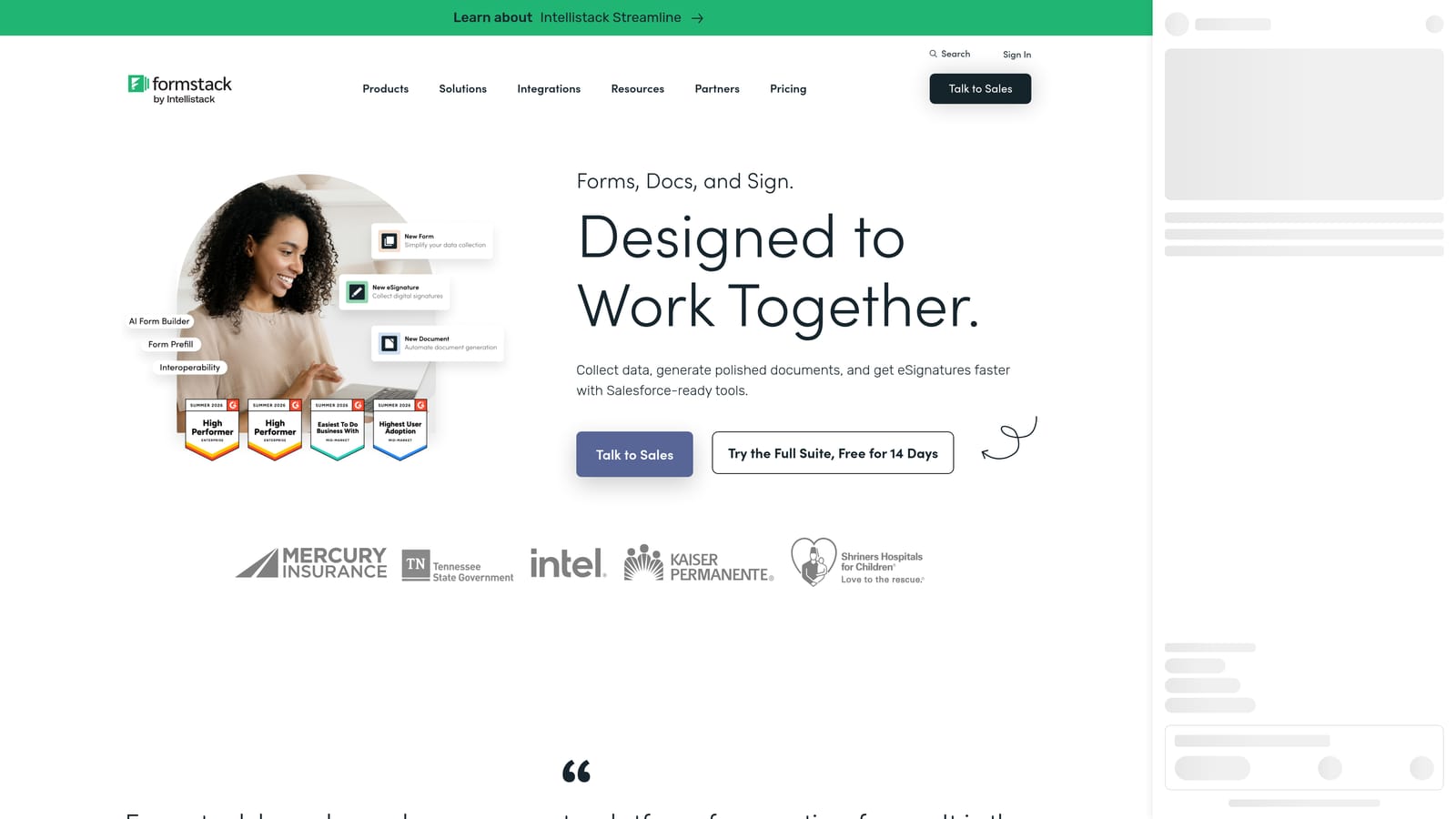
Formstack is an enterprise-grade form and workflow platform with deep Salesforce integration, document generation, and eSignature capabilities built in.
Where This Tool Shines
Formstack isn't just a form builder — it's a workflow platform that happens to start with forms. The Salesforce connector is among the most robust available, supporting detailed field mapping, object creation, and record updates in ways that simpler tools can't match. For enterprise sales teams where form submissions trigger multi-step approval processes, Formstack's built-in routing and workflow logic eliminates the need to stitch together separate tools.
The integrated document generation and eSignature capabilities are particularly useful for sales and operations teams that need to move from lead capture to contract execution within a single platform. That end-to-end coverage is rare in the form builder category.
Key Features
Deep Salesforce Connector: Advanced field mapping, object creation, and record updates with one of the most capable native Salesforce integrations available.
Workflow Routing and Approval Logic: Built-in conditional routing sends form submissions through defined approval chains automatically.
Document Generation: Formstack Documents creates dynamic documents from form data, reducing manual document prep for sales teams.
eSignature via Formstack Sign: Collect legally binding signatures as part of the same form-driven workflow.
Enterprise Security and Compliance: Robust access controls, audit trails, and compliance features suited to regulated enterprise environments.
Best For
Formstack is best suited to large sales and operations teams with complex Salesforce environments, approval workflows, and document generation needs. It's likely overkill — and over-budget — for smaller teams or those with simpler CRM integration requirements.
Pricing
Enterprise-tier pricing applies. Formstack sits at a higher price point than most alternatives in this category. Check formstack.com for current plan details.
5. Paperform
Best for: Brand-conscious teams where form design and rich content experience are as important as functionality
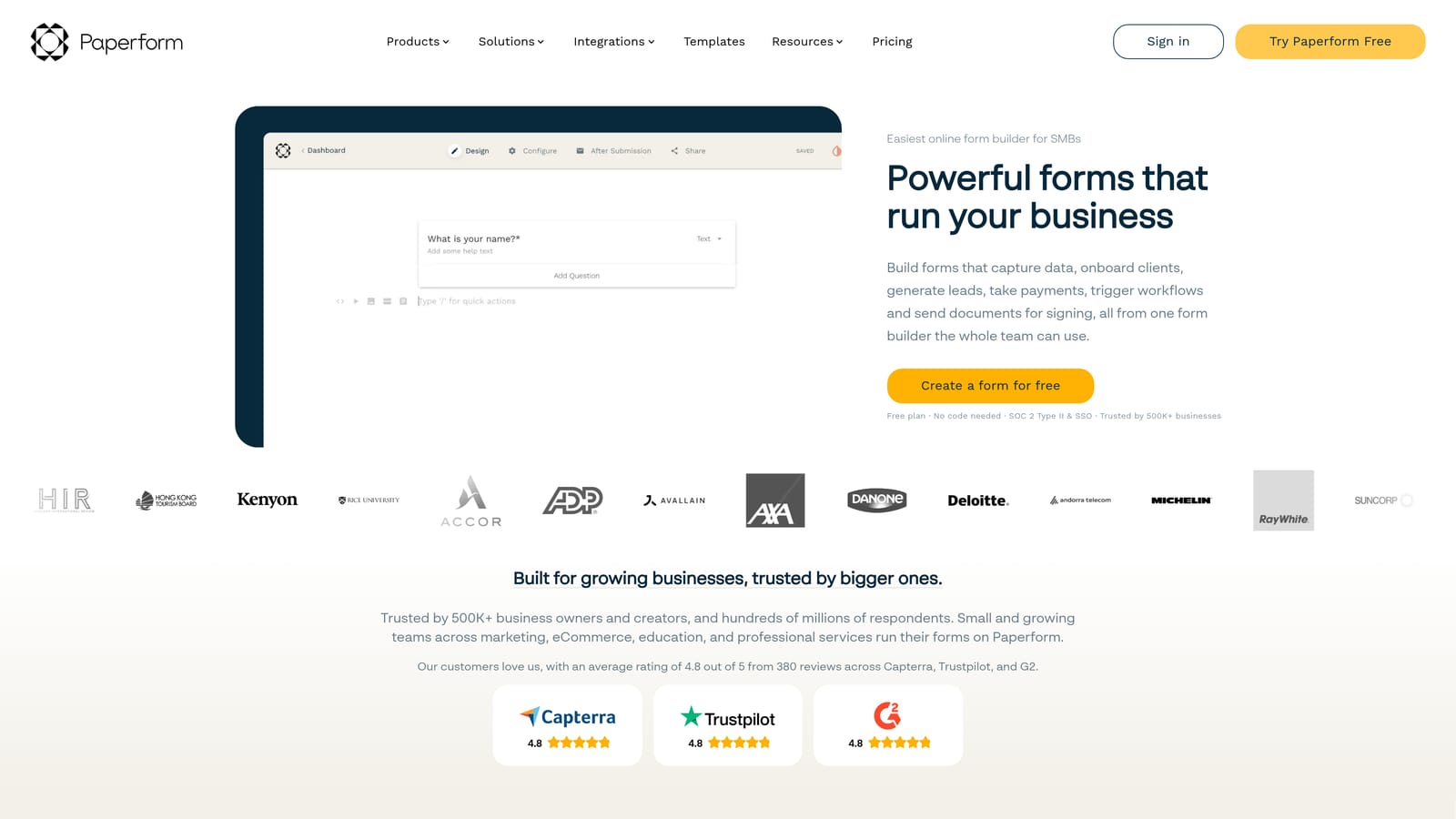
Paperform is a design-forward form builder that embeds rich content — text, images, and video — directly within forms, with CRM connectivity via Zapier and Make.
Where This Tool Shines
Paperform treats forms as content experiences rather than just data collection interfaces. You can embed explanatory text, product images, and video directly into the form flow, which makes it particularly effective for forms where context and brand storytelling matter — think high-consideration product inquiries, onboarding questionnaires, or consultative lead capture flows.
The flexible conditional logic and calculation fields add meaningful depth for forms that need to adapt based on respondent input. The trade-off is that CRM connectivity relies primarily on Zapier and Make rather than native connectors, which introduces middleware dependency that teams with high submission volumes should factor into their evaluation.
Key Features
Rich Content Embedding: Place text, images, and video directly within the form to provide context and maintain brand experience throughout the submission flow.
Conditional Logic and Calculation Fields: Build adaptive forms that respond to answers and perform real-time calculations within the form.
Built-in Payment Processing: Accept payments as part of the form experience without requiring a separate integration.
CRM Connectivity via Zapier and Make: Route form submissions to CRM platforms through middleware connectors and webhooks.
Design Customization: Extensive visual customization options and a strong template library for brand-consistent form design.
Best For
Paperform suits teams where brand presentation and form aesthetics are genuine priorities alongside lead capture. It's a strong choice for agencies, consultancies, and B2B companies with high-consideration sales processes where the form experience reflects directly on the brand.
Pricing
Paperform offers paid plans only — there is no permanent free tier. Check paperform.co for current pricing details.
6. Tally
Best for: Lean teams that need simple, fast form-to-CRM workflows without complexity or cost
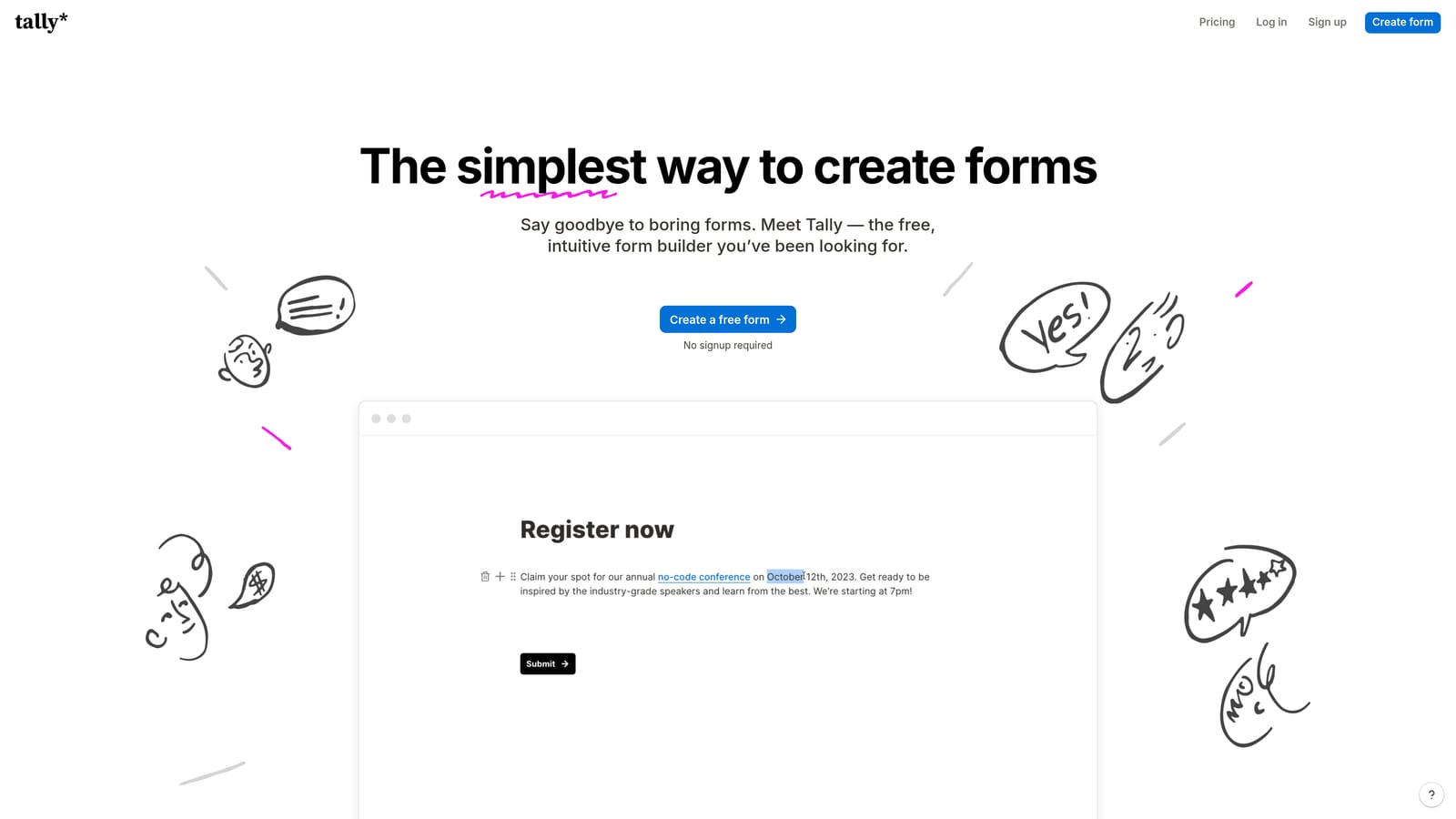
Tally is a minimalist, Notion-inspired form builder with a generous free plan and CRM connectivity through Zapier, Make, and webhooks.
Where This Tool Shines
Tally's biggest advantage is its accessibility. The free tier includes unlimited forms and submissions — a genuinely rare offering in this category — and the Notion-like building interface means most users can create and publish a functional form within minutes. For lean teams or early-stage companies that need basic lead capture flowing into a CRM without significant budget or setup overhead, Tally removes almost every barrier to entry.
The interface is clean and fast, and the webhook and Zapier support covers the most common CRM routing scenarios. The limitation is depth: Tally doesn't offer native CRM connectors, so more complex field mapping or multi-object CRM writes will require middleware configuration. It's a tool optimized for simplicity, not sophistication.
Key Features
Generous Free Tier: Unlimited forms and submissions on the free plan, making it accessible for teams at any budget level.
Notion-Inspired Interface: Familiar, clean building experience that minimizes the learning curve for new users.
Zapier, Make, and Webhook Support: Route submissions to CRM platforms through standard middleware and webhook connections.
Conditional Logic and Hidden Fields: Basic personalization and campaign data capture available within the form builder.
Fast Deployment: Forms can be live in minutes, making Tally ideal for rapid testing and iteration.
Best For
Tally is the right choice for early-stage startups, lean marketing teams, or anyone who needs a simple, fast form-to-CRM pipeline without complex routing logic. Teams with sophisticated CRM environments or high qualification requirements will likely outgrow it quickly.
Pricing
The free tier is robust and covers most basic use cases. A Pro plan adds advanced features for teams that need more. Check tally.so for current pricing details.
Which Tool Is Right for Your Team?
The best form builder for CRM integration depends on two things: how sophisticated your CRM environment is, and how much qualification work you want to happen before data enters it.
If you're running lead generation at volume and need AI-powered qualification built directly into the form layer, Orbit AI is the clear standout. It's the only tool in this list designed to qualify and score leads before they reach your CRM — which means your sales team spends time on the right leads, not sorting through raw submissions.
For HubSpot-centric marketing teams where form experience and completion rate are priorities, Typeform delivers strong native connectivity and a polished UX. If your team manages multiple CRM platforms and needs the broadest native integration library, Jotform is hard to beat on coverage alone. Enterprise sales teams with complex Salesforce workflows and document generation needs will find Formstack's depth worth the investment. For brand-forward teams where form aesthetics matter alongside function, Paperform offers a genuinely differentiated design experience. And for lean or early-stage teams that need something live quickly without budget constraints, Tally's free tier is an excellent starting point.
The pattern is clear: simpler tools handle data collection well, but high-growth teams increasingly need the form layer to do more — qualify, route, and activate leads before they ever touch the CRM.
Transform your lead generation with AI-powered forms that qualify prospects automatically while delivering the modern, conversion-optimized experience your high-growth team needs. Start building free forms today and see how intelligent form design can elevate your conversion strategy.


