

When you need both customer feedback surveys and lead capture forms, juggling multiple tools creates chaos. Scattered data across platforms. Inconsistent branding between touchpoints. Double the subscription costs eating into your budget.
The solution? Platforms that combine survey and form building in one unified workspace.
We evaluated dozens of tools based on ease of use, survey logic capabilities, form customization, analytics depth, and integration options. Whether you're collecting NPS scores, running market research, or capturing qualified leads, these platforms deliver both functionalities without compromise.
Here are the top survey and form builder combined tools worth your consideration.
1. Orbit AI
Best for: High-growth teams wanting AI-powered lead qualification with conversion-optimized forms
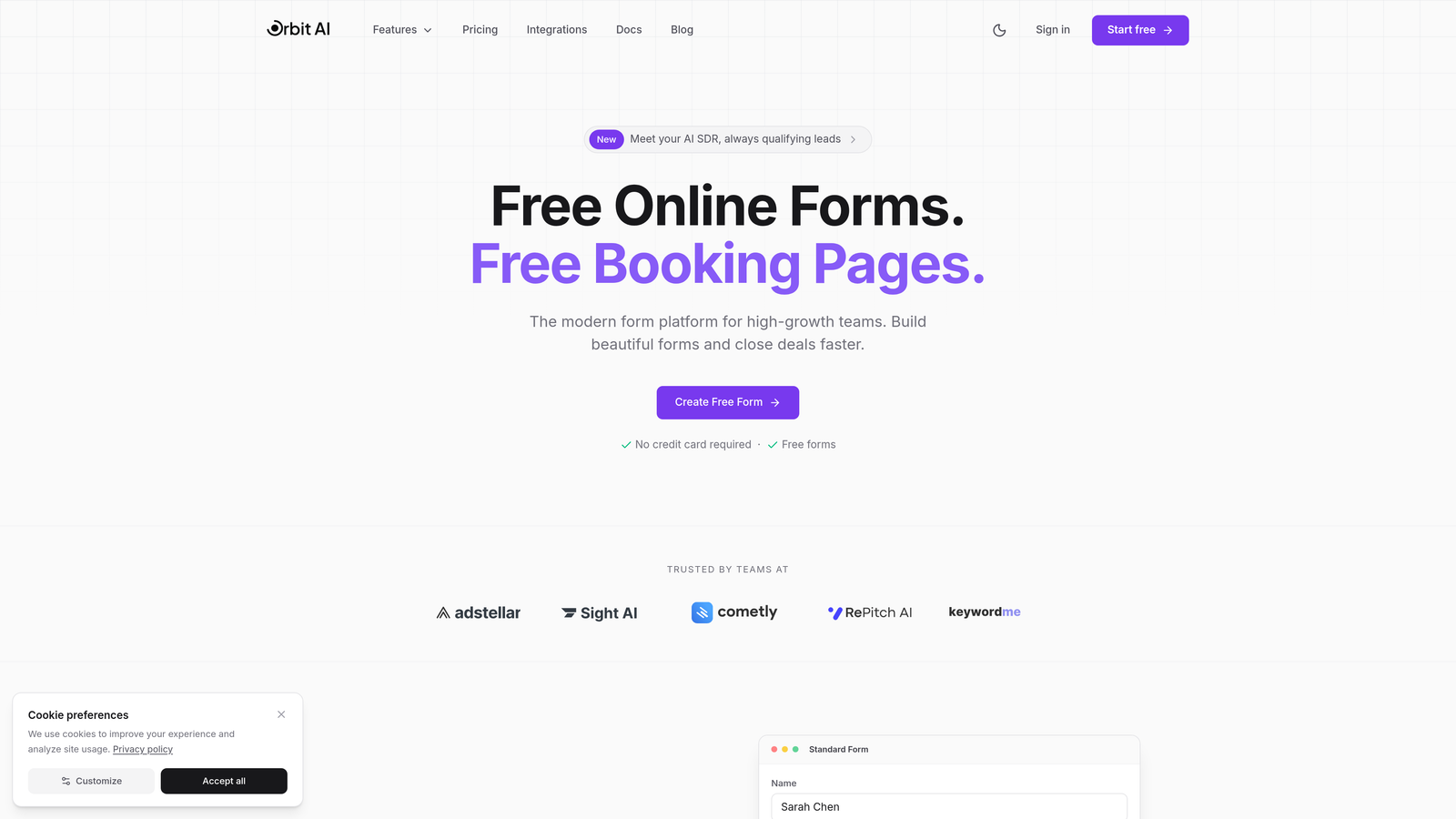
Orbit AI combines modern form building with intelligent lead qualification, designed specifically for teams that need both survey capabilities and conversion-focused lead capture.
Where This Tool Shines
The platform's AI-powered lead scoring automatically qualifies prospects as they complete forms, routing high-value leads to sales while nurturing others through marketing automation. This eliminates manual lead review and accelerates your sales pipeline.
The conversion-optimized templates are built on research-backed design principles, with conditional logic that adapts questions based on previous answers. You get the survey depth you need without overwhelming respondents.
Key Features
AI-Powered Lead Qualification: Automatically scores and routes leads based on responses and behavioral signals.
Conversion-Optimized Templates: Pre-built form designs engineered for maximum completion rates.
Advanced Conditional Logic: Create dynamic surveys that branch based on user responses for personalized experiences.
Native CRM Integrations: Direct connections to HubSpot, Salesforce, and Pipedrive with bi-directional data sync.
Real-Time Analytics Dashboard: Track completion rates, drop-off points, and lead quality metrics as they happen.
Best For
Marketing and sales teams at growing companies who need forms that do more than collect data. Particularly valuable if you're running lead generation campaigns and want to automate the qualification process while maintaining the flexibility to run customer surveys.
Pricing
Free tier available for testing. Paid plans start at $29/month with advanced features and higher submission limits.
2. Typeform
Best for: Creating beautiful, conversational experiences that boost completion rates
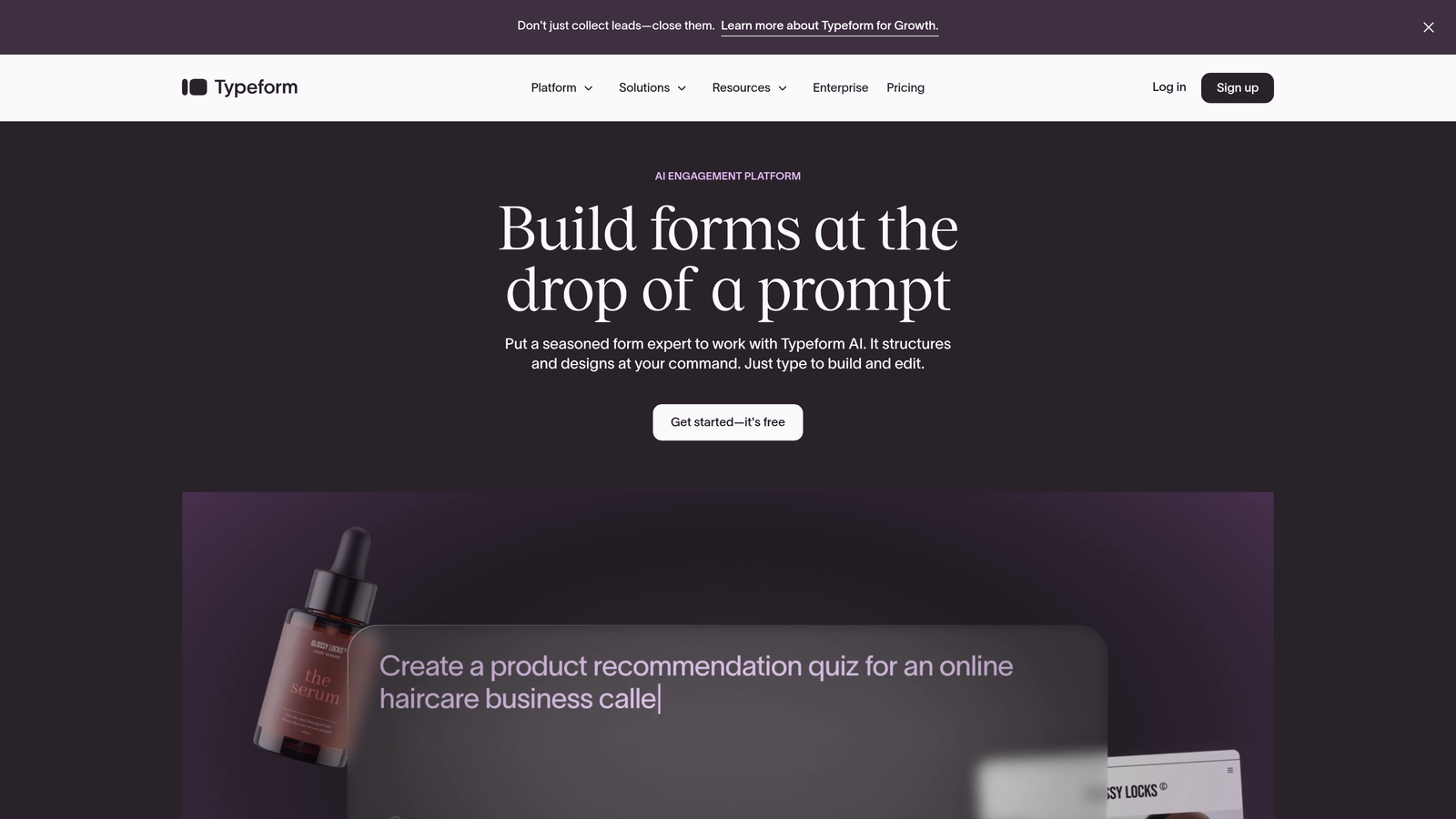
Typeform pioneered the one-question-at-a-time format that makes forms feel like conversations rather than interrogations.
Where This Tool Shines
The conversational interface reduces cognitive load by showing only one question at a time. This approach consistently delivers higher completion rates compared to traditional multi-question layouts, especially for longer surveys.
Typeform's design flexibility lets you create forms that match your brand perfectly. Custom themes, embedded videos, and image-based questions create engaging experiences that respondents actually enjoy completing.
Key Features
Conversational Format: One-question-at-a-time presentation that feels natural and reduces abandonment.
Beautiful Themes: Extensive customization options for fonts, colors, backgrounds, and layouts.
Logic Jumps: Advanced branching that adapts the survey path based on previous answers.
Rich Media Embedding: Add videos, images, and GIFs to make questions more engaging.
Integration Library: Connects with hundreds of tools including Slack, Google Sheets, Mailchimp, and Zapier.
Best For
Brands that prioritize user experience and completion rates. Ideal for customer feedback surveys, event registrations, and lead capture where design and engagement matter as much as the data collected.
Pricing
Free tier with limited features and responses. Basic plan starts at $25/month for branded forms and increased submission limits.
3. Jotform
Best for: Teams needing extensive templates and payment processing capabilities
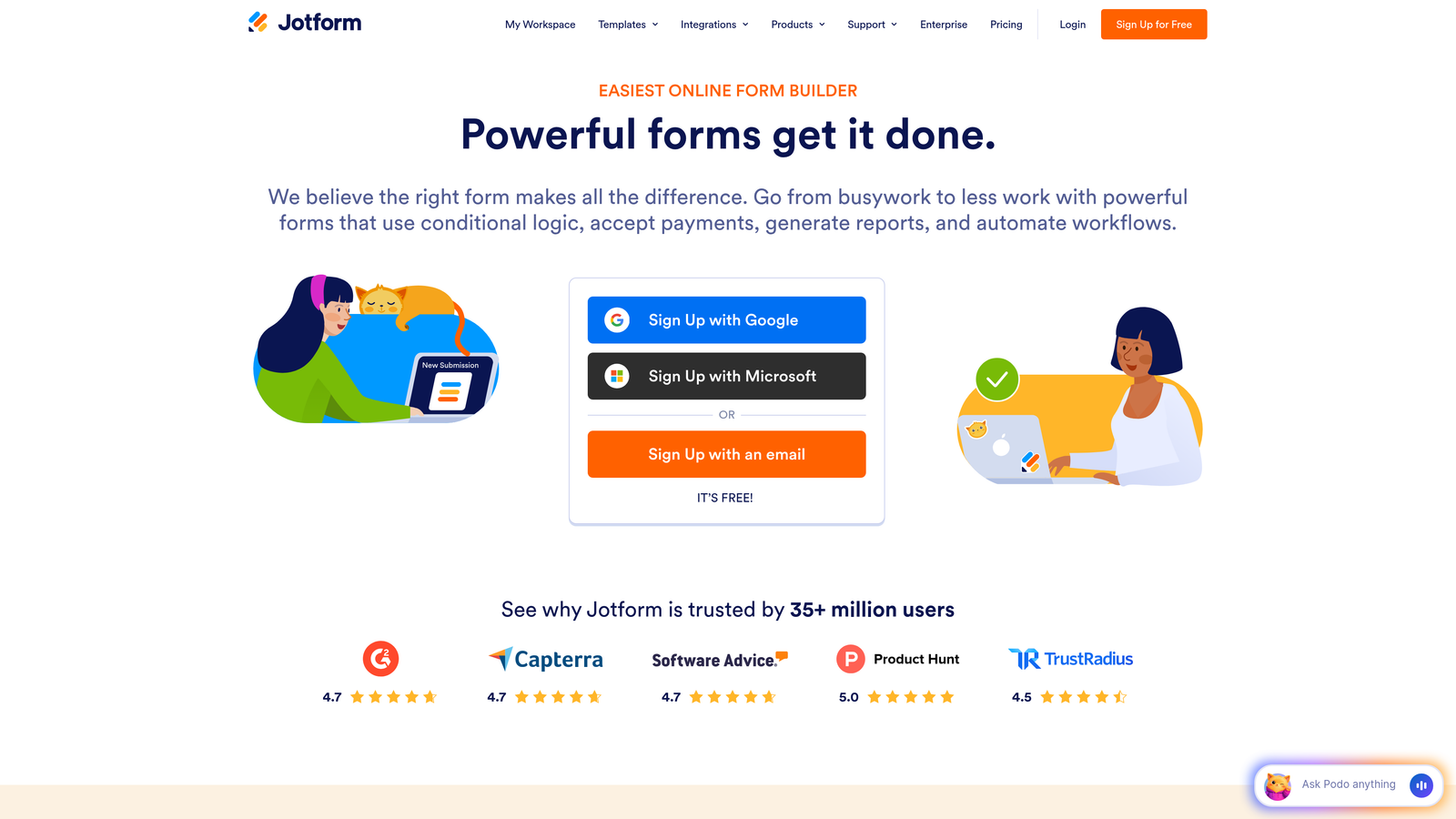
Jotform offers over 10,000 pre-built templates covering virtually every use case from simple contact forms to complex multi-page surveys.
Where This Tool Shines
The template library means you rarely start from scratch. Whether you need employee satisfaction surveys, customer feedback forms, or event registration with payments, there's likely a template ready to customize.
Payment integration is particularly robust. Accept payments through 30+ gateways including PayPal, Stripe, and Square directly within your forms. This makes Jotform excellent for order forms, donation collection, and event ticketing.
Key Features
10,000+ Templates: Pre-built forms for nearly every industry and use case imaginable.
Drag-and-Drop Builder: Intuitive interface for customizing forms without coding knowledge.
Payment Processing: Built-in integration with 30+ payment gateways for collecting payments.
PDF Conversion: Automatically generate PDF documents from form submissions.
Approval Workflows: Route submissions through multi-step approval processes with notifications.
Best For
Small businesses and organizations that need versatile forms with payment capabilities. Particularly useful if you're collecting registrations, donations, or orders alongside standard surveys and lead forms.
Pricing
Free tier with Jotform branding and submission limits. Bronze plan starts at $34/month for 1,000 monthly submissions.
4. SurveyMonkey
Best for: Research-grade surveys with statistical analysis and benchmarking data
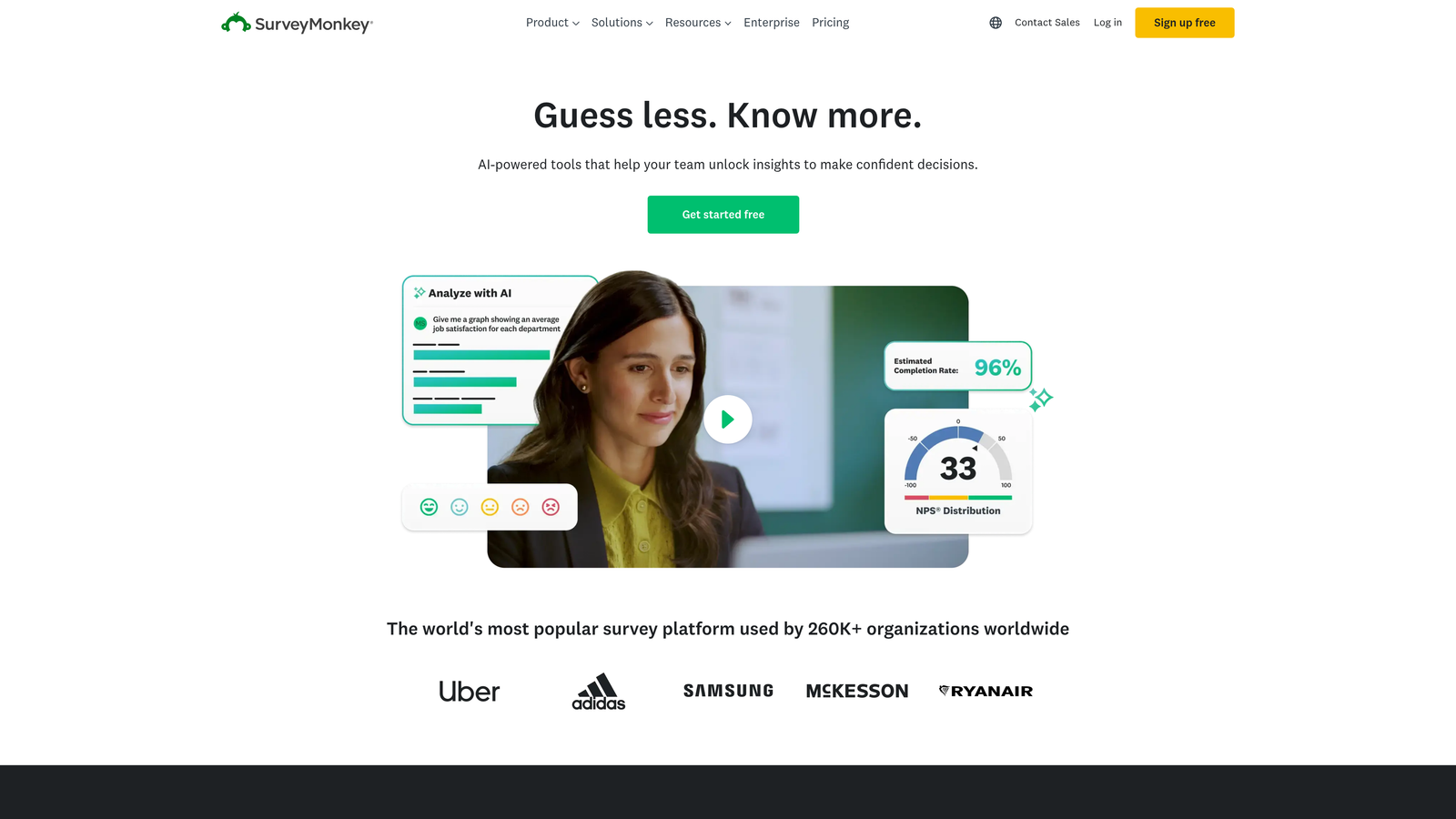
SurveyMonkey remains the industry standard for serious survey research, now expanded to include form building capabilities.
Where This Tool Shines
The platform provides access to expert-designed survey templates built by professional researchers. These templates follow best practices for question wording, order, and response options that minimize bias.
Industry benchmarking data sets SurveyMonkey apart. Compare your results against similar organizations to understand whether your customer satisfaction scores or employee engagement metrics are above or below average.
Key Features
Expert Templates: Professionally designed surveys for customer satisfaction, employee engagement, and market research.
Benchmarking Data: Compare your results against industry averages and similar organizations.
Advanced Skip Logic: Complex conditional logic for creating sophisticated survey paths.
Statistical Analysis: Built-in tools for cross-tabulation, trend analysis, and data filtering.
Team Collaboration: Share surveys, results, and reports with team members with permission controls.
Best For
Organizations conducting formal research, employee surveys, or customer feedback programs where statistical rigor matters. Best suited for teams that need defensible data for decision-making rather than simple lead capture.
Pricing
Free basic tier with limited features. Team Advantage plan starts at $25/user/month with advanced analysis and unlimited questions.
5. Google Forms
Best for: Teams already using Google Workspace wanting zero-cost simplicity
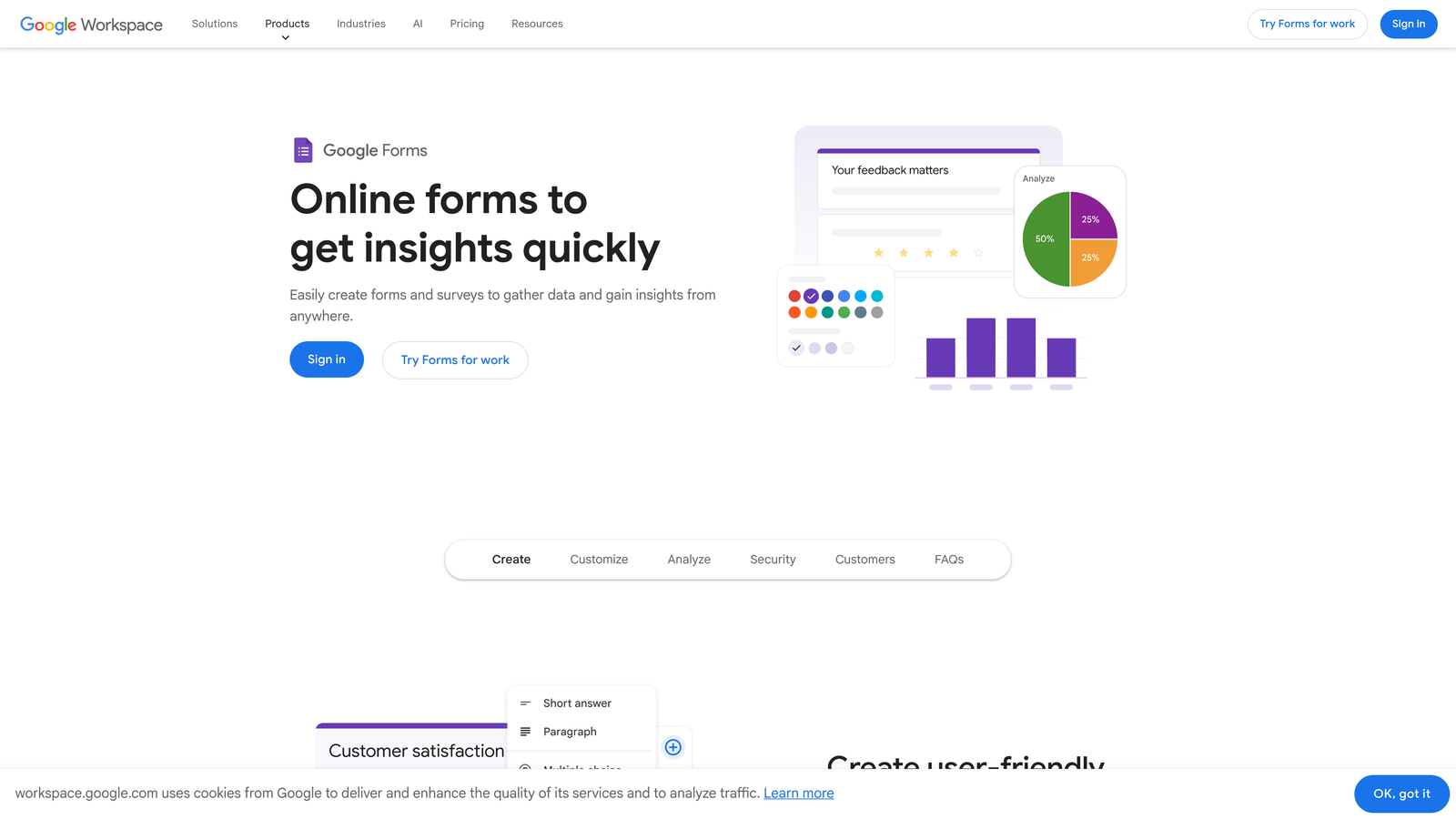
Google Forms provides straightforward form and survey creation with native integration into the Google ecosystem.
Where This Tool Shines
The price is unbeatable—completely free with unlimited forms and responses. For organizations already using Google Workspace, the seamless integration with Sheets, Docs, and Drive makes data management effortless.
Real-time collaboration mirrors Google Docs functionality. Multiple team members can build and edit forms simultaneously, with changes appearing instantly. Responses flow automatically into Google Sheets for analysis.
Key Features
Completely Free: No limits on forms, questions, or responses with any Google account.
Real-Time Collaboration: Multiple users can edit forms simultaneously with instant updates.
Google Sheets Integration: Responses automatically populate spreadsheets for analysis and reporting.
Conditional Logic: Basic skip logic and question branching based on previous answers.
Quiz Features: Built-in grading and scoring for educational assessments and knowledge tests.
Best For
Schools, nonprofits, and small teams with limited budgets who need basic form and survey capabilities. Ideal if you're already embedded in the Google ecosystem and need simple data collection without advanced features.
Pricing
Free with any Google account. No paid tiers or premium features.
6. Tally
Best for: Modern teams wanting generous free limits and Notion-style simplicity
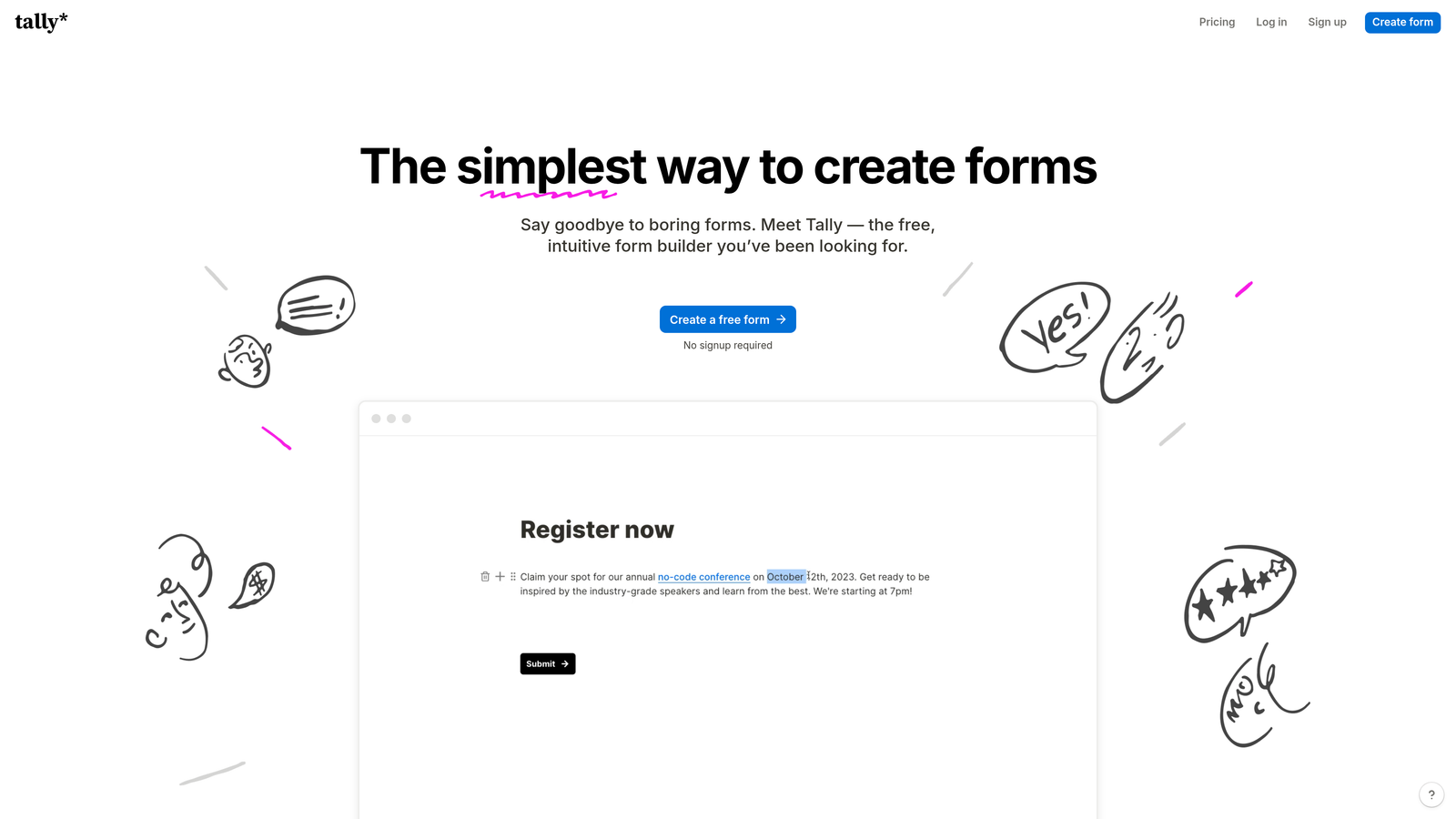
Tally brings Notion's block-based simplicity to form building with one of the most generous free tiers available.
Where This Tool Shines
The free tier includes unlimited forms and unlimited responses—no artificial limits forcing you to upgrade. This makes Tally perfect for startups and growing teams who need professional forms without immediate budget allocation.
The Notion-inspired interface feels immediately familiar if you use block-based tools. Build forms by adding question blocks, arranging them visually, and configuring logic without navigating complex menus.
Key Features
Unlimited Free Tier: No caps on forms or responses in the free version, unlike most competitors.
Clean Interface: Minimal, distraction-free design that focuses on content over chrome.
Conditional Logic: Show or hide questions based on previous answers to create dynamic experiences.
File Uploads: Accept document uploads and e-signatures directly within forms.
Block-Based Building: Notion-style blocks make form creation intuitive and flexible.
Best For
Startups and small teams who love Notion's approach to tools. Particularly valuable if you need professional forms immediately but want to defer costs until you've validated your use case.
Pricing
Free tier is genuinely unlimited. Pro plan at $29/month adds custom domains, remove Tally branding, and advanced integrations.
7. Formstack
Best for: Enterprise organizations requiring compliance, security, and advanced automation
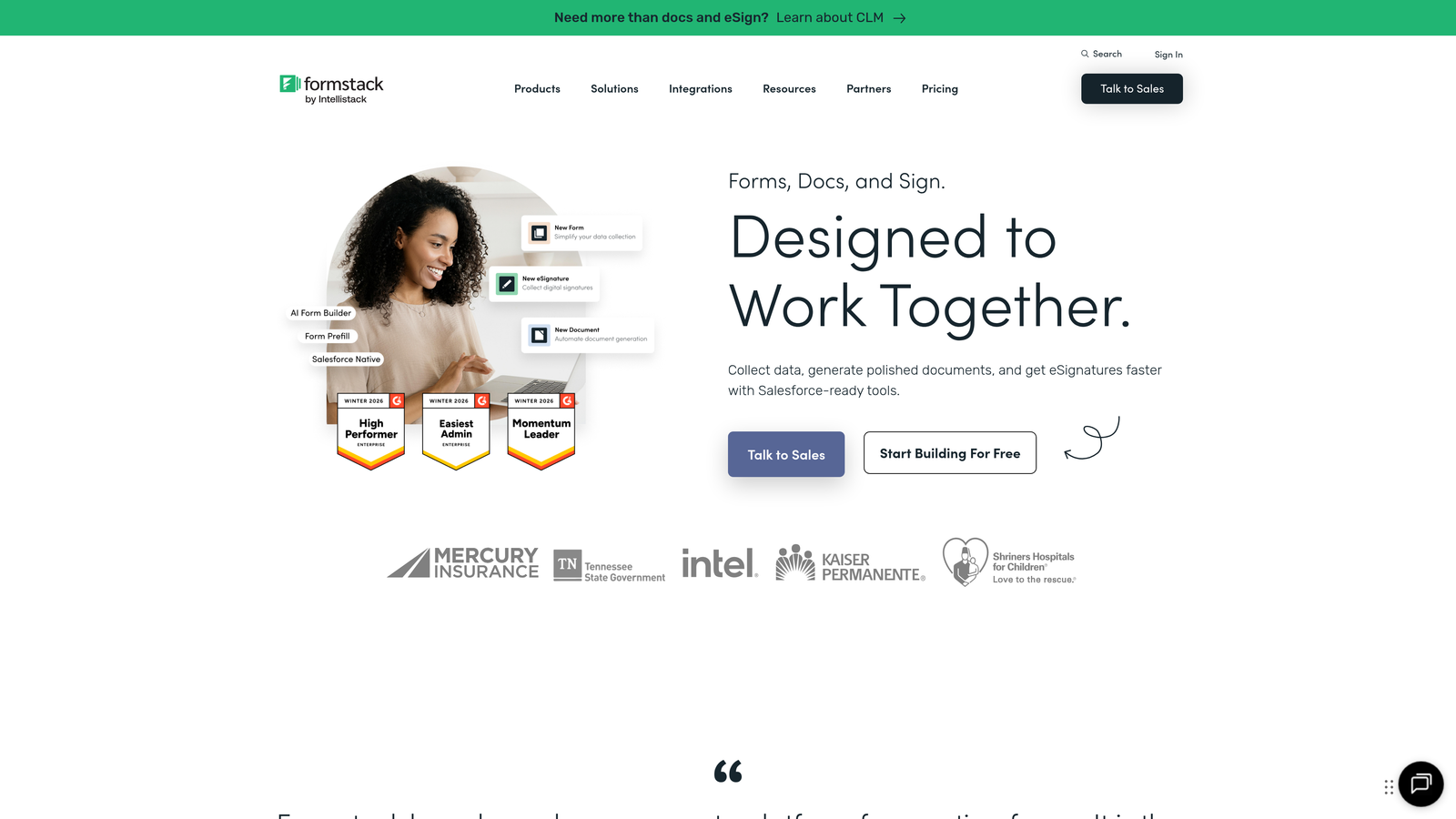
Formstack delivers enterprise-grade form and survey capabilities with built-in compliance for regulated industries.
Where This Tool Shines
HIPAA and GDPR compliance features make Formstack the go-to choice for healthcare, finance, and other regulated industries. Forms include encryption, audit trails, and data handling that meet strict regulatory requirements.
Workflow automation extends beyond simple integrations. Route submissions through multi-step approval processes, generate documents automatically, and trigger complex business logic based on form responses.
Key Features
Compliance Features: HIPAA and GDPR-compliant data handling with encryption and audit trails.
Document Generation: Automatically create PDFs, contracts, and reports from form submissions.
E-Signature Collection: Legally binding electronic signatures integrated directly into forms.
Advanced Automation: Complex workflow routing with approvals, notifications, and conditional actions.
Offline Data Collection: Mobile app allows form completion without internet connectivity.
Best For
Enterprise organizations in regulated industries like healthcare, finance, or legal services. Essential if you need documented compliance, advanced security, or complex approval workflows alongside standard survey capabilities.
Pricing
Starter plan begins at $50/month. Enterprise pricing available for larger organizations with custom requirements.
8. Paperform
Best for: Creative teams wanting landing page-style forms with rich media and payments
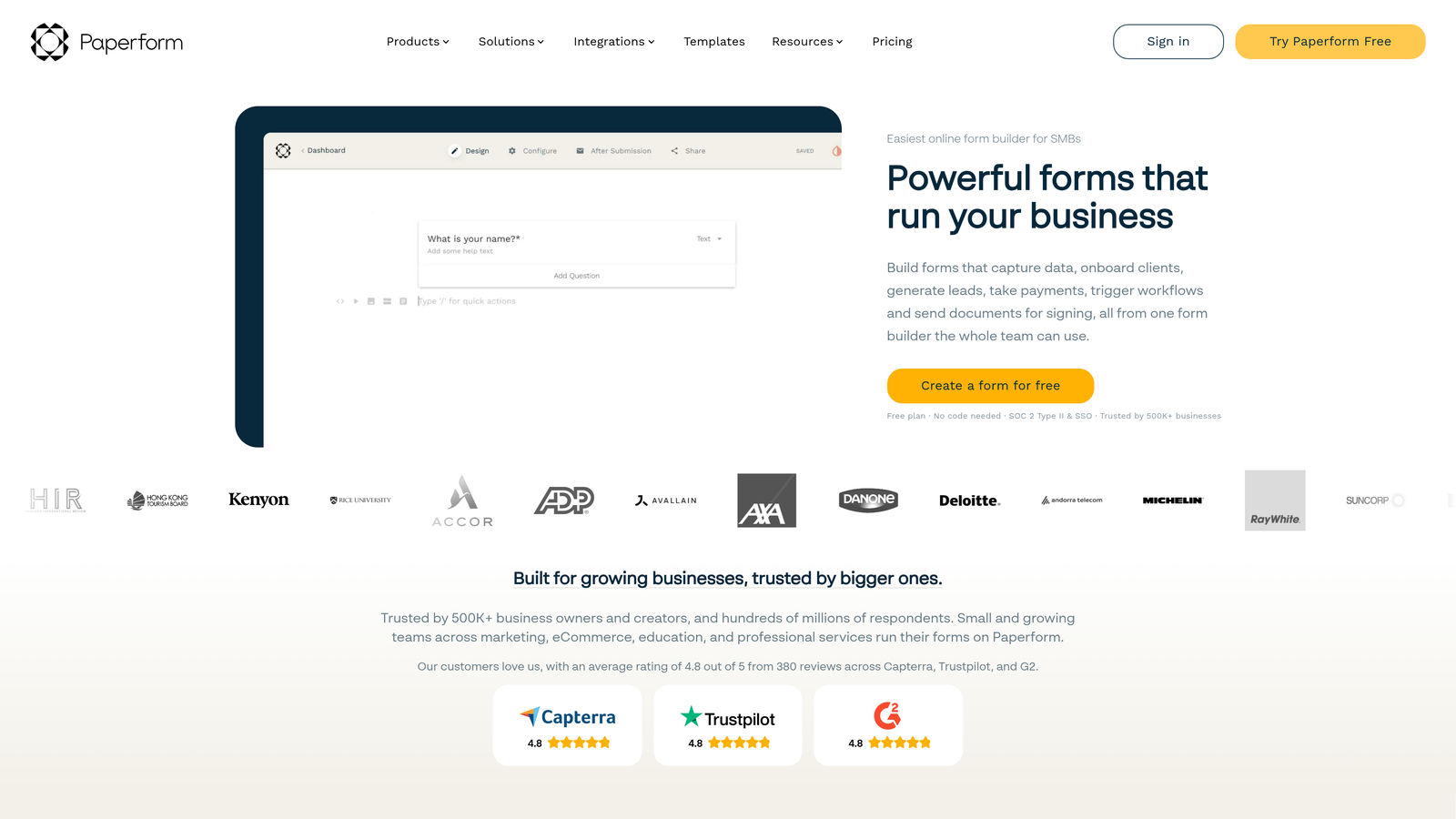
Paperform blends form building with landing page design, creating experiences that feel more like websites than traditional forms.
Where This Tool Shines
The rich text editor lets you embed videos, images, and formatted content throughout your forms. This creates engaging experiences perfect for product launches, event registrations, or brand-focused lead capture.
Built-in payment processing, appointment scheduling, and product catalogs mean you can build complete booking systems or online stores without separate tools. One form can handle discovery questions, product selection, scheduling, and payment.
Key Features
Rich Media Embedding: Add videos, images, and formatted text to create landing page-style experiences.
Payment Processing: Accept payments through Stripe and PayPal with product catalogs and pricing tables.
Appointment Scheduling: Built-in calendar integration for booking meetings and reservations.
Product Catalogs: Showcase products with images, descriptions, and pricing within forms.
Custom Success Pages: Redirect to unique confirmation pages based on form responses.
Best For
Creative agencies, event organizers, and brands that want forms to match their visual identity. Ideal if you're building experiences that need to impress rather than simply collect data efficiently.
Pricing
Essentials plan starts at $24/month with unlimited forms and submissions.
9. Fillout
Best for: Database-first teams using Notion, Airtable, or Smartsheet
Fillout specializes in creating forms that connect directly to your existing databases, eliminating data export and import workflows.
Where This Tool Shines
Native Notion and Airtable integration means forms write directly to your databases. No Zapier middleware, no CSV exports—just instant data synchronization that keeps your workspace updated in real-time.
The ability to pre-fill forms from existing records transforms update workflows. Send customers forms pre-populated with their current information, letting them verify and update rather than re-entering everything from scratch.
Key Features
Native Database Sync: Direct integration with Notion, Airtable, and Smartsheet databases.
Pre-Fill Capability: Load existing data into forms for updates rather than new entries.
Update Existing Records: Modify database entries through forms instead of only creating new ones.
Conditional Logic: Show or hide questions based on previous answers or database values.
Multi-Page Forms: Break long forms into logical sections for better completion rates.
Best For
Teams already managing data in Notion, Airtable, or Smartsheet who want forms that integrate seamlessly. Particularly valuable for customer data updates, inventory management, or any workflow where forms feed existing databases.
Pricing
Free tier available with basic features. Starter plan begins at $15/month for unlimited forms and advanced database features.
Making the Right Choice
Your ideal platform depends on your primary use case and existing infrastructure.
Choose Orbit AI if you're focused on lead generation and want AI-powered qualification that automatically scores prospects while maintaining survey flexibility. The conversion optimization and native CRM integrations make it perfect for high-growth teams.
Pick Typeform when brand experience matters most and you need the highest possible completion rates through conversational design.
Go with Jotform if you need extensive templates and payment processing for diverse use cases from surveys to order forms.
Select SurveyMonkey when you're conducting formal research requiring statistical rigor and industry benchmarking data.
Stick with Google Forms if you're already in the Google ecosystem and need simple, free data collection without advanced features.
Choose Tally for generous free limits and Notion-style simplicity that doesn't force early upgrades.
Pick Formstack when you're in a regulated industry requiring HIPAA or GDPR compliance with enterprise-grade security.
Select Paperform if you want landing page-style forms with rich media that double as booking systems or product showcases.
Go with Fillout when you're already managing data in Notion or Airtable and need seamless database integration.
Start with your primary objective. If it's lead generation with qualification, you need different capabilities than pure research or simple data collection. Then evaluate based on your existing tech stack—native integrations save countless hours compared to middleware solutions.
Transform your lead generation with AI-powered forms that qualify prospects automatically while delivering the modern, conversion-optimized experience your high-growth team needs. Start building free forms today and see how intelligent form design can elevate your conversion strategy.


