

Smart form builders have come a long way from basic drag-and-drop editors. Today's most powerful tools use conditional logic, AI-powered lead qualification, dynamic personalization, and real-time analytics to turn a simple form into a high-converting lead engine. The word "smart" matters here: these tools adapt to user behavior, qualify leads automatically, and plug seamlessly into the modern growth stack.
If you're serious about improving your form conversion rates, the tool you choose makes a real difference. A well-designed lead capture form powered by the right platform can dramatically improve both the quality and volume of leads you generate.
To build this list, we evaluated each tool on five criteria: intelligence features (conditional logic, AI, dynamic fields), design quality, integration ecosystem, pricing flexibility, and suitability for lead generation and conversion optimization. Here are the top smart form builders worth your attention in 2026.
1. Orbit AI
Best for: High-growth teams that want AI-powered lead qualification built directly into the form experience.
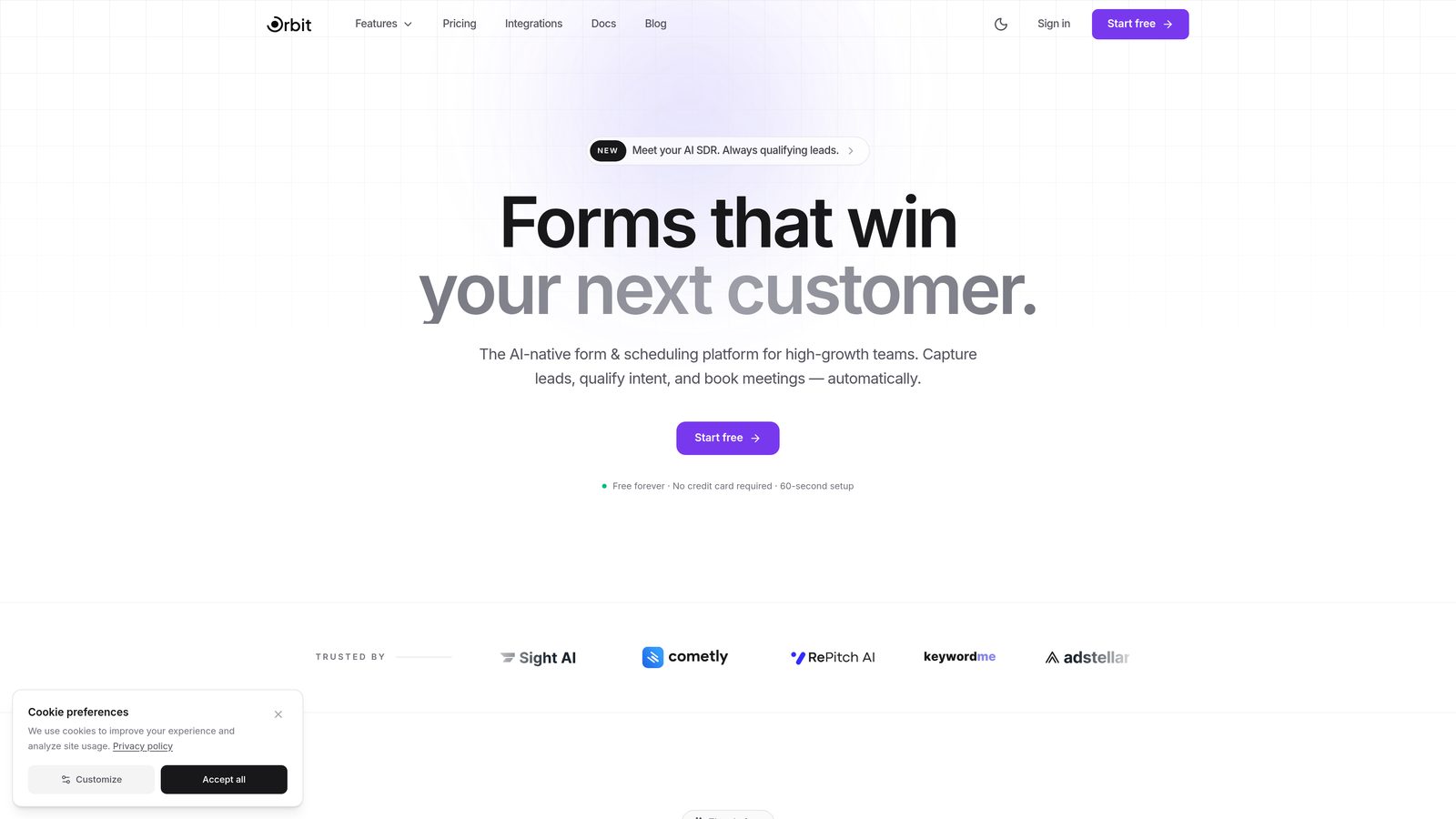
Orbit AI is an AI-native smart form builder that qualifies leads in real time as respondents complete forms, purpose-built for conversion-focused teams.
Where This Tool Shines
What separates Orbit AI from most form builders is where the intelligence lives. Rather than routing raw submissions to a CRM for manual scoring later, Orbit AI qualifies leads during the form experience itself. That means your sales team receives pre-qualified, prioritized leads without any post-submission triage.
The platform also prioritizes form aesthetics and mobile-first design, recognizing that a form that looks polished and loads fast on mobile is a form that gets completed. For high-growth teams running paid acquisition or outbound campaigns, that combination of intelligence and design is genuinely valuable.
Key Features
AI-Powered Lead Scoring: Qualifies and scores leads in real time as users move through the form, so your team knows who to prioritize the moment a submission lands.
Conversion-Optimized Templates: Pre-built form templates designed specifically for lead generation use cases, not generic survey templates repurposed for marketing.
Dynamic Form Fields: Fields adapt based on previous responses, creating a personalized experience that keeps users engaged and reduces drop-off.
Mobile-First Design: Every form is built to look and perform beautifully on mobile devices, where a significant portion of lead traffic originates.
CRM and Automation Integrations: Connects with popular CRMs and marketing automation tools so qualified leads flow directly into your existing stack.
Best For
Orbit AI is an ideal fit for SaaS companies, growth marketers, and demand generation teams that need more than a form submission. If lead quality is as important as lead volume in your business, and you want qualification to happen automatically rather than manually, this platform is built for that exact use case.
Pricing
Visit orbitforms.ai for current plan details. A free tier is available to get started without a credit card.
2. Typeform
Best for: Teams that want a conversational, one-question-at-a-time experience that maximizes engagement and completion rates.
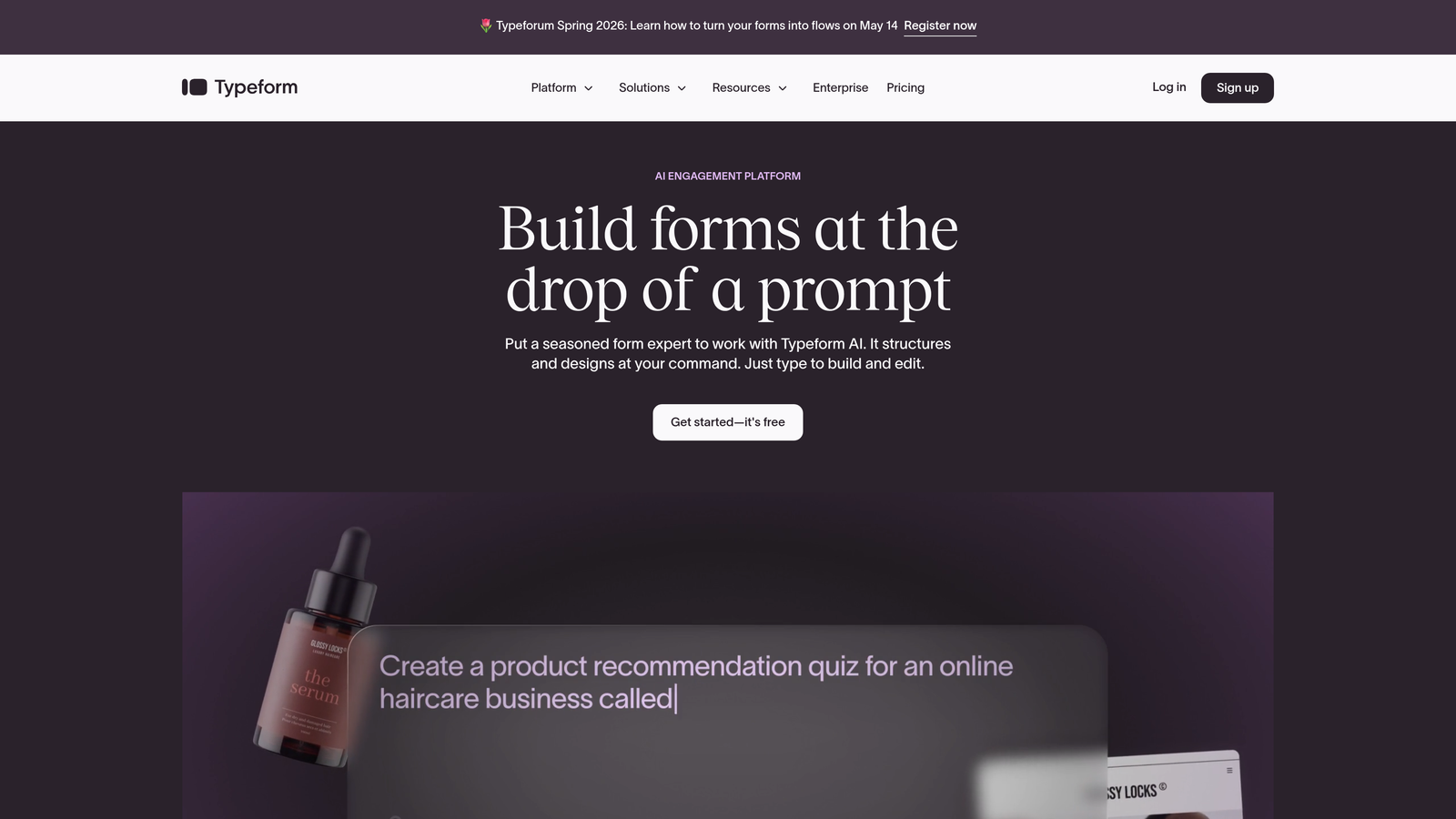
Typeform is the conversational form builder that popularized the single-question UX format, making form completion feel less like a chore and more like a conversation.
Where This Tool Shines
Typeform's core insight is simple: showing respondents one question at a time reduces cognitive overload and keeps them moving forward. The result is a form experience that feels more like a dialogue than a data-entry task, which tends to produce higher completion rates on longer forms.
The design quality is genuinely impressive. Typeform forms look polished out of the box, with smooth transitions and a clean visual language that works well for brand-conscious teams. It's particularly strong for surveys, lead generation questionnaires, and product feedback forms.
Key Features
Conversational UX: One question displayed at a time, creating a guided, distraction-free experience for respondents.
Logic Jumps: Conditional branching that routes users through different question paths based on their previous answers.
Design Customization: Extensive branding controls including custom fonts, colors, background images, and themes.
Native Integrations: Connects directly with HubSpot, Salesforce, Slack, Zapier, and dozens of other platforms.
Media Embedding: Supports video and image embeds within questions, making forms richer and more engaging.
Best For
Typeform works well for marketing teams, agencies, and product teams that prioritize form aesthetics and completion rates. It's especially effective for longer qualification questionnaires where a traditional multi-field form would cause drop-off.
Pricing
Free plan available with limited responses. Paid plans start at approximately $25/month, with higher tiers unlocking more responses, logic features, and integrations.
3. Jotform
Best for: Teams that need a versatile, template-rich form builder covering everything from lead gen to payments and approvals.
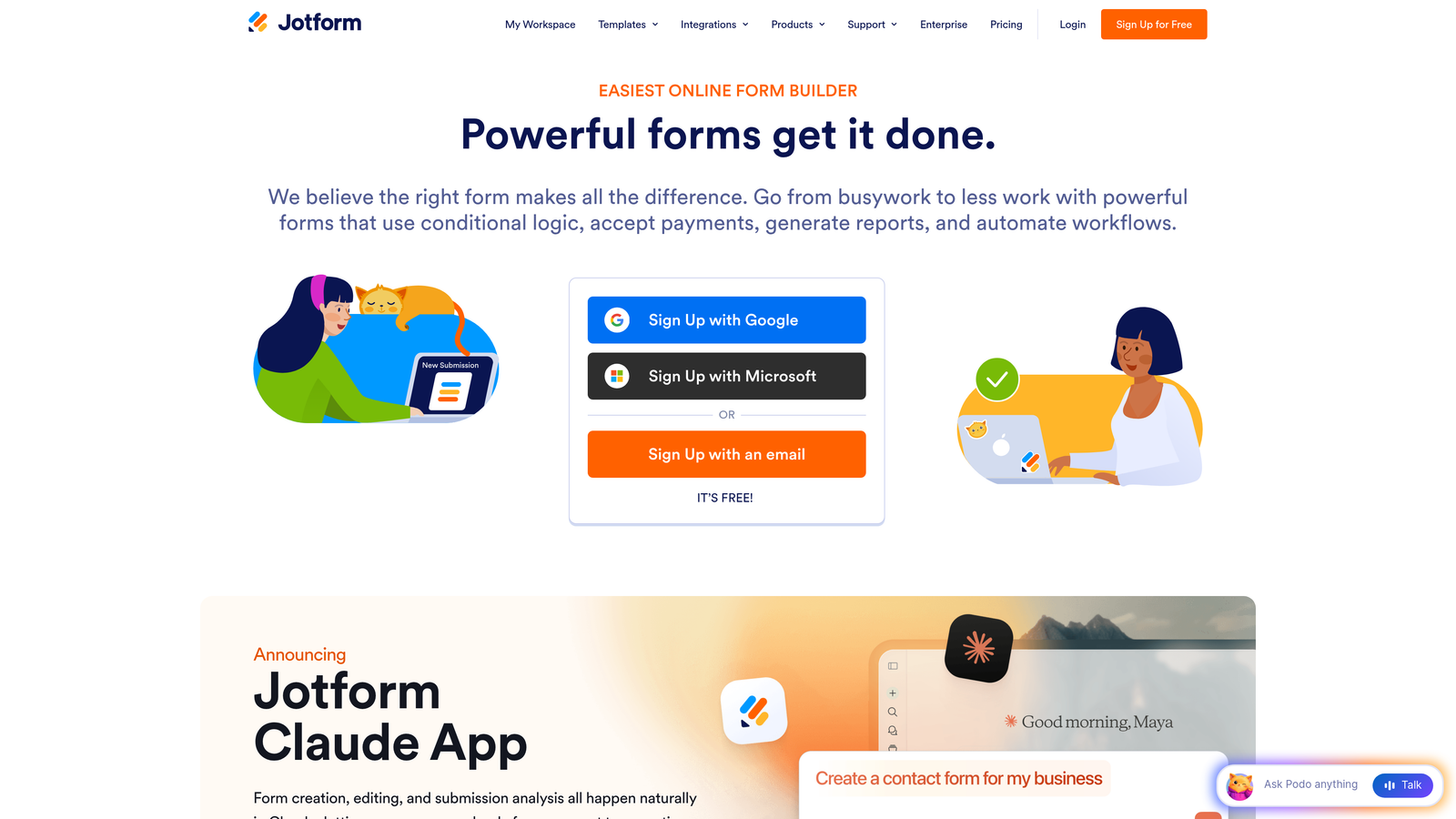
Jotform is a no-code form builder with one of the most extensive template libraries in the market, covering a wide range of industries and use cases.
Where This Tool Shines
Jotform's biggest strength is breadth. With over 10,000 templates, it's rare to encounter a use case the platform hasn't already addressed. Whether you need a lead capture form, a payment collection page, a job application, or a HIPAA-compliant intake form, there's likely a template that gets you 80% of the way there immediately.
Jotform Tables adds a layer of submission management that many competitors lack, letting you view, filter, and act on form data without exporting to a spreadsheet. For teams managing high submission volumes, that built-in database functionality is a genuine time-saver.
Key Features
10,000+ Templates: Industry-spanning template library covering lead gen, healthcare, education, e-commerce, and more.
Conditional Logic: Multi-page forms with conditional branching to create dynamic, personalized form flows.
Payment Collection: Native integrations with Stripe, PayPal, and Square for collecting payments directly through forms.
Jotform Tables: Built-in submission management database for organizing and acting on form responses.
HIPAA Compliance: Dedicated compliance plans for healthcare organizations handling protected health information.
Best For
Jotform suits operations teams, small businesses, and non-technical users who need a reliable, all-purpose form builder with minimal setup time. It's also a strong choice for healthcare or regulated industries needing compliance features.
Pricing
Free plan includes up to 5 forms and 100 monthly submissions. Paid plans start at approximately $34/month with significantly higher limits and additional features.
4. HubSpot Forms
Best for: HubSpot users who want CRM-native smart fields and progressive profiling without adding another tool to their stack.
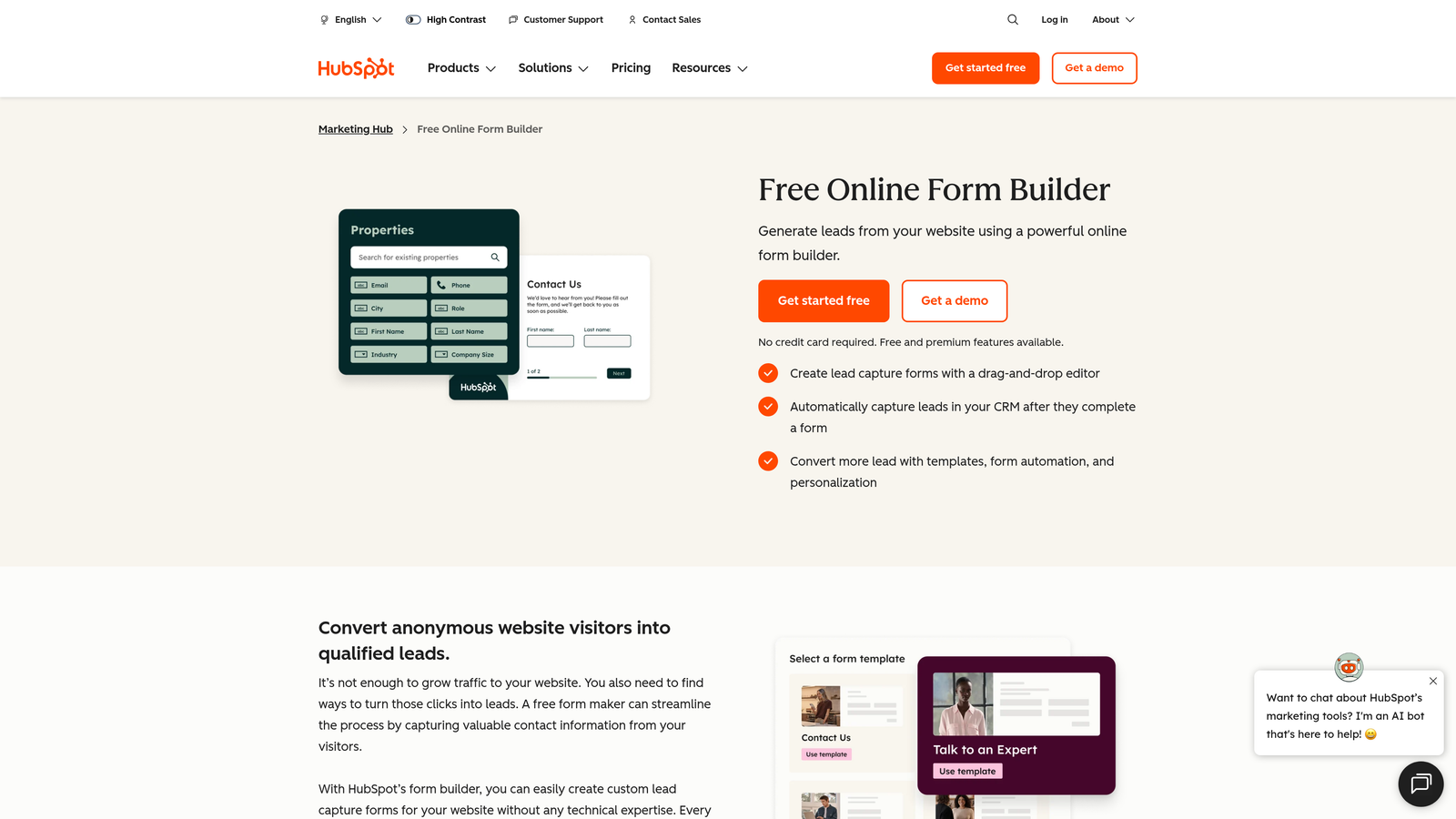
HubSpot Forms is a CRM-integrated form builder with progressive profiling that automatically adapts questions based on what you already know about a contact.
Where This Tool Shines
If your team already runs on HubSpot, the Forms product is arguably the smartest default choice. Progressive profiling is the standout feature: instead of asking the same questions to returning visitors, HubSpot swaps in new fields to collect fresh data each time. Over multiple interactions, you build a rich contact profile without ever asking someone to repeat themselves.
The native CRM integration also means zero data mapping or middleware required. Every submission automatically creates or updates a contact record, triggers workflows, and feeds directly into your reporting. For HubSpot-centric teams, that tight integration is hard to replicate elsewhere.
Key Features
Progressive Profiling: Smart fields that swap out questions already answered by a known contact, maximizing data collection over time.
Smart Field Logic: Fields that change based on existing CRM contact data, personalizing the form experience for known visitors.
Native CRM Sync: Automatic contact creation and property updates in HubSpot CRM with every submission.
Follow-Up Automation: Built-in triggers for email sequences, notifications, and workflows directly from form submissions.
Free Tier: Core form functionality included at no cost with HubSpot's free CRM.
Best For
HubSpot Forms is the obvious choice for teams already invested in the HubSpot ecosystem. It's less compelling as a standalone tool, but for HubSpot users, the native integration and progressive profiling features make it difficult to justify switching to a third-party form builder.
Pricing
Free with HubSpot CRM. Advanced features like A/B testing and more sophisticated automation require Marketing Hub, which starts at approximately $800/month.
5. Tally
Best for: Startups, indie makers, and small teams that need unlimited forms with a clean, Notion-style editing experience at minimal cost.
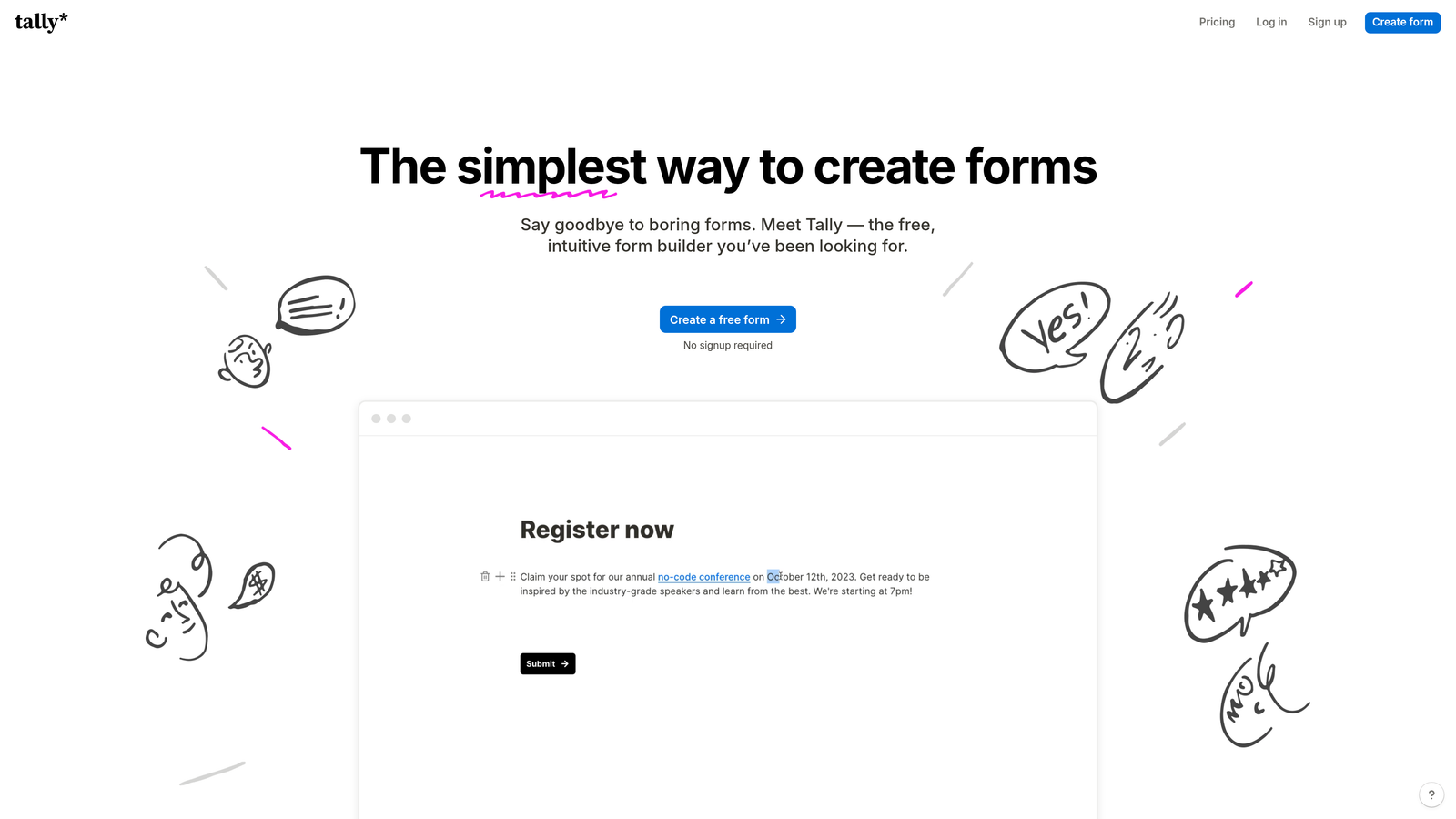
Tally is a lightweight form builder with a block-based editor and one of the most generous free tiers in the market, offering unlimited forms and submissions without feature gating.
Where This Tool Shines
Tally's free plan is genuinely remarkable by industry standards. Most competitors restrict the number of forms, submissions, or features available at no cost. Tally lets you create unlimited forms and collect unlimited submissions for free, which makes it an easy recommendation for early-stage teams watching their tool spend carefully.
The Notion-inspired block editor feels intuitive to anyone familiar with modern productivity tools. Building a form in Tally feels less like configuring a product and more like writing a document, which lowers the learning curve considerably for non-technical users.
Key Features
Unlimited Free Forms: No caps on form count or submissions on the free plan, a rare offering in this category.
Block-Based Editor: Notion-style editing interface that makes form creation fast and intuitive.
Conditional Logic: Branching logic and calculator fields for creating dynamic, adaptive form flows.
Custom Domains: White-label hosting with custom domains available on paid plans.
Flexible Integrations: Connects via webhooks, Zapier, and native connectors to fit into most existing stacks.
Best For
Tally is an excellent fit for bootstrapped startups, freelancers, and small teams that need functional, good-looking forms without a monthly tool budget. It's also a solid choice for anyone who finds traditional form builders overly complex for straightforward use cases.
Pricing
Free plan with unlimited forms and submissions. Pro plan at $29/month adds custom domains, branding removal, and additional integrations.
6. Fillout
Best for: Teams using Airtable, Notion, or Google Sheets who want forms that sync natively with their existing databases.
Fillout is a database-first form builder with deep native integrations to Airtable, Notion, Smartsheet, and Google Sheets, plus powerful multi-step conditional logic.

Where This Tool Shines
Fillout's differentiator is its database connectivity. Most form builders treat integrations as an afterthought, relying on Zapier to push data somewhere useful after submission. Fillout builds the database relationship directly into the form, meaning you can pre-fill fields from connected records, update existing rows rather than just creating new ones, and keep your data sources genuinely in sync.
For operations teams and product teams already living in Airtable or Notion, this approach eliminates a lot of manual data reconciliation. The conditional logic and multi-step flows are also strong, making Fillout a capable tool for complex intake and qualification workflows.
Key Features
Native Database Sync: Direct integrations with Airtable, Notion, Smartsheet, and Google Sheets that go beyond basic data export.
Pre-Fill from Databases: Populate form fields automatically from connected database records for returning users or known contacts.
Advanced Conditional Logic: Multi-step branching flows with complex conditional rules for sophisticated form experiences.
Flexible Field Types: Supports scheduling, payment collection, and file uploads within the same form.
Custom Thank-You Logic: Redirect users to different pages or show different messages based on their responses.
Best For
Fillout is ideal for operations teams, product managers, and no-code builders who use Airtable or Notion as their source of truth and want forms that stay in sync with those databases automatically.
Pricing
Free plan available with core features. Paid plans start at approximately $15/month, making it one of the more affordable options for teams with database-centric workflows.
7. Paperform
Best for: Creators and marketers who want forms that function as full landing pages, combining rich content with lead capture and e-commerce.
Paperform is a form builder that doubles as a landing page creator, blending rich media, calculations, conditional logic, and commerce into a single form experience.
Where This Tool Shines
Paperform occupies a unique position in this category. Where most form builders focus on minimizing friction in data collection, Paperform leans into form-as-content. You can embed images, video, and long-form text alongside your form fields, creating a page that educates and converts simultaneously. It's particularly effective for product launches, event registrations, and service booking pages.
The built-in calculation and scoring engine also opens up use cases that other tools handle awkwardly, such as quote generators, product configurators, and assessment tools. If your form needs to do math or produce a result based on user inputs, Paperform handles it natively.
Key Features
Landing Page Format: Embed images, video, and text content alongside form fields to create full-page experiences.
Built-In Calculations: Native calculation and scoring fields for quote generators, assessments, and configurators.
E-Commerce and Bookings: Collect payments and manage appointment scheduling directly within the form.
Custom Branding: Full theme control with custom CSS support for pixel-perfect brand alignment.
Wide Integration Support: Zapier and direct integrations connecting to over 3,000 apps.
Best For
Paperform suits content marketers, coaches, consultants, and small business owners who want a single tool that handles lead capture, sales, and booking without needing a separate landing page builder.
Pricing
No free plan; a 14-day free trial is available. Paid plans start at approximately $24/month.
8. Formstack
Best for: Enterprise teams that need forms, document generation, e-signatures, and approval workflows in a single compliance-ready platform.
Formstack is an enterprise-grade workflow platform that combines form building with document generation and e-signatures for complex, multi-step business processes.
Where This Tool Shines
Formstack is less a form builder and more a complete workflow automation suite that happens to start with a form. The platform's Forms, Documents, and Sign products work together to handle everything from initial data capture through document generation and final e-signature collection. For enterprise teams managing complex approval chains or regulated data, that end-to-end capability in one platform is a meaningful operational advantage.
The compliance features are also notably thorough. HIPAA, GDPR, and Section 508 accessibility compliance are built in, and a Salesforce-native edition is available for organizations that need deep CRM integration without custom development work.
Key Features
Integrated Workflow Suite: Forms, document generation, and e-signatures work together as a connected workflow platform.
Advanced Conditional Logic: Complex field rules and branching for sophisticated multi-step form flows.
Compliance Ready: Built-in support for HIPAA, GDPR, and Section 508 accessibility standards.
Approval Routing: Configurable approval workflows that route submissions to the right people automatically.
Salesforce-Native Edition: A dedicated Salesforce-native version for organizations that run their operations inside Salesforce.
Best For
Formstack is the right choice for enterprise teams in regulated industries, HR departments managing complex intake processes, and organizations that need document automation and e-signatures alongside their forms.
Pricing
Plans start at approximately $50/month. Enterprise pricing is available for larger organizations with more complex requirements.
9. Feathery
Best for: Product and engineering teams that need deeply customizable forms for onboarding flows, signups, and product-led growth experiences.
Feathery is a React-based form builder built for developers, offering deep customization, API-driven logic, and purpose-built support for product onboarding and multi-step flows.
Where This Tool Shines
Feathery fills a gap that most no-code form builders leave open: the need for truly custom form experiences that go beyond what drag-and-drop editors can produce. Because it's built on React and supports custom code and CSS, product teams can create form experiences that are indistinguishable from custom-built UI, without writing everything from scratch.
The platform is also notably strong for product-led growth use cases. Onboarding flows, multi-step signup sequences, and in-product surveys are all first-class use cases in Feathery, with built-in A/B testing and analytics to help teams optimize those flows over time.
Key Features
React-Based Architecture: Custom code and CSS support for form experiences that match your product's exact design system.
API-Driven Field Population: Populate fields dynamically from external APIs and databases for personalized, context-aware forms.
Advanced Branching Logic: Complex conditional flows built for multi-step onboarding and qualification sequences.
Built-In A/B Testing: Native experimentation and analytics to optimize form performance without third-party tools.
Team Collaboration: Shared workspaces with collaboration features designed for design and engineering teams working together.
Best For
Feathery is best suited for product teams, growth engineers, and full-stack developers who need the flexibility of custom development with the speed of a visual builder. It's particularly strong for SaaS onboarding flows and complex multi-step product experiences.
Pricing
Free plan available. Paid plans start at approximately $49/month, with higher tiers for larger teams and more advanced features.
Finding the Right Smart Form Builder for Your Stack
The right tool here depends almost entirely on where your biggest constraint lives. If lead quality is your primary challenge and you want qualification to happen automatically rather than manually, Orbit AI is built specifically for that problem. Its AI-powered scoring during the form experience is a genuine differentiator for growth teams running high-volume acquisition campaigns.
If you're already deep in the HubSpot ecosystem, HubSpot Forms with progressive profiling is the natural choice. For teams living in Airtable or Notion, Fillout's database-first approach eliminates integration headaches. Typeform remains the strongest option when form aesthetics and completion rates are the top priority, particularly for longer qualification flows.
For teams watching their budget carefully, Tally's unlimited free tier is hard to beat. Enterprise teams managing complex workflows and compliance requirements will find Formstack's end-to-end suite more appropriate than any lightweight builder. And if your team has engineering resources and needs forms that integrate deeply into a product experience, Feathery's developer-first approach gives you that flexibility.
The common thread across all the best tools on this list is that they treat forms as active participants in the conversion process, not passive data collectors. Smart forms adapt, qualify, and personalize in real time. That shift in thinking is what separates high-converting lead capture from the static forms most teams are still relying on.
Ready to put that thinking into practice? Start building free forms today with Orbit AI and experience how AI-powered lead qualification, dynamic form fields, and conversion-optimized design can transform your lead generation results.


