

Finding the right smart forms platform means balancing powerful features against your budget. Whether you're a startup watching every dollar or an enterprise team needing advanced AI capabilities, the pricing landscape for intelligent form builders varies dramatically—from free tiers to premium plans exceeding $500/month.
This guide breaks down nine leading smart forms platforms by their true cost, helping you understand what you actually get at each price point. We've evaluated each platform on value-for-money, feature depth, and scalability to help you make an informed decision without overpaying for capabilities you won't use.
1. Orbit AI
Best for: High-growth teams needing AI-powered lead qualification built into their forms
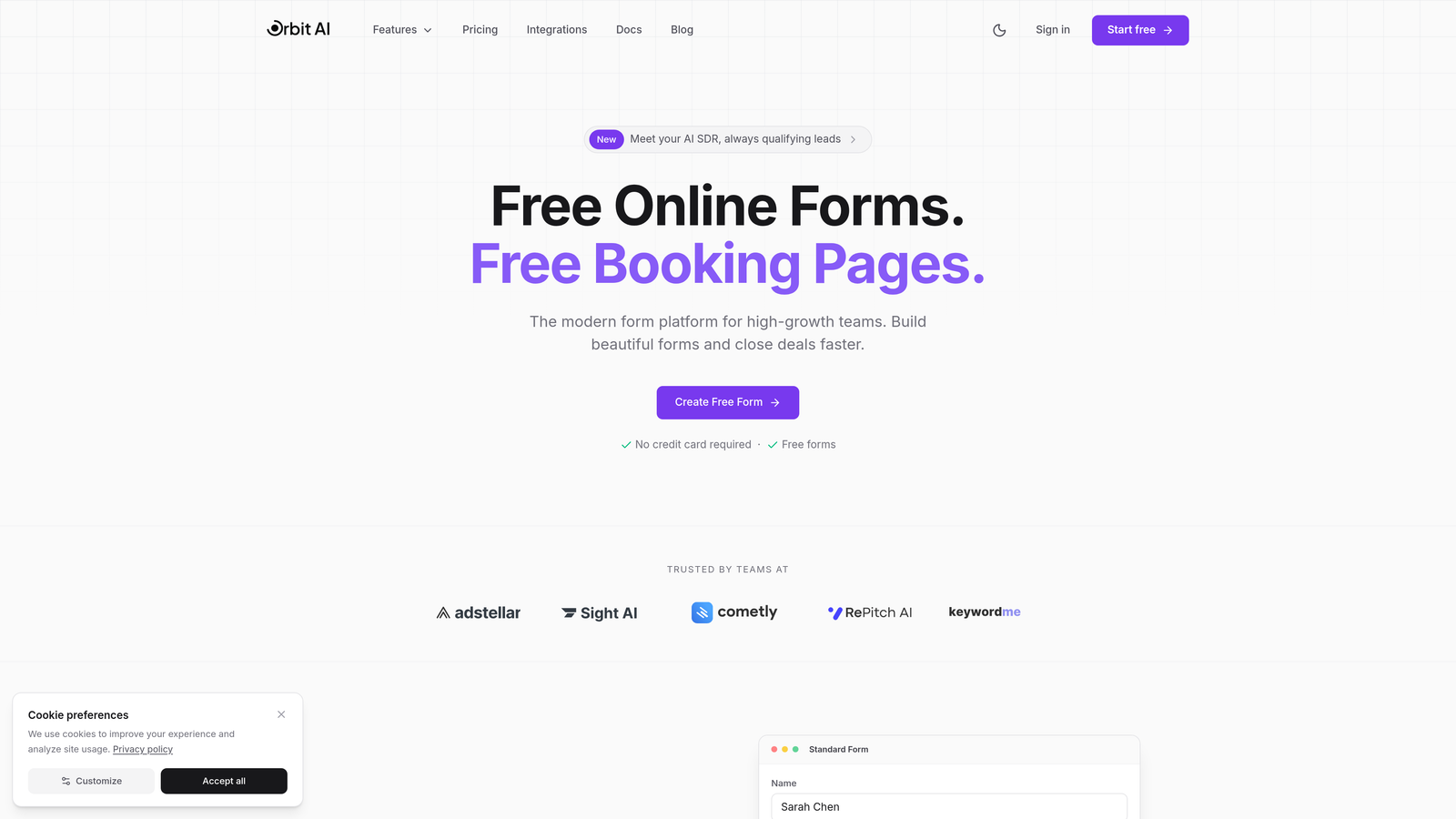
Orbit AI combines intelligent form building with automated lead scoring to help teams convert more prospects without manual qualification work.
Where This Tool Shines
The platform's AI-powered lead qualification sets it apart from traditional form builders. Instead of collecting responses and sorting through them manually, Orbit AI evaluates each submission in real-time, scoring leads based on their likelihood to convert.
This automation saves teams hours of manual review work while ensuring your sales team focuses on the highest-quality prospects. The conversion-optimized templates are designed specifically for high-growth environments where every percentage point in conversion rate matters.
Key Features
AI-Powered Lead Scoring: Automatically evaluates and ranks form submissions based on conversion likelihood.
Conversion-Optimized Templates: Pre-built forms designed to maximize completion rates and reduce drop-off.
Advanced Workflow Automation: Route qualified leads to the right team members instantly without manual sorting.
Native CRM Integrations: Seamlessly sync qualified leads directly into your existing sales pipeline.
Real-Time Analytics Dashboard: Track form performance, conversion rates, and lead quality metrics as they happen.
Best For
Orbit AI works best for SaaS companies, B2B businesses, and marketing teams where lead quality matters more than quantity. If you're spending significant time manually qualifying form submissions or struggling to identify your best prospects, the AI capabilities deliver measurable ROI.
Pricing
Free tier available to get started. Paid plans begin at competitive rates with transparent pricing that scales with your needs, making it accessible for growing teams without enterprise-level budgets.
2. Typeform
Best for: Creating engaging, conversational form experiences with premium design
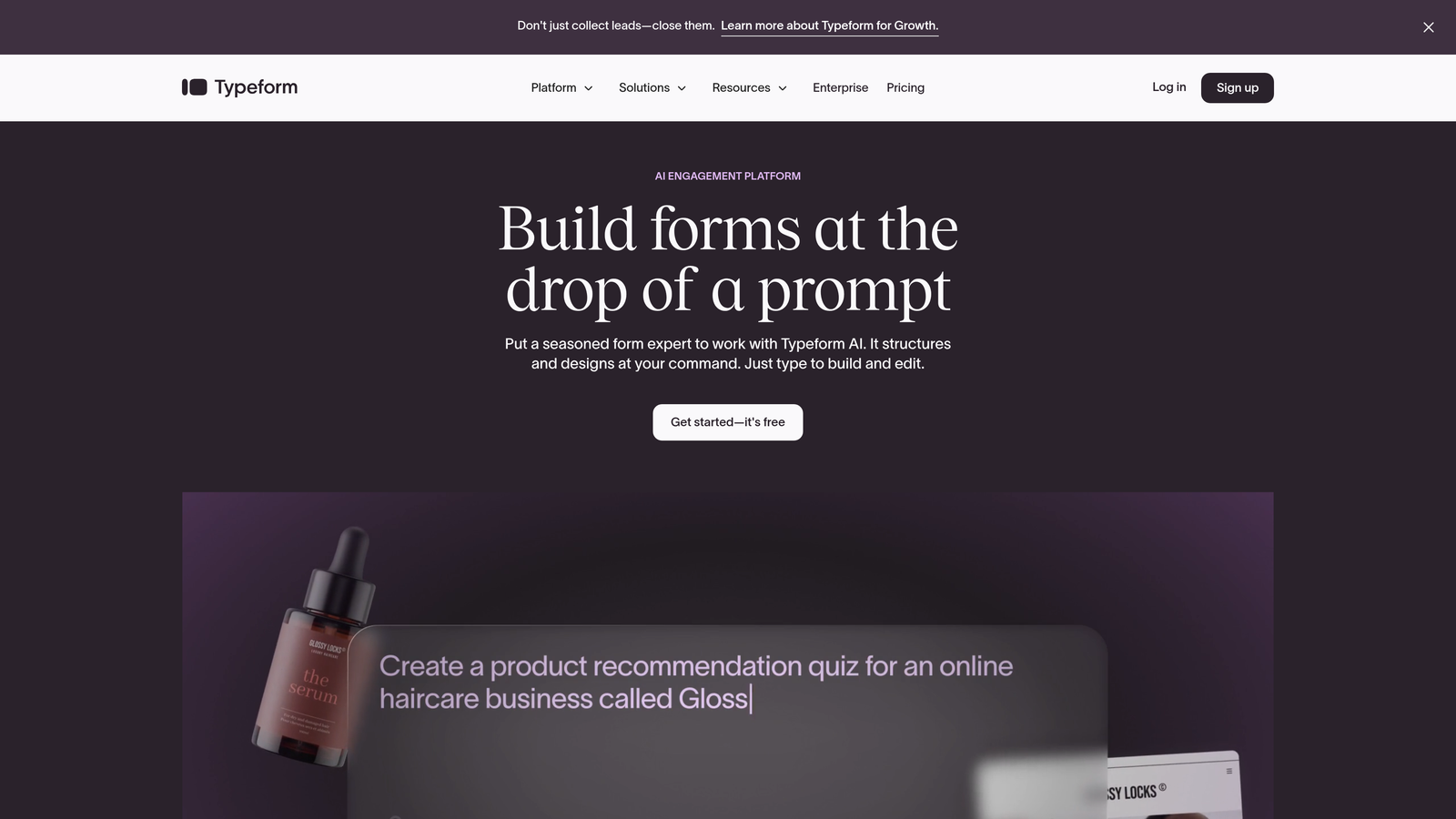
Typeform pioneered the one-question-at-a-time format that makes forms feel more like conversations than interrogations.
Where This Tool Shines
Typeform's signature approach displays one question at a time, creating a focused experience that reduces cognitive load and improves completion rates. The design quality is genuinely best-in-class, making it the go-to choice when your form needs to reflect premium brand standards.
The platform excels at customer-facing scenarios where user experience directly impacts your brand perception. Think customer surveys, event registrations, or lead capture forms where first impressions matter.
Key Features
One-Question-at-a-Time Format: Reduces form abandonment by focusing attention on single questions.
Premium Design Templates: Beautiful, professionally designed forms that elevate brand perception.
Logic Jumps and Branching: Create personalized question paths based on previous answers.
Video and Image Integration: Embed rich media directly into your forms for enhanced engagement.
Brand Customization: Match forms precisely to your brand guidelines with extensive styling options.
Best For
Marketing teams, creative agencies, and customer experience professionals who need forms that look as good as they function. Ideal when form design directly impacts conversion or brand perception.
Pricing
Free tier allows 10 responses per month. Basic starts at $25/month, Plus at $50/month, and Business at $83/month. The response limits on lower tiers can become restrictive for high-traffic use cases.
3. Jotform
Best for: Teams needing extensive template variety and payment processing capabilities
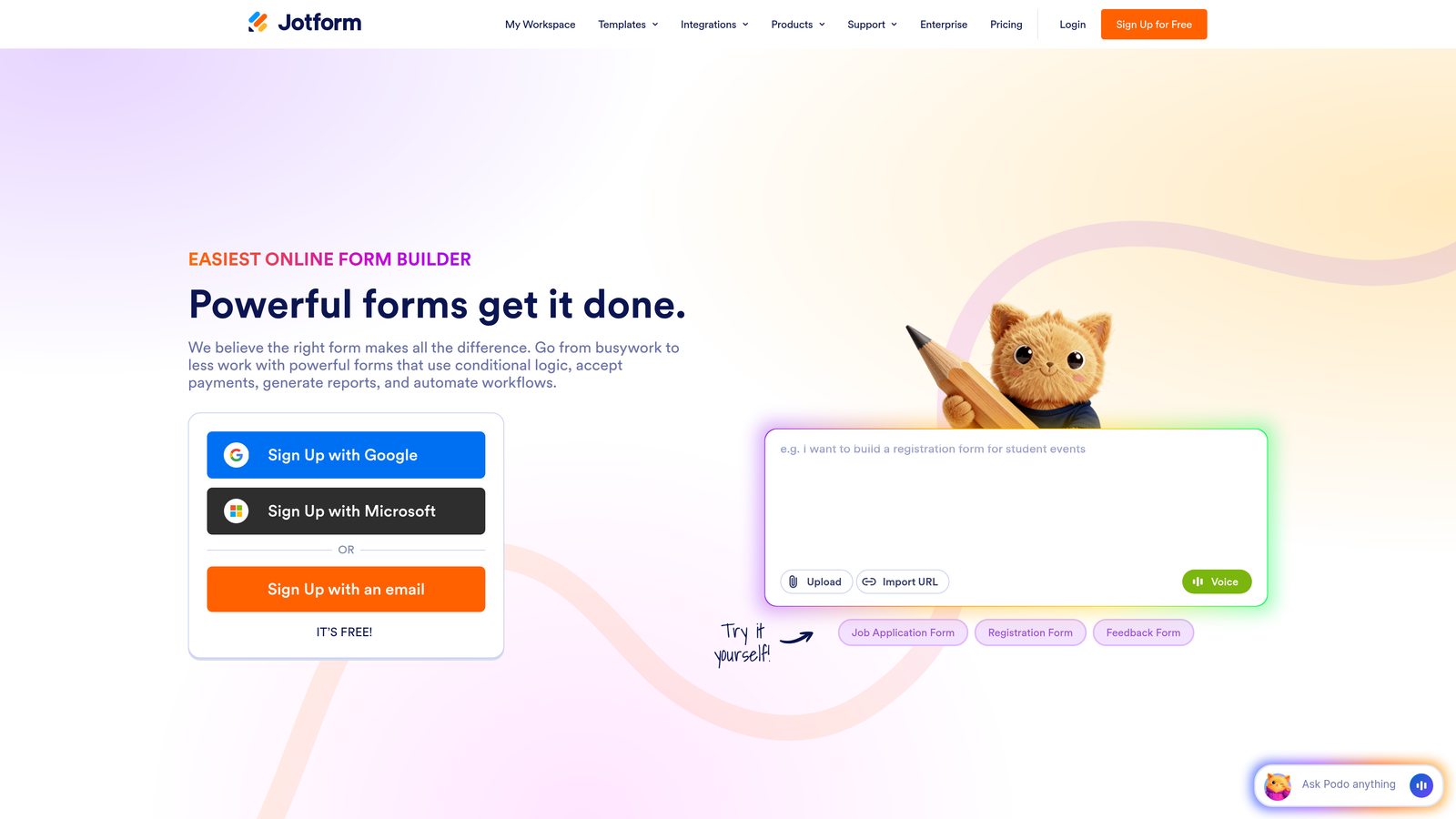
Jotform offers one of the largest template libraries in the industry with over 10,000 pre-built forms covering virtually every use case.
Where This Tool Shines
The sheer variety of templates means you can find a starting point for almost any form type without building from scratch. Whether you need event registrations, job applications, order forms, or customer feedback surveys, there's likely a template ready to customize.
Jotform's payment integrations are particularly robust, supporting over 30 payment gateways including PayPal, Stripe, and Square. This makes it excellent for accepting payments, donations, or processing orders directly through your forms.
Key Features
10,000+ Form Templates: Pre-built forms for virtually every industry and use case imaginable.
Drag-and-Drop Builder: Intuitive interface that requires no coding knowledge to create complex forms.
Payment Integrations: Support for 30+ payment processors to collect payments directly.
PDF Generation: Automatically convert form submissions into formatted PDF documents.
Approval Workflows: Route submissions through multi-step approval processes with notifications.
Best For
Small to medium businesses needing versatile form capabilities without specialized technical requirements. Particularly strong for organizations processing payments or needing approval workflows.
Pricing
Free plan includes 5 forms and 100 submissions monthly. Bronze at $34/month, Silver at $39/month, and Gold at $99/month. The free tier is generous enough for light usage but form limits can feel restrictive.
4. Tally
Best for: Budget-conscious teams wanting unlimited forms without monthly fees
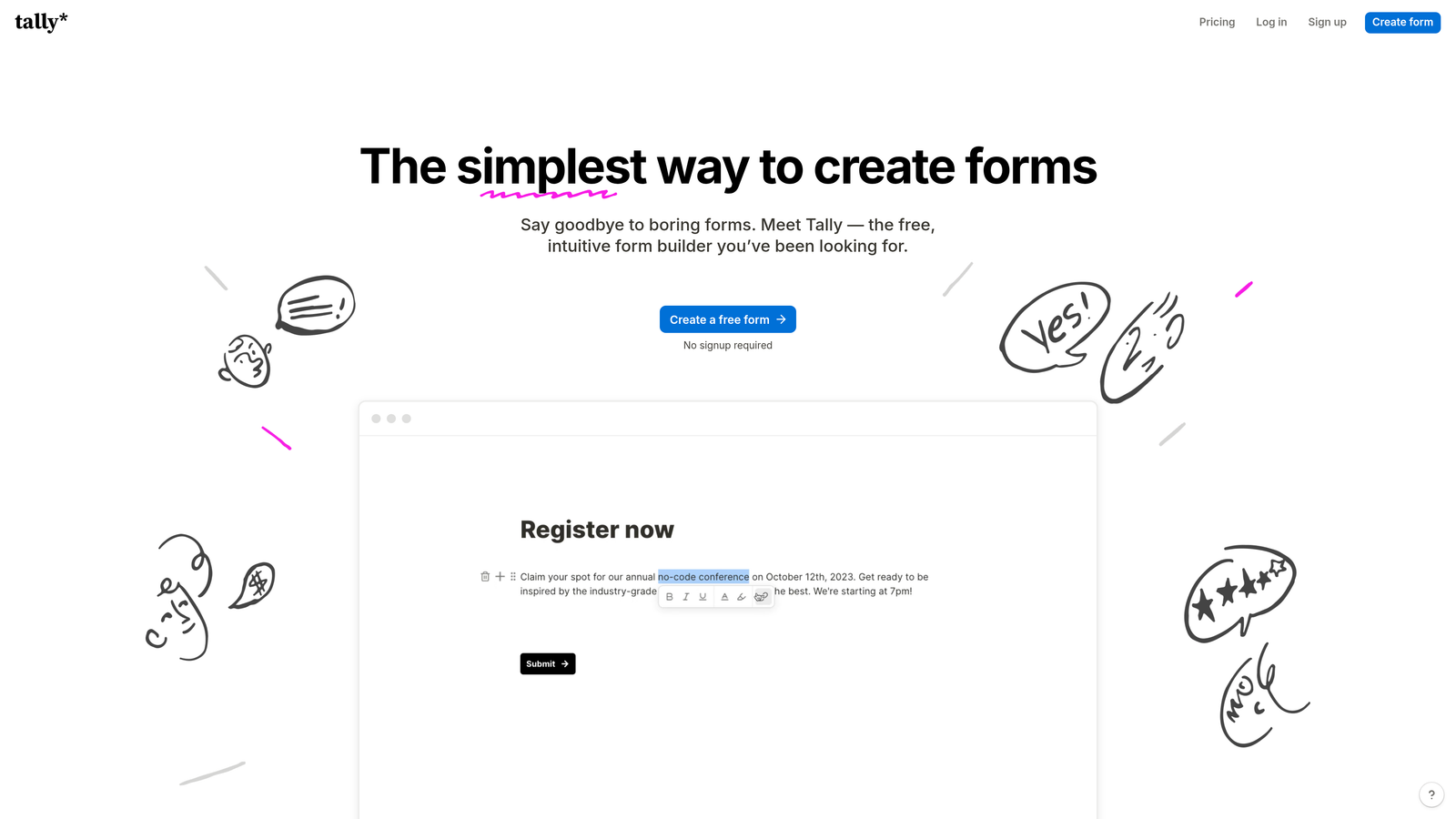
Tally disrupts traditional pricing models by offering unlimited forms completely free, making it attractive for startups and bootstrapped teams.
Where This Tool Shines
The free tier is genuinely unlimited—no caps on forms, no restrictions on submissions beyond reasonable use. This makes Tally perfect for teams running multiple campaigns or needing separate forms for different purposes without worrying about hitting limits.
The Notion-like interface will feel immediately familiar if you're already using Notion for documentation or project management. The learning curve is minimal, and you can build functional forms in minutes.
Key Features
Unlimited Forms on Free Tier: Create as many forms as needed without paying a monthly fee.
Notion-Like Interface: Familiar, intuitive editing experience for users already comfortable with Notion.
Basic Conditional Logic: Show or hide questions based on previous answers for personalized experiences.
File Uploads: Allow respondents to attach documents or images to their submissions.
Custom Domains on Pro: Remove Tally branding and use your own domain for professional appearance.
Best For
Startups, solopreneurs, and small teams with tight budgets who need functional forms without ongoing costs. Works well for internal forms, basic lead capture, or event registrations.
Pricing
Free plan with unlimited forms and submissions. Pro tier at $29/month adds branding removal, custom domains, and advanced features. The free tier is genuinely usable, not just a trial.
5. Fillout
Best for: Teams using Notion or Airtable who need native database integration
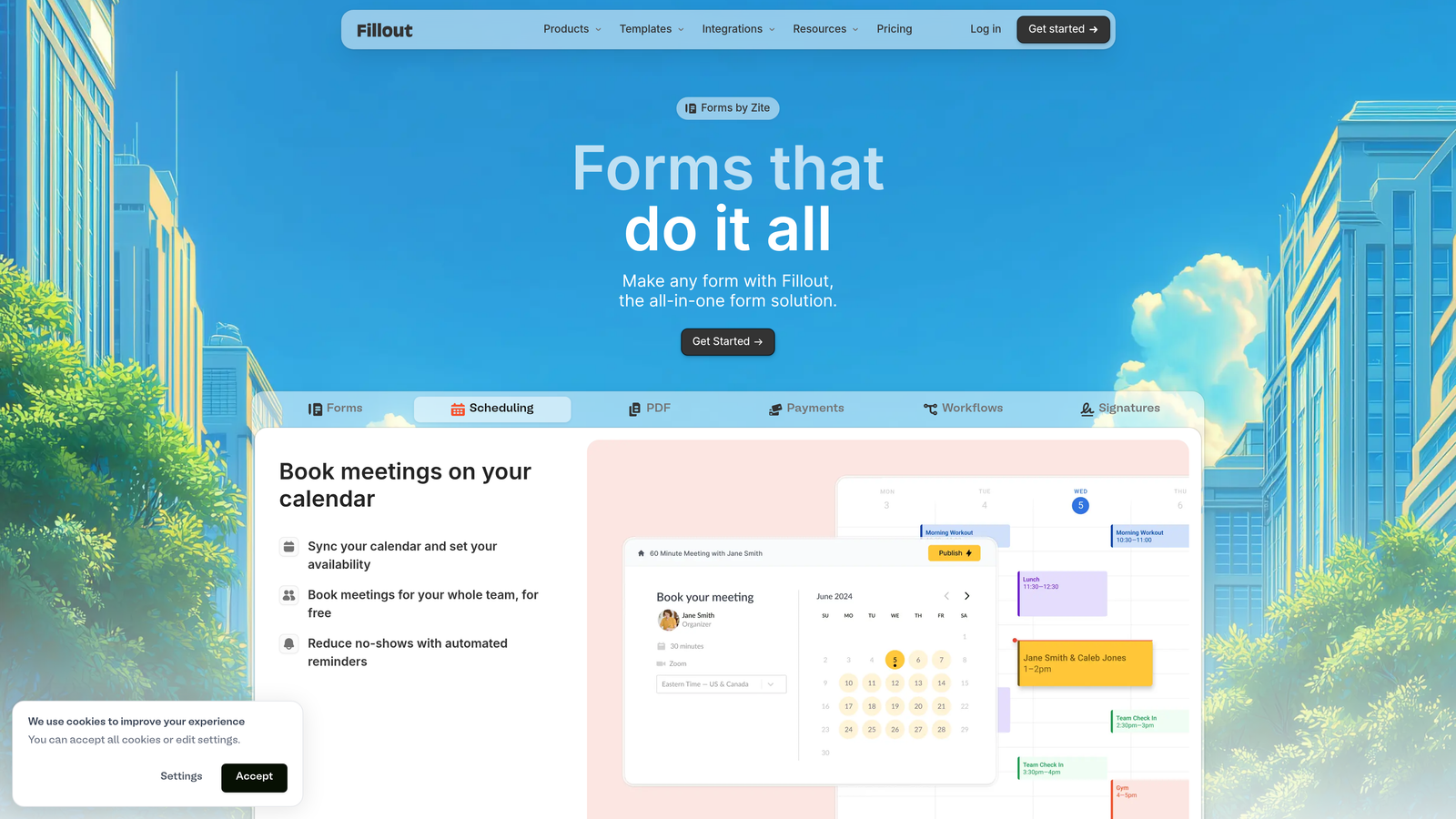
Fillout specializes in seamless integration with Notion and Airtable, turning your databases into powerful form backends without complex setup.
Where This Tool Shines
If your team already runs on Notion or Airtable, Fillout eliminates the integration headaches. Form submissions flow directly into your existing databases without middleware or Zapier connections. Changes in your database structure automatically reflect in your forms.
This native integration means your forms stay in sync with your data model. When you add a new field to your Airtable base, it's immediately available in Fillout without rebuilding anything.
Key Features
Native Notion/Airtable Sync: Direct database integration without third-party connectors or complex setup.
Scheduling Integration: Built-in calendar booking for appointments and meetings within forms.
Payment Collection: Accept payments through Stripe integration for orders or registrations.
Conditional Logic: Create dynamic forms that adapt based on user responses.
Custom Branding: Remove Fillout branding and apply your own visual identity.
Best For
Teams already invested in Notion or Airtable ecosystems who want forms to integrate seamlessly with their existing workflows. Particularly valuable for product teams and startups using these tools as their primary database.
Pricing
Free tier available for basic use. Starter at $15/month, Pro at $40/month, and Business at $75/month. The pricing is competitive for the level of integration provided.
6. Formstack
Best for: Enterprise organizations requiring HIPAA compliance and advanced security
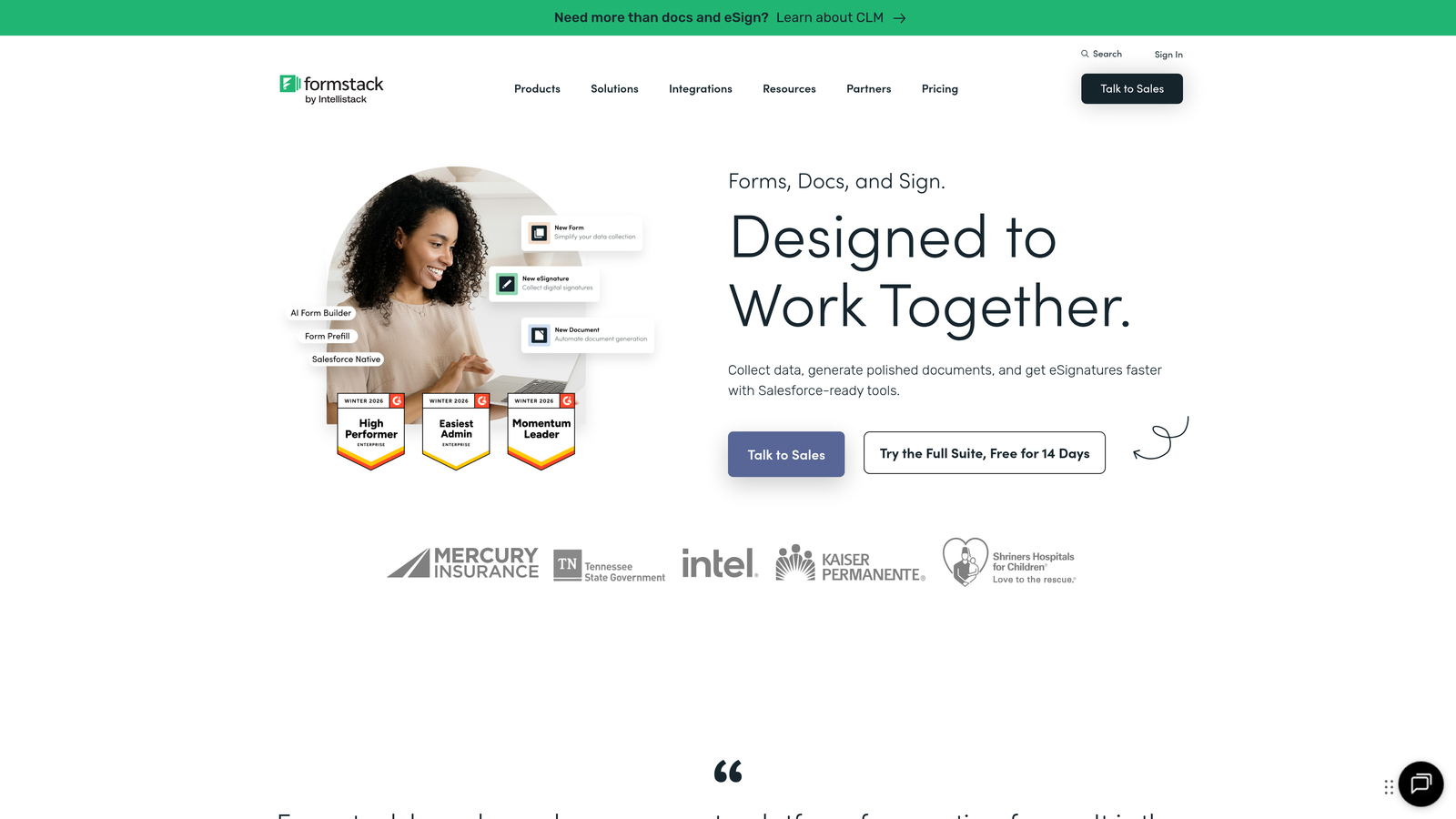
Formstack focuses on enterprise-grade security, compliance, and workflow automation for organizations with strict regulatory requirements.
Where This Tool Shines
HIPAA compliance isn't just a checkbox feature here—it's built into the platform's architecture. Healthcare organizations, insurance companies, and other regulated industries can collect sensitive information with confidence that data handling meets legal requirements.
The workflow builder goes beyond basic conditional logic to create complex, multi-step approval processes with routing rules, notifications, and escalations. This makes Formstack valuable for internal processes like expense approvals, HR requests, or compliance documentation.
Key Features
HIPAA Compliance: Built-in compliance features for healthcare and other regulated industries.
Electronic Signatures: Legally binding e-signature collection directly within forms.
Advanced Workflow Builder: Create complex approval processes with routing, notifications, and escalations.
Document Generation: Automatically create formatted documents from form data.
Enterprise Security: SSO, audit logs, and advanced permission controls for large organizations.
Best For
Healthcare organizations, financial services, government agencies, and large enterprises with compliance requirements or complex internal workflows. The feature set justifies the higher price point when regulatory compliance is non-negotiable.
Pricing
Starter at $50/month, Teams at $83/month, with Enterprise pricing available on request. The investment makes sense when compliance violations or workflow inefficiencies cost far more than the subscription.
7. Cognito Forms
Best for: Organizations needing advanced calculations and payment processing on a budget
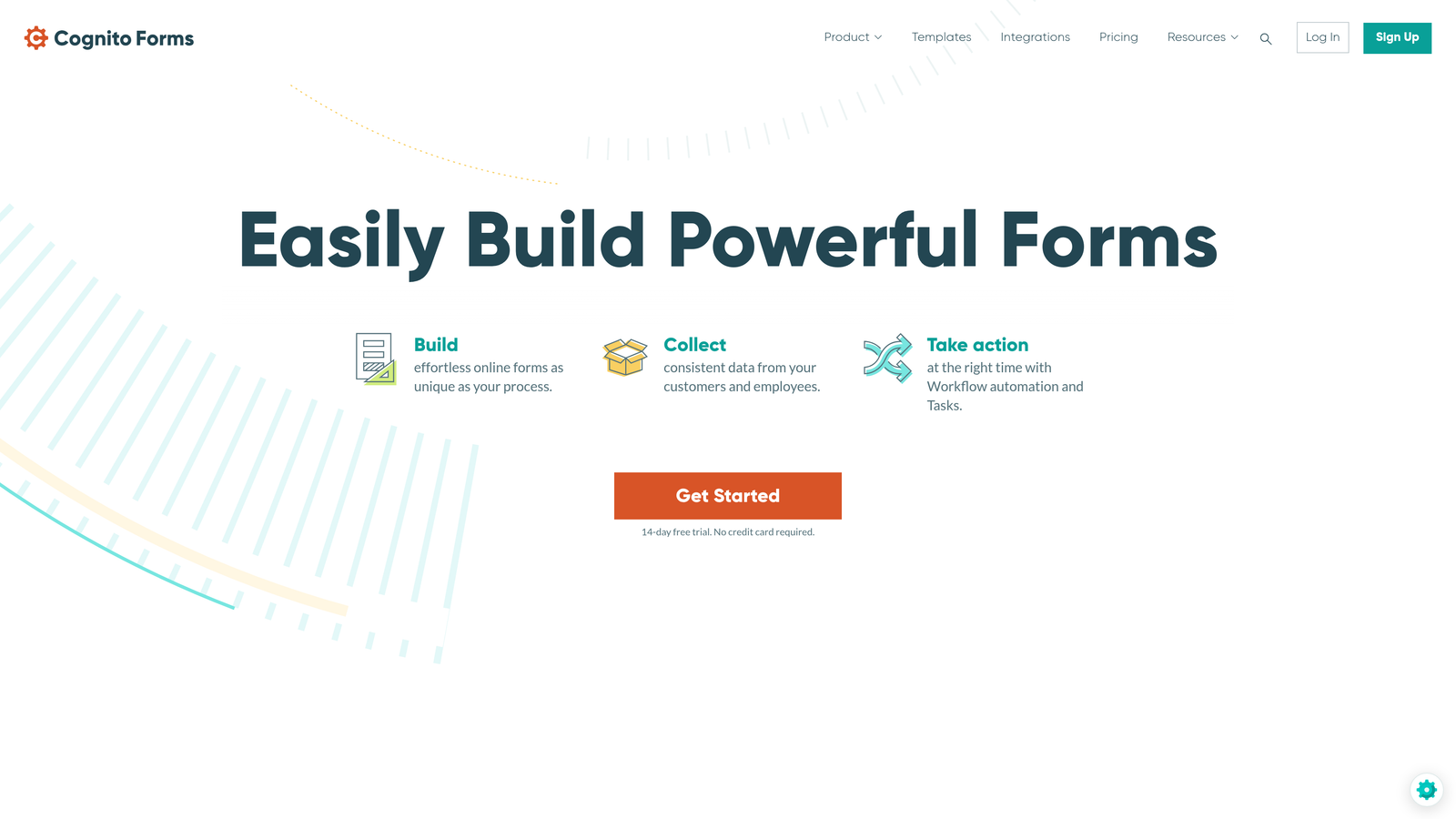
Cognito Forms delivers surprisingly sophisticated calculation capabilities at price points well below enterprise platforms.
Where This Tool Shines
The calculation engine handles complex math that most form builders struggle with. You can create order forms with dynamic pricing, registration forms with automatic fee calculations, or quote generators that compute results based on multiple variables.
Payment processing integrates smoothly with Stripe and PayPal, making it practical for selling products, collecting event fees, or processing donations. The free tier includes payment capabilities, which many competitors reserve for paid plans.
Key Features
Advanced Calculations: Perform complex mathematical operations and conditional pricing within forms.
Payment Processing: Accept credit card payments through Stripe and PayPal integration.
Repeating Sections: Allow users to add multiple entries for items like attendees or products.
Conditional Logic: Show or hide fields dynamically based on user input.
Data Encryption: Secure sensitive information with field-level encryption.
Best For
Small businesses, nonprofits, and educational institutions needing calculation-heavy forms or payment collection without enterprise budgets. Excellent for order forms, registration systems, or donation processing.
Pricing
Free plan with unlimited forms. Pro at $15/month, Team at $35/month, and Enterprise at $99/month. The pricing structure offers exceptional value for the calculation and payment features included.
8. Paperform
Best for: Creative professionals and agencies prioritizing design flexibility
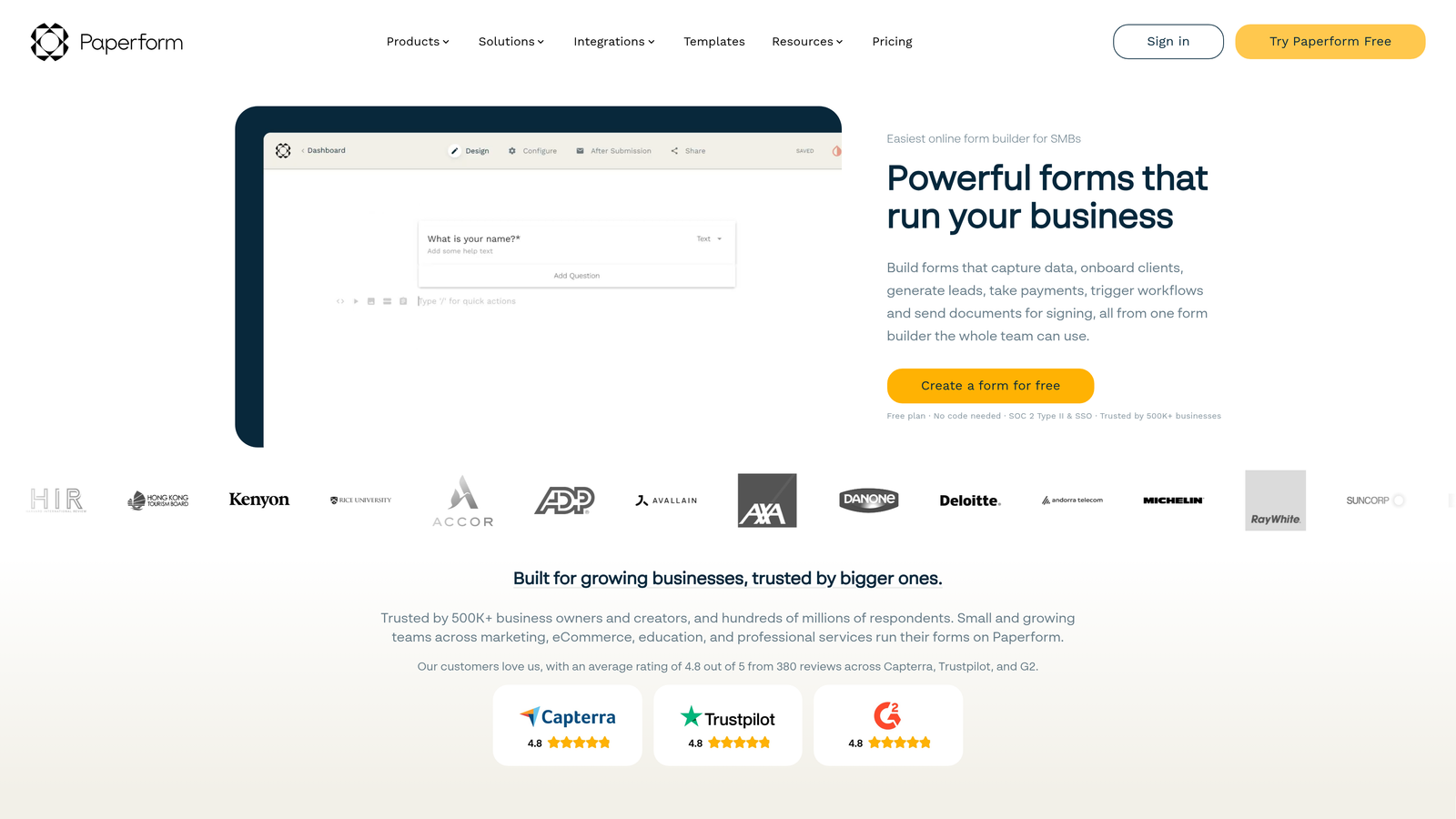
Paperform treats forms as design canvases, giving creative teams the flexibility to build experiences that match their exact vision.
Where This Tool Shines
The free-form design approach lets you break away from traditional form layouts. You can create landing pages, product catalogs, or booking systems that don't look like forms at all. This flexibility appeals to designers who find standard form builders too restrictive.
Custom CSS and HTML support means you can implement virtually any design concept. For agencies building client-facing forms or creative professionals needing pixel-perfect brand alignment, this level of control is invaluable.
Key Features
Free-Form Design Canvas: Build forms with complete layout control beyond standard templates.
Product Pages and Payments: Create shoppable product catalogs with integrated checkout.
Booking and Scheduling: Built-in calendar integration for appointment booking.
Advanced Conditional Logic: Create sophisticated question paths and dynamic content.
Custom CSS/HTML: Apply custom code for complete design control.
Best For
Design agencies, creative professionals, and brands where form aesthetics directly impact conversion or brand perception. Ideal when standard templates feel too generic or restrictive.
Pricing
Essentials at $24/month, Pro at $49/month, and Business at $99/month. The pricing reflects the design flexibility and customization capabilities included.
9. 123FormBuilder
Best for: International teams needing multi-language support and GDPR compliance
123FormBuilder combines compliance features with multi-language capabilities for organizations operating across borders.
Where This Tool Shines
Multi-language support goes beyond simple translation—you can create forms that automatically display in respondents' preferred languages based on their location or selection. This makes it practical for international organizations collecting data across multiple countries.
GDPR and HIPAA compliance features address regulatory requirements for European and healthcare markets. The platform handles data residency, consent management, and privacy controls required for international operations.
Key Features
HIPAA Compliance Available: Optional compliance features for healthcare and regulated industries.
Electronic Signatures: Collect legally binding signatures with audit trails.
Workflow Automation: Route submissions through approval processes with notifications.
Multi-Language Support: Create forms in multiple languages with automatic detection.
Advanced Reporting: Generate detailed analytics and export data in multiple formats.
Best For
International organizations, global teams, and companies operating in multiple countries who need forms that work across languages and regulatory environments.
Pricing
Free tier available for basic use. Gold at $32/month, Platinum at $78/month, with Enterprise pricing on request. The multi-language capabilities justify the cost for international operations.
Making the Right Choice for Your Budget
The smart forms platform you choose should align with both your budget and your actual needs. For teams watching costs closely, Tally delivers unlimited forms without monthly fees, while Cognito Forms offers sophisticated calculations at just $15/month for the Pro tier.
Mid-market teams should consider where their real bottlenecks exist. If you're spending hours manually qualifying leads, Orbit AI's automated lead scoring delivers ROI that justifies the investment. Teams already using Notion or Airtable will find Fillout's native integration eliminates workflow friction worth far more than the subscription cost.
Enterprise organizations requiring compliance can't compromise on security—Formstack's HIPAA capabilities and 123FormBuilder's GDPR features become necessities rather than nice-to-haves. The higher price point protects against regulatory violations that cost exponentially more.
The key is matching your actual needs to the right pricing tier. Paying for AI capabilities you'll use daily makes sense. Premium design features matter most for customer-facing forms where brand perception impacts conversion. Compliance certifications are non-negotiable when handling regulated data.
Start with free trials to test real-world value before committing. Build a representative form, run it with actual users, and measure the results. The platform that improves your conversion rate by even a few percentage points often pays for itself within the first month.
Transform your lead generation with AI-powered forms that qualify prospects automatically while delivering the modern, conversion-optimized experience your high-growth team needs. Start building free forms today and see how intelligent form design can elevate your conversion strategy.


